CHLSC44 - LED Power Supply Ltech - Free user manual and instructions
Find the device manual for free CHLSC44 Ltech in PDF.


Pick your language and provide your email: we'll send you a specifically translated version.
User questions about CHLSC44 Ltech
0 question about this device. Answer the ones you know or ask your own.
Ask a new question about this device
No questions yet. Be the first to ask one.
Download the instructions for your LED Power Supply in PDF format for free! Find your manual CHLSC44 - Ltech and take your electronic device back in hand. On this page are published all the documents necessary for the use of your device. CHLSC44 by Ltech.
USER MANUAL CHLSC44 Ltech
text_image
LTECH LOTECH Strategic PartnershipDimmable:


CB

CE
SELV
RoHS





natural_image
Pure technical line drawing of a rectangular mechanical part with rounded corners and dimension lines (no text or symbols)
natural_image
Pure technical line drawing of a symmetrical mechanical component with no text or symbols
natural_image
Pure technical drawing of a mechanical part with dimension lines (no text or symbols)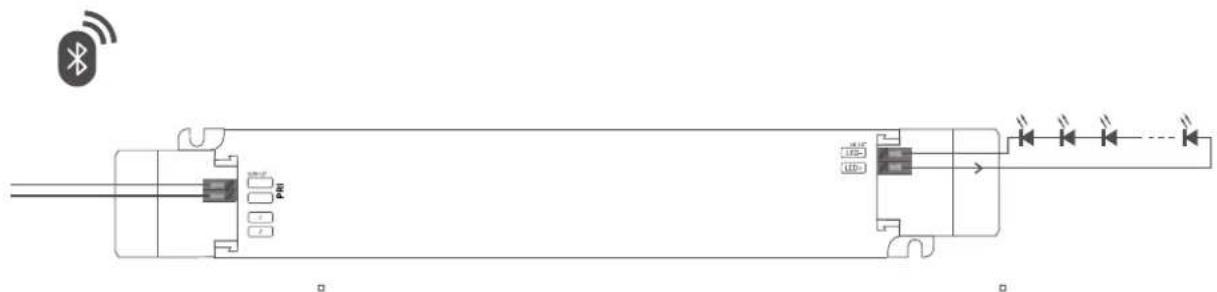
text_image
Diagram of a dual-chamber electronic device with labeled pins and connection points, including a wireless signal icon.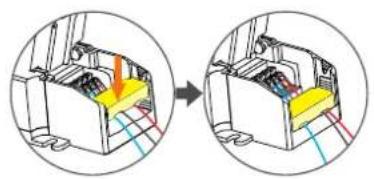
natural_image
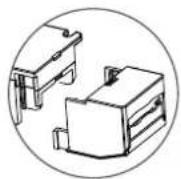
Diagram showing a mechanical assembly before and after transformation, with no visible text or symbols.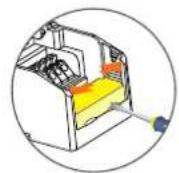
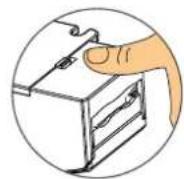
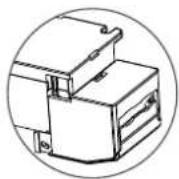
line
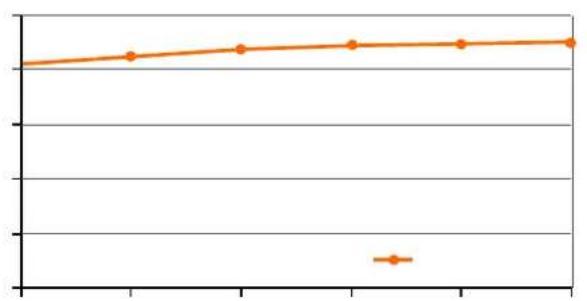
| X-Axis Label | Y-Axis Value | | :--- | :--- | | 1 | 0.85 | | 2 | 0.87 | | 3 | 0.89 | | 4 | 0.91 | | 5 | 0.92 | | 6 | 0.93 | | 7 | 0.94 | | 8 | 0.95 | | 9 | 0.96 | | 10 | 0.97 |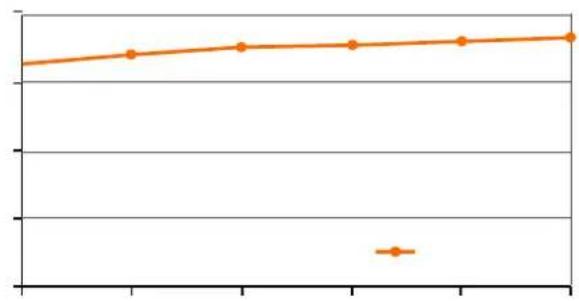
line
| X-Axis Label | Y-Axis Value | | :--- | :--- | | 1 | 0.85 | | 2 | 0.87 | | 3 | 0.89 | | 4 | 0.90 | | 5 | 0.91 | | 6 | 0.92 | | 7 | 0.93 | | 8 | 0.94 | | 9 | 0.95 | | 10 | 0.96 |
line
| X-Axis Label | Y-Axis Value | | :--- | :--- | | 1 | 0.85 | | 2 | 0.78 | | 3 | 0.75 | | 4 | 0.73 | | 5 | 0.71 | | 6 | 0.69 | | 7 | 0.67 | | 8 | 0.65 |
line
| Point | Value | |---|---| | 1 | 1.0 | | 2 | 1.0 | | 3 | 1.0 | | 4 | 1.0 | | 5 | 0.0 |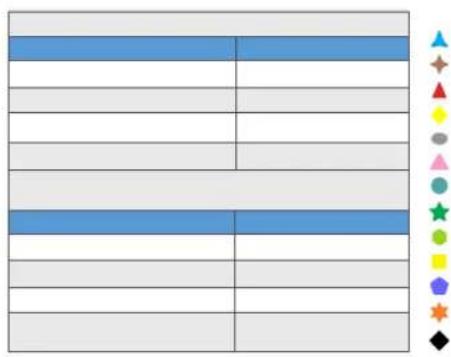
text_image
Color palette selection grid with various colored square icons on the right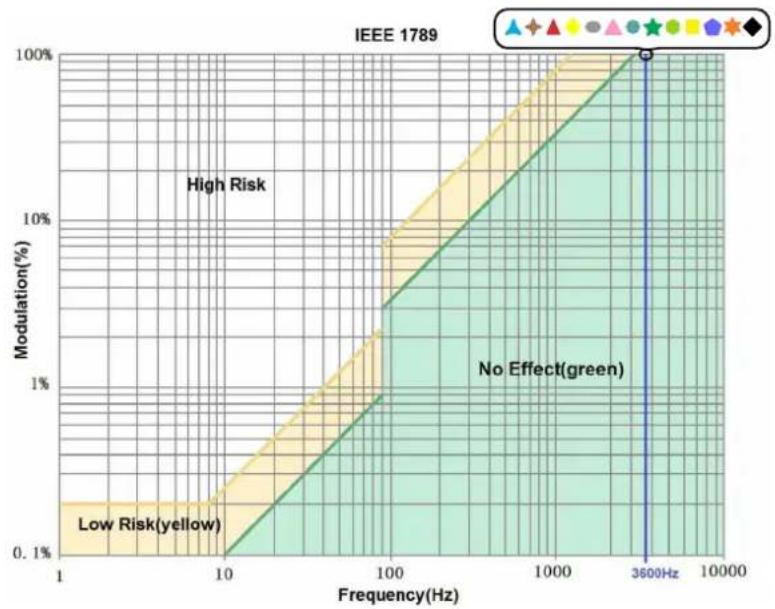
line
| Frequency(Hz) | Modulation(%) | | ------------- | ------------- | | 1 | Low Risk(yellow) | | 10 | Low Risk(yellow) | | 100 | Low Risk(yellow) | | 1000 | Low Risk(yellow) | | 3600 | High Risk | | 3600 | No Effect(green)|


text_image
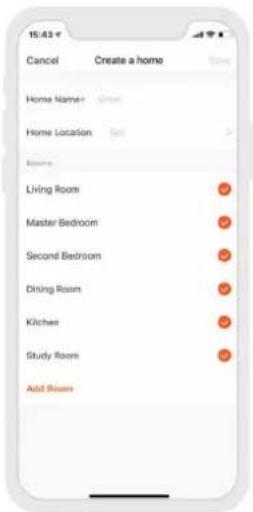
10:43 Cancel Create a home Show Home Name: Green Home Location Set Rooms Living Room Master Bedroom Second Bedroom Dining Room Kitchen Study Room Add Room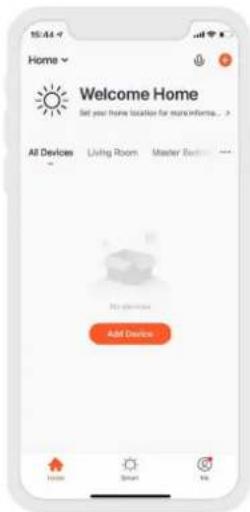
text_image
Home Welcome Home Set your home location for more information... All Devices Living Room Master Room Add Device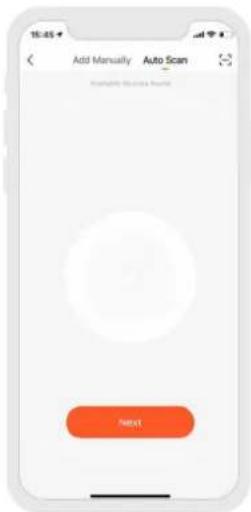
text_image
Add Manually Auto Scan Refresh My Info & Update Next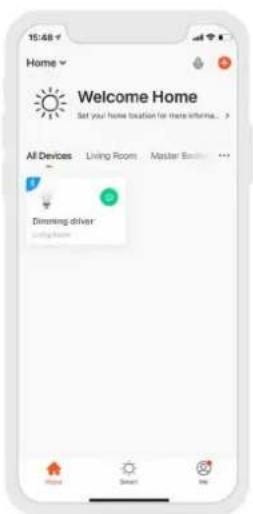
text_image
15:48 Home Welcome Home Set your home location for more information... All Devices Living Rooms Master Box Dimming driver Living Room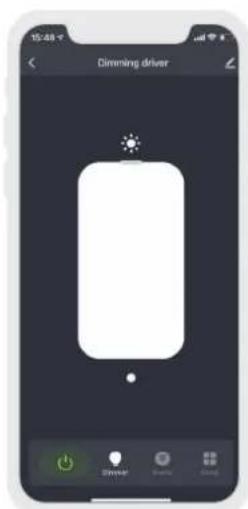
text_image
Dimming driver Drive Save Cancel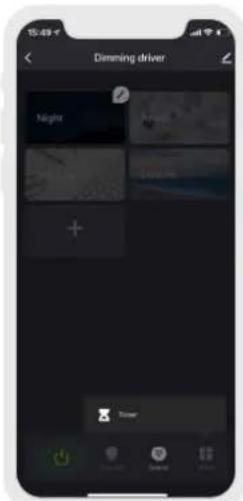
text_image
Dimming driver Night +
text_image
Cancel Reset the device first. Please turn on the power and make sure the blue light to on and the red light is blinking. Perform not pairing as prompted. ? Confirm Indicator block
text_image
Bluetooth MESH ( SIG ) Gateway UPR 2018.7 Download: https://www.mesh.org/ Add to the Sat Search for new stream
text_image
cancel Select Device confirm Added Dimming driver Can be added Dimming driver Dimming driver
text_image
Home Top-to-Run Automation Do Isolate automatically according to conditions such as the weather, device reset, and time.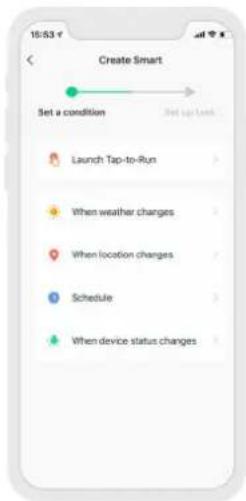
text_image
16:53 v Create Smart Set a condition Start up Look Launch Tap-to-Run When weather changes When location changes Schedule When device status changes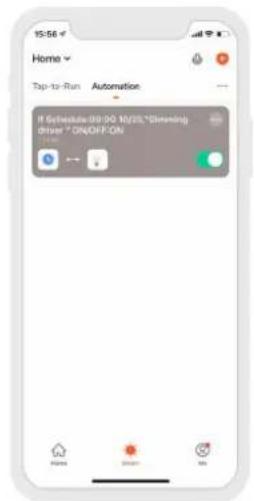
text_image
Home Top-to-Run Automation If Schedule:09:00 10/25 "Simming Drive" ON/OFF.ON Home Name OK Help
LTECH