Centro 6407 - Furniture BDI - Free user manual and instructions
Find the device manual for free Centro 6407 BDI in PDF.


| Product Type | TV Stand / Media Console |
| Brand | BDI |
| Model | Centro 6407 |
| Dimensions (W x D x H) | 60" x 18" x 24" (1524 x 457 x 610 mm) |
| Weight | 72 lbs (32.7 kg) |
| Material | Engineered wood with real wood veneer |
| Finish | Dark Walnut / Black |
| Number of Shelves | 3 adjustable shelves |
| Door Type | Sliding doors with tempered glass panels |
| TV Size Compatibility | Up to 65" |
| Weight Capacity (shelf) | 50 lbs per shelf (22.7 kg) |
| Weight Capacity (top) | 150 lbs (68 kg) |
| Cable Management | Integrated cable routing system |
| Assembly Required | Yes, minimal assembly |
| Tools Included | Hex key, instructions |
| Ventilation | Open back for airflow |
| Additional Features | Leveling feet, anti-tip kit included |
| Care & Cleaning | Wipe with dry cloth; avoid harsh chemicals |
| Safety | Meets safety standards for stability |
| Spare Parts Availability | Contact BDI customer service |
Frequently Asked Questions - Centro 6407 BDI
User questions about Centro 6407 BDI
0 question about this device. Answer the ones you know or ask your own.
Ask a new question about this device
Download the instructions for your Furniture in PDF format for free! Find your manual Centro 6407 - BDI and take your electronic device back in hand. On this page are published all the documents necessary for the use of your device. Centro 6407 by BDI.
USER MANUAL Centro 6407 BDI
Product Registration
Registering your new BDI product allows us to send you important product updates, service information and helpful hints related to your BDI products. Register today and you will be entered to win free a BINK table from BDI. www.bdiusa.com/product-registration/
Placement and Maintenance
Centro™ Office furniture is designed for indoor use on level floors. Clean glass with glass cleaner, and steel parts and wood veneer with a moist cloth.
Your Centro™ Office furniture is engineered for easy assembly. Carefully follow this procedure to prevent any damage. Do not use power tools for assembly of this product.
Step 1
Unpack and identify the parts listed below. The assembly workspace should be a non-marring surface such as carpet. For missing hardware pieces, please contact BDI Customer Service at customerservice@bdiusa.com. For all other concerns, please contact your BDI retailer.

H2.1 M4 x 22mm
Screw x 2

H2 M4 x 37mm
Screw x 2

H5 Phillips Machine
Screw x 20
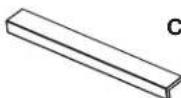
C2 Pull x 2
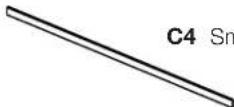
C4 Small File Bar x 1

C6 File Bar Clip x 2
A1 Cabinet

natural_image
Line drawing of a rectangular box with two internal compartments and a lid, no text or symbols present
natural_image
Technical line drawing of a mechanical component with a wheel and frame (no text or symbols)C8 Locking Swivel Caster x 4

natural_image
Line drawing of a two-wheel drive system (no text or symbols)C9 Fixed Caster x 1
Tool Required:
Phillips screwdriver

Step 2 - Lay Cabinet on its back side. Attach Casters to Cabinet using Screws H5 and tighten with a Phillips screwdriver.
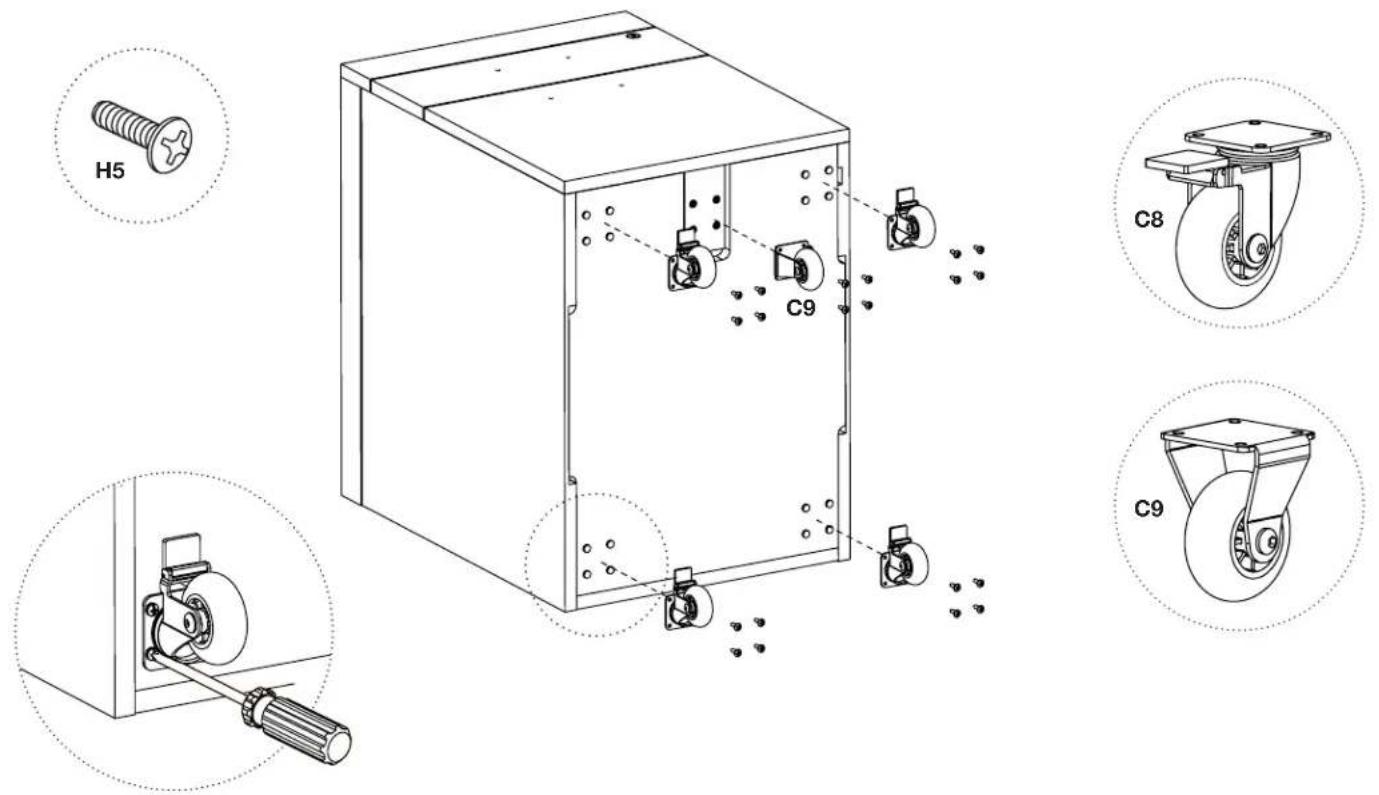
text_image
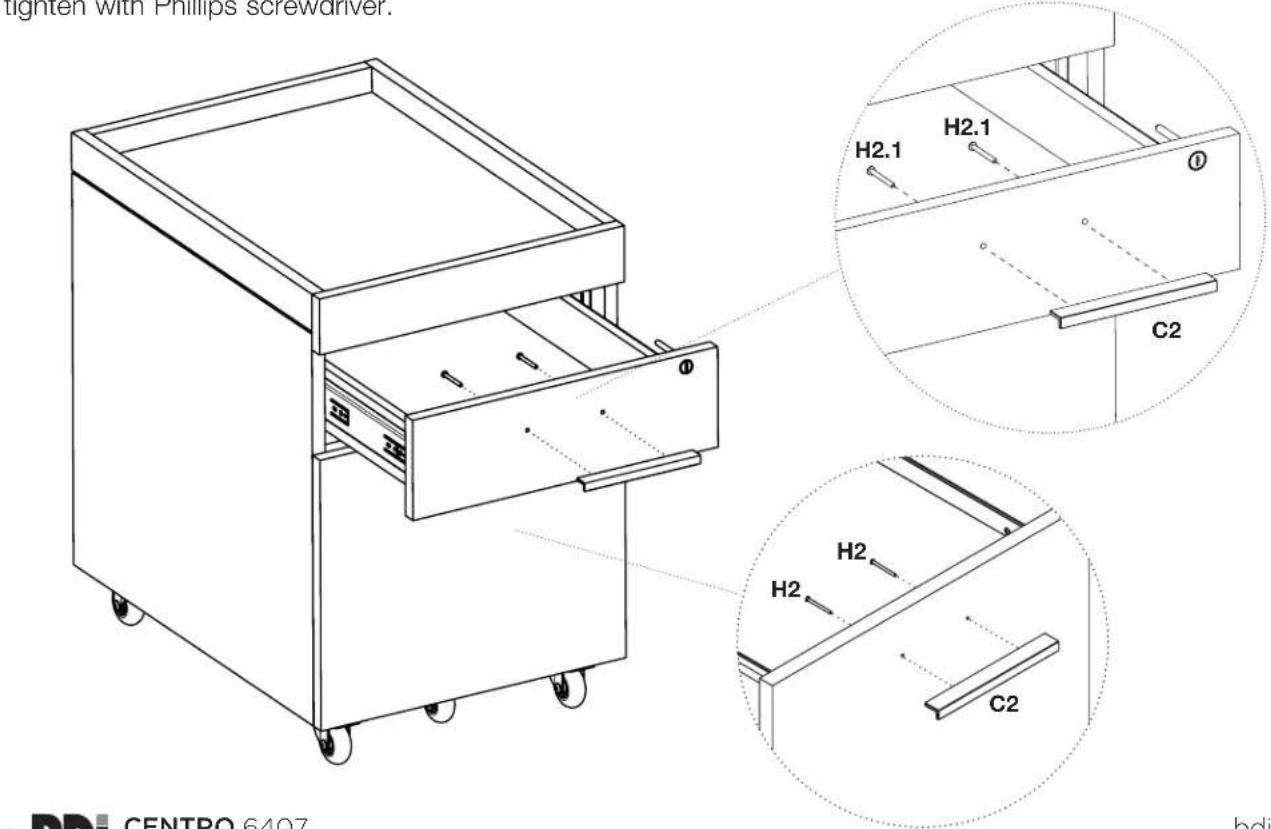
H5 C9 C8 C9Step 3 - Attach Pulls to top drawer using Screws H2.1, attach Pulls to bottom drawer using Screws H2 and tighten with Phillips screwdriver.
text_image
tighten with Phillips screwdriver. H2.1 H2.1 C2 H2 H2 C2 BDI CENTRO 6407Step 4 - File Bar Installation (Letter File)
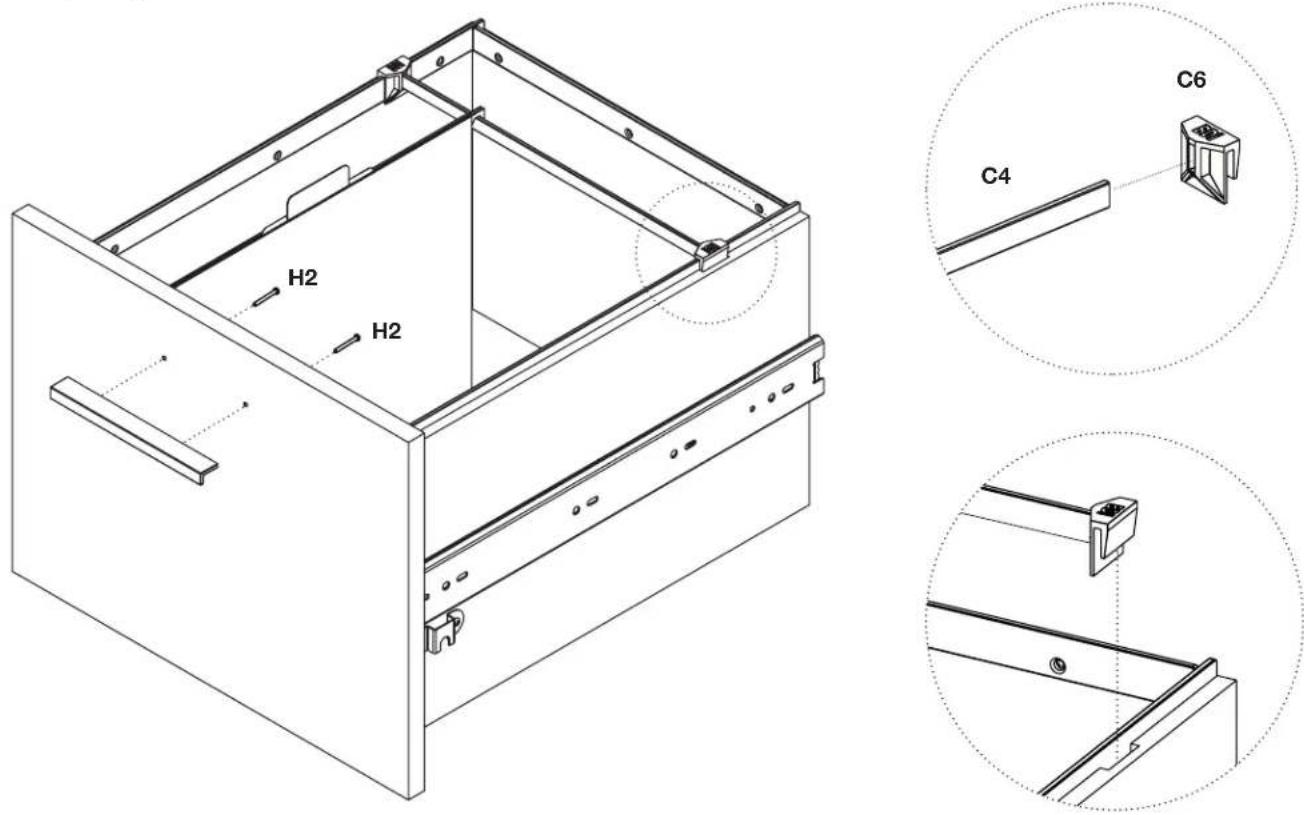
For letter files facing sideways, attach File Bar Clip C6 to both ends of Small File Bar C4 as shown. Place the file bar assembly in the notches located on the left and right drawer side panels. For front facing letter files, skip this step altogether.
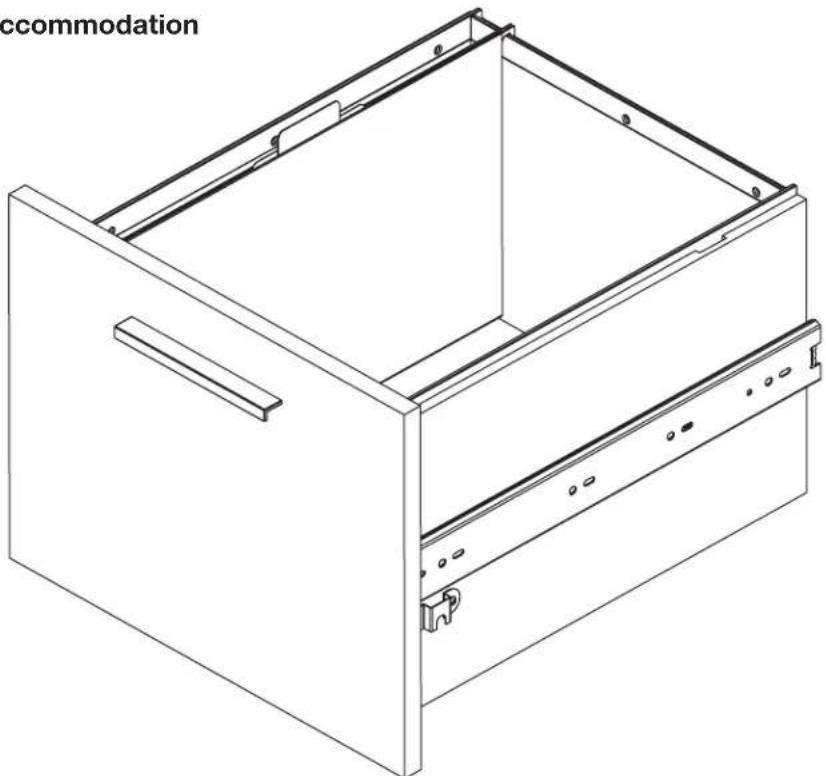
Step 5 - Legal File Accommodation