Sigma 6917 - Furniture BDI - Free user manual and instructions
Find the device manual for free Sigma 6917 BDI in PDF.


User questions about Sigma 6917 BDI
0 question about this device. Answer the ones you know or ask your own.
Ask a new question about this device
Download the instructions for your Furniture in PDF format for free! Find your manual Sigma 6917 - BDI and take your electronic device back in hand. On this page are published all the documents necessary for the use of your device. Sigma 6917 by BDI.
USER MANUAL Sigma 6917 BDI
Product Registration
Registering your new BDI product allows us to send you important product updates, service information and helpful hints related to your BDI products. Register today and you will be entered to win free a BINK table from BDI. www.bdiusa.com/product-registration/
Placement and Maintenance
Sigma™ Office furniture is designed for indoor use on level floors. Clean glass with glass cleaner and other surfaces with a moist cloth.
Your Sigma™ Office furniture is engineered for easy assembly. Carefully follow this procedure to prevent any damage. Do not use power tools for assembly of this product.
Step 1
Unpack and identify the parts listed below. The assembly workspace should be a non-marring surface such as carpet. For missing hardware pieces, please contact BDI Customer Service at: customerservice@bdiusa.com.
For all other concerns, please contact your BDI retailer.
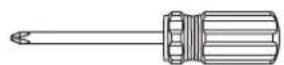
Tool Required:
Phillips Screwdriver

H1 Phillips M4
Screw x 20
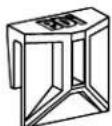
C6 File Bar Clip x 6
C4 Small File Bar x 2
C5 Large File Bar x 1
C1 Glass Top x 1
A1 Cabinet x 1
C7 Swivel Caster × 5

text_image
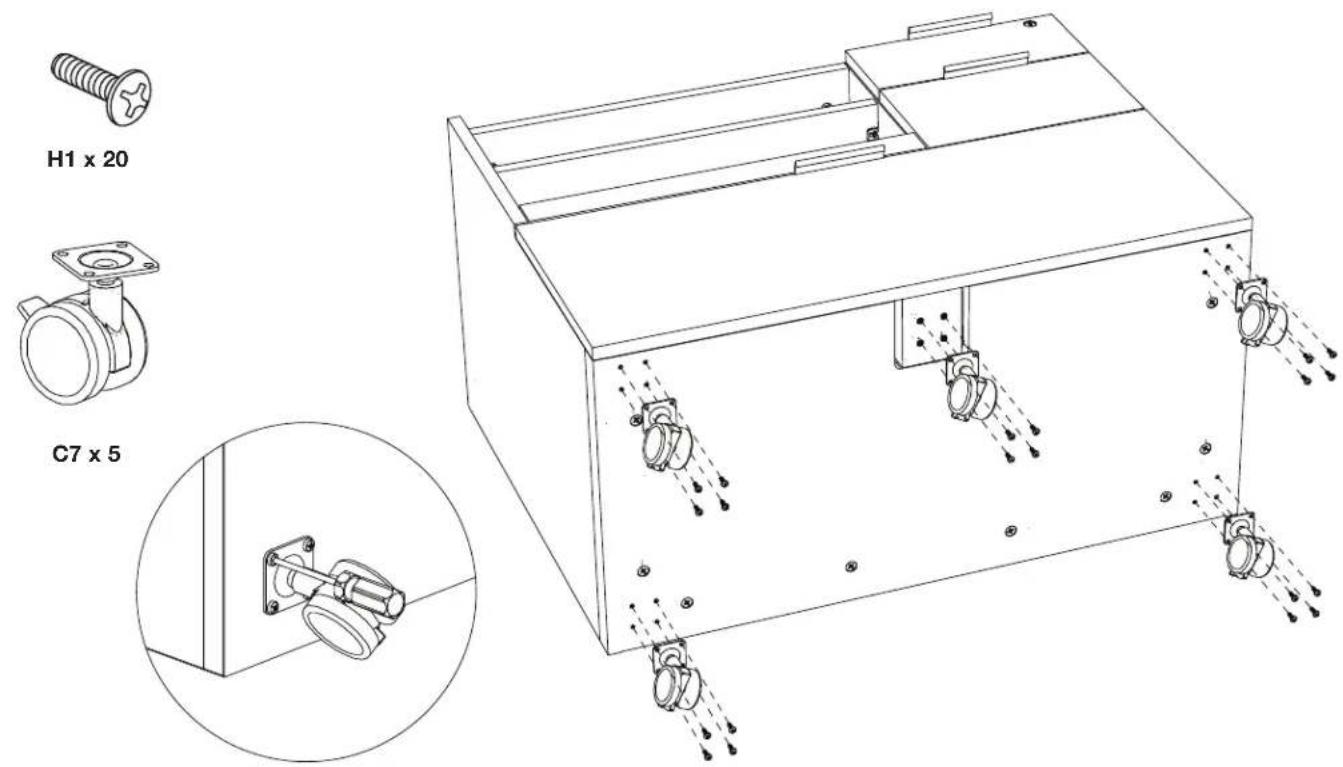
tomerservice@bdiusa.com. all other concerns, please contact your BDI retailer. C4 Small File Bar x 2 C5 Large File Bar x 1 C1 Glass Top x 1 A1 Cabinet x 1 C7 Swivel Caster x 5Step 2 - Before installing the glass, lay Cabinet on its back. Attach 5 swivel casters C7 to the bottom of the cabinet using screws H1 and tighten with a Phillips Screwdriver.
text_image
H1 x 20 C7 x 5Step 3 - With help from another person, stand the cabinet onto its wheels.
Step 4 - Position the glass panel on top of the cabinet and align all edges (the glass should be inset 1/16" or 1.5mm along each edge).

text_image
2 Person Task 1.5 mmStep 5 - Adjustable Shelf
Adjust the position of your shelf if needed.
Step 6 - Casters - The casters can be locked by pressing the lever downward and released by pressing the lever upward.

text_image
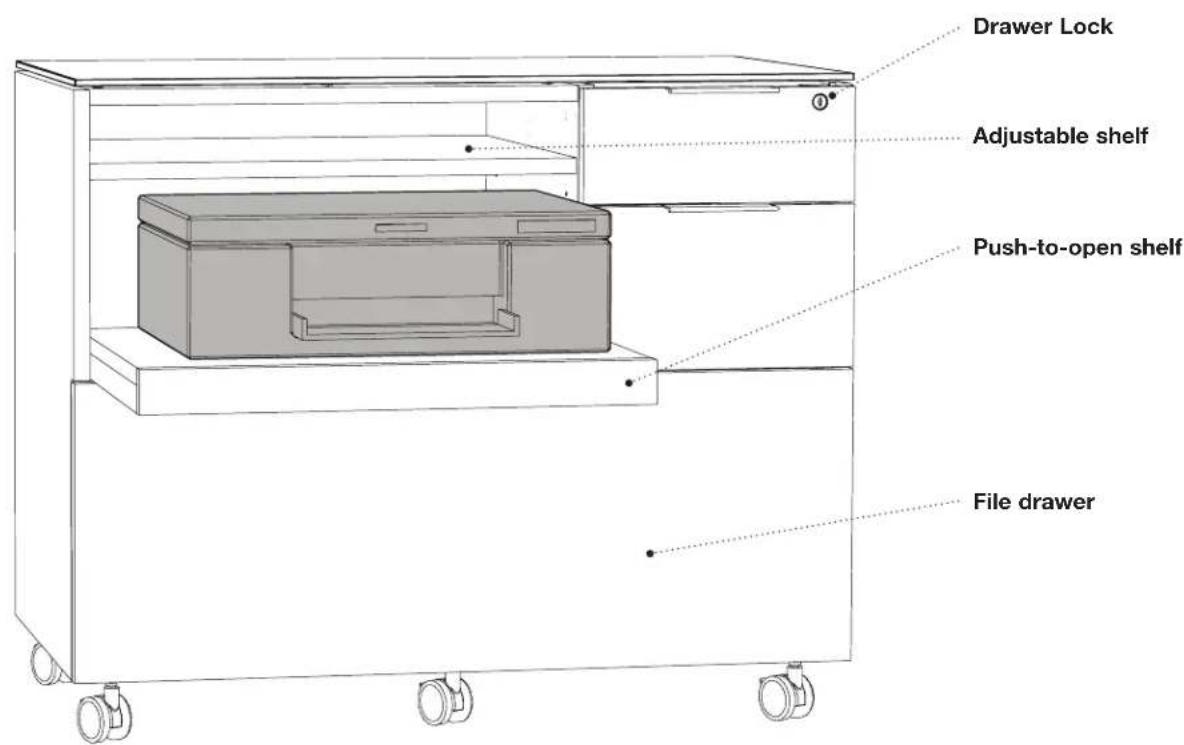
Technical diagram showing mechanical assembly with labeled parts and directional arrows indicating rotation and lock mechanism.Step 7 - The Sigma Multi-function cabinet features a push-to-open printer shelf. Electrical cords can be routed through the grommet hole in the back panel.
text_image
Drawer Lock Adjustable shelf Push-to-open shelf File drawerStep 8 - File Bar Installation (Option A)
For files facing forward, attach File Bar Clip C6 to both ends of Small File Bar C4 as shown.
For letter files, use the outer notches on the front and back of the drawer. For legal files, use the inner notches.

text_image
Use this notch for legal files C6 x 4 C4 x 2Step 9 - File Bar Installation (Option B)
For letter files facing sideways, attach File Bar Clip C6 to both ends of Large File Bar C5 as shown. Place the file bar assembly in the notches located on the left and right drawer side panels. For side facing legal files, skip this step altogether.
