BSPORT-17-R - Sports Watch BRIGMTON - Free user manual and instructions
Find the device manual for free BSPORT-17-R BRIGMTON in PDF.


User questions about BSPORT-17-R BRIGMTON
0 question about this device. Answer the ones you know or ask your own.
Ask a new question about this device
Download the instructions for your Sports Watch in PDF format for free! Find your manual BSPORT-17-R - BRIGMTON and take your electronic device back in hand. On this page are published all the documents necessary for the use of your device. BSPORT-17-R by BRIGMTON.
USER MANUAL BSPORT-17-R BRIGMTON
natural_image
Abstract black circular logo design with curved and angular elements (no text or symbols)BRIGMTON
surfing technology
natural_image
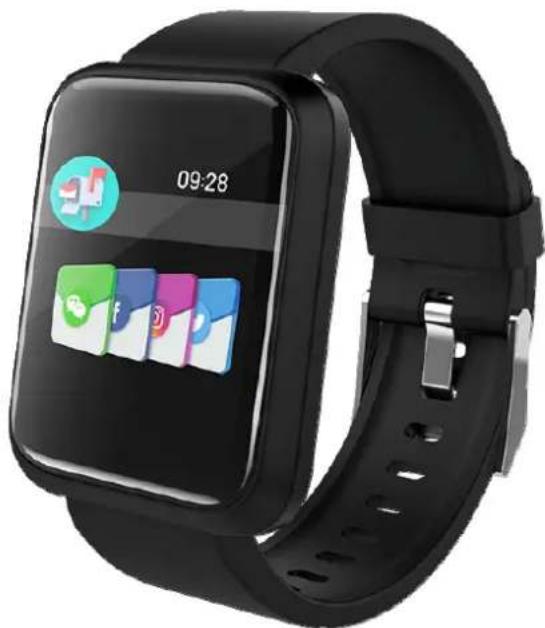
Black smartwatch with app icons displayed on screen (no readable text or symbols)CARGA DE BATERÍA
natural_image
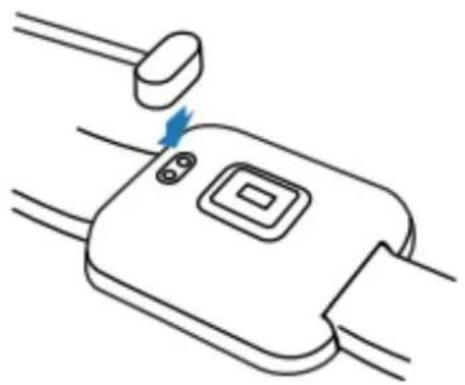
Line drawing of a device with a blue lightning bolt and connector, no text or symbols presentCONEXIÓN CON SMARTPHONE
bar
09:28 | Category | Value | |---|---| | Measure HR | 153 | | Measure HR | 205 | | Measure HR | 193 | | Measure HR | 198 | | Measure HR | 142 | | Measure HR | 153 | | Measure HR | 193 |ROHS Directive 2011/65/EU
ETSI EN301 489-1 V2.2.0: 2017
ETSI EN301 489-17 V3.2.0: 2017
ETSI EN 300 328 V2.1.1: 2016
EN62479:2010
EN60950-1:2006+A11:2009+A1:2010+A12:2011+A2:2013
ETSI EN301 489
ETSI EN300 328 V1
EN 62479: 2010
EN 60950
IEC62321
natural_image
Abstract black circular logo design with curved and angular elements (no text or symbols)BRIGMTON
surfing technology
natural_image
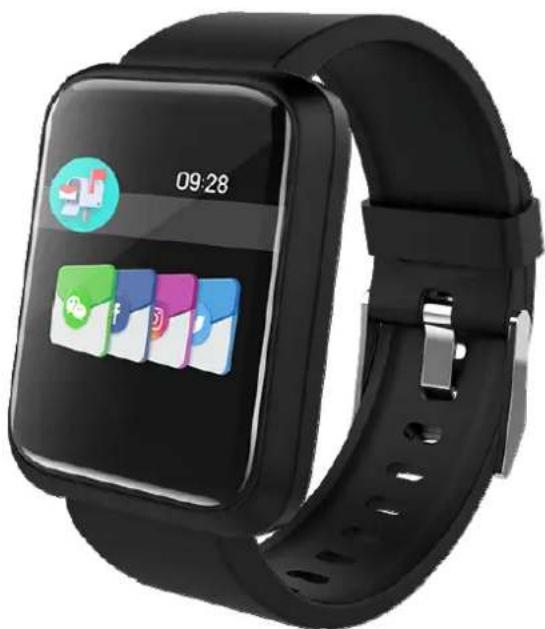
Black smartwatch with app interface displaying '09:28' and app icons on screen (no readable text beyond branding)INSTRUCTION MANUAL
SPORT BRACELET - BT-PULSOMETER - PRESSURE-02
BSPORT-17 (N-A-R-V-P)
APK
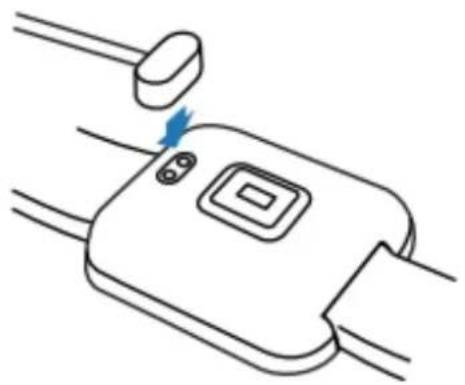
BATTERY CHARGE
natural_image
Line drawing of a device with a blue lightning bolt on its side, connected to wires (no text or symbols)SMARTPHONE CONNECTION
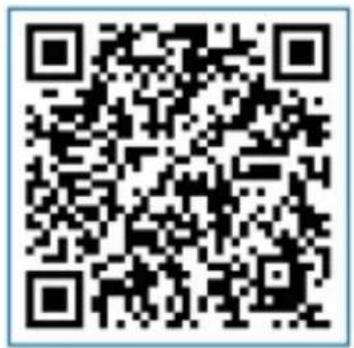
Open the application and select add device. Select the desired device and add it.
FUNCTIONING
The area at the bottom of the screen is touch, please press in that area to select the various functions.
With a short press you can change the selection. Holding down will confirm the desired option.
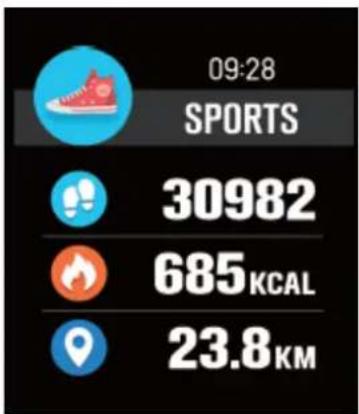
SPORTS
other
| Metric | Value | | :--- | :--- | | SPORTS | 30982 | | KCAL (685 kcal) | 685 | | KM (23.8 km) | 23.8 |Shows the information of steps, calories and distance. At 00:00 it is set to 0.
SLEEP
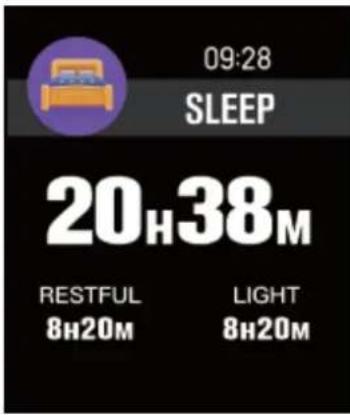
If you hold the device while you sleep, you will measure the hours of sleep and the quality of it. It will be reset at 8:00 in the morning.
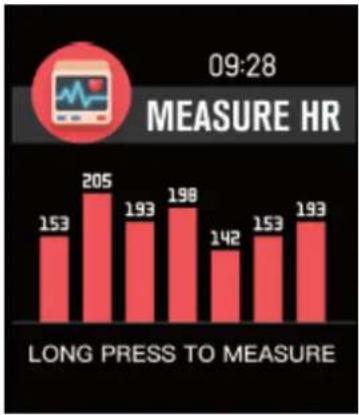
HEART RATE
bar
09:28 | Category | Value | |---|---| | Measure HR | 153 | | Measure HR | 205 | | Measure HR | 193 | | Measure HR | 198 | | Measure HR | 142 | | Measure HR | 153 | | Measure HR | 193 | LONG PRESS TO MEASUREPress and hold to start the measurement. The measurement of the last 7 days will be displayed on the screen.
TRAINING-SPORTS
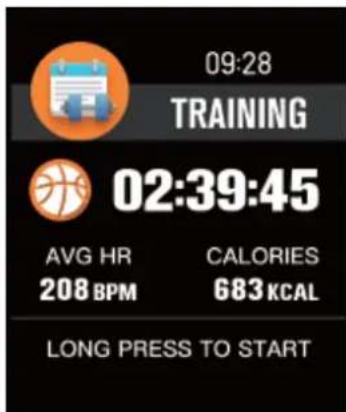
Press and hold to access the sport selection menu. Press briefly to see each option and press and hold to confirm the selected sport.
PRESSURE
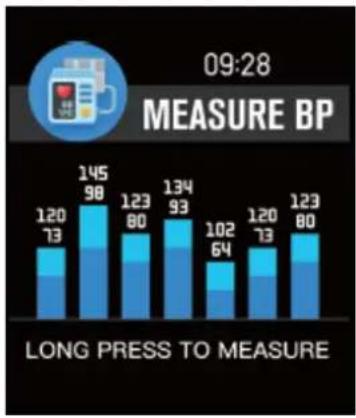
bar
09:28 MEASURE BP | Category | Value 1 | Value 2 | |---|---|---| | Top Bar | 120 | 73 | | Middle Bar | 145 | 98 | | Bottom Bar | 123 | 80 | | Middle Bar | 134 | 93 | | Bottom Bar | 102 | 64 | | Right Bar | 120 | 73 | | Bottom Bar | 123 | 80 |Press and hold to start the measurement. The measurement of the last 7 days will be displayed on the screen.
O2 TEST
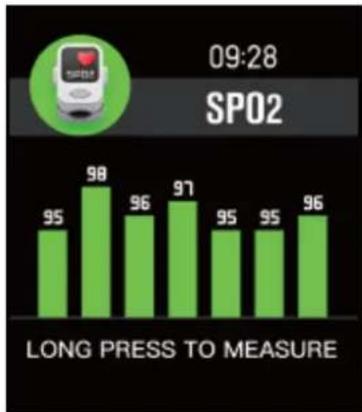
Press and hold to start the measurement. The measurement of the last 7 days will be displayed on the screen
WEATHER
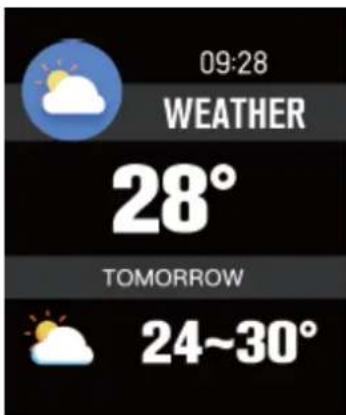
It offers information about the current time and tomorrow. This information is displayed after synchronizing with the APK and turn on GPS function on Smartphone.
MESSAGES-NOTIFICATIONS
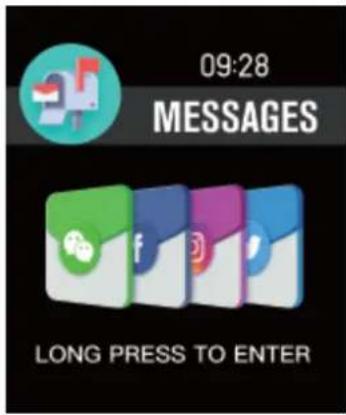
Press and hold to access notifications and received messages. This option can be deactivated in the application.
CAMERA
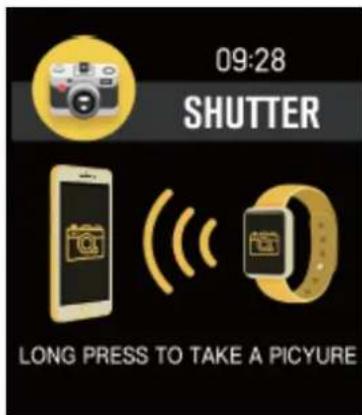
Once connected to the phone, you can use the device as a remote camera trigger.
MUSIC PLAYER
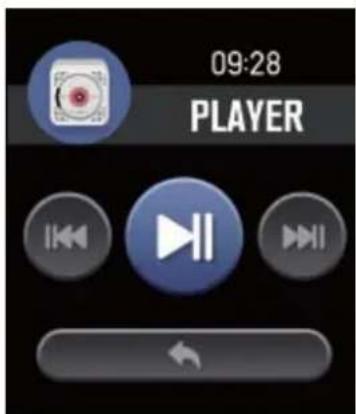
Once connected to the phone, you can use the device as a player control.
OTHERS
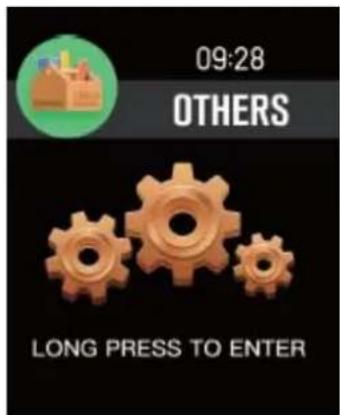
Press and hold to access other functions such as:
- Stopwatch: Press and hold to start. Press briefly to stop. Press and hold to set to 0.
- Brightness Adjustment
- Silence
- Restart
- Off
- Etc.
"Features can change without notice"
BRIGMTON
surfing technology
IMPORTED
FERSON ELECTRÓNICA, S.A.
CIF: A-41111881
SANTA CLARA DE CUBA 12
TEL/FAX: 954256645/954256822
SEVILLA
ESPAÑA
Ferson Electrónica, S.A. declares under our responsibility that the equipment meets the requirements indicated in the following directives:
DIRECTIVAS EMC
ROHS Directive 2011/65/EU
ETSI EN301 489-1 V2.2.0: 2017
ETSI EN301 489-17 V3.2.0: 2017
ETSI EN 300 328 V2.1.1: 2016
EN62479:2010
EN60950-1:2006+A11:2009+A1:2010+A12:2011+A2:2013
ETSI EN301 489
ETSI EN300 328 V1
EN 62479: 2010
EN 60950
IEC62321