LESPH4001B Argon A140B - Smartphone Leotec - Free user manual and instructions
Find the device manual for free LESPH4001B Argon A140B Leotec in PDF.


User questions about LESPH4001B Argon A140B Leotec
0 question about this device. Answer the ones you know or ask your own.
Ask a new question about this device
Download the instructions for your Smartphone in PDF format for free! Find your manual LESPH4001B Argon A140B - Leotec and take your electronic device back in hand. On this page are published all the documents necessary for the use of your device. LESPH4001B Argon A140B by Leotec.
USER MANUAL LESPH4001B Argon A140B Leotec
natural_image
Gray rounded rectangle with three small icons: a document, a heart, and a directional arrow (no text or symbols)LTC ARGON A140B
MANUAL DE USUARIO / USER MANUAL
Versión 1.0
natural_image
Coastal rocky beach at sunset with waves and distant hills, no visible text or symbols1. Introduction. Parts of the phone
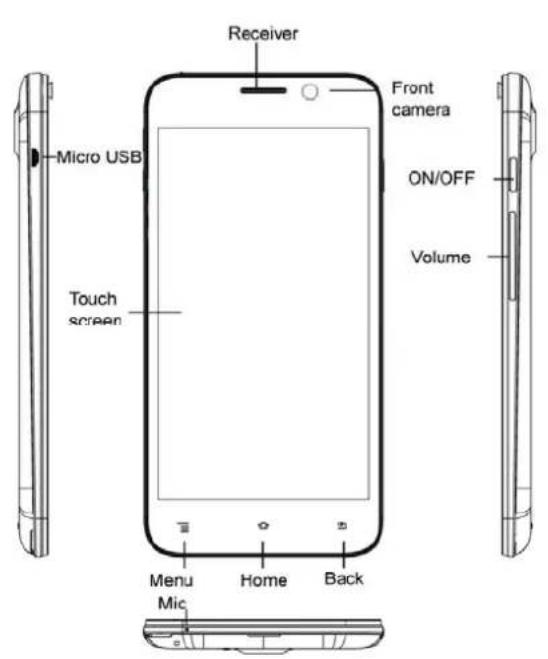
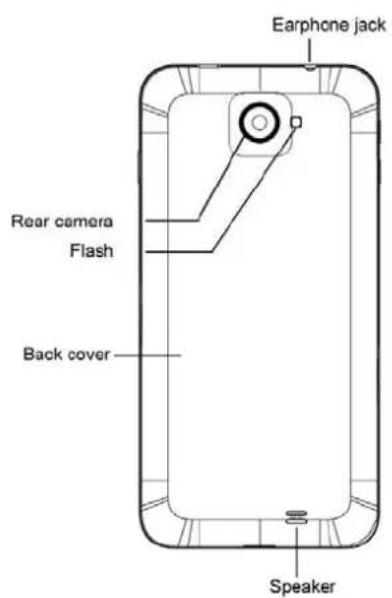
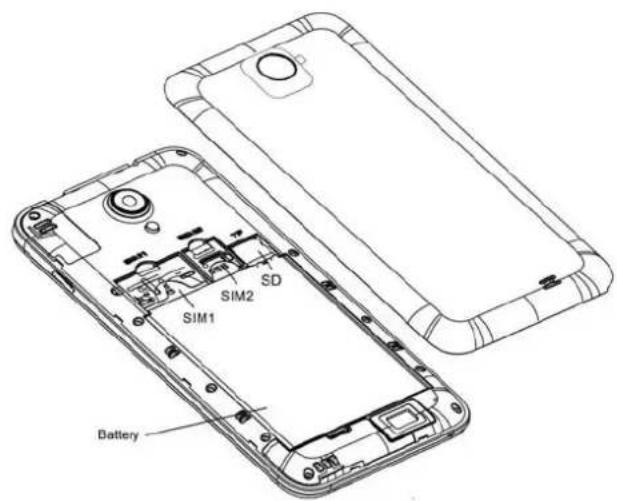
Supports SD 2GB to 32GB; SIM2 2G and WCDMA 3G net; SIM 1 only 2G.
Please use a standard battery of our brand.
2. Turn on and unlock
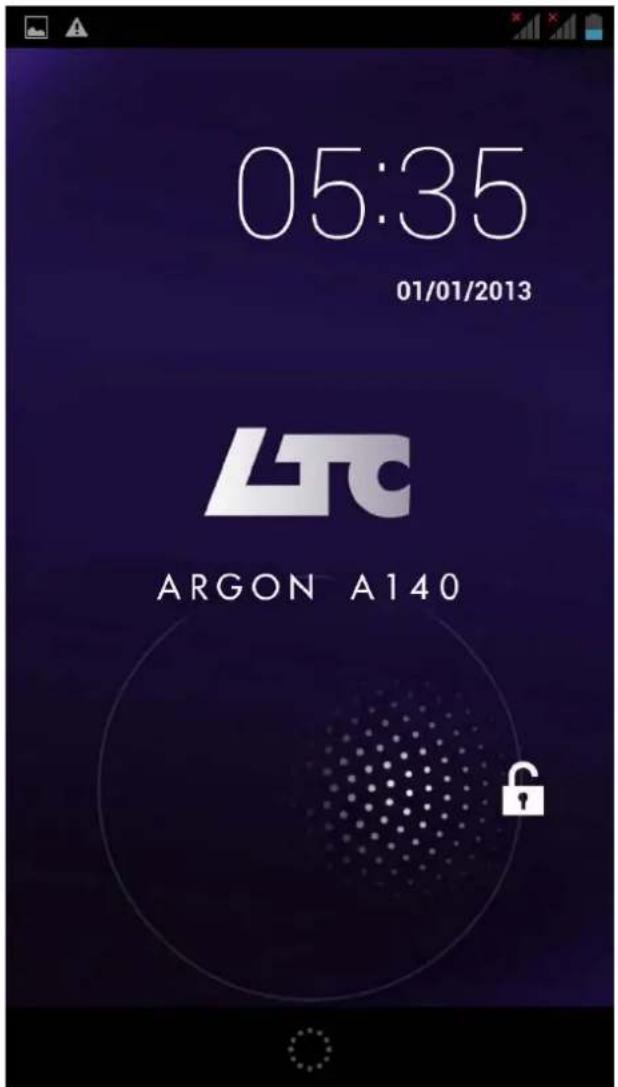
Press ON / OFF button to lock the screen, press it again or the "home" button to activate the phone.
Drag to

to unlock.
- Main interface
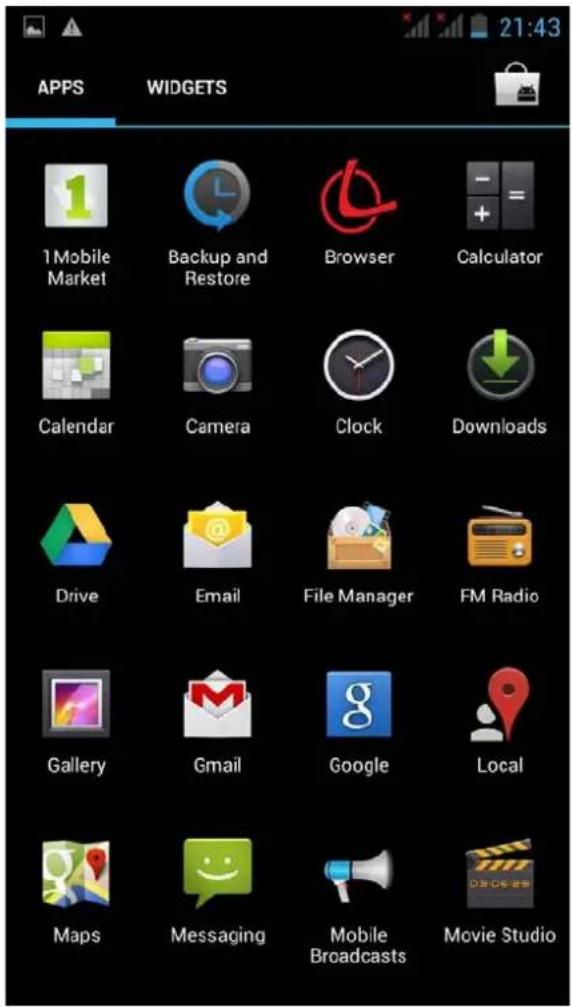
The main interface contains all sorts of apps icons. Tap the application you want to start.
While in the application press the Home button to return to the main interface, ☐ key to open it from the application menu, or ↩ key to return to the last screen or open interface.
4. Messages
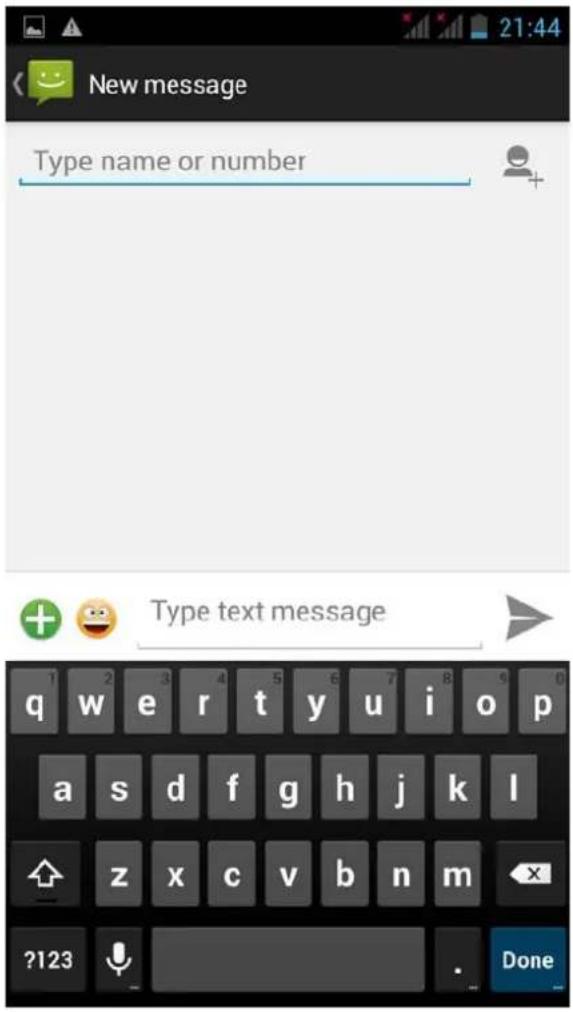
This is the message sending interface. You can insert emoticones, images, music and other multimedia content. You can send also messages to groups.
5. Phone calls function
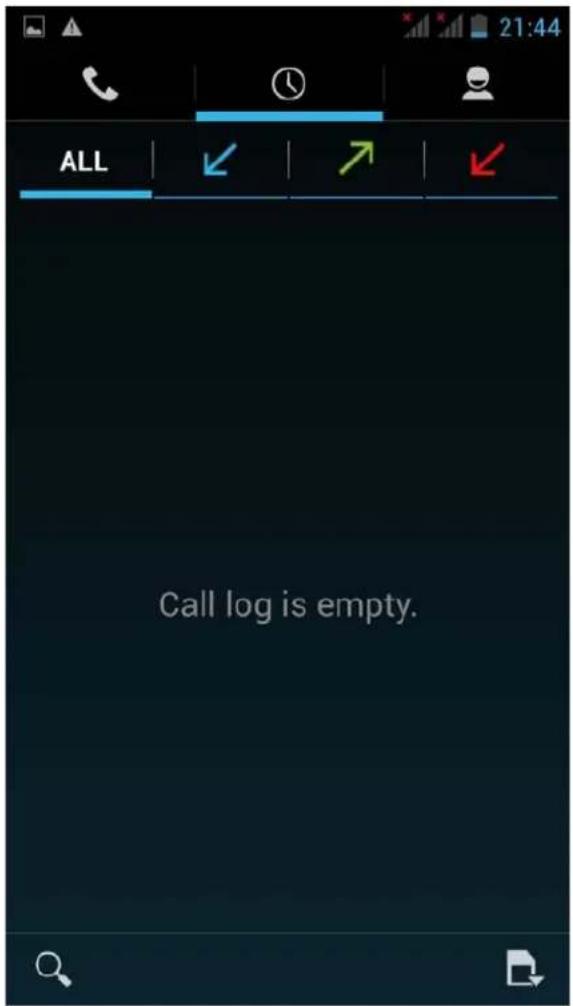
Press the corresponding icon to enter the call history, contacts, keyboard, handsfree mode, etc.
6. Introduction to e-mail
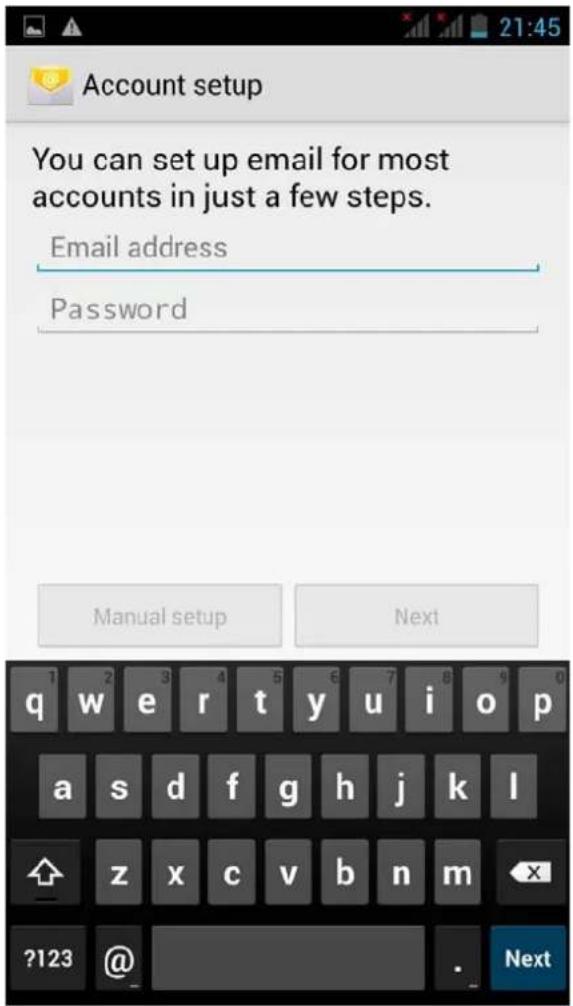
Enter your account and password to send and receive e-mails
Support for multiple accounts, attachments, direct reading or quicksave according to your preferences.
7. Wallpaper change
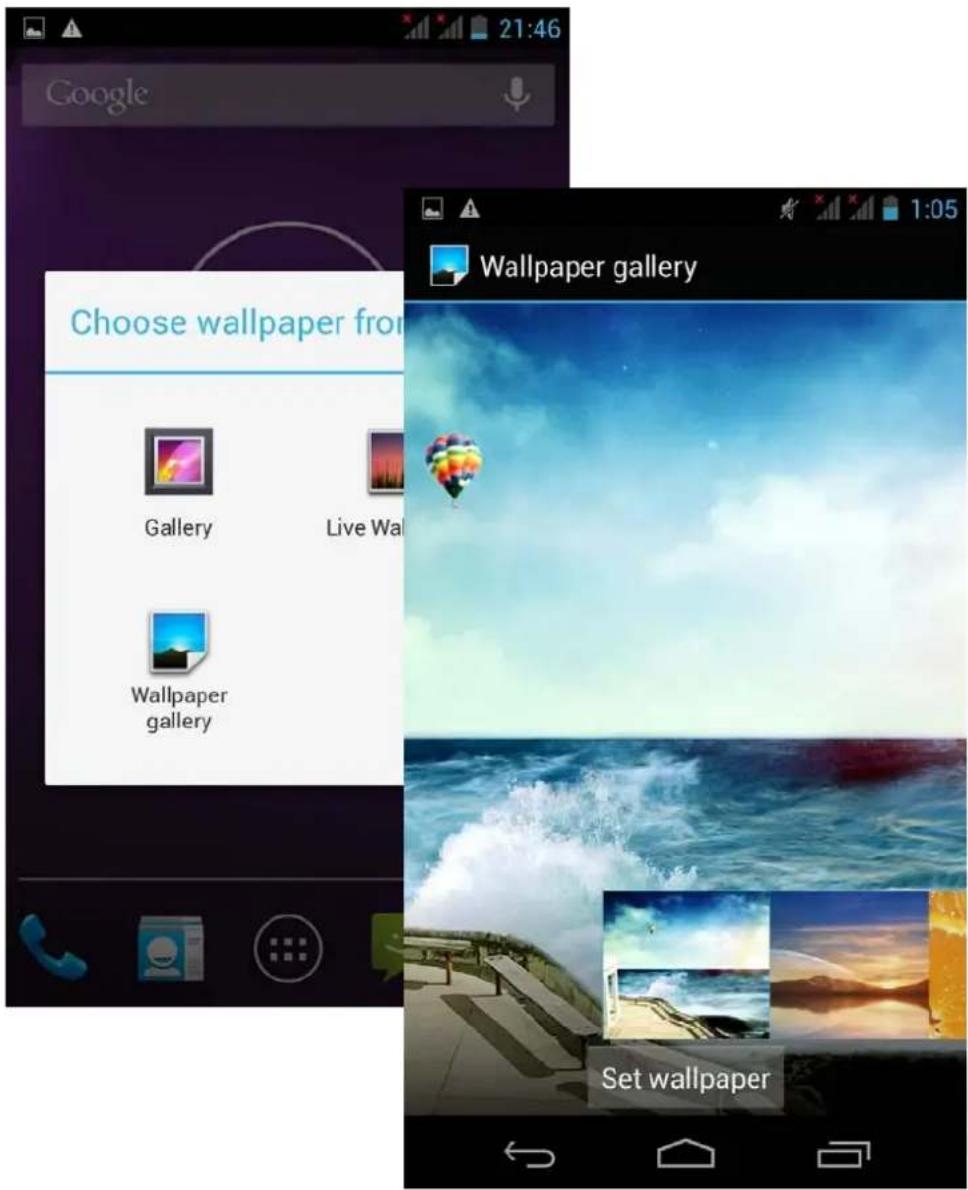
Press and hold for a few seconds on any free zone of the screen, the wallpaper function will appear.
Select the image you want to use as wallpaper.
8. Introduction to WiFi functions
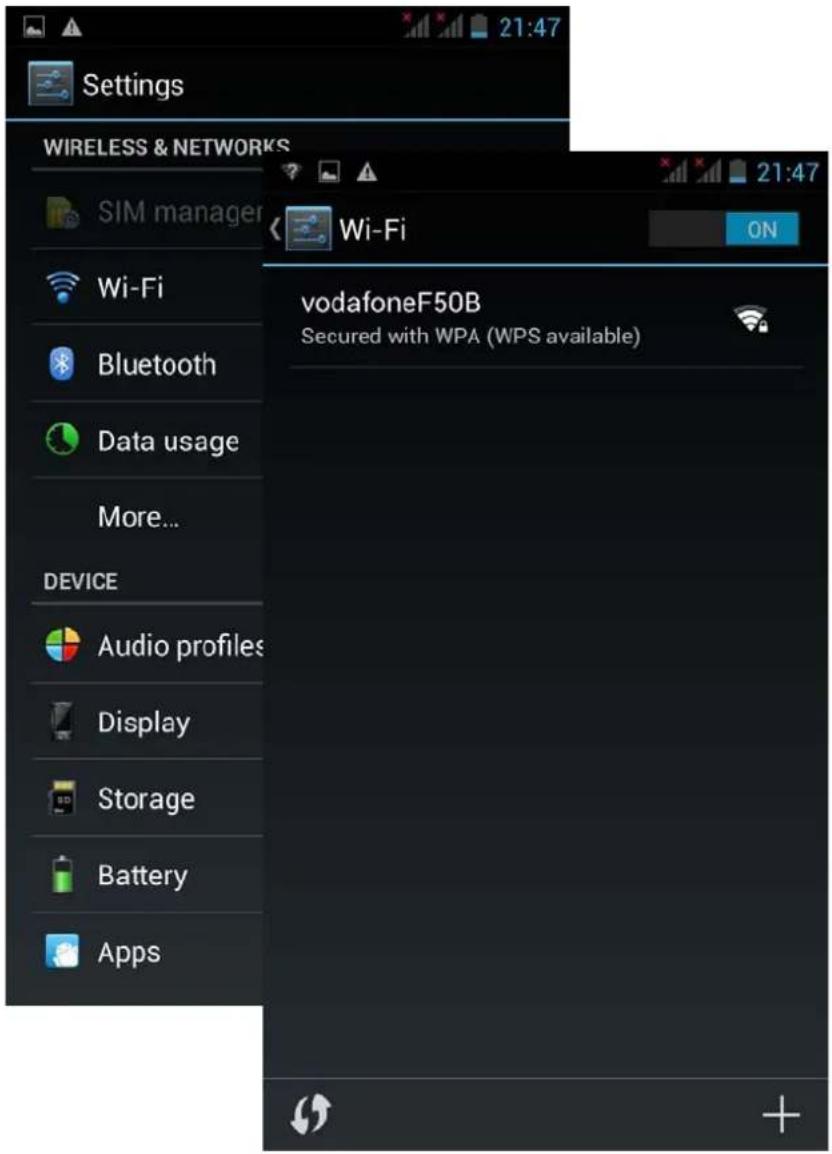
Select "settings" and open the "WLAN" function
Press WLAN and search for a network where to connect. Insert the network password in case it would be necessary to connect the device.
9. GPS Settings
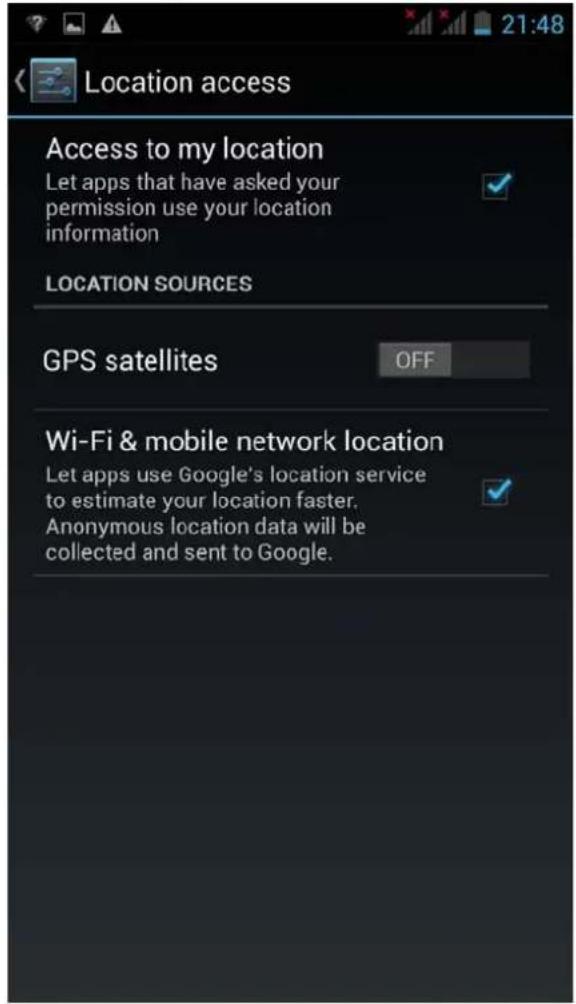
Select "Settings" – "Location services"
Check the "Enable GPS settings" box
10. Phone connection through USB
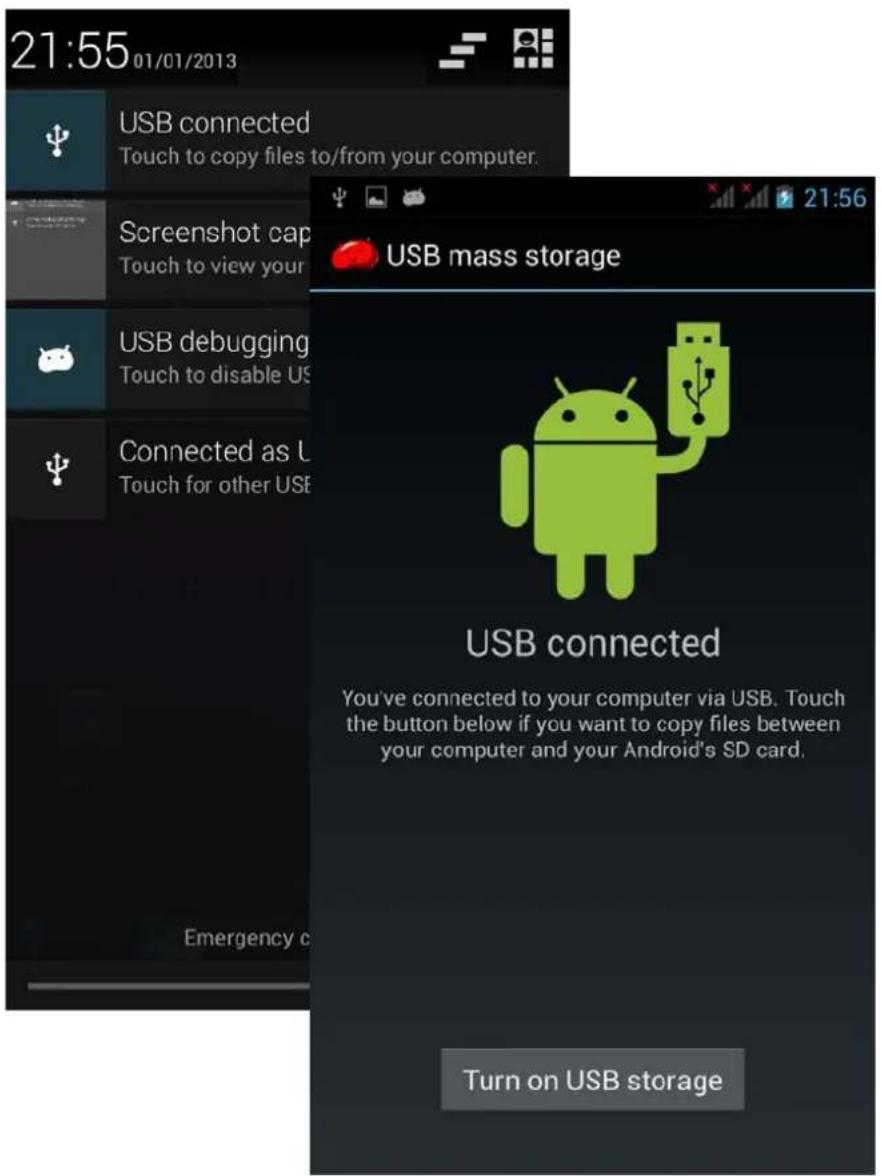
After connecting the phone through USB to a PC open the notification menu in the upper part of the screen. Select the USB connection to copy archives to and from your PC.
The USB storage unit should appear as in the image on the right. Press "Turn on USB storage"
11.Music
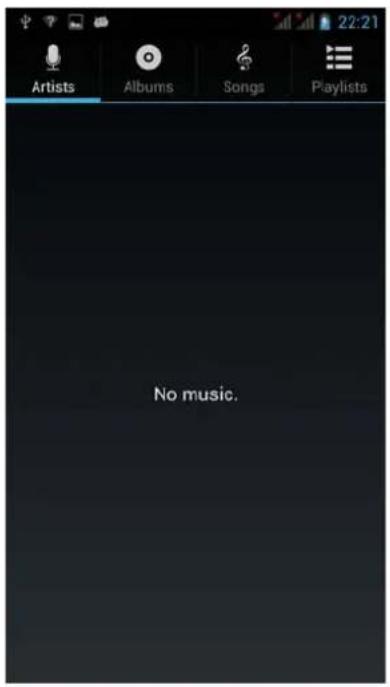
Open the music player in the main interface.
Supports auto play of music stored in the device as well as online music
- Video
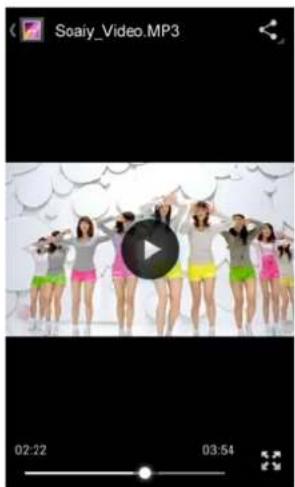
The phone is compatible with main video formats.
You can forward and backward playback with the progress bar located at the bottom part of the screen.
Press 📁 to change to fullscreen.
13. Camera
natural_image
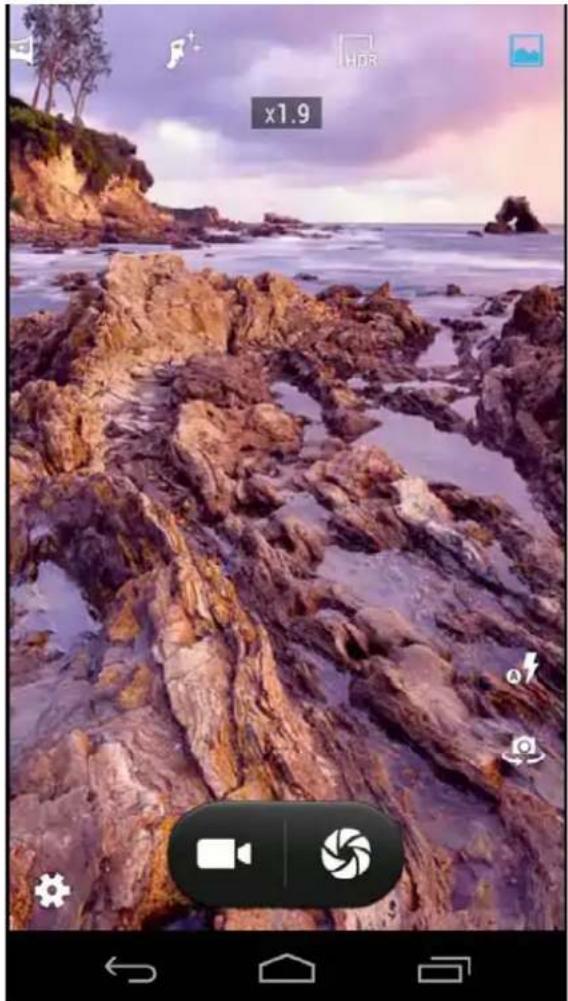
Coastal rocky beach at sunset with waves and distant trees, no visible text or symbolsThe camera has autofocus. You can apply digital zoom by touching the area of the screen you want to enlarge (spread your fingers to zoom in, pinch them to zoom out)
14. File management
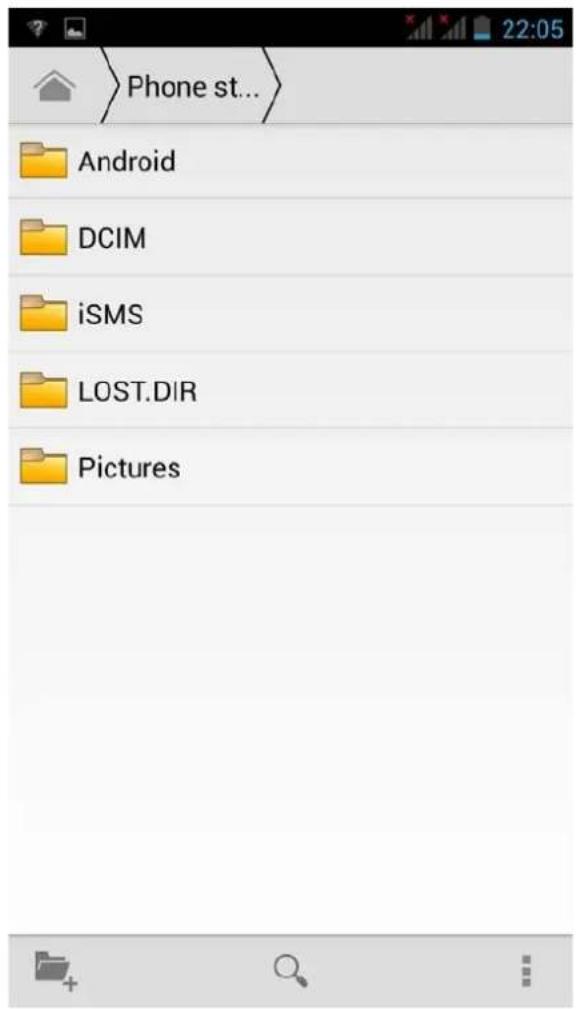
You can organize your files, folders, etc.
15. Notas
How to stop running applications
Provided free up memory and reduce CPU activity to improve performance and battery life we recommend closing any open applications that are not being used.
Hold down the home button and a menu will appear with running applications that may be closed.
How to save battery
- Reduce screen brightness (Settings / Screen and sounds / Brightness)
· Turn off GPS (Settings / Location services / Activate GPS satellite)
· Turn off WiFi and Bluetooth when not used.
· Turn off vibration
How to lock the screen
In the Settings / Security menu select Screen lock / pattern to define a Individual unlock pattern.
Specifications
· 4" WVGA capacitive touch screen
· MT6572M/X Cortex TM-A7, 1.2GHz Dual Core
- Android™ 4.2 (Flash support)
· 4GB memory - Micro SD card slot (up to 32GB)
· 512MB RAM DDR3
· Resolution 480 x 800
· Dual Sim (1 slot 3G+ 1Slot 2G)
2G:GSM 850/900/1800/1900;
3G: WCDMA 850/2100 Mhz
· GPRS,EDGE,HSPA+ (HSDPA: 42.2Mbps/ HSUPA: 11.5Mbps)
· USB 2.0
· 3.5mm earphone output, DC 5v input
· G-sensor
· Internet WiFi IEEE 802.11b/g/n
- Bluetooth
· GPS + A-GPS
· Built-in speakers
· Dual Webcam 0.3 Mp / 2 Mp + flash
· Li Polymer 1300 mAh rechargeable battery
- Omnidirectional built-in microphone
- DC adapter, USB cable, earphones, user manual and case included.
Guarantee and responsibility
All LEOTEC products have a 24 month warranty from the invoice date to the end customer, except in the included accessories. The manufacturer guarantees the consumer that its products are free from defects in materials and workmanship at the time of purchase.
The batteries have 6 months warranty. Batteries whose maximum load capacity is equal to or less than 50% within that period are considered defective.
The warranty offered only covers defects in workmanship or materials that the product could have. Defects or failures caused by misuse, breakage, wear are excluded.
Manipulating of the product by anyone other LEOTEC technical service, software updates not provided by LEOTEC and all faults or defects caused by natural disasters will void the warranty.
The warranty is valid only when the user has the ticket or proof of purchase and it is within the deadline
Support and Technical Service
For any technical consultation you can go to the place of purchase or contact the technical service of LEOTEC.
Visit our website and stay always updated in the download section of your product
There is more available information in the website: www.leotec.com or by means of the e-mail: support@leotec.com
DECLARATION OF CONFORMITY
Brand: LEOTEC
Supplier name: World Driver S.A.
Address: Ctra de l'Hospitalet 66 - 68
We declare under our sole responsibility that the product:
LTC ARGON A140B LESPH4001B
Country of manufacture: China
Referred to this statement, with the standard (s) or other document (s) policy (s) in accordance with the provisions of Directive 93/68/EEC, the European Parliament and of the Council of 22 July 1993, transposed into Spanish law by Royal Decree 1950/1995, of December 1, 1995.

Reference symbol both in the product and its user manual, indicates that at the end of life electrical and / or electronic, they should be recycled separately from your household waste. There are adequate means to collect this material for proper recycling. For more information, contact the local authority or your retailer where you purchased the product.
Note: The device LESPH4001B may contain links to web sites or pages operated by parties other than LEOTEC and / or World Driver SA. These links are included and are available for your information, LEOTEC and / or World Driver SA not responsible for their availability, content, adequacy or accuracy. These external sites may contain or reference trademarks, patents, proprietary information, technologies, products, processes, or other property rights belonging to others. All copyrights are property of their respective owners.


LEOTEC®
digital lifestyle
www.leotec.com