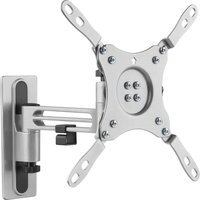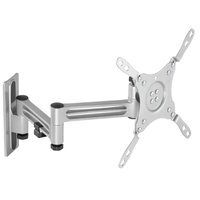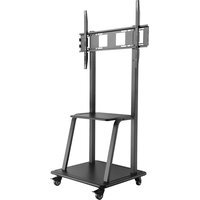
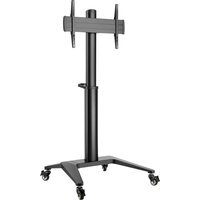
Deltaco ARM-0453 - Flat Screen Mount

ARM-0453 - Flat Screen Mount Deltaco - Free user manual and instructions

Find the device manual for free ARM-0453 Deltaco in PDF.

📄 14 pages English EN Download 💬 AI Question 10 questions ⚙️ Specs
Notice Deltaco ARM-0453 - page 3
Pick your language and provide your email: we'll send you a specifically translated version.
Product Type Flat Screen Mount
Brand Deltaco
Model ARM-0453
Material Steel with powder coating
Color Black
VESA Compatibility Up to 200x200 mm
Weight Capacity Up to 15 kg (33 lbs)
Tilt Range +5° to -15°
Swivel Range ±180°
Rotation 360° (portrait/landscape)
Extension Arm Not applicable (fixed mount)
Depth from Wall Approximately 50-100 mm
Cable Management Yes, with integrated channels
Mounting Type Wall mount, fixed
Installation Easy DIY with included hardware
Included Hardware Screws, spacers, anchors, and manual
Cleaning Instructions Wipe with dry cloth; avoid solvents
Safety Notes Ensure mount on solid wall; do not exceed weight limit
Warranty 2 years (manufacturer defect)

Frequently Asked Questions - ARM-0453 Deltaco

What is the maximum VESA size supported by the Deltaco ARM-0453?
The mount supports VESA patterns up to 200x200 mm, covering most monitors from 17 to 32 inches.
What is the weight capacity of this mount?
It can safely hold monitors up to 15 kg (33 lbs). Always verify your monitor's weight before installation.
Does the ARM-0453 allow portrait orientation?
Yes, it supports 360° rotation, so you can easily switch between landscape and portrait modes.
Is cable management included?
Yes, the mount features integrated cable channels to keep wires organized and hidden.
What tools are needed for installation?
A Phillips screwdriver and a stud finder (for drywall) are recommended. All necessary screws and anchors are included.
Can this mount be installed on a concrete wall?
Yes, but you may need to use appropriate masonry anchors (not included) for secure attachment.
Does the mount tilt for better viewing angles?
Yes, it offers a tilt range of +5° to -15° to reduce glare and improve comfort.
How far from the wall does the monitor sit?
The mount keeps the monitor close to the wall, typically 50-100 mm (2-4 inches) deep.
What should I do if my monitor's VESA pattern doesn't match?
Check your monitor's manual for VESA compatibility. If it's non-standard, you may need an adapter plate (not included).
How do I clean the mount?
Use a soft, dry cloth to remove dust. Avoid abrasive cleaners or solvents that could damage the powder coating.

User questions about ARM-0453 Deltaco

0 question about this device. Answer the ones you know or ask your own.

Ask a new question about this device

The email remains private: it is only used to notify you if someone responds to your question.

No questions yet. Be the first to ask one.

Download the instructions for your Flat Screen Mount in PDF format for free! Find your manual ARM-0453 - Deltaco and take your electronic device back in hand. On this page are published all the documents necessary for the use of your device. ARM-0453 by Deltaco.

USER MANUAL ARM-0453 Deltaco

natural_image Pure technical line drawing of a rectangular component with four internal slots (no text or symbols)

G (x1)

Deltaco ARM-0453 - 1
H (x2)

Deltaco ARM-0453 - 2
D8-Φ24 I (x4)

Deltaco ARM-0453 - 3
M8x45 J (x8)

Deltaco ARM-0453 - 4
M8x65 K (x4)

Deltaco ARM-0453 - 5
M6×130 L (x4)

Deltaco ARM-0453 - 6
D6 M (x4)

Deltaco ARM-0453 - 7
D8-Φ16 N (x12)

Deltaco ARM-0453 - 8
M6 O (x4)

Deltaco ARM-0453 - 9
M8 P (x4)

Deltaco ARM-0453 - 10
5mm Q (x1)

Deltaco ARM-0453 - 11
R (x1)

Deltaco ARM-0453 - 12
S (x1)

Deltaco ARM-0453 - 13
M5x14 M-A (x4)

Deltaco ARM-0453 - 14
M6x14 M-B (x4)

Deltaco ARM-0453 - 15
M6x30 M-C (x4)

Deltaco ARM-0453 - 16
M8x30 M-D (x4)

Deltaco ARM-0453 - 17
M8×50 M-E (×4)

Deltaco ARM-0453 - 18
M-F (x4)

Deltaco ARM-0453 - 19
M-G (x8)

Deltaco ARM-0453 - 20
M-H (x8)

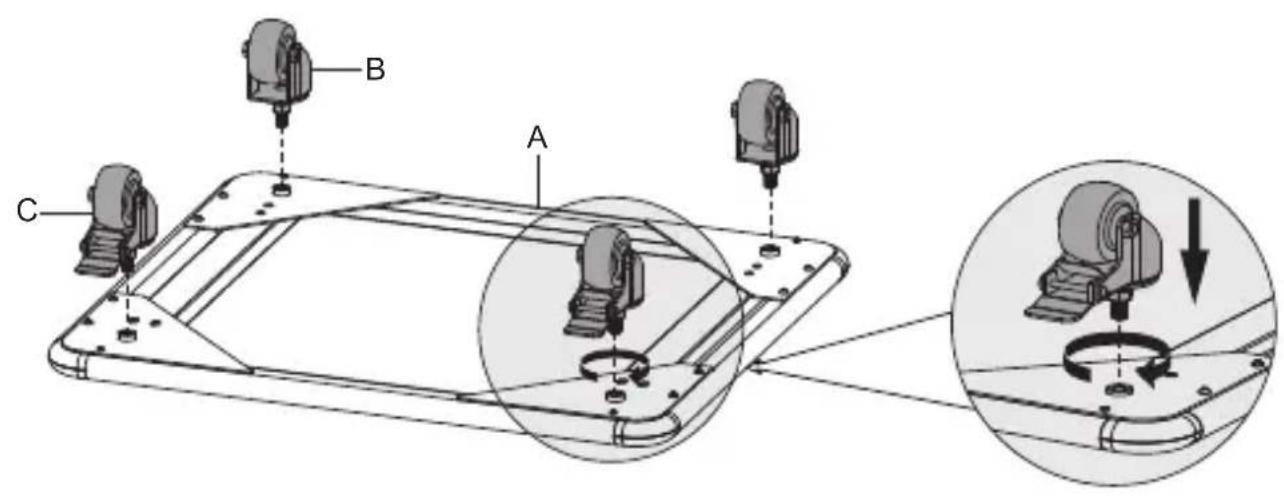
1
Technical diagram showing assembly of a device with labeled parts A, B, and C, including a magnified view of the component being threaded.

Deltaco ARM-0453 - 22

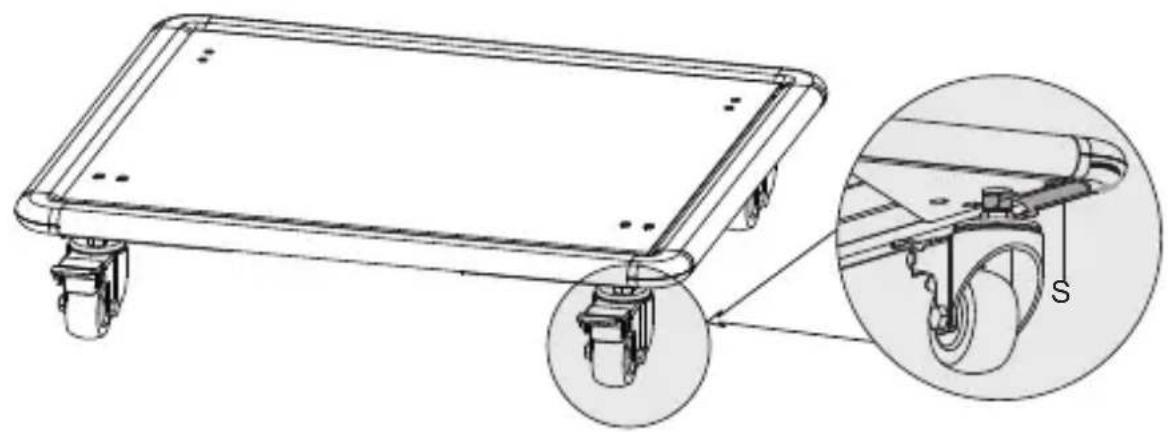
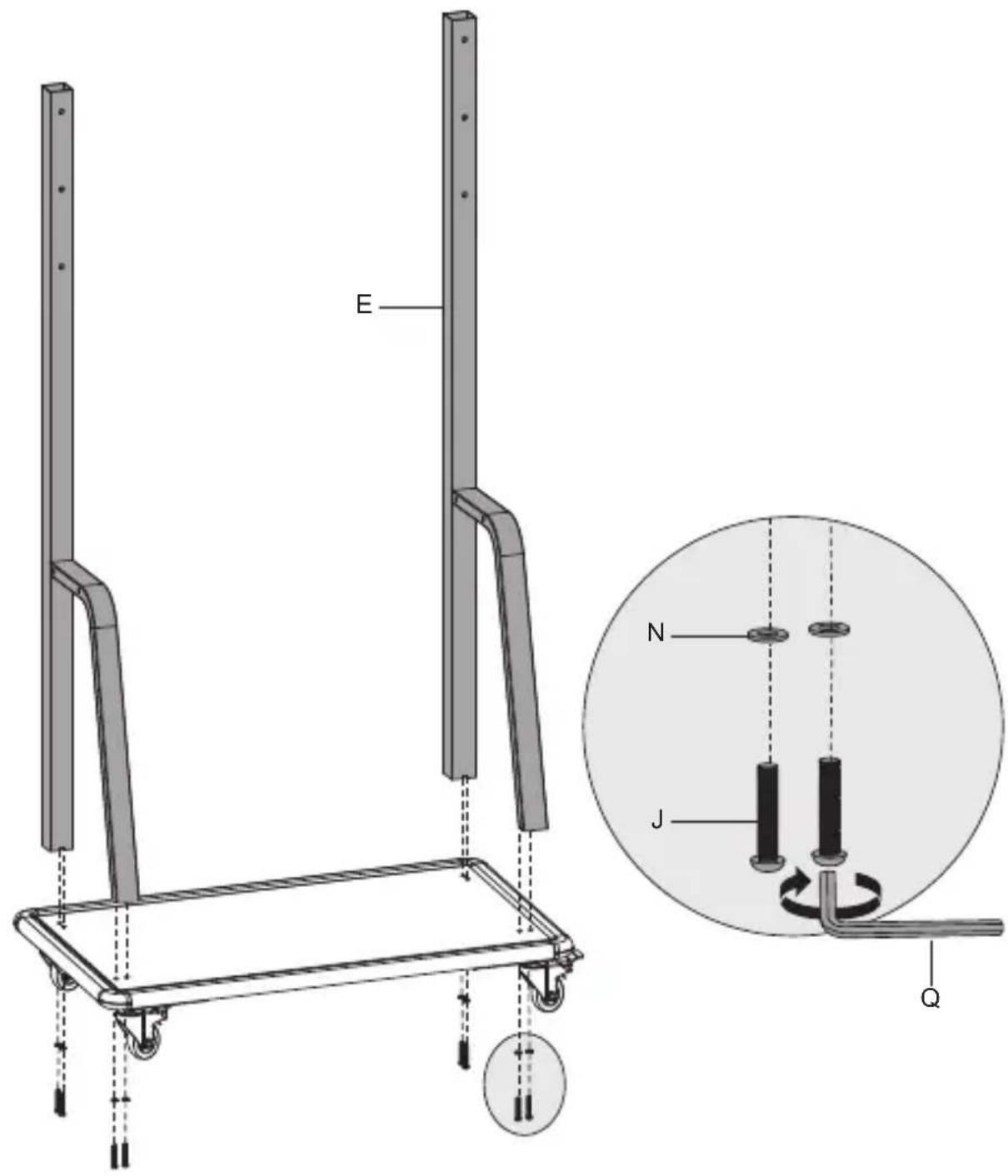
natural_image Technical line drawing of a flatbed cart with wheels and a close-up inset showing the wheel's cable (no text or symbols)

2
E N J Q

3
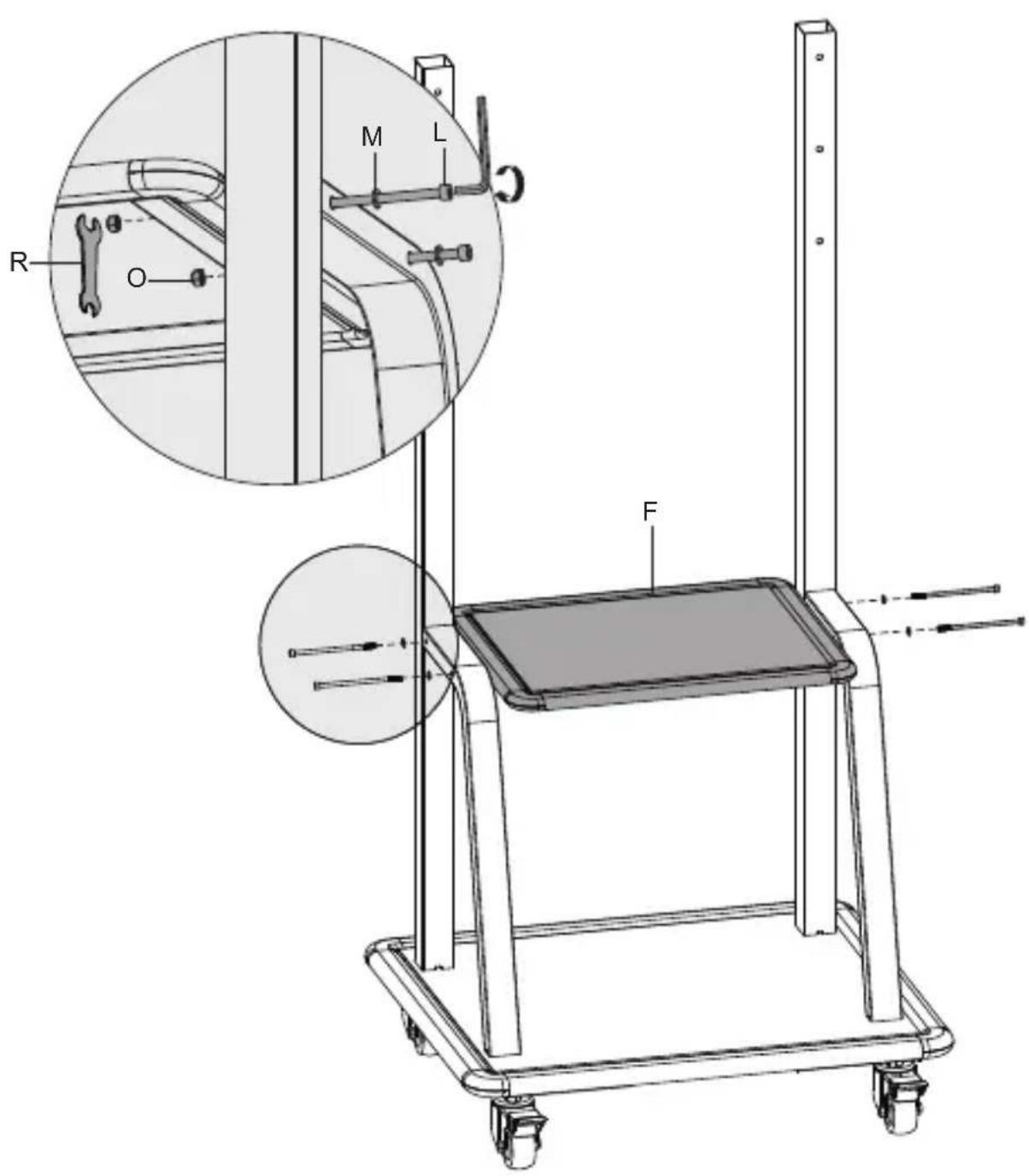
Technical diagram of a mechanical device with labeled parts (M, L, R, O, F) and an inset showing a close-up view of a mechanical component.

4
Technical diagram of a mechanical device with labeled components and cross-sectional view

5
Deltaco ARM-0453 - 26

natural_image Technical line drawing of a structural frame with vertical supports and a circular inset view (no text or symbols)

D

6a
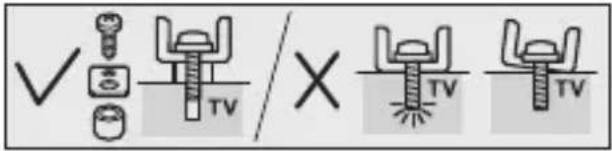
✓ TV X TV TV

Deltaco ARM-0453 - 29

Diagram illustrating a physics experiment with labeled components and motion arrows, including a circular object on a surface.

M-A M-B M-F

6b
✓ × TV TV TV

Deltaco ARM-0453 - 33

Deltaco ARM-0453 - 34

natural_image Diagram of a physics experiment setup with two planes, a circular target, and an arrow indicating motion (no text or symbols)
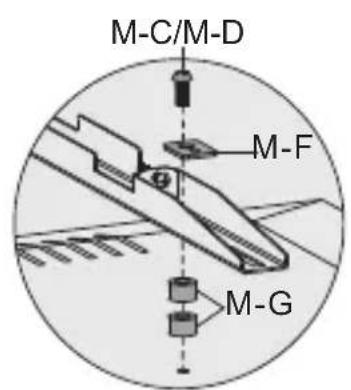
M-C/M-D M-F M-G

M-C/M-D M-F M-H

M-C/M-D M-F M-G M-H

M-E M-F M-H

M-E M-F M-G M-H

M-E M-F M-G M-H

7
Deltaco ARM-0453 - 41

Deltaco ARM-0453 - 42

natural_image Two symbolic icons: a person holding a rectangular object and a screwdriver with a plus sign (no text or labels)

8
Deltaco ARM-0453 - 43

Deltaco ARM-0453 - 44

natural_image Technical line drawing of a mechanical lift with a close-up inset showing internal components (no text or symbols)
Manual assistant
Powered by Anthropic
Waiting for your message
Product information

Brand : Deltaco

Model : ARM-0453

Category : Flat Screen Mount