UltraGear 39GX900 - Screen LG - Free user manual and instructions
Find the device manual for free UltraGear 39GX900 LG in PDF.


User questions about UltraGear 39GX900 LG
0 question about this device. Answer the ones you know or ask your own.
Ask a new question about this device
Download the instructions for your Screen in PDF format for free! Find your manual UltraGear 39GX900 - LG and take your electronic device back in hand. On this page are published all the documents necessary for the use of your device. UltraGear 39GX900 by LG.
USER MANUAL UltraGear 39GX900 LG
34GX900A-B 39GX900A-B

natural_image
Curved metallic object with gradient shading (no text or symbols)
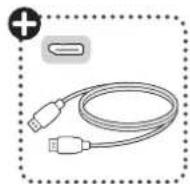
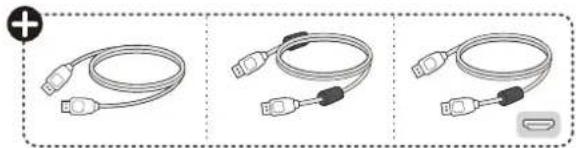
natural_image
Three illustrated cable types showing different connection configurations (no text or symbols)

natural_image
Illustration of three different types of cable connectors and a power cord, shown in two different configurations (a and b), with no text or symbols present.
(2506-REV00)
www.lg.com

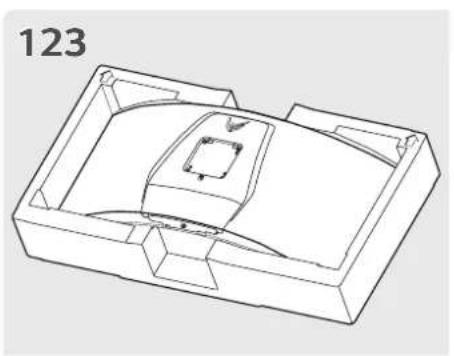
natural_image
Technical line drawing of a mechanical housing or enclosure with internal components (no text or symbols)
natural_image
Technical line drawing of a mechanical assembly with internal components and directional arrows (no text or symbols)
natural_image
Technical line drawing of a mechanical housing or enclosure with internal components and directional arrows (no text or symbols)
natural_image
Technical line drawing of a mechanical component with internal parts and a separate part (no text or symbols)
natural_image
Technical line drawing of a mechanical component with a magnified inset showing two circular features (no text or symbols)
6

natural_image
Line drawing of a computer monitor with a curved top and base (no text or symbols)
natural_image
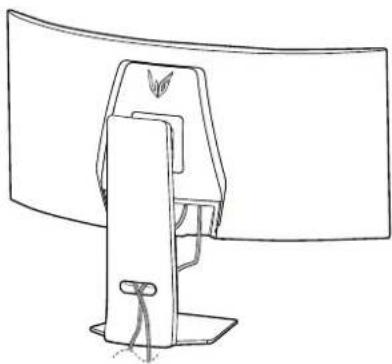
Line drawing of a computer monitor with a stand and cable, no text or symbols present
natural_image
Illustration of a computer monitor with a magnified inset showing internal components (no text or symbols)

flowchart
graph TD
    A["Computer"] --> B["USB-C"]
    B --> C["HP1"]
    B --> D["HP2"]
    B --> E["HP3"]
    B --> F["HP4"]
    B --> G["HP5"]
    B --> H["HP6"]
    B --> I["HP7"]
    B --> J["HP8"]
    B --> K["HP9"]
    B --> L["HP10"]
    B --> M["HP11"]
    B --> N["HP12"]
    B --> O["HP13"]
    B --> P["HP14"]
    B --> Q["HP15"]
    B --> R["HP16"]
    B --> S["HP17"]
    B --> T["HP18"]
    B --> U["HP19"]
    B --> V["HP20"]

text_image
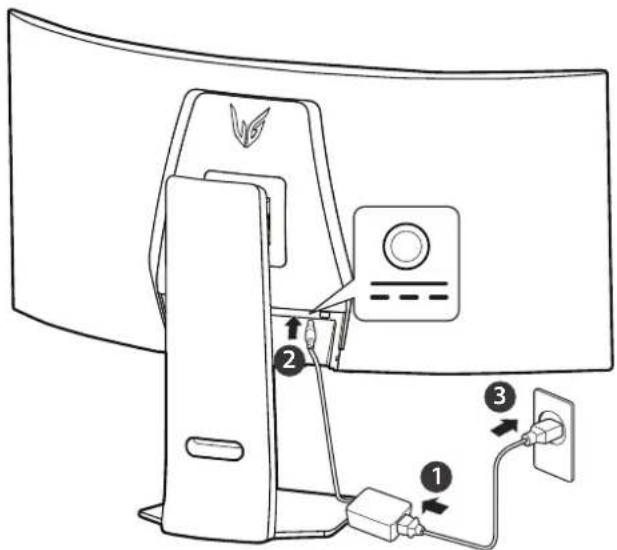
Diagram of a computer monitor with labeled components including power connector, socket, and plug connections▶

natural_image
Line drawing of a computer monitor with a scroll wheel and control panel (no text or symbols)
English • OLED Monitor's Image Cleaning Function and How to Use It
— Upon initial use after opening, we recommend performing screen calibration using the Image Cleaning function.
- If the monitor screen is not clear, run Image Cleaning.
— For more information, see the owner's manual.