
SKYBT - Mp3 player Sunstech - Free user manual and instructions
Find the device manual for free SKYBT Sunstech in PDF.


| Product Type | Bluetooth MP3 Player |
| Brand | Sunstech |
| Model | SKYBT |
| Dimensions | Approx. 40 x 40 x 10 mm |
| Weight | Approx. 30 g |
| Power Supply | Rechargeable lithium-ion battery (via USB cable) |
| Battery Life | Up to 8 hours of music playback |
| Storage | Internal memory + microSD card slot (up to 32 GB) |
| Supported Audio Formats | MP3, WMA, WAV, FLAC |
| Connectivity | Bluetooth 5.0, 3.5 mm headphone jack, micro-USB port |
| Main Functions | Audio playback, FM radio, voice recording, shuffle/repeat |
| Display | Monochrome OLED screen (displays titles and information) |
| Care and Cleaning | Wipe with a soft, dry cloth. Do not use abrasive products. |
| Safety | Do not expose to moisture, shocks, or extreme temperatures. |
| Spare Parts and Repairability | Replaceable battery, USB cable available separately. |
| General Information | Made in China. 2-year warranty. |
Frequently Asked Questions - SKYBT Sunstech
User questions about SKYBT Sunstech
0 question about this device. Answer the ones you know or ask your own.
Ask a new question about this device
Download the instructions for your Mp3 player in PDF format for free! Find your manual SKYBT - Sunstech and take your electronic device back in hand. On this page are published all the documents necessary for the use of your device. SKYBT by Sunstech.
USER MANUAL SKYBT Sunstech
natural_image
Abstract geometric design with a white sphere, a white circle, and a gray book-like shape against a dark background (no text or symbols)SKYBT
Bluetooth MP4 Player
User Guide

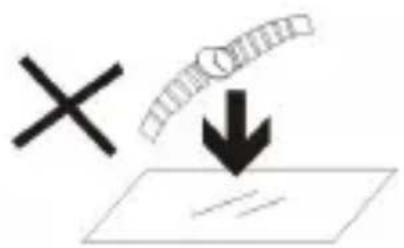
- DO NOT place objects on top of the device, as objects may scratch the device.
natural_image
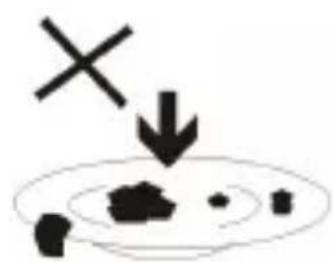
Simple diagram with a cross and downward arrow, no text or symbols present- DONOT exposethedevicetodirt yor dustyenvironments.
natural_image
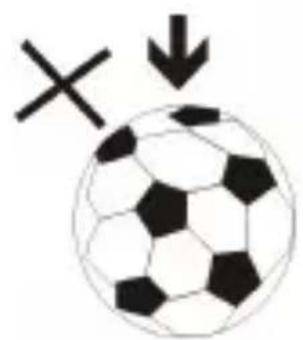
Classic black-and-white soccer ball with a cross symbol and downward arrow, no text or labels present.- DO NOT place the device on an uneven or unstable surface.
natural_image
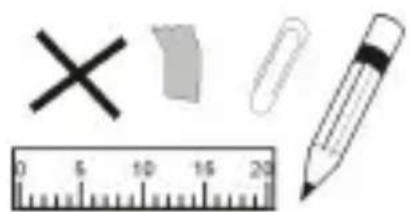
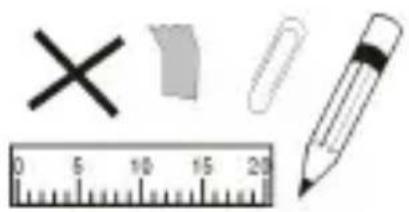
Illustration of a pencil, ruler, eraser, eraser clip, and cross symbol (no text or labels)- DONOTinsertanyforeignobjectsintothedevice.
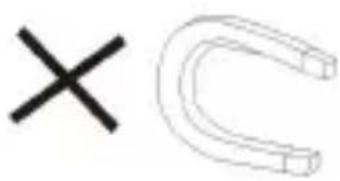
- DO NOT expose the device to strong magnetic or electrical field.
natural_image
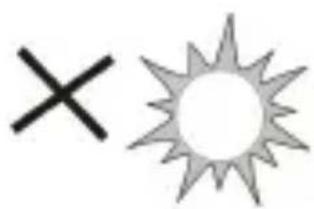
Simple graphic with a black X and a sunburst shape (no text or symbols)- DONOTexposethedevicetodirectsunlightasitcan damage the device. Keep it away from heat sources.
60^(140^)

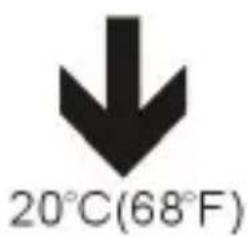
7.DONOTstoreyourdeviceintemperatureshigherthan
40^ C(104^ F) . The internal operating temperature for this device is from 20^ C(68^ F) to 60^ C(140^ F) .
- DO NOT use

natural_image
Simple illustration of a cloud with raindrops and a cross symbol (no text or labels)the device in the rain.
natural_image
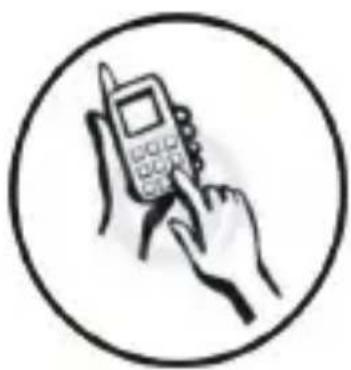
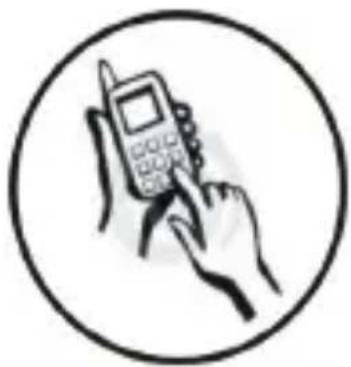
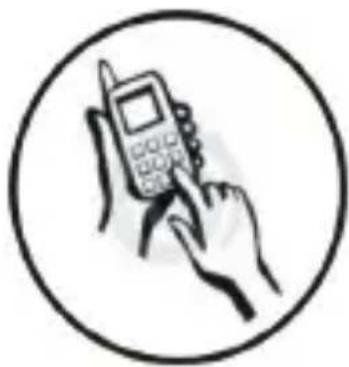
Illustration of a hand holding a mobile phone with a pen, enclosed in a circle (no text or symbols)- Please check with your Local Authority or retailer for proper disposals of electronic products.
natural_image
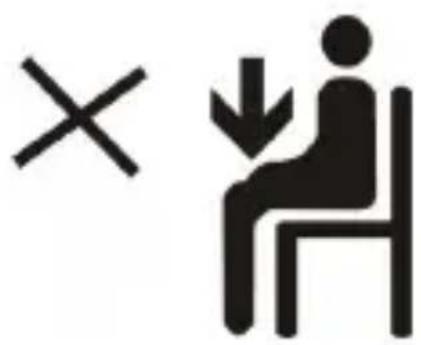
Symbolic illustration of a person sitting on a chair with a cross and downward arrow, no text or numbers present.- The device and adaptor may produce some heat during normaloperationofcharging.Topreventdiscomfortor injuryfromheatexposure,DONOTleavethedeviceon yourlap.
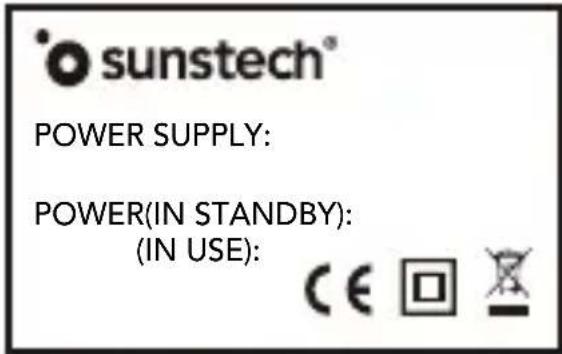
- POWERINPUTRATING: Refertotherating labelonthedeviceandbesurethatthepower adaptorcomplieswiththerating. Onlyuse accessoriesspecifiedbythemanufacturer.

natural_image
Simple line drawing of a hand cleaning a cloth and a spray bottle with a cross mark (no text or symbols)- Cleanthedevicewithasoftcloth.Ifneeded, dampentheclothslightlybeforecleaning.Never useabrasivesorcleaningsolutions.
- Alwayspoweroffthedevicetoinstallor removeexternaldevicesthatdonotsupport hot-plug.
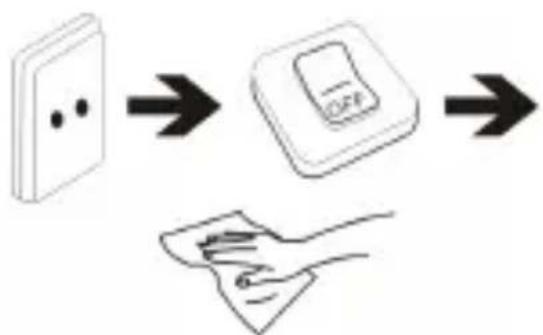
flowchart
graph TD
    A["Wall socket with dots"] --> B["Switch with OFF label"]
    B --> C["Hand holding paper"]
- Disconnect the device from an electrical outlet and power off before cleaning the device.
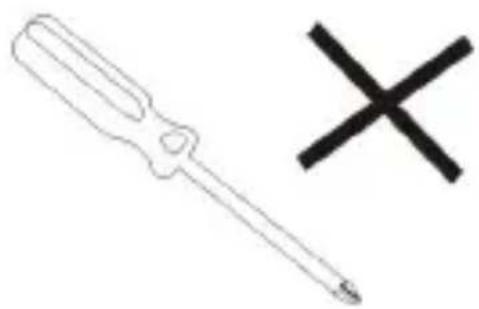
natural_image
Simple line drawing of a screwdriver and a cross symbol (no text or labels)15.DONOTdisassemblethedevice.Onlyacertified servicetechniciansshouldperformrepair.

- Thedevicehasaperturestodisperseheat.DONOTblock thedeviceventilation,thedevicemaybecomehotand malfunctionas a result.
natural_image
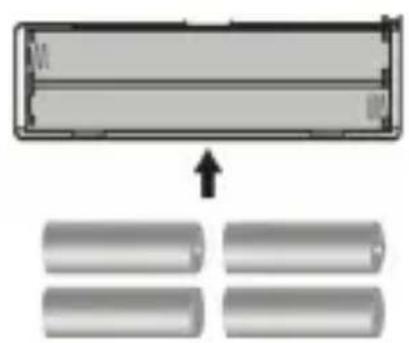
Diagram showing a rectangular object with an arrow pointing to four cylindrical objects below (no text or symbols)- Riskofexplosionifbatteryreplacedbyanincorrect type. Dispose of used batteries according to the instruction.
natural_image
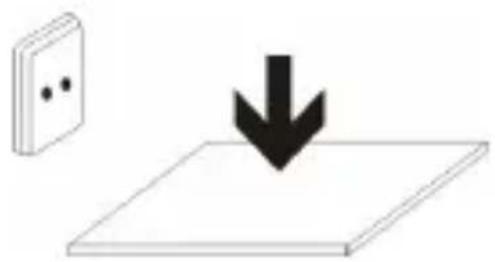
Simple diagram showing a black downward arrow pointing to a flat surface next to a wall-mounted switch (no text or symbols)- PLUGGABLE EQUIPMENT: the socket-outlet shall be installed near the equipment and shall be easily accessible.
EuropeanUnion: DisposalInformation
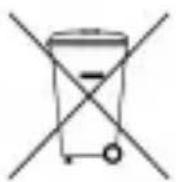
The symbol above means that according to local laws and regulations your product and/or its battery shall be disposed of separately from household waste. When this product reaches its end of life, take it to a collection point designated by local authorities. These separate collection and recycling of your product and/or its battery at the time of disposal will help conserve natural resources and ensure that it is recycled in a manner that protects human health and the environment.
APPEARANCEANDBUTTONS
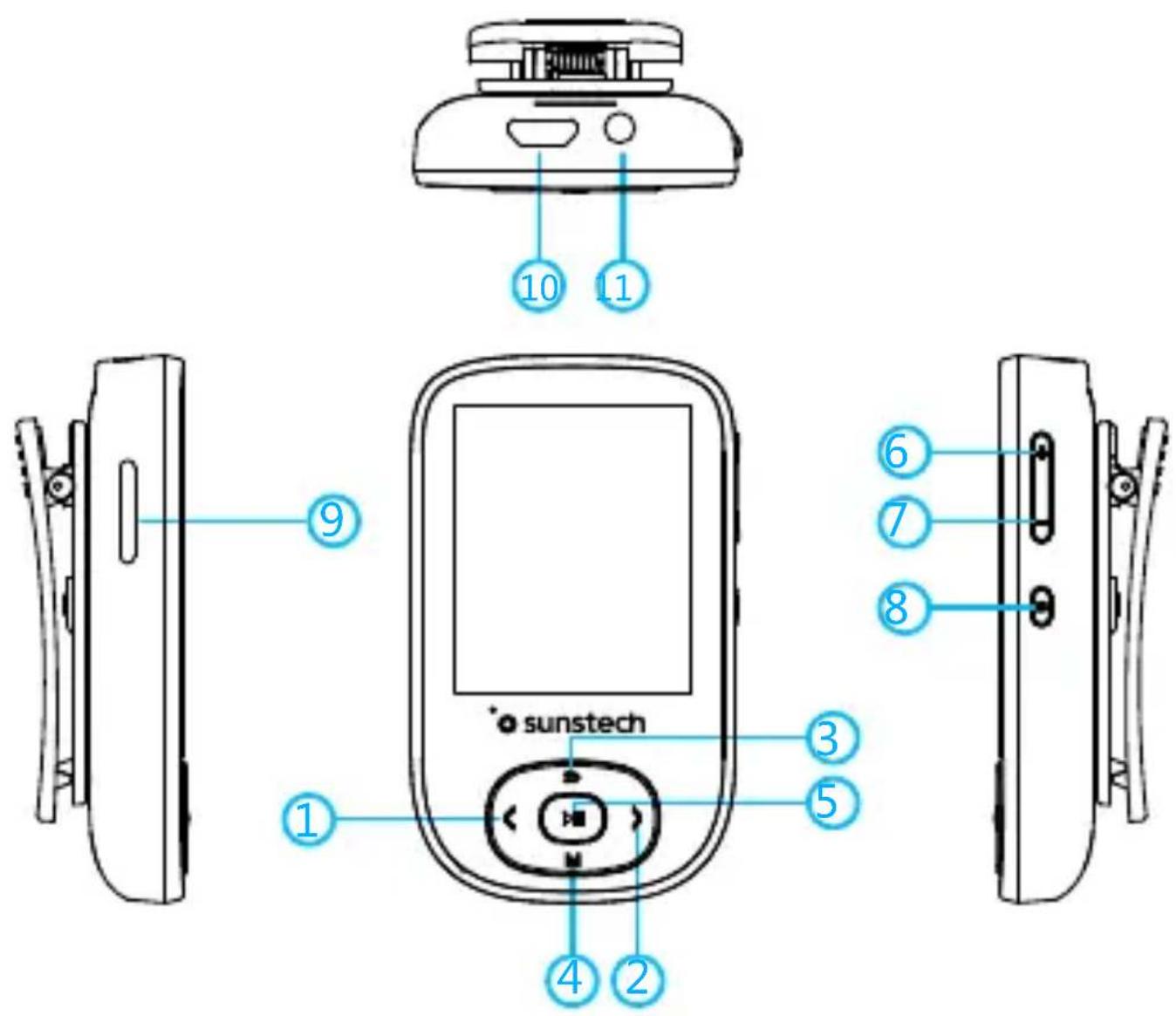
| 1.PREVIOUS | Onthemainmenu,shortpressmeansthe previousitem.Whenplayingmusic,short pressmeansthepreviousssongandlong presstofastbackward |
| 2.NEXT | Onthemainmenu,shortpressmeansthe nextitem.Whenplayingmusic,short pressmeansthenextsongandlongpress tofastforward |
| 3.BACK | Shortpressmeansbackingtothe previousinterface |
| 4.MENU Shortpressentersfunctionarysubmenu | |
| 5.PLAY/PAUSE | Shortpressmeansplayorpause.Forthe functionarymenu,itservesasthe confirmationbutton |
| 6.VOLUME<+> | Shortpressmeansturningupthevolume andlongpressturningupfaster |
| 7.VOLUME<-> | Shortpressmeansturningdownthe volumeandlongpressturningdown faster |
| 8.ON/OFF Longpressmeansturningon/off | |
| 9.TFCARDInsertTFcard | |
| 10.USBConnectUSBtotransferdata/charge | |
| 11.EARPHONE | Insertearphonewiththespecificationof 3.5mm |
SPECIFICATIONS AND PARAMETERS
| Size/Weight40*68*21mm, weight32.5g | |
| Display1.8"TFTscreen, 128*160 | |
| Audioformat | MP3:bitrate8Kbps-320Kbps,samplingrate8KHz-48KHzFLAC: bit rate L0-L8(1000Kbps-1200Kbps),sampling rate8KHz-48KHzAPE:BitrateFAST/normal compression(800Kbps-1000Kbps)Samplingrate8KHz-48KHzAAC: Bit rate 8Kbps-320Kbps,samplingrate8KHz-48KHzWAV: Bit rate 32Kbps-384Kbps,sampling rate 8KHz-48KHz,WMA,OGG,etc. |
| EbookformatTXT | |
| PhotoformatJPG,BMP,GIF | |
| RecordingformatWAV,MP3 | |
| Video format | AMV, AVI |
| FM | Frequencyrange:87.5MHz-108MHz |
| Playingduration | About27hours |
| Chargingperiod | About 2 hours |
| Extension | SupportTFcardupto64GB |
Connect to a PC
- Using the USB cable supplied with this machine to connect to a PC, PC will prompt for a removable disk. Click to enter it, and select the relevant folders to copy files from each other.
- Using the USB cable supplied with this machine to connect PC, can charge this machine.
MUSIC
1. Music interface
Select the music icon and press "PLAY" to play the music, where the following options are available: All songs, Artists, Albums, Genres, Playlists, Update music and Last played song.
2. Music playing interface
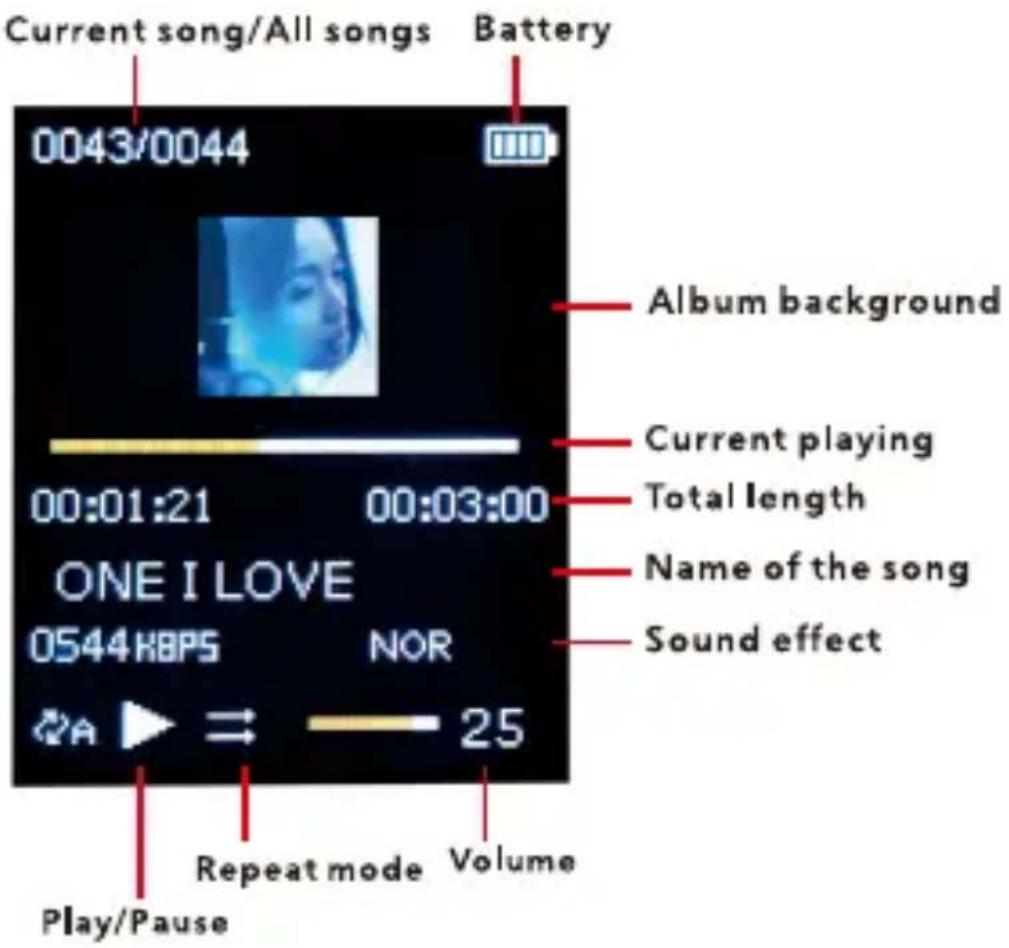
3. MENU
In the music playing interface, short press M and the system enters the submenu which includes: Play mode, Sound settings, Add to playlist, Remove from Playlist and Delete.
3.1 Play mode:
3.1.1 Shuffle: to turn on and off the function.
3.1.2 Repeat: when playing in sequence, single repeat and repeat all are available.
3.1.3 Repeat settings: in the repeat mode, repeat times and interval are available.
3.2 Sound setting:
3.2.1 Equalizer: includes 7 types: Rock, Funk, Hip hop, Jazz, Classical, Techno, Custom.
3.2.2 Variable Speed Playback: speed playing is available from the range of -8 to +8 (only works for MP3 and WMA formats)
3.3 Add to playlist Add the song to the playlist and there're 3 playlist in total.
3.4 Delete from Playlist: Delete the song from the playlist.
3.5 Delete: Delete the chosen file.
LYRIC SYNCHRONIZATION
Lyrics automatically appears for the songs with lyrics.
Method: Put the LRC-format lyric into the same folder with the song and the names of the lyric and song must be exactly same.
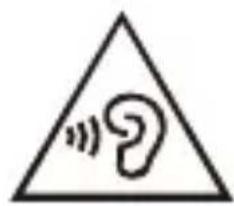
Note: At full volume, prolonged listening to the portable audio device may damage the user's hearing. SUNSTECH device is with 'max volume limit' function, because listening music with high
volume may harm your hearing; you can press the 'M' button to cancel this volume limit in case you may really need to.
VIDEO
Whenchoosingvideo, you could view all local video files. In the video interface, press the menu and the following options would show:
- Brightness: adjust the brightness of the screen.
- Repeat mode: set the playing status, which includes sequence playing, single repeat and repeat all.
- Delete: Deletethechosenvideo.
- Updatevideo: updatelocalvideos.
RECORD
The record interface has the following options:
- Statvoicerecording:whenselecting,starttherecording.
- Recordings library: when selecting, it would show all local recordings, including FM recordings.
- Recording Format: MP3 or WAV.
- set rec bitrate: set the bit rate of the recorded files.
- setrecordingscene: setrecordingscenarioasnormal, conference, etc.
Note: When the system alarms low battery, it would automatically save the recording and return to the recording interface and when the memory is full, the system would warn "memoryfull"!
RADIO
In the radio interface, short press M and the following options wouldshow:
- Bluetooth link: connect Bluetooth speaker to play.
- Auto tune: after short press "Play" and select this option, it would automatically search broadcasting frequency. The system automatically saves the searched frequencies and displays them in preset frequencies; the searching goes on and the search frequencies are thus saved in numbered order. It would stop when all frequencies are searched. Short press
"BACK" may stop the searching. Press "PLAY" to switch from allsavedfrequencies.
3. Manual tune: Long press "PREVIOUS" or "NEXT" to search andwhenthesearchingisdone,savecurrentfrequency:press "MENU" in the searched frequency interface and select "Save topreset".
4. TunerRegion: 87.5MHz-108MHz
5. Presets: When first using the radio, it would automatically search and save its searched frequencies. Short press M to delete/erasefrequency.
6. Save to preset: save current frequencies, which at most include 30 frequencies.
7. Clearpreset: Deletethechosenfrequency.
8. StatFMradiorecording: StatFMrecording:
9. FM recording: enters recording library to listen to saved FM recordings, its methods are like playing the recordings.
Note: SincethisdevicehasnoexternalFMantenna,please insertearphoneasanantennaforFMreception.
PHOTO
This device supports the following photo format: JPG, BMP, GIF.
Short press "PLAY" to browse the photos and see the photo files saved under the folders; press "PREVIOUS/NEXT" to select a photo. Short press M and the following options would show:
- Slideshowsetting: timerangefrom2-30s; repeated, random and thumbnailplaying are available.
- Deletepicture: deletethechosenpicture.
- Create Playlist: Refresh local photo library.
EBOOK
- In the main menu interface, short press "PLAY" to select ebook and when selected, press "PREVIOUS/NEXT" to turn pages. Press "BACK" to return to the previous menu.
- Short press M to enter ebook menu in the file list interface: Playsettinganddeleteebook.
2.1 Playsetting: settingrangefrom2-30sandwhenset, press "PLAY" in the reading interface to automatically play it.
2.2 Deleteebook: Deletethechosenfile.
3.ShortpressMtoenterebookmenuinthereadinginterface, whichincludes:Playsetting,Deleteebook,BookmarkSelect, Deletebookmark,Addbookmark,Pageselect.
3.1 Playsetting: settingrangefrom2-30sandwhenset, press "PLAY" in the reading interface to automatically play it.
3.2 Deleteebook: Deletethechosenfile.
3.3BookmarkSelect:selectsavedbookmark.
3.4 Deletebookmark: Deletethechosenbookmark.
3.5 Add bookmark: When browsing the ebook, short press M to add bookmark and the words in the first line of the screen would be the name of the bookmark. Each ebook has at most 16bookmarks.
3.6 Page select: when selected, press left or right button and "PLAY" to skip to the input page.
TOOLS
- Stopwatch: When selected, press "PLAY" to turn on the stopwatch and press "PREVIOUS/NEXT" to switch between stopwatch 1/2/3/4/5. Short press "PLAY" to pause/continue and short press "MENU" to reset.
SETTING
- Factory settings: reset to factory setting.
- Language/Language: Press "PLAY" to enter the language selection list and press "PREVIOUS/NEXT" to select.
- Brightness: adjust the brightness of the screen.
- Backlighttimer: select from 5s, 10s, 15s, 20s, 30s and always.
- Save mode: select from Off, 1 min and 2min. If there's no operation within such period, the device automatically turns off. Power off shutdown is invalid under USB connection, audio and video playing, recoding, FM radio mode, automatic play of photoandebook.
- Power off: set the time for sleeping shutdown: Off, 10 min, 20min, 30min, 60min, 90min and 120min. Whensetting, the device automatically turns off at the setting time. Sleeping shutdown is valid except under USB connection.
- Playerinformation:checksoftwareversion.
- Disk space: check the memories of the device and TF card.
- Exit setting: back to main menu.
BROWSER
Check all files under the master disk and TF card. Deleting files is also available here.
BLUETOOTH
On the main interface, select BLUETOOTH and press "PLAY" toenterBluetoothfunctioninterface.
-
Bluetooth Search: when the Bluetooth is on, you can search the Bluetooth devices. When a device appears, press "PLAY" toselectConnecttopair.
-
BluetoothDeviceList: disconnectpaireddevices.
Note:
- Please make sure that the Bluetooth is on and ready for pairing.
- If it couldn't search, please disconnect current pair and try again.
- Please ensure that your device is not connected by other devices.
- All songs: display all local songs and the ones on the TF card.
- Music: display relevant information of the playing song.
M button may adjust EQ under Bluetooth playing mode.
Under Bluetooth mode, the following functions are unavailable: ① Fast forward and backward ② Speed playing ③ AB loop ④ Cycle mode selection.
Troubleshooting
| Fail to boot | 1. Check whether the power is enough |
| Nosoundwhen playingmusic | 1.Turnupthevolume2.Checkwhethertheearphonesarewell pluggedin3. Check whether the music formats are supportedornot4.Checkwhetherthemusicfileisbroken |
| Failto downloadfiles tothismachine | 1.Checkwhetherthismachineconnects thecomputercorrectly2.Checkwhetherthismachinehave enoughstoragespace3. Check whether the data line is broken |
| Havenoise during playback | 1.Checkwhethertheearphoneplugsare clean, the dirt may cause noise.2.Checkwhetherthemusicfileisbroken, youmaycheckbyplayingothermusic.If thefileisbroken,itmaycauseserious noise.3.Checkwhethertheearphoneis internationalstandard |
| PoorFM reception | 1. Please adjust the player direction and location, and extend the earphone wire.2.Checkfornearbyelectronicdevice interference. |
MadeinChina
Warrantyconditions
-Thewarrantyofthisproductisfor2yearssincethepurchase date.
-Thewarrantywillexcludebreakdownscausedbybaduseof theproduct,wronginstallationorinstallationinnotesirable placesforapropermaintenanceoftheproduct,rips, updatesoftheproductsthatarenotthesuppliedbythe brand,piecesworeawayforitsuseorfornotdomesticor inappropriateuse.Alsoareexcludedbreakdownscaused formanipulationsoftheproductsbypeopleorcompanies alientoourcompany.
-Foranyrequestregardingthewarrantyterms,thepurchase receiptmustbeattached.
natural_image
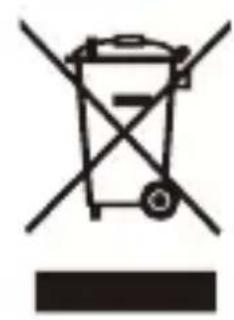
Symbol of a trash bin with crossed lines and a horizontal bar below (no text or labels)Correctdis posalo f thisProduct
(WasteElectrical&ElectronicEquipment (WEEE)
Yourproductisdesignedandmanufactured withhighqualitymaterialsandcomponents whichcanberecycledandreused.
Thissymbolmeansthatelectricalandelectronic equipment,attheirendoflifeshouldbe disposedofseparatelyfromyourhousehold waste.Pleasedisposeofthisequipmentatyour localcommunitywastecollection/recycling centre.
natural_image
Simple line drawing of a trash bin with two crossed x-axes (no text or symbols)IntheEuropeanUnionthereareseparate collectionsystemsforusedelectricaland electronicproducts.Pleasehelpustoconserve theenvironmentwelvein!

DECLARATIONOFCONFORMITY
Council Directive(s) to which conformity is declared:
Directive(2014/53/EU)-RED
Directive(2014/30/EU)-EMC
Directive(2014/35/EC)-LVD
Directive(2011/65/EU)-RoHS
ApplicationoftheStandards:
EN55024:2010
EN55032:2012
EN60950-1:2006+A11:2009+A1:2010+A12:2011+A2:2013
EN301489-1V2.1.1
EN301489-17V3.1.1
EN300328V2.1.1
EN62479:2010
Manufacturer's name:
AFEX SUNS, S.A.
Manufacturer's address: c/Metall 6-8, 08110, Montcada i Reixac
Typeofequipment: MP4PLAYER
Trade:SUNSTECH
Modelno.:SKYBT
(Serial number range:170300001 - 170301010)
We, the undersigned, hereby declare under our sole responsibility that the specified equipment is in conformity with the above Directive(s) and Standard(s)
Place: Barcelona
(Signature)
Víctor Planas Bas
(Fullname)
Date: 22 - February - 2017
GeneralManager
(Position)

natural_image
Abstract geometric design with a white sphere, a white circle, and a gray book-like shape against a dark background (no text or symbols)SKYBT
natural_image
Simple diagram with a cross and downward arrow, no text or symbols presentnatural_image
Black and white soccer ball with a cross symbol and downward arrow, no text or labels present- NOcoloqueelaparatoenunasuperficiesigualoinestable
natural_image
Illustration of basic geometric shapes including a cross, eraser, pencil, and ruler (no text or symbols)natural_image
Simple graphic with a black X and a sunburst shape (no text or symbols)natural_image
Simple illustration of a cloud with raindrops and a cross symbol (no text or labels)- NOutiliceelaparatobajolalluvia.
natural_image
Illustration of a hand holding a mobile phone inside a circle (no text or symbols)natural_image
Symbolic illustration of a person sitting on a chair with an 'X' mark and a downward arrow, no text present.natural_image
Simple line drawing of a hand holding a piece of paper (no text or symbols)
natural_image
Simple line drawing of a spray bottle with a 'X' mark, no text or symbols presentflowchart
graph TD
    A["Electrical socket"] --> B["Device with 'OFF' label"]
    B --> C["Hand holding paper"]
natural_image
Simple line drawing of a screwdriver and a black X symbol (no text or labels)natural_image
Diagram showing a rectangular component with internal structure and four cylindrical elements below, no text or symbols present.natural_image
Simple line drawing of a wall-mounted switch with a downward arrow pointing to a flat surface (no text or symbols)3. MENU
natural_image
Simple line drawing of a trash bin with crossed x- and circular ends, no text or symbols present.natural_image
Simple line drawing of a trash bin with crossed x and y axes (no text or symbols)Pb
natural_image
Abstract illustration of a white sphere and a gray book with curved lines, set against a dark background with a white circle (no text or symbols)SKYBT
natural_image
Simple diagram with a cross and downward arrow, no text or symbols presentnatural_image
Black and white soccer ball with a cross symbol and downward arrow, no text or labels presentnatural_image
Illustration of basic geometric shapes including a cross, eraser, pencil, and ruler (no text or symbols)natural_image
Simple graphic with a black X and a sunburst shape (no text or symbols)natural_image
Simple illustration of a cloud with raindrops and a cross symbol (no text or labels)8.NEPASutilisercetappareilsouslapluie.
natural_image
Illustration of a hand holding a mobile phone inside a circle (no text or symbols)natural_image
Symbolic illustration of a person sitting on a chair with a cross and downward arrow, no text or numbers present.natural_image
Simple line drawing of a hand cleaning a cloth and spraying a spray bottle with a 'X' mark (no text or symbols)flowchart
graph TD
    A["Wall socket with dots"] --> B["Close-up of door panel"]
    B --> C["Final clean surface"]
natural_image
Simple line drawing of a screwdriver and a cross symbol (no text or labels)natural_image
Diagram showing a rectangular object with an arrow pointing to four cylindrical objects below (no text or symbols)natural_image
Simple diagram showing a black downward arrow pointing to a flat surface next to a wall-mounted switch (no text or symbols)3.MENU
natural_image
Simple line drawing of a trash bin with crossed x- and no text or symbols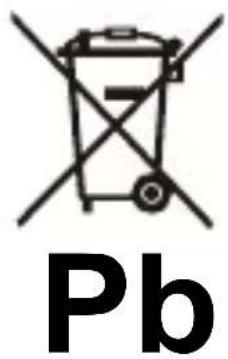
DÉCLARATION DE CONFORMITÉ
natural_image
Abstract geometric design with a white sphere, a white circle, and a gray book-like shape against a dark background (no text or symbols)SKYBT
Leitor de MP4 com Bluetooth
Guia de usuario
natural_image
Simple diagram with a cross and downward arrow, no text or symbols presentnatural_image
Black and white soccer ball with a cross symbol and downward arrow, no text or labels presentnatural_image
Illustration of basic geometric shapes including a cross, eraser, pencil, and paper (no text or symbols)natural_image
Simple graphic with a black 'X' and a sunburst shape (no text or symbols)natural_image
Simple illustration of a cloud with raindrops and a cross symbol (no text or labels)natural_image
Illustration of a hand holding a mobile phone inside a circle (no text or symbols)natural_image
Silhouette of a person sitting on a chair with a downward arrow, symbolizing decline or reduction (no text or symbols present)natural_image
Simple line drawing of a hand holding a piece of paper (no text or symbols)
natural_image
Simple line drawing of a spray bottle with a stopper and a cross symbol (no text or labels)flowchart
graph LR
    A["Electrical outlet"] --> B["Printer with printer icon"]
    B --> C["Hand holding paper"]
natural_image
Simple line drawing of a screwdriver and a cross symbol (no text or labels)natural_image
Diagram showing a rectangular object with internal structure and four cylindrical elements below, no text or symbols present.natural_image
Simple diagram showing a black downward arrow pointing to a flat surface next to a wall-mounted switch (no text or symbols)3. MENU
natural_image
Warning symbol with a sine wave inside a triangle (no text or numbers)natural_image
Symbol of a trash bin with crossed lines indicating no waste, and a solid black rectangle below (no text or labels)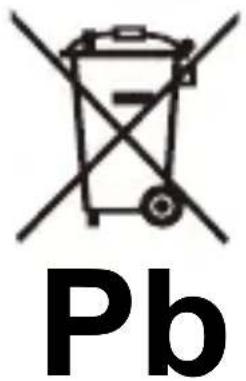
For you. For everyone.

Brand : Sunstech
Model : SKYBT
Category : Mp3 player