Q60 Coupe (2012) - Car INFINITI - Free user manual and instructions
Find the device manual for free Q60 Coupe (2012) INFINITI in PDF.


| Brand | INFINITI |
| Model | Q60 Coupe |
| Year | 2012 |
| Category | Car |
| Engine Displacement | 3.7L V6 (3696 cc) |
| Horsepower | 330 hp @ 7000 rpm |
| Transmission | 7-speed automatic with manual shift mode |
| Drivetrain | Rear-wheel drive |
| Fuel Type | Premium unleaded (93 octane recommended) |
| Fuel Economy (city/highway) | 19 mpg city / 27 mpg highway |
| Seating Capacity | 4 (2+2) |
| Curb Weight | 3810 lbs (1728 kg) |
| Length | 183.1 in (4650 mm) |
| Width (including mirrors) | 71.8 in (1823 mm) |
| Height | 54.9 in (1395 mm) |
| Wheelbase | 112.2 in (2850 mm) |
| Trunk Capacity | 7.4 cu ft (210 L) |
| Fuel Tank Capacity | 17.9 gallons (67.8 L) |
| Safety Features | Front, side, and curtain airbags; ABS; Vehicle Dynamic Control; traction control |
| Maintenance Interval | Oil change every 7500 miles or 6 months; tire rotation every 7500 miles |
| Tire Pressure (front/rear) | 33 psi (230 kPa) front / 35 psi (240 kPa) rear |
Frequently Asked Questions - Q60 Coupe (2012) INFINITI
User questions about Q60 Coupe (2012) INFINITI
0 question about this device. Answer the ones you know or ask your own.
Ask a new question about this device
Download the instructions for your Car in PDF format for free! Find your manual Q60 Coupe (2012) - INFINITI and take your electronic device back in hand. On this page are published all the documents necessary for the use of your device. Q60 Coupe (2012) by INFINITI.
USER MANUAL Q60 Coupe (2012) INFINITI
For your safety, read carefully and keep in this vehicle.
2012 Infiniti G COUPE Owner's Manual

INFINITI.
Foreword
YourINFINITIrepresentsanewwayof thinkingaboutvehicledesign.ltintegrates advancedengineeringandsuperiorcraftsmanshipwithasimple,refinedaesthetic sensitivityassociatedwithtraditionalJapaneseculture.
Theresultisadifferentnotionofluxury andbeauty. Thecaritselfisimportant, but soisthesenseofharmonythatthevehicle evokesinitsdriver, andthesenseof satisfactionyoufeelwiththeINFINITI—fromthewayitlooksanddrivestothehigh levelofretailerservice.
ToensurethatyouenjoyyourINFINITIto thefullest,weencourageyoutoreadthis Owner'sManualimmediately.Itexplains allofthefeatures,controlsandperformancecharacteristicsofyourINFINITI;it alsoprovidesimportantinstructionsand safetyinformation.
AseparateWarrantyInformationBooklet isincludedinyourOwner'sliterature portfolio. TheINFINITIServiceandMaintenanceGuideexplainsdetailsabout maintainingandservicingyourvehicle. Alwayscarryitwithyouwhenyoutake yourvehicletoanINFINITIretailer.The WarrantyInformationBookletcontents providecompleteinformationaboutall
warrantiescoveringthisvehicle,there- requirementstokeepthewarrantiesineffect aswellastheINFINITIRoadsideAssis- tanceprogram.
Additionally, a separate Customer Care and Lemon Law Information Booklet will explain how to resolve any concerns you may have with your vehicle, as well as clarify your rights under your state's lemon law.
Inadditiontofactoryinstalledoptions, yourvehiclemayalsobeequippedwith additionalaccessoriesinstalledbyINFINITI orbyyourINFINITlretailerpriortodelivery. Itisimportantthatyoufamiliarizeyourself withalldisclosures,warnings,cautions andinstructionsconcerningproperuseof suchaccessoriespriortooperatingthe vehicleand/oraccessory.SeeanINFINITI retailerfordetailsconcerningtheparticularaccessorieswithwhichyourvehicleis equipped.
READFIRST—THENDRIVESAFELY
Beforedrivingyourvehicle,readyour Owner's Manualcarefully.Thiswillensure familiaritywithcontrolsandmaintenance requirements,assistingyouinthesafe operationofyourvehicle.

WARNING
IMPORTANT SAFETY INFORMATION REMIN- DERS FOR SAFETY!
Followtheseimportantdrivingrulestohelp ensureasafeandcomfortabletripforyou andyourpassengers!
- NEVERdriveundertheinfluenceof alcoholordrugs.
- ALWAYSobservepostedspeedlimits and never drive too fast for conditions.
- ALWAYSgiveyourfullattentionto driving andavoidusingvehiclefeatures ortakingotheractionsthatcoulddistract you.
-
ALWAYSuseyourseatbeltsandappropriatechildrestraintsystems.Pre-teen childrenshouldbeseatedintherear seat.
-
ALWAYSprovideinformationaboutthe properuseofvehiclesafetyfeaturesto allocupantsofthevehicle.
- ALWAYSreviewthisOwner'sManualfor importantsafetyinformation.
MODIFICATIONOFYOURVEHICLE
This vehicles should not be modified. Modification could affect its performance, safetyordurability, and may even violate governmental regulations. In addition, damageor performance problems resulting from modification will not be recovered under the INFINITI warranties.
WHENREADINGTHEMANUAL
Thismanualincludesinformationforall optionsavailableonththismodel.Therefore, youmayfindsomeinformationthatdoes notapplytoyourvehicle.
Allinformation, specifications and illustrations in this manual are those effective at the time of printing. INFINITI reserves the right to changes specifications or design at any time without notice.
IMPORTANTINFORMATIONABOUT THISMANUAL
Youwillseevarious symbols in this manual. They are used in the following ways:

WARNING
Thisisusedtoindicatethepresenceofa hazardthatcouldcausedeathorserious personalinjury.Toavoidorreducetherisk, theproceduresmustbefollowedprecisely.

CAUTION
Thisisusedtoindicatethepresenceofa hazardthatcouldcauseminorormoderate personalinjuryordamagetoyourvehicle. Toavoidorreducetherisk, theprocedures mustbefollowedcarefully.

text_image
SIC0697If you seethesymbol above, it means "Do not do this" or "Do not let this happen".


If you see easy symbols similar to those above in an illustration, it means the arrow points to the front of the vehicle.


Arrowsinanillustrationthataresimilarto thoseaboveindicatemovementoration.


Arrowsinanillustrationthataresimilarto
thoseabovecallattentiontoaniteminthe illustration.
CALIFORNIAPROPOSITION65 WARNING

WARNING
EngineExhaust, some of its constituents, and certain vehicle components contain or their chemical unknown to the State of Californiatocause cancer and birth defects or other reproductive harm. In addition, certain fluids contained in vehicles and certain product of component wear contain or methylchemicals known to the State of Californiatocause cancer and birth defects or other reproductive harm.
CALIFORNIAPERCHLORATEADVI- SORY
Somevehicleparts,suchaslithium batteries,maycontainperchloratematerial.Thefollowingadvisoryisprovided: "PerchlorateMaterial-specialhandling may apply, See www.dtsc.ca.gov/hazardouswaste/perchlorate."

Bluetooth
BLUETOOTH ^® isatrademark ownedbyBluetoothSIG,Inc., andlicensedtoVisteonCor-porationandClarionCo.,Ltd.

gracenote
Gracenote® isaregisteredtrademarkofGracenote,Inc.The Gracenotelogoandlogotype, andthe"PoweredbyGracenote" logoaretrademarksofGracenote.

XMRadio ^® requiressubscription,soldseparately.NotavailableinAlaska,HawaiiorGuam. Formoreinformation,visitwww.xmradio.com.

INFINITI®
Both INFINITI and your INFINITI retailer are dedicated to serving all your automotive needs. Your satisfaction with your vehicle and your INFINITI retailer are our primary concerns. Your INFINITI retailer is always available to assist you with all your automobile sales and service needs.
However, if there is something that your INFINITlretailer cannot assist you with or you would like to provide INFINITl directly with comments or questions, please contact our INFINITl's Consumer Affairs Department usingourtoll-freenumber:
ForU.S.customers
1-800-662-6200
ForCanadiancustomers
1-800-361-4792
The Consumer Affairs Department will ask for the following information:
-Yourname,address,andtelephone number
●Vehicleidentificationnumber(ondash panel)
- Dateofpurchase
●Currentodometerreading
-YourINFINITretailer'sname
-Yourcommentsorquestions
YoucanwritetoINFINITIwiththeinformationontheleftat:
ForU.S.customers
INFINITIDivision
NissanNorthAmerica, Inc.
ConsumerAffairsDepartment
P.O.Box685003
Franklin,TN37068-5003
orviae-mailat:
nnaconsumeraffairs@nissan-usa.com
ForCanadiancustomers
INFINITIDivision
NissanCanadaInc.
5290OrbitorDrive
Mississauga,OntarioL4W4Z5
orviae-mailat:
information.centre@nissancanada.
com
Ifyouperfer, visitusat:
www.infinitiUSA.com(forU.S.customers) or
www.infiniti.ca(forCanadiancustomers)
WeappreciateyourinterestinINFINITland thankyouforbuyingaqualityINFINITI vehicle.
Tableof Contents
| Illustratedtableofcontents |
| Safety—Seats,seatbeltsandsupplementalrestraint system |
| Instrumentsandcontrols |
| Pre-drivingchecksandadjustments |
| Monitor,climate,audio,phoneandvoicerecognition systems |
| Startinganddriving |
| Incaseofemergency |
| Appearanceandcare |
| Maintenanceanddo-it-yourself |
| Technicalandconsumerinformation |
| Index |
| 0 |
| 1 |
| 2 |
| 3 |
| 4 |
| 5 |
| 6 |
| 7 |
| 8 |
| 9 |
| 10 |
0Illustratedtableofcontents
Seats,seatbeltsandSupplementalRestraint
System(SRS)....0-2
Exteriorfront....0-3
Sedan....0-3
Coupe....0-4
Exteriorrear....0-5
Sedan....0-5
Coupe....0-6
Exterior(Coupe/INFINITIPerformanceLine,
AerodynamicPackagemodels)....0-7
Passengercompartment....0-8
Sedan....0-8
Coupe....0-9
Cockpit....0-10
Instrumentpanel....0-11
Metersandgauges....0-13
Enginecompartment....0-14
VQ25HR/VQ37VHRengine....0-14
Warningandindicatorlights....0-15
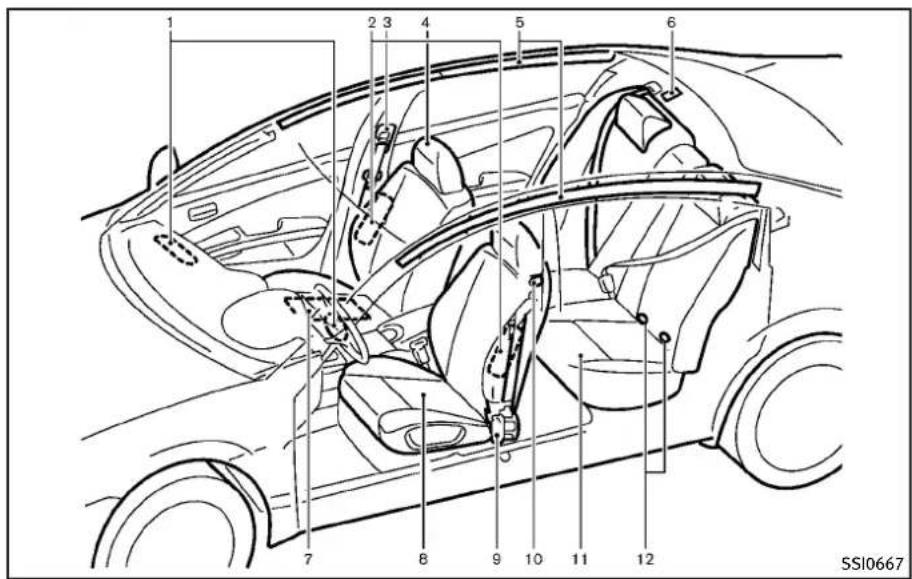
SEATS, SEATBELTSANDSUPPLEMENTAL RESTRAINTSYSTEM(SRS)
text_image
1 2 3 4 5 6 7 8 9 10 11 12 SSI0667- Supplementalfront-impactairbags (P.1-41)
-
Frontseat-mountedside-impactsupplementalairbags(P.1-41)
3.Seatbelts(P.1-14)
4.Headrestraints(P.1-9) -
Roof-mounted curtainside-impact supplementalairbags(P.1-41)
- Childrestraintanchorpoints(fortop tetherstrapchildrestraint)(P.1-27)
- Occupantclassificationsensor(patternsensor)(P.1-46)
0-2 Illustratedtableofcontents
8.Frontseats(P.1-3)
9.Seatbeltswithpretensioners(P.1-54)
10. Rearseatwalk-inmechanism(Coupe) (P.1-6)
11. Rearseats(P.1-7)
—Childrestraints(P.1-23)
12.LATCH(LowerAnchorsandTethersfor CHildren)system(P.1-25)
EXTERIORFRONT
text_image
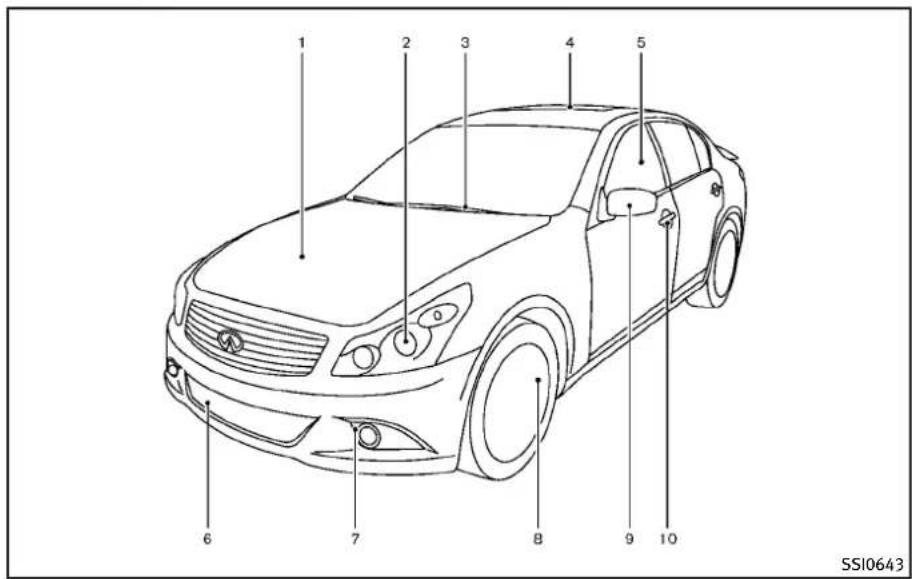
1 2 3 4 5 6 7 8 9 10 SSI0643SEDAN
1.Hood(P.3-18)
2.Headlightandturnsignal
-Operation(P.2-34)
—Bulbreplacement(P.8-28)
3.Windshieldwiperandwasher
-Operation(P.2-31)
—Maintenance(P.8-22)
4.Moonroof(ifsoequipped)(P.2-55)
5.Powerwindows(P.2-52)
6.Recoveryhook(P.6-13)
7.Foglight(P.2-39)
8.Tires
—Wheelandtires(P.8-33,P.9-9)
—Flattire(P.6-2)
—Tirepressuremonitoringsystem
(TPMS)(P.2-15,P.5-4)
- Outsidemirrors(P.3-29)
10.Doors
—Keys(P.3-2)
—Doorlocks(P.3-4)
—IntelligentKeysystem(P.3-7)
—Remotekeylessentrysystem
(P.3-14)
text_image
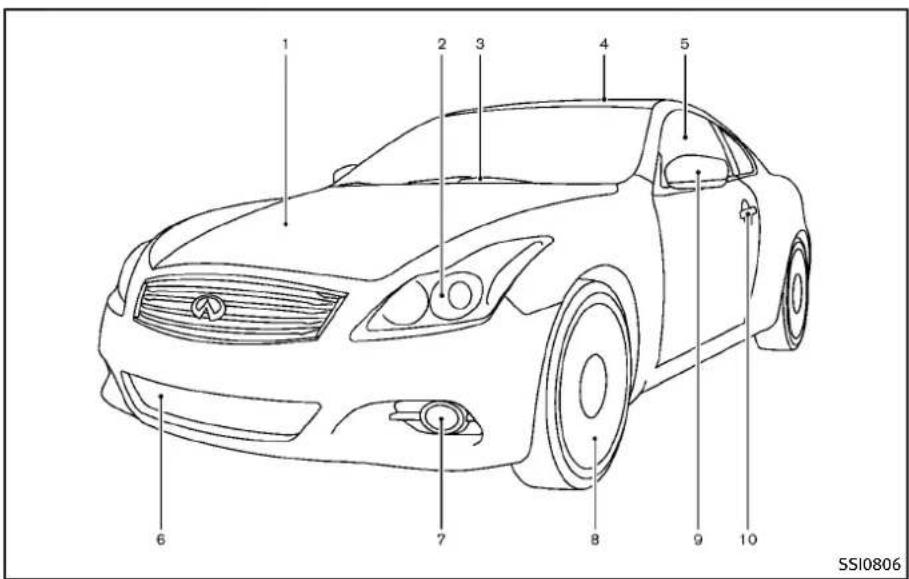
1 2 3 4 5 6 7 8 9 10 SSI0806COUPE
1.Hood(P.3-18)
2.Headlightandturnsignal
-Operation(P.2-34)
—Bulbreplacement(P.8-28)
3.Windshieldwiperandwasher
-Operation(P.2-31)
—Maintenance(P.8-22)
4.Moonroof(ifsoequipped)(P.2-55)
5.Powerwindows(P.2-52)
6.Recoveryhook(P.6-13)
0-4 Illustratedtableofcontents
7.Foglight(P.2-39)
8.Tires
—Wheelandtires(P.8-33,P.9-9)
—Flattire(P.6-2)
—Tirepressuremonitoringsystem
(TPMS)(P.2-15,P.5-4)
- Outsidemirrors(P.3-29)
10.Doors
—Keys(P.3-2)
—Doorlocks(P.3-4)
—IntelligentKeysystem(P.3-7)
—Remotekeylessentrysystem
(P.3-14)
EXTERIORREAR

text_image
1 2 3 4 5 6 7 8 9JVC0207X
(P.4-23)
7.Sonarsystem(ifsoequipped)(P.5-48)
8.Trunk
—IntelligentKeysystem(P.3-7)
—Remotekeylessentrysystem
(P.3-14)
-Trunklid(P.3-18)
- Childsafetyreardoorlocks(P.3-6)
SEDAN
- High-mounted stoplight (Bulbreplacement) (P.8-28)
2.Rearwindowdefroster(P.2-34) - Rearcombinationlight(Bulbreplacement)(P.8-28)
4.Satelliteantenna(P.4-42)
5.Fuel-fillerdoor
—Operation(P.3-23)
—Fuelrecommendation(P.9-4)
6.Rearviewcamera(ifsoequipped)

text_image
Technical diagram of a car front view with numbered parts for identificationSSI0685
—IntelligentKeysystem(P.3-7)
—Remotekeylessentrysystem (P.3-14)
—Trunklid(P.3-18)
7.Sonarsystem(ifsoequipped)(P.5-48)
- Rearcombinationlight(Bulbreplacement)(P.8-28)
9.Fuel-fillerdoor
—Operation(P.3-23)
—Fuelrecommendation(P.9-4)
COUPE
-
High-mounted stoplight(model with arearspoiler)(Bulbreplacement) (P.8-28)
-
High-mounted stoplight(model without-carear spoiler)(Bulbreplacement) (P.8-28)
0-6 Illustratedtableofcontents
- Rearwindowdefroster(P.2-34)
4.Satelliteantenna(P.4-42)
- Rearviewcamera(ifsoequipped) (P.4-23)
6.Trunk
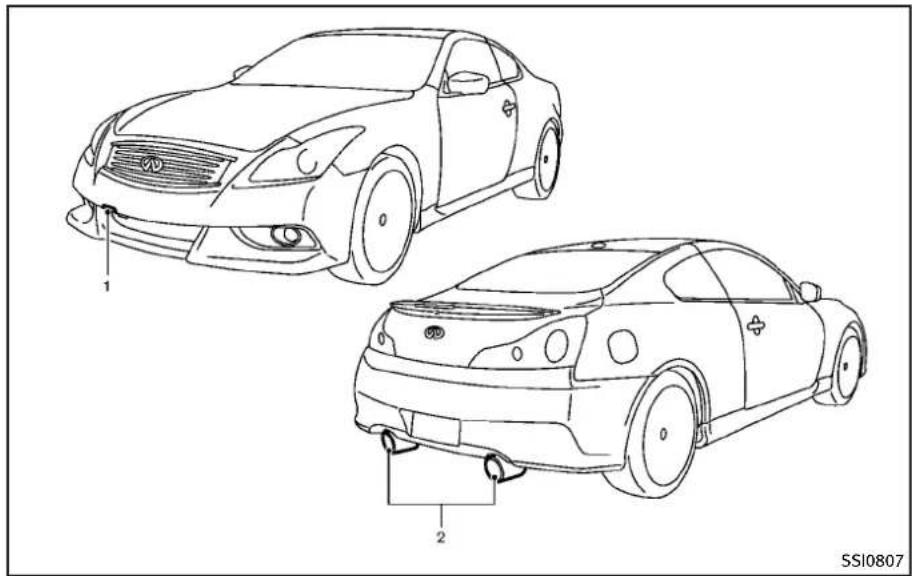
EXTERIOR(Coupe/INFINITIPerformance Line, AerodynamicPackagemodels)
natural_image
Line drawings of two car body parts, one front and one side, with no visible text or symbols.ForINFINITICoupe/INFINITIPerformance Line, AerodynamicPackagemodels, the vehiclepartslistedbelowrequirespecial careorcautionfortreating. Referto additionalinformationineachsection.
1. Recoveryhook(P.6-13)
2. Exhaustpipes(forINFINITIPerformanceLinemodel)(P.3-21)
PASSENGERCOMPARTMENT
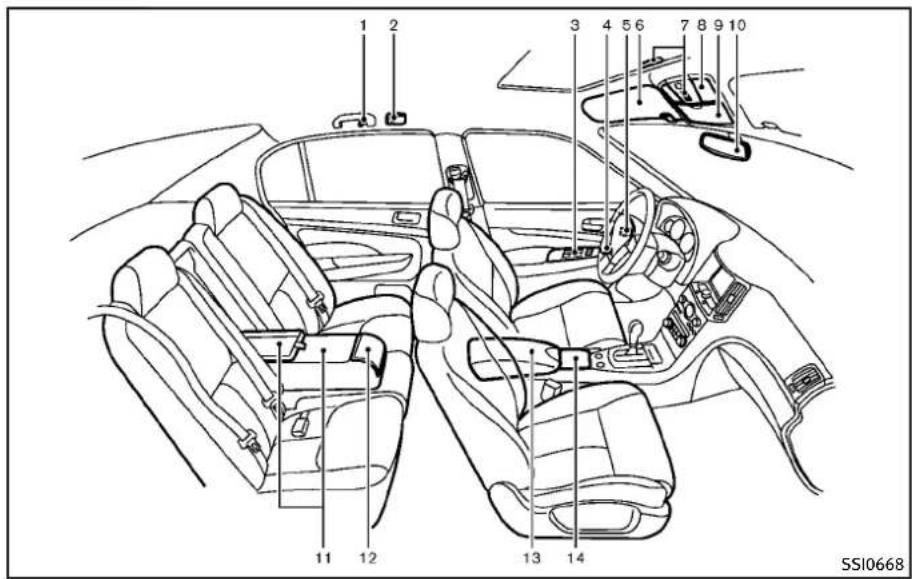
text_image
1 2 3 4 5 6 7 8 9 10 11 12 13 14 SSI0668SEDAN
- Coathooks(P.2-50)
- Rearpersonallight(P.2-57)
3.Powerwindows(P.2-52) -
Outsidemirrorremotecontrolswitch (P.3-29)
-
Automaticdrivepositionerswitch(if soequipped)(P.3-31)
6.Sunvisors(P.3-27) - Moonroofswitch(ifsoequipped) (P.2-55)
0-8 Illustratedtableofcontents
- Maplight(P.2-56)
9.Sunglassesholder(P.2-47)
- Insiderearviewmirror
—Operation(P.3-28)
—HomeLink ^® (ifsoequipped)
(P.2-59)
—Compass(ifsoequipped)(P.2-9)
- Trunkpass-through/Reararmrest (P.1-13)
12.Rearcupholders(P.2-45)
13.Consolebox
—Poweroutlet(P.2-43)
—Auxiliary inputjacks (ifso equipped)(P.4-85)
—USB input operation (if so equipped)(P.4-66)
—iPod ^® playeroperation(ifso equipped)(P.4-75)
14.Frontcupholders(P.2-45)

text_image
1 2 3 4 5 6 7 8 9 10 11 12 SSI0669COUPE
1.Coathooks(P.2-50)
2.Powerwindows(P.2-52)
3. Outsidemirrorremotecontrolswitch (P.3-29)
4.Automaticdrivepositionerswitch(if
soequipped)(P.3-31)
5.Sunvisors(P.3-27)
6.Moonroofswitch(ifsoequipped) (P.2-55)
7.Maplight(P.2-56)
8.Sunglassesholder(P.2-47)
9.Insiderearviewmirror
—Operation(P.3-28)
—HomeLink ^® (ifsoequipped)
(P.2-59)
—Compass(ifsoequipped)(P.2-9)
10.Rearcupholders(P.2-45)
11.Consolebox
—Poweroutlet(P.2-43)
—Auxiliary input jacks (if so equipped)(P.4-85)
—USB input operation (if so equipped)(P.4-66)
—iPod ^® playeroperation(ifso equipped)(P.4-75)
12.Frontcupholders(P.2-45)
COCKPIT

text_image
1 2 3 4 5 6 7 8 9 10 11 12 13 14 15 16 SIC4683- VehicleDynamicControl(VDC)OFF switch(P.5-55)
- Trunklidreleaseswitch(P.3-19)
-
Sonarsystemoffswitch (ifso equipped)(P.5-50)
-
Instrument brightness control switch (P.2-38)
5.TRIP/RESETswitchfortwintripodometer(P.2-7) - Headlight, foglight and turnsignal switch (P.2-34)
0-10 Illustratedtableofcontents
7.Paddleshifter(ifsoequipped)(P.5-16)
- Steering-wheel-mounted controls(left side)
—ENTERortuningswitch(P.4-87)
—BACKswitch(P.4-87)
—TALKswitch(ifsoequipped)
(P.4-114)/Phoneswitch(ifso equipped)(P.4-90)
—Volumecontrolswitches(P.4-87)
—Sourceselectswitch(P.4-87)
9.Tripcomputerswitch(P.2-26)
- Windshieldwiperandwasherswitch (P.2-31)
- Steering-wheel-mounted controls (rightside)
—Cruisecontrolswitches(P.5-21)
—IntelligentCruiseControl(ICC)
switches(ifsoequipped)(P.5-23)
12.Hoodreleasehandle(P.3-18)
13.IntelligentKeyport(P.5-12)
14. Electrictilting/telescopicsteering wheellever(ifsoequipped)(P.3-26)
15. Manualtilting/telescopicsteering wheellever(ifsoequipped)(P.3-26)
16.Steeringwheel
— Horn(P.2-40)
— Driversupplementalairbag (P.1-41)
INSTRUMENTPANEL
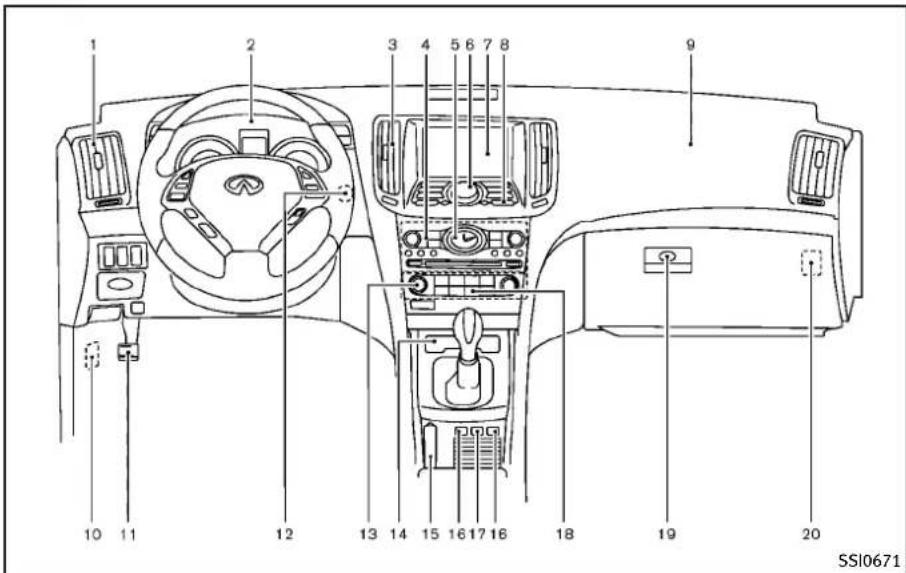
text_image
1 2 3 4 5 6 7 8 9 10 11 12 13 14 15 16 17 18 19 20 SSI0671- Sideventilator(P.4-30)
2.Metersandgauges(P.2-6) - Centerventilator(P.4-30)
4.Audiosystem(P.4-41) - Clock(P.2-42)
- Centermulti-functioncontrolpanel
—Navigation system* (if so equipped)
—Vehicleinformationandsetting buttons(P.4-9)
—Bluetooth ^® Hands-FreePhoneSystem(ifsoequipped)(P.4-90,P.4-100)
—Audiosystem(P.4-41)
- Centerdisplay(P.4-3)/Navigationsystem*(ifsoequipped)
8.Hazardwarningflasherswitch(P.2-39) - Frontpassengersupplementalairbag (P.1-41)
10.Fuseboxcover(P.8-24) - Parkingbrake(forAutomaticTransmissionmodels)
—Parking(P.5-20)
12.Push-buttonignitionswitch(P.5-9) - Automaticclimatecontrolsystem (P.4-31)
- Cigarettelighterandashtray(ifso equipped)(P.2-44)orstoragebox(if soequipped)(P.2-50) —Poweroutlet(ifsoequipped) (P.2-43)
- Parkingbrake(forManualTransmissionmodels)
—Parking(P.5-20)
16.Heatedseatswitch(ifsoequipped) (P.2-40)
17.SNOWmodeswitch(ifsoequipped) (P.2-41) - Rearwindowandoutsidemirror(ifso equipped)defrosterswitch(P.2-34)
Illustratedtableofcontents0-11
-
Gloveboxlidreleasehandle(P.2-47)
-
Trunkreleasepowercancelswitch (P.3-20)
*:Referto these separate Navigation SystemOwner's Manual.
0-12 Illustratedtableofcontents
METERSANDGAUGES
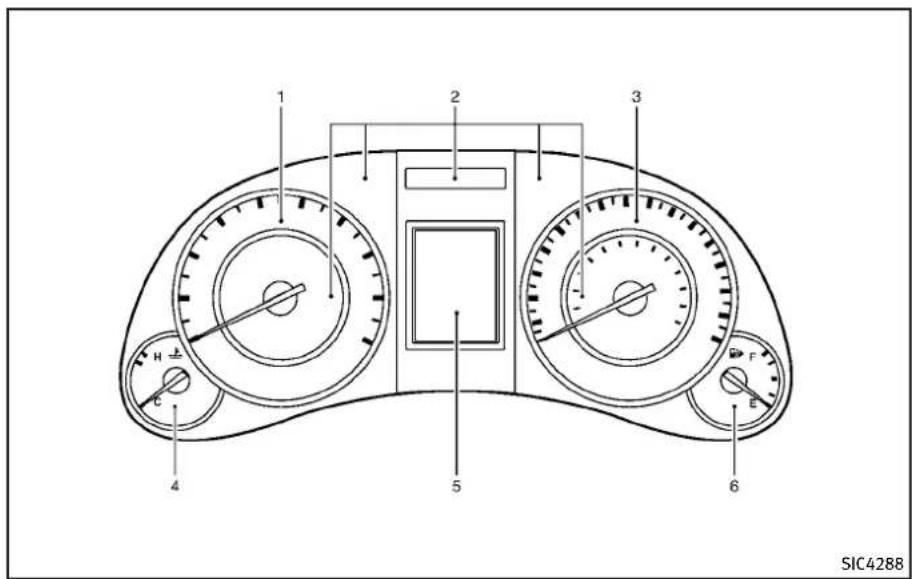
text_image
1 2 3 4 5 6 SIC42881.Tachometer(P.2-8)
2. Warning/Indicatorlights(P.2-12)
3.Speedometer(P.2-7)
4. Enginecoolanttemperaturegauge (P.2-8)
5.Dotmatrixliquidcrystaldisplay/
Odometer/twintripodometer
(P.2-20)
6.Fuelgauge(P.2-9)
ENGINECOMPARTMENT
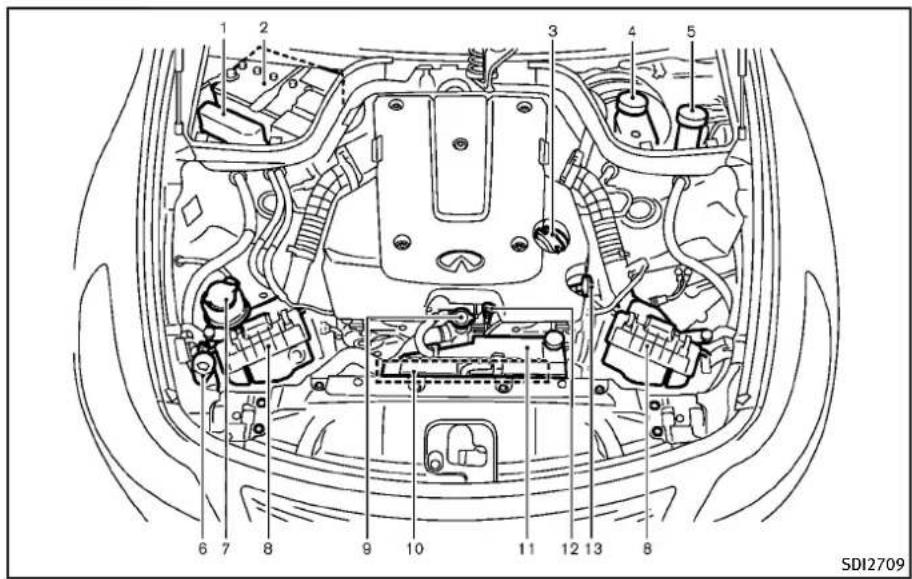
text_image
1 2 3 4 5 6 7 8 9 10 11 12 13 8 SDI2709VQ25HR/VQ37VHRENGINE
- Fuse/fusiblelinkholder(P.8-24)
2.Battery(P.8-17) - Engineoilfillercap(P.8-11)
- Brakefluidreservoir(P.8-15)
- Clutchfluidreservoir(ManualTrans-
missionmodels)(P.8-15)
- Windowwasherfluidreservoir (P.8-16)
7.Powersteeringfluidreservoir(P.8-14)
8.Aircleaner(P.8-21)
0-14 Illustratedtableofcontents
9.Radiatorfillercap(P.8-9)
10.Drivebelts(P.8-19)
11.Coolantreservoir(P.8-9)
12. Engineoildipstick(forVQ37VHR enginemodel)(P.8-11)
13. Engineoildipstick(forVQ25HRe-ginemodel)(P.8-11)
WARNINGANDINDICATORLIGHTS
| Warning light | NamePage | |
| AWD | All-WheelDrive(AWD)warning light(AWDmodels)* | 2-12 |
| ABS(ABS) | Anti-lockBrakingSystem(ABS) warninglight | 2-13 |
| AT CHECK | AutomaticTransmissioncheck warninglight | 2-13 |
| BRAKE(1) | Brakewarninglight2-13 | |
| Chargewarninglight2-14 | ||
| Engineoilpressurewarning light | 2-14 | |
| 4WAS | 4WheelActiveSteer(4WAS) warninglight* | 2-14 |
| CRUISE | IntelligentCruiseControl(ICC) systemwarninglight(orange)* | 2-15 |
| KEY | IntelligentKeysystemwarning light | 2-15 |
| Lowtirepressurewarninglight2-15 | ||
| Masterwarninglight2-16 | ||
| CRUISE | PreviewFunctionwarninglight (orange)* | 2-16 |
| Seatbeltwarninglight2-17 |
| Warning light | NamePage | |
| Supplementalairbagwarning light | 2-17 | |
| VehicleDynamicControl(VDC) warninglight | 2-17 |
| Indicator light | NamePage | |
| AutomaticTransmissionpositionindicatorlight* | 2-18 | |
| Frontfoglightindicatorlight2-18 | ||
| Frontpassengerairbagstatus light | 2-18 | |
| Highbeamindicatorlight2-18 | ||
| Lowbeamindicatorlight2-18 | ||
| MalfunctionIndicatorLight (MIL) | 2-18 | |
| Securityindicatorlight2-19 | ||
| Turnsignal/hazardindicator lights | 2-19 | |
| VehicleDynamicControl(VDC) offindicatorlight | 2-19 |
*:ifsoequipped
MEMO
0-16 Illustratedtableofcontents
1 Safety—Seats, seatbeltsandsupplemental restraintsystem
Seats....1-2
Frontseats....1-3
Rearseats....1-7
Headrestraints....1-9
Armrest(ifsoequipped)....1-13
Seatbelts....1-14
Precautionsonseatbeltusage....1-14
Pregnantwomen....1-16
Injuredpersons....1-16
Pre-crashseatbelts(frontseats)(if
soequipped)....1-16
Three-pointtypeseatbelt....1-16
Seatbeltextenders....1-20
Seatbeltmaintenance....1-21
Childsafety....1-21
Infants....1-22
Smallchildren....1-22
Largerchildren....1-22
Childrestraints....1-23
Precautionsonchildrestraints....1-23
LowerAnchorsandTethersforChildren
System(LATCH)....1-25
Rear-facingchildrestraintinstallation
usingLATCH....1-27
Rear-facingchildrestraintinstallationusing
theseatbelts....1-29
Forward-facingchildrestraintinstallation
usingLATCH....1-32
Forward-facingchildrestraintinstallation
usingtheseatbelts....1-33
Installingtoptetherstrap....1-37
Boosterseats....1-37
Supplementalrestraintsystem....1-41
Precautionsonsupplemental
restraintsystem....1-41
INFINITIAadvancedAirBagSystem
(frontseats)....1-46
Frontseat-mountedside-impactsupplemental
airbagandroof-mountedcurtainside-impact
supplementalairbagsystems....1-52
Seatbeltswithpretensioners(frontseats)....1-54
Supplementalairbagwarninglabels......1-55
Supplementalairbagwarninglight......1-55
Repairandreplacementprocedure......1-56
SEATS

natural_image
Line drawing of a person sitting in a car, showing seatbelt and dashboard (no text or symbols)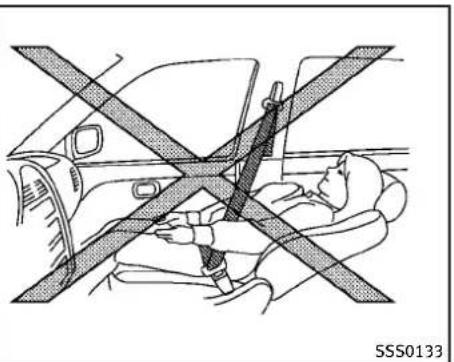
natural_image
Diagram showing a person seated in a car with a car seatbelt crossed, no text or symbols present
WARNING
- Donotrideinamovingvehiclewhenthe seatbackisreclined.Thiscanbedangerous.Theshoulderbeltwillnotbe againstyourbody.Inanaccident,you couldbethrownintoitandreceiveneck orotherseriousinjuries.Youcouldalso slideunderthelapbeltandreceive seriousinternalinjuries.
- Forthemosteeffectiveprotectionwhen thevehicleisinmotion,theseatshould beupright.Alwayssitwellbackinthe
seatwithbothfeetonthefloorand adjusttheseatbeltproperly.See"Precautionsonseatbeltusage"(P.1-14).
●Afteradjustment, gentlyrockintheseat tomake sureitissecure lylocked.
- Donotleavechildrenunattendedinside thevehicle.Theycouldunknowingly activateswitchesorcontrols.Unattendedchildrencouldbecomeinvolved inseriousaccidents.
•Theseatbackshouldnotbereclined furtherthannecessaryforcomfort.Seat beltsaremosteffectivewhenthepas-
sengersitswellbackandstraightupin theseat.Iftheseatbackisreclined,the riskofslidingunderthelapbeltand beinginjuredisincreased.

CAUTION
When adjusting theseatpositions, besure nottocontactanymovingpartstoavoid possibleinjuriesand/ordamages.
1-2 Safety—Seats, seat belts and supplemental restraintsystem
FRONTSEATS
Frontpowerseatadjustment
Operatingtips:
●Thepowerseatmotorhasanauto-reset overloadprotectioncircuit.Ifthemotor stopsduringoperation,wait30seconds,thenreactivatetheswitch.
- Donotoperatethepowerseatswitch foralongperiodoftimewhenthe engineisoff. Thiswilldischarge the battery.
See "Automaticdrivepositioner"(P.3-31) fortheseatpositionmemoryfunction(ifso equipped).

text_image
① ② SSS1051Forwardandbackward:
Movingtheswitch ① forwardorbackward willslidetheseatforwardorbackwardto thedesiredposition.
backcanbereclinedtoallowoccupantsto restwhenthevehicleisparked.
Reclining:
Movethereclineswitch ② backwarduntil thedesiredangleisobtained.Tobringthe seatbackforwardagain,movetheswitch ② forward.
Therecliningfeatureallowsadjustmentof theseatbackforoccupantsofdifferent sizesforaddedcomfortandtohelpobtain properseatbeltfit.(See"Precautionson seatbeltusage"(P.1-14).)Also,theseat-
Safety—Seats,seatbeltsandsupplementalrestraintsystem1-3

text_image
SSS1052Seatlifter:
Pushthefrontorrearendoftheswitchup ordowntoadjusttheangleofthefront portionorheightoftheseat.
Lumbarsupport(ifsoequipped):
Thelumbarsupportfeatureprovideslower backsupporttothedriver.
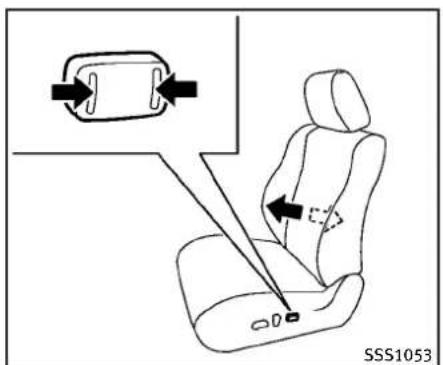
text_image
SSS1053TypeA
Pushthefrontorbackendoftheswitchto adjusttheseatbacklumbararea.

text_image
① SSS0836TypeB
TypeB
Movethelever ① upordowntoadjustthe seatbacklumbararea.
1-4 Safety—Seats, seat belts and supplemental restraintsystem

text_image
① ③ ② ④ ③ ④ ① ② SSS0685Sidesupport(ifsoequipped):
Thesidesupportfeatureprovidesthigh andtorsosupports.Pushtheswitchinside ① oroutside ② toadjustthethigharea. Pushtheswitchinside ③ oroutside ④ to adjustthetorsoarea.
text_image
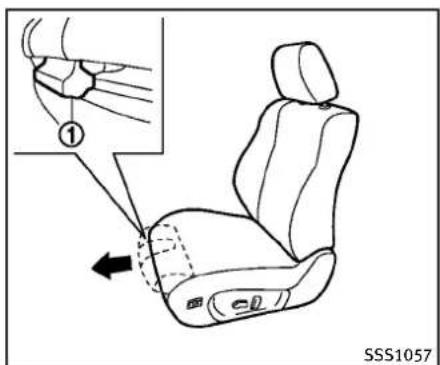
① SSS1057Thighextension(ifsoequipped):
Thefrontportionofthefrontseatscanbe extendedforwardforseatingcomfort.Pull upandholdthelever ① toextendthe frontportiontothedesiredposition.

text_image
SSS1058Passenger'sseatslide(ifsoequipped):
Pushingthepassenger'sseatslideswitch willslidetheseatforwardorbackwardto thedesiredposition.
text_image
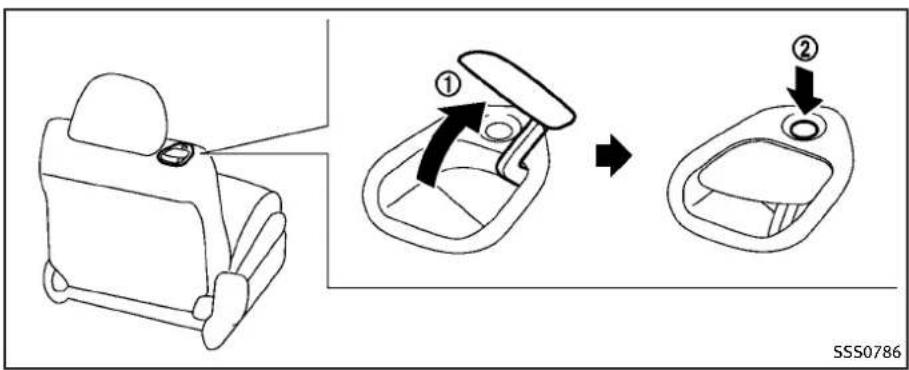
① ② SSS0786Walk-inmechanism(Coupe):
Thisfeaturemakesiteasiertogetinand outoftherearseat. Usethefollowing procedurewhengettinginandoutofthe rearseat.
If the sunvisorised, close it to the original position before operating the walk-in feature.
- Pulltheseatbackleverupward ① to foldthefrontseatbackdown.Make surethatthefrontseatbackiscompletelyfoldeddown.
2.Toslidethefrontseatforward, firmly pushtheseatbackswitch ②. Thefront
seatwillmoveforward.
3.Getinoroutofthevehicle.
4. Toreturnthefrontseattoitsoriginal position, raisetheseatback and push theseatback switch ② again.
- Tostoptheseatsliding, pushthe seatbackswitch ② againorpushthe seatslidingswitch.
●Thefrontpassengerseatwillstop returning7.0in(177.6mm)fromits front-mostpositiontoretainspacefor therearpassenger.
- Depending on these seat position, the head restraint may contact the proof
headliningduringthewalk-inoperation.Topreventpossibleinterference, lowertheseatusingtheseatlifter switch.

CAUTION
- When returning these atto its original position, confirm these at and seat back are locked properly.
- Becarefulnottopinchyourhandorfoot orbumpyourheadwhenoperatingthe walk-inseat.
●Whileoperatingthewalk-inseat, donot operatetheseatback recliningswitch. Therecliningmotormaybedamaged. - Donotplaceanyobjectsnearthe seatbackofthefrontseats.Theymay bepinchedanddamaged.
The automatic forwarding and reversing will not work or stop under the following conditions:
- Whenthevehiclespeedisabove4MPH (7km/h)(driver'sseatonly).
- Whentheseatbeltisfastened.
- WhentheselectorleverisnotintheP (Park)position(AutomaticTransmis-
sionmodel'sdriver'sseat)orthe parkingbrakeisnotapplied(Manual Transmissionmodel'sdriver'sseat).
- Whenthedoorisclosed(automatic forwardingonly).
●Whiletheautomaticdrivepositioner operates. - When the automatic drive positioner switches are pushed.
- Whentheseatbackswitchispushed.
- Whentheseatpositionisadjusted. Notethattheseatmustbemovedtothe front-mostpositionbyoperatingthewalk-infunctionortheseatadjustingswitches afterthebatteryisdisconnected. Otherwise, theseatwillnotmovebackward duringthewalk-infunction.
REARSEATS
Folding(Coupeonly)

WARNING
●Neverallowanyonetorideinthecargo areaorontherearseatwhenitisinthe fold-downposition.Useoftheseareas bypassengerswithoutproperrestraints couldresultinseriousinjuryinan accidentorsuddenstop.
•Properlysecureallcargowithropesor strapstohelppreventitfromslidingor shifting.Donotplacecargohigherthan theseatbacks.Inasuddenstopor collision,unsecuredcargocouldcause personalinjury.
- When returning these seat back to the upright position, be certain they are completely secured in the elatched position. If they are not completely secured, passengers maybe injured in an accidentors sudden stop.
- Closelysupervisechildrenwhentheyare aroundcarstopreventthemfromplayingandbecominglockedinthetrunk wheretheycouldbeseriouslyinjured. Keepthecarlocked,withtherear
seatbackandtrunklidsecureylatched whennotinuse,andpreventchildren's accessstocarkeys.
Therearseatbackcanbefoldedaccording tothefollowingprocedure.

text_image
① SSS0220ATofoldfromthetrunk:
-
Openthetrunklid.
-
Pullthehandle ① locatedontheleft sideofthetrunk.Therearseatbackwill beunlatched.

text_image
② SSS0219A3.Foldtherearseatbackdown
②.

text_image
② ① SPA2122Tofoldfromtherearseat:
- Pullthestrap ① locatedatthecenter bottomoftheseatbacksideways. The rearseatbackwillbeunlatched.
2.Foldtherearseatbackdown ②.
1-8 Safety—Seats, seatbeltsandsupplementalrestraintsystem

natural_image
Line drawing of a car seat with a curved arrow indicating direction (no text or symbols)Toreturntheseatback:
- Folduptherearseatback.
- Securelylocktheseatbackinposition.
HEADRESTRAINTS

WARNING
Headrestraintssupplementtheothervehiclesafetysystems.Theymayprovideadditionalprotectionagainstinjuryincertain rearendcollisions.Adjusttheheadrestraintsproperly,asspecifiedinthissection.Checktheadjustmentaftersomeone elseusestheseat.Donotattachanything
totheheadrestraintstalksorremovethe headrestraint.Donotusetheseatifthe headrestrainthasbeenremoved.Ifthe headrestraintwasremoved,reinstalland properlyadjusttheheadrestraintbeforean occupantusestheseatingposition.Failure tofollowtheseinstructionscanreducethe effectivenessoftheheadrestraints.This mayincreasetheriskofseriousinjuryor deathinacollision.
natural_image
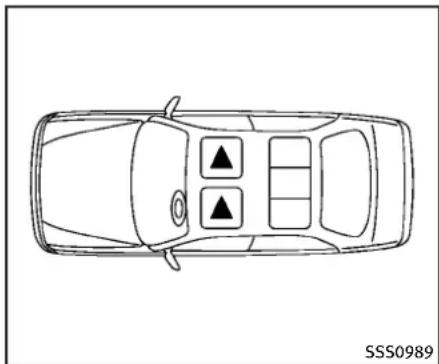
Top-down line drawing of a car with three black triangular indicators on the dashboard (no text or symbols)The illustrations show theseating positions equipped with headrestraints. The headrestraints are adjustable.
▲ Indicate theseating position is equipped with a head restraint.
text_image
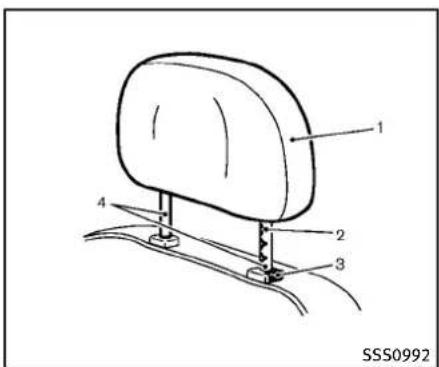
1 2 3 4 SSS0992Components
1.Headrestraint
2. Adjustmentnotches
3.Lockknob
4.Stalk

natural_image
Side profile illustration of a person seated in a car seat, viewed from the side (no text or symbols)Adjustment
Adjusttheheadrestraintsothecenteris levelwiththecenterofyourears.
natural_image
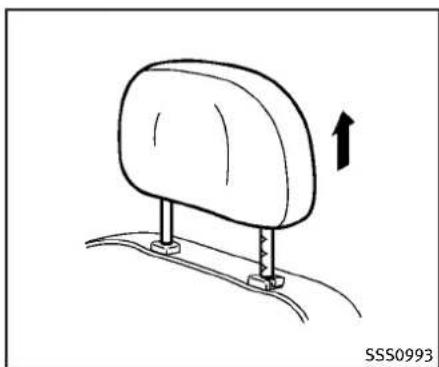
Diagram of a car seatbelt with an arrow indicating upward motion (no text or symbols)Toraisetheheadrestraint,pullitup.
1-10 Safety—Seats,seatbeltsandsupplementalrestraintsystem

natural_image
Diagram of a car seatbelt mechanism with directional arrows indicating movement (no text or symbols)Tolower, pushandholdthelockknoband pushtheheadrestraintdown.

natural_image
Diagram of a car seatbelt mechanism with directional arrows indicating motion (no text or symbols)Removal
Use the following procedure to remove the adjustable head restraints.
- Pulltheheadrestraintuptothehighest position.
2.Pushandholdthelockknob. - Removetheheadrestraintfromthe seat.
- Storetheheadrestraintproperlyina secureplacesoitisnotlooseinthe vehicle.
- Reinstallandproperlyadjustthehead restraintbeforeanoccupantusesthe
seatingposition.

text_image
① ② SSS0996
natural_image
Line drawing of a human head and arm with a hand holding a circular object, no text or symbols presentcertainrear-endcollisions. After the collision, the headrestraints return to their original positions.
AdjusttheActiveHeadRestraintsproperly asdescribedearlierinthissection.
Install
- Aligntheheadrestraintstalkswiththe holesintheseat.Makesurethatthe headrestraintisfacingthecorrect direction.Thestalkwiththeadjustment notches ① mustbeinstalledinthe holewiththelockknob ②.
- Pushandholdthelockknobandpush theheadrestraintdown.
- Properly adjust the head restraint before an occupant use of these seating position.
Front-seatActiveHeadRestraints
TheActiveHeadRestraintmovesforward utilizingtheforcethattheseatbackreceivesfromtheoccupantinarear-end collision. Themovementofthehead restrainthelpssupporttheoccupant's headbyreducingitsbackwardmovement andhelpingabsorbsomeoftheforcesthat mayleadtowhiplash-typeinjuries.
ActiveHeadRestraintsareeffectivefor collisionsatlowtomediumspeedsin whichitissaidthatwhiplash-typeinjury occursmost.
ActiveHeadRestraintsoperateonlyin
1-12 Safety—Seats, seat belts and supplemental restraintsystem
natural_image
Diagram of a car seatbelt with an arrow indicating rotation (no text or symbols)ARMREST(ifsoequipped)
Reararmrest
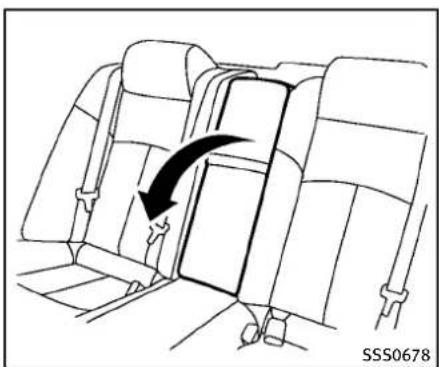
Pullthearmrestforwarduntilitishor- izontal.

text_image
① ② ③ SSS0677Trunkpass-through
Therearcenterseatbackcanbefoldedto allowtrunkaccessfrominsideofthe vehicle.
Toaccessthetrunk,pulldowntherear centerarmrestandpulloutthetrunkpass-throughlid ①.
Tolockthelid, usethemechanicalkey and turnittotheLOCK position ③. Tounlock, turnthemechanicalkey to the UNLOCK position ②. Forthemechanical key usage, see "Keys" (P.3-2).
Makesurethatthemechanicalkeyis removedfromthetrunkpass-throughlid
keycylinderbeforeopeningorclosingthe lid.Otherwisethelidandthereararmrest maybedamaged.
SEATBELTS
PRECAUTIONSONSEATBELTUSAGE
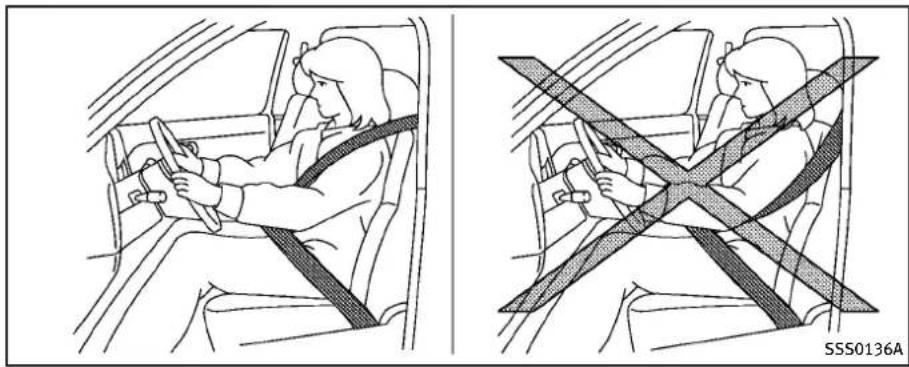
If you are wearing your seat belt properly adjusted, and you are sitting upright and well back in your seat with both feet on the floor, your chances of being injured or killed in an accident and or these severity of injury may begreatly reduced. INFINITI strongly encourages you and all of your passenger to buckle up every time you drive, even if your seating position includes as supplemental airbag.
MostU.S.statesandCanadianprovinces orterritoriespecifythatseatbeltsbe wornatalltimeswhenvehicleisbeing driven.

natural_image
Line drawing of a person seated in a car, wearing a seatbelt and jacket (no text or symbols)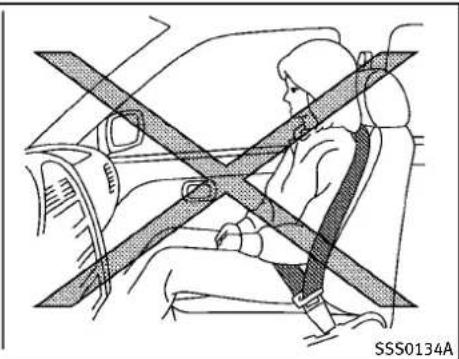
natural_image
Diagram of a person sitting in a car with a cross-shaped barrier, no text or symbols present1-14 Safety—Seats, seatbeltsandsupplementalrestraintsystem

WARNING
- Everypersonwhodrivesorridesinthis vehicleshoulduseaseatbeltatall times. Childrenshouldbeproperlyrestrainedintherearseatand,ifappropriate,inachildrestraint.
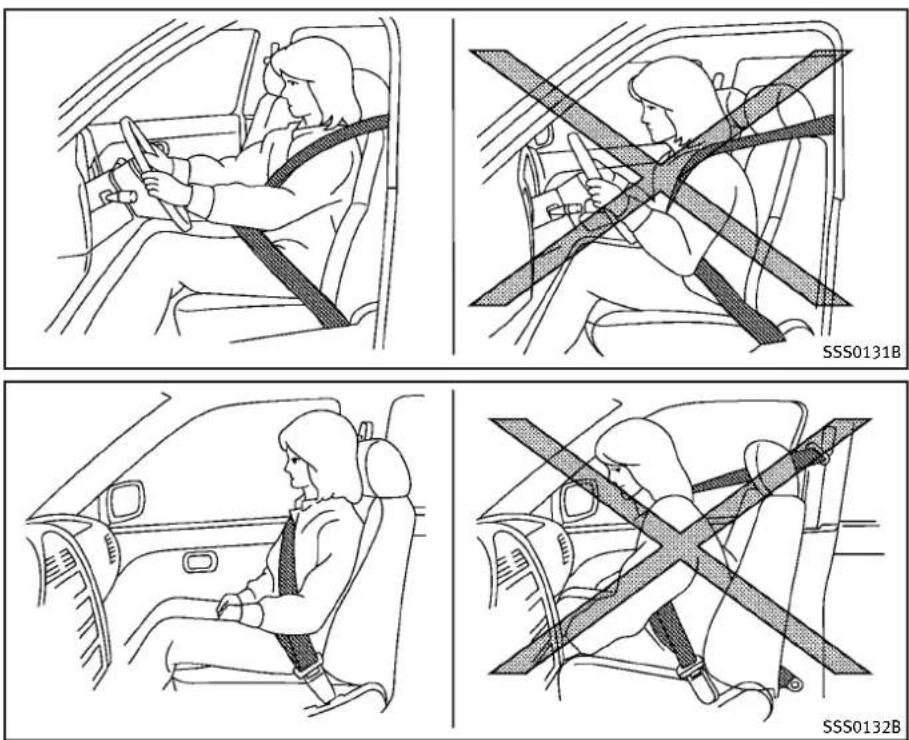
- Theseatbeltshouldbeproperlyadjustedtoasnugfit.Failureretodosomay reducetheeffectivenessoftheentire restraintsystemandinreasethechance orseverityofinjuryinanaccident. Seriousinjuryordeathcanoccurifthe seatbeltisnotwornproperly.
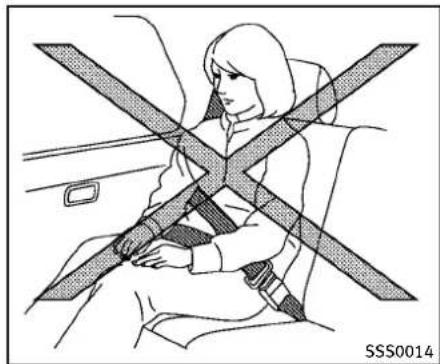
●Alwaysroutetheshoulderbeltoveryour shoulderandacrossyourchest.Never runthebeltbehindyourback,under yourarmoracrossyourneck.Thebelt shouldbeawayfromyourfaceandneck, butnotfallingoffyourshoulder. - Positionthelapbeltaslowandsnugas possibleAROUNDTHEHIPS,NOTTHE WAIST.Alapbeltworntoohighcould increasetheriskofinternalinjuriesinan accident.
-
Besuretheseatbelttongueissecurely fastenedtotheproperbuckle.
-
Donotweartheseatbeltinsideoutortwisted.Doingsomayreduceitseffectiveness.
- Donotallowmorethanonepersonto usethesameseatbelt.
●Nevercarrymorepeopleinthevehicle thanthereareseatbelts. - If these seat belt warning light glows continuously while the ignition is turned ON with all doors closed and all seat belts fastened, it may indicate teamal-function in the system. Havethesystem checked by an INFINIT retailer.
- Nochangesshoubemadetotheseat beltsystem. Forexample, donotmodify theseatbelt, addmaterialorinstall devicesthatmaychangetheseatbelt routingortension. Doingsomayaffect theoperationoftheseatbeltsystem. Modifyingortamperingwiththeseat beltsystemmayresultinseriouspersonalinjury.
- Onceaseatbeltpretensionerhas activated, it cannot be reused and must bereplaced together with theretractor. See an INFINIT retailer.
●Removalandinstallationofthepretensionerseatbeltsystemcomponents
shouldbedonebyanINFINITretailer.
- Allseatbeltassemblies, including retractors and attaching hardware, should be inspected after an incollision by an INFINIT retailer. INFINIT recommends that all seatbelt assemblies in use during a collision bereplaced unless the collision was minor and the belts shown on damage and continueto operate properly.
Seatbeltassembliesnotinuseduringa collisionsshouldalsobeinspectedand replacedifeitherdamageorimproper operationisnoted.
- Allchildrestraintsandattachinghard-wareshouldbeinspectedafterany collision.Alwaysfollowtherestraint manufacturer'sinspectioninstructions andreplacementrecommendations.The childestraintsshouldbereplacedif theyaredamaged.
natural_image
Diagram of car seatbelt and steering wheel (no text or symbols)PREGNANTWOMEN
INFINITrecommendsthatpregnantwomen useseatbelts.Theseatbeltshouldbe wornsnug,andalwayspositionthelap beltaslowaspossiblearoundthehips, notthewaist,andplacetheshoulderbelt overyourshoulderandacrossyourchest. Neverrunthelap/shoulderbeltoveryour abdominalarea.Contactyourdoctorfor specificrecommendations.
INJUREDPERSONS
INFINITIrecommendsthatinjuredpersons useseatbelts,dependingontheinjury. Checkwithyourdoctorforspecificrecommendations.
PRE-CRASHSEATBELTS(front seats)(ifsoequipped)
Thepre-crashseatbelttightenstheseat belttohelprestrainfrontseatoccupants underemergencybraking. Thiscanhelp reducetheriskofinjurywhenacollision occurs.
Pre-crashseatbeltwillnotbeactivated when:
•thebrakepedalisnotdepressed
●theseatbeltisnotfastened
●thevehiclespeedisunder10MPH(15 km/h)
Alwayswearyourseatbeltcorrectlyandsit uprightandwellback.
If theseatbeltwarninglightblinksevenif thedriver'sandfrontpassenger'sseat beltsarefastened, it may indicate the pre-crash seat beltsystem has a malfunction. Have your INFINIT retailer check and repair the system.
THREE-POINTTYPESEATBELT

WARNING
- Everypersonwhodrivesorridesinthis vehicleshoulduseaseatbeltatall times.
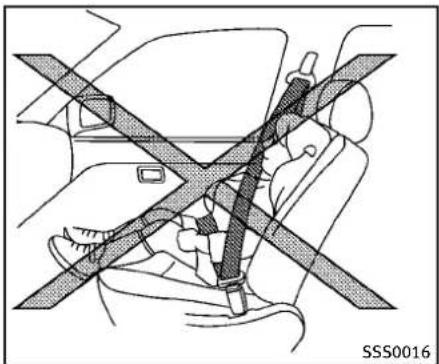
- Donotrideinamovingvehiclewhenthe seatbackisreclined.Thiscanbedangerous.Theshoulderbeltwillnotbe againstyourbody.Inanaccident,you couldbethrownintoitandreceiveneck orotherseriousinjuries.Youcouldalso slideunder thelapbeltand receive seriousinternalinjuries.
- Forthemosteeffectiveprotectionwhen thevehicleisinmotion,theseatshould beupright.Alwayssitwellbackinthe
natural_image
Line drawing of a person sitting inside a car with a cross-shaped seatbelt (no text or symbols)1-16 Safety—Seats, seat belts and supplemental restraintsystem
seatwithbothfeetonthefloorand adjusttheseatbeltproperly. - Donotallowchildrentoplaywiththe seatbelts.Mostseatingpositionsare equippedwithAutomaticLockingRetractor(ALR)modeseatbelts.Iftheseat beltbecomeswrappedaroundachild's neckwiththeALRmodeactivated,the childcanbeseriouslyinjuredorkilledif theseatbeltretractsandbecomestight. Thiscanoccurevenifthevehicleis parked.Unbuckletheseatbelttorelease thechild.Iftheseatbeltcannotbe unbuckled orisalreadyunbuckled, releasethechildbycuttingtheseatbelt withasuitabletool(suchasaknifeor scissors)toreleasetheseatbelt.
natural_image
Line drawing of a person sitting in a car seatbelt, showing the seatbelt being adjusted for a weight (no text or symbols present)Thensmoothlypullthebeltoutof theretractor.
Fasteningtheseatbelts
- Adjusttheseat.(See“Seats”(P.1-2).)
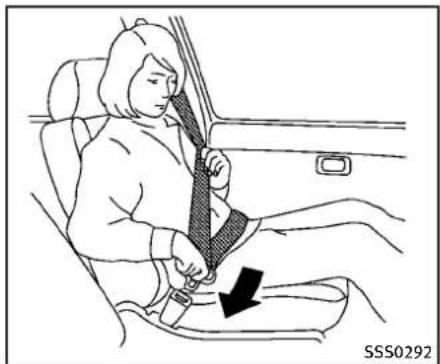
2.Slowlypulltheseatbeltoutofthe retractorandinsertthetongueintothe buckleuntilyouhearandfeelthelatch engage.
- Theretractorisdesignedtolock duringasuddenstoporonimpact. Aslowpullingmotionpermitsthe belttomove,andallowsyousome freedomofmovementintheseat.
- If theseatbelt cannot be pulled from its fully retracted position, firmly pull the belt and release it.
natural_image
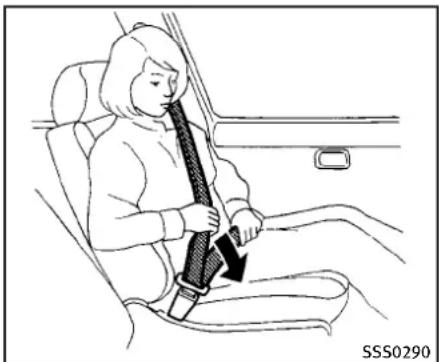
Line drawing of a person sitting in a car seatbelt, showing seatbelt being lifted (no text or symbols)- Positionthelapbeltporionlowand snugonthehipsasshown.
- Pulltheshoulderbeltportiontoward theretractortotakeupextraslack. Be suretheshoulderbeltisroutedover yourshoulderandacrossyourchest.
Thethree-pointtypeseatbeltshavetwo modesofoperation:
●EmergencyLockingRetractor(ELR)
●AutomaticLockingRetractor(ALR) TheEmergencyLockingRetractor(ELR) modeallowstheseatbelttoextendand retracttoallowthedriverandpassengers somefreedomofmovementintheseat.
●EmergencyLockingRetractor(ELR)
●AutomaticLockingRetractor(ALR) TheEmergencyLockingRetractor(ELR) modeallowstheseatbelttoextendand retracttoallowthedriverandpassengers somefreedomofmovementintheseat.
TheELRlockstheseatbeltwhenthe vehicleslowsdownrapidlyorduring impacts.
TheAutomaticLockingRetractor(ALR) mode(childrestraintmode)lockstheseat beltforchildrestraintinstallation.
When the ALRmode is activated these at belt cannot be extended again until the seat belt tongue is detached from the buckle and fully retracted. These at belt return to the ELR mode after these at belt fully retracts. For additional information, see “Childrestraints” (P.1-23).
The ALR modes should be used only for child restraint installation. During normal seat belt use by an occupant, the ALR modes should not be activated. If it is activated, it may cause uncomfortable seat belt tension.

WARNING
When fastening these seat belts, be certain that seat backs are completely secured in the latched position. If they are not completely secured, passengers maybe injured in an accidentors sudden stop.

natural_image
Illustration of a person's seatbelt being adjusted, showing a black arrow indicating the angle (no text or symbols present)Unfasteningtheseatbelts
Tounfastentheseatbelt, pushthebutton onthebuckle. Theseatbeltautomatically retracts.
Checkingseatbeltoperation
Seatbeltretractorsaredesignedtolock seatbeltmovementbytwoseparate methods:
- When the belt is pulled quickly from the retractor.
- When the vehicles slows down rapidly. To increase your confidence in these seat belts, check the operation as follows:
●Grasptheshoulderbelt and pull forward quickly. Theretractor should lock and restrict further belt movement. If theretractordoes not lock during this check or if you have any question about seat belt operation, see an INFINIT retailer.

natural_image
Line drawing of a car interior showing seatbelt and armrests (no text or symbols)Centerofrearseat(Sedan)
Selectingcorrectsetofseatbelts:
Thecenterseatbeltbuckleisidentifiedby theCENTERmark Ⓐ. Thecenterseatbelt tongue can be fastened only into the center seatbeltbuckle.

text_image
SSS0294AShoulderbeltheightadjustment (forSedanfrontseats)
Theshoulderbeltanchorheightshouldbe adjustedtothepositionbestforyou.(See "Precautionsonseatbeltusage"(P.1-14).)
Toadjust, pushthebutton Ⓐ, and then movetheshoulderbeltanchortothe desiredposition, so that thebeltpasses overthecenteroftheshoulder. Thebelt should be away from your face and neck, but not falling off of your shoulder. Release the adjustment button to lock the shoulder beltanchor intoposition.

WARNING
- Afteradjustment, releasetheadjustment buttonandtrytomovetheshoulderbelt anchorupanddowntomakesureitis securelyfixedinposition.
- Theshoulderbeltanchorheightshould beadjustedtothepositionbestforyou. Failuretodosomayreducetheeffectivenessoftheentirerestraintsystem andincreasethechanceorseverity of injuryinanaccident.

natural_image
Technical line drawing of a mechanical clamp or bracket assembly (no text or symbols)Shoulderbeltarm(forCoupefront seats)
Beforefasteningtheseatbelt,pullthe shoulderbeltarmforwarduntilitclicksat thelockposition.Thearmcanalsobe foldeddownforeasieraccessforrearseat passengers.
Pullingthearmforwardwillallowaneasy accesstothebelt.
SEATBELTEXTENDERS
If, because of bodysize or driving position, it is not possible to properly fit the lap-shoulder belt and fastenit, an extender that is compatible with the installed seat belts available that can be purchased. The extender adds approximately 8 in (200 mm) of length and may be used for either the driver or front passenger seating position. See an INFINIT retailer for assistance with purchasing an extender if an extender is required.

WARNING
- OnlyINFINITIseatbeltextenders, made bythesamecompanywhichmadethe originalequipmentseatbelts, shouldbe usedwiththeINFINITIseatbelts.
- Adultsandchildrenwhocanusethe standardseatbeltshouldnotusean extender.Suchunnecessaryusecould resultinseriouspersonalinjuryinthe eventofanaccident.
- Neveruseseatbeltextenderstoinstall childrestraints. If thechildrestraint is not secured properly, thechildcould be seriously injured in acollisionora
CHILDSAFETY
suddenstop.
SEATBELTMAINTENANCE
- Tocleantheseatbeltwebbing, apply a mildsoapsolutionoranysolution recommendedforcleaningupholstery orcarpets. Then, wipewithaclothand allowtheseatbeltstodryintheshade. Donotallowtheseatbeltstoretract untiltheyarecompletelydry.
- If dirt builds up in the shoulder belt guide of these at belt anchors, these at belts may retract slowly. Wipethe shoulder belt guidewith a clean, dry cloth.
- Periodicallychecktoseethattheseat beltandthemetalcomponentssuchas buckles,tongues,retractors,flexible wiresandanchorsworkproperly.If looseparts,deterioration,cutsorother damageonthewebbingisfound,the entireseatbeltassemblyshouldbe replaced.

WARNING
Donotallowchildrentoplaywiththeseat belts.Mostseatingpositionsareequipped withAutomaticLockingRetractor(ALR) modeseatbelts.Iftheseatbeltbecomes wrappedaroundachild'sneckwiththeALR modeactivated,thechildcanbeseriously injuredorkillediftheseatbeltretractsand becomestight.Thiscanoccurevenifthe vehicleisparked.Unbuckletheseatbeltto releasethechild.Iftheseatbeltcannotbe unbuckledorisalreadyunbuckled,release thechildbycuttingtheseatbeltwitha suitabletool(suchasaknifeorscissors)to releasetheseatbelt.
Childrenneedadultstohelpprotectthem. Theyneedtobeproperlyrestrained.
In addition to the general information in this manual, child safety information is available from many other sources, including doctors, teachers, government traffic safety offices, and community organizations. Every child is different, sobesure to learn the best way to transport your child. There are three basic types of child restraints systems:
●Rear-facingchildrestraint
●Forward-facingchildrestraint
- Boosterseat
The proper restraint depends on the child's size. Generally, infants up to about 1 year and less than 20 lbs (9 kg) should be placed in rear-facing child restraints. Forward-facing child restraints are available for children who outgrow rear-facing child restraints and are at least one year old. Booster seats are used to help position a vehicle lap/shoulder beltonachild who can longer use forward-facing child restraint.

WARNING
Infantsandchildrenneedspecialprotection. Thevehicle'sseatbeltsmaynotfitthem properly.Theshoulderbeltmaycometoo closetothefaceorneck.Thelapbeltmay notfitovertheirsmallhipbones.Inan accident,animproperlyfittingseatbelt couldcauseseriousorfatalinjury.Always useappropriatechildrestraints.
All U.S. states and Canadian provinces or territories require the use of approved child restraints for infants and small
children.See"Childrestraints"(P.1-23).
Achildrestraintmaybesecuredinthe vehiclebyusingeithertheLATCH(Lower AnchorandTethersforChildren)systemor withthevehicleseatbelt.See"Child restraints"(P.1-23)formoreinformation.
INFINITIrecommendsthatallpre-teens andchildrenberestrainedintherearseat. Studiesshowthatchildrenaresaferwhen properlyrestrainedintherearseatthanin thefrontseat.
Thisisespeciallyimportantbecauseyour vehiclehasasupplementalrestraintsystem(Airbagsystem)forthefrontpassenger.See“Supplementalrestraintsystem”(P.1-41).
INFANTS
Infantsuptoatleast1yearoldshouldbe placedinarear-facingchildrestraint. INFINITIrecommendsthatinfantsbeplaced inchildrestraintsthatcomplywithFederal MotorVehicleSafetyStandardsorCan- dianMotorVehicleSafetyStandards.You shouldchooseachildrestraintthatfits yourvehicleandalwaysfollowthemanu- facturer'sinstructionsforinstallationand use.
SMALLCHILDREN
Childrenthatareover1yearoldandweigh atleast20lbs(9kg)shouldremainina rear-facingchildrestraintaslongas possibleuptotheheightorweightlimit ofthechildrestraint.Forward-facingchild restraintsareavailableforchildrenwho outgrowrearfacingchildrestraintsandare atleast1yearold.Refertothemanufac- turer'sinstructionsforminimumandmax- imum weight and height recommendations.INFINITI recommends thatsmallchildrenbeplacedinchild restraintsthatcomplywithFederalMotor VehicleSafetyStandardsorCanadian MotorVehicleSafetyStandards.You shouldchooseachildrestraintthatfits yourvehicleandalwaysfollowthemanu- facturer'sinstructionsforinstallationand use.
LARGERCHILDREN
Childrenwhoaretoolargeforchild restraintsshouldbeseatedandrestrained bytheseatbeltswhichareprovided.The seatbeltmaynotfitproperlyifthechildis lesstthan4ft9in(142.5cm)talland weighsbetween40lbs(18kg)and80lbs (36kg).Aboosterseatshouldbeusedto
obtainproperseatbeltfit.
INFINITIrecommendsthatachildbeplaced inacommerciallyavailableboosterseatif theshoulderbeltfitsclosetothefaceor neckorifthelapportionoftheseatbelt goesacrosstheabdomen. Theboosterseat shouldraisethechildsothattheshoulder beltisproperlypositionedacrossthetop, middleportionoftheshoulderandthelap beltislowonthehips.Aboosterseatcan onlybeusedinseatingpositionsthathave athree-pointtypeseatbelt.Thebooster seatshouldfitthevehicleseatandhavea labelcertifyingthatitcomplieswith FederalMotorVehicleSafetyStandardsor CanadianMotorVehicleSafetyStandards. Oncethechildhasgrownsotheshoulder beltisnolongeronornearthefaceand neck,usetheshoulderbeltwithoutthe boosterseat.

WARNING
Neverletachildstandorkneelonanyseat anddonotallowachildinthecargoarea. Thechildcouldbeseriouslyinjuredorkilled inasuddenstoporcollision.
CHILDRESTRAINTS
natural_image
Diagram showing car seatbelt and passenger inside a vehicle (no text or symbols)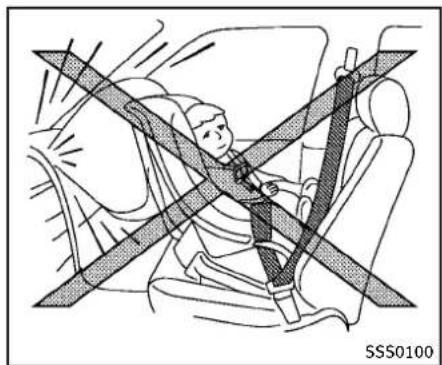
natural_image
Diagram of a person wearing a seatbelt inside a vehicle, with no visible text or symbolsPRECAUTIONSONCHILDRESTRAINTS

WARNING
●Failuretofollowthewarningsand instructionsforproperuseandinstallationofchildrestraintscouldresultin seriousinjuryordeathofachildorother passengersinasuddenstoporcollision:
— Thechildrestraintmustbeusedand installedproperly.Alwaysfollowall ofthechildrestraintmanufacturer's instructionsforinstallationanduse.
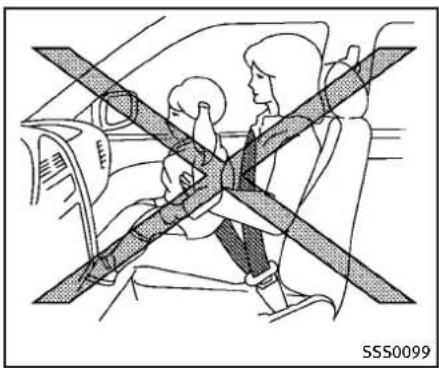
— Infantsandchildrenshouldneverbe heldonanyone'slap. Even the strongest adult cannot resist the forces of a collision.
— Donotputaseatbeltaroundbothachildandanotherpassenger.
— INFINITEIrecommendsthatallchild restraintsbeinstalledintherear seat. Studiesshowthatildrenare saferwhenproperlyrestrainedinthe rearseatthaninthefrontseat.Ifyou mustinstallaforward-facingchild restraintinthefrontseat,see"For-
ward-facingchildrestraintinstallationusingtheseatbelts"(P.1-33).
— EvenwiththeINFINITIAadvancedAir BagSystem,neverinstallarear-facingchildrestraintinthefront seat.Aninflatingairbagcould seriouslyinjureorkillachild.A rear-facingchildrestraintmustonly beusedintherearseat.
— Besuretopurchaseachildrestraint that will fit the child and vehicle. Some child restraints may not fit properly in your vehicle.
— Childrestraintanchorpointsare designedtowithstandloadsfrom childrestraintsthatareproperly fitted.
— Neverusetheanchorpointsfor adultseatbeltsorharnesses.
— Achildrestraintwithatoptether strapshouldnotbeusedinthefront passengerseat.
— Keepseatbacksasuprightaspossibleafterfittingthechildrestraint.
— Infantsandchildrenshouldalways beplacedinanappropriatechild restraintwhileinthevehicle.
- When the child restraint is not in use, keep it secured with the LATCH system or seat belt. In a sudden stop or collision, loose object scan injure occupants or damage the vehicle.

CAUTION
Achildrestraintinaclosedvehiclecan becomeveryhot. Checktheseatingsurface andbucklesbeforeplacingachildinthe childrestraint.
Thisvehicleisequippedwithauniversal childrestraintanchorsystem,referred to astheLATCH(LowerAnchorsandTethers forChildren)system.Somechildrestraints includerigidorwebbing-mountedattach-mentsthatcanbeconnectedtothese anchors.
Fordetails, see "LowerAnchorsand TethersforChildrenSystem(LATCH)"(P.1-25).
If you donothavea LATCH compatible child restraint, the vehicle seat belt scan be used.
Severalmanufacturersofferchildrestraints
forinfantsandsmallchildrenofvarious sizes.Whenselectinganychildrestraint, keepthefollowingpointsinmind:
- Chooseonlyarestraintwithalabel certifyingthatitcomplieswithFederal MotorVehicleSafetyStandard213or CanadianMotorVehicleSafetyStandard213.
- Checkthechildrestraintinyourvehicle tobesureitiscompatiblewiththe vehicle'sseatandseatbeltsystem.
- If the child restraint is compatible with your vehicle, place your child in the child restraint and check the various adjustments to be sure the child restraint is compatible with your child. Choose a child restraint that is designed for your child's height and weight. Always follow all recommended procedures.
AllU.S. states and Canadian provinces or territories require that infants and small children are restrained in an approved child restraint at all times while the vehicle is being operated. Canadian law requires the toptether strapon forward-facing child restraints be secured to the designated anchor point on the vehicle.

text_image
SSS0710LATCHlabellocation(Sedan)

text_image
SSS0370B1-24 Safety—Seats, seat belts and supplemental restraintsystem
LowerAnchorsandTethersfor CHildrenSystem(LATCH)
Yourvehicleisequippedwithspecial anchorpointsthatareusedwiththeLATCH (LowerAnchorsandTethersforChildren) systemcompatiblechildrenrestraints. This systemmayalsobereferredtoasthe ISOFIXorISOFIXcompatiblesystem.With thissystem,youdonothavetousea vehicleseatbelttosecurethechild restraint.
LATCHloweranchor

WARNING
Failure to follow the warnings and instructions for proper use and installation of child restraints could result in serious injury or death of a child or other passengers in sudden stop or collision:
- AttachLATCHsystemcompatiblechild restraintsonlyatthelocationsshown in theillustration.
- Donotsecureachildrestraintinthe centerrearseatingpositionusingthe LATCHloweranchors.Thechildrestraint willnotbesecuredproperly.
- Inspecttheloweranchorsbyinserting yourfingersintotheloweranchorarea. Feeltomakesuretherearenoobstructionsovertheanchorssuchasseatbelt webbingorseatcushionmaterial.The child restraintwillnotbesecured properlyiftheloweranchorsareobstructed.

natural_image
Line drawing of a hand pressing down on a car seatbelt, with an arrow indicating the pressure point (no text or symbols present)LATCHloweranchorlocation(Sedan)

text_image
SSS0670Safety—Seats, seatbeltsandsupplementalrestraintsystem1-25
LATCHloweranchorlocation
TheLATCHloweranchorsarelocatedatthe rearoftheseatcushionneartheseatback. Alabelisattachedtotheseatbacktohelp youlocatetheLATCHanchors.
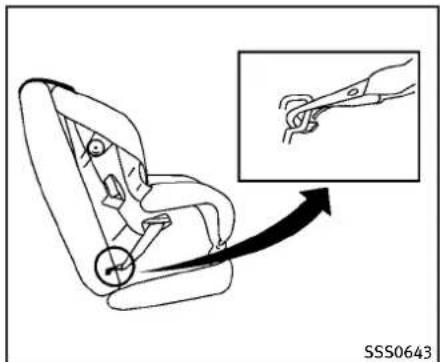
natural_image
Line drawing of a car seat with a magnified inset showing hand positioning (no text or symbols)LATCHwebbing-mountedattachment
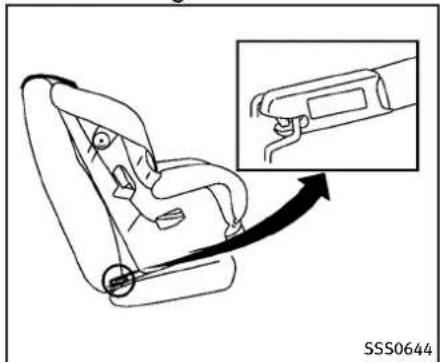
natural_image
Line drawing of a car seatbelt with an inset showing the cable being inserted (no text or symbols)LATCHrigidattachment
InstallingchildrestraintLATCH loweranchorattachments
LATCHcompatiblechildrestraintsinclude tworigidorwebbing-mountedattachments thatcanbeconnectedtotwoanchors locatedatcertainseatingpositionsinyour vehicle.Withthissystem,youdonothave touseavehicleseatbelttosecurethe childrestraint.Checkyourchildrestraint foralabelstatingthatitiscompatiblewith LATCH.Thisinformationmayalsobeinthe instructionsprovidedbythechildrestraint manufacturer.
Wheninstallingachildrestraint, carefully readandfollowtheinstructionsinthis manualandthosesuppliedwiththechild restraint.

text_image
SSS0791Sedan

text_image
SSS0790Coupe
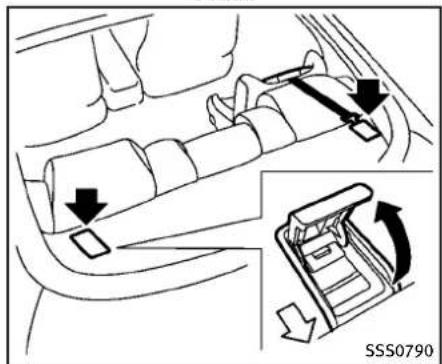
Toptetheranchorpointlocations
Anchorpointsarelocatedontherear parcelshelf.
Thechildrestrainttoptetherstrapmustbe usedwheninstallingthechildrestraint withtheLATCHloweranchorattachments orseatbelts.See"Installingtoptether strap"(P.1-37).
If you have any questions when installing atoptetherstrapchildrestraint on the rearseat, consultant INFINIT retailer for details.
REAR-FACINGCHILDRESTRAINTINSTALLATIONUSINGLATCH
RefertoallWarningsandCautionsinthe "Child safety" and "Child restraints" sectionsbeforeinstallingachildrestraint.
Followthesestepstoinstallarear-facing childrestraintusingtheLATCHsystem:
- Position the child restraint on these seat. Always follow the child restraint manufacturer's instructions.
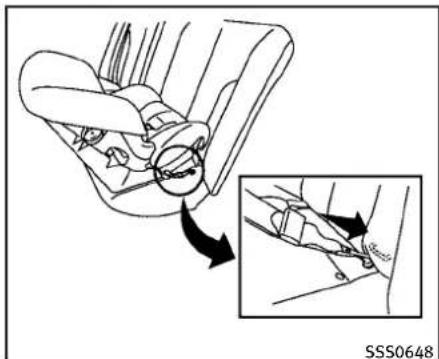
natural_image
Diagram showing car seatbelt mechanism with magnified detail view (no text or symbols)Rear-facingweb-mounted—step2
- Secure the child restraint anchor attachment stothe LATCH lower anchors. Checktomakesure the LATCH attachment is properly attached to the lower anchors.
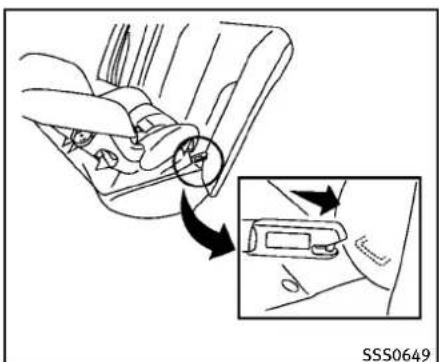
text_image
SSS0649Rear-facingrigid-mounted—step2
- For child restraint sthataree equipped with webbing-mounted attachments, remove any additionalslack from the anchor attachments. Pressdownward and rearward firmly in the center of the child restraint with your hand to compress the vehicle seat cushion and seat back while tightening the webbing of the anchor attachments.
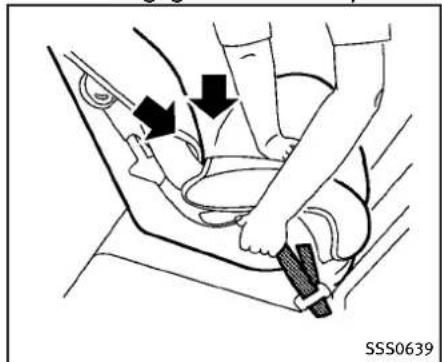
natural_image
Diagram of a car seatbelt being adjusted for a hand, showing two black arrows indicating the mechanism (no text or symbols present)Rear-facing—step3
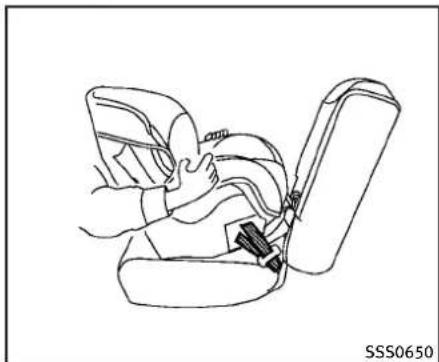
natural_image
Line drawing of a person inserting a seatbelt into a car seat (no text or symbols)Rear-facing—step4
- After attaching the child restraint, test it before you place the childinit. Push it from sidetosidewhile holding the child restraint near the LATCH attachment path. The child restraint should not move more than 1 inch (25 mm), from sidetoside. Try to get forward and check to see if the LATCH attachment hold sther restraint in place. If the restraint is not secure, tighten the LATCH attachment as necessary, or put the restraint in another seat and test again. You may need to try a different child restraint to try installing by using the vehicle seat belt (if
1-28 Safety—Seats, seat belts and supplemental restraintsystem
applicable). Not all child restraints fit in all types of vehicles.
- Checktomakesurethechildrestraint isproperlysecuredpriortoeachuse. If thechildrestraintisloose, repeatsteps 1through4.
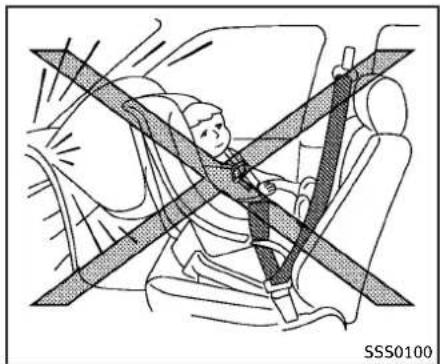
natural_image
Diagram of a person sitting in a car with a cross-shaped object, no text or symbols presentbagandstatuslight"(P.1-49).
REAR-FACINGCHILDRESTRAINTIN- STALLATIONUSINGTHESEATBELTS

WARNING
Thethree-pointseatbeltwithAutomatic LockingRetractor(ALR)mustbeusedwhen installingachildrestraint.Failureretousethe ALRmodewillresultintheildrestraint notbeingproperlysecured.Therestraint couldtipoverorbelooseandcauseinjury toachildinasuddenstoporcollision.Also, itcanchangetheoperationofthefront passengerairbag.See"Frontpassengerair
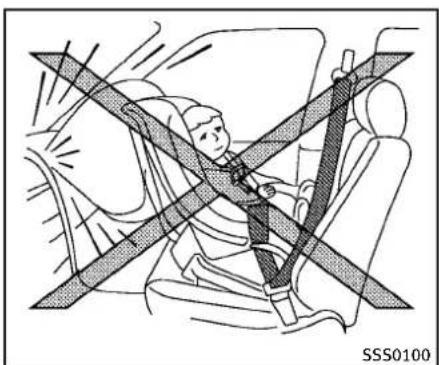
natural_image
Diagram of a car seatbelt with diagonal lines indicating safety or clearance zones (no text or symbols)Rear-facing—step1
RefertoallWarningsandCautionsinthe "Child safety" (P.1-21) and "Child restraints"(P.1-23)beforeinstallingachild restraint.
Followthesestepstoinstallarear-facing childrestraintusingthevehicleseatbelts intherearseats:
- Childrestraintsforinfantsmustbe usedintherear-facingdirectionand thereforemustnotbeusedinthefront seat.Positionthechildrestraintonthe seat.Alwaysfollowtherestraintmanufacturer'sinstructions.
natural_image
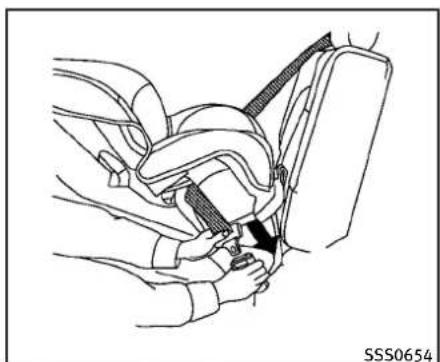
Line drawing of a car seatbelt buckle being adjusted for a person (no text or symbols)Rear-facing—step2
- Routetheseatbelttonguethroughthe childrestraintandinsertitintothe buckleuntilyouhearandfeelthelatch engage.Besuretofollowthechild restraintmanufacturer'sinstructions forbeltrouting.

natural_image
Line drawing of a car seatbelt mechanism with a black arrow indicating the grip (no text or symbols present)Rear-facing—step3
- Pulltheshoulderbeltuntilthebeltis fullyextended.Atthistime,theseat beltretractorisintheAutomaticLockingRetractor(ALR)mode(childrestraint mode).ItrevertstotheEmergency LockingRetractor(ELR)modewhen theseatbeltisfullyretracted.
1-30 Safety—Seats, seat belts and supplemental restraintsystem
natural_image
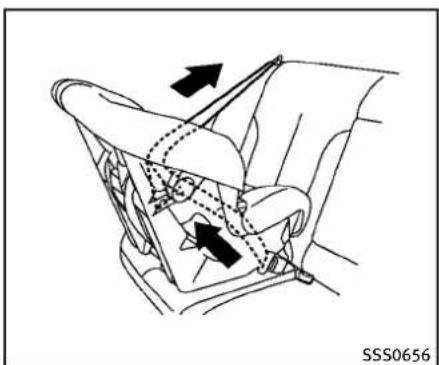
Diagram of car seatbelt mechanism showing left and right arm joints with arrows indicating movement (no text or symbols)Rear-facing—step4
4. Allow these seat belt to retract pull upon the shoulder belt to remove anyslack in the belt.

natural_image
Illustration of a person adjusting a car seatbelt with arrows indicating movement (no text or symbols)Rear-facing—step5
5. Remove any additional slack from the seat belt; press downward and rearward firmly in the center of the child restraint to compress the vehicle seat cushion and seat back while pulling up on these seat belt.
natural_image
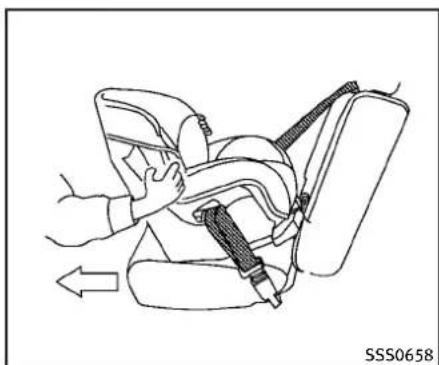
Line drawing of a car seatbelt with hands adjusting the seatbelt and cable, showing a left-hand rule (no text or symbols)Rear-facing—step6
6. After attaching the child restraint, test it before you place the childinit. Push it from sidetosidewhile holding the child restraint near these seat belt path. The child restraint should not move more than 1 inch (25 mm), from sideto side. Try to get forward and check to see if the belthold st her restraint in place. If ther restraint is not secure, tighten these seat belt as necessary, or put ther restraint in another seat and test again. You may need to try a different child restraint. Not all child restraints fit in all types of vehicles.
- Checktomakesurethatthechild restraintisproperlysecuredpriorto eachuse.Iftheseatbeltisnotlocked, repeatsteps1through6.
Afterthechildrestraintisremovedandthe seatbeltfullyretracted,theALRmode (childrestraintmode)iscanceled.
FORWARD-FACINGCHILDRESTRAINT INSTALLATIONUSINGLATCH
RefertoallWarningsandCautionsinthe "Child safety" and "Child restraints" sectionsbeforeinstallingachildrestraint.
Followthesestepstoinstallaforward-facingchildrestraintusingtheLATCH system:
- Position the child restraint on these seat. Always follow the child restraint manufacturer's instructions.
natural_image
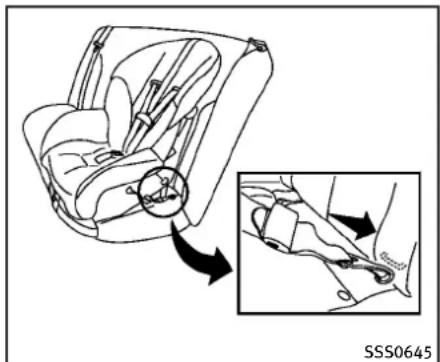
Diagram of car seat assembly with inset showing a close-up of the seat (no text or symbols)Forward-facingweb-mounted—step2
- Secure the child restraint anchor attachment stothe LATCH lower anchors. Check to make sure the LATCH attachment is properly attached to the lower anchors.
If the child restraint is equipped with a toptether strap, routethetoptether strap and secure the tether strap to the tether anchor point. See "Installing top tether strap" (P.1-37). Donot install child restraint that require the use of a toptether strap in seating positions that do not have to optether anchor.

natural_image
Line drawing of a car seat assembly with an inset showing the side view of the seat (no text or symbols present)Forward-facingrigid-mounted—step3
- The back of the child restraint should be secured against the vehicle seat-back.
If theseating position does not have an adjustable head rest and is interfering with the proper child restraint fit, try another seating position or different child restraint.
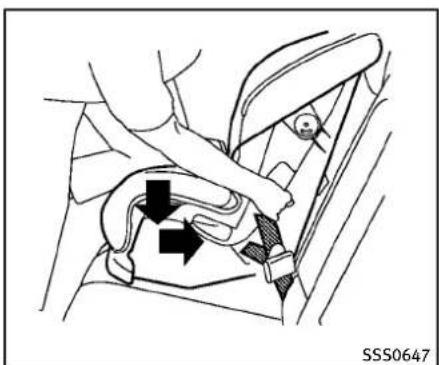
natural_image
Diagram of a car seatbelt mechanism showing force application and adjustment arrows (no text or symbols)Forward-facing—step4
-
For child restraint that are equipped with webbing-mounted attachments, remove any additionalslack from the anchor attachments. Press downward and rearward firmly in the center of the child restraint with your kneetocompress the vehicle seat cushion and seat back while tightening the webbing of the anchor attachments.
-
Tightenthetetherstrapaccording to the manufacturer's instruction store-moveanyslack.
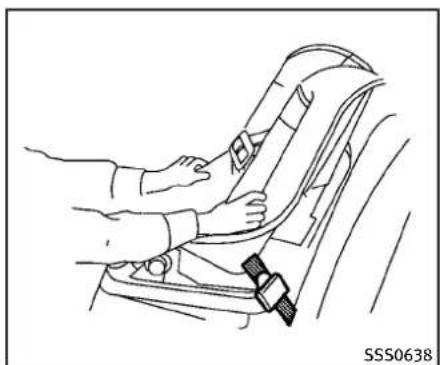
natural_image
Line drawing of a car seatbelt buckle being adjusted for a person's seatbelt (no text or symbols)Forward-facing—step6
-
Afterattachingthechildrestraint, test itbeforeyouplacethechildinit.Pushitfromsidetosidewhileholdingthe childrestraintneartheLATCHattach-mentpath.Thechildrestraintshould notmovemorethan1inch(25mm), fromsidetoside.Trytotugitforward andchecktoseeiftheLATCHattach-mentholdstherestraintinplace.Ifthe restraintisnotsecure,tightenthe LATCHattachmentasnecessary, or puttherestraintinanotherseatand testitagain.Youmayneedtotrya differentchildrestraint.Notallchild restraintsfitinalltypesofvehicles.
-
Checktomakesurethechildrestraint isproperlysecuredpriortoeachuse. If thechildrestraintisloose,repeatsteps 1through6.
FORWARD-FACINGCHILDRESTRAINT INSTALLATIONUSINGTHESEAT BELTS

WARNING
The three-point seat belt with Automatic Locking Retractor (ALR) must be used when installing a child restraint. Failure to use the ALR, modewill result in the child restraint not being properly secured. There strain could tip over or beloose and cause injury to such children sudden stop or collision. Also, it can change the operation of the front passenger air bag. See "Front passenger air bag and status light" (P.1-49).
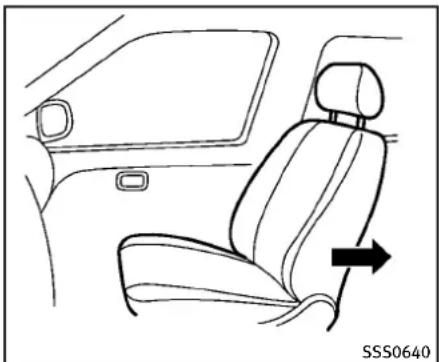
natural_image
Line drawing of a car interior showing seat, rearview, and side door (no text or symbols)Forward-facing(frontpassengerseat)—step1
RefertoallWarningsandCautionsinthe "Child safety" and "Child restraints" sectionsbeforeinstallingachildrestraint.
Followthesestepstoinstallaforward-facingchildrestraintusingthevehicleseat beltintherearseatsorinthefront passengerseat:
-
If you must install a child restraint in the front seat, it should be placed in forward-facing direction only. Move the seat to there are most position. Child restraints for infants must be used in therear-facing direction and, therefore, must not be used in the front seat.
-
Position the child restraint on these seat. Always follow the child restraint manufacturer's instructions.
The back of the child restraint should be secured against the vehicle seat-back.
Ifnecessary, adjustorremovethehead restrainttoobtainthecorrectchild restraintfit. Iftheheadrestraintis removed, storeitinasecureplace. Be suretoreinstalltheheadrestraint whenthechildrestraintisremoved.
See "Headrestraints" (P.1-9) for head restraint adjustment, removal and installation information.
If theseatingpositiondoesnothavean adjustableheadrestraintanditis interferingwiththeproperchildrestraintfit,tryanotherseatingposition oradifferentchildrestraint.

natural_image
Car seatbelt buckle diagram showing hand positioning and belt shift (no text or symbols)Forward-facing—step3
- Routetheseatbelttonguethroughthe childrestraintandinsertitintothe buckleuntilyouhearandfeelthelatch engage.Besuretofollowthechild restraintmanufacturer'sinstructions forbeltrouting.
If the child restraint is equipped with a toptether strap, routethetoptether strap and secure the ether strap to the tether anchor point (rearse at installation only). See "Installing toptether strap" (P.1-37). Donot install child restraint that require the use of top tether strap in seating position that do not have to optether anchor.
1-34 Safety—Seats, seat belts and supplemental restraintsystem
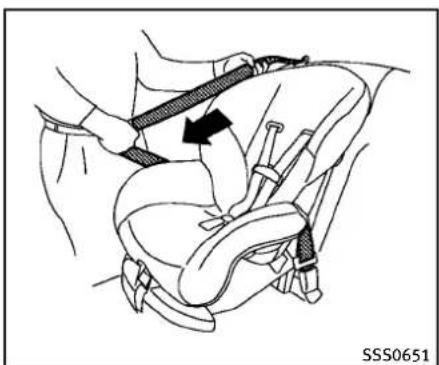
natural_image
Illustration of a car seatbelt buckle being lifted, showing the belt being inserted (no text or symbols present)Forward-facing—step4
4. Pulltheshoulderbeltuntilthebeltis fullyextended.Atthistime,theseat beltretractorisintheAutomaticLockingRetractor(ALR)mode(childrestraint mode).ItrevertstoEmergencyLocking Retractor(ELR)modewhentheseatbelt isfullyretracted.

natural_image
Line drawing of a car seatbelt with arrows indicating movement or force (no text or symbols)Forward-facing—step5
5. Allow these seat belt to retract. Pull upon the shoulder belt to remove anyslack in the belt.

natural_image
Diagram of a car seatbelt mechanism showing two black arrows indicating clockwise motion (no text or symbols present)Forward-facing—step6
6. Remove any additional slack from the seatbelt; press downward and rearward firmly in the center of the child restraint with your kneet to compress the vehicle seat cushion and seat back while pulling up on these seat belt.
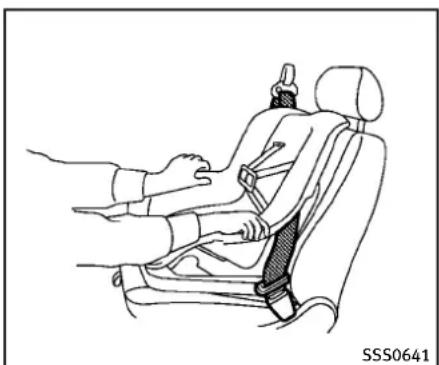
7. Tightenthetetherstrapaccordingto themanufacturer'sinstructionstore-moveanyslack.
natural_image
Line drawing of a car seatbelt with hands adjusting the seat (no text or symbols)Forward-facing—step8
-
After attaching the child restraint, test it before you place the childinit. Push it from sidetosidewhile holding the child restraint near these seat belt path. The child restraint should not move more than 1 inch (25 mm), from sideto side. Try to get forward and check to see if the beltholdst her restraint in place. If there restraint is not secure, tight these seat belts necessary, or put the restraint in another seat and test again. You may need to try a different child restraint. Not all child restraints fit in all types of vehicles.
-
Checktomakesurethechildrestraint is properly secured prior to each use. If these at belt is not locked, repeat steps 2 through 8.
PASSENGER AIR BAG

SSS0676
Forward-facing—step10
- If the child restraint is installed in the front passenger seat, placethe ignition switch in the ON position. The front passenger air bag status light should illuminate. If this light is not illuminated, see "Front passenger air bag and status light" (P. 1-49). Move the child restraint to another seating position. Havethesystem checked by an INFINIT retailer.
Afterthechildrestraintisremovedandthe seatbeltisfullyretracted,theALRmode (childrestraintmode)iscanceled.
1-36 Safety—Seats, seatbeltsandsupplementalrestraintsystem

text_image
SSS0791Sedan
text_image
SSS0790Coupe
INSTALLINGTOPTETHERSTRAP
First, secure the child restraint with the LATCH lower anchors (rearout board seat positions only) ortheseat belt, as applicable.
- Flipup the anchor cover from the anchor point which is located directly behind the child seat.
- Positionthetoptetherstrapoverthe topoftheseatback.
- Securethetetherstraptothetether anchorpointontherearparcelshelf.
- Refertotheappropriatechildrestraint installationprocedurestepsinthis sectionbeforetighteningthetether strap.
If you have any questions when installing atoptetherstrap, consult your INFINITI retailer for details.
BOOSTERSEATS
Precautionsonboosterseats

WARNING
Ifaboosterseatandseatbeltarenotused properly,theriskofachildbeinginjuredin asuddenstoporcollisiongreatlyincreases:
- Makesuretheshoulderportionofthe beltisawayfromthechild'sfaceand neckandthelapportionofthebeltdoes notcrossthestomach.
- Makesuretheshoulderbeltisnot behindthechildorunderthechild's arm.
- Aboosterseatmustonlybeinstalledin aseatingpositionthathasalap/shoulderbelt.

natural_image
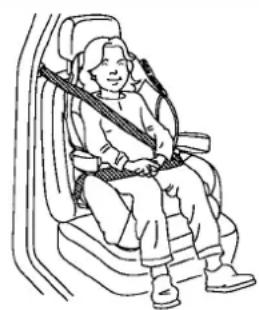
Line drawing of two car seat compartments with numbered labels (1 and 2), no text or symbols present.Boosterseatsofvarioussizesareoffered byseveralmanufacturers.Whenselecting anyboosterseat,keepthefollowingpoints inmind:
- Chooseonlyaboosterseatwithalabel certifyingthatitcomplieswithFederal MotorVehicleSafetyStandard213or CanadianMotorVehicleSafetyStandard213.
- Checktheboosterseatinyourvehicle tobesureitiscompatiblewiththe vehicle'sseatandseatbeltsystem.

natural_image
Illustration of a person seated in a car with a cross-shaped barrier, no text or symbols present- Makesurethechild'sheadwillbe properlysupportedbytheboosterseat orvehicleseat. Theseatbackmustbeat orabovethecenterofthechild'sears. Forexample,ifalowbackboosterseat ① ischosen,thevehicleseatback mustbeatorabovethecenterofthe child'sears.Iftheseatbackislower thanthecenterofthechild'sears,a highbackboosterseat ② shouldbe used.
- Iftheboosterseatiscompatiblewith yourvehicle,placeyourchildinthe boosterseatandcheckthevarious adjustmentstobesurethebooster
seatiscompatiblewithyourchild. Alwaysfollowallrecommendedprocedures.
1-38 Safety—Seats, seat belts and supplemental restraintsystem
natural_image
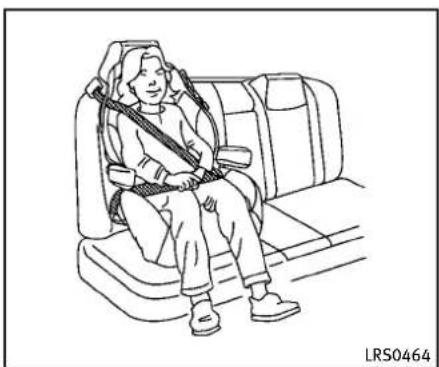
Line drawing of a person sitting in a car seat with a belt buckle (no text or symbols)AllU.S.statesandCanadianprovincesor territoriesrequirethatinfantsandsmall childrenberestrainedinanapprovedchild restraintatalltimeswhilethevehicleis beingoperated.
The instructions in this section apply to booster seat installation in there are seats or the front passenger seat.
Boosterseatinstallation

CAUTION
Donotusethelap/shoulderbeltAutomatic LockingRetractor(ALR)modewhenusinga boosterseatwiththeseatbelts.
RefertoallWarningsandCautionsinthe "Child safety", "Child restraints" and "Boosterseats"sectionsearlierinthis sectionbeforeinstallingachildrestraint.
Followthesestepstoinstallaboosterseat intherearseatorinthefrontpassenger seat:
natural_image
Line drawing of a car interior showing seat, rearview mirror, and side panel (no text or symbols)-
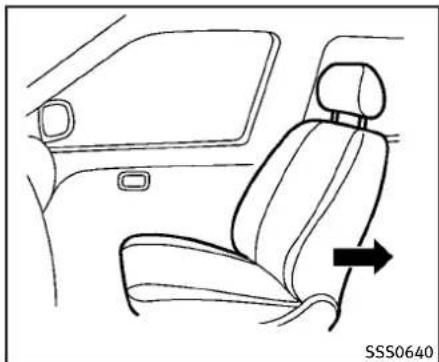
If you must install a booster seat in the front seat, movethese at to there are most position.
-
Positiontheboosterseatontheseat. Onlyplaceitinaforward-facingdirection. Alwaysfollowtheboosterseat manufacturer'sinstructions.
natural_image
Line drawing of a person seated in a car seat, wearing a seatbelt and holding a shoulder strap (no text or symbols)LRS0454
Frontpassengerposition
- The booster seat should be positioned on the vehicle seat so that it is stable. If necessary, adjust or remove the head restraint to obtain the correct booster seat fit. If the head restraint is removed, store it in secure place. Be sure to install the head restraint when the booster seatis removed. See "Head restraints" (P.1-9) for head restraint, removal and installation information.
If theseating position does not have an adjustable head restraint and it is interfering with the proper booster seat
fit, tryanotherseatingpositionora differentboosterseat.
-
Positionthelapportionoftheseatbelt lowandsnugonthechild'ships. Be suretofollowtheboosterseatmanufacturer'sinstructionsforadjustingthe seatbeltrouting.
-
Pulltheshoulderbeltportionofthe seatbelttowardtheretractortotakeup extraslack. Besuretheshoulderbeltis positionedacrossthetop,middleportionofthechild'sshoulder.Besureto followtheboosterseatmanufacturer's instructionsforadjustingtheseatbelt routing.
-
Followthewarnings, cautions and instructions for properly fasteninga seatbelt shown in "Seatbelts" (P.1-14).
PASSENGER AIR BAG

SSS0676
- If the booster seatis installed in the front passenger seat, push the ignition switch to the ON position. The front passenger air bag status light may or may not illuminated depending on the sizeof the child and the type of booster seat used. See "Front passenger air bag and status light" (P.1-49).
1-40 Safety—Seats, seatbeltsandsupplementalrestraintsystem
SUPPLEMENTALRESTRAINTSYSTEM
PRECAUTIONSONSUPPLEMENTAL RESTRAINTSYSTEM
This Supplemental Restraint System (SRS) section contains important information concerning the driver and passenger front impacts supplemental air bags (INFINITI Advanced Air Bag System), front seat-mounted side-impacts supplemental air bag system, roof-mounted curtains inside-impacts supplemental air bag and seat belt with pretensioners.
Supplementalfront-impactairbagsystem: TheINFINITIAadvancedAirBagSystemcan helpcushiontheimpactforcetothehead andchestofthedriverandfrontpassenger incertainfrontalcollisions.
Frontseat-mountedside-impactsupplementalairbagsystem: This system can help cushion the impact for cet the chest and pelvis area of the driver and front passenger incertains side impact collisions. Theside air bag is designed to inflate on the sidewher the vehicle is impacted.
Roof-mountedcurtainside-impactsupplementalairbagsystem: This system can help cushion the impact for ceto the head of occupants in front and rear outboard seating positions incertainside impact
collisions. The curtain air bags are designed to inflate on the sides where the vehicle is impacted.
Thesesupplementalrestraintsystemsare designedtosupplementthecrashprotectionprovidedbythedriverandpassenger seatbeltsandarenotasubstitutefor them.Seatbeltsshouldalwaysbecorrectlywornandtheoccupantseateda suitabledistanceawayfromthesteering wheel,instrumentpanelandoorfinishers.(See“Seatbelts”(P.1-14)for instructionsandprecautionsonseatbelt usage.)
Thesupplementalairbagsoperateonly whentheignitionswitchisintheON position.
AfterpushingtheignitionswitchtotheON position,thesupplementalairbagwarninglightilluminates.Thesupplementalair bagwarninglightwillturnoffafterabout 7secondsifthesystemsareoperational.

WARNING
- Thesupplementalfrontairbagsordinarilywillnotinflateintheeventofaside impact,rearimpact,rollover,orlower severityfrontalcollision.Alwayswear yourseatbeltstohelpreducetheriskor severityofinjuryinvariouskindsof accidents.
- Thefrontpassengerairbagwillnot inflateifthepassengerairbagstatus lightislitorifthefrontpassengerseat isunoccupied.See"Frontpassengerair bagandstatuslight"(P.1-49).
- Theseatbeltsandthesupplemental frontairbagsaremosteffectivewhen youaresittingwellbackanduprightin theseatwithbothfeetonthefloor.The frontairbagsinflatewithgreatforce. EvenwiththeINFINITIadvancedairbag system,ifyouareunrestrained,leaning forward,sittingsidewaysoroutof positioninanyway,youareatgreater riskofinjuryordeathinacrash.You mayalsoreceiveseriousorfatalinjuries fromthesupplementalfrontairbagif youareupagainstitwhenitininflates. Alwayssitbackagainsttheseatback
andasfar-awayaspracticalfromthe steeringwheelorinstrumentpanel. Alwaysusetheseatbelts.
- The driver and front passenger seat belt buckles are equipped with sensor that detect if these seat belts are fastened. The Advanced Air Bag System monitor the severity of a collision and seat belt usage in inflate the air bags as needed. Failure to properly wear seat belt scan increase risk or severity of injury in an accident.
- Thefrontpassengerseatisequipped withanoccupantclassificationsensor (patternsensor)thatturnsthefront passengerairbagOFFundersome conditions. Thissensorisonlyusedin thisseat.Failuretobeproperlyseated andwearingtheseatbeltcanincrease theriskorseverityofinjuryinan accident.See"Frontpassengerairbag andstatuslight"(P.1-49).
- Keep hands on the outside of the steering wheel. Placing them inside the steering wheel rim could increase the risk of injury if the front air bag inflates.

natural_image
Diagram of a person sitting on a vehicle under a cross-shaped barrier, no text or symbols present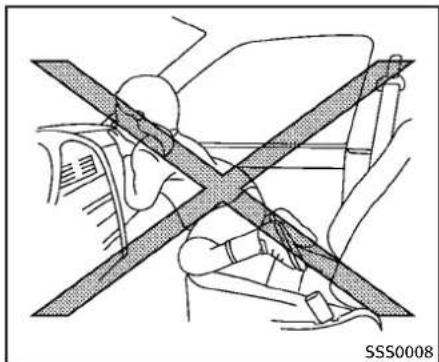
natural_image
Diagram of a car's seatbelt and steering wheel crossed over the dashboard, showing no text or symbols.
natural_image
Diagram showing a person sitting on a vehicle with a diagonal line crossing through the window (no text or symbols)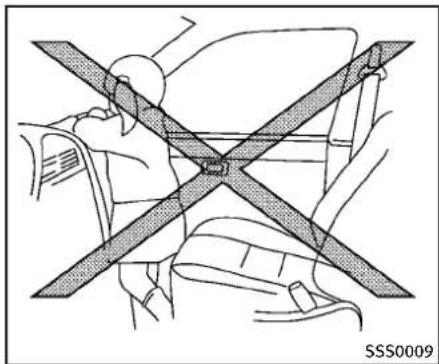
natural_image
Diagram of a car seatbelt with diagonal band crossing (no text or symbols)
natural_image
Diagram showing car seatbelt and passenger inside a vehicle, with no text or symbols present
WARNING
- Neverletchildrenrideunrestrainedor extendtheirhandsorfaceoutofthe window.Donotattempttoholdthemin yourlaporarms.Someexamplesof dangerousridingpositionsareshownin theillustrations.
- Childrenmaybeseverelyinjuredor killedwhenthefrontairbags,sideair bagsorcurtainairbagsinflateifthey arenotproperlyrestrained.Pre-teens andchildrenshouldbeproperlyrestrainedintherearseat,ifpossible.
- EvenwiththeINFINITIAadvancedAirBag System,neverinstallarear-facingchild restraintinthefrontseat.Aninflating frontairbagcouldseriouslyinjureorkill yourchild.See"Childrestraints"(P.1-23)fordetails.
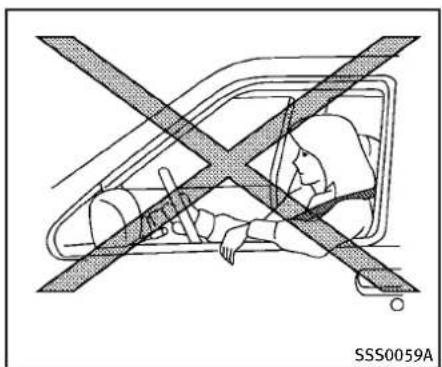
text_image
SSS0059A
natural_image
Diagram of a person wearing a seatbelt and standing on the back, with no visible text or symbols
natural_image
Diagram of a car interior with a cross symbol crossed out, no text or labels present1-44 Safety—Seats, seat belts and supplemental restraintsystem

natural_image
Diagram of a car interior showing steering wheel and dashboard (no text or symbols)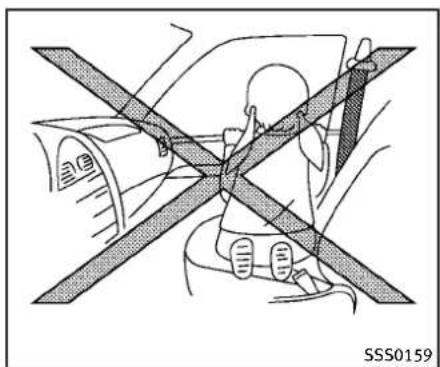
natural_image
Diagram showing a person sitting on a vehicle under an X-shaped barrier, with no visible text or symbols.
natural_image
Diagram of a person sitting in a car with a cross-shaped bandpass, no text or symbols present
WARNING
Frontseat-mountedside-impactsupplementalairbagsandroof-mountedcurtainside-impactsupplementalairbags:
- Thefrontseat-mountedside-impactair bagsandroof-mountedcurtainairbags ordinarilywillnotinflateintheeventof afrontalimpact,rearimpact, rolloveror lowerseveritysidecollision.Always wearyourseatbeltsstohelpreducethe riskorseverityofinjuryinvariouskinds ofaccidents.
- Theseatbelts,sideairbagsandcurtain airbagsaremosteffectivewhenyouare sittingwellbackanduprightintheseat. Thesideairbagandcurtainairbag inflatewithgreatforce.Donotallow anyonetoplacetheirhand,legorface nearthesideairbagonthesideoofthe seatbackofthefrontseatornearthe sideroofrails.Donotallowanyone sittinginthefrontseatsorrearoutboard seatstoextendtheirhandoutofthe windoworleanagainstthedoor.Some examplesofdangerousridingpositions areshowninthepreviousillustrations.
- Whensittingintherearseat, donot holdontotheseatbackofthefrontseat. Ifthesupplementalsideairbaginflates, youmaybeseriouslyinjured. Beespeciallycarefulwithchildren, whoshould alwaysbeproperlyrestrained. Some examplesofdangerousridingpositions areshownintheillustrations.
- Donotuseseatcoversonthefront seatbacks. They may interfere with supplementalsideairbaginflation.
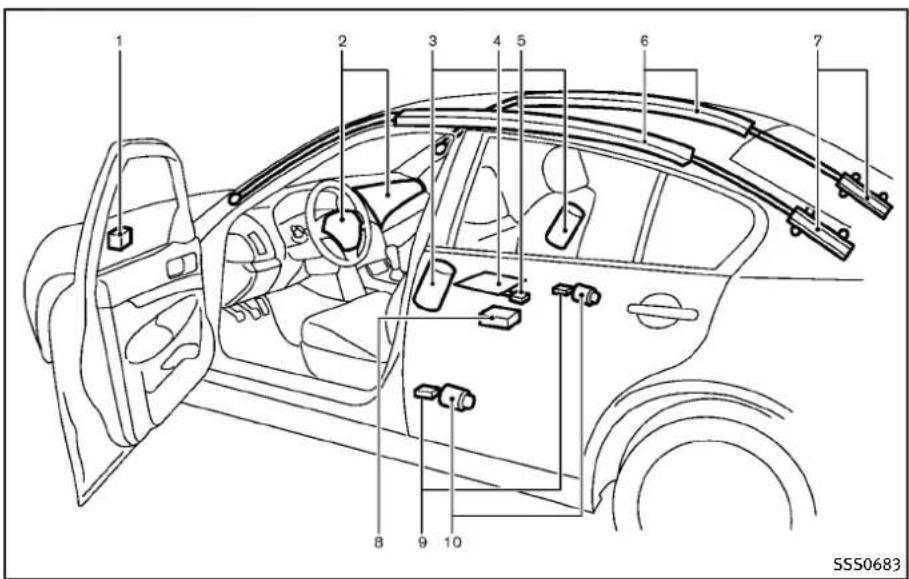
text_image
1 2 3 4 5 6 7 8 9 10 SSS0683Sedan
INFINITIADVANCEDAIRBAGSYSTEM(frontseats)
- Crashzonesensor
- Supplementalfrontairbagmodules (INFINITIAadvancedAirBags)
-
Frontseat-mountedside-impactsupplementalairbags
-
Occupantclassificationsensor(patternsensor)
- Occupantclassificationsystemcontrolunit
6.Roof-mountedcurtainside-impact
1-46 Safety—Seats, seatbeltsandsupplementalrestraintsystem
supplementalairbags
- Roof-mounted curtainside-impact supplementalairbaginflators
8.AirbagControlUnit(ACU)
9.Satellitesensors - Seatbeltswithpretensioners
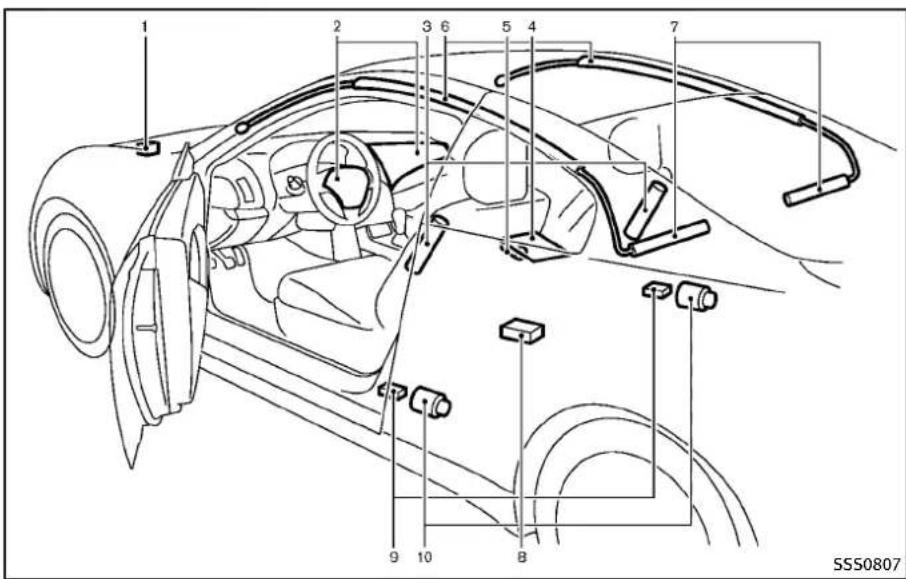
text_image
1 2 3 6 5 4 7 9 10 B SSS0807Coupe
1.Crashzonesensor
2. Supplementalfrontairbagmodules (INFINITIAdvancedAirBags)
3. Frontseat-mountedside-impactsupplementalairbags
4. Occupantclassificationsensor(pat-
ternsensor)
- Occupantclassificationsystemcontrolunit
- Roof-mounted curtainside-impact supplementalairbags
7.Roof-mountedcurtainside-impact
supplementalairbaginflators
8.AirbagControlUnit(ACU)
9.Satellitesensors
- Seatbeltswithpretensioners
ThisvehicleisequippedwiththeINFINITI AdvancedAirBagSystemforthedriverand frontpassengerseats.Thissystemis designedtomeetcertificationrequirementsunderU.S.regulations.Itisalso permittedinCanada.However,allofthe information,cautionsandwarningsinthis manualstillapplyandmustbefollowed.
The drivers supplemental front-impact air bag is located in the center of the steering wheel. The front passengers supplemental front-impact air bag is mounted in the instrument panel abovethe glovebox. The frontair bags are designed to inflate in higher severity frontal collisions, although they may inflate if the forces in another type of collisionaresimilar to those of a higher severity frontal impact. They may not inflate in certain frontal collisions. Vehicle damage (or lack of it) is not always an indication of proper front air bag operation.
The INFINITI Advanced Air Bag System has dual-stage air bag inflators. Thesystem monitors information from the crashzone
Safety—Seats, seatbeltsandsupplementalrestraintsystem 1-47
sensor,theAirbagControlUnit(ACU),seat beltbuckleswitchesandtheoccupant classificationsensor(patternsensor).Inflatoroperationisbasedontheseverity of acollisionandseatbeltusageforthe driver.Forthefrontpassenger,theoccupantclassificationsensorisalsomonitored.Basedoninformationfrom the sensors,onlyonefrontairbagmayinflate inacrash,dependingonthecrashseverity andwhetherthefrontoccupantsarebelted orunbelted.Additionally,thefrontpassengerairbagmaybeautomaticallyturned OFFundersomeconditions,depending on the informationprovidedbytheoccupant classificationsensor.Ifthefrontpassenger airbagisOFF,thepassengerairbagstatus lightwillbeilluminated(iftheseatis unoccupied,thelightwillnotbeilluminated,buttheairbagwillbeoff).(See "Frontpassengerairbagandstatuslight" (P.1-49)forfurtherdetails.)Onefrontair baginflatingdoesnotindicateimproper performanceofthesystem.
If you have any questions about your air bagsystem, contact an INFINITI retailer. If you are considering modification of your vehicle duetoadisability, you may also contact an INFINITI retailer. Contact in formationiscontainedinthefrontofthis Owner'sManual.
Whenafrontairbaginflates,afairlyloud noisemaybeheard,followedbyreleaseof smoke.Thissmokeisnotharmfulanddoes notindicateafire.Careshouldbetaken not to inhale it, as it may cause irritation andchoking.Thosewithahistoryofa breathingconditions shouldgetfreshair promptly.
Front air bags, along with the use of seat belts, helptocushiontheimpactforce on theheadandchestofthefrontoccupants. Theycanhelpsavelivesandreduce seriousinjuries. However, aninflatingfront airbagmaycausefacialabrasionsorother injuries. Frontairbagsdonotprovide restrainttothelowerbody.
EvenwithINFINITIadvancedairbags,seat beltsshouldbecorrectlywornandthe driverandpassengerseateduprightasfar aspracticalawayfrom thesteeringwheel orinstrumentpanel.Thefrontairbags inflatequicklyinordertohelpprotectthe frontoccupants.Becauseofthis,theforce of the front air bag inflating can increase theriskofinjuryiftheoccupantistoo closeto,orisagainst,theairbagmodule duringinflation.
Thefrontairbagsdeflatequickly aftera collision.
Thesupplementalfrontairbagsoperate onlywhentheignitionswitchisintheON position.
AfterpushingtheignitionswitchtotheON position,thesupplementalairbagwarninglightilluminates.Thesupplementalair bagwarninglightwillturnoffafterabout 7secondsifthesystemisoperational.
PASSENGER AIR BAG

SSS0676
Frontpassengerairbagstatuslight Frontpassengerairbagandstatus light

WARNING
Thefrontpassengerairbagisdesignedto automaticallyturnOFFundersomeconditions.Readthissectioncarefullytolearn howitoperates.Properuseoftheseat,seat beltandchildrestraintsisnecessaryfor mosteffectiveprotection.Failureretofollow allinstructionsinthismanualconcerning theuseofseats,seatbeltsandchild restraintscanincreasetheriskorseverity
ofinjuryinanaccident.
Statuslight:
Thefrontpassengerairbagstatuslight islocatedontheinstrumentpanel. Aftertheignitionswitchisplacedinthe "ON"position,thefrontpassengerairbagstatuslightontheinstrumentpanel illuminatesforabout7secondsandthen turnsofforoperatesdependingonthe frontpassengeroccupiedstatus.Thelight operatesasfollows:
●Unoccupiedpassengerseat:The = 10 is OFFandthefrontpassengerairbagis OFFandwillnotinflateinacrash.
●Passengerseatoccupiedbyasmall adult,childorchildrestraintasoutlinedinthissection:The illuminatesto indicate that the front passengerairbagisOFFandwillnot inflateinacrash.
Occupiedpassengerseatandthepas-sengermeetstheconditionsoutlinedin thissection:Thelight isOFFto indicate that the front passenger air bagisoperational.
Frontpassengerairbag:
Thefrontpassengerairbagisdesignedto automaticallyturnOFFwhenthevehicleis operatedundersomeconditionsasdescribedbelowaspermittedbyU.S.regulations.IfthefrontpassengerairbagisOFF, itwillnotinflateinacrash.Thedriverair bagandotherairbagsinyourvehicleare notpartofthissystem.
The purpose of the regulation is to help reduce risk of injury or death from an inflating air bag to certain front passenger seat occupants, such as children, by requiring the air bag to be automatically turned OFF.
Theoccupantclassificationsensor(pattern sensor)isinthefrontpassengerseat cushionandisdesignedtodetectan occupantandobjectsontheseat. For example,ifachildisinthe frontpassenger seat,theAdvancedAirBagSystemis designedtoturnthepassengerairbag OFFinaccordancewiththeregulations. Also,ifachildrestraintofthetype specifiedintheregulationsisontheseat, theoccupantclassificationsensorcan detectitandcausetheairbagtoturnOFF.
Frontpassengerseatadultoccupantswho areproperlyseatedandusingtheseatbelt
asoutlinedinthismanualshouldnot causethepassengerairbagtobeautomaticallyturnedOFF.Forsmalladultsit may be turned OFF, however, if the occupant does not sit in theseat properly (forexample, by not sitting upright, by sitting on an edge of theseat, or by otherwise being out of position), this could cause the sensor to turn the airbag OFF. Always besuretobeseated and wearing theseat belt properly for them most effective protection by theseat belt and supplemental airbag.
INFINITIrecommendsthatpre-teensand childrenbeproperlyrestrainedinarear seat.INFINITIalsorecommendsthatappropriatechildrestraintsandboosterseatsbe properlyinstalledinarearseat.Ifthisis notpossible,theoccupantclassification sensorisdesignedtooperateasdescribed abovetoturnthefrontpassengerairbag OFFforspecifiedchildrestraints.Failingto properlysecurechildrestraintsandtouse theALRmode(childrestraintmode)may allowtherestrainttotipormoveinan accidentorsuddenstop.Thiscanalso resultinthepassengerairbaginflatingin acrashinsteadofbeingOFF.(See“Child restraints”(P.1-23)forproperuseand
installation.)
If the front passenger seat is not occupied, the passenger air bag is designed not to inflate in a crash. However, heavy objects placed on these seat could result in air bag inflation, because of the object being detected by the occupant classification sensor. Other conditions could also result in air bag inflation, such as if a child is standing on these seat, or if two children are on these seat, contrary to the instructions in this manual. Always besure that you and all vehicle occupants are seated and restrained properly.
Using the passenger air bag status light, you can monitor when the front passenger air bag is automatically turned OFF with the seat occupied. Thelight will not illuminate when the front passenger seat is unoccupied.
Ifanadultoccupantisintheseatbutthe passengerairbagstatuslightisilluminated(indicatingthattheairbagisOFF),it couldbethatthepersonisasmalladult, orisnotsittingontheseatproperly.
Ifachildrestraintmustbeusedinthefront seat, thepassengerairbagstatuslight mayormaynotbeilluminated, depending onthesizeofthechildandthetypeof
childrestraintbeingused.Ifthepassenger airbagstatuslightisnotilluminated (indicatingthattheairbagmightinflate inacrash),itcouldbethatthechild restraintorseatbeltisnotbeingused properly.Makesurethatthechildrestraint isinstalledproperly,theseatbeltisused properlyandtheoccupantispositioned properly.Ifthepassengerairbagstatus lightisstillnotilluminated,repositionthe occupantorchildrestraintinarearseat.
If the passenger air bag status light will not illuminate event though you believ that the child restraint, these at belts and the occupant are properly positioned, the system may be sensing an unoccupied seat (in which case the air bag is OFF). Your INFINIT retailer can check that the system is OFF by using aspecial tool. However, until you have confirmed with your retailer that your air bag is working properly, reposition the occupant or child restraint in a rearseat.
The INFINITI advancedairbagsystem and passengerairbagstatuslightwilltake a fewsecondstoregisterachangeinthe passengerseatstatus. However, if theseat becomes unoccupied, the airbagstatus lightwillremainoff.
Ifamalfunctionoccursinthefront passengerairbagsystem,thesupplementalairbagwarninglight ,locatedinthe meterandgaugesareawillblink.Havethe systemcheckedbyanINFINITretailer.
Othersupplementalfront-impact airbagprecautions

WARNING
- Donotplaceanyobjectsonthesteering wheelpadorontheinstrumentpanel. Also, donotplaceanyobjectsbetween anyoccupantandthesteeringwheelor instrumentpanel. Suchobjectsmay becomedangerousprojectilesandcause injuryifthefrontairbagsinflate.
- Donotplaceobjectswithsharpedges ontheseat. Also, donotplaceheavy objectsontheseatthatwillleave permanentimpressionsintheseat. Such objectscandamagetheseatoroccupant classificationsensor(patternsensor). Thiscanaffecttheoperationoftheair bagsystemandresultinseriouspersonalinjury.
- Donotusewateroracidiccleaners(hot steamcleaners)ontheseat.Thiscan
damagetheseatoroccupantclassificationsensor. This can also affect the operation of the airbagsystem and result in serious personal injury.
- Immediatelyafterinflation,severalfront airbagsystemcomponentswillbehot. Donottouchthem;youmayseverely burnyourself.
- Nounauthorizedchangesshouldbe madetoanycomponentsorwiringof theairbagsystem. Thisistoprevent accidentalinflationofthesupplemental airbagordamagetothesupplemental airbagsystem.
- Donotmakeunauthorizedchangesto yourvehicle'selectricalsystem,suspensionsystemorfrontendstructure.This couldaffectproperoperationofthefront airbagsystem.
-
Tamperingwiththeairbagsystemmay resultinseriouspersonalinjury.Tamperingincludeschangestothesteering wheelandtheinstrumentpanelassemblybyplacingmaterialoverthesteering wheelpadandabovetheinstrument panelorbyinstalling additional trim materialaroundtheairbagsystem.
-
Modifyingortamperingwiththefront passenger seat may result in serious personalinjury. Forexample, donot changethe frontseatsbyplacing materialontheseatcushionorby installingadditionaltrimmaterial, such asseatcovers, ontheseatthatisnot specificallydesignedtoassureproper airbagoperation. Additionally, donot stowanyobjectsunderthefrontpassenger seator theseatkushion and seatback. Suchobjectsmayinterfere withtheproperoperationoftheoccupantclassificationsensor.
- Nounauthorizedchangesshouldbe madetoanycomponentsorwiringof theseatbeltsystem.Thismayaffectthe frontairbagsystem.Tamperingwiththe seatbeltsystemmayresultinserious personalinjury.
- Workonandaroundthefrontairbag systemshouldbedonebyanINFINITI retailer.InstallationofelectricalequipmentshouldalsobedonebyanINFINITI retailer. The Supplemental Restraint System(SRS)wiringharnesses*should not be modified or disconnected. Unauthorized electricaltestequipment and probing devices should not be used on
theairbagsystem.
- Acrackedwindshieldshouldbereplaced immediatelybyaqualifiedrepairfacility. Acrackedwindshieldcouldaffectthe functionofthesupplementalairbag system.
\*TheSRSwiringharnessconnectors are yellow and orange foreasy identification.
Whensellingyourvehicle, werequest that you inform the buyer about the front air bagsystem and guidethe buyerto the appropriatesections in this Owner's Manual.
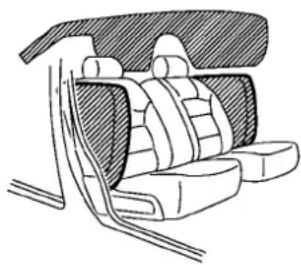
natural_image
Line drawing of a car backrest seat assembly (no text or symbols)SSS0521
FRONTSEAT-MOUNTEDSIDE-IMPACTSUPPLEMENTALAIRBAGAND ROOF-MOUNTEDCURTAINSIDE-IMPACTSUPPLEMENTALAIRBAGSYSTEMS
Thesideairbagsarelocatedintheoutside oftheseatbackofthefrontseats.The curtainairbagsarelocatedinthesideroof rails.Thesesystemsaredesignedtomeet voluntaryguidelinestohelpreducetherisk ofinjurytoout-of-positionoccupants. However,alloftheinformation,cautions andwarningsinthismanualstillapply andmustbefollowed.Thesideairbags
andcurtainairbagsaredesignedtoinflate inhigherseveritysidecollisions,although theymayinflateiftheforcesinanother typeofcollisionaresimilartothoseofa higherseveritysideimpact.Theyare designedtoinflateonthesidewherethe vehicleisimpacted.Theymaynotinflatein certainsidecollisionsonthesidewhere thevehicleisimpacted.
Vehicledamage(orlackofit)isnotalways anindicationofpropersupplementalside airbagandcurtainside-impactairbag operation.
Whensideairbagsandcurtainairbags inflate,afairlyloudnoisemaybeheard, followedbyreleaseofsmoke.Thissmoke isnotharmfulanddoesnotindicateafire. Careshouldbetakennottoinhaleit,asit maycauseirritationandchoking.Those withahistoryof a breathing condition shouldgetfreshhairpromptly.
Sideairbags, alongwiththeuseofseat belts, helptocushiontheimpactforceon thechestandpelvisofthefrontoccupants. Curtainairbagshelptocushiontheimpact forcetotheheadofoccupantsinthefront andrearoutboardseatingpositions. They canhelpsavelives andreduce serious injuries. However, aninflatingsideairbags
andcurtainairbagsmaycauseabrasions orotherinjuries.Sideairbagsandcurtain airbagsdonotproviderestrainttothe lowerbody.
Theseatbeltsshouldbecorrectlyworn andthedriverandpassengerseated uprightasfaraspracticalawayfromthe sideairbag.Rearseatpassengers should beseatedasfarawayaspracticalfromthe doorfinishersandsideroofrails.Theside airbagsandcurtainairbagsinflatequickly inordertohelpprotecttheoccupants. Becauseofthis,theforceofthesideair bagsandcurtainairbagsinflatingcan increasetheriskofinjuryiftheoccupantis toocloseto,orisagainst,theseairbag modulesduringinflation.Thesideairbags andcurtainairbagswilldeflatequickly afterthecollisionisover.
Thesideairbagsandcurtainairbags operateonlywhentheignitionswitchisin theONposition.
AfterpushingtheignitionswitchtotheON position,thesupplementalairbagwarninglightilluminates.Theairbagwarning lightwillturnoffafterabout7secondsif thesystemsareoperational.

WARNING
- Donotplaceanyobjectsnearthe seatbackofthefrontseats. Also, do notplaceanyobjects(anumbrella,bag, etc.)betweenthefrontdoorfinisherand thefrontseat. Suchobjectsmaybecome dangerousprojectilesandcauseinjuryif sideairbaginflates.
- Rightafterinflation,severalsideair bagsandcurtainairbagsystemcomponentswillbehot.Donottouchthem; youmayseverelyburnyourself.
- Nounauthorizedchangesshouldbe madetoanycomponentsorwiringof sideairbagandcurtainairbags. This is topreventdamagetooraccidental inflationofthesideairbagandcurtain airbagsystems.
- Donotmakeunauthorizedchangesto yourvehicle'selectricalsystem,suspensionsystemorsidepanel. Thiscould affect properoperationof the sideair bagandcurtainairbagsystems.
- Tamperingwiththeairbagsystemmay resultinseriouspersonalinjury. For example, donotchangethefrontseats byplacingmaterialneartheseatbackor
byinstallingadditionaltrimmaterial, suchasseatcovers,aroundthesideair bags.
●Workaroundandonthesideairbagand curtainairbagsystemsshouldbedone byanINFINITretailer.Installationof electricalequipmentsshouldalsobe donebyanINFINITretailer.TheSupplementalRestraintSystem(SRS)wiring harnesses* shouldnotbemodified or disconnected.Unauthorizedelectrical testequipmentandprobingdevices shouldnotbeusedontheside-impact airbagsystem.
* TheSRS wiringharnessconnectors are yellow and orange foreasy identification.
Whensellingyourvehicle, werequestthat youinformthebuyeraboutthesideairbag andcurtainairbagsystemsandguidethe buyertotheappropriatesections in this Owner'sManual.
SEATBELTSWITHPRETENSIONERS (frontseats)

WARNING
- Thepretensionerscannotbereusedafter activation. They must be replaced together with theretractor and buckle as a unit.
- If the vehicle becomes involved a collision but a pretensioner is not activated, besureto havethe pretensionersystem checked and, if necessary, replaced by an INFINIT retailer.
- Nounauthorizedchangesshouldbe madetoanycomponentsorwiringof thepretensioners.Thisistoprevent damagetooraccidentalactivationofthe pretensionersystem.Tamperingwiththe pretensionersystemmayresultinseriouspersonalinjury.
●Workaroundandonthepretensioners shouldbedonebyanINFINITIretailer. Installationofelectricalequipment shouldalsobedonebyanINFINITI retailer. Unauthorizedelectricaltest equipmentandprobingdevicesshould notbeusedonthepretensionersystem.
- If you need to dispose of the preten- sioner or scrap the vehicle, contact an INFINIT retailer. Correct pretensioner disposal procedures are set forth in the appropriate INFINIT Service Manual. Incorrect disposal procedures could cause personal injury.
Thepretensionersystemmayactivate with the supplemental airbagsystem incertain types of collisions. Working with these at belt retractor, ithelpstightentheseat belt when the vehicle becomes involved in certain types of collisions, helping to restrain front seat occupants.
The pretensioner is encased with the seat beltretractor. Theseseatbeltsareused the same way as conventionalseat belts.
Whenapretensionerseatbeltactivates, smokeisreleasedandaloudnoisemaybe heard. Thesmokeisnotharmful, andit doesnotindicateafire. Careshouldbe takennottoinhaleitasitmaycause irritationandchoking. Thosewithahistory ofabreathingconditionsshouldgetfresh airpromptly.
After pretensioner activation, load limiters allowtheseatbelttoreleasewebbing(if necessary)toreduceforcesagainstthe
chest.
The supplemental airbag warninglight is used to indicate malfunctions in the pretensionersystem. (See "Supplemental airbag warninglight" (P.1-55) form more details.) If the supplemental air bag warninglight indicates there is a malfunction, havethesystem checked by an INFINIT retailer.
Whenselling your vehicle, were quest that you inform the buyer about these seat belt pretensioners and guidethe buyerto the appropriate sections in this Owner's Manual.
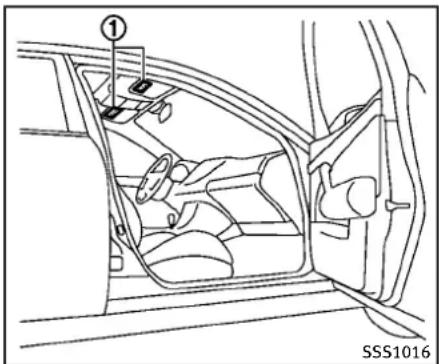
text_image
① SSS1016SUPPLEMENTAL AIRBAG WARNING LABELS
Warninglabelsaboutthesupplemental front-impactairbagsystemsareplaced in thevehicleasshownintheillustration.
SRSairbag
Thewarninglabels ① arelocated on the surface of the sunvisors.

natural_image
Silhouette of a person in motion with one arm raised, no text or symbols presentSUPPLEMENTAL AIRBAG WARNING LIGHT
Thesupplementalairbagwarninglight, displaying intheinstrumentpanel, monitorsthecircuitsofthesupplemental front-impactairbag,frontseat-mounted side-impactsupplementalairbag,roof-mountedcurtainside-impactsupplemental airbag,andseatbeltpretensionersystems.ThemonitoredcircuitsincludetheAir bagControlUnit(ACU),satellitesensors, crashzonesensor,occupantclassification system,frontairbagmodules,sideairbag modules,curtainairbagmodules,pretensioner,frontpassengerairbagstatuslight
andallrelatedwiring.
WhentheignitionswitchisintheON position,thesupplementalairbagwarning lightilluminatesforabout7secondsand thenturnsoff.Thismeansthesystemis operational.
Ifanyofthefollowingconditionsoccur,the frontairbag,sideairbag,curtainairbag andpretensionersystemsneedservicing:
- Thesupplementalairbagwarninglight remainsonapproximately7seconds aftertheignitionswitchispushedto theONposition.
●Thesupplementalairbagwarninglight flashesintermittently. - Thesupplementalairbagwarninglight doesnotcomeonatall.
Undertheseconditions, thefrontairbag, sideairbag, curtainairbag or pretensioner systems may not operate properly. They must be checked and repaired. Take your vehicle to the nearest INFINIT retailer.

WARNING
If the supplemental airbag warning light is on, it could mean that the front airbag, side airbag, curtain airbag and or pretensioner
systemswillnotoperateinanaccident.To helpavoidinjurytoyourselforothers,have yourvehiclecheckedbyaretailerassoonas possible.
REPAIRANDREPLACEMENTPROCEDURE
Thefrontairbags, sideairbags, curtainair bags and pretensioners are designed to activate one-time-only basis. As a reminder, unless it is damaged, the supplemental airbag warning light will remain illuminated after inflation has occurred. Repair and replacement of these systems should be done only by an INFINIT retailer.
When maintenance work is required on the vehicle, the front air bags, side air bags, curtain air bags, pretensioners and related parts should be pointed out to the person conducting them maintenance. The ignition switch should always be in the LOCK position when working under the hood or insidethe vehicle.

WARNING
- Onceafrontairbag, sideairbag, or curtainairbag has inflated, the airbag
1-56 Safety—Seats, seatbeltsandsupplementalrestraintsystem
modulewillnotfunctionagainandmust bereplaced.Additionally,theactivated pretensionermustalsobereplaced.The airbagmoduleandpretensionershould bereplacedbyanINFINITretailer.The airbagmoduleandpretensionersystem cannotberepaired.
- Thefrontairbag, sideairbag, curtainair bag and the pretensionersystem should be inspected by an INFINIT retailer if there is any damage to the frontor side portion of the vehicle.
- If you need to dispose of the supplemental air bag or pretensioner or scrap the vehicle, contact an INFINITI retailer. Correct supplemental air bag and seat belt pretensionersystem disposals procedures are set forth in the appropriate INFINITIService Manual. Incorrect disposal procedures could cause personal injury.
2Instrumentsandcontrols
Cockpit....2-3
Instrumentpanel....2-4
Metersandgauges....2-6
Speedometerandodometer....2-7
Tachometer....2-8
Enginecoolanttemperaturegauge....2-8
Fuelgauge....2-9
Compass(ifsoequipped)....2-9
Zonevariationchangeprocedure....2-11
Warning/indicatorlightsand
audiblereminders....2-12
Checkingbulbs....2-12
Warninglights....2-12
Indicatorlights....2-18
Audiblereminders....2-19
Dotmatrixliquidcrystaldisplay....2-20
Indicatorsforoperation....2-22
Indicatorsformaintenance....2-24
Tripcomputer....2-26
Securitysystems....2-28
VehicleSecuritySystem....2-28
INFINITIVehicleImmobilizerSystem....2-30
Windshieldwiperandwasherswitch....2-31
Rain-sensingautowipersystem
(ifsoequipped)....2-33
Rearwindowandoutsidemirror
defrosterswitch....2-34
Headlightandturnsignalswitch....2-34
Xenonheadlights....2-34
Headlightswitch....2-35
Turnsignalswitch....2-38
Foglightswitch....2-39
Hazardwarningflasherswitch....2-39
Horn....2-40
Heatedseats(ifsoequipped)....2-40
SNOWmodeswitch(ifsoequipped)......2-41
VehicleDynamicControl(VDC)OFFswitch......2-42
Clock....2-42
Adjustingthetime....2-42
Poweroutlet....2-43
Cigarettelighterandashtrays(ifsoequipped)....2-44
Front....2-44
Rear....2-44
Storage....2-45
Cupholders....2-45
Sunglassesholder....2-47
Glovebox....2-47
Consolebox....2-48
Cardholder(ifsoequipped)......2-49
Storagebox(ifsoequipped)....2-50
Coathooks....2-50
Stowinggolfbags(Coupe)....2-51
Cargonetretainers....2-51
Trunknetforextrawindowwasherfluid
(Canadaonly;ifsoequipped)......2-51
Windows....2-52
Powerwindows....2-52
Moonroof(ifsoequipped)....2-55
Automaticmoonroof....2-55
Interiorlights....2-56
Maplights....2-56
Personallights(Sedan)......2-57
Interiorlightcontrolswitch....2-57
Vanitymirrorlights....2-58
Trunklight....2-59
HomeLink® UniversalTransceiver
(ifsoequipped)....2-59
ProgrammingHomeLink ^® 2-60
ProgrammingHomeLink ^® for
Canadiancustomers....2-61
OperatingtheHomeLink ^®
UniversalTransceiver....2-61
Programmingtrouble-diagnosis....2-62
Clearingtheprogrammedinformation......2-62
Reprogrammingasing
HomeLink® button....2-62
Ifyourvehicleisstolen....2-62
COCKPIT

text_image
1 2 3 4 5 6 7 8 9 10 11 12 13 14 15 16 SIC4683- VehicleDynamicControl(VDC)OFF switch(P.5-55)
- Trunklidreleaseswitch(P.3-19)
-
Sonarsystemoffswitch (ifso equipped)(P.5-50)
-
Instrument brightness control switch (P.2-38)
5.TRIP/RESETswitchfortwintripodometer(P.2-7) - Headlight, foglight and turnsignal switch (P.2-34)
7.Paddleshifter(ifsoequipped)(P.5-16)
- Steering-wheel-mounted controls(left side)
—ENTERortuningswitch(P.4-87)
—BACKswitch(P.4-87)
—TALKswitch(ifsoequipped)
(P.4-114)/Phoneswitch(ifso equipped)(P.4-90)
—Volumecontrolswitches(P.4-87)
—Sourceselectswitch(P.4-87)
9.Tripcomputerswitch(P.2-26)
- Windshieldwiperandwasherswitch (P.2-31)
- Steering-wheel-mounted controls (rightside)
—Cruisecontrolswitches(P.5-21)
—IntelligentCruiseControl(ICC)
switches(ifsoequipped)(P.5-23)
12.Hoodreleasehandle(P.3-18)
13.IntelligentKeyport(P.5-12)
14. Electric tilting/telescopic steering wheellever(ifsoequipped)(P.3-26)
15. Manualtilting/telescopicsteering wheellever(ifsoequipped)(P.3-26)
- Steeringwheel
—Horn(P.2-40)
—Driversupplementalairbag
(P.1-41)
Instrumentsandcontrols
INSTRUMENTPANEL
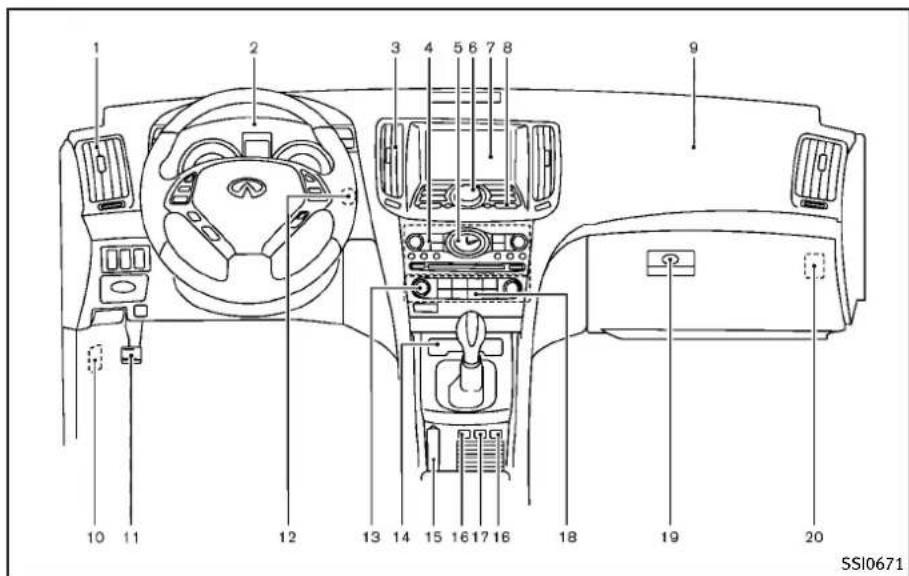
text_image
1 2 3 4 5 6 7 8 9 10 11 12 13 14 15 16 17 18 19 20 SSI0671- Sideventilator(P.4-30)
2.Metersandgauges(P.2-6) - Centerventilator(P.4-30)
4.Audiosystem(P.4-41) - Clock(P.2-42)
- Centermulti-functioncontrol panel
—Navigation system* (if so equipped)
—Vehicleinformationandsetting buttons(P.4-9)
—Bluetooth ^® Hands-FreePhoneSystem(ifsoequipped)(P.4-90,P.4-100)
—Audiosystem(P.4-41)
- Centerdisplay(P.4-3)/Navigationsystem*(ifsoequipped)
8.Hazardwarningflasherswitch(P.2-39) - Frontpassengersupplementalairbag (P.1-41)
10.Fuseboxcover(P.8-24) - Parkingbrake(forAutomaticTransmissionmodels)
—Parking(P.5-20)
12.Push-buttonignitionswitch(P.5-9) - Automaticclimatecontrolsystem (P.4-31)
- Cigarettelighterandashtray(ifso equipped)(P.2-44)orstoragebox(if soequipped)(P.2-50) —Poweroutlet(ifsoequipped) (P.2-43)
- Parkingbrake(forManualTransmissionmodels)
—Parking(P.5-20)
16.Heatedseatswitch(ifsoequipped) (P.2-40)
17.SNOWmodeswitch(ifsoequipped) (P.2-41) - Rearwindowandoutsidemirror(ifso equipped)defrosterswitch(P.2-34)
2-4 Instrumentsandcontrols
-
Gloveboxlidreleasehandle(P.2-47)
-
Trunkreleasepowercancelswitch (P.3-20)
*:Referto these separate Navigation SystemOwner's Manual.
Instrumentsandcontrols2-5
METERSANDGAUGES

text_image
1 2 3 4 5 6 SIC4288maymoveslightlyaftertheignition switchispushedtotheLOCKposition.Thisisnotamalfunction.
- Tachometer(P.2-8)
- Warning/Indicatorlights(P.2-12)
- Speedometer(P.2-7)
- Enginecoolanttemperaturegauge (P.2-8)
- Dotmatrixliquidcrystaldisplay/
2-6 Instrumentsandcontrols
Odometer/twintripodometer (P.2-20)
6.Fuelgauge(P.2-9)
*:Theneedleindicatorsinthespeedometer,tachometer,enginecoolant temperaturegaugeandfuelgauge
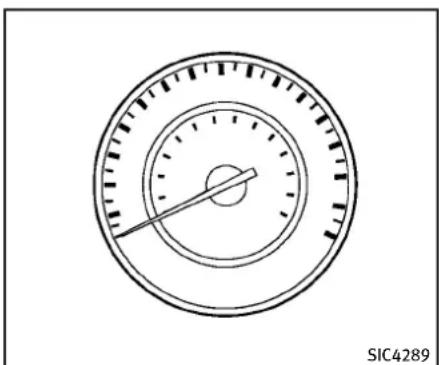
natural_image
Circular gauge or dial with concentric rings and a pointer, no visible text or symbolsSpeedometer
SPEEDOMETERANDODOMETER
Speedometer
Thespeedometer indicates vehiclespeed in miles per hour (MPH) and kilometers per hour (km/h).
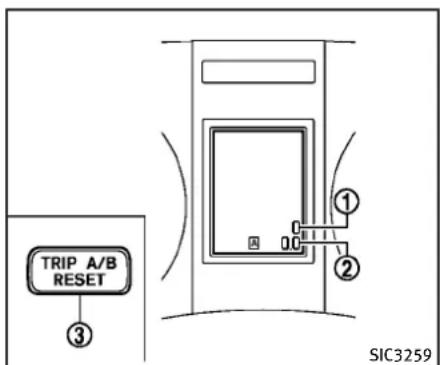
text_image
TRIP A/B RESET ③ ① ② SIC3259Odometer/twintripodometer
Odometer/twintripodometer
Theodometer ① andtwintripodometer ② aredisplayedonthedotmatrixcrystal displaywhentheignitionswitchisinthe ONposition.
Theodometerrecordsthetotaldistance thevehiclehasbeendriven.
Thetwintripodometerrecordsthedistanceofindividualtrips.
Changingthedisplay:
PushingtheTRIPA/BRESETswitch ③ at thebottomleftofthecombinationmeter panelchangesthedisplayasfollows:
TRIPA→TRIPB→TRIPA
Resettingthetripodometer:
PushingtheTRIPA/BRESETswitch ③ for morethan1secondresetsthetrip odometertozero.
Averagefueleconomyanddistanceto emptyinformationisalsoavailable.(See "Dotmatrixliquidcrystaldisplay"(P.2-20) and "HowtouseSTATUSbutton"(P.4-9).)

text_image
Diagram of a circular gauge or dial with a pointer and scale, labeled with circled number ①SIC4290
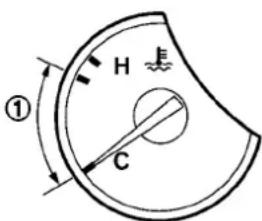
text_image
H ① CSIC4291
TACHOMETER
Thetachometerindicatesenginespeedin revolutionsperminute(RPM).Donotrev theengineintotheredzone ①.

CAUTION
Whenenginespeedapproachesthered zone, shifttoahighergearorreduceengine speed. Operating the engine in thered zone may cause serious engined damage.
Thegaugeindicatestheenginecoolant temperature.
Theenginecoolanttemperatureiswithin thenormalrangewhenthegaugeneedle pointswithinthezone ① showninthe illustration.
The engine coolant temperature varies with the outside air temperature and driving conditions.

CAUTION
If the gauge indicates engine coolant temperature near the hot (H) end of the normal range, reduce vehicles speed to decrease temperature. If gauge is over the normal range, stop the vehicle as soon as safely possible. If the engine is overheated, continued operation of the vehicle may seriously damage the engine. See "If your vehicle overheats" (P.6-10) for immediate action required.
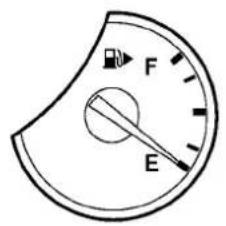
text_image
F ESIC4292
FUELGAUGE
Thegaugeindicates the approximate fuel level in the tank.
Thegaugemaymoveslightlyduring braking,turning,acceleration,orgoingup ordownhills.
ThegaugeneedlereturnstoE(Empty)after theignitionswitchispushedtotheOFF position.
Refillthefueltankbeforethegauge registers"E"(Empty).
Thelowfuelwarning 🔒 appears on the dot matrix liquid crystal display when the fuel tank is getting low. Refuel as soon as it
isconvenient, preferablybeforethegauge reaches“E”. Therewillbeasmallreserve offuelinthetankwhenthefuelgauge needlereaches“E”.
The ▶ indicate sthat the fuel - filler door is located on the passenger's side of the vehicle.

CAUTION
- Ifthevehiclerunsoutoffuel, the malfunctionindicatorlight(MIL) may comeon. Refuelassoonaspossible. Afterafewdrivingtrips, the shouldturnoff. Ifthelightremainson afterafewdrivingtrips, havethevehic inspectedbyanINFINITlretailer.
- For additional information, see "MalfunctionIndicatorLight(MIL)"(P.2-18).

light
COMPASS(ifsoequipped)
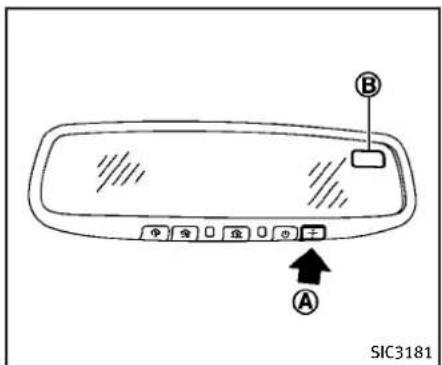
text_image
SIC3181Whentheignitionswitchispushedtothe ONposition,thecompassdisplay Ⓑ will indicatethedirectionofthevehicle's heading.

text_image
N (North) NE (Northeast) E (East) S (South) SE (Southeast) SW (Southwest) W (West) NW (Northwest)Ifthedisplayreads“C”, calibratethe compassbydrivingthevehiclein3 completecirclesatlessthan5MPH(8
km/h).Youcanalsocalibratethecompass bydrivingyourvehicleonyoureveryday route. Thecompasswillbecalibratedonce ithastracked3completecircles.
Toturnonandoffthecompassmanually, pushthe - switch Ⓐ whiletheignition switchisintheONposition.

text_image
SIC0611BZonemap
2-10 Instrumentsandcontrols
ZONEVARIATIONCHANGEPROCE- DURE
The difference between magnetic north and geographical north is known as variance. In some areas, this difference can sometimes begreatenought to cause false compass readings. Follow these instructions to set the variance for your particular location if this happens:
- Push the + switchformorethan3 seconds. The current zonenumber will appear in the display.
- Find your current location and variance number on the zonemap.
- Push the switch repeatedly until thenewzonenumberappearsinthe display, thenreleasetheswitch. After youreleasetheswitch, thedisplaywill show a compass direction within a few seconds.
- Ifthecompassdeviatesfromthe correctindicationsoonafterrepeatedadjustment,havethecompasscheckedatanINFINITlretailer.
- Thecompassmaynotindicate the correctcompasspointintunnelsor whiledrivingupordownasteephill. (Thecompassreturnstothecorrect
compasspointwhenthevehicle movestoanareawherethegeomagnetismisstabilized.)

CAUTION
- Donotinstallaskirack, antenna, etc., which are attached to the vehicle by means of magnet. They affect the operation of the compass.
- Whencleaningthemirror, useapaper towelorsimilarmaterialdampenedwith glasscleaner. Donotsprayglasscleaner directlyonthemirrorasitmaycausethe liquidcleanertoenterthemirrorhousing.
WARNING/INDICATOR LIGHTSAND AUDIBLEREMINDERS
| AWD | All-WheelDrive(AWD)warninglight(AWD models)* | CRUISE | IntelligentCruiseControl(ICC)system warninglight(orange)* | ≠D | Frontfoglightindicatorlight |
| ABS | Anti-lockBrakingSystem(ABS)warning light | KEY | IntelligentKeywarninglightFrontpassengerairbag | SASWIND OFF | SASWIND SAG |
| ABS |  | LowtirepressurewarninglightHighbeamindicatorlight | |||
| A T CHECK | AutomatictransmissioncheckwarninglightMasterWarninglightLowbeamindicatorlight | EDG | |||
| BRAKE | Brakewarninglight | CRUISE | PreviewFunctionwarninglight(orange)*Malfunction | SERVICE ENGINEIndicatorLight(MIL) | |
| ① | SeatbeltwarninglightSecurityindicatorlight | ||||
| ChargewarninglightSupplementalairbagwarninglightTurnsignal/hazardindicatorlights | |||||
| EngineoilpressurewarninglightVehicleDynamic Control(VDC)warninglight | VehicleDynamicControl(VDC)offindicator light | ||||
| 4WAS | 4WheelActiveSteer(4WAS)warninglight* | P/*1 | Automatictransmissionpositionindicator light* | *:ifsoequipped | |
CHECKINGBULBS
With all doors closed, apply the parking brake and push the ignition switch to the ON position without starting the engine. The following lights will come on (if so equipped):
- , BRAKE or (1) , , SERVICE ENGINE SOON , & , AWD, CRUISE The following lights come on briefly and thengooff (ifso equipped):
,ABS or ( ) , AT CHECK, , ( ) , KEY If any light does not come on, it may indicate a burned-out bulb or an open
circuit in the electrical system. Have the system checked by an INFINITI retailer.
Some indicators and warnings are also displayed on the dot matrix crystal display between the speedometer and tachometer. (See “Dot matrix liquid crystal display” (P.2-20).)
WARNINGLIGHTS
AWD All-WheelDrive(AWD)warning light(AWD models)(ifso equipped)
The AWD warning light comes on when the ignitionswitchispushedtoON.Itturnsoff soonafter theengine isstarted.
If the AWD system malfunctions, or the diameter of the front and the rear wheels are different, the warning light will either remain illuminated or blink. (See "All-WheelDrive(AWD)" (P.5-45).)
2-12 Instrumentsandcontrols

CAUTION
- If the warning light comes on while driving the may be a malfunction in the AWD system. Reducethe vehicle speed and have your vehicle checked by an INFINIT retailer as soon as possible.
- IftheAWDwarninglightblinksonwhen youaredriving:
— blinksrapidly(abouttwiceasecond):
Pullofftheroadinasafearea,and idletheengine. Thedrivingmodewill changeto2WDtopreventtheAWD systemfrommalfunctioning.Ifthe warninglightturnsoff,youcandrive again.
— blinksslowly(aboutonceevery2 seconds):
Pullofftheroadinasafearea,and idletheengine.Checkthatalltire sizesarethesame,tirepressureis correctandtiresarenotworn.
- If the warning light is still on after the above operations, have your vehicle checked by an INFINIT retailer as soon
aspossible.
ABS or An(€)lockBraking System(ABS)warninglight
WhentheignitionswitchisintheON position,theAnti-lockBrakingSystem (ABS)warninglightilluminatesandthen turnsoff.ThisindicatestheABSisoperational.
IftheABSwarninglightilluminateswhile theengineisrunning,orwhiledriving,it mayindicatetheABSisnotfunctioning properly.Havethesystemcheckedbyan INFINITlretailer.
IfanABSmalfunctionoccurs, the anti-lock functionisturnedoff. The brakesystem then operates normally, but without anti-lock assistance. (See "Brakesystem" (P.5-51).)
AT CHECK Automatictransmissioncheck warninglight(ifsoequipped)
Whentheignitionswitchispushedtothe ONposition,thelightcomesonfor2 seconds.Ifthelightcomesonatanyother time,itmayindicatethetransmissionis notfunctioningproperly.HaveyourINFINITI retailercheckandrepairthetransmission.
BRAKE or Ⓑ Brakewarninglight
Thislightfunctionsforboththeparking brakeandthefootbrakesystems.
Parkingbrakeindicator:
WhentheignitionswitchisintheON position,thelightcomesonwhenthe parkingbrakeisapplied.
Lowbrakefluidwarninglight:
WhentheignitionswitchisintheON position,thelightwarnsofalowbrake fluidlevel.Ifthelightcomesonwhilethe engineisrunningwiththeparkingbrake notapplied,stopthevehicleandperform thefollowing:
-
Check the brake fluid level. If brake fluid is necessary, add fluid and have the system checked by your INFINITI retailer. (See "Brake and clutch fluid" (P.8-15).)
-
If the brake fluid level is correct, have the warnings system checked by an INFINIT retailer.
Anti-lockBrakingSystem(ABS)warning indicator:
Whentheparkingbrakeisreleasedand thebrakefluidlevelissufficient,ifboth thebrakewarninglightandtheAnti-lock
BrakingSystem(ABS)warninglightilluminate, it may indicate the ABS is not functioning properly. Havethebrakesystem checked, and if necessary repaired, by an INFINIT retailer promptly. (See "Anti-lock Braking System(ABS) warning light" (P.2-13).)

WARNING
- Yourbrakesystemmaynotbeworking properlylifthewarninglightison. Drivingcouldbedangerous.Ifyoujudge ittobesafe,drivecarefullytothe nearestservicestationforrepairs. Otherwise,haveyourvehicletowed becausedrivingitcouldbedangerous.
- Pressingthebrakepedalwith the enginestoppedand/orlowbrakefluid levelmayincreaseyourstoppingdistanceandbrakingwillrequiregreater pedaleffortaswellaspedaltravel.
- Ifthebrakefluidlevelisbelowthe minimumorMINmarkonthebrakefluid reservoir, donotdriveuntilthebrake systemhasbeencheckedatanINFINITI retailer.

Chargewarninglight
Ifthelightcomesonwhiletheengineis running, it may indicate the charging system is not functioning properly. Turn the engine off and check the alternator belt. If the belt is loose, broken, missing or if the light remain on, see an INFINITI retailer immediately.

CAUTION
Donotcontinuedrivingifthealternatorbelt isloose,brokenormissing.

Engineoilpressurewarning
Thislightwarnsoflowengineoilpressure. Ifthelightflickersorcomesonduring normaldriving,pullofftheroadinasafe area,stoptheengineimmediatelyandcall anINFINITretailerorotherauthorized repairshop.
Theengineoilpressurewarninglightis notdesignedtoindicatealowoillevel. Usethedipsticktochecktheoillevel.(See "Engineoil"(P.8-11).)

CAUTION
Runningtheengine with theengine oil pressurewarninglightoncouldcause seriousdamagetotheenginealmost immediately. Suchdamageisnotcovered bywarranty.Turnofftheengineassoonas itissafetodoso.
4WAS 4WheelActiveSteer(4WAS) warninglight(ifsoequipped)
Ifthelightcomesonwhiletheengineis running, it may indicate that there is a malfunction with the 4 Wheel Active Steer (4 WAS) portion of the steering system. Push theignition switch to the OFF position and then to the ON position. Ifthelight does not turn off after cycling the engine, havethesystem checked by an INFINIT retailer.
For further information about the 4 Wheel Active Steersystem, see "4 Wheel Active Steer (4 WAS) system" (P. 5-57).
Ifamalfunctionoccursinthesystem,the4 WheelActiveSteer(4WAS)functionwill ceasebutdrivingcanbecontinued.However,thesteeringwheelisslightlyturned
evenwhendrivingonastraightroad.Drive carefullytothenearestINFINITlretailer.
CRUISE IntelligentCruiseControl(ICC) systemwarninglight(orange;ifso equipped)
ThislightcomesonifthereisamalfunctionintheIntelligentCruiseControl(ICC) system.
If the warning light comes on, park the vehicle in as a safe place. Turn the engine off, restart the engine, resum driving and set the CC system again.
Ifitisnotpossibletosethesystemorthe indicatorstayson, itmayindicatethatthe systemismalfunctioning. Although the vehicleisstilldriveableundernormal conditions, havethevehiclecheckedat anINFINITlretailer.
KEY IntelligentKeywarninglight
Aftertheignitionswitchispushedtothe ONposition, thislightcomesonforabout 2secondsandthenturnsoff.
Thislightwarnsofamalfunctionwiththe IntelligentKeysystem.
Ifthelightcomesonwhiletheengineis stopped, it maybeimpossibletostartthe engine. Ifthelightcomesonwhilethe
engineisrunning,youcandrivethe vehicle.Howeverinthesecases,contact anINFINITlretailerforrepairassoonas possible.
Lowtirepressurewarning light
YourvehicleisequippedwithaTire PressureMonitoringSystem(TPMS)that monitorsthetirepressureofalltires exceptthespare.
Thelowtirepressurewarninglightwarns oflowtirepressureorindicatesthatthe TPMSisnotfunctioningproperly.
AftertheignitionswitchispushedON, this lightilluminatesforabout1secondand turnsoff.
Lowtirepressurewarning:
If the vehicle is being driven with low tire pressure, the warning light will illuminate.
ACHECKTIREPRESSUREwarningalso appearsonthedotmatrixliquidcrystal display.
Whenthelowtirepressurewarninglight illuminates,youshouldstopandadjust the tirepressuretotherecommended COLDtirepressureshownontheTireand LoadingInformationlabel.Thelowtire
pressurewarninglightdoesnotautomaticallyturnoffwhenthetirepressureis adjusted. Afterthetireisinflatedtothe recommendedpressure,thevehiclemust bedrivenatspeedsabove16MPH(25 km/h)toactivatetheTPMSandturnoffthe lowtirepressurewarninglight.Useatire pressuregaugetocheckthetirepressure.
The CHECKTIREPRESSURE warning is active as long asthelow tire pressure warning light remains illuminated.
For additional information, see "Dotmatrix liquidcrystaldisplay" (P.2-20), "TirePressureMonitoringSystem(TPMS)" (P.5-4) and "TirePressureMonitoringSystem(TPMS)" (P.6-2).
TPMSmalfunction:
IftheTPMSisnotfunctioningproperly,the lowtirepressurewarninglightwillflashfor approximately1minutewhentheignition switchispushedON.Thelightwillremain onafterthe1minute.Havethesystem checkedbyanINFINITlretailer.TheCHECK TIREPRESSUREwarningdoesnotappearif thelowtirepressurewarninglightilluminatestoindicateaTPMSmalfunction.
Foradditionalinformation,see“TirePressureMonitoringSystem(TPMS)”(P.5-4).

WARNING
- Ifthelightdoesnotilluminatewiththe ignitionswitchpushedON,havethe vehiclecheckedbyanINFINITlretaileras soonaspossible.
-
Ifthelightilluminateswhiledriving, avoidsuddensteeringmaneuversor abruptbraking,reducevehiclespeed, pullofftheroadtoasafelocationand stopthevehicleassoonaspossible. Drivingwithunder-eratedtiresmay permanentlydamagethetiresandin- creasethelikelihoodoftirefailure. Seriousvehicledamagecouldoccur andmayleadtoanaccidentandcould resultinseriouspersonalinjury.Check the tirepressureforallfourtires.Adjust the tirepressuretotherecommended COLDtirepressureshownontheTire andLoadingInformationlabeltoturn thelowtirepressurewarninglightOFF.If the lightstillilluminateswhiledriving afteradjustingthetirepressure,atire maybeflat.Ifyouhaveaflattire, replaceitwithasparetireassoonas possible.
-
Whenasparetireismountedorawheel isreplaced, theTPMSwillnotfunction andthelowtirepressurewarninglight willflashforapproximately1 minute. Thelightwillremainonafterthe1 minute. ContactyourINFINITlretaileras soonaspossiblefortirereplacement and/orsystemresetting.
●Replacing tires with those not originally specified by INFINIT could affect the proper operation of the TPMS.

CAUTION
●TheTPMSisnotasubstituteforthe
regulartirepressurecheck.Besureto
checkthetirepressureregularly.
- If the vehicle is being driven at speeds of less than 16 MPH (25 km/h), the TPMS may not operate correctly.
- Besuretoinstallthespecifiedsizeof tirestothefourwheelscorrectly.

Masterwarninglight
WhentheignitionswitchisintheON position,themasterwarninglightillumi-
natesifanyofthefollowingaredisplayed onthedotmatrixliquidcrystaldisplay:
- Nokeywarning
- Lowfuelwarning
- Lowwasherfluidwarning
- Parkingbrakereleasewarning
• Door/trunkopenwarning - Loosefuelcapwarning
- Checktirepressurewarning
See "Dot matrix liquid crystal display" (P.2-20).
CRUISE PreviewFunctionwarninglight (orange;ifsoequipped)
Thelightcomesonifthereisamalfunction intheBrakeAssist(withPreviewFunction) system.
If the warning light comes on, park the vehicle in as a safe place. Turn the engine off, restart the engine, resum driving and set the ICC system again.
Ifitisnotpossibletosethesystemorthe indicatorstayson, itmayindicate that the systemismalfunctioning. Although the vehicleisstilldriveable undernormal conditions, have the vehicle checked at an INFINIT retailer.

Seatbeltwarninglightand
chime
Thelightandchimeremindyoutofasten seatbelts. Thelightilluminateswhenever theignitionswitchispushedtotheON position, andwillremainilluminateduntil thedriver'sseatbeltisfastened. Atthe sametime, thechimewillsoundforabout 6secondsunlessthedriver'sseatbeltis securelyfastened.
Theseatbeltwarninglightforthefront passengerwillilluminateiftheseatbeltis notfastenedwhenthefrontpassenger's seatisoccupied.Forapproximately5 secondsaftertheignitionswitchisinthe ONposition,thesystemdoesnotactivate thewarninglightforthefrontpassenger. See"Seatbelts"(P.1-14)forprecautions onseatbeltusage.

Supplementalairbagwarning
AfterpushingtheignitionswitchtotheON position,thesupplementalairbagwarning lightwillilluminate. Thesupplementalair bagwarninglightwillturnoffafterabout7 secondsifthesupplementalfrontairbag andsupplementalsideairbag,curtain side-impactairbagsystemsand/orpre-
tensionerseatbeltareoperational.
Ifanyofthefollowingconditionsoccur,the supplementalfrontairbag,supplemental sideairbag,supplementalcurtainside-impactairbagandpretensionerseatbelt needsservicingandyourvehiclemustbe takentoyournearestINFINITlretailer.
●Thesupplementalairbagwarninglight remainsonafterapproximately7seconds.
●Thesupplementalairbagwarninglight flashes intermittently.
- Thesupplementalairbagwarninglight doesnotcomeonatall.
Unless checked and repaired, the Supplemental Restraint Systems and or the pre-tensioner seat belt may not function properly.
Foradditionalinformation,see"Supplementalrestraintsystem"(P.1-41).

WARNING
If the supplemental airbag warning light is on, it could mean that the supplemental front airbag, supplement side airbag, curtainside-impact air bags systems and/or pretensioner seat belt will not operate in an
accident. To help avoid injury to yourself for others, have your vehicle checked by a retailer as soon as possible.

VehicleDynamicControl(VDC) inglight
ThelightwillblinkwhentheVDCsystemor thetractioncontrolsystemisoperating, thusalertingthedriverthatthevehicleis nearingitstractionlimits.Theroadsurface maybeslippery.
When the vehicledynamic control warning light illuminates, the vehicledynamic control system misturned on, this light alerts the driver that the vehicledynamic control system's fail-safemode is operating. Forexample, the vehicledynamic control system may not be functioning properly. Havethesystem checked by an INFINITI retailer. If a malfunction occurs in the system, the vehicledynamic control system function will be canceled but the vehicle is still driveable. Havethesystem checked by an INFINITI retailer. For additional information, see "Vehicle Dynamic Control (VDC) system" (P. 5-55) of this manual.
INDICATORLIGHTS
/1 AutomaticTransmission(AT) positionindicatorlight(ifso equipped)
Whentheignitionswitchispushedtothe "ON"position,theindicatorshowsthe automaticselectorposition.
Inthemanualshiftmode,whenthe transmissiondoesnotshifttotheselected gearduetoatransmissionprotection mode,theATpositionindicatorlightwill blinkandachimewillsound.
See "Automatictransmission" (P.5-14) for further details.
≠D Frontfoglightindicatorlight
Thefrontfoglightindicatorlightilluminateswhenthefrontfoglightsareon.(See "Foglightswitch"(P.2-39).)
PASSENDER OFF AIR BLD Frontpassengerairbagstatus light
Thefrontpassengerairbagstatuslight (WERSER OF) will belit and the passengerfrontair bag will be OFF depending on how the front passenger seat is being used.
Forfrontpassengerairbagstatuslight operation, see "INFINITIAadvancedAirBag
System(frontseats)"(P.1-46)of this manual.
Highbeamindicatorlight
Thislightcomesonwhentheheadlight highbeamisonandgoesoutwhenthelow beamisselected.
Lowbeamindicatorlight
Thelightindicatorlightilluminateswhen thefrontclearancelights,instrumentpanel lights,rearcombinationlightsandlicense platelightsareon.Theindicatorlightturns offwhenthe EDGE isturnedoff.
SERVICE ENGINE SOON MalfunctionIndicatorLight (MIL)
Ifthemalfunctionindicatorlightcomeson steadyorblinkswhiletheengineis running, it may indicate apotentialemissioncontrolmalfunction.
Themalfunctionindicatorlightmayalso comeonsteadyyifthefuel-fillercapisloose ormissing,orifthevehiclerunsoutoffuel. Checktomakesurethefuel-fillercapis installedandclosedtightly,andthatthe vehiclehasatleast3USgallons(14liters) offuelinthefueltank.
Afterafewdrivingtrips, the

shouldturnoffifnootherpotential emissioncontrolsystemmalfunctionexists.
If this indicator light remains on for 20 seconds and then blinks for 10 seconds when the engine is not running, it indicates that the vehicle is not ready for an emission control system inspection/maintenance test. (See "Readiness for Inspection/Maintenance(I/M) test(USonly)" (P.9-27).)
Operation:
Themalfunctionindicatorlightwillcome oninoneoftwoways:
●Malfunctionindicatorlightonsteady—Anemissioncontrolsystemmalfunctionhasbeendetected.Checkthefuel-fillercap.Ifthefuel-fillercapislooseor missing,tightenorinstallthecapand continuetodrivethevehicle.The lightshouldturnoffafterafewdriving trips.Ifthe SERVICE LIGHTDOON lightdoesnotturnof afterafewdrivingtrips,havethe vehicleinspectedbyanINFINITlretailer.Youdonotneedtohaveyour vehicletowedtotheretailer.
●Malfunctionindicatorlightblinking—Anenginemisfirehasbeendetected
whichmaydamagetheemissioncontrolsystem.
Toreduceoravoidemissioncontrol systemdamage:
1) Donotdriveatspeedsabove45 MPH(72km/h).
2) Avoid hard acceleration or deceleration.
3) Avoidsteepuphillgrades.
4) If possible, reduce the amount of cargobeing hauledortowed. Themalfunction indicator light may stop blinking and remain on.
Havethevehicleinspectedbyan INFINITlretailer.Youdonotneedto haveyourvehicletowedtotheretailer.

CAUTION
Continuedvehicleoperationwithouthaving theemissioncontrolsystemcheckedand repairedasnecessarycouldleadtopoor driveability,reducedfueleconomy,and possibledamagetotheemissioncontrol system.

Securityindicatorlight
Thelightblinkswhentheignitionswitchis intheACC,OFForLOCKposition.This functionindicatethesecuritysystem equippedonthevehicleisoperational. Iftheseuritysystemismalfunctioning, thislightwillremainonwhiletheignition switchisintheONposition.Foradditional information,see“Securitysystems”(P.2-28).

Turnsignal/hazardindicator
Thelightflasheswhentetheturnsignal switchleverorhazardswitchisturnedon.

VehicleDynamicControl(VDC) indicatorlight
Thelightcomesonwhenthevehicle dynamiccontroloffswitchispushed to OFF. This indicates that the vehicle dynamic control system and traction control system are not operating.
AUDIBLEREMINDERS
Keyreminderchime
Achimewillsoundifthedriversidedooris openedwhiletheignitionswitchispushed totheACCpositionorpushedtotheOFFFor LOCKpositionwiththeIntelligentKeyleft intheIntelligentKeyport.Makesurethe ignitionswitchispushedtotheOFF position,andtaketheIntelligentKeywith youwhenleavingthevehicle.
Lightreminderchime
Achimewillsoundwhenthedriverside doorisopenedwiththelightswitchinthe orpositionandtheignitionswitch intheACC,OFForLOCKposition.
Turnthelightswitchoffwhenyouleavethe vehicle.
Parkingbrakereminderchime
Theparkingbrakereminderchimewill soundifthevehicleisdrivenatmorethan 4MPH(7km/h)withtheparkingbrake applied. Stopthevehicleandreleasethe parkingbrake.
DOTMATRIXLIQUIDCRYSTALDISPLAY
Brakepadwearwarning
Thediscbrakepadshaveaudiblewear warnings. When abrakepad requires replacement, it will make a high pitched scrapingsound when the vehicle is in motion. This scrapingsound will first occur only when the brakepedalis depressed. After more wear of the brakepad, the soundwill always be heard even if the brakepedalis not depressed. Have the brakes checked as soon as possible if the warnings sound is heard.

text_image
① SIC4293Thedotmatrixliquidcrystaldisplay ① is locatedbetweenthetachometerandthe speedometer, and it display the automatic transmission position indicator (ifso equipped), the Intelligent Cruise Control (ICC) system (ifso equipped) information, the Intelligent Key operation information and other warnings and information.
Fordetailsabouttheautomatictransmissionpositionindicator,see“Indicator lights”(P.2-18). FordetailsabouttheICC system,see “IntelligentCruiseControl (ICC)system”(P.5-23). Forthedetailsabout the Intelligent Keysystem,see“Intelligent Keysystem”(P.3-7).
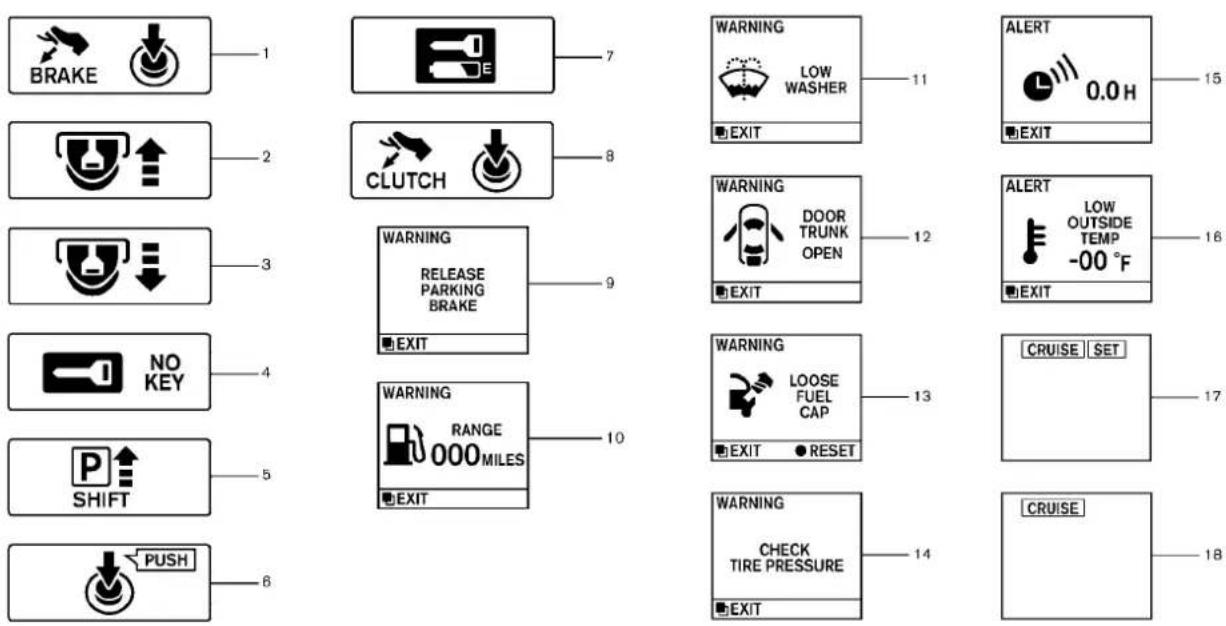
JVI0354X
INDICATORSFOROPERATION
- Enginestartoperationindicator (AutomaticTransmissionmodels)
This indicator appears when the selector leverisintheP(Park) position.
This indicatormeansthattheenginewill startbypushingtheignitionswitchwith thebrakepedaldepressed.
- IntelligentKeyinsertionindicator
This indicator appears when the Intelligent Keyneedstobe inserted into the Intelligent Keyport. (Forexample, the Intelligent Keybattery is discharged.)
If this indicator appears, insert the Intelligent Key into the Intelligent Key port in the correct direction. (See "Push-buttonignitions switch" (P. 5-9).)
- IntelligentKeyremovalindicator
This indicator appears when the driver's door is opened with the ignitions switch in the OFF for LOCK position and the Intelligent Key placed in the Intelligent Key port. A key reminder chime also sounds.
If this indicator appears, removes the Intelligent Key from the Intelligent Key port and take it with you when leaving the
vehicle.
- NOKEYwarning
This warning appears neither of the following conditions.
Nokeyinsidethevehicle:
The warning appears when the door is closed with the Intelligent Keyleft outside the vehicle and the ignitions switch in the ACCorON position. Makes sure that the Intelligent Key is inside the vehicle.
UnregisteredIntelligentKey:
Thewarningappearswhentheignition switchispushedfromtheLOCKposition andtheIntelligentKeycannotberecognizedbythesystem.Youcannotstartthe enginewithanunregisteredkey.Usethe registeredIntelligentKey.
See "IntelligentKeysystem" (P.3-7) for more details.
- SHIFT“P” warning(Automatic Transmissionmodels)
This warning appears when the ignition switch is pushed to stop the engine with these selector lever in any position except the P(Park) position.
If this warning appears, movetheselector
levertotheP(Park)positionorpushthe ignitionswitchtotheONposition.
Aninsidewarningchimewillalsosound. (See "IntelligentKeysystem" (P.3-7).)
- "PUSH" warning(Automatic Transmissionmodels)
This warning appears when these selector leverismoved to the P(Park) position with the ignition switch in the ACC position after the SHIFT "P" warning appears.
TopushtheignitionswitchtotheOFF position,performthefollowingprocedure:
SHIFT "P" warning → (Move the selector lever to "P") → PUSH warning → (Push the ignitionswitch → ignitionswitch position isturnedtoON) → PUSHwarning → (Push theignitionswitch → ignitionswitch positionisturnedtoOFF)
- Intelligent Key battery discharge indicator
This indicator appears when the Intelligent Key battery is running out of power.
If this indicator appears, replace the battery with anewone. (See "Intelligent Key battery replacement" (P.8-26).)
8. Enginestartoperationindicator (ManualTransmissionmodels)
This indicatormeansthattheenginewill startbypushingtheignitionswitchwith theclutchpedaldepressed.
9. Parkingbrakereleasewarning
This warning appears when the vehicle speed is above 4 MPH (7 km/h) and the parking brake is applied.
10. Lowfuelwarning
This warning appears when the fuel level in the tank is getting low. Refuel as soon as it is convenient, preferably before the fuel gaugereachesthe empty (E) position.
Thereisasmallreserveoffuelremaining inthetankwhenthefuelgaugereaches theempty(E)position.
11. Lowwasherfluidwarning
This warning appears when the washer tank fluid is at low level. Add washer fluid as necessary. (See "Windowwasher fluid" (P.8-16).)
12. Door/trunkopenwarning(ignitionswitchisintheONposition)
Thiswarningappearsifanyofthedoors
and/orthetrunklidareopenornotclosed securely. The vehicle icon indicates which door orthetrunklidisopenonth display.
13. Loosefuelcapwarning
This warning appears when the fuel-filler capis not tightened correctly after the vehicle has been refueled. (See "Fuel-filler door" (P.3-23).)
14. Checktirepressurewarning
Thiswarningappearswhenthelowtire pressurewarninglightinthemeterilluminatestoindicatethelowtirepressure.If thiswarningappears,stopthevehicleand adjustthetirepressuretotherecommendedCOLDtirepressureshownonthe TireandLoadingInformationlabel.(See "Lowtirepressurewarninglight"(P.2-15) and "TirePressureMonitoringSystem (TPMS)("P.5-4).)
15. "Timetorest" indicator
This indicator appears when the time to rest" indicator activates. You can set the time for up to 6 hours. (See "Trip computer" (P.2-26).)
16. Lowoutsidetemperaturewarning
This warning appears if the outside temperature is below 37^ F ( 3^ C). The warning can be set not to be displayed. (See “Trip computer” (P.2-26).)
17. Cruiseindicator
Cruisemainswitchindicator:
The indicator is displayed when the cruise control mains switch is pushed. When the mains switch is pushed again, the indicator disappears. Whenthe cruise control main switch indicator is displayed, the cruise control system is operational.
Cruisesetswitchindicator:
The indicator is displayed while the vehicle speed is controlled by the cruise control system. If the indicator blinks while the engine running, it may indicate that the cruise control system is not functioning properly. Havethesystem checked by an INFINIT retailer.
See "Cruisecontrol" (P.5-21) fordetails.
- Intelligent Cruise Control (ICC) system MAIN switch indicator (ifso equipped)
The indicator is displayed when the Intelligent Cruise Control (ICC) system main switch is pushed. Whenthemainswitch is pushed again, the indicator disappears. While themainswitch indicator is displayed, the ICC system is operational.
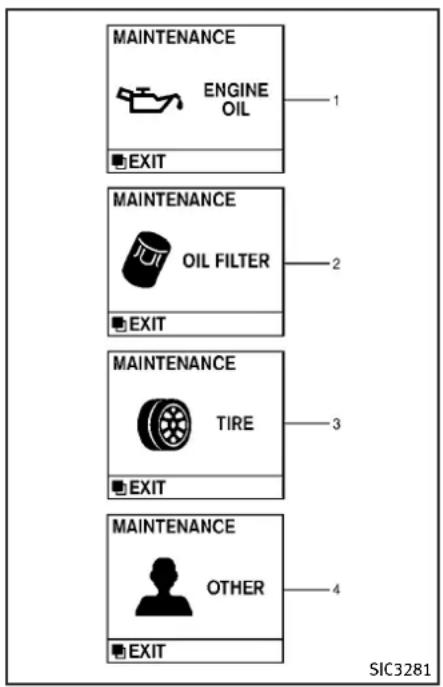
text_image
MAINTENANCE ENGINE OIL EXIT MAINTENANCE OIL FILTER EXIT MAINTENANCE TIRE EXIT MAINTENANCE OTHER EXIT SIC3281INDICATORSFORMAINTENANCE
- Engineoilreplacementindicator Thisindicatorappearswhenthecustomer settimecomesforchangingtheengineoil. Youcansetorresetthedistancefor changingtheengineoil.(See "Tripcomputer"(P.2-26).)
- Oilfilterreplacementindicator This indicator appears when the customer sometime comes for replacing the oil filter. You can set or reset the distance for replacing the oil filter. (See "Tripcomputer" (P.2-26).)
- Tirereplacement indicator This indicator appears when the customer set distance comes for replacing tires. You can set or reset the distance for replacing tires. (See "Tripcomputer" (P.2-26).)

WARNING
The tirereplacementindicatorisnota substituteforregulartirechecks,including tirepressurechecks.See"Changingwheels andtires"(P.8-40).Manyfactorsincluding tireinflation,alignment,drivinghabitsand
roadconditionsaffecttirewearandwhen tiresshouldbereplaced.Settingthetire replacementindicatorforacertaindriving distancedoesnotmeanyourtireswilllast thatlong.Usethetirereplacementindicator asaguideonlyandalwaysperformregular tirechecks.Failureretoperformregulartire checks,includingtirepressurecheckscould resultintirefailure.Seriousvehicledamage couldoccurandmayleadtoacollision, whichcouldresultinseriouspersonalinjury ordeath.
4. "OTHER" indicator
This indicator appears when the customer sometime comes for replacing items other than the engine oil, oil filter and tires. You can set or reset the distance for replacing the items. (See "Tripcomputer" (P.2-26).)
Moremaintenanceremindersarealso availableonthecenterdisplay.(See "HowtouseINFObutton"(P.4-9).)



SIC3282

text_image
A B A B SIC3264TRIPCOMPUTER
Switchesforthetripcomputerarelocated ontherightsideofthecombinationmeter panel.Tooperatethetripcomputer,push thesideorfrontoftheswitchesasshown above.
Ⓐ switch
B ● switch
Whentheignitionswitchispushedtothe ONposition,modesofthetripcomputer canbeselectedbypushingthe switch A.
Eachtimethe □ switch Ⓐ ispushed, the displaywillchangeasfollows:
Currentfuelconsumption→Averagefuel consumptionandspeed→Elapsedtime andtripodometer→Distancetoempty (dte)→Outsideairtemperature(ICY)→Setting→Warningcheck
1. Currentfuel consumption
The current fuel consumption modes shows the current fuel consumption.
- Average fuel consumption (MPG orl(liter)/100km) and speed (MPH orkm/h)
Fuelconsumption:
Theaveragefuelconsumptionmodeshows theaveragefuelconsumptionsincethe lastreset.Resettingisdonebypushingthe
● switch Ⓑ forlongerthan1second. (Theaveragespeedisalsoresetatthe sametime.)
Thedisplayisupdatedevery30seconds. Ataboutthefirst1/3mile(500m)aftera reset,thedisplayshows“——”.
Speed:
Theaveragespeedmodeshowsthe averagevehiclespeedsincethelastreset. Resettingis done by pushing the
● switch Ⓑ forlongerthan1second.
(Theaveragefuelconsumptionisalsoreset atthesametime.)
Thedisplayisupdatedevery30seconds. Thefirst30secondsafterareset, the displayshows“——”.
3. Elapsed time and tripodometer (mlsorkm)
Elapsedtime:
Theelapsedtimemodeshowsthetime sincethelastreset. Thedisplayedtimecan beresetbypushingthe ● switch Ⓑ for longerthan1second.(Thetripodometeris alsoresetatthesametime.)
Tripodometer:
The tripodometer modeshowsthetotal distancethevehiclehasbeendrivensince the lastreset. Resetting is done by pushing the ● switch Ⓑ for longer than 1 second. (Theelapsed time is also reset at the sametime.)
4. Distancetoempty(dte—mlsor km)
Thedistancetoempty(dte)modeprovides youwithanestimationofthedistancethat canbedrivenbeforerefueling. Thedteis constantlybeingcalculated, basedonthe
amountoffuelinthefueltankandthe actualfuelconsumption.
Thedisplayisupdatedevery30seconds.
Thedtemodeincludesalowrangewarning feature.Ifthefuellevelislow,thewarning isdisplayedonthescreen.
Whenthefuelleveldropsevenlower,the dtedisplaywillchangeto“——”.
- If the amount off fuel added small, the display just before the ignition switch is pushed to the OFF position may continuetobed displayed.
- Whendrivinguphillorroundingcurves, thefuelinthetankshifts, which may momentarilychangethedisplay.
5. Outside air temperature (ICY—°F or °C)
The outside air temperature is displayed in °F or °C in the range of -22 to 131°F (-30 to 55°C).
The outside air temperature mode includes alow temperature warning feature. If the outside air temperature is below 37^ F ( 3^ C), the warning is displayed on the screen.
Theoutsidetemperaturesensorislocated infrontoftheradiator. Thesensormaybe
affectedbyroadorengineheat,wind directionsandotherdrivingconditions. Thedisplaymaydifferfromtheactual outsidetemperatureorthetemperature displayedonvarioussignsorbillboards.
6. Setting
Settingcannotbemadewhiledriving.A message"Settingcanonlybeoperated whenstopped"isalsodisplayedonthe dotmatrixcrystaldisplay.
The □ switch Ⓐ andsvtch Ⓑ are usedinthesettingmodetoselectand decideamenu.
SKIP:
Pushthe □ switch Ⓐ tomovetothe warningcheckmode.
Pushthe ● switch Ⓑ toselectother menus.
ALERT:
Thereare3submenusunderthealert menu.
- BACK
Selectthissubmenutoreturntothe top pageofthesettingmode.
•TIMETOREST
Selectthissubmenutospecifywhen
the"timetorest"indicatoractivates.
ICY
Select this submenutodisplaythelow outsidetemperaturewarning.
MAINTENANCE:
Thereare5submenusunderthemaintenancemenu.
- BACK
Select this submenutoreturntothetop pageofthesettingmode.
●ENGINEOIL
Select this submenutosetorreset the distance for changing the engine oil.
•OILFILTER
Selectthissubmenutosetorresetthe distanceforreplacingtheoilfilter.
•TIRE
Selectthissubmenutosetorresetthe distanceforreplacingtires.
- OTHER
Select this submenu and set or reset the distance for replacing item so other than the engine oil, oil filter and tires.
DISPLAY:
Thereare3submenusunderthedisplay menu.
SECURITYSYSTEMS
- BACK
Selectthissubmenutoreturntothetop pageofthesettingmode.
●LANGUAGE
SelectthissubmenutochooseEnglish orFrenchfordisplay.
UNIT
Selectthissubmenutochoosetheunit fromMPGorl/100km.
7. Warningcheck
SKIP:
Pushthe warning

switch

tomovetothe
Pushthe menus.

switch

toselectother
DETAIL:
Thisitemisavailableonlywhenawarning isdisplayed.
Selectthismenutoseethedetailsof warnings.

natural_image
Technical line drawing of a car with concentric circular patterns and a labeled identifier 'SIC2132' (no text or symbols on the diagram itself)Your vehicle hastwotypes of security systems, as follows:
●Vehiclesecuritysystem
●INFINITIVehicleImmobilizerSystem
Theseurityconditionwillbeshownbythe securityindicatorlight.
VEHICLESECURITYSYSTEM
The vehicle security system provides visual and audio alarms signals if someone opens the doors, hood, ortrunklid when the system is armed. It is not, however, a motion detection typesystem that activates when vehicle is moved or when a vibration occurs.
Thesystemhelpsdetervehicletheftbut cannotpreventit,norcanitpreventthe theftofinteriororexteriorvehiclecomponentsinallsituations.Alwayssecureyour vehicleevenifparkingforabriefperiod. NeverleaveyourIntelligentKey(s)inthe vehicle,andalwayslockitwhenunattended.Beawareofyoursurroundings, andparkinsecure,well-litareaswhenever possible.
Manydevicesofferingadditionalprotection,suchascomponentlocks,identificationmarkers,andtrackingsystems,are availableatautosupplystoresandspecialtyshops.YourINFINITlretailermayalso offersuchequipment.Checkwithyour insurancecompanytoseeifyoumaybe eligiblefordiscountsforvarioustheft protectionfeatures.
2-28 Instrumentsandcontrols
SIC2045
Howtoarmthevehiclesecurity system
- Closeallwindows. Thesystemcanbearmedevenifthe windowsareopen.
- PushtheignitionswitchtotheOFF position.
- Removeth Intelligent Key from the vehicle.
-
Closealldoors, hoodandtrunk. Lock alldoors. Thedoorscanbelockedwith the Intelligent Key, doorhandlerequest switch, powerdoorlockswitchor mechanical key.
-
Confirm that these security indicator light comes on. These security indicator light stay on for about 30 seconds. The vehicle security system is now pre-armed. After about 30 seconds the vehicle security system automatically shifts into the armed phase. The security light begins to flash once every approximately 3 seconds. If, during this 30-second pre-arm time period, the door is unlocked, or the ignition switch is pushed to ACCorON, the system will not arm.
Evenwhenthedriverand/orpassengers areinthevehicle,thesystemwillactivate withalldoors,hood,andtrunklidlocked withtheignitionswitchintheLOCK position.Whenpushingtheignitionswitch totheACCorONposition,thesystemwill bereleased.
Vehiclesecuritysystemactivation
The vehicle security system will give the following alarm:
●Theheadlightsblinkandthehorn soundsintermittently.
●Thealarmautomaticallyturnsoffafter approximately1 minute. However, the alarmreactivatesifthevehicleis
tamperedwithagain.
Thealarmisactivatedby:
- Unlockingthedoororopeningthetrunk lidwithoutusingthebuttononthe IntelligentKey,thedoorhandlerequest switchorthemechanicalkey.(Evenif thedoorisopenedbyreleasingthe doorinsidelockknob,thealarmwill activate.)
- Openingthehood.
Howtostopanactivatedalarm
Thealarmwillstopbyunlockingadoorby pushingtheunlockbuttononthelIntelligentKey,thedoorhandlerequestswitch orusingthemechanicalkey.Thealarmwill notstopiftheignitionswitchispushed to theACCorONposition.
If the system does not operate as described above, have it checked by an INFINIT retailer.
The INFINITIVehicle Immobilizer System will not allow the engine to start without the use of the registered Intelligent Key. Never leavethese keys in the vehicle.
Statementrelatedtosection15ofFCC rulesforINFINITIVehicleImmobilizer System(CONTASSY-CARDSLOT)
FCCNotice:
ForUSA:
ThisdevicecomplieswithPart15ofthe FCCRules.Operationissubjecttothe followingtwoconditions:(1)Thisdevice maynotcauseharmfulinterference,and (2)thisdevicemustacceptanyinterferencereceived,includinginterferencethat maycauseundesiredoperation.
NOTE:
Changesormodificationsnotexpressly approvedbythepartyresponsiblefor compliancecouldvoidtheuser'sauthority tooperatetheequipment.
ForCanada:
This device complies with RSS-210 of Industry Canada. Operation is subject to the following two conditions: (1) this devicemay not cause interference, and (2) this devicemust accept any interference, including interference that may cause undesired operation of the device.
natural_image
Simple line drawing of a car silhouette with a key inside, no text or symbols presentSecurityindicatorlight
Thesecurityindicatorlightislocatedon themeterpanel.Itindicatesthestatusof theINFINITIVehicleImmobilizerSystem.
Thelightblinksaftertheignitionswitch wasintheLOCKposition.Thisfunction indicatethesecuritysystemsequippedon thevehicleareoperational.
If the INFINIT Vehicle Immobilizer System is malfunctioning, this light will remain on while the ignition switch is in the ON position.
- Donotoperatethewashercontinuously formorethan30seconds.
- Donotoperatethewasherifthe reservoirtankisempty.
- Donotfillthewindowwasherreservoir tankwithwasherfluidconcentratesat fullstrength. Somemethylalcohol basedwasherfluidconcentratesmay permanentlystainthegrilleifspilled whilefillingthewindowwasherreservoirtank.
- Pre-mixwasherfluidconcentrateswith watertothemanufacturer'srecommendedlevelsbeforepouringthefluid intothewindowwasherreservoirtank. Donotusethewindowwasherreservoir
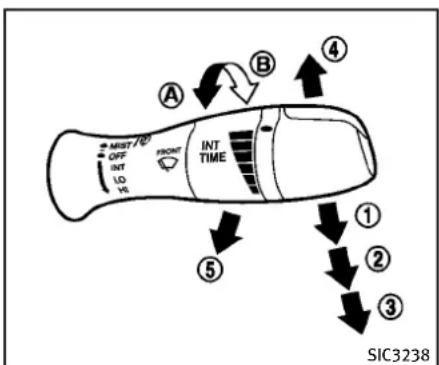
flowchart
graph TD
    A["INT TIME"] --> B["OFF"]
    B --> C["MUST"]
    C --> D["LOH"]
    D --> E["INT"]
    E --> F["ONT"]
    F --> G["Directional Arrow ④"]
    G --> H["Directional Arrow ③"]
    H --> I["Directional Arrow ②"]
    I --> J["Directional Arrow ①"]
    J --> K["Directional Arrow ⑤"]
    K --> L["Directional Arrow ④"]
    L --> M["Directional Arrow ③"]
    M --> N["Directional Arrow ②"]
    N --> O["Directional Arrow ①"]
    O --> P["Directional Arrow ④"]
    P --> Q["Directional Arrow ③"]
    Q --> R["Directional Arrow ②"]
    R --> S["Directional Arrow ①"]
    S --> T["Directional Arrow ④"]
    T --> U["Directional Arrow ③"]
    U --> V["Directional Arrow ②"]
    V --> W["Directional Arrow ①"]
TypeA

text_image
MUST/CO OFF AUTO LD HI FRONT AUTO ADJ ④ ⑤ ① ② ③ SIC4281TypeB
Thewindshieldwiperandwasheroperates whentheignitionswitchisintheON position.
Pushtheleverdowntooperatethewiper atthefollowingspeed:
① Intermittent—intermittentoperation canbeadjustedbyturningtheknob toward Ⓐ (Slower)or Ⓑ (Faster).
Whenthespeedsensingwiperintervalfunctionisturnedon,theintermittentoperationspeedvariesinaccordancewiththevehiclespeed.(Forexample,whenthevehiclespeedishigh,theintermittentoperationspeedwillbefaster.)Toturnthisfunctiononandoff,see“HowtouseSETTINGbutton”(P.4-14).
Formodelswiththerain-sensingauto wipersystem, see "Rain-sensingauto wipersystem" (P.2-33).
② Low—continuouslowspeedoperation
③ High—continuoushighspeedoperation
Pushtheleverup ④ tohaveonesweep operationofthewiper.
Pullthelevertowardyou ⑤ tooperatethe washer. Thenthewiperwillalsooperate
severaltimes.
2-32 Instrumentsandcontrols

text_image
MIST/G7 OFF AUTO LO MS FRONT AUTO ADJ ① ② ③ SIC4190RAIN-SENSINGAUTOWIPERSYSTEM(ifsoequipped)
Therain-sensingautowipersystemcan automaticallyturnonthewipersand adjustthewiperspeeddependingonthe rainfallandthevehiclespeedbyusingthe rainsensorlocatedontheupperpartof thewindshield.
Tosettherain-sensingautowipersystem, pushtheleverdowntotheAUTOposition
①. Thewiperwillsweeponcewhilethe ignitionswitchisintheONposition.
Therainsensorsensitivitylevelcanbe adjustedbyturningtheknobtowardthe
front ② (High)ortowardtherear ③ (Low).
●High—Highsensitiveoperation
●Low—Lowsensitiveoperation Toturntherain-sensingautowipersystem off, pushupthelevertotheOFFposition, orpulldownthelevertotheLOorHI position.

CAUTION
Donottouchtherainsensorandaroundit whenthewiperswitchisintheAUTO positionandtheignitionswitchisinthe ONposition. Thewipersmayoperateun-expectedlyandcausetoaninjuryorawiper damage.
- Therain-sensingautowipersareintendedforuseduringrain.Iftheswitch isleftintheAUTOposition,thewipers mayoperateunexpectedlywhendirt, fingerprints,oilfilmorinsectsare stuckonoraroundthesensor.The wipersmayalsooperatewhenexhaust gasormoistureaffecttherainsensor.
●Therain-sensingautowipersmaynot operateifraindoesnothittherain
sensorevenifitisraining.
- Whenthewindshieldglassiscoated withwaterrepellent,thespeedofthe rain-sensingautowipersmaybehighereventhoughtheamountofthe rainfallissmall.
- Besuretoturnofftherain-sensing autowipersystemwhenyouuseacar wash.
- Usinggenuinewiperbladesisrecommendedforproperoperationofthe rain-sensingautowipersystem.(See "Windshieldwiperblades"(P.8-22)for wiperbladereplacement.)
REARWINDOWANDOUTSIDEMIRROR
DEFROSTERSWITCH
text_image
SIC3239TypeA
text_image
① ② REAR SIC3278TypeB
Todefog/defrosttherearwindowglass andoutsidemirrors(ifsoequipped),start theengineandpushtheswitch ① on.The indicatorlight ② willcomeon.Pushthe switchagaintoturnthedefrosteroff.
Itwillautomaticallyturnoffinapproximately15minutes.

CAUTION
Whencleaningtheinnersideoftherear window, be carefulnottoscratchordamage therearwindowdefroster.
HEADLIGHTANDTURNSIGNALSWITCH
XENONHEADLIGHTS

WARNING

HIGHVOLTAGE
- Whenxenonheadlightsareon,they produceahighvoltage.Topreventan electricshock,neverattempttomodify ordisassemble.Alwayshaveyourxenon headlightsreplacedatanINFINITlretailer.
- Xenonheadlightsprovideconsiderably morelightthanconventionalheadlights. Iftheyarenotcorrectlyaimed,they mighttemporarilyblindanoncoming driverorthedriveraheadofyouand causeaseriousaccident.Ifheadlights arenotaimedcorrectly,immediately takeyourvehicletoanINFINITretailer andhavetheheadlightsadjustedcor-rectly.
Whenthexenonheadlightisinitially turnedon,itsbrightnessorcolorvaries slightly. However, thecolorandbrightness will soon stabilize.
- Thelifeofxenonheadlightswillbe shortenedbyfrequenton-offoperation.
Itisgenerallydesirablenottoturnoff theheadlightsforshortintervals(for example,whenthevehiclestopsata trafficsignal).Evenwhentheadtime runninglightsareactive(Canadaonly), thexenonheadlightsdonotturnon. Thiswaythelifeofthexenonheadlightsisnotreduced.
- Ifthexenonheadlightbulbiscloseto burningout, thebrightnesswilldrasticallydecrease, thelightwillstart blinking, orthecolorofthelightwill becomeddish. Ifoneormoreofthe abovesignsappear, contactanINFINITI retailer.
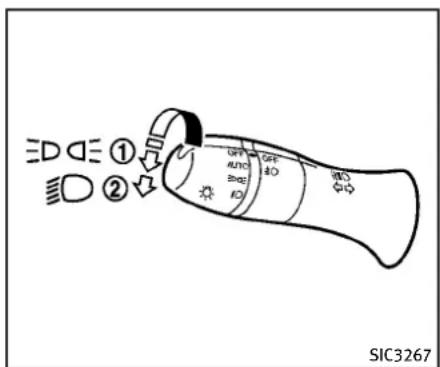
text_image
ED DE ① DE DE Auto Auto SIC3267HEADLIGHTSWITCH
Lighting
① Turntheswitchtotheposition: Thefrontpark, sidemarker, tail, licenseplate and instrumentlights will come on.
② Turntheswitchtotheposition: Headlightswillcomeonandallthe otherlightsremainon.

text_image
OFF AUTO NO SIC3268Autolightsystem(ifsoequipped)
Theautolightsystemallowstheheadlights to be set so they turn on and off automatically.
Tosettheautolightsystem:
- Makesuretheheadlightswitchisinthe AUTOposition ①.
- PushtheignitionswitchtotheON position.
- The autolightsystem automatically turnstheheadlightsonandoff.
Toturntheautolightsystemoff, turnthe switchtotheOFF, or position.
Theautolightsystemcanturnonthe headlightsautomaticallywhenitisdark andturnofftheheadlightswhenitislight. IftheignitionswitchispushedtotheOFF positionandoneofthedoorsisopened andthisconditioniscontinued,thehead- lightsremainonfor5minutes.
Automaticheadlightsoffdelay:
Youcankeeptheheadlightsonforupto 180secondsafteryoupushtheignition switchtoOFFandopenanydoorthenclose allthedoors.
You can adjust the period of the automatic head light so off delay from 0 seconds (OFF) to 180 seconds. The factory default setting is 45 seconds.
Forautomaticheadlightsoffdelaysetting, see "LightOffDelay" (P.4-19).
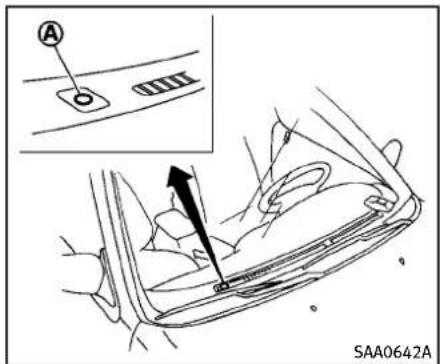
text_image
A SAA0642ABesurenottoputanythingontopofthe photosensor locatedonthetopofthe instrumentpanel.Thephotosensorcontrolstheautolight;ifitiscovered,the photosensorreactsasifitisdarkandthe headlightswillilluminate.
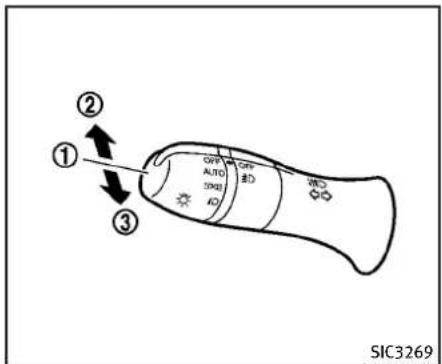
text_image
① ② ③ GFP AUTO ID GFP AUTO ID SIC3269Headlightbeamselect
① Toselectthelowbeam, putthelever intheneutralpositionasshown.
② Toselectthehighbeam, push the leverforwardwhiletheswitchisin the position. Pullitbacktoselect the lowbeam.
③ Pullingthelevertowardyouwillflash theheadlighthighbeamevenwhen theheadlightswitchisintheOFF position.
Batterysaversystem
Achimewillsoundwhenthedriverside doorisopenedwiththelightswitchinthe EDGE orpositionandtheignitionswitch intheACC,OFForLOCKposition.
Whentheheadlightswitchisinthe or positionwhiletheignitionswitchisin theONposition,thelightswillautomaticallyturnoff5minutesaftertheignition switchhas been pushed totheOFF position.
When the headlight switch remains in the edge or position after the lights automatically turn off, the light will turn on when the ignition switch is pushed to the ON position.

CAUTION
- Whenyouturnontheheadlightswitch againafterthelightsautomaticallyturn off,thelightswillnotturnoffautomatically.Besuretoturnthelight switchtotheOFFpositionwhenyou leavethevehicleforextendedperiodsof time,otherwisethebatterywillbe discharged.
- Neverleavethelightswitchonwhenthe engineisnotrunningforextended periodsoftimeeveniftheheadlights turnoffautomatically.
Daytimerunninglightsystem(Ca-nadaonly)
The daytimerunninglights automatically illuminate when the engine is started with the parking brakereleased. The daytime running lights operate with the headlight switch in the OFF position or in the position. Turn the headlight switch to the position when driving at night.
If the parking brake is applied before the engine is started, the daytime running lights donotilluminate. The daytime running lights illuminate on the the parking brake is released. The daytime running lights will remain on until the ignition switch is pushed to the OFF position.

text_image
A B C++ C-- B SIC3257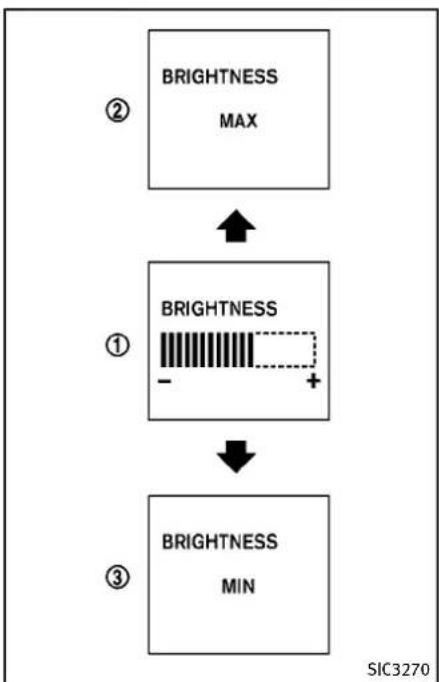
flowchart
graph TD
    A["BRIGHTNESS MAX"] --> B["BRIGHTNESS -"]
    B --> C["BRIGHTNESS MIN"]
    style A fill:#f9f,stroke:#333
    style B fill:#ccf,stroke:#333
    style C fill:#cfc,stroke:#333
Instrumentbrightnesscontrol
Theinstrumentbrightnesscontrolswitch canbeoperatedwhentheignitionswitch isintheONposition.Whentheswitchis operated,thedotmatrixliquidcrystal displayswitchestothebrightnessadjustmentmode.
Pushtheupperswitch Ⓐ tobrightenthe instrumentpanellights.Thebar ① moves tothe+side.Whenreachingthemaximum brightness,"MAX"appearsonthedisplay ②.
Pushthelowerswitch Ⓑ todimthe instrumentpanellights.Thebar ① moves tothe-side.Whenreachingtheminimum brightness,"MIN"appearsonthedisplay ③.However,"MIN"doesnotappear duringthenighttime.
The dot matrix liquid crystal display return stothenormal display under the following conditions:
- whentheinstrumentbrightnesscontrol switchisnotoperatedformorethan5 seconds.
- whenthesideorfrontofthe switch or switchontherightsideofthe combinationmeterpanelispushed.

text_image
① ② ① ② OFF AUTO (0.01) OFF 3D SIC3271TURNSIGNALSWITCH
① Turnsignal
Movetheleverupordowntosignalthe turningdirection.Whentheturniscompleted,theturnsignalscancelautomatically.
② Lanechangesignal
Toindicatealanechange, movethelever upordowntothepointwherelightsbegin flashing.
text_image
OFF AU TO NO NO SIC3272FOGLIGHTSWITCH
Toturnthefoglightson,turntheheadlight switchtothe ☐ position,thenturnthe switchtothe ☐ position.Toturnthem off,turntheswitchtotheOFFposition.
Theheadlightsmustbeonforthefog lightstöoperate.
natural_image
Simple geometric diagram with nested triangles and an arrow, no text or symbols presentPushtheswitchontowarnotherdrivers when you must stop or park under emergency conditions. All turnsignallights will flash.

WARNING
- Ifstoppingforanemergency,besureto movethevehiclewellofftheroad.
- Donotusethehazardwarningflashers whilemovingonthehighwayunless unusualcircumstancesforceyoutodrive soslowlythatyourvehiclemightbecomeahazardtoothertraffic.
- Turnsignalsdonotworkwhenthe hazardwarningflasherlightsareon.
The flashercan beactuated with the ignitionswitchinany position.
Somestatelawsmayprohibittheuseof thehazardwarningflasherswitchwhile driving.
HORNHEATEDSEATS(ifsoequipped)
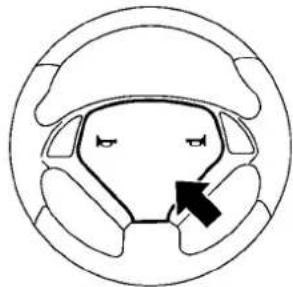
natural_image
Diagram of a car's head and steering wheel with a black arrow indicating clockwise motion (no text or symbols)SIC3312
Tosoundthehorn, pushthecenterpad area of the steering wheel.

WARNING
Donotdisassemblethehorn.Doingso could affect proper operation of the supplemental frontair bags system. Tampering with the supplemental frontair bags system may result in serious personal injury.

WARNING
Donotuseorallowoccupantstousethe seatheaterifyuortheoccupantscannot monitorelevatedseattemperaturesorhave aninabilitytofeelpaininbodypartsthat contacttheseat.Useoftheseatheaterby suchpeoplecouldresultinseriousinjury.

CAUTION
●The battery could rundown if these at heater is operated while the engine is not running.
- Donotusetheseatheaterforextended periodsorwhennooneisusingthe seat.
- Donotputanythingontheseatwhich insulatesheat,suchasablanket, cushion,seatcover,etc. Otherwise,the seatmaybecomeoverheated.
- Donotplaceanythinghardorheavyon theseatorpierceitwithapinorsimilar object. Thismayresultindamagetothe heater.
- Anyliquidspilledontheheatedseat shouldberemovedimmediatelywitha drycloth.
- Whencleaningtheseat,neveruse gasoline,thinner,oranysimilarmaterials.
- Ifanyabnormalitiesarefoundorthe heatedseatdoesnotoperate,turnthe switchoffandhavethesystemchecked byanINFINITIretailer.
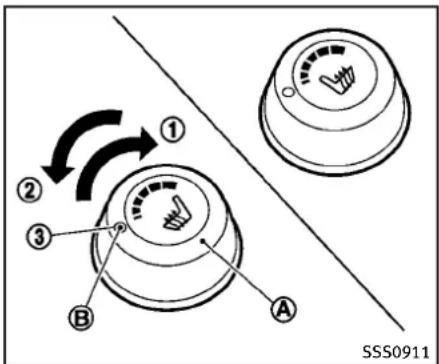
text_image
① ② ③ A B SSS0911Thefrontseatsarewarmedbybuilt-in heaters. Theswitcheslocatedonthecenter consolecanbeoperatedindependently of eachother.
-
Starttheengine.
2.Turnthecontrolknob ① totheright ① andselectthedesiredheatrange. -
Forhighheat,turntheknobtothe right ①.
- Forlowheat, turntheknobtotheleft ②.
-
Theindicatorlight Ⓑ willilluminate whentheheaterison.
-
Toturnofftheheater, returntheknob
totheOFFposition ③ .Makesurethat theindicatorlightturnsoff.
Theheateriscontrolledbyathermistor,automaticallyturningtheheateron andoff.Theindicatorlightwillremain onaslongastheswitchison.
Whenthevehicle'sinterioriswarmed, orbeforeyouleavethevehicle, besure toturnofftheswitch.
SNOWMODESWITCH(ifsoequipped)

text_image
OFF SNOW ON ① SIC3602Fordrivingorstartingthevehicleonsnowy roadsorslipperyareas,turnontheSNOW modeswitch.Theindicatorlight ① onthe switchwillilluminate.WhentheSNOW modeisactivated,engineoutputiscontrolledtoavoidwheelspin.
VEHICLEDYNAMICCONTROL(VDC)OFF SWITCH
JVS0022X
"VehicleDynamicControl(VDC)system" (P.5-55.)
The vehicles should be driven with the Vehicle Dynamic Control (VDC) system on for most driving conditions.
Ifthevehicleisstuckinmudorsnow,the VDCsystemreducestheengineoutputto reducewheelspin.Theenginespeedwill bereducedeveniftheacceleratoris depressedtothefloor.Ifmaximumengine powerisneededtofreeastuckvehicle, turntheVDCsystemoff.
ToturnofftheVDCsystem, pushtheVDC OFFswitch. The indicator willilluminate.
PushtheVDCOFFswitchagainorrestart theenginetoturnonthesystem.(See
2-42 Instrumentsandcontrols
CLOCK
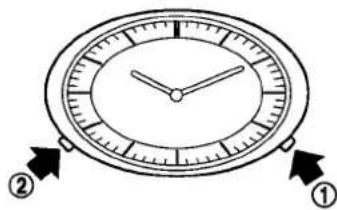
text_image
Diagram of an analog clock face with directional arrows labeled ① and ② pointing to the face.SIC3325
Ifthepowersupplyisdisconnected,the clockwillnotindicatethecorrecttime. Readjustthetime.
ADJUSTINGTHETIME
- Tosettheclockforward, pushthe button ①.
2.Tosettheclockbackward,pushthe button ②. - Tomoveforwardorbackwardfaster, pushandholdthebuttonmorethan5 seconds.
Fordetailsaboutdisplayclockadjustment (ifsoequipped), see "HowtouseSETTING button" (P.4-14).
POWEROUTLET
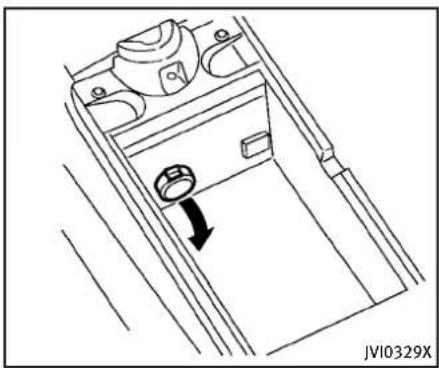
natural_image
Line drawing of a door handle mechanism with a directional arrow indicating motion (no text or symbols)Automatictransmissionmodels
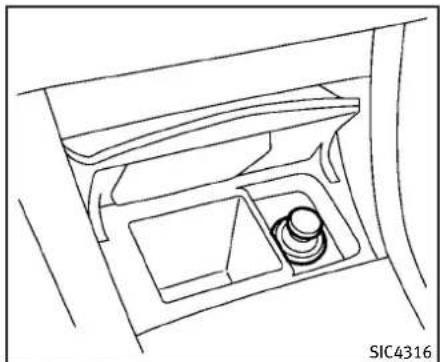
natural_image
Line drawing of a car interior showing the dashboard and seat area (no text or symbols)Automatictransmissionmodels
The power outlet is located in the center console and storage box (if so equipped).
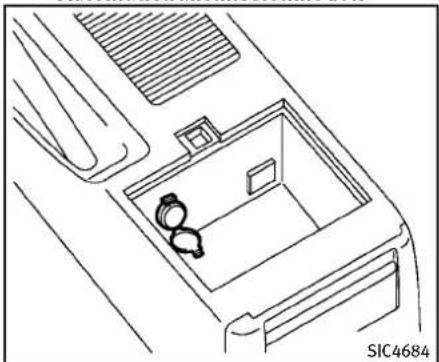
natural_image
Line drawing of a car interior with two seats and ventilation grilles (no text or symbols)Manualtransmissionmodels

CAUTION
- Theoutletandplugmaybehotduringor immediatelyafteruse.
- Donotusewithaccessoriesthatexceed a12volt,120W(10A)powerdraw.Do notusedoubleadaptersormorethan oneelectricalaccessory.
-
Usepoweroutletwiththeenginerun- ningtoavoiddischargingthevehicle battery.
-
Avoidusingpoweroutletwhentheair conditioner,headlightsorrrearwindow defrosterison.
- Thispoweroutletisnotdesignedforuse withacigarettelighterunit.
- Pushthepluginasfarasitwillgo.If goodcontactisnotmade,theplugmay overheatortheinternaltemperature fusemayblow.
●Beforeinsertingordisconnectingaplug, besuretheelectricalaccessorybeing usedisturnedOFF. - When not in use, besuretoclosethe cap. Donotallowwatertocontact the outlet.
CIGARETTELIGHTERANDASHTRAYS(ifso equipped)
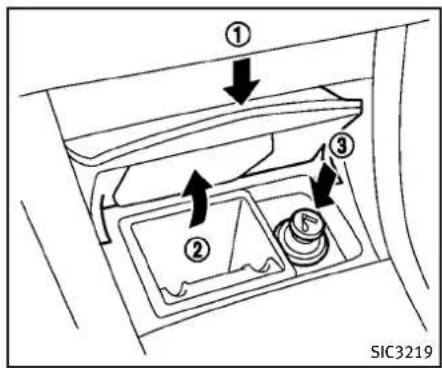
text_image
① ② ③ SIC3219
CAUTION
- Thecigarettelightersocketisapower sourceforthecigarettelighterelement only. Theuseofthecigarettelighter socketasapowersourceforanyother accessoryisnotrecommended.
- Donotuseanyotherpoweroutletforan accessorylighter.
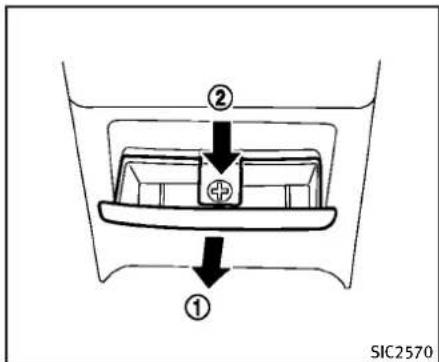
text_image
② ① SIC2570Manualtransmissionmodels
FRONT
Toopentheashtraylid, pushtheliddown andreleaseit ①.
Toemptytheashtray,pullout ②.
Thecigarettelighteroperateswhenthe ignitionswitchisintheONposition.
Pushthelighterinaltheway ③, then releaseit. Whenthelighterisheated, it will springout. Returnthelightertoitsoriginal positionafteruse.
REAR
Toopentheashtray,pulltheliddown ①. Toemptytheashtray,pushdown ②,and pullout.
2-44Instrumentsandcontrols
STORAGE
CUPHOLDERS

CAUTION
- Avoid abrupt starting and braking when the cupholder is being used to prevent spilling the drink. If the liquid is shot, it cans caldy our your passenger.
- Useonlysoftcupsinthecupholder. Hardobjectscaninjureyouinan accident.
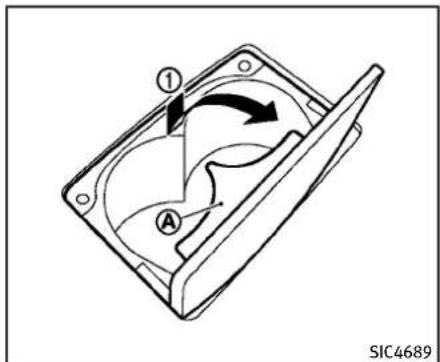
text_image
① A SIC4689Automatictransmissionmodels—Front Toopenthecupholder, pushthelid ①. Theflap Ⓐ willbefoldeddownwhen insertingalargecontainer.

text_image
① ② SIC3925Manualtransmissionmodels—Front Toopenthecupholder, slidethelid ①. Installthepartitionplateintotheslit ②.
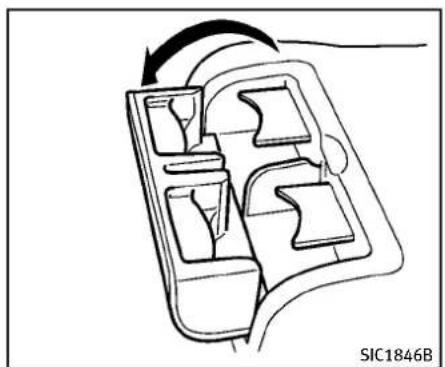
natural_image
Diagram of a mechanical component with internal compartments and directional arrow (no text or symbols)Rear
Toopenthecupholder,pullthelid.
natural_image
Line drawing of a car's front and side profile showing dashboard, nose, and mouth (no text or symbols)Sedan

natural_image
Line drawing of a car interior with no visible text or symbolsCoupe
Softbottleholder

CAUTION
- Donotusebottleholderforanyother objectsthatcouldbethrownaboutin thevehicleandpossiblyinjurepeople duringsuddenbrakingoranaccident.
- Donotusebottleholderforopenliquid containers.
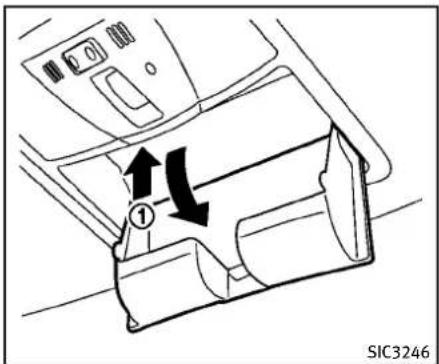
text_image
SIC3246- Donotleaveglassesinthesunglasses holderwhileparkingindirectsunlight. Theheatmaydamagetheglasses.
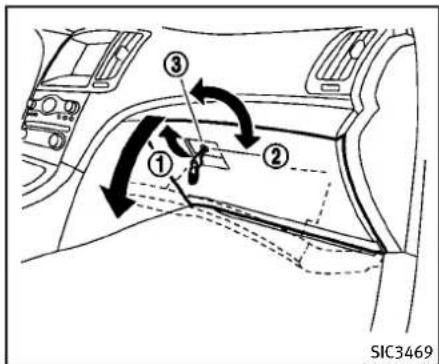
text_image
① ② ③ SIC3469SUNGLASSESHOLDER

WARNING
Keepthesunglassesholderclosedwhile drivingtopreventanaccident.
Toopenthesunglassesholder, push ①.

CAUTION
- Donotuseforanythingotherthan glasses.
GLOVEBOX

WARNING
Keepgloveboxlidclosedwhiledrivingto helppreventinjuryinanaccidentora suddenstop.
Toopentheglovebox,pullthehandle ①. Toclose,pushthelidinuntilthelock latches.
Tolock ②/unlock ③ theglovebox, use themechanicalkey. For themechanicalkey usage, see "Keys" (P.3-2).
Instrumentsandcontrols2-47

text_image
A SIC4363Automatictransmissionmodels
CONSOLEBOX
Toopentheconsoleboxes, pushtheknob Ⓐ andpullupthelid.
Toclose, pushtheliddownuntillatched. Theinnertray(ifsoequipped)canbe movedtothefrontorrrearposition.

text_image
SIC4307Manualtransmissionmodels
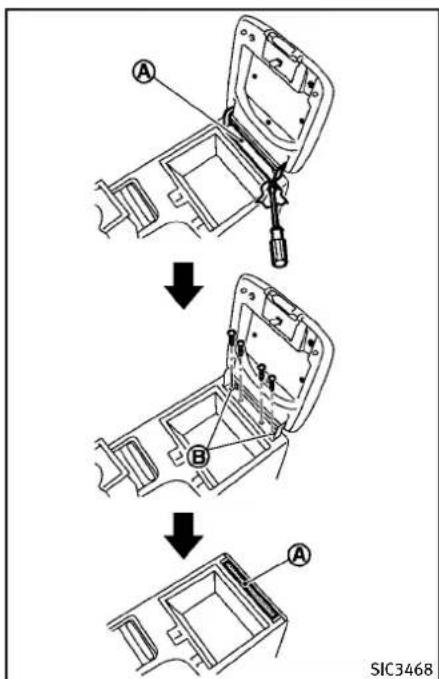
text_image
A B A SIC3468Coupe—Manualtransmissionmodel
2-48Instrumentsandcontrols
Removingtheconsolelid(model withmanualtransmission)
Toremovetheconsolelid:
- Removethehingemask Ⓐ usinga screwdriverwrappedwithacloth.
- Loosenfourscrews, andremovethelid.
3.Tightenthetwooutsidescrews Ⓑ. - Installtheremovedhingemask theoriginalposition. Ⓐ to

natural_image
Pure diagram of nested diamond-shaped blocks with an arrow, no text or symbols presentTypeA
natural_image
Simple line drawing of a car door with an arrow pointing to the handle (no text or symbols)TypeC
natural_image
Pure diagram of a diamond-shaped object with an arrow pointing to it, no text or symbols present.TypeB
CARDHOLDER(ifsoequipped)
Thecardholderislocatedonorbehindthe driver'sorpassenger'ssunvisor.
Tousethecardholder, slidethecardinthe cardholder.
text_image
① SIC4308STORAGEBOX(ifsoequipped)
Toopen, pushthestorageboxlid ① as illustrated.
Donotplacevaluableitemsinthestorage box.
Donotusethestorageboxasanashtray.

natural_image
Line drawing of a car interior showing a handle, seat, and door panel (no text or symbols)Sedan
COATHOOKS
Sedan
Thecoathooksareequippedbesidethe rearpersonallights.

CAUTION
Donotplaceitemswhicharemorethan2lb (1kg)onthehook.
natural_image
Diagram of a car interior with directional arrows indicating movement, no text or symbols presentCoupe
Coupe
Tousethecoathook, pushthehook release.
A to

CAUTION
Avoidhangingheavygoodsonthehook.
text_image
① ② ③ ④ SIC3467Insomecases,youmaynotbeabletostow twogolfbagsinyourvehicle,depending ontheirsizesortypes.

natural_image
Line drawing of a car's front compartment with labeled parts (no text or symbols beyond label)CARGONETRETAINERS
Thecargonethelpskeeppackagesinthe cargoareafrommovingaroundwhileyour vehicleisdriven.
Toinstallthecargonet, attachthehooksto theretainers Ⓐ.

CAUTION
Avoidkeepingheavyobjectsinthenet.

natural_image
Technical line drawing of a car seatbelt structure with labeled points A and SIC3317 (no text or symbols beyond labels)TRUNKNETFOREXTRAWINDOW WASHERFLUID(Canadaonly;ifso equipped)
Thetrunknetisprovidedforholdingatank ofextrawindowwasherfluid.
Toinstallthenet, placeacommercially availabletankintherightcornerofthe trunkandthenattachthehookstothe restrainers Ⓐ.
WINDOWS
POWERWINDOWS

WARNING
- Makesurethatallpassengershavetheir hands,etc.insidethevehiclewhileitis inmotionandbeforeclosingthewindows.Usethewindowlockswitchto preventunexpecteduseofthepower windows.
- Donotleavechildrenunattendedinside thevehicle. Theycouldunknowingly activateswitchesorcontrolsandbecometrappedinthewindow. Unattendedchildrencouldbecomeinvolved inseriousaccidents.
The power windows operate when the ignition switch is in the ON position or for about 45 seconds after the ignition switch is pushed to the OFF position. If the driver's front passenger's door is opened during this period of about 45 seconds, powerto the windows is canceled.
text_image
1 2 3 4 5 6 A B C SIC3279Sedan
text_image
1 A B 5 C 2 SIC3286ACoupe
- Driversidewindow
2.Frontpassengersidewindow - Rearleftpassengersidewindow (Sedanonly)
- Rearrightpassengerside window (Sedanonly)
- Windowlockbutton
Mainpowerwindowswitch(driver's side)
Toopenorclosethewindow, pushdown Ⓐ orpullup Ⓑ theswitchandholdit. Themainswitch(driversideswitches) will openorcloseallthewindows.
Lockingpassengers'windows
Whenthelockbutton © ispushedin, only theriversidewindowcanbeopenedor closed. Pushitinagaintocancel.

text_image
SIC3241Passengersidepowerwindow switch
Thepassengersideswitchwillopenor closeonlythecorrespondingwindow.To openorclosethewindow,pushdownor pulluptheswitchandholdit.
text_image
SIC3289Sedan-TypeA
natural_image
Diagram showing a vehicle interior with multiple compartments and directional arrows indicating movement or flow (no text or symbols)Sedan-TypeB

text_image
SIC3288Coupe
Automaticoperation(forfrontdoor windowsoralldoorwindows)
Tofullyopenorclosethewindow,com- pletelypushdownorpulluptheswitch andreleaseit;itneednotbeheld.The windowwillautomaticallyopenorcloseall theway.Tostopthewindow,justpushor liftheswitchintheoppositedirection.
Alightpushorpullontheswitchwillcause thewindowtoopenorcloseuntilthe switchisreleased.
Autoreversefunction

WARNING
Therearesomesmalldistancesimmediately beforetheclosedpositionwhichcannotbe detected.Makesurethatallpassengers havetheirhands,etc.,insidethevehicle beforeclosingthewindow.
If the control unit detect something caught in the window was it disclosing, the window will be immediately lowered.
The autoreverse function can be activated when the window is closed by automatic operation when the ignition switch is in the ON position or for 45 seconds after the ignition switch is pushed to the OFF position.
Depending on the environment driving conditions, the autoreverse function may be activated if an impactor loads similar to something being caught in the window occurs.
Automaticadjustingfunction (Coupe)

CAUTION
When the batterycable is removed from the battery terminal, donot close either of the frontdoors. The automatic window adjusting function will not work and the sideroof panel may be damaged.
The power window has an automatic adjusting function. When the door is being opened, the window is automatically lowered slightly to avoid contact between the window and the sidesideroop panel. When the door is closed, the window is automatically raised slightly.
While the automatic adjusting function does not work, the window will be controlled as follows:
- Whenthedoorisopened, the window lowers for approximately 2 seconds.
- Whilethedoorisopen,thewindow cannotberaised.
Ifthewindowsdonotcloseautomatically
If the power window automatic function (closing only) does not operate properly, perform the following procedure to initialize the power windows system.
- PushtheignitionswitchtotheON position.
2.Closethedoor.
-
Openthewindowcompletelybyoperatingthepowerwindowswitch.
-
Pull the power window switch and hold it to close the window, and then hold the switch more than 3 seconds after the window is closed completely.
-
Releasethepowerwindowswitch. Operatethewindowbytheautomatic functiontoconfirmtheinitializationis complete.
-
Performsteps2 through 5 above for other windows.
If the power window automatic function does not operate properly after performing the procedure above, have your vehicle checked by an INFINIT retailer.
MOONROOF(ifsoequipped)

WARNING
•Inanaccidentyoucouldbethrownfrom thevehiclethroughanopenmoonroof. Alwaysuseseatbeltsandchildrestraints.
- Donotallowanyonetostandupor extendanyportionoftheirbodyoutof themoonroofopeningwhilethevehicle isinmotionorwhilethemoonroofis closing.

CAUTION
-Removewaterdrops, snow, iceorsand from the moonroof before opening.
- Donotplaceanyheavyobjectonthe moonrooforsurroundingarea.
AUTOMATICMOONROOF
Themoonroofonlyoperateswhenthe ignitionswitchisintheONposition.
The automatic moonroof is operational for about 45 seconds, even if the ignition switch is pushed to the OFF position. If the driver's door or the passenger's door is opened during this period of about 45 seconds, powerto themoon roof is canceled.
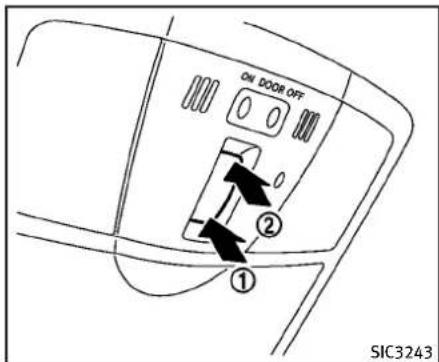
text_image
ON DOOR OFF ① ② SIC3243Sunshade
Thesunshadewillopenautomatically whenthemoonroofisopened. However, itmustbeclosedmanually.
Tiltingthemoonroof
Totiltup,firstclosethemoonroof,then pushtheUP ① sideofthemoonroof switchandreleaseit;itneednotbeheld. Totiltdownthemoonroof,pushtheDOWN ② side.
Slidingthemoonroof
Tofullyopenorclosethemoonroof,push theCLOSE ↩ ① orOPEN ↙ ② sideof
Instrumentsandcontrols2-55
themoonroofswitchandreleaseit; itneed notbeheld. Theroofwillautomatically openorclosealltheway. Tostoptheroof, pushtheswitchoncemorewhileitis openingorclosing.
Autoreversefunction

WARNING
Therearesomesmalldistancesimmediately beforetheclosedpositionwhichcannotbe detected.Makesurethatallpassengers havetheirhands,etc.,insidethevehicle beforeclosingthemoonroof.
If the control unit detect something caught in themoonroof when it is closing, themoonroof will be immediately opened.
Theautoreversefunctioncanbeactivated whenthemoonroofisclosedbyautomatic operationwhentheignitionswitchisinthe ONpositionorforabout45secondsafter theignitionswitchispushedtotheOFF position.
Ifthemoonroofcannotbeclosedautomaticallywhentheautoreversefunction activatesduetoamalfunction,pushand holdtheCLOSE ① sideofthe
2-56 Instrumentsandcontrols
moonroofswitch.
Dependingontheenvironmentordriving conditions,theautoreversefunctionmay beactivatedifanimpactorloadsimilarto somethingbeingcaughtinthemoonroof occurs.
Ifthemoonroofdoesnotoperate
Ifthemoonroofdoesnotoperateproperly, performthefollowingprocedureoinitializethemoonroofoperationsystem.
- Ifthemoonroofisopen, closeitfully by repeatedly pushing the CLOSE side of the moonroof switch to tilt the moonroof up.
2.PushandholdtheCLOSE ofthemoonroofswitch. ① side
- Releasethemoonroofswitchafterthe moonroofmovesslightlyupanddown.
4.PushandholdtheOPEN ↻ ② sideof themoonroofswitchtofullytiltthe moonroofdown.
- Checkifthemoonroofswitchoperates normally.
Ifthemoonroofdoesnotoperateproperly afterperformingtheprocedureabove,have yourvehiclecheckedbyanINFINITlretailer.
INTERIORLIGHTS
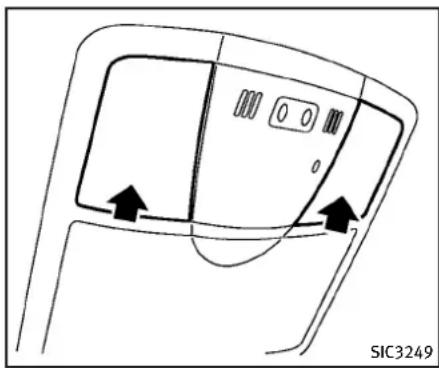
natural_image
Diagram of a car interior showing door, seat, and window with directional arrows (no text or symbols)MAPLIGHTS
Pushthebuttonasillustratedtoturnthe lightonoroff.
natural_image
Simple line drawing of a device with a circular button and an arrow pointing to it, labeled SIC3250 (no text or symbols on the diagram itself)PERSONALLIGHTS(Sedan)
Rear
Pushthebuttonasillustratedtoturnthe lightonoroff.

text_image
① ON ② DOOR OFF ON DOOR OFF SIC3251INTERIORLIGHTCONTROL SWITCH
Theinteriorlightcontrolswitchhasthree positions:ON,DOORandOFF.
ONposition
WhentheswitchisintheONposition themaplightsandrearpersonallightswill illuminate. ①
DOORposition
WhentheswitchisintheDOORposition ②, themaplightsandrearpersonallights willilluminateunderthefollowingconditions:
-ignitionswitchisswitchedtotheLOCK position
—remainonforabout15seconds.
- doorsare unlocked by pushing the UNLOCKbutton on the Intelligent Key or door handle request switch with the ignitions switch in the LOCK position — remain on for about 15 seconds.
-anydoorisopenedandthenclosed withtheignitionswitchintheLOCK position
-remainonforabout15seconds.
●anydoorisopenedwiththeignition switchintheACCorONposition
—remainonwhilethedoorisopened. Whenthedoorisclosed,thelights gooff.
Thelightswillalsoturnoffafter15 minuteswhenthelightsremainilluminatedaftertheignitionswitchhasbeen pushedtotheOFForLOCKpositionto preventthebatteryfrombecomingdischarged.
Whentheautointeriorilluminationisset totheOFFposition(see"Vehicleinformationandsettings"(P.4-9)),thelightswill illuminateunderthefollowingcondition:
VANITYMIRRORLIGHTS
●anydoorisopenedwiththeignition switchinanyposition —remainonwhilethedoorisopened. Whenthedoorisclosed,thelights gooff.
OFFposition
WhentheswitchisintheOFFposition ③, thelightswillnotilluminate,regardless of thecondition.

CAUTION
Donotuseforextendedperiodsoftimewith theenginestopped.Thiscouldresultina dischargedbattery.

text_image
SIC2064TypeA
Thelightonthevanitymirrorwillturnon whenthecoveronthevanitymirroris opened. Whenthecoverisclosed,thelightwillturn off.
Thelightswillalsoturnoffafter15 minuteswhenthelightsremainilluminatedtopreventthebatteryfrombecomingdischarged.
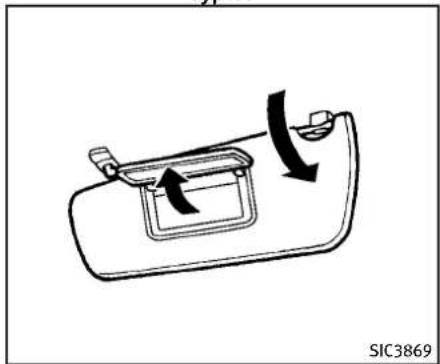
natural_image
Diagram of a car door handle with directional arrows indicating movement (no text or symbols)TypeB
2-58 Instrumentsandcontrols
TRUNKLIGHT
Thelightilluminateswhentetrunklidis opened. Whentetrunklidisclosed, the lightwillturnoff.
Thelightwillalsoturnoffafter15minutes whenthelightremainsilluminatedafter theignitionswitchhasbeenpushedtothe OFForLOCKpositiontopreventthe batteryfrombecomingdischarged.
HomeLink® UNIVERSALTRANSCEIVER(ifso equipped)
HomeLink® UniversalTransceiverprovides aconvenientwaytoconsolidatethefunc-tionsofuptothreeindividualhand-held transmittersintoonebuilt-indevice.
HomeLink ^® UniversalTransceiver:
- WilloperatemostRadioFrequency(RF) devices such as garagedoors, gates, home and officelighting, entrydoor locks and security systems.
- lspoweredbyyourvehicle'sbattery.No separatebatteriesarerequired.Ifthe vehicle'sbatteryisdischargedoris disconnected,HomeLink® willretainall programming.
OnceHomeLink ^® UniversalTransceiveris programmed, retain the original transmitter for future programming procedures (Example: new vehicle purchases). Upon sale of the vehicle, the programmed HomeLink ^® UniversalTransceiver buttons should be erased for security purposes. For additional information, see “ProgrammingHomeLink ^® ”(P.2-60).

WARNING
- DonotuseHomeLink ^® UniversalTransceiverwithanygaragedooropenerthat lackssafetystopandreversefeaturesas
requiredbyfederalsafetystandards. (Thesestandardsbecameeffectivefor openermodelsmanufacturedafterApril 1,1982.)Agaragedooropenerwhich cannotdetectanobjectinthepathofa closinggaragedoorandthenautomaticallystopandreverse,doesnotmeet currentfederalsafetystandards.Usinga garagedooropenerwithoutthesefeaturesincreasestheriskofseriousinjury ordeath.
- Duringprogrammingprocedure, your garagedoorsecuritygatemayopen orclose. Makesurethatpeopleand objectsareclearofthegaragedoor, gate, etc. thatyouareprogramming.
- Yourvehicle'sengineshouldbeturned offwhileprogrammingHomeLink ^® UniversalTransceiver.
PROGRAMMINGHomeLink ^®
ToprogramyourHomeLink ^® Transceiverto operateagaragedoor, gate, oentrydoor opener, homeorofficelighting, youneed tobeatthesamelocationasthedevice. Note: Garagedooropeners(manufactured after 1996) have "rollingcodeprotection". Toprogramagaragedooropenerequipped with "rollingcodeprotection"; youwill needtousealaddertogetuptothe garagedooropenermotortobeableto accessthe "smartorlearn" program button.
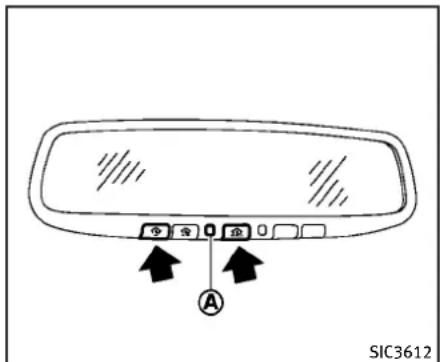
text_image
SIC3612- Tobegin, pushandholdthe2outer HomeLink® buttons (toclearthememory) until the indicator light Ⓐ blinks (after 20 seconds). Release both buttons.
- Positiontheendofthehand-held transmitter1-3inchesawayfromthe HomeLink® surface.
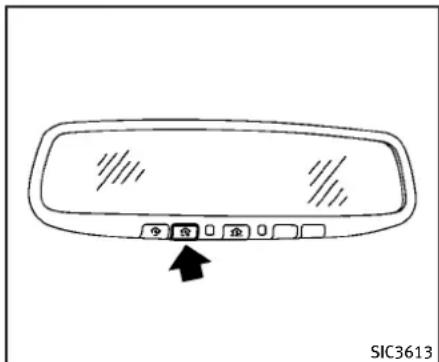
text_image
令 合 0 企 0 SIC3613- Using both hands, simultaneously push and hold both the Home Link ^ button you want to program and the hand-held transmitter button. DONOT releasethe buttons until step 4 has been completed.
- Holddownbothbuttonsuntilthe indicatorlightonHomeLink ^ flashes, changingfroma“slowblink”toa “rapidblink”. This could takeup to 90 seconds. When the indicator light blinks rapidly, both button may be released. Therapidly flashing light indicates successful programming. To activate the agaragedoor or other
programmeddevice, pushandholdthe programmedHomeLink ^® button-releasingwhenthedevicebeginsto activate.
- If the indicator lighton HomeLink blinks rapidly for two seconds and then turn solid, HomeLink has picked up a "rollingcode" garagedoor opener signal. You will need to proceed with then next step to train HomeLink, completing the programming may require a ladder and another person for convenience.
6.Pushandreleasetheprogrambutton locatedonthegaragedooropener's motortoactivatethe"trainingmode". Thisbuttonisusuallylocatednearthe antennawirethathangsdownfromthe motor.Ifthewireoriginatesfromunder alightlens,youwillneedtoremovethe lenstoaccessthetrainingbutton.
NOTE: Once you have pushed and released the training button on the agaragedoor opener's motor and the "training light" is lit, you have 30 seconds in which to perform step 7. For convenience, use the help of a second person to assist when performing this step.
-
Quickly(within30secondsofpushing andreleasingthegaragedooropener trainingbutton)andfirmlypushand releasetheHomeLink ^® buttonyou've justprogrammed.Pushandreleasethe HomeLink ^® buttonuptothreetimesto completethetraining.
-
YourHomeLink ^® buttonshouldnowbe programmed.Toprogramtheremaining HomeLink ^® buttonsforadditionaldoor orgateopeners,followsteps2through 8only.
NOTE:
Donotrepeatstep1unlessyouwantto "clear"all previouslyprogrammed HomeLink® buttons.
If you have any questions or are having difficulty programming your HomeLink buttons, pleasereferto the HomeLink website at: www.homelink.comorcall1-800-355-3515.
PROGRAMMINGHomeLink ^® FOR CANADIANCUSTOMERS
Prior to 1992, D.O.C. regulations required hand-held transmitterstostop transmitting after 2 seconds. Toprogram your hand-held transmitter to HomeLink ^ , continueto pushandhold the HomeLink ^ button (note steps 2 through 4 under "Programming HomeLink") while you push and are push ("cycle") your hand-held transmitter every 2 seconds until the indicator light flashes rapidly (indicating successful programming).
NOTE:
If programmingagaragedooropener,etc., itisadvisedtounplugthedeviceduring the "cycling"processtopreventpossible damagetothe garage dooropener components.
OPERATINGTHEHomeLink ^® UNIVERSALTRANSCEIVER
HomeLink® UniversalTransceiver(once programmed)maynowbeusedtoactivate thegaragedoor,etc.Tooperate,simply push the appropriate programmed HomeLink® UniversalTransceiverbutton. Theredindicatorlightwillilluminatewhile thesignalisbeingtransmitted.
PROGRAMMINGTROUBLE-DIAGNO- SIS
IfHomeLink ^® does not quickly learn the hand-held transmitter information:
●replacethehand-heldtransmitterbatterieswithnewbatteries.
- positionthehand-heldtransmitterwith itsbatteryareafacingawayfromthe HomeLink® surface.
- pushandholdboththeHomeLink ^ and hand-heldtransmitterbuttonswithout interruption.
- positionthehand-heldtransmitter2to 5in(50to127mm)awayfromthe HomeLink® surface.Holdthetransmitterinthatpositionforupto15 seconds.IfHomeLink® isnotprogrammedwithinthattime,tryholding thetransmitterinanotherposition-keepingtheindicatorlightinviewatall times.
If you continue to have programming difficulties, please contact the INFINITI Consumer Affairs Department. The phone numbers are located in the Foreword of this Owner's Manual.
CLEARINGTHEPROGRAMMEDINFORMATION
Individualbuttonscannotbecleared, howeverclearallprogramming, push andholdthetwooutsidebuttonsand releasewhentheindicatorlightbeginsto flash(inapproximately20seconds).
REPROGRAMMINGASINGLE HomeLink® BUTTON
ToreprogramaHomeLink ^® Universal Transceiverbutton, completethefollowing.
1.PushandholdthedesiredHomeLink button.Donotreleasethebuttonuntil step4hasbeencompleted.
2. Whentheindicatorlightbeginstoflash slowly(after20seconds), positionthe hand-heldtransmitter2to5in(50to 127mm)awayfromtheHomeLink surface.
3. Pushandholdthehand-heldtransmitterbutton.
4. The HomeLink ^ indicatorlightwill flash, firstslowlyandthenrapidly. When the indicator light begins to flash rapidly, release both buttons.
TheHomeLink ^® UniversalTransceiverbuttonhasnowbeenreprogrammed.Thenew
devicecanbeactivatedbypushingthe HomeLink® buttonthatwasjustprogrammed. Thisprocedurewillnotaffect anyotherprogrammedHomeLink® buttons.
IFYOURVEHICLEISSTOLEN
If your vehicle is stolen, you should change the codes of any non-rolling coded device that has been programmed into HomeLink®. Consult the Owner's Manual of each device or call the manufacturer or retailer of those devices for additional information.
Whenyourvehicleisrecovered,youwill needtoreprogramtheHomeLink® UniversalTransceiverwithyournewtransmitterinformation.
FCCNotice:
ForUSA:
ThisdevicecomplieswithPart15ofthe FCCRules.Operationissubjecttothe followingtwoconditions:(1)Thisdevice maynotcauseharmfulinterference,and (2)thisdevicemustacceptanyinterferencereceived,includinginterferencethat maycauseundesiredoperation.
NOTE:
Changesormodificationsnotexpressly approvedbythepartyresponsiblefor compliancecouldvoidtheuser'sauthority tooperatetheequipment.
ForCanada:
This device complies with RSS-210 of Industry Canada. Operation is subject to the following two conditions: (1) this devicemay not cause interference, and (2) this devicemust accept any interference, including interference that may cause undesired operation of the device.
MEMO
2-64 Instrumentsandcontrols
3Pre-drivingchecksandadjustments
Keys....3-2
IntelligentKey....3-2
Valethand-off....3-3
Doors....3-4
Lockingwithmechanicalkey....3-4
Opening and closing windows with the mechanical key....3-5
Lockingwithinsidelockknob....3-5
Lockingwithpowerdoorlockswitch....3-5
Automaticdoorlocks....3-6
Childsafetyreardoorlock(Sedan)....3-6
IntelligentKeysystem....3-7
IntelligentKeyoperatingrange....3-8
Doorlocks/unlocksprecaution....3-9
IntelligentKeyoperation....3-10
Batterysaversystem....3-12
Warningsignals....3-12
Troubleshootingguide....3-13
Remotekeylessentrysystem....3-14
Howtouseremotekeylessentrysystem......3-14
Hood....3-18
Trunklid....3-18
Trunklidreleaseswitch....3-19
Trunkopenrequestswitch....3-19
Trunkreleasepowercancelswitch....3-20
Interiortrunklidrelease....3-21
Uniquefrontandrearparts(INFINITIPerformance
Line,AerodynamicPackagemodels)......3-21
Fuel-fillerdoor....3-23
Openingthefuel-fillerdoor....3-23
Fuel-fillercap....3-23
Tilt/telescopicsteering....3-26
Manualoperation(ifsoequipped)......3-26
Electricoperation(ifsoequipped)......3-26
Sunvisors....3-27
Mirrors....3-28
Insidemirror....3-28
Outsidemirrors....3-29
Vanitymirror....3-31
Automaticdrivepositioner(ifsoequipped)......3-31
Entry/exitfunction(AutomaticTransmission
Sedanmodels)....3-31
Seatsynchronizationfunction....3-32
Memorystorage....3-33
Systemoperation....3-34
KEYS
Akeynumberplateissuppliedwithyour keys.Recordthekeynumberandkeepitin asafeplace(suchasyourwallet),notin thevehicle.Ifyouloseyourkeys,seen INFINITlretailerforduplicatesbyusingthe keynumber.INFINITldoesnotrecordany keynumberssoitisveryimportanttokeep trackofyourkeynumberplate.
Akeynumberisonlynecessarywhenyou havelostallkeysanddonothaveoneto duplicatefrom.Ifyoustillhaveakey,this keycanbeduplicatedbyanINFINITI retailer.

text_image
1 2 3 xxxxxx SPA2222- IntelligentKeys(2sets)
- Mechanicalkeys(insidetheKeys)(2 sets)
3.Keynumberplate(1set)
INTELLIGENTKEY
Yourvehiclecanonlybedrivenwiththe IntelligentKeyswhichareregisteredto yourvehicle'sIntelligentKeysystemcomponentsandINFINITIVehicleImmobilizer Systemcomponents.Asmanyas4IntelligentKeyscanberegisteredandusedwith onevehicle. Thenewkeysmustbe registeredbyanINFINITlretailerpriorto usewiththeIntelligentKeysystemand
INFINIT|VehicleImmobilizerSystemofyour vehicle.Sincetheregistrationprocess requireserasingallmemoryinthelIntelligentKeycomponentswhenregistering newkeys,besuretotakeallIntelligent KeysthatyouhavetotheINFINITlretailer. ItispossiblethattheIntelligentKey functionsbecomecanceled.Contactan INFINITlretailer.

CAUTION
- BesuretocarrythelIntelligentKeywith you when driving. The Intelligent Key is a precisiondevicewithabuilt-intransmitter.Toavoiddamagingit,pleasenote thefollowing.
— TheIntelligentKeyiswaterresistant;however,wettingmaydamage theIntelligentKey.IftheIntelligent Keygetswet,immediatelywipeuntil itiscompletelydry.
— Donotbend, droporstrikeit againstanotherobject.
— Iftheoutsidetemperatureisbelow 14^ F ( -10^ C) degrees, the battery of theIntelligentKeymaynotfunction properly.
— DonotplacethelIntelligentKeyfor anextendedperiodinaplacewhere temperaturesexceed140°F(60°C).
— Donotchangeormodifytheln-telligentKey.
— Donotuseamagnetkeyholder.
— DonotplacethIntelligentKeynear anelectricappliancesuchasa televisionsetorpersonalcomputer.
— DonotallowtheIntelligentKeyto comeintocontactwithwaterorsalt water, and donotwashitina washingmachine. This could affect the system function.
-IfanIntelligentKeyislostorstolen, INFINITIrecommendserasingtheIDcode ofthatIntelligentKey.Thiswillprevent theIntelligentKeyfromunauthorized usetounlockthevehicle.Forinformationregardingtheerasingprocedure, pleasecontactanINFINITIretailer.

text_image
SPA2033Mechanicalkey
Toremovethemechanicalkey,releasethe lockknobatthebackoftheIntelligentKey.
Toinstallthemechanicalkey,firmlyinsert itintothelIntelligentKeyuntilthelock knobreturnstothelockposition.
Usethemechanicalkeytolockorunlock thedoors,gloveboxandtrunkpass- throughlid,iftheyareequippedwitha keycylinder.
See "Doors" (P.3-4) and "Trunk lid" (P.3-18), "Storage" (P.2-45) and "Seats" (P.1-2).

CAUTION
Alwayscarrythemechanicalkeyinstalledin thekey.
VALETHAND-OFF
Whenyouhavetoleaveakeywithavalet, givethemtheIntelligentKeyitselfand keepthemechanicalkeywithyouto protectyourbelongings.
Topreventthegloveboxandthetrunk frombeingopenedduringvalethand-off, followtheproceduresbelow.
- Pushthetrunkreleasepowercancel switchtotheCANCELside.
- Removethemechanicalkeyfromthe IntelligentKey.
- Lockthegloveboxandthetrunkpass-through(forSedan)withthemechanicalkey.
- HandthelIntelligentKeytothevalet, keepingthemechanicalkeyinyour pocketorbagforinsertionintothe IntelligentKeywhenyouretrieveyour vehicle.
See "Trunk lid" (P.3-18), "Storage" (P.2-45)
DOORS
and"Seats"(P.1-2).

WARNING
●Alwayshavethedoorslockedwhile driving. Alongwiththeuseofseatbelts, thisprovidesgreatersafetyintheevent ofanaccidentbyhelpingtoprevent personsfrombeingthrownfromthe vehicle. Thisalsohelpskeepchildren andothersfromunintentionallyopening thedoors, andwillhelpkeepout intruders.
- Beforeopeninganydoor,alwayslookfor andavoidoncomingtraffic.
- Donotleavechildrenunattendedinside thevehicle.Theycouldunknowingly activateswitchesorcontrols.Unattendedchildrencouldbecomeinvolved inseriousaccidents.
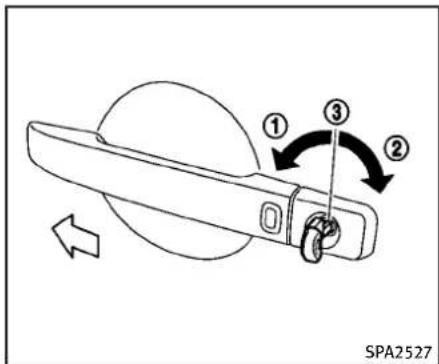
text_image
① ③ ② SPA2527LOCKING WITH MECHANICAL KEY
Thepowerdoorlocksystemallowsyouto lockorunlockalldoorssimultaneously usingthemechanicalkey.
- Turningthedriver'sdoorkeycylinderto thefrontofthevehicle ① willlockall doors.
- Turningthedriver'sdoorkeycylinder oncetotherearofthevehicle ② will unlockthedriver'sdoor. Afterreturning thekeytotheneutralposition ③, turningittotherearagainwithin60 secondswillunlockalldoors.
- Youcanswitchthelocksystemtothe modethatallowsyoutoopenallthe doorswhenthekeyisturnedonce. (See "HowtouseSETTINGbutton" (P.4-14).)
OPENINGANDCLOSINGWINDOWS WITHTHEMECHANICALKEY
The driver's door key operational also allows you to open and close the window that is equipped with the automatic open/close function. (See "Powerwindows" (P.2-52)).
Toopenthewindow,turnthedriver'sdoor keycylindertotherearofthevehiclefor longerthan1second. Thedooris unlocked andthewindowkeepsopeningwhile turningthekey.
This function can also be performed by pushing and holding the door UNLOCK button of the Intelligent Key. (See "Remote key less entry system" (P.3-14).)
Toclosethewindow,turnthedriver'sdoor keycylindertothefrontofthevehiclefor longerthan1second. Thedoorislocked andthewindowkeepsclosingwhileturningthekey.

text_image
① ② SPA1814LOCKINGWITHINSIDELOCKKNOB
Tolockthedoorindividually,movethe insidelockknobtothelockposition thenclosethedoor.
Tounlock, movetheinsidelockknobtothe unlockposition ②.
WhenlockingthedoorwithoutanIntelligentKey,besurenottoleavethe IntelligentKeyinsidethevehicle.

text_image
① ② ① ② SPA2300LOCKINGWITHPOWERDOORLOCK SWITCH
① Operating the power door lock switch will lock or unlock all the doors. Thes switches are located on the driver's sand front passenger's door arm rests.
Tolockthedoors, pushthepowerdoor lockswitchtothelockposition ① with the driver'sorfrontpassenger'sdooropen, thenclosethedoor.
Whenlockingthedoorthisway, be certain nottoleavethelIntelligentKeyinsidethe vehicle.
Tounlockthedoorsincludingthefuel-filler
Pre-drivingchecksandadjustments3-5
door, pushthepowerdoorlockswitch to the unlock position ②.
Lockoutprotection
Whenthepowerdoorlockswitch(driveror frontpassenger)ismovedtothelock positionwiththeIntelligentKeyintheport andanydooropen,alldoorswilllockand unlockautomatically.WiththeIntelligent Keyleftinthevehicle(notintheIntelligent Keyport)andanydooropen,alldoorswill unlockautomaticallyandachimewill soundafterthedoorisclosed.
Thesefunctionshelptopreventtheln- telligentKeyfrombeingaccidentally lockedinsidethevehicle.
AUTOMATICDOORLOCKS
●Alldoorslockautomaticallywhenthe vehiclespeedreaches15MPH(24 km/h).
- Alldoorsunlockautomaticallywhenthe ignitionswitchisplacedintheOFF position.
The automatic unlock function can be deactivated or activated. Todeactivate or activatethe automatic door unlock system, perform the following procedure:
- Closealldoors.
- PlacetheignitionswitchintheON position.
- Within 20 second of performing Step 2, push and hold the power door lock switch to the position (UNLOCK) for more than 5 seconds.
- When activated, the hazard indicator will flashtwice. Whendeactivated, the hazard indicator will flashonce.
- Theignitionswitchmustbeplaced in theOFFandONpositionagainbetween eachsettingchange.
When the automatic door unlock system is deactivated, the doors donot unlock when the ignition switch is placed in the OFF position. Tounlock the oormanually, use the insidelock knob or the power door lock switch (driver's or front passenger's side).

text_image
① ← ② ← LOCK SPA2470CHILDSAFETYREARDOORLOCK (Sedan)
Thechildsafetyreardoorlockhelps preventdoorsfrombeingopenedaccidentally,especiallywhensmallchildrenarein thevehicle.
When the levers are in the lock position ①, there doors can be opened only from the outside.
Todisengage, movetheleverstothe unlockposition ②.
INTELLIGENTKEYSYSTEM

WARNING
●Radiowaves could adversely affect electric medicalequipment. Those who use apacemakers should contact the electric medicalequipment manufacturer for the possible influences before use.
●The Intelligent Keytransmits radio waveswhenthebuttonsarepushed. The FAAadvisesthattheradiowaves may affect aircraft navigation and communications systems. Donotoperatethe Intelligent Keywhileonanairplane. Makesurethebuttonsarenotoperated unintentionallywhentheunitisstored duringaflight.
The Intelligent Keysystem can operate all the doors and the trunk lid using the remote controller function or pushing the request switch on the vehicle without taking the key out from a pocket or purse. The operating environment and/or conditions may affect the Intelligent Keysystem operation.
Besuretoreadthefollowingbeforeusing theIntelligentKeysystem.

CAUTION
- BesuretocarrythelIntelligentKeywith youwhenoperatingthevehicle.
●NeverleavetheIntelligentKeyinthe vehiclewhenyouleavethevehicle.
The Intelligent Key is always communicating with the vehicle as it receives radio waves. The Intelligent Keysystem transmits weak radiowaves. Environmental conditions may interfere with the operation of the Intelligent Keysystem under the following operating conditions.
- Whenoperatingnearalocationwhere strongradiowavesaretransmitted, suchasaTVtower,powerstationand broadcastingstation.
- Wheninpossessionofwirelessequipment, such as acellularartelephone, transceiver, and CBradio.
- WhentheIntelligentKeyisincontact withorcoveredbymetallicmaterials.
- Whenanytypeofradiowaveremote controlisusednearby.
- WhentheIntelligentKeyisplacednear anelectricappliancesuchasaperso-
nalcomputer.
- Whenthevehicleisparkednearaparkingmeter.
Insuchcases, correct the operating conditions before using the Intelligent Key function or usethemechanical key.
Although the life of the battery varies depending on the operating conditions, the battery's life is approximately 2 years. If the battery is discharged, replace it with anewone.
WhentheIntelligentKeybatteryisalmost discharged,inserttheIntelligentKeyinto theIntelligentKeyportostarttheengine. Replacethedischargedbatterywithanew oneassoonaspossible.Formoredetails, see“Push-buttonignitionswitch”(P.5-9).
SincethelIntelligentKeyiscontinuously receivingradiowaves,ifthekeyisleftnear equipmentwhichtransmitsstrongradio waves,suchassignalsfromaTVand personalcomputer,thebatterylifemay becomeshorter.
Forinformationregardingreplacementofa battery,see"IntelligentKeybatteryreplacement"(P.8-26).
Asmanyas4IntelligentKeyscanbe registeredandusedwithonevehicle.For
informationaboutthepurchaseanduseof additionalIntelligentKeys,contactan INFINITretailer.

CAUTION
- DonotallowtheIntelligentKey, which containselectricalcomponents,tocome intocontactwithwaterorsaltwater. Thiscouldaffectthesystemfunction.
●DonotdropthelIntelligentKey. - Donotstriketh Intelligent Key sharply against another object.
- DonotchangeormodifytheIntelligent Key.
- WettingmaydamagethelIntelligentKey. IfthelIntelligentKeygetswet,immediatelywipeuntilitiscompletelydry.
- If the outside temperature is below 14°F (-10°C) degrees, the battery of the Intelligent Key may not function properly.
- Donotplaceth Intelligent Keyforan extended period in an area where temperatures exceed 140°F (60°C).
- DonotattachtheIntelligentKeywitha keyholderthatcontainsamagnet.
- DonotplacethIntelligentKeynear equipmentthatproducesamagnetic field,suchasaTV,audioequipment andpersonalcomputers.
If an Intelligent Key is lost or stolen, INFINITIrecommendserasingtheIDcode of that IntelligentKeyfromthevehicle. This may prevent the unauthorized use of the IntelligentKeytooperatethevehicle. For information regarding the erasing procedure, contact an INFINITIretailer.

natural_image
Top-down schematic of a car with two wheels and sensor placements, labeled SPA2538 (no text or symbols on diagram)The Intelligent Key functions can only be used when the Intelligent Key is within the specified operating range from therequest switch ①.
WhentheIntelligentKeybatteryisdischargedorstrongradiowavesarepresent neartheoperatinglocation, theIntelligent Keysystem'soperatingrangebecomes narrower, and theIntelligentKeymaynot functionproperly.
Theoperatingrangeiswithin31.50in(80 cm)fromeachrequestswitch ①.
If the Intelligent Keyistooclosetothedoor glass, handleorrearbumpertherequest switchesmaynotfunction.
WhentheIntelligentKeyiswithinthe operatingrange,itispossibleforanyone whodoesnotcarrytheIntelligentKeyto pushtherequestswitchtolock/unlockthe doorsandopenthetrunklid.

natural_image
Illustration of a hand holding a knife with crossed blades, no text or symbols presentDOORLOCKS/UNLOCKSPRECAUTION
- Donotpushthedoorhandlerequest switchwiththeIntelligentKeyheldin yourhandasillustrated. The close distancetothedorhandlewillcause the IntelligentKeysystemto have difficulty recognizing that the Intelligent Keyisoutsidethevehicle.
●Afterlockingwiththedoorhandle requestswitch,verifythedoorsare securelylockedbytestingthem. - TopreventtheIntelligentKeyfrom beingleftinsidethevehicleorthe
trunk, makesureyoucarrythekeywith youandthenlockthedoorsorthe trunk.
- Donotpullthedoorhandlebefore pushingthedoorhandlerequest switch. Thedoorwillbeunlockedbut willnotopen. Releasethedorhandle onceandpullitagaintoopenthedoor.
- The Intelligent Keysystem(opening/closingdoorswiththedoorhandlerequestswitch)canbesettoremain inactive.(See"Vehicleinformationandsettings"(P.4-9).)

text_image
SPA2724Youcanlockorunlockthedoorswithout takingthekeyoutfromyourpocketorbag.

text_image
A SPA2725WhenyoucarrytheIntelligentKeywith you,youcanlockorunlockalldoorsby pushingthedoorhandlerequestswitch (driver'sorfrontpassenger's) Ⓐ within therangeofoperation.
Whenyoulockorunlockthedoorsorthe trunklid,thehazardindicatorwillflash andthehorn(ortheoutsidechime)will soundasaconfirmation.Fordetails,see "Settinghazardindicatorandhornmode" (P.3-16).
Lockingdoorsandfuel-fillerdoor
- PushtheignitionswitchtotheOFF positionandmakesureyoucarrythe
IntelligentKeywithyou.*1
2.Closeallthedoors.*2
3.Pushthedoorhandlerequestswitch (driver'sorfrontpassenger's) ① while carryingtheIntelligentKeywithyou.*3
-
Allthedoorsandfuel-fillerdoorwill lock.
-
The hazard indicator flashest twice and the outside chimesound twice.
*1: DoorswilllockwiththeIntelligentKey whiletheignitionswitchisintheACCor ONposition.
*2: DoorswillnotlockwiththeIntelligent Keywhileanydoorisopen.
*3: Doorswillnotlockbypushingthedoor handlerequestswitchwiththeIntelligent Keyinsidethevehicle.However,whenan IntelligentKeyisinsidethevehicle,doors canbelockedwithanotherregistered IntelligentKey.

CAUTION
●Afterlockingthedoorsusingtherequest switch, makesurethatthedoorshave beensecurelylockedbyoperatingthe doorhandles.
- When locking the doors using the request switch, makes sure to have the Intelligent Key in your possession before operating there from switch to prevent the Intelligent Key from being left in the vehicle.
- Therequestswitchisoperationalonly whentheIntelligentKeyhasbeen detectedbytheIntelligentKeysystem.
Lockoutprotection:
TopreventtheIntelligentKeyfrombeing accidentallylockedinthevehicle,lockout protectionisequippedwiththeIntelligent Keysystem.
Whenthdriver'ssidedoorisopen,the doorsarelocked,andthentheIntelligent Keyisputinsidethevehicleandallthe doorsareclosed;thelockwillautomaticallyunlockandthedoorbuzzersounds.
NOTE:
ThedoorsmaynotlockwhentheIntelligentKeyisinthesamehandthatis operatingtherequestswitchtolockthe door.Puttheintelligentkeyinapurse, pocketoryourotherhand.

CAUTION
Thelockoutprotectionmaynotfunction underthefollowingconditions:
- WhentheIntelligentKeyisplacedontop oftheinstrumentpanel.
- WhentheIntelligentKeyisplacedinside thegloveboxorastoragebin.
- WhentheIntelligentKeyisplacedinside thedoorpockets.
- WhentheIntelligentKeyisplacedinside ornearmetallicmaterials.
Unlockingdoorsandfuel-fillerdoor
-
Pushthedoorhandlerequestswitch (driver'sorfrontpassenger's) ① once whilecarryingtheIntelligentKeywith you.
-
The hazard indicator flashes once and outside chimes sounds once. The corresponding door and the fuel-filled door will unlock.
-
Pushthedoorhandlerequestswitch again within 1 minute.
-
The hazard indicator flashes once and outside chimes sounds once again. All
thedoorswillunlock.
Alldoorsandthefuel-fillerdoorwillbe lockedautomaticallyunlessoneofthe followingoperationsisperformedwithin1 minuteafterpushingtherequestswitch whilethedoorsarelocked.
- Openinganydoor
●Pushingtheignitionswitch - InsertingtheIntelligentKeyintothe IntelligentKeyport.
During this 1-minute time period, if the UNLOCK buttononthelIntelligentKey ispushed,alldoorswillbelockedautomaticallyafteranother1minute.

text_image
JVP0077X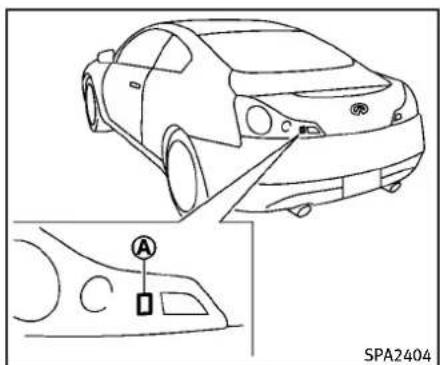
text_image
SPA2404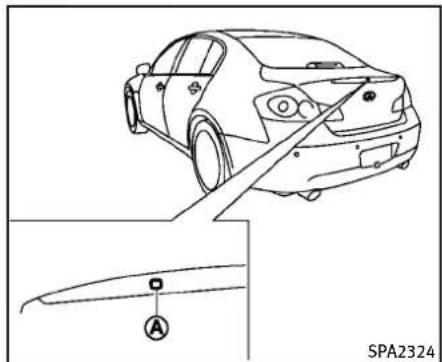
natural_image
Line drawing of a car rear view with a close-up inset showing a component labeled 'A' (no text or symbols beyond label)Sedan
Coupe
Openingtrunklid
- Pushthetrunkopenrequestswitch formorethan1second.
- Thetrunkwillunlatch. Anoutside chimewillsoundfourtimes.
- Raisethetrunklidtoopenthetrunk.
Lockoutprotection:
TopreventthelIntelligentKeyfrombeing accidentallylockedinthetrunk,lockout protectionisequippedwiththelIntelligent Keysystem.
Whenthetrunklidisclosedwiththe IntelligentKeyinsidethetrunk,theoutside
chimewillsoundandthetrunkwillopen.
BATTERYSAVERSYSTEM
When all the following conditions are met for 60 minutes, the batteriesaversystem will cutoff the powers supply to prevent battery discharge.
●TheignitionswitchisintheACC position,and
●Alldoorsareclosed, and
●TheselectorleverisintheP(Park) position(AutomaticTransmissionmodels).
WARNINGSIGNALS
Tohelppreventthevehiclefrommoving unexpectedlybyerroneousoperationof theIntelligentKeylistedonthefollowing chartortohelppreventthevehiclefrom beingstolen,chimeorbeepsoundsinside andoutsidethevehicleandawarning displaysinthedotmatrixliquidcrystal display.
Whenachimeorbeepsoundsorthe warningdisplays,besuretocheckthe vehicleandIntelligentKey.
See "Troubleshootingguide" (P.3-13) and "Dot matrix liquid crystal display" (P.2-20).
TROUBLESHOOTINGGUIDE
| SymptomPossiblecauseActiontotake | |||
| Whenpushingtheignitionswitch tostoptheengine | TheSHIFTPwarningappearsonthedisplay andtheinsidewarningchimesoundscontinuously(AutomaticTransmissionmodels). | TheselectorleverisnotintheP(Park) position. | ShifttheselectorlevertotheP(Park) position. |
| Whenshiftingtheselectorlever totheP(Park)position. | Theinsidewarningchimesoundscontinuously. | TheignitionswitchisintheACCorON position. | PushtheignitionswitchtotheOFFposition. |
| Whenopeningthedriver'sdoorto getoutofthevehicle | Theinsidewarningchimesoundscontinuously. | TheignitionswitchisintheACC position. | PushtheignitionswitchtotheOFFposition. |
| TheIntelligentKeyisinthelIntelligent Keyport. | RemovetheIntelligentKeyfromtheIntell- ligentKeyport. | ||
| Whenclosingthedoorafterget- tingoutofthevehicle | TheNOKEYwarningappearsonthedisplay, theoutsidechimesounds3timesandthe insidewarningchimesoundsforafew seconds. | TheignitionswitchisintheACCorON position. | PushtheignitionswitchtotheOFFposition. |
| TheSHIFTPwarningappearsonthedisplay andtheoutsidechimesoundscontinuously (AutomaticTransmissionmodels). | TheignitionswitchisintheACCorOFF positionandtheselectorleverisnotin theP(Park)position. | MovetheselectorlevertotheP(Park) positionandpushtheignitionswitchtothe OFFposition. | |
| Whenclosingthedoorwiththe insidelockknobturnedtoLOCK | Theoutsidechimesoundsforafewseconds andallthedoorsunlock. | TheIntelligentKeyisinsidethevehicle ortrunk. | CarrythelIntelligentKeywithyou. |
| Whenpushingtherequestswitch orLOCKbuttonontheIntelligent Keytolockthedoor | Theoutsidechimesoundsforafewseconds. | TheIntelligentKeyisinsidethevehicle ortrunk. | CarrythelIntelligentKeywithyou. |
| Adoorisnotclosedsecurely.Closethedoorse | Securely. | ||
| Whenclosingthetrunklid | Theoutsidechimesoundsforapproximately 10secondsandthetrunklidopens. | TheIntelligentKeyisinsidethetrunk. | CarrythelIntelligentKeywithyou. |
Pre-drivingchecksandadjustments3-13
REMOTEKEYLESSENTRYSYSTEM

WARNING
The Intelligent Key transmits radiowaves when the buttons are pushed. The FAA advises that the radiowaves may affect aircraft navigation and communications systems. Donotoperateth Intelligent Key while on an airplane. Makes sure the buttons are not operated unintentionally when the unit is stored during a flight.
Itispossibletolock/unlockalldoors,fuel- fillerdoor,activatethepanicalarmand openthewindowsbypushingthebuttons onthelIntelligentKeyfromoutsidethe vehicle.
Beforelockingthedoors, makesurethe IntelligentKeyisnotleftinthevehicle.
TheLOCK/UNLOCKbuttonontheIntelligentKeycanoperateatadistanceof approximately33ft(10m)fromthe vehicle.(Theeffectivedistancedepends upontheconditionsaroundthevehicle.)
Asmanyas4IntelligentKeyscanbeused withonevehicle.Forinformationconcerningthepurchaseanduseofadditional IntelligentKeys,contactanINFINITlretailer.
3-14 Pre-driving checks and adjustments
Thelockandunlockbuttonsonthe IntelligentKeywillnotoperatewhen:
●thedistancebetweentheIntelligentKey andthevehicleisover33ft(10m).
●theIntelligentKeybatteryisdischarged.
Afterlockingwiththeremotekeylessentry function,pullthedoorhandletomakesure thedoorsaresecurelylocked.
TheLOCK/UNLOCKoperatingrangevaries dependingontheenvironment.Tosecurely operatethelockandunlockbuttons, approachthevehicletoabout3ft(1m) fromthedoor.
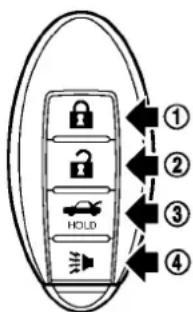
text_image
① ② ③ ④ HOLDSPA2100
- LOCKbutton
- UNLOCKbutton
- TRUNKbutton
- PANICbutton


HOWTOUSEREMOTEKEYLESS ENTRYSYSTEM
Whenyoulockorunlockthedoorsorthe trunklid,thehazardindicatorwillflash andthehorn(ortheoutsidechime)will soundasaconfirmation.Fordetails,see "Settinghazardindicatorandhornmode" (P.3-16).
Lockingdoorsandfuel-fillerdoor
- PushtheignitionswitchtotheOFF positionandmakesureyoucarrythe IntelligentKeywithyou.*
2.Closeallthedoors.
3.PushtheLOCK button ① onthe IntelligentKey.
-
Allthedoorsandfuel-fillerdoorwill lock.
-
The hazard indicator flashestwice and the hornchirpsonce.
*: DoorswilllockwiththeIntelligentKey whiletheignitionswitchisintheACCor ONposition.
Operatethedoorhandlestoconfirmthat thedoorshavebeensecurelylocked.
Unlockingdoorsandfuel-fillerdoor
-
Push the UNLOCK button Intelligent Keyonce. ② on the
-
The hazard indicator flashes once. The driver's door and fuel filler door will unlock.
-
Push the UNLOCK button on the Intelligent Key again within 1 minute.
-
The hazard indicator flashes once again. All the doors will unlock.
Alldoorswillbelockedautomatically unlessoneofthefollowingoperationsis performedwithin1minuteafterpushing theUNLOCK 🔒 buttononthelIntelligent Keywhilethedoorsarelocked.Ifduring this1-minutetimeperiod,theUNLOCK buttononthelIntelligentKeyispushed,all doorswillbelockedautomaticallyafter another1minute.
- Openinganydoor - Pushingtheignitionswitch - InsertingtheIntelligentKeyintothe IntelligentKeyport.
During this 1-minute time period, if the UNLOCK button on the Intelligent Key is pushed, all doors will be locked automatically after another 1 minute.
Openingwindows
The UNLOCK button operation also allows you to open the window that is equipped with the automatic open/close function. (See "Powerwindows" (P.2-52)).
Toopenthewindow, pushthedoor UNLOCK 🔒 button ② ontheIntelligent Keyforabout3secondsafterthedooris unlocked.
Tostopopening, releasetheUNLOCK button.
Ifthewindowopenoperationisstoppedin mid-operationwhilepushingtheUNLOCK button, release and push the UNLOCK button again until the windowopens completely.
WindowcannotbeclosedusingtheIntelligentKey.
Thedoorwindowcanalsobeoperated by turningthemechanicalkeyin adoorlock. (See "Doors" (P.3-4).)
Openingtrunklid
-
PushtheTRUNK Button ③ onthe IntelligentKeyformorethan1second.
-
Thetrunkwillunlatch.
-
Raisethetrunklidtoopenthetrunk.
Usingpanicalarm
If you are necessary your vehicle and feel threatened, you may activate the alarm to call attention as follows:
1.Push thePANIC ➕ button ④ on the keyformorethan1second.
-
Thetheftwarningalarmandheadlights willstayonfor25seconds.
-
Thepanicalarmstopswhen: • Ithasrunfor25seconds,or
- AnyofthebuttonsontheIntelligent Keyarepushed.(Note:Panicbutton shouldbepushedformorethan1 second.)
Settinghazardindicatorandhorn mode
Thisvehicleissetinhazardindicatorand hornmodewhenyoufirstreceivethe vehicle.
Inhazardindicatorandhornmode,when theLOCK 🔒 button ① ispushed,the hazardindicatorflashestwiceandthehorn chirpsonce.WhentheUNLOCK 🔒 button ② ispushed,thehazardindicatorflashes once.
Ifhornsarenotnecessary, thesystemcan beswitchedtothehazardindicatormode.
Inhazardindicatormode,whentheLOCK buttonispushed,thehazardindicator flashestwice.WhentheUNLOCK buttonispushed,neitherthazard indicatornorthehornoperates.
3-16 Pre-driving checks and adjustments
Hazardindicatorandhornmode:
| DOORLOCKDOORU | NLOCKTRUNKUNLOCK | ||
| IntelligentKeysystem(Usingdoorhandleortrunkrequestswitch) | HAZARD-twiceOUTSIDECHIME-twice | HAZARD-onceOUTSIDECHIME-once | HAZARD-noneOUTSIDECHIME-4times |
| Remotekeylessentrysystem(Using 🔒 , o, button) | HAZARD-twiceHORN-once | HAZARD-onceHORN-none | HAZARD-noneHORN-none |
Hazardindicatormode:
| DOORLOCKDOORU | NLOCKTRUNKUNLOCK | ||
| IntelligentKeysystem(Usingdoorhandleortrunkrequestswitch) | HAZARD-twiceOUTSIDECHIME-none | HAZARD-noneOUTSIDECHIME-none | HAZARD-noneOUTSIDECHIME-none |
| Remotekeylessentrysystem(Using 🔒 ,orbutton) | HAZARD-twiceHORN-none | HAZARD-noneHORN-none | HAZARD-noneHORN-none |
Switchingprocedure:
Toswitchthehazardindicatorandhorn
(chime)operation, pushtheLOCK
andUNLOCK 🔒 ② buttonsontheln-telligentKeysimultaneouslyformorethan 2seconds.
- When the hazard indicator mode is set, the hazard indicator flashes 3 times.
- Whenthehazardindicatorandhorn modeisset, thehazardindicator flashesonceandthehornchirpsonce.

flowchart
graph TD
    A["HAZARD INDICATOR AND HORN MODE"] --> B["Push (🔒) for more than 2 sec."]
    B --> C["• HAZARD - once"]
    B --> D["• HORN - once"]
    C --> E["• HAZARD - 3 times"]
    D --> F["• HAZARD - once"]
    E --> G["Push (🔒) for more than 2 sec."]
    F --> G
    G --> H["HAZARD INDICATOR MODE"]
HOODTRUNKLID
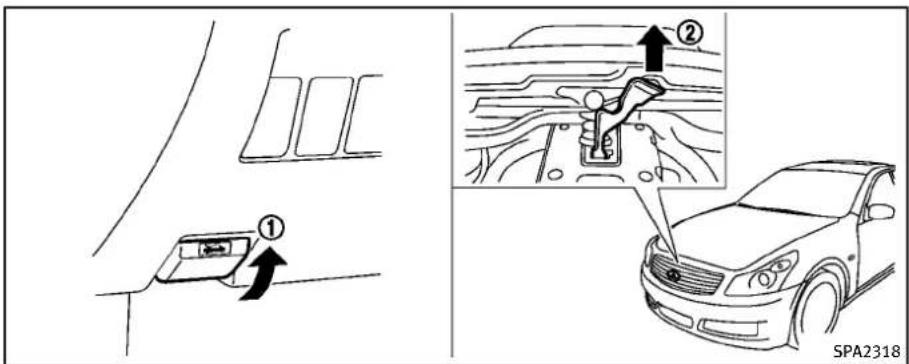
text_image
Diagram illustrating vehicle safety instructions with labeled steps and a SPA2318 car illustration- Pullthehoodlockreleasehandle locatedbelowtheinstrumentpanel; thehoodwillthenspringupslightly. ①
- Pullthelever ② upatthefrontofthe hoodwithyourfingertipsandraisethe hood.
- When closing the hood, slowly close the hood downtolatch both theright and left locks. Push the hood downto lock the hood securely into place.

WARNING
- Makesurethehoodiscompletelyclosed andlatchedbeforedriving.Failuretodo socouldcausethehoodtoflyopenand resultinanaccident.
- If you seesteamorsmokecoming from the engine compartment, to avoid injury donotopenthehood.

WARNING
- Donotdrivewiththetrunklidopen. This couldallowdangerousexhaustgasesto bedrawnintothevehicle.See"Exhaust gas(carbonmonoxide)("P.5-3)ofthis manual.
- Closelysupervisechildrenwhentheyare aroundcarstopreventthemfromplayingandbecominglockedinthetrunk wheretheycouldbeseriouslyinjured. Keepthecarlocked,withthetrunk closed,whennotinuse,andprevent children'saccesstolntelligentKeys.
3-18Pre-drivingchecksandadjustments
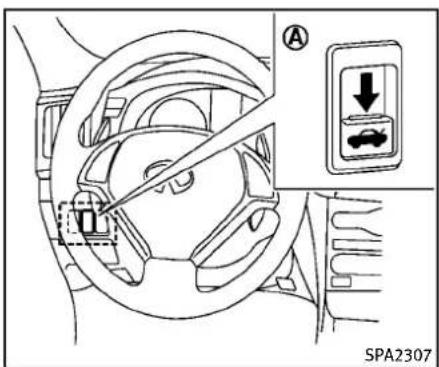
text_image
SPA2307TRUNKLIDRELEASESWITCH
Thetrunklidreleaseswitch Ⓐ islocated ontheinstrumentpanel.
Toopenthetrunklid, pushtherelease switchdownasillustrated. Toclose, push thetrunkliddown.
YoucanopenthetrunklidwithIntelligent Key.(See“IntelligentKeysystem”(P.3-7) or“Remotekeylessentrysystem”(P.3-14).)

natural_image
Line drawing of a car rear view with a close-up inset showing a component labeled 'A' (no text or symbols beyond label)
text_image
Sedan SPA2404Coupe
TRUNKOPENREQUESTSWITCH
Thetrunklidcanbeopenedbypushingthe trunkopenrequestswitchwhenthe IntelligentKeyiswithintheoperating rangeofthetrunklock/unlockfunction regardlessoftheinsidelockknobposition. (See "IntelligentKeysystem"(P.3-7).)
Pre-drivingchecksandadjustments3-19
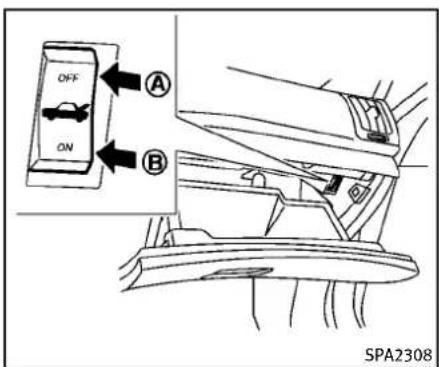
text_image
OFF ON A B SPA2308vehicleandtheIntelligentKeywiththe valetandkeepthemechanicalkeywith you.
See"Keys"(P.3-2).
Toconnectthepowertothetrunklid, push theswitchtotheON Ⓑ position.

text_image
① SPA2553TRUNKRELEASEPOWERCANCEL SWITCH
Whentheswitchlocatedinsidetheglove boxisintheOFFposition Ⓐ,thepowerto thetrunklidwillbecanceledandthetrunk lidcannotbeopenedbythetrunklid releaseswitch,thetrunkopenrequest switchortheTRUNKbuttononthe IntelligentKey.
Whenyouhavetoleavethevehiclewitha valetandwanttokeepyourbelongings safeinthegloveboxandthetrunk,push thisswitchtoOFFandlocktheglovebox withthemechanicalkey.Thenleavethe

text_image
Sedan ① SPA2402Coupe
3-20Pre-drivingchecksandadjustments
INTERIORTRUNKLIDRELEASE

WARNING
Closelysupervisechildrenwhentheyare aroundcarstopreventthemfromplaying andbecominglockedinthetrunkwhere theycouldbeseriouslyinjured.Keepthecar locked,withthetrunklidsecurelylatched, whennotinuse,andpreventchildren's accesstoIntelligentKeys.
The interior trunk lid releasemechanism allows opening of the trunk lid in the event that people become locked inside the trunk or in the event of the loss of electrical powers such as discharge battery.
Releasinginsidethetrunk
Toopenthetrunklidfromtheinside,pull thereleasehandle ① untilthelock releasesandpushuponthetrunklid. Thereleaseleverismadeofamaterialthat glowsinthedarkafterabriefexposure to ambientlight.
Thehandleislocatedonthebackofthe trunklidasillustrated.
Releasingfromtherearseat
Sedan:
Youcanaccessthereleasehandlethrough thetrunkpass-through(rearseatarmrest). (See"Armrest"(P.1-13).)
Toopenthetrunklidfromtherearseat, pullthereleasehandletowardsfrontof vehicleuntilthelockreleases.
Coupe:
Youcanaccessthereleasehandleby foldingtherearseat.
Pullthestrap, located at the center bottom of these seatback, and then fold down the seatback. (See "Rearseats" (P.1-7).)
Toopenthetrunklidfromtherearseat, pullthereleasehandletowardsfrontof vehicleuntilthelockreleases.
UNIQUEFRONTANDREARPARTS(INFINITI PerformanceLine, AerodynamicPackage models)
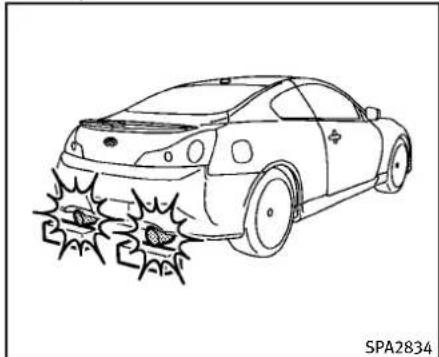
natural_image
Line drawing of a car with a broken trunk and a crack emerging from its side (no text or symbols)INFINITIPerformanceLinemodels
TheINFINITIPerformanceLinemodelshave uniqueexhaustpipes.Thesepartsare closetothegroundandmaybedamaged iftheycontactobjectssuchasparking blocks,etc.

CAUTION
Reducevehiclespeedtodecrease the possibility of damaging these parts when:
-drivingonbumpyorruttedroads
-enteringorexitingparkinggaragesand driveways
Pre-drivingchecksandadjustments3-21
●drivingoverspeedbumps.
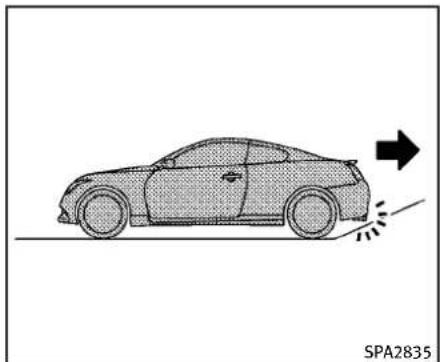
natural_image
Side view of a car with motion lines indicating speed or trajectory (no text or symbols)INFINITIPerformanceLinemodels
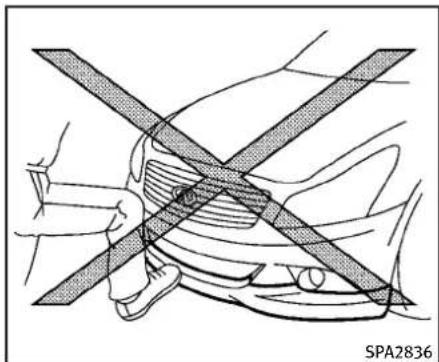
natural_image
Diagram showing a car undercarriage with diagonal lines indicating crossed safety stripes (no text or symbols)AerodynamicPackagemodels—Sedan

CAUTION
The approach and departure angles are small. Reduce vehicles speed when the vehicle approaches or leaves a steep hill. Otherwise, the exhaust pipes may contact theroad surface and bedamaged.

CAUTION
Donotsteponthefrontprotector.Doingso coulddamageit.
FUEL-FILLERDOOR

natural_image
Pure diagram of a rectangular object with an arrow pointing to it, surrounded by curved lines and a label 'SPA2554' (no text or symbols on the object itself)Sedan
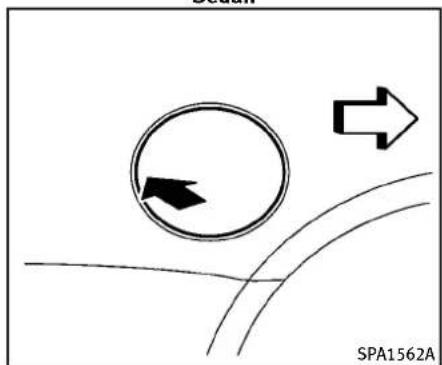
natural_image
Diagram showing a circular arrow with an arrow inside, and two arrows pointing right, above curved lines (no text or symbols)Coupe
OPENINGTHEFUEL-FILLERDOOR
Toopenthefuel-fillerdoor, unlock the fuel-fillerdoor by using one of the following operations, then push the rightside of the door (Sedan) or push the left side of the door (Coupe).
- Pushthedoorhandlerequestswitch withtheIntelligentKeycarriedwith you.
- PushtheUNLOCKbuttonontheIntelligentKey.
- Insertthemechanicalkeyintothedoor lockcylinderandturnittotherearof thevehicle.
- Pushthepowerdoorlockswitchtothe UNLOCKposition.
Tolock, closethefuel-fillerdoorsecurely andlockalldoorsbyoperatingthedoor handlerequestswitch,theLOCKbuttonon theIntelligentKey,themechanicalkeyor thepowerdoorlockswitch.
FUEL-FILLERCAP

WARNING
●Gasolineisextremelyflammable and highlyexplosiveundercertainconditions. You could be burned or seriously injured if it is misused or is handled. Always stop engine and donot smokeor allow open flames or sparks near the vehicle when refueling.
- Donotattempttotopoffthefueltank afterthefuelpumpnozzleshutsoff automatically. Continuedrefuelingmay causefueloverflow, resultinginfuel sprayandpossiblyafire.
- Useonlyanoriginalequipmenttype fuel-fillercapasareplacement.Ithasa built-insafetyvalveneededforproper operationofthefuelsystemandemissioncontrolsystem.Anincorrectcapcan resultinaseriousmalfunctionand possibleinjury.Itcouldalsocausethe SERVICE ENGINE SOON malfunctionindicatorlight(MIL)to comeon.
- Neverpourfuelintothethrottlebodyto attempttostartyourvehicle.
Pre-drivingchecksandadjustments3-23
- Donotfillaportablefuelcontainerin thevehicleortrailer.Staticelectricity cancauseanexplosionofflammable liquid,vapororgasinanyvehicleor trailer.Toreducetheriskofserious injuryordeathwhenfillingportablefuel containers:
— Alwaysplacethecontaineronthe groundwhenfilling.
— Donotuseelectronicdeviceswhen filling.
- Keepthepumpnozzleincontact withthecontainerwhileyouare fillingit.
— Useonlyapprovedportablefuel containersforflammableliquid.

CAUTION
- Iffuelisspilledonthevehiclebody, flushitawaywithwatertoavoidpaint damage.
- Insertthecapstraightintothefuel-filler tube, thentightenuntilasingleclickis heard. Failuretotightenthefuel-filler capproperlymaycausethe

mal-
functionindicatorlight(MIL)toilluminate.If the SERVICE lightilluminates becausethefuel-fillercapislooseor missing,tightenorinstallthecapand continuetodrivethevehicle.The lightshouldturnoffafterafewdriving trips.Ifthe SERVICE lightdoesnotturnoff afterafewdrivingtrips,havethe vehicle inspectedbyanINFINITIretailer.
●TheLOOSEFUELCAP warningwill illuminateifthefuel-fillercapisnot properlytightened.Itmaytakeafew drivingtripsforthemessagetobe displayed.Failureretotightenthefuel-fillercapproperlyaftertheLOOSEFUEL CAPwarningilluminatesmaycausethe SERVICE ENGINE SOON malfunctionindicatorlight(MIL)to illuminate.
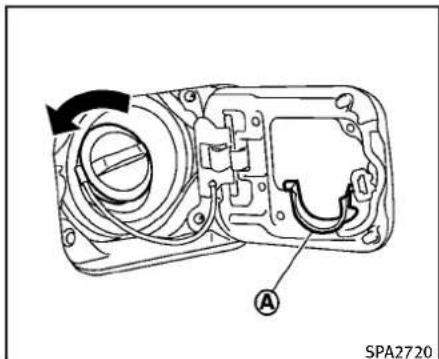
text_image
A SPA2720Sedan
Turnthefuel-fillercapcounterclockwiseto remove. Totighten, turnthecapclockwise untilasingleclickisheard. Putthefuel-fillercaponthecapholder ① while refueling.
3-24Pre-drivingchecksandadjustments
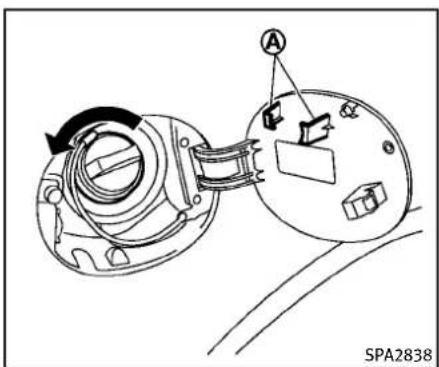
text_image
A SPA2838Coupe
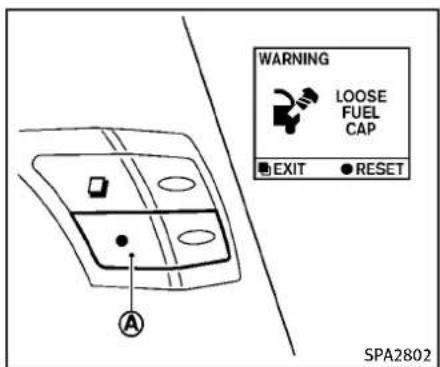
text_image
WARNING LOOSE FUEL CAP EXIT ● RESET SPA2802LOOSEFUELCAPwarning
TheLOOSEFUELCAPwarningappearson thedotmatrixliquidcrystaldisplaywhen thefuel-fillercapisnottightenedcorrectly afterthevehiclehasbeenrefueled.Itmay takeafewdrivingtripsforthemessageto bedisplayed.
Toturnoffthewarning,performthe following:
-
Remove and install the fuel-fillercapas soon as possible. (See "Fuel-fillercap" (P.3-23).).
-
Tightenthefuel-fillercapuntilasingingle clickisheard.
3.Pushtheresetswitch Ⓐ ontheright sideofthecombinationmeterpanelfor about1secondtoturnofftheLOOSE FUELCAPwarningaftertighteningthe fuelcap.
TILT/TELESCOPICSTEERING

WARNING
- Donotadjustthesteeringwheelwhile driving.Youcouldlosecontrolofyour vehicleandcauseanaccident.
- Donotadjustthesteeringwheelany closertoyouthanisnecessaryfor propersteeringoperationandcomfort. Thedriver'sairbaginflateswithgreat force.Ifyouareunrestrained,leaning forward,sittingsidewaysoroutof positioninanyway,youareatgreater riskofinjuryordeathinacrash.You mayalsoreceiveseriousorfatalinjuries fromtheairbagifyouareupagainstit whenitinflates.Alwayssitbackagainst theseatbackandasfarawayaspractical fromthesteeringwheel.Alwaysusethe seatbelts.
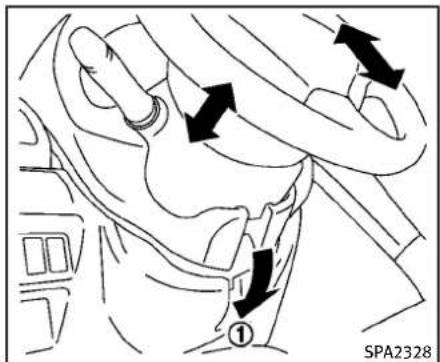
text_image
① SPA2328natural_image
Interior view of a car showing steering wheel, dashboard, and directional arrows indicating movement (no text or symbols)The automatic drive positionersystemwill makethesteeringwheelmoveupautomaticallywhenthedriver'sdoorisopened withtheignitionswitchintheLOCK position.Thisletsthedrivergetintoand
SUNVISORS
outoftheseatmoreeasily.
Formoreinformation,see"Automaticdrive positioner"(P.3-31).
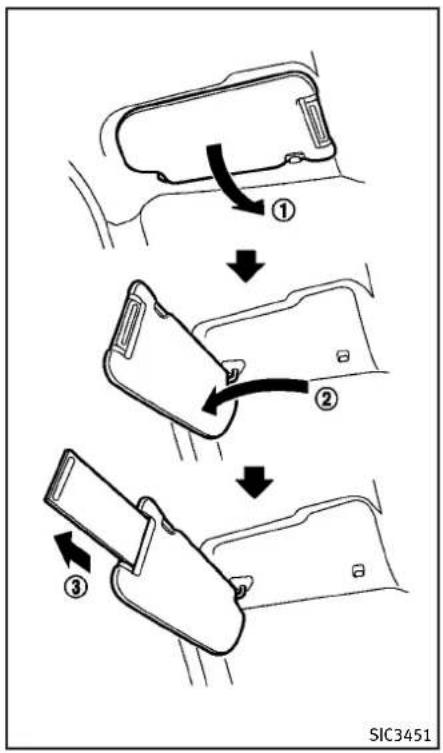
flowchart
graph TD
    A["Step ①: Rear Seatbelt"] --> B["Step ②: Rear Seatbelt"]
    B --> C["Step ③: Rear Seatbelt"]

CAUTION
- Donotstorethemainsunvisorbefore storingtheextensionsunvisor.
-
Donotpulltheextensionsunvisor forcedlydownward.
-
Toblockoutglarefromthefront, swing downthemainsunvisor ①.
- Toblockglarefromtheside, remove themainsunvisorfromthecenter mountandswingittotheside ②.
- Drawouttheextensionsunvisor fromthemainsunvisortoblockfrom furtherglare. ③
MIRRORS
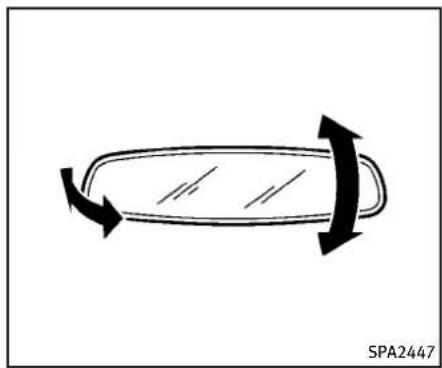
natural_image
Simple line drawing of a car body with arrows indicating motion, no text or symbols presentINSIDEMIRROR
Adjusttheheightandtheangleofthe insidemirrortothedesiredposition.
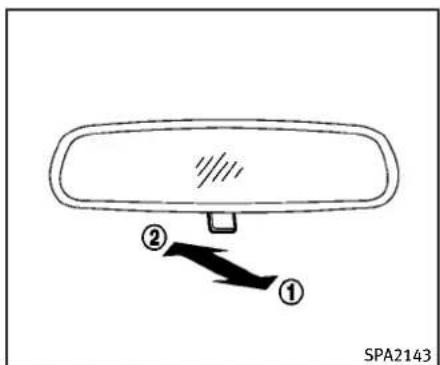
text_image
① ② SPA2143Manualanti-glaretype
Thenightposition ① willreduceglare fromtheheadlightsofvehiclesbehindyou atnight.
Usethedayposition ② whendrivingin daylighthours.

WARNING
Usethenightpositiononlywhennecessary, becauseitreducesrearviewclarity.
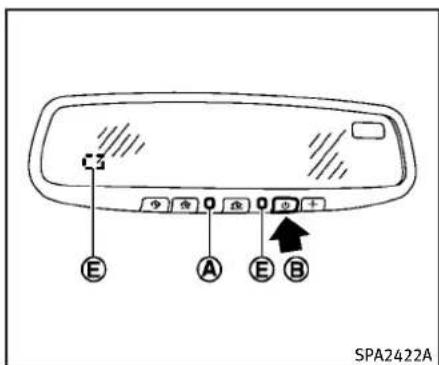
text_image
E A E B SPA2422ATypeA
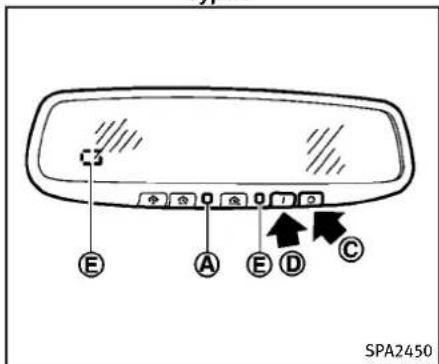
text_image
SPA2450 E A E D C SPA2450TypeB
3-28Pre-drivingchecksandadjustments
Automaticanti-glaretype
Theinsidemirrorisdesignedsothatit automaticallychangesreflectionaccording totheintensityoftheheadlightsofthe followingvehicle.
Theanti-glaresystemwillbeautomatically turnedonwhentheignitionswitchis pushedtotheONposition.
Whentheanti-glaresystemisturnedon, theindicatorlight Ⓐ willilluminate and excessiveglarefromtheheadlightsofthe vehiclebehindyouwillbereduced.
TypeA:Pushthe ⏻ switch Ⓑ tomakethe insiderearviewmirroroperatenormally andtheindicatorlightwillturnoff.Push the ⏻ switchagaintoturnthesystemon.
TypeB: Pushthe“○”switch Ⓔ tomake theinsiderearviewmirroroperatenormally. Theindicatorlightwillturnoff. Push the“I”switch Ⓓ toturnthesystemon.
Donotallowanyobjecttocoverthe sensors Ⓔ orapplyglasscleaneron them.Doingsowillreducethesensitivity ofthesensor,resultinginimproper operation.
Forthecompass(ifsoequipped)opera-
tion,see"Compass"(P.2-9).
FortheHomeLink ^® UniversalTransceiver operation, see "HomeLink ^® Universal Transceiver"(P.2-59).
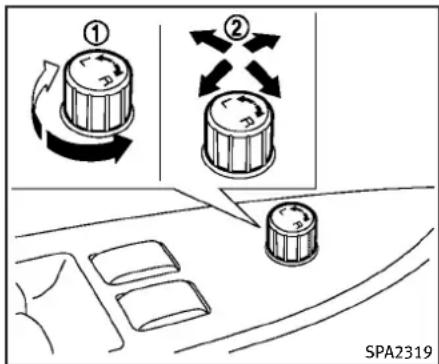
text_image
① ② SPA2319OUTSIDEMIRRORS

WARNING
Objectsviewedintheoutsidemirroronthe passengersidearecloserthantheyappear. Becarefulwhenmovingtotheright. Using onlythismirrorcouldcauseanaccident. Usetheinsidemirrororglanceoveryour shouldertoproperlyjudgedistance to otherobjects.
Adjustingoutsidemirrors
Theoutsidemirrorcontrolswitchislocated onthearmrest.
Theoutsidemirrorwilloperateonlywhen theignitionswitchisintheACCorON position.
Turntheswitchrightorlefttoselectthe rightorleftsidemirror ①, thenadjust usingthecontrolswitch ②.
Defrostingoutsidemirrors(ifso equipped)
Theoutsidemirrorswillbeheatedwhen therearwindowdefrosterswitchisoperated.

natural_image
Diagram of a car wheel mounting a roof, showing motion direction with an arrow (no text or symbols)Foldableoutsidemirrors
Foldtheoutsidemirrorbypushingit towardtherearofthevehicle.

text_image
SIC2064TypeA
natural_image
Diagram of a car door handle with directional arrows indicating movement or force (no text or symbols)TypeB
3-30Pre-drivingchecksandadjustments
VANITYMIRROR
Tousethefrontvanitymirror,pulldown thesunvisorandpullupthecover.
AUTOMATICDRIVEPOSITIONER(ifso equipped)
Theautomaticdrivepositionersystemhas threefeatures:
-Entry/exitfunction(AutomaticTransmissionSedanmodels)
- Seatsynchronizationfunction
●Memorystorage
ENTRY/EXITFUNCTION(Automatic TransmissionSedanmodels)
This system is designed so that the driver's seat and steering column will automatically mov when the automatic transmission selector lever is in the P (Park) position. This allows the driver to get into and out of the driver's seat more easily.
The driver's seat will slide backward and the steering wheel will move up when the driver's door is opened with the ignition switch in the LOCK position.
The driver's seat and steering wheel will return to the previous positions when one of the following is operated:
- Whentheignitionswitchispushed to theACCpositionafterthedriver'sdoor isclosed.
- Whentheignitionswitchispushed to theONposition.
- WhentheIntelligentKeyisinsertedinto
theportafterthedriver'sdooris closed.
The driver's seat will not return to the previous positions if theseator steering adjustings switch is operated when theseat is at the exit position.
Canceloractivateentry/exitfunction
TheselectorlevermustbeintheP(Park) positionwiththeignitionswitchintheOFF position.
Theentry/exitfunctioncanbeactivatedor canceledbypassingandholdingtheSET switchformorethan10seconds.
The indicator lights on the memory switches(1 and 2) will blink once when the function is canceled, and the indicator lightswill blink twice when the function is activated. Not that the indicator lights may illuminate after 5 seconds while holding the SET switch. This indicates readiness for linking the Intelligent Key to astored memory position. Keep the SET switch pressed from more than 10 seconds to turn on or off the entry/exit function.
Theentry/exitfunctioncanalsobeactivatedorcanceledifthe"LiftSteering WheelonExit"keyor"SlideDriverSeat
Pre-drivingchecksandadjustments3-31
BackonExit"keyisturnedtoONorOFFin the "Comfort" settings. (See "Vehicle informationandsettings"(P.4-9).)
Initializeentry/exitfunction
If the batterycable is disconnected, or if the fuse opens, the entry / exit function will not work though this function wasset on before. Ins such a case, after connecting the battery or replacing with anew fuse, open and closeted river's doormorethant two times after the ignition switchisturned from the ON position to the LOCK position. The entry / exit function will be activated.
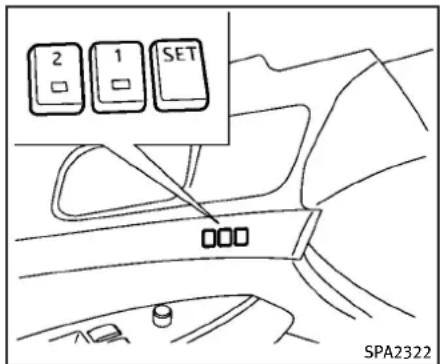
text_image
2 1 SET SPA2322SEATSYNCHRONIZATIONFUNCTION
Theseatsynchronizationfunctionautomaticallyadjuststhepositionsofthesteering wheelandoutsidemirrorswhenteseatis adjustedusingthepowerseatswitches. However, thesteeringwheelandoutside mirrorswillnotmoveiftheseatisadjusted overthemaximumthresholds. Thesystem considersthatthesteeringwheel and outside mirroradjustmentsarenotnecessary because theseatmaynotbeadjusted forthedrivingposition. Notethathe functionissettodisabledasthefactory defaultsetting.
Theseatsynchronizationfunctionoperates underthefollowingconditions:
●TheignitionswitchisintheONposition.
- The selector lever is in the P (Park) position(AutomaticTransmissionmodels) or the parking brake is applied (ManualTransmissionmodels).
Iftheoutsidemirrorsorthesteeringwheel reachesitsmaximumadjustment,the functionisautomaticallydisabled.Restart thefunctionbyselectingapreviously stored seatmemory positionusing the memoryswitches(1or2).AnIntelligent Keythatwaspreviouslylinkedtothe storedseatmemorycanalsobeusedto restartthefunction.
Ifaseatpositionwasnotpreviouslystored intheseatmemory,restartthefunctionby adjustingthesteeringwheelandoutside mirrorsmanuallyforyourbestdriving positionandthendrivethevehicleabove 4MPH(7km/h).
Canceloractivateseatsynchronizationfunction
ForAutomaticTransmissionmodels: TheselectorlevermustbeintheP(Park) positionwiththeignitionswitchintheACC position.
ForManualTransmissionmodels: Theparkingbrakemustbeappliedwith theignitionswitchintheACCposition.
Theseatsynchronizationfunctioncanbe activatedorcanceledbypushingand holdingtheSETswitchformorethan10 secondswhiletheignitionswitchisinthe ACCposition.
The indicator lights on the memory switches (1 and 2) will blink once when the function is canceled, and the indicator lightswillblinktwicewhenthefunctionis activated. Notethatthe indicator lights may illuminate after 5 seconds while holding the SET switch. This indicates readiness for linking the Intelligent Key to astored memory position. Keep the SET switch pushed from more than 10 second to turn on or off these seats synchronization function.
MEMORYSTORAGE
Twopositionsforthedriver'sseat, steering columnandoutsidemirrorscanbestored intheautomaticdrivepositionermemory. Followtheseprocedurestousethememorysystem.
- Automatic transmission models: MovetheselectorlevertotheP(Park) position.
Manualtransmissionmodels: Applytheparkingbrake.
-
Raisetheseatback(Coupe).
-
PushtheignitionswitchtotheON position.
-
Adjustthedriver'sseat, steeringcolumnandoutsidemirrorstothe desired positions by manually operating each adjusting switch. For additional information, see "Seats" (P.1-2) and "Tilt/telescopicsteering" (P.3-26) and "Outsidemirrors" (P.3-29).
-
Push the SET switch and within 5 seconds, push thememory switch (1 or 2) fully for at least 1 second. The indicator light for the pushed memory switch will stay on for approximately 5 seconds after pushing the
switch.
If memory is stored in the same memory switch, the previous memory will be deleted.
LinkingIntelligentKeytoastored memoryposition
The Intelligent Keycan belinked to a stored memory position with the following procedure.
-
Followthestepsforstoringamemory position.
-
While the indicator light for the memory switch being set is illuminated for 5 seconds, push the button on the Intelligent Key. If the indicator light blinks, the Intelligent Key is linked to that memory setting.
PushtheignitionswitchtotheOFFposition, and then push the button on the Intelligent Key. The driver's seat, steering wheel and outside mirror will move to the memorized position.
Confirmingmemorystorage
- PushtheignitionswitchtotheON positionandpushtheSETswitch.If themainmemoryhasnotbeenstored, theindicatorlightwillcomeonfor
Pre-drivingchecksandadjustments
approximately0.5second.When the memoryhasstoredinposition,the indicatorlightwillstayonforapproximately5seconds.
- If the batterycable is disconnected, or if the fuse opens, them memory will be canceled. In this case, reset the desired position using the previous procedure.
- IfoptionallIntelligentKeysareaddedto yourvehicle,thememorystorageproceduretoswitch1or2andlinking IntelligentKeyproceduretoastored memorypositionsshouldbeperformed againforeachIntelligentKey.For additionalIntelligentKeyinformation, see"Keys"(P.3-2).
Selectingthememorizedposition
1. Automatic transmission models:
MovetheselectorlevertotheP(Park) position.
Manualtransmissionmodels:
Applytheparkingbrake.
- Raisetheseatback(Coupe).
-
Use one of the following method to movethedriver's seat, the outside mirrors and the steering wheel.
-
PushtheignitionswitchtotheON positionand pushthe memory switch(1or2)fullyforatleast1 second.
- Within45secondsofopeningthe driver'sdoor, pushthe memory switch(1or2)fullyforatleast1 second.
Thedriver'sseat, steeringcolumn and outsidemirrorswillmovetothe memorizedpositionwiththeindicatorlightflashing,andthenthelight willstayonforapproximately5 seconds.
Formanualtransmission models, the memorypositionscanbeselectedeven whentheengineisrunning. In this case, movetheshiftlevertotheN(Neutral) positionandapplytheparkingbrake. Then, performstep2.
SYSTEMOPERATION
The automatic drive positionersystem will not work or will stop operating under the following conditions:
- Whenthevehiclespeedisabove4MPH (7km/h).
- Whentheadjustingswitch for the driver's seat and steering column is turned on while the automatic drive
positionerisoperating.
- Whenthememoryswitch1or2isnot pushedforatleast1second.
- Whentheseat, steeringcolumn and outside mirror have already been moved to them memorized position.
- Whennopositionisstoredinthe memoryswitch.
- Whentheparkingbrakeisreleased(MT models).
- Whenthespeedisabove4MPH(7 km/h)whilethe parkingbrakeis applied(MTmodels). Torestartthedrivepositionersystem, movetheparkingbraketooffandon.
- When the engine is started while moving the automatic drive positioner.
- When the AT selector lever is moved from the P(Park) position to any other position. (However, it will not be canceled if these switch is pushed while these at and steering column are returning to the previous positions (entry/exit function).)
-
Whenthedriver'sdoorremainsopen formorethan45secondsandthe ignitionswitchisnotintheONposition.
-
Whentheseatbackisfolded(Coupe).
- Whilethewalk-infunctionoperates (Coupe).
- Theseatsynchronizationfunctionis automaticallydisablediftheoutside mirrorsorsteeringwheelreachesits maximumadjustment.
- Theseatsynchronizationfunctionwill notoperateiftheseatisadjustedover oneofthefollowingmaximumthresholds:
—Seatsliding:3.0in(76mm)
—Seatbackreclining:9.1degrees
—Seatlifter(rearside):0.8in(20mm)
MEMO
3-36Pre-drivingchecksandadjustments
4Monitor,climate,audio,phoneandvoicerecognitionsystems
Safetynote....4-3
Centermulti-functioncontrolpanel....4-3
HowtouseINFINITIcontroller....4-5
Howtousetouchscreen(modelswith
navigationsystem)......4-5
Menuoptions(modelswith
navigationsystem)......4-7
Howtoselectmenusonthescreen....4-8
Vehicleinformationandsettings......4-9
HowtouseSTATUSbutton....4-9
Howtousebrightnesscontrolanddisplay
ON/OFFbutton....4-9
HowtouseINFObutton....4-9
HowtouseSETTINGbutton....4-14
RearViewmonitor(ifsoequipped)......4-23
Howtoreaddisplayedlines....4-24
Howtoparkwithpredictedcourselines......4-24
Differencebetweenpredictedand
actualdistances....4-26
Predictivecourselinesettings....4-29
Howtoadjustscreen....4-29
Operatingtips....4-29
Ventilators....4-30
Automaticclimatecontrol......4-31
Automaticclimatecontrol(TypeA)......4-32
Automaticclimatecontrol(TypeB)......4-34
Automaticclimatecontrol(TypeC)......4-37
Operatingtips....4-40
In-cabinmicrofilter....4-40
Servicingclimatecontrol....4-41
Audiosystem....4-41
Audiooperationprecautions......4-41
FM-AM-SATradiowithCompactDisc
(CD)player....4-57
DVD(DigitalVersatileDisc)playeroperation
(modelswithnavigationsystem)......4-62
USBinputoperation(ifsoequipped)......4-66
Bluetooth ^® streamingaudio(modelswith
navigationsystem)......4-70
iPod® playeroperation(ifsoequipped)......4-75
MusicBox ^® (ifsoequipped)......4-77
Auxiliaryinputjacks(ifsoequipped)......4-85
CD/DVD/USBmemorycareandcleaning.....4-86
Steering-wheel-mountedcontrols
foraudio....4-87
Antenna....4-89
CarphoneorCBradio....4-89
Bluetooth® Hands-FreePhoneSystem
(modelswithnavigationsystem)......4-90
Regulatoryinformation......4-91
Voicecommands....4-91
Connectingprocedure....4-92
Phoneselection....4-93
Vehiclephonebook....4-93
Makingacall....4-95
Receivingacall....4-96
Duringacall....4-97
Phonesetting....4-98
Troubleshootingguide....4-99
Bluetooth® Hands-FreePhoneSystem
(modelswithoutnavigationsystem)
(ifsoequipped)....4-100
Regulatoryinformation....4-101
Controlbuttons....4-102
VoiceRecognitionSystem....4-102
Pairingprocedure....4-107
Phonebookregistration....4-108
Makingacall....4-109
Receivingacall....4-109
Duringacall....4-109
Phonesettings....4-110
Voiceadaptationmode....4-113
INFINITIVoiceRecognitionsystem
(modelswithnavigationsystem)......4-114
INFINITIVoiceRecognition
STANDARDmode....4-115
Usingthesystem....4-118
INFINITIVoiceRecognitionalternate
commandmode....4-127
Usingthesystem....4-136
Troubleshootingguide....4-142
SAFETYNOTE

WARNING
- Donot disassembleormodify this system. If you do, it may result in accidents, fire, or electric shock.
- Donotusethissystemifyounoticeany abnormality, suchasafrozenscreenor lackofsound. Continueduseofthe systemmayresultinaccident, fireor electricshock.
•Incaseyounoticeanyforeignobjectin thesystemhardware,spillliquidonit, ornoticesmokeorsmellcomingfromit, stopusingthesystemimmediately and contactyournearestINFINITlretailer. Ignoringsuchconditionsmayleadto accidents,fire,orelectricshock.
●Parkthevehicleinasafelocationand applytheparkingbraketoviewthe imagesonthefrontcenterdisplay screen.
Donotattempttooperatethesystemin extremetemperatureconditions[below -4°F (-20°C) and above 158°F (70°C)]. Operatingthissystemunderthesecondi- tionsmayresultinsystemmalfunctions.
CENTERMULTI-FUNCTIONCONTROLPANEL
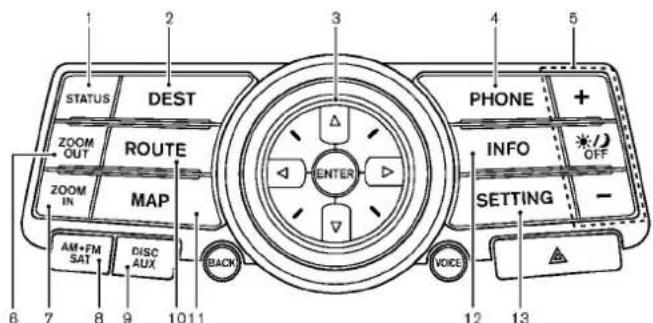
text_image
STATUS DEST PHONE + ZOOM OUT ROUTE INFO ZOOM IN MAP SETTING AM+FM SAT DISC AUX BACK VOICE 12 13 6 7 8 9 10 11SAA1523
Modelswithnavigationsystem
- "STATUS" status display button (P.4-9)
2,6,7,10,11. Fornavigationsystemcontrolbuttons (RefertotheseparateNavigation SystemOwner'sManual.)
3.INFINITIcontroller(P.4-5)
4."PHONE" Bluetooth ^® Hands-Free PhoneSystembutton(P.4-90)
5." OFF" brightnesscontrol and displayON/OFFbutton(P.4-9) - "AM-FM-SAT" band selector button (P.4-41)
9."DISC·AUX"selectorbutton(P.4-41)
-
"INFO" vehicle and navigation information button (P.4-9)
-
"SETTING" button(P.4-14)
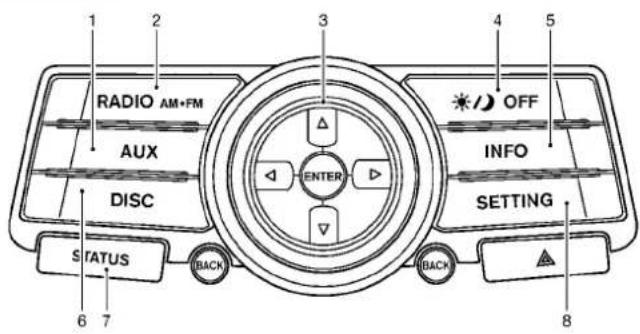
text_image
1 2 3 4 5 RADIO AM+FM AUX DISC ENTER OFF INFO SETTING STATUS BACK BACK 6 7 8SAA1524
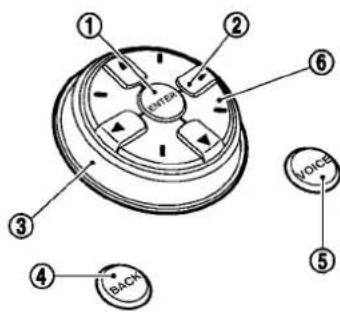
text_image
① ② ③ ④ BACK ⑤ VOICE ⑥SAA1541
Modelswithoutnavigationsystem
-
"AUX"button(P.4-41)
-
"RADIOAM-FM" bandselectorbutton (P.4-41)
3.INFINITIcontroller(P.4-5)
4." OFF" brightnesscontroland displayON/OFFbutton(P.4-9)
- "INFO" vehicleinformationbutton (P.4-9)
6."DISC"selectorbutton(P.4-41)
-
"STATUS" status display button (P.4-9)
-
"SETTING" button(P.4-14)
Whenyouusethissystem,makesurethe engineisrunning.
4-4Monitor,climate,audio,phoneandvoicerecognitionsystems
Ifyouusethesystemwiththeenginenot running(ignitionONorACC)foralong time,itwilluseupallthebatterypower, andtheenginewillnotstart.
Modelswithnavigationsystem

text_image
① ② BITEN ③ ④ BACK SAA1508Modelswithoutnavigationsystem
Chooseanitemonthedisplayusingthe maindirectionalbuttons ② (oradditional directionalbuttons ⑥ withnavigation system)orcenterdial ③,andpushthe ENTERbutton ① foroperation.
If you push the BACK button ④ before the setup is completed, the setup will be canceled and orthedisplay will return to the previous screen. This button can also be used to delete character that have been input.
Afterthesetupiscompleted, pushthe BACKbutton ④ andreturntotheprevious screen.
FortheVOICEbutton ⑤ functions, refer to theseparateNavigationSystemOwner's Manual.
HOWTOUSETOUCHSCREEN (modelswithnavigationsystem)

CAUTION
- Theglassscreenontheliquidcrystal displaymaybreakifitishitwithahard orsharpobject.Donottouchtheglassif itbreaks.Doingsocouldresultinan
injury.
- Tocleanthedisplay, useasoft,dry cloth. If additionalcleaning is necessary, useasmallamountofneutraldetergent withasoftcloth. Neverusearough cloth, alcohol, benzine, thinnerorany kindofsolventorpapertowel witha chemicalcleaning agent. They will scratchordeterioratethepanel.
- Donotsplashanyliquidsuchaswater orcarfragranceonthedisplay.Contact withliquidwillcausethesystemto malfunction.
Toensuresafedriving, somefunctions cannotbeoperatedwhiledriving.
Theon-screenfunctionsthatarenot availablewhiledrivingwillbe"grayed out"ormuted.
Parkthevehicleinasafelocationandthen operatethenavigationsystem.

WARNING
- ALWAYSgiveyourfullattentionto driving.
●Avoidusingvehiclefeaturesthatcould
distractyou.lfdistracted,youcouldlose controlofyourvehicleandcausean accident.
Touchscreenoperation
With this system, the same operations as those for the INFINIT controller are possible using the touchscreen operation.
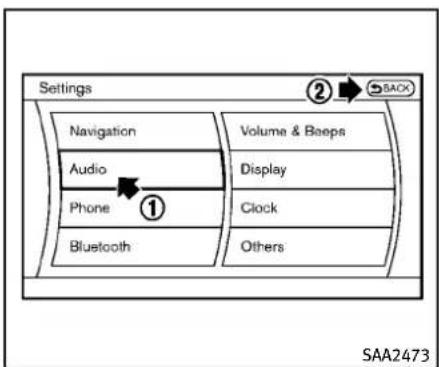
text_image
Settings Navigation Audio Phone Bluetooth Volume & Beeps Display Clock Others ② SACK SAA2473Selectingtheitem:
Touchanitemtoselectit. Toselect the "Audio" settings, touch the "Audio" area ① onthescreen.
Touchthe"BACK" ② keytoreturntothe previoussscreen.

text_image
Settings ▶ Volume & Beeps Audio Volume Guidance Volume Ringtone Incoming Call Outgoing Call Use volume knob to adjust during playback 1/7 SAA2474Adjustinganitem:
Touchthe+ ① or- ② keytoadjustthe settings.
Touchthe Ⓧ ③ or ⏰ ④ keytomoveto thepreviousornnextitem.
Touchthe ⓐ ⑤ or ⭕ ⑥ keytomoveto thepreviousornextpage.
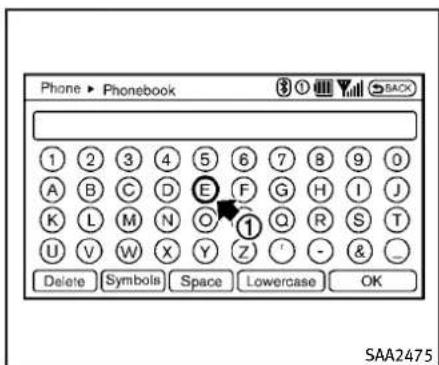
text_image
Phone ▶ Phonebook SACK 1 2 3 4 5 6 7 8 9 0 A B C D E F G H I J K L M N O ① Q R S T U V W X Y Z ' - & _ Delete Symbols Space Lowercase OK SAA2475Inputtingcharacters:
Touchtheletterornumber ①. Therearesomeoptionsavailablewhen inputtingcharacters.
•Uppercase:
Showsuppercasecharacters.
●Lowercase:
Showslowercasecharacters.
Symbols:
Showssymbolssuchasthequestion mark(?).
•Space:
Insertsaspace.
4-6 Monitor, climate, audio, phone and voicerecognition systems
Delete:
Deletesthelastcharacterthathasbeen inputwithonetouch.Pushandholdto deleteallofthecharacters.
OK:
Completescharacterinputs.
Touchscreenmaintenance
If you clean the displays screen, use a dry, soft cloth. If additional cleaning is necessary, use a small amount of neutral detergent with a soft cloth. Neverspray the screen with water or detergent. Dampenthe cloth first, and then wipe the screen.
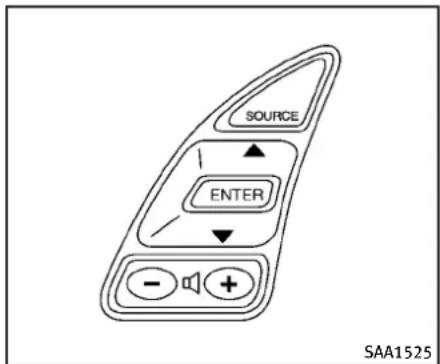
text_image
SOURCE ENTER SAA1525MENUOPTIONS(modelswithnavigationsystem)
Thestartmenucanbedisplayedusingthe menucontrolswitchonthesteering-wheel-mountedcontrols.
-
While the MAP or STATUS screen is displayed, push and hold them menu control switch until the "Menu Options" screen appears.
-
Highlight the preferred item by tilting themenu control switch up down, and then push themenu control switch to select it.
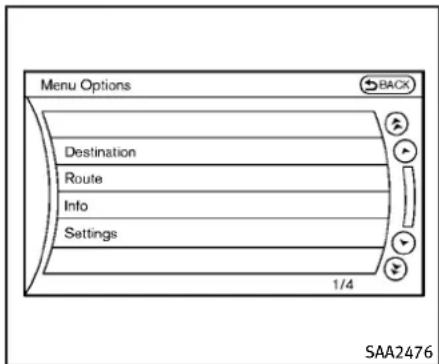
text_image
Menu Options Destination Route Info Settings 1/4 SAA2476Availableitems
Destination/Route:
Theseitemsareforthenavigationsystem. SeetheseparateNavigationSystemOwner'sManualfordetails.
Info:
Displaystheinformationscreen.Itisthe samescreenthatappearswhenyoupush theINFObutton.
Settings:
Displaysthesettingsscreen.Itisthesame screenthatappearswhenyoupushthe SETTINGbutton.
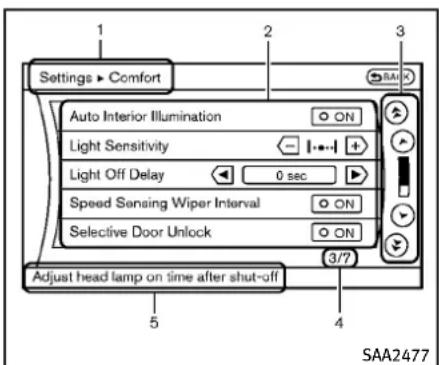
text_image
Settings ▶ Comfort Auto Interior Illumination Light Sensitivity Light Off Delay 0 sec Speed Sensing Wiper Interval ON Selective Door Unlock ON 3/7 Adjust head lamp on time after shut-off 5 4 SAA2477Modelswithnavigationsystem
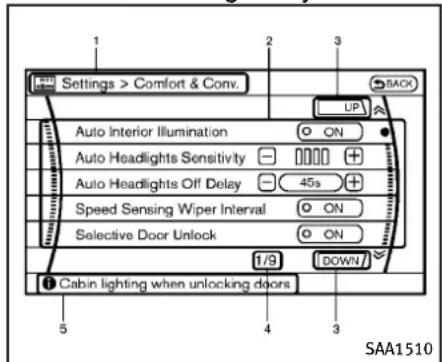
text_image
Settings > Comfort & Conv. Auto Interior Illumination Auto Headlights Sensitivity Auto Headlights Off Delay Speed Sensing Wiper Interval Selective Door Unlock 1/9 Cabin lighting when unlocking doors SAA1510Modelswithoutnavigationsystem
Showstheoptionstochoosewithin thatmenuscreen.
3.UP/DOWNMovementindicator:
ShowsthattheINFINITIcontrollermay beusedtomoveUP/DOWNonthe screenandselectmoreoptions.
- MenultemsCounter:
Showsthetotalnumberofitemslisted acrossallpagesforthecurrentmenu.
- Footer/InformationLine:
Provides more information(if available)
aboutthemenuselectioncurrently highlighted.
4-8Monitor, climate, audio, phone and voicerecognition systems
VEHICLEINFORMATIONANDSETTINGS
HOWTOUSESTATUSBUTTON
Todisplaythestatusoftheaudio,climate controlsystem,fuelconsumption and navigationsystem(ifsoequipped),push theSTATUSbutton.ThefollowinginformationwillappearwhentheSTATUSbuttonis pushedrepeatedly.
AudioandClimatecontrolsystem→Audio andfueleconomy→AudioandNavigation system(ifsoequipped)
HOWTOUSEBRIGHTNESSCON- TROLANDDISPLAY/OFFBUTTON
Pushthe"OFF"duttontoswitchthe displaybrightnesstothedaytimemodeor thenighttimemode,andtoadjustthe displaybrightnessusingtheINFINITIcontrollerwhiletheindicatorisdisplayedat thebottomofthescreen.
Thedisplaybrightnesscanalsobead- justedusingthebrightnessUPbutton(+) orbrightnessDOWNbutton(-)(ifso equipped).
Pushandholdthe" OFF"buttonfor morethan2secondstoturnthedisplay off.Pushthebuttonagaintoturnthe displayon.
HOWTOUSEINFOBUTTON
Thedisplayscreenshowsvehicleand navigation(ifsoequipped)information foryourconvenience.
Theinformationshownonthescreen shouldbeaguidetodeterminethe conditionofthevehicle.Seethefollowing fordetails.

flowchart
graph TD
    A["Fuel Economy"] --> B["Weather Info"]
    C["Maintenance"] --> D["Map Update"]
    E["Where am I?"] --> F["Navigation Version"]
    G["Traffic Info"] --> H["Others"]
Modelswithnavigationsystem

flowchart
graph TD
    A["Information"] --> B["Fuel Economy"]
    B --> C["Maintenance"]
    C --> D{Decision}
    D -->|Yes| E["SAA1511"]
    D -->|No| F["End"]
Modelswithoutnavigationsystem
Monitor, climate, audio, phone and voicerecognitionsystems 4-9
Vehicleinformationdisplay
- PushtheINFObuttononthecontrol panel.
- SelectanitemfromtheINFOmenu.
- Afterviewing or adjusting the information on the followingscreens, push the BACKbutton to return to the INFO menu.
SeetheseparateNavigationSystemOwner'sManualforthefollowingitems:
- Whereaml?
- TrafficInfo
-WeatherInfo - MapUpdate
●NavigationVersion

text_image
Information ► Fuel Economy Distance to Empty **** mile Avg Fuel Econ 26.0 MPG Fuel Econ 32 MPG 20 10 0 Reset Fuel Eco Fuel Eco History SAA2479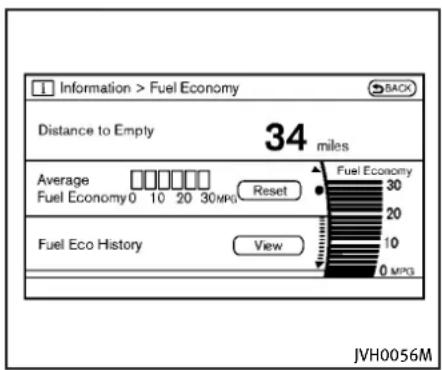
text_image
Information > Fuel Economy Distance to Empty 34 miles Average Fuel Economy0 10 20 30 MPG Reset Fuel Eco History View Fuel Economy 30 20 10 0 MPG JVH0056M
text_image
Information ► Fuel Eco History MFG 30 20 10 0 Reset Interval Latest SAA2480
bar
Information > Fuel Eco History | Time Period | MPG | | :--- | :--- | | 0 | 30 | | 10 | 25 | | 20 | 20 | | 30 | 15 | | 40 | 10 | | 50 | 5 | | 60 | 0 | Reset Interval Latest JVH0057MModelswithnavigationsystem
Modelswithoutnavigationsystem
4-10 Monitor, climate, audio, phone and voicerecognitionsystems
FuelEconomyinformation
Theapproximatedistancetoempty, averagefueleconomyandcurrentfueleconomywillbedisplayedforreference.
Toresettheaveragefueleconomy(Avg FuelEcon),selectthe"ResetFuelEco"or "Reset"key.
If the “Fuel Eco History” or “View” key is selected, the average fuel consumption history will be displayed graph form along with the average for the previous Reset-to-Reset period.
The unit can be converted between "US" and "Metric". (See "Howtouse SETTING button" (P.4-14).)
Thefueleconomyinformationmaydiffer fromtheinformationdisplayedonthe vehicleinformationdisplay.Thisisdueto thetimingdifferenceinupdatingthe informationanddoesnotindicateamal-function.
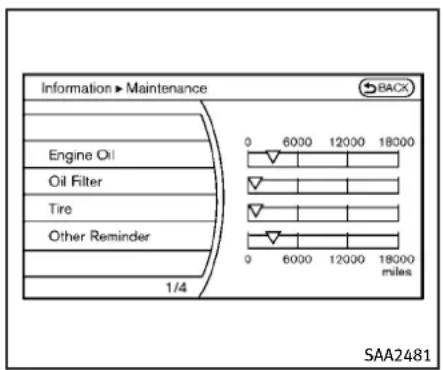
text_image
Information > Maintenance Engine Oil Oil Filter Tire Other Reminder 1/4 0 6000 12000 18000 0 6000 12000 18000 miles SAA2481
text_image
Information ► Engine Oil BACK Interval ← 3000 miles + Reminder O ON Reset Distance 1/3 0 6000 12000 18000 0 6000 12000 18000 miles SAA2482Modelswithnavigationsystem

text_image
Information > Maintenance BACK Engine Oil Oil Filter Tire Other Reminder SAA2830
text_image
Information > Reminder 1 SACK Reset Distance Interval 0 mile + Reminder ON 0 6000 12000 18000 0 6000 12000 18000 miles SAA2722Modelswithoutnavigationsystem
Maintenanceinformation
button"(P.4-14).)
Themaintenanceintervalscanbedisplayedfortheengineoil,oilfilter,tire andotherreminders.
Tosetamaintenanceinterval,selecta preferreditemfromthelist.
Youcanalsosettodisplayamessageto remindyouthatthemaintenanceneedsto beperformed.
The following examples show to set the engine oil maintenance information. Use the same step to set the other maintenance information.
-
Settheinterval(mileage)ofthemaintenanceschedule.Todeterminethe recommendedmaintenanceinterval, refertoyour"INFINITIServiceand MaintenanceGuide".
-
Todisplaythereminderautomatically whenthedesireddistanceisreached, selectthe"Reminder"key.
-
Resetthedrivingdistancetothenew maintenanceschedule.
-
Toreturntothepreviousscreen, push theBACKbutton.
The unit can be converted between "US" and "Metric". (See "HowtouseSETTING
4-12 Monitor, climate, audio, phone and voicerecognitionsystems
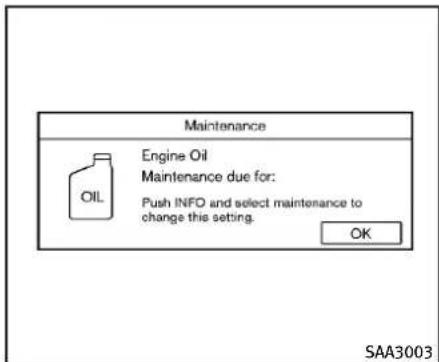
text_image
Maintenance Engine Oil Maintenance due for: Push INFO and select maintenance to change this setting. OK SAA3003Modelswithnavigationsystem

text_image
SAA1611Modelswithoutnavigationsystem
TheReminderwillbeautomaticallydis- playedwhenthespecifieddistancehas beendrivenandeverytimetheignition switchispushedtotheACCorONposition. Thereminderwillnotappearwhiledriving.
Selectthe"OK"keytohidethereminder fortherestofthecurrentdrive.
Tostophereminderfromappearing, performoneofthefollowingactions:
- Selectthe"ResetDistance".
- Deactivatethe"Reminder".
- Increase the "Interval" distancetobe more than the current distance being tracked.
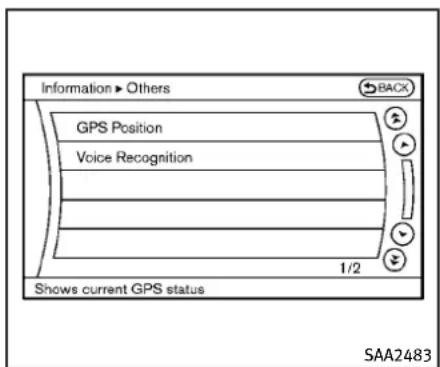
text_image
Information > Others GPS Position Voice Recognition 1/2 Shows current GPS status SAA2483Othersinformation(modelswith navigationsystem)
The Others information display will appear when pushing the INFO button and selecting the "Others" key.
GPSPosition:
Forthedetailsofthisitem,seethe separateNavigationSystemOwner'sManual.
VoiceRecognition:
Forthedetailsofthisitem,see“INFINITI VoiceRecognitionsystem(modelswith navigationsystem)”(P.4-114).

text_image
Settings Navigation Audio Phone Bluetooth Volume & Beeps Display Clock Others SAA2484Modelswithnavigationsystem
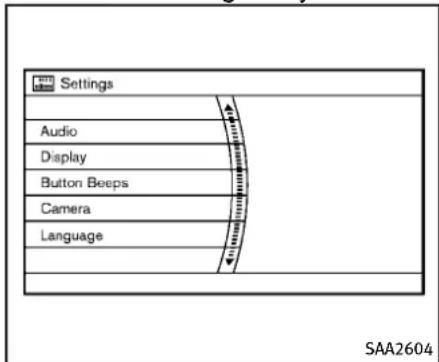
text_image
Settings Audio Display Button Beeps Camera Language SAA2604Modelswithoutnavigationsystem
HOWTOUSESETTINGBUTTON
Thedisplayasillustratedwillappearwhen theSETTINGbuttonispushed.
Fornavigationsettings, refertotheseparateNavigationSystemOwner's Manual.
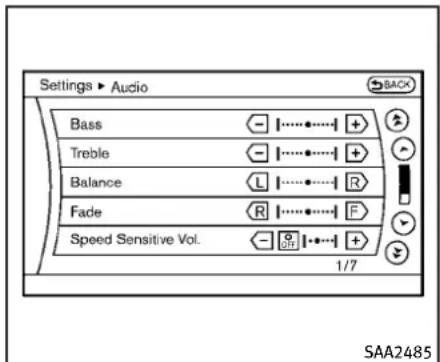
text_image
Settings ► Audio Bass Treble Balance Fade Speed Sensitive Vol. 1/7 SAA2485Modelswithnavigationsystem

text_image
Settings > Audio Bass - Treble - Balance L Fader R Speed Sensitive Vol. - OFF + SAA2740Modelswithoutnavigationsystem
Audiosettings
Thedisplayasillustratedwillappearwhen pushingtheSETTINGbuttonandselecting the"Audio"key.
Bass/Treble/Balance/Fade:
Toadjustthespeakertonequality and sound balance, select the "Bass", "Treble", "Balance" or "Fade" key and adjust it with the INFINITE controller.
Theseitemscanalsobeadjustedby pushingandturningtheAUDIOknob.
SpeedSensitiveVol.:
The audiosystem's volume is increased with the vehicles speed. Select the "Speed Sensitive Vol." and adjust the effect level with the INFINIT controller. The Speed Sensitive Volume function is turned off when the level is setto OFF. Increasing the value will cause the volumetoincrease faster with vehicles speed.
PrecisionPhasedAudio(ifsoequipped):
WhenthisitemisturnedtoON, superhigh pitchsoundandsuperlowpitchsoundare emphasizedandmidrangesoundisplayed naturally.
Driver'sAudioStage(ifsoequipped):
WhenthisfeatureisturnedtoON,better soundwillbeprovidedtothedriver's position.Thedrivercanenjoyamorecrisp andclearsoundthatisspecializedforthe driver'sposition.Theeffectofthisfeature dependsonthetypeofmusicthatis played.Forsomemusic,itmaybedifficult torealizetheeffectofthisfeature.
DivX® RegistrationCode(modelswith navigationsystem):
Theregistrationcodeforadevicethatis usedtodownloadDivX ^® fileswillbe displayedonthescreen.Ifadiscisloaded oraUSBmemoryisconnectedtotheaudio system,thisfunctionwillnotbeactivated.
DisplayAlbumCoverArt(modelswith navigationsystem):
WhenthisitemisturnedtoON,thealbum coverimageisdisplayedwhenplaying iPod ^® orMP3musicfilesthroughaCD, DVDorUSBmemory.Whentheimageis notproperlyembeddedinthefileor device,theimagewillnotbedisplayed.
Phonesettings(modelswithnavigationsystem)
Fordetailsofthe"Phone"settings,see
"Bluetooth® Hands-FreePhoneSystem (modelswithnavigationsystem)"(P.4-90).
Bluetooth ^® settings(modelswith navigationsystem)
Fordetailsofthe“Bluetooth ^® ”settings, see“Bluetooth ^® Hands-FreePhoneSystem (modelswithnavigationsystem)”(P.4-90).

text_image
Settings ▶ Volume & Beeps Audio Volume Guidance Volume Ringtone Incoming Call Outgoing Call 1/7 Use volume knob to adjust during playback SAA2554VolumeandBeepssettings(models withnavigationsystem)
Thedisplayasillustratedwillappearwhen pushingtheSETTINGbutton,selectingthe"Volume&Beeps"key.
AudioVolume:
Toincreaseordecreasetheaudiovolume, selectthe"AudioVolume" and adjustit with the INFINITI controller. You can also adjust the audio volume by turning the VOLUME control knob.
GuidanceVolume:
Toadjusttheguidancevoicevolumeselect the“GuidanceVolume”andadjustitwith theINFINITIcontroller.
Youcanalsoadjusttheguidancevoice volumebyturningtheVOLUMEcontrol knobwhilevoiceguidanceisbeingannounced.
Ringtone/IncomingCall/OutgoingCall:
Forthedetailsoftheseitems,see"Bluetooth® Hands-FreePhoneSystem(models withnavigationsystem")(P.4-90).
SwitchBeeps:
WhenthisitemisturnedtoON,youwill hearabeepsoundwhenyouuseabutton.
GuidanceVoice:
WhenthisitemisturnedtoON,youwill hearvoiceguidanceinthenavigation operationorinotheroperations.
NOTE:
Whenthevoiceguidanceisbeingannouncedduringaudioplayback,turning thevolumeknobdoesnotadjustthe musiclevel;itadjuststheguidance volumelevel.Ifvoiceguidanceisnot beingheard,pleasechecktheGuidance Volumelevel.

text_image
Settings > Button Beeps Button Beeps ON SAA2605ButtonBeepssettings(models withoutnavigationsystem)
The "ButtonBeeps" screenwillappear whenpushingtheSETTINGbutton,selectingthe "ButtonBeeps" keywiththe INFINITIcontrollerandpushingtheENTER button.
ButtonBeeps:
WhenthisitemisturnedtoON,youwill hearabeepsoundwhenyouuseabutton.
text_image
Settings ▶ Display BACK Display Adjustment Color Theme Black 1/2 SAA2486Displaysettings(modelswithnavigationsystem)
Thedisplayasillustratedwillappearwhen pushingtheSETTINGbuttonandselecting the"Display"key.
DisplayAdjustment:
Toadjustthedisplaysettings,selectthe "DisplayAdjustment"key.Thefollowing settingsareavailable.
- Display
Toturnoffthescreen, pushtheENTER buttonandturnthe"Display"indicatoroff. Theothermethodistopushandholdthe
"OFF"buttonformorethan2seconds.
4-16 Monitor, climate, audio, phone and voicerecognitionsystems
When anymodebutton is pushed with the screenoff, the screenturnson for further operation. Thescreenwillturnoff automatically 5 seconds after the operation is finished.
Toturnonthescreen, setthisitemtothe ONposition, orpushandholdthe "OFF" button.

- Brightness/Contrast/BackgroundColor Toadjustthebrightnessandcontrastof thescreen,selectthe"Brightness"or "Contrast"key.
Then, you can adjust the brightness and the contrast using the INFINIT controller.
Forinformationonthe"BackgroundColor" key, refertotheseparateNavigation SystemOwner'sManual.
ColorTheme:
Choosethemecolorofthemenuscreen from "Black", "Brown" or "Silver".

text_image
Settings > Display (Auto Day) Display ON Brightness Contrast Background Color SAA2115Displaysettings(modelswithout navigationsystem)
The "Display" screenwillappear when pushing the SETTING button, selecting "Display" key with the INFINIT controller and pushing the ENTER button.
Display:
Toturnoffthescreen, pushtheENTER buttonandturnthe"ON"indicatoroff. Whenanymodebuttonispushedwiththe screenoff, thescreenturnsonforfurther operation. Thescreenwillturnoffautomatically5secondsaftertheoperationis finished.
Toturnonthescreen, setthisitemtothe "ON" positionorpushthe "OFF" button.
Brightness/Contrast/BackgroundColor:
Toadjustthebrightness,contrastand backgroundcolorofthescreen,selectthe appropriate "Brightness", "Contrast" or "BackgroundColor"keyandpushthe ENTERbutton.
Then, you can adjust the brightness and the contrast using the INFINIT controller. Switch the background color to the day-timemode or then light timemode by pushing the ENTER button.
text_image
Settings ▶ Clock ON-screen Clock Clock Format (24h) Offset (hour) 0 hr Offset (min) 0 min Daylight Savings Time ON Time Zone Eastern 1/6 SAA2487Clocksettings(modelswithnavigationsystem)
Thedisplayasillustratedwillappearwhen pushingtheSETTINGbuttonandselecting the"Clock"key.
On-screenClock:
WhenthisitemisturnedtoON,aclockis alwaysdisplayedintheupperrightcorner ofthescreen.
Thisclockwillindicate the time almost exactly because it is always adjusted by the GPS system.
ClockFormat(24h):
WhenthisitemisturnedtoON,the24-hourclockisdisplayed.Whenthisitemis notturnedtoON,the12-hourclockis displayed.
Offset(hour)/(min):
Adjust the time by increasing or decreasing per hour or per minute.
DaylightSavingTime:
TurnthisitemtoONfordaylightsaving timeapplication.
TimeZone:
Choosethetimezonefromthefollowing
●Pacific
●Mountain
Central
●Eastern
- Atlantic
●Newfoundland
•Hawaii
•Alaska

text_image
Settings ▶ Others BACK Comfort Language & Units Voice Recognition Sonar Image Viewer 1/4 Adjust comfort & convenience settings SAA3019Otherssettings(modelswithnavigationsystem)
The Otherssettingsdisplaywillappear whenpushingtheSETTINGbuttonand selectingthe"Others"key.
The following items are available:
Comfort
●Language&Units
●VoiceRecognition
- Camera
Sonar
-ImageViewer
text_image
Settings ▶ Comfort Auto Interior Illumination ○ ON Light Sensitivity Light Off Delay 180 sec Speed Sensing Wiper Interval ○ ON Selective Door Unlock ○ ON Cabin lighting when unlocking doors SAA2488Modelswithnavigationsystem
text_image
Settings > Comfort BACK UP Auto Interior Illumination ON Light Sensitivity Light Off Delay 45s + Selective Door Unlock ON Intelligent Key Lock/Unlock ON 1/7 DOWN SAA3150Modelswithoutnavigationsystem
Comfortsettings
Modelswithnavigationsystem:
Thedisplayasillustratedwillappearwhen pushingtheSETTINGbutton,selectingthe "Others"keyandthenselectingthe "Comfort"key.Thiskeydoesnotappear onthedisplayuntiltheignitionswitchis pushedtotheONposition.
Modelswithoutnavigationsystem:
Thedisplayasillustratedwillappearwhen pushingtheSETTINGbuttonandselecting the"Comfort"key. Thiskeydoesnot appearonthedisplayuntiltheignition switchispushedtotheONposition.
AutoInteriorIllumination:
WhenthisitemisturnedtoON,theinterior lightswillilluminateifanydoorisun-locked.
LightSensitivity:
Adjustthesensitivityoftheautomatic headlightshigher(right)orlower(left).
LiftSteeringWheelonExit(ifso equipped):
WhenthisitemisturnedtoON,the steeringwheelmovesupwardforeasyexit iftheignitionswitchisintheLOCK positionandthedriver'sdoorisopened.
Aftergettingintothevehicleandpushing theignitionswitchtotheACCposition,the steeringwheelmovestotheprevious position.
SlideDriverSeatBackonExit(ifso equipped):
WhenthisitemisturnedtoON,thedriver's seatmovesbackwardforeasyexitifthe ignitionswitchisintheOFFpositionand thedriver'sdoorisopened.Aftergetting intothevehicleandpushingtheignition switchtotheACCposition,thedriver'sseat movestothepreviousposition.
LightOffDelay:
Choosethedurationoftheautomatic headlightofftimerfrom0,30,45,60,90,120,150and180secondperiods.
SpeedSensingWiperInterval(ifso equipped):
WhenthisitemisturnedtoON,thewiper intervalisadjustedautomaticallyaccordingtothevehiclespeed.
SelectiveDoorUnlock:
WhenthisitemisturnedtoON, only the driver'sdoorisunlockedfirstafterthedoor unlockoperation. Whenthedoorhandle requestswitchonthedriver'sorfront
passenger'ssidedoorispushedtobe unlocked,onlythecorrespondingdooris unlockedfirst.Allthedoorscanbe unlockedifthedoorunlockoperationis performedagainwithin60seconds.
WhenthisitemisturnedtoOFF, allthe doorswillbeunlockedafterthedoor unlockoperationisperformedonce.
IntelligentKeyLock/Unlock:
WhenthisitemisturnedtoON,doorlock/unlockfunctionbypushingthedoorhandlerequestswitchwillbeactivated.
ReturnAllSettingstoDefault:
Selectthisitemandthenselect"YES"to returnallsettingstothedefault.
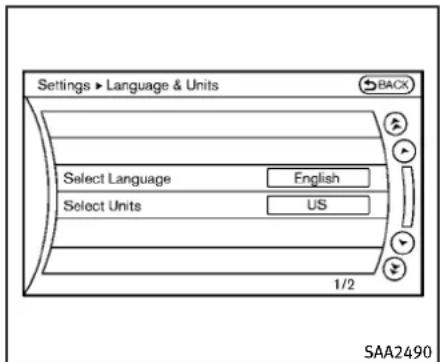
text_image
Settings ► Language & Units BACK Select Language English Select Units US 1/2 SAA2490Modelswithnavigationsystem
text_image
Settings > Language/Units Select Language Select Units SAA1092Modelswithoutnavigationsystem
Language&Unitssettings
TheLanguage&Unitssettingsdisplaywill appearwhenpushingtheSETTINGbutton, selectingthe"Language&Units"keywith theINFINITIcontrollerandpushingthe ENTERbutton.
Formodelswiththenavigationsystem, selectthe"Others"keytoshowthe "Language&Units"key.
SelectLanguage:
Selectthe“SelectLanguage”key.Choose “English”, “Français” or “Español” for your favoritedisplayappearance.
If you select the "Français" key, the French language will be displayed, so please use the French Owner's Manual. To obtain a French Owner's Manual, see "Owner's Manual/ServiceManualorderinformation" (P.9-28).
SelectUnits:
Select the "Select Units" key. Choose "US" (Mile, °F, MPG) or "Metric" (km, °C, L/100 km)foryourfavoritedisplayappearance.
VoiceRecognitionsettings(models withnavigationsystem)
Fordetailsaboutthe"VoiceRecognition" settings, see "INFINITIVoiceRecognition
system(modelswithnavigationsystem)" (P.4-114).
Camerasettings(ifsoequipped)
The "CAMERA" screenwillappearwhen selecting the "Camera" key with the INFINIT controller and pushing the ENTER button.
Forthedetailsaboutthecamerasystem operation, see "RearViewmonitor" (P.4-23).

text_image
Settings ▶ Sonar ON Sonar Display Comer Sonar Sensitivity Center Sonar Sensitivity 1/3 JVH0141M
text_image
Modelswithnavigationsystem Settings > Sonar Sonar Display ON Corner Sonar Sensitivity - [ ][ ][ + Center Sonar Sensitivity - [ ][ ][ + JVH0142MModelswithoutnavigationsystem
Sonarsettings(ifsoequipped)
The "Sonar" screenwillappear when selecting the "Sonar" key with the INFINITE controller and pushing the ENTERbutton.
Forthedetailsofthesonarsystemoperation,see“Sonarsystem”(P.5-48).
SonarDisplay:
WhenthisitemisturnedON, thecorner/ centersonarindicatorwillappearwhenthe sonardetectrearobstaclesnearthe bumper.
CornerSonarSensitivity:
Adjustthesensitivitylevelofthecorner sonarhigher(right)orlower(left).
CenterSonarSensitivity:
Adjustthesensitivitylevelofthecenter sonarhigher(right)orlower(left).
text_image
Settings ► Image Viewer 1 Image_1.jpg 2 Image_2.jpg 3 Image_3.jpg 4 Image_4.jpg 5 Image_5.jpg 6 Image_6.jpg 1/8 BACK Full Screen Display SAA2491stopthevehicleinasafelocationand applytheparkingbrake.
ImageViewer(modelswithnavigationsystem)
The imagefilesintheUSBmemorywillbe displayed. TodisplaythelmageViewer, pushtheSETTINGbutton, selectthe "Other"keyandthenselectthe"Image Viewer"key.Theimageoftheselectedfile isdisplayedontherightsideofthescreen.
When anumberoffolders are included in the USB memory, select a folder from the list to display the file list.
Imageswillnotbeshownonthedisplay whilethevehicleisinanydrivepositionto reducedriverdistraction.Toviewimages,
text_image
BACK ▶ ■ ■ ■ Settings SAA2492FullScreenDisplay:
Thefullscreendisplaywillappearwhen selectingthe"FullScreenDisplay"key.
TooperatethImageViewerortochange thesettings, selectthedesiredkeyusing theINFINITIcontroller.
• ▶ (Start)
Selectthe“ ➤ ”keytostartplaying theslideshow.
- (Stop)
Selectthe"■"keytostopthe slideshow.
• Next
Selectthe“ ☐”keytodisplaythenext
4-22 Monitor, climate, audio, phone and voicerecognitionsystems
file.
- (Previous) Selectthe“ ”keytodisplaythe previousfile.
SettingthelmageViewer:
TheImageViewersettingdisplaywill appearwhenselectingthe"Settings"keyonthefullscreendisplay.Thefollowing settingsareavailableforthefullscreen display.
- SlideshowSpeed Selectthe"SlideshowSpeed"key. Fromthefollowingdisplay,selectthe changingtimefrom5,10,30,60 secondsor"NoAutoChange".
- SlideshowOrder Selectthe"SlideshowOrder"key.From thefollowingdisplay,select"Random" or "Order List". For "Order List", the imageorderistheorderofthefilesas storedontheUSBmemory.
Operatingtips:
-Onlyfilesthatmeetthefollowing conditionswillbedisplayed. -Imagetype:JPEG -FileExtensions:*.jpg,*jpeg
—MaximumResolution:2048 × 1536 pixels
—MaximumSize:2-MB
-Colors:32768(15-bit)
—MaximumFileNamelengths:253-Bytes
—MaximumFolders:500
—MaximumImagesperFolder:1024
- Ifanelectronic device(suchasadigital camera) is directly connected to the vehicle using a USB cable, no image will be displayed on the screen.
- If the filename is istoolong, some file names may not be entirely displayed.
- Whenthetotalnumberofcharactersin thefilenameexceeds100orif1file nameinadirectoryexceeds100 characters,allfileswillshowashortened8-characterversion.Theimage willstillbedisplayedwhenselected.
REARVIEWMONITOR(ifsoequipped)
Whentheselector/shiftleverisshifted into the "R"(Reverse)position,themonitor displayshowsviewtotherearofthe vehicle.
Thesystemisdesignedasanaidtothe driverindetectinglargestationaryobjects tohelpavoiddamagingthevehicle.The systemwillnotdetectsmallobjectsbelow thebumperandmaynotdetectobjects closetothebumperorontheground.

WARNING
- Therearviewmonitorisaconvenience butitisnotasubstituteforproper vehicleoperationbecauseithasareas whereobjectscannotbeviewed.Alwayslookoutthewindowsandcheckmirrors tobesurethatitissafetomovebefore operatingthevehicle.Alwaysoperate thevehicleslowly.
- ObjectsviewedintheRearViewMonitor differfromactualdistancebecausea wide-anglelensisused.Objectsinthe RearViewMonitorwillappearvisually oppositelikeonesviewedintheinside andoutsidemirrors.
- Makesurethatthetrunkissecurely closedwhenbackingup.
• Underneaththebumperandthecorner areasofthebumpercannotbeviewedon therearviewmonitorbecauseofits monitoringrangelimitation.
- Donotputanythingontherearview camera.Therearviewcameraisinstalled abovethelicenseplate.
- When washing the vehicle with high-pressure water, besurenottospray it around the camera. Otherwise, water may enter the camera unit causing water condensation on the lens, malfunction, fireoranelectric shock.
- Donotstrikethecamera.Itisaprecision instrument. Otherwise, it may malfunctionor caused damageresultinginafire oranelectricshock.

CAUTION
Thereisaplasticcoveroverthecamera.Do notscratchthecoverwhencleaningdirtor snowfromthecover.
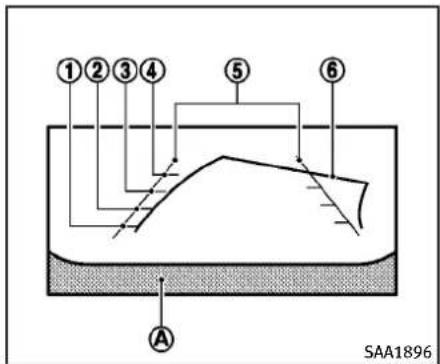
text_image
①②③④ ⑤ ⑥ A SAA1896HOWTOREADDISPLAYEDLINES
Guidinglineswhichindicatethevehicle widthanddistanceoobjectswithreferencetothebumperline Ⓐ aredisplayonthemonitor.
Distanceguidelines:
Indicated distances from the bumper.
●Redline ①:approx.1.5ft(0.5m)
●Yellowline ②:approx.3ft(1m)
●Greenline ③:approx.7ft(2m)
●Greenline ④:approx.10ft(3m)
Vehiclewidthguidelines ⑤:
Indicatethevehiclewidthwhenbacking
up.
Predictedcourselines ⑥:
Indicatethepredictedcoursewhenbackingup. Thepredictedcourselineswillbe displayedonthemonitorwhenteselector/shift lever is in the "R" (Reverse) positionandthesteeringwheelisturned. Thepredictedcourselines willmove dependingonhowmuchthesteering wheelisturnedandwillnotbedisplayed whilethesteeringwheelisintheneutral position.
HOWTOPARKWITHPREDICTED COURSELINES

WARNING
●Alwaysturnandcheckthatitissafeto parkyourcarbeforebackingup.Always backupslowly.
- Usethedisplayedlinesasareference. Thelinesarehighlyaffectedbythe numberofoccupants,fuellevel,vehicle position,roadconditionandroadgrade.
- If the tires are replaced with different sizes, the predicted course line may not be displayed correctly.
- Onasnow-coveredorslipperyroad, theremaybeadifferencebetweenthe predictedcourselineandtheactual courseline.
- If the battery is disconnected or becomes discharged, the predicted course lines may not be displayed correctly. If this occurs, drivethe vehicle on a straight road form more than 5 minutes.
- Thedisplayedlineswillappearslightly offtotherightbecausetherearview cameraisnotinstalledintherearcenter ofthevehicle.
- Thedistanceguidelineandthevehicle widthguidelineshouldbeusedasa referenceonlywhenthevehicleisona levelpavedsurface. Thedistanceviewed onthemonitorisforreferenceonly and maybedifferentthantheactualdistance betweenthevehicleanddisplayedobjects.
- Whenbackingupthevehicleupahill, objectsviewedinthemonitorarefurther thantheyappear.Whenbackingupthe vehicledownahill,objectsviewedinthe monitorarecloserthantheyappear.Use theinsidemirrororglanceoveryour shouldertoproperlyjudgedistancesto
otherobjects.
The vehicle width and predicted course lines are wider than the actual width and course.
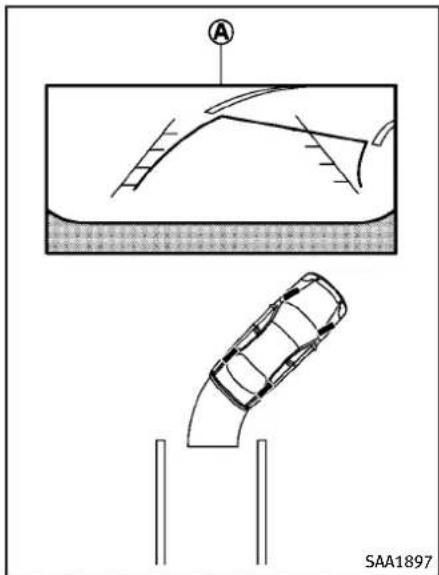
natural_image
Technical diagram showing a car under load with a cross-section view and a side-view detail (no text or symbols)- Visually check that the parking space is safe before parking your vehicle.
- Therearviewofthevehicleisdisplayed onthescreen Ⓐ asillustratedwhen theselector/shiftleverismovedtothe "R"(Reverse)position.
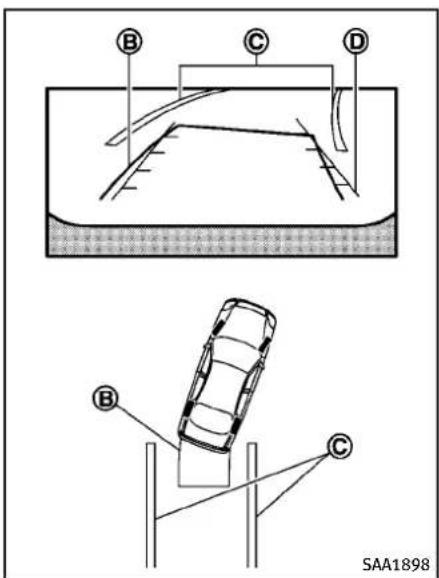
text_image
B C D B C SAA1898referringtothepredictedcourselines.
- Whenthevehicle is parked in the space completely, movethesector/shift levertotheP(Park) position (Automatic Transmission models) or an appropriate gear (Manual Transmission models) and apply the parking brake.
DIFFERENCEBETWEENPREDICTED ANDACTUALDISTANCES
The distance guideline and the vehicle width guidelines should be used as a reference only when the vehicle is one level, paved surface. The distance viewed on the monitor is for reference only and may be different from the actual distance between the vehicle and displayed objects.
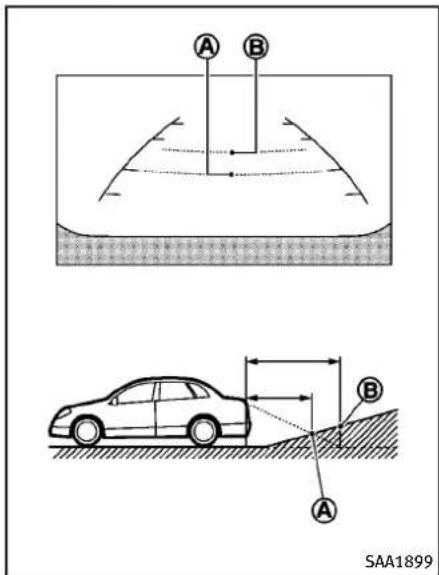
text_image
A B SAA18993.Slowlybackupthevehicleadjusting thesteeringwheelsothatthepredicted courselines Ⓑ entertheparking space Ⓒ.
- Maneuverthesteeringwheeltomake the vehicle width guidelines ① paralleltotheparkingspace ② while
4-26Monitor, climate, audio, phone and voicerecognition systems
Backinguponasteepuphill
Whenbackingupthevehicleupahill,the distanceguidelinesandthevehiclewidth guidelinesareshowncloserthanthe actualdistance.Forexample,thedisplay shows3ft(1m)totheplace Ⓐ,butthe actual3ft(1m)distanceonthehillisthe
place Ⓑ. Notethatanyobjectonthehillis furtherthanitappearsonthemonitor.
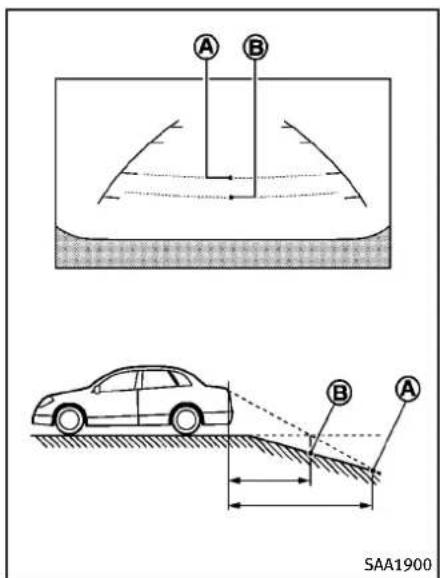
text_image
A B SAA1900istheplace Ⓑ. Notethatanyobjecton thehilliscloserthanitappearsonthe monitor.
Backinguponasteepdownhill
Whenbackingupthevehicledownahill, thedistanceguidelinesandthevehicle widthguidelinesareshownfurtherthan theactualdistance.Forexample,the displayshows3ft(1m)totheplace buttheactual3ft(1m)distanceonthehill
A,
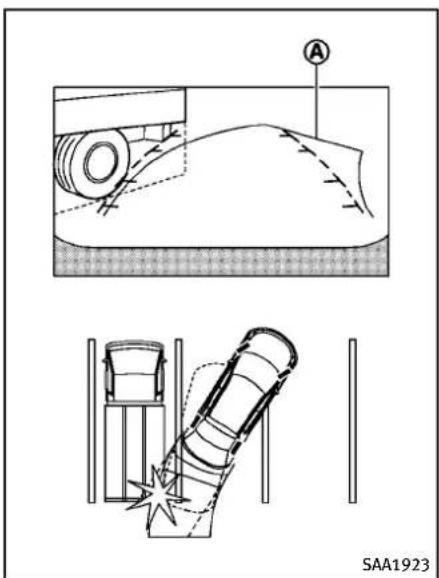
text_image
A SAA1923Backingupnearaprojectingobject Thepredictedcourselines ① donottouch theobjectinthedisplay.However,the vehiclemayhittheobjectifitprojectsover theactualbackingupcourse.

text_image
C B A C A B SAA1924Backingupbehindaprojecting object
Theposition Ⓐ isshownfurtherthanthe position Ⓑ inthedisplay.However,the position Ⓐ isactuallyatthesame distanceastheposition Ⓐ.Thevehicle
mayhittheobjectwhenbackinguptothe position Ⓐ iftheobjectprojectsoverthe actualbackingupcourse.
4-28Monitor,climate,audio,phoneandvoicerecognitionsystems
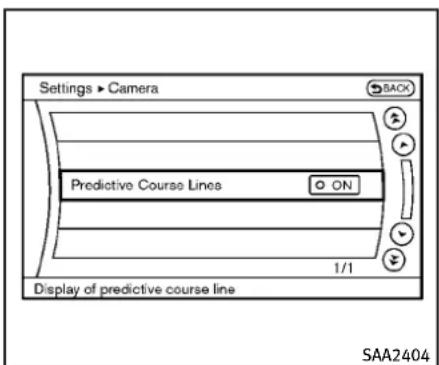
text_image
Settings ► Camera SACK Predictive Course Lines ON 1/1 Display of predictive course line SAA2404Modelswithnavigationsystem

text_image
Settings > Camera Predictive Course Lines ○ ON SAA2606Modelswithoutnavigationsystem
PREDICTIVECOURSELINESETTINGS
ToturnONorOFFthepredictivecourseline display, pushtheSETTINGbutton, select the "Camera" key and pushtheENTER button.
●PredictiveCourseLines
WhenthisitemisturnedtoON,the predictedcourselineswillbedisplayed onthemonitorwhentheselector/shift leverisinthe“R”(Reverse)position.
HOWTOADJUSTSCREEN
ToadjusttheDisplayON/OFF,Brightness, Tint,Color,ContrastandBlackLevelofthe rearviewmonitor,pushtheSETTINGbutton withthereaviewmonitoron,selectthe "Display"keyonthescreenandselectthe itemkeyandadjustthelevelusingthe INFINITIcontroller.
DonotadjusttheBrightness, Tint, Color, ContrastandBlackLeveloftherearview monitorwhilethevehicleismoving. Make suretheparkingbrakeisfirmlyapplied andtheengineisnotrunning.
OPERATINGTIPS
- Whentheselector/shiftleverisshifted tothe "R"(Reverse)position,the monitorscreenautomaticallychanges totherearviewmonitormode.However,theradiocanbeheard.
- It may take sometime until there are view monitor is displayed after these selector/shift lever has been shifted to "R" from another position or another position from "R". Objects may be distorted momentarily until there are view monitor screen is displayed completely.
- When the temperature is extremely high or low, the screen may not clearly display objects. This is not a malfunction.
- When strong light directly enter the camera, objects may not be displayed clearly. This is not a malfunction.
- Verticallinesmaybeseeninobjectson thescreen. Thisisduetostrong reflectedlightfromthebumper. This isnotamalfunction.
- Thescreenmayflickerunderfluorescentlight. This is not a malfunction.
- Thecolorsofobjectsontherearview monitormaydiffersomewhatfrom thoseoftheactualobject.
VENTILATORS
- Objectsonthemonitormaynotbeclear inadarkplaceoratnight. This is not a malfunction.
- Ifdirt, rainorsnowattachestothe camera, therearviewmonitormaynot clearlydisplayobjects. Cleanthecamera.
- Donotusealcohol, benzineorthinner tocleanthecamera. This will cause discoloration. Tocleanthecamera, wipewith a cloth dampened with diluted mild cleaning agent and then wipewith adrycloth.
- Donotdamagethecameraasthe monitorscreenmaybeadverselyaffected.
- Donotusewaxonthecamerawindow. Wipeoffanywaxwithacleancloth dampenedwithmilddetergentdiluted withwater.

text_image
SAA1499Centerventilators
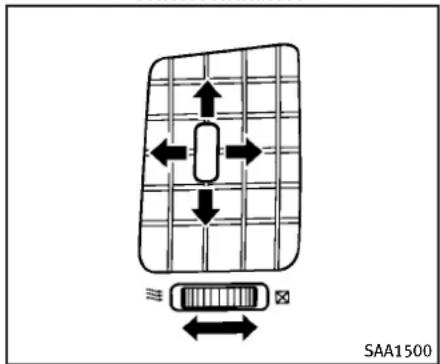
text_image
SAA1500Sideventilators
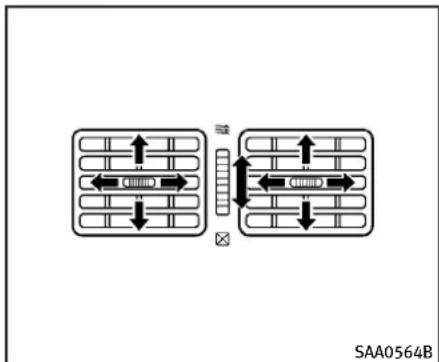
flowchart
graph TD
    A["Top Grid Layout"] --> B["Left Arrow"]
    A --> C["Right Arrow"]
    D["Bottom Grid Layout"] --> E["Left Arrow"]
    D --> F["Right Arrow"]
    G["SAA0564B"] --> H["Arrow Up Left"]
    G --> I["Arrow Down Right"]
Rear(ifsoequipped)
Openorclose, and adjust the airflow direction of ventilators.
☒: Thissymbolindicatesthattheventsare closed.
≡ : This symbol indicates that the vents are open.
AUTOMATICCLIMATECONTROL

WARNING
●Theairconditionercoolingfunction operatesonlywhentheengineisrunning.
- Donotleavechildrenoradultswho wouldnormallyrequirethesupport of othersaloneinyourvehicle.Petsshould notbeleftaloneeither.Onhot,sunny days,temperaturesinaclosedvehicle couldquicklybecomehighenoughto causesevereorpossiblyfatalinjuriesto peopleoranimals.
- Donotusethere circulation mode for longperiodsasitmaycausetheinterior airtobecomestaleandthewindowsto fogup.
Starttheengineandoperatetheautomatic climatecontrolsystem.
When the "STATUS" button is pushed, the automatic climate control status screen will appear. (See "Howtouse STATUS button" (P.4-9).)
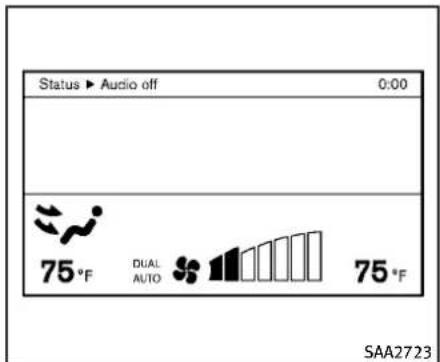
text_image
Status ▶ Audio off 0:00 75°F DUAL AUTO 75°F SAA2723Modelswithnavigationsystem

text_image
Status Audio OFF Driver Passenger 75 °F AUTO DUAL 75 °F SAA1520Modelswithoutnavigationsystem
Youcanindividuallysetthedriverandfront passengersidetemperatureusingeach temperature control button (if so equipped).
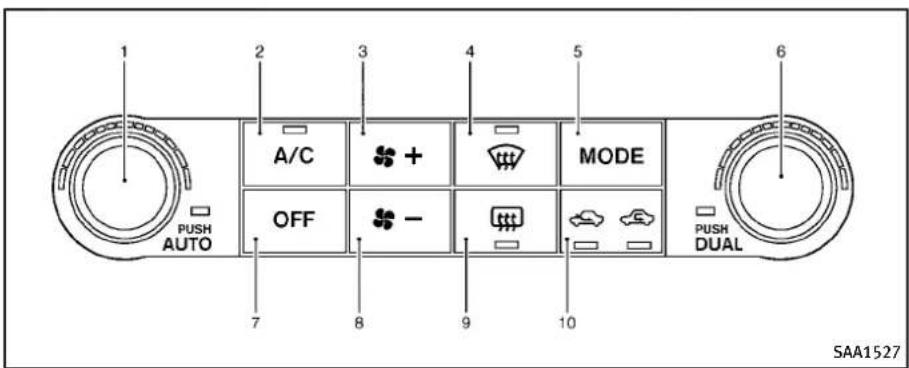
text_image
1 2 3 4 5 6 A/C MODE OFF - 7 8 9 10 PUSH AUTO PUSH DUAL SAA1527TypeA
- "AUTO" automaticclimatecontrolON button/Temperaturecontroldial(dri-verside)
- "A/C" airconditionerON/OFFbutton
3." + "fanspeedincreasebutton
4." "frontdefrosterbutton - "MODE" manual airflow control button
- "DUAL" zonecontrolON/OFFbutton/Temperaturecontroldial(passenger side)
- "OFF"buttonforclimatecontrolsystem
8." - "fanspeeddecreasebutton
9." "rearwindowdefrosterbutton (See"Rearwindowandoutsidemirror defrosterswitch"(P.2-34).)
10." 🔍 "intakeaircontrolbutton
AUTOMATICCLIMATECONTROL (TypeA)
Automaticoperation
Cooling and/or dehumidified heating (AUTO):
Thismodemaybeusedallyearround. The systemworksautomaticallytocontrolthe
insidetemperature, airflowdistribution and fanspeed after the preferred temperature isset manually.
- Push the "AUTO" button on. (The indicator on the button will illuminate and AUTO will be displayed.)
- Turnthetemperaturecontroldial(driverside) to set the desired temperature.
- Thetemperaturecanbesetwithin thefollowingrange.
-ForU.S.:60to90°F(16to32°C)
—ForCanada:64to90°F(18to 32°C)
- Thetemperatureofthepassenger compartmentwillbemaintained automatically.Airflowdistribution andfanspeedwillalsobecontrolled automatically.
- You can individually set driver and front passengers' temperature using each temperature control button. When the "DUAL" button is pushed the passengers' temperature control button is turned, the DUAL indicator will come on. Toturnoff the passengers' temperature control, push the "DUAL" button.
4-32Monitor,climate,audio,phoneandvoicerecognitionsystems
- Toturnoff the climate control system, push the "OFF" button.
Avisiblemistmaybeseencomingfromthe ventilatorsinhot,humidconditionsasthe airiscooledrapidly.Thisdoesnotindicate amalfunction.
Heating(A/COFF):
Theairconditionerdoesnotactivateinthis mode.Whenyouneedtoheatonly,use thismode.
- Push the "AUTO" button on.
- Push the "A/C" button. (The A/C indicator will turn off.)
- Turnthetemperaturecontroldialtoset thedesiredtemperature.
- The temperature of the passenger compartment will be maintained automatically. Airflow distribution and fan speed are also controlled automatically.
- Donotsetthetemperaturelowerthan theoutsideairtemperature. Otherwise thesystemmaynotworkproperly.
- Notrecommendedifwindowsfogup.
Dehumidifieddefrostingordefogging:
- Pushthe "frontdefrosterbutton. (Theindicatorlightonthebuttonwill
comeon.)
-
Turnthetemperaturecontroldialtoset thedesiredtemperature.
-
To quickly remove ice from the outside of the windows, push the fans speed increase button “+” and set it to the maximum position.
- As soon as possible after the wind-shield disclean, push the "AUTO" button to return to the automode.
- Whenthe“ 🚫”frontdefrosterbutton ispushed, theairconditionerwill automaticallybeturnedonatoutside temperatures above 23°F (-5°C) to defogthewindshield, and theair recirculatemodewillautomaticallybe turnedoff.
Outsideairisdrawnintothepassenger compartmenttoimprovethedefogging performance.
Manualoperation
Fanspeedcontrol:
Pushthefan speed increase“ +” or decrease“ -”buttonstomanuallycontrolthefanspeed.
Pushthe"AUTO"buttontoreturnto automaticcontrolofthefanspeed.
Airrecirculation:
Pushthe intakeaircontrolbutton “”torecirculateinteriorairinsidethe vehicle.Theindicatorlightonthe“sidewillcomeon.
Theairrecirculationmodecannot be activated when the air conditioner is in thefrontdefrostingmode“ 📌 ”.
Outsideaircirculation:
Pushthe intakeaircontrolbutton “ ”todrawoutsideairintothepassengercompartment.Theindicatorlightonthe “ ”sidewillcomeon.
Automaticintakeaircontrol:
IntheAUTOmode,theintakeairwillbe controlledautomatically.Tomanuallycontrol the intake air, push the intake air controlbutton".Toreturntothe automaticcontrolmode,pushtheintake aircontrolbutton" "forabout2 seconds.Theindicatorlights(bothair recirculationandoutsideaircirculation sides)willflashtwice,andthentheintake airwillbecontrolledautomatically.
Airflowcontrol:
Pushingthe"MODE"manualairflow controlbuttonselectstheairoutletto:
→:Airflowsfromcenterandsideventilators.
Airflowsfromcenterandsideventilatorsand footoutlets.
Airflowsmainlyfromfootoutlets.
Airflowsfromdefrosterandfootoutlets.
Toturnthesystemoff
PushtheOFFbutton.
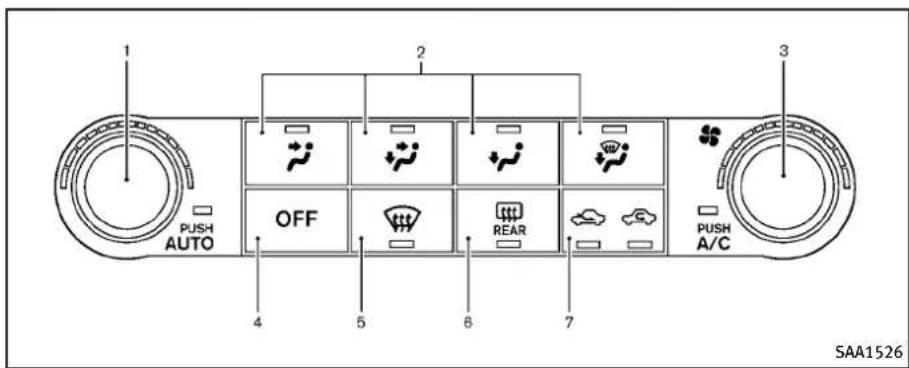
text_image
1 PUSH AUTO 2 OFF 3 4 5 6 7 REAR PUSH A/C SAA1526TypeB
- "AUTO" automaticclimatecontrolON button/Temperaturecontroldial
2.Airflowcontrolbutton
3." "Fanspeedcontroldial
4."OFF"button
5." "frontdefrosterbutton - "rearwindowdefrosterbutton (See "Rearwindowandoutsidemirror defrosterswitch" (P.2-34).)
7." "intakeaircontrolbutton
AUTOMATICCLIMATECONTROL (TypeB)
Automaticoperation
Cooling and/or dehumidified heating (AUTO):
Thismodemaybeusedallyearround. The systemworksautomaticallytocontrolthe insidetemperature, airflowdistribution andfanspeedafterthepreferredtemperatureissetmanually.
-
Push the "AUTO" button on. (The indicator on the button will illuminate and AUTO will be displayed.)
-
Use the temperature controldialtoset the desired temperature.
- Thetemperature can be set within the following range. - For U.S.: 60 to 90 °F (16 to 32 °C) - For Canada: 64 to 90 °F (18 to 32 °C)
- Thetemperatureofthepassenger compartmentwillbemaintained automatically.Airflowdistribution andfanspeedwillalsobecontrolled automatically.
- Toturnofftheclimatecontrolsystem, pushthe"OFF"button.
Avisiblemistmaybeseencomingfromthe ventilatorsinhot,humidconditionsasthe airiscooledrapidly.Thisdoesnotindicate amalfunction.
Heating(A/COFF):
The airconditioner does not activate in this mode. When you need to eat only, use this mode.
-
Push the "AUTO" button on.
-
Push the "A/C" button. (The A/C indicator will turn off.)
-
Turnthetemperaturecontroldialtoset thedesiredtemperature.
-
The temperature of the passenger compartment will be maintained automatically. Airflow distribution and fan speed are also controlled automatically.
- Donotsetthetemperaturelowerthan theoutsideairtemperature.Otherwise thesystemmaynotworkproperly.
- Notrecommendedifwindowsfogup.
Dehumidifieddefrostingordefogging:
- Pushthe" "frontdefrosterbutton. (Theindicatorlightonthebuttonwill comeon.)
-
Turnthetemperaturecontroldialtoset thedesiredtemperature.
-
Toquicklyremoveicefromtheoutside ofthewindows,turnthe" "fan speedcontroldialandsetittothe maximumposition.
- As soon as possible after the wind-shield disclean, push the "AUTO" button to return to the automode.
- Whenthe“ 📋 ”frontdefrosterbutton ispushed, theairconditionerwill automaticallybeturnedonatoutside temperatures above 23°F (-5°C) to defogthewindshield, and theair recirculatemodewillautomaticallybe
turnedoff.
Outsideairisdrawnintothepassenger compartmenttoimprovethedefogging performance.
Manualoperation
Fanspeedcontrol:
Turnthe“ ✿”fanspeedcontroldialto manuallycontrolthefanspeed.
Pushthe"AUTO"buttontoreturnto automaticcontrolofthefanspeed.
Airrecirculation:
Pushtheintakeaircontrolbutton" "torecirculateinteriorairinsidethe vehicle.Theindicatorlightonthe" sidewillcomeon.
Theairrecirculationmodecannot be activatedwhentheairconditionerisin thefrontdefrostingmode“ 📌 ”.
Outsideaircirculation:
Pushtheintakeaircontrolbutton" "todrawoutsideairintothepassengercompartment.Theindicatorlightonthe "sidewillcomeon.
Automaticintakeaircontrol:
IntheAUTOmode, the intake air will be controlled automatically. Tomanually con-
troltheintakeair, pushtheintakeair controlbutton“ ”.Toreturntothe automaticcontrolmode, pushtheintake aircontrolbutton“ ”forabout2 seconds. The indicator lights (bothair recirculation and outside airculation sides) will flashtwice, and then the intake air will be controlled automatically.
Airflowcontrol:
Pushinganairflowcontrolbuttonmanuallycontrolstheairflowandselectstheairoutlettothefollowingsettings.
:Airflowsfromcenterandsideventilators.
Airflowsfromcenterandsideventilatorsand footoutlets.
Airflowsmainlyfromfootoutlets.
Airflowsfromdefrosterandfootoutlets.
Toturnthesystemoff
PushtheOFFbutton.

text_image
1 2 3 4 5 6 A/C MODE OFF - AUTO PUSH AUTO 7 8 9 10 PUSH DUAL SAA2972TypeC
- "AUTO" automaticoperationbutton/ Temperaturecontroldial(driverside)
2."A/C"airconditionerON/OFFbutton
3." + "fanspeedincreasebutton
4." "frontdefrosterbutton - "MODE" manual airflow control button
- "DUAL" zonecontrolON/OFFbutton/Temperaturecontroldial(passenger side)
- "OFF" button for climate control system
8." - "fanspeeddecreasebutton
9." "rearwindowdefrosterbutton (See"Rearwindowandoutsidemirror defrosterswitch"(P.2-34).)
10." AUTO "auto-recirculationbutton/intakeaircontrolbutton
AUTOMATICCLIMATECONTROL (TypeC)
Automaticoperation(AUTO)
The AUTOmodemaybeusedyear-round asthesystemautomaticallycontrolsconstanttemperature, airflowdistributionand fanspeedafterthedesiredtemperatureis setmanually.
Toturnofftheheaterandairconditioner, pushthe"OFF"button.
Coolinganddehumidifiedheating:
- Push the "AUTO" button.
(The AUTO indicator light will illuminate and "AUTO" will appear on the display.)
- If the A/C indicator light does not illuminate, push the "A/C" button.
(TheA/Cindicatorlightwillilluminate.)
- Turnthetemperaturecontroldial(driver'sside) to set the desired temperature.
- Thetemperaturecanbesetwithin thefollowingrange.
—ForU.S.:60to90°F(16to32°C)
—ForCanada:64to90°F(18to 32°C)
- WhentheDUALindicatorlightis turnedoff:
—Pushingthedriver'sside"AUTO" buttonchangesboththedriver's andfrontpassenger'ssidetemperature.
—Pushing the passenger's side "DUAL" button changes only the frontpassenger's sidetemperature. (The DUAL indicator light will illuminate and "DUAL" will appear on the display.)
- Tosetseparateddesiredtemperaturesforthedriverandfrontpassenger, pushthe "DUAL" button, the indicatorlightilluminates, and then turnthecorrespondingtemperature controldial.
- Tocanceltheseparatetemperature setting, pushthe“DUAL”button, the indicatorlightturnsoff, and the driver’ssidetemperaturesettingwill beappliedtoboththedriver’sand frontpassenger’ssides.
Avisiblemistmaybeseencomingfromthe ventilatorsinhot,humidconditionsasthe airiscooledrapidly.Thisdoesnotindicate amalfunction.
Heating(A/Coff):
- Push the "AUTO" button.
(The AUTO indicator light will illuminate and "AUTO" will appear on the display.)
- If the A/C indicator light illuminates, push the "A/C" button.
(TheA/Cindicatorlightwillturnoff.)
- Turnthetemperaturecontroldialtoset thedesiredtemperature.
- WhentheDUALindicatorlightis turnedoff:
—Pushingthedriver'sside"AUTO" buttonchangesboththedriver's andfrontpassenger'ssidetemperature.
—Pushing the passenger's side "DUAL" button changes only the frontpassenger's sidetemperature. (The DUAL indicator light will illuminate and "DUAL" will appear on the display.)
- Tosetseparateddesiredtemperaturesforthedriverandfrontpassenger, pushthe“DUAL”button, the indicatorlightilluminates, and then turnthecorrespondingtemperature controldial.
- Tocanceltheseparatetemperature setting, pushthe "DUAL" button, the indicatorlightturnsoff, and the driver'ssidetemperaturesettingwill beappliedtoboththedriver'sand frontpassenger'ssides.
- Donotsetthetemperaturelower thantheoutsideairtemperature. Doingsomaycausethetemperature nottobecontrolledproperly.
- Ifthewindowsfogup, usedehumidifiedheatinginsteadoftheA/Coff heating.
Dehumidifieddefrosting/defogging:
-
Pushthe" "button.(Theindicator lightwillilluminate.)
-
Turnthetemperaturecontroldialtoset thedesiredtemperature.
-
Toremovefrostfromtheoutside surfaceofthewindshieldquickly, setthetemperaturecontrolandfan speedcontroltotheirmaximum position.
- Afterthewindshielddiscleared, push the "AUTO" buttonosettothe automaticmode.
- Whenthe“”buttonispushed, theairconditionerwillautomatically turnonwhentheoutsideairtem-
perature is above 23^ F ( -5^ C) to defogthewindshield. The airrecirculation modewill automatically turnoff. The outside air circulation modewillbeselected to improve the defogging performance.
Manualoperation
Themanualmodecanbeusedtocontrol theheaterandairconditionertoyour desiredsettings.
Toturnofftheheaterandairconditioner, pushthe"OFF"button.
Fanspeedcontrol:
Pushthefanspeedcontrolbutton" + "to increasethefanspeed.
Pushthefanspeedcontrolbutton" * - "to decreasethefanspeed.
Pushthe“AUTO”buttontochangethefan speedtotheautomaticmode.
Airflowcontrol:
Pushthe"MODE"buttontochangetheair flowmode.
→:Airflowsfromthecenterandsideventilators.
:Airflowsfromthecenterandsideventilators, andfootoutlets.
Airflowsmainlyfromthefootoutlets.
Airflowsfromthedefrosterandfootoutlets.
Temperaturecontrol:
Turnthetemperaturecontroldialtosetthe desiredtemperature.
- Thetemperaturecanbesetwithinthe followingrange.
—ForU.S.:60to90°F(16to32°C)
—ForCanada:64to90°F(18to32°C)
Airrecirculation:
Pushtheintakeaircontrolbuttonto recirculateinteriorairinsidethevehicle. Theindicatorlightonthe“ 🎨”sidewill illuminate.
Theairrecirculationmodecannot be activated when the air conditioner is in thefrontdefrostingmode“ 📌 ”.
Outsideaircirculation:
Pushtheintakeaircontrolbuttontodraw outside air into the passenger compartment.
Theindicatorlightonthe" AUTO "sideand "sidewillturnoff.
Automaticintakeaircontrol:
IntheAUTOmode, theintakeairwill be controlled automatically. Tomanually control theintakeair, push theintakeair
4-38Monitor, climate, audio, phone and voicerecognitionsystems
controlbutton.
Toreturntotheautomaticcontrolmode, pushtheintakeaircontrolbuttonuntilthe indicatorlightonthe" AUTO "sideilluminates. Theadvancedclimatecontrolsystemturnsonandtheintakeairwillbe controlledautomatically.
Toturnsystemoff
PushtheOFFbutton.
Advancedclimatecontrolsystem
The advanced climate control system keeps the air inside of the vehicle clean, using the ion control and the automatic air intake control without outside odor and exhaust gas detectingsensor.
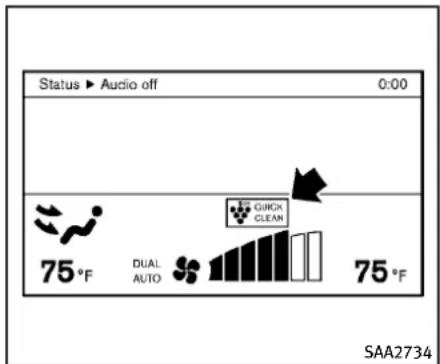
text_image
Status ▶ Audio off 0:00 75°F DUAL AUTO QUICK CLEAN 75°F SAA2734loncontrol:
Thisunitgenerateshighlyconcentrated Plasmacluster ^® ionsintotheairblown fromtheventilatorsandreducesodor absorbedintotheinteriortrim.
The high-density Plasmacluster ^ ions generated in the air conditioner's airstream not only suppress airborne bacteria and reduce the adherence of odor to the interior trim, but also have a provenskin moisture preserving effect.
Whentheairconditioneristurnedon, the systemgeneratesPlasmacluster ^ ions automatically.
TheamountofPlasmacluster ^ ionsin-creasesaccordingtotheamountofair flow.Whentheairflowishigh," is displayedonthescreenandwhentheair flowislow,theindicationinthescreen changesto".
Outsideodorandexhaustgasdetection sensor:
This vehicle is equipped with an outside odor and exhaust gas detection sensor. When the automatic intake air control is ON, the sensor detects sodors and exhaust gas, and then the system automatically changes from the outside air circulation modetothere circulation mode.
Whentheintakeaircontrolbuttonis pushedunderthefollowingconditions, theindicatorlightonthe“ AUTO ”sidewill illuminateandtheoutsideodorand exhaustgasdetectionsensorwillturnon.
- The airflow control is not in the front defrostermode (the indicator lighton the "frontdefrosterbutton is turned off).
- Theoutsidetemperatureisabout32°F (0°C)ormore.
●Theoutsideodorandexhaustgas detectionsensorodetectsindustrial
odorssuchaspulporchemicalsand exhaustgassuchasgasolineordiesel. Whentheautomaticintakeaircontrolis ON,forthefirst5minutes,therecirculationmodeisselectedtopreventdust,dirt andpollenfromenteringthevehicleand cleanstheairinsideofthevehiclewith Plasmacluster® ionthatareemittedfrom theventilator.
After5minutes, the sensor detects outside odors and exhaust gas and automatically alternates between there circulation mode and outside airc circulation mode.
OPERATINGTIPS
Whentheenginecoolanttemperatureand outsideairtemperaturearelow,theair flowfromthefootoutletsmaynotoperate foramaximumof150seconds.Thisisnot amalfunction.Afterthecoolanttemperaturewarmsup,airwillflownormallyfrom thefootoutlets.
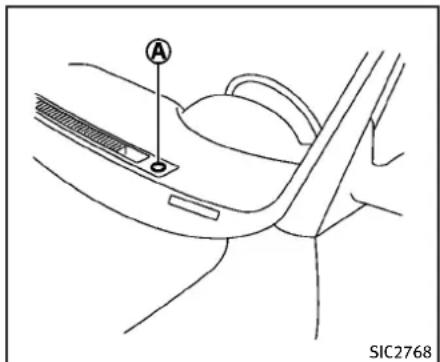
text_image
A SIC2768Thesunloadsensor Ⓐ ontheinstrument panelhelpsmaintainaconstanttemperature.Donotputanythingonoraroundthis sensor.
IN-CABINMICROFILTER
TypeAandB:
Theclimatecontrolsystemisequipped withanin-cabinmicrofilterwhichcollects dirt,pollen,dust,etc.Tomakesuretheair conditionerheats,defogs,andventilates efficiently,replacethefilterinaccordance withthemaintenancescheduleinthe INFINITIServiceandMaintenanceGuide. Toreplacethefilter,contactanINFINITI
retailer.
Thefiltershouldbereplacedifairflowis extremelydecreasedorwhenwindowsfog upeasilywhenoperatingheaterorair conditioningsystem.
TypeC:
Theclimatecontrolsystemisequipped withanaturalgrapeseedpolyphenolfilter whichcollectsandneutralizesdirt,pollen, dust,etc.Tomakesurethattheair conditionerheats,defogsandventilates efficiently,replacethefilterinaccordance withthemaintenancescheduleinthe INFINITIServiceandMaintenanceGuide. Toreplacethefilter,contactanINFINITI retailer.
Thefiltershouldbereplacediftheairflow decreasessignificantlyorifwindowsfog upeasilywhenoperatingtheheaterorair conditioner.
AUDIOSYSTEM
SERVICINGCLIMATECONTROL
TheclimatecontrolsysteminyourINFINITl ischargedwitharefrigerantdesignedwith theenvironmentinmind. Thisrefrigerant willnotharmtheearth'sozonelayer. However, specialchargingequipmentand lubricantarerequiredwhenservicingyour INFINITlairconditioner. Usingimproper refrigerantsorlubricantswillcausesevere damagetoyourclimatecontrolsystem. (See "Capacitiesandrecommendedfuel/ lubricants"(P.9-2)forclimatecontrolsys- temrefrigerantandlubricantrecommendations.)
YourINFINITretailerwillbeabletoservice yourenvironmentallyfriendlyclimatecontrolsystem.

WARNING
Thesystemcontainsrefrigerantunderhigh pressure.Toavoidpersonalinjury,anyair conditionerservicesshouldbedoneonly by anexperiencedtechnicianwiththeproper equipment.
AUDIOOPERATIONPRECAUTIONS
Radio
PushtheignitionswitchtotheACCorON positionandpushtheradiobandselect buttontoturnontheradio.Ifyoulistento theradiowiththeenginenotrunning,the ignitionswitchshouldbepushedtothe ACCposition.
Radioreceptionisaffectedbystation signalstrength,distancefromradiotransmitter,buildings,bridges,mountainsand otherexternalinfluences.Intermittent changesinreceptionqualitynormallyare causedbytheseexternalinfluences.
Usingacellularphoneinornearthe vehiclemayinfluenceradioreception quality.
Radioreception:
YourINFINITiradiosystemisequippedwith state-of-the-artelectroniccircuitstoenhanceradioreception. Thesecircuitsare designedtoextendreceptionrange,andtoenhancethequalityofthatreception.
HowevertherearesomegeneralcharacteristicsofbothFMandAMradiosignalsthat canaffectradioreceptionqualityina movingvehicle,evenwhenthefinest
equipmentisused. These characteristics are completely normal in given reception area, and donotindicate anymalfunction in your INFINITI radiosystem.
Reception conditions will constantly change because of vehiclemovement. Buildings, terrain, signal distance and interference from other vehicles can work against ideal reception. Described below aresome of the factor that can affect your radioreception.
Somecellularphonesorotherdevicesmay causeinterferenceorabuzzingnoiseto comefromtheaudiosystemspeakers. Storingthedeviceinadifferentlocation mayreduceoreliminatethenoise.
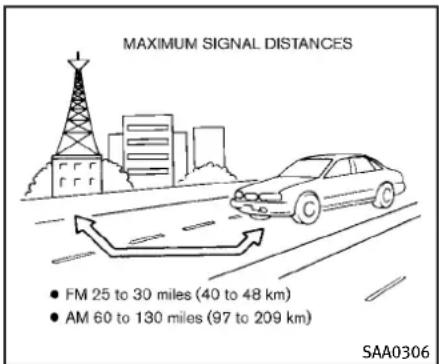
text_image
MAXIMUM SIGNAL DISTANCES • FM 25 to 30 miles (40 to 48 km) • AM 60 to 130 miles (97 to 209 km) SAA0306FMradioreception:
Range: FMrangeisnormallylimitedto25 to30miles(40to48km),withmonaural (singlechannel)FMhavingslightlymore rangethanstereoFM.Externalinfluences maysometimesinterferewithFMstation receptioneveniftheFMstationiswithin 25miles(40km).ThestrengthoftheFM signalisdirectlyrelatedtothedistance betweenthetransmitterandreceiver.FM signalsfollowaline-of-sightpath,exhibitingmanyofthesamecharacteristicsas light.Forexampletheywillreflectoff objects.
Fadeanddrift: As your vehicle moves away
fromastationtransmitter, thesignalswill tendtofadeand/ordrift.
Staticandflutter: Duringsignalinterferencefrombuildings, largehillsordueto antennaposition, usuallyinconjunction withincreaseddistancefromthestation transmitter, staticorfluttercanbeheard. This can be reduced by lowering the treble setting to reduce the trebler response.
Multipathreception: Because of the reflective characteristics of FM signals, direct and reflected signals reach thereceiver at the same time. Thesignals may cancel each other, resulting in momentary flutter or loss of sound.
AMradioreception:
AMsignals, because of their low frequency, can bendaround objects and skip along the ground. In addition, the signals can be bounced off the ionosphere and bent back to earth. Because of these characteristics. AMsignals are also subject to interference asthey travel from transmitter to receiver.
Fading: Occurswhilethevehicleispassing throughfreewayunderpassesorinareas withmanytallbuildings.Itcanalsooccur forseveralsecendsduringionospheric turbulenceeveninareaswherenoobsta-
clesexist.
Static: Caused by thunderstorms, electrical powerlines, electric signs and event traffic lights.
Satelliteradioreception(ifsoequipped): Whenthesatelliteradioisusedforthefirst timeorthebatteryhasbeenreplaced,the satelliteradiomaynotworkproperly.This isnotamalfunction.Waitmorethan10 minuteswiththesatelliteradioONandthe vehicleoutsideofanymetalorlarge buildingforthesatelliteradiotoreceive allofthenecessarydata.
Thesatelliteradiomoderequiresanactive XM® SatelliteRadiosubscription. The satelliteradioisnotavailableinAlaska, HawaiiandGuam.
Thesatelliteradioperformancemaybe affectedifcargocarriedontheroofblocks thesatelliteradiosignal.
If possible, donotputcargonearthe satelliteantenna.
Abuildupoficeonthesatelliteradio antennacanaffectsatelliteradioperformance.Removetheicetorestosatellite radioreception.
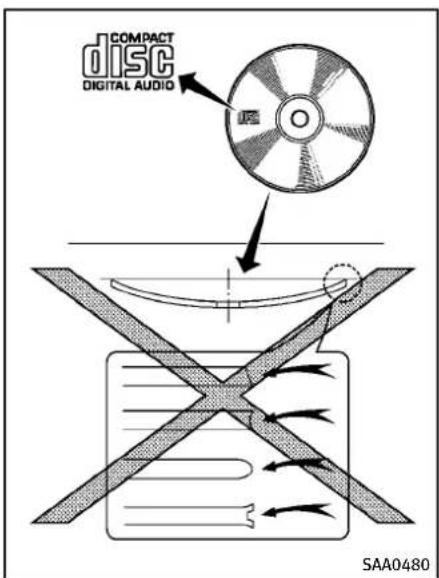
text_image
COMPACT DISC DIGITAL AUDIO SAA0480CompactDisc(CD)player
- DonotforceacompactdiscintotheCD insertslot. This could damage the CD and/or CD player.
- Trying to load a CD with the CD door closed could damage the CD and/or CD
player.
- Duringcoldweatherorrainydays, the playermaymalfunctionduetothe humidity. If this occurs, removes the CDanddehumidifyorventilatethe player completely.
●Theplayermayskipwhiledrivingon roughroads.
●TheCDplayersometimes cannot function when the passenger compartment temperature is extremely high. Decreased the temperature before use. - Onlyusehighquality4.7in(12cm) rounddiscsthathavethe"COMPACT discDIGITALAUDIO"logoonthediscor packaging.
- DonotexposetheCDtodirectsunlight.
- CDsthatareofpoorquality, dirty, scratched, coveredwithfingerprints, orthathavepinholesmaynotwork properly.
- The following CDsmaynotwork properly:
- Copycontrolcompactdiscs(CCCD)
- Recordablecompactdiscs(CD-R)
- Rewritablecompactdiscs(CD-RW)
- DonotusethefollowingCDsasthey maycausetheCDplayertomalfunc-
tion.
-3.1in(8cm)discs
—CDsthatarenotround
—CDswithapaperlabel
—CDsthatarewarped, scratched, or haveabnormaledges
- This audiosystem can only play pre-recorded CDs. Ithas nocapabilitiesto recordorburn CDs.
- If the CD cannot be played, one of the following messages will be displayed. CHECKDISC:
—Confirm that the CD inserted correctly (thelabelsideisfacing up, etc.).
—ConfirmthattheCDisnotbentor warpedanditisfreeofscratches.
PUSHEJECT:
Thisisanerrorduetothetemperature insidetheplayeristoohigh.Remove theCDbypushingtheEJECTbutton, andafterashorttimereinserttheCD. The CD can be played when the temperature of the player return to normal.
UNPLAYABLE:
Thefileisunplayableinthisaudio system(onlyMP3orWMACD).
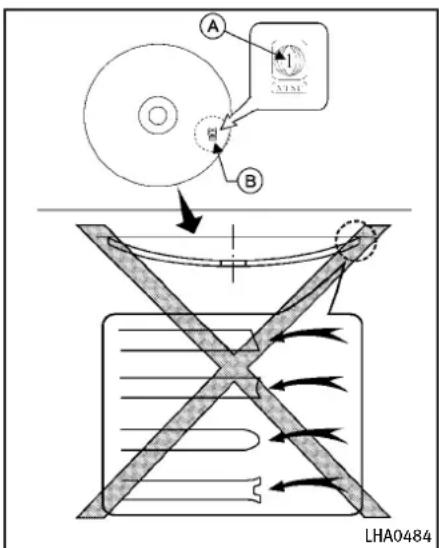
text_image
A B LHA0484DVD(DigitalVersatileDisc)player (modelswithnavigationsystem)
- Donotforceacompactdiscintothe CD/DVDinsertslot. This could damage the CD/DVDplayer.
●Duringcoldweatherorrainydays, the playermaymalfunctionduetohumid-
ity.Ifthisoccurs,removetheCD/DVD anddehumidifyorventilatetheplayer completely.
●Theplayermayskipwhiledrivingon roughroads.
●TheCD/DVDplayersometimes cannot functionwhenthepassengercompartmenttemperatureisextremelyhigh. Decreasethetemperaturebeforeuse.
- Onlyusehighquality4.7in(12cm) rounddiscsthathavethe“COMPACT discDIGITALAUDIO”or“DVDVideo” logoonthediscorpackaging.
- DonotexposetheCD/DVDtodirect sunlight.
- CD/DVDsthatareofpoorquality, dirty, scratched, coveredwithfingerprints, or thatavepinholesmaynotwork properly.
●The following CD/DVDs are not guaranteed to play:
—Copycontrolcompactdiscs(CCCD)
—Recordablecompactdiscs(CD-R)
—Rewritablecompactdiscs(CD-RW)
—RecordableDVDs(DVD±R,DVD±R DL)
—RewritableDVDs(DVD±RW,DVD±RW DL)
- DonotusethefollowingCD/DVDsas theymaycausetheCD/DVDplayerto malfunction.
-3.1in(8cm)discs
—CD/DVDsthatarenotround
—CD/DVDswithapaperlabel
—CD/DVDsthatarewarped, scratched orhaveabnormaledges
—This audiosystem can only play prerecorded CD/DVDs. Ithasno capabilities to record or burn CD/DVDs.
- If the CD/DVD cannot be played, one of the following messages will be displayed.
DiscReadError:
—ConfirmthattheCD/DVDisinserted correctly(thelabelsideisfacingup, etc.).
—ConfirmthattheCD/DVDisnotbent orwarpedanditisfreeofscratches.
PleaseEjectDisc:
—Thismaybeanerrorduetothetemperatureinsidetheplayerbeing toohigh.RemovetheCD/DVDby pushingtheEJECTbutton,andafter ashorttimereinserttheCD/DVD. TheCD/DVD can beplayed whenthe
temperatureoftheplayerreturnsto normal.Iftheerrorpersistence,consult yourlocalretailer.
UnplayableFile:
—Thefilemaybecopyprotected.
—ThefileisnotMP3,WMA,AAC,M4A orDivX ^® type.
RegionInvalid:
—TheDVDisnotforregion1orall regions.UseDVDswitharegion code “1”, “ALL” or “1 included” for yourDVDentertainmentsystem. (Theregioncode A isdisplayed asasmallsymbolprintedonthetop oftheDVD B.)Thisvehicle-installedDVDplayercannotplayDVDs witharegioncodeotherthan“1”or “ALL”.
Copyrightandtrademark:
●ThetechnologyprotectedbytheU.S. patentandotherintellectualproperty rightsownedbyMacrovisionCorporationandotherrightholdersisadopted forthissystem.
- Thiscopyrightprotectedtechnology cannotbeusedwithoutapermitfrom MacrovisionCorporation.Itislimitedto bepersonaluse,etc.,aslongasthe
permitfromMacrovisionCorporationis notissued.
- Modifyingordisassemblingisprohibited.
●Dolbydigitalismanufacturedunder licensefromDolbyLaboratories,Inc.
●DolbyandthedoubleDmark“ are trademarksofDolbyLaboratories, Inc.
●DTSandDTS2.0" areregistered trademarksofDTS, Inc.
Parentallevel(parentalcontrol):
DVDswiththeparentalcontrolsettingcan beplayedwiththissystem.Pleaseuse yourownjudgementtosettheparental controlwiththesystem.
Discselection:
The following disc formats can be played with the DVD drive.
•DVD-VIDEO
•VIDEO-CD
- CD-DA(ConventionalCompactDisc)
•DTS-CD
USB(UniversalSerialBus)(ifso equipped)
This system supports various USB memory sticks, USB hard drives and iPod ^® players.
TherearesomeUSBdeviceswhichmaynot besupportedwiththissystem.
●MakesurethattheUSBdeviceis connectedcorrectlyintotheUSBconnector.
- DonotforcethememorystickorUSB cableintotheUSBconnector. This coulddamagetheconnector.
- Duringcoldweatherorrainydays, the playermaymalfunctionduetohumidity. If this occurs, remove the USB device and dehumidifyorventilatethe USB player completely.
●TheUSBplayersometimes cannot functionwhenthepassengercompartmenttemperatureisextremelyhigh. Decreasethetemperaturebeforeuse.
- DonotleaveUSBmemoryinaplace pronetostaticelectricityorwherethe airconditionerblowsdirectly.Thedata intheUSBmemorymaybedamaged.
●ThevehicleisnotequippedwithaUSB memorystick.
●AUSBdevice cannot be formatted with this system. To form a USB device, use a personal computer.
- PartitionedUSBdevicesmaynotbe playedcorrectly.
- Somecharactersusedinotherlanguages(Chinese, Japanese, etc.) are notdisplayedproperlyonthevehicle centerscreen. Using English language characterswithaUSBdeviceisrecommended.
- DonotconnectaUSBdeviceifa connectororcableiswet.Allowthe cableand/orconnectorstodrycompletelybeforeconnectingtheUSB device.Iftheconnectorisexposedto fluidsotherthanwater,evaporative residuemaycauseashortbetween theconnectorpins.
- Largevideopodcastfilescauseslow responsesinaniPod ^ .Thevehicle centerdisplaymaymomentarilyblack out,butitwillsoonrecover.
- IfaniPod ^ automaticallyselectslarge videopodcastfileswhileintheshuffle mode,thevehiclecenterdisplaymay momentarilyblackout,butitwillsoon recover.
●Audiobooksmaynotplayinthesame orderastheyappearonaniPod ^® .
●AniPodnano ^ (1stGeneration) may remain infastforward or rewind mode if it is connected during a seek operation. In this case, pleasemanually reset
theiPod ^® .
- AniPodnano ^ (2ndGeneration) will continuetofastforwardorrewindifit is disconnectedduringaseekoperation.
- Anincorrectsongtitlemayappearwhen thePlayModeischangedwhileusing theiPodnano ^ (2ndGeneration) iPod ^ isatrademarkofAppleInc., registeredintheU.S.andothercountries.
CompressedAudioFiles(MP3/WMA/AAC)
Explanationofterms:
- MP3—MP3isshortforMovingPictures ExpertsGroupAudioLayer3.MP3is the most well known compressed digital audio file format. This format allows for near "CD quality" sound, but at a fraction of these of normal audio files. MP3 conversion of a audiotrack can reduce the file size by approximately 10:1 ratio (Sampling: 44.1 kHz, Bitrate: 128kbps) with virtually no perceptible loss in quality. The compression reduces certain part of sound that seem a audible to most people.
●WMA—WindowsMediaAudio(WMA)is acompressedaudioformatcreatedby MicrosoftasanalternativetoMP3.The WMAcodeoffersgreaterfilecompressionthantheMP3codec,enabling storageofmoredigitalaudiotracksin thesameamountofspacewhen comparedtoMP3satthesamelevel ofquality.
●AAC/M4A—AdvancedAudioCoding (AAC)isalossyaudiocompression format. Audiofilesthathavebeen encodedwith AACaregenerallysmaller insizeanddeliverahigherqualityof soundthanMP3.
- Bitrate—Bitratedenotesthenumber ofbitspersecondusedbyadigital musicfile.Thesizeandqualityofa compresseddigitalaudiofileisdeterminedbythebitrateusedwhen encodingthefile.
- Samplingfrequency—Samplingfrequencyistherateatwhichthesamples ofasignalareconvertedfromanalogto digital(A/Dconversion)persecond.
- Multisession—Multisessionisoneof themethodsforwritingdatatomedia. Writingdataoncetothemediaiscalled asinglesession,andwritingmorethan
onceiscalledamultisession. ●ID3/WMATag—TheID3/WMAtagisthe partoftheencodedMP3orWMAfile thatcontainsinformationaboutthe digitalmusicfilesuchassongtitle, artist,albumtitle,encodingbitrate, tracktimeduration,etc.ID3taginformationisdisplayontheAlbum/Artist/Tracktitlelineonthedisplay. *Windows® andWindowsMedia® are registeredtrademarksortrademarksof MicrosoftCorporationintheUnitedStates ofAmericaand/orothercountries.
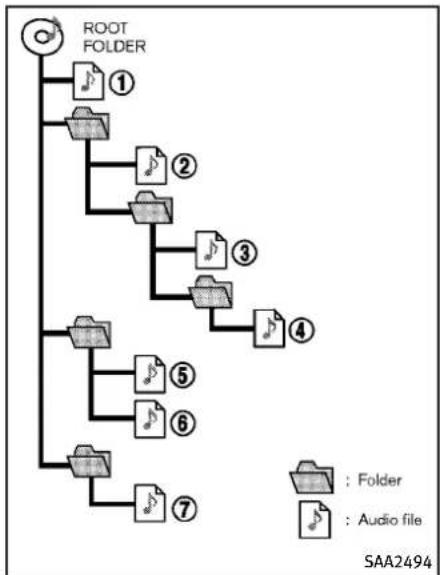
flowchart
graph TD
    A["ROOT FOLDER"] --> B["1"]
    A --> C["2"]
    A --> D["3"]
    A --> E["4"]
    A --> F["5"]
    A --> G["6"]
    A --> H["7"]
    B --> I["Folder"]
    C --> J["Audio file"]
    D --> K["Folder"]
    E --> L["Audio file"]
    F --> M["Folder"]
    G --> N["Folder"]
Playbackorder:
- Thefoldernamesoffoldersnotcontainingcompressedaudiofilesarenot showninthedisplay.
- Ifthereisafileinthetoplevelofadisc/USB, "RootFolder" isdisplayed.
●The playbackorderistheorderinwhich thefileswerewrittenbythewriting software,sothefilesmightnotplayin thedesiredorder.
●Musicplaybackorderofcompressed audiofilesisasillustrated.
Specificationchart(TypeA):
| SupportedmediaCD,CD-R,CD-RW,DVD-ROM*5,DVD±R*5, | VD±RW*5,DVD±RDL*5,USB2.0 | ||
| Supportedfilesystems | CD,CD-R,CD-RW,DVD-ROM(modelswithnavigationsystem),DVD±R,DVD±RW,DVD±RDL:ISO9660LEVEL1,ISO9660LEVEL2,Romeo,Joliet*ISO9660Level3(packetwriting)isnotsupported.*FilessavedusingtheLiveFileSystemcomponent(onaWindowsVista-basedcomputer)arenotsupported.UDFBridge(UDF1.02+ISO9660),UDF1.5,UDF2.0*VDF1.5/VDF2.0(packetwriting)isnotsupported. | ||
| USBmemory:FAT16,FAT32 | |||
| Supported versions*1 | MP3 | VersionMPEG1AudioLayer3 | |
| Samplingfrequency8kHz-48kHz | |||
| Bitrate8kbps-320kbps,VBR*4 | |||
| WMA*2 | VersionWMA7,WMA8,WMA9 | ||
| Samplingfrequency32kHz-48kHz | |||
| Bitrate32kbps-192kbps,VBR(Ver.9)*4 | |||
| AAC*5 | VersionMPEG-AAC | ||
| Samplingfrequency8kHz-96kHz | |||
| Bitrate16kbps-320kbps,VBR*4 | |||
| Taginformation(SongtitleandArtistname) | ID3tagVER1.0,VER1.1,VER2.2,VER2.3,VER2.4(MP3only) | ||
| WMAtag(WMAonly) | |||
| Folderlevels | Withnavigationsystem:Folderlevels:8,Folders:512(includingrootfolder),Files:5,000Withoutnavigationsystem:Folderlevels:8,Foldersandfiles:999(Max.255filesforonefolder) | ||
| Textcharacternumberlimitation | Withnavigationsystem:100charactersWithoutnavigationsystem:64characters | ||
| Displayablecharactercodes*3 | 01:ASCII,02:ISO-8859-1,03:UNICODE(UTF-16BOMBigEndian),04:UNICODE(UTF-16Non-BOMBigEndian),05:UNICODE(UTF-8),06:UNICODE(Non-UTF-16BOMLittleEndian),07:SHIFT-JIS | ||
4-48Monitor, climate, audio, phone and voicerecognitionsystems
*1 Filescreatedwithacombinationof48kHzsamplingfrequencyand64kbpsbitratecannotbeplayed.
*2ProtectedWMAfiles(DRM) cannot be played.
*3Availablecodesdependonwhatkindofmedia,versionsandinformationaregoingtobedisplayed.
*4WhenVBRfilesareplayed,the playbacktime may not be displayed correctly.
*5Modelswithnavigationsystem
Specificationchart(TypeB):
| SupportedmediaCD,CD-R,CD-RW | |||
| Supportedfilesystems | CD,CD-R,CD-RW:ISO9660LEVEL1,ISO9660LEVEL2,Romeo,Joliet*ISO9660Level3(packetwriting)isnotsupported.*FilessavedusingtheLiveFileSystemcomponent(onaWindowsVista-basedcomputer)arenotsupported. | ||
| Supported versions*1 | MP3 | VersionMPEG1,MPEG2 | ,MPEG2.5 |
| Samplingfrequency8kHz-48kHz | |||
| Bitrate8kbps-320kbps | ,VBR*4 | ||
| WMA*2 | VersionWMA7,WMA8,WMA9 | ||
| Samplingfrequency32kHz-48kHz | |||
| Bitrate32kbps-192kbps | ,VBR*4 | ||
| Taginformation(SongtitleandArtistname) | ID3tagVER1.0,VER1.1,VER2.2,VER2.3,VER2.4(MP3only) | ||
| WMAtag(WMAonly) | |||
| Folderlevels | Withnavigationsystem:Folderlevels:8,Folders:255(includingrootfolder),Files:512(Max.255filesforonefolder)Withoutnavigationsystem:Folderlevels:8,Foldersandfiles:999(Max.255filesforonefolder) | ||
| Textcharacternumberlimitation | Withnavigationsystem:128characters | ||
| Withoutnavigationsystem:64characters | |||
| Displayablecharactercodes*3 | 01:ASCII,02:ISO-8859-1,03:UNICODE(UTF-16BOMBigEndian),04:UNICODE(UTF-16Non-BOMBigEndian),05:UNICODE(UTF-8),06:UNICODE(Non-UTF-16BOMLittleEndian) | ||
*1 Filescreatedwithacombinationof48kHzsamplingfrequencyand64kbpsbitratecannotbeplayed.
*2ProtectedWMAfiles(DRM) cannot be played.
*3Availablecodesdependonwhatkindofmedia,versionsandinformationaregoingtobedisplayed.
*4WhenVBRfilesareplayed,the playbacktime may not be displayed correctly.
Troubleshootingguide:
| SymptomCauseandCountermeasure | |
| Cannotplay | CheckifthediscorUSBdevicewasinsertedcorrectly. |
| Checkifthediscisscratchedordirty. | |
| Check if there is condensation inside the player, and if there is, wait until the condensation is gone (about 1 hour) before using the player. | |
| Ifthereisatemperatureincreaseerror,theplayerwillplaycorrectlyafteritreturnstothenormaltemperature. | |
| If there is a mixture of music CD files (CD-DA data) and compressed audio files on a CD, only the music CD files (CD-DA data) will be played. | |
| Files with extensions other than “.MP3 (.mp3)”, “.WMA (.wma)”, “.AAC (.aac)”, “.M4A (.m4a)”, or “.AA3 (.aa3)” cannot be played. In addition,thecharactercodesandnumberofcharactersforfoldernamesandfilenamesshouldbeincompliancewiththe specifications. | |
| Check if the disc or the file is generated in an irregular format. This may occur depending on the variation or the setting of compressedaudiowritingapplicationsorothertexteditingapplications. | |
| Checkifthefinalizationprocess,suchassessioncloseanddiscclose,isdoneforthedisc. | |
| CheckifthediscorUSBdeviceisprotectedbycopyright. | |
| PoorsoundqualityCheckifthediscisscratchedordirty. | |
| Ittakesarelativelylongtimebefore themusicstartsplaying. | If there are many folder or file levels on the disc or USB device, some time may be required before the music starts playing. |
| Musiccutsofforskips | The writing software and hardware combination might not match, or the writing speed, writing depth, writing width, etc., might not matchthespecifications.Tryusingtheslowestwritingspeed. |
| SkippingwithhighbitratefilesSkipping | mayoccurwithlargequantitiesofdata,suchasforhighbitratedata. |
| Moveimmediatelytothenextsong whenplaying. | If an unsupported compressed audio file has been given a supported extension like .MP3, or when play is prohibited by copyright protection,theplayerwillskiptothenextsong. |
| Thesongsdonotplaybackinthe desiredorder. | The playback order is the order in which the files were written by the writing software, so the files might not play in the desired order. |
| Random/ShufflemaybeactiveontheaudiosystemoronaUSBdevice. | |
CompressedVideoFiles(models withnavigationsystem)
minedbythebitrateusedwhen encodingthefile.
Explanationofterms:
- DivX ^ -DivX ^ referstotheDivX ^ codec ownedbyDivX, Inc. usedforalossy compressionofvideobasedonMPEG-4.
●AVI-AVIstandsforAudioVideo Interleave.Itisastandardfileformat originatedbyMicrosoftCorporation.A ".divx"encodedfilecanbesavedinto the".avi"fileformatforplaybackon thissystemifitmeetstherequirements statedinthetableinthissection. However,notallthe".avi"filesare playableonthissystemsincedifferent encodingscanbeusedthantheDivX codec. - ASF-ASFstandsforAdvancedSystems Format.Itisafileformatownedby MicrosoftCorporation.Note:Only“. asf”filesthatmeettherequirements statedinthetableinthissectioncan beplayed.
- Bitrate—Bitratedenotesthenumber ofbitspersecondusedbyadigital videofile.Thesizeandqualityofa compresseddigitalaudiofileisdeter-
4-52 Monitor, climate, audio, phone and voicerecognition systems
RequirementforSupportingVideoPlayback:
| MediaCD,CD-R,CD-RW,DVD,DVD±R,DVD±RW,DVD±RWDL,USB2.0Memory | |||
| FileSystemsCD, | CD-R,CD-RW,DVD,DVD±R,DVD±RW,DVD±RWDL | ISO9660LEVEL1,ISO9660LEVEL2,Romeo,Joliet,UDFBridge(UDF1.02+ISO9660),UDF1.5,UDF2.0-ISO9660Level3(packetwriting)isnotsupported.-FilessavedusingtheLiveFileSystemcomponent(onaWindowsVista-basedcomputer)arenotsupported.-VDF1.5/VDF2.0(packetwriting)isnotsupported. | |
| USBMemory | FAT16,FAT32 | ||
| FileTypes.divx,.avi | VideoCodecsDivX3,DivX4,DivX5,DivX6 | ||
| AudioCodecsMP3,MPEG2.5 | AudioLayer3,AC3,LPCM | ||
| .asf | VideoCodecISO-MPEG4 | ||
| AudioCodecG.726 | |||
| BitRates.divx,.avi | MaximumAverage4Mbps | ||
| MaximumPeak | 8Mbps | ||
| Resolution | .divx,.avi | Minimum | 32 × 32 |
| Maximum | 720 × 480 | ||
| .asf | Minimum | 32 × 32 | |
| Maximum | 720 × 576 | ||
Bluetooth ^® Audio player (models with navigation system)
- Some Bluetooth ^® audio devices may not be recognized by the in-vehicle audiosystem.
- It is necessary to set up the wireless connectionbetweenacomppatibleBluetooth® audiodeviceandthein-vehicle
Bluetooth ^® module before using the Bluetooth ^® audioplayer.
- Operatingprocedure of the Bluetooth audioplayerwill vary depending on the device. Makes sure it is understood how to operate an audiodevice before using it with this system.
- The Bluetooth® audio player may be stopped under the following conditions:
— Receivingahands-freecall.
— Checking the connection to the hands-freephone.
- DonotplaceaBluetooth ^® audiodevice in an area surrounded by metal or far away from the in-vehicle Bluetooth ^® module to prevent tone quality degradation and wireless connection disruption.
- While an audio device is connected throughaBluetooth ^® wirelessconnection, the battery power of the device maydischargequickerthanusual.
- This system supports the Bluetooth® Audio Distribution Profile (A2DP, AVRCP).
- WirelessLAN(Wi-Fi)andtheBluetooth® functions share the same frequency band (2.4 GHz). Using the Bluetooth® and the wireless LAN functions at the same time may slow down or disconnect the communication and cause undesired noise. It is recommended thatyouturnoff thewirelessLAN(Wi-Fi) when using the Bluetooth® functions.
- Bluetooth ^ isattrademarkowned by BluetoothSIG, Inc. and licensed to ClarionCo., Ltd.
Bluetooth®
MusicBox ^® (ifsoequipped)
Recording:
- Notethatdatathatislostandnot storedtotheharddrive/flashmemory duetosystemdamage,improperoperationormalfunctionisnotunder warranty.
●Vehicleownersarenotpermitted to recordmusicwithoutpermissionofthe ownerofthecopyrightexceptfor personaluse. - Checkifthemusicisappropriately recordedtotheharddrive/flashmemoryafterrecordingwhenthecompact disc cannot bererecorded.
- Somemusic cannot be recorded depending on the discondition dueto high-speed recording.
- Jumpingsoundsmayberecordedwhen acompactdiscisrecordedwhile drivingonroughroadsandexcessive vibrationoccurs.
- Amarkindicatingjumpingsoundsis displayedifjumpingsoundsarere-
corded.
- Nosoundsmayberecordedifjumping soundsoccursorthediscisinpoor condition.
- TracksthatincludeSerialCopyManagementSystem(SCMS)arenotrecorded.
- If a compact discisscratchedordirty, it may not be recorded, jumping sounds may occur or it may take alongtimeto record.
Automatictitledownload:
- Thetitleinformationthatisautomaticallydownloadedmaydifferfromthe actualtitle.
- When newly released compact discs are recorded, their title information may not be downloaded.
- Thetitleinformationintheharddrive/flashmemorycanbeupdated.(See "Playingrecordedsongs"(P.4-80).
4-54Monitor, climate, audio, phone and voicerecognitionsystems
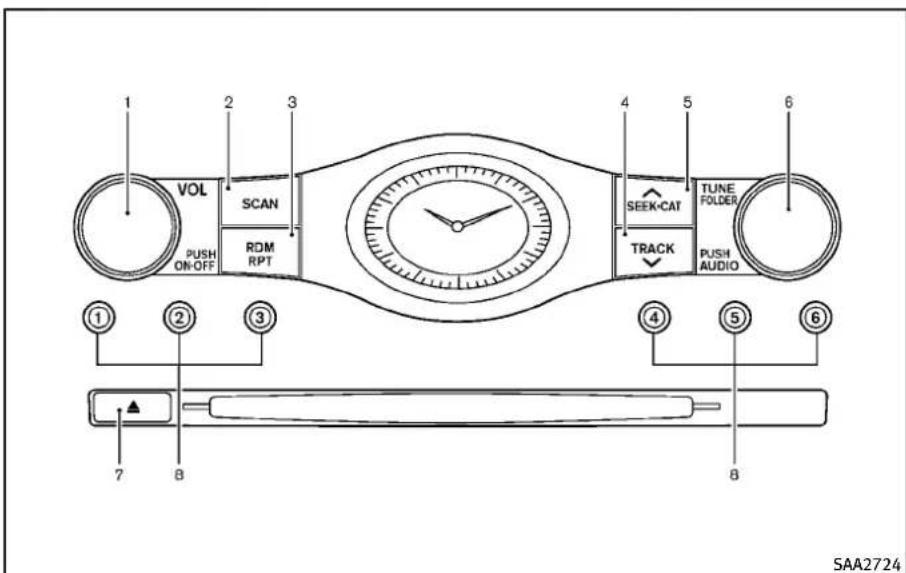
text_image
1 VOL SCAN PUSH ON-OFF RDM RPT 3 4 5 6 SEEK-CAT TUNE FOLDER TRACK PUSH AUDIO ① ② ③ ④ ⑤ ⑥ 7 8 B B SAA2724Nosatelliteradioreceptionisavailable unlessanXMSatelliteRadiosubscription isactive.
Theaudiocontrolbuttonsarealsolocated onthecentermulti-functioncontrolpanel.
TypeA
1.ON-OFF/VOLUMEcontrolknob
2. RadioSCAN(tuning)button
3.RDM(random)RPT(repeat)playbutton
4. RadioCAT(category)/REW(rewind)
buttonforSEEK/TRACK
- RadioCAT(category)/FF(fastforward) buttonforSEEK/TRACK
- Radiotuning/MP3/WMA/AACfolder selector/AUDIOcontrolknob
7.CDEJECTbutton
8.Radiostationpresetbuttons
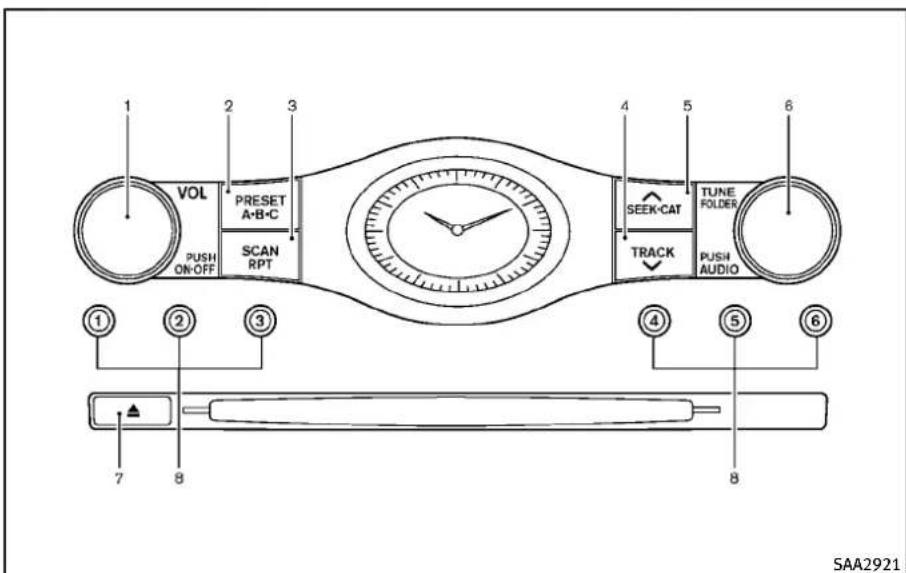
text_image
1 VOL PUSH ON-OFF 2 PRESET A-B-C 3 SCAN RPT 4 5 SEEK-CAT TRACK 6 TUNE FOLDER PUSH AUDIO ① ② ③ ④ ⑤ ⑥ 7 8 SAA2921Nosatelliteradioreceptionisavailable unlessanXM ^® satelliteradioservice subscriptionisactive.
TypeB
1.ON-OFF/VOLUMEcontrolknob
2. RadioPRESETA-B-Cselectorbutton
3. RadioSCAN(tuning)/CDRPT(repeat) playbutton
4. RadioCAT(category)/REW(rewind)
buttonforSEEK/TRACK
- RadioCAT(category)/FF(fastforward) buttonforSEEK/TRACK
- Radiotuning/MP3/WMAfolder selector/AUDIOcontrolknob
7.CDEJECTbutton
8.Radiostationpresetbuttons
4-56Monitor, climate, audio, phone and voicerecognitionsystems
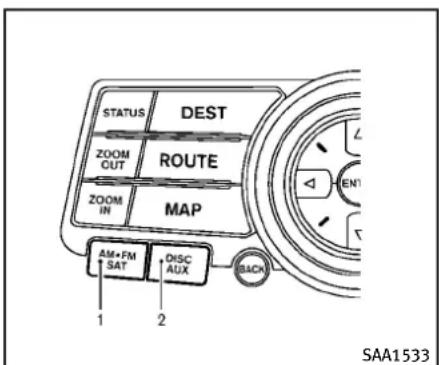
text_image
STATUS DEST ZOOM CUT ROUTE ZOOM IN MAP AM+FM SAT DISC AUX 1 2 BACK SAA1533Modelswithnavigationsystem
- Radiobandselectbutton
2.DISC·AUXbutton
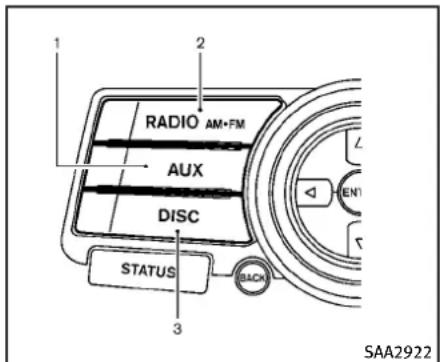
text_image
1 2 RADIO AM-FM AUX DISC STATUS 3 SAA2922Modelswithoutnavigationsystem
1.AUX/Satellitebandselectbutton
2.Radiobandselectbutton
3.DISCbutton
FM-AM-SATRADIOWITHCOMPACT DISC(CD)PLAYER
Foralloperationprecautions,see"Audio operationprecautions"(P.4-41).
Thesatelliteradiomoderequiresanactive XMSatelliteRadiosubscription. ThesatelliteradioisnotavailableinAlaska, Hawaii and Guam.
It may take some time to receive the activations signal afters subscribing the XM
SatelliteRadio. Afterreceiving the activation signal, an available channellist will be automatically updated in the radio. For XM, push the ignitions switch from LOCK to ACC to update the channellist.
Audiomainoperation
Headunit:
The autoloudness circuitenhancesthow and high frequency ranges automatically in both radioreception and CD playback.
ON-OFF/Volumecontrol:
PushtheignitionswitchtotheACCorON position, and then push the ON-OFFbutton while the system is of to turn on the last audiosource, which was playing immediately before the system was turned off. While the system is on, pushing the ON-OFF button turn the system off.
TurntheVOLcontrolknobtoadjustthe volume.
Adjustingtonequalityandspeakerbalance:
ToadjustBass, Treble, BalanceandFade, pushtheAudiocontrolknob. When the displayshowsthesettingyouwantto change(Bass, Treble, BalanceandFade), rotatetheAudiocontrolknobtosetthe
desired setting. For the other setting methods, see "Howtouse SETTING button" (P.4-14).
This vehicle hassomesoundeffect functions as follows:
●SpeedSensitiveVol.
●PrecisionPhasedAudio(ifsoequipped)
- Driver's Audio Stage(ifsoequipped) Formoredetails,see"HowtouseSETTING button"(P.4-14).
Switchingthedisplay(TypeA):
- Modelswithnavigationsystem PushingtheDISC-AUXbuttonwillswitch thedisplaysasfollows:
iPod ^® /USB→CD/DVD→MusicBox ^® →Bluetooth ^® Audio→iPod ^® /USB
- Modelswithoutnavigationsystem PushingtheDISCbuttonwillswitchthe displayasfollows:
CD→MusicBox ^® →CD
PushingtheAUXbuttonwillswitchthe displayasfollows:
USB/iPod → XM1 → XM2 → XM3 → USB/iPod
FM-AM-SATradiooperation
Whentheradiobandselectbuttonis pushedwhiletheignitionswitchisinthe ACCorONposition,theradiowillcomeon atthechannellastplayed.
Thelastchannelplayedwillalsocomeon whentheON·OFFbuttonispushedtoON.
Thesatelliteradioisnotavailable in Alaska, Hawaii and Guam.
Ifanotheraudiosourceisplayingwhenthe radioorsatellitebandselectbuttonis turnedtoON, theaudiosourcewill automaticallybeturnedoffandthelast radiochannelplayedwillcomeon.
Whenthestereobroadcastsignalisweak, theradiowillautomaticallychangefrom stereotomonauralreception.
RADIO or AM·FM SAT radio(FM/AM/SAT)band select(TypeA):
PushingtheRADIOAM·FMorFM·AMradio bandselectbuttonwillchangethebandas follows:
- Modelswithnavigationsystem AM → FM1 → FM2 → XM1 → XM2 → XM3 →AM
- Modelswithoutnavigationsystem AM → FM1 → FM2 → AM
AUX radio(SAT)bandselect(TypeA):
Pushthesatellitebandselectbutton to select the satelliteradiomode XM1, XM2 or XM3.
radio(FM/AM/SAT)bandselect (TypeB):
Pushingtheradiobandselectbuttonwill changethebandasfollows:
AM→FM→XM→AM
Whentheradiobandselectbuttonis pushedwhiletheignitionswitchisinthe ACCorONposition,theradiowillcomeon atthestationlastplayed.
TUNE(Tuning):
●ForAMandFMradio
TurntheradioTUNEknobformanual tuning.
●ForXMSatelliteRadio
TurntheradioTUNEknobtoseek channelsfromallofthecategories whenanycategoryisnotselected.


SEEKtuning/CATEGORY(CAT):
●ForAMandFMradio
PushtheSEEK·CATorTRACKbutton ortotunefromlowtohighorhigh tolowfrequenciesandtostopatthe nextbroadcastingstation.
SEEK CAT
●ForXMSatelliteRadio
PushtheSEEK·CATorTRACKbutton ortotunetothefirstchannelofthe nextorpreviouscategory.
SEEK CAT
Duringsatelliteradioreception, the following notices will be displayed under certain conditions.
●NOSIGNAL(Nosignalisreceivedwhile theSATtunerisconnected.)
- OFFAIR(Broadcastingsignedoff)
- CHECKANTENNA(Antennaconnection error)
- LOADING(Whentheinitialsettingis performed)
- UPDATING(Whenthesatelliteradio subscriptionisnotactive)


uning:
PushtheSCANtuningbuttontotunefrom lowtohighfrequenciesandstopateach broadcastingstation/channelfor5sec-
onds.Pushingthebuttonagainduringthis 5secondsperiodwillstopSCANtuning andtheradiowillremaintunedtothat station/channel.
If the SCAN tuning button is not pushed within 5 seconds, SCAN tuning moves to thenextstation/channel.

PRESETselect(TypeB):
PushthePRESETselectbuttontogotothe nextPRESET. Afterchoosingfromthe PRESETA, BorC, youcanselectthe desiredstationusingtheINFINITIcontroller orpushing thestation preset buttons to ①.
① to ⑥ Stationmemoryoperations(Type A):
12 stations/channelscanbesetfortheFM band(6eachforFM1andFM2),18forXM radio(6eachforXM1,XM2andXM3)and6 stationscanbesetfortheAMband.
- Choosetheradiobandusingtheradio bandselectbutton.
- Tunetothedesiredstation/channel usingtheSEEK·CAT, TRACK, SCAN buttonotheradioTUNEknob.
- Pushandholdthedesiredstation presetbutton ① to ⑥ untiltheradio
mutes.
- Thestationindicatorwillthencomeon andthesoundwillresume.Memorizing isnowcomplete.
- Other button scan beset in the same manner.
If the batterycable is disconnected, or if the fuse opens, theradiomemory will be erased. In that case, reset the desired stations/channels.
① to ⑥ Stationmemoryoperations(Type B):
6stations/channelscanbesetforPRESET A,BandC.ThePRESETA,BandCfunction allowsyoutostorecombinationofFM, AMandXMstations/channelsforeasy access.
- Choose preset stations A, Bor C using the preset select button.
- Tunetothedesiredstations/channels usingtheSEEK, SCANorTUNEbutton.
-
Select the desired stations/channels and push and hold the desired stations preset button ① to ⑥ until a beep soundisheard.(Theradiomutes when these click button is pushed.)
-
Thestationsindicatorwillthencomeon andthesoundwillresume.Memorizing isnowcomplete.
-
Other button scan beset in the same manner.
If the batterycable is disconnected, or if the fuse opens, theradiomemory will be erased. In that case, reset the desired stations/channels.
List(AMandFMradio)(modelswith navigationsystem):
Whenthe“List”keyonthedisplayis selectedwhiletheFMorAMradioisbeing played, thepresetstationlistwillbe displayed.
If1ofthe6presetstationslistedis touchedandheld, thecurrentstationwill bestoredasthenewpreset.
Menu(XMSatelliteRadio)(modelswith navigationsystem):
When the "Menu" keyonthedisplay is selected while the XMSatelliteRadiois being played, themenulistwill be displayed.
The following items are available.
●PresetList
Displaysthepresetchannellist.If1of
the6presetstationslistedistouched andheld, thecurrentstationwillbe storedasthenewpreset.
- CustomizeChannelList
Selectsspecificchannelstoskipwhile usingtheTUNE,SEEK/CATEGORYor Menu-Categoriesfeature.
●FavoriteArtists&Songs
Storesthecurrentartistorsongthatis beingplayed.Touchthe"Alert"keyto beremindedwhenthestoredartistor songisplayingonastationwhile listeningtoXM.
- Categories
Selectingacategorywillgotothefirst channelinthatcategoryasdefinedby XMRadio.
- DirectTune
Inputsthechannelnumberbyusinga keypad.
Text(modelswithoutnavigationsystem):
When the "Text" key is selected with the INFINIT controller on the display and then the ENTER button is pushed while the satelliter radio is being played, the text information listed below will be displayed on the screen.
-CHName
Category
Name
•Title
●Other
CompactDisc(CD)playeroperation
PushtheignitionswitchtotheACCorON positionandinserttheCompactDisc(CD) intotheslotwiththelabelsidefacingup. TheCDwillbeguidedautomaticallyinto theslotandstartplaying.
AfterloadingtheCD, thenumberoftracks ontheCDandtheplaytimewillappearon thedisplay.
Iftheradioisalreadyoperating, it will automatically turnoff and the CD will play.
If the system has been turned off while the CD was playing, pushing the ON·OFF button will start the CD.
Donotuse3.1in(8cm)discs.

or DISC PLAY:
When the DISC·AUX or DISC (CD play) button is pushed with the system off and the CD loaded, the system will turn on and the CD will start to play.
4-60Monitor, climate, audio, phone and voicerecognitionsystems
WhentheDISC·AUXorDISCbuttonis pushedwiththeCDloadedandtheradio playing,theradiowillautomaticallybe turnedoffandtheCDwillstarttoplay.
Menu(modelswithnavigationsystem):
Whenthe"Menu"keyonthedisplayis selectedwhiletheCDisbeingplayed,the menuscreenwillbedisplayed.Thefollowingmenuoptionsareavailable.
- FolderList(forCDwithcompressed audiofiles) Displaysthefolderlist.
- TrackList Displaysthetracklist.
-PlayMode Selectaplaymodefromthefollowing items.
—Normal
-1FolderRepeat(forCDwithcompressedaudiofiles)
-1TrackRepeat
-1DiscRandom
—1 FolderRandom(forCDwith compressedaudiofiles)
- RecordtoMusicBox ^ (forCD) Selecttochoosespecificsongsonthe CDtorecordtotheMusicBox ^ .
●TitleTextPriority(forCD)
SettheprioritytoCDDB(CompactDisc DataBase)toacquiretrackinformation fromtheGracenoteDatabase,orset theprioritytoCD-TEXTtoacquirethe informationfromCDs.
●AutomaticRecording(forCD)
WhenthisitemisturnedtoON,the MusicBox ^® harddrive/flashmemory automaticallystartsrecordingwhena CDisinserted.
●RecordingQuality(forCD)
Thelargernumber(132)willincrease therecordedsoundqualitywhiletaking upmorespaceontheMusicBox leavinglessroomformoresongs.
ForthedetailsofMusicBox ^® , see“MusicBox ^® ”(P.4-77).
Text(modelswithoutnavigationsystem):
Whenthe“Text”keyisselectedinthe screenusingtheINFINITIcontrollerand thentheENTERbuttonispushedwhilethe CDisbeingplayed,themusicinformation belowwillbedisplayedonthescreen.
CD:
- Disctitle
-Tracktitle
CDwithcompressedaudiofiles:
- Foldertitle
-Filetitle
- Songtitle
-Albumtitle
●Artist


Next/PreviousTrackandFast wind:
Whenthe TRACK or SEEK-GAT buttonispushed for more than 1.5 seconds while the CD is being played, the CD will play while fast forwarding or rewinding. Whenthe button is released, the CD will return tonormal playspeed.
When the TRACK or SEEK CAT button is pushed for less than 1.5 seconds while the CD is being played, then next track the beginning of the current track on the CD will be played.
When theREW buttonispushed forless than1.5secondswithin3secondsafter thecurrenttrackstartedplaying,the previoustrackwillbeplayed.
When theREW buttonispushed forless than1.5secondsafter3secondsfrom whenthecurrenttrackstartedplaying,the beginningofthecurrenttrackwillbe played.

REPEAT(RPT), RANDOM(RDM)(Type)
A):
WhentheRPTbuttonispushedwhilethe CDisplayed,theplaypatterncanbe changedasfollows:
(CD)

(CDwithcompressedaudiofiles)


REPEAT(RPT)(TypeB):
WhentheSCAN·RPTbuttonispushedwhile theCDisplayed,theplaypatterncanbe changedasfollows:
(CD)

(CDwithMP3orWMA)


CDEJECT:
When the CDEJECT button is pushed with the CD loaded, the CD will bee ejected.
WhenthisbuttonispushedwhiletheCDis beingplayed,theCDwillbeejected.
If the CD comes out and is not removed, it will be pulled back into the slot to protect it.
DVD(DigitalVersatileDisc)PLAYER OPERATION(modelswithnavigationsystem)
Precautions
StarttheenginewhenusingtheDVD entertainmentsystem.
Movieswillnotbeshownonthefront displaywhilethevehicleisinanydrive positiontoreducedriverdistraction.Audio isavailablewhenamovieisplayed.To viewmoviesinthefrontdisplay,stopthe vehicleinasafelocation,movethe selectorlevertotheP(Park)position (AutomaticTransmissionmodels)orapply theparkingbrake(ManualTransmission models).

WARNING
●Thedrivermustnotattempttooperate theDVDsystemorweartheheadphones whilethevehicleisinmotionsothatfull attentionmaybegiventovehicleoperation.
- Donotattempttomodifythesystemto displayamovieonthefrontscreenwhile thevehicleisbeingdriven.Doingsomay distractthedriverandmaycausea collisionandseriouspersonalinjuryor death.

CAUTION
- OnlyoperatetheDVDwhilethevehicle engineisrunning.OperatingtheDVDfor extendedperiodsoftimewith the engineOFFcandischargethevehicle battery.
- Donotallowthesystemtogetwet. Excessivemoisturesuchasspilled liquidsmaycausethesystemtomal-function.
●WhileplayingVIDEO-CDmedia,thisDVD
4-62 Monitor, climate, audio, phone and voicerecognitionsystems
playerdoesnotguaranteecomplete functionalityofallVIDEO-CDformats.
Displaysettings
Toadjustthefrontdisplaymode, pushthe SETTINGbuttonwhiletheDVDisbeing played, selectthe"Others"keyandthen selectthe"Display"key.
ToadjustthedisplayON/OFF,brightness, tint,colorandcontrast,selectthe"Display Adjustment"keyandthenselecteachkey.
Thenyoucanadjusteachitemusingthe INFINITIcontroller. Afterchangeshave beenmadepushtheBACKbuttontosave thesetting.
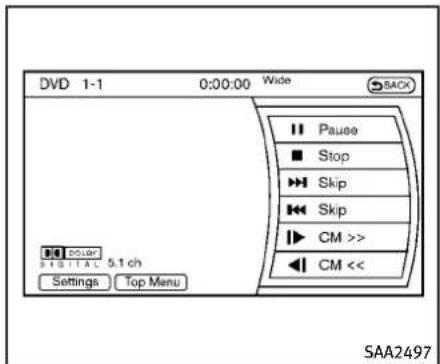
text_image
DVD 1-1 0:00:00 Wide SACK Pause Stop Skip Skip CM >> CM << Power 5.1 ch Settings Top Menu SAA2497PlayingaDVD
DISC-AUXbutton:
Parkthevehicleinasafelocationforthe frontseatoccupantstooperatetheDVD drivewhilewatchingtheimages.
PushtheDISC·AUXbuttonontheinstrumentpanelandturnthedisplaytotheDVD mode.
WhenaDVDisloaded, it will bereplayed automatically.
Theoperationscreenwillbeturnedon whentheDISC-AUXbuttonlocatedonthe instrumentpanelispushedwhileaDVDis beingplayed,anditwillturnoffauto-
maticallyafteraperiodoftime.Toturnit onagain,pushtheDISC·AUXbuttonagain.
DVDoperationkeys:
WhentheDVDdisplayingwithoutthe operationscreenbeingshown,youmay usethetouchscreentoselectitemsfrom thedisplayedvideo.Youmayalsousethe INFINITIcontrollertoselectanitemfrom thedisplayedvideo.Whentheoperation screenisbeingshown,usetheINFINITI controllerortouchscreentoselectanitem fromthedisplayedmenus.

PAUSE:
Selectthe“ || ”keytopausetheDVD.To resumeplayingtheDVD, usethe“PLAY” key.

PLAY:
Selectthe" ▶ "keytostartplayingthe DVD,forexample,afterpausingtheDVD.

STOP:
Selectthe" ■ "keytostopplayingthe DVD.
▶▶/Next/PreviousChapter:
Selectthe“ ▶▶”or“”keytoskipthe chapter(s)ofthediscforward/backward. Thechapterswilladvance/gobackthe numberoftimesthiskeyisselected.
|▶/CommercialSkip:
ThisfunctionisonlyforDVD-VIDEO,DVD-VR.Selectthe" ▶ "or""keytoskip forwardorbackwardsbythesetamountas definedintheDVDSettingsmenu.
TopMenu:
Whenthe"TopMenu"keyisselectedin thescreenwhileaDVDisbeingplayed,the topmenuspecifictoeachdiscwillbe displayed.Fordetails,seetheinstructions onthedisc.

text_image
DVD > Setting Key Title Menu Title Search 1 + 10Key Search Angle Angle Mark ON 1/15 SAA2498Example
DVDsettings
Selectthe"Settings"keytoadjustthe followingsettings.
Key(DVD-VIDEO):
KeysfortheDVDmenuoperationare displayed.
:MovethecursortoselectaDVD menu.
Enter:Entertheselectedmenu.
Move: Changethedisplaylocation by movingtheoperationkey.
Back: Return to the previous screen.
◀◀▶ Hide:Hidetheoperationkey.
TitleMenu(DVD-VIDEO):
Somemenusspecifictoeachdiscwillbe shown. Fordetails, seetheinstructionson thedisc.
TitleSearch(DVD-VIDEO, DVD-VR):
Thescenewiththespecifiedtitlewillbe displayed each time the "+" side or "-" sideisselected.
GroupSearch(VIDEOCD):
Asceneinthespecifiedgroupwillbe displayed each time the “+” side or “-” sideisselected.
10KeySearch(DVD-VIDEO,VIDEO-CD,CD-DA,DVD-VR):
Selectthe"10KeySearch"keytoopenthe numberentryscreen.Inputthenumberto besearchedandselectthe"OK"key.The specifiedTitle/ChapterorGroup/Trackwill beplayed.
SelectNo.(VIDEO-CD):
Selectthe"SelectNo."keytoopenthe numberentryscreen.Inputthenumberto besearchedandselectthe"OK"key.The specifiedscenewillbeplayed.
Angle(DVD-VIDEO):
If the DVD contains different angles (such as moving images), the current image angle can be switched to another one. Select the "Angle" key. The angle will change each time the "+" side or "-" side is selected.
AngleMark(DVD-VIDEO):
Whenthisitemisturnedon, ananglemark willbeshownonthebottomofthescreen ifthescenecanbeseenfromadifferent angle.
MenuSkip(DVD-VIDEO):
DVDmenusareautomaticallyconfigured andthecontentswillbeplayeddirectly whenthe"MenuSkip"keyisturnedon. Notethatsomediscsmaynotbeplayed directlyevenifthisitemisturnedon.
CMSkip(DVD-VIDEO):
Selectthe“CMSSkip”key.Choosethe settingtimefrom15,30or60secondsby selecting the “+” side or “−” side.
DRC(DVD-VIDEO, DVD-VR):
DRC(DynamicRangeCompression) automatically adjust sthesoundtrack volume level to maintain more even sound to the speakers.
DVDLanguage(DVD-VIDEO,VIDEO-CD):
Selectthe“DVDLanguage”keytoopenthe numberentryscreen.Inputthenumber correspondingtothepreferredlanguage andselectthe“OK”key.TheDVDtopmenu languagewillbechangedtotheone specified.
Display:
Toadjusttheimagequalityofthescreen, selectthepreferredadjustmentitems.
Audio:
Select the preferred language for audio.
Subtitle(DVD-VIDEO, DVD-VR):
Select the preferred language for subtitles.
DisplayMode(DVD-VIDEO,VIDEO-CD,DVD-VR):
Select from the "Full", "Wide", "Normal" or "Cinema" modes.
TitleList(DVD-VR):
Selectthepreferredtitlefromthelist.
PlayMode:
Select the preferred playmode.
PG/PLMode(DVD-VR):
Select the "PG" or "PL" mode.
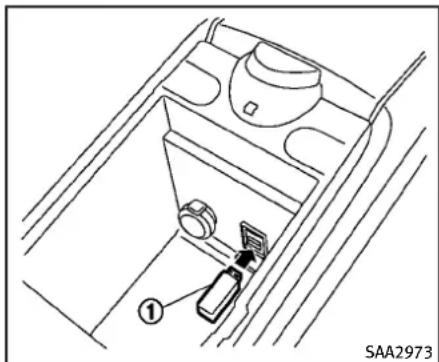
natural_image
Technical line drawing of a car gear shift lever inside a vehicle (no text or symbols)Automatictransmissionmodels
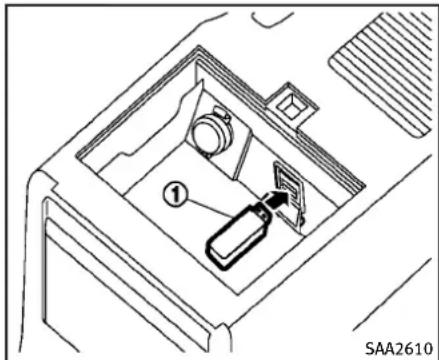
natural_image
Diagram of a car intake bay with a device and a numbered component (no text or symbols)Manualtransmissionmodels
If the system has been turned off while the USB memory was playing, pushing the ON-OFF/VOL control knob will start the USB memory.

text_image
USB This USB device contains multisession contents. Please select item to play. Play Movie Contents Play Audio Contents SAA2500Fileselection(modelswithnavigationsystem)
When there are both audio and movie files in the USB memory, them do select screen is displayed. Select the preferred content to play.
When there is only one type off file, the audioormovie operations screen is displayed and start to play.
Ifavideofilerestrictsthenumberof playbacks,apop-upscreenwillappearto confirmitisoktoplay.Answeryesornoas requestedbythedisplay.
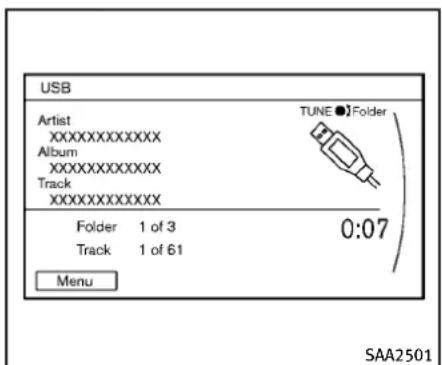
text_image
USB Artist XXXXXXXXXXXX Album XXXXXXXXXXXX Track XXXXXXXXXXXX TUNE ● Folder Folder 1 of 3 Track 1 of 61 0:07 Menu SAA2501Modelswithnavigationsystem
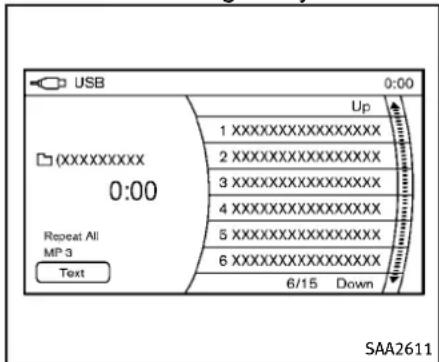
text_image
USB 0:00 Up 1XXXXXXXXXXXXXX 2XXXXXXXXXXXXXX 3XXXXXXXXXXXXXX 4XXXXXXXXXXXXXX 5XXXXXXXXXXXXXX 6XXXXXXXXXXXXXX 6/15 Down XXXXXXX 0:00 Repeat All MP 3 Text SAA2611Modelswithoutnavigationsystem
Audiofileoperation


WhentheDISC·AUXorAUXbuttonis pushedwiththesystemoffandtheUSB memoryinserted,thesystemwillturnon.
Ifanotheraudiosourceisplayinganda USB memory is inserted, push the DISC-AUXorAUXbutton repeatedly until thecenterdisplaychangestotheUSB memorymode.


Next/PreviousFileandFast
Forward/Rewind:
When the TRACK or button is pushed for more than 1.5 seconds while a USB memory is being played, the USB memory will play while forwarding or rewinding. When the button is released, the USB memory will return on normal playspeed.
Whenthe TRACK orbuttonispushedfor less than 1.5 seconds while the USB memory is being played, then next track or the beginning of the current track on the USB memory will be played.
When the REW button is pushed for less than 1.5 second within 3 seconds after the current track started playing, the
previoustrackwillbeplayed.
When the REW button is pushed for less than 1.5 seconds after 3 seconds from when the current track started playing, the beginning of the current track will be played.
The INFINITI controller can also be used to select track when the USB memory is being played.
Folderselection:
TochangetoanotherfolderintheUSB memory,turnthefolderselectororchoose afolderdisplayedonthescreenusingthe INFINITIcontroller.

REPEAT(RPT), RANDOM(RDM):
When the RPT button is pushed while the USB memory is played, the play pattern can be change as follows.
Tochangetheplaymode, pushtheRPT button repeatedly and themodewill changeasfollows.
Normal→1FolderRepeat→1Track Repeat→AllRandom→1FolderRandom →Normal
Text(modelswithoutnavigationsystem):
Whenthe“Text”keyisselectedonthe screenusingtheINFINITIcontrollerand thentheENTERbuttonispushedwhilea USBmemoryisbeingplayed,themusic informationlistedbelowwillbedisplayed onthescreen.
- Foldertitle
- Filetitle
- Songtitle
- AlbumTitle
- Artist
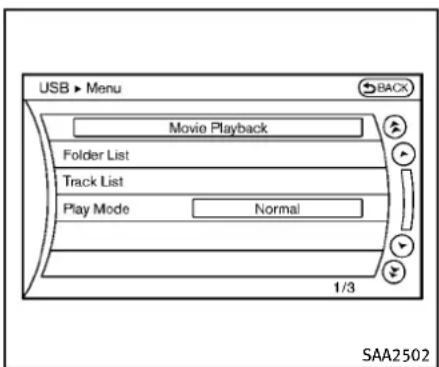
text_image
USB ▶ Menu Movie Playback Folder List Track List Play Mode Normal 1/3 SAA2502ingtothemovieplaybackmode.
-PlayMode
Select the preferred playmode.
Menu(modelswithnavigationsystem):
Therearesomeoptionsavailableduring playback.Selectoneofthefollowing optionsthataredisplayedonthescreen ifnecessary.Refertothefollowinginformationforeachitem.
●MoviePlayback
Switchtothemovie playbackmode. This item is displayed only when a USB memory contains movie files.
- FolderList/TrackList
Displaysthefolderortracklist.The "MoviePlayback"keyisalsodisplayed inthislistscreen, andenablesswitch-
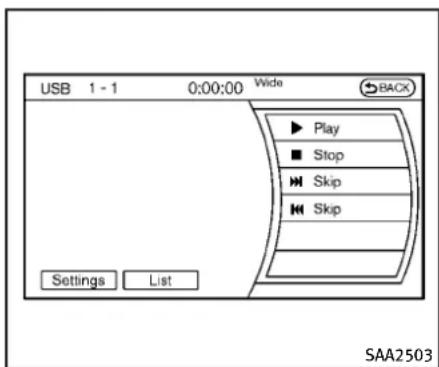
text_image
USB 1 - 1 0:00:00 Wide Back Play Stop Skip Skip Settings List SAA2503Moviefileoperation(modelswith navigationsystem)
Parkthevehicleinasafelocationforthe frontseatoccupantstoooperatetheUSB memorywhilewatchingtheimages.

PLAY:
WhentheDISC-AUXbuttonispushedwith thesystemoffandtheUSBmemory inserted,thesystemwillturnon.
Ifanotheraudiosourceisplayinganda USBmemoryisinserted, push the DISC-AUXbuttonrepeatedlyuntilthecenterdisplaychangestotheUSBmemory
4-68Monitor, climate, audio, phone and voicerecognitionsystems
mode.
Operationkeys:
TooperatetheUSBmemory,selectthe desiredkeydisplayedontheoperation screenusingtheINFINITIcontroller.

Pause
Selectthe“ □”keytopausethemovie file.Toresumeplayingthemoviefile, selectthe“ ▶”key.

Play
Selectthe“ ▶”keytostartplayinga moviefile,forexample,afterpausinga moviefile.

STOP
Selectthe"■"keytostopplayinga moviefile.

Skip(Nextchapter)
Selectthe“▶”keytoskipthecapter(s) ofthediscforward.Thechapterswill advancethenumberoftimestheENTER buttonispushed.

Skip(Previouschapter)
Selectthe" [◀◀] "keytoskipthecapter(s) ofthediscbackward.Thechapterswillgo backthenumberoftimesthe" [◀◀] "keyis selected.
List:
Selectthe"List"keyonthemoviefile operationscreentodisplaythefilelist.
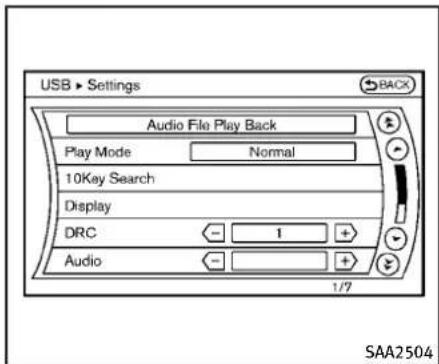
text_image
USB > Settings Audio File Play Back Play Mode Normal 10Key Search Display DRC 1 + AudioExample
Settings:
Selectthe"Settings"keytoadjustthe followingsettings.
●AudioFilePlayback
Switchtotheaudioplaybackmode. Thisitemisdisplayedonlywhenthe USBmemorycontainstheaudiofiles.
-PlayMode
Selectthe"Normal"or"1TrackRepeat"playmode.
-10KeySearch
Selectthe"10KeySearch"keytoopen thenumberentryscreen.
Inputthenumbertobesearched and select the "OK" key. Thespecified folder/filewillbeplayed.
●Display
Toadjusttheimagequalityofthe screen,selectthepreferredadjustment items.
•DRC
DRC(DynamicRangeCompression) automaticallyadjuststhesoundtrack volumeleveltomaintainamoreeven soundtothespeakers.
•Audio
Select the preferred language for audio.
- Subtitle
Select the preferred language for subtitle.
- DisplayMode
Select the "Normal", "Wide", "Cinema" or "Full" mode.
Bluetooth ^® STREAMINGAUDIO (modelswithnavigationsystem)
YourINFINITlisequippedwithBluetooth StreamingAudio.Ifyouhaveacompatible Bluetooth® devicewithstreamingaudio (A2DPprofile),youcansetupthewireless connectionbetweenyourBluetooth® deviceandthein-vehicleaudiosystem.This connectionallowsyoutolistentothe audiofromtheBluetooth® deviceusing yourvehiclespeakers.Italsomayallow basiccontrolofthedeviceforplayingand skippingaudiofilesusingtheAVRCP Bluetooth® profile.AllBluetooth® Devices doonothavethesamelevelofcontrolsfor AVRCP.Pleaseconsultthemanualforyour Bluetooth® Deviceformoredetails.
OnceyourBluetooth ^® deviceisconnected tothein-vehicleaudiosystem, itwill automatically reconnectwheneverthedeviceispresentinthevehicleandyouselect Bluetooth ^® Audiofromyouraudiosystem. Youdonotneedtomanually reconnectfor eachusage.
WirelessLAN(Wi-Fi)andtheBluetooth ^ functionssharethesamefrequencyband (2.4GHz).UsingtheBluetooth ^ andthe wirelessLANfunctionsatthesametime mayslowdownnordisconnectthecommu-
nicationandcauseundesirednoise.Itis recommendedthatyouturnoffthewirelessLAN(Wi-Fi)whenusingtheBluetooth functions.
Regulatoryinformation
FCCRegulatoryinformation:
- CAUTION: Tomaintain compliance with FCC's RF exposure guidelines, use only the supplied antenna. Unauthorized antenna, modification, or attachments could damage the transmitter and may violate FCC regulations.
●Operationissubjecttothefollowing twoconditions:
1) This device may not cause interference and
2) This device must accept any interference, including interference that may cause undesired operation of the device
ICRegulatoryinformation:
●Operationissubjecttothefollowing twoconditions:
1) This device may not cause interference, and
2) This device must accept any interference, including interference that
maycauseundesiredoperationof thedevice.
●ThisClassBdigitalapparatusmeetsall requirementsoftheCanadianInterference-CausingEquipmentRegulations.
Bluetoothtrademark:
Bluetooth
Bluetooth ^® isattrademark ownedbyBluetoothSIG,Inc. andlicensedtoClarionCo.,Ltd.
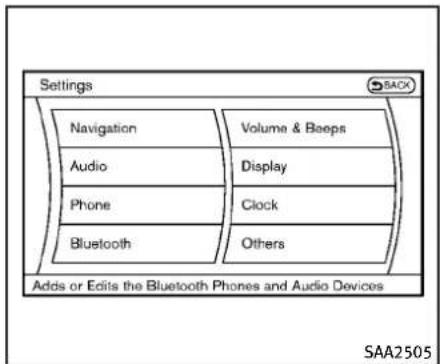
text_image
Settings Navigation Audio Phone Bluetooth Volume & Beeps Display Clock Others Adds or Edits the Bluetooth Phones and Audio Devices SAA2505Connectingprocedure
- Push the SETTING button and select the "Bluetooth" key.

text_image
Settings ▶ Bluetooth Bluetooth ON Connect Bluetooth Connected Devices Edit Bluetooth Info Rreplace Connected Phone 2/5 SAA2506- Selectthe"ConnectBluetooth"key.
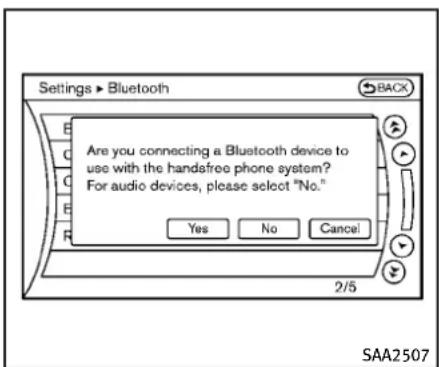
text_image
Settings ▶ Bluetooth Back Are you connecting a Bluetooth device to use with the handsfree phone system? For audio devices, please select "No." Yes No Cancel 2/5 SAA25073.Aconfirmationscreenwillbeisplayed.Select"No".
Note: Selecting "Yes" will only connect the handsfreephone portion of a Bluetooth® device.
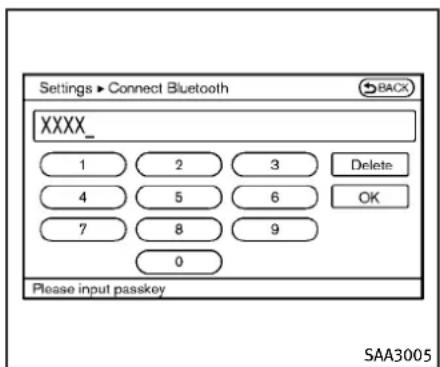
text_image
Settings ▶ Connect Bluetooth XXXX_ 1 2 3 Delete 4 5 6 OK 7 8 9 0 Please input passkey SAA30054.ChooseaPINcodetousewiththe compatibleBluetooth ^® audiodevice usingthenumberinputscreen.The PINcodewillneedtobeenteredinto theBluetooth ^® audiodeviceafterstep 5.Selectthe“OK”key.
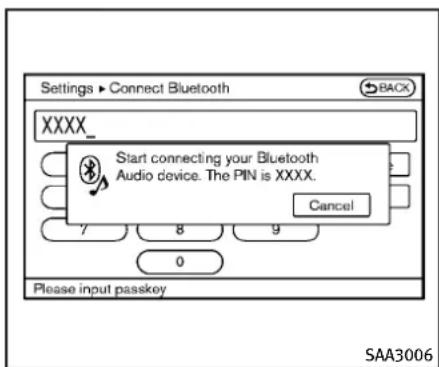
text_image
Settings ▶ Connect Bluetooth XXXX_ Start connecting your Bluetooth Audio device. The PIN is XXXX. Cancel 7 8 9 0 Please input passkey SAA3006- Thestandbymessagescreenwillappear. OperatethecompatibleBluetooth ^® audio device. For the connectingprocedureoftheaudio device, seetheBluetooth ^® audio-instructions.
Whentheconnectingiscompleted, the screenwillreturntotheBluetooth setupdisplay.

text_image
Bluetooth Audio Artist XXXXXXXXX Album XXXXXXXXX Track XXXXXXXXX Shuffle OFF Repeat OFF 0:11 Menu ▶ Play ▶ Pause SAA2510Audiomainoperation
PushtheignitionswitchtotheACCorON position.Then,pushtheDISC·AUXbutton repeatedlytoswitchtotheBluetooth® audiomode.Ifthesystemhasbeenturned offwhiletheBluetooth® audiodevicewas playing,pushingtheON·OFF/VOLcontrol knobwillstarttheBluetooth® audio device.
Theabilitytopause, changetracks, fast forward, rewind, randomize and repeat music may be different between devices. Some oral of these functions may not be supported each device.
SEEK-CAT TRACK Next/PreviousTrackandFast Forward/Rewind:
Whenthe 📂 buttonispushedfor morethan1.5secondswhileaBluetooth audiofileisbeingplayed,theBluetooth audiodevicewillplaywhileforwardingor rewinding.Whenthebuttonisreleased, theBluetooth® audiodevicewillreturnto normalplayspeed.
When the 🗑 button is pushed for less than 1.5 seconds while a Bluetooth audio file is being played, then next track or the beginning of the current track on the Bluetooth® audiodevice will be played. The INFINITI controller can also be used to select track when the Bluetooth® audio play modes screen is shown on the display. ("Bluetooth audio" will be indicated on the
headerofthescreen.)
RDM RPT REPEAT(RPT), RANDOM(RDM):
Tochangetheplaymode, push the button repeatedly and themodechanges as follows.

Normal→ShuffleAllTracks→ShuffleGroup→Repeat1Track→RepeatAllTracks→RepeatGroup→Normal
Operationkeys:
TooperateaBluetooth ^® audiodevice, selectakeydisplayedontheoperation screenusingtheINFINITIcontroller.
Play
Selectthe“ ▶”keytostartplayingwhen pausing.Selectthiskeyagaintopausethe audioplay.
II Pause
Selectthe“ ☐”keytopausetheBluetooth® audiodevice.Selectthiskeyagain toresumeplaying.
PlayMode:
Theplaymodesettingdisplaywillappear whenthe"Menu"keyisselected. Choosethepreferredplaymodefromthe
followingitems.
- Shuffle
Choose“ShuffleOFF”, “ShuffleAll Tracks” and “ShuffleGroup”.
- Repeat
Choose from "RepeatOFF", "Repeat1 Track", "Repeat All Tracks" and "Repeat Group".
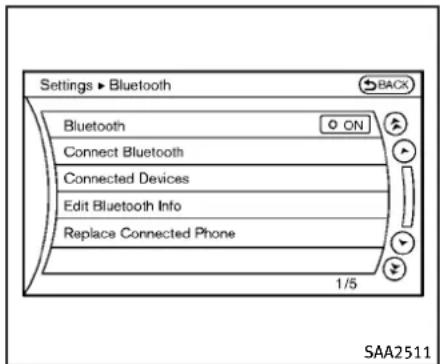
text_image
Settings ▶ Bluetooth Bluetooth Connect Bluetooth Connected Devices Edit Bluetooth Info Replace Connected Phone 1/5 SAA2511Bluetooth ^® settings
TosetuptheBluetooth ^ devicesystemto thepreferredsettings, pushtheSETTING buttonandselectthe“Bluetooth”key.
Bluetooth:
If this setting is turned off, the connection between the Bluetooth ^2 devices and the in-vehicle Bluetooth ^® module will be canceled.
ConnectBluetooth:
ConnectstotheBluetooth ^® device.See "Connectingprocedure"(P.4-71).Upto5 devicescanberegistered.
ConnectedDevices:
Registereddevicesareshownonthelist. SelectaBluetooth ^® devicefromthelist, thefollowingoptionswillbeavailable.
-Select
Select"Select"toconnecttheselected devicetothevehicle.Ifthereisa differentdevicecurrentlyconnected, theselecteddevicewillreplacethe currentdevice.
Edit
RenametheselectedBluetooth ^ device usingthekeypaddisplayedonthe screen.(See“Howtousetouchscreen (modelswithnavigationsystem)”(P.4-5).)
- Delete
DeletetheselectedBluetooth ^® device.
EditBluetoothInfo:
Changethenamebroadcastedbythis systemoverBluetooth ^® . ChangethePIN codethatisenteredwhenconnectinga handsfreedevicetothissystem.
ReplaceConnectedPhone:
ReplacetheBluetooth ^® connectionwitha connectedBluetooth ^® cellularphone. For detailsaboutHands-FreePhoneSystem,
see“Bluetooth® Hands-FreePhoneSystem (modelswithnavigationsystem)”(P.4-90).

natural_image
Line drawing of a car gear shift lever with sensors and a power strip (no text or symbols)Automatictransmissionmodels

natural_image
Technical line drawing of a device interior with labeled components (no text or symbols beyond label)Manualtransmissionmodels
The following models are available:
Modelswithnavigationsystem:
●FifthgenerationiPod ^® (version1.2.3or later)
- iPodClassic ^ (version1.1.1orlater)
- FirstgenerationiPodtouch (version 2.0.0orlater)
- SecondgenerationiPodtouch ^ (version 1.2.3orlater)
- FirstgenerationiPodnano ^ (version 1.3.1orlater)
- SecondgenerationiPodnano ^ (version 1.1.3orlater)
- ThirdgenerationiPodnano ^ (version 1.1orlater)
●FourthgenerationiPodnano ^ (version 1.0.2orlater)
Modelswithoutnavigationsystem:
●FifthgenerationiPod ^® (firmwareversion1.3)
- FirstgenerationiPodClassic ^ (firmware version1.1.2PC)
- SecondgenerationiPodClassic ^ (firmwareversion2.0PC)
- FirstgenerationiPodtouch ^ (firmware version2.1)
- SecondgenerationiPodtouch ^ (firmwareversion2.1.1)
- FirstgenerationiPodnano version1.3.1 ^ (firmware
- SecondgenerationiPodnano ^ (firmwareversion1.1.3)
- ThirdgenerationiPodnano ^ (firmware version1.1PC)
- ThirdgenerationiPhone version2.1) MakesurethattheiPod updated. ® (firmware versionis
Audiomainoperation
PushtheignitionswitchtotheACCorON position. Then, pushtheDISC-AUXorDISC buttonrepeatedlytoswitchtotheiPod mode.
If the system has been turned off while the iPod ^ was playing, pushing the ON·OFF button will start the iPod ^ .
DISCAUX orPAAUX
WhentheDISC-AUXorAUXbuttonis pushedwiththesystemoffandtheiPod connected, thesystemwillturnon. If another audiosource is playing and the iPod is connected, pushtheDISC-AUXor AUXbutton repeatedly until the center displaychangestotheiPod mode.
Interface:
TheinterfaceforiPod ^® operationshownon thevehiclecenterdisplayissimilartothe iPod ^® interface.UsetheINFINITIcontroller andtheENTERorBACKbuttontoplaythe iPod ^® withyourfavoritesettings.
The following items can be chosen from the menulistscreen. For further information about each item, see theiPod ^® Owner's Manual.
●NowPlaying
●Playlists
●Artists
●Albums
●Songs
- Podcasts
-Genres
●Composers
●Audiobooks
- ShuffleSongs
The followingtouch-panelbuttonsshown onthescreenarealsoavailable:
- MENU: returnstothepreviewsscreen.
• ▶:plays/pausesthemusicselected.


Next/PreviousTrackandFast wind:
Whenthe ↑ or TRACK buttonispushedfor morethan1.5secondswhiletheiPod ® is playing, theiPod ® willplaywhilefast forwardingorrewinding.Whenthebutton isreleased, theiPod ® willreturntothe normalplayspeed.
Whentheorbutton is pushed for less than 1.5 seconds while theiPod is playing, then next track the beginning of the current track on the iPod will be played.
WhentheREWbuttonispushedforless than1.5secondswithin3secondsafter thecurrenttrackstartedplaying,the previoustrackwillbeplayed. WhentheREWbuttonispushedforless than1.5secondsafter3secondsfrom whenthecurrenttrackstartedplaying,the beginningofthecurrenttrackwillbe played.
TheINFINITlcontrollercanalsobeusedto selecttrackswhentheiPod ^® isplaying.
RDM RPT REPEAT(RPT), RANDOM(RDM):
WhentheRPTbuttonispushedwhilea trackisbeingplayed,theplaypatterncan bechangedasfollows:
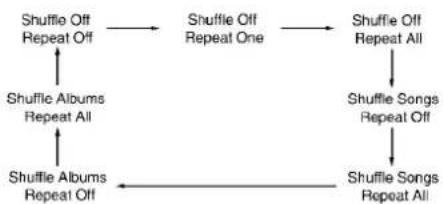
flowchart
graph TD
    A["Shuffle Off Repeat Off"] --> B["Shuffle Off Repeat One"]
    B --> C["Shuffle Off Repeat All"]
    C --> D["Shuffle Songs Repeat Off"]
    D --> E["Shuffle Songs Repeat All"]
    E --> F["Shuffle Albums Repeat All"]
    F --> G["Shuffle Albums Repeat Off"]
    G --> A
MusicBox ^® (ifsoequipped)
TheMusicBox ^® canstoresongsfromCDs beingplayed. Thesystemhas9.3GB storagecapacityinmodelswithnavigation systemor2.0GB(800MBformusic storage)formodelswithoutnavigation system.
The following CDscanberecorded in the MusicBoxaudiosystem.
- CDsthatcontainuncompressedaudio files
●HybridCompactDiscDigitalAudio (HybridCD-DA)specificationinSuper AudioCDs - CompactDiscDigitalAudio(CD-DA) specificationinCD-Extras
- Firstsessionofmultisessiondisc
Extremetemperatureconditions[below -4°F (-20°C) and above 158°F (70°C)] could affect the performance of the system.
NOTE:
If the system need to be replaced due to a malfunction, all stored music data will be erased.

text_image
CD Artist XXXXXXXXX Album XXXXXXXXX Track XXXXXXXXX TUNE ● Track 0:53 Track 1 of 13 Menu Start REC SAA2513Modelswithnavigationsystem
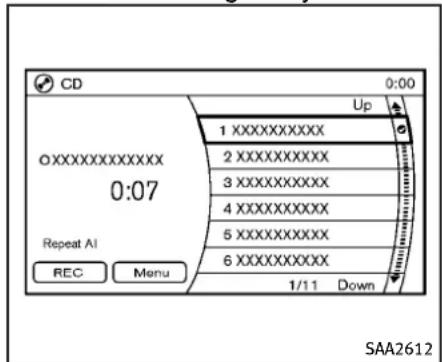
text_image
CD 0:00 Up 1 XXXXXXXXXX 2 XXXXXXXXXX 3 XXXXXXXXXX 4 XXXXXXXXXX 5 XXXXXXXXXX 6 XXXXXXXXXX Repeat AI REC Menu 1/11 Down SAA2612Modelswithoutnavigationsystem
RecordingCDs
- OperatetheaudiosystemtoplayaCD. ForthedetailsofplayingCDs, see "CompactDisc(CD)playeroperation" (P.4-60).
- Select the "Start REC" or "REC" key.
NOTE:
- Thesystemstartsplayingandrecord-ingthe1sttrackontheCDwhenthe "Start REC" or "REC" key is selected.
- Therecordingprocesscanbestopped atanytime.Alltracksthatwereplayed beforetheCDwasstoppedarestored.
- Individualtrackscanbedeletedfrom theharddrive/flashmemoryafterthe CDisrecorded.
•Theorderofthetracksmaynotbe changedwhilerecording.
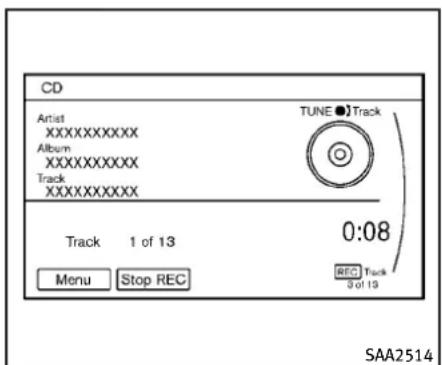
text_image
CD Artist XXXXXXXXX Album XXXXXXXXX Track XXXXXXXXX TUNE ● Track 0:08 Track 1 of 13 Menu Stop REC REC Track 9 of 13 SAA2514Modelswithnavigationsystem

text_image
CD 0:00 Up 1 XXXXXXXXXX 2 XXXXXXXXXX 3 XXXXXXXXXX 4 XXXXXXXXXX 5 XXXXXXXXXX 6 XXXXXXXXXX Stop REC Menu 1/11 Down SAA2613Modelswithoutnavigationsystem
4-78Monitor, climate, audio, phone and voicerecognitionsystems
If the title information of the track being recorded inside either in the hard drive / flash memory or in the CD, the title is automatically displayed on the screen. For title acquisition from the hard drive / flash memory, music recognition technology and related data are provided by Gracenote ^ . If a track is not recorded successfully due to skippings sounds, the mark is displayed behind the track number. The MusicBox ^ hard drive / flash memory cannot perform recording under the following conditions.
●Thereisnotenoughspaceonthehard drive
- Thenumberofalbumsreachesthe maximumof500.
- Thenumberoftracksreachesthe maximumof3,000.
Automaticrecording:
If the "AutomaticRecording" function is turned to ON, recording starts when a CD is inserted. (See "MusicBox ^ settings" (P.4-83).)
Stoppingrecording:
Tostoptherecording, select the "Stop REC" keybuttonbytouchingthescreenor
usingtheINFINITIcontroller.
If the CDisejected, the audiosystem is turned off for the ignitions switch is pushed to the OFF position, there cording also stops.
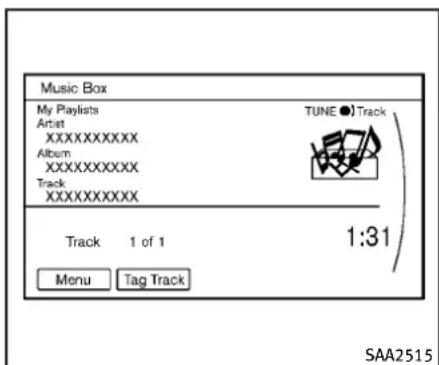
text_image
Music Box My Playlists Artist XXXXXXXXXX Album XXXXXXXXXX Track XXXXXXXXXX TUNE ● Track Track 1 of 1 1:31 Menu Tag Track SAA2515Modelswithnavigationsystem
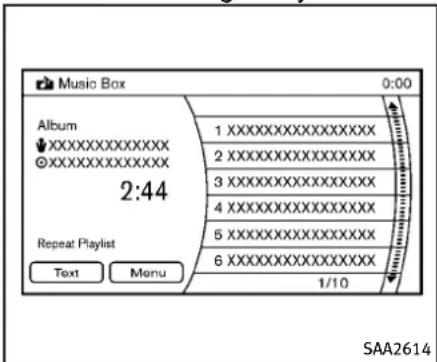
text_image
Music Box 0:00 Album XXXXXXXXXXXXX XXXXXXXXXXXXX 2:44 Repeat Playlist Text Menu 1 XXXXXXXXXXXXXXXX 2 XXXXXXXXXXXXXXXX 3 XXXXXXXXXXXXXXXX 4 XXXXXXXXXXXXXXXX 5 XXXXXXXXXXXXXXXX 6 XXXXXXXXXXXXXXXX 1/10 SAA2614Modelswithoutnavigationsystem
Monitor, climate, audio, phone and voicerecognitionsystems4-79
Playingrecordedsongs
SelecttheMusicBox ^® audiosystemby usingoneofthefollowingmethods.
- Pushtheaudiosourceswitchonthe steeringwheelrepeatedlyuntilthe centerdisplaychangestotheMusic Box® mode.(See“Steering-wheel-mountedcontrolsforaudio”(P.4-87).)
- PushtheDISC·AUXorDISCbutton repeatedlyuntilthecenterdisplay changestotheMusicBox ^® mode.
- Givevoice commands(modelswith navigation system).(See“INFINITIVoice Recognition system(modelswith navigation system)”(P.4-114).)
Stopping playback:
Thesystemstopsplayingwhen:
a.anothermode(radio,CD,DVD,USB memoryoriPod)isselected.
b. theaudiosystemisturnedoff.
c.theignitionswitchispushedtothe LOCKposition.


Next/PreviousTrackandFast
Forward/Rewind:
When the or TRACK button is pushed for more than 1.5 seconds while a track is
beingplayed, the track will play while fast forwarding or rewinding. When the button is released, the track will return to the normal playspeed.
When the - CAT or button is pushed for less than 1.5 seconds while at track is being played, then next track or the beginning of the current track will be played.
When the REW button is pushed for less than 1.5 second within 3 seconds after the current track started playing, the previous track will be played.
When the REW button is pushed for less than 1.5 seconds after 3 seconds from when the current track started playing, the beginning of the current track will be played.
The INFINIT controller can also be used to select track when at track is being played.
Playmodeselection:
The TUNE/FOLDERknobwillskipfrom albumtoalbumunlessitisplaying“All Songs” from the Music Library menu. When playing“AllSongs”, theknobwillchange the trackinsteadofthealbum. The upper right corner of the main screen will indicate if the TUNE knobischanging by trackor album.

REPEAT(RPT), RANDOM(RDM):
WhentheRPT-RDMbuttonispushedwhile atrackisbeingplayed,theplaypattern canbechangedasfollows:
(Normal)→1AlbumRepeat→1Track Repeat→1AlbumRandom→AllRandom →(Normal)
TagTrack(modelswithnavigationsystem):
Select"TagTrack"keyonthescreenwhen atrackisbeingplayed.Amenuwillshow the5availableplaylists.Selectoneofthe playliststoaddthecurrentsongtothat playlist.Ifaplaylistisnotselectable(text isgrayedout),itmeansthesongalready existsinthatplaylist.

text_image
Music Box ► Menu Now Playing Music Library My Playlists Play Mode 1 Album Repeat Edit Music Information Music Box Settings 1/6 SAA2516Modelswithnavigationsystem
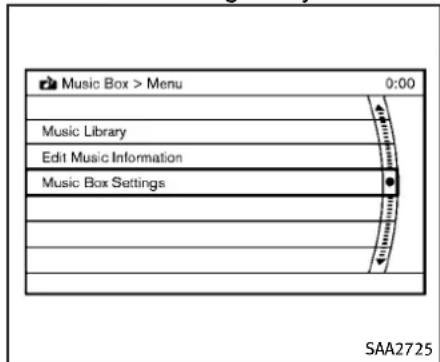
text_image
Music Box > Menu 0:00 Music Library Edit Music Information Music Box Settings SAA2725Modelswithoutnavigationsystem
There aresome options available by selecting the "Menu" key on the screen during playback. Select one of the following options that are displayed on the screen if necessary.
NowPlaying(modelswithnavigation system):
Displaysatracklisttochooseapreferred trackfor playback.
MusicLibrary:
Therearesomeoptionsavailableduring playback.Selectoneofthefollowing optionsthataredisplayedonthescreen ifnecessary.
•Artists
Playtracksbyanartistwhosemusicis currentlybeingplayed.Theartistsare sortedinalphabeticalorder.
•Albums
Playtracksineachalbum. The albums are sorted in alphabetical order.
- AllSongs
Playtracksfromallrecordedtracks. The tracksaresortedinalalphabeticalorder.
-Genres
Playtracksbyaselectedgenre.
MyPlaylists(modelswithnavigation system):
DisplaysthePlaylistandeditsthePlaylist ifnecessary.
Selectthe"Edit"key.
The following items are available
- AddCurrentSongs
AddacurrenttracktothePlaylist.
- AddSongsbyAlbum
Displaysalistofalbumsinalphabetical order.Selectinganalbumdisplaysall ofthetracksinthealbum.Selecttracks fromthelisttoaddtothePlaylist.
- AddSongsbyArtist
Displaysalistofartistsinalphabetical order.Selectinganartistdisplaysallof thetracksbytheartist.Selecttracks fromthelisttoaddtothePlaylist.
- EditSongsOrder
ReorderthetracksinthePlaylistby selecting a track and specifying the order.
- EditName
EditthenameofthePlaylistusingthekeypaddisplayedonthescreen.(See "HowtouseINFINITIcontroller"(P.4-5).)
- DeleteSongs
DeletetracksinthePlaylistbyselecting fromthedisplayedsonglist.
PlayMode(modelswithnavigationsystem):
Choosethepreferredplaymodefromthe followingitems.
Normal
-1AlbumRepeat
-1TrackRepeat
-1PlaylistRandom
- 1ArtistRandom
-1AlbumRandom
●1AllTrackRandom
●1AllRandom
EditMusicInformation:
Displaysthefollowinginformationabout theMusicBox ^® harddrive/flashmemory toeditifnecessary.
- EditInformationofCurrentSong(modelswithnavigationsystem)
Edit the “Track”, “Artist” and “Genre” informationofthecurrenttrackusing thekeypaddisplayedonthescreen. (See“Howtousetouchscreen(models withnavigationsystem)”(P.4-5). Editthe“Mode”informationbyselect-
ingfromthelist.
- EditInformationbyAlbum(modelswith navigationsystem)
Editthedisplayednameandofa selectedalbumandthetrackinformationinthealbum.
- UpdateGracenotefromUSBDevice (modelswithnavigationsystem)/TransferTitlesfromUSB(modelswithoutnavigationsystem)
Updatethein-vehicleGracenoteDatabaseusingaUSBmemory.Searchthe titlefromainformationacquiredonthe Internet.
Visitwww.InfinitiUSA.com/music-update/fordetails.
●TransferMissingTitlestoUSB
Transfertheinformationofanalbum recordedwithouttitlestoaUSBmemory.
Visitwww.InfinitiUSA.com/music-up-date/fordetails.
- UpdateGracenote fromHDD (models withnavigationsystem)/UpdateMissingTitles(modelswithoutnavigation system)
Thetitleinformationisacquiredfrom thedatabasestoredontheharddrive/
flashmemory.
4-82 Monitor, climate, audio, phone and voicerecognitionsystems
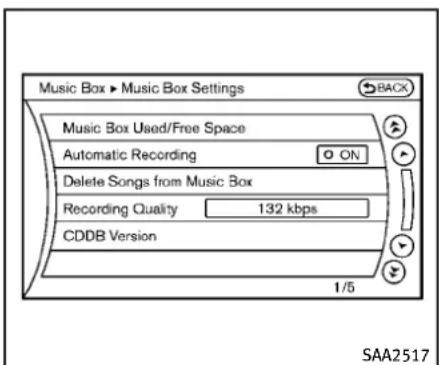
text_image
Music Box ► Music Box Settings BACK Music Box Used/Free Space Automatic Recording ON Delete Songs from Music Box Recording Quality 132 kbps CDDB Version 1/5 SAA2517Modelswithnavigationsystem

text_image
Music Box > Music Box Settings 0:00 Music Box Used/Free Space Delete Tracks from Music Box Automatic Recording ON Recording Quality Gracenote Database Version SAA2438Modelswithoutnavigationsystem
MusicBox ^® settings
TosettheMusicbox ^® harddrive/flash memorytoyourpreferredsettings,select the“Menu”keyduring playback,andthe “MusicBoxSettings”keywiththeINFINITI controller,andthenpushtheENTER button.
MusicBoxUsed/FreeSpace:
Informationabout"SavedAlbum", "Saved Track" and "RemainingTime" is displayed.
AutomaticRecording:
WhenthisitemisturnedtoON,theMusic Box® harddrive/flashmemoryautomaticallystartsrecordingwhenaCDis inserted.
DeleteSongsfromMusicBox:
Delete the current song, selected songs or albums by choosing from the list, or all songs/albums in the Music Box ^® .
RecordingQuality:
Settherecordingqualityof105kbpsor 132kbps. Thedefaultissetto105kbps.
CDDBVersion(modelswithnavigation system)/GracenoteDatabaseVersion(modelwithoutnavigationsystem):
Theversionofthebuilt-inGracenote
Databaseisdisplayed.
Gracenote
NOTE:
- TheinformationcontainedintheGrace-noteDatabaseisnotfullyguaranteed.
- TheserviceoftheGracenoteDatabase ontheInternetmaybestoppedwithoutpriornoticeformaintenance.

gracenote
End-UserLicenseAgreement
USEOFTHISPRODUCTIMPLIESACCEPTANCEOFTHETERMSBELOW.
Gracenote® MusicID® TermsofUse
ThisapplicationordevicecontainssoftwarefromGracenote,Inc.ofEmeryville, California("Gracenote").Thesoftwarefrom Gracenote(the"GracenoteSoftware")enablethisapplicationtoperformdiscand/orfileidentificationandobtainmusic-relatedinformation,includingname,artist, track,andtitleinformation("Gracenote Data")fromonlineserversorembedded databases(collectively,"GracenoteServers")andtoperformotherfunctions.You mayuseGracenoteDataonlybymeansof theintendedEnd-Userfunctions of this applicationordevice.Youagreethatyou
willuseGracenoteData,theGracenote Software,andGracenoteServersforyour ownpersonalnon-commercialuseonly. Youagreenottoassign,copy,transferor transmittheGracenoteSoftwareorany GracenoteDatatoanythirdparty.YOU AGREENOTTOUSEOREXPLOITGRACE-NOTEDATA,THEGRACENOTESOFTWARE, ORGRACENOTESERVERS,EXCEPTASEXPRESSLYPERMITTEDHEREIN.
Youagreethatyournon-exclusivelicense tousetheGracenoteData,theGracenote Software,andGracenoteServerswillter- minateifyouviolatetheserestrictions.If yourlicenseterminates,youagreetocease anyandalluseoftheGracenoteData,the GracenoteSoftware,andGracenoteSew- vers.Gracenotereservesallrightsin GracenoteData,theGracenoteSoftware, andtheGracenoteServers,includingall ownershiprights.Undernocircumstances willGracenotebecomeliableforany paymenttoyouforanyinformationthat youprovide.
YouagreethatGracenote,Inc.mayenforce itsrightsunderthisAgreementagainstyou directlyinitsownname.
TheGracenoteserviceusesaunique identifiertotrackqueriesforstatistical
purposes. The purpose of a randomly assigned numeric identifier to allow the Gracenoteservicetocountqueries without knowing anything about who you are. For more information, seethewebpage for the Gracenote Privacy Policy for the Gracenote service.
TheGracenoteSoftwareandeachitemof GracenoteDataarelicensedtoyou“AS IS.”"Gracenotemakesnorepresentations or warranties, expressorimplied, regardingtheaccuracyofanyGracenoteData fromintheGracenoteServers.Gracenote reservestherighttodeletedatafromthe GracenoteServersortochangedata categoriesforanycausethatGracenote deemssufficient.Nowarrantyismadethat theGracenoteSoftwareorGracenoteServer-sareerror-freeorthatfunctioningof GracenoteSoftwareorGracenoteServers willbeuninterrupted.Gracenoteisnot obligatedtoprovideyouwithnewenhancedoradditionaldatatypesorcagoriesisthatGracenotemayprovideinthe futureandisfreetodiscontinueits servicesatanytime.
GRACENOTEDISCLAIMSALLWARRANTIES EXPRESSORIMPLIED, INCLUDING, BUT NOT LIMITEDTO, IMPLIED WARRANTIES
MERCHANTABILITY, FITNESS FOR APARTICULAR PURPOSE, TITLE, AND NON-INFRINGEMENT. GRACENOTEDOES NOT WARRANT THERESULTSTHAT WILL BEOBTAINED BY YOUR USE OF THE GRACENOTES SOFTWARE OR ANY GRACENOTESERVER.INNOCASE WILL GRACENOTE BELIABLE FOR ANY CONSEQUENTIAL OR INCIDENTAL DAMAGES OR FOR ANY LOST PROFITS OR LOST REVENUES.
Copyright:
Musicrecognitiontechnologyandrelated dataareprovidedbyGracenote®.Gracenoteistheindustrystandardinmusic recognitiontechnologyandrelatedcontent delivery.Formoreinformation,pleasevisit www.gracenote.com.
CDandmusic-relateddatafromGracenote, Inc., copyright © 2000-2009 Gracenote. Gracenote Software, copyright © 2000-2009 Gracenote. This product and service may practice one or more of the following U.S. Patents: #5,987,525; #6,061,680; #6,154,773, #6,161,132, #6,230,192, #6,230,207, #6,240,459, #6,330,593, and other patents issued or pending. Some services supplied under license from Open Globe, Inc. for U.S. Patent: #6,304,523.
Gracenote and CDDBareregistered trademark of Gracenote. The Gracenotelogo and logotype, and the "Powered by Grace-note" logo are trademark of Gracenote.

natural_image
Technical line drawing of a vehicle gear shift lever (no text or symbols)AUXILIARYINPUTJACKS(ifso equipped)
Theauxiliaryinputjacksarelocatedinthe centerconsole.NTSCcompatibledevices suchasvideogames,camcordersand portablevideoplayerscanbeconnected totheauxiliaryjacks.Compatibleaudio devices,suchassomeMP3players,can alsobeconnectedtothesystemthrough theauxiliaryjacks.
Theauxiliaryjacksarecolorcodedfor identificationpurposes.
●Yellow-videoinput
●White-leftchannelaudioinput
●Red-rightchannelaudioinput
Beforeconnectingadevicetoajack, turn offthepoweroftheportabledevice.
With a compatible device connected to the jacks, push the AUX button to switch to the AUX mode. The output from the device will be played through the monitor and audio system.
text_image
AUX > Settings SACK Display Mode Normal SAA1567AUXMenu
Whenthe"Setting"keyonthedisplayis selectedwhileintheAUXmode,themenu screenwillbedisplayed.
DisplayMode:
Choosethedisplaymodefromthefollowingitems.
Normal
Wide
Cinema

natural_image
Four hand-drawn diagrams showing a hand holding a disc, with arrows indicating motion or force direction (no text or symbols)CD/DVD/USBMEMORYCAREAND CLEANING
CD/DVD
●HandleaCD/DVDbyitsedges.Never touchthesurfaceofthedisc.Donot bendthedisc.
●Alwaysplacethediscsinthestorage casewhentheyarenotbeingused.
- Tocleanadisc, wipethesurface from thecentertotheouteredge using a clean, softcloth. Donotwipethedisc using acircular motion.
Donotuseaconventional record cleaneroral alcohol intended for indus-
trialuse.
- Anewdiscmayberoughontheinner andouteredges.Removetherough edgesbyrubbingtheinnerandouter edgeswiththesideofapenorpencil asillustrated.
USBmemory
● Nevertouchtheterminalportionofthe USBmemory.
- DonotplaceheavyobjectsontheUSB memory.
- DonotstoretheUSBmemoryinhighly humidlocations.
- DonotexposetheUSBmemoryto directsunlight.
- DonotspillanyliquidsontheUSB memory.
RefertotheUSBmemoryOwner'sManual forthedetails.

text_image
SAA2923Modelswithnavigationsystem
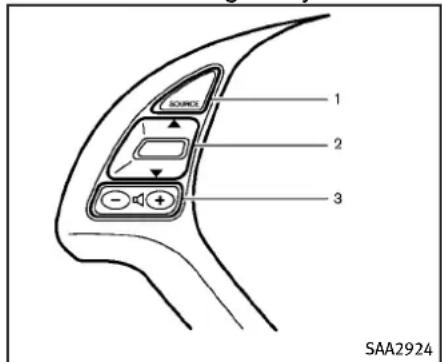
text_image
1 2 3 SAA2924Modelswithoutnavigationsystem
-
Audiosourceswitch
-
Menucontrolswitch(modelswith navigationsystem) or audiotuning switch(modelwithoutnavigation system)
-
Volumecontrolswitch
4.Backswitch
STEERING-WHEEL-MOUNTEDCON- TROLSFORAUDIO
Menucontrolswitch(modelswith navigationsystem)oraudiotuning switch(modelswithoutnavigation system)
While the display is showing a MAP (navigationsystemsonly), STATUS or Audio screen, tilt the switch up forward downward to select a station, track, CD or folder. For most audiosources, tilting the switch up/down for more than 1.5 seconds provides a different function that tilting up/down for less than 1.5 seconds.
AMandFMradio:
- Tiltingup/downforlessthan1.5 secondswillincreaseordecreasethe presetstation.
- Tiltingup/downformorethan1.5 secondswillseekupordowntothe
nextstation.
- Pushingthemenucontrolswitch(modelswithnavigationsystem)willshow thelistofpresetstations.
XMSatelliteRadio:
- Tiltingup/downforless than 1.5 secondswillincreaseordecrease the presetchannel.
- Tiltingup/downformorethan1.5 secondswillgotothenextorprevious category.
- Pushingthemenucontrolswitch(modelswithnavigationsystem)willshow theXMMenu.
iPod ^® (ifsoequipped):
- Tiltingup/downforless than 1.5 secondswillincreaseordecreasethe tracknumber.
- Pushingthemenucontrolswitchwill showtheiPodMenu.
CD:
- Tiltingup/downforless than 1.5 secondswillincreaseordecreasethe tracknumber.
- Tiltingup/downformorethan1.5 secondswillincrease/decreasethe foldernumber(ifplayingcompressed
audiofiles).
- Pushingthemenucontrolswitch(modelswithnavigationsystem)willshow theCDMenu.
DVD(modelswithnavigationsystem):
- Tiltingup/downforlessthan1.5 secondswillincreaseordecreasethe tracknumber.
- Tiltingup/downformorethan1.5 secondswillincreaseordecreasethe titlenumber.
- Pushingthemenucontrolswitchwill selectanitemfromtheDVDdisplay.
- Whenthetransparentoperationmenu appears, the switch will control the menu.
USB(ifsoequipped):
- Tiltingup/downforlessthan1.5 secondswillincreaseordecreasethe tracknumber.
- Tiltingup/downformorethan1.5 secondswillincrease/decreasethe foldernumber
- Pushingthemenucontrolswitchwill showtheUSBMenu.
MusicBox ^® (ifsoequipped):
- Tiltingup/downforlessthan1.5 secondswillincreaseordecreasethe tracknumber.
- Tiltingup/downformorethan1.5 secondswillincrease/decreasethe album(folder outnumber(ifplayingcompressedaudiofiles).
- Pushingthemenucontrolswitchwill showtheMusicBox ^ Menu.
Bluetooth® Audio(modelswithnavigation system):
- Tiltingup/downforlessthan1.5 secondswillincreaseordecreasethe tracknumber.
AUX(ifsoequipped):
- Pushingthemenucontrolswitch(modelswithnavigationsystem)willshow theAUXMenu.
BACKswitch(modelswith navigationsystem)
Pushthisswitchtogobacktotheprevious screenorcanceltheselectionifitisnot completed.
Volumecontrolswitches
Pushtheupper(+)orlower(-)sideswitch toincreaseordecreasethevolume.
Audiosourceswitch
Pushtheaudiosourceswitchtochange themodeasfollows.
TypeA:
- Modelswithnavigationsystem AM → FM → SAT → CD/DVD → Music Box® →USB/iPod ® →Bluetooth ® Audio
- Modelswithoutnavigationsystem AM → FM → CD → MusicBox USB/iPod® → SAT
TypeB:
PresetA→PresetB→PresetC→CD
Medianotconnected/insertedwillbe skipped.
CARPHONEORCBRADIO
ANTENNA
Windowantenna
Theantennapatternisprintedinsidethe rearwindow.

CAUTION
- Donotplacemetalizedfilmneartherear windowglassorattachanymetalparts toit. This may cause poor reception or noise.
- Whencleaningtheinsideoftherear window,becarefulnottoscratchor damagetherearwindowantenna. Lightlywipealongtheantennawitha dampenedsoftcloth.
WheninstallingacarphoneoraCBradio inyourvehicle,besuretoobservethe followingcautions,otherwisethenew equipmentmayadverselyaffecttheelectriccontrolmodulesandelectroniccontrolsystemharness.

WARNING
- Acellularphones should not be used for any purpose while driving so full attention may begin to vehicle operation. Some jurisdictions prohibit the use of cellular phones while driving.
- If you must make a call while your vehicle is in motion, the hands-free cellular phone operational mode (if so equipped) is highly recommended. Exercise extremecution at all times so full attention may begin to vehicle operation.
- Ifaconversationinamovingvehicle requiresyoutotakenotes,pulloffthe roadtoasafelocationandstopyour vehiclebeforedoingso.

CAUTION
- Keep the antenna as far away as possible from the electronic control modules.
- Keeptheantennawiremorethan8in (20cm)awayfromtheelectroniccontrol systemharness.Donotroutetheantennawirenexttoanyharness.
- Adjusttheantennastanding-waveratio asrecommendedbythemanufacturer.
- ConnectthegroundwirefromtheCB radiochassistothebody.
●Fordetails,consultanINFINITlretailer.
Bluetooth® HANDS-FREEPHONESYSTEM (modelswithnavigationsystem)

WARNING
- Useaphoneafterstoppingyourvehicle inasafelocation.Ifyouhavetousea phonewhiledriving,exerciseextreme cautionatalltimessofullattentionmay begiventovehicleoperation.
- If you find yourself unable to devote full attention to vehicle operation while talking on the phone, pulloff heroad to as a location and stop your vehicle before doing so.

CAUTION
To avoid draining the vehicle battery, use a phone after starting the engine.
YourINFINITlisequippedwithBluetooth® Hands-FreePhoneSystem.Ifyouarean ownerofacompatibleBluetooth® enabled cellularphone,youcanetupthewireless connectionbetweenyourcellularphone andthein-vehiclephonemodule.With Bluetooth® wirelesstechnology,youcan makeorreceiveatelephonecallwithyour cellularphoneinyourpocket.
Onceacellularphoneisconnectedtothe in-vehiclephonemodule,nophoneconnectingprocedureisrequiredanymore. Yourphoneisautomaticallyconnected withthein-vehiclephonemodulewhen theignitionswitchispushedtotheON positionwiththeregisteredcellularphone turnedonandcarriedinthevehicle.
Youcanregisterupto5differentBluetooth® cellularphonesinthein-vehicle phonemodule. However, you cantalkon onlyonecellularphoneatatime.
The INFINITI Voice Recognition system supports the phone commands, sodialing a phonenumber using your voice is possible. Formoredetails, see "INFINITI Voice Recognition system (modelswith navigation system)" (P.4-114).
BeforeusingtheBluetooth ^® Hands-Free PhoneSystem, refertothefollowingnotes.
- WirelessLAN(Wi-Fi)andtheBluetooth® functionssharethesamefrequency band(2.4GHz).UsingtheBluetooth® andthewirelessLANfunctionsatthe sametimemayslowdownordisconnectthecommunicationandcause undesirednoise.Itisrecommended thatyouturnoffthewirelessLAN(Wi-Fi)whenusingtheBluetooth® func-
tions.
- Setupthewirelessconnectionbetween acompatiblecellularphoneandthein-vehiclephonemodulebeforeusingthe Bluetooth® Hands-FreePhoneSystem.
- SomeBluetooth ^® enabled cellular phonesmaynotberecognizedbythe in-vehiclephonemodule.Pleasevisit www.lnfinitiUSA.com/bluetoothfora recommendedphonelist.
- Youwillnotbeabletouseahands-free phoneunderthefollowingconditions:
—Yourvehicleisoutsideofthetele-
phoneservicearea.
—Yourvehicleisinanareawhereitis difficulttoreceiveradiowaves; such asinatunnel, in an underground parkinggarage, behindatallbuildingorinamountainousarea.
—Yourcellularphoneislockedin ordernottobedialed.
- Whentheradiowaveconditionisnot idealorambientsoundistooloud, it maybedifficulttoheartheother person'svoiceduringacall.
- Immediatelyaftertheignitionswitchis pushedtotheONposition,itmaybe impossibletoreceiveacallforashort periodoftime.
- Donotplacethecellularphoneinan areasurroundedbymetalorfaraway fromthein-vehiclephonemodule to preventtonequalitydegradation and wirelessconnectiondisruption.
●Whileacellularphoneisconnected throughtheBluetooth ^® wirelessconnection,thebatterypowerofthe cellularphonemaydischargequicker thanusual. - IftheBluetooth ^ Hands-FreePhone Systemseemstobemalfunctioning, pleasevisitwww.InfinitiUSA.com/blu-toothfortroubleshootinghelp.
- Somecellularphonesorotherdevices maycauseinterferenceorabuzzing noisetocomefromtheaudiosystem speakers. Storingthedeviceina differentlocationmayreduceoreliminatethenoise.
-
RefertothecellularphoneOwner's Manualregardingthetelephonepairing procedures specific to your phone, batterycharging, cellularphoneantenna, etc.
●Theantennadisplayonthemonitorwill notcoincidewiththeantennadisplay ofsomecellularphones. -
Keeptheinteriorofthevehicleasquiet aspossibletohearthecaller'svoice clearlyaswellastominimizeits echoes.
- Ifreceptionbetweencallersisunclear, adjustingtheincomingoroutgoingcall volumemayimprovetheclarity.
REGULATORYINFORMATION
FCCRegulatoryinformation
- CAUTION: Tomaintaincompliance with FCC's RFexposureguidelines, use only the supplied antenna. Unauthorized antenna, modification, or attachments could damage the transmitter and may violate FCC regulations.
●Operationissubjecttothefollowing twoconditions: - this device may not cause interference and
- this device must accept any interference, including interference that may cause undesired operation of the device
ICRegulatoryinformation
●Operationissubjecttothefollowing twoconditions:(1)thisdevicemaynot causeinterference,and(2)thisdevice
mustacceptanyinterference,including interference that may cause undesired operation of the device.
- ThisClassBdigitalapparatusmeetsall requirementsoftheCanadianInterference-CausingEquipmentRegulations.
Bluetoothtrademark:
Bluetooth®
Bluetooth ^® isattrademark ownedbyBluetoothSIG, Inc., and licensed to Clarion Co., Ltd.
VOICECOMMANDS
Youcanusevoicecommandstöoperate variousBluetooth ^® Hands-FreePhoneSystemfeaturesusingtheINFINITIVoiceRecognitionsystem.
Formoredetails, see "INFINITIVoice Recognitionsystem(modelswithnavigationsystem)"(P.4-114).
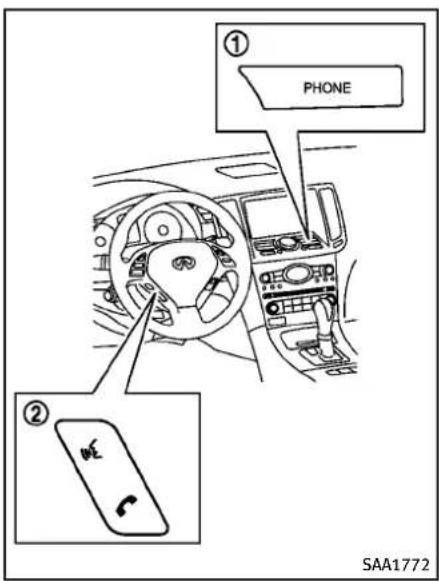
text_image
① PHONE ② SAA1772
flowchart
graph TD
    A["Phone"] --> B["Vehicle Phonebook"]
    A --> C["Call History"]
    A --> D["Handset Phonebook"]
    A --> E["Dial Number"]
    A --> F["Volume"]
    A --> G["Connect Phone"]
    A --> H["Connected Phone"]
    style A fill:#f9f,stroke:#333
    style B fill:#ccf,stroke:#333
    style C fill:#cfc,stroke:#333
    style D fill:#fcc,stroke:#333
    style E fill:#cff,stroke:#333
    style F fill:#ffc,stroke:#333
    style G fill:#fcc,stroke:#333
    style H fill:#cff,stroke:#333
CONNECTINGPROCEDURE
- Push the PHONE button or the button, and select the "Connect Phone" key.

text_image
The ayatom is searching for your phone. Using your handset, look for a Bluetooth device called MY-CAR. When requested by the handset, enter the PIN 1234. Exiting screen cancels search. Cancel Help Connects a phone using Bluetooth SAA2520- When a PIN code appears on the screen, operatethe compatible Bluetooth® cellularphoneto enter the PIN code.
Theconnectingprocedureofthecellularphonevariesaccordingtoeach cellularphone.Seethecellularphone Owner'sManualforthedetails.Youcan alsovisit
www.InfinitiUSA.com/bluetoothorcall INFINITIConsumerAffairsDepartment forinstructionsonpairingINFINITI recommendedcellularphones.
Whentheconnectionprocessiscompleted,thescreenwillreturntothe
CONTROLBUTTONS
1)PHONEbutton
2) TALK /PHONESENDbutton
4-92Monitor,climate,audio,phoneandvoicerecognitionsystems
Phonemenudisplay.
PHONESELECTION
Upto5cellularphonescanberegistered tothesystem.Toswitchtoconnectanother cellularphone,pushPHONEbuttonand selectthe"ConnectedPhones"key.The registeredcellularphonesareshownon thelist.Ifyouselectacellularphonethat isdifferentfromtheonecurrentlyconnected,thenewlyselectedphonewillbe connectedtothesystem.
VEHICLEPHONEBOOK
Thisvehiclehastwophonebooksavailable forhands-freeuse. Depending on the phone, the system may automatically download the entire cellphone's phonebook into the "HandsetPhonebook". For the details about downloading a phonebook, see "Phonesetting" (P.4-98). If a phonebook does not automatically download, the vehicle phonebook may be set for up to 1,000 entries. This phone book allows there cording of anametospeak while using voicerecognition.

text_image
Settings ► Edit Vehicle Phonebook Add New 1 XXXXXXXXXXXXX 2 XXXXXXXXXXXXX 1/2 SAA2521- Push the PHONE button and select the "Vehicle Phonebook" key.
- Selectthe "AddNew" keyatthetopof thescreen.

text_image
Settings ► Vehicle Phonebook Copy from Call History Copy from the Handset Enter Number by Keypad 3/3 SAA2522- Choosethemethodforenteringthe phonebookentry.Forthisexample, select"EnterNumberbyKeypad".
- Enterthedigitsandselectthe "OK" key.(See "Howtousetouchscreen (modelswithnavigationsystem)"(P.4-5).)
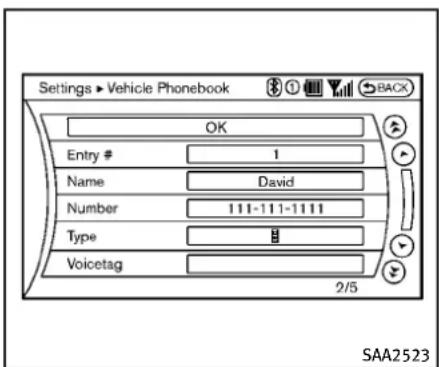
text_image
Settings ► Vehicle Phonebook OK Entry # 1 Name David Number 111-111-1111 Type # Voicetag 2/5 SAA2523- Select the "Voicetag" keytorecorda nametospeak when using the INFINITI Voice Recognition system.
- Selectthe"Store"keyandprepareto speakthenameafterthetone.
- Whenthevoicetagissuccessfully saved, select the "OK" keytosavethe phonebookentry.
- After the phone book entry is saved, it will show a screen that is ready to call then number. Press the BACK button to return to the Vehicle Phone book.
Therearedifferentmethodstoinputa phonenumber.Selectoneofthefollowing
optionsinsteadof"EnterNumberbyKeypad"instep3.
- CopyfromCallHistory
Thesystemwillshowalistofincoming, outgoingormissedcallsthatwere downloadedfromtheconnectedcellularphone(dependingonthephone's compatibility).Selectoneofthese entriestosaveinthevehiclephonebook.
●CopyfromtheHandset
Thesystemwillshowtheconnected cellularphone'sphonebookthatwas downloaded (depending on the phone'scompatibility).Selectoneof theseentriestosaveinthevehicle phonebook.

text_image
Phone ▶ Vehicle Phonebook XXXX XXXXXXXXXX Call Edit Delete 2/3 SAA2620EditingtheVehiclePhonebook
- Push the PHONE button and select the "Vehicle Phonebook" key.
- Select the desired entry from the displayed list.
- Selectthe"Edit"key.
- Selectthedesireditemtochange.
4-94Monitor,climate,audio,phoneandvoicerecognitionsystems
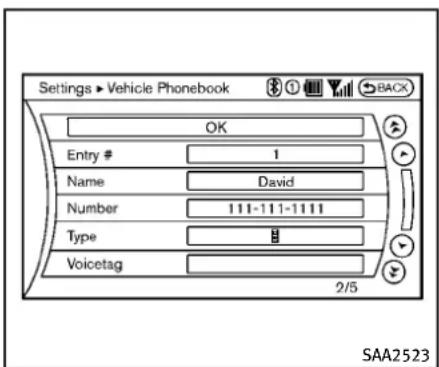
text_image
Settings ► Vehicle Phonebook OK Entry # 1 Name David Number 111-111-1111 Type # Voicetag 2/5 SAA2523The followingeditingitemsareavailable:
-Entry#
Changesthedisplayednumberofthe selectedentry.
Name
Editthenameoftheentryusingthe keypaddisplayedonthescreen.
●Number
Editthephonenumberusingthekey-paddisplayedonthescreen.
●Type
Selectaniconfromtheiconlist.
•Voicetag
Confirmandstorethevoicetag.Voice-
tagsalloweasydialingusingthe INFINITIVoiceRecognition system. (See "INFINITIVoiceRecognition system (modelswithnavigation system)"(P.4-114).)
Todeleteanentry, selectthe"Delete"key atstep3.

text_image
Phone Vehicle Phonebook Call History Handset Phonebook Dial Number Volume Connect Phone Connected Phones Help Calls a phonebook entry saved to the vehicle SAA2524MAKINGACALL
Tomakeacall, follow this procedure.
- Push the PHONE button on the instrument panel or the button on the steering wheel. The "PHONE" screen will appear on the display.
- Select the "HandsetPhonebook" key on the "PHONE" menu.
- Select the desired entry from the list.
- Confirm the correct entry by selecting for the correct number from the list.

text_image
Phone > Handset Phonebook 0:15 xxxx xxxxxxxxxxxx Call Phonebook Delete One Del Phone No. 1/4 SAA2621- Select the "Call" keytostartdialing the number.
Therearedifferentmethodstomakeacall. Selectoneofthefollowingoptionsinstead of "HandsetPhonebook" instep2 above.
●VehiclePhonebook
SelectanentrystoredintheVehicle's Phonebook.
- CallHistory
Selectanoutgoing, incomingormissed calldownloaded from yourcellphone (depending on your phone's compatibility).
•DialNumber
Input the phonenumbermanually using the keypaddisplayed on the screen. (See "Howtousetouchscreen (modelswithnavigation system)" (P.4-5).)
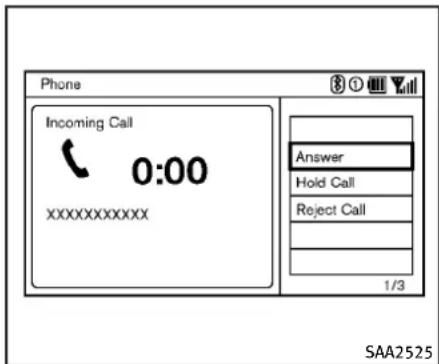
text_image
Phone Incoming Call 0:00 XXXXXXXXXX Answer Hold Call Reject Call 1/3 SAA2525RECEIVINGACALL
Whenyouhearaphonering, the display will changetotheincomingcallmode. To receive acall, performoneofthefollowing procedures listed below.
- Selectthe"Answer"key.
- Push the PHONE button on the instrument panel.
- Push the wheel. buttononthesteering
Therearesomeoptionsavailablewhen receivingacall.Selectoneofthefollowing displayedonthescreen.
4-96Monitor, climate, audio, phone and voicerecognition systems
-Answer
Acceptanincomingcalltotalk.
●HoldCall
Putanincomingcallonhold.
-RejectCall
Rejectanincomingcall.
To finish the call, perform one of the following procedures listed below.
- Selectthe"Hangup"key.
- Push the PHONE button on the instrument panel.
- Push the wheel. buttononthesteering

text_image
Phone Call in Progress 0:15 XXXXXXXXXXXX Hang up Use Handset Mute Keypad Switch Call 1/5 SAA3587DURINGACALL
Therearesomeoptionsavailableduringa call.Selectoneofthefollowingdisplayed onthescreenifnecessary.
●Hangup
Finishthecall.
- UseHandset
Transferthecalltothecellularphone.
●Mute
Muteyourvoicetotheperson.
-Keypad
Usingthetouchtone, senddigitstothe connectedpartyforusingservicessuch asvoicemail.
- CancelMute
Thiswillappearafter"Mute"isselected.Mutewillbecanceled.
- SwitchCall\*
Select"SwitchCall"toansweranother incomingcall.Byselecting"Hangup", youcanendacallandcanspeaktoa callerwhoisonholdagain.
*Thisfunctionmaynotbeusable, dependingonthemodelofphone.
Toadjusttheperson'svoicetobelouderor quieter, pushthevolumecontrolswitch(+ or-)onthesteeringwheelorturnthe volumecontrolknobontheinstrument panelwhiletalkingonthephone. This adjustmentisalsoavailableintheSETTING mode.

text_image
Settings ► Phone Edit Vehicle Phonebook Delete Phonebook Download Handset Phonebook Volume Auto Downloaded ON 1/5 Add or edit phonebook entries SAA2527PHONESETTING
TosetuptheBluetooth ^® Hands-Free PhoneSystemtoyourpreferredsettings, pushtheSETTINGbuttonontheinstrument panelandselectthe“PHONE”key.
EditVehiclePhonebook
Toeditthevehiclephonebook, usethe same procedure as described in "Vehicle phonebook" (P.4-93).
DeletePhonebook
The vehicle phone book entries can be deleted all at the same time or one by one.
DownloadHandsetPhonebook
Downloadthecontactsregisteredina Bluetooth® cellularphone.Availabilityof thisfunctiondependsoneachcellular phone. Thememorydownloadingprocedurefromthecellularphonealsovaries accordingtoeachcellularphone.See cellularphoneOwner'sManualfordetails.
When "AutoDownload" is active, the system will automatically re-download the entries registered in the phone every time it is paired with the vehicle, even after you delete the entries from your vehicle's Handset Memory.
Volume
The following kind of phone volume can be set. Pushing the PHONE button and selecting the "Volume" key can also operate the names settings.
●Ringtone/IncomingCall/OutgoingCall
To increase or decrease the volume, select the "Ringtone", "Incoming Call" or "OutgoingCall" key and adjust it with the INFINIT controller.
●AutomaticHold
When this function is activated, an incoming phone call is automatically held.
- VehicleRingtone
Whenthisfunctionisactivated, a specificringtonethatisdifferentfrom thecellularphonewillsoundwhen receivingacall.
AutoDownload
Whenthisitemisactivated, thephonebook ofahands-freephoneisautomatically downloaded at the same time that the hands-freephoneisconnected.
Whenthisitemisactive,thesystemwill automaticallyre-downloadtheentriesregisteredintheconnectedphoneevenif youattempttodeletetheentries.
TROUBLESHOOTINGGUIDE
The system should respond correctly to all voice commands without difficulty. If problems are encountered, try the following solutions. Where the solutions are listed by number, try each solution in turn, starting with number 1, until the problem is resolved.
| SymptomSolution | |
| Systemfailstointerpretthecommand correctly. | 1. Ensure that the command is valid. (See “INFINITI Voice Recognition system (models with navigation system)” (P.4-114).) |
| 2.Ensurethatthecommandisspokenafterthetone. | |
| 3.Speakclearlywithoutpausingbetweenwordsandatalevelappropriatetotheambientnoiselevelinthevehicle. | |
| 4. Ensure that the ambient noise level is not excessive (for example, windows open or defroster on). NOTE: If it is too noisy to usethephone,itislikelythatthevoicecommandswillnotberecognized. | |
| 5.Ifmorethanonecommandwassaidatatime,trysayingthecommandsseparately. | |
| Thesystemconsistentlyselectsthe wrongvoicetag. | 1. Ensure that the voicetag requested matches what was originally stored. (See “Vehicle phonebook” (P.4-93).) |
| 2.Replaceoneofthenamesbeingconfusedwithanewname. |
Bluetooth® HANDS-FREEPHONESYSTEM (modelswithoutnavigationsystem)(ifso equipped)

WARNING
- Useaphoneafterstoppingyourvehicle inasafelocation.Ifyouhavetousea phonewhiledriving,exerciseextreme cautionatalltimessofullattentionmay begiventovehicleoperation.
- If you find yourself unable to devote full attention to vehicle operation while talking on the phone, pulloff her road to as a location and stop your vehicle before doing so.

CAUTION
To avoid draining the vehicle battery, use a phone after starting the engine.
YourvehicleisequippedwithBluetooth Hands-FreePhoneSystem.Ifyouarean ownerofaBluetooth ^® enabledcellular phone,youcan setupthewireless connectionbetweenyourcellularphone andthein-vehiclephonemodule.With Bluetooth ^® wirelessstechnology,youcan makeorreceiveatelephonecallwithyour cellularphoneinyourpocket.
Onceyourcellularphoneispairedtothe in-vehiclephonemodule,nophoneconnectingprocedureisrequired.Yourphone isautomaticallyconnectedwiththein-vehiclephonemodulewhentheignition switchispushedtothe"ON"positionwith theregisteredcellularphoneturnedon andcarriedinthevehicle.
Youcanregisterupto5differentBluetooth® cellularphonesinthein-vehicle phonemodule. However, you cantalkon onlyonecellularphoneatatime.
When acallisactive, the audiosystem and microphone (located in the ceiling in front of therear view mirror) are used for the hands free communications.
If the audiosystem is being used at the time, the audiomodewill mute and will stay muted until the active call is ended.
The INFINITIVoiceRecognition system supports the phone commands, sodialing a phonenumber using your voice is possible.
BeforeusingtheBluetooth ^® Hands-Free PhoneSystem, refertothefollowingnotes.
●WirelessLAN(Wi-Fi)andtheBluetooth functionssharethesamefrequency band(2.4GHz).UsingtheBluetooth
andthewirelessLANfunctionsatthe sametimemayslowdownnordisconnectthecommunicationandcause undesirednoise.Itisrecommended thatyouturnoffthewirelessLAN(Wi-Fi)whenusingtheBluetooth® functions.
- Setupthewirelessconnectionbetween acellularphoneandthein-vehicle phonemodulebeforeusingtheBluetooth® Hands-FreePhoneSystem.
- Some Bluetooth ^ enabled cellular phones may not be recognized by the in-vehicle phonemodule.
- Youwillnotbeabletouseahands-free phoneunderthefollowingconditions:
—Yourvehicleisoutsideofthetele- phoneservicearea.
—Yourvehicleisinanareawhereitis difficulttoreceiveradiowaves; such asinatunnel, in an underground parkinggarage, behindatallbuildingorinamountainousarea.
—Yourcellularphoneislockedin ordernottobedialed.
- Whentheradiowaveconditionisnot idealorambientsoundistooloud, it maybedifficulttoheartheother person'svoiceduringacall.
- Immediately after the ignition switch is pushed to the "ON" position, it maybe impossible to receive a call for a short period of time.
- Donotplacethecellularphoneinan areasurroundedbymetalorfaraway fromthein-vehiclephonemodule to preventtonequalitydegradation and wirelessconnectiondisruption.
●Whileacellularphoneisconnected throughtheBluetooth ^® wirelessconnection,thebatterypowerofthe cellularphonemaydischargequicker thanusual. - IftheBluetooth ^ Hands-FreePhone Systemseemstobemalfunctioning, pleasecontactanINFINITlretailer.
- Somecellularphonesorotherdevices maycauseinterferenceorabuzzing noisetocomefromtheaudiosystem speakers. Storingthedeviceina differentlocationmayreduceoreliminatethenoise.
- RefertothecellularphoneOwner's Manualregardingthetelephonepairing procedures specific to your phone, batterycharging, cellularphoneantenna, etc.
●Theantennadisplayonthemonitorwill notcoincidewiththeantennadisplay ofsomecellularphones.
- Keeptheinteriorofthevehicleasquiet aspossibletohearthecaller'svoice clearlyaswellastominimizeits echoes.
- Ifreceptionbetweencallersisunclear, adjustingtheincomingoroutgoingcall volumemayimprovetheclarity.
- Thiswirelesshandsfreecarkitisbased onBluetooth ^® technology,
—Frequency:2402MHz-2480MHz
—OutputPower:4.14dBmE.I.R.P
—Modulation: FHSSGFSK8DPSK, / 4DQPSK
—NumberofChannel:79
—Thiswirelessequipmentcan't b e usedforanyservicesrelatedto safetybecausethereisthepossibilityofradiointerference.
REGULATORYINFORMATION
FCCRegulatoryinformation
- CAUTION: Tomaintaincompliance with FCC's RFexposureguidelines, use only the supplied antenna. Unauthorized antenna, modification, or attachments could damage the transmitter and may violate FCC regulations.
●Operationissubjecttothefollowing twoconditions:
1) this device may not cause interference and
2) this device must accept any interference, including interference that may cause undesired operation of the device
ICRegulatoryinformation
●Operationissubjecttothefollowing twoconditions:(1)thisdevicemaynot causeinterference,and(2)thisdevice mustacceptanyinterference,including interferencethatmaycauseundesired operationofthedevice.
- ThisClassBdigitalapparatusmeetsall requirementsoftheCanadianInterference-CausingEquipmentRegulations.
Bluetoothtrademark:
Bluetooth®
Bluetooth® isattrademark ownedbyBluetoothSIG, Inc., andlicensedtoVisteonCorporation.
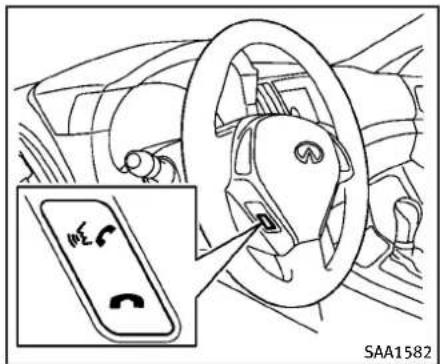
text_image
Yes No SAA1582CONTROLBUTTONS
1.PHONESENDbutton
PushthebuttontoinitiateaVR sessionoransweranincomingcall. Youcanalsousethebuttontontoskip throughsystemfeedbackandtoenter commandsduringacall.
- PHONEEND button PushthebuttontocancelaVR sessionorendacall.
VOICERECOGNITIONSYSTEM
YoucanalsousetheBluetooth ^® hands-freephonesystemwithVoiceRecognition System.
INFO
- Theavailablevoicecommandsareonly applicabletotherelevantlanguageset intheLANGUAGEsettingscreen.(See "HowtouseSETTINGbutton"(P.4-14).)
- If the vehicle is in motion, some commands may not be available as full attention may begin to vehicle operation.
Usingsystem
Initialization:
When the ignitions switch is pushed to the ON position, Voice Recognition System is initialized, which may take up one minute. When completed, the system is ready to accept voice commands. If the switch on the steering wheel is pushed before the initialization completes, the system will not accept any command.
Beforestarting:
To get the best performance out of the VoiceRecognitionSystem, observethe following:
- Keeptheinteriorofthevehicleasquiet aspossible.Closethewindowsto eliminatethesurroundingnoises(traffic noises,vibrationsounds,etc.), whichmaypreventthesystemfrom recognizingthevoicecommandscorrectly.
- Waituntilatonesoundsbeforespeakingacommand.
●Speakavoicecommandwithin5 secondsafterthebeepsound.Ifno voicecommandisgiven,thesystem willaskyouforanumber.Ifnofurther commandisgiven,thesessionends.
●Speakinanaturalvoicewithoutpausingbetweenwords.
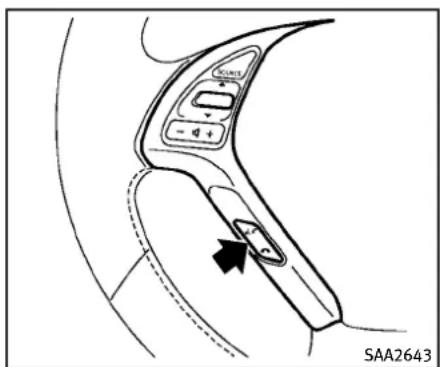
text_image
START SAA2643Givingvoicecommand:
1. Pushandreleasethe of switch locatedonthesteeringwheel.
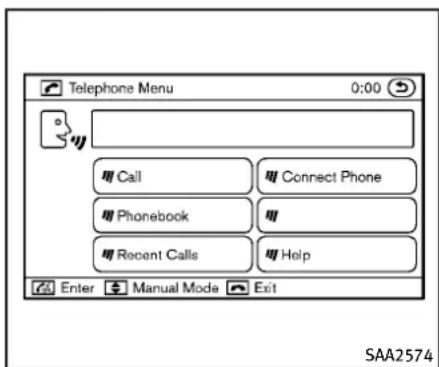
text_image
Telephone Menu 0:00 Call Connect Phone Phonebook Recent Calls Help Enter Manual Mode Exit SAA25742.Alistofcommandsappearsonthe screen, and the system announces, "Pleasesayacommandafterthebeep. Available commands are: Call, Phonebook, Recent Calls, ConnectPhoneor Help".
3. Afterthetonesoundsandtheiconon thescreenchangesfrom to speakacommand.Seethe"Listof voicecommands"(P.4-106)forthe voicecommandlist.Speak"Call"for example.
INFO
Voicecommandscannotberecognized aslongasthescreeniconisnotinthe
Monitor, climate, audio, phone and voicerecognitionsystems4-103
commandrecognitionmode.

- Thesystemacknowledgesthecommandandannouncesthenextsetof availablecommands.
- Afterthetonesounds, speak the phone number.
- When you have finished speaking the phonenumber, the system repeats it back and announce the available commands.
- Aftersystemresponds, speak "Dial" and the system dialsthespoken numbers.
Operatingtips:
●Voice commandscannotbeaccepted when the iconis ☐.
- Ifthecommandisnotrecognized, the systemannounces, "Pleasesayagain". Repeatthecommandinaclearvoice.
- Pushthe switchortheBACKbutton oncetoreturntothepreviousscreen.
- If you want to cancel the command, push the switch. Them message "Voice input is canceled" will be announced. If you want to adjust the volume of the system feedback, push the volume control buttons [+] or [-] on the steering wheel or us the audio
systemvolumeknobwhile the system ismakinganannouncement.
Howtospeakcommands:
TheVoiceRecognitionSystemrequiresa certainwaytospeakvoicecommands. Speaknormallyandclearlyinthedirection of the microphone (located in front of the rearviewmirror).Everydigitofthenumber mustbespokenindividuallyandina normal manner.The hands-freemode will workbestwhenthetelephonenumberis spoken in blocks of three to five digits. Aftereachspokenblockisterminated,the system willrepeatthe threetofivedigits andwaitforyoutospeakthenextdigitor block ofdigitsrequiredforthetelephone number.
See“Listofvoicecommands”(P.4-106)for theappropriatecommandsthatcanbe spokenforthehands-freemodesystem.
Example:
Inordertoinitiateacall, speak "Phonebook".
INFO
- If you are controlling the telephone system by voice command for the first time or donot know the appropriate voice command, speak "Help". The
systemannouncestheavailablecom- mands.
- Whenyouspeaknumbers, you can speak both "zero" or "oh" for "0".
Personalvocabulary(voicetags):
VoiceRecognitionSystemisequippedwith thefunctioncalled“voicetags”,whichcan beassociatedwiththephonenumber and nameinthephonebook.Usingthevoice tagwillautomaticallygenerateaspeed dialtotheregisterednumber.
See "Phonebookregistration" (P.4-108).
Youcancalltheidentifiednumberusing thefollowingcommand:"Dial"followedby thevoicetag.
Diallinganamewithavoicetag:
Itispossibletocallupanameviavoice taginsteadofanumber,providedthe nameandnumberofyourcorrespondent hasbeen previouslystoredinthephonebook.
Dialviaavoicetag, according to the following procedure.
- Pushthe switch.
- Thesystemreplies"please say a command after the beep. Available commands are: Call, Phonebook, Re-
centCalls, ConnectPhoneorHelp".
3.Giveyourinstructionstothesystemby saying: "Dial John" for example ("John" musthavebeenpreviouslysetasa voicetagforJohn'sphonenumber)or "DialOne"ifJohnisclassifiedasonein thephonebook. Ifthesystemcannotunderstandyour command,repeatitaccordingtothe recommendationsmentionedin"How tospeakcommands"(P.4-104).
- If the given name (voicetag) is correct, the phones system will dial then number registered for "John".
INFO
Toendthevoicecommandphaseatany stageoftheprocedure, pushthe switchonceinordertoactivatethecancel command.
Manualcommandselection:
Commandscanbeselectedmanually. Whilethecommandsaredisplayedonthe screen,selectacommandbyoperatingthe Tuneswitch,andthenpushthe button.Onceacommandismanually selected,thevoicecommandfunctionis cancelled.Toreturntovoicecommand mode,pushthe buttontocancelthe
currentoperation, and then perform the first procedure of voice command.
Listofvoicecommands:
| COMMANDACTION | |
| “Call/Dial” “” | Dials the specified. |
| “Call/Dial” “Redial” | Dials the last number. |
| “Call” “” | Dials the specified. |
| “Phonebook” “” | Displays the specifiedin the phonebook. |
| “Phonebook” “List Names” | Displays all the names in the phonebook. |
| “Phonebook” “Transfer Entry” | Transfers the phonebook data to the system. |
| “Phonebook” “Delete Entry” | Deletes the phonebook registered in the system. |
| “Connect Phone” “Add Phone” | Connects a cellular phone to the system. |
| “Connect Phone” “Select Phone” | Selects a registered cellular phone. |
| “Connect Phone” “Delete Phone” | Deletes a registered cellular phone. |
| “Connect Phone” “Bluetooth Off” | Turns the Bluetooth ^ connectionoff. |
| “Connect Phone” “Replace Phone” | Changes the registered order of the cellular phones. |
| “Connect Phone” “Delete Phone” “All Phones” | Deletes all registered cellular phones. |
| “Connect Phone” “Delete Phone” “List Phones” | Selects a registered cellular phone and deletes it. |

text_image
Telephone Menu 0:00 Call Connect Phone Phonebook Recent Calls Help Enter Manual Mode Exit SAA2575PAIRINGPROCEDURE
Upto5cellularphonescanberegistered.
- Push the button on the steering wheel. Thesystem announces the available commands.
- Speak: "ConnectPhone". Thesystem acknowledged the command and announced the next set of available commands.
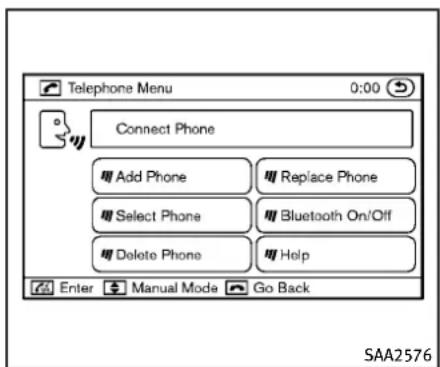
text_image
Telephone Menu 0:00 Connect Phone Add Phone Replace Phone Select Phone Bluetooth On/Off Delete Phone Help Enter Manual Mode Go Back SAA2576- Speak: "AddPhone". Thesystemacknowledgesthecommandandasks youtoinitiateconnectingfromthe phonehandset.
INFO:
TheAddPhonecommandisnotavailablewhenthevehicleismoving.

text_image
Telephone Menu 0:00 Connect Phone Please look for the Bluetooth device, My Car. The PIN is 1234. Go Back SAA2577- When asked to enter a PIN codeto connect a Bluetooth ^ cellular phone, enter the code "1234".
Thecodeisalways"1234"regardless ofthenumberofphonespaired.
The connecting procedure of a cellular phone varies according to each cellular phone. Se the cellular phone owner's Manual form more information.
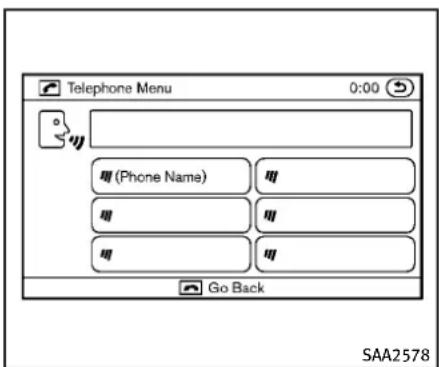
text_image
Telephone Menu 0:00 (Phone Name) Go Back SAA2578- Thesystemaskstheusertospeaka nameforthephone.
Speak: "Yes". Thesystemacknowledgesthecommandandregistersthe cellularphone.
Ifthenameistoolongortooshort,the systemtellstheuser,thenpromptsthe userforanameagain.
Also, if more than one phone is connected and then names soundstoom much like a name already used, the system tells the user, then prompts the user for name again.
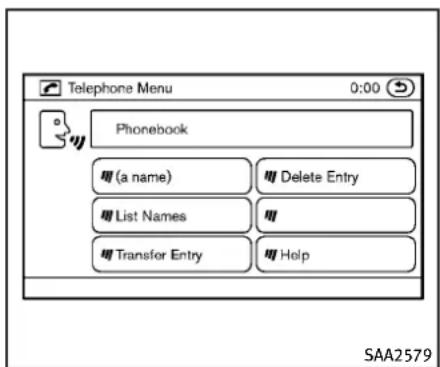
text_image
Telephone Menu 0:00 Phonebook (a name) List Names Transfer Entry Delete Entry Help SAA2579PHONEBOOKREGISTRATION
Whenthecellularphoneisconnectedto their-vehiclemodule,thedatastoredin thecellularphonesuchasphonebook, outgoingcalllogs,incomingcalllogsand missedcalllogsisautomaticallytransferredandregisteredtothesystem.
The availability of this function depends on each cellular phone. The copying procedure also varies according to each cellular phone. Se cellular phone Owner's Manual form more information.
Upto1,000phonenumberperregistered cellularphonecanbestoredinthephone-
book.
4-108Monitor, climate, audio, phone and voicerecognitionsystems
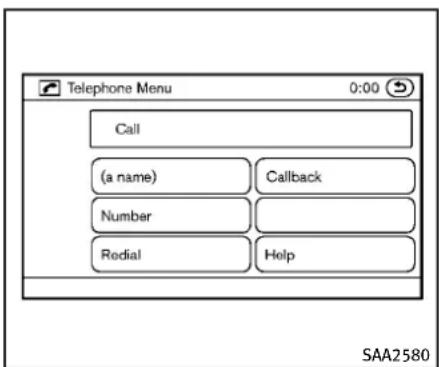
text_image
Telephone Menu 0:00 Call (a name) Callback Number Redial Help SAA2580call.
- Oncethecallhasended, press the buttononthesteeringwheel.
w
RECEIVINGACALL
Whentheringtoneisheard, press the buttononthesteeringwheel.
Oncethecallhasended, pressthebutton onthesteeringwheel.
NOTE:
Torejectacallwhentheringtoneisheard, pressthebuttononthesteeringwheel.
text_image
Telephone Menu 0:00 (digits) Mute on/off Transfer Handsat Help Enter Manual Mode Go Back SAA2581MAKINGACALL
Tomakeacall, follow the procedures below.
- Push the button on the steering wheel. A tonewillsound.
- Speak: "Call". Thesystemacknowledgesthecommandandannounces thenextsetofavailablecommands.
- Speaktheregisteredperson'sname. Thesystemacknowledgesthecommandandannouncesthenextsetof availablecommands.
- Speak: "Yes". Thesystemacknowledgesthecommandandmakesthe
DURINGACALL
During acallthereareseveralcommand optionsavailable.Pressthe buttonon thesteeringwheeltomutethereceiving voiceandentercommands.
- “(digits)” — Use the Send command to enternumbersduringacall.Forexample,ifdirectedtodialanextensionby anautomatedsystem: Speak:“Sendingonetwothreefour.” Thesystemacknowledgesthecommandandsendsthetonesassociated withthenumbers.Thesystemthen endstheVRsessionandreturnstothe
call.
- "Mute on/off" — Use the Mute commandtomutetheuser'svoicesothe otherpartycannothearit. Usethemutecommandagainto unmutetheuser'svoice.
- “Transfer Handset” — Use the Transfer Handsetcommandtotransferthecall fromtheBluetooth ^® Hands-FreePhone Systemtoacellularphonewhen privacyisdesired.Thesystemannounces,“TransferHandset.Thecall istransferredtothehandsetonly.”The systemthenendstheVRsession. TheTransferCallcommandcanalsobe issuedagaintoreturntoahands-free callthroughthevehicle.
- “Help” — The system announces the available commands.
NOTE:
If the other party ends the call or the cellular phonenetwork connection is lost while the Mute feature is on, the Mute feature may need to be reset to "off."

text_image
Telephone Menu 0:00 Call (a name) Number Redial Callback Help SAA2582PHONE SETTINGS
Call
•(aname)
IfthereareentriesstoredinthePhone Book,anumberassociatedwitha nameandlocationcanbedialed.See "Phonebookregistration"inthissectiontolearnhowtostoreentries.When promptedbythesystem,saythename ofthephonebookentrytocall.
Thesystemacknowledgesthename.If therearemultiplelocationsassociated withthename,thesystemasksthe usertochoosethelocation.
Oncethenameandlocationareconfirmed,thesystembeginsthecall.
Number
When prompted by the system, speak thenumbertocall.
•Redial
UsetheRedialcommandtocallthelast numberofoutgoingcalls.Thesystem acknowledgesthecommand,repeats thenumberandbeginsdialing.Ifa redialnumberdoesnotexist,the systemannounces,"Thereisnonumbertoredial"andendstheVRsession.
-Callback
Use the Callback command to call the last number in incoming calls. The system acknowledges the command, repeat the number and begins dialing. If an incoming call number does not exist, the system announces, "There is nonumbertocallback" and ends the VR session.
●Help
Thesystemannouncestheavailable commands.

text_image
Telephone Menu 0:00 Phonebook (a name) Delete Entry List Names Transfer Entry Help Enter Manual Mode Go Back SAA2583Phonebook
●(aname)
Usethenamecommandtoseekthe nameandlocationsregisteredinthe phonebookinalphabeticalorder.When thesystemacknowledgesthealphabet theuserspoke,thesystemannounces allregisterednamesandlocations beginningwiththatalphabet. Playbackofthelistcanbestoppedat anytimebypassingabuttononthe steeringwheel.ThesystemendstheVR session.
●ListNames
UsetheListNamescommandtohear thenamesandlocationsregistered in the phonebook. Whenthesystem acknowledgedsthecommand,thesystemannouncesallvoicetagsregistered inthesystem.
Playbackofthelistcanbestoppedat anytimebypressingabuttononthe steeringwheel.ThesystemendstheVR session.
- TransferEntry
UsetheTransferEntrycommandto transferthephonebookdatastoredina cellularphonetothesystem.
Thesystemacknowledgestecommandandaskstheusertoinitiatea transferfromthephonehandset.The newcontactphonenumberwillbe transferredfromthecellularphonevia aBluetooth ^® communicationlink.
The transfer procedure varies according to each cellular phone. Se the cellular phone Owner's Manual form more information. The system repeatsthenumber and prompt the user for then next command. After entering numbers, choose "Store."
Thesystemconfirmsthename, location
andnumber.Thesystemthenasksif theuserwouldliketostoreanother locationforthesamename.Iftheuser doesnotwishtostoreanotherlocation, thesystemendstheVRsession.
- DeleteEntry
Use the Delete Entry command to delete as specific number or all numbers in the phone book. Thesystem announced these names of the phone numbers already stored in the system. Thesystem thengivesthe option to delete as specific number or all numbers. Oncethe user chooses to delete a number or all numbers, the system ask the userto confirm.
Help
Thesystemannouncestheavailable commands.

text_image
Telephone Menu 0:00 Pecent Calls Incoming Missed Outgoing Redial Callback Help Enter Manual Mode Go Back SAA2584-Callback
UsetheCallbackcommandtodialthe lastincomingcall.
Help
Thesystemannouncestheavailable commands.
text_image
Telephone Menu 0:00 Connect Phone Add Phone Replace Phone Select Phone Bluetooth On/Off Delete Phone Help Enter Manual Mode Go Back SAA2585RecentCalls
- Incoming
Usethelncomingcommandtomakea callviewingthelistofincomingcalls.
Missed
UsetheMissedcommandtomakea callviewingthelistofmissedcalls.
Outgoing
UsetheOutgoingcommandtomakea callviewingthelistofoutgoingcalls.
•Redial
UsetheRedialcommandtodialthelast outgoingcall.
ConnectPhone
- AddPhone
Use the Pair Phone command to connect a compatible phoneto the Bluetooth ^® Hands-Free Phone System. When asked to enter a PIN codeto connect a Bluetooth ^® cellular phone, enter the code "1234".
Thecodeisalways“1234”regardless ofthenumberofphonesconnected.Up to5phonescanbeconnected.Ifthe userriestoconnectasixthphone,the systemannouncesthattheusermust firstdeleteonephoneorreplacean
4-112 Monitor, climate, audio, phone and voicerecognitionsystems
existingphone.Iftheusertriesto connectaphonethathasalreadybeen connectedtothevehiclesystem,the systemannouncesthenamethatthe phoneisalreadyusing.Theconnecting procedurewillthenbecancelled. TheAddPhonecommandisnotavailablewhenthevehicleismoving.
- SelectPhone
Use the Select Phone command to select a phone of less priority when two more phones connected with Bluetooth® Hands-Free Phone System are in the vehicle at the same time. Thesystem mask the user on a phone and confirm these selection. On each selection is confirmed, the selected phoner remains active until the ignition switch is turned off for a new phone is selected.
- DeletePhone
UsetheDeletePhonecommandto deleteaspecificiphoneorallphones fromBluetooth® Hands-FreePhone System. Thesystemannounce the namesofthephonesalreadypaired withthesystemandtheirprioritylevel. Thesystemthengivestheoptionto deleteaspecificphone, allphonesor
listentothelistagain.Oncetheuser choosestodeleteaphoneorall phones,thesystemaskstheuserto confirm.
NOTE:
Whentheuserdeletesaphone, the associatedphonebookforthatphonewill alsobedeleted.
-ReplacePhone
UsetheReplacePhonecommandto changethepriorityleveloftheactive phone. Thepriorityleveldetermineswhich phoneisactivewhenmorethanone pairedBluetooth ^ phoneisinthe vehicle. Thesystemstatesheprioritylevelof theactivephoneandasksforanew prioritylevel(1,2,3,4,5). Ifthenewprioritylevelisalreadybeing usedforanotherphone, thetwo phoneswillswapprioritylevels. Forexample,ifthecurrentpriority levelsare: PriorityLevel1=PhoneA PriorityLevel2=PhoneB PriorityLevel3=PhoneC
andyouchangetheprioritylevelof PhoneCtoLevel1, then: PriorityLevel1=PhoneC PriorityLevel2=PhoneB PriorityLevel3=PhoneA
- BluetoothOn/Off
UsetheBluetoothOn/Offcommandto turnon/offBluetooth ^® Hands-Free PhoneSystem.
•Help
Thesystemannouncestheavailable commands.
VOICEADAPTATIONMODE
TheVoiceAdaptationmodeallowsupto twouserswithdifferentdialectstotrain thesystemtoimprovecognitionaccuracy.Byrepeatinganumberofcommands, theuserscancreateavoicemodeloftheir ownvoicethatisstoredinthesystem.The systemiscapableofstoringadifferent voiceadaptationmodelforeachconnected phone.
Trainingprocedure
- Positionthevehicleinareasonably quietoutdoorlocation.
- Sitinthedriver'sseatwiththeengine running, theparkingbrakeon, and the
transmissioninPark.
3.Pressthe 📋 button.
4. Speak: "Help". Thesystemacknowledgesthecommandandannounces thenextsetofavailablecommands.
5. Speak: "VoiceAdaptation". Thesystem acknowledges the command and displays the voice adaptation mode screen.
6. VoicememoryAormemoryBis selectedautomatically.Ifbothmemory locationsarealreadyinuse,thesystem willpromptyoutooverwriteone. Followtheinstructionsprovidedby thesystem.
7. When preparation is complete and you are ready to begin, press the button.
8. The voice adaptation modewill be explained. Follow the instructions provided by the system.
9. Whentraining is finished, the system will tell you an adequate number of phrases have been recorded.
10. Thesystemwillaskyoutosayyour name.Followtheinstructionstoregistryourname.
- Thesystemwillannouncethatvoice adaptationhasbeencompletedand thesystemisready.
Thevoiceadaptationmodewillstopif:
●The buttonispressedinvoice adaptationmode.
●The vehicle is drivenduring voice adaptation mode.
●TheignitionswitchisturnedtotheOFF orLOCKposition.
INFINITIVOICE RECOGNITIONSYSTEM (modelswith navigation system)
INFINITVoiceRecognitionallowshands-freeoperationofthePhone,Navigation, Informationand Audio systemsin oneoftwomodes,StandardModeorAlternateCommandMode.
InStandardMode, commandsthatare available are always shown on the display and announced by the system. You can complete your desired operation by simply following the prompt given by the system. (See "INFINITIVoiceRecognitionSTANDARD mode" (P.4-115) for details.)
For advancedoperation, youcanuse the AlternateCommandMode.(See“INFINIT VoiceRecognitionalternatecommand mode” (P.4-127) for details.) When this modeisactive, an expanded list of commandscan bespoken afterpushing the TALK switch, and the voice command menu prompts are turned off. Review the expanded command list, which is available when this mode is active. Note that in this mode therecognitions success ratemaybe affected the number of available commands and the ways of speaking each command are increased.
Toswitchone modeto another,seeeach modescriptionlaterinthissection. Toimprovetherecognitionsuccessrate
4-114Monitor, climate, audio, phone and voicerecognitionsystems
whenAlternateCommandModeisactive, tryusingtheSpeakerAdaptationFunction availableinthatmode. Otherwise, it is recommended that AlternateCommand Modebeturnedoff and StandardMode beused for the best recognition performance.
Forthevoicecommandsforthenavigation system, refertotheNavigationSystem Owner'sManualofyourvehicle.
INFINITIVOICERECOGNITIONSTANDARDMODE
The following section is applicable when the Standard Mode is activated.
TheStandardModeenablesyoutocom- pletethedesiredoperationbysimply followingthepromptsthatappearonthe displayandalsoareannouncedbythe system.
text_image
Settings ▶ Others Comfort Language & Units Voice Recognition Image Viewer 3/4 Adjust voice recognition settings SAA2529ActivatingStandardMode
WhentheAlternateCommandModeis active, perform the following step to switch to the Standard Mode.
- Push the SETTING button on the instrument panel.
- Selectthe "Others" key.
- Select the "Voice Recognition" key.

text_image
Settings ▶ Voice recognition BACK Command List User Guide Speaker Adaptation Alternate Command Mode ON Minimize Voice Feedback ON 4/5 Change the mode of voice recognition SAA2530- Selectthe"AlternateCommandMode" key.
- The indicator turn soff and the Standard Mode activates.
Displayinguserguide
IfyouusetheINFINITIVoiceRecognition systemforthefirsttimeoryoudonot knowhowtooperateit,youcandisplay theUserGuideforconfirmation.
Youcan confirm how to use voice commands by accessing as simplified User Guide, which contains basic instructions and tutorials for several voice commands.

text_image
Information ► User Guide Getting Started Let's Practice Using the Address Book Finding a Street Address Placing Calls Help on Speaking 1/6 SAA2531- PushtheINFObuttonontheinstrument panel.
- Selectthe"Others"key.
- Selectthe"VoiceRecognition"key.
- Selectthe"UserGuide"key.
5.Selectapreferreditem.
Youcanskipsteps1 and 3 above if you say "Help".
Availableitems:
- GettingStarted
Describesthebasicsofhowtooperate theINFINITIVoiceRecognitionsystem.
- Let's Practice
Modethatallowspracticingbyfollowingtheinstructionsofthesystemvoice.
●UsingtheAddressBook
Tutorialforenteringadestinationby usingtheAddressBook.
●Finding a Street Address (if so equipped)
Tutorialforenteringadestinationby streetaddress.
- PlacingCalls
Tutorialformakingaphonecallby voicecommandoperation.
●HelponSpeaking
Displaysusefultipsofspeakingfor correctcommandrecognitionbythe system.
NotethattheCommandListfeatureisonly availablewhenAlternateCommandMode isactive.

text_image
Information ► User Guide Using Voice Recognition With voice recognition, you can use voice commands to control navigation, audio, phone and other functions. To start the voice recognition system, push the TALK switch on the steering wheel. Then say a command after the tone. TALK switch 1/9 SAA2532GettingStarted
BeforeusingtheINFINITIVoiceRecognition systemforthefirsttime,youcanconfirm howtousecommandsbyviewingthe GettingStartedsectionoftheUserGuide.
- Selectthe"GettingStarted"key.
- You can confirm the page by scrolling the screen using the INFINIT controller.
TutorialsontheoperationoftheINFINITI VoiceRecognitionsystem
If you choose "Using the Address Book", "Finding a Street Address" or "Placing Calls", you can view tutorial on how to perform these operations using INFINITI
4-116Monitor, climate, audio, phone and voicerecognitionsystems
VoiceRecognition.
text_image
Information ▶ User Guide BACK 88066262200 Digits were not recognized correctly. Please check the analysis of your speech for possible improvements. Volume of voice Soft Good Lowd Speed Slow Good Fast Start of speaking Early Good Late Try Again Done SAA2534Let's Practice
Thismodehelpslearnhowtousethe INFINITIVoiceRecognitionsystem.
- Selectthe"Let'sPractice"key.
- Afterthemessagescreenappears, pushtheTALK we switchonthe steeringwheel.
- Speakthedisplayednumberafterthe tone. Theevaluationscreenwillbe displayedandtheresultcanbeconfirmed.
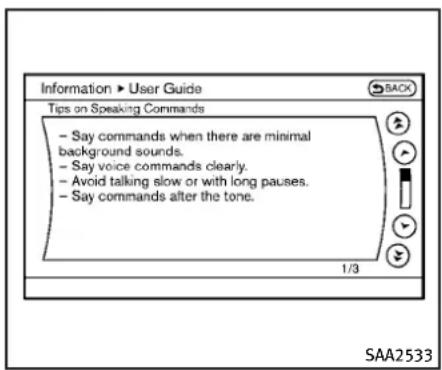
text_image
Information ► User Guide Tips on Speaking Commands - Say commands when there are minimal background sounds. - Say voice commands clearly. - Avoid talking slow or with long pauses. - Say commands after the tone. 1/3 SAA2533Usefultipsforcorrectoperation
Youcandisplayusefulspeakingtipsto helpthesystemrecognizeyourvoice commandscorrectly.
Select"HelponSpeaking"tostartdisplay.
USINGTHESYSTEM
Initialization
Whentheignitionswitchispushedtothe ONposition,INFINITIVoiceRecognitionis initialized,whichmaytakeuptoone minute.Whencompleted,thesystemis readytoacceptvoicecommands.Ifthe TALK switchispushedbeforethe initializationcompletes,thedisplaywill showthemessage:"Systemnotready."or abeepsounds.
Beforestarting
Togetthebestrecognitionperformance fromINFINITIVoiceRecognition,observe thefollowing:
●Theinteriorofthevehicleshouldbeas quietaspossible.Closethewindowsto eliminatethesurroundingnoises(trafficnoiseandvibrationsounds,etc.), whichmaypreventthesystemfrom correctlyrecognizingthevoicecommands.
- Waituntilthetonesoundsbefore speakingacommand.
●Speakinanaturalconversationalvoice withoutpausingbetweenwords.
- If the air conditionerissetto "Auto", the fanspeedisautomatically lowered so that your command scan berecognized more easily.

text_image
START EXIT SAA1588Givingvoicecommands
- Push the TALK switch located on the steering wheel.
4-118Monitor, climate, audio, phone and voicerecognitionsystems
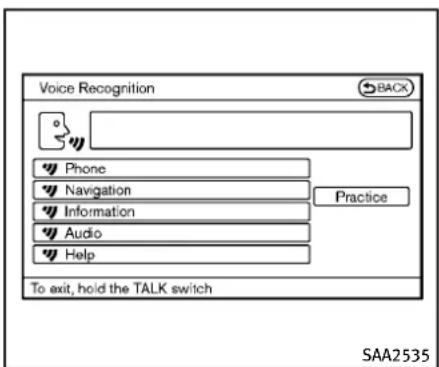
text_image
Voice Recognition BACK Phone Navigation Information Audio Help Practice To exit, hold the TALK switch SAA25352.Alistofcommandsappearsonthe screen,andthesystemannounces, "WouldyouliketoaccessPhone, Navigation,Information,Audioor Help?".
3. Afterthetonesoundsandtheiconon thescreenchangesfrom to speakacommand.
Selectingthe"Practice"keywillstart thepracticemode.See"Let'sPractice" (P.4-117).
4. Continuetofollowthevoicemenu promptsandspeakafterthetone soundsuntilyourdesiredoperationis completed.
Selectingthe“Help”keycandisplay thedetailedinformationoftheeach command.
Operatingtips:
●Sayacommandafterthetone.
- Commandsthatareavailableareal-waysshownonthedisplayandspoken throughvoicemenuprompts.Commandsotherthanthosethataredis-playedarenotaccepted.Pleasefollow thepromptsgivenbythesystem.
- If the command is not recognized, the system announces, "Pleasesayagain". Repeat the command in a clear voice.
- PushtheBACKbuttononcetoreturnto theprevioussscreen.
- Toexitthevoicerecognitionsystem, pushandholdtheTALK switch. The message, "Voice canceled" will be announced.
- Toskipthevoiceguidancefunctionand givethecommandimmediately,press theTALK we switchtointerruptthe system.Remembertospeakafterthe tone.
- If you want to adjust the volume of the system feedback, push the volume control buttons[+] or [-] on the
steeringswitchorusetheaudiosystem volumeknobwhilethesystemis makinganannouncement.
Howtospeaknumbers:
INFINIT|VoiceRecognitionrequiresacertainwaytospeaknumberswhengiving voicecommands.Refertothefollowing examples.
Generalrule
Onlysingledigits0(zero)to9canbeused. (Forexample, ifyouwouldliketosay500, "fivezerozero" canbeused, but "five hundred" cannot.)
Examples
●1-800-662-6200
— “Oneeightzerozerosixsixtwosix twozerozero”
ImprovingRecognitionofPhonenumber
Youcanimprovetherecognitionofphone numbersbysayingthephonenumberin threegroupsofnumbers. Forexample, whenyoutrytocall800-662-6200, say "eightzerozero"first,andthesystemwill thenaskyouforthenextthreedigits. Then, say "sixsixtwo".Afterrecognition,the systemwillthenaskforthelastfourdigits. Say,"sixtwozerozero".Usingthismethod
ofphonedigitentrycanimproverecognitionperformance.
Whenspeakingahousenumber, speak the number "0" as "zero". If the letter "o (oh)" is included in the housenumber, it will not be recognized asthenumber "0(zero)" even if you speak "oh" instead of "zero".
Pleasespeak“zero”forthenumber“0 (zero)”, “oh” for the letter “o (oh)”
Senddigitsusingdialtone:
●PresstheTALK phonecall. switchduringa
- Themenuwillbelaunchedandyouwill beprovidedwiththefollowingguidance:"Pleasesaythedigitstodial".
- Afterguidance, saythedigitsofthe numberyouwanttosend. Afterthis, thedigitsthathavebeenrecognized willbereadout.
- If you press the ENTER button on the steering wheel or on the INFINIT controller, these selected digits will be sent.
4-120Monitor, climate, audio, phone and voicerecognitionsystems
CommandList
CategoryCommand:
| CommandAction | |
| PhoneOperatesthePhonefunction | |
| NavigationOperatestheNavigationfunction | |
| InformationDisplaysthevehicleInformationfunction | |
| AudioOperatestheAudiofunction. | |
| HelpDisplaysUserGuide |
- PhoneCommand:
| CommandAction | ||
| DialNumberMakesacalltoaspokenphonenumber | pto10digits. | |
| VehiclePhonebookMakesacalltoacontactthatisstoredintheVehiclePhonebook. | ||
| HandsetPhonebookMakesacalltoacontactthatisstoredinthemobilephone. | ||
| CallhistoryIncomingCalls Makesacalltotheincomingcallnumber. | ||
| InternationalCall | Makesaninternationalcallbyallowingmorethan10digitstobespoken. | |
| ChangeNumber | Correctstherecognizedphonenumber(availableduringphonenumberentry). | |
●NavigationCommand:
| CommandAction | |
| DestinationHome | SetsaroutetoyourhomethatisstoredintheAddressBook. |
| Address | Searches for a location by the street address specified, and sets a route to the location. |
| Places | Setsaroutetoafacilitynearthecurrentvehiclelocation. |
| AddressBook | SearchesforstoredinformationintheAddressBook. |
| PreviousDestinationsSetsaroutetoapreviousdestination. | |
●InformationCommand:
| CommandAction | |
| FuelEconomyDisplaysfueleconomyinformation. | |
| MaintenanceDisplaysmaintenanceinformation. | |
| TrafficInformationTurnsthetrafficinformationsystemONandOFF. | |
| Whereaml?Displaysyourcurrentlocation. | |
●AudioCommand:
| CommandAction | |
| AMTurnstotheAMband,selectingthestationlastplayed. | |
| FMTurnstotheFMband,selectingthestationlastplayed. | |
| XMTurnstotheXMSatelliteband,selectingthechannellastplayed. | |
| MusicBoxTurnsontheMusicBoxharddriveaudiosystem. | |
| CDStartstoplayaCD. | |
●GeneralCommands
| CommandAction | |
| Goback | Correctsthelastrecognitionresulttoreturntotheprevioussscreen |
| Exit | CancelsVoiceRecognition |
4-122Monitor,climate,audio,phoneandvoicerecognitionsystems
Voicecommandexamples
TousetheINFINITIVoiceRecognition function, speakingonecommandissometimeessufficient, butatothertimesitis necessarytospeaktwoormorecommands. Asexamples, someadditional basicoperationsbyvoicecommandsare describedhere.
Fornavigationsystemcommands,seethe separateNavigationSystemOwner's Manual.

text_image
SAA1588Example1-Placingacalltothephone number800-662-6200:
- Push the TALK switch located on the steering wheel.

text_image
Voice Recognition BACK Phone Navigation Information Audio Help Practice To exit, hold the TALK switch SAA2535- Thesystemannounces, "Wouldyoulike toaccessPhone, Navigation, Information, AudioorHelp?"
3.Speak"Phone".

text_image
Voice Recognition ▶ Phone Dial Number Vehicle Phonebook Handset Phonebook Call History International Call To exit, hold the TALK switch SAA25364.Speak"DialNumber".
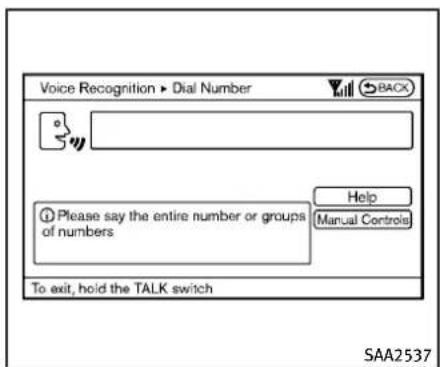
text_image
Voice Recognition ▶ Dial Number BACX Please say the entire number or groups of numbers Help Manual Controls To exit, hold the TALK switch SAA25375.Speak"8 0 0".
Selectingthe"ManualControls"key switchesthescreentothekeypadto inputthephonenumbermanually.

text_image
Voice Recognition ▶ Dial Number 800 Dial Number Change Number Say the next three digits, "Dial", or say "Change Number" Help Manual Controls To exit, hold the TALK switch SAA2538- Thesystemannounces, "Pleasesaythe nextthreedigitsordial, or saychange number."
7.Speak"6 6 2".
4-124Monitor, climate, audio, phone and voicerecognitionsystems

text_image
Voice Recognition ▶ Dial Number 800-662 Change Number Say the last four digits or say "Change Number" Help Manual Controls To exit, hold the TALK switch SAA2539- Thesystemannounces, "Pleasesaythe lastfourdigits" or say changenumber.
9.Speak"6 2 0 0".
text_image
Voice Recognition ▶ Dial Number 800-662-6200 Dial Change Number Please say "Dial" or say "Change Number" Help Manual Controls To exit, hold the TALK switch SAA2540- Thesystemannounces, "DialorChange Number?"
11.Speak“Dial”.
- Thesystemmakesacallto800-662-6200.
NOTE:
- Youcanalsospeak“800-662-6200” (10continuousdigits)or“662-6200” (7continuousdigits),iftheareacode isnotnecessary.However,the3-3-4 digitgroupingisrecommendedfor improvedrecognition.(See“Giving voicecommands”(P.4-118).)
- Youcanonlysayaphonenumberusing the3-3-4grouping,7digits,and10 digitsusingthiscommand.Pleaseuse the"InternationalCall"commandfor allotherformats.
- Ifyousay"ChangeNumber" during phonenumberentry, thesystemwill automatically request that you repeat thenumberusingthe3-3-4format. In thiscasepleasesaytheareacodefirst and thenfollowtheprompts.
- Do not add a "1" in front of the area codewhenspeakingphonenumbers.
- If the system does not recognize your command, pleasetryrepeatingthe commandusinganaturalvoice.Speakingtooslowortooloudlymayfurther dereaserecognitionperformance.
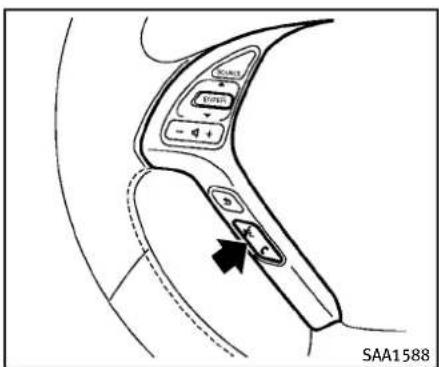
text_image
SAA1588Example2-Placinganinternationalcallto thephonenumber011-81-111-222-3333:
- Push the TALK switch located on the steering wheel.
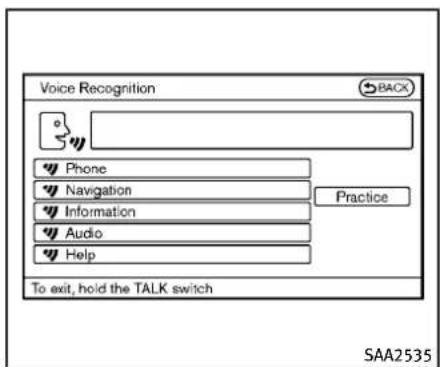
text_image
Voice Recognition BACK Phone Navigation Information Audio Help Practice To exit, hold the TALK switch SAA2535- Thesystemannounces, "Wouldyoulike toaccessPhone, Navigation, Information, AudioorHelp?"
3.Speak"Phone".

text_image
Voice Recognition ▶ Phone BACK Dial Number Vehicle Phonebook Handset Phonebook Call History International Call To exit, hold the TALK switch Help SAA2536- Speak "InternationalCall".
4-126Monitor, climate, audio, phone and voicerecognitionsystems
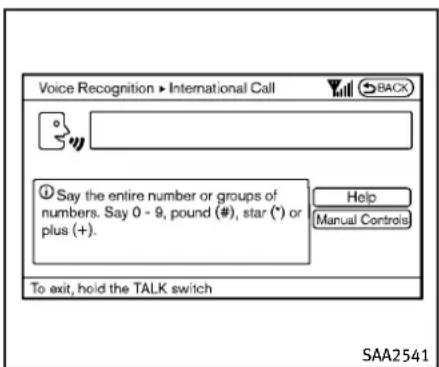
text_image
Voice Recognition ▶ International Call BACK ① Say the entire number or groups of numbers. Say 0 - 9, pound (#), star (*) or plus (+). Help Manual Controls To exit, hold the TALK switch SAA25415.Speak"011811112223333".
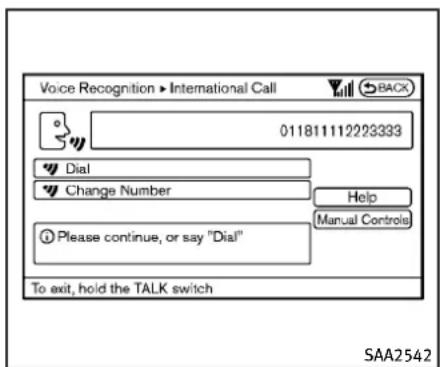
text_image
Voice Recognition ▶ International Call 01181111222333 Dial Change Number Please continue, or say "Dial" Help Manual Controls To exit, hold the TALK switch SAA25426.Speak"Dial".
7. Systemmakesacallto011-81-111-222-3333.
NOTE:
Anydigitinputformatisavailableinthe InternationalNumberinputprocess.
INFINITIVOICERECOGNITIONAL-TERNATECOMMANDMODE
The following section is applicable when AlternateCommandMode is activated.
WhenAlternateCommandModeisactivated,anexpandedlistofcommandscan beusedafterpressingtheTALK switch.Inthismode,availablecommands arenotfullyshownonthedisplayer prompted.Reviewtheexpandedcommand listwhenthismodeisactive.SeeexamplesofAlternateCommandModescreens.
Pleasenotethatinthismodetherecognitionsuccessratemaybeaffectedasthe numberofavailablecommandsandways ofspeakingeachcommandareincreased. Toimprovetherecognitionsuccessrate, tryusingtheSpeakerAdaptationFunction availableinthatmode.(See“Speaker adaptationfunction(forAlternateCommandMode)”(P.4-139).)Otherwiseitis recommendedthatAlternateCommand ModebeturnedOFFandStandardMode beusedforthebestrecognitionperformance.
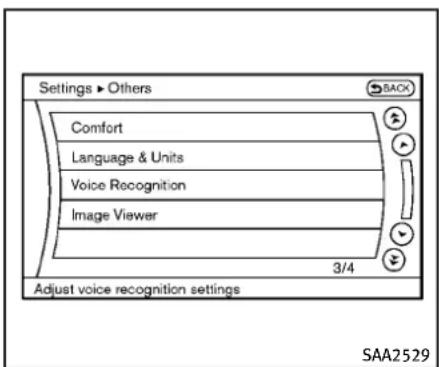
text_image
Settings ▶ Others Comfort Language & Units Voice Recognition Image Viewer 3/4 Adjust voice recognition settings SAA2529ActivatingAlternateCommand Mode
WhentheStandardModeisactive, perform the following step to switch to the AlternateCommand Mode.
- Push the SETTING button on the instrument panel.
- Highlight the "Others" key.
- Highlight the "Voice Recognition" key.
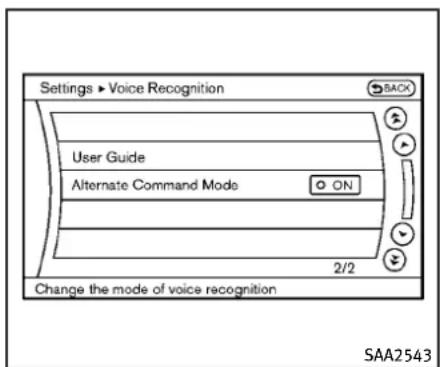
text_image
Settings ▶ Voice Recognition BACK User Guide Alternate Command Mode ON 2/2 Change the mode of voice recognition SAA2543- Highlight the "Alternate Command Mode" key.
- The confirmation message is displayed on the screen. Push the "OK" key to activate the Alternate Command Mode.
Displayingcommandlist
If you are controlling the system by voice commands for the first time, order not know the appropriate voice command, perform the following procedure for displaying the voice command list (available only in Alternate Command Mode).
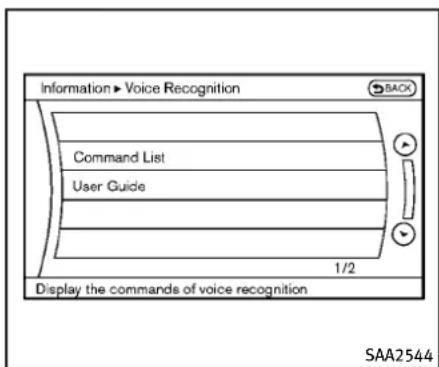
text_image
Information ► Voice Recognition Command List User Guide 1/2 Display the commands of voice recognition SAA2544- PushtheINFObuttonontheinstrument panel.
- Selectthe"Others"key.
- Selectthe"VoiceRecognition"key.
- Selectthe"CommandList"key.

text_image
Information ► Command List Phone Commands Navigation Commands Information Commands Audio Commands Help Commands 1/5 Push the TALK switch to start voice recognition SAA2545- Selectacategoryfromthelist.
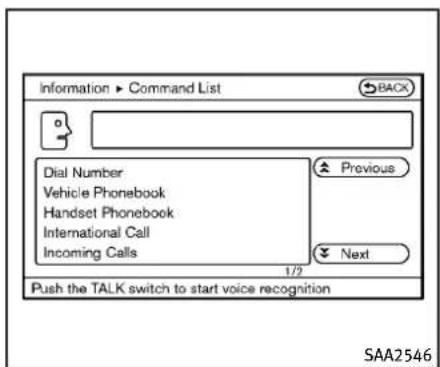
text_image
Information > Command List BACK Dial Number Vehicle Phonebook Handset Phonebook International Call Incoming Calls Previous Next Push the TALK switch to start voice recognition SAA25466.Selectanitem.
7. If necessary, scroll the screen using the INFINITI controller to view the entire list.
8.PresstheBACKbuttontoreturntothe previoussscreen.
CommandsList
PhoneCommands:
| CommandAction | ||
| DialNumberMakesacalltoaspokenphonenumber. | ||
| VehiclePhonebookMakesacalltoacontactthatisstoredintheVehiclePhonebook. | ||
| HandsetPhonebookMakesacalltoacontactthatisstoredinthemobilephone. | ||
| CallHistory | IncomingCallsMakesacalltotheincomingcallnumber. | |
| OutgoingCallsMakesacalltothedialednumber. | ||
| MissedCallsMakesacalltotheMissedcallsnumber. | ||
| InternationalCall | Makesaninternationalcallbyallowingmorethan10digitstobespoken. | |
| Call<name> | Makes a call to a contact that is stored in either Vehicle Phonebook or Handset Phonebook. Please say “Call” followed by astoredname. | |
| ChangeNumber | Correctstherecognizedphonenumber(availableduringphonenumberentry). | |
NavigationCommands:
| CommandAction | |
| DestinationHomeSetsaroutetoyourhomethatisstoredintheAddressBook. | |
| AddressSearchesforalocationbythestreetaddressspecified,andsetsaroutetothelocation. | |
| PlacesSetsaroutetoafacilitynearthecurrentvehiclelocation. | |
| AddressBookSearchesforstoredinformationintheAddressBook. | |
| PreviousDestinationsSetsaroutetoapreviousdestination. | |
| PreviousStartPointSetsaroutetoapreviousstartingpoint. | |
| DeleteDestinationDeletesadestination. | |
InformationCommands:
| CommandAction | |
| FuelEconomyDisplaysfueleconomyinformation. | |
| MaintenanceDisplaysmaintenanceinformation. | |
| WhereamI?Displaysyourcurrentlocation. | |
| TrafficInformationTurnsthetrafficinformationsystemONandOFF. | |
| WeatherInformationDisplaysweatherinformation. | |
| WeatherMapDisplaysaweathermap. | |
4-132Monitor, climate, audio, phone and voicerecognitionsystems
AudioCommands:
| CommandAction | |
| MusicBoxTurnsontheMusicBoxharddriveaudiosystem. | |
| CDStartstoplayaCD. | |
| FMTurnstotheFMband,selectingthestationlastplayed. | |
| AMTurnstotheAMband,selectingthestationlastplayed. | |
| XMTurnstotheXMSatelliteRadioband,selectingthechannellastplayed. | |
| USBTurnsontheUSBmemory. | |
| BluetoothAudioTurnsontheBluetooth | ^ audioplayer. |
| AUXTurnsontheAUX. | |
HelpCommands:
| CommandAction | ||
| CommandListNavigation | CommandsDisplaysthenavigation | oncommandlist. |
| PhoneCommandsDisplaysthe | phonecommandlist. | |
| AudioCommandsDisplaysthe | audiocommandlist. | |
| InformationCommandsDisplaysthe | informationcommandlist. | |
| HelpCommandsDisplaysthe | helpcommandlist. | |
| UserGuideDisplaystheUserGuide. | ||
| SpeakerAdaptationThesystemcanmemorizethevoicesof | uptothreepersons. | |
GeneralCommands:
| CommandAction | |
| GobackCorrectsthelastrecognitionresulttoreturntothe previoussscreen | |
| ExitCancelsVoiceRecognition | |

text_image
Information ► User Guide Getting Started Let's Practice Using the Address Book Finding a Street Address Placing Calls Help on Speaking 1/8 SAA2547Displayinguserguide
Youcan confirm how to use voice commands by accessing simplified User Guide, which contains basic instructions and tutorials for several voice commands.
- PushtheINFObuttonontheinstrument panel.
- Select the "Others" key using the INFINIT controller and push the ENTER button.
-
Highlight the "Voice Recognition" key using the INFINIT controller and push the ENTERbutton.
-
Highlightthe"UserGuide"keyusing theINFINITIcontrollerandpushthe ENTERbutton.
-
HighlightanitemusingtheINFINITI controllerandpushtheENTERbutton.
Availableitems:
- GettingStarted Describethebasicsofhowtooperate theINFINITIVoiceRecognitionsystem.
- Let's Practice Modethatallowspracticingbyfollowingtheinstructionsofthesystemvoice.
- UsingtheAddressBook RefertoNavigationSystemOwner's Manual.
- Finding a Street Address (if so equipped) RefertoNavigationSystemOwner's Manual.
- PlacingCalls Tutorialformakingaphonecallby voicecommandoperation.
- HelponSpeaking Displaysusefultipsforhowtocorrectly speakcommandsinorderforthemto beproperlyrecognizedbythesystem.
●VoiceRecognitionSettings
Describestheavailablevoicerecognitionsettings.
- AdaptingtheSystemtoYourVoice Tutorialadaptingthesystem toyour voice.
USINGTHESYSTEM
Initialization
Whentheignitionswitchispushedtothe ONposition,INFINITIVoiceRecognitionis initialized,whichmaytakeuptone minute. When completed, the system is readyto acceptvoice commands.If the TALK switchispushedbeforethe initializationcompletesthedisplaywill show the message: "System not ready" orabeepsounds.
Beforestarting
TogetthebestperformancefromINFINITI VoiceRecognition,observethefollowing.
- Keeptheinteriorofthevehicleasquiet aspossible.Closethewindowsto eliminatethesurroundingnoises(traffic noises,vibrationsounds,etc.), which maypreventthesystemfrom recognizingthevoicecommandscorrectly.
4-136Monitor, climate, audio, phone and voicerecognitionsystems
- When the air conditioner is in the AUTO mode, the fanspeed decreases automatically for easy recognition.
●Waituntilatonesoundsbeforespeakingacommand.
●Speakinanaturalvoicewithoutpausingbetweenwords.

text_image
SAA1588Givingvoicecommand
- PushandreleasetheTALKswitch locatedonthesteeringwheel.

text_image
Voice Recognition BACK Phone Navigation Information Audio Help Alternate Command Mode ON To exit, hold the TALK switch Practice SAA25482.Alistofcommandsappearsonthe screen, and the system announces, "Pleasesayacommand".
- Afterthetonesoundsandt thescreenchangesfrom speakacommand.
to
Operatingtips:
●Voicecommandscannotbeaccepted whentheiconis
●Thelistdisplayedcanbescrolledby tiltingthemenucontrolswitchonthe steeringwheel.
- Ifthecommandisnotrecognized, the systemannounces, "Pleasesayagain".
Repeatthecommandinaclearvoice.
- PushtheBACKbuttononcetoreturnto theprevioussscreen.
- If you want to cancel the command, push and hold the TALK switch for 1 second. The message "Voice canceled" will be announced.
- Toskipthevoiceguidancefunctionand givethecommandimmediately,press theTALK we switchtointerruptthe system.Remembertospeakafterthe tone.
- If you want to adjust the volume of the system feedback, push the volume control switch (+ or - ) on the steering wheel or the audiosystem volume knob while the system is making an announcement.
Howtospeaknumbers:
INFINITIVoiceRecognitionrequiresacertainwaytospeaknumberswhengiving voicecommands.Refertothefollowing examples.
Generalrule
Onlysingledigits0(zero)to9canbeused. (Forexample, ifyouwouldliketosay500, "fivezerozero" canbeused, but "five hundred" cannot.
Phonenumbers
Speakphonenumbersaccordingtothe followingexamples:
●1-800-662-6200
— “ Dialoneeightzerozerosixsixtwo sixtwozerozero.”
Note1: For the best voice recognition phonedialing results, say phonenumbers assingledigits.
Note2: You cannot say 555-6000 as "five five fivesixthousands".
Note3: Whenspeakingahousenumber, speak the number "0" as "zero". If the letter "o(oh)" is included in the house number, it will not be recognized as the number "0 (zero)" even if you speak "oh" instead of "zero". Please speak "zero" for the number "0 (zero)", "oh" for the letter "o(oh)".
Senddigitsusingdialtone:
- PresstheTALK phonecall. switchduringa
- Themenuwillbelaunchedandyouwill beprovidedwiththefollowingguidance:"Pleasesaythedigitstodial".
●Afterguidance, saythedigitsofthe numberyouwanttosend. Afterthis,
thedigitsthathavebeenrecognized willbereadout.
- If you press the ENTER button on the steering wheel or on the INFINIT controller, these selected digits will be sent.
4-138Monitor, climate, audio, phone and voicerecognitionsystems
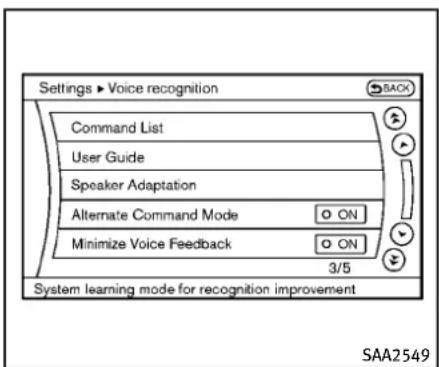
text_image
Settings ▶ Voice recognition SACK Command List User Guide Speaker Adaptation Alternate Command Mode ON Minimize Voice Feedback ON 3/5 System learning mode for recognition improvement SAA2549Speakeradaptationfunction(for AlternateCommandMode)
Thevoicerecognitionsystemhasafunc-tiontolearntheuser'svoiceforbetter voicerecognitionperformance.Thesystem canmemorizethevoicesofuptothree persons.
Havingthesystemlearntheuser'svoice:
- Push the SETTING button on the instrument panel and select the "Others" key.
- Selectthe"VoiceRecognition"key.
- Selectthe"SpeakerAdaptation"key.
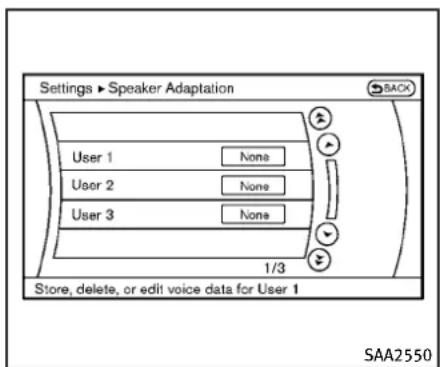
text_image
Settings ► Speaker Adaptation BACK User 1 None User 2 None User 3 None 1/3 Store, delete, or edit voice data for User 1 SAA2550- Select the user whose voice is memorized by the system.
- Select the "StartSpeakerAdaptation Learning" key.

text_image
Settings ► Speaker Adaptation Phone Commands Navigation Commands Information Commands Audio Commands Help Commands 1/5 SAA2551-
Selectacategorytobelearnedbythe systemfromthefollowinglist.
-
PhoneCommands
- NavigationCommands
• InformationCommands - AudioCommands
-
HelpCommands Thevoicecommandsinthecategory aredisplayed.
-
Selectavoicecommandandthenpush theENTERbutton.
Thevoicerecognitionsystemstarts.
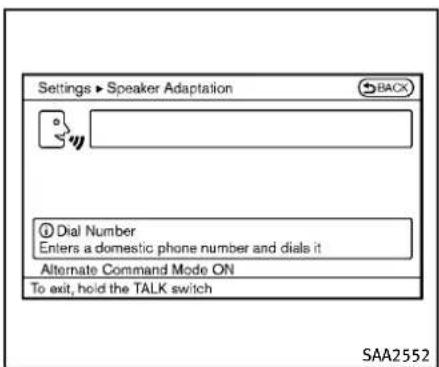
text_image
Settings ► Speaker Adaptation BACK Dial Number Enters a domestic phone number and dials it Alternate Command Mode ON To exit, hold the TALK switch SAA2552"None" to "Stored".
- Thesystemrequeststhatyourepeata commandafteratone.
- Afterthetonesoundsandtheiconon thescreenchangesfrom to speakthecommandthatthesystem requested.
- Whenthesystemhasrecognizedthe voicecommand, thevoiceoftheuseris learned.
Pushthe switchorBACKbuttonto returntothepreviewscreen.
If the system has learned the command correctly, the voice command status on the right side of the command turns from
4-140Monitor, climate, audio, phone and voicerecognitionsystems

text_image
Settings ► Speaker Adaptation Edit User Name User 1 Delete Voice Data Continuous Learning ON 1/3 Identify voice data by adding a name SAA2553SpeakerAdaptationfunctionsettings: EditUserName
Edittheusernameusingthekeypad displayedonthescreen.
DeleteVoiceData
Resetstheuser'svoicethatthevoice recognitionsystemhaslearned.
ContinuousLearning
WhenthisitemisturnedtoON,youcan havethesystemlearnthevoicecommands insuccession,withoutselectingcommandsonebyone.
Minimizevoicefeedback(forAlternateCommandMode)
Tominimizethevoicefeedbackfromthe system,performthefollowingsteps.
- Push the SETTING button on the instrument panel.
- Selectthe"Others"key.
- Selectthe"VoiceRecognition"key.
- Select the "MinimizeVoiceFeedback" key.
- ThesettingisturnedtoONandthe voiceguidancewillnowbereduced whenusingtheVoiceRecognition system.
TROUBLESHOOTINGGUIDE
The system should respond correctly to all voice commands without difficulty. If problems are encountered, follow the solutions given in thisguidefortheappropriateerror.
Where the solutions are listed by number, try each solution in turn, starting with number one, until the problem is resolved.
| Symptom/errormessageSolution | |
| Displays“COMMANDNOTRECOGNIZED”orthe systemfailstointerpretthecommandcorrectly. | 1. Ensure that the command format is valid, see “Command List” (P.4-121). |
| 2.Speakclearlywithoutpausingbetweenwordsandatalevelappropriatetotheambientnoiselevel. | |
| 3.Ensurethattheambientnoiselevelisnotexcessive,forexample,windowsopenordefroston.NOTE:Ifitistoonoisytousethephone,itislikelythatvoicecommandswillnotberecognized. | |
| 4.Ifoptionalwordsofthecommandhavebeenomitted,thenthecommandshouldbetriedwiththeseinplace. | |
| Thesystemconsistentlyselectsthewrongvoicetagin thephonebook. | 1.Ensurethatthevoicetagrequestedmatcheswhatwasoriginallystored.(See“Bluetooth ^5 Hands-FreePhone System(modelswithnavigationsystem)”(P.4-90).) |
| 2.Replaceoneofthevoicetagsbeingconfusedwithadifferentvoicetag. |
5Startinganddriving
Precautionswhenstartinganddriving....5-3
Exhaustgas(carbonmonoxide)....5-3
Three-waycatalyst....5-4
TirePressureMonitoringSystem(TPMS)......5-4
Avoidingcollisionandrollover....5-6
Off-roadrecovery....5-7
Rapidairpressureloss....5-7
Drinkingalcohol/drugsanddriving....5-8
All-WheelDrive(AWD)driving
safetyprecautions....5-8
Push-buttonignitionswitch....5-9
IntelligentKeysystem....5-9
Operatingrangeforenginestartfunction.....5-10
Push-buttonignitionswitchoperation......5-10
Push-buttonignitionswitchpositions......5-11
Emergencyengineshutoff....5-11
IntelligentKeybatterydischarge....5-12
Beforestartingtheengine....5-12
Startingtheengine....5-13
Drivingthevehicle....5-14
Automatictransmission....5-14
ManualTransmission....5-18
Parkingbrake....5-20
Automatictransmissionmodels......5-21
ManualTransmissionmodels....5-21
Cruisecontrol....5-21
Precautionsoncruisecontrol....5-21
Cruisecontroloperations....5-22
IntelligentCruiseControl(ICC)system(if
soequipped)....5-23
Selectingthevehicle-to-vehicledistance
controlmode....5-24
Vehicle-to-vehicledistancecontrolmode.....5-25
Precautionsonvehicle-to-vehicledistance
controlmode....5-25
Vehicle-to-vehicledistancecontrol
modeoperation....5-27
Conventional(fixedspeed)cruise
controlmode....5-41
Previewfunction(forIntelligentCruiseControl
systemequippedmodels)......5-44
Break-inschedule....5-45
Increasingfueleconomy....5-45
All-WheelDrive(AWD)(ifsoequipped)......5-45
Parking/parkingonhills....5-47
Sonarsystem(ifsoequipped)....5-48
Sonarindicator....5-49
SonarsystemOFFswitch....5-50
Powersteering....5-50
Brakesystem....5-51
Brakingprecautions....5-51
Parkingbrakebreak-in....5-51
Brakeassist....5-52
Brakeassist....5-52
Previewfunction(IntelligentCruiseControl systemequippedmodels)....5-52
Anti-lockBrakingSystem(ABS)....5-54
VehicleDynamicControl(VDC)system....5-55
4WheelActiveSteer(4WAS)system
(ifsoequipped)....5-57
Coldweatherdriving....5-58
Freeingafrozendoorlock....5-58
Antifreeze....5-58
Battery....5-58
Drainingofcoolantwater....5-58
Tireequipment....5-58
Specialwinterequipment....5-58
Drivingonsnoworice....5-58
Engineblockheater(forCanadaonly)......5-59
PRECAUTIONSWHENSTARTINGAND DRIVING

WARNING
- Donotleavechildrenoradultswho wouldnormallyrequirethesupport of othersaloneinyourvehicle.Petsshould notbeleftaloneeither.Theycould accidentallyinjurethemselvesorothers throughinadvertentoperationofthe vehicle.Also,onhot,sunnydays, temperaturesinaclosedvehiclecould quicklybecomehighenoughtocause severeorpossiblyfatalinjuriesto peopleoranimals.
- Closelysupervisechildrenwhentheyare aroundcarstopreventthemfromplayingandbecominglockedinthetrunk wheretheycouldbeseriouslyinjured. Keepthecarlocked,withtherear seatbackandtrunklidsecurelylatched whennotinuse,andpreventchildren's accesstocarkeys.
EXHAUSTGAS(carbonmonoxide)

WARNING
- Donotbreatheexhaustgases;they containcolorlessandodorlesscarbon monoxide. Carbonmonoxide is dangerous. It can cause unconsciousness or death.
- Ifyoususpectthatexhaustfumesare enteringthevehicle, drivewithall windowsfullyopen, and havethe vehicleinspectedimmediately.
- Donotruntheengineinclosedspaces suchasagarage.
- Donotparkthevehiclewiththeengine runningforanyextendedlengthoftime.
-
Keepthetrunklidclosedwhiledriving, otherwiseexhaustgasescouldbedrawn intothepassengercompartment.Ifyou mustdrivewiththetrunklidopen, followtheseprecautions:
1) Openallthewindows.
2) Setthe airrecirculationtooff and the fan control to highto circulatetheair. -
If electrical wiring or other cable connections must pass to a trailer through these alonthetrunklidorthebody, follow them manufacturer's recommendation to prevent carbon monoxide entry into the vehicle.
●Theexhaustsystemandbodyshouldbe inspectedbyaqualifiedmechanicwhenever:
— Thevehicleisraisedforservice.
— Yoususpectthatexhaustfumesare enteringintothepassengercompartment.
— Younoticeachangeinthesoundof theexhaustsystem.
— Youhavehadanaccidentinvolving damagetotheexhaustsystem, underbody,orrearofthevehicle.
THREE-WAYCATALYST
The three-way catalyst is an emission control device installed in the exhaust system. Exhaust gases in the three-way catalyst are burned at high temperature to help reduce pollutants.

WARNING
- Theexhaustgasandtheexhaustsystem areveryhot.Keeppeople,animalsor flammablematerialsawayfromthe exhaustsystemcomponents.
- Donotstoporparkthevehicleover flammablematerialssuchasdrygrass, wastepaperorrags. They may ignite and cause fire.

CAUTION
- Donotuseleadedgasoline.Deposits fromleadedgasolineseriouslyreduce thethree-waycatalyst'sabilitytohelp reduceexhaustpollutants.
- Keepyourenginetunedup.Malfunctions intheignition,fuelinjection,orelectricalsystemscancauseoverrichfuel
flowintothethree-waycatalyst, causing ittooverheat.Donotkeepdrivingifthe enginemisfires,orifnoticeablelossof performanceorotherunusualoperating conditionsaredetected.Havethevehicle inspectedpromptlybyanINFINITlretailer.
- Avoiddrivingwithanextremelylowfuel level. Runningoutoffuelcouldcause theenginetomisfire, damagingthe three-waycatalyst.
- Donotracetheenginewhilewarmingit up.
- Donotpushortowyourvehicletostart theengine.
TIREPRESSUREMONITORINGSYSTEM(TPMS)
Eachtire, including the spare (if provided), should be checked monthly when cold and inflated to the inflation pressurerecommended by the vehicle manufacturer on the vehicle placard tire inflation pressure label. (If your vehicle hastires of different sizenthesize indicated on the vehicle placard tire inflation pressure label, you should determin the property inflation pressure forthosetires.)
Asanadded safety feature, your vehicle has been equipped with a Tire Pressure Monitoring System (TPMS) that illuminates alow tire pressure telltale when none or more of your tires is significantly under-inflated. Accordingly, when the low tire pressure telltale illuminates, you should stop and check your tires as soon as possible, and in flat them to the proper pressure. Driving on asignificantly under-inflated tire cause esthetire too overheat and can lead to tire failure. Under-inflation also reduces fuel efficiency and tire tread life, and may affect the vehicle's handling and stopping ability.
Pleasenotethat theTPMSis nota substituteforpropertiremaintenance, anditisthedriver'sresponsibility to maintaincorrecttirepressure, even if under-inflationhasnotreachedthelevel to triggerilluminationoftheTPMSlowtire pressuretelltale.
Yourvehiclehasalsobenequippedwitha TPMSmalfunctionindicatortoindicate whenthesystemisnotoperatingproperly. TheTPMSmalfunctionindicatoriscombinedwiththelowtirepressuretelltale. Whenthesystemdetectsamalfunction, thetelltalewillflashforapproximatelyone
minuteandthenremaincontinuously illuminated. Thissequencewillcontinue uponsubsequentvehiclestart-upsaslong asthemalfunctionexists.Whenthemalfunctionindicatorisilluminated,thesystemmaynotbeabletodetectorsignallow tirepressureasintended.TPMSmalfunctionsmayoccurforvarietyofreasons, includingtheinstallationofreplacementor alternatetiresorwheelsonthevehiclethat preventtheTPMSfromfunctioningproperly.AlwayschecktheTPMSmalfunction telltaleafterreplacingoneormoretiresor wheelsonyourvehicletoensurethatthe replacementoralternatetiresandwheels allowtheTPMStocontinuetofunction properly.
Additional information
●TheTPMSdoesnotmonitorthetire pressureofthesparetire.
●TheTPMSwillactivateonlywhenthe vehicleisdrivenatspeedsabove16 MPH(25km/h).Also,thissystemmay notdetectasuddendropintire pressure(forexampleaflattirewhile driving).
●Thelowtirepressurewarninglightdoes notautomaticallyturnoffwhenthetire pressureisadjusted. After the tire is
inflatedtotherecommendedpressure, thevehiclemustbedrivenatspeeds above16MPH(25km/h)toactivatethe TPMSandturnoffthelowtirepressure warninglight.Useatirepressuregauge tocheckthetirepressure.
●TheCHECKTIREPRESSUREwarning appearsonthedotmatrixliquidcrystal displaywhenthelowtirepressure warninglightisilluminatedandlow tirepressureisdetected.TheCHECK TIREPRESSUREwarningturnsoffwhen thelowtirepressurewarninglight turnsoff.
The CHECKTIREPRESSURE warning does not appear if the low tire pressure warning light to illuminate to indicate a TPMS malfunction.
- Tirepressurerisesandfallsdepending ontheheatcausedbythevehicle's operationandtheoutsidetemperature. Lowoutsidetemperaturecanlowerthe temperatureoftheairinsidethetire whichcancausealowertireinflation pressure.Thismaycausethelowtire pressurewarninglighttoilluminate.If thewarninglightilluminatesinlow ambienttemperature,checkthetire pressureforallfourtires.
For additional information, see "Lowtire pressure warning light" (P.2-15) and "Tire Pressure Monitoring System (TPMS)" (P.6-2).

WARNING
- Ifthelowtirepressurewarninglight illuminateswhiledriving,avoidsudden steeringmaneuversorabruptbraking, reducevehiclespeed,pullofftheroadto asafelocationandstopthevehicleas soonaspossible.Drivingwithunderinflatedtiresmaypermanentlydamage thetiresandincreasethelikelihood of tirefailure.Seriousvehicledamage couldoccurandmayleadtoanaccident andcouldresultinseriouspersonal injury.Checkthetirepressureforall fourtires.Adjustthetirepressuretothe recommendedCOLDtirepressureshown ontheTireandLoadingInformation labeltoturnthelowtirepressure warninglightOFF.Ifthelightstill illuminateswhiledrivingafteradjusting thetirepressure,atiremaybeflat.If youhaveaflattire,replaceitwitha spare tireassoonaspossible.(See"Flat tire"(P.6-2)forchangingaflattire.)
- Whenasparetireismountedorawheel isreplaced, theTPMSwillnotfunction andthelowtirepressurewarninglight willflashforapproximately1minute. Thelightwillremainonafter1minute. ContactyourINFINITlretailerassoonas possiblefortirereplacementand/or systemresetting.
●Replacing tires with those not originally specified by INFINIT could affect the proper operation of the TPMS. - Donotinjectanytireliquidoraerosol tiresealantintothetires,asthismay causeamalfunctionofthetirepressure sensors.

CAUTION
- The TPMS may not function properly when the wheels are equipped with tire chains or the wheels are buried in snow.
- Donotplacemetalizedfilmoranymetal parts(antenna,etc.)onthewindows. Thismaycausepoorreceptionofthe signalsfromthetirepressuresensors, andtheTPMSwillnotfunctionproperly.
Somedevicesandtransmittersmaytemporarilyinterferewiththeoperationofthe TPMSandcausethelowtirepressure warninglighttoilluminate.Someexamplesare:
●Facilitiesorelectricdevicesusingsimilarradiofrequenciesarenearthe vehicle.
- Ifatransmittersettosimilarfrequenciesisbeingusedinornearthe vehicle.
- Ifacomputer(orsimilarequipment)or aDC/ACconverterisbeingusedinor nearthevehicle.
FCCNotice:
ForUSA:
ThisdevicecomplieswithPart15ofthe FCCRules.Operationissubjecttothe followingtwoconditions:(1)Thisdevice maynotcauseharmfulinterference,and (2)thisdevicemustacceptanyinterferencereceived,includinginterferencethat maycauseundesiredoperation.
Note: Changesormodificationsnotexpresslyapprovedbythepartyresponsible forcompliancecouldvoidtheuser's authoritytooperatetheequipment.
ForCanada:
This device complies with RSS-210 of Industry Canada. Operation is subject to the following two conditions: (1) this devicemay not cause interference, and (2) this devicemust accept any interference, including interference that may cause undesired operation of the device.
AVOIDINGCOLLISIONANDROLL-OVER

WARNING
Failuretooperatethisvehicleinasafeand prudent manner may result in loss of control oranaccident.
Bealertanddrivedefensivelyatalltimes. Obeyalltrafficregulations.Avoidexcessivespeed,highspeedcornering,or suddensteeringmaneuvers,because thesedrivingpracticescouldcauseyouto losecontrolofyourvehicle.Aswithany vehicle,apossofcontrolcouldresultina collisionwithothervehiclesorobjects,or cause thevehicletorollover,particularlyif thelossofcontrolcausesthevhicleto slidesideways.Beattentiveatalltimes,
andavoiddrivingwhentired. Neverdrive whenundertheinfluenceofalcoholor drugs(includingprescriptionorover-the-counterdrugswhichmaycausedrowsiness). Alwayswearyourseatbeltas outlinedinthe"Seatbelts"(P.1-14)ofthis manual, andalsoinstructyourpassengers todos.
Seatbeltshelpreducetheriskofinjuryin collisionsandrollovers. Inarollovercrash, anunbeltedorimpropertybeltedpersonis significantlymorelikelytobeinjuredor killedthanapersonpropertywearinga seatbelt.
OFF-ROADRECOVERY
Iftherightsideorleftsidewheelsmay unintentionallyleavetheroadsurface. Maintain control of the vehicle by following the procedure below. Pleased not that this procedure is only general guide. The vehicle must be driven as appropriate based on the condition of the vehicle, road and traffic.
- Remaincalmanddonotoverreact.
- Donotapplythebrakes.
-
Maintain a firm grip on the steering wheel with both hands and try to hold a straight course.
-
When appropriate, slowly releasethe acceleratorpedaltogradually slow the vehicle.
- If there is nothing in the way, steer the vehicle to follow the road while the vehicles speed is reduced. Donot attempt to drivethe vehicle back onto the roads surface until vehicles speed is reduced.
- When it's safetodoso, gradually turn the steering wheel until both tires return to other roads surface. When all tires are on the roads surface, steer the vehicle to stay in the appropriate driving lane.
- If you decide that it is not safe to return the vehicle to other roads surface based on vehicle, road traffic conditions, gradually slow the vehicle to stop in a safe place off the road.
RAPIDAIRPRESSURELOSS
Rapidairpressurelossora"blow-out" can occur if the treispunctured or is damaged duetohitting acurborpothole. Rapidair pressure loscan also be caused by driving on under-inflated tires.
Rapidairpressurelosscan affect the handling and stability of the vehicle, especially at highways speeds.
Helppreventrapidairpressurelossby maintainingthecorrectairpressure and visuallyinspectthetiresforwear and damage. See "Wheelsandtires"(P.8-33) of this manual.
Ifatirerapidlylosesairpressureor "blows-out"whiledrivingmaintaincontrol ofthevehiclebyfollowingtheprocedure below.Pleasenotethatthisprocedureis onlyageneralguide.Thevehiclemustbe drivenasappropriatebasedontheconditionsofthevehicle,roadandtraffic.

WARNING
The following actions can increase the chance of losing control of the vehicle if there is sudden loss of fire air pressure. Losing control of the vehicle may cause a
Startinganddriving5-7
collisionandresultinpersonalinjury.
•The vehicle generally moves or pulls in the direction of the flattire.
- Donotrapidlyapplythebrakes.
- Donotrapidlyreleasetheaccelerator pedal.
- Donotrapidlyturnthesteeringwheel.
1.Remaincalmanddonotoverreact.
2. Maintain a firm grip on the steering wheel with both hands and try to hold a straight course.
3. When appropriate, slowly releasethe acceleratorpedaltogradually slow the vehicle.
4. Graduallysteerthevehicletoasafe locationofftheroadandawayfrom trafficifpossible.
5. Lightly apply the brake pedal to gradually stop the vehicle.
6. Turnonthehazardwarningflashers andeithercontactaroadsideemergencyservicetochangethetireorsee "Changingaflattire"(P.6-3)ofthis Owner'sManual.
DRINKINGALCOHOL/DRUGSAND DRIVING

WARNING
Neverdriveundertheinfluenceofalcoholor drugs.Alcoholinthebloodstreamreduces coordination,delaysreactiontimeandimpairsjudgement.Drivingafterdrinking alcoholincreasesthikelikelihoodofbeing involvedanaccidentinjuringyourselfand others.Additionally,ifyouareinjuredinan accident,alcoholcanincreasetheseverity oftheinjury.
INFINITIis committedto safedriving. However, you must choose nottodrive under the influence of alcohol. Every year thousand so people are injured or killed in alcohol-related accidents. Although the callaws vary on what is considered to be legally intoxicated, the fact is that alcohol affects all peopled differently and most people underestimate the effect of alcohol.
Remember, drinking and driving don't mix! And that ist rue for drugs, too (over-the-counter, prescription, and illegal drugs).
Don't drive if your ability to operate your vehicle is impaired by alcohol, drugs, or some other physical condition.
ALL-WHEELDRIVE(AWD)DRIVING SAFETYPRECAUTIONS

WARNING
- Donotdrivebeyondtheperformance capabilityofthetires,evenwithAWD engaged.Acceleratingquickly,sharp steeringmaneuversorsuddenbraking maycauselossofcontrol.
●Alwaysusetiresofthesametype,size, brand,construction(bias,bias-beltedor radial),andtreadpatternonallfour wheels.Installtirechainsontherear wheelswhendrivingonslipperyroads anddrivecarefully. - Thisvehicleisnotdesignedforoffroad (roughroad)use.Donotdriveonsandy ormuddyroadsthattiresmaygetstuck in.
-ForAWDequipped vehicles,do not attempttoraisetwowheelsoffthe groundandshiftthetransmissionto anyD(Drive)orR(Reverse)positionwith theengine running.Doingsomayresult
PUSH-BUTTONIGNITIONSWITCH
indrivetraindamageorunexpected vehiclemovementwhichcouldresultin seriousvehicledamageorpersonal injury.
- DonotattempttotestanAWDequipped vehicleona2-wheeldynamometer, (suchasthodynamometersused by somestatesforemissiontesting), or similarequipmenteveniftheothertwo wheelsareraisedofftheground.Make sureyouinformtestfacilitypersonnel thatyourvehicleisequippedwithAWD beforeitisplacedonadynamometer. Usingthewrongtestequipmentmay resultindrivetraindamageorunexpectedvehiclemovementwhichcould resultinseriousvehicledamageor personalinjury.
- Whenawheelisoffthegroundduetoan unlevelsurface, donotspinthewheel excessively.

WARNING
Donotoperatethepush-buttonignition switchwhiledrivingthevehicleexceptinan emergency.(Theenginewillstopwhenthe ignitionswitchispushed3consecutive timesortheignitionswitchispushed and heldformorethan2seconds.)Iftheengine stopswhilethevehicleisbeingdriven,this couldleadtoacrashandseriousiusinjury.
Beforeoperatingthepush-buttonignition switch, besuretomovetheselectorlever totheP(Park)position(forautomatic transmissionmodel)ortheshiftleverto theN(Neutral)position(formanualtransmissionmodel).
INTELLIGENTKEYSYSTEM
The Intelligent Keysystemcanoperatethe ignitionswitchwithoutitbeingtakenout fromyourpocketorpurse.Theoperating environmentand/orconditionsmayaffect the Intelligent Keysystemoperation.
Someindicatorsandwarningsforoperationaredisplayedonthedotmatrixliquid crystaldisplaybetweenthespeedometer andtachometer.(See“Dotmatrixliquid
crystaldisplay"(P.2-20).)

CAUTION
- BesuretocarrytheIntelligentKeywith youwhenoperatingthevehicle.
●NeverleavethIntelligentKeyinsidethe vehiclewhenyouleavethevehicle. - If the vehicle battery is discharged, the ignition switch cannot be switched from the LOCK position. Chargethe battery as soon as possible. (See "Jumpstarting" (P.6-8).)

natural_image
Top-down schematic of a car with a shaded interior area and labeled point (①), no text or symbols present.The Intelligent Keycanonlybeused for starting the engine when the Intelligent Key is within the specified operating range ①.
WhentheIntelligentKeybatteryisalmost dischargedorstrongradiowavesare presentneartheoperatinglocation,the IntelligentKeysystem'soperatingrange becomesnarrowerandmaynotfunction properly.
If the Intelligent Key is within the operating range, it is possible for anyone, even
someonewhodoesnotcarrytheIntelligent Key,topushtheignitionswitchtostartthe engine.
- Thetrunkareaisnotincludedinthe operatingrangebutthelIntelligentKey mayfunction.
- If the Intelligent Key is placed on the instrument panel, rear parcel shelf, insidethe gloveboxordoor pocket, the Intelligent Key may not function.
- If the Intelligent Key is placed near the door or window outside the vehicle, the Intelligent Key may function.
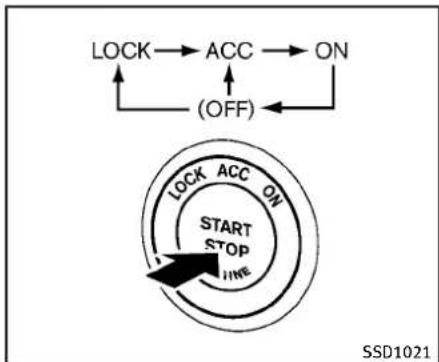
flowchart
graph TD
    A["LOCK"] --> B["ACC"]
    B --> C["ON"]
    D["(OFF)"] --> B
    E["START STOP HWE"] --> F["HWE"]
    style E fill:#f9f,stroke:#333
    style F fill:#ccf,stroke:#333
PUSH-BUTTONIGNITIONSWITCH OPERATION
When the ignitions switch is pushed without depressing the brake pedal (automatic transmission model) or the clutch pedal (manual transmission model), the ignition switch position will change as follows:
●PushcenteroncetochangetoACC.
●PushcentertwotimestochangetoON.
- Pushcenterthreetimestochangeto OFF.(Nopositionilluminates.)
- PushcenterfourtimestoreturntoACC.
- Openorcloseanydoortoreturnto LOCKduringtheOFFposition.
5-10 Starting and driving
Theignitionlockisdesignedsothatthe ignitionswitchpositioncannotbeswitched toLOCKuntiltheselectorleverismovedto theP(Park)position(AutomaticTransmissionmodels).
When the ignition switch cannot be switched toward the LOCK position, proceeds as follows:
MovetheselectorleverintotheP(Park) position(AutomaticTransmissionmodels).
- PushtheignitionswitchtotheOFF position. Theignitionswitchposition indicatorwillnotilluminate.
- Openthedoor. Theignitionswitchwill changetotheLOCKposition.
TheselectorlevercanbemovedfromtheP (Park)positioniftheignitionswitchisin theONpositionandthebrakepedalis depressed(AutomaticTransmissionmodels).
PUSH-BUTTONIGNITIONSWITCH POSITIONS
LOCK(Normalparkingposition)
Theignitionswitchcanonlybelockedin thisposition.
Theignitionswitchwillbeunlockedwhen itispushedtotheACCpositionwhile carryingtheIntelligentKeyorwiththe IntelligentKeyinsertedintheport.
ACC(Accessories)
Thispositionactivateselectricalaccessories such as stheradio, when the engine is not running.
ON(Normaloperatingposition)
This position turns on the ignition system and electrical accessories.
OFF
Theenginecanbeturnedoffinthis position.
Theignitionlockisdesignedsothatthe ignitionswitchcannotbeswitchedtothe LOCKpositionuntiltheselectorleveris movedtotheP(Park)position.

CAUTION
Donotleavethevehiclewiththepush-buttonignitionswitchinACCorONpositionswhentheengineisnotrunningforan extendedperiod.Thiscandischargethe battery.
EMERGENCYENGINESHUTOFF
Toshutofftheengineinanemergency situationwhiledriving,performthefollowingprocedure:
- Rapidlypushthepush-buttonignition switch3consecutivetimesinlessthan 1.5seconds,or
- Pushandholdthepush-buttonignition switchformorethan2seconds.
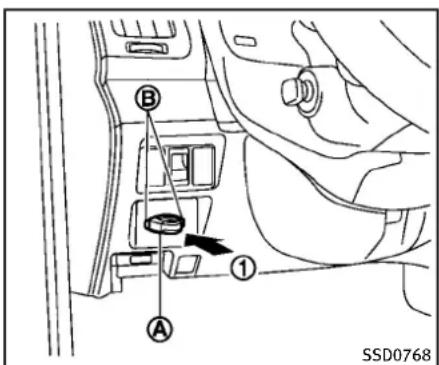
text_image
A B 1 SSD0768INTELLIGENTKEYBATTERYDIS- CHARGE
If the battery of the Intelligent Key is almost discharged, the guidelight ⑧ of the Intelligent Key port ⑨ blinks and the indicator appears on the dot matrix liquid crystal display. (See "Dot matrix liquid crystal display" (P.2-20).)
Inthiscase, inserting the Intelligent Key into the port ① allows you to start the engine. Makes sure that the key rings side faces backward as illustrated. Insert the Intelligent Key in the port until it is latched and secured.
ToremovethelIntelligentKeyfromtheport, pushtheignitionswitchtotheOFFposition andpulltheIntelligentKeyoutoftheport.
NOTE:
The Intelligent Key port does not charge the Intelligent Key battery. If you see the low battery indicator in the dot matrix liquid crystal display, replace the battery as soon as possible. (See "Intelligent Key battery replacement" (P.8-26).)

CAUTION
- NeverplaceanythingexcepttheIntelligentKeyintheIntelligentKeyport. Doingsomaycausedamagetothe equipment.
- MakesuretheIntelligentKeyisinthe correctdirectionwheninsertingittothe IntelligentKeyport.Theenginemaynot startifitisintheincorrectdirection.
- Removeth IntelligentKeyfromthe IntelligentKeyportaftertheignition switchispushedtotheOFFposition.
BEFORESTARTINGTHEENGINE
- Makesuretheareaaroundthevehicle isclear.
- Checkfluidlevelssuchasengineoil, coolant, brake fluid and window washerfluidasfrequentlyaspossible, oraleastwheneveryourefuel.
- Check that all windows and lights are clean.
- Visuallyinspecttiresfortheirappearanceandcondition.Alsochecktiresforproperinflation.
- Lockalldoors.
- Position seat and adjust head restraints.
- Adjustinsideandoutsidemirrors.
- Fastenseatbeltsandaskallpassengerstodolikewise.
- Checktheoperationofwarninglights whentheignitionswitchispushed to theONposition.(See“Warning/indicatorlightsandaudiblereminders”(P.2-12).)
STARTINGTHEENGINE
- Apply the parking brake.
- AutomaticTransmission(AT)model:
MovetheselectorlevertotheP(Park) orN(Neutral)position.(Pisrecommended.)
Thestarterisdesignednottooperate unlesstheselectorleverisineitherof theabovepositions.
ManualTransmission(MT)model:
MovetheshiftlevertotheN(Neutral) position.Depresstheclutchpedalfully tothefloor.
Thestarterisdesignednottooperate unlessstheclutchpedalisfullydepressed.
The Intelligent Key must be carried when operating the ignitions switch.
- PushtheignitionswitchtotheON position. Depressthebrakepedal(AT model)ortheclutchpedal(MTmodel) and pushtheignitionswitchtostart theengine.
Tostarttheengineimmediately, push andreleasetheignitionswitchwhile depressingthebrakepedalorclutch pedal(MTmodel)withtheignition switchinanyposition.
- Iftheengineisveryhardtostartin extremelycoldweatherorwhen restarting, depresstheaccelerator pedalalittle(approximately1/3to thefloor)andwhileholding, crank theengine. Releasetheaccelerator pedalwhentheenginestarts.
- Iftheengineisveryhardtostart becauseitisflooded, depress the acceleratorpedalallthewaytothe floorandholdit. Pushtheignition switchtotheONpositiontostart crankingtheengine. After5or6 seconds, stopcrankingbypushing theignitionswitchtoOFF. After crankingtheengine, releasethe acceleratorpedal. Cranktheengine withyourfootofftheaccelerator pedalbydepressingthebrakepedal andpushingthepush-buttonignitionswitchtostarttheengine. Ifthe enginestarts, butfailstorun, repeat theaboveprocedure.

CAUTION
Donotoperatethestarterformorethan15 secondsatatime.Iftheengineedsnot start,pushtheignitionswitchtoOFFand
wait10secondsbeforecrankingagain, otherwisethestartercouldbedamaged.
4.Warm-up
Allowtheenginetoidleforatleast30 secondsafterstarting.Donotracethe enginewhilewarmingitup.Driveat moderatespeedforashortdistance first,especiallyincoldweather.Incold weather,keeptheengineerunningfora minimumof2-3minutesbefore shuttingitoff.Startingandstopping theengineoverashortperiodoftime maymakethevehiclemoredifficultto start.
VQ37VHRengine: When racing the engine upto 4,000rpmormore under noload condition, the engine will enter the fuel cut mode.
- Tostoptheengine, shifttheselector levertotheP(Park)position(ATmodel)ormovetheshiftlevertotheN(Neutral)position(MTmodel), and push theignitionswitchtotheOFFposition.
DRIVINGTHEVEHICLE
AUTOMATICTRANSMISSION
7speedautomatictransmission
The automatic transmission in your vehicle is electronically controlled by a transmission control module to produce maximum efficiency and smooth operation.
Shownonthefollowingpagesarethe recommendedoperatingproceduresfor thistransmission.Followtheseprocedures formaximumvehicleperformanceand drivingenjoyment.
Startingthevehicle
Afterstartingtheengine,fullydepressthe footbrakepedalandpushtheselector leverbuttonbeforeshiftingtheselector levertotheR(Reverse),N(Neutral),D(Drive),DS(DriveSport)orManualshift modeposition.Besurethevehicleisfully stoppedbeforeattemptingtoshiftthe selectorlever.
This automatic transmission model is designed so that the foot brake pedal must be depressed before shifting from P (Park) to any drive position while the ignition switch position is ON.
Theselectorlevercannotbemovedoutof theP(Park)positionandintoanyofthe othergearpositionsiftheignitionswitch ispushedtotheLOCK,OFForACC position.
- Keep the foot brake pedal depressed and push these selector lever button to shift into driving gear.
- Releasetheparkingbrakeandfoot brake, thengraduallystartthevehicle inmotion.

WARNING
- Donotdepresstheacceleratorpedal while shifting from P(Park) or N(Neutral) to R(Reverse), D(Drive), DS(DriveSport) or manual shiftmode. Always depress the brakepedal until shifting is completed. Failure to do so could cause out of close control and have an accident.
●Coldengineidlespeedishigh, souse cautionwhenshiftingintoaforwardor reversegearbeforetheenginehas warmedup. - NevershifttoP(Park)orR(Reverse) whilevehicleismovingforward.Never
shifttoP(Park),D(Drive)orDS(Drive Sport)whilevehicleismovingrearward. Failuretodosocouldcauseyoutolose controlandhaveanaccident.

CAUTION
- When stopping the vehicle on an uphill grade, donothold the vehicle by depressing the accelerator pedal. The footbrakes should be used for this purpose.
- Donotdownshiftabruptlyonslippery roads. This may cause all loss of control.
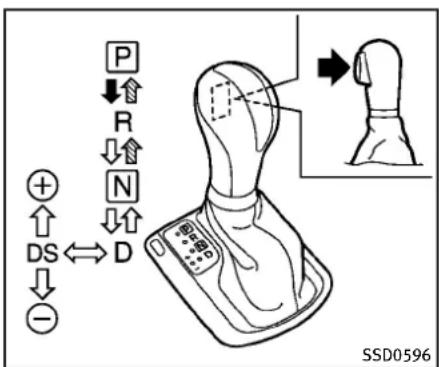
text_image
P ↓↑ R ↓↑ N ↓↑ DS ↔ D ⊕ ↑ ↓ -Selectorlever
Shifting
Tomovetheselectorlever,
→:Pushthebuttonwhiledepressingthe brakepedal,
→:Pushthebutton,
→:Justmovetheselectorlever.
Afterstartingtheengine,fullydepressthe brakepedalandshifttheselectorlever fromP(Park)toR(Reverse),N(Neutral),D(Drive),DS(DriveSport)orManualshift modeposition.
PushthebuttontoshiftintoP(Park)orR (Reverse).Allotherpositionscanbe
selectedwithoutputshingthebutton.

WARNING
Apply the parking brake if these selector lever is in any position while the engine is not running. Failure todos could cause the vehicle to move unexpectedly or roll away and result in serious personal injury or property damage.

CAUTION
Makesurethevehicleiscompletelystopped andthetransmissionisintheP(Park) position.
P(Park)position:
Usethisselectorpositionwhenthevehicle isparkedorwhenstartingtheengine. Makesurethevehicleiscompletely stopped.Thebrakepedalmustbede-pressedandtheselectorleverbutton pushedintomovetheselectorleverfrom theN(Neutral)positionoranydrive positiontotheP(Park)position.Apply theparkingbrake.Whenparkingonahill,
applytheparkingbrakefirst, thenmove theselectorlevertotheP(Park)position.

CAUTION
Use this position only when the vehicle is completely stopped.
R(Reverse):
Use this position to backup. Always be sure the vehicle is completely stopped before selecting the (Reverse) position. The brake pedal must be depressed and these selector lever button pushed into movetheseler lever from the P (Park) position, the N (Neutral) position or any drive position to the R (Reverse) position.
N(Neutral):
Neitherforwardnorreversegearisengaged.Theenginecanbestartedinthis position.YoumayshifttotheN(Neutral) positionandrestartastalledenginewhile thevehicleismoving.
D(Drive):
Use this position for all normal forward driving.
DS(DriveSport)mode
MovetheselectorleverfromD(Drive)to theleftintothemanualshiftgate.The transmissionpositionindicatorinthe metershows“DS”.
IntheDS(DriveSport)mode, thetransmissionchangestothe "sporty" drivingshift operation, creatingamoreaggressive accelerationfeelingthantheD(Drive) modeandprovidingagearchangesensationwhenthedriveracceleratesquickly.
Whenthedriverselectsthemanualshift modeusingtheselectorlever(orthe paddleshifter)duringtheDS(DriveSport) modeoperation,thedrivermustmovethe selectorleverfromDS(DriveSport)toD (Drive)andbackagaintore-selecttheDS (DriveSport)mode.

text_image
A B SSD0599Paddleshifters
Manualshiftmode
When these selector lever is in the DS (Drive Sport) position, the transmission is ready forth e manual shift mode. Shiftrangescan be selected manually by moving the selector lever upordown, or pulling the right-side or left-side paddleshifter.
Whenshiftingup, movetheselectorlever tothe+(up)sideorpulltheright-side paddleshifter(+) ① (ifsoequipped). The transmissionshiftstothehigherrange.
Whenshiftingdown, movetheselector levertothe-(down)sideorpulltheleft-sidepaddleshifter(-) Ⓑ (ifsoequipped).
Thetransmissionshiftstothelowerrange.
Whencancelingthemanualshiftmode, returntheselectorlevertotheD(Drive) position. Thetransmissionreturnstothe normaldrivingmode.
When you pull the paddleshifter while in the D(Drive) position, the transmission will shift to the upper or lower range temporarily. The transmission will automatically return to the D(Drive) position after a short period of time. If you want to return to the D(Drive) position manually, pull and hold the paddleshifter for about 1.5 seconds. In the manual shift mode, the shift range is displayed on the position indicator in the meter.
Shiftrangesupordownonebyoneas follows:
^M_1 ^M_2 ^M_3 ^M_4 ^M_5 ^M_6 ^M_7
^M 7(7th):
Usethesepositionsforallnormalforward drivingathighwayspeeds.
^M 6(6th)and ^M 5(5th):
Use this position when driving up long slopes, or forengine braking when driving downlong slopes.
^M 4(4th), ^M 3(3rd)and ^M 2(2nd):
Usethesepositionsforhillclimbingor enginebrakingondownhillgrades.
^M 1(1st):
Use this position when climbing steep hills slowly or driving slowly through deep snow, or maximum engine braking on steep downhill grades.
- Remembernottodriveathighspeeds forextendedperiodsoftimeinlower than7thgear. This reducesfueleconomy.
- Movingtheselectorleverrapidlytothe samesidetwicewillshifttherangesin succession.
In the manual shift mode, the transmission may not shift to these selected gear. This helps maintain driving performance and reduce the chance of vehicle damage or loss of control. Whenthissituation occurs, the Automatic Transmission (AT) position indicator light (on the dot matrix liquid crystal display) will blink and the chimewill sound. - Inthemanualshiftmode, the transmission automatically shifts down to 1st gear before the vehicle comestoa
stop.Whenacceleratingagain,itis necessarytoshiftuptothedesired range.
Acceleratordownshift—InD(Drive) position—
Forpassingorhillclimbing,fullydepress theacceleratorpedaltothefloor.This shiftsthetransmissiondownintothelower gear,dependingonthevehiclespeed.
Fail-safe
When the fail-safe operation occurs, note that the transmission will be locked in any of the forward gears according to the condition.
Ifthevehicleisdrivenunderextreme conditions,suchasexcessivewheelspinningandsubsequenthardbraking,the fail-safesystemmaybeactivated.Thiswill occurevenifallelectricalcircuitsare functioningproperly.Inthiscase,push theignitionswitchtotheOFFpositionand waitfor3seconds.Thenpushtheignition switchbacktotheONposition.Thevehicle shouldreturntoitsnormaloperating condition.Ifitdoesnotreturntoits normaloperating condition,have an INFINITlretailercheckthetransmission andrepairifnecessary.
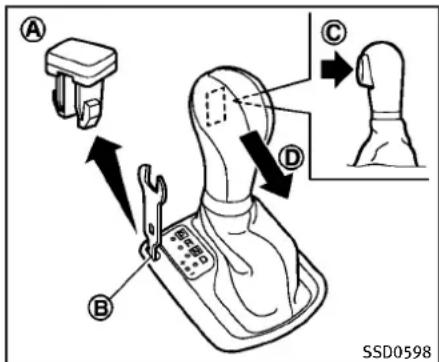
text_image
A B C D SSD0598Shiftlockrelease
If the battery charge is low word discharged, these actor lever may not be removed from the P(Park) position even with the brake pedal depressed and these actor lever button pushed.
Tomovetheselectorlever, perform the following procedure:
- PushtheignitionswitchtotheOFFor LOCKposition.
- Apply the parking brake.
3.Removetheshiftlockcover ① usinga suitabletool.
4.Pushdowntheshiftlock ⑧ as illustrated.
- Pushtheselectorleverbutton Ⓓ and movetheselectorlevertoN(Neutral) position Ⓓ whileholdingdownthe shiftlock.
Nowthevehiclemaybemovedtothe desiredlocation.
If the lever cannot be removed out of P (Park), have an INFINIT retailer check the automatic transmissions system as soon as possible.
Adaptiveshiftcontrol(ASC)
The adaptiveshift control system automatically operates when the transmission is in the "D"(drive) and "DS"(DriveSport) position and selects an appropriate gear depending on the road conditions such as uphill, downhill or curving roads.
Controlonuphillandcurvingroads:
Alowgearismaintainedthatsuits the degreeoftheslopeorcurvetoallow smoothdrivingwithasmallnumberof shifts.
Controlondownhillroads:
The adaptiveshift control system shiftsto alowgearthatsuitsthedegreeofthe
slope, and use the engine braking to reduce the number of times that the brake must be used.
Controlonwindingroads:
Alowgearismaintainedoncontinuous curvesthatinvolverepeatedacceleration and deceleration, so that smooth acceleration is available instantly when the accelerator pedal is depressed.
NOTE:
- Adaptiveshiftcontrolmaynotoperate whenthetransmissionoiltemperature islowimmediatelyafterthestartof drivingorwhenitisveryhot.
- Duringsomedrivingsituations, hard brakingforexample, the adaptiveshift control may automatically operate. The transmission may automatically shift to lower gear forengine braking. This increases enginespeed but not vehicle speed. Vehiclespeed is controlled by the accelerator pedal when the vehicle is in the Adaptiveshift control mode.
- Whenheadaptiveshiftcontroloperates, the transmission sometimes maintains alower gear for longer period of time when adaptiveshift control is not operating. Enginespeed
willbehigherforaspecificvehicle speedwhileASCsystemisoperating thanwhenASCisnotoperating.
MANUALTRANSMISSION

WARNING
- Donotdownshiftabruptlyonslippery roads. This may cause all loss of control.
- Donotover-revtheenginewhenshifting toalowergear. This may cause loss of controlorenginedamage.

CAUTION
- Donotrestyourfootontheclutchpedal whiledriving. This may damagethe clutch.
●Fullydepresstheclutchpedalbefore shiftingtohelppreventtransmission damage.
- Stopyourvehiclecompletelybefore shiftingintoR(Reverse).
- Whenthevehicleisstoppedforaperiod oftime,forexampleatastoplight,shift toN(Neutral)andreleasetheclutch
5-18 Starting and driving
pedalwiththefootbrakeapplied.
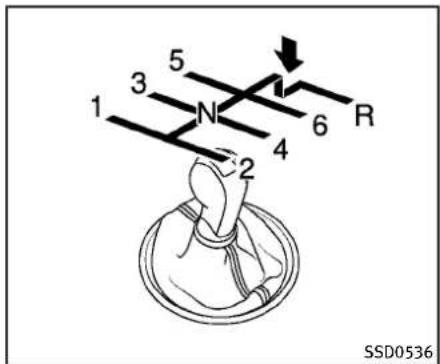
text_image
1 3 5 N 4 2 6 R SSD0536Shifting
Tochangegears,orwhenupshiftingor downshifting,fullydepresstheclutch pedal,shiftintotheappropriategear,then slowlyandsmoothlyreleasetheclutch pedal.
Thisvehicleisequippedwithashorththrow shiftermanualtransmission.Toensure smoothgearchanges,fullydepress the clutchpedalbeforeoperatingtheshift lever.Iftheclutchpedalisnotfully depressedbeforethetransmissionis shifted,agearnoisemaybebeheard. Transmissiondamagecouldoccur.
Startthevehiclein1stgearandshiftto 2nd,3rd,4th,5th and 6th gearin sequenceaccordingtovehiclespeed.
Tobackup, depresstheshiftlever and thenmoveittotheR(Reverse)gearafter stoppingthevehiclecompletely.
Theshiftleverreturnstoitsoriginal positionwhentheshiftleverismovedto theN(Neutral)position.
Ifitisdifficulttomovetheshiftleverinto theR(Reverse)or1stgear, shifttotheN (Neutral)position, and then releasethe clutchpedalonce. Fully depress the clutch pedalagain and shift into theR(Reverse) or1stgear.
Suggestedupshiftspeeds
The following are suggested vehicle speeds for shifting into a higher gear. Theses suggestions relat of fueleconomy and vehicle performance. Actual upshift speed will vary according to road conditions, the weather and individual driving habits.
Fornormalaccelerationinlowaltitude areas[lessthan4,000ft(1,219m)]:
GearchangeMPH(km/h)
1stto2nd8(13)
2ndto3rd16(25)
3rdto4th25(40)
4thto5th28(45)
5thto6th 33(53)
For quick acceleration in low altitude areas or high altitude areas [over 4,000 ft (1,219 m)]:
GearchangeMPH(km/h)
1stto2nd15(24)
2ndto3rd25(40)
3rdto4th40(64)
4thto5th45(72)
5thto6th 50(80)
Suggestedmaximumspeedineach gear
Downshifttoalowergeariftheengineis notrunningsmoothly,orifyouneedto accelerate.
Donotexceedthemaximumsuggested speed(shownbelow)inanygear.Forlevel roaddriving,usethehighestgearsuggestedforthatspeed.Alwaysobserve postedspeedlimits,anddriveaccording
5-20 Starting and driving
totheroadconditions, which will ensure safe operation. Donotover-revtheengine whenshifting to alower gearasit may cause engined damage or loss of vehicle control.
Sedan:
| Gear | MPH(km/h) |
| 1st | 39(63) |
| 2nd | 64(103) |
| 3rd | 92(148) |
| 4th | — |
| 5th | — |
| 6th | — |
Coupe:
| Gear | MPH(km/h) |
| 1st | 39(63) |
| 2nd | 65(104) |
| 3rd | 93(149) |
| 4th | — |
| 5th | — |
| 6th | — |
PARKINGBRAKE

WARNING
- Be sure the parking brake is fully releasedbeforedriving.Failuretodoso can cause brake failure and lead to an accident.
- Donotrelease theparkingbrakefrom outsidethevehicle.
- Donotusethegearshiftinplaceofthe parkingbrake. Whenparking,besure theparkingbrakeisfullyengaged.
- Donotleavechildrenunattendedina vehicle. They could release the parking brake and cause an accident.

text_image
① ② SPA2331AUTOMATICTRANSMISSIONMODELS
Toapply: Fully depress the parking brake pedal ①.
Torelease:
- Firmlyapplythefootbrake ②.
2.Depresstheparkingbrakepedal andtheparkingbrakewillbereleased. ① - Before driving, besure the brake warning light goes out.

text_image
② ③ ① SPA2110MANUALTRANSMISSIONMODELS
Toapply: Pull the parking brake lever up ①.
Torelease:
- Firmlyapplythefootbrake.
- While pulling up on the parking brake leverslightly, push the button ② and lower the lever completely ③.
- Before driving, besure the brake warning light goes out.
CRUISECONTROL
PRECAUTIONSONCRUISECONTROL
- If the cruise control system malfunction, it will cancel automatically. The SET indicator on the dot matrix crystal display will then blinkt to warn the driver.
- If the engine coolant temperature becomes excessively high, the cruise control system will be canceled automatically.
- IftheSETindicatorblinks,turnthe cruisecontrolmainswitchoffandhave thesystemcheckedbyyourINFINITI retailer.
- The SET indicator may sometimes blink whenthecruise control mains switch is turned ON while pushing the ACCELERATE/RESUME, COAST/SETor CANCEL switch. Top properly set the cruise control system, perform the steps below in the order indicated.

WARNING
Donotusethecruisecontrolwhendriving underthefollowingconditions:
- whenitisnotpossibletokeepthe vehicleatasetspeed
Startinganddriving5-21
•inheavytrafficorintrafficthatvariesin speed
●onwindingorhillyroads
● onslipperyroads(rain, snow, ice, etc.)
•inverywindyareas
Doingsocouldcausealossofvehicle controlandresultinanaccident.

CAUTION
Onmanualtransmissionmodels, donot shiftintoN(Neutral)withoutdepressingthe clutchpedalwhenthecruisecontrolisset. Shouldthisoccur, depresstheclutchpedal andturnthemainswitchoffimmediately. Failuretodosomaycauseenginedamage.

text_image
CANCEL ACCE./RES COAST/SET 1 2 3 4 ON OFF SSD0600- ACCELERATE/RESUME switch
2.COAST/SETswitch
3.CANCELswitch
4.MAIN(ON-OFF)switch
CRUISECONTROLOPERATIONS
The cruise control allows driving at a speed between 25 to 89 MPH (40 to 144 km/h) without keeping your foot on the accelerator pedal.
Toturnonthecruisecontrol, push the MAINswitchon. The CRUISE indicator will come on.
Tosetcruisingspeed,accelerateyour vehicletothedesiredspeed,pushthe
COAST/SETswitchandreleaseit.(The CRUISESETindicatorwillcomeoninthe instrument panel.) Take your foot off the acceleratorpedal.Your vehiclewill maintainthesetspeed.
- To pass another vehicle, depress the acceleratorpedal. When you release the pedal, the vehicle will return to the previously sets speed.
- The vehicle may not maintain the set speedonwindingorhillyroads.Ifthis happens,drivewithoutthecruisecontrol.
Tocancelthepresetspeed, followany of thesemethods:
a) PushtheCANCELbutton.TheSET indicatorwillgoout.
b) Tapthebrakepedal. The SET indicator will goout.
c) MovetheselectorlevertotheN (Neutral) position. The SET indicator will goout.
d)TurntheMAINswitchoff. Boththe CRUISEindicatorandSETindicator willgoout.
- If you depress the brake pedal while pushingtheACCELERATE/RESUMEor COAST/SETswitchandresetatthe
cruisingspeed, the cruise control will disengage. Turn the MAIN switch off once and then turn it on again.
- Thecruisecontrolwillautomatically cancelifthevehicleslowsmorethan 8MPH(12km/h)belowthesetspeed.
- If you depress the clutch pedal (Manual Transmission models) or move the selector lever to N (Neutral) position (Automatic Transmission models), the cruise control will be canceled.
Toresetatafastercruisingspeed, useone of the following methods:
- Depresstheacceleratorpedal. When the vehicle attainsthedesiredspeed, push and releasetheCOAST/SET switch.
- PushandholdtheACCELERATE/RE-SUMEswitch.Whenthevehicleattains thespeedyoudesire,releasethe switch.
- Push, then quickly releasethe ACCELERATE/RESUME switch. Each time you do this, the sets speed will increase by about 1 MPH (1.6 km/h).
Toresetataslowercruisingspeed, use oneofthefollowingmethods:
●Lightlytapthebrakepedal. Whenthe
vehicleattainsthedesiredspeed,push theCOAST/SETswitchandreleaseit.
- PushandholdtheCOAST/SETswitch. Releasetheswitchwhenthevehicle slowsdowntothedesiredspeed.
- Push, then quickly releasethe COAST/ SETswitch. Each time you do this, the setspeed will decrease by about 1 MPH (1.6 km/h).
Toresumethepresetspeed, pushand releasetheACCELERATE/RESUMEswitch. The vehicle will resumethelastset cruisingspeed when the vehiclespeed is over 25 MPH (40km/h).
INTELLIGENTCRUISECONTROL(ICC) SYSTEM(ifsoequipped)
The Intelligent Cruise Control (ICC) system automatically maintains a selected distance from the vehicle traveling in front of you according to that vehicle's speed (up to the sets speed), or at the sets speed when theroadahead is clear.
TheICCfunctioncanbesettooneoftwo cruisecontrolmodes:
●Vehicle-to-vehicle distancecontrol mode: Formaintainingaselecteddistance betweenyourvehicleandthevehicle infrontofyouuptothepresetspeed.
- Conventional(fixedspeed)cruisecontrolmode: Forcruisingatapresetspeed.

WARNING
- Alwaysdrivecarefullyandattentively whenusingeithercruisecontrolmode. ReadandunderstandtheOwner'sManualthoroughlybeforeusingthecruise control.Toavoidseriousinjuryordeath, donotrelyonthesystemtoprevent accidentsortocontrolthevehicle's speedinemergencysituations.Donot usecruisecontrolexceptinappropriate roadandtrafficconditions.
Startinganddriving
•Intheconventional(fixedspeed)cruise controlmode,awarningchimewillnot soundtowarnyouifyouaretoocloseto thevehicleahead.Payspecialattention tothedistancebetweenyourvehicleand thevehicleaheadofyouoracollision couldoccur.

text_image
① CRUISE 60 MPH CANCEL ACCEL/RES COAST/RET ON OUT A
text_image
② CRUISE SET CANCEL ACCEL/RES COM/SET On/OFF A SSD0604- Vehicle-to-vehicledistancecontrol mode
- Conventional(fixedspeed)cruise controlmode
PushtheMAINswitch ① tochoose the cruisecontrolmode between the vehicle-to-vehicledistance control mode ① and the conventional (fixed speed) cruise control mode ②.
AlwaysconfirmthesettingintheIntelligent CruiseControlsystemdisplay.
Forthevehicle-to-vehicledistancecontrol mode,seethefollowingdescription.For the"Conventional(fixedspeed)cruise
Tochoose the vehicle-to-vehicledistance controlmode ①, quickly push and release the MAIN switch ④.
Onceacontrolmodeisactivated, it cannot be changed to the other cruise control mode. Tochangethemode, pushtheMAIN switchoncetoturnthesystemoff. Then pushtheMAINswitchagaintoturnthe system back on and select the desired cruisecontrolmode.
VEHICLE-TO-VEHICLEDISTANCE CONTROLMODE
Inthevehicle-to-vehicledistancecontrol mode, the Intelligent Cruise Control (ICC) system automatically maintains a selected distance from the vehicle traveling in front of you according to that vehicle's speed (uptothesetspeed), or at the sets speed when the road ahead is clear.
With ICC, the driver can maintain the same speed as other vehicles without the constant need to adjust these speed as you would with an normal cruise control system.

natural_image
Line drawing of a car front view with license plate and letter marker (no text or symbols on the car itself)
text_image
A SSD1169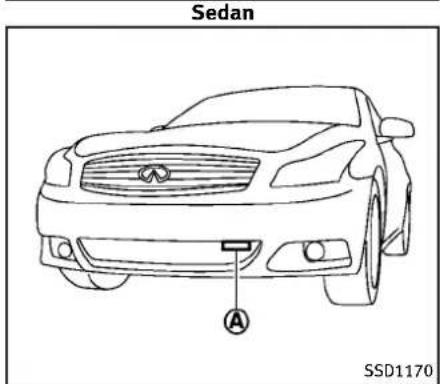
text_image
Sedan A SSD1170Ifthedistancesensor Ⓐ detectsaslower movingvehicleahead,thesystemwill reducethevehiclespeedsothatyour vehiclefollowsthevehicleinfrontatthe selecteddistance.
Thesystemautomaticallycontrolsthe throttleandappliesthebrakes(upto 25%ofvehiclebrakingpower)ifneces-
Startinganddriving5-25
sary.
Thedetectionrangeofthesensoris approximately390ft(120m)ahead.

WARNING
- Thissystemisonlyanaidtoassistthe driverandisnotacollisionwarningor avoidancedevice.Itisthedriver's responsibilitytostayalert,drivesafely andbeincontrolofthevehicleatall times.
- Thesystemisprimarilyintendedforuse onstraight,dry,openroadswithlight traffic.Itisnotadvisabletousethe systemincitytrafficorcongestedareas.
- Thissystemwillnotadaptautomatically toroadconditions. Thissystemshould beusedinevenlyflowingtraffic. Donot usethesystemonroadswithsharp curves, oronicyroads, inheavyrainor infog.
Thedistancesensorwillnotdetectunder mostconditions:
●Stationaryandslowmovingvehicles
●Pedestriansorobjectsintheroadway
●Oncomingvehiclesinthesamelane
●Motorcyclestravelingoffsetinthetravel lane
Thissystemwillnotautomaticallybrake thevehicletoastop.

WARNING
- Asthereisaperformancelimittothe distancecontrolfunction,neverrely solelyonthelIntelligentCruiseControl system.Thissystemdoesnotcorrect careless,inattentiveorabsent-minded driving,overcomeopor visibility in rain,fog,orotherbadweather.Decele-ratethevehiclespeedbydepressingthe brakepedal,dependingonthedistance tothevehicleaheadandthesurround-ingcircumstancesinordertomaintaina safedistancebetweenvehicles.
-
Although the brake operation is controlled by the system, the system does not automatically stop the vehicle. If the vehicles speed falls below approximately 20 MPH (32 km/h), the Intelligent Cruise Control system is automatically canceled and awarning chimesounds. (The brake control is also canceled.)
-
Thesystemmaynotdetectthevehiclein frontofyouincertainroadorweather conditions.Toavoidaccidents,neveruse theIntelligent Cruise Controlsystem underthefollowingconditions:
— Onroadswherethetrafficisheavy ortherearesharpcurves
— Onslipperyroadsurfacesuchas oniceorsnow,etc.
— Duringbadweather(rain,fog,snow, etc.)
Whenthewindshieldwiperisoperatedatthelowspeed(LO)orhigh speed(HI) position, the Intelligent Cruise Controlsystem is automatically canceled.
— Whenstronglight(forexample, at sunriseorsunset)isdirectlyshining onthefrontofthevehicle
— Whenrain, snowordirtadhereto thesystemsensor
— Onsteepdownhillroads(thevehiclemaygobeyondthesetvehicle speedandfrequent brakingmay resultinoverheatingthebrakes)
— On repeated uphillanddownhill
roads
— Whentrafficconditionsmakeit difficulttokeepapproperdistance betweenvehiclesbecauseoffrequentaccelerationordeceleration
●Insomeroadortrafficconditions, a vehicleorobjectcanunexpectedlycome intothesensordetectionzoneandcause automaticbraking.Youmayneedto controlthedistancefromothervehicles usingtheacceleratorpedal.Alwaysstay alertandavoidusingtheICCsystem whenitisnotrecommendedinthis section.
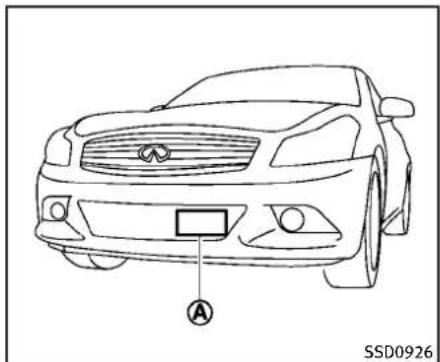
natural_image
Line drawing of a car front view with license plate and license symbol (no text or labels)Sedan

text_image
A SSD1169Coupe-TypeB
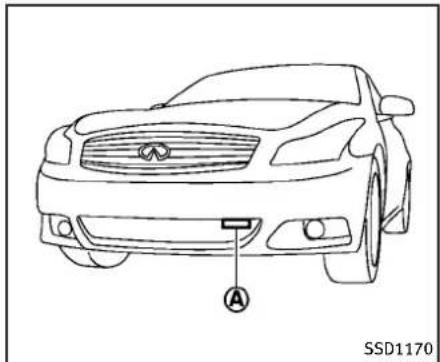
text_image
A SSD1170Coupe—TypeA
Alwayspayattentiontotheoperationof thevehicleandbereadytomanually controltheproperfollowingdistance.The vehicle-to-vehicledistancecontrolmodeof theIntelligentCruiseControl(ICC)system maynotbeabletomaintaintheselected distancebetweenvehicles(followingdistance)orselectedvehiclespeedunder somecircumstances.
The vehicle-to-vehicledistancecontrol modeusesasensor ① located on the front of the vehicletodetect vehicles
Startinganddriving5-27
travelingahead. Thesensorgenerally detectsthesignalsreturnedfromthe reflectorsonavehicleahead.Therefore,if thesensorcannotdetectthereflectoron thevehicleahead,thelCCsystemmaynot maintaintheselecteddistance.
The following aresome conditions in which the sensor cannot detect the signals:
- Whenthereflectorofthevehicleahead ispositionedhighonthevehicle (trailer,etc.)
- Whenthereflectoronthevehicleahead ismissing,damagedorcovered
- When thereflectorofthevehicleahead iscoveredwithdirt, snowandroid spray
- Whenthesnoworroadsprayfrom travelingvehiclesreducesthesensor's visibility
- Whendenseexhaustorothersmoke (blacksmoke) from vehicles reduces the sensor's visibility
- Whenexcessivelyheavybaggageis loadedintherearseatorthetrunkof yourvehicle
TheICCsystemisdesignedtoautomaticallycheckthesensor'soperationwithin the limitationsofthesystem.Whenthe
sensoriscoveredwithdirtorobstructs,the systemwillautomaticallybecanceled.If thesensoriscoveredwithice,attransparentortranslucentvinylbag,etc.,theICC systemmaynotdetectthem.Inthese instances,thevehicle-to-vehicledistance controlmodemaynotcancelandmaynot beabletomaintaintheselectedfollowing distancefromthevehicleahead.Besureto checkandcleanthesensorregularly.
The vehicle-to-vehicledistancecontrol modeisdesignedtomaintainaselected distanceandreducethespeedtomatch theslowervehicleahead;thesystemwill deceleratethevehcleasnecessary. However,thelCCsystemcanonlyapplyupto 25%ofthevehiclestotalbrakingpower. Thissystemshouldonlybeusedwhen trafficconditionsallowvehiclespeedsto remainfairlyconstantorwhenvehicle speedschangegradually.Ifavehicle movesintothetravelinglaneaheadorif avehicletravelingaheadrapidlydecelerates,thedistancebetweenvehiclesmay becomecloserbecausethelCCsystem cannotdeceleratethevehiclequicklyenough.Ifthisoccurs,thelCCsystemwill soundawarningchimeandblinkthe systemdisplaytonotifythedrivertotake
necessaryaction.
Thesystemwillcancelandawarning chimewillsoundifthespeedfallsbelow approximately20MPH(32km/h).The systemwillalsodisengagebelowthe20 MPH(32km/h)cut-offspeedoroverthe maximumsetspeed.
See "Approachwarning" (P.5-37).
The following items are controlled in the vehicle-to-vehicledistance control mode:
- When there are an overvehicle traveling ahead, the vehicle-to-vehicled distance control modem maintains speedset by the driver. The sets speed range is between approximately 25 and 90 MPH (40 and 144 km/h).
- Whenthereisavehicletravelingahead, thevehicle-to-vehicledistancecontrol modeadjuststhespeedtomaintainthe distance,selectedbydriver,fromthe vehicleahead.Theadjustingspeed rangeisbetweenapproximately20 MPH(32km/h)anduptotheset speed.
- When the vehicle traveling ahead has moved out from its lane of travel, the vehicle-to-vehicle distance control mode accelerates and maintains vehicle
clespeeduptothesetspeed. TheICCsystemdoesnotcontrolvehicle speedorwarnyouwhenyouapproach stationaryandslowmovingvehicles.You mustpayattentiontovehicleoperationto maintainproperdistancefromvehicles aheadwhenapproachingtollgatesor trafficcongestion.

text_image
SSD0252The detectionzoneoftheICCsensoris limited. A vehicle ahead must be in the detectionzone for the vehicle-to-vehicle distancedetectionmodetomaintain the selected distance from the vehicle ahead.
Avehicleaheadmaymoveoutsideofthe detectionzoneduetoitspositionwithin thesamelaneoftravel.Motorcyclesmay notbedetectedinthesamelaneahead if theyaretravelingoffsetfromthecenterline ofthelane.Avehiclethatisenteringthe laneaheadmaynotbedetecteduntilthe vehiclehascompletelymovedintothe lane.Ifthisoccurs,thelCCsystemmay warnyoubyblinkingthesystemindicator
andsoundingthechime. Thedrivermay havetomanuallycontrol the proper distance away from vehicle traveling ahead.
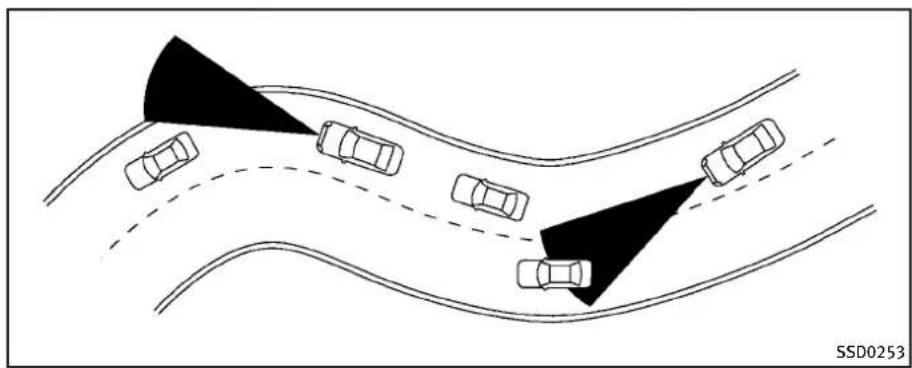
natural_image
Diagram showing multiple cars on curved road surfaces with shaded triangular zones, no text or symbols presentWhendrivingonsomeroads,suchas winding,hilly,curved,narrowroads,or roadswhichareunderconstruction,the ICCsensormaydetectvehiclesina differentlane,ormaytemporarilylynot detectvehicletravelingahead.Thismay causethelCCsystemtodecelerateor acceleratethevehicle.
The detection of vehicles may also be affected by vehicle operation (steering maneuver or traveling position in the lane, etc.) or vehicle condition. If this occurs, the ICC system may warn you by blinking the system indicator and sounding the chime unexpectedly. You will have to manually
controltheproperdistanceawayfromthe vehicletravelingahead.

text_image
SSD0254Whendrivingonthefreewayatasetspeed andapproachingaslowertravelingvehicle ahead, the ICCwilladjustthespeed to maintainthedistance, selected by the driver, fromthevehicleahead. If the vehicleaheadchangeslanesorexits the freeway, the ICCsystemwillaccelerate and maintainthespeeduptothesetspeed. Payattentiontothedrivingoperation to maintain controlofthevehicleasit acceleratestothesetspeed.
The vehicle may not maintain the sets speed on winding or hilly roads. If this occurs, you will have to manually control the vehicles speed.
5-30Startinganddriving
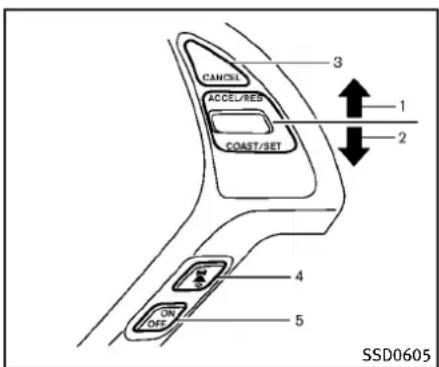
text_image
CANCEL ACCEL/RED COAST/SET 3 1 2 4 ON OFF 5 SSD0605Intelligentcruisecontrolswitch
ThesystemisoperatedbyaMAINswitch and four control switches, all mounted on the steering wheel.
- ACCELERATE/RESUME switch:
Resumessetspeedorincreasesspeed incrementally.
2.COAST/SETswitch:
Setsdesiredcruisespeed, reduces speedincrementally.
3.CANCELswitch:
Deactivatesthesystemwithouterasing thesetspeed.
4.DISTANCEswitch:
Changesthevehicle's following distance:
- Long
- Middle
- Short
5.MAINswitch:
Masterswitchtoactivatethesystem

text_image
1 → CRUISE 2 → { } 3 → { } 4 → CRUISE 60 MPH 5 6 SSD0606Intelligentcruisecontrolsystem displayandindicators
Thedisplayislocatedbetweenthespeedometerandtachometer.
- MAINswitchindicator:
IndicatesthattheMAINswitchisON. - Vehicleaheaddetectionindicator:
Indicateswhetheritdetectsavehiclein frontofyou.
3.Setdistanceindicator:
Displaysthesetecteddistancebetween vehiclesetwiththeDISTANCEswitch.
Startinganddriving5-31
-
Indicates your vehicle
-
Set vehiclespeed indicator:
Indicatesthesetvehiclespeed.
ForCanadianmodels,thespeedis displayedinkm/h.
- Intelligent Cruise Control system warning light (orange):
Thelight comes on if there is a malfunction in the ICC system.
text_image
CRUISE SET CRUISE SSD0607Whentheignitionswitchispushedtothe ONposition,theindicatorscomeonas illustratedtocheckforaburned-outbulb, anditturnsoffwhentheengineisstarted.
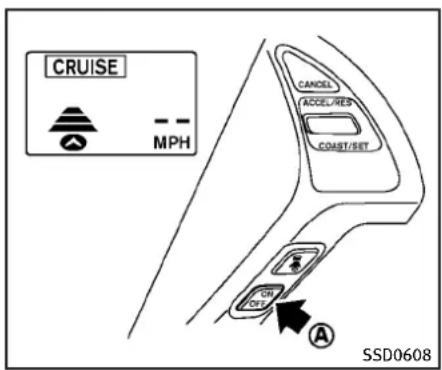
text_image
CRUISE MPH CANCEL ACCEL/RES COAST/SET ON ON A SSD0608Operatingvehicle-to-vehicledistancecontrolmode
Toturnonthecruisecontrol, quickly push and releas the MAIN switch Ⓐ on. The cruise indicator light, set distance indicator and set vehicles speed indicator come on and inastand by state for setting.
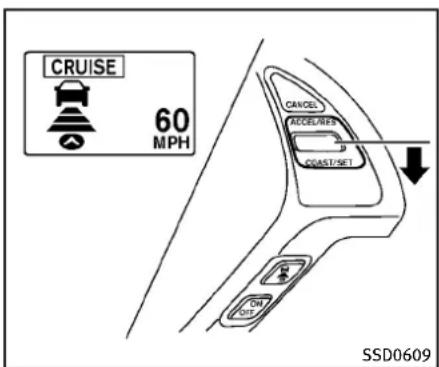
text_image
CRUISE 60 MPH CANCEL ACCEL/RES COAST/NET ON SSD0609Tosetcruisingspeed,accelerateyour vehicletothedesiredspeed,pushthe COAST/SETswitchchandreleaseit.(Vehicle aheaddetectionindicator,setdistance indicatorandsetvehiclespeedindicator comeon.)Takeyourfootofftheaccelerator pedal.Yourvehiclewillmaintaintheset speed.

text_image
CRUISE MPH SSD0784WhentheCOAST/SETswitchispushed underthefollowingconditions,thesystem cannotbesetandtheICCindicatorswill blinkforapproximately2seconds:
- Whentravelingbelow25MPH(40 km/h)andthevehicleaheadisnot detected
- WhentheselectorleverisnotintheD, DSorManualmode
- Whenthewindshieldwipersareoperatingatlow(LO)orhighspeed(HI).
- Whenthebrakesareoperatedbythe driver

text_image
CRUISE MPH SSD0614When the COAST/SET switch is pushed under the following conditions, the system cannot be set.
AwarningchimewillsoundandtheICC indicatorswillblink.
- WhentheSNOWmodeswitchisON(To usethelCCsystem,turnofftheSNOW modeswitch,pushtheMAINswitchto turnofftheICCandresettheICCswitch bypassingtheMAINswitchagain.) FordetailsabouttheSNOWmode switch,see“SNOWmodeswitch”(P.2-41).
①

②

SSD0610
-
Systemsetdisplaywithvehicleahead
-
Systemsetdisplaywithoutvehicle ahead
Systemoperation

WARNING
Normallywhencontrollingthedistancetoa vehicleahead, thissystemautomatically acceleratesordeceleratesyourvehicle accordingtothespeedofthevehicleahead. Depresstheacceleratortoproperlyaccelerateyourvehiclewhenaccelerationis requiredforalanechange.Depressthe
brakepedalwhendecelerationisrequiredto maintainasafedistancetothevehicle aheadduetoitssuddenbrakingorifa vehiclecutsin.Alwaysstayalertwhen usingthelCCsystem.
The driver sets the desired vehicle speed based on theroad conditions. The ICC system maintains the set vehicles speed, similar to standard cruise control, as long as no vehicle is detected in the lane ahead. The ICC system displays the sets speed.
Vehicledetectedahead:
Whenavehicleisdetectedinthelane ahead, the ICCsystemdecelerates the vehiclebycontrollingthethrottle and applyingthebrakestomatchthespeed ofaslowervehiclereahead. Thesystemthen controlsthevehiclespeedbasedonthe speedofthevehicleaheadtomaintainthe driverselectedddistance.
Thestoplightsofthevehiclecomeon whenbrakingisperformedbythelCC system.
Whenthebrakeoperates,anoisemaybe heard. This is not a malfunction.
Whenavehicleaheadisdetected, the vehicleaheaddetectionindicatorcomes on. The ICCsystemwillalsodisplaytheset speedandselecteddistance.
Vehicleaheadnotdetected:
When vehicle is no longer detected ahead, the CC system gradually accelerates your vehicle to resumethepreviously set vehicles speed. The CC system then maintains the sets speed.
Whenavehicleis nolongerdetectedthe vehicleaheaddetectionindicatorturnsoff. Ifavehicleaheadappearsduringaccelerationtothesetvehiclespeedoranytime
5-34Startinganddriving
theICCsystemisinoperation,thesystem controlsthedistancetothatvehicle.
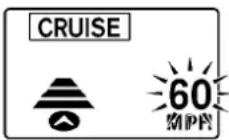
SSD0611
Whenpassinganothervehicle,theset speedindicatorwillflashwhenthevehicle speedexceedsthesetspeed.Thevehicle detectindicatorwillturnoffwhenthearea aheadofthevehicleisopen.Whenthe pedalisreleased,thevehiclewillreturnto thepreviouslysetspeed.
Even though your vehicles speedisset in the ICC system, you can depress the accelerator pedal when it is necessary to accelerate your vehicler rapidly.
Howtochangethesetvehicle speed
Tocancelthepresetspeed, useanyof
thesemethods:
- PushtheCANCELswitch.Thesetvehicle speedindicatorwillgoout.
- Tapthebrakepedal. Thesetvehicle speedindicatorwillgoout.
- TurntheMAINswitchchoff. Both the MAIN switch indicator and set vehicles speed indicator will go out.
Toresetatafastercruisingspeed, useone of the following methods:
- Depresstheacceleratorpedal. When the vehicle attainsthedesiredspeed, push and releasetheCOAST/SET switch.
- PushandholdtheACCELERATE/RE-SUMEswitch.Thesetvehiclespeed willincreasebyapproximately5MPH (5km/hforCanada).
- Push, then quickly releasethe ACCELERATE/RESUME switch. Each time you do this, the sets speed will increase by approximately 1 MPH (1 km/h for Canada).
Toresetataslowercruisingspeed, use oneofthefollowingmethods:
●Lightlytapthebrakepedal. When the vehicle attainsthedesiredspeed, push theCOAST/SETswitchandrelease it.
- PushandholdtheCOAST/SETswitch. Thesetvehiclespeedwilldecreaseby approximately 5MPH(5km/hfor Canada).
- Push, then quickly releasetheCOAST/SETswitch. Each time you do this, the setspeed will decrease by approximately 1 MPH (1 km/h for Canada).
Toresumethepresetspeed, pushand releasetheACCELERATE/RESUMEswitch. The vehicle will resumethelast set cruisingspeed when the vehiclespeed is over 25 MPH (40km/h).

text_image
CANCEL ACCEL/RES COAST/SET ON OFF A SSD0612Howtochangethesetdistanceto thevehicleahead
Thedistancetothevehicleaheadcanbe selectedatanytimedependingonthe trafficconditions.
EachtimetheDISTANCEswitch is pushed,thesetdistancewillchangeto long,middle,shortandbacktolongagain inthatsequence.
| Distance | Display | Approximate distance at 60 MPH (100 km/h) [ft (m)] | |
| Long |  | 200 (60) | |
| Middle | 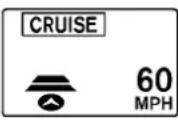 | 150 (45) | |
| Short |  | 100 (30) | |
SSD0613D
andICCsystemdisplay.Decelerateby depressingthebrakepedaltomaintaina safevehicledistanceif:
•Thechimesounds.
●Thevehicleaheaddetectionandset distanceindicatorblink.
The warningchimemaynotsoundinsome caseswhenthereisashortdistance betweenvehicles.Someexamplesare:
- Whenthevehiclesaretravelingatthe samespeedandthedistancebetween vehiclesisnotchanging
- Whenthevehicleaheadistraveling fasterandthedistancebetweenvehiclesisincreasing
-
When vehicle cuts in nearly your vehicle The warning chimewill not sound when:
-Yourvehicleapproachesothervehicles thatareparkedormovingslowly.
●Theacceleratorpedalisdepressed, overridingthesystem. -
Thedistancetothevehicleaheadwill changeaccordingtothevehiclespeed. Thehigherthevehiclespeed,the longerthedistance.
- If the engine is stopped, the set distance becomes "long". (Each time the engine is started, the initial setting
becomes"long".)
Approachwarning
If your vehicle comes closerto the vehicle ahead, duetorapid deceleration of that vehicle or if another vehicle cuts in, the system warnsthed river with the chime

text_image
SSD0284A ANOTE:
Theapproachwarningchimemaysound andthesystemdisplaymayblinkwhen theICCsensordetectssomereflectors whicharefittedonvehiclesinotherlanes oronthesideoftheroad. Thismaycause theICCsystemtodecelerateoraccelerate thevehicle. TheICCsensormaydetect thesereflectorswhenthevehicleisdriven onwindingroads, hillyroadsorwhen enteringorexitingacurve. TheICCsensor mayalsodetectreflectorsonnarrowroads orinroadconstructionzones. Inthese casesyouwillhavetomanuallycontrol theproperdistanceaheadofyourvehicle.
Also, the sensors sensitivity can be affected by vehicle operation (steering maneuver or driving position in the lane) or traffic or vehicle condition (fore example, if a vehicle is being driven with somed damage).
Automaticcancellation
Achimesoundsunderthefollowingconditionsandthecontrolisautomatically canceled.
- Whenthevehiclespeedfallsbelow approximately20MPH(32km/h)
- WhentheselectorleverisnotintheD (Drive), DS(DriveSport)ormanualshift mode
- Whenthewindshieldwipersareoperatedatlowspeed(LO)orhighspeed(HI)
- WhentheSNOWmodeswitchisturned on
●WhentheVDCisturnedoff - WhentheVDCoperates
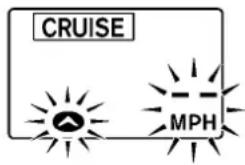
text_image
CRUISE MPHSSD0614
Warninglightanddisplay
ConditionA:
ThechimesoundsandtheIntelligent CruiseControlsystemiscanceledautomaticallyintheconditionsdescribedbelow.Partofthesystemdisplaywillcome onorblink,makingitimpossibletoset.
- WhentheVDCisturnedoff
- WhentheABSorVDC(including the tractioncontrolsystem)operates
- Whenatireslips
- WhentheSNOWmodeswitchisturned on
- When strong light (sunlight, etc.) is directly shining on the front of the vehicle
Actiontotake:
Whentheconditionslistedaboveareno longerpresent,turnthesystemoffusing theIntelligentCruiseControlMAINSwitch. TurntheICCsystembackontousethe system.

text_image
CRUISE CLEAN SENSOR CRUISE SSD0615ConditionB:
Whenthesensorwindowisdirty, making it impossible to detect vehicle ahead, the ICC system is automatically canceled.
ThechimesoundsandtheICCsystem warninglight(orange)willcomeonandthe "CLEANSENSOR"indicatorwillappear.
Actiontotake:
If the warning light comes on, park the vehicle in as a safe place, turn the engine off. Clean the sensor window with a soft cloth and then perform these settings again.
text_image
CRUISE CRUISE SSD0616ConditionC:
WhenthelCCsystemisnotoperating properly, thechimesoundsandtheICC systemwarninglight(orange)willcome on.
Actiontotake:
If the warning light comes on, park the vehicle in as a safe place. Turn the engine off, restart the engine, resum driving and set the ICC system again.
Ifitisnotpossibletosethesystemorthe indicatorstayson, it may indicate that the ICCsystemismalfunctioning. Although the vehicle is still driveable under normal
conditions,havethevehiclecheckedatan INFINITlretailer.

natural_image
Line drawing of a car front view with license plate and license symbol (no text labels or annotations)
text_image
SSD1169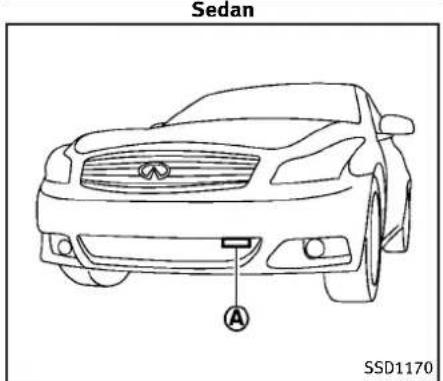
text_image
Sedan A SSD1170Sensormaintenance
ThesensorforthelCCsystem Ⓐ islocated belowthefrontbumper.
TokeeptheICCsystemoperatingproperly, besuretoobservethefollowing:
●Alwayskeepthesensorclean.Wipe withasoftclothcarefullysoasnotto damagethesensor.
- Donotstrikeordamagetheareas aroundthesensor.Donottouchor removethescrewlocatedonthe sensor.Doingsocouldcausefailure ormalfunction.Ifthesensorisdamagedduetoanaccident,contactan
Coupe—TypeA
INFINITlretailer.
- Donotattachasticker(including transparentmaterial)orinstallan accessorynearthesensor.Thiscould causefailureormalfunction.
CONVENTIONAL(fixedspeed) CRUISECONTROLMODE
Thismodeallowsdrivingataspeed between25to89MPH(40to144km/h) withoutkeepingyourfootontheacceleratorpedal.

WARNING
- Intheconventional(fixedspeed)cruise controlmode,awarningchimdoesnot soundtowarnyouifyouaretoocloseto thevehicleahead,asneitherthepresenceofthevehicleaheadnorthe vehicle-to-vehicledistanceisdetected.
●Payspecialattentiontothedistance betweenyourvehicleandthevehicle aheadofyouoracollisioncouldoccur.
●AlwaysconfirmthesettingintheIn-telligentCruiseControlsystemdisplay. - Donotusetheconventional(fixed speed)cruisecontrolmodewhendriving
underthefollowingconditions:
— whenitisnotpossibletokeepthe vehicleatasetspeed
— inheavytrafficorintrafficthat variesinspeed
— onwindingorhillyroads
— onslipperyroads(rain, snow, ice, etc.)
— inverywindyareas
- Doingsocouldcausealossofvehicle controlandresultinanaccident.
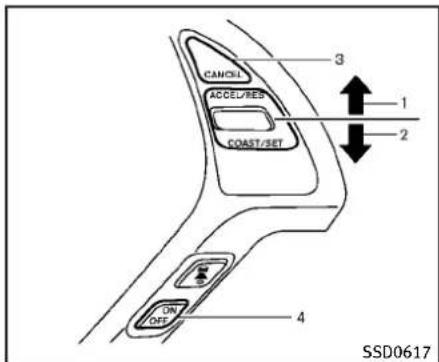
text_image
CANCEL ACCEL/RED COAST/SET 3 1 2 ON OFF 4 SSD0617Conventional(fixedspeed)cruise controlswitch
- ACCELERATE/RESUME switch: Resumessetspeedorincreasespeed incrementally.
2.COAST/SETswitch: Setsthedesiredcruisespeed, reduces speed incrementally.
3.CANCELswitch: Deactivatesthesystemwithouterasing thesetspeed.
4.MAINswitch: Masterswitchtoactivatethesystem.
Startinganddriving
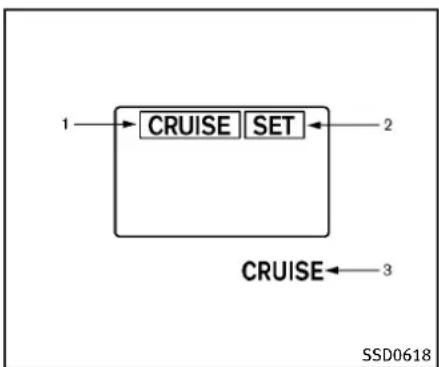
flowchart
graph TD
    A["1"] --> B["CRUISE"]
    B --> C["SET"]
    C --> D["2"]
    E["3"] --> F["CRUISE"]
    style A fill:#f9f,stroke:#333
    style B fill:#ccf,stroke:#333
    style C fill:#cfc,stroke:#333
    style D fill:#fcc,stroke:#333
    style E fill:#cff,stroke:#333
    style F fill:#ffc,stroke:#333
Conventional(fixedspeed)cruise controlmodedisplayandindicators
Thedisplayislocatedbetweenthespeedometerandtachometer.
- MAINswitchindicator: Indicate that the MAINswitch is ON.
- Cruisesetswitchindicator: Displayswhilethevehiclespeedis controlledbytheconventional(fixed speed)cruisecontrolmodeofthelCC system.
5-42 Starting and driving
- Cruisesystemwarninglight:
Comesonifthereisamalfunctionin thecruisecontrolsystem.

text_image
CRUISE CANCEL ACCEL/RES COAST/RET ON OFF A SSD0619Operatingconventional(fixed speed)cruisecontrolmode Toturnontheconventional(fixedspeed) cruisecontrolmode, pushandholdthe MAINswitch ④ forlongerthanabout1.5 seconds.
WhenpushingtheMAINswitchon,the IntelligentCruiseControlsystemdisplay andtheCRUISEindicatoraredisplayed on the dot matrixcrystaldisplay. After you hold the MAINswitchon for longer than about 1.5 seconds, the Intelligent Cruise Control system display goes out. The CRUISEindicatorstayslit.Youcannow
setyourdesiredcruisingspeed.Pushing theMAINswitchagainwillturnthesystem completelyoff.
Whentheignitionswitchispushedtothe OFFposition,thesystemisalsoautomaticallyturnedoff.TousetheIntelligent CruiseControlagain,quicklypushand releasetheMAINswitch(vehicle-to-vehicle distancecontrolmode)orpushandholdit (conventionalcruisecontrolmode)againto turniton.

CAUTION
To avoid accidentally engaging cruise control, makes sure to turn the MAIN switch off when not using the Intelligent Cruise Control system.
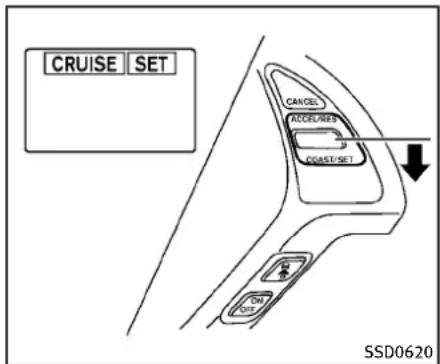
text_image
CRUISE SET CANCEL ACCEL/RES COAST/SET ON SSD0620Tosetcruisingspeed,accelerateyour vehicletothedesiredspeed,pushthe COAST/SETswitchandreleaseit.(TheSET indicatorwillcomeoninthedisplay.)Take yourfootofftheacceleratorpedal.Your vehiclewillmaintainthesetspeed.
- Topassanothervehicle, depress the acceleratorpedal. When you release the pedal, the vehicle will return to the previously sets speed.
●The vehicle may not maintain the speed when going up down steep hills. If this happens, manually maintain vehicles speed.
Tocancelthepresetspeed, useanyofthe
followingmethods:
- Push the CANCEL button. The SET indicator will go out.
- Tapthebrakepedal. The SET indicator will go out.
- TurntheMAINswitchoff. Both the CRUISEindicatorandSETindicatorwill goout.
Toresetatafastercruisingspeed, useone of the following three methods:
- Depresstheacceleratorpedal. When the vehicle attainsthedesiredspeed, push and releasetheCOAST/SET switch.
- PushandholdtheACCELERATE/RE-SUMEsetswitch. Whenthevehicle attainsthespeedyoudesire, release theswitch.
3.Push, then quickly releasetheACCELERATE/RESUMEswitch. Each time you do this, the setspeedwillincrease by about 1 MPH (1.6 km/h).
Toresetataslowercruisingspeed, use oneofthefollowingthreemethods:
-
Lightlytapthebrakepedal. When the vehicle attainsthedesiredspeed, push theCOAST/SETswitchandreleaseit.
-
PushandholdtheCOAST/SETswitch. Releasetheswitchwhenthevehicle slowsdowntothedesiredspeed.
3.Push, then quickly releasethe COAST/SET switch. Each time you do this, the setspeed will decrease by about 1 MPH (1.6 km/h).
Toresumethepresetspeed, pushand releasetheACCELERATE/RESUMEswitch. The vehicle will resumethelast set cruisingspeed when the vehiclespeed is over 25 MPH (40km/h).
Automaticcancellation
Achimesoundsunderthefollowingconditionsandthecontrolisautomatically canceled.
- Whenthevehicleslowsdownmore than8MPH(13km/h)belowtheset speed
- Whenthevehiclespeedfallsbelow approximately20MPH(32km/h)
- WhentheselectorleverisnotintheD (Drive), DS(DriveSport)ormanualshift mode
- WhentheVDCoperates(including the tractioncontrolsystem)
- Whenatireslips
5-44 Starting and driving
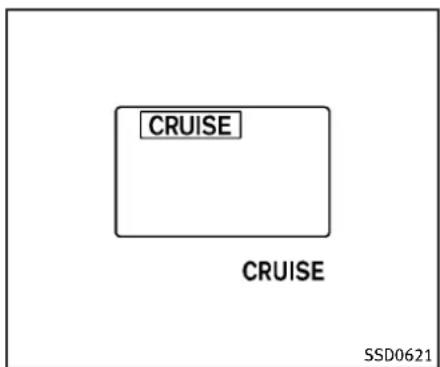
text_image
CRUISE CRUISE SSD0621Warninglight
Whenthesystemisnotoperatingproperly, thechimesoundsandthesystemwarning light(orange)willcomeon.
Actiontotake:
If the warning light comes on, park the vehicle in as a safe place. Turn the engine off, restart the engine, resum driving and then perform the setting again.
Ifitisnotpossibletosetortheindicator stayson, it may indicate that the system is malfunctioning. Although the vehicle is still drive a undernormal conditions, have the vehicle checked at an INFINITI
retailer.
PREVIEWFUNCTION(for Intelligent CruiseControlsystemequipped models)
The ICC system with the preview function identifies the need to apply emergency braking by sensing the vehicle ahead in the same lane and the distance to the vehicle ahead and relatives speed from it, it applies the brake pre-pressure before the driver depresses the brake pedal and helps improve braker response by reducing pedal free play.
Formoredetails, see "Brakeassist" (P.5-52).
BREAK-IN SCHEDULE

CAUTION
During the first 1,200 miles (2,000 km), follow the recommendation to obtain maximum engine performance and ensure the futurer reliability and economy of your new vehicle.
Failuretofollowtheserecommendations mayresultinshortenedenginelifeand reducedengineperformance.
- Avoiddrivingforlongperiodsatconstantspeed, eitherfastorslow.Donot runtheengineover4,000rpm.
- Donotaccelerateatfullthrottleinany gear.
- Avoidquickstarts.
- Avoidhardbrakingasmuchaspossible.
INCREASING FUEL ECONOMY
- Accelerateslowlyandsmoothly.Maintaincruisingspeedswithaconstant acceleratorposition.
- Driveatmoderatespeedsonthehighway.
●Avoidunnecessaryystoppingandbraking.Keepasafedistancebehindother vehicles. - Selectagearrangesuitabletoroad conditions.
- Avoidunnecessaryprolongedengine idling.
- Keepyourenginetunedup.
- Followtherecommendedperiodicmaintenanceschedule.
- Keepthetiresinflatedatthecorrect pressure.Impropertirepressurewill increasewearandwastefuel.
- Makesurethefrontwheelsareproperly aligned. Improperalignmentwillcause prematuretirewearandlowerfuel economy.
●Climatecontroloperationlowersfuel economy. Usetheairconditioneronly whennecessary. - Whencruisingathighwayspeeds,itis moreeconomicaltousetheairconditionerandleavethewindowsclosedto reducedrag.
ALL-WHEEL DRIVE (AWD) (if so equipped)
| Warning light | Comes on or blinks when |
 Comes on Comes on | There is a malfunction in the all wheel drive system. |
 Blinks rapidly Blinks rapidly | The power-train oil temperature rises abnormally. |
 Blinks slowly Blinks slowly | The difference in wheel rotation is large. SSD0336 |
The AWD warning light is located in the meter.
TheAWDwarninglightcomesonwhenthe ignitionswitchispushedtotheON position.Itturnsoffsoonaftertheengine isstarted.
IfanymalfunctionoccursintheAWD systemwhiletheengineisrunning,the warninglightwillcomeon.
The warning light may blink rapidly (about twice per second) while trying to free a stuck vehicle duetohigh power train oil temperature. The driving modem may change to two-whe eldrive. If the warning light blinks rapidly during operation, stop the vehicle with the engine idling in asafe place immediately. Then if the light goes off after awhile, you can continued driving.
Alargedifferencebetweenthediameters offrontandrearwheelswillmakethe warninglightblinkslowly(aboutonceper twoseconds).Pullofftheroadinasafe area, andidletheengine. Checkthatall tiresizesarethesame, tirepressureis correctandtiresarenotworn.
If the warning light is blinking after the above operation, have your vehicle checked by an INFINIT retailer as soon as possible.

WARNING
- ForAWDequippedvehicles, donot attempttoraisetwowheelsoffthe
groundandshiftthetransmissiono anydriveorreversepositionwiththe engineerunning.Doingsomayresultin drivetraindamageorunexpectedvehicle movementwhichcouldresultinserious vehicledamageorpersonalinjury.
- DonotattempttotestanAWDequipped vehicleona2-wheeldynamometer(such asthedynamometersusedbysome statesforemissionstesting)orsimilar equipmenteveniftheothertwowheels areaisedofftheground.Makesurethat youinformthetestfacilitypersonnel thatyourvehicleisequippedwithAWD beforeitisplacedonadynamometer. Usingthewrongtestequipmentmay resultindrivetraindamageorunexpectedvehiclemovementwhichcould resultinseriousvehicledamageor personalinjury.

CAUTION
- Donotoperatetheengineonafree rollerwhenanyofthewheelsareraised.
- If the warning light comes on while driving theremaybeam malfunction in
theAWDsystem.Reducethevehicle speedandhaveyourvehiclecheckedby anINFINITlretailerassoonaspossible.
- If the warning light remains after the above operation, have your vehicle checked by an INFINIT retailer as soon as possible.
●Thepowertrainmaybedamagedifyou continuedrivingwiththewarninglight blinking.
PARKING/PARKINGONHILLS
①
□
□
□
□

natural_image
Diagram showing a car with an upward arrow and directional arrows, next to a textured surface (no text or symbols)②
□
□
□
□


③
□
□
□
□


SD1006MA

WARNING
- Donotstoporparkthevehicleover flammablematerialssuchasdrygrass, wastepaperorrags. They may ignite and cause fire.
●Neverleavetheengineerunningwhilethe vehicleisunattended. -
Donotleavechildrenunattendedinside thevehicle.Theycouldunknowingly activateswitchesorcontrols.Unattendedchildrencouldbecomeinvolved inseriousaccidents.
-
Safeparkingproceduresrequirethat boththeparkingbrakebeappliedand thetransmissionplacedintoP(Park)for AutomaticTransmission(AT)modelorin anappropriategearforManualTransmission(MT)model.Failureretodoso couldcausethevehicletomoveun-expectedyorrollawayandresultinan accident.
-
Makesuretheautomatictransmission selectorleverhasbeenpushedasfar forwardasitcangoandcannotbe movedwithoutdepressingthefoot brakepedal.
-
Firmly apply the parking brake.
- Automatictransmissionmodels:
MovetheselectorlevertotheP(Park) position.
Manualtransmissionmodels:
PlacetheshiftleverintheR(Reverse) gear.Whenparkingonanuphillgrade, placetheshiftleverinthe1stgear.
-
To help prevent the vehicle from rolling into the street when parked on a sloping driveway, it is good practice to turn the wheels as illustrated.
-
HEADEDDOWNHILLWITHCURB: Turnthewheelsintothecurband movethevehicleforwarduntilthe curbsidewheelgentlytouchesthe curb.
- HEADEDUPHILLWITHCURB: ② Turnthewheelsawayfromthecurb andmovethevehiclebackuntilthe curbsidewheelgentlytouchesthe curb.
• HEADEDUPHILLORDOWNHILL, NO CURB: ③
Turnthewheelstowardthesideof theroadsothevehiclewillmove awayfromthecenteroftheroadifit moves.
SONARSYSTEM(ifsoequipped)
- PushtheignitionswitchtotheOFF position.
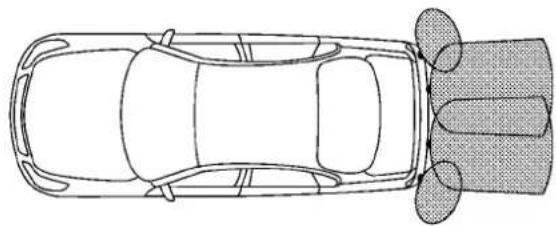
natural_image
Top-down line drawing of a car with wheels and a sensor array (no text or symbols)SSD0927

WARNING
- Thesonarsystemisaconveniencebutil isnotasubstituteforproperparking. Alwayslookaroundandcheckthatitis safetodosobeforeparking.Always moveslowly.
-
Readandunderstandthelimitations of thesonarsystemascontainedinthis section. Inclementweathermay affect thefunctionofthesonarsystem; this may include reduced performance or falseactivation.
-
This system is not designed to prevent contact with small or moving objects.
- Thesystemisdesignedasanaidtothe driverindetectinglargestationary objectstohelpavoiddamagingthe vehicle. Thesystemwillnotdetectsmall objectsbelowthebumper,andmaynot detectobjectsclosetothebumperoron theground.
- If your vehicles sustain damage to the bumperfascia, leaving it misaligned for bent, the sensing zone may be altered causing in accurate measurement of about
staclesorfalsealarms.

CAUTION
Keeptheinteriorofthevehicleasquietas possibletohearthetoneclearly.
Thesonarsystemsoundsatonetowarn thedriverofobstaclesnearthebumper. Whenthe"SonarDisplay"keyisON,the sonarindicatorwillalsoappearinthe centerdisplay.(See"Sonarindicator"(P.5- 49).)Thesystemdetectsrearobstacles whentheselectorleverisinthe"R" (Reverse)position.
Thesystemmaynotdetectobjectsat speedsabove6MPH(10km/h)andmay notdetectcertainangularormoving objects.
Thesonarsystemdetectsobstaclesupto 3.9feet(1.2m)fromthebumperwitha decreasedcoverageareaattheouter cornersofthebumper.Refertothe illustrationforapproximatezonecoverage areas.Asyoumoveclosertotheobstacle, therateofthetoneincreases.Whenthe obstacleislessthan11.8in(30cm)away,
thetonewillsoundcontinuously.
Keepthecorner/centersonar(locatedon thebumperfascia)freefromsnow,iceand largeaccumulationsofdirt(donotclean thesonarwithsharpobjects).Ifthesonar iscovered,itwillaffecttheaccuracyofthe sonarsystem.
Thesensitivitylevelofthecorner/center sonarcanbeadjusted(higherorlower)in theSONARsettingdisplay.(See"Howto useSETTINGbutton"(P.4-14)forthe "Sonar"settings.)
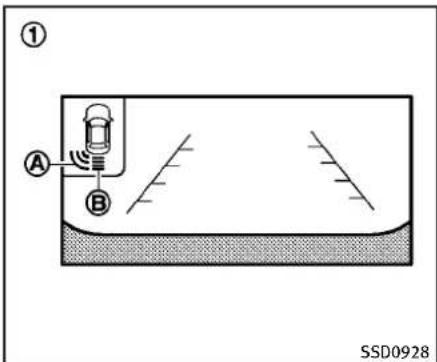
text_image
① A B SSD0928① Rearviewmonitordisplay
Ⓐ Cornersonarindicator
(B) Centersonarindicator
SONARINDICATOR
Withthe"SonarDisplay"keyONinthe "Sonar"settings,whenthecorner/center sonardetectsobstaclesnearthebumper,a tonewillsoundandthesonarindicatorwill appearinthecenterdisplay.Whentherear viewmonitorisdisplayed,thesonar indicatorwillappearintheuppercorner ofthedisplay ①.
Thesonarindicators ① and ② indicate thepositionoftheobjectandthedistance
totheobjectwithitscolorandrateof blinking.
Whenanobjectisdetected,theindicator (green)appearsandblinks(thetone soundsintermittently).Whenthevehicle movesclosertotheobject,thecolorofthe indicatorturnsyellowandtherateof blinkingincreases(therateofthetone increases).Whenthecornerofthevehicle isveryclosetotheobject,lessthan11.8in (30cm)away,theindicatorstopsblinking andturnsred(thetonesoundscontinuously).
Whentherearviewmonitorisdisplayed, thecolorsofthesonarindicatorandthe distanceguidelinesintherearview indicatedifferentdistancestotheobject.
Thesonarindicatorcanbeturnedoffinthe SONARsettingdisplay.(See“Howtouse SETTINGbutton”(P.4-14)forthe“Sonar” settings.)Whenthesonarindicatorisoff, onlyatonesoundswhenthesonardetects obstacles.
text_image
OFF ①SSD0929
SONARSYSTEMOFFSWITCH
ThesonarsystemOFFswitchonthe instrumentpanelallowsthedrivertoturn thesonarsystemonandoff.Toturnthe sonarsystemonandoff,theignition switchmustbeinthe"ON"position.The indicatorlight ① ontheswitchwill illuminatewhenthesystemisturnedoff. Iftheindicatorlightflasheswhenthe sonarsystemisnotturnedoff,itmay indicateamalfunctioninthesonarsystem.
POWERSTEERING

WARNING
If the engine is not running oristurned off while driving, the power assist for the steering will not work. Steering will be hard to operate.
The power assisted steering uses a hydraulic pump, driven by the engine, to assist steering.
Iftheenginestopsorthedrivebeltbreaks, youwillstillhavecontrolofthevehicle. However, muchgreatersteeringeffortis needed, especiallyinsharpturnsandat lowspeeds.
BRAKESYSTEM
BRAKINGPRECAUTIONS
Thebrakesystemhastwoseparatehydrauliccircuits.Ifonecircuitmalfunctions, youwillstillhavebrakingattwowheels.
Vacuumassistedbrakes
Thebrakeboosteraidsbrakingbyusing enginevacuum. If the engine stops, you can stop the vehicle by depressing the brake pedal. However, greater foot pressure on the brake pedal will be required to stop the vehicle and the stopping distance will belonger.
Whenthebrakepedalisdepressedslowly and firmly, you may hear a clicking noise and feel as light pulsation. This is normal and indicate that the Brake Assist System is operating.
Wetbrakes
Whenthevehicleiswashedordriven throughwater,thebrakesmaygetwet. Asaresult,yourbrakingdistancewillbe longerandthevehiclemaypulltooneside duringbraking.
Todrybrakes, drivethevehicleatasafe speedwhilelightlytappingthebrakepedal toheat-upthebrakes. Dothisuntilthe brakesreturntonormal. Avoiddrivingthe
vehicleathighspeedsuntilthebrakes functioncorrectly.
This procedure is described in the vehicle servicemanual and can be performed by an INFINIT retailer.
Usingthebrakes
Avoidrestingyourfootonthebrakepedal whiledriving. This will cause overheating of the brakes, wearing out the brake and pads faster and reduce gasmileage.
Tohelpsavethebrakesandtopreventthe brakesfromoverheating, reducespeed anddownshifttoalowergearbeforegoing downaslopeorlonggrade. Overheated brakesmayreducebrakingperformance and could resultinlossofvehiclecontrol.

WARNING
- Whiledrivingonaslippery surface, be careful when braking, accelerating or downshifting. Abruptbrakingoraccelerating could cause the wheelstoskid and result in an accident.
- If the engine is not running oristurned off while driving, the power assist for the brakes will not work. Braking will be harder.
BRAKEASSIST
BRAKEASSIST
Whentheforceappliedtothebrakepedal exceedsacertainlevel,theBrakeAssistis activatedgeneratinggreaterbrakingforce thanaconventionalbrakeboostereven withlightpedalforce.

WARNING
The Brake Assist is only an aid to assist braking operation and is not a collision warning or avoidanced device. It is the driver's responsibility to stay alert, drive safely and be in control of the vehicle at all times.
PREVIEWFUNCTION(Intelligent CruiseControlsystemequipped models)
When the Preview Function identifies the need to apply emergency braking by sensing vehicle ahead in the same lane and the distance and relatives speed from it, it applies the brake pre-pressure before the driver depresse the brake pedaland helps improve braker response by reducing pedal free play.
- This system will not operate when the vehicle is moving at approximately 20 MPH (32 km/h) or less.
●Thepre-pressurefunctionceaseswhen thefollowingconditionsaremet:
1) Whenthedriverdepressesthe acceleratorpedalorthebrake pedal.
2) If the driver does not operate the accelerator or brake pedal within approximately 1 second.
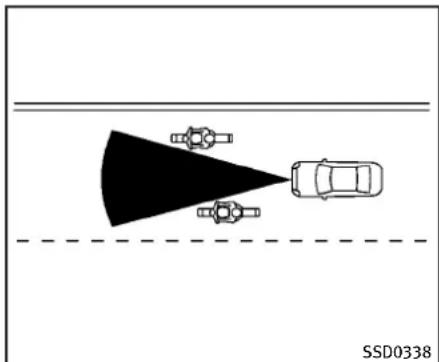
natural_image
Top-down diagram of a car approaching a road with two vehicles, no text or symbols present●Thesensorwillnotdetect:
1) Pedestriansorobjectsintheroadway
2) Oncoming vehicles in the same amelane
3) Motorcyclestravelingoffsetinthe travellaneasillustrated

WARNING
- Thissystemisonlyanaidtoassist brakingoperationandisnotacollision warningoravoidance device.Itisthe driver'sresponsibilitytostayalert,drive safelyandbeincontrolofthevehicleat
alltimes.
- Asthereisaperformancelimittothe PreviewFunction,neverrelysolelyon thissystem.Thissystemdoesnot correctcarelessinattentiveorabsent-mindeddriving,orovercomepoorvisibilityinrain,fog,orotherbadweather. Reducevehiclespeedbydepressingthe brakepedal,inordertomaintainasafe distancebetweenvehicles.
- Thesystemmaynotdetectthevehiclein frontofyouincertainroadorweather conditions.ThePreviewFunctionmay notoperateproperlyunderthefollowing conditions.Thevehicleisstilldriveable undernormalconditionsandtheBrake Assistwilloperate.
— Whenrain, snowordirtadhereto thesystemsensor
— Whenstronglight(forexample, at sunriseorsunset)isdirectlyshining onthefrontofthevehicle
— Windingorhillyroadsmaycause thesensorototemporarilynotdetect avehicleinthesamelaneormay detectobjectssorvehiclesinother lanes.
— Vehiclepositioninthelanemay causethesensortotemporarilynot detectvehicleinthesamelaneor maydetectobjectorsorvehiclesin otherlanes.
CRUISE
SSD0471
Warninglightanddisplay
When the Preview Function is not operating properly, achimesoundsandthesystem warninglight(orange) will come on.
Actiontotake:
If the warning light comes on, park the vehicle in as a safe place. Turn the engine off, restart the engine and resum edriving.
If the indicator stay on, it may indicate that the Preview Function is malfunctioning (the brake is operative). Although the Vehicle is still drive a unable under normal conditions, have the vehicle checked at an INFINIT retailer.
Startinganddriving5-53
Howtohandlethesensor
ThesensorforthePreviewFunctionis commonwithIntelligentCruiseControland islocatedbelowthefrontbumper.
TokeepthePreviewFunctionoperating properly, besuretoobservethefollowing:
●Alwayskeepthesensorclean.Wipe withasoftclothcarefullysoasnotto damagethesensor.
- Donotstrikeordamagetheareas aroundthesensor.Donottouchor removethescrewlocated on the sensor.Doingsocouldcausefailure ormalfunction.Ifthesensorisdamagedduetoanaccident,contactan INFINITlretailer.
- Donotattachasticker(including transparentmaterial)orinstallan accessorynearthesensor.Thiscould causefailureormalfunction.
ANTI-LOCKBRAKINGSYSTEM(ABS)

WARNING
- TheAnti-lockBrakingSystem(ABS)isa sophisticateddevice,butitcannotprevent accidents resulting from careless or dangerousdrivingtechniques.Itcan helpmaintainvehiclecontrolduring brakingonslipperysurfaces.Remember thatstoppingdistancesonslippery surfaceswillbelongerthanonnormal surfacesevenwithABS.Stoppingdistancesmayalsobelongeronrough, gravelorsnowcoveredroads,orifyou areusingtirechains.Alwaysmaintaina safe distance from the vehicle in front of you. Ultimately, the driver is responsible for safety.
- Tiretypeandconditionmayalsoaffect brakingeffectiveness.
— Whenreplacingtires,installthe specifiedsizeoftiresonallfour wheels.
— Wheninstallingasparetire, make surethatitisthepropersize and typeasspecifiedontheTireand LoadingInformationlabel.See“Tire
andloadinginformationlabel"(P.9-14)ofthismanual.
— Fordetailed information, see "Wheelsandtires"(P.8-33)of this manual.
The Anti-lock Braking System (ABS) controlsthebrakessothewheelsdonotlock duringhardbrakingorwhenbrakingon slipperysurfaces. Thesystemdetectsthe rotationspeedateachwheelandvaries thebrakefluidpressuretopreventeach wheelfromlockingandsliding. Bypreventingeachwheelfromlocking, the systemhelpsthedrivermaintainsteering controlandhelpstominimizeswerving andspinningonslipperysurfaces.
Usingthesystem
Depress the brake pedal and hold it down. Depressthebrakepedalwithfirmsteady pressure, but do not pump the brakes. The ABSwilloperatetopreventthewheels fromlocking up. Steerthevehicletoavoid obstacles.

WARNING
Donotpumpthebrakepedal.Doingsomay resultinincreasedstoppingdistances.
Self-testfeature
TheABSincludeselectronicsensors,electricpumps,hydraulicsolenoidsanda computer.Thecomputerhasabuilt-in diagnosticfeaturethatteststhesystem eachtimeyoustarttheengineandmove thevehicleatalowspeedinforwardor reverse.Whentheself-testoccurs,youmay heara“clunk”noiseand/orfeelapulsationinthebrakepedal.Thisisnormaland doesnotindicateamalfunction.Ifthe computersensesamalfunction,itswitches theABSoffandilluminatestheABS warninglightontheinstrumentpanel. Thebrakesystemthenoperatesnormally, butwithoutanti-lockassistance.
IftheABSwarninglightilluminatesduring theself-testorwhiledriving,havethe vehiclecheckedbyanINFINITlretailer.
Normaloperation
TheABSoperatesatspeedsabove3to6 MPH(5to10km/h).
WhentheABSsensesthatoneormore wheelsareclosetolockingup,theactuator rapidlyappliesandreleaseshydraulic pressure.Thisactionissimilartopumping thebrakesveryquickly.Youmayfeel a pulsationinthebrakepedalandheara noisefromunderthehoodorfeela vibrationfromtheactuatorwhenitis operating.Thisisnormalandindicates thattheABSisoperatingproperly.However,thepulsationmayindicatethatroad conditionsarehazardousandextracareis requiredwhiledriving.
VEHICLEDYNAMICCONTROL(VDC)SYSTEM
TheVehicleDynamicControl(VDC)system usesvarioussensorstomonitordriver inputsandvehiclemotion.Undercertain drivingconditions,theVDCsystemhelps toperformthefollowingfunctions.
●Controlsbrakepressuretoreduce wheelslipononeslippingdrivewheel sopoweristransferredtoanon slippingdrivewheelonthesameaxle.
●Controlsbrakepressureandengine outputtoreducedrivewheelslipbased onvehiclespeed(tractioncontrolfunction).
●Controlsbrakepressureatindividual wheelsandengineoutputtohelpthe drivermaintaincontrolofthevehiclein thefollowingconditions:
—understeer(vehicletendstonot followthesteeredpath despite increasedsteeringinput)
—oversteer(vehicletendstospindue to certain road or driving conditions).
The VDC system can help the driverto maintain in control of the vehicle, but it cannot prevent loss of vehicle control in all drivings situations.
WhentheVDCsystemoperates,theVDC warninglight 📁 intheinstrumentpanel
flashessonotethefollowing:
- Theroadmaybeslipperyorthesystem maydeterminesomeactionisrequired tohelpkeepthevehicleonthesteered path.
- Youmayfeelapulsationinthebrake pedalandhearanoiseorvibration fromunderthehood. This is normal and indicate that the VDC system is working properly.
- Adjustyourspeedanddrivingtothe roadconditions.
See "VehicleDynamicControl(VDC)warninglight"(P.2-17).
Ifamalfunctionoccursinthesystem,the VDCwarninglight illuminatesinthe instrumentpanel.TheVDCsystemautomaticallyturnsoff.
TheVDCOFFswitchisusedtoturnoffthe VDCsystem.TheVDCoffindicator illuminatestoindicatetheVDCsystemis off.WhentheVDCswitchisusedtoturnoff thesystem,theVDCsystemstilloperates topreventonedrivewheelfromslippingby transferringpowertoanonslippingdrive wheel.TheVDCwarninglight flashesif thisoccurs.AllotherVDCfunctionsareoff, andtheVDCwarninglight willnot flash.TheVDCsystemisautomatically
resettoonwhentheignitionswitchis placedintheoffpositionthenbacktothe onposition.
See "VehicleDynamicControl(VDC)warninglight"(P.2-17) and "VehicleDynamic Control(VDC)offindicatorlight"(P.2-19).
Thecomputerhasabuilt-indiagnostic featurethatteststhesystemeachtimeyou starttheengineandmovethevehicle forwardorinreverseataslowspeed. Whentheself-testoccurs,youmayheara "clunk"noiseand/orfeelapulsationinthe brakepedal.Thisisnormalandisnotan indicationofamalfunction.

WARNING
- TheVDCsystemisdesignedtohelpthe drivermaintainstabilitybutdoesnot preventaccidentsduetoabruptsteering operationathighspeedsorbycareless ordangerousdrivingtechniques.Reduce vehiclespeedandbeespeciallycareful whendrivingandcorneringonslippery surfacesandalwaysdrivecarefully.
- Donotmodifythevehicle'ssuspension. Ifsuspension partssuch asshock absorbers,struts,springs,stabilizer
bars,bushingsand wheelsarenot INFINITrecommendedforyourvehicle orareextremelydeteriorated,theVDC systemmaynotoperateproperly.This couldadverselyaffectvehiclehandling performance,andtheVDCwarninglight mayilluminate.
- Ifbrakerelatedpartssuchasbrake pads, rotorsandcalipersarenotINFINITI recommendedorareextremelydeteriorated,theVDCsystemmaynotoperate properlyandtheVDCwarninglight mayilluminate.
- Ifenginecontrolrelatedpartsarenot INFINITIrecommendedareextremely deteriorated,theVDCwarninglight mayilluminate.
- Whendrivingon extremelyinclined surfacesuchashigherbankedcorners, theVDCsystemmaynotoperateproperlyandtheVDCwarninglight may illuminate.Donotdriveonthesetypes ofroads.
- Whendrivingonanunstablesurface suchasaturntable, ferry, elevator ramp, the VDC warninglight may illuminate. This is not a malfunction. Restart the engine after driving onto a
stablesurface.
- IfwheelsortiresotherthantheINFINITI recommendedonesareused,theVDC systemmaynotoperateproperlyand theVDCwarninglight mayilluminate.
•TheVDCsystemisnotasubstitutefor wintertiresortirechainsonasnow coveredroad.
4WHEELACTIVESTEER(4WAS)SYSTEM(if soequipped)
The4WheelActiveSteer(4WAS)systemis anelectronicallycontrolledfour-wheel steering system.
Depending on the vehicles speed and steering angle, the angles of the front and rear wheels are adjusted by the 4 WAS system to help improved driving performance.
Ifamalfunctionoccursinthesystem,the 4WASfunctionwillstopbuttheordinary two-wheelsteeringsystemwilloperate normally.The“4WAS”warninglightwill illuminate.Ifthelightilluminateswhileyou aredriving,contactanINFINITretailerfor repair.
Thesteeringwheelmaybeslightlyturned evenwhendrivingonastraightroaddueto aprotectionmechanismforthe4WAS system. Thisisnotamalfunction.The steeringwheelwillreturntothenormal positionaftertheprotectionmechanism deactivates.
The protection mechanism activates under the following conditions:
- Thesteeringwheelisoperatedforcibly whenitishardtooperateorthetires areblockedbyobstacles.
- Thesteeringwheeliscontinuously operatedwhenthevehicleisparked
orbeingdrivenatextremelylowspeed.
●Thesteeringwheelisforciblyturned beyonditsoperationlimits.
●Thebatteryvoltageisreduced. Repeatedsteeringmaneuversthatmay activatetheprotectionmechanismwill damagethe4WASsystem.

WARNING
The4WASsystem,althoughasophisticated device,cannotpreventaccidentsresulting fromcarelessordangerousdrivingtechniques.Ultimatelytheresponsibilityfor safetyofselfandothersrestsinthehands ofthedriver.Thereforeonlythroughattentiveandcarefuldrivingmethodscanthe 4WASsystembefullyappreciatedand safetyoptimized.
COLDWEATHERDRIVING
FREEINGAFROZENDOORLOCK
Topreventadoorlockfromfreezing,apply deicerthroughthekeyhole.Ifthelock becomesfrozen,heatthekeybefore insertingitintothekeyholeorusethe IntelligentKeysystem.
ANTIFREEZE
In the winter when it is anticipated that the outside temperature will drop below 32^ F ( 0^ C), checkant if freezeto assure proper winter protection. For additional information, see "Engine cooling system" (P.8-9).
BATTERY
If the battery is not fully charged during extremely cold weather conditions, the battery fluid may freeze and damage the battery. Tomaintain maximum efficiency, the battery should be checked regularly. For additional information, see "Battery" (P.8-17).
DRAININGOFCOOLANTWATER
If the vehicle is to be left outsidewithout antifreeze, drain the coolingsystem, including the engine block. Refill before operating the vehicle. Ford details, see "Enginecoolingsystem" (P.8-9).
TIREEQUIPMENT
SUMMERtireshaveatreaddesignedto providesuperiorperformanceondrypavement. However, the performance of these tireswill besubstantially reduced in snowy and icy conditions. If you operate your vehicle on snowy or icy roads, INFINITI recommend the use of MUD & SNOW or ALL SEASON tires on all four wheels. Consultant INFINITI retailer for the tire type, size, speed rating and availability information.
For additional traction on icyroads, studded tires maybe used. However, some U.S. states and Canadian provinces prohibit their use. Check local, state and provincial laws before installing studded tires.
Skidandtractioncapabilitiesofstudded snowtires,onwetordrysurfaces,maybe poorerthanthatofnon-studdedsnow tires.
Tirechainsmaybeused. Fordetails, see "Tirechains" (P.8-39) of this manual.
Forall-wheeldrive
If you install snowtires, they must also be the namesize, brand, construction and tread pattern on all four wheels.
SPECIALWINTEREQUIPMENT
It is recommended that the following items be carried in the vehicle during winter:
- Ascraperandstiff-bristledbrushto removeiceandsnowfromthewindows andwiperblades.
- Asturdy, flatboardtobeplaced under thejacktogiveitfirmsupport.
- Ashoveltodigthevehicleoutof snowdrifts.
- Extrawindowwasherfluidtorefillthe reservoirtank.
DRIVINGONSNOWORICE

WARNING
- Wet ice (32°F, 0°C and freezing rain), very cold snow or ice can be slick and very hard to drive on. The vehicle will havemuchlesstraction or "grip" under these conditions. Try to avoid driving on wet ice until the road is salted or sanded.
- Whateverthecondition,drivewithcaution.Accelerateandslowdownwith care.Ifacceleratingordownshiftingtoo fast,thedrivewheelswillloseeven
moretraction.
- Allowmorestoppingdistanceunder theseconditions.Brakingshouldbe startedsoonerthanondrypavement.
- Allowgreaterfollowingdistanceson slipperyroads.
- Watchforslipperyspots(glareice). These may appear on other wise clear road in shaded areas. If a patch of fice is seen ahead, brake before reaching it. Try not to be awhile on the time, and avoid any sudden steering maneuvers.
- Donotusethecruise control on slippery roads.
- Snowcantrapdangerouse exhaustgases underyourvehicle. Keepsnowclear of theexhaustpipe and fromaround your vehicle.
ENGINEBLOCKHEATER(forCanada only)
Engineblockheatersareusedtoassistin coldtemperaturestarting.
Theengineblockheatershouldbeused whentheoutsidetemperatureis20°F (-7°C)orlower.
Tousetheengineblockheater
- Turntheengineoff.
- Openthehood and unwrap the engine blockheatercord.
- Plugtheengineblockheatercordintoa grounded3-wire, 3-prongedextension cord.
4.PlugtheextensioncordintoaGround Fault Interrupt (GFI) protected, grounded110-voltAC(VAC)outlet. - The engine blockheater must be plugged in for at least 2-4 hours, depending on outsider temperatures, to properly warm the engine coolant. Use an appropriatetimertoturn the engine blockheateron.
- Before starting the engine, unplug and properly store the cord to keep it away from moving parts.

WARNING
- Donotuseyourengineblockheaterwith anungroundedelectricalsystemora2-prongedadapter.Youcanbeseriously injuredbyanelectricalshockifyouse anungroundedconnection.
- Disconnectandproperlystoretheengineblockheatercordbeforestarting theengine.Damagetothecordcould result in an electrical shock and can causeseriousinjury.
- Useaheavy-duty3-wire,3-pronged extensioncordratedforatleast10A. PlugtheextensioncordintoaGround FaultInterrupt(GFI)protected,grounded 110-VACoutlet.Failureretousetheproper extensioncordoragroundedoutletcan resultinafireorelectricalshockand causeseriouspersonalinjury.
MEMO
5-60 Starting and driving
6Incaseofemergency
Roadsideassistanceprogram....6-2
Emergencyengineshutoff....6-2
Flattire....6-2
TirePressureMonitoringSystem(TPMS)......6-2
Changingaflattire....6-3
Jumpstarting....6-8
Pushstarting....6-10
If your vehicle overheats....6-10
Towingyourvehicle......6-11
Towingrecommendedby|NFINITI......6-12
Vehiclerecovery(Freeingastuckvehicle)....6-13
ROADSIDEASSISTANCEPROGRAM
Intheeventofaroadsideemergency, RoadsideAssistanceServiceisavailableto you.PleaserefertoyourWarrantyInformationBooklet(U.S.)orWarranty&Roadside AssistanceInformationBooklet(Canada) fordetails.
EMERGENCYENGINESHUTOFF
Toshutofftheengineinanemergency situationwhiledriving,performthefollowingprocedure:
- Rapidlypushthepush-buttonignition switch3consecutivetimesinlessthan 1.5seconds,or
- Pushandholdthepush-buttonignition switchformorethan2seconds.
FLATTIRE
TIREPRESSUREMONITORINGSYSTEM(TPMS)
ThisvehicleisequippedwiththeTire PressureMonitoringSystem(TPMS).It monitorstirepressureofalltiresexcept thespare.Whenthelowtirepressure warninglightislitandtheCHECKTIRE PRESSUREwarningappearsonthedot matrixliquidcrystaldisplay,oneormore ofyourtiresissignificantlyunder-inflated. Ifthevehicleisbeingdrivenwithlowtire pressure,theTPMSwillactivateandwarn youofitbythelowtirepressurewarning light.Thissystemwillactivateonlywhen thevehicleisdrivenatspeedsabove16 MPH(25km/h).Formoredetails,see "Warning/indicatorlightsandaudiblereminders"(P.2-12)and"TirePressureMonitoringSystem(TPMS)"(P.5-4).

WARNING
- Ifthelowtirepressurewarninglight illuminateswhiledriving,avoidsudden steeringmaneuversorabruptbraking, reducevehiclespeed,pullofftheroadto asafelocationandstopthevehicleas soonaspossible.Drivingwithunderinflatedtiresmaypermanentlydamage
thetiresandincreasethelikelihood of tirefailure.Seriousvehicledamage couldoccurandmayleadtoanaccident andcouldresultinseriousouspersonal injury.Checkthetirepressureforall fourtires.Adjustthetirepressuretothe recommendedCOLDtirepressureshown ontheTireandLoadingInformation labeltoturnthelowtirepressure warninglightOFF.Ifthelightstill illuminateswhiledrivingafteradjusting the tirepressure,atiremaybeflat.If youhaveaflattire,replaceitwitha spare tireassoonaspossible.
- Whenasparetireismountedorawheel isreplaced, theTPMSwillnotfunction andthelowtirepressurewarninglight willflashforapproximately1minute. Thelightwillremainonafter1minute. ContactyourINFINITretailerassoonas possiblefortirereplacementand/or systemresetting.
●Replacing tires with those not originally specified by INFINIT could affect the proper operation of the TPMS.
- Donotinjectanytireliquidoraerosol tiresealantintothetires,asthismay causeamalfunctionofthetirepressure
sensors.
CHANGINGAFLATTIRE
If you have a flattire, follow the instructions below.
Stoppingthevehicle
-
Safelymovethevehicleofftheroad andawayfromtraffic.
-
Turnonthehazardwarningflashers.
-
Parkonalevelsurface and apply the parking brake. Movetheselector lever totheP(Park)position(Automatic transmission models). Movetheshift levertotheR(Reverse)gear(Manual transmission models).
-
Turnofftheengine.
-
Raisethehoodtowarnothertraffic, andtosignalprofessionalroadassistancepersonnelthatyouneedassistance.
6.Haveallpassengersgetoutofthe vehicleandstandinasafeplace,away fromtrafficandclearofthevehicle.

WARNING
- Makesuretheparkingbrakeissecurely appliedandthemanualtransmissionis shiftedintoR(Reverse),ortheautomatic transmissionintoP(Park).
●Neverchangetireswhenthevehicleis onaslope,iceorslipperyareas. This is hazardous.
- Neverchangetiresifoncomingtrafficis closetoyourvehicle.Waitforprofessionalroadassistance.

natural_image
Diagram showing tire assembly with arrows indicating direction and a numbered point (no text or symbols)Blockingwheels
Placesuitableblocks ① atboththefront andbackofthewheeldiagonallyopposite theflattiretopreventthevehiclefrom movingwhenitisjackedup.

WARNING
Besuretoblockthewheelasthevehicle maymoveandresultinpersonalinjury.
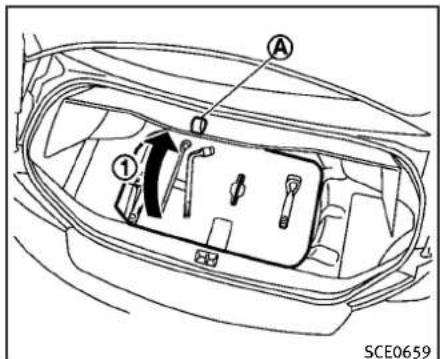
text_image
A ① SCE0659Jackingtools—Sedan

text_image
A ① SCE0695Jackingtools—Coupe
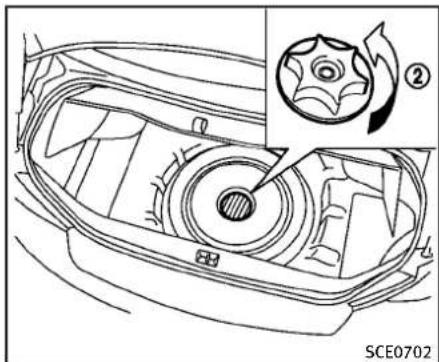
text_image
② SCE0702Spare—SedanandCoupe
Gettingthesparetireandtools
Raisethetrunkfloorcover ① using the tab Ⓐ.
Removejackingtoolslocatedinsidethe trunkasillustrated.
Thesparetireislocatedunderthejacking tools.Removethecap ② holdingthe sparetire.
Jackingupthevehicleandremovingthedamagedtire

WARNING
●Nevergetunderthevehiclewhileitis supportedonlybythejack.Ifitis necessarytoworkunderthevehicle, supportitwithsafetystands.
- Useonlythejackprovidedwithyour vehicletoliftthevehicle.Donotusethe jackprovidedwithyourvehicleonother vehicles.Thejackisdesignedforlifting onlyyourvehicleduringatirechange.
- Usethecorrectjack-uppoints. Never use any other part of the vehicle for jack support.
●Neverjackupthevehiclemorethan necessary.
●Neveruseblocksonorunderthejack.
- Donotstartorruntheenginewhile vehicleisonthejack,asitmaycause thevehicletomove. Thisisespecially trueforvehicleswithlimitedslipdifferentials.
- Donotallowpassengerstostayinthe vehiclewhileitisonthejack.
Carefullyreadthecautionlabelattachedto thejackbodyandthefollowinginstructions.
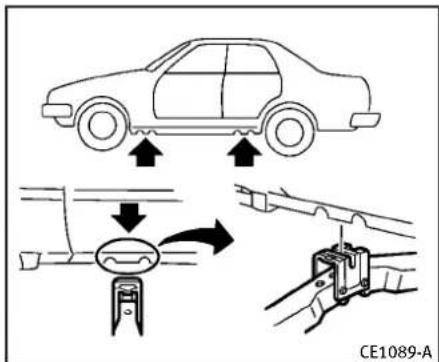
text_image
CE1089-AJack-uppoint
- Placethejackdirectlyunderthejack-up pointasillustratedsothetopofthe jackcontactsthevehicleatthejack-up point.Alignthejackheadbetweenthe twonotchesinthefrontortherearass shown.Alsofitthegrooveofthejack headbetweenthenotchesasshown. Thejackshouldbeusedonlevelfirm ground.
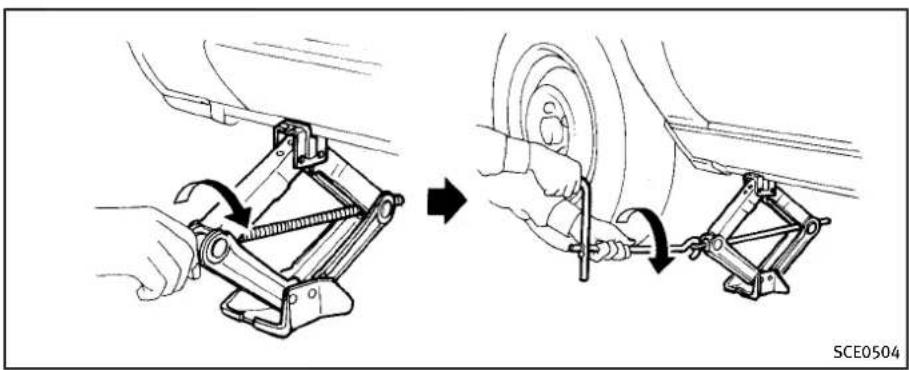
natural_image
Mechanical assembly diagram showing two steps of a car wheel and clamp mechanism (no text or symbols)- Looseneachwheelnutoneortwoturns byturningcounterclockwisewiththe wheelnutwrench.Donotremovethe wheelnutsuntilthetireisoffthe ground.
- Carefullyraisethevehicle until the tire clear the ground. Tofitthe vehicle, securely hold the jack lever and with both hands as shown above. Removethewheel nuts, and then removethetire.
6-6 Incaseofemergency
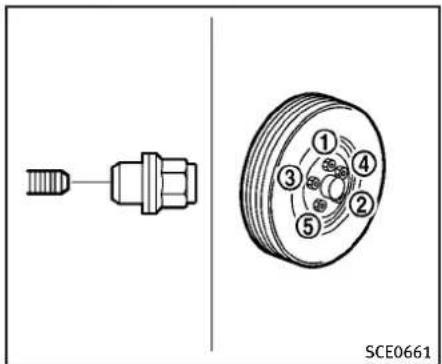
text_image
SCE0661Installingthesparetire
TheT-typesparetireisdesignedfor emergencyuse.(Seespecificinstructions undertheheading"Wheelsandtires"(P.8-33).)
- Cleananymudordirtfromthesurface betweenthewheelandhub.
- Carefullyputthesparetireon and tightenthewheelnutsfingertight. Modelsequippedwithdifferentsized tiresinthefrontandrear:
Whenreplacingafronttire,makesure thattheholeinthesparetirewheelis alignedwiththepinonthebrakerotor.
-
With the wheel nut wrench, tighten wheel nuts alternately and evenly in the sequence as illustrated (①, ②, ③, ④, ⑤) until they are tight.
-
Lowerthevehicleslowlyuntilthetire touchestheground.Then,withthe wheelnutwrench,tightenthewheel nutssecurelyinthesequenceas illustrated.Lowerthevehiclecompletely.

WARNING
- Incorrectwheelnutsorimproperlytightenedwheelnutscancausethewheeltobecomelooseorcomeoff. This could causeanaccident.
- Donotuseoilorgreaseonthewheel studsornuts. This could cause then nuts tobecome loose.
- Retightenthewheelnutswhenthe vehiclehasbeendrivenfor600miles (1,000km)(alsoincasesofaflattire, etc.).
- As soon as possible, tighten the wheelnut stothespecified torque withatorquewrench.
Wheelnuttighteningtorque: 80ft-lb(108N·m)
Thewheelnutsmustbekepttightened to specificationatalltimes.Itis recommended that wheelnuts be tightened to specificationsate each lubricationinterval.
- AdjusttirepressuretotheCOLD pressure.
COLDpressure:
Afterthevehiclehasbeenparkedfor threehoursormoreordrivenlessthan 1mile(1.6km).
COLDtirepressuresareshownonthe TireandLoadingInformationlabel affixedtothedriversidecenterpillar.
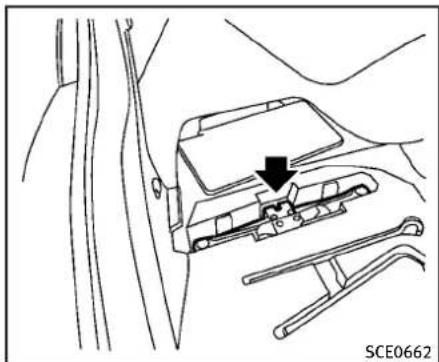
natural_image
Technical line drawing of a car interior showing a vehicle seatbelt with a black arrow pointing to the seatbelt (no text or symbols present)Sedan

natural_image
Diagram of a car interior with directional arrows and lane markings (no readable text or symbols)Coupe
Incaseofemergency6-7
JUMPSTARTING
-
Securelystoretheflattireandjacking equipmentinthevehicle.
-
Placethesparetirecoverandthetrunk floorcarpetingoverthedamagedtire.
7.Closethetrunk.

WARNING
●Alwaysmakesurethatthesparetireand jackingequipmentareproperlysecured afteruse. Such items can become dangerous projectilesinanaccidentor suddenstop.
●TheT-typesparetireandsmallsize sparetirearedesignedforemergency use.Seespecificinstructionsunderthe heading"Wheelsandtires"(P.8-33).
Ifneeded,RoadsideAssistanceisavailable.PleaseeseeyourWarrantyInformation BookletorRoadsideAssistancel.D.Card forthetoll-freenumbertocall(U.S.)or WarrantyInformationBooklet(Canada).
Tostartyourenginewithaboosterbattery, theinstructionsandprecautionsbelow mustbefollowed.

WARNING
- Ifdoneincorrectly,jumpstartingcan leadtoabatteryexplosion,resultingin severeinjuryordeath.Itcouldalso damageyourvehicle.
- Explosivehydrogengasisalwayspresentinthevicinityofthebattery.Keep allsparksandflamesawayfromthe battery.
- Donotallowbatteryfluidtocomeinto contactwitheyes,skin,clothingor paintedsurfaces.Batteryfluidisa corrosivesulphuricacidsolutionwhich cancausesevereburns.Ifthefluid shouldcomeintocontactwithanything, immediatelyflushthecontactedarea withwater.
-
Keepthebatteryoutofthereachof children.
•Theboosterbatterymustberatedat12 volts.Useofanimproperlyratedbattery candamageyourvehicle. -
Whenever working on near abattery, always wears suitable eyeprotectors (for example, goggles or industrials safety spectacles) and remove rings, metal bands, or any other jewelry. Donotlean over the battery when jump starting.
- Donotattempttojumpstartafrozen battery.Itcouldexplode andcause seriousinjury.
- Yourvehiclehasanautomaticengine coolingfan.Itcouldcomeonatanytime. Keephandsandotherobjectsawayfrom it.
Ifneeded,RoadsideAssistanceisavailable.PleaseeseeyourWarrantyInformation BookletorRoadsideAssistancel.D.Card forthetoll-freenumbertocall(U.S.)or WarrantyInformationBooklet(Canada).

text_image
A ①+ ②+ ③- C B ④- ①-②-③-④ SCE0653
WARNING
Alwaysfollowtheinstructionsbelow.Failure todosocouldresultindamagetothe chargingsystemandcausepersonalinjury.
-
If the booster battery is in another vehicle ①, position the two vehicles (A and B) to bring their batteries into close proximity to each other. Donotallow the two vehicle rest of touch.
-
Applyparkingbrake. Movetheselector levertotheP(Park)position(Automatic
transmissionmodels).Movetheshift levertotheN(Neutral)position(Manualtransmissionmodels).Switchoffall unnecessaryelectricalsystems(light, heater, airconditioner, etc.).
-
Removeventcapsonthebattery(ifso equipped). Coverthebatterywitha firmlywrungoutmoistcloth reduceexplosionhazard. © to
-
Connectjumpercablesinthesequence asillustrated( ① → ② → ③ → ④).

CAUTION
●Alwaysconnectpositive(+)topositive (+)andnegative(−)tobodyground(as illustrated)—nottothebattery.
- Makesurethejumpercablesdonot touchmovingpartsintheenginecompartmentandthatclampsdonotcontact anyothermetal.
5.Starttheengineoftheboostervehicle Ⓐ andletitrunforafewminutes.
- Keep the engines speed of the booster vehicle Ⓐ at about 2,000rpm, and start the engine of the vehicle being jump started Ⓑ.

CAUTION
Donotkeepthestartermotorengagedfor morethan10seconds.Iftheengineodes notstartrightaway,pushtheignition switchtotheOFFpositionandwait10 secondsbeforetryingagain.
- After starting you're engine, carefully disconnect then negative cable and then
Incaseofemergency6-9
thepositivecable( ④ → ③ → ② → ①).
-
Replacetheventcaps(ifsoequipped). Besuretodisposeoftheclothusedto covertheventholesasitmaybe contaminatedwithcorrosiveacid.
-
Putthebatterycoveron.
PUSHSTARTING
Donotattempttostarttheengineby pushing.

CAUTION
●Automatictransmissionmodelscannot bepush-startedortow-started.Attemptingtodosomaycausetransmission damage.
- Threewaycatalystequippedmodels shouldnotbestartedbypushingsince thethreewaycatalystmaybedamaged.
- Nevertrytostartthevehiclebytowing it;whentheenginestarts,theforward surgecouldcausethevehicletocollide withthetowvehicle.
Ifneeded,RoadsideAssistanceisavailable.PleaseeseeyourWarrantyInformation BookletorRoadsideAssistanceL.D.Card forthetoll-freenumbertocall(U.S.)or Warranty&RoadsideAssistanceInformationBooklet(Canada).
IFYOURVEHICLEOVERHEATS

CAUTION
- Donotcontinuetodriveifyourvehicle overheats.Doingsocouldcauseengine damageoravehiclefire.
- To avoid the danger of being scalded, never remove the radiator cap while the engine is still hot. When the radiator cap is removed, pressurized hot water will spurt out, possibly causing serious injury.
- Donotopenthehoodifsteamiscoming out.
If your vehicle is overheating (indicated by an extremely high temperature gauge reading), orify you feel alack of engine power, detect abnormal noise, etc., take the following steps:
- Move the vehicle safely off the road, apply the parking brake and movethe selector levertothe P(Park) position (Automatic transmission models). Move the shift lever to the N (Neutral) position (Manual transmission models). Donotstop the engine.
- Turn off the climate control. Open all
thewindows, movetheheaterorair conditionertemperaturecontrolto maximumhotandfancontroltohigh speed.
- If engine overheating is caused by climbing along hillonahot day, run the engine at a fastidle (approximately 1,500 rpm) until the temperature gauge indication returnstonormal.
4.Getoutofthevehicle.Lookandlisten forsteamorcoolantescapingfromthe radiatorbeforeopeningthehood.(If steamorcoolantisescaping,turnoff theengine.)Donotopenthehood furtheruntilnosteamorcoolantcanbe seen. - Opentheenginehood.

WARNING
Ifsteamorwateriscomingfromtheengine, standcleartopreventgettingburned.
- Visually check drive belts for damage or looseness. Also check if the cooling fan is running. Theradiator hoses and radiator should not leak water. If coolant is leaking or the cooling fandoes
notrun,stoptheengine.

WARNING
Becarefulnottoallowyourhands,hair, jewelryorclothingtocomeintocontact with,orgetcaughtin,enginebeltsorthe enginecoolingfan.Theenginecoolingfan canstartatanytime.
- After the engine cools down, check the coolant level in the reservoir tank with the engineer running. Add coolant to the reservoir tank if necessary. Have your vehiclerepaired at the nearest INFINIT retailer.
Ifneeded,RoadsideAssistanceisavailable.PleaseeseeyourWarrantyInformation BookletorRoadsideAssistancel.D.Card forthetoll-freenumbertocall(U.S.)or Warranty&RoadsideAssistanceInformationBooklet(Canada).
TOWINGYOURVEHICLE
Whentowingyourvehicle, allState(ProvincialinCanada) and local regulations for towing must be followed. Incorrect towing equipment could damage your vehicle. Towing instructions are available from an INFINIT retailer. Local service operators are familiar with the applicable laws and procedures for towing. To assure proper towing and to prevent accident damage to your vehicle, INFINIT recommend that you have as service operator to your vehicle. It is advisable to have the service operator carefully read the following precautions.

WARNING
●Neverrideinavehiclethatisbeing towed.
●Nevergetunderyourvehicleafterithas beenliftedbyatowtruck.

CAUTION
- Whentowing, makesurethatthetransmission, axles, steeringsystem and powertrainareinworkingcondition. If anyunitisdamaged, dolliesmustbe
Incaseofemergency6-11
used.
●Alwaysattachsafetylchainsbeforetowing.
Forinformationabouttowingyourvehicle behindarecreationalvehicle(RV),see "Flattowing"(P.9-23)ofthismanual.
Ifneeded,RoadsideAssistanceisavailable.PleaseeseeyourWarrantyInformation BookletorRoadsideAssistancel.D.Card forthetoll-freenumbertocall(U.S.)or Warranty&RoadsideAssistanceInformationBooklet(Canada).
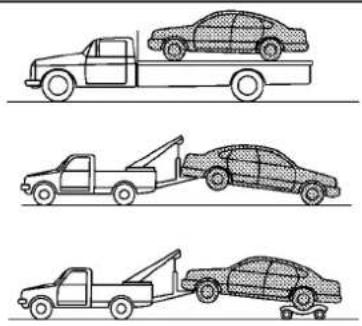
natural_image
Three line drawings of a car with different types of loading or steering wheel (tarp, tow truck, and car), no text or symbols present.
text_image
Diagram showing three scenarios of car restriction, with one crossed out by a 'X' symbol and the other crossed out by a crossed-out box.SCE0788
Two-wheeldrivemodels
TOWINGRECOMMENDEDBYINFINITI
Two-WheelDrive(2WD)models
INFINITIrecommendsthatyourvehiclebe towedwiththedriving(rear)wheelsoffthe groundorplacethevehicleonaflatbed truckasillustrated.

CAUTION
- Nevertowautomatictransmissionmodelswiththerearwheelsontheground orfourwheelsontheground(forwardor backward),asthismaycauseserious
andexpensivedamagetothetransmission.Ifitisnecessarytotowthevehicle withthefrontwheelsraised,alwaysuse towingdolliesundertherearwheels.
- Whentowingrearwheeldrivemodels withthefrontwheelsonthegroundor ontowingdollies:Pushtheignition switchtotheACCorONposition,and securethesteeringwheelinastraight-aheadpositionwitharopeorsimilar device.
- Ifyouhavetotowmanualtransmission
modelswiththerearwheelsonthe ground(ifyoudonotusetowingdollies) orfourwheelsontheground:
— PushtheignitionswitchtotheON positionandturnoffallaccessories.
— Alwaysreleasetheparkingbrake.
— Movethetransmissionshiftleverto theN(Neutral)position.
— Observethefollowingrestricted towingspeedsanddistancesfor manualtransmissionmodelsonly:
•Rearwheelsontheground: Speed:Below50MPH(80km/h) Distance:Lessthan50miles(80 km)
•Fourwheelsontheground: Speed:Below70MPH(112km/h) Distance:Lessthan500miles (800km)
— If the speedordistance must necessarily begreater, remove the propellershaft before towing to prevent damage to the transmission.
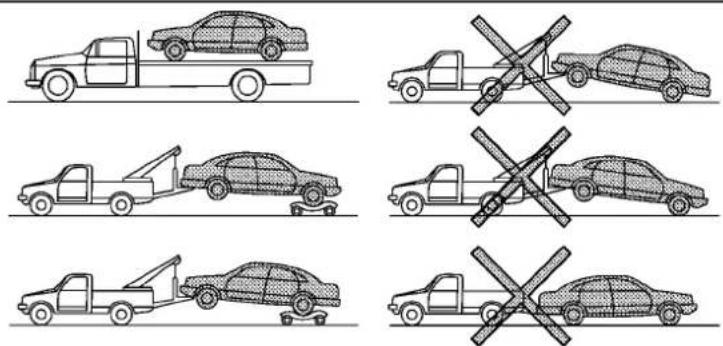
text_image
Diagram showing six scenarios of car collision rules, including a truck and a tow truck with no crossing restrictions.SCE0488
All-wheeldrivemodels
All-WheelDrive(AWD)models
INFINITIrecommendsthattowingdolliesbe usedwhentowingyourvehicleorthe vehiclebeplacedonaflatbedtruckas illustrated.

CAUTION
NevertowAWDmodelswithanyofthe wheelsonthegroundasthismaycause seriousandexpensivedamagetothe powertrain.
VEHICLERECOVERY(Freeingastuck vehicle)

WARNING
- Standclearofastuckvehicle.
- Donotspinyourtiresathighspeed. This could causethemtoexplodeandresult inseriousinjury. Partsofyourvehicle could also overheat and bedamaged.
Incaseofemergency6-13
Pullingastuckvehicle
If your vehicle is stuckins and snow, mud, etc., use atowstrap or other device designed specifically for vehiclerecovery. Always follow the manufacturer's instructions for the recovery device.
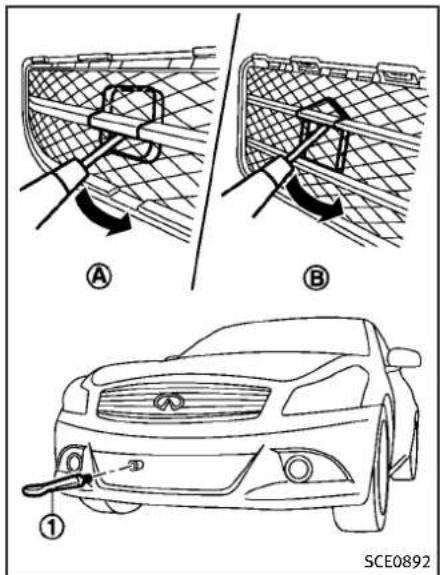
text_image
A B ① SCE0892Sedan
Front(exceptforINFINITIPerformance Line,AerodynamicPackagemodels—Coupe):

text_image
A B ① SCE0893Coupe(exceptforINFINITIPerformance Line,AerodynamicPackagemodels)
-
Toremovethehookcoverfromthe bumperwithasuitabletool, insertthe toolintothemeshandtakeoffthe removablepart.
-
Securely install the vehicle recovery hook ① stored with jacking tools as
illustrated.Attachthetowstraptothe recoveryhook.
Makesurethatthehookisproperly securedintheoriginalplaceafteruse.

text_image
Diagram illustrating a mechanical assembly process with labeled parts and directional arrows indicating motion or movement.Coupe(INFINITPerformanceLine,AerodynamicPackagemodels)
Front(INFINITIPerformanceLine,AerodynamicPackagemodels—Coupe):
- Toremovethecover ① from the bumperwithasuitabletool.
2.Pullthecoverup coverout. ② andthenpull
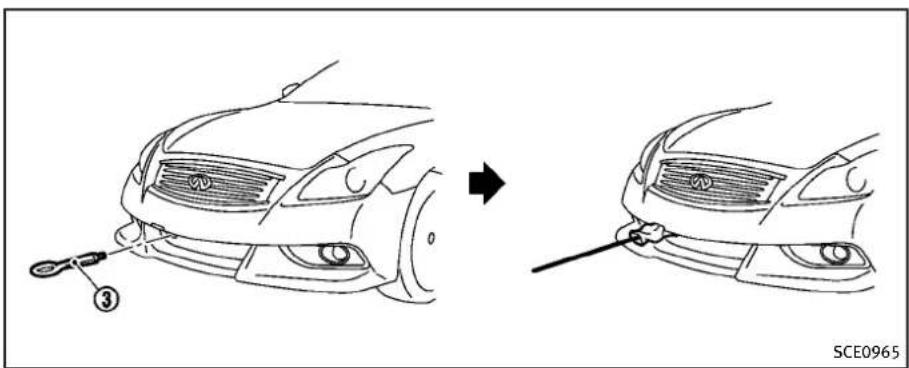
text_image
③ SCE0965Coupe(INFINITPerformanceLine,AerodynamicPackagemodels)
3.Securelyinstallthevehiclerecovery hook ③ storedwithjackingtoolsas illustrated.Attachthetowstraptothe recoveryhook.Wrapthehook ③ and strapwithaclothtoavoidbumper damageasillustrated.Makesurethat thehookisproperlysecuredinthe originalplaceafteruse.

text_image
① SCE0891Rear:
Donotusethetiedownhooks towingorvehiclerecovery.
① for

CAUTION
- Towchainsorcablesmustbeattached onlytothevehiclerecoveryhooksor mainstructuralmembersofthevehicle. Otherwise,thevehiclebodywillbe damaged.
- Donotusethevehicletiedownstofree avehiclestuckinsand,snow,mud,etc.
6-16 Incaseofemergency
- Nevertowavehicleusingthevehicletie downsorrecoveryhooks.
●Alwayspullthecablestraightoutfrom thefrontofthevehicle.Neverpullonthe vehicleatanangle. - Pullingdevicesshouldberoutedsothey donottouchanypartofthesuspension, steering,brakeorcoolingsystems.
- Pullingdevicessuchasropesorcanvas strapsarenotrecommendedforusein vehicletowingorrecovery.
Rockingastuckvehicle
If your vehicle is stuckins and, snow, mud, etc., use the following procedure:
- TurnofftheVehicleDynamicControl (VDC) system.
- Makesuretheareainfrontandbehind thevehicleisclearofobstructions.
- Turnthesteeringwheelrightandleftto clearanareaaroundthefronttires.
- Slowlyrockthevehicleforwardand backward.
- ShiftbackandforthbetweenR (reverse)andD(drive)(automatic transmissionmodels)or1st(low) andR(reverse)(manualtransmis-
sionmodels).
- Applytheacceleratoraslittleas possibletomaintaintherocking motion.
- Releasetheacceleratorpedalbefore shiftingbetweenRandD(automatic transmissionmodels)or1standR(manualtransmissionmodels).
-
Donotspinthetiresabove35MPH (55km/h).
-
If the vehicle cannot be freedafter a few tries, contact a professional altowing servicetoremovethe vehicle.
MEMO
6-18 Incaseofemergency
7Appearanceandcare
Cleaningexterior....7-2
Washing....7-2
Waxing....7-2
Removingspots....7-3
Underbody....7-3
Glass....7-3
Wheels....7-3
Chromeparts....7-4
Tiredressing....7-4
Cleaninginterior....7-4
Airfresheners....7-5
Floormats....7-5
Seatbelts....7-6
Corrosionprotection....7-6
Mostcommonfactorscontributingto
vehiclecorrosion....7-6
Environmental factors influence the
ofcorrosion....7-6
Toprotectyourvehiclefromcorrosion......7-7
CLEANINGEXTERIOR
Inordertomaintaintheappearance of your vehicle, it is important to take proper care of it.
Toprotectthepaintsurface, wash your vehicle as soon as you can:
●afterarainfalltopreventpossible damagefromacidrain
●afterdrivingoncoastalroads
- whencontaminantssuchassoot,bird droppings,treesap,metalparticlesor bugsgetonthepaintsurface
-whendustormudbuildsuponthe surface
Whenever possible, store or park your vehicle insideagarage or in covered area.
Whenitisnecessarytoparkoutside, park inashadyareaorprotectthevehiclewith abodycover.
Becarefulnottoscratchthepaintsurface whenputtingonorremovingthebody cover.
WASHING
Washdirtoffthevehiclewithawetsponge andplentyofwater.Cleanthevehicle thoroughlyusingamildsoap,aspecial vehiclesoaporgeneralpurposedishwashingliquidmixedwithclean,lukewarm (neverhot)water.

CAUTION
- Donotusecarwashesthatuseacidin thedetergent. Some car washes, especially brushless ones, uses some acid for cleaning. The acid may react with some plastic vehicle components, causing them to crack. This could affect their appearance, and also could cause them not to function properly. Always check with your car was shot confirm that a acid is not used.
- Donotwashthevehiclewithstrong householdsoap,strongchemicaldetergents,gasolineorsolvents.
- Donotwashthevehicleindirectsun-lightorwhilethevehiclebodyishot,as thesurfacemaybecomewater-spotted.
- Avoid using tight-napped or rough cloths, such as washing mitts. Care
mustbetakenwhenremovingcaked-on dirtorotherforeignsubstancessothe paintsurfaceisnotscratchedorda- maged.
Rinsethevehicleagainwithplentyofclean water.
Insideflanges, seamsandfoldsonthe doors, hatchesandhoodareparticularly vulnerabletotheeffectsofroadsalt. Therefore, theseareasmustberegularly cleaned. Makesurethatthedrainholesin theloweredgeofthedoorareopen. Spray waterunderthebodyandinthewheel wellstoloosenthedirtandwashaway roadsalt.
Avoidleavingwaterspotsonthepaint surfacebyusingadampchamoistodry thevehicle.
WAXING
Regularwaxingprotectsthepaintsurface and helps retain new vehicle appearance. Polishing is recommended to remove built-up wax residue and to avoid weathered appearance before applying wax.
AnINFINITlretailercanassistyouin choosingtheproperproduct.
●Waxyourvehicleonlyafterathorough washing.Followtheinstructionssuppliedwiththewax.
- Donotuseawaxcontainingany abrasives, cutting compounds or cleanersthat may damagethe vehicle finish.
Machinecompoundoraggressivepolishingonabasecoat/clearcoatpaintfinishmaydullthefinishorleaveswirlmarks.
REMOVINGSPOTS
Removetarandoilspots,industrialdust, insects,andtreesapasquicklyaspossible fromthepaintsurfacetoavoidlasting damageorstaining.Specialcleaning productsareavailableatanINFINITI retaileroranyautomotiveaccessory stores.
UNDERBODY
Inareaswhereroadsaltisusedinwinter, theunderbodymustbecleanedregularly. Thiswillpreventdirtandsaltfrombuilding upandcausingtheaccelerationofcorrosionontheunderbodyandsuspension. Beforethewinterperiodandagaininthe spring,theundersealmustbechecked and,ifnecessary,re-treated.
GLASS
Useglasscleanertoremovesmokeand dustfilmfromtheglasssurfaces.Itis normalforglasstobecomecoatedwitha filmafterthevehicleisparkedinthehot sun.Glasscleanerandasoftclothwill easilyremovethisfilm.

CAUTION
Whencleaningtheinsideofthewindows, donotusesharp-edgedtools, abrasive cleanersorchlorine-baseddisinfectantcleaners. Theycoulddamagetheelectrical conductors, radioantennaelementsorrear windowdefrosterelements.
WHEELS
Washthewheelswhenwashingthevehicle tomaintaintheirappearance.
- Cleantheinnersideofthewheelsswhen thewheelischangedortheunderside ofthevehicleiswashed.
- Inspectwheelrimsregularlyfordents or corrosion. Such damagemaycause loss of pressure or poarseal at the tire bead.
●INFINITIrecommendsthattheroad wheelsbewaxedtoprotectagainst roadsaltinareaswhereitisused duringwinter.

CAUTION
Donotuseabrasivecleanerswhenwashing thewheels.
Aluminumalloywheels
Washregularlywithaspongedampenedin amildsoapsolution,especiallyduring wintermonthsinareaswhereroadsaltis used.Saltcoulddiscolorthewheelsifnot removed.

CAUTION
Followthedirectionsbelowtoavoidstainingordiscoloringthewheels:
- Donotuseacleanerthatusesstrong acidoralkalicontentstocleanthe wheels.
- Donotapplywheelcleanerstothe wheelswhentheyarehot. Thewheel temperatureshouldbethesameas
ambienttemperature.
- Rinsethewheeltocompletelyremove thecleanerwithin15minutesafterthe cleanerisapplied.
CHROMEPARTS
Cleanchromepartsregularlywithanon-abrasivechromepolishtomaintainthe finish.
TIREDRESSING
INFINITIdoesnotrecommendtheuseof tiredressings. Tiremanufacturerapply a coatingtothetirestohelpreducedis-colorationoftherubber. Ifatiredressingis appliedtothetires, itmayreactwith the coatingandformacompound. This compoundmaycomeoffthetirewhiledriving andstainthevehiclepaint.
If you choose to eat tired dressing, take the following precautions:
- Useawater-basedtiredressing. The coatingonthetiredissolvesmore easilywithanoil-basedtiredressing.
- Applyalightcoatoftiredressingto helppreventitfromenteringthetire tread/grooves(whereitwouldbedifficulttoremove).
7-4 Appearance and care
●Wipeoffexcesstiredressingusinga drytowel. Makesurethetiredressing iscompletelyremovedfromthetire tread/grooves.
- Allowthetiredressingtodryas recommendedbytiredressingmanufacturer.
CLEANINGINTERIOR
Occasionallyremoveloosedustfromthe interiortrim,plasticpartsandseatsusing avacuumcleanerorsoftbristledbrush. Wipethevinylandleathersurfaceswitha clean,softclothdampenedinmildsoap solution,thenwipecleanwithadrysoft cloth.
Regularcareandcleaningisrequiredin ordertomaintaintheappearanceofthe leather.
Beforeusinganyfabricprotector,readthe manufacturer'srecommendations.Some fabricprotectorscontainchemicalsthat maystainorbleachtheseatmaterial.
Useaclothdampenedonlywithwater,to cleanthemeterandgaugelens.

WARNING
Donotusewateroracidiccleaners(hot steamcleaners)ontheseat. This can damage theseator occupant classification sensors. This can also affect the operation of the airbagsystem and result in serious personal injury.

CAUTION
●Neverusebenzine, thinner, orany similar material.
- Smalldirtparticlescanbeabrasive and damagingtotheleathersurfacesand shouldberemovedpromptly.Donotuse saddlesoap,carwaxes,polishes,oils, cleaningfluids,solvents,detergentsor ammonia-basedcleanersastheymay damagetheleather'snaturalfinish.
- Onlyusefabricprotectorsapprovedby INFINITI.
- Donotuseglassorplasticcleaneron meterorgaugelenscovers.Itmay damagethelenscover.
AIRFRESHENERS
Mostairfreshenersuseasolventthat could affectthevehicleinterior.Ifyouuse anairfreshener,takethefollowingprecautions:
●Hanging-typeairfreshenerscancause permanentdiscolorationwhenthey contactvehicleinteriorsurfaces. Place theairfreshenerinalocationthat allowsittohangfreeandnotcontact
aninteriorsurface.
- Liquid-typeairfreshenerstypicallyclip onthevents. Theseproductscancause immediatedamageanddiscoloration whenspilledoninteriorsurfaces.
Carefullyreadandfollowthemanufac-turer'sinstructionsbeforeusingairfresh-eners.
FLOORMATS

WARNING
To avoid potential pedal interference that may result in a collision or injury:
- NEVERplaceafloormatontopof anotherfloormatinthedriverfront position.
- UseonlygenuineNISSANfloormats specificallydesignedforuseinyour vehiclemodel.SeeyourINFINITlretailer formoreinformation.
- Properlypositionthematsinthefloor-wellusingthefloormatpositioningaid. See "Floormatpositioningaid" (P.7-6).
TheuseofgenuineNISSANfloormatscan extendthelifeofyourvehiclecarpetand
makeiteasiertocleantheinterior.Mats shouldbemaintainedwithregularcleaningandreplacediftheybecomeexcessivelyworn.

natural_image
Technical line drawing of a mechanical component with no visible text or symbolsFloormatpositioningaid
Thismodelincludesfrontfloormatbracketstoactasfloormatpositioningaids. NISSANfloormatshavebeenspecially designedforyourvehiclemodel. The driver'sandpassenger'ssidefloormats haveagrommetholeincorporatedinthem. Positionthematbyplacingthefloormat bracketethookthroughthefloormatgrommetholewhilecenteringthematinthe footwell.
Periodicallychecktomakecertainthatthe matsareproperlypositioned.
SEATBELTS
Theseatbeltscanbecleanedbywiping themwithaspongedampenedinamild soapsolution.Allowthebeltstodry completelybeforeusingthem.
See“Seatbelts”(P.1-14).

WARNING
Donotallowwetseatbeltstorollupinthe retractor. NEVERusebleach, dye, orchemicalsolventstocleantheseatbelts, since thesematerialsmayseverelyweakenthe seatbeltwebbing.
CORROSIONPROTECTION
MOSTCOMMONFACTORSCONTRIBUTINGTOVEHICLECORROSION
●The accumulation of moisture-retaining dirt and debris in body panel sections, cavities, and other areas.
- Damagetopaintandotherprotective coatingscausedbygravelandstone chipsorminortrafficaccidents.
ENVIRONMENTALFACTORSINFLU-ENCETHERATEOFCORROSION
Moisture
Accumulation of sand, dirt and water on the vehicle body underside can accelerate corrosion. Wet floor coverings will not dry completely inside the vehicle, and should be removed for drying to avoid floor panel corrosion.
Relativehumidity
Corrosionwillbeacceleratedinareas of highrelativehumidity,especiallythose areaswherethetemperaturesstayabove freezingwhereatmosphericpollutionexists,orwhereroadsaltisused.
Temperature
Atemperatureincreasewillacceleratethe rateofcorrosiontothosepartswhichare notwellventilated.
Airpollution
Industrial pollution, the presence of salt in the air in coastal areas, or heavy roads salt use will accelerate the corrosion process. Roads salt will also accelerate the integration of paints surfaces.
TOPROTECT YOURVEHICLEFROM CORROSION
- Washandwaxyourvehicleoftento keepthevehicleclean.
●Alwayscheckforminordamagetothe paintandrepairitassoonaspossible. - Keepdrainholesatthebottomofthe doorsopentoavoidwateraccumulation.
- Checktheunderbodyforaccumulation of sand, dirtorsalt. If present, wash with water as soon as possible.

CAUTION
- NEVERremovedirt, sandorotherdebris from the passenger compartment by washing it out with a hose. Removedirt with vacuum cleaner.
●Neverallowwaterorotherliquidsto comeincontactwithelectroniccomponentsinsidethevehicleasthismay damagethem.
Chemicalsusedforroadsurfacedeicing areextremelycorrosive. Theyaccelerate corrosionanddeteriorationofunderbody componentssuchastheexhaustsystem, fuelandbrakelines,brakecables,floor panandfenders.
Inwinter, the underbody must be cleaned periodically.
For additional protection against trust and corrosion, which may be required in some areas, consultant INFINIT retailer.
MEMO
7-8 Appearance and care
8Maintenanceanddo-it-yourself
Maintenancerequirement....8-3
Scheduledmaintenance....8-3
Generalmaintenance....8-3
Wheretogoforservice....8-3
Generalmaintenance....8-4
Explanationofmaintenanceitems....8-4
Maintenance precautions....8-6
Enginecompartmentchecklocations....8-8
VQ25HR/VQ37VHRengine....8-8
Enginecoolingsystem....8-9
Checkingenginecoolantlevel....8-10
Changingenginecoolant....8-10
Engineoil....8-11
Checkingengineoillevel....8-11
Changingengineoilandfilter....8-11
Automatictransmissionfluid....8-14
Powersteeringfluid....8-14
Brakeandclutchfluid....8-15
Brakefluid....8-15
Clutchfluid(ifsoequipped)......8-15
Windowwasherfluid....8-16
Battery....8-17
Coupe....8-17
Jumpstarting....8-18
Variablevoltagecontrolsystem....8-19
Drivebelts....8-19
Sparkplugs....8-20
Replacingsparkplugs....8-20
Aircleaner....8-21
Windshieldwiperblades....8-22
Cleaning....8-22
Replacing....8-22
Brakes....8-23
Self-adjustingbrakes....8-23
Brakepadwearwarning....8-23
Fuses....8-24
Enginecompartment......8-24
Passengercompartment......8-25
IntelligentKeybatteryreplacement......8-26
Lights....8-28
Sedan....8-28
Coupe....8-29
Headlights....8-30
Exteriorandinteriorlights....8-30
Wheelsandtires....8-33
Tirepressure....8-33
Tirelabeling....8-36
Changingwheelsandtires....8-40
MAINTENANCEREQUIREMENT
YournewlINFINITIhasbeendesignedto haveminimummaintenancerequirements withlongserviceintervalstosaveyouboth timeandmoney. However, someday-to-dayandregularmaintenanceisessential tomaintainyourlINFINITI'sfinemechanical condition,aswellasitsemissionand engineperformance.
Itistheowner's responsibility to make sure that the scheduled maintenance, as well as general maintenance, is performed.
Asthevehicleowner,youaretheonlyone whocanensurethatyourvehiclereceives thepropermaintenancecare.Youarea vitallinkinthemaintenancechain.
Foryourconvenience, bothrequired and optionalscheduledmaintenanceitems are described and listed in your "INFINITI ServiceandMaintenanceGuide". You must referto that guideto ensure that necessary maintenance is performed by your INFINITI at regular intervals.
GENERALMAINTENANCE
Generalmaintenanceincludesthoseitems whichshouldbecheckedduringnormal day-to-dayoperation.Theyareessentialfor propervehicleoperation.Itisyourresponsibilitytoperformtheseproceduresregularlyasprescribed.
Performinggeneralmaintenancechecks requiresminimalmechanicalskillandonly afewgeneralautomotivetools.
These checks or inspections can be done by yourself, a qualified technician, if you prefer, an INFINIT retailer.
WHERETOGOFORSERVICE
Ifmaintenanceserviceisrequiredoryour vehicleappearstomalfunction,havethe systemscheckedandservicedbyan INFINITlretailer.
INFINITltechniciansarewell-trainedspecialistsandarekeptuptodatewiththe latestserviceinformationthroughtechnicalbulletins,servicetips,andin-retailershipinformationsystems. They are completelyqualifiedtoworkonINFINITI vehiclesbeforeworkbegins.
YoucanbeconfidentthatanINFINITI retailer'sservicedepartmentperformsthe
bestjobtomeetthemaintenancerequirementsonyourvehicle—inareliableand economicalway.
GENERALMAINTENANCE
During thenormalday-to-day operation of the vehicle, generalmaintenances should be performed regularly as prescribed in this section. If you detect any unusual sounds, vibrations or smell, besureto check for the cause or have an INFINIT retailer do it promptly. In addition, you should notify an INFINIT retailer if you think that repairs are required.
When performing any checks or maintenance work, see "Maintenance precautions" (P.8-6).
EXPLANATIONOFMAINTENANCE ITEMS
Additionalinformationonthefollowing itemswith“*”isfoundlaterinthis section.
Outsidethevehicle
Themaintenanceitemslistedhereshould beperformedfromtimetotime,unless otherwise specified.
Doorsandenginehood: Check that all doors and the engine hood, operate properly. Also ensure that all latches lock securely. Lubricate hinges, latches, latch pins, rollers and links if necessary. Make sure that these secondary latch keeps the hood from opening when the primary latch isreleased.
Whendrivinginareasusingroadsaltor other corrosive materials, check lubrication frequently.
Lights*:Cleantheheadlightsonaregular basis.Makesurethattheheadlights,stop lights,taillights,turnsignallights,and otherlightsarealloperatingproperlyand installedsecurely.Alsocheckheadlight aim.
Roadwheelnuts(lugnuts)*:Whencheckingthetires,makesurenowheelnutsare missing,andcheckforanyloosewheel nuts.Tightenifnecessary.
Tirerotation*:Tiresshouldberotated every7,500miles(12,000km).If your vehicleisequipped with different-sized tiresinthefrontandrear, tirescannot be rotated.
Tires*:Checkthepressurewithagauge oftenandalwayspriortolongdistance trips. If necessary, adjust the pressure in all tires, including the spare, to the pressures specified. Check carefully for damage, cutsorexcessive wear.
TirePressureMonitoringSystem(TPMS) transmitter components: Replace the TPMS transmittergrommetseal, valvecoreand capwhenthetiresarereplaceddueto wearorage.
Tire, wheelalignment and balance: If the vehicle should pull to either side while driving on a straight level road, or if you detect onevenorabnormal tire wear, theremaybeaneed for wheel alignment.
If the steering wheel or seat vibrates at normal highways speeds, wheel balancing may be needed.
For additional information regarding tires, refer to “Important Tire Safety Information” (US) or “TireSafetyInformation” (Canada) in the INFINITIWarrantyInformationBooklet.
Windshield: Cleanthewindshieldona regularbasis. Checkthewindshieldat least every six months for cracks or other damage. HaveAdamaged windshield repaired by a qualified repair facility.
Windshieldwiperblades*: Checkfor cracks or wear if they do not wipe properly.
Insidethevehicle
Themaintenanceitemslistedhereshould becheckedonaregularbasis,suchas whenperformingperiodicmaintenance, cleaningthevehicle,etc.
Acceleratorpedal: Checkthepedal for smoothoperation and makesurethepedal does not catch or require uneven effort. Keep the floor at away from the pedal.
AutomatictransmissionP(Park)mechanism:Onafairlysteephill,checkthatyour vehicleisheldsecurelywiththeselector leverintheP(Park)positionwithout applyinganybrakes.
Brakepedal: Check the pedalforsmooth operation. If the brake pedals suddenly goes down further than normal, the pedal feel spongy or the vehicle seem st o take longertostop, see an INFINIT retailer immediately. Keep the floormataway from the pedal.
Brakes: Check that the brakes donot pull the vehicle to onesidewhen applied.
Parkingbrake: Check the parking brake operation regularly. The vehicles should be securely held on a fairly steep hill with only the parking brake applied. If the parking brakeneeds adjusted, see an INFINITI retailer.
Seatbelts:Checkthatallpartsoftheseat beltsystem(forexample,buckles,anchors,adjusterandretractors)operate properlyandsmoothly,andareinstalled
securely.Checkthebeltwebbingforcuts, fraying, wearordamage.
Seats: Checkseatpositioncontrolssuchas seatadjusters, seatbackrecliner, etc. to ensure they operates smoothly and that all latcheslock securely in every position. Check that the head restraints move up and down smoothly and that the locks (if so equipped) hold securely in all latched positions.
Steeringwheel: Checkforchangesinthe steeringconditions, such as excessive free play, hardsteeringorstrangenoises.
Warninglightsandchimes: Makesurethat all warninglightsandchimesareoperating properly.
Windshielddefroster:Checkthattheair comesoutofthedefrosteroutletsproperly andinsufficientquantitywhenoperating theheaterorairconditioner.
Windshieldwiperandwasher*:Checkthat thewipersandwasheroperateproperly and thatthewipersdonotstreak.
Underthehoodandvehicle
Themaintenanceitemslistedhereshould becheckedperiodically(forexample,each timeyouchecktheengineoilorrefuel).
Battery*:Checkthefluidlevelineachcell. ItshouldbebetweentheMAXandMIN lines.Vehiclesoperatedinhightemperaturesorundersevereconditionrequire frequentchecksofthebatteryfluidlevel.
Brakefluidlevel*: Makesurethatthe brakefluidlevelisbetweentheMAXand MINlinesonthereservoir.
Enginecoolantlevel*:Checkthecoolant levelwhentheengineiscold.
Enginedrivebelts*: Makesurethatnobelt isfrayed, worn, crackedor oily.
Engineoillevel*:Checkthelevelafter parkingthevehicleonalevelspotand turningofftheengine.Waitmorethan15 minutesfortheoiltodrainbackintotheoil pan.
Exhaustsystem: Makesurethereareno loosesupports,cracksorholes.Ifthe soundoftheexhaustseemsunusualor thereisasmellofexhaustfumes,im- mediatelyhavetheexhaustsystemin- spectedbyanINFINITlretailer.(See "Precautionswhenstartinganddriving" (P.5-3)forexhaustgas(Carbonmonoxide).)
Fluidleaks: Checkunderthevehiclefor fuel, oil, waterorotherfluidleaksafterthe vehiclehasbeenparkedforawhile.Water
MAINTENANCEPRECAUTIONS
drippingfromtheairconditionerafteruse isnormal.Ifyoushouldnoticeanyleaksor ifgasolinefumesareevident,checkforthe causeandhaveitcorrectedimmediately.
Powersteeringfluidlevel\*andlines:
Checkthelevelwhenthefluidiscold, withtheengineoff.Checkthelinesfor properattachment, leaks, cracks, etc.
Radiatorandhoses: Checkthefrontofthe radiatorandcleanoffanydirt, insects, leaves, etc., that may have accumulated. Makesurethehoseshavenocracks, deformation, rotorlooseconnections.
Underbody:Theunderbodyisfrequently exposedtocorrosivesubstancesuchas thoseusedonicyroadsortocontroldust. It is very important to removethes substances, other wiserust will form on the floor pan, frame, fuellines and around the exhaust system. At the end of winter, the underbody should be thoroughly flushed with plain water, being careful to clean those areas where mud and dirt may accumulate. For additional information, see "Cleaning exterior" (P.7-2).
Windshieldwasherfluid*:Checkthatthere isadequatefluidinthereservoir.
When performing any inspection or maintenance work on your vehicle, always take care to prevent serious accident in injury to yourself for damage to the vehicle. The following are general precautions which should be closely observed.

WARNING
- Parkthevehicleonalevelsurface,apply theparkingbrakesecurelyandblockthe wheelstopreventthevehiclefrom moving.Formanaltransmissionmodels,movetheshiftlevertoN(Neutral). Forautomatictransmissionmodels, movetheselectorlevertoP(Park).
- BesuretheignitionswitchisintheOFF orLOCKpositionwhenperformingany partsreplacementorrepairs.
- Neverconnectordisconnectthebattery oranytransistorizedcomponentwhile theignitionswitchisintheONposition.
- Neverleavetheengineorautomatic transmissionrelatedcomponentharnessesdisconnectedwhiletheignition switchisintheONposition.
- If you must work with the engine running, keep your hands, clothing, hair
andtoolsawayfrommovingfans,belts andanyothermovingparts.
- Itisadvisabletosecureorremoveany looseclothingandremoveanyjewelry, suchasrings,watches,etc.before workingonyourvehicle.
●Alwaysweareyeprotectionwhenever youworkonyourvehicle. - If you must run the engine in an enclosed spaces such as a garage, be sure there is proper ventilation for exhaust gas to escape.
- Nevergetunderthevehiclewhileitis supportedonlybyajack.Ifitis necessarytoworkunderthevehicle, supportitwithsafetystands.
- Keepsmokingmaterials, flameand sparksawayfromfueltankandthe battery.
-Yourvehicleisequippedwithanautomaticenginecoolingfan.Itmaycomeon atanytimewithoutwarning,evenifthe ignitionkeyisintheOFFpositionand theengineisnotrunning.Toavoid injury,alwaysdisconnectthenegative batterycablebeforeworkingnearthe fan.
- Thefuelfilterorfuellinessshouldbe servicedbyanINFINITlretailerbecause thefuellinesareunderhighpressure evenwhentheengineisoff.

CAUTION
- Donotworkunderthehoodwhilethe engineishot.Turntheengineoffand waituntilcoolsdown.
- Avoiddirectcontactwithusedengineoil andcoolant.Improperlydisposedengine oil,coolant,and/orothervehiclefluids candamagetheenvironment.Always conformtolocalregulationsfordisposal ofvehiclefluid.
This "8. Maintenance and do-it-yourself" section gives instructions regarding only those items which are relatively easy for an ownertoperform.
AgenuineINFINITIServiceManualisalso available.(See"Owner'sManual/Service Manualorderinformation"(P.9-28).)
You should be aware that incomplete or imporeservicing may result in operating difficulties over excessive emissions, and
couldaffectyourwarrantycoverage.Ifin doubtaboutanyservicing, were recommend thatitbedonebyanINFINITlretailer.
ENGINECOMPARTMENTCHECKLOCATIONS

text_image
1 2 3 4 5 6 7 8 9 10 11 12 13 8 SDI2709VQ25HR/VQ37VHRENGINE
1.Fuse/fusiblelinkholder
2.Battery
3. Engineoilfillercap
4. Brakefluidreservoir
5. Clutchfluidreservoir(ManualTrans-
missionmodels)
- Windowwasherfluidreservoir
- Powersteeringfluidreservoir
8.Aircleaner
9.Radiatorfillercap
8-8 Maintenance and do-it-yourself
10.Drivebelts
11. Enginecoolantreservoir
12. Engineoildipstick(forVQ37VHR enginemodel)
13. Engineoildipstick(forVQ25HRe-ginemodel)
ENGINECOOLINGSYSTEM
Theenginecoolingsystemisfilledatthe factorywithapre-dilutedmixtureof50% GenuineNISSANLongLifeAntifreeze/Coolant(blue)and50%watertoprovideyear-roundanti-freezeandcoolantprotection. Theantifreezesolutioncontainsrustand corrosioninhibitors.Additionalengine coolingsystemadditivesarenotnecessary.

WARNING
●Neverremovetheradiatororcoolant reservoircapwhentheengineishot. Waituntiltheengineandradiatorcool down.Seriousburnscouldbecausedby highpressurefluidescapingfrom the radiator.Seeprecautionsin"Ifyour vehicleoverheats"(P.6-10)ofthismanual.
- Theradiatorisequippedwithapressure typeradiatorcap.Topreventengine damage,useonlyagenuineNISSAN radiatorcap.

CAUTION
- Neveruseanycoolingsystemadditives suchasradiatorsealer.Additivesmay clogthecoolingsystemandcause damagetotheengine,transmission and/orcoolingsystem.
- Whenaddingorreplacingcoolant, be suretouseonlyGenuineNISSANLong LifeAntifreeze/Coolant(blue)orequivalent.GenuineNISSANLongLifeAntifreeze/Coolant(blue)ispre-dilutedto provideantifreezeprotectionto-34°F (-37°C).Ifadditionalfreezeprotectionis neededduetowheatherwhereyou operateyourvehicle, add Genuine NISSANLongLifeAntifreeze/Coolant (blue)concentratefollowingthedirectionsonthecontainer.Ifanequivalent coolantotherthanGenuineNISSANLong LifeAntifreeze/Coolant(blue)isused, followthecoolantmanufacturer'sinstructionstomaintainminimumanti-freeze protection to -34°F (-37°C). The useofothertypesofcoolantsolutions otherthanGenuineNISSANLongLife Antifreeze/Coolant(blue)orequivalent maydamagetheenginecoolingsystem.
●The life expectancy of the factory-fill coolant is 105,000 miles (168,000 km) or 7 years. Mixing any other type of coolant other than Genuine NISSAN Long Life Antifreeze/Coolant (blue), including Genuine NISSAN Long Life Antifreeze/ Coolant (green), or the use of non-distilled water will reduce the life expectancy of the factory-fill coolant. Referto the INFINITI Service and Maintenance Guide formored details.
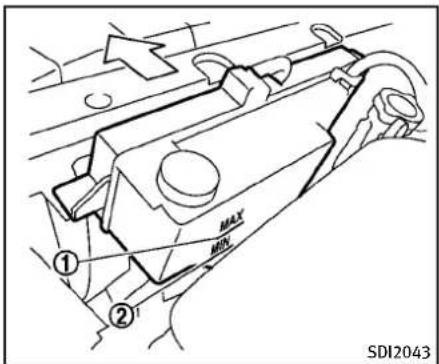
text_image
① ② MAX MIN SDI2043CHECKINGENGINECOOLANTLEVEL
Checkthecoolantlevelinthereservoir whentheengineiscold.Ifthecoolant levelisbelowMIN ②,openthereservoir tankcapandaddcoolantuptotheMAX level.Ifthereservoirtankisempty,check thecoolantlevelintheradiatorwhenthe engineiscold.Ifthereisinsufficient coolantintheradiator,filltheradiator withcoolantuptothefilleropeningand alsoaddittothereservoirtankuptothe MAXlevel ①.
Tightenthecapsecurelyafteradding enginecoolant.
If the cooling system requires coolant frequently, have it checked by an INFINIT retailer.
CHANGINGENGINECOOLANT
Majorcoolingsystemrepairsshouldbe performedbyanINFINITIretailer.The serviceprocedurescanbefoundinthe appropriateINFINITIServiceManual.
Improperservicingcanresultinreduced heaterperformanceandengineoverheating.

WARNING
• To avoid the danger of being scalded, never changethe coolant when the engine is shot.
- Neverremovetheradiatorcapwhenthe engineishot.Seriousburnscouldbe causedbyhighpressurefluidescaping fromtheradiator.
- Avoiddirectskincontactwithused coolant.Ifskincontactismade,wash thoroughlywithsoaporhandcleaneras soonaspossible.
- Keepcoolantoutofreachofchildrenand pets.
Enginecoolantmustbedisposedof properly.Checkyourlocalregulations.
ENGINEOIL
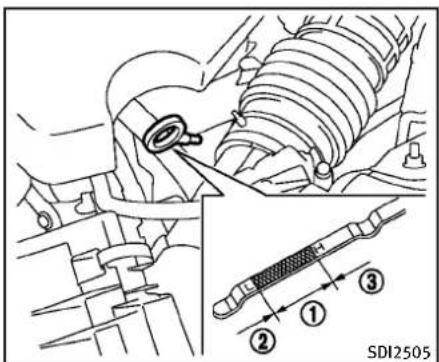
text_image
SDI2505VQ25HRengine

text_image
SDI2045VQ37VHRengine
CHECKINGENGINEOILLEVEL
-
Parkthevehicleonalevelsurface and applytheparkingbrake.
-
Runtheengineuntilreachesoperatingtemperature.
-
Turnofftheengine. Waitmorethan15 minutesfortheoiltodrainbackinto theoilpan.
-
Removethedipstickandwipeitclean. Reinsertitalltheway.
-
Removethedipstickagainandcheck theoillevel.Itshouldbewithinthe range ①. If theoillevelisbelow ②, removetheoilfillercapandpour recommendedoilthroughtheopening. Donotoverfill ③.
-
Recheckoillevelwiththedipstick. Itisnormaltoaddsomeoilbetweenoil maintenanceintervalsorduringthebreak-inperiod,dependingontheseverity of operatingconditions.

CAUTION
Oillevelshouldbecheckedregularly. Operatingtheenginewithaninsufficient amountofoilcandamagetheengine,and
suchdamageisnotcoveredbywarranty.
CHANGINGENGINEOILANDFILTER
Vehicleset-up
- Parkthevehicleonalevelsurface and applytheparkingbrake.
- Runtheengine until it reaches operating temperature.
- Turntheengineoffandwaitmorethan 15minutes.
-
Raise and support the vehicle using a suitable floor jack and safety jack stands.
-
Placethesafetyjackstandsunder thevehiclejack-uppoints.
-
Asuitableadaptersshouldbeat- tachedtothejackstandsaddle.
-
Removetheplasticengineundercover.
a. Removethesmallplasticclipatthe centerpointoftheundercover.
b. Then removetheotherboltsthat holdtheundercoverinplace.

CAUTION
Makesurethecorrectliftingandsupport pointsareusedtoavoidvehicledamage.
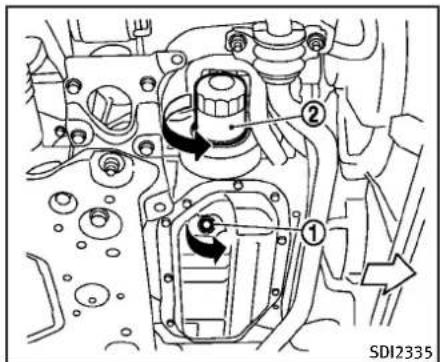
text_image
① ② SDI2335Two-wheeldrive(2WD)models(VQ25HR/VQ37VHRengine)
Engineoilandfilter
- Placealargedrainpanunderthedrain plug.
2.Removetheoilfillercap.
3.Removethedrainplug ① witha wrenchandcompletelydraintheoil.

CAUTION
Becarefulnottoburnyourself,asthe engineoilishot.
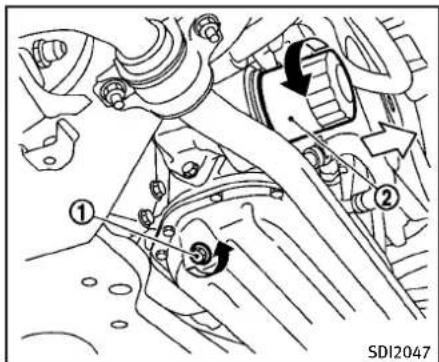
text_image
① ② ③ SDI2047All-wheeldrive(AWD)models(VQ25HR/VQ37VHRengine)
- Wasteoilmustbedisposedof properly.
- Checkyourlocalregulations.
4.(Performsteps4to7onlywhenthe engineoilfilterchangeisneeded.) Loosentheoilfilter ② withanoilfilter wrench.Removetheoilfilterbyturning itbyhand.
- Wipetheengineoilfiltermounting surface with acleanrag.

CAUTION
Besuretoremoveanyoldrubbergasket remainingonthemountingsurfaceofthe engine.Failureretodosocouldleadtoengine damage.
-
Coatthegasketonthenewfilterwith cleanengineoil.
-
Screwintheoilfilterclockwiseuntila slightresistanceisfelt, thentighten additionallymorethan2/3turn.
Oilfiltertighteningtorque: 11to15ft-lb (14.7to20.5N·m)
- Cleanandre-installthedrainplugwith anewwasher.Securelytightenthe drainplugwithawrench.
Drainplugtighteningtorque: 22to29ft-lb (29to39N·m)
Donotuseexcessiveforce.
- Refillenginewithrecommendedoiland installtheoilfillercapsecurely.
See "Capacities and recommended fuel/lubricants" (P.9-2) for drain and
refillcapacity. Thedrainandrefill capacitydependsontheoiltemperatureanddraintime. Usethesespecificationsforreferenceonly. Alwaysuse thedipsticktodeterminetheproper amountofoilintheengine.
-
Start the engine and check for leakage around the drain plug and the oil filter. Correct as required.
-
Turntheengineoffandwaitmorethan 15minutes. Checktheoillevelwiththe dipstick.Addengineoilifnecessary.
Aftertheoperation
- Install the engine undercover into position asthe following steps.
a.Pullthecenterofthesmallplastic clipout.
b. Hold the engine undercover into position.
c. Insert theclip through the under-cover into the hole in the frame, then push the center of the clip into lock the clip in place.
d. Install the other boltsthathold the undercoverinplace. Becareful not to strip the bolts or over-tighten them.
-
Lowerthevehiclecarefullytothe ground.
-
Disposeofwasteoilandfilterproperly.

WARNING
- Prolongedandrepeatedcontactwith usedengineoilmaycauseskincancer.
- Try to avoid direct skin contact with used oil. If skin contact is made, wash thoroughly with soap or hand cleaner as soon as possible.
- Keepusedengineoiloutofreachof children.
AUTOMATICTRANSMISSIONFLUID
Whencheckingorreplacementisrequired, werecommendanINFINITlretailerfor servicing.

CAUTION
●UseonlyGenuineNISSANMaticSATF. Donotmixwithotherfluids.
- Usingautomatictransmissionfluidother thanGenuineNISSANMaticSATFwill causedeteriorationindriveability and automatictransmissiondurability, and maydamagetheautomatictransmission, whichisnotcoveredbytheINFINITI newvehiclelimitedwarranty.
POWERSTEERINGFLUID

text_image
① HOT MAX ② HOT MIN COLD MAX COLD MIN ③ ④ ① ③ ② ④ SDI1765ACheckthefluidlevelinthereservoir.
Thefluidlevelshouldbecheckedusingthe HOTrange( ①:HOTMAX., ②:HOTMIN.) atfluidtemperaturesof122to176°F(50
to80°C)orusingtheCOLDrange( ③: COLDMAX., ④:COLDMIN.)atfluid temperatures of 32 to 86°F (0 to 30°C).
IfthefluidisbelowtheMINline,add GenuineNISSANPSForequivalent.Removethecapandfillthroughtheopening.

CAUTION
- Donotoverfill.
•UseGenuineNISSANPSForequivalent.
BRAKEANDCLUTCHFLUID
For further brake and clutch fluid information, see "Capacities and recommended fuel/lubricants" (P.9-2) of this manual.

WARNING
- Useonlynewfluidfromasealed container.Old,inferiororcontaminated fluidmaydamagethebrakesystem.The useofimproperfluidscandamagethe brakesystemandaffectthevehicle's stoppingability.
- Cleanthefillercapbeforeremoving.
●Brakefluidispoisonousandshouldbe storedcarefullyinmarkedcontainersout ofthereachofchildren.

CAUTION
Donotspillthefluidonpaintedsurfaces. Thiswilldamagethepaint.Iffluidisspilled, washthesurfacewithwater.
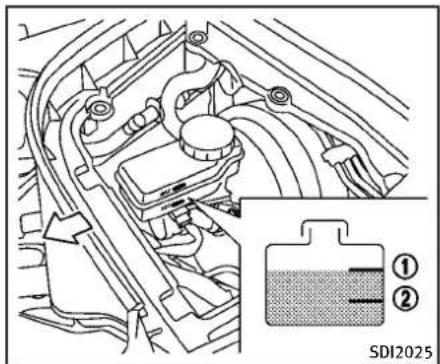
text_image
SDI2025BRAKEFLUID
Checkthefluidlevelinthereservoir.Ifthe fluidisbelowtheMINline ② orthebrake warninglightcomeson,addGenuine NISSANSuperHeavyDutyBrakeFluidor equivalentDOT3fluiduptotheMAXline ①. Iffluidmustbeaddedfrequently,the systemshouldbecheckedbyanINFINITI retailer.

text_image
MAX MIN ① ② ① ② SDI1906ACLUTCHFLUID(ifsoequipped)
Checkthefluidlevelinthereservoir.Ifthe fluidlevelisbelowtheMINline ①,add GenuineNISSANSuperHeavyDutyBrake FluidorequivalentDOT3fluiduptothe MAXline ②.Iffluidmustbeadded frequently,thesystemshouldbechecked byanINFINITretailer.
WINDOWWASHERFLUID
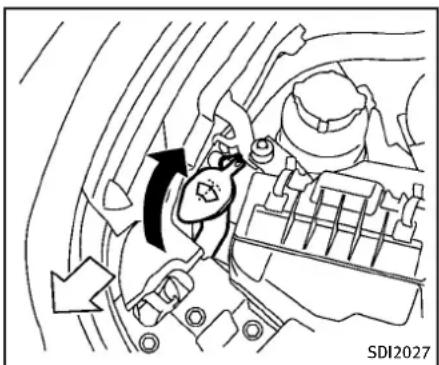
natural_image
Diagram of a car engine interior showing directional arrows indicating flow or movement (no text or symbols)
WARNING
Antifreezeispoisonousandshouldbe storedcarefullyinmarkedcontainersout ofthereachofchildren.
Fillthewindowwasherfluidreservoir periodically.Addwindowwasherfluid whenthelowwindowwasherfluidwarning lightcomeson.
Tofillthewindowwasherfluidreservoir, liftthecapoffthereservoirtankandpour thewindowwasherfluidintothetank opening.
8-16 Maintenance and do-it-yourself
Addawashersolventtothewasherfor bettercleaning. Inthewinterseason, adda windshieldwasherantifreeze. Follow the manufacturer's instructions forthemixture ratio.
Refillthereservoirmorefrequentlywhen drivingconditionsrequireanincreased amountofwindowwasherfluid.
RecommendedfluidisGenuineNISSAN WindshieldWasherConcentrateCleaner& Antifreezeorequivalent.

CAUTION
- Donotsubstituteengineanti-freeze coolantforwindowwashersolution. This mayresultindamagetothepaint.
- Donotfillthewindowwasherreservoir tankwithwasherfluidconcentratesat fullstrength. Somemethylalcohol basedwasherfluidconcentratesmay permanentlystainthegrilleifspilled whilefillingthewindowwasherreservoirtank.
- Pre-mixwasherfluidconcentrateswith watertothemanufacturer'srecommendedlevelsbeforepouringthefluid intothewindowwashereservoirtank.
Donotusethewindowwasherreservoir tanktomixthewasherfluidconcentrate andwater.
BATTERY
- Keepthebatterysurfacecleananddry. Cleanthebatterywithasolutionof bakingsodaandwater.
●Makecertaintheterminalconnections arecleanandsecurelytightened. - If the vehicle is not to be used for 30 days longer, disconnect then negative (-) battery terminal cable to prevent discharging it.
COUPE

CAUTION
When the batterycable is removed from the battery terminal, donot close either off front doors. The automatic window adjusting function will not work, and the sideroof panel may be damaged.
Todisconnectthenegative(−)battery terminal,performtheprocedureinthe followingorder. Otherwise,thewindow andthesideroofpanelmaycontactand bedamaged.
1.Closethewindows.
2. Openthehood.
3. Close and lock all the doors.
-
Disconnectthenegative(−)battery terminal.
-
Securelyclosethehood.
Toconnectthenegative(−)batteryterminal,performtheprocedureinthefollowingorder. Otherwise,thewindowandthe sideroofpanelmaycontactandbe damaged.
- Unlockandopenthedriversidedoor. Donotclosethedoor.
- Openthehood.
- Connectthenegative(−)batteryterminal. Thenclosethehood.
- Fullyopenthedriversidedoorwindow.
- Closethedriversidedoorandthe window.
SEDANANDCOUPE

WARNING
- Donotexposethebatterytoflamesore electricalsparks.Hydrogengasgeneratedbythebatteryisexplosive.Donot allowbatteryfluidtocontactyourskin, eyes,fabrics,orpaintedsurfaces.After touchingabatteryorbatterycap,donot touchorrubyoureyes.Thoroughlywash
yourhands.Iftheacidcontactsyour eyes,skinorclothing,immediatelyflush withwaterforatleast15minutesand seekmedicalattention.
- Donotoperatethevehicleifthefluidin thebatteryislow.Lowbatteryfluidcan causeahigherloadonthebatterywhich cangenerateheat,reducebatterylife, andinsomecasesleadtoanexplosion.
- When working on or near a battery, always wears suitable eyeprotection and remove all jewelry.
- Batteryposts,terminalsandrelated accessoriescontainleadandleadcompounds.Washhandsafterhandling.
- Keepthebatteryoutofthereachof children.
Maintenanceanddo-it-yourself8-17

text_image
A ① ② DI0137MACheckthefluidlevelineachcell(Remove thebatterycoverifitisnecessary).It shouldbebetweentheUPPERLEVEL andLOWERLEVEL ② lines. Ifitisnecessarytoaddfluid,addonly distilledwatertobringtheleveltothe indicatorineachfilleropening.Donot overfill.
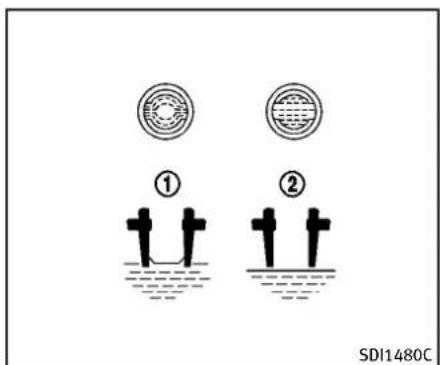
text_image
① ② SDI1480C- Removethecellplugs ④.
- AdddistilledwateruptotheUPPER LEVEL ① line.
Ifthesideofthebatteryisnotclear, checkthedistilledwaterlevelby lookingdirectlyabovethecell; the condition ① indicatesOKandthe conditions ② needsmoretobeaded.
3.Tightencellplugs A. Vehiclesoperatedinhightemperaturesor undersevereconditionsrequirefrequent checksofthebatteryfluidlevel.
JUMPSTARTING
Ifjumpstartingisnecessary,see"Jump starting"(P.6-8).Iftheenginedoesnot startbyjumpstarting,thebatterymay havetobereplaced.ContactanINFINITI retailer.
- Donotgroundaccessoriesdirectlytothe batteryterminal.Doingsowillbypass thevariablevoltagecontrolsystemand thevehiclebatterymaynotcharge completely.
- Useelectricalaccessorieswiththeen-ginerunningtoavoiddischargingthe vehiclebattery.
The variable voltage control system measures the amount of electrical discharge from the battery and control voltage generated by the generator.
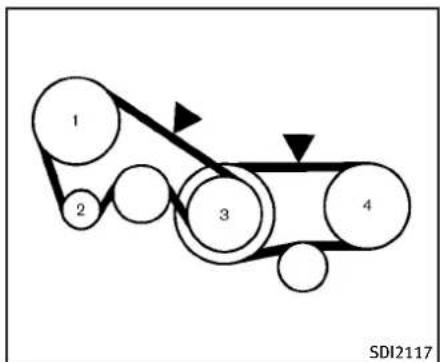
flowchart
graph LR
    1 --> 2
    2 --> 3
    3 --> 4
    4 --> 1
    style 1 fill:#f9f,stroke:#333
    style 2 fill:#ccf,stroke:#333
    style 3 fill:#cfc,stroke:#333
    style 4 fill:#fcc,stroke:#333
VQ25HRengine
- Powersteeringfluidpump
- Alternator
3.Crankshaftpulley
4.Airconditionercompressor
▼:Tensioncheckingpoints
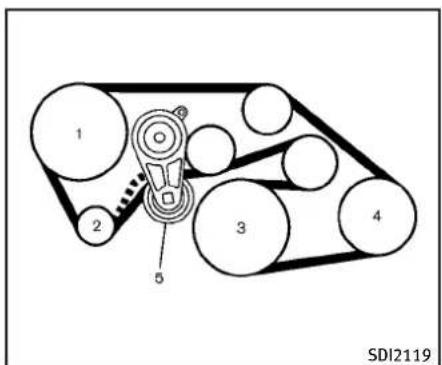
text_image
1 2 3 4 5 SDI2119VQ37VHRengine
1.Powersteeringfluidpump
2. Alternator
3.Crankshaftpulley
4.Airconditionercompressor
5.Drivebeltauto-tensioner

WARNING
BesuretheignitionswitchisintheOFFor LOCKpositionbeforeservicingdrivebelts. Theenginecouldrotateunexpectedly.
- Visually inspect each belt for sign of unusual wear, cuts, fraying or loosen-
Maintenanceanddo-it-yourself8-19
SPARKPLUGS
ess.Ifthebeltisinpoorconditionor loose,haveitreplacedoradjustedby anINFINITlretailer.
- Havethebeltscheckedregularly for condition and tension in accordance with them maintenances schedule in your "INFINITIService and Maintenance Guide".

WARNING
Besuretheengineandtheignitionswitch areoffandthattheparkingbrakeis engagedsecurely.

CAUTION
Besuretousethecorrectsocketto remove thesparkplugs.Anincorrectsocketcan damagethesparkplugs.
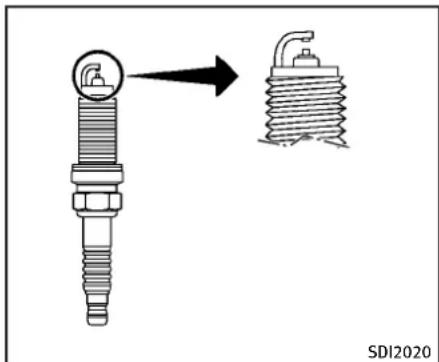
text_image
SDI2020REPLACINGSPARKPLUGS
Ifreplacementisrequired,seeanINFINITI retailerforservicing.
Iridium-tippedsparkplugs
Itisnotnecessarytoreplacetheiridium-tippedsparkplugsasfrequentlyasthe conventionaltypesparkplugssincethey willlastmuchlonger.Followthemaintenanceschedulein“INFINITIServiceand MaintenanceGuide”,butdonotreuse thembycleaningorregapping.
AIRCLEANER
Alwaysreplacesparkplugswithrecommendedorequivalentones.
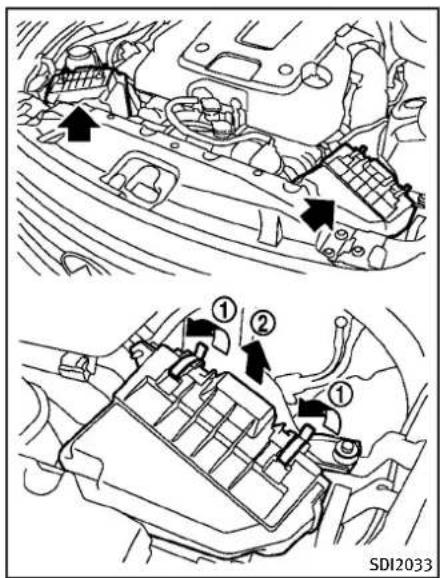
text_image
① ② ① SDI2033Removetheretainers ① asillustrated and pullout the filter element ②.
Thefilterelementsshouldnotbecleaned and reused.Replaceaccordingtothe maintenanceintervals.See"INFINITIServiceandMaintenanceGuide"formaintenanceintervals.Whenreplacingthefilter,
wipetheinsideoftheaircleanerhousing andthecoverwithadampcloth.

WARNING
- Operating the engine with the air cleaner removed can cause you or others to be burned. The air cleaner not only clean the air, it stops flame if the engine back fires. If it isn't there, and the engine back fires, you could be burned. Do not drive with the air cleaner removed, and be careful when working on the engine with the air cleaner removed.
- Neverpourfuelintothethrottlebodyor attempttostarttheenginewiththeair cleanerremoved.Doingsocouldresult inseriousinjury.
WINDSHIELDWIPERBLADES
CLEANING
If your windshield is not clear after using the windshield washer or if a wiper blade chatters when running, wax or other material maybe on the blade or windshield.
Cleantheoutsideofthewindshieldwitha washersolutionoramilddetergent.Your windshielddiscleanifbeadsdonotform whenrinsingwithclearwater.
Cleaneachbladebywipingitwithacloth soakedinawashersolutionoramild detergent. Thenrinsethebladewithclear water. If your windshield disstill not clear aftercleaningtheblades and using the wiper, replacetheblades.
Wornwindshieldwiperbladescandamage thewindshieldandimpairdrivervision.

text_image
A ① ② SDI2048REPLACING
Replacethewiperbladesiftheyareworn.
- Pullthewiperarm.
2.Pushthereleasetab Ⓐ, and then movethewiperbladedownthewiper arm ① whilepushingthereleasetab toremove. - Insertthenewwiperbladeontothe wiperarmuntilaclicksounds.
- Rotatethewiperbladesothedimpleis inthegroove.

CAUTION
- Afterwiperbladereplacement, return thewiperarmtoitsoriginalposition; otherwiseitmaybedamagedwhenthe hoodisopened.
- Makesurethewiperbladescontactthe glass;otherwisethearmmaybedamagedfromwindpressure.
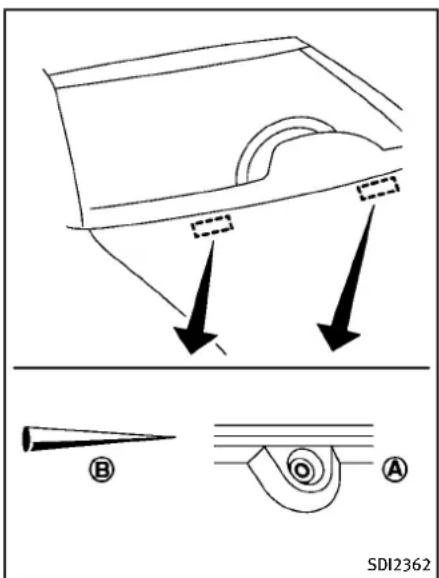
text_image
SDI2362Becarefulnottoclogthewashernozzle A. This may cause improper windshield washer operation. If thenozzle is clogged, remove any object with an needle or small pin B. Becareful nottodamagethe nozzle.
BRAKES
If the brakes donot operate properly, have the brakes checked by an INFINIT retailer.
SELF-ADJUSTINGBRAKES
Your vehicle is equipped with self-adjusting brakes.
Thedisc-typebrakesself-adjusteverytime thebrakepedalisapplied.

WARNING
SeeanINFINITlretailerforabrakesystem checkifthebrakepedalheightdoesnot returntonormal.
BRAKEPADWEARWARNING
Thediscbrakepadshaveaudiblewear warnings. When abrakepad requires replacement, it will make a high pitched scrapings sound when the vehicle is in motion. This scrapings sound will first occur only when the brake pedal is depressed.
Aftermorewearofthebrakepad,the soundwillalwaysbeheardevenifthe brakepedalisnotdepressed.Havethe brakescheckedassoonaspossibleifthe wearwarningsoundisheard.
Undersomedrivingorclimateconditions,
occasionalbrakesqueak, squealorother noisemaybeheard. Occasionalbrake noiseduringlighttomoderatestopsis normalanddoesnotaffectthefunctionor performanceofthebrakesystem.
Properbrakeinspectionintervalsshould befollowed.Foradditionalinformation, seethemaintenanceclogsectionofyour "INFINITIServiceandMaintenanceGuide" formaintenanceintervals.
FUSES
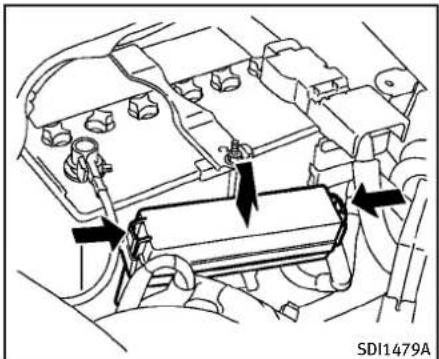
natural_image
Technical diagram of an engine compartment with directional arrows indicating flow or movement (no text labels)ENGINECOMPARTMENT

CAUTION
Neveruseafuseofahigherorlower amperageratingthanthatspecifiedonthe fuseboxcover. Thiscoulddamagethe electricalsystemorcauseafire.
If any electricalequipment does not operate, check for an open fuse.
- Besuretheignitionswitchispushed to theOFFForLOCKpositionandtheheadlightswitchisturnedtoOFF.
8-24 Maintenance and do-it-yourself
- Open the engine hood and remove the cover on the battery and the fuse/fusible link holder.
- Removethefuse/fusiblelinkholder cover.
- Removethefusewiththefusepuller.
SDI1754
- If the fuse is open
Ⓐ,replaceitwitha
newfuse Ⓑ. Sparefusesarestoredin thepassengercompartmentfusebox. - Ifanewfusealsoopens, havethe electricalsystemcheckedandrepaired byanINFINITretailer.
Fusiblelinks
Ifanyelectricalequipment does not operate and fuses are ingood condition, check the fusible links. If any of these fusible links are melted, replace only with genuine INFINITI parts.
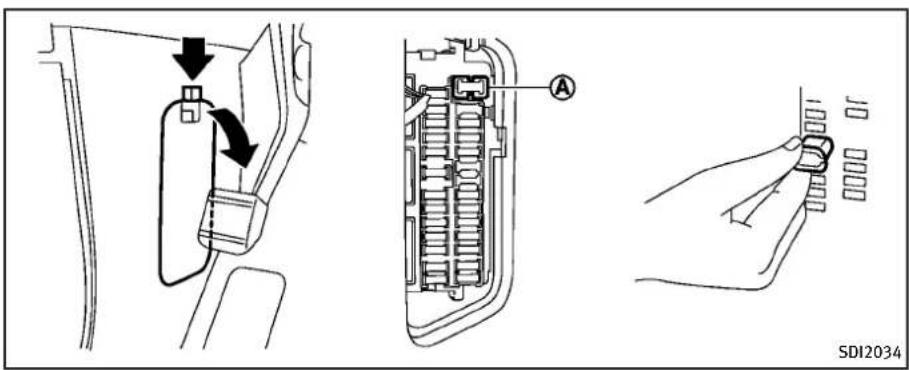
text_image
SD12034PASSENGERCOMPARTMENT

CAUTION
Neveruseafuseofahigherorlower amperageratingthanthatspecifiedonthe fuseboxcover.Thiscoulddamagethe electricalsystemorcauseafire.
If any electricalequipment does not operate, check for an open fuse.
-
Besuretheignitionswitchispushed to theOFFForLOCKpositionandtheheadlightswitchisturnedtoOFF.
-
Openthefuseboxlid.
- Removethefusewiththefusepuller (A).
- If the fuse is open, replace it with an new fuse.
- Ifanewfusealsoopens, havethe electricalsystemcheckedandrepaired byanINFINITlretailer. Sparefusesare storedinthefusebox.
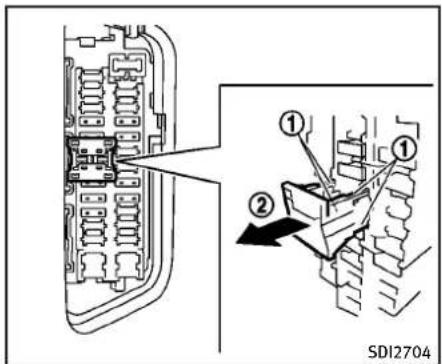
text_image
① ② SDI2704Extendedstorageswitch(if equipped)
Toreducebatterydrain, the extended storageswitchcomes from the factory switched off. Prior to delivery of your vehicle, the switch is pushed in (switched on) and should always remain on.
If any electricalequipment does not operate, removethe extended storage switch and check for an open fuse.
NOTE:
If the extended storages switch malfunctions, or if the fuse is open, it is not necessary to replace the switch. In this
Maintenanceanddo-it-yourself8-25
INTELLIGENTKEYBATTERYREPLACEMENT
case,removetheextendedstorageswitch andreplaceitwithanewfuseofthesame rating.
Howtoremovetheextendedstorage switch:
- Toremovetheextendedstorageswitch, besuretheignitionswitchisintheOFF orLOCKposition.
- Besuretheheadlightswitchisinthe OFFposition.
- Removethefuseboxcover.
4.Pinchthelockingtabs ① foundon eachsideofthestorageswitch. - Pullthestorageswitchstraightout fromthefusebox ②.
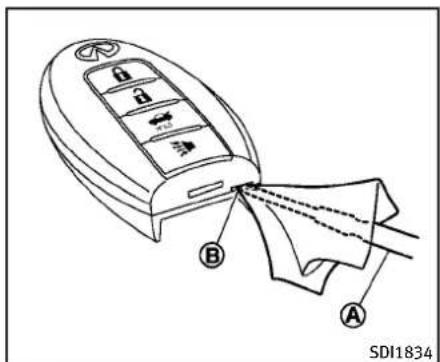
text_image
A B SDI1834Replacethebatteryasfollows:
- Releasethelockknobatthebackofthe IntelligentKeyandremovethemechanicalkey.
- Insertaflat-bladescrewdriver wrappedwithaclothintotheslit ofthecornerandtwistittoseparate theupperpartfromthelowerpart. A B
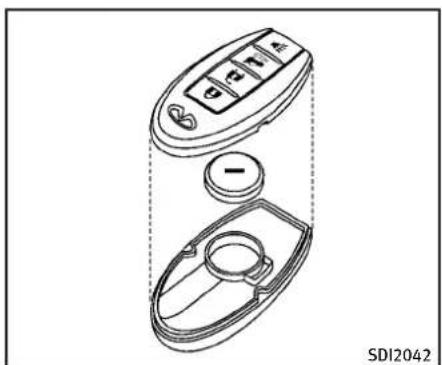
natural_image
Technical line drawing of a car interior fan with control panel and circular dial (no text or symbols)3. Replacethebatterywithanewone.
Recommended battery: CR2032 or equivalent.
- Donottouchtheinternalcircuitand electricterminalsasitcouldcausea malfunction.
- Holdthebatterybytheedges. Holdingthebatteryacrossthecontactpointswillseriouslydepletethe storagecapacity.
-
Makesurethatthe+sidefaceshe bottomofthecase.
-
Alignthetipsoftheupperandlower parts, and then push them together until it is securely closed.
-
Push the button two worth treetimesto check its operation.
SeeanINFINITIretailerifyouneedany assistanceforreplacement.
FCCNotice:
ForUSA:
ThisdevicecomplieswithPart15ofthe FCCRules.Operationissubjecttothe followingtwoconditions:(1)Thisdevice maynotcauseharmfulinterference,and (2)thisdevicemustacceptanyinterferencereceived,includinginterferencethat maycauseundesiredoperation.
NOTE:
Changesormodificationsnotexpressly approvedbythepartyresponsiblefor compliancecouldvoidtheuser'sauthority tooperatetheequipment.
ForCanada:
This device complies with RSS-210 of Industry Canada. Operation is subject to the following two conditions: (1) this devicemay not cause interference, and (2) this devicemust accept any interference, including interference that may cause undesired operation of the device.
LIGHTS

text_image
1 2 3 4 5 6 7 8 9 10 11 12 JVM0099XSEDAN
- Frontturnsignallightandclearance light
2.Headlight(high-andlow-beam)
3.Frontsidemarkerlight
4.Maplight - Rearpersonallight
6.Foglight - Steplight
8.Trunklight - High-mounted stoplight
- Licenseplatelight
11.Back-uplight - Rearcombinationlight(rearturn signal/tail/stop/sidemarkerlight)

text_image
Diagram of a car with numbered parts for identification and assembly reference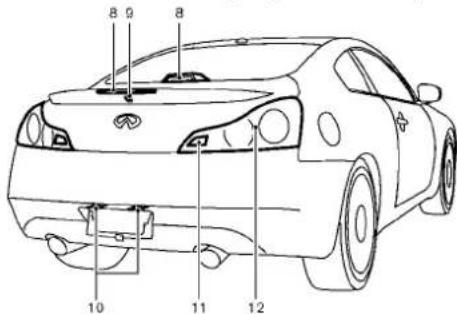
text_image
8 9 8 10 11 12SDI2702
COUPE
1.Clearancelight
2.Headlight(high-andlow-beam)
3.Frontturnsignallight
4.Maplight
5.Foglight
6.Frontsidemarkerlight
-
Steplight
-
High-mounted stoplight(ontherear parcelshelforintherearspoiler)*
9.Trunklight
- Licenseplatelight
11.Back-uplight
- Rearcombinationlight(rearturn signal/tail/stop/sidemarkerlight)
*: Notethatwhenthefactoryspoileris installed, therearparcelshelfhigh-mountedstoplightisstillpresent, but it is disabled and replaced by therear spoilerhigh-mountedstoplight.
HEADLIGHTS
Replacing
Xenonheadlightbulb:

WARNING

HIGHVOLTAGE
Whenxenonheadlightsareon,theyproduceahighvoltage.Topreventanelectric shock,neverattempttomodifyordisassemble.Alwayshaveyourxenonheadlights replacedatanINFINITlretailer.Foradditionalinformation,see"Headlightandturn signalswitch"(P.2-34).
Usethesamenumberandwattageshown inthefollowingchartasoriginallyin- stalled.
Ifreplacementisrequired,seeanINFINITI retailer.
Fogmaytemporarilyforminsidethelensof theexteriorlightsintherainorinacar wash. A temperature difference between the inside and the outside of the helens causesthefog. This is not a malfunction. If largedropsof watercollectinsidethelens, contact an INFINIT retailer.
EXTERIORANDINTERIORLIGHTS
Sedan
| ItemWattage(W)BulbNo. | ||
| Headlight*High/Lowbeams(xenon)35 | D2S | |
| Frontturnsignallight* | 28 | 7444NA |
| Frontfoglight* | 35 | H8 |
| Clearancelight* | 8 | 7444NA |
| Frontsidemarkerlight* | 5 | WY5W |
| Rearcombinationlight* | ||
| back-up | 16 | W16W |
| turnsignal | 21 | W21W |
| stop/tail/sidemarker | LED | — |
| Licenseplatelight* | 5 | W5W |
| Maplight | 8 | — |
| Rearpersonallight | 8 | — |
| Vanitymirrorlight | 2 | — |
| Steplight* | 8 | — |
| Trunklight* | 3.4 | — |
| High-mountedstoplight* | LED | — |
*:SeeanINFINITretailerforreplacement.
NOTE: Always check with the Parts Department at an INFINIT retailer forthelatest information about parts.
Coupe
| ItemWattage(W)BulbNo. | ||
| Headlight*High/Lowbeams(xenon)35D2SFrontturnsignallight*21WY21WFrontfoglight*55H11Clearancelight*5W5WFrontsidemarkerlight*5W5WRearcombinationlight*back-up16W16Wturnsignal21W21Wstop/tail/sidemarkerLicenseplatelight*MaplightVanitymirrorlightSteplight*Trunklight*High-mountedstoplight* | LED5W5W8283.4LED | ——————— |
*: See an INFINITI retailer for replacement.
NOTE: Always check with the Parts Department at an INFINITI retailer for the latest information about parts.
Replacement procedures
AllotherlightsareeithertypeA,B,C,D,E or F. When replacing a bulb, first remove thelensand/or cover.
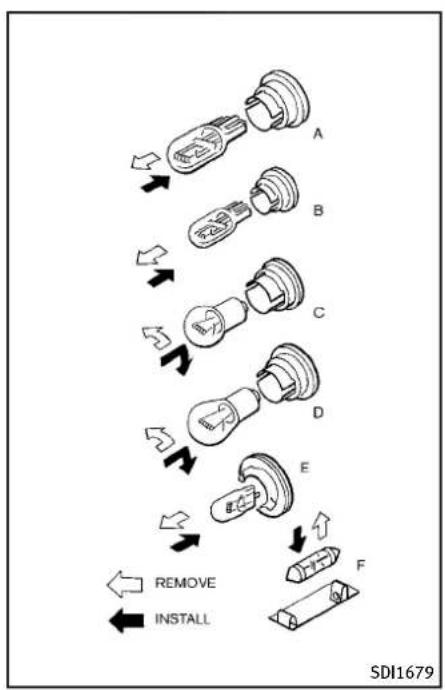
flowchart
graph TD
    A["Solid"] --> B["Switch"]
    B --> C["Dashed"]
    C --> D["Switch"]
    D --> E["Dashed"]
    E --> F["Switch"]
    F --> G["Switch"]
    G --> H["Switch"]
    H --> I["Switch"]
    I --> J["Switch"]
    J --> K["Switch"]
    K --> L["Switch"]
    L --> M["Switch"]
    M --> N["Switch"]
    N --> O["Switch"]
    O --> P["Switch"]
    P --> Q["Switch"]
    Q --> R["Switch"]
    R --> S["Switch"]
    S --> T["Switch"]
    T --> U["Switch"]
    U --> V["Switch"]
    V --> W["Switch"]
    W --> X["Switch"]
    X --> Y["Switch"]
    Y --> Z["Switch"]
    Z --> AA["Switch"]
    AA --> AB["Switch"]
    AB --> AC["Switch"]
    AC --> AD["Switch"]
    AD --> AE["Switch"]
    AE --> AF["Switch"]
    AF --> AG["Switch"]
    AG --> AH["Switch"]
    AH --> AI["Switch"]
    AI --> AJ["Switch"]
    AJ --> AK["Switch"]
    AK --> AL["Switch"]
    AL --> AM["Switch"]
    AM --> AN["Switch"]
    AN --> AO["Switch"]
    AO --> AP["Switch"]
    AP --> AQ["Switch"]
    AQ --> AR["Switch"]
    AR --> AS["Switch"]
    AS --> AT["Switch"]
    AT --> AU["Switch"]
    AU --> AV["Switch"]
    AV --> AW["Switch"]
    AW --> AX["Switch"]
    AX --> AY["Switch"]
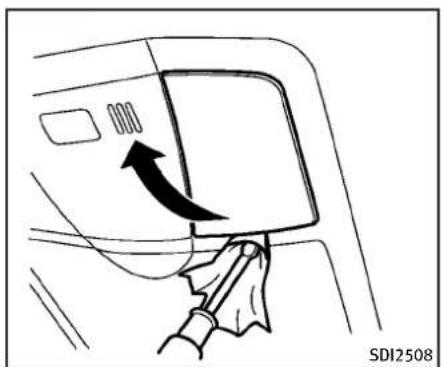
natural_image
Diagram showing a hand holding a tool interacting with a car door panel, with an arrow indicating direction (no text or symbols present)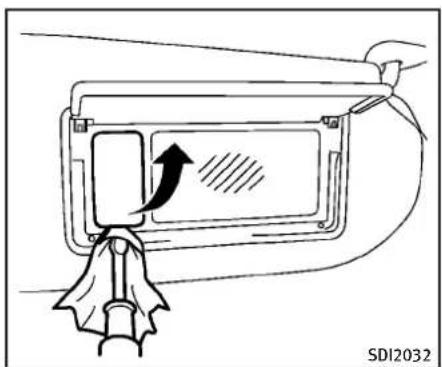
text_image
SDI2032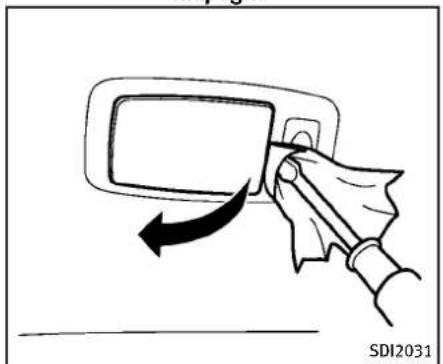
text_image
SDI2031
text_image
SDI1839Rearpersonallight(Sedanonly)
Vanitymirrorlight(TypeB)
8-32 Maintenance and do-it-yourself
WHEELSANDTIRES
If you have a flattire, see "Flattire" (P.6-2).
TIREPRESSURE
TirePressureMonitoringSystem (TPMS)
ThisvehicleisequippedwiththeTire PressureMonitoringSystem(TPMS).It monitortirepressureofalltiresexcept thespare.Whenthelowtirepressure warninglightislitandtheCHECKTIRE PRESSUREwarningappearsonthedot matrixliquidcrystaldisplay,oneormore ofyourtiresissignificantlyunder-inflated.
TheTPMSwillactivateonlywhenthe vehicleisdrivenatspeedsabove16MPH (25km/h).Also,thissystemmaynot detectasuddendropintirepressure(for exampleaflattirewhiledriving).
Formoredetails, see "Lowtirepressure warninglight" (P.2-15), "TirePressure MonitoringSystem(TPMS)" (P.5-4) and "TirePressureMonitoringSystem(TPMS)" (P.6-2).
Tireinflationpressure
Check the pressure of the tissues (including the spare) often and alwayspriortolongdistancetrips. The recommended tirepressurespecificationsareshownontheTireand LoadingInformationlabelunderthe "ColdTirePressure" heading.The TireandLoadingInformationlabelis affixedtothedriversidecenterpillar. Tirepressures shouldbechecked regularlybecause:
- Mosttiresnaturallyloseairover time.
- Tirescanloseairsuddenlywhen drivenoverpotholesorother objects or if the vehicle strikes a curbwhileparking.
Thetirepressuresshouldbechecked whenthetiresarecold. Thetires are consideredCOLDafter the vehicle has been parked for 3ormorehours, or driven less than 1 mile (1.6km) at moderatespeeds.
Incorrect tirepressure, including underinflation, may adversely affect tirelife and vehicle handling.

WARNING
- Improperlyinflatedtirescanfail suddenlyandcauseanaccident.
- TheGrossVehicleWeightrating (GVWR)is locatedonthe F.M.V.S. S./C.M.V.S.S.label.Thevehicle weight capacity is indicated on theTireandLoadingInformation label.Do notload your vehicle beyondthiscapacity.Overloading yourvehiclemayresultinreduced tirelife,unsafeoperatingconditionsduetoprematuretirefailure, orunfavorablehandlingcharacteristicsandcouldalsoleadtoa seriousaccident.Loadingbeyond thespecifiedcapacitymayalso resultinfailureofothervehicle components.
- Beforetakingalongtrip,or wheneveryouheavilyloadyour vehicle,useatirepressuregauge toensurethat the tirepressures
areatthespecifiedlevel. •Foradditionalinformationregard- ingtires,referto"ImportantTire SafetyInformation"(US)or"Tire SafetyInformation"(Canada)in theWarrantyInformationBooklet.

text_image
① ② ③ ④ ⑤ ⑥ ⑦ ⑧ THE LIQUID BEANSI CABBAGE VANNES RICHEN SALARES PXXX / XX R XX PXXX / XX R XX PXXX / XX R XX PXXX / XX R XX PXXX / XX R XX PXXX / XX R XX PXXX / XX R XX PXXX / XX R XX PXXX / XX R XX PXXX / XX R XX PXXX / XX R XX PXXX / XX R XX PXXX / XX R XX PXXX / XX R XX PXXX / XX R XX The combined weight of occupants and cargo should never exceed XX kg or XX lbs. Le pendant total disk-occupants et du chargement ne doit jamais dépasser XX kg ou XX lbs.
text_image
TIRE AND LOADING INFORMATION RENSEIGNEMENTS SUR LES PNEUS ET LE CHARGEMENT LEATING CYPRESSI Y KONMIE DES PLACES TOTAL X FRONT X SEAFS AREBRE X The combined weight of occupants and cargos should never exceed XX kg or XX lbs. Trade total des occupants et du chargement ne clout jamais disparer XX kg ou XX lbs. SIZE COLD TIRE PRESSURE SEE ONNERS MANUAL PARTEL TALLE PRESSION DES PNEUS A FROID FOR ADDITIONAL INFORMATION PXX / XX R XX XXX kPa, XX PSI PXX / XX R XX XXX kPa, XX PSI SPARSE TXXX / XX R XX XXX kPa, XX PSI VOT LE MANUEL DE USAGER DE RECOPIE FOUNT PLUS DE RENSEIGNEMENTSSDI2703
TireandLoadingInformationlabel
① Seatingcapacity:Themaximum numberofoccupantsthatcanbe seatedinthevehicle.
② Vehicleloadlimit:See"Vehicle loadinginformation"(P.9-20).
③ Originalsize: Thesizeofthetires originally installed on the vehicle at the factory.
④ Coldtirepressure:Inflatethe tirestothispressurewhenthe tiresarecold.Tiresareconsid-
eredCOLDafterthevehiclehas beenparkedfor3ormorehours, ordrivenlessthan1mile(1.6 km)atmoderatespeeds.The recommendedcoldtireinflation issetbythemanufacurerto providethebestbalanceoftire wear,vehiclehandling,driveability,tirenoise,etc.,uptothe vehicle'sGVWR.
⑤ Tiresize—see“Tirelabeling”(P.8-36).
⑥ Sparetiresizeorcompactspare tiresize(ifsoequipped)
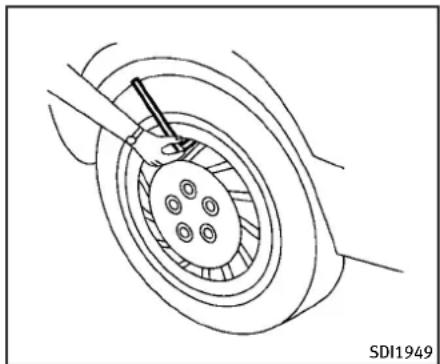
natural_image
Technical line drawing of a mechanical assembly with a central component and surrounding components (no text or symbols)Checkingthetirepressure
- Removethevalvestemcapfrom thetire.
-
Press the pressure gauge squarelyontothevalvestem.Do notpresstoothardorforcethe valvestemsideways,orairwill escape.Ifthehissingsoundofair escapingfromthetireisheard whilecheckingthepressure,repositionthegaugetoeliminate thisleakage.
-
Removethegauge.
- Readthetirepressureonthe gaugestemandcompareitto thespecificationshownonthe TireandLoadingInformationlabel.
- Addairtothetireasneeded.If toomuchairisadded,pressthe coreofthevalvestembrieflywith thetipofthegauge stemto releasepressure. Recheckthe pressureandaddorreleaseair asneeded.
- Installthevalvestemcap.
- Check the pressure of all other tires, including the spare.
Sedan:
| SIZE | COLDTIRE INFLATION PRESSURE | |
| FRONT ORIGINAL TIRE | P225/55R1795V | 230kPa, 33PSI |
| P225/50R1894V | 230kPa, 33PSI | |
| 225/50R1895W | 230kPa, 33PSI | |
| REARORI-GINALTIRE | P225/55R1795V | 230kPa, 33PSI |
| P225/50R1894V | 230kPa, 33PSI | |
| 245/45R1896W | 230kPa, 33PSI | |
| SPARETIRE | T145/80D17 107M | 420kPa, 60PSI |
| T145/70R18 107M | 420kPa, 60PSI |
Coupe:
| SIZE | COLDTIRE INFLATION PRESSURE | |
| FRONT ORIGINAL TIRE | P225/50R1894V | 230kPa, 33PSI |
| P225/45R1992V | 240kPa, 35PSI | |
| 225/45R1992W | 240kPa, 35PSI | |
| REARORI-GINALTIRE | P225/50R1894V | 230kPa, 33PSI |
| P225/45R1992V | 240kPa, 35PSI | |
| 245/40R1994W | 240kPa, 35PSI | |
| SPARETIRE | T145/80D17 107M | 420kPa, 60PSI |
| T145/70R18 107M | 420kPa, 60PSI |
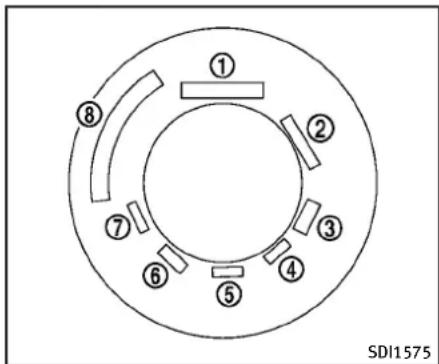
text_image
① ② ③ ④ ⑤ ⑥ ⑦ ⑧ SDI1575Example
TIRELABELING
Federallawrequirestiremanufacturerstoplacestandardizedinformationonthesidewallofalltires. This informationidentifiesanddescribes thefundamentalcharacteristicsof thetireandalsoprovidesthetire identificationnumber(TIN)forsafety standardcertification.TheTINcanbe usedtoidentifythetireincaseofa recall.

text_image
P215/60R16 94H P 215 60 R 16 94 H ↑ ↑ ↑ ↑ ↑ ↑ ↑ 1 2 3 4 5 6 7 SDI1606Example
① Tiresize(example:P215/60R1694H)
- P:The“P”indicatesthetireis designedforpassengervehicles. (Notalltireshavethisinformation.)
- Three-digitnumber(215): This numbergivesthewidthinmillimetersofthetirefromsidewall edgetosidewalledge.
- Two-digitnumber(60):Thisnumber, knownastheaspectratio,
givesthetire's ratio of height to width.
- R:The“R”standsforradial.
- Two-digitnumber(16):Thisnumberisthewheelorrimdiameterin inches.
- Two-orthree-digitnumber(94): This numberisthetire'sload index. It is a measurement of how much weight each tire can support. You may not find this information all tires because it is not required by law.
- H:Tirespeedrating.Youshould notdrivethevehiclefasterthan thetirespeedrating.

- DOT:Abbreviationforthe"DepartmentofTransportation".Thesymbolcanbeplacedabove,belowor totheleftorrightoftheTire IdentificationNumber.
- Two-digitcode: Manufacturer's identificationmark
-
Two-digitcode: Tiresize
-
Three-digitcode: Tiretypecode (Optional)
- Three-digitcode:DateofManufacture
- Fournumbersrepresenttheweek andyearthetirewasbuilt. For example, the numbers 3103 meansthe31stweekof2003. If these numbers are missing, then look on the othersidewallofthe tire.
③ Tireplycompositionandmaterial Thenumberoflayersorpliesof rubber-coatedfabricinthetire. Tiremanufacturersalsomust indicatethematerialsinthetire, whichincludesteel, nylon, polyester,andothers.
④ Maximumpermissibleinflation pressure Thisnumberisthegreatest amountofairpressurethat shouldbeputinthetire.Do notexceedthemaximumper-
missibleinflationpressure.
⑤ Maximumloadrating Thisnumberindicatethemax-imumloadinkilogramsand poundsthatcanbecarriedby thetire.Whenreplacingthetires onthevehicle,alwaysuseatire thatasthesameloadratingas thefactoryinstalledtire.
⑥ Termof“tubeless”or“tube type”
Indicateswhetherthetirere-
quiresaninnertube(“tube type”)ornot(“tubeless”).
⑦ Theword“radial”
Theword“radial”isshown,if
thetirehasradialstructure.
⑧ Manufacturerorbrandname
Manufacturerorbrand nameis shown.
Othertire-relatedterminology:
Inaddition tothemany termsthat aredefinedthroughoutthissection, Intended Outboard Sidewall is (1) the sidewallthatcontainsawhitewall, bearswhiteletteringorbearsmanufacturer,brandand/or modelname molding that is higher or deeper than thesamemoldingontheothersidewall of the tire, or (2) the outward facingsidewallofanasymmetrical tirethat hasaparticularsidethat mustalwaysfaceoutwardwhen mountedonavehicle.
TYPESOFTIRES

WARNING
- When changing or replacing tires, be sureallfourtiresareofthesametype (Example:Summer,AllSeasonorSnow) andconstruction.AnINFINITretailer may be able to help you with information abouttiretype,size,speedratingand availability.
- Replacementtiresmayhavealower speedratingthanthefactoryequipped tires, and may not match the potential maximum vehiclespeed. Never exceed them maximum speed rating of the tire.
• Replacingtireswiththosenotoriginally
specifiedbyINFINITIcouldaffectthe properoperationoftheTPMS. ●Foradditionalinformationregarding tires,referto"ImportantTireSafety Information"(US)or"TireSafetyInformation"(Canada)intheWarrantyInformationBooklet.
Allseasontires
INFINITlspecifies all season tires on some model stop provide good performance all year, includings snowy and icy road conditions. All Season tires are identified by ALL SEASON and/or M&S (Mudand Snow) on the tiresidewall. Snow tires have better snow traction than All Season tires and may be more appropriate in some areas.
Summertires
INFINITlspecifiessummertiresonsome modelstoprovidesuperiorperformance dryroads. Summertireperformanceis substantiallyreducedinsnowandice. Summertiresdonothavethetiretraction ratingM&Sonthetiresidewall.
If you planto operate your vehicle in snowy or icy conditions, INFINITI recommend the use of SNOW tires or ALL SEASON tires on
allfourwheels.
Snowtires
Ifsnowtiresareneeded,itisnecessaryto selecttiresequivalentinsizeandload ratingtotheoriginalequipmenttires.If youdonot,itcanadverselyaffectthe safetyandhandlingofyourvehicle.
Generally, snowtireswillhavelowerspeed ratingsthanfactoryequippedtiresand maynotmatchthepotentialmaximum vehiclespeed. Neverexceedthemaximum speedratingofthetire.
If you install snowtires, they must be the same size, brand, construction and tread pattern on all four wheels.
For additional traction on icy roads, studded tires maybe used. However, some U.S. states and Canadian provinces prohibit their use. Check local, state and provincial laws before installing studded tires. Skid and traction capabilities of studded snowtires, on wetordry surfaces, may be poorer than that of non-studded snowtires.
TIRECHAINS
Useoftirechainsmaybeprohibited accordingtolocation.Checkthelocallaws beforeinstallingtirechains.Wheninstallingtirechains,makesuretheyarethe propersizeforthetiresonyourvehicleand areinstalledaccordingtothechainmanufacturer'ssuggestions.UseonlySAE ClassSchains.Class"S"chainsareused onvehicleswithrestrictedtiretovehicle clearance.VehiclesthatcanuseClass"S" chainsaredesignedtomeettheSAE standardminimumclearancesbetween the tire and the closest vehicles suspension or body component required to accommodate the use of awintertraction device (tire chainsor cables).The minimum clearances are determined using the factory equipped tiresize. Othertypes may damage your vehicle. Usechaintensioners when recommended by the tire chain manufacturer to ensure atight fit. Loose end link sof the tire chain must be secured or removed to prevent the possibility of whipping action damageto the fenders or underbody. If possible, avoid fully loading your vehicle when using tire chains. In addition, drive at reduced speed. Otherwise, your vehicle may bedamaged and/or vehicle handling
Maintenanceanddo-it-yourself8-39
andperformancemaybeadverselyaffected.
Tirechainsmustbeinstalledonlyonthe rearwheelsandnotonthefrontwheels.
NeverinstalltirechainsonaTEMPORARY USEONLYsparetire.
Donotusetirechainsondryroads. Driving withtirechainsinsuchconditions can causedamagetothevariousmechanisms ofthevehicleduetosomeoverstress.
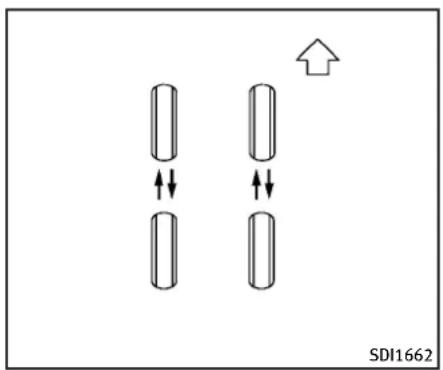
text_image
SDI1662CHANGINGWHEELSANDTIRES
Tirerotation(Modelsequipped with samesizetiresonallwheels) INFINITI recommends rotating the tires every 7,500 miles (12,000 km). (See "Flattire" (P.6-2) fortirereplacing procedures.)
Assoonaspossible,tightenthe wheelnutstothespecifiedtorque withatorquewrench.
Wheelnuttighteningtorque: 80ft-lb(108N·m)
Thewheelnutsmust be kept tightened to the specification at all times. It is recommended that wheel nuts be tightened to the specification at a chirerotation interval.

WARNING
- Afterrotatingthetires,checkand adjustthetirepressure.
- Retightenthewheelnutswhen thevehicle has been driven for 600miles(1,000km)(alsoin casesofaflattire,etc.).
- Do not include the T-type spare tireoranyothersmallsizespare tireinthetirerotation.
- Foradditionalinformationregardingtires,referto "Important Tire SafetyInformation"(US)or"Tire SafetyInformation"(Canada)in theWarrantyInformationBooklet.
Tirerotation(Modelsequipped with differentsizetiresonfrontand rear)
Tires cannot be rotated on this vehicle, as front tires are adifferent size from reartires.
Apinisonthefrontbrakerotorto preventtherearwheelsfrombeing installedinplaceofthefrontwheels. Thesparetirecanbeinstalledin placeofthefrontandrearwheels. Wheninstallingthesparetireinthe frontwheel,theholeinthesparetire wheelmustbealignedwiththepin onthebrakerotor.

WARNING
- Retightenthewheelnutswhen thevehiclehasbeendrivenfor 600miles(1,000km)(alsoin casesofaflattire,etc.).
- For additional information regarding tires, refer to "Important Tire Safety Information" (US) or "Tire
SafetyInformation"(Canada)in the WarrantyInformationBooklet.

text_image
Diagram showing two labeled curved layers with directional arrows indicating flow or movement, marked as ① and ②.SDI1663
- Wearindicator
- Wearindicatorlocationmark
Tirewearanddamage

WARNING
- Tiresshouldbeperiodicallyin- spectedforwear,cracking,bul- gingorobjectscaughtinthe tread.lfexcessivewear,cracks, bulgingordeepcutsarefound, thetire(s)shouldbereplaced.
- Theoriginaltireshavebuilt-in treadwearindicators.Whenwear indicatorsarevisible,thetire(s) shouldbereplaced.
●Tiresdegradewithageanduse. Havetires,includingthespare, over6yearsoldcheckedbya qualified technician, because sometiredamagemaynotbe obvious. Replacethetiresas necessarytopreventtirefailure andpossiblepersonalinjury. - Improperserviceofthesparetire mayresultinseriouspersonal injury.Ifitisnecessarytorepair thesparetire,contactanINFINITI retailer.
- For additional information regarding tires, refer to "Important Tire Safety Information" (US) or "Tire Safety Information" (Canada) in the Warranty Information Booklet.
Replacingwheelsandtires
Whenreplacingatire,usethesamesize, treaddesign,speedratingandloadcarryingcapacityasoriginallyequipped.(See "Specifications"(P.9-8)forrecommended typesandsizessoftiresandwheels.)

WARNING
- The useoftiresotherthanthose recommendedorthemixeduseoftires ofdifferentbrands,construction(bias, bias-beltedorradial),ortreadpatterns canadverselyaffecttheride,braking, handling,groundclearance,body-to-tire clearance,tirechainclearance,speed-ometercalibration,headlightaimand bumperheight.Someoftheseeffects may lead to accidents and could result in seriouspersonalinjury.
- Ifthe wheelsarechangedforany reason,alwaysreplacewithwheels whichhavethesameoff-setdimension. Wheelsofa differentoff-setcouldcause prematuretirewear,degradevehicle handlingcharacteristicsand/orinterferencewiththebrakediscs/drums.Such interferencecanleadtodecreasedbrak-
ingefficiencyand/orearlybrakepad/shoewear.See"Wheelsandtires"(P.9-9)ofthismanualforwheel off-set dimensions.
- When a spare tire is mounted or a wheel is replaced, the TPMS will not function and below tire pressure warning light will flash for approximately 1 minute. Thelight will remain after 1 minute. Contact your INFINIT retailer as soon as possible for tire replacement and/or system resetting.
- Replacingtireswiththosenotoriginally specifiedbyINFINITIcouldaffectthe properoperationoftheTPMS.
- Donotinstalladamagedordeformed wheel or tire even if it has been repaired. Suchwheelsortirescouldhavestru- turaldamageandcouldfailwithout warning.
- Theuseofretreadtireisnotrecommended.
- For additional information regarding tires, refer to "Important Tire Safety Information" (US) or "Tire Safety Information" (Canada) in the Warranty Information Booklet.
All-WheelDrive(AWD)models

CAUTION
●Alwaysusetiresofthesametype, size, brand, construction (bias, bias-beltedor radial), and tread pattern non all four wheels. Failure todosomay resultina circumferencedifference betweenires on the front and rear axles which will cause excessivetire wear and may damage the transmission, transfercase and differential gears.
- ONLYusesparetiressspecifiedforthe AWDmodel.
Ifexcessivetirewearisfound,itis recommendedthatallfourtiresbereplacedwithtiresofthesamesize,brand, constructionandtreadpattern. Thetire pressureandwheelalignmentshouldalso becheckedandcorrectedasnecessary. ContactanINFINITlretailer.
Wheelbalance
Unbalanced wheels may affect vehicle handling and tire life. Even with regular use, wheels can get out of balance. Therefore, they should be balanced as required.
Wheelbalanceservicesshouldbeperformedwiththewheelsoffthevehicle. Spinbalancingthewheelsonthevehicle couldleadtomechanicaldamage.
For additional information regarding tires, refer to "Important Tire Safety Information" (US) or "Tire Safety Information" (Canada) in the INFINITI Warranty Information Booklet.
Careofwheels
See "Cleaning exterior" (P.7-2) for details about care of the the wheels.
Sparetire(TEMPORARY USEONLY (T-type)sparetire)
ObservethefollowingprecautionsiftheT-typesparetiremustbeused,otherwise yourvehiclecouldbedamagedorinvolved inanaccident.

WARNING
- TheT-typesparetireshouldbeusedfor emergencyuse.Itshouldbereplaced withthestandardtireatthefirst opportunitytoavoidpossibletireor differentialdamage.
- DrivecarefullywhiletheTEMPORARY USE ONLY spare tire is installed. Avoid sharpturnsandabruptbrakingwhile driving.
Periodicallychecksparetireinflation pressure. Always keep the pressure of the TEMPORARYUSEONLYsparetire at 60 psi (420 kPa, 4.2 bar). Always keep the pressure of the full sizesparetire (if so equipped) at there recommended pressure for standard tires, as indicated on the Tire and Loading Information label. For Tire and Loading Information label location, see "Tire and Loading Information label" in the index of this manual. - With the TEMPORARY USE ONLY spare tire installed on not drive your vehicle at speeds faster than 50 MPH (80 km/h).
- Whendrivingonroadscoveredwith snoworice, theTEMPORARYUSEONLY spare tire should be used on the front wheelsandoriginaltireusedontherear wheels(drivewheels).Usetirechains onlyonthetworearoriginaltires.
●TiretreadoftheTEMPORARYUSEONLY spare tirewillwearatafasterratethan thestandardtire.Replacethesparetire assoonasthetreadwearindicators
appear.
- Donotusethesparetireonother vehicles.
- Donotusemorethanonesparetireat thesametime.

CAUTION
- DonotusetirechainsonaTEMPORARY USEONLYsparetire.Tirechainswillnot fitproperlyandmaycausedamageto thevehicle.
- Because the TEMPORARY USE ONLY spare tire is smaller than the original tire, ground clearance is reduced. To avoid damage to the vehicle, donot drive over obstacles. Also on not drive the vehicle through an automatic car wash since it may get caught.
9Technicalandconsumerinformation
Capacitiesandrecommendedfuel/lubricants.....9-2
Fuelrecommendation....9-4
Engineoilandoilfilterrecommendation......9-6
Airconditioningsystemrefrigerantand lubricantrecommendations....9-7
Specifications....9-8
Engine....9-8
Wheelsandtires....9-9
Dimensions....9-11
Whentravelingorregisteringyourvehiclein
anothercountry....9-11
Vehicleidentification....9-12
VehicleIdentificationNumber(VIN)plate......9-12
Vehicleidentificationnumber
(chassisnumber)....9-12
Engineserialnumber....9-12
F.M.V.S.S./C.M.V.S.S.certificationlabel......9-13
Emissioncontrolinformationlabel....9-13
Tireandloadinginformationlabel......9-14
Airconditionerspecificationlabel....9-14
Installingfrontlicenseplate....9-15
Sedan....9-15
Coupe(exceptforINFINITIPerformanceLine,
AerodynamicPackagemodels)....9-17
Coupe(INFINITIPerformanceLine,
AerodynamicPackagemodels)....9-19
Vehicleloadinginformation....9-20
Terms....9-20
Vehicleloadcapacity....9-21
Loadingtips....9-22
Measurementofweights....9-23
Towingatrailer....9-23
Flattowing....9-23
Uniformtirequalitygrading....9-24
Treadwear....9-24
TractionAA,A,BandC....9-24
TemperatureA,BandC....9-24
Emissioncontrolsystemwarranty....9-25
Reportingsafetydefects....9-26
ReadinessforInspection/Maintenance(I/M)test
(USonly)....9-27
EventDataRecorders(EDR)......9-27
Owner's Manual/ServiceManual
orderinformation....9-28
CAPACITIESANDRECOMMENDED FUEL/LUBRICANTS
The following are approximate capacities. The actual refill capacities may be a little different. When refilling, follow the procedure instructed in the "8. Maintenance and do-it-yourself" section to determine the proper refill capacity.
| Capacity(Approximate) | Recommendedspecifications | ||||
| USmeasureImpmeasureLiter | |||||
| Fuel20gal16-5/8gal765ee“Fuelrecommendation”(P.9-4). | |||||
| Engineoil(VQ37VHR)*1 | |||||
| Drainandrefill | |||||
| Withoilfilterchange5-1/8ql4-3/8qt | 4.9 | EngineoilwithAPICertificationMark*2*3ViscositySAE5W-30 | |||
| Without oil filter change | 4-7/8 qt | 4 qt | 4.6 | ||
| Engineoil(VQ25HR)*1 | |||||
| Drainandrefill | |||||
| With oil filter change | 5 qt | 4-1/8 qt | 4.7 | ||
| Withoutoilfilterchange | 4-5/8qt3-7/8qt | 4.4 | |||
| Coolingsystem(VQ37VHR) | Pre-dilutedGenuineNISSANLongLifeAntifreeze/Coolant(blue)orequivalent | ||||
| Automatictransmission model | Withreservoir | 9qt | 7-1/2qt | 8.5 | |
| Reservoir | 7/8qt | 3/4qt | 0.8 | ||
| Manualtransmissionmodel | Withreservoir | 9-1/8qt7-5/8qt | 8.6 | ||
| Reservoir | 7/8qt | 3/4qt | 0.8 | ||
| Coolingsystem(VQ25HR) | |||||
| AWD | Withreservoir | 9-1/4qt7-3/4qt | 8.8 | ||
| Reservoir | 7/8qt | 3/4qt | 0.8 | ||
| 2WD | Withreservoir | 8-3/4qt7-1/4qt | 8.3 | ||
| Reservoir | 7/8qt | 3/4qt | 0.8 | ||
| Automatic transmission fluid | — | — | — | Genuine NISSAN Matic S ATF*4 | |
| Manualtransmissiongearoil | — | — | — | GenuineNISSANManualTransmissionFluid(MTF)HQMulti75W-85orAPIGL-4,ViscositySAE75W-85 | |
| Differentialgearoil | — | — | — | For7A/T2WDmodels:APIGL-5SyntheticGearOilViscositySAE75W-90*6Allothermodels:Genuine NISSAN Differential Oil Hypoid Super GL-5 80W-90 or API GL-5, Viscosity SAE 80W-90*5 | |
| Transfer fluid | — | — | — | Genuine NISSAN Matic J ATF*7 | |
9-2 Technical and consumer information
| Powersteeringfluid(PSI) | Refilltotheproperoilevelaccordingtotheinstructionsinthe*8. | GenuineNISSANPSForequivalent*8 | ||
| BrakeandclutchfluidGenuineNISSANSuperHeavyDutyBrakeandclutchfluidGenuineNISSANSuperHeavyDutyBrakeandclutchfluidGenuineNISSANSuperHeavyDutyBrakeandclutchfluidGenuineNISSANSuperHeavyDutyBrakeandclutchfluidGenuineNISSANSuperHeavyDutyBrakeandclutchfluidGenuineNISSANSuperHeavyDutyBrakeandclutchfluidGenuineNISSANSuperHeavyDutyBrakeandclutchfluidGenuineNIssSorexactequivalent | ||||
| Multi-purposegrease | ||||
| Withoutlimitedslipdifferential— | — | — | NLGINo.2(Lithiumsoapbase) | |
| Withlimitedslipdifferential— | — | — | ||
| Airconditioningsystemrefrigerant— | — | —HFC-134a(R-134a)*10 | ||
| Airconditioningsystemlubricants— | — | — | NISSANA/C.SystemOilTypeSorexactequivalent | |
| Windowwasherfluid— | — | — | GenuineNISSANWindshieldWasherConcentrateCleaner&Antifreezeorequivalent | |
*1: For additional information, see "Engine oil" (P.8-11) for changing engine oil.
*2: INFINITI recommends Genuine NISSANEster Engine Oil available at an INFINITI retailer.
*3: For additional information, see "Engine oil and oil filter recommendation" (P.9-6).
*4: Using automatic transmission fluid other than Genuine NISSAN Matic S ATF will cause deterioration in driveability and automatic transmission durability, and may damage the automatic transmission, which is not covered by the INFINIT new vehicle limited warranty.
*5: For hot climates, viscosity SAE 90 is suitable for ambient temperatures above 32^ (0^) .
*6: SeeanINFINITretailerforserviceforsyntheticoil.
*7: Using transfer fluid other than Genuine NISSAN Matic J ATF will cause deterioration in driveability and transfer durability, and may damage the transfer, which is not covered by the INFINITI new vehiclelimitedwarranty.
*8: DEXRON™ VItypeATFmayalsobeused.
*9: AvailableinmainlandUSAthroughanINFINITretailer.
*10: For additional information, see "Vehicle identification" (P.9-12) for air conditioner specification label.
FUELRECOMMENDATION
VQ25HRengine
INFINITIrecommendstheuseofunleaded premiumgasolinewithanoctaneratingof atleast91AKI(Anti-KnockIndex)number (Researchoctanenumber96).
Ifunleaded premium gasoline is not available, you may use unleaded regular gasolinewith an octanerating of at least 87AK Inumber (Research octanenumber 91), but you may notice a decrease in performance.
VQ37VHRengine
Useunleadedpremiumgasolinewithan octaneratingofatleast91AKI(Anti-Knock Index)number(Researchoctanenumber 96).
If premium gasoline is not available, unleaded regular gasolinewith an octane rating of 87AKInumber(Researchoctane number 91) may be temporarily used, but only under the following precautions:
●Havethefueltankfilledonlypartially withunleadedregulargasoline,andfill upwithunleadedpremiumgasolineas soonaspossible.
- Avoidfullthrottledrivingandabrupt acceleration.
However, formaximumvehicleperformance, the useofunleadedpremium gasolineisrecommended.

CAUTION
- Usingafuelotherthanthatspecified couldadverselyaffecttheemission controlsystem,andmayalsoaffect warrantycoverage.
●Undernocircumstances should leadaded gasoline beused, because this will damage the three-way catalyst.
- Do not use E-85 fuel in your vehicle. Your vehicleisnotdesignedtorunonE-85 fuel. Using E-85 fuel can damage the fuel systemcomponentsandisnotcovered bytheINFINITlvehiclelimitedwarranty.
Gasolinespecifications
INFINITI recommends using gasolin that meet the World-Wide Fuel Charter (WWFC) specifications where it is available. Many of the automobile manufacturers developed this specification to improve emissions system and vehicle performance. Ask
yourservicestationmanagerifthegasolinemeetstheWorld-WideFuelCharter (WWFC)specifications.
Reformulated gasoline
Somefuelsuppliersarenowproducing reformulatedgasolines. These gasolines arespecially designed to reduce vehicle emissions. INFINITI support seffortstowardscleaner air and suggest that you usereformulated gasolinewhen available.
Gasolinecontainingoxygenates
Somefuelsuppliersellgasolinecontainingoxygenatessuchasethanol,MTBEand methanolwithorwithoutadvertisingtheir presence. INFINITI does not recommend the use of fuels of which the oxygenate content andthefuelcompatibilityforyourINFINITI cannotbereadilydetermined.Ifindoubt, askyourservicestationmanager.
If you use oxygenate-blend gasoline, pleasetakethe following precautions as the usage of such fuelsmay cause vehicle performance problems and/or fuel system damage.
- Thefuelshouldbeunleadedandhave anoctaneratingnolowerthanthat recommendedforunleadedgasoline.
- Ifanoxygenate-blend, excepting a methanol blend, is used, it should contain nomorethan 10% oxygenate. (MTBEmay, however, beadedupto 15%.)
- Ifamethanolblendisused, it should containnomorethan5% methanol (methylalcohol, woodalcohol). It should also contain suitable amount of appropriate cosolvents and corrosion inhibitors. If not properly formulated with appropriate cosolvents and corrosion inhibitors, such methanol blends may cause fuel system damage and/or vehicle performance problems. At this time, sufficient data is not available to ensure that all methanol blends are suitable for use in INFINITE vehicles.
Ifanyundesirabledriveabilityproblems suchasenginestallingorhardhotstarting areexperiencedafterusingoxygenateblendfuels,immediatelychangetoa non-oxygenatefuelorafuelwithalow blendofMTBE.
Takecarenottospillgasolineduring refueling. Gasolinecontaining oxygenates can cause paint damage.
E-85fuel
E-85fuelisamixtureofapproximately 85%fuelethanoland15%unleaded gasoline.E-85canonlybeusedina FlexibleFuelVehicle(FFV).DonotuseE-85fuelinyourvehicle.U.S.government regulationsrequirefuelethanoldispensing pumps to be identified by a small, square, orangeandblacklabelwiththecommon abbreviationortheappropriatepercentage for thatregion.
Aftermarketfueladditives
INFINITI does not recommend the use of any aftermarket fuel additives (Example: fuel injector cleaner, octane booster, intake valvedepositremovers, etc.) which are sold commercially. Many of these additives intended for gum, varnish or deposit removal may contain inactive solventor similar ingredients that can be harmful to the fuel system and engine.
Octaneratingtips
Usingunleadedgasolinewithanoctane ratinglowerthanrecommendedabovecan causepersistent, heavysparkknock. (Sparkknock isametallicrappingnoise.) If severe, this can lead to engine damage. Ifyoudetectapersistentheavyspark
knockevenwhenusinggasolineofthe stated octane rating, or if you hear steady spark knock while holding a steady speed onlevelroads,haveanINFINITIretailer correctthecondition.Failuretocorrectthe conditionismisuseofthevehicle,for whichINFINITIisnot responsible.
Incorrectignitiontimingwillresultin knocking,after-runoroverheating. Thisin turn maycauseexcessive fuelconsumption ordamagetotheengine.Ifanyofthe abovesymptomsareencountered,have your vehicle checked at an INFINITI retailer or othercompetent service facility.
However, now and then you may notice light sparkknock for short time while accelerating or driving up hills. This no cause for concern, because you get the greatest fuel benefit when there is light sparkknock for short time under heavy engine load.

CAUTION
- Your vehicle is not designed to run on E-85 fuel. Using E-85 fuel in a vehicle not specifically designed for E-85 fuel can damage fuel system components and is not covered by the INFINIT new vehicle
Technical and consumer information
limitedwarranty.
●E-85isamixtureofapproximately85% fuelethanoland15%unleadedgasoline.
●U.S. government regulations require ethanoldispensingpumpstobeidentified byasmall, square, orange and black label with the common abbreviation or the appropriate percentage for that region.
①

text_image
AMERICAN PETROLEUM INSTITUTE FOR GASOLINE ENGINES CERTIFIED②
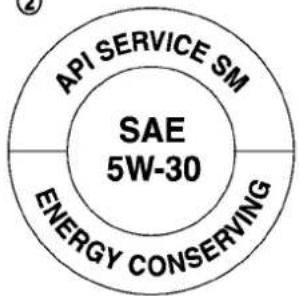
text_image
API SERVICE SM SAE 5W-30 ENERGY CONSERVINGSTI0505
- API certification mark
- APIs services symbol
ENGINEOILANDOILFILTERRECOMMENDATION
Selectingthecorrectoil
Itisessentialtochoosethecorrectgrade, quality,andviscosityengineoiltoensure satisfactoryenginelifeandperformance, see"Capacitiesandrecommendedfuel/lubricants"(P.9-2).INFINITI recommends theuse ofan energyconserving oilin ordertoimprovefueleconomy.
Selectonlyengine oilsthatmeetthe
AmericanPetroleumInstitute(API)certificationorInternationalLubricantStandardizationandApprovalCommittee(ILSAC)certificationand SAEviscositystandard. TheseoilshavetheAPlcertificationmark on the front of the container. Oils which do not have the specified quality label should notbeusedastheycouldcauseengine damage.
Oiladditives
INFINITI does not recommend the use of oil additives. Theuseofanoiladditiveisnot necessary when the proper oil type is used andmaintenanceintervalsarefollowed.
Oilwhichmaycontainforeignmatteror hasbeenpreviouslyusedshouldnotbe used.
Oilviscosity
The engineoilviscosityorthickness changeswithtemperature.Becauseofthis, itisimportantthattheengineoilviscosity beselectedbasedonthetemperaturesat whichthevehiclewillbeoperatedbefore thenextoilchange.Choosinganoil viscosityotherthanthatrecommended couldcauseseriousenginedamage.
Selectingthecorrectoilfilter
Yournewvehicleisequippedwithahigh-qualitygenuineNISSANoilfilter.When replacing,usethegenuineoilfilterorits equivalentforthereasondescribedin changeintervals.
Changeintervals
Theoilandoilfilterchangeintervalsfor yourenginearebasedontheuseofthe specifiedqualityoilsandfilters.Oiland filterotherthanthespecifiedquality,oroil andfilterchangeintervalslongerthan recommendedcouldreduceenginelife. Damagetoenginescausedbyimproper maintenanceoruseofincorrectoiland
filterqualityand/orviscosityisnotcovered bythenewINFINITvehiclelimitedwarranties.
Yourenginewasfilledwithahighquality engineoilwhenitwasbuilt.Youdonot havetochangetheoilbeforethefirst recommendedchangeinterval.Oiland filterchangeintervalsdependuponhow youuseyourvehicle.Operationunderthe followingconditionsmayrequiremore frequentoilandfilterchanges.
●repeatedshortdistancedrivingatcold
outsidetemperatures,
●drivingindustyconditions,
-extensiveidling,
- stopandgo"rushhour"traffic, Refertothe"INFINITIServiceandMaintenanceGuide"forthemaintenanceschedule.
AIRCONDITIONINGSYSTEMREFRIGERANTANDLUBRICANTRECOMMENDATIONS
The air conditioningsystem in your INFINIT vehicle must be charged with the refrigerant HFC-134a(R-134a) and the lubricant, NISSANA/Csystemoil Type S or the exact equivalents.

CAUTION
The use of any other refrigerant or lubricant will cause several damage to the air conditionings system and will require the replacement of all air conditioners system components.
TherefrigerantHFC-134a(R-134a)inyour INFINITlvehiclewillnotharmtheearth's ozonelayer.Althoughthisrefrigerantdoes notaffecttheearth'satmosphere,certain governmentalregulationsrequiretherecoveryandrecyclingofanyrefrigerant duringautomotiveairconditioningsystem service.YourINFINITlretailerhasthe trainedtechniciansandequipmentneeded torecoverandrecycleyourairconditioning systemrefrigerant.
ContactanINFINITlretailerwhenservicing yourairconditioningsystem.
SPECIFICATIONS
ENGINE
| ModelVQ25HRVQ37VHR | |||
| TypeGasoline,4-cycleGasoline,4-cycle | |||
| Cylinder arrangement | 6-cylinder, V-slanted at 60° | 6-cylinder, V-slanted at 60° | |
| Bore × Stroke | in (mm) | 3.346 × 2.886 (85.0 × 73.3) | 3.760 × 3.385 (95.5 × 86.0) |
| Displacementcuin(cm | ^3) | 152.31(2,496) | 225.54(3,696) |
| Firingorder | 1-2-3-4-5-6 | 1-2-3-4-5-6 | |
| Idlespeed | rpm | ||
| Ignitiontiming(B.T.D.C.) | degree/rpm | Noadjustmentisnecessary. | Noadjustmentisnecessary. |
| Spark plug | Standard | FXE22HR-11 | FXE24HR-11 |
| Sparkpluggap(Normal) | in(mm) | 0.043(1.1) | 0.043(1.1) |
| Camshaftoperation | Timingchain | Timingchain | |

text_image
1 3 5 2 4 6 STI0425This spark ignition system complies with the Canadian standard ICES-002.
VQ25HR/VQ37VHRengine
WHEELSANDTIRES
Roadwheel
Sedan:
| TypeSizeOffsetin(mm) | |||
| Conventional | 17 × 7-1/2J1.77(45) | ||
| 18 × 7-1/2J1.77(45) | |||
| Front: | 18 × 7-1/2J | 1.77(45) | |
| Rear: | 18 × 8-1/2J | 1.97(50) | |
| Spare | 17 × 4T | 1.18(30) | |
| 18 × 4T | 0(0) | ||
Coupe:
| TypeSizeOffsetin(mm) | |||
| Conventional | 18 × 8J19 × 8-1/2J | 1.69(43) | |
| Front: | 19 × 8-1/2J | 1.69(43) | |
| Rear: | 19 × 9J | 1.77(45) | |
| Spare | 17 × 4T | 1.18(30) | |
| 18 × 4T | 0(0) | ||
Tire
Sedan:
| TypeSizePressurePSI(kPa)[Cold] | ||
| Conventional | P225/55R1795V | |
| P225/50R1894V | ||
| Front: | 225/50R1895W | |
| Rear: | 245/45R1896W | |
| Spare(T-type) | T145/80D17107MT145/70R18107M | 60(420) |
Coupe:
| TypeSizePressurePSI(kPa)[Cold] | |||
| Conventional | P225/50R1894V33(230) | ||
| P225/45R1992V35(240) | |||
| Front: | 225/45R1992W | 35(240) | |
| Rear: | 245/40R1994W | ||
| Spare(T-type) | T145/80D17107MT145/70R18107M | 60(420) | |
DIMENSIONS
in(mm)
| Sedan: | |
| Overalllength(withfront licenseplate) | 188.1(4,779)189.0(4,800)*10 |
| Overalllength(without frontlicenseplate) | 187.9(4,773)189.0(4,800)*10 |
| Overallwidth69.8(1,773) | |
| Overallheight57.2(1,453)*1*2 | 57.8(1,468)*4 |
| Fronttread59.8(1,520) | |
| Reartread59.8(1,520)*2 | 60.2(1,530)*1*3*4 |
| Wheelbase112.2(2,850) | |
| Coupe: | |
| Overalllength(withfront licenseplate) | 183.2(4,653)*8183.8(4,669)*9185.2(4,705)*11 |
| Overalllength(without frontlicenseplate) | 183.1(4,650)*8183.7(4,665)*9185.0(4,700)*11 |
| Overallwidth71.8(1,823) | |
| Overallheight54.8(1,390)*5 | 54.9(1,393)*655.4(1,406)*7 |
| Fronttread60.8(1,545) | |
| Reartread61.4(1,560) | |
| Wheelbase112.2(2,850) | |
*1:Sedan/Two-WheelDrive(2WD)/17-in tiremodels
*2:Sedan/Two-WheelDrive(2WD)/18-in tiremodels(FR:225/50R18,RR:245/45R18)
*3:Sedan/Two-WheelDrive(2WD)/18-in tiremodels(FR,RR:225/50R18)
*4:Sedan/All-WheelDrive(AWD)models
*5:Coupe/Two-WheelDrive(2WD)/18-in tiremodels
*6:Coupe/Two-WheelDrive(2WD)/19-in tiremodels
*7:Coupe/All-WheelDrive(AWD)models
*8:Coupe/Standardmodels
*9:Coupe/Sportsmodels
*10:Sedan/AerodynamicPackagemodels
*11:Coupe/INFINITIPerformanceLine, AerodynamicPackagemodels
WHEN TRAVELING OR REGISTERING YOUR VEHICLE IN ANOTHER COUNTRY
If you plant to travel in another country, you should first find out the fuel available is suitable for your vehicle's engine.
Using fuel with toolowanoctanerating may cause engaged damage. All gasoline vehicles must be operated with unleaded gasoline. Therefore, avoid taking your vehicle to areas where appropriate fuel is not available.
Whentransferringtheregistrationof your vehicletoanothercountry,state,province or district, it may be necessary to modify the vehicle to meet local laws and regulations.
Thelawsandregulationsformotorvehicle emission control and safety standards vary according to the country, state, province or district; therefore, vehiclespecifications may differ.
When any vehicle is one to be taken into another country, state, province or district and registered, its modifications, transportation, and registration are the responsibility of the user. INFINIT is not responsible for any inconveniency that may result.
VEHICLEIDENTIFICATION

natural_image
Diagram of a car interior showing a handle and seat with a black arrow pointing to the side panel (no text or symbols present)VEHICLEIDENTIFICATIONNUMBER (VIN)PLATE
Thevehicleidentificationnumberplateis attachedasshown.Thisnumberisthe identificationforyourvehicleandisused inthevehicleregistration.
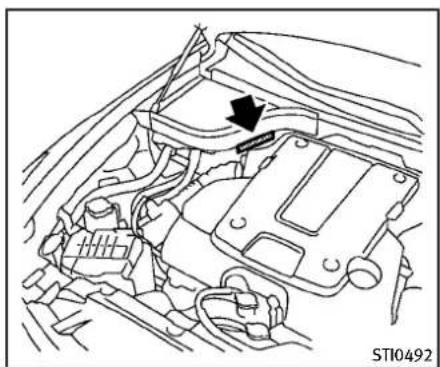
natural_image
Technical line drawing of a car engine bay with an arrow indicating a component (no text or symbols present)VEHICLEIDENTIFICATIONNUMBER (chassisnumber)
Thenumberisstampedasshowninthe enginecompartment.
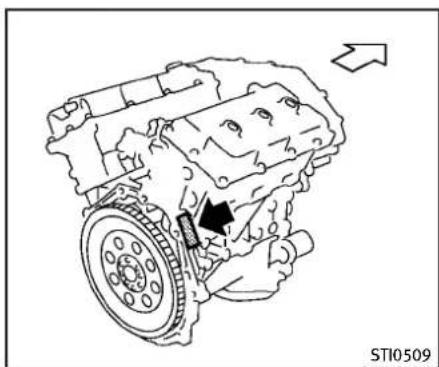
natural_image
Technical line drawing of an internal combustion engine component with a directional arrow indicating motion (no text or symbols present)ENGINESERIALNUMBER
Thenumberisstampedontheengineas shown.
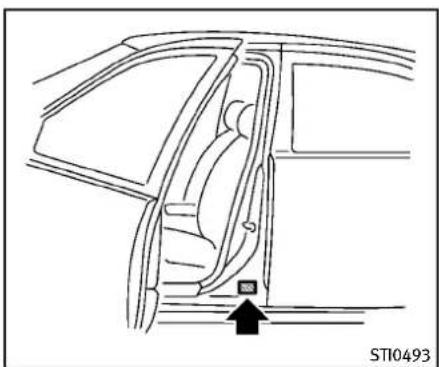
natural_image
Line drawing of a car interior showing the side of the window and seat, with no text or symbols present.Sedan
F.M.V.S.S./C.M.V.S.S.CERTIFICATIONLABEL
TheFederal/CanadianMotorVehicleSafety Standards(F.M.V.S.S./C.M.V.S.S.)certificationlabelisaffixedasshown. Thislabel containsvaluablevehicleinformation, such as: GrossVehicleWeightRatings(GVWR), GrossAxleWeightRating(GAWR), month andyearofmanufacture, VehicleIdentificationNumber(VIN), etc. Reviewitcarefully.
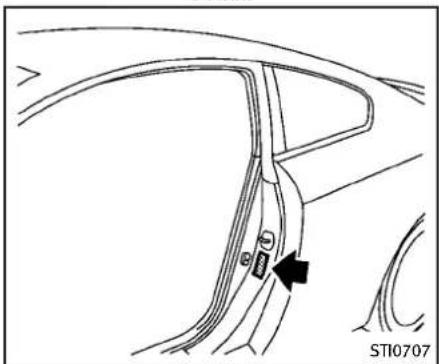
natural_image
Diagram of a car interior showing a handle and seat, with no visible text or symbolsCoupe
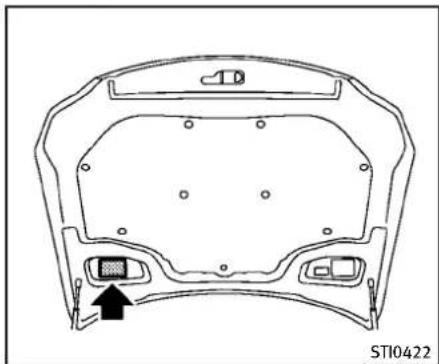
natural_image
Technical line drawing of a vehicle chassis frame with mounting holes and a highlighted sensor component (no text or symbols)EMISSIONCONTROLINFORMATION LABEL
The emission control information label is attached as shown.

natural_image
Diagram of a car interior showing the seatbelt and side panel (no text or symbols)TIREANDLOADINGINFORMATION LABEL
ThecoldtirepressureisshownontheTire andLoadingInformationlabelaffixedto thepillarasillustrated.
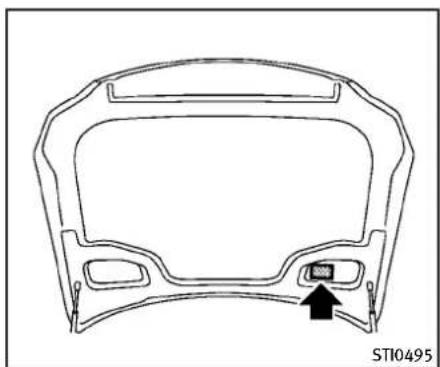
natural_image
Technical line drawing of a car dashboard frame with a black arrow pointing to the front panel (no text or symbols)AIRCONDITIONERSPECIFICATION LABEL
Theairconditionerspecificationlabelis attachedasshown.
9-14 Technical and consumer information
INSTALLINGFRONTLICENSEPLATE
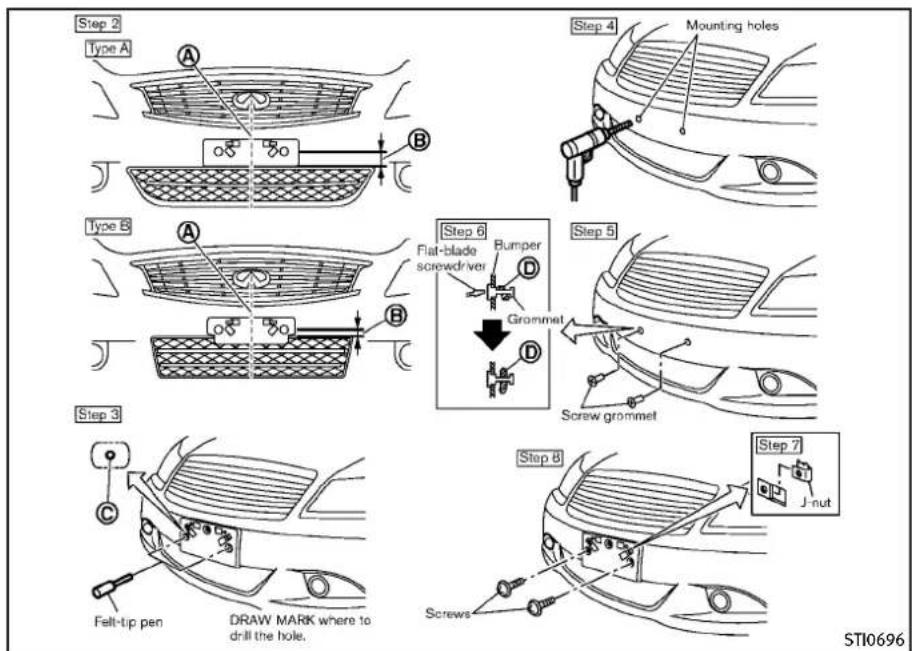
Sedan
Usethefollowingstepstomountthe licenseplate:
Beforemountingthelicenseplate, confirm that the following parts are enclosed in the plastic bag.
●Licenseplatebracket
- J-nut × 2
- Screw × 2
- Screwgrommet × 2
Onlyusetherecommendedmounting position,otherwisetheIntelligentCruise Control(ICC)sensorobstruction(ifso equipped)mayresult.
SEDAN
- Parkthevehicleonflat, levelground.
- Locatethecenterposition Ⓐ as illustrated. Positionthelicenseplate bracketatadistanceofapproximately 0.35in(9mm) Ⓐ fromthebottomof thebumper.Holdthelicenseplate bracketinplace.
3.Markthecenterofthehole witha felt-tippen. - Carefullydrilltwopilotholesusinga 0.39in(10mm)drillbitatthemarked locations.(Besurethatthedrillonly goesthroughthebumperfascia.)
Technicalandconsumerinformation9-15
- Insertgrommetsintotheholeonthe fascia.
- Insertaflat-bladescrewdriver into the grommetholetoadd90°turnontothe part D.
- Insertal-nutintothelicenseplate bracketbeforeplacingthelicenseplate bracketonthefascia.
- Install the license plate bracket with screws.
- Installthelicenseplatewithboltsthat arenolongerthan0.55in(14mm).
9-16 Technical and consumer information
Step 4

text_image
Step 2.3 2-1/2 in (65 mm) 1-5/8 in (40 mm) A Bumper BStep 7

text_image
Mounting holesStep 5
Rear surface of the license plate bracket
Flat-blade screwdriver

Step 8
text_image
Step 8 Screw grommelStep 6
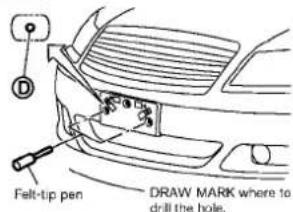
text_image
D Felt-tip pen DRAW MARK where to drill the hole.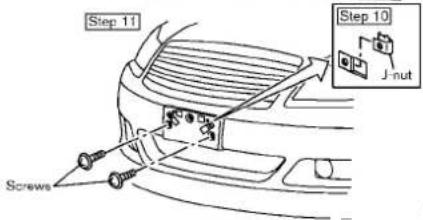
text_image
Step 11 Step 10 J-nut ScrewsSTI0813
Coupe(exceptforINFINITIPerformanceLine,AerodynamicPackagemodels)
COUPE(exceptforINFINITIPerformanceLine,AerodynamicPackage models)
-
Parkthevehicleonflat, levelground.
-
Locatethecenterposition indicator onthelowerpartofthegrille.Measure straightdownfromtheedgewherethe bumperandgrillemeettothealigning holes Ⓗ,keepingthetapemeasure linedupwiththecenterposition indicator.
3.Marktheholes Ⓑ withafelt-tippen.
-
For Sports models: Carefully drill the two aligning holes using a 0.39 in (10mm) drill bit at them marked locations. (Besure that the drill only goes through the bumper fascia.)
-
For Sports models: Lineupthe bosses © or license plate bracket with the holes and hold the license plate bracket in place.
6.Markthecenteroftheholes felt-tippen.
D witha
- Carefullydrillthetwopilothelesusing a0.39in(10mm)drillbitatthemarked locations.(Besurethatthedrillonly goesthroughthebumperfascia.)
Technicalandconsumerinformation9-17
- Insertgrommets into the hole on the fascia.
- Insertaflat-bladescrewdriver into the grommetholetoadd 90° turnonto the part Ⓔ.
- Insertal-nutintothelicenseplate bracketbeforeplacingthelicenseplate bracketonthefascia.
- Install the license plate bracket with screws.
- Installthelicenseplatewithboltsthat arenolongerthan0.55in(14mm).
9-18 Technical and consumer information
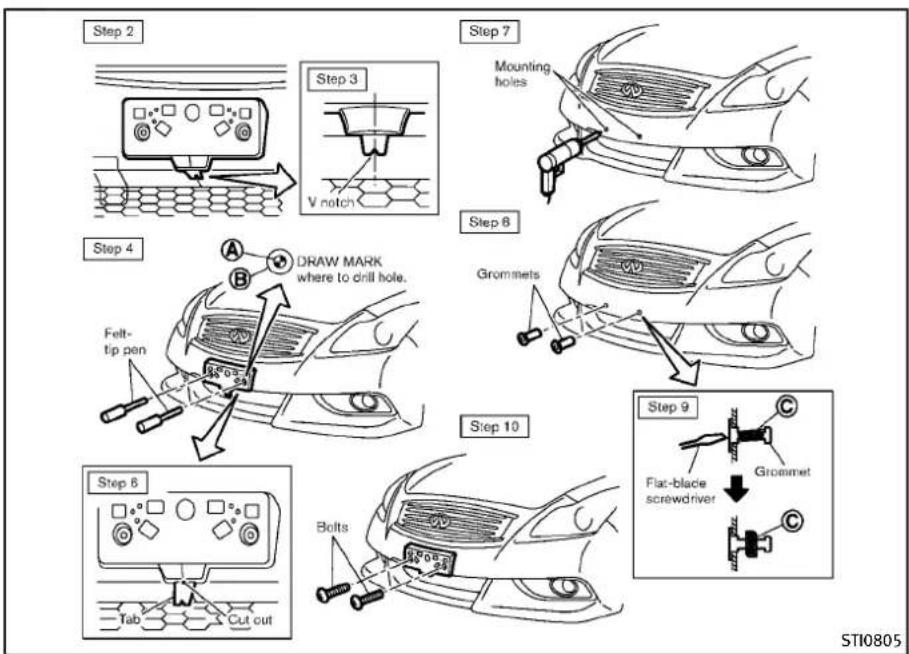
text_image
Step 2 Step 3 Mounting holes V notch Step 7 Step 8 Grommets Step 4 DRAW MARK where to drill hole. Felt- tip pen Step 10 Step 6 Tab Cut cut Bolts Flat-blade screwdriver Grommet STI0805Coupe(INFINITIPerformanceLine,AerodynamicPackagemodels)
COUPE(INFINITIPerformanceLine, AerodynamicPackagemodels)
- Parkthevehicleonflat, levelground.
- Temporarily fit the license plate bracket on the center of the front bumper fascia.
- For horizontal position adjustment, place and hold the undersidetab of the license plate bracket on the front bumperfasciato align the tab's V notch with the edge of abad on the upper side off front bumperfascia.
- Holdthelicenseplatebracketandmark thepoints Ⓐ onthebumperfacia throughthecenteroftheholes Ⓑ with afelt-tippen.
- Removethelicenseplatebracket.
- Detachthelicenseplatebracket and cuttheundersidetabbyusingacutter.
- Carefully drilltwoshallowpilotheles usinga0.39in(10mm)drillbitat themarkedlocations.(Besurethatthe drillonlygoesthroughthefascia,or damagetothenutmayoccur.)
- InsertGrommetsintotheholeonthe frontbumperfascia.
Technicalandconsumerinformation9-19
VEHICLELOADINGINFORMATION
- Insertaflat-bladescrewdriver into the grommetholetoadda 90° turnonto thepart ©.
- Install the license plate bracket with the bolts.
- Installthelicenseplatewithboltsthat arenotlongerthan0.55in(14mm).

WARNING
- Itisextremelydangeroustoride inacargoareainsidethevehicle. Inacollision,peopleridingin theseareasaremorelikelytobe seriouslyinjuredorkilled.
- Donotallowpeopletorideinany area of vehicle that is not equipped with seats and seat belts.
- Be sure everyone in your vehicle is in a seat and using a seat belt properly.
TERMS
It is important to familiarize yourself with the following terms before loading your vehicle:
- Curb Weight (actualweight of your vehicle) -vehicleweightincluding:standardandoptionalequipment,fluids,emergencytools, andsparetire assembly. This
weightdoesnotincludepassengersandcargo.
- GVW(GrossVehicleWeight)-curb weightplusthecombinedweight ofpassengersandcargo.
- GVWR(GrossVehicleWeightRating)- maximumtotal combined weight of the unloaded vehicle, passengers, luggage, hitch, trailer tongue load and any other optionalequipment. This information is located on the F.M.V.S.S./C.M.V.S.S.label.
- GAWR (GrossAxleWeightRating) - maximumweight(load)limitspecified for the front or rear axle. Thisinformationislocatedonthe F.M.V.S.S./C.M.V.S.S.label.
- GCWR(GrossCombinedWeight Rating) -The maximum total weight rating of the vehicle, passengers, cargo, and trailer.
- Vehicle CapacityWeight, Load limit, Total load capacity - maximum total weight limits specified
oftheload(passengersandcargo)forthevehicle. This is the maximum combined weight of occupants and cargothat can be loaded into the vehicle. If the vehicle is used to tow a trailer, the trail is tongue weight must be included as part of the cargoload. This information is located on the Tire and Loading Information label.
- Cargocapacity-permissible weightofcargo, theweightof totaloccupantsweightsubtracted fromtheloadlimit.

text_image
Example 1 Load limit 1,400 lb (640 kg) - (Occupants 150 lb + 150 lb = 300 lb 30 lb (70 kg) (70 kg) (140 kg) (15 kg) Luggage Available cargo and luggage load capacity 1,070 lb (485 kg) Example 2 Load limit 1,400 lb (640 kg) - (Occupants 150 lb x 4 = 600 lb 30 lb x 4 = 120 lb (70 kg) (280 kg) (15 kg) (60 kg) Luggage Available cargo and luggage load capacity 680 lb (300 kg) STI0365VEHICLELOADCAPACITY
Donotexceedtheloadlimitofyour vehicleshownas"Thecombined weightofoccupantsandcargo"on the Tire and Loading Information label. Donotexceedthenumber of occupantsshownas"SeatingCapacity"on the Tire and Loading Information label.
Toget "the combined weight of occupants and cargo", add the weight of allooccupants, then add
thetotalluggageweight.Examples areshownintheillustration.
Stepsfordeterminingcorrectload limit
- Locatethestatement "Thecombinedweightofoccupantsand cargoshouldneverexceedXXXkg orXXXlbs" onyourvehicle's placard.
-
Determinethecombinedweightof thedriverandpassengersthat willberidinginyourvehicle.
-
Subtract the combined weight of the driver and passengers from XXXkgorXXXlbs.
- Theresultingfigureequalsthe availableamountofcargo and luggageeloadcapacity.Forexample,iftheXXXamountequals 1400lbs.andtherewillbefive 150lb.passengersinyourvehicle,theamountofavailablecargo andluggageloadcapacityis650 lbs.(1400-750(5x150)=650 lbsor640-340(5x70)=300 kg.)
- Determinethecombinedweightof luggageandcargobeingloaded onthevehicle.Thatweightmay notsafelyexceedtheavailable cargoandluggageloadcapacity calculatedinStep4.
- If your vehicle will betowing a trailer, load from your trailer will be transferred to your vehicle. Consult this manual to determine how this reduces the available
cargoandluggageloadcapacity of your vehicle.
Beforedrivingloaded vehicle, confirm that you donot exceed the Gross Vehicle Weight Rating (GVWR) or the Gross Axle Weight Rating (GAWR) for your vehicle. (See "Measurement of weights" (P.9-23).)
Alsochecktires for properinflation pressures.SeetheTireandLoading Informationlabel.
LOADINGTIPS
- TheGVWmustnotexceedGVWR orGAWRassspecifiedontheF.M.V. S.S./C.M.V.S.S.certificationlabel.
- Donotloadthefrontandrearaxle totheGAWR.Doingsowillexceed theGVWR.

WARNING
- Properly secure all cargo to help preventitfromslidingorshifting. Donotplacecargohigherthanthe
seatbacks.Inasuddenstopor collision,unsecuredcargocould causepersonalinjury.
- Donotload yourvehicleany heavierthantheGVWRorthe maximumfrontandrear GAWRs. Ifyoudo, partsofyourvehiclecan break, tiredamagecouldoccur, or itcanchangethewayyourvehicle handles. This could result in loss of control and cause personal injury.
- Overloadingcouldnotonlyshort-enthelifeofyourvehicleandthe tires,but also couldlead to hazardousvehiclehandling and long brakingdistance.Thismay causeaprematuretiremalfunction,whichcould resultin a seriousaccidentandpersonalinjury.Failuresc causedbyoverloading are not covered by the vehicle'swarranty.
TOWINGATRAILER
MEASUREMENTOFWEIGHTS
Securelooseitemstoppreventweight shiftsthatcouldaffectthebalanceof yourvehicle.Whenthevehicleis loaded,drivetoascaleandweigh thefrontandtherearwheelsseparatelytodetermineaxleloads.Individual axle loadsshould not exceedeitherofthegrossaxle weightratings(GAWR).Thetotalof theaxleloadsshouldnotexceedthe grossvehicleweightrating(GVWR). Theseratingsaregivenonthe vehiclecertificationlabel.Ifweight ratingsareexceeded,moveorremoveitemstobringallweights belowtheratings.
Yourvehiclewasdesignedtobeusedto carrypassengersandcargo.INFINITIdoes notrecommendtrailertowing,becauseit placesadditionalloadsonyourvehicle's engine,drivetrain,steering,braking,and othersystems.
AnINFINITITowingGuide(U.S.only)is availableonthewebsiteat
www.InfinitiUSA.com. This guide includes information on trail alert towing capability and the speciale equipment required for proper towing.

CAUTION
Vehicledamageresultingfromtowinga trailerisnotcoveredbyINFINITIwarranties.
FLATTOWING
Towingyourvehiclewithallfourwheelson thegroundissometimescalledflattowing. Thismethodissometimesusedwhen towingavehiclebehindarecreational vehicle,suchasamotorhome.

CAUTION
●Failuretofollowtheseguidelinescan resultinseveretransmissiondamage.
- Whenever flattowing your vehicle, al-
waystowforward, never backward.
- DONOTtowanyautomatictransmission vehiclewithallfourwheelsonthe ground(flattowing).DoingsoWILL DAMAGEinternaltransmissionparts duetolackoftransmissionlubrication.
- DONOTtowanAll-WheelDrive(AWD) vehiclewithanyofthewheelsonthe ground.Doingsomaycauseseriousand expensivedamagetothepowertrain.
●Foremergencytowingproceduresrefer to "TowingrecommendedbyINFINITI" (P.6-12) of this manual.
Automatictransmission
All-WheelDrive(AWD)models:
DonottowanAWDvehiclewithanyofthe wheelsontheground.
Two-WheelDrive(2WD)models:
Totowavehiclee equipped with an automatic transmission, an appropriate vehicle
Technical and consumer information
UNIFORMTIREQUALITYGRADING
dollyMUSTbeplacedunderthetowed vehicle'sdrivewheels.Alwaysfollowthe dollymanufacturer'srecommendations whenusingtheirproduct.
Manualtransmission
●AlwayswiththemanualtransmissioninNeutral.
- Yourvehiclespeedshouldneverexceed 70MPH(112km/h)whenflattowing yourvehicle.
- Aftertowing500miles,startandidle theenginewiththetransmission in Neutralfortwominutes.Failureretoidle theengineafterevery500miles of towingmaycausedamagetothe transmission'sinternalparts.
DOT(DepartmentOfTransportation)QualityGrades: Allpassengercartiresmust conformtofederalsafetyrequirementsin additiontothesegrades.
Qualitygradescanbefoundwhereapplicableonthetiresidewallbetweentread shoulderandmaximumsectionwidth. For example:
Treadwear200TractionAATemperatureA
TREADWEAR
Thetreadweargradeisacomparative ratingbasedonthewearrateofthetire whentestedundercontrolledconditions onaspecifiedgovernmenttestcourse. For example, atiregraded150 wouldwearone andone-half(11/2)timesaswellonthe governmentcourseasatiregraded100. Therelativeperformanceoftiresdepends uponactualconditionsoftheiruse, however, and may depart significantly from the normduetovariationsindrivinghabits, servicepracticesanddifferencesinroad characteristics andclimate.
TRACTIONAA,A,BANDC
Thetractiongrades, from highest to lowest, are AA, A, Band C. Those grades represent the tire's ability to stop on wet pavements measured under controlled conditions specified government test surfaces of asphalt and concrete. Atire marked C may have poor traction performance.

WARNING
Thetractiongradeassignedtothistireis basedonstraight-aheadbrakingtraction tests, and does not include acceleration, cornering, hydroplaning, or peaktraction characteristics.
TEMPERATUREA, BANDC
The temperaturegradesA(the highest),B, and C, representing the tire's resistance to thegenerationofheatanditsabilityto dissipateheatwhentestedundercontrolledconditionsonaspecifiedindoor laboratorytestwheel.Sustainedhigh temperaturecancausethematerialofthe tire todegenerateandreducetire life,and excessivetemperaturecanleadtosudden
tirefailure.ThegradeCcorrespondstoa levelofperformancewhichhallpassenger cartiresmustmeetundertheFederal MotorVehicleSafetyStandardNo.109. GradesBandArepresenthigherlevelsof performanceonthelaboratorytestwheel thanheminimumrequiredbylaw.

WARNING
Thetemperaturegradeforthistireis establishedforatirethatisproperly inflatedandnotoverloaded.Excessive speed,under-inflation,oreccessiveloading, eitherseparatelyorincombination,can causeheatbuild-upandpossibletirefailure.
EMISSIONCONTROLSYSTEMWARRANTY
YourINFINITliscoveredbythefollowing emissionwarranties.
L4W4Z5
ForUS:
●EmissionDefectsWarranty
●EmissionsPerformanceWarranty(See WarrantyInformationBookletfordetails.)
ForCanada:
EmissionControlSystemWarranty
Detailsofthesewarrantiesmaybefound withothervehiclewarrantiesinyour WarrantyInformationBooklet(Warranty andRoadsideAssistanceInformation(Canadaonly))thatcomeswithyourINFINITI.If youdidnotreceiveaWarrantyInformation Booklet(WarrantyandRoadsideAssistanceInformation(Canadaonly)),orit hasbecomelost,youmayobtain a replacementbywritingto:
•INFINITIDivision
NissanNorthAmerica, Inc.
ConsumerAffairsDepartment
P.O.Box685003
Franklin,TN37068-5003
●NissanCanadInc.
5290OrbitorDrive
Mississauga,Ontario,
REPORTINGSAFETYDEFECTS
ForUSA
If you believe that your vehicle has a defect which could cause acrashor could cause injury or death, you should immediately inform the National Highway Traffic Safety Administration (NHTSA) in addition to notifying INFINITI.
IfNHTSAreceivessimilarcomplaints, itmayopenaninvestigation,andifit findsthatasafetydefectexistsina groupofvehicles,itmayordera recallandremedycampaign.However,NHTSAcannotbecomeinvolved inindividualproblemsbetweenyou, yourretailer,orINFINITI.
TocontactNHTSA,youmaycallthe VehicleSafetyHotlinetoll-freeat1-888-327-4236(TTY:1-800-424-9153);gotohttp://www.safercar.gov;orwriteto:Administrator, NHTSA,400SeventhStreet,SW., Washington,D.C.20590.Youcan alsoobtainotherinformationabout motorvehiclesafetyfromhttp://
www.safercar.gov.
YoumaynotifyINFINITIbycontacting ourConsumerAffairsDepartment, toll-free, at1-800-662-6200.
ForCanada
If you believe that your vehicle has a defect which could cause acrashor could cause injury or death, you should immediately inform Transport Canada addition to notifying INFINITI.
If Transport Canadareceives complaints, it may open an investigation, and if it finds that a safety defect exists in a group of vehicles, it may request that INFINITI conduct are recall campaign. However, Transport Canadac cannot become involved in individual problems between you, your retailer, or INFINITI.
YoumaycontactTransportCanada's DefectInvestigationsandRecalls Divisiontollfreeat1-800-333-0510. You mayalso reportsafety defects
onlineat:https://wwwapps.tc.gc.ca/Saf-Sec-Sur/7/PCDB-BDPP/Index.aspx.
Additional information concerning motor vehicles safety maybe obtained from Transport Canada's Road Safety Information Centre at 1-800-333-0371 or online at www.tc.gc.ca/road-safety(Englishspeakers) or www.tc.gc.ca/securiteroutiere(Frenchspeakers).
TonotifyINFINITlofanysafetyconcerns please contact our Consumer InformationCentretollfreeat1-800-361-4792.
READINESSFORINSPECTION/ MAINTENANCE(I/M)TEST(USonly)
AvehicleequippedwithAll-WheelDrive (AWD)shouldneverbetestedusingatwo wheeldynamometer(suchasthedynamometersusedbysomestatesforemissions testing),orsimilarequipment.Makesure youinformtestfacilitypersonnelthatyour vehicleisequippedwithAWDbeforeitis placedonadynamometer.Usingthe wrongtestequipmentmayresultintransmissiondamageorunexpectedvehicle movementwhichcouldresultinserious vehicledamageorpersonalinjury.
Duetolegalrequirementsinsomestates/areas, your vehicle may be required to be in what is called the "ready condition" for an inspection/Maintenance (I/M) test of the emission control system.
The vehicle is set to the "ready condition" when it is driven through certain driving patterns. Usually, the "ready condition" can be obtained by ordinary usage of the vehicle.
Ifapowertrainsystemcomponentis repairedorthebatteryisdisconnected, thevehiclemayberesettoa“notready condition”. Beforetakingthel/Mtest, checkthevehicle'sinspection/maintenancetestreadinesscondition. Placethe ignitionswitchintheONpositionwithout
startingtheengine.IftheMalfunction IndicatorLight(MIL)comesonsteadyfor 20 seconds and thenblinksfor 10 seconds,thel/Mtestconditionis"not ready".IftheMILdoesnotblinkafter20 seconds,thel/Mtestconditionis"ready".ContactanINFINITlretailertosetthe "readycondition"ortopreparethevehicle fortesting.
EVENTDATARECORDERS(EDR)
ThisvehicleisequippedwithanEvent DataRecorder(EDR).Themainpurposeof anEDRistorecord,incertaincrashor nearcrash-likesituations,suchasanair bagdeploymentorhittingaroadobstacle, datathatwillassistinunderstandinghow avehicle'ssystemsperformed.TheEDRis designedtorecorddatarelatedtovehicle dynamicsandsafetysystemsforashort periodoftime,typically30secondsor less.TheEDRinthisvehicleisdesignedto recordsuchdataas:
●Howvarious systems in your vehicle were operating;
- Whetherornotthedriverandpassengersafetybeltswerebuckled/fastened;
●Howfar(ifatall)thedriverwas depressingtheacceleratorand/or brakepedal;and,
●Howfastthevehiclewastraveling.
●Soundsarenotrecorded.
Thesedatacanhelpprovideabetter understandingofthecircumstancesin whichcrashesandinjuriesoccur.NOTE: EDRdataarerecordedbyyourvehicleonly ifanontrivialcrashsituationoccurs;no dataarerecordedbytheEDRundernormal drivingconditionsandnopersonaldata
(e.g. name, gender, age and crash location) are recorded. However, other parties, such as law enforcement, could combine the EDR data with the type of personally identifying datar routinely acquired during acrash investigation.
ToreaddatarecordedbyanEDR, special equipmentisrequiredandaccesstothe vehicleortheEDRisneeded.Inadditionto thevehiclemanufacturerandINFINITI retailer,otherparties,suchaslawenforcement,thathavethespecialequipment,canreadtheinformationifthey haveaccesstothevehicleortheEDR.EDR datawillonlybeaccessedwiththe consentofthevehicleownerorlesseeor asotherwiserequiredorpermittedbylaw.
OWNER'SMANUAL/SERVICEMANUAL ORDERINFORMATION
GenuineINFINITIServiceManualforth this modelandpriormodelscanbepurchased. AgenuineINFINITIServiceManualisthe bestsourceofserviceandrepairinformationforyourvehicle.Thismanualisthe sameoneusedbythefactorytrained techniciansworkingatanINFINITIretailer. GenuineINFINITIOwner'sManualcanalso bepurchased.
Inthe USA:
Forcurrentpricingandavailabilityof genuineINFINITIServiceManuals,contact:
1-800-450-9491
www.infiniti-techinfo.com
Forcurrentpricingandavailabilityof genuine INFINITI Owner's Manuals, contact:
1-800-247-5321
InCanada:
TopurchaseacopyofagenuineINFINITI ServiceManualorOwner'sManualforth this modelyearandprior,contactanINFINITI retailer.Forthephonenumberandlocation of an INFINITI retailer in your area call the INFINITISatisfactionCenterat1-800-361-4792andabilingualINFINITIrepresentativewill assistyou.
10Index
Number
4WheelActiveSteer(4WAS)system....5-57
4WheelActiveSteer(4WAS)warninglight.....2-14
A
ABS(Anti-lockBrakingSystem)....5-54
Advancedairbagsystem....1-46
Airbagsystem
Advancedairbagsystem....1-46
Frontpassengerairbagandstatuslight.....1-49
Front-seatmountedside-impactsupplemental
airbagsystem....1-52
Roof-mountedcurtainside-impact
supplementalairbagsystem....1-52
Airbagwarninglabels....1-55
Airbagwarninglight....1-55,2-17
Aircleanerhousingfilter....8-21
Airconditioner
Airconditionerservice....4-41
Airconditionerspecificationlabel....9-14
Airconditioningsystemrefrigerantand
lubricantrecommendations....4-41,9-7
Automaticclimatecontrol....4-31
In-cabinmicrofilter....4-40
Alarm,Howtostopalarm(seevehicle
securitysystem)....2-29
Alcohol,drugsanddriving....5-8
All-wheeldrive(AWD)....5-45
All-wheeldrive(AWD)driving
safetyprecautions....5-8
All-wheeldrive(AWD)warninglight....2-12
Antenna....4-89
Anti-lockBrakingSystem(ABS)....5-54
Anti-lockbrakingsystem(ABS)warninglight....2-13
Appearancecare
Exteriorappearancecare....7-2
Interiorappearancecare....7-4
Armrest....1-13
Ashtrays(Seecigarettelighterandashtrays)....2-44
Audiblereminders....2-19
Audiooperationprecautions....4-41
Audiosystem....4-41
Steeringwheelaudiocontrols....4-87
Autolightsystem....2-35
Automatic
Automaticadjustingfunction
(frontwindows)......2-54
Automaticclimatecontrol....4-32,4-34
Automatictransmissionfluid(ATF)....8-14
Climatecontrol....4-31
Doorlocks....3-6
Drivepositioner....3-3
Drivingwithautomatictransmission....5-14
Moonroof....2-55
Seatpositioner....3-31
Averagefuelconsumptionandspeed....2-26
Avoidingcollisionandrollover....5-6
B
Battery....8-17
Batterysaversystem....2-37
IntelligentKey....8-26
Variablevoltagecontrolsystem....8-19
Beforestartingtheengine....5-12
Belts(Seedrivebelts)....8-19
Bluetooth® hands-freephonesystem
(modelswithnavigationsystem)......4-90
Bluetooth® hands-freephonesystem
(modelswithoutnavigationsystem)......4-100
Bluetooth® streamingaudio....4-70
Brake
Anti-lockBrakingSystem(ABS)....5-54
Brakeandclutchfluid....8-15
Brakefluid....8-15
Brakesystem....5-51
Parkingbrakeoperation....5-20
Warninglight....2-13
Break-inschedule....5-45
Brightnesscontrol
DisplayON/OFFbutton....4-9
Instrumentpanel....2-38
Bulbcheck/instrumentpanel....2-12
Bulbreplacement....8-28

C
Cabinairfilter....4-40
Capacitiesandrecommendedfuel/lubricants.....9-2
CarphoneorCBradio....4-89
Cardholder....2-49
Cargonetretainers....2-51
Catalyticconverter, Threewaycatalyst....5-4
CD/CF/USBmemorycareandcleaning....4-86
Centermulti-functioncontrolpanel....4-3
Childrestraints....1-23
LATCHsystem....1-25
Precautionsonchildrestraints....1-23
Childsafety....1-21
Childsafetyreardoorlock....3-6
Chimes
Audiblereminders....2-19
Seatbeltwarninglightandchime....2-17
Cigarettelighterandashtrays....2-44
Circuitbreaker,Fusiblelink....8-24
Cleaningexteriorandinterior....7-2,7-4
Climatecontrol, Automaticclimatecontrol.....4-31
Clock....2-42
Clutchfluid....8-15
Coathooks....2-50
Cockpit....2-3
Coldweatherdriving....5-58
CompactDisc(CD)player(Seeaudiosystem)...4-60
Compactsparetire....8-43
Compass....2-9
Consolebox....2-48
Controller, Centermulti-functioncontrol panel....4-5
Controls
Controlpanelbutton....4-3
INFINITController....4-5
Coolant
Capacitiesand
recommendedfuel/lubricants....9-2
Changingenginecoolant....8-10
Checkingenginecoolantlevel....8-10
Corrosionprotection....7-6
Cruisecontrol....5-21
Fixedspeedcruisecontrol(onlCCsystem)...5-41
Intelligentcruisecontrol(ICC)system......5-23
Cupholders....2-45
Currentfuelconsumption....2-26
D
Daytimerunninglightsystem....2-37
Defrosterswitch, Rearwindowandoutsidemirror
defrosterswitch....2-34
Dimensions....9-11
Distancetoempty....2-26
Door/trunkopenwarning....2-23
Dotmatrixliquidcrystaldisplay....2-20
Drivebelts....8-19
Drivepositioner....3-31
Driving
All-wheeldrive(AWD)....5-45
Coldweatherdriving....5-58
Drivingwithautomatictransmission....5-14
Drivingwithmanualtransmission....5-18
Precautionswhenstartinganddriving......5-3
DS(DriveSport)mode....5-16
DVDplayeroperation....4-62
E
Economy,Fuel....5-45
Elapsedtime....2-26
Elapsed time and tripodometer....2-26
Emissioncontrolinformationlabel....9-13
Emissioncontrolsystemwarranty....9-25
Engine
Beforestartingtheengine....5-12
Break-inschedule....5-45
Capacitiesand
recommendedfuel/lubricants....9-2
Changingenginecoolant....8-10
Changingengineoilandfilter....8-11
Checkingenginecoolantlevel....8-10
Checkingengineoillevel......8-11
Coolanttemperaturegauge....2-8
Emergencyengineshutoff....5-11
Enginecompartmentchecklocations......8-8
Enginecoolingsystem......8-9
Engineoil....8-11
Engineoilandoilfilterrecommendation......9-6
Engineoilreplacementindicator....2-24
Engineoilviscosity....9-7
Engineserialnumber....9-12
Enginespecifications....9-8
Enginestartoperationindicator(Automatic
Transmissionmodels)......2-22
Enginestartoperationindicator(Manual
Transmissionmodels)....2-23
If your vehicle overheats....6-10
Startingtheengine....5-13
Entry/exitfunction....3-31
EventDataRecorders(EDR)......9-27
Exhaustgas(carbonmonoxide)....5-3
F
F.M.V.S.S./C.M.V.S.S.certificationlabel....9-13
Filter
Aircleanerhousingfilter....8-21
Changingengineoilandfilter....8-11
Flashers(Seehazardwarningflasherswitch)....2-39
Flattire....6-2
Flattowing....9-23
Floormatcleaning....7-5
Fluid
Automatictransmissionfluid(ATF)....8-14
Brakeandclutchfluid....8-15
Brakefluid....8-15
Capacitiesand
recommendedfuel/lubricants....9-2
Enginecoolant....8-9
Engineoil....8-11
Powersteeringfluid....8-14
Windowwasherfluid....8-16
FM-AM-SATradiowithCompactDisc
(CD)player....4-57
Foglightswitch....2-39
Frontpassengerairbagandstatuslight......1-49
Frontpowerseatadjustment....1-3
Frontseat, Frontseat adjustment....1-3
Front-seataactiveheadrestraints....1-12
Fuel
Capacitiesand
recommendedfuel/lubricants....9-2
Fueleconomy....5-45
Fueleconomyinformation(display)......4-11
Fueloctanerating....9-4
Fuelrecommendation....9-4
Fuel-fillercap....3-23
Fuel-fillerdoor....3-23
Gauge....2-9
LOOSEFUELCAPwarning....3-25
Fuses....8-24
Fusiblelinks....8-24
G
Garagedooropener, HomeLink ^15
UniversalTransceiver....2-59
Gascap....3-23
Gauge....2-6
Enginecoolanttemperaturegauge....2-8
Fuelgauge....2-9
Odometer....2-7
Speedometer....2-7
Tachometer....2-8
Tripcomputer....2-26
Generalmaintenance....8-3,8-4
Glovebox....2-47
Golfbagstowing....2-51
H
Hands-freephonesystem,Bluetooth®
(modelswithnavigationsystem)......4-90
Hands-freephonesystem,Bluetooth ^®
(modelswithoutnavigationsystem)......4-100
Hazardwarningflasherswitch....2-39
Headrestraints....1-9
Headlights
Bulbreplacement....8-30
Headlightswitch....2-35
Xenonheadlights....2-34
Heatedseats....2-40
Heater, Automaticclimatecontrol....4-31
HomeLink® UniversalTransceiver....2-59
Hoodrelease....3-18
Hook,Coathooks....2-50
Horn....2-40
|
Ignitionswitch
(Push-button)......5-9
Manualtransmissionmodels....5-18
Immobilizersystem....2-30
In-cabinmicrofilter....4-40
Indicator
Dotmatrixdisplay....2-20
Lights....2-18
INFINITIVehicleImmobilizerSystem....2-30
INFINITlvoicerecognitionsystem....4-114
INFObutton....4-9
Insidemirror....3-28
Inspection/maintenance(I/M)test....9-27
Instrumentbrightnesscontrol....2-38
Instrumentpanel....2-4
Intelligentcruisecontrol(ICC)system....5-23
Previewfunction....5-44
IntelligentCruiseControl(ICC)system
warninglight....2-15
IntelligentKey....3-2
IntelligentKeybatterydischargeindicator.....2-22
IntelligentKeyinsertionindicator....2-22
IntelligentKeyremovalindicator....2-22
IntelligentKeysystem....3-7
Batteryreplacement....8-26
Keyoperatingrange....3-8
Keyoperation....3-10
Warninglight....2-15
Warningsignals....3-12
IntelligentKeywarninglight....2-15
Interiorlightcontrolswitch....2-57
Interiorlightreplacement....8-30
Interiorlights....2-56
Interiortrunklidrelease....3-21
iPod ^® playeroperation....4-75
ISOFIXchildrestraint....1-25
J
Jumpstarting....6-8
K
Keylessentry(Seeremotekeyless
Foglightswitch....2-39
Headlightswitch....2-35
Headlightsbulbreplacement....8-30
Indicatorlights....2-18
Interiorlightcontrolswitch....2-57
Interiorlights....2-56
Maplights....2-56
Replacement....8-28
Trunklight....2-59
Vanitymirrorlights....2-58
Warning/indicatorlightsand
audiblereminders....2-12
Xenonheadlights....2-34
Lights, Exterior and interior light replacement...8-30
Loadinginformation(Seevehicle
loadinginformation)......9-20
Lock
Automaticdoorlocks....3-6
Doorlocks....3-4
Lockingwithmechanicalkey....3-4
Lowfuelwarning....2-23
Lowtirepressurewarninglight....2-15
Lowtirepressurewarningsystem
(Seetirepressuremonitoringsystem(TPMS)).....5-4
Lowwasherfluidwarning....2-23
M
Maintenance
Battery....8-17
Generalmaintenance....8-3,8-4
Indicatorsformaintenance....2-24
Insidethevehicle....8-4
Maintenance precautions....8-6
Maintenancerequirements....8-3
Outsidethevehicle....8-4
Seatbeltmaintenance....1-21
Malfunctionindicatorlight(MIL)....2-18
Maplights....2-56
Masterwarninglight....2-16
Mechanicalkey(IntelligentKeysystem)....3-3
Memorystorage, Automaticdrivepositioner.....3-33
Meter, Tripcomputer....2-26
Metersandgauges....2-6
Instrumentbrightnesscontrol....2-38
Mirror
Insidemirror....3-28
Outsidemirrors....3-29
Vanitymirror....3-31
Monitor, Rearviewmonitor....4-23
Moonroof....2-55
N
Newvehiclebreak-in....5-45
Nokeywarning....2-22
0
Odometer....2-7
Off-roadrecovery....5-7
Oil
Capacitiesand
recommendedfuel/lubricants....9-2
Changingengineoilandfilter....8-11
Checkingengineoillevel....8-11
Engineoil....8-11
Engineoilviscosity....9-7
Oilfilterreplacementindicator....2-24
Operation, Indicators for operation....2-22
Outsideairtemperature....2-27
Outsidemirrors....3-29
Overheat, If your vehicle overheats....6-10
Owner's Manual/ServiceManual
orderinformation....9-28
P
Panicalarm....3-15
Parking
Brakebreak-in....5-51
Parkingbrakeoperation....5-20
Parkingbrakereleasewarning....2-23
Parkingonhills....5-47
Personallights....2-57
Phone
Bluetooth® hands-freephonesystem
(modelswithnavigationsystem)......4-90
Bluetooth ^® hands-freephonesystem
(modelswithoutnavigationsystem)......4-100
CarphoneorCBradio....4-89
Power
Frontseatadjustment....1-3
Powerwindows....2-52
Precautions
Audiooperation....4-41
Brakingprecautions....5-51
Childrestraints....1-23
Cruisecontrol....5-21
Maintenance....8-6
Seatbeltusage....1-14
Supplementalrestraintsystem....1-41
Whenstartinganddriving....5-3
Pre-crashseatbelts....1-16
Predictivecourselinesettings....4-29
Previewfunction....5-52
Previewfunction(forIntelligentcruise
controlsystem)....5-44
PreviewFunctionwarninglight....2-16
Pushstarting....6-10
Pushwarning(Automatic
Transmissionmodels)....2-22
Push-buttonignitionswitch....5-9,5-10
R
Radio....4-41
CarphoneorCBradio....4-89
FM-AM-SATradiowithCompactDisc
(CD)player....4-57
Rain-sensingautowipersystem....2-33
Rapidairpressureloss....5-7
Readinessforinspection/maintenance(I/M)test
(USonly)....9-27
Reardoorlock,Childsafetyreardoorlock......3-6
Rearseats....1-7
Rearwindowandoutsidemirror
defrosterswitch....2-34
Rearviewmonitor....4-23
Recorders, Eventdata....9-27
Registeringyourvehicleinanothercountry.....9-11
Remotekeylessentrysystem....3-14
Reportingsafetydefects....9-26
Roadsideassistanceprogram....6-2
Rollover....5-6
Roof, Moonroof....2-55
5
Safety
Childseatbelts....1-21
Satelliteradiooperation....4-58
Seatadjustment
Frontpowerseatadjustment....1-3
Frontseats....1-3
Seatbelt(s)
Childsafety....1-21
Infants....1-22
Injuredpersons....1-16
Largerchildren....1-22
Precautionsonseatbeltusage....1-14
Pre-crashseatbelts....1-16
Pregnantwomen....1-16
Seatbeltcleaning....7-6
Seatbeltextenders....1-20
Seatbeltmaintenance....1-21
Seatbeltwarninglightandchime....2-17
Seatbelts....1-14
Seatbeltswithpretensioners....1-54
Shoulderbeltheightadjustment....1-19
Smallchildren....1-22
Three-pointtype....1-16
Seatsynchronizationfunction....3-32
Seat(s)
Driver-sidememory....3-31
Heatedseats....2-40
Seats....1-2
Securitysystem
(INFINITIVehicleImmobilizerSystem),
Enginestart....2-30
Securitysystem,Vehiclesecuritysystem......2-28
Selectorlever, Shiftlockrelease....5-17
Servicingclimatecontrol....4-41
SETTINGbutton....4-14
Shiftlockrelease,Transmission....5-17
Shift"P"warning(Automatic
Transmissionmodels)....2-22
Shifting
Automatictransmission....5-14
Manualtransmission....5-18
Shoulderbeltheightadjustment....1-19
Slidingfrontpassenger'sseat....1-5
Snowmodeswitch....2-41
Sonarsystem....5-48
Sonarsystemoffswitch....5-50
Sparetire....9-9
Sparkplugs....8-20
Speedometer....2-7
Starting
Beforestartingtheengine....5-12
Jumpstarting....6-8
Precautionswhenstartinganddriving......5-3
Pushstarting....6-10
Startingtheengine....5-13
STATUSbutton....4-9
Statuslight, Frontpassengerairbag......1-49
Steering
Powersteeringfluid....8-14
Powersteeringsystem....5-50
Steering-wheel-mountedcontrols
foraudio....4-87
Tilt/telescopicsteering....3-26
Storage....2-45
Storagebox....2-50
Stowinggolfbags....2-51
Sunvisors....3-27
Sunglassesholder....2-47
Supplementalairbagwarninglabels....1-55
Supplementalairbagwarninglight.....1-55,2-17
Supplementalrestraintsystem....1-41
Precautionsonsupplemental
restraintsystem....1-41
Switch
Autolightswitch....2-35
Foglightswitch....2-39
Hazardwarningflasherswitch....2-39
Headlightswitch....2-35
Ignitionswitch....5-14
Ignitionswitchmanual
transmissionmodels....5-18
Turnsignalswitch....2-38
Vehicledynamiccontrol(VDC)offswitch.....2-42
T
Tachometer....2-8
Temperaturegauge,Enginecoolant
temperaturegauge....2-8
Theft(INFINITIVehicleImmobilizerSystem),
Enginestart....2-30
Thighextension....1-5
Three-waycatalyst....5-4
Tilt/telescopicsteering....3-26
Tire
Pressure, Lowtirepressurewarninglight....2-15
Tirereplacementindicator....2-24
Tirerotation....8-40
Tires
Flattire....6-2
Lowtirepressurewarningsystem....5-4
Sparetire....8-43
TireandLoadinginformationlabel.....8-34,9-14
Tirechains....8-39
Tiredressing....7-4
Tirepressure....8-33
Tirepressuremonitoring
system(TPMS)....5-4,6-2
Uniformtirequalitygrading....9-24
Wheel/tiresize....9-9
Wheelsandtires....8-33
Touchscreensystem....4-5
Towing
Flattowing....9-23
Towtrucktowing....6-11
Towingatrailer....9-23
TPMS, Tirepressuremonitoringsystem....5-4
TPMS, Tirepressurewarningsystem....6-2
Trailertowing....9-23
Transceiver, HomeLink ^® UniversalTransceiver...2-59
Transmission
Automatictransmissionfluid(ATF)....8-14
Drivingwithautomatictransmission....5-14
Drivingwithmanualtransmission....5-18
Transmissionselectorleverlockrelease.....5-17
Transmitter(Seeremotekeylessentrysystem)...3-14
Travelingorregisteringyourvehiclein
anothercountry....9-11
Tripcomputer....2-26
Tripodometer....2-26
Trunk
Interiortrunklidrelease....3-21
Light....2-59
Pass-through....1-13
Trunklid....3-18
Trunklidreleaseswitch....3-19
Trunknetforextrawindowwasherfluid.....2-51
Trunkopenrequestswitch....3-19
Trunkreleasepowercancelswitch....3-20
Turnsignalswitch....2-38
U
Underbodycleaning....7-3
Uniformtirequalitygrading....9-24
USBmemoryoperation....4-66
V
Vanitymirror....3-31
Vanitymirrorlights....2-58
Variablevoltagecontrolsystem....8-19
Vehicle
Dimensions....9-11
Identificationnumber(VIN)....9-12
Loadinginformation....9-20
Recovery(freeingastuckvehicle)......6-13
Securitysystem....2-28
Vehicledynamiccontrol(VDC)offswitch.....2-42
Vehicledynamiccontrol(VDC)system......5-55
Vehicleinformationandsettings(display).....4-9
Ventilators....4-30
Voicecommand(Bluetooth ^® Hands-Free
PhoneSystem)....4-106
Voicecommand(INFINITvoice
recognitionsystem)....4-121
Voicerecognitionsystem....4-114
Voicerecognition,Alternatecommandmode...4-127
Voicerecognition,Standardmode....4-114
W
Walk-inmechanism....1-6
Warning
Dotmatrixdisplay....2-20
Hazardwarningflasherswitch....2-39
Lights....2-12
Tirepressuremonitoring
system(TPMS)....5-4,6-2
Warning/indicatorlightsand
audiblereminders....2-12
Warninglabels, Airbagwarninglabels.....1-55
Warninglight
Airbagwarninglight....1-55,2-17
All-wheeldrive(AWD)warninglight....2-12
Anti-lockbrakingsystem(ABS)
warninglight....2-13
Brakewarninglight....2-13
IntelligentKeywarninglight....2-15
Lowtirepressurewarninglight....2-15
Seatbeltwarninglightandchime....2-17
Warranty, Emission control system warranty.....9-25
Washerswitch, Windshieldwiperand
washerswitch....2-31
Washing....7-2
Waxing....7-2
Wheel/tiresize....9-9
Wheelsandtires....8-33
Careofwheels....7-3
Cleaningaluminumalloywheels....7-3
Windowwasherfluid....8-16
Window(s)
Automaticadjustingfunction....2-54
Cleaning....7-3
Powerwindows....2-52
Windshieldwiperandwasherswitch....2-31
Wiper
Rain-sensingautowipersystem....2-33
Windshieldwiperandwasherswitch......2-31
Wiperblades....8-22
X
Xenonheadlights....2-34
MEMO
GASSTATIONINFORMATION
FUELRECOMMENDATION:
VQ25HRengine
INFINITIrecommendstheuseofunleaded premiumgasolinewithanoctaneratingof atleast91AKI(Anti-KnockIndex)number (Researchoctanenumber96).
Ifunleaded premium gasoline is not available, you may use unleaded regular gasolinewith an octanerating of at least 87AK Inumber (Research octanenumber 91), but you may notice a decrease in performance.
VQ37VHRengine
Useunleadedpremiumgasolinewithan octaneratingofatleast91AKI(Anti-Knock Index)number(Researchoctanenumber 96).
If premium gasoline is not available, unleaded regular gasolinewith an octane rating of 87AK Inumber (Research octane number 91) may be temporarily used, but only under the following precautions:
●Havethefueltankfilledonlypartially withunleadedregulargasoline,andfill upwithunleadedpremiumgasolineas soonaspossible.
- Avoidfullthrottledrivingandabrupt acceleration.
However, formaximumvehicleperformance, the useofunleadedpremium gasolineisrecommended.

CAUTION
- Usingafuelotherthanthatspecified couldadverselyaffecttheemission controlsystems,andmayalsoaffect warrantycoverage.
- Undernocircumstances should lead gasolinebeused, sincethiswilldamage thethreewaycatalyst.
- DonotuseE-85fuelinyourvehicle.Your vehicleisnotdesignedtorunonE-85 fuel.UsingE-85fuelcandamagethefuel systemcomponentsandisnotcovered bytheINFINITlvehiclelimitedwarranty.
Foradditionalinformation,see“Capacities andrecommendedfuel/lubricants”(P.9-2).
ENGINEOILRECOMMENDATION:
●EngineoilwithAPICertificationMark
-ViscositySAE5W-30
See "Capacitiesandrecommendedfuel/lubricants"(P.9-2)forengineoilandoil filterrecommendation.
COLDTIREPRESSURES:
Thelabelistypicallylocatedonthedriver sidecenterpillaroronthedriver'sdoor. Foradditionalinformation,see"Wheels andtires"(P.8-33).
NEWVEHICLEBREAK-INPROCEDURE SRECOMMENDATION:
During the first 1,200 miles (2,000 km) of vehicle use, follow there recommendations outlined in the "Break-inschedule" (P.5-45) of this Owner's Manual. Follow these recommendations for the futurer reliability and economy of your new vehicle.

text_image
Image displaying a vertical column of evenly spaced black and white horizontal lines, resembling a barcode or data pattern.
INFINITI.