Q60 Coupe (2010) - Car INFINITI - Free user manual and instructions
Find the device manual for free Q60 Coupe (2010) INFINITI in PDF.


User questions about Q60 Coupe (2010) INFINITI
0 question about this device. Answer the ones you know or ask your own.
Ask a new question about this device
Download the instructions for your Car in PDF format for free! Find your manual Q60 Coupe (2010) - INFINITI and take your electronic device back in hand. On this page are published all the documents necessary for the use of your device. Q60 Coupe (2010) by INFINITI.
USER MANUAL Q60 Coupe (2010) INFINITI
For your safety, read carefully and keep in this vehicle.
2010 Infiniti G37 Owner's Manual

INFINITI.
FOREWORD
YourINFINITIrepresentsanewwayofthinking aboutvehicledesign.Itintegratesadvanced engineeringandsuperiorcraftsmanshipwitha simple,refinedaestheticssensitivityassociated withtraditionalJapaneseculture.
Theresultisadifferentnotionofluxuryand beauty. Thecaritselfisimportant, butsoisthe senseofharmonythatthevehicleevokesinits driver, and the senseofsatisfactionyoufeel withtheINFINITI—fromthewayitlooksand drivestothehighlevelofretailerservice.
ToensurethatyouenjoyyourINFINITItothe fullest,weencourageyoutoreadthisOwner's Manualimmediately.Itexplainsallofthefeatures,controlsandperformancecharacteristics ofyourINFINITI;italsoprovidesimportant instructionsandsafetyinformation.
AseparateWarrantyInformationBookletisincludedinyourOwner'sliteratureportfolio.The INFINITIServiceandMaintenanceGuideexplainsdetailsaboutmaintainingandservicing yourvehicle.Alwayscarryitwithyouwhenyou takeyourvehicletoanINFINITIretailer.The WarrantyInformationBookletcontentsprovide completeinformationaboutallwarrantiescoveringthisvehicle,therequirementstokeepthe warrantiesineffectaswellastheINFINITIRoadsideAssistanceprogram.
Additionally,aseparateCustomerCareand LemonLawInformationBookletwillexplainhow toresolveanyconcernsyoumayhavewithyour vehicle,aswellasclarifyyourrightsundryour state'slemonlaw.
READFIRST—THENDRIVESAFELY
Beforedrivingyourvehicle,readyourOwner's Manualcarefully.Thiswillensurefamiliarity withcontrolsandmaintenancerequirements, assistingyouinthesafeoperationofyour vehicle.

WARNING
IMPORTANT SAFETY INFORMATION REMINDERS FOR SAFETY!
Followtheseimportantdrivingrulestohelp ensureasafeandcomfortabletripforyouand yourpassengers!
- NEVERdriveundertheinfluenceofalcohol drugs.
- ALWAYSObservepostedspeedlimitsand neverdrivetoofastforconditions.
- ALWAYSgiveyourfullattentiontodriving andavoidusingvehiclefeaturesortaking otheractionsthatcoulddistractyou.
- ALWAYSuseyourseatbeltsandappropriate childrestraintsystems.Pre-teenchildren shouldbeseatedintherearseat.
- ALWAYSprovideinformationaboutthe properuseofvehiclesafetyfeaturestoall occupantsofthevehicle.
- ALWAYSreviewthisOwner'sManualforimportantsafetyinformation.
MODIFICATIONOFYOURVEHICLE
This vehicles should not be modified. Modification could affect its performance, safety or durability, and may even violate governmental regulations. In addition, damage or performance problems resulting from modification will not be recovered under the INFINITI warranties.
WHENREADINGTHEMANUAL
Thismanualincludesinformationforalloptions availableonthismodel.Therefore,youmayfind someinformationthatdoesnotapplytoyour vehicle.
Allinformation, specifications and illustrations in this manual are those ineffect at the time of printing. INFINITI reserve theright to change specifications or design at any time without notice.
IMPORTANT INFORMATION ABOUT THISMANUAL
Youwillseevarioussymbolsinthismanual. Theyareusedinthefollowingways:
WARNING
Thisisusedtoindicatethepresenceofahazardthatcouldcausedeathorseriouspersonal injury.Toavoidorreducetherisk,theproceduresmustbefollowedprecisely.
CAUTION
Thisisusedtoindicatethepresenceofahazardthatcouldcauseminorormoderatepersonalinjuryordamagetoyourvehicle.Toavoid orreducetherisk,theproceduresmustbefol- lowedcarefully.

natural_image
Simple X-shaped diagram with diagonal stripes (no text or symbols)SIC0697
If you seethesymbol above, it means "Donot do this" or "Donot let this happen".


If you see as symbols similar to those above in an illustration, it means the arrow point to the front of the vehicle.


Arrowsinanillustrationthataresimilarto thoseaboveindicatemovementoration.


Arrowsinanillustrationthataresimilarto thoseabovecallattentiontoaniteminthe illustration.
CALIFORNIAPROPOSITION65 WARNING
WARNING
EngineExhaust, someofitsconstituents, and certainvehiclecomponentscontainoremit chemicalsknowntotheStateofCaliforniato causecancerandbirthdefectsorotherreproductiveharm. In addition, certainfluidscontainedinvehiclesandcertainproductsofcomponentwearcontainoremitchemicalsknown totheStateofCaliforniatocausecancerand birthdefectsorotherreproductiveharm.
CALIFORNIAPERCHLORATEADVISORY
Somevehicleparts,suchaslithiumbatteries,may containperchloratematerial.Thefollowingadvisoryisprovided:"PerchlorateMaterial-special handlingmayapply,Seewww.dtsc.ca.gov/hazardouswaste/perchlorate."

Bluetooth®
BLUETOOTH®isatrademarkownedbyBluetooth SIG, Inc., U.S.A. and licensed to Visteon Corporation and Clarion Co., Ltd.

gracenote.
Gracenote®isaregistered trademarkofGracenote, Inc.TheGracenotelogo andlogotype,andthe "PoweredbyGracenote" logoaretrademarksof Gracenote.

XMRadio® requires subscription. Not available in Alaska, Hawaiior Guam. Formoreinformation, visit www.xmradio.com.

INFINITI®
Both INFINITI and your INFINITI retailer are dedicated to serving all your automotive needs. Your satisfaction with your vehicle and your INFINITI retailer are our primary concerns. Your INFINITI retailer is always available to assist you with all your automobile sales and service needs.
However, if there is something that your INFINITI retailercannot assist you with you would like to provide INFINITI directly with comments or questions, please contact our (INFINITI's) Consumer Affairs Department using our toll-free number:
ForU.S.customers
1-800-662-6200
ForCanadiancustomers
1-800-361-4792
The Consumer Affairs Department will ask for the following information:
-Yourname,address,andtelephonenumber
-Vehicleidentificationnumber(ondash panel)
-Dateofpurchase
-Currentodometerreading
-YourINFINITlretailer'sname
-Yourcommentsorquestions
OR
YoucanwritetoINFINITIwiththeinformationon theleftat:
ForU.S.customers
INFINITIDivision
NissanNorthAmerica,Inc.
ConsumerAffairsDepartment
P.O.Box685003
Franklin,TN37068-5003
ForCanadiancustomers
INFINITIDivision
NissanCanadaInc.
5290OrbitorDrive
Mississauga,OntarioL4W4Z5
Tableof Contents
| Illustratedtableofcontents | 0 |
| Safety—Seats,seatbeltsandsupplementalrestraintsystem | 1 |
| Instrumentsandcontrols | 2 |
| Pre-drivingchecksandadjustments | 3 |
| Monitor,climate,audio,phoneandvoicerecognitionsystems | 4 |
| Startinganddriving | 5 |
| Incaseofemergency | 6 |
| Appearanceandcare | 7 |
| Maintenanceanddo-it-yourself | 8 |
| Technicalandconsumerinformation | 9 |
| Index | 10 |
0Illustratedtableofcontents
Seats,seatbeltsandsupplementalrestraint
system(SRS).... 0 - 2
Exteriorfront.... 0-3
Sedan....0-3
Coupe....0-4
Exteriorrear.... 0 - 5
Sedan....0-5
Coupe....0-6
Passengercompartment.... 0 - 7
Sedan....0-7
Coupe....0-8
Cockpit. 0-9
Instrumentpanel.... 0-10
Metersandgauges....0-11
Enginecompartment. 0-12
VQ37VHRengine.... 0-12
Warningandindicatorlights.... 0-13
SEATS, SEATBELTSANDSUPPLEMENTAL RESTRAINTSYSTEM(SRS)

text_image
1 2 3 4 5 6 7 8 9 10 11 12 SSI0667- Supplementalfront-impactairbags (P.1-40)
- Frontseat-mountedside-impact supplementalairbags(P.1-40)
3.Seatbelts(P.1-12)
4.Headrestraints(P.1-9)
0-2 Illustratedtableofcontents
5.Roof-mountedcurtainside-impact supplementalairbags(P.1-40)
6. Childrestraintanchorpoints(fortop tetherstrapchildrestraint)(P.1-24)
7. Occupantclassificationsensor (patternsensor)(P.1-45)
8.Frontseats(P.1-3)
9.Seatbeltswithpretensioners(P.1-52)
10. Rearseatwalk-inmechanism(Coupe) (P.1-6)
11. Rearseats(P.1-7) —Childrestraints(P.1-20)
12. LATCH(LowerAnchorsandTethersfor CHildren)system(P.1-22)
EXTERIORFRONT
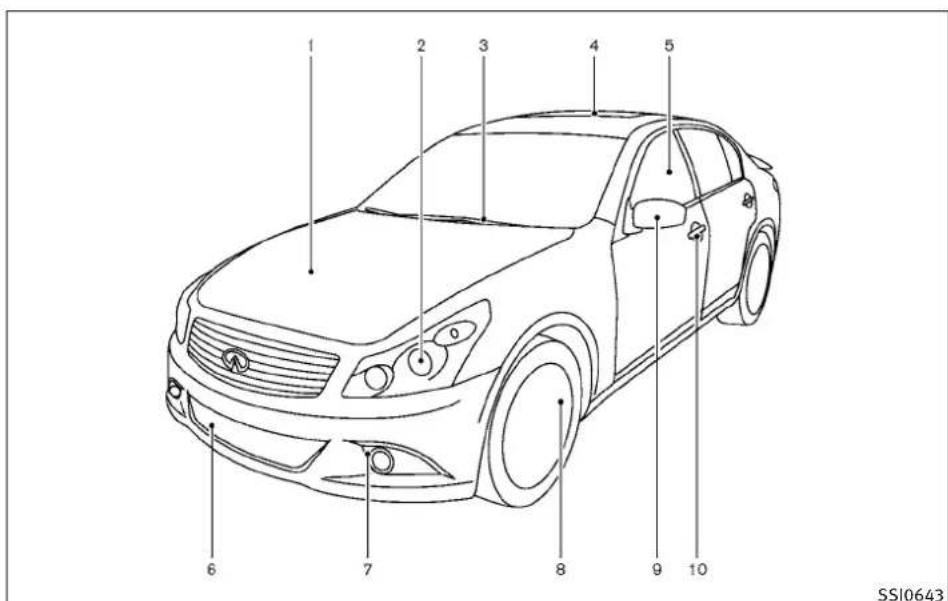
text_image
1 2 3 4 5 6 7 8 9 10 SSI0643SEDAN
1.Hood(P.3-17)
2.Headlightandturnsignal
-Operation(P.2-32)
—Bulbreplacement(P.8-16)
3.Windshieldwiperandwasher
-Operation(P.2-30)
—Maintenance(P.8-18)
4.Moonroof(ifsoequipped)(P.2-52)
5.Powerwindows(P.2-49)
6.Recoveryhook(P.6-13)
7.Foglight(P.2-37)
8.Tires
—Wheelandtires(P.8-28,P.9-9)
-Flattire(6-2)
—Tirepressuremonitoringsystem
(TPMS)(P.2-14,P.5-3)
- Outsidemirrors(P.3-26)
10.Doors
-Keys(P.3-2)
—Doorlocks(P.3-4)
—IntelligentKeysystem(P.3-7)
—Remotekeylessentrysystem(P.3-14)

text_image
1 2 3 4 5 6 7 8 9 SSI0342COUPE
1.Hood(P.3-17)
2.Headlightandturnsignal
-Operation(P.2-32)
—Bulbreplacement(P.8-23)
—Foglight(P.2-37)
0-4 Illustratedtableofcontents
3.Windshieldwiperandwasher
-Operation(P.2-30)
—Maintenance(P.8-18)
4.Moonroof(ifsoequipped)(P.2-52)
5.Powerwindows(P.2-49)
6.Recoveryhook(P.6-13)
7.Tires
—Wheelandtires(P.8-28,P.9-9)
-Flattire(6-2)
—Tirepressuremonitoringsystem(TPMS)
(P.2-14,P.5-3)
- Outsidemirrors(P.3-26)
9.Doors
-Keys(P.3-2)
—Doorlocks(P.3-4)
—IntelligentKeysystem(P.3-7)
—Remotekeylessentrysystem(P.3-14)
EXTERIORREAR
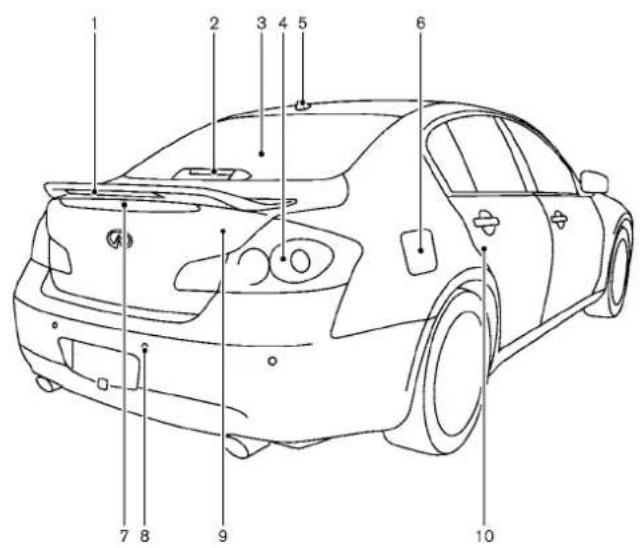
text_image
Technical diagram of a car with numbered parts for identificationSSI0684
SEDAN
-
High-mounted stoplight(model with a rearspoiler)(Bulbreplacement) (P.8-23)
-
High-mounted stoplight(model without a rearspoiler)(Bulbreplacement)(P.8-23)
-
Rearwindowdefroster(P.2-32)
-
Rearcombinationlight (Bulbreplacement)(P.8-23)
5.Satelliteantenna (P.4-40)
6.Fuel-fillerdoor
-Operation(P.3-21)
—Fuelrecommendation(P.9-4)
- Rearviewcamera(ifsoequipped) (P.4-22)
8.Sonarsystem(ifsoequipped)(P.5-46)
9.Trunk
—IntelligentKeysystem(P.3-7)
—Remotekeylessentrysystem(P.3-14)
-Trunklid(P.3-18)
- Childsafetyreardoorlocks(P.3-6)

text_image
1 2 3 4 5 6 7 8 9 SSI0685COUPE
-
High-mounted stoplight(model with a rearspoiler)(Bulbreplacement) (P.8-23)
-
High-mounted stoplight(model without a rearspoiler)(Bulbreplacement)(P.8-23)
0-6 Illustratedtableofcontents
- Rearwindowdefroster(P.2-32)
4.Satelliteantenna(P.4-40) - Rearviewcamera(ifsoequipped) (P.4-22)
6.Trunk
—IntelligentKeysystem(P.3-7)
—Remotekeylessentrysystem(P.3-14)
-Trunklid(P.3-18)
7.Sonarsystem(ifsoequipped)(P.5-46)
8.Rearcombinationlight
(Bulbreplacement)(P.8-16)
9.Fuel-fillerdoor
—Operation(P.3-21)
—Fuelrecommendation(P.9-4)
PASSENGERCOMPARTMENT

text_image
1 2 3 4 5 6 7 8 9 10 11 12 13 14 SSI0668SEDAN
1.Coathooks(P.2-48)
2. Rearpersonallight(P.2-54)
3.Powerwindows(P.2-49)
- Outsidemirrorremotecontrolswitch (P.3-26)
-
Automaticdrivepositionerswitch (ifsoequipped)(P.3-28)
6.Sunvisors(P.3-24) -
Moonroofswitch(ifsoequipped) (P.2-52)
- Maplight(P.2-54)
9.Sunglassesholder(P.2-45) - Insiderearviewmirror
-Operation(P.3-25)
—HomeLink®(ifsoequipped)(P.2-57)
—Compass(ifsoequipped)(P.2-8)
- Trunkpass-through/Reararmrest (P.1-12)
12.Rearcupholders(P.2-43)
13.Consolebox
—Poweroutlet(P.2-41)
—Auxiliaryinputjacks(P.4-81)
—USBinputoperation(ifsoequipped)
(P.4-62)
-iPod® playeroperation
(ifsoequipped)(P.4-71)
14.Frontcupholders(P.2-43)
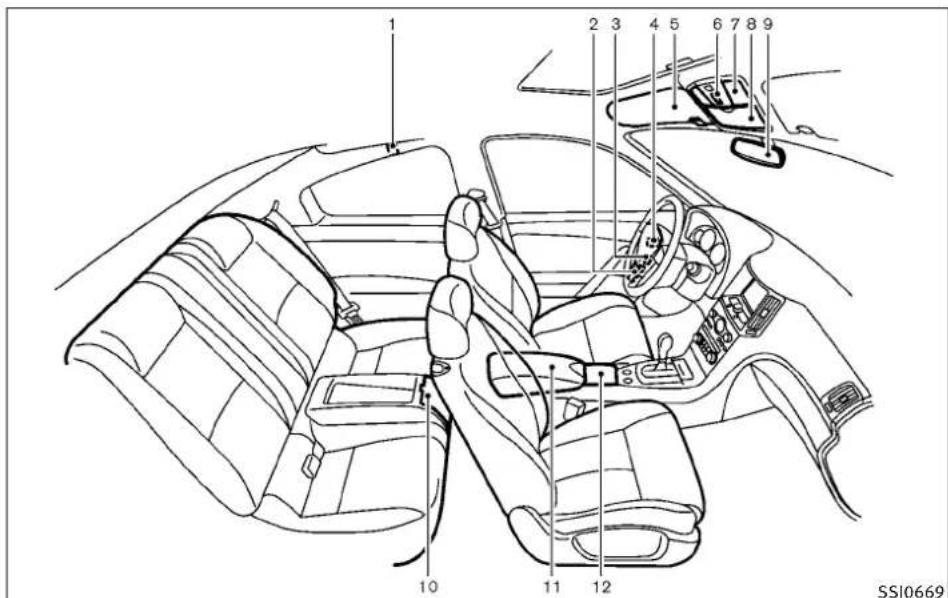
text_image
1 2 3 4 5 6 7 8 9 10 11 12 SSI0669COUPE
1.Coathooks(P.2-48)
2.Powerwindows(P.2-49)
- Outsidemirrorremotecontrolswitch (P.3-26)
0-8 Illustratedtableofcontents
- Automaticdrivepositionerswitch (ifsoequipped)(P.3-28)
5.Sunvisors(P.3-24)
- Moonroofswitch(ifsoequipped) (P.2-52)
7.Maplight(P.2-54)
8.Sunglassesholder(P.2-45)
9.Insiderearviewmirror
-Operation(P.3-25)
—HomeLink®(ifsoequipped)(P.2-57)
—Compass(ifsoequipped)(P.2-8)
10.Rearcupholders(P.2-43)
11.Consolebox
—Poweroutlet(P.2-41)
—Auxiliaryinputjacks(P.4-81)
-USBinputoperation(ifsoequipped)
(P.4-62)
—iPod® playeroperation(ifsoequipped)
(P.4-71)
12.Frontcupholders(P.2-43)
COCKPIT

text_image
1234 5 6 78 9 10 11 12 13 14 15 16 SSI0670- VehicleDynamicControl(VDC)OFFswitch (P.5-53)
2.Trunklidreleaseswitch(P.3-18) -
Sonarsystemoffswitch(ifsoequipped) (P.5-48)
-
Instrument brightness control switch (P.2-36)
5.TRIP/RESETswitchfortwintripodometer (P.2-5) - Headlight, foglight and turnsignal switch (P.2-32)
7.Paddleshifter(ifsoequipped)(P.5-14)
- Steering-wheel-mounted controls (leftside)
—ENTERortuningswitch(P.4-83)
-BACKswitch(P.4-83)
—TALKswitch(ifsoequipped)
(P.4-109)/Phoneswitch(ifsoequipped)
(P.4-85)
—Volumecontrolswitches(P.4-83)
—Sourceselectswitch(P.4-83)
9.Tripcomputerswitch(P.2-24)
10. Windshieldwiperandwasherswitch (P.2-30)
11. Steering-wheel-mounted controls (rightside)
—Cruisecontrolswitches(P.5-19)
—IntelligentCruiseControl(ICC)
switches(ifsoequipped)(P.5-21)
12.Hoodreleasehandle(P.3-17)
13.IntelligentKeyport(P.5-10)
14. Electric tilting/telescopic steering wheel lever (ifsoe equipped) (P.3-23)
15.Manualtilting/telescopicsteeringwheel lever(ifsoequipped)(P.3-23)
16. Steeringwheel
-Horn(P.2-38)
—Driversupplementalairbag(P.1-40)
Illustratedtableofcontents0-9
INSTRUMENTPANEL

text_image
1 2 3 4 5 6 7 8 9 10 11 12 13 14 15 16 17 18 19 20 SSI06711.Sideventilator(P.4-27)
2.Metersandgauges(P.2-4)
3. Centerventilator(P.4-27)
4.Audiosystem(P.4-39)
5. Clock(P.2-40)
0-10 Illustratedtableofcontents
- Centermulti-functioncontrol panel
—Navigationsystem*(ifsoequipped)
—Vehicleinformationandsettingbuttons (P.4-7)
—Bluetooth®Hands-FreePhoneSystem (P.4-85)
—Audiosystem(P.4-39)
- Centerdisplay(P.4-2)/Navigation system*(ifsoequipped)
8.Hazardwarningflasherswitch(P.2-37) - Frontpassengersupplementalairbag (P.1-40)
10.Fuseboxcover(P.8-20) - Parkingbrake
(forAutomaticTransmissionmodels)
—Parking(P.5-18)
12.Push-buttonignitionswitch(P.5-7) - Automaticclimatecontrolsystem (P.4-28)
- Cigarettelighterandashtray (ifsoequipped)(P.2-42)orstoragebox (ifsoequipped)(P.2-47) —Poweroutlet(ifsoequipped)(P.2-41)
- Parkingbrake(forManualTransmission models)
—Parking(P.5-18)
16.Heatedseatswitch(ifsoequipped) (P.2-38)
17.SNOWmodeswitch(ifsoequipped) (P.2-40) - Rearwindowandoutsidemirror (ifsoequipped) defoggerswitch(P.2-32)
19.Gloveboxlidreleasehandle(P.2-45)
METERSANDGAUGES
- Trunkreleasepowercancelswitch (P.3-19)
*:RefertotheseparateNavigationSystem Owner'sManual.
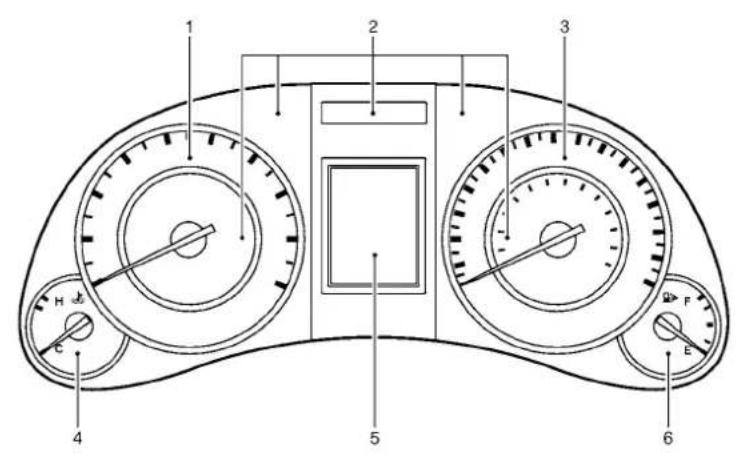
text_image
1 2 3 4 5 6SIC4288
-
Tachometer(P.2-6)
-
Warning/Indicatorlights(P.2-11)
-
Speedometer(P.2-5)
-
Enginecoolanttemperaturegauge (P.2-6)
-
Dotmatrixliquidcrystaldisplay/ Odometer/twintripodometer(P.2-19)
6.Fuelgauge(P.2-7)
Illustratedtableofcontents0-11
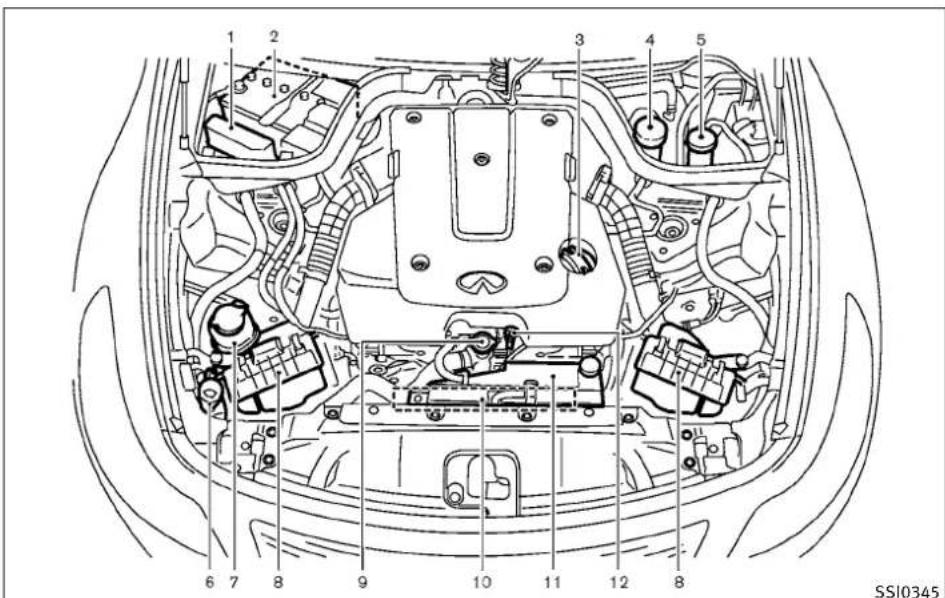
ENGINECOMPARTMENT
text_image
1 2 3 4 5 6 7 8 9 10 11 12 8 SSI0345VQ37VHRENGINE
1.Fuse/fusiblelinkholder(P.8-20)
2.Battery(P.8-13)
- Engineoilfillercap(P.8-8)
4.Brakefluidreservoir(P.8-12)
0-12 Illustratedtableofcontents
- Clutchfluidreservoir
(ManualTransmissionmodels)(P.8-12)
- Windowwasherfluidreservoir(P.8-13)
7.Powersteeringfluidreservoir(P.8-11)
8.Aircleaner(P.8-17)
9.Radiatorfillercap(P.8-7)
10.Drivebelts(P.8-16)
11.Coolantreservoir(P.8-7)
- Engineoildipstick(P.8-8)
WARNINGANDINDICATORLIGHTS
| Warning light | NamePage | |
 | All-WheelDrive(AWD) warninglight(AWD models)* | 2-12 |
 | Anti-lockBrakingSystem(ABS)warninglight | 2-12 |
 | ||
 | AutomaticTransmission checkwarninglight | 2-12 |
 | Brakewarninglight2-12 | |
 | ||
 | Chargewarninglight2-13 | |
 | Engineoilpressure warninglight | 2-13 |
| 4WAS | 4WheelActiveSteer (4WAS)warninglight* | 2-13 |
| Warning light | NamePage | |
 | IntelligentCruiseControl(ICC)systemwarninglight(orange)* | 2-14 |
 | IntelligentKeysystem warninglight | 2-14 |
 | Lowtirepressurewarninglight | 2-14 |
 | Masterwarninglight2-15 | |
 | PreviewFunctionwarninglight(orange)* | 2-15 |
 | Seatbeltwarninglight2-16 | |
 | Supplementalairbag warninglight | 2-16 |
| Indicator light | NamePage | |
 | AutomaticTransmission positionindicatorlight* | 2-16 |
 | Frontfoglightindicator light | 2-17 |
 | Frontpassengerairbag statuslight | 2-17 |
 | Highbeamindicator light | 2-17 |
 | MalfunctionIndicator Light(MIL) | 2-17 |
 | Securityindicatorlight2-18 | |
 | Slipindicatorlight2-18 | |
 | LowBeamindicator light(green) | 2-18 |
 | Turnsignal/hazardindicatorlights | 2-18 |
 | VehicleDynamicControl (VDC)offindicatorlight | 2-18 |
*:ifsoequipped
0-14 Illustratedtableofcontents
1Safety—Seats,seatbeltsandsupplemental restraintsystem
Seats....1-2
Frontseats....1-3
Rearseats....1-7
Headrestraints....1-9
Armrest(ifsoequipped)....1-12
Seatbelts....1-12
Precautionsonseatbeltusage....1-12
Childsafety....1-15
Pregnantwomen....1-16
Injuredpersons....1-16
Pre-crashseatbelts(frontseats)
(ifsoequipped)....1-16
Three-pointtypeseatbelt....1-16
Seatbeltextenders.... 1-20
Seatbeltmaintenance.... 1-20
Childrestraints.... 1-20
Precautionsonchildrestraints....1-21
LowerAnchorsandTethersforChildren
System(LATCH).... 1-22
Toptetherstrapchildrestraint.... 1-24
ChildrestraintinstallationusingLATCH....1-25
Childrestraintinstallationusingtheseat
belts....1-29
Boosterseats....1-35
Precautionsonboosterseats....1-35
Boosterseatinstallation.... 1-38
Supplementalrestraintsystem.... 1-40
Precautionsonsupplementalrestraint
system.... 1-40
INFINIT|AdvancedAirBagSystem
(frontseats)....1-45
Frontseat-mountedside-impact
supplementalairbagandroof-mounted
curtainside-impactsupplementalairbag
systems.... 1-50
Seatbeltswithpretensioners(frontseats).....1-52
Supplementalairbagwarninglabels....1-53
Supplementalairbagwarninglight....1-53
Repairandreplacementprocedure....1-54
SEATS
natural_image
Line drawing of a person sitting in a car, showing seatbelt and dashboard (no text or symbols)
natural_image
Diagram showing car seatbelt and passenger inside a vehicle, with no text or symbols presentSSS0133

WARNING
- Donotrideinamovingvehiclewhenthe seatbackisreclined. This can be dangerous. Theshoulderbelt will not be against your body. In an accident, you could be thrown into it and receive neck or other serious injuries. You could also slide under the lap belt and receive serious internal injuries.
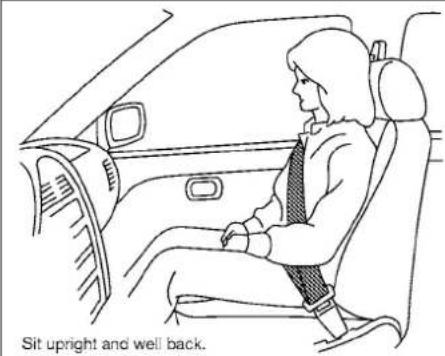
- Forthemosteeffectiveprotectionwhenthe vehicleisinmotion,theseatshouldbeup-right.Alwayssitwellbackintheseatwith bothfeetonthefloorandadjusttheseatbelt properly.See“PRECAUTIONSONSEATBELT USAGE”laterinthissection.
●Afteradjustment, gentlyrockintheseatto makesureitissecurelylocked.
- Donotleavechildrenunattendedinsidethe vehicle. They could unknowningly activate switchesorcontrols. Unattendedchildren could become involved in serious accidents.
- Theseatbackshouldnotbereclinedfurther thannecessaryforcomfort.Seatbeltsare mosteffectivewhenthepassengersitswell backandstraightupintheseat.Iftheseat-backisreclined,theriskofslidingunderthe lapbeltandbeinginjuredisincreased.

CAUTION
When adjusting these seat positions, besurenot to contact anymoving part to avoid possible injuries and ordamages.
1-2 Safety—Seats, seat belts and supplemental restraintsystem
FRONTSEATS
Frontpowerseatadjustment
Operatingtips:
●Thepowerseatmotorhasanauto-reset overloadprotectioncircuit.Ifthemotor stopsduringoperation,wait30seconds, thenreactivatetheswitch.
- Donotoperatethepowerseatswitchfora longperiodoftimewhentheengineisoff. Thiswilldischargethebattery.
See "AUTOMATICDRIVEPOSITIONER" in the "3. Pre-driving checks and adjustments" section for theseatpositionmemoryfunction.

text_image
Diagram illustrating seatbelt usage with labeled parts and directional arrows indicating movement or positioning.Forwardandbackward:
Movingtheswitch ① forwardorbackwardwill slidetheseatforwardorbackwardtothe desiredposition.
canbereclinedtoallowoccupantstorestwhen thevehicleisparked.
Reclining:
Movethereclineswitch ② backwarduntilthe desiredangleisobtained.Tobringtheseatback forwardagain,movetheswitch ② forward.
Therecliningfeatureallowsadjustmentofthe seatbackforoccupantsofdifferentsizesfor addedcomfortandtohelpobtainproperseat beltfit.(See“PRECAUTIONSONSEATBELT USAGE”laterinthissection.)Also,theseatbac
Safety—Seats, seatbeltsandsupplementalrestraintsystem1-3

text_image
SSS1052Seatlifter:
Pushthefrontorrearendoftheswitchupor downtoadjusttheangleofthefrontportionor heightoftheseat.
text_image
SSS1053TypeA
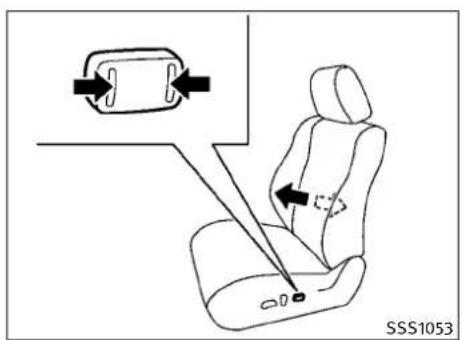
Lumbarsupport(ifsoequipped):
Thelumbarsupportfeatureprovideslowerback supporttothedriver.
TypeA
Pushthefront ① orback ② endoftheswitch toadjusttheseatbacklumbararea.
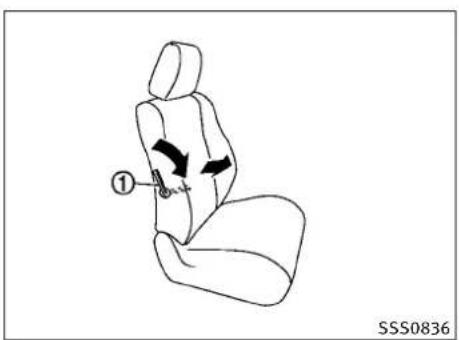
text_image
① SSS0836TypeB
TypeB
Movethelever ① upordowntoadjustthe seatbacklumbararea.
1-4 Safety—Seats, seat belts and supplemental restraintsystem

text_image
① ③ ② ④ ③ ④ ① ② SSS06855SSS0685SSS1057SSS1058

text_image
1057SSS1058Sidesupport(ifsoequipped):
Thesidesupportfeatureprovidesthighand torsosupports.Pushtheswitchinside ① or outside ② toadjustthethigharea.Pushthe switchinside ③ oroutside ④ toadjustthe torsoarea.
Thighextension(ifsoequipped):
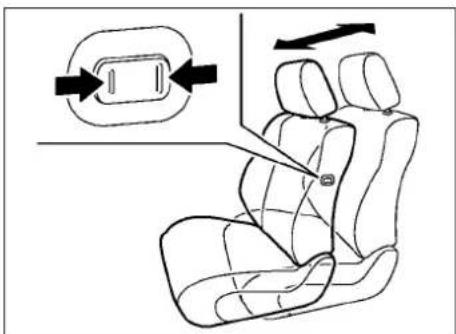
Thefrontportionofthefrontseatscanbe extendedforwardforseatingcomfort.Pullup andholdthelever ① toextendthefront portiontothedesiredposition.
text_image
Diagram showing seatbelt buckle insertion process with directional arrows and labeled partsPassenger'sseatslide(ifsoequipped):
Pushingthepassenger'sseatslideswitchwill slidetheseatforwardorbackwardtothe desiredposition.

text_image
① ② SSS0786Walk-inmechanism(Coupe):
Thisfeaturemakesiteasiertogetinandoutof therearseat. Usethefollowingprocedurewhen gettinginandoutoftherearseat.
If the sunvisoris used, close it to the original position before operating the walk-in feature.
- Pulltheseatbackleverupward ① tofold thefrontseatbackdown.Makesurethat thefrontseatbackiscompletelyfolded down.
2.Toslidethefrontseatforward, firmly pushtheseatbackswitch ②.Thefront seatwillmoveforward.
3.Getinoroutofthevehicle.
1-6 Safety—Seats, seat belts and supplemental restraintsystem
- Toreturnthefrontseattoitsoriginal position, raisetheseatback and push the seatback switch ② again.
- Tostoptheseatsliding, pushtheseatback switch ② againorpushtheseatsliding switch.
●Thefrontpassengerseatwillstopreturning 7.0in(177.6mm)fromitsfront-mostpositiontoretainspaceforthearpassenger.
- Depending on theseat position, the head restraint may contact the roofhead lining during the walk-in operation. Top prevent possible interference, lower these at using these altifters switch.
CAUTION
- When returning these atto its original position, confirm these at and seat back are locked properly.
- Becarefulnottopinchyourhandorfootor bumpyourheadwhenoperatingthewalk-in seat.
●Whileoperatingthewalk-inseat, donotoperatetheseatbackrecliningswitch. There-cliningmotormaybedamaged. - Donotplaceanyobjectsneartheseatback ofthefrontseats. They may be pinched and damaged.
The automatic forwarding and reversing will not work or stop under the following conditions:
- Whenthevehiclespeedisabove4MPH(7 km/h)(driver'sseatonly).
- Whentheseatbeltisfastened.
- WhentheselectorleverisnotintheP(Park) position(AutomaticTransmissionmodel's driver'sseat)ortheparkingbrakeisnot applied(ManualTransmissionmodel'sdriver'sseat).
- Whenthedoorisclosed(automaticforwardingonly).
●Whiletheautomaticdrivepositioneroperates.
- When the automatic drive positioner switches are pushed.
- Whentheseatbackswitchispushed.
- Whentheseatpositionisadjusted.
Notethattheseatmustbemovedtothe front-mostpositionbyoperatingthewalk-in functionortheseatadjustingswitchesafterthe batteryisdisconnected. Otherwise, theseatwill notmovebackwardduringthewalk-infunction.
REARSEATS
Folding(Coupeonly)

WARNING
●Neverallowanyonetorideinthecargoarea orontherearseatwhenitisinthefold-down position.Useoftheseareasbypassengers withoutproperrestraintscouldresultinseriousinjuryinanaccidentorsuddenstop.
●Properlysecureallcargowithropesor strapstohelppreventitfromslidingorshifting.Donotplacecargohigherthantheseatbacks.Inasuddenstoporcollision,unsecuredcargocouldcausepersonalinjury.
- When returning these seat back to the upright position, be certain they are completely secured in the latched position. If they are not completely secured, passengers may be injured in an accident or sudden stop.
- Closelysupervisechildrenwhentheyare aroundcarstopreventthemfromplaying andbecominglockedinthetrunkwherethey couldbeseriouslyinjured.Keepthecar locked,withtherearseatbackandtrunklid securelylatchedwhennotinuse,andpreventchildren'saccesstocarkeys.
Therearseatbackcanbefoldedaccordingto thefollowingprocedure.

text_image
① SSS0220ATofoldfromthetrunk:
- Openthetrunklid.
- Pullthehandle ① locatedontheleftside ofthetrunk.Therearseatbackwillbe unlatched.

text_image
② SSS0219A53.Foldtherearseatbackdown
②.

text_image
Diagram showing seatbelting instructions with labeled parts and directional arrows indicating movementTofoldfromtherearseat:
- Pullthestrap ① locatedatthecenter bottomoftheseatbacksideways.Therear seatbackwillbeunlatched.
2.Foldtherearseatbackdown ②.
natural_image
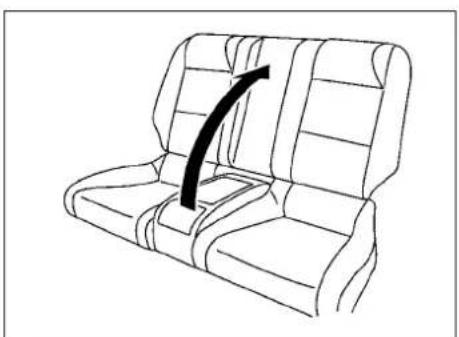
Line drawing of a car seat with an arrow indicating direction (no text or symbols)Toreturntheseatback:
-
Folduptherearseatback.
-
Securelylocktheseatbackinposition.
1-8 Safety—Seats, seatbeltsandsupplementalrestraintsystem
HEADRESTRAINTS

WARNING
Headrestraintssupplementtheothervehicle safetysystems.Theymayprovideadditional protectionagainstinjuryincertainrearend collisions.Adjusttheheadrestraintsproperly, asspecifiedinthissection.Checktheadjustmentaftersomeoneelseusestheseat.Donot attachanythingtotheheadrestraintstalksor removetheheadrestraint.Donotusetheseat iftheheadrestrainthasbeenremoved.Ifthe headrestraintwasremoved,reinstallandproperlyadjusttheheadrestraintbeforeanoccupantusestheseatingposition.Failureretofollow theseinstructionscanreducetheeffectiveness oftheheadrestraints.Thismayincreasethe riskofseriousinjuryordeathinacollision.
natural_image
Top-down line drawing of a car with four compartments and directional arrows (no text or symbols)SSS0989\$SS0992
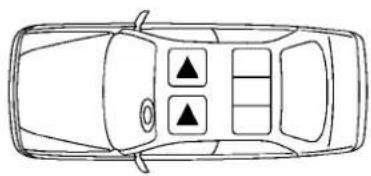
The illustrations show these seating positions equipped with head restraints. The head restraints are adjustable.
▲ Indicate theseating position is equipped with a head restraint.
text_image
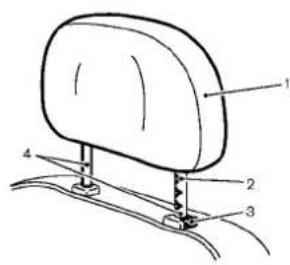
Technical diagram of a mechanical component with numbered parts labeled 1, 2, 3, and 4Components
1.Headrestraint
2. Adjustment notches
3.Lockknob
4.Stalk
natural_image
Side profile illustration of a person seated in a car seat, viewed from the side (no text or symbols)SSS0997SSS0993SSS0994
natural_image
Simple line drawing of a car seat with an upward arrow indicating motion (no text or symbols)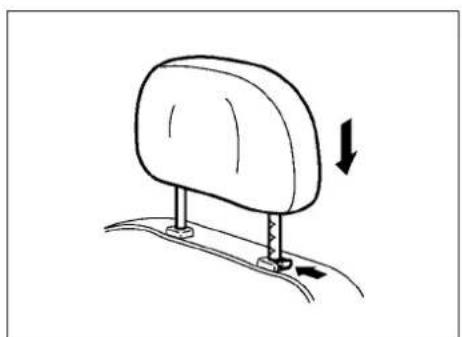
natural_image
Line drawing of a car seatbelt with a downward arrow indicating rotation (no text or symbols)Adjustment
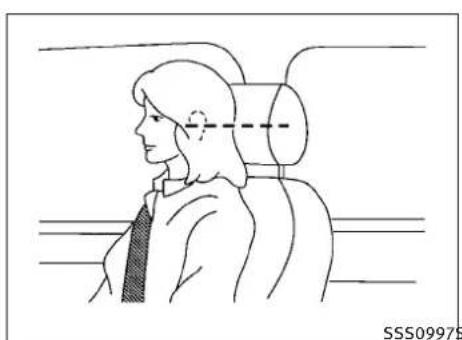
Adjusttheheadrestraintsothecenterislevel withthecenterofyourears.
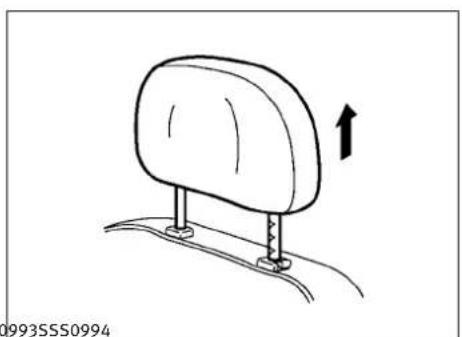
Toraisetheheadrestraint, pullitup. Tolower, pushandholdthelockknobandpush theheadrestraintdown.
1-10 Safety—Seats, seatbeltsandsupplementalrestraintsystem

natural_image
Diagram of a car seat with an upward arrow indicating motion (no text or symbols)SSS0995SSS0996SSS0508
text_image
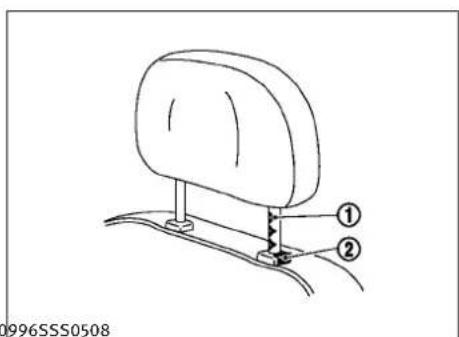
① ② 996SSS0508Removal
Use the following procedure to remove the adjustable head restraints.
- Pulltheheadrestraintuptothehighest position.
2.Pushandholdthelockknob.
3.Removetheheadrestraintfromtheseat. - Storetheheadrestraintproperlyina secureplacesoitisnotlooseinthe vehicle.
Reinstallandproperlyadjusttheheadrestraint beforeanoccupantusestheseatingposition.
Install
- Aligntheheadrestraintstalkswiththe holesintheseat.Makesurethatthehead restraintisfacingthecorrectdirection. Thestalkwiththeadjustmentnotches mustbeinstalledintheholewiththelock knob ②.
- Pushandholdthelockknobandpushthe headrestraintdown.
- Properly adjust the head restraint before an occupant use these seating position.
①

natural_image
Line drawing of a human head in profile with a hand holding a circular object, showing motion direction (no text or symbols)Front-seatActiveHeadRestraints
The Active Head Restraint moves forward utilizing the force that these seat back receives from the occupant in a rear-end collision. The movement of the head restrain help support the occupant's head by reducing its backward movement and helping absorb some of the force that may lead to whiplash-type injuries.
ActiveHeadRestraintsareeffectiveforcollisionsatlowtomediumspeedsinwhichitis saidthatwhiplash-typeinjuryoccursmost.
ActiveHeadRestraintsoperateonlyin certain rear-end collisions. After the collision, the head restraints return to their original positions.
AdjusttheActiveHeadRestraintsproperly as describedearlierinthissection.
Safety—Seats, seatbeltsandsupplementalrestraintsystem1-11
SEATBELTS
natural_image
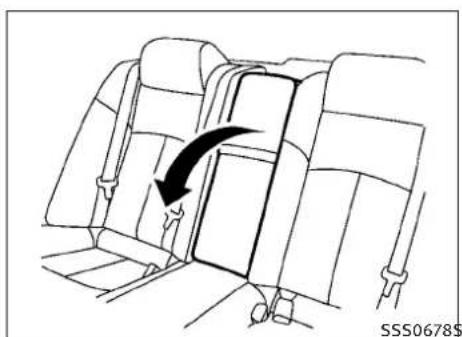
Diagram of a car seatbelt with a black arrow indicating rotation, no text or symbols presentARMREST(ifsoequipped)
Reararmrest
Pullthearmrestforwarduntilitishhorizontal.

text_image
Diagram of a vehicle door handle mechanism with numbered parts and directional arrows indicating motionTrunkpass-through
Therearcenterseatback can be folded to allow trunk access from inside of the vehicle.
Toaccessthetrunk,pulldowntherearcenter armrestandpulloutthetrunkpass-throughlid ①.
Tolockthelid, usethemechanicalkeyandturn ittotheLOCKposition ③.Tounlock, turnthe mechanicalkeytotheUNLOCKposition ②.For themechanicalkeyusage, see "KEYS" in the "3. Pre-driving checks and adjustments" section.
Makesurethatthemechanicalkeyisremoved fromthetrunkpass-throughlidkeycylinder beforeopeningorclosingthelid. Otherwisethe lidandtherearmrestmaybedamaged.
PRECAUTIONSONSEATBELTUSAGE
If you are wearing your seat belt properly adjusted, and you are sitting upright and well back in your seat with both feet on the floor, your chances of being injured or killed in an accident and/or these severity of injury may be greatly reduced. INFINITI strongly encourages you and all of your passenger rest to buckle up every time you drive, even if your seating position includes as supplemental airbag.
MostU.S. states and Canadian provinces or territories specify that seat belts beworn at all times when vehicle is being driven.
1-12 Safety—Seats, seatbeltsandsupplementalrestraintsystem
WARNING
- Everypersonwhodrivesorridesinthisvehicleshoulduseaseatbeltatalltimes.Childrenshouldbeproperlyrestrainedinthe rearseatand,ifappropriate,inachild restraint.
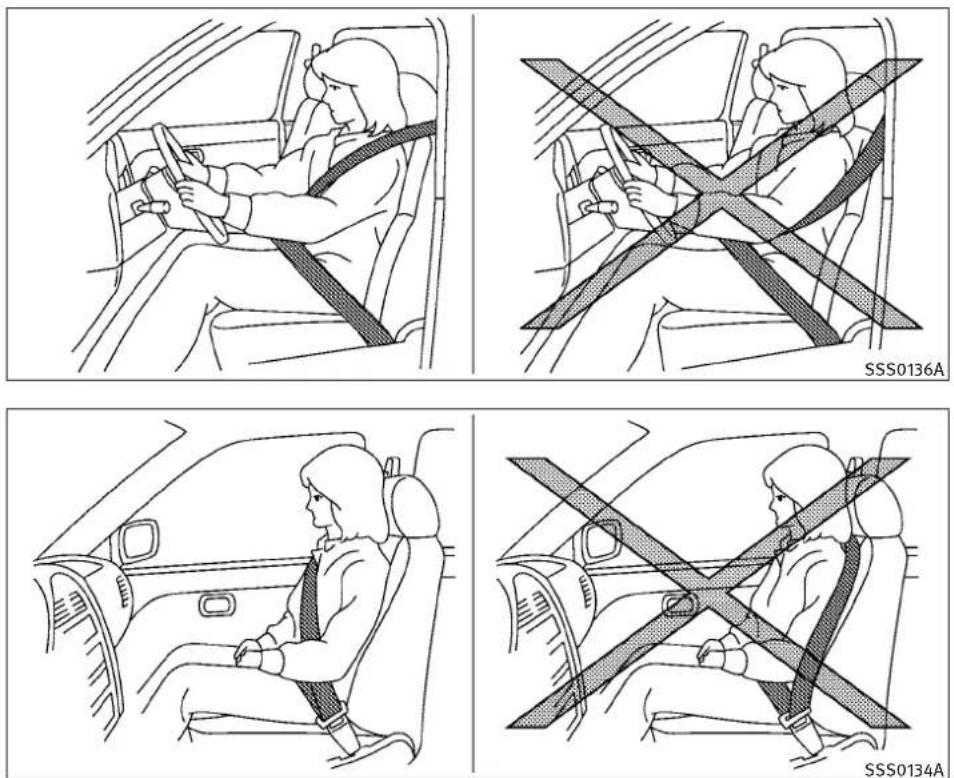
- Theseatbeltshouldbeproperlyadjustedto asnugfit.Failureretodosomayreducethe effectivenessoftheentirerestraintsystem andincreasethechanceorseverityofinjury inanaccident.Seriousinjuryordeathcan occuriftheseatbeltisnotwornproperly.
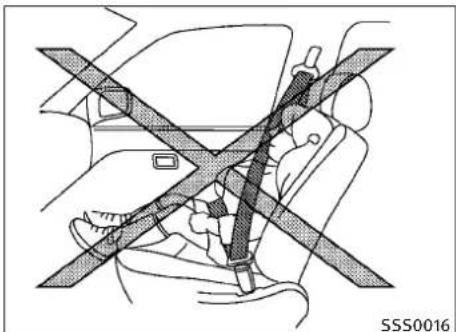
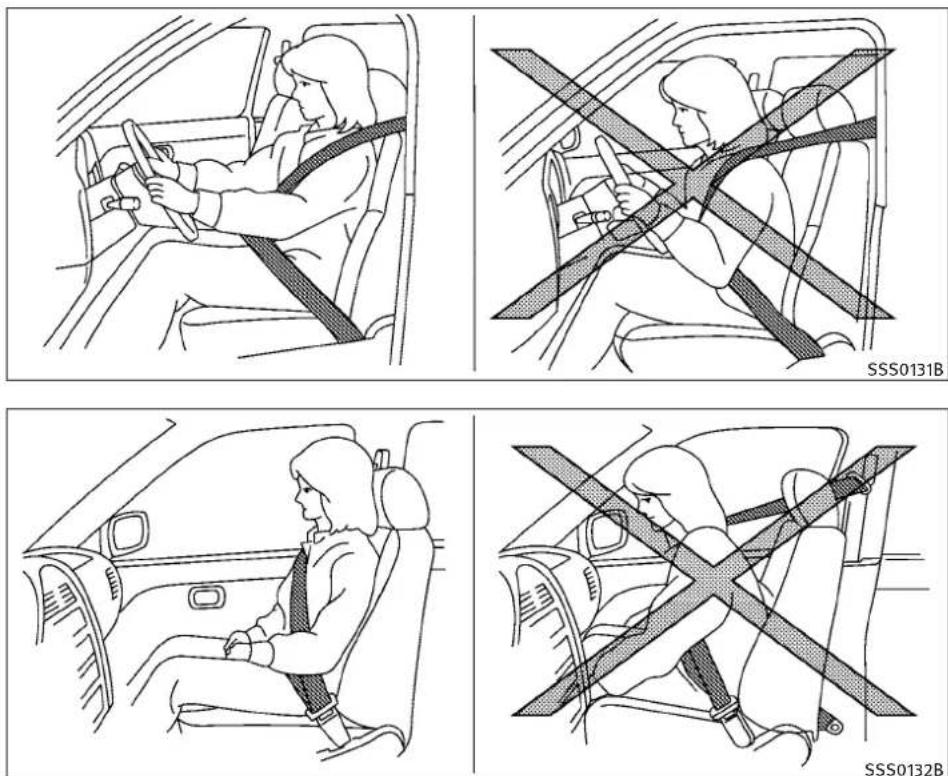
●Alwaysroutetheshoulderbeltoveryour shoulderandacrossyourchest.Neverrun thebeltbehindyourback,underyourarmor acrossyourneck.Thebeltshouldbeaway fromyourfaceandneck,butnotfallingoff yourshoulder. - Positionthelapbeltaslowandsnugas possibleAROUNDTHEHIPS,NOTTHEWAIST. Alapbeltworntoohighcouldincreasethe riskofinternalinjuriesinanaccident.
- Besuretheseatbelttongueissecurelyfastenedtotheproperbuckle.
- Donotweartheseatbeltinsideoutor twisted.Doingsomayreduceits effectiveness.
Safety—Seats, seatbeltsandsupplementalrestraintsystem1-13
- Donotallowmorethanonepersonousethe sameseatbelt.
●Nevercarrymorepeopleinthevehiclethan thereareseatbelts. - If theseatbeltwarninglightglowscontinuouslywhiletheignitionisturnedONwithall doorsclosedandallseatbeltsfastened, it may indicateamalfunctioninthesystem. HavethesystemcheckedbyanINFINITI retailer.
- Nochangesshoubemadetotheseatbelt system. Forexample, donotmodifytheseat belt, addmaterialorinstaldevicesthat may changetheseatbeltroutingortension. Doingsomayaffecttheoperationoftheseat beltsystem. Modifyingortamperingwith theseatbeltsystemmayresultinserious personalinjury.
- Onceaseatbeltpretensionerhasactivated, itcannotbereusedandmustbereplaced togetherwiththeretractor.SeeanINFINITI retailer.
●Removalandinstallationofthepretensioner seatbeltsystemcomponentsshouldbe donebyanINFINITlretailer.
- Allseatbeltassemblies, including retractors and attachinghardware, shouldbeinspectedafteranycollisionbyanINFINITire-tailer.INFINITIrecommendsthatallseatbelt assembliesinuseduringacollisionbere-placedunlesssthecollisionwasminorand thebeltsshownodamageandcontinueto operateproperly.
Seatbeltassembliesnotinuseduringacollisionsshouldalsobeinspectedandreplacedifeitherdamageorimproperoperationis noted.
- Allchildrestraintsandattachinghardware shouldbeinspectedafteranycollision.Alwaysfollowtherestraintmanufacturer'sinspectioninstructionsandreplacementrecommendations.Thechildrestraintsshould bereplacediftheyaredamaged.
natural_image
Diagram of car seatbelt and passenger seatbelt crossed in a cross-section (no text or symbols)
natural_image
Line drawing of a person sitting inside a car with an X-shaped seatbelt (no text or symbols)1-14 Safety—Seats, seatbeltsandsupplementalrestraintsystem
CHILDSAFETY
Childrenneedadultstohelpprotectthem.They needtobeproperlyrestrained.
In addition to the general information in this manual, child safety information is available from many others, including doctors, teachers, government traffic safety offices, and community organizations. Every child is different, sobesure to learn the best way to transport your child.
There are three basic types of child restraint systems:
●Rear-facingchildrestraint
●Front-facingchildrestraint
- Boosterseat
Theproperrestraintdependsonthechild's size.Generally,infants(uptoabout1yearand lessthan20lb(9kg))shouldbeplacedin rear-facingchildrestraints.Front-facingchild restraintsareavailableforchildrenwhoout-growrear-facingchildrestraintsandareatleast 1yearold.Boosterseatsareusedtohelp positionvehiclelap/shoulderbeltonachild whocannolongeruseafront-facingchild restraint.
WARNING
Infantsandchildrenneedspecialprotection. Thevehicle'sseatbeltsmaynotfitthemproperly.Theshoulderbeltmaycometocloseto thefaceorneck.Thelapbeltmaynotfitover theirsmallhipbones.Inanaccident,animproperlyfittingseatbeltcouldcauseseriousor fatalinjury.Alwaysuseappropriatechild restraints.
AllU.S. states and Canadian provinces or territories require the use of approved children's standards for infants and small children. (See "CHILDRESTRAINTS" later in this section.)
Also, there are other types of child restraints available for larger children for additional protection.
INFINITIrecommendsthatallpre-teensandchildrenberestrainedintherearseat. According to accidentstatistics, childrenaresaferwhen properlyrestrainedintherearseatthaninthe frontseat.
Thisisespeciallyimportantbecauseyourvehiclehasasupplementalrestraintsystem(air bagsystem)forthefrontpassenger.(See "SUPPLEMENTALRESTRAINTSYSTEM"laterin thissection.)
Infants
Infantsuptoatleast1yearoldshouldbe placedinarear-facingchildrestraint.INFINITI recommendsthatinfantsbeplacedinchild restraintsthatcomplywithFederalMotorVeh- hicleSafetyStandardsorCanadianMotorVe- hicleSafetyStandards.Youshouldchoosea childrestraintwhichfitsyourvehicleandal- waysfollowthemanufacturer'sinstructionsfor installationanduse.
Smallchildren
Childrenthatareover1yearoldandweighat least20lb(9kg)canbeplacedinafront-facing childrestraint.Refertothemanufacturer's instructionsforminimumandmaximumweight andheightrecommendations.INFINITrecommendsthatsmallchildrenbeplacedinchild restraintsthatcomplywithFederalMotorVehicleSafetyStandardsorCanadianMotorVehicleSafetyStandards.Youshouldchoosea childrestraintthatfitsyourvehicleandalways followthemanufacturer'sinstructionsforinstallationanduse.
Largerchildren
Childrenwhoaretoolargeforchildrestraints shouldbeseatedandrestrainedbytheseat beltswhichareprovided.Theseatbeltmaynot fitproperlyifthechildislessthan4ft9in
Safety—Seats, seatbeltsandsupplementalrestraintsystem1-15
(142.5cm)tallandweighsbetween40lb(18kg) and80lb(36kg).Aboosterseatshouldbe usedtoobtainproperseatbeltfit.
INFINITIrecommendsthatachildbeplacedina commerciallyavailableboosterseatifthe shoulderbeltinthechild'sseatingpositionfits closetothefaceorneckorifthelapportionof theseatbeltgoesacrosstheabdomen.The boosterseatshouldraisethechildsothatthe shoulderbeltisproperlypositionedacrossthe top,middleportionoftheshoulderandthelap beltislowonthehips.Aboosterseatcanonly beusedinseatingpositionsthathaveathree-pointtypeseatbelt.Theboosterseatshouldfit thevehicleseatandhavealabelcertifyingthat itcomplieswithFederalMotorVehicleSafety StandardsorCanadianMotorVehicleSafety Standards.Oncethechildhasgrownsothe shoulderbeltisnolongeronorneartheface andneck,usetheshoulderbeltwithoutthe boosterseat.
WARNING
Neverletachildstandorkneelonanyseatand donotallowachildinthecargoarea.Thechild couldbeseriouslyinjuredorkilledinasudden stoporcollision.
PREGNANTWOMEN
INFINITIrecommendsthatpregnantwomenuse seatbelts. Theseatbeltshouldbewornsnug, andalwayspositionthelapbeltaslowas possiblearoundthehips, notthewaist, and placetheshoulderbeltoveryourshoulderand acrossyourchest. Neverrunthelap/shoulder beltoveryourabdominalarea. Contactyour doctorforspecificrecommendations.
INJUREDPERSONS
INFINITIrecommendsthatinjuredpersonsuse seatbelts,dependingontheinjury.Checkwith yourdoctorforspecificrecommendations.
PRE-CRASHSEATBELTS(frontseats) (ifsoequipped)
Thepre-crashseatbelttightenstheseatbeltto helprestrainfrontseatoccupantsunderemergencybraking. Thiscanhelpreducetheriskof injurywhenacollisionoccurs.
Pre-crashseatbeltwillnotbeactivatedwhen:
●thebrakepedalisnotdepressed
●theseatbeltisnotfastened
●theselectorleverisinthereverseposition
●thevehiclespeedisunder10MPH(15km/h)
Alwayswearyourseatbeltcorrectlyandsit uprightandwellback.
If these seatbelt warning light blink seven if the driver's sand front passenger's seat belts are fastened, it may indicate the pre-crash seat belt system has a malfunction. Have your INFINITI retailer check and repair the system.
THREE-POINTTYPESEATBELT
WARNING
- Everypersonwhodrivesorridesinthisvehicleshoulduseaseatbeltatalltimes.
- Donotrideinamovingvehiclewhenthe seatbackisreclined.Thiscanbedangerous. Theshoulderbeltwillnotbeagainstyour body.Inanaccident,youcouldbethrown intoitandreceiveneckorotherseriousinjuries.Youcouldalsoslideunderthelapbelt andreceiveseriousinternalinjuries.
- Forthemosteeffectiveprotectionwhenthe vehicleisinmotion,theseatshouldbeup-right.Alwayssitwellbackintheseatwith bothfeetonthefloorandadjusttheseatbelt properly.

natural_image
Illustration of a person sitting in a car seatbelt, showing the seatbelt being adjusted with a black arrow (no text or symbols present)SSS0292SSS0290

natural_image
Line drawing of a person sitting in a car seatbelt, no text or symbols presentFasteningtheseatbelts
- Adjust theseat. (See "SEATS" earlier in this section.)
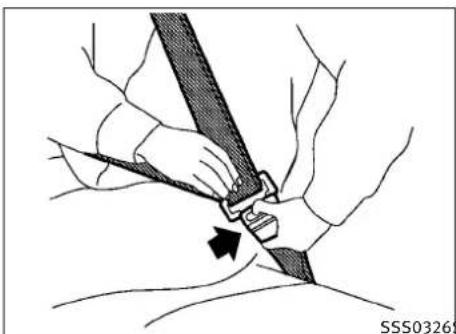
- Slowlypulltheseatbeltoutoftheretractorandinsertthetongueintothebuckle untilyouhearandfeelthelatchengage.
●Theretractorisdesignedtolockduringa suddenstoporonimpact.Aslowpullingmotionpermitsthebelttomove,andallowsyou somefreedomofmovementintheseat. -
If theseatbelt cannot be pulled from its fully retracted position, firmly pull the belt and release it. Thensmoothly pull the belt out of theretractor.
-
Positionthelapbeltportionlowandsnug onthehipsasshown.
- Pull the shoulder belt portion toward the retractortotakeup extraslack. Besure the shoulder belt is routed over your shoulder and across your chest.
Thethree-pointtypeseatbeltshavetwomodes ofoperation:
●EmergencyLockingRetractor(ELR)
●AutomaticLockingRetractor(ALR)
TheEmergencyLockingRetractor(ELR)mode allowstheseatbelttoextendandretractto allowthedriverandpassengerssomefreedom
ofmovementintheseat.TheELRlockstheseat beltwhenthevehicleslowsdownrapidlyor duringimpacts.
TheAutomaticLockingRetractor(ALR)mode (childrestraintmode)lockstheseatbeltfor childrestraintinstallation.
WhentheALRmodeisactivatedtheseatbelt cannotbeextendedagainuntiltheseatbelt tongueisdetachedfromthebuckleandfully retracted.TheseatbeltreturnstotheELRmode aftertheseatbeltfullyretracts.Foradditional information,see“CHILDRESTRAINTS”laterin thissection.
The ALRmodeshouldbeusedonlyforchild restraintinstallation.Duringnormalseatbelt usebyanoccupant,theALRmodeshouldnotbe activated.Ifitisactivated,itmaycauseuncomfortableseatbelttension.

WARNING
When fastening these seat belts, be certain that seatbacks are completely secured in the latched position. If they are not completely secured, passengers may be injured in an accidentors sudden stop.
natural_image
Illustration of a person's seatbelt being adjusted for a piece, showing banding and a black arrow indicating direction (no text or symbols)To increase your confidence in these seat belts, check the operation as follows:
●Grasptheshoulderbeltandpullforward quickly. Theretractorshouldlockandrestrictfurtherbeltmovement.
Iftheretractordoesnotlockduringthischeck orifyouhaveanyquestionaboutseatbelt operation,seeanINFINITlretailer.
natural_image
Line drawing of a car backseat with seatbelt and armrest (no text or symbols)Unfasteningtheseatbelts
Tounfastentheseatbelt, pushthebuttonon thebuckle. Theseatbeltautomaticallyretracts.
Checkingseatbeltoperation
Seatbeltretractorsaredesignedtolockseat beltmovementbytwoseparatemethods:
- When the belt is pulled quickly from the retractor.
- Whenthevehicleslowsdownrapidly.
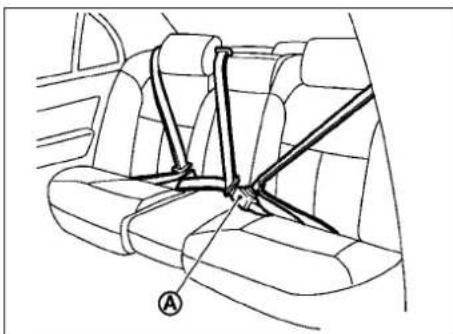
Centerofrearseat(Sedan)
Selectingcorrectsetofseatbelts:
Thecenterseatbeltbuckleisidentifiedbythe CENTERmark Ⓐ. Thecenterseatbelttongue canbefastenedonlyintothecenterseatbelt buckle.
1-18 Safety—Seats, seatbeltsandsupplementalrestraintsystem

text_image
A SSS0294A$WARNING
●Afteradjustment,releasetheadjustment buttonandtrytomovetheshoulderbelt anchorupanddowntomakesureitissecurelyfixedinposition.
●Theshoulderbeltanchorheightshouldbe adjustedtothepositionbestforyou.Failure todosomayreducetheeffectivenessofthe entirerestraintsystemandincreasethe chanceorseverityofinjuryinanaccident.
Shoulderbeltheightadjustment(for Sedanfrontseats)
Theshoulderbeltanchorheightshouldbe adjustedtothepositionbestforyou.(See "PRECAUTIONSONSEATBELTUSAGE"earlierin thissection.)
Toadjust, pushthebutton Ⓐ, and then move the shoulder belt anchortothedesired position, so that the belpasses over the center of the shoulder. The belt should be away from your face and neck, but not falling off of your shoulder. Releasethead adjustment button to lock the shoulder belt anchor intoposition.

natural_image
Mechanical diagram showing a lever mechanism with a directional arrow (no text or symbols)Shoulderbeltarm(forCoupefront seats)
Beforefasteningtheseatbelt,pulltheshoulder beltarmforwarduntilclicksatthelock position.Thearmcanalsobefoldeddownfor easieraccessforrearseatpassengers.
Pullingthearmforwardwillallowaneasy accesstothebelt.
CHILDRESTRAINTS
SEATBELTEXTENDERS
If, because of body size or driving position, it is not possible to properly fit the lap - shoulder belt and fastenit, an extender that is compatible with the installed seat belts available that can be purchased. The extender adds approximately 8 in (200 mm) of length and maybe used for either driver or front passenger seating position. See an INFINIT retailer for assistance with purchasing an extender if an extender is required.

WARNING
- OnlyINFINITiseatbeltextenders, madeby thesamecompanywhichmadetheoriginal equipmentseatbelts, shouldbeusedwith theINFINITiseatbelts.
- Adultsandchildrenwhocanusethestandardseatbeltshouldnotuseanextender. Suchunnecessaryusecouldresultinseriouspersonalinjuryintheeventofan accident.
- Neveruseseatbeltextenderstoinstallchild restraints. If the child restraint is not secured properly, the child could be seriously injured in a collision or as sudden stop.
SEATBELTMAINTENANCE
●Tocleantheseatbeltwebbing,applyamild soapsolutionoranysolutionrecommended forcleaningupholsteryorcarpets.Then, wipewithaclothandallowtheseatbeltsto dryintheshade.Donotallowtheseatbelts toretractuntiltheyarecompletelydry.
- Ifdirtbuildsupintheshoulderbeltguide of theseatbeltanchors, theseatbeltsmay retractslowly. Wipetheshoulderbeltguide withaclean, drycloth.
- Periodicallychecktoseethattheseatbelt andthemetalcomponentssuchasbuckles, tongues,retractors,flexiblewiresandanchorsworkproperly.Iflooseparts,deterioration,cutsorotherdamageonthewebbing isfound,theentireseatbeltassembly shouldbereplaced.
natural_image
Diagram showing a car interior with a child and an adult seated, crossed by a diagonal line indicating no change or restriction (no text or symbols present)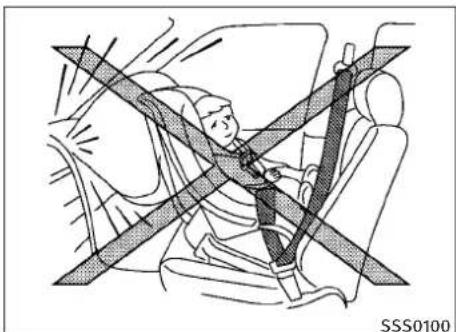
natural_image
Diagram of a person wearing a car seatbelt with diagonal crossed straps (no text or symbols)1-20 Safety—Seats, seatbeltsandsupplementalrestraintsystem
PRECAUTIONSONCHILDRESTRAINTS
WARNING
- Infantsandsmallchildrenshouldalwaysbe placedinappropriatechildrestraint whileridinginthevehicle.Failuretousea childrestraintcanresultinseriousinjuryor death.
-
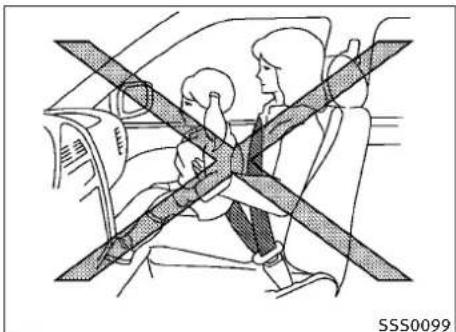
Infantsandsmallchildrenshouldneverbe carriedonyourlap.Itisnotpossibleforeven thestrongestadulttoresisttheforcesofa severeaccident. Thechildcouldbecrushed betweenheadultandpartsofthevehicle. Also, donotputthesameseatbeltaround bothyourchildandyourself.
●EvenwiththeINFINITIAadvancedAirBagSys- tem,neverinstallarear-facingchildre- straintinthefrontseat.Aninflatingsupple- mentalfrontairbagcouldseriouslyinjureor killyourchild.Arear-facingchildrestraint mustonlybeusedintherearseat. -
INFINITIrecommendsthatthechildrestraint beinstalledintherearseat. According to accidentstatistics, childrenaresaferwhen properlyrestrainedintherearseatthanin thefrontseat. If you must install a front-facing childrestraint in the frontseat, see "CHILDRESTRAINTINSTALLATION USING THESEATBELTS" later in this section.
- Improperuseorimproperinstallationofa childrestraintcanincreasetheriskorseverityofinjuryforboththechildandotheroccupantsofthevehicleandcanleadtoseriousinjuryordeathinanaccident.
- Followallofthechildrestraintmanufacturer'sinstructionsforinstallationanduse. Whenpurchasingachilde restraint,besureto selectonewhichwillfityourchildandvehicle.Itmaynotbepossibletoproperlyinstallsometypesofchildrestraintsinyour vehicle.
- If the child restraint is not anchored properly, therisk of a child being injured in collision or as sudden stop greatly increases.
●Childrestraintanchorpointsaredesignedto withstandonlythoseloadsimposedbycorrectlyfittedchildrestraints.Undernocircumstancesaretheytobeusedforadult seatbeltsorharnesses.
-Adjustableseatbacksshouldbepositioned tofitthechildrestraint, butasuprightas possible.
●Afterattachingthechildrestraint,testitbeforeyouplacethechildinit.Pushitfrom sidetosidewhileholdingtheseatnearthe LATCHattachmentorneartheseatbeltpath. Thechildrestraintshouldnotmovemore than1inch(25mm)fromsidetoside.Tryto tugitforwardandchecktoseeifthebelt holdstherestraintinplace.Iftherestraintis notsecure,tightenthebeltasnecessary,or puttherestraintinanotherseatandtestit again.Youmayneedtotryadifferentchild restraint.Notallchildrestraintsfitinall typesofvehicles.
- Whenyourchildrestraintisnotinuse, keep itsecuredwiththeLATCHSystemoraseat belttopreventitfrombeingthrownaround incaseofasuddenstoporaccident.
CAUTION
Rememberthatachildrestraintleftinaclosed vehiclecanbecomeveryhot.Checktheseating surfaceandbucklesbeforeplacingyourchildin thechildrestraint.
Thisvehicleisequippedwithauniversalchild restraintloweranchorsystem,referredtoasthe LowerAnchorsandTethersforChildrenSystem orLATCH.Somechildrestraintsincludetwo rigidorwebbing-mountedattachmentsthatcan beconnectedtotheseloweranchors.Fordetails,see“LowerAnchorsandTethersforChildrenSystem(LATCH)”laterinthissection.
If you donothavea LATCH compatible child restraint, the vehicle seat belt scan be used. (See "CHILDRESTRAINT INSTALLATION USING THESEATBELTS" later in this section.) In general, child restraints are alsos designed to be installed with the lap portion of alap/shoulder seat belt.
Several manufacturers offer child restraints for infants and small children of various sizes. Whenselecting any child restraint, keep the following points in mind:
- Chooseonlya restraint with alabelcertifying that it complies with Federal Motor Vehicle Safety Standard 213 or Canadian Motor Vehicle Safety Standard 213.
- Checkthechildrestraintinyourvehicleto besureitiscompatiblewiththevehicle's seatandseatbeltsystem.
- If the child restraint is compatible with your vehicle, place your child in the child restraint and check the various adjustments to be sure the child restraint is compatible with your child. Choose each child restraint that is designed for your child's height and weight. Always follow all recommended procedures.
AllU.S. states and Canadian provinces or territories require that infants and small children be restrained in an approved child restraint at all times while the vehicle is being operated. Canadian law requires the option to support front-facing child restraint of the best secured to the designated anchor point on the vehicle.
text_image
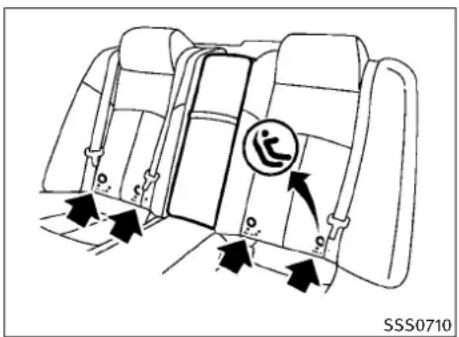
SSS0710LATCHlabellocation(Sedan)
LOWERANCHORSANDTETHERSFOR CHILDRENSYSTEM(LATCH)
Yourvehicleisequippedwithspecialanchor pointsthatareusedwithLowerAnchorsand TethersforCHildrenSystem(LATCH)compatible childrestraints. Thissystemmayalsober- ferredtoastheISOFIXorISOFIXcompatible system. With this system, you donothaveto use vehicle seat belt to secure the child restraint.
1-22 Safety—Seats, seat belts and supplemental restraintsystem

text_image
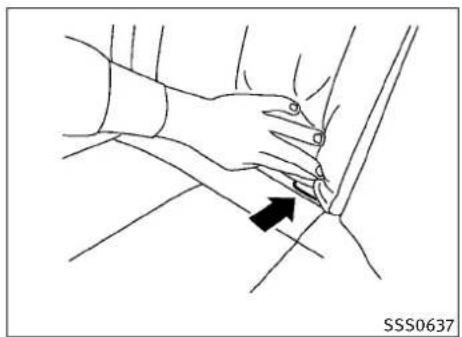
SSS0370BThe LATCHanchorpoints are provided to install child restraints in therear outboard seating positions only. Donot attempt to install a child restraint in the center position using the LATCH anchors.
natural_image
Line drawing of a hand pressing down on a car wheel, with an arrow indicating the pressure point (no text or symbols present)LATCHloweranchorlocation(Sedan)

natural_image
Technical line drawing of a car seatbelt mechanism with no visible text or symbolsLATCHloweranchorpointlocations
The LATCHloweranchorsarelocatedattherear oftheseatkushionneartheseatback.Alabelis attachedtotheseatbacktohelpyoulocatethe LATCHanchors.
WARNING
- AttachLATCHsystemcompatiblechildrestraintonlyatthelocationsshowninthe illustration.Ifachildrestraintisnotsecured properly,yourchildcouldbeseriouslyinjuredorkilledinanaccident.
- Donotsecureachildrestraintinthecenter rearseatingpositionusingtheLATCHanchors.Thechildrestraintwillnotbesecured properly.
- Childrestraintanchorpointsaredesignedto withstandonlythoseloadsimposedbycorrectlyfittedchildrestraints. Undernocircumstancesaretheytobeusedforadult seatbeltsorharnesses.
natural_image
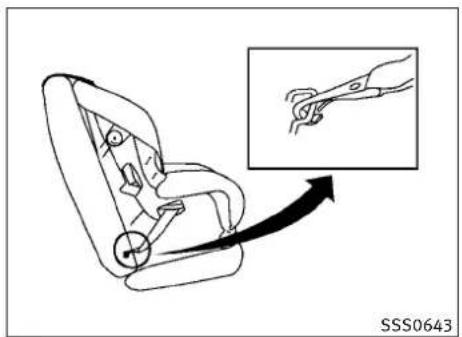
Line drawing of a car seat with a magnified inset showing a hand holding a cable (no text or symbols)LATCHwebbing-mountedattachment
natural_image
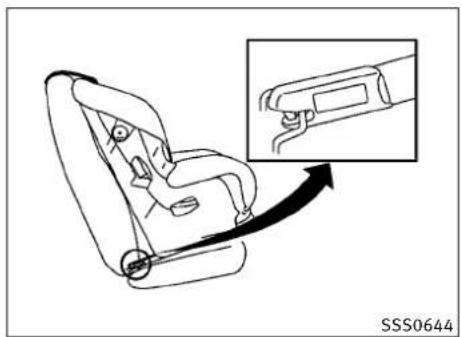
Line drawing of a car seat with an arrow indicating direction, showing a close-up of the seat being inserted (no text or symbols present)LATCHrigidattachment
natural_image
Diagram of car interior showing dashboard and seatbelt mechanism with directional arrows (no text or symbols)Sedan
InstallingchildrestraintLATCH anchorattachments
LATCHcompatiblechildrestraintsincludetwo rigidorwebbing-mountedattachmentsthatcan beconnectedtotwoloweranchorslocatedat certainseatingpositionsinyourvehicle.With thissystem,youdonothavetouseavehicle seatbelttosecurethechildrestraint.Check yourchildrestraintforalabelstatingthatitis compatiblewithLATCH.Thisinformationmay alsobeintheinstructionsprovidedbythechild restraintmanufacturer.
LATCHchildrestraintsgenerallyrequiretheuse ofatoptetherstrap.(See"TOPTETHERSTRAP CHILDRESTRAINT"laterinthissectionforinstallationinstructions.)
Wheninstallingachildrestraint,carefullyread andfollowtheinstructionsinthismanualand thoseuppliedwiththechildrestraint.(See "CHILDRESTRAINTINSTALLATIONUSINGLATCH" laterinthissection.)
TOPTETHERSTRAPCHILDRESTRAINT
Ifthemanufacturerofyourchildrestraintrequirestheuseofatoptetherstrap,itmustbe securedtoananchorpoint.
WARNING
Childrestraintanchorpointsaredesignedto withstandonlythoseloadsimposedbycorrectlyfittedchildrestraints.Undernocircumstancesaretheytobeusedforadultseatbelts orharnesses.
1-24 Safety—Seats, seatbeltsandsupplementalrestraintsystem

text_image
SSS0790Coupe
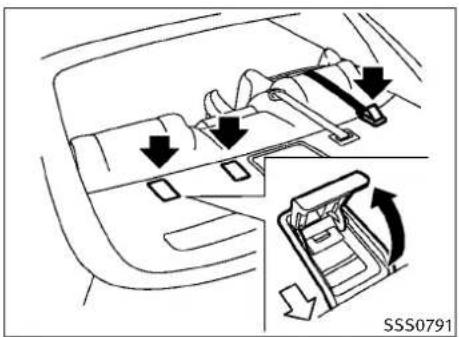
Toptetheranchorpointlocations
Anchorpointsarelocatedontherearparcel shelf.
Installingtoptetherstrap
First, secure the child restraint with the lower anchors (rearbenchout board seating positions only) or these seat belt.
Flipupthetetheranchorcoverfromtheanchor pointwhichislocateddirectlybehindthechild seat.Positionthetoptetherstrapoverthetop oftheseatbackandsecureittothetether anchorbracketthatprovidesthestraightest installation.Tightenthestrapaccordingtothe manufacturer'sinstructionstoremoveany slack.
If you have any questions when installing atop tether strap child restraint on there are seat, consult your INFINIT retailer for details.
CHILDRESTRAINTINSTALLATION USINGLATCH
WARNING
- AttachtheLATCHsystemcompatiblechild restraintsonlyatthelocationsshown.For theLATCHloweranchorlocations,see "LowerAnchorsandTethersforChildren System(LATCH)"earlierinthissection.Ifa childrestraintisnotsecuredproperly,your childcouldbeseriouslyinjuredorkilledin anaccident.
●TheLATCHanchorsaredesignedtowith-standonlythoseloadsimposedbycorrectly fittedchildrestraints.Undernocircumstancearetheytobeusedforadultseat beltsorharnesses.
- Inspecttheloweranchorsbyinsertingyour fingersintotheloweranchorareaandfeelingtomakesuretherearenoobstructions overtheLATCHanchors,suchasseatbelt webbingorseatcushionmaterial.Thechild restraintwillnotbesecuredproperlyifthe LATCHanchorsareobstructed.

natural_image
Diagram of a car seat assembly with an inset showing the cable being inserted (no text or symbols present)Front-facing(webbing-mounted)—step2
natural_image
Line drawing of a car seatbelt device with an inset showing the hand holding a seatbelt (no text or symbols present)Front-facing(rigid-mounted)—step2
natural_image
Diagram of a car seatbelt mechanism showing two directional arrows indicating movement (no text or symbols present)Front-facing—step4
Front-facing
Followthesestepstoinstallafront-facingchild restraintusingtheLATCHsystem:
-
Position the child restraint on these seat. Always follow the child restraint manufacturer's instructions.
-
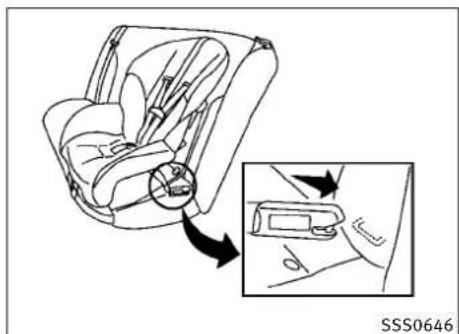
Secure the child restraint anchor attachment stothe LATCH lower anchors. Check to make sure the LATCH attachment is properly attached to the lower anchor.
-
The back of the child restraint should be secured against the vehicle seatback. If these seating position does not have an adjustable head restraint and it is interfering with the proper child restraint fit, try another seating position or different child restraint.
-
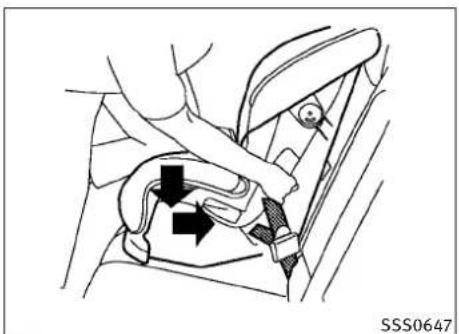
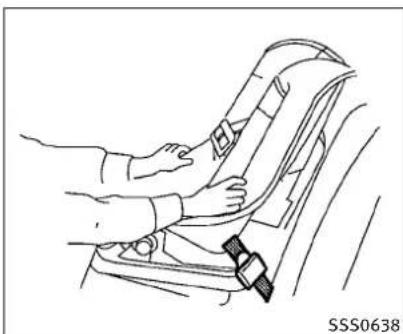
For child restraint that are equipped with webbing mounted attachments, remove any addition of slack from the anchor attachments. Press downward and rearward firmly in the center of the child restraint with your kneetocompress the vehicle seat cushion and seat back while tightening the webbing of the anchor attachments.
1-26 Safety—Seats,seatbeltsandsupplementalrestraintsystem
- If the child restraint is equipped with a toptether strap, routethetoptether strap and secure the ether strap to the anchor point. (See "TOPTETHERSTRAP CHILDRESTRAINT" earlier in this section.)
natural_image
Line drawing of a car seatbelt being adjusted for a person's seatbelt (no text or symbols)Front-facing—step6
-
After attaching the child restraint, test it before you place the child init. Push it from sidetosidewhile holding these at near the LATCH attachment path. The child restraint should not movemore than 1 inch (25 mm) from sidetoside. Try to tug it forward and check to see if the latch attachment hold ther restraint in place. If ther restraint is not secure, tighten the latch attachment as necessary, or put the restraint in another seat and test it again. You may need to try a different child restraint. Not all child restraints fit in all types of vehicles.
-
Checktomakesurethechildrestraintis properlysecuredpriortoeachuse.Ifthe childrestraintisloose,repeatsteps3 through6.
Safety—Seats, seatbeltsandsupplementalrestraintsystem1-27

text_image
SSS0648Rear-facing(webbing-mounted)—step2

natural_image
Diagram showing a car seatbelt switch being inserted, with an inset close-up of the insertion (no text or symbols present)Rear-facing(rigid-mounted)—step2

natural_image
Diagram of a car seatbelt mechanism with arrows indicating force direction (no text or symbols)Rear-facing-step3
Rear-facing
Followthesestepstoinstallarear-facingchild restraintusingLATCHsystem:
-
Position the child restraint on these seat. Always follow the child restraint manufacturer's instructions.
-
Secure the child restraint anchor attachment stothe LATCH lower anchors. Check to make sure the LATCH attachment is properly attached to the lower anchor.
-
Forchildrestraintsthatareequipped with webbingmountedattachments, remove any additionalslackfromtheanchorattachments. Pressdownwardandrearward firmlyinthecenterofthechildrestraint withyourhandtocompressthevehicle seatcushionandseatbackwhiletighteningthewebbingoftheanchorattachments.
1-28 Safety—Seats, seatbeltsandsupplementalrestraintsystem
natural_image
Line drawing of a person using a seatbelt to adjust the seat (no text or symbols)Rear-facing—step4
-
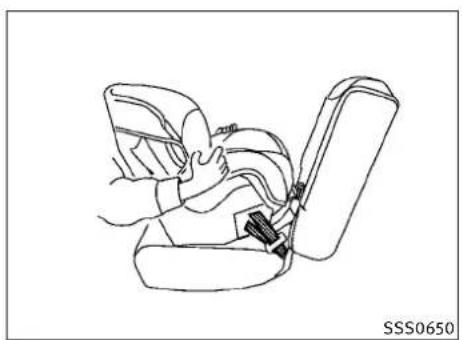
After attaching the child restraint, test it before you place the childinit. Push it from sidetosidewhile holding these at near the LATCH attachment path. The child restraint should not movemore than 1 inch (25 mm) from sidetoside. Try to tug it forward and check to see if the latch attachment hold ther restraint in place. If ther restraint is not secure, tighten the latch attachment as necessary, or put the restraint in another seat and test it again. You may need to try a different child restraint. Not all child restraints fit in all types of vehicles.
-
Checktomakesurethechildrestraintis properlysecuredpriortoeachuse.Ifthe childrestraintisloose,repeatsteps3 through4.
natural_image
Diagram of a car seatbelt with diagonal lines indicating safety constraints (no text or symbols)CHILDRESTRAINTINSTALLATION USINGTHESEATBELTS
WARNING
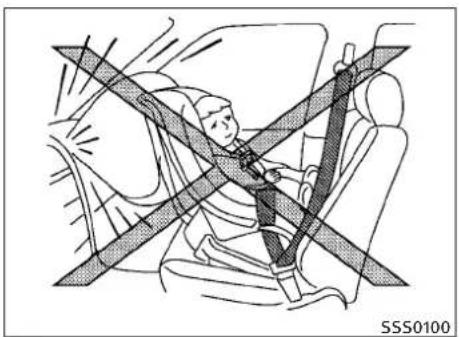
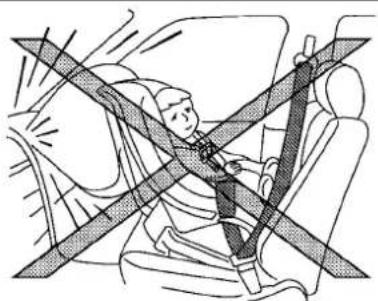
- EvenwiththeINFINITIAdvancedAirBagSys- tem,neverinstallarear-facingchildre- straintinthefrontpassengerseat.Supple- mentalfrontairbagsinflatewithgreatforce. Arear-facingchildrestraintcouldbestruck bythesupplementalfrontairbaginacrash andcouldseriouslyinjureorkillyourchild.
●INFINITIrecommendsthatchildrestraintsbe installedintherearseat. However, if you must installarear-facingchildrestraint in thefrontpassengerseat, movethepassengerseattotherearmostposition. Also, be surethefrontpassengerairbagstatuslight isilluminatedtoindicatethepassengerair bagisOFF. See "Frontpassengerairbagand statuslight" laterinthissectionfordetails.
- Thethree-pointseatbeltinyourvehicleis equippedwithanAutomaticLockingRetractor(ALR)whichmustbeusedwheninstalling achildrestraint.
●FailuretousetheALRwillresultinthechild restraintnotbeingproperlysecured.Therestraintcouldtipoverorotherwisebeunsecuredandcauseinjurytothechildinasuddenstoporcollision.
- Achildrestraintwithatoptetherstrap shouldnotbeusedinthefrontpassenger seat.
The instructions in this section apply to child restraint installation using the vehicle seat belts in there are seat or the front passenger seat.
natural_image
Line drawing of a car interior showing seat, front panel, and side door (no text or symbols)Front-facing(frontpassengerseat)—step1
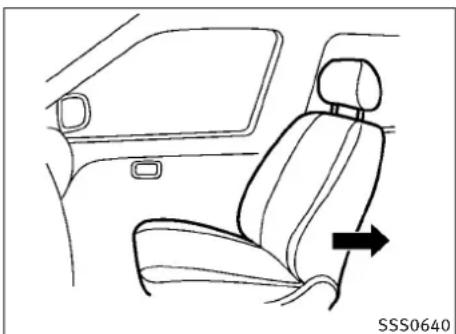
Front-facing
Followthesestepstoinstallafront-facingchild restraintusingthevehicleseatbeltintherear seatorinthefrontpassengerseat:
-
If you must install child restraint in the front seat, it should be placed in front-facing direction only. Movethese at to the rearmost position. Child restraints for infants must be used in therear-facing direction and therefore must not be used in the front seat.
-
Position the child restraint on these at.
Alwaysfollowthechildrestraintmanufacturer'sinstructions.
The back of the child restraint should be secured against these at back.
If necessary, adjustorremovethehead restraint(frontpassengerseatonly) to obtain the correct child restraint fit. (See "HEADRESTRAINTS" earlier in this section.)
If the head restraint is removed, store itina secure place. Besure to install the head restraint when the child restraint is removed.
If theseating position does not have an adjustable head restraint and it is interfering with the proper child restraint, try another seating position or different child restraint.

natural_image
Car seatbelt buckle diagram showing belt buckle adjustment (no text or symbols)Front-facing—step3
- Routetheseatbelttonguethroughthe childrestraintandinsertitintothebuckle untilyouhearandfeelthelatchengage. Besuretofollowthechildrestraintmanufacturer'sinstructionsforbeltrouting.

natural_image
Medical illustration showing a surgical procedure on pelvic chair with a black arrow indicating the direction (no text or symbols present)Front-facing—step4
- Pulltheshoulderbeltuntilthebeltisfully extended. Atthistime, theseatbeltretractorisintheAutomaticLockingRetractor(ALR)mode(childrestraintmode). It revertstoEmergencyLockingRetractor (ELR)modewhentheseatbeltisfully retracted.

natural_image
Line drawing of a car seatbelt with arrows indicating movement or force (no text or symbols)Front-facing—step5
- Allow these seat belt to retract Pull upon the shoulder belt to remove anyslack in the belt.

natural_image
Mechanical diagram showing a belt buckle assembly with two directional arrows indicating movement (no text or symbols present)Front-facing—step6
natural_image
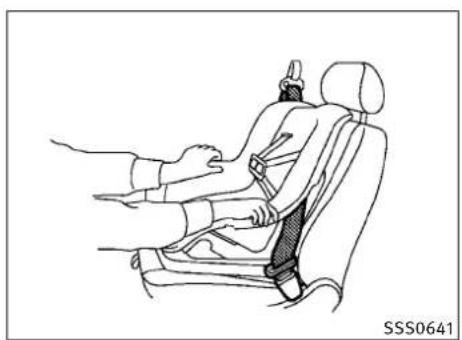
Line drawing of a car seatbelt with hands adjusting the seat (no text or symbols)Front-facing—step8
-
Remove any additional slack from the seat belt; press downward and rearward firmly in the center of the child restraint with your kneetocompress the vehicle seat cushion and seat back while pulling upon these seat belt.
-
If the child restraint is equipped with a toptether strap, routethetoptether strap and secure the ether strap to the anchor point (rearseat installation only). (See "TOPTETHERSTRAP CHILDRESTRAINT" earlier in this section.) Donot install child restraint se equipped with a toptether strap to sit waiting position that do not have to optether anchor.
1-32 Safety—Seats, seatbeltsandsupplementalrestraintsystem
-
After attaching the child restraint, testit before you placethe childinit. Pushit from sidetosidewhile holding these at near these at beltpath. The child restraint should not movemorethan 1 inch (25 mm) from sidetoside. Trytotugit forward and check to see if the beltholds therestraintin place. If therestraintis not secure, tightenthe beltas necessary, or puttherestraintin an other seat and testit again. You may need to try a different child restraint. Not all child restraints fit in all types of vehicles.
-
Check that theretractoris in the ALR mode by trying topullmoreseat belt out of theretractor. If you cannot pull any more belt webbing out of theretractor, theretractoris in the ALR mode.
-
Checktomakesurethechildrestraintis properlysecuredpriortoeachuse. If the seatbeltisnotlocked, repeatsteps3 through8.
PASSENGER AIR BAG

SSS0676
Front-facing—step11
- If the child restraint is installed in the front passenger seat, push the ignition switch to the ON position. The front passenger air bag status light should illuminate. If this light is not illuminated, see "Front passenger air bag and status light" later in this section. Movethe child restraint to another seating position. Havethesystem checked by an INFINIT retailer.
Afterthechildrestraintisremovedandtheseat beltisfullyretracted,theALRmode(child restraintmode)iscanceled.
natural_image
Illustration of a person sitting in a car with a seatbelt and crossed safety stripes (no text or symbols)SSS0100
Rear-facing
Followthesestepstoinstallarear-facingchild restraintusingthevehicleseatbeltinthear seat:
- Childrestraintsforinfantsmustbeusedin therear-facingdirectionandtherefore mustnotbeusedinthefrontseat.Position thechildrestraintontheseat.Always followtherestraintmanufacturer's instructions.
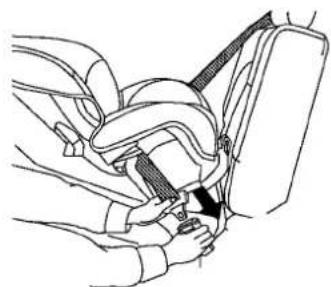
natural_image
Line drawing of a car seatbelt buckle being adjusted for a hand (no text or symbols)SSS0654
Rear-facing—step2
- Routetheseatbelttonguethroughthe childrestraintandinsertitintothebuckle untilyouhearandfeelthelatchengage. Besuretofollowthechildrestraintmanufacturer'sinstructionsforbeltrouting.
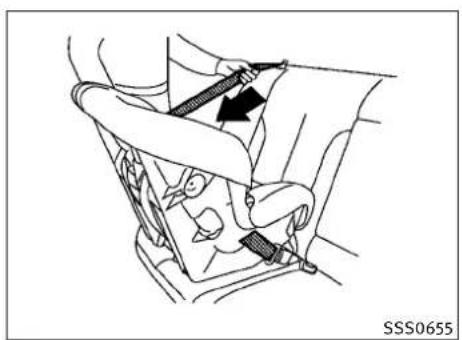
natural_image
Diagram of a car seatbelt with a belt buckle, showing mechanical components and a black arrow indicating direction (no text or symbols)Rear-facing—step3
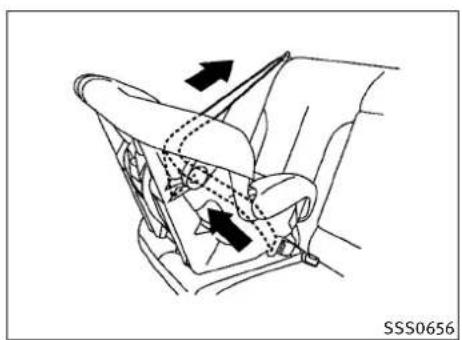
natural_image
Diagram of a car interior showing hand positioning and movement arrows (no text or symbols)Rear-facing—step4
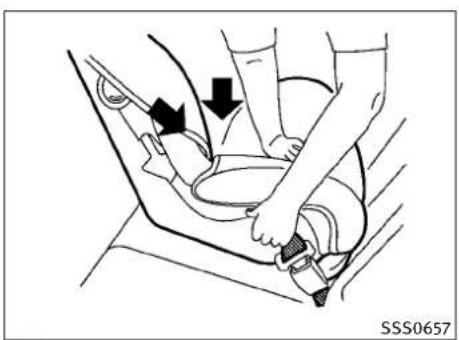
natural_image
Diagram of a car seatbelt being adjusted for a person's seatbelt, showing force arrows (no text or symbols)Rear-facing—step5
3. Pulltheshoulderbeltuntilthebeltisfully extended. Atthistime, theseatbeltretractorisintheAutomaticLockingRetractor(ALR)mode(childrestraintmode). It revertstoEmergencyLockingRetractor (ELR)modewhtheseatbeltisfully retracted.
4. Allow these seat belt to retract. Pull upon the shoulder belt to remove anyslack in the belt.
5. Remove any additional slack from the child restraint; press downward and forward firmly in the center of the child restraint with your hand to compress the vehicle seat cushion and seat back while pulling up on these seat belt.
1-34 Safety—Seats, seatbeltsandsupplementalrestraintsystem

natural_image
Line drawing of a car seatbelt with hand and belt, no text or symbols presentRear-facing—step6
-
After attaching the child restraint, test it before you placethe childinit. Pushit from sidetosidewhileholding these at near theseatbeltpath. The child restraint should not movemorethan 1inch (25 mm) from sidetoside. Trytotugit forward and checktose if the beltholds therestraintin place. If therestraintis not secure, tightenthe beltas necessary, or puttherestraintin an other seat and test it again. You may need to try a different child restraint. Not all child restraints fit in all types of vehicles.
-
Check that theretractor is in the ALR mode by trying topull more seat belt out of theretractor. If you cannot pull any more seat belt webbing out of theretractor, theretractor is in the ALR mode.
- Checktomakesurethatthechildre-straintisproperlysecuredpriortoeach use. If theseatbeltisnotlocked, repeat steps3through6.
Afterthechildrestraintisremovedandtheseat beltfullyretracted,theALRmode(childre-straintmode)iscanceled.
BOOSTERSEATS
natural_image
Diagram showing a car interior with a child and an adult seated, crossed by a diagonal line indicating no change or restriction (no text or symbols present)PRECAUTIONSONBOOSTERSEATS
WARNING
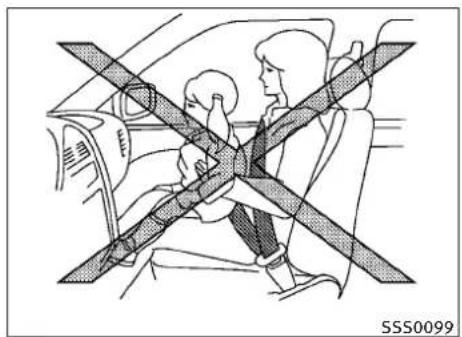
●Infantsandsmallchildrenshouldalwaysbe placedinanappropriatechildrestraint whileridinginthevehicle.Failureretousea childrestraintorboosterseatcanresultin seriousinjuryordeath.
- Infantsandsmallchildrenshouldneverbe carriedonyourlap.Itisnotpossibleforeven thestrongestadulttoresisttheforcesofa severeaccident. Thechildcouldbecrushed betweenheadultandpartsofthevehicle. Also,donotputthesameseatbeltaround bothyourchildandyourself.
●INFINITIrecommendsthattheboosterseat beinstalledintherearseat.According to accidentstatistics,childrenaresaferwhen properlyrestrainedintherearseatthanin thefrontseat.Ifyoumustinstallabooster seatinthefrontseat,see"BOOSTERSEAT INSTALLATION"laterinthissection.
- Aboosterseatmustonlybeinstalledina seatingpositionthathasalap/shoulder belt.Failuretouseathree-pointtypeseat beltwithaboosterseatcanresultinaseriousinjuryinsuddenstoporcollision.
- Improperuseorimproperinstallationofa boosterseatcanincreasetheriskorseverity ofinjuryforboththechildandotheroccupantsofthevehicleandcanleadtoserious injuryordeathinanaccident.
- Donotusetowels,books,pillowsorother itemsinplaceofaboosterseat.Itemssuch asthesemaymoveduringnormaldrivingor acollisionandresultinseriousinjuryor death.Boosterseatsaredesignedtobe usedwithalap/shoulderbelt.Boosterseats aredesignedtoproperlyroutethelapand shoulderportionsoftheseatbeltoverthe strongestportionsofachild'sbodytopro-videthemaximumprotectionduringa collision.
- Followalloftheboosterseatmanufacturer's instructionsforinstallationanduse.When purchasingaboosterseat,besuretoselect onewhichwillfityourchildandvehicle.It maynotbopossibletoproperlyinstallsome typesofboosterseatsinyourvehicle.
- Iftheboosterseatandseatbeltisnotused properly,theriskofachildbeinginjuredina collisionorasuddenstopgreatlyincreases.
- Adjustableseatbacksshouldbepositioned tofittheboosterseat, butasup-rightas possible.
●Afterplacingthechildintheboosterseat andfasteningtheseatbelt,makesurethe shoulderportionofthebeltisawayfromthe child'sfaceandneckandthelapportionof thebeltdoesnotcrosstheabdomen. - Donotputtheshoulderbeltbehindthechild orunderthechild'sarm. If you must install a booster seat in the front seat, see "BOOSTER SEATINSTALLATION" later in this section.
- When your booster seatis not in use, keep it secured with a seat belt to prevent it from being thrown around in case of sudden stop or accident.
CAUTION
Rememberthataboosterseatleftinaclosed vehiclecanbecomeveryhot.Checktheseating surfaceandbucklesbeforeplacingyourchildin theboosterseat.
natural_image
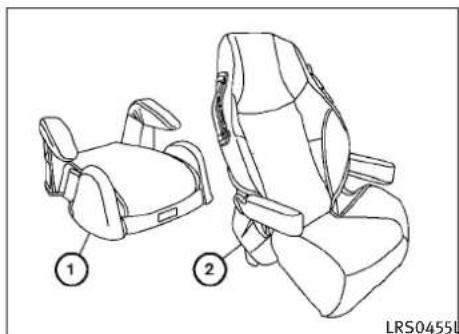
Line drawing of two car seat compartments with numbered labels (1 and 2), no text or symbols present.Boosterseatsofvariouszisesareofferedby severalmanufacturers.Whenselectingany boosterseat,keepthefollowingpointsinmind:
- Chooseonlyaboosterseatwithalabel certifyingthatitcomplieswithFederalMotor VehicleSafetyStandard213orCanadian MotorVehicleSafetyStandard213.
natural_image
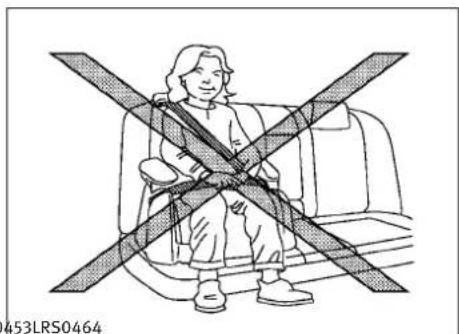
Illustration of a person sitting in a car seat with a cross-shaped bandage (no text or symbols)- Checktheboosterseatinyourvehicletobe sureitiscompatiblewiththevehicle'sseat andseatbeltsystem. - Makesurethechild'sheadwillbeproperly supportedbytheboosterseatorvehicle seat.Theseatbackmustbeatorabovethe centerofthechild'sears. Forexample,ifa lowbackboosterseat ① ischosen,the vehicleseatbackmustbeatorabovethe centerofthechild'sears.Iftheseatbackis lowerthanthecenterofthechild'sears,a highbackboosterseat ② shouldbeused.

natural_image
Line drawing of a person sitting in a car seat, wearing a seatbelt and holding a belt (no text or symbols)- Iftheboosterseatiscompatiblewithyour vehicle,placeyourchildintheboosterseat andcheckthevariousadjustmentstobe suretheboosterseatiscompatiblewith yourchild.Alwaysfollowallrecommended procedures.
AllU.S.statesandCanadianprovincesorterritoriesrequirethatinfantsandsmallchildrenberestrainedanapprovedchildrestraintatalltimeswhilethevehicleisbeingoperated.
The instructions in this section apply to booster seat installation in there are seats or the front passenger seat.
BOOSTERSEATINSTALLATION

WARNING
INFINITIrecommendsthatboosterseatsbeinstalledintherearseat.However,ifyoumust installaboosterseatinthefrontpassenger seat,movethepassenger'sseattotherearmostposition.

CAUTION
Donotusethelap/shoulderbeltAutomatic LockingRetractor(ALR)modewhenusinga boosterseatwiththeseatbelts.
Followthesestepstoinstallaboosterseatin therearseatorinthefrontpassengerseat:
natural_image
Line drawing of a car interior showing seat, rearview mirror, and side door (no text or symbols)-
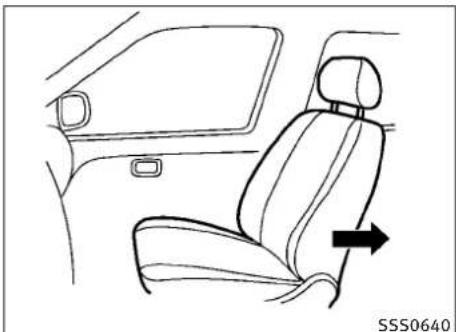
If you must install a booster seat in the front seat, adjust these back so that it is upright and then movethese at to there are most position. Donot movethese at with the booster seat attached to it.
-
Positiontheboosterseatontheseat. Onlyplaceitinafront-facingdirection. Alwaysfollowtheboosterseatmanufacturer'sinstructions.
natural_image
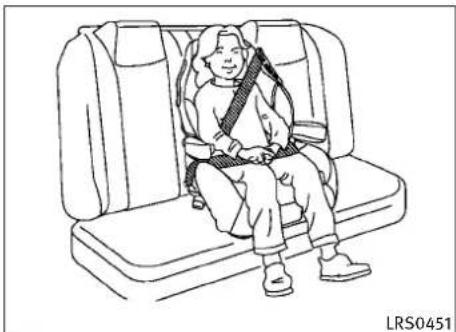
Line drawing of a person sitting in a car seat with a belt buckle (no text or symbols)Centerposition
- The booster seat should be positioned on the vehicle seat so that it is stable. If necessary, adjust or remove the head restraint to obtain the correct booster seat fit. (See "HEAD RESTRAINTS" earlier in this section.)
Iftheheadrestraintisremoved,storeitina secureplace.Besuretoreinstallthehead restraintwhentheboosterseatisremoved.
If theseating position does not have an adjustable head restraint anditis interfering with the proper booster seat, try another seating position or different booster seat.
1-38 Safety—Seats, seat belts and supplemental restraintsystem
natural_image
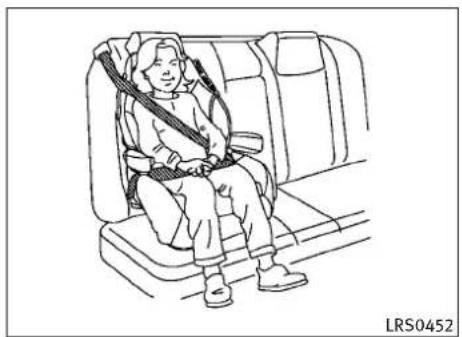
Line drawing of a person seated in a car seatbelt seat, no text or symbols presentOutboardposition
- Positionthelapportionoftheseatbelt lowandsnugonthechild'ships.Besure tofollowtheboosterseatmanufacturer's instructionsforadjustingtheseatbelt routing.
- Pulltheshoulderbeltportionoftheseat belttowardtherextractorttakeupextra slack.Besuretheshoulderbeltispositionedacrossthetop,middleportionof thechild'sshoulder.Besuretofollowthe boosterseatmanufacturer'sinstructions foradjustingtheseatbeltrouting.
natural_image
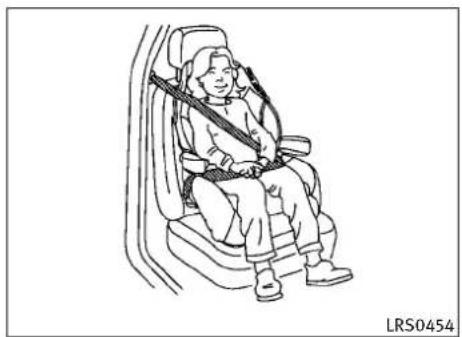
Line drawing of a person seated in a car seat, wearing a seatbelt and carrying a belt (no text or symbols)Frontseat
- Followthewarnings, cautionsandin-structions for properly fastening seat belt shown in the "THREE-POINTTYPE SEATBELT" earlier in this section.
text_image
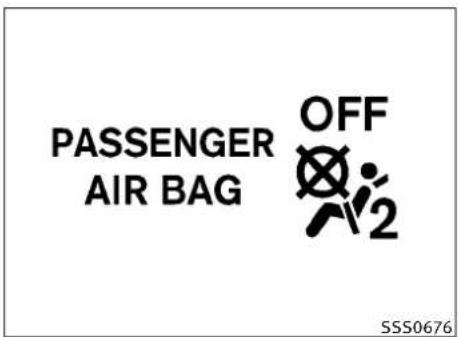
PASSENGER AIR BAG OFF SSS0676- If the booster seatis installed in the front passenger seat, push the ignition switch to the ON position. The front passenger airbag status light may inform may not illuminated depending on the size of the child and the type of booster seat used. (See "Front passenger airbag and status light" later in this section.)
SUPPLEMENTALRESTRAINTSYSTEM
PRECAUTIONSONSUPPLEMENTAL RESTRAINTSYSTEM
This Supplemental Restraint System (SRS) section contains important information concerning the driver and passenger front impact supplemental airbags (INFINITI Advanced Air Bag System), front seat-mounted side-impact supplemental air bags system, roof-mounted curtainside-impacts supplemental air bag and seat belt with pretensioners.
Supplementalfront-impactairbagsystem:The INFINITIAadvancedAirBagSystemcanhelp cushiontheimpactforcetotheheadandchest ofthedriverandfrontpassengerincertain frontalcollisions.
Frontseat-mountedside-impactsupplemental airbagsystem: This system can help cushion the impact for cet othechestandpelvisarea of the driver and front passenger incertainside impact collisions. Theside air bag is designed to inflate on the sidewher the vehicle is impacted.
Roof-mountedcurtainside-impactsupplementalairbagsystem:Thissystemcanhelpcushion theimpactforcetotheheadofoccupantsin frontandrearoutboardseatingpositionsin certainsideimpactcollisions.Thecurtainair bagsaredesignedtoinflateonthesidewhere thevehicleisimpacted.
Thesesupplementalrestraintsystemsaredesignedtosupplementthecrashprotectionprovidedbythedriverandpassengerseatbelts andarenotasubstituteforthem.Seatbelts shouldalwaysbecorrectlywornandtheoccupantseatedasuitabledistanceawayfromthe steeringwheel,instrumentpanelandoorfinishers.(See“SEATBELTS”earlierinthissection forinstructionsandprecautiononseatbelt usage.)
Thesupplementalairbagsoperateonlywhen theignitionswitchisintheONposition.
AfterpushingtheignitionswitchtotheONposition,thesupplementalairbagwarninglightilluminates. Thesupplementalairbagwarninglight willturnoffafterabout7secondsifthesystems areoperational.
1-40 Safety—Seats, seatbeltsandsupplementalrestraintsystem
WARNING
- Thesupplementalfrontairbagsordinarily willnotinflateintheeventofasideimpact, rearimpact, rollover, orlowerseverityfrontalcollision. Alwayswearyourseatbeltsto helpreducetheriskorseverityofinjuryin variouskindsofaccidents.
- Thefrontpassengerairbagwillnotinflateif thepassengerairbagstatuslightislitorif thefrontpassengerseatisunoccupied.See "Frontpassengerairbagandstatuslight" laterinthissection.
- Theseatbeltsandthesupplementalfrontair bagsaremosteeffectivewhenyouaresitting wellbackanduprightintheseatwithboth feetonthefloor.Thefrontairbagsinflate withgreatforce.EvenwiththeINFINITIadvancedairbagsystem,ifyouareunrestrained,leaningforward,sittingsideways oroutofpositioninanyway,youareat greaterriskofinjuryordeathinacrash.You mayalsoreceiveseriousorfatalinjuries fromthesupplementalfrontairbagif you areupagainstitwhenitinflates.Alwayssit backagainstheseatbackandasfar-away aspracticalfromthesteeringwheelorinstrumentpanel.Alwaysusetheseatbelts.
Safety—Seats, seatbeltsandsupplementalrestraintsystem1-41
●The driver and front passenger seat belt buckles are equipped with sensor that detect if these seat belts are fastened. The Advanced Air Bag System monitor the severity of collision and seat belt usage, flates the air bags. Failure to properly wear seat belt scan increase risk or severity of injury in an accident.
●Thefrontpassengerseatisequippedwithan occupantclassificationsensor(patternsensor)thatturnsthefrontpassengerairbag OFFundersomeconditions.Thissensoris onlyusedinthisseat.Failureretobeproperly seatedandwearingtheseatbeltcanincreasetheriskorseverityofinjuryinan accident.See"Frontpassengerairbagand statuslight"laterinthissection.
- Keephandsontheoutsideofthesteering wheel.Placingtheminsidethesteering wheelrimcouldincreasetheriskofinjuryif thefrontairbaginflates.

natural_image
Diagram showing a person wearing a car seatbelt crossed over a vehicle, with no visible text or symbols.
natural_image
Diagram showing a car's seatbelt and steering wheel crossed over the dashboard (no text or symbols)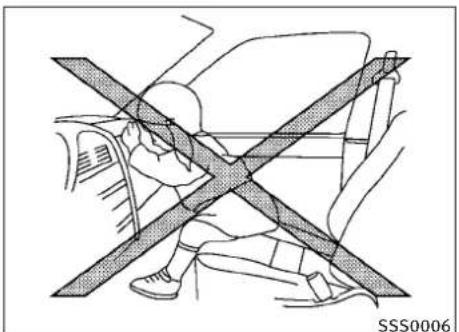
natural_image
Diagram showing a person sitting on a car with a diagonal line crossing through the window, no text or symbols present.
natural_image
Diagram of car seatbelt and steering wheel assembly (no text or symbols)1-42 Safety—Seats, seatbeltsandsupplementalrestraintsystem

natural_image
Diagram showing a car interior with two people and a cross-shaped barrier, no text or symbols presentWARNING
●Neverletchildrenrideunrestrainedorex-tendtheirhandsorfaceoutofthewindow. Donotattempttoholdtheminyourlapor arms. Someexamplesofdangerousriding positionsareshownintheillustrations.
●Childrenmaybeseverelyinjuredorkilled whenthefrontairbags,sideairbagsor curtainairbagsinflateiftheyarenotproperlyrestrained.Pre-teensandchildren shouldbeproperlyrestrainedintherear seat,ifpossible.
●EvenwiththeINFINITIAadvancedAirBagSystem,neverinstallarear-facingchildrestraintinthefrontseat.Aninflatingfrontairbagcouldseriouslyinjureorkillyourchild. See“CHILDRESTRAINTS”earlierinthissectionfordetails.

text_image
SSS0059A
natural_image
Diagram of a person seated in a car with a cross-shaped seatbelt, no text or symbols present
natural_image
Diagram of a car interior with a cross-shaped barrier symbol (no text or labels)Safety—Seats, seatbeltsandsupplementalrestraintsystem1-43

natural_image
Diagram of a car interior showing steering wheel and dashboard crossed over the windshield (no text or symbols)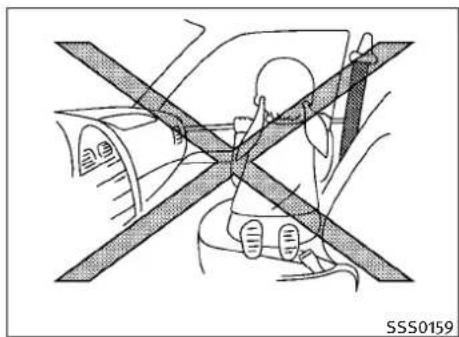
natural_image
Diagram showing a person seated on a car with a cross-shaped barrier, no text or symbols present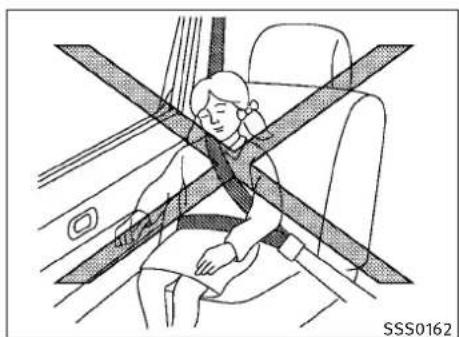
natural_image
Illustration of a person sitting in a car seat with a cross-shaped band crossing the seat (no text or symbols)WARNING
Frontseat-mountedside-impactsupplemental airbagsandroof-mountedcurtainside-impact supplementalairbags:
●Thefrontseat-mountedside-impactairbags androof-mountedcurtainairbagsordinarily willnotinflateintheeventofafrontalimpact,rearimpact,rolloverolowerseverity sidecollision.Alwayswearyourseatbeltsto helpreducetheriskorseverityofinjuryin variouskindsofaccidents.
- Theseatbelts,sideairbagsandcurtainair bagsaremosteffectivewhenyouaresitting wellbackanduprightintheseat.Thesideair bagandcurtainairbaginflatewithgreat force.Donotallowanyonetoplacetheir hand,legorfacenearthesideairbagonthe sideoftheseatbackofthefrontseatornear thesideroofrails.Donotallowanyonesittinginthefrontseatsorrearoutboardseats toextendtheirhandoutofthewindowor leanagainstthedoor.Someexamplesof dangerousridingpositionsareshowninthe previousillustrations.
- Whensittingintherearseat, donothold ontotheseatbackofthefrontseat. If the supplementalsideairbaginflates, you may be seriously injured. Beespecially careful with children, whoshouldalwaysbeproperlyrestrained. Some examples of dangerous riding positions are shown in the illustrations.
- Donotuseseatcoversonthefrontseat-backs. They may interferewith supplementalsideairbaginflation.
1-44 Safety—Seats, seatbeltsandsupplementalrestraintsystem
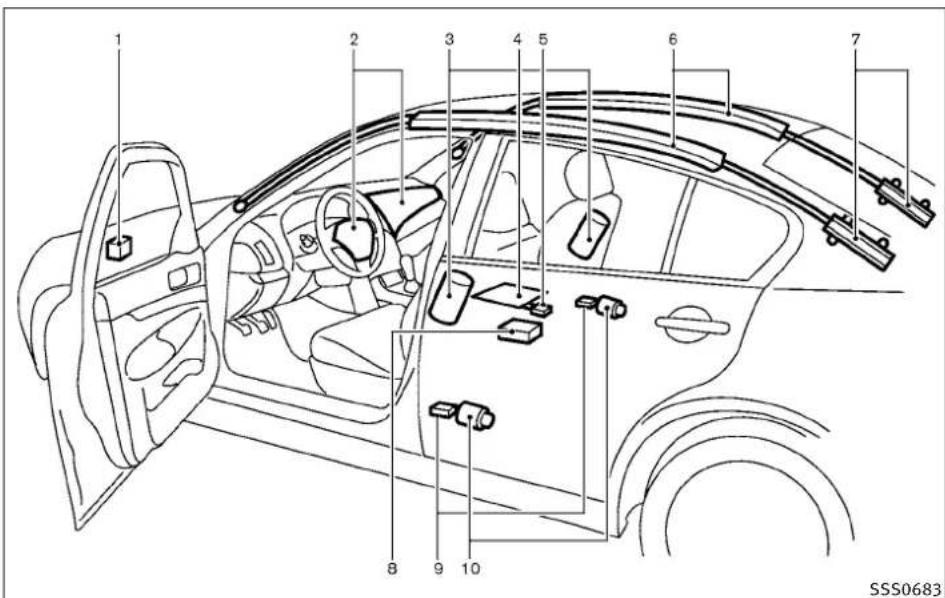
text_image
1 2 3 4 5 6 7 8 9 10 SSS0683Sedan
1.Crashzonesensor
2. Supplementalfrontairbagmodules (INFINITIAadvancedAirBags)
3. Frontseat-mountedside-impact supplementalairbags
- Occupantclassificationsensor (patternsensor)
-
Occupantclassificationsystemcontrolunit
6.Roof-mountedcurtainside-impact supplementalairbags -
Roof-mounted curtainside-impact supplementalairbaginflators
- AirbagControlUnit(ACU)
9.Satellitesensors - Seatbeltswithpretensioners
INFINITIADVANCEDAIRBAGSYSTEM (frontseats)
ThisvehicleisequippedwiththeINFINITIAdvancedAirBagSystemforthedriverandfrontpassengerseats.ThissystemisdesignedtomeetcertificationrequirementsunderU.S.regulations.ItisalsopermittedinCanada.However,alloftheinformation,cautionsandwarningsinthismanualstillapplyandmustbefollowed.
The drivers supplemental front-impact air bag is located in the center of the steering wheel. The front passengers supplemental front-impact air bag is mounted in the instrument panel above the glove box. The front air bags are designed to inflate in higher severity frontal collisions, although they may inflate if the forces in another type of collisionaresimilar to those of a higher severity frontal impact. They may not inflate in certain frontal collisions. Vehicle damage (or lack of it) is not always an indication of proper front air bag operation.
Safety—Seats, seatbeltsandsupplementalrestraintsystem1-45

text_image
1 2 3 6 5 4 7 9 10 8 SSS0807Coupe
TheINFINITIAdvancedAirBagSystemhasdual stageairbaginflators.Thesystemmonitors informationfromthecrashzonesensor,theAir bagControlUnit(ACU),seatbeltbuckle switchesandtheoccupantclassificationsensor
(patternsensor).Inflatoroperationisbasedon theseverityofacollisionandseatbeltusage forthedriver.Forthefrontpassenger,the occupantclassificationsensorisalsomonitored.Basedoninformationfromthesensors,
onlyonefrontairbagmayinflateinacrash, dependingonthecrashseverityandwhether thefrontoccupantsarebeltedorunbelted. Additionally,thefrontpassengerairbagmaybe automaticallyturnedOFFundersomeconditions,dependingontheinformationprovided bytheoccupantclassificationsensor.Ifthe frontpassengerairbagisOFF,thepassenger airbagstatuslightwillbeilluminated(ifthe seatisunoccupied,thelightwillnotbeilluminated,buttheairbagwillbeoff).(See"Front passengerairbagandstatuslight"laterinthis sectionforfurtherdetails.)Onefrontairbag inflatingdoesnotindicateimproperperformanceofthesystem.
If you have any questions about your airbag system, contact an INFINIT retailer. If you are considering modification of your vehicledueto adisability, you may also contact an INFINIT retailer. Contact information is contained in the front of this Owner's Manual.
Whenafrontairbaginflates,afairlyloudnoise maybeheard,followedbyreleaseofsmoke. Thissmokeisnotharmfulanddoesnotindicate afire.Careshouldbetakennottoinhaleit,as itmaycauseirritationandchoking.Thosewith ahistoryofabreathingconditionshouldget freshairpromptly.
1-46 Safety—Seats, seat belts and supplemental restraintsystem
Frontairbags, alongwiththeuseofseatbelts, helptocushiontheimpactforceonthehead andchestofthefrontoccupants. Theycanhelp savelivesandreduceseriousinjuries. However, aninflatingfrontairbagmaycausefacial abrasionsorotherinjuries. Frontairbagsdo notproviderestrainttothelowerbody.
EvenwithINFINITIadvancedairbags,seatbelts shouldbecorrectlywornandthedriverand passengerseateduprightasfaraspractical awayfromthesteeringwheelorinstrument panel. Thefrontairbagsinflatequicklyinorder tohelpprotectthefrontoccupants. Because of this, theforceofthefrontairbaginflatingcan increasetheriskofinjuryiftheoccupantistoo closeto, orisagainst, theairbagmodule duringinflation.
Thefrontairbagsdeflatequicklyafteracollision.
Thesupplementalfrontairbagsoperateonly whentheignitionswitchisintheONposition.
AfterpushingtheignitionswitchtotheONposition,thesupplementalairbagwarninglightilluminates. Thesupplementalairbagwarninglight willturnoffafterabout7secondsifthesystemis operational.
PASSENGER AIR BAG

SSS0676
Frontpassengerairbagstatuslight
Frontpassengerairbagandstatus light
WARNING
ThefrontpassengerairbagisdesignedtoautomaticallyturnOFFundersomeconditions. Readthissectioncarefullytolearnhowitoperates. Properuseoftheseat,seatbeltandchild restraintsisnecessaryformosteffectiveprotection. Failuretofollowallustrationsinthis manualconcerningtheuseofseats,seatbelts andchildrestraintscanincreasetheriskor severityofinjuryinanaccident.
Statuslight:

Thefrontpassengerairbagstatuslight islocatedabovetheashtray. Thelightoperates asfollows:

●Unoccupiedpassengerseat:The
OFFandthefrontpassengerairbagisOFF andwillnotinflateinacrash.
●Passengerseatoccupiedbyasmalladult, childorchildrestraintasoutlinedinthis section:The FPF 30% illuminatestoindicate thatthefrontpassengerairbagisOFFand willnotinflateinacrash.
Occupiedpassengerseatandthepassenger meetstheconditionsoutlinedinthissection:Thelight OFF isOFFtoindicate that thefrontpassengerairbagisoperational.
Frontpassengerairbag:
Thefrontpassengerairbagisdesignedto automaticallyturnOFFwhenthevehicleis operatedundersomeconditionsasdescribed belowaspermittedbyU.S.regulations.Ifthe frontpassengerairbagisOFF,itwillnotinflate inacrash.Thedriverairbagandotherairbags inyourvehiclearenotpartofthissystem.
The purpose of the regulation is to help reduce the risk of injury or death from an inflating air bag to certain front passenger seat occupants, such as children, by requiring the air bag to be automatically turned off.
Theoccupantclassificationsensor(patternsensor)isinthefrontpassengerseatcushionand isdesignedtodetectanoccupantandobjects ontheseat. Forexample,ifachildisinthefront passengerseat,theAdvancedAirBagSystemis designedtoturnthepassengerairbagOFFin accordancewiththeregulations.Also,ifachild restraintofthetypesspecifiedintheregulations isontheseat,theoccupantclassificationsensorcandetectitandcausetheairbagtoturn OFF.
Frontpassengerseatadultoccupantswhoare properlyseatedandusingtheseatbeltas outlinedinthismanualshouldnotcausethe passengerairbagtobeautomaticallyturned OFF.ForsmalladultsitmaybeturnedOFF, however,iftheoccupantdoesnotsitintheseat properly(forexample,bynotsittingupright,by sittingonanedgeoftheseat,orbyotherwise beingoutofposition),thiscouldcausethe sensorototurntheairbagOFF.Alwaysbesureto beseatedandwearingtheseatbeltproperlyfor themosteffectiveprotectionbytheseatbelt andsupplementalairbag. INFINITIrecommendsthatpre-teensandchildrenbeproperlyrestrainedinarearseat. INFINITIalsorecommendsthatappropriate childrestraintsandboosterseatsbeproperly installedinarearseat. If this is not possible, the occupantclassificationsensoris designed to operate as described abovetoturnthefront passengerairbagOFF for specified childrestraints. FailingtoproperlysecurechildrestraintsandtousetheALRmode(childrestraint mode) may allow therestrainttotipormove in an accidentorsuddenstop. This can also result in the passengerairbaginflatinginacrash instead of being OFF. (See "CHILDRESTRAINTS" earlier in this section for proper use and installation.)
If the front passenger seat is not occupied, the passenger air bag is designed not to inflate a crash. However, heavy objects placed on the seat could result in air bag inflation, because of the object being detected by the occupant classifications sensor. Other conditions could also result in air bag inflation, such as if a child is standing on these at, or if two children are on these at, contrary to their instructions in this manual. Always besure that you and all vehicle occupants are seated and restrained properly.
Using the passenger air bag status light, you can monitor when the front passenger air bag is automatically turned OFF with these at occupied. Thelightwillnotilluminatewhenthefront passengerseatisunoccupied.
Ifanadultoccupantisintheseatbutthe passengerairbagstatuslightisilluminated (indicatingthattheairbagisOFF),itcouldbe thatthepersonisasmalladult,orisnotsitting ontheseatproperly.
Ifachildrestraint must be used in the front seat, the passenger air bag status light mayor may not be illuminated, depending on the size of the child and the type of child restraint being used. If the passenger air bag status light is not illuminated (indicating that the air bag might inflate in a crash), it could be that the child restraint or seat belt is not being used properly. Makes sure that the child restraint is installed properly, these belt is used properly and the occupant is positioned properly. If the passenger air bag status light is still illuminated, reposition the occupant or child restraint in a rearseat.
If the passenger airbag status light will not illuminate event though you believ that the child restraint, these at belts and the occupant are properly positioned, the system maybe sensing an un occupied seat (in which case the air bag is OFF). Your INFINIT retail can check that the system is OFF by using aspecial tool. However, until you have confirmed with your
1-48 Safety—Seats, seatbeltsandsupplementalrestraintsystem
retailerthatyourairbagisworkingproperly, repositiontheoccupantorchildrestraintina rearseat.
The INFINITIadvancedairbagsystemandpassengerairbagstatuslightwilltakeafew secondstoregisterachangeinthepassenger seatstatus. However, if theseatbecomesunoccupied, the airbagstatuslightwillremain off.
Ifamalfunctionoccursinthefrontpassenger airbagsystem,thesupplementalairbagwarninglight ,locatedinthemeterand gaugesareawillblink.Havethesystem checkedbyanINFINITlretailer.
Othersupplementalfront-impactair bagprecautions
WARNING
- Donotplaceanyobjectsonthesteering wheelpadorontheinstrumentpanel. Also, donotplaceanyobjectsbetweenanyoccupantandthesteeringwheelorinstrument panel. Suchobjectsmaybecomedangerous projectilesandcauseinjuryifthefrontair bagsinflate.
- Donotplaceobjectswithsharpedgesonthe seat. Also, donotplaceheavyobjectsonthe seat that will leave permanent impressions in theseat. Such objectscandamagethe seator occupantclassificationsensor (patternsensor). This can affect the operation of the airbagsystem and result in serious personal injury.
- Donotusewateroracidiccleaners(hot steamcleaners)ontheseat.Thisscandamagetheseatoroccupantclassificationsensor.Thiscanalsoaffecttheoperationofthe airbagsystemandresultinseriouspersonal injury.
- Immediatelyafterinflation,severalfrontair bagsystemcomponentswillbehot.Donot touchthem;youmayseverelyburnyourself.
- Nounauthorizedchangesshouldbemadeto anycomponentsorwiringoftheairbagsystem. Thisistopreventaccidentalinflationof thesupplementalairbagordamagetothe supplementalairbagsystem.
- Donotmakeunauthorizedchangestoyour vehicle'selectricalsystem,suspensionsystemorfrontendstructure.Thiscouldaffect properoperationofthefrontairbagsystem.
- Tamperingwiththeairbagsystemmayresultinseriouspersonalinjury.Tampering includeschangestothesteeringwheeland theinstrumentpanelassemblybyplacing materialoverthesteeringwheelpadand abovetheinstrumentpanelorbyinstalling additionaltrimmaterialaroundtheairbag system.
- Modifyingortamperingwiththefrontpassengerseatmayresultinseriouspersonal injury. Forexample, donotchangethefront seatsbyplacingmaterialontheseatcushionorbyinstallingadditionaltrimmaterial, suchasseatcovers, ontheseatthatisnot specificallydesignedtoassureproperair bagoperation. Additionally, donotstowany objectsunderthefrontpassengerseatorthe seatcushionandseatback. Suchobjects mayinterferewiththeproperoperationof theoccupantclassificationsensor.
- Nounauthorizedchangesshouldbemadeto anycomponentsorwiringoftheseatbelt system. This may affect the frontairbag system. Tampering with theseatbeltsystem may result in serious personal injury.
- Workonandaroundthefrontairbagsystem shouldbedonebyanINFINITretailer.Installationofelectricalequipmentsshouldalsobe donebyanINFINITretailer.TheSupplementalRestraintSystem(SRS)wiringhar-nesses*shouldnotbemodifiedordisconnected.Unauthorizedelectricaltest equipmentandprobingdevicesshouldnot beusedontheairbagsystem.
- Acrackedwindshieldshouldbereplacedimmediatelybyaqualifiedrepairfacility.A crackedwindshieldcouldaffectthefunction ofthesupplementalairbagsystem.
*The SRSwiringharnessconnectorsare yellowandorangeforeasyidentification.
Whensellingyourvehicle, werequestthatyou informthebuyeraboutthefrontairbagsystem andguidethebuyertotheappropriatesections inthisOwner'sManual.
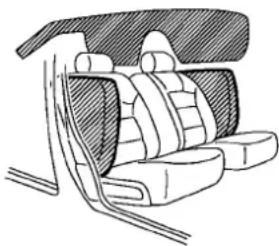
natural_image
Line drawing of a car seatbelt with seat covers and rear seats (no text or symbols)SSS0521
FRONTSEAT-MOUNTEDSIDE-IMPACT SUPPLEMENTALAIRBAGAND ROOF-MOUNTEDCURTAINSIDE- IMPACTSUPPLEMENTALAIRBAG SYSTEMS
Thesideairbagsarelocatedintheoutsideof theseatbackofthefrontseats.Thecurtainair bagsarelocatedinthesideroofrails.These systemsaredesignedtomeetvoluntaryguidelinestohelpreducetheriskofinjurytoout-of-positionoccupants.However,alloftheinformation,cautionsandwarningsinthismanualstill applyandmustbefollowed.Thesideairbags andcurtainairbagsaredesignedtoinflatein higherseveritysidecollisions,althoughthey mayinflateiftheforcesinanothertypeof
collisionaresimilartothoseofahigherseverity sideimpact.Theyaredesignedtoinflateonthe sidewherethevehicleisimpacted.Theymay notinflateincertainsidecollisionsontheside wherethevehicleisimpacted.
Vehicledamage(orlackofit)isnotalwaysan indicationofpropersupplementalsideairbag andcurtainside-impactairbagoperation.
Whensideairbagsandcurtainairbagsinflate, afairlyloudnoisemaybeheard,followedby releaseofsmoke.Thissmokeisnotharmful anddoesnotindicateafire.Careshouldbe takennottoinhaleit,asitmaycauseirritation andchoking.Thosewithahistoryofabreathing conditionsshouldgetfreshhairpromptly.
Sideairbags, alongwiththeuseofseatbelts, helptocushiontheimpactforceonthechest andpelvisofthefrontoccupants.Curtainair bagshelptocushiontheimpactforcetothe headofoccupantsinthefrontandrearout-boardseatingpositions.Theycanhelpsave livesandreduceseriousinjuries.However,an inflatingsideairbagsandcurtainairbagsmay causeabrasionsorotherinjuries.Sideairbags andcurtainairbagsdonotproviderestraintto thelowerbody.
1-50 Safety—Seats, seatbeltsandsupplementalrestraintsystem
Theseatbeltsshouldbecorrectlywornandthe driverandpassengerseateduprightasfaras practicalawayfromthesideairbag.Rearseat passengersshouldbeseatedasfarawayas practicalfromthedoorfinishersandsideroof rails.Thesideairbagsandcurtainairbags inflatequicklyinordertohelpprotectthe occupants.Becauseofthis,theforceoftheside airbagsandcurtainairbagsinflatingcan increasetheriskofinjuryiftheoccupantistoo closeto,orisagainst,theseairbagmodules duringinflation.Thesideairbagsandcurtain airbagswilldeflatequicklyafterthecollisionis over.
Thesideairbagsandcurtainairbagsoperate onlywhentheignitionswitchisintheON position.
AfterpushingtheignitionswitchtotheONposition,thesupplementalairbagwarninglightilluminates.Theairbagwarninglightwillturnoff afterabout7secondsifthesystemsareoperational.
WARNING
- Donotplaceanyobjectsneartheseatback ofthefrontseats. Also, donotplaceany objects(anumbrella, bag, etc.) between the frontdoorfinisherandthefrontseat. Such objectsmaybecomedangerousprojectiles and cause injury if sideairbaginflates.
●Rightafterinflation,severalsideairbags andcurtainairbagsystemcomponentswill behot.Donottouchthem;youmayseverely burnyourself.
● Nounauthorizedchangesshouldbemadeto anycomponentsorwiringofsideairbagand curtainairbags. This is to prevent damage to or accidental inflation of these airbag and curtainair bags systems.
- Donotmakeunauthorizedchangestoyour vehicle'selectricalsystem,suspensionsystemorsidepanel.Thiscouldaffectproper operationofthesideairbagandcurtainair bagsystems.
- Tamperingwiththeairbagsystemmayresultinseriouspersonalinjury. Forexample, donotchangethefrontseatsbyplacing materialneartheseatbackorbyinstalling additionaltrimmaterial,suchasseatcovers,aroundthesideairbags.
●Workaroundandonthesideairbagand curtainairbagsystemsshouldbedonebyan INFINITIretailer.Installationofelectrical equipmentsshouldalsobedonebyan INFINITIretailer.TheSupplementalRestraintSystem(SRS)wiringharnesses* shouldnotbemodifiedordisconnected.Unauthorizedelectricaltestequipmentand probingdevicesshouldnotbeusedonthe side-impactairbagsystem.
*The SRSwiringharnessconnectorsare yellowandorangeforeasyidentification.
Whensellingyourvehicle, werequestthatyou informthebuyeraboutthesideairbagand curtainairbagsystemsandguidethebuyerto the appropriate sections in this Owner's Manual.
SEATBELTSWITHPRETENSIONERS (frontseats)
WARNING
- Thepretensioners cannot bereused after activation. They must be replaced together with theretractor and buckle as a unit.
- If the vehicle becomes involved in a frontal collision but a pretension is not activated, besure to have the pretension system checked and, if necessary, replaced by an INFINIT retailer.
- Nounauthorizedchangesshouldbemadeto anycomponentsorwiringofthepretensioners. Thisistopreventdamagetooraccidentalactivationofthepretensionersystem. Tamperingwiththepretensionersystem mayresultinseriouspersonalinjury.
●Workaroundandonthepretensioners shouldbedonebyanINFINITretailer.Installationofelectricalequipmentsshouldalsobe donebyanINFINITretailer.Unauthorized electricaltestequipmentandprobingdevicesshouldnotbeusedonthepretensioner system.
- If you need to dispose of the pretensioner or scrap the vehicle, contact an INFINITI retailer. Correct pretensioner disposals procedures are set forth in the appropriate INFINITIService Manual. Incorrect disposal procedures could cause personal injury.
Thepretensionersystemactivatesinconjunctionwiththefrontairbagsystem.Workingwith theseatbeltretractor,ithelpstightentheseat beltwhenthevehiclebecomesinvolved in certaintyesofcollisions,helpingtorestrain frontseatoccupants.
Thepretensionerisencasedwiththeseatbelt retractor.Theseseatbeltsareusedthesame wayasconventionalseatbelts.
Whenapretensionerseatbeltactivates, smoke isreleasedandaloudnoisemaybeheard. The smokeisnotharmful, anditdoesnotindicatea fire. Careshouldbetakennottoinhaleitasit maycauseirritationandchoking. Thosewitha historyofabreathingconditions should get freshairpromptly.
Afterpretensioneractivation, loadlimitersallowtheseatbelttoreleasewebbing(ifnecessary)toreduceforcesagainstthechest.
Ifanyabnormalityoccursinthepretensioner system,thesupplementalairbagwarninglight willnotcomeon,willflashintermittently orwillturnonfor7secondsandremainonafter theignitionswitchhasbeenpushedtotheON position.Inthiscase,thepretensionersystem maynotfunctionproperly.Theymustbe checkedandrepaired.TakeyourvehicletothenearestINFINITlretailer.
Whensellingyourvehicle, werequestthatyou informthebuyerabouttheseatbeltpretensionersandguidethebuyertotheappropriate sectionsinthisOwner'sManual.

natural_image
Line drawing of a car interior showing dashboard, steering wheel, and seat (no text or symbols)
natural_image
Silhouette of a person climbing with a child, no text or symbols presentSUPPLEMENTAL AIRBAG WARNING LABELS
Warninglabelsaboutthesupplementalfront-impactairbagsystemsareplacedinthevehicleasshownintheillustration.
SRSairbag
Thewarninglabels

arelocatedonthe
surfaceofthesunvisors.
SUPPLEMENTAL AIRBAG WARNING LIGHT
Thesupplementalairbagwarninglight, displaying intheinstrumentpanel, monitorsthecircuitsofthesupplementalfront-impactairbag, frontseat-mountedside-impact supplementalairbag, roof-mountedcurtain side-impactsupplementalairbag, and seatbelt pretensionersystems. Themonitoredcircuits includetheAirbagControlUnit(ACU), satellite sensors, crashzonesensor, occupantclassificationsystem, frontairbagmodules, sideair bagmodules, curtainairbagmodules, pretensionerandallrelatedwiring.
WhentheignitionswitchisintheONposition, thesupplementalairbagwarninglightillum-
natesforabout7secondsandthenturnsoff. Thismeansthesystemisoperational.
Ifanyofthefollowingconditionsoccur,the frontairbag,sideairbag,curtainairbagand pretensionersystemsneedservicing:
- Thesupplementalairbagwarninglightremainsonapproximately7secondsaftertheignitionswitchispushedtotheONposition.
- Thesupplementalairbagwarninglight flashes intermittently.
●Thesupplementalairbagwarninglightdoes notcomeonatall.
Undertheseconditions, thefrontairbag, side airbag, curtainairbag or pretensionersystems may not operate properly. They must be checked and repaired. Take your vehicle to the nearest INFINIT retailer.

WARNING
If the supplemental airbag warning lightison, it could mean that the front airbag, side air bag, curtain airbag and or pretension systems will not operate in an accident. To help avoid injury to yourself for others, have your vehicle checked by a retailer as soon as possible.
REPAIRANDREPLACEMENT PROCEDURE
Thefrontairbags, sideairbags, curtainair bags and pretensioners are designed to activate a one-time-only basis. As a reminder, unless it is damaged, the supplemental air bag warning light will remain illuminated after inflation has occurred. Repair and replacement of the system should be done only by an INFINIT retailer.
When maintenance work is required on the vehicle, the front air bags, side air bags, curtain air bags, pretensioners and related parts should be pointed out to the person conducting themaintenance. Theignitions switch should always be in the LOCK position when working under the hood or inside the vehicle.

WARNING
- Onceafrontairbag, sideairbag, or curtain airbag has inflated, the airbag module will not function again and must bereplaced. Additionally, if any of the frontairbags in-flate, the activated pretensioner must also bereplaced. The airbag module and pretensioners should bereplaced by an INFINIT retailer. The airbag module and pretensioner system cannot berepaired.
●Thefrontairbag, sideairbag, curtainairbag and the pretensionersystem should be inspected by an INFINIT retailer if there is any damage to the frontorside portion of the vehicle.
- If you need to dispose of the supplemental air bag or pretensioner or scrap the vehicle, contact an INFINIT retailer. Corrects supplemental air bag and seat belt pretensioner system disposals procedures are set forth in the appropriate INFINIT Service Manual. Incorrect disposal procedures could cause personal injury.
1-54 Safety—Seats, seatbeltsandsupplementalrestraintsystem
MEMO
Safety—Seats, seatbeltsandsupplementalrestraintsystem1-55
2Instrumentsandcontrols
Cockpit. 2-2
Instrumentpanel.... 2-3
Metersandgauges.... 2-4
Speedometerandodometer.... 2 - 5
Tachometer....2-6
Enginecoolanttemperaturegauge....2-6
Fuelgauge.... 2-7
Compass(ifsoequipped).... 2 - 8
Zonevariationchangeprocedure.... 2 - 9
Warning/indicatorlightsandaudiblereminders.....2-11
Checkingbulbs. 2-11
Warninglights.... 2-12
Indicatorlights.... 2-16
Audiblereminders.... 2-18
Dotmatrixliquidcrystaldisplay.... 2-19
Indicatorsforoperation.... 2-21
Indicatorsformaintenance....2-23
Tripcomputer....2-24
Securitysystems.... 2-27
Vehiclesecuritysystem.... 2-27
INFINITIVehicleImmobilizerSystem....2-29
Windshieldwiperandwasherswitch....2-30
Rain-sensingautowipersystem
(ifsoequipped)....2-31
Rearwindowandoutsidemirrordefrosterswitch...2-32
Headlightandturnsignalswitch.... 2-32
Xenonheadlights....2-32
Headlightswitch.... 2-33
Turnsignalswitch.... 2-37
Foglightswitch.... 2-37
Hazard warning flasher switch.... 2-37
Horn....2-38
Heatedseats(ifsoequipped)....2-38
SNOWmodeswitch(ifsoequipped)....2-40
VehicleDynamicControl(VDC)OFFswitch.....2-40
Clock....2-40
Adjustingthetime....2-40
Poweroutlet.... 2-41
Cigarettelighterandashtrays(ifsoequipped) .....2-42
Front. 2-42
Rear....2-42
Storage....2-43
Cup holders....2-43
Sunglassesholder.... 2-45
Glovebox.... 2-45
Consolebox.... 2-45
Cardholder(ifsoequipped).... 2-47
Storagebox(ifsoequipped)....2-47
Coathooks....2-48
Stowinggolfbags(Coupe)....2-48
Cargonetretainers....2-49
Trunknetforextrawindowwasherfluid
(Canadaonly;ifsoequipped)....2-49
Windows....2-49
Powerwindows....2-49
Moonroof(ifsoequipped).... 2-52
Automaticmoonroof.... 2-53
Interiorlights....2-54
Maplights.... 2-54
Personallights(Sedan)....2-54
Interiorlightcontrolswitch.... 2-55
Vanitymirrorlights.... 2-56
Trunklight. 2-56
HomeLink®UniversalTransceiver(ifsoequipped)...2-57
ProgrammingHomeLink ^® 2-57
ProgrammingHomeLink® for Canadian customers. 2-59
OperatingtheHomeLink®Universal Transceiver....2-59
Programmingtrouble-diagnosis.... 2-59
Clearingtheprogrammedinformation.... 2-59
ReprogrammingasingleHomeLink®button.....2-60
Ifyourvehicleisstolen....2-60
COCKPIT

text_image
1234 5 6 78 9 10 11 12 13 14 15 16 SSI0670- VehicleDynamicControl(VDC)OFFswitch (P.5-53)
2.Trunklidreleaseswitch(P.3-18) - Sonarsystemoffswitch(ifsoequipped) (P.5-48)
2-2 Instrumentsandcontrols
- Instrument brightness control switch (P.2-36)
5.TRIP/RESETswitchfortwintripodometer (P.2-5) - Headlight, foglight and turnsignal switch (P.2-32)
7.Paddleshifter(ifsoequipped)(P.5-14)
- Steering-wheel-mounted controls (leftside)
—ENTERortuningswitch(P.4-83)
-BACKswitch(P.4-83)
—TALKswitch(ifsoequipped)
(P.4-109)/Phoneswitch(ifsoequipped)
(P.4-85)
—Volumecontrolswitches(P.4-83)
—Sourceselectswitch(P.4-83)
9.Tripcomputerswitch(P.2-24)
10. Windshieldwiperandwasherswitch (P.2-30)
11. Steering-wheel-mounted controls (rightside)
—Cruisecontrolswitches(P.5-19)
—IntelligentCruiseControl(ICC)
switches(ifsoequipped)(P.5-21)
12.Hoodreleasehandle(P.3-17)
13.IntelligentKeyport(P.5-10)
14. Electric tilting/telescopic steering wheel lever (ifsoe equipped) (P.3-23)
15.Manualtilting/telescopicsteeringwheel lever(ifsoequipped)(P.3-23)
16. Steeringwheel
-Horn(P.2-38)
—Driversupplementalairbag(P.1-40)
INSTRUMENTPANEL

text_image
1 2 3 4 5 6 7 8 9 10 11 12 13 14 15 16 17 18 19 20 SSI06711.Sideventilator(P.4-27)
2.Metersandgauges(P.2-4)
3. Centerventilator(P.4-27)
4.Audiosystem(P.4-39)
5. Clock(P.2-40)
- Centermulti-functioncontrol panel
—Navigationsystem*(ifsoequipped)
—Vehicleinformationandsettingbuttons (P.4-7)
—Bluetooth®Hands-FreePhoneSystem (P.4-85)
—Audiosystem(P.4-39)
- Centerdisplay(P.4-2)/Navigation system*(ifsoequipped)
8.Hazardwarningflasherswitch(P.2-37) - Frontpassengersupplementalairbag (P.1-40)
10.Fuseboxcover(P.8-20) - Parkingbrake
(forAutomaticTransmissionmodels)
—Parking(P.5-18)
12.Push-buttonignitionswitch(P.5-7) - Automaticclimatecontrolsystem (P.4-28)
- Cigarettelighterandashtray (ifsoequipped)(P.2-42)orstoragebox (ifsoequipped)(P.2-47) —Poweroutlet(ifsoequipped)(P.2-41)
- Parkingbrake(forManualTransmission models)
—Parking(P.5-18)
16.Heatedseatswitch(ifsoequipped) (P.2-38)
17.SNOWmodeswitch(ifsoequipped) (P.2-40) - Rearwindowandoutsidemirror(ifso equipped)defoggerswitch(P.2-32)
19.Gloveboxlidreleasehandle(P.2-45)
Instrumentsandcontrols2-3
METERSANDGAUGES
- Trunkreleasepowercancelswitch (P.3-19)
*:RefertotheseparateNavigationSystem Owner'sManual.
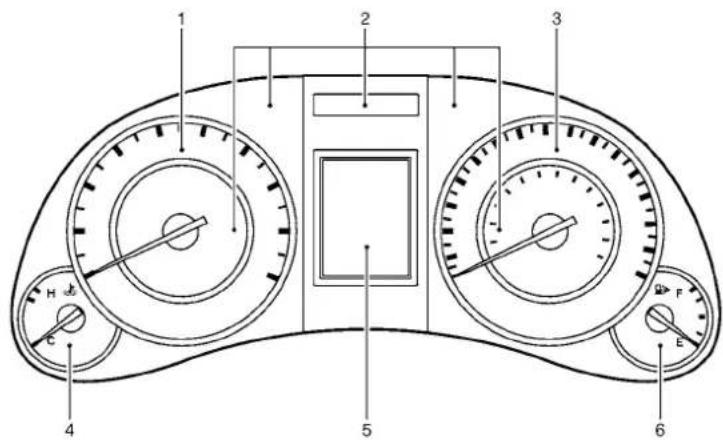
text_image
Diagram of a car dashboard with labeled parts including gauges, limit switches, and a digital display.SIC4288
- Tachometer(P.2-6)
- Warning/Indicatorlights(P.2-11)
- Speedometer(P.2-5)
-
Enginecoolanttemperaturegauge (P.2-6)
-
Dotmatrixliquidcrystaldisplay/ Odometer/twintripodometer(P.2-19)
6.Fuelgauge(P.2-7)
*:Theneedleindicatorsinthespeedometer, tachometer, enginecoolanttemperaturegauge and fuelgaugemaymoveslightlyafterthe
2-4 Instrumentsandcontrols
ignitionswitchispushedtotheLOCKposition.Thisisnotamalfunction.

natural_image
Circular gauge or dial with concentric rings and a central pointer, no visible text or symbolsSpeedometer
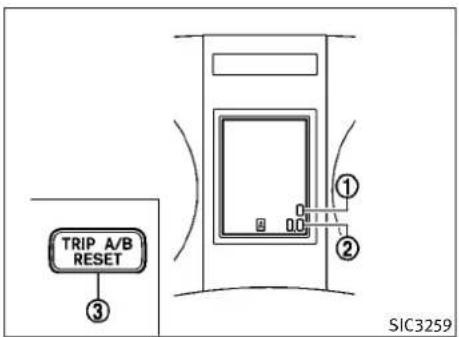
text_image
TRIP A/B RESET ③ ① ② SIC3259Odometer/twintripodometer
SPEEDOMETERANDODOMETER
Speedometer
Thespeedometer indicates vehicles speed in miles per hour (MPH) and kilometers per hour (km/h).
Odometer/twintripodometer
Theodometer ① andtwintripodometer ② are displayedonthedotmatrixcrystaldisplay whentheignitionswitchisintheONposition.
Theodometerrecordsthetotaldistancethe vehiclehasbeendriven.
Thetwintripodometerrecordsthedistanceof individualtrips.
Changingthedisplay:
PushingtheTRIPA/BRESETswitch ③ atthe bottomleftofthecombinationmeterpanel changesthedisplayasfollows:
TRIPA→TRIPB→TRIPA
Resettingthetripodometer:
PushingtheTRIPA/BRESETswitch ③ formore than1secondresetsthetripodometertozero.
Averagefueleconomyanddistancetoempty informationisalsoavailable.(See“DOTMATRIX LIQUIDCRYSTALDISPLAY”laterinthissection and “HOWTOUSESTATUSBUTTON”inthe“4. Monitor,climate,audio,phoneandvoicerecognitionsystems”section.)
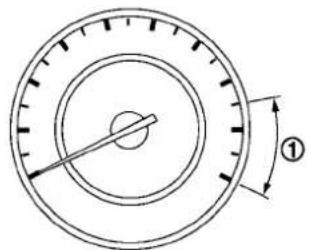
text_image
①SIC4290SIC4291

text_image
H ① CTACHOMETER
Thetachometerindicatesenginespeedinrevolutionsperminute(RPM).Donotrevtheengine intotheredzone ①.
CAUTION
Whenenginespeedapproachestheredzone, shifttoahighergearorreduceenginespeed. Operatingtheengineintheredzonemaycause seriousenginedamage.
Thegaugeindicatestheenginecoolanttemperature.
Theenginecoolanttemperatureiswithinthe normalrangewhenthegaugeneedlepoints withinthezone ① shownintheillustration.
The enginecoolanttemperaturevarieswiththe outsideairtemperatureanddrivingconditions.

CAUTION
Ifthegaugeindicatesenginecoolanttemperaturenearthehot(H)endofthenormalrange, reducevehiclespeedtodecreasetemperature. Ifgaugeisoverthenormalrange,stopthe vehicleassoonassafelypossible.Iftheengine isoverheated,continuedoperationofthevehiclemayseriouslydamagetheengine.See"IF YOURVEHICLEOVERHEATS"inthe"6.Incaseof emergency"sectionforimmediateaction required.
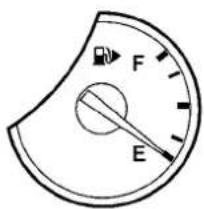
text_image
F ESIC4292
FUELGAUGE
Thegaugeindicates the approximate fuel level in the tank.
Thegaugemaymoveslightlyduringbraking, turning,acceleration,orgoingupordownhills.
ThegaugeneedlereturnstoE(Empty)afterthe ignitionswitchispushedtotheOFFposition.
Refillthefueltankbeforethegaugeregisters "E"(Empty).
Thelowfuelwarning appearsonthedot matrixliquidcrystaldisplaywhenthefueltank isgettinglow. Refuelassoonasitisconvenient, preferablybeforethegaugereaches "E".
Therewillbeasmallreserveoffuelinthetank whenthefuelgaugeneedlereaches"E".
The ▶ indicate that the fuel-filler door is located on the passenger's side of the vehicle.

CAUTION
- Ifthevehiclerunsoutoffuel, the malfunctionindicatorlight(MIL)maycome on. Refuelassoonaspossible. Afterafew drivingtrips, the SERVICE ENGINE SOUND lightshouldturnoff. Ifthelightremainsonafterafewdriving trips, havethevehicleinspectedbyan INFINITIretailer.
- Foradditionalinformation,see"Malfunction IndicatorLight(MIL)"laterinthissection.
COMPASS(ifsoequipped)
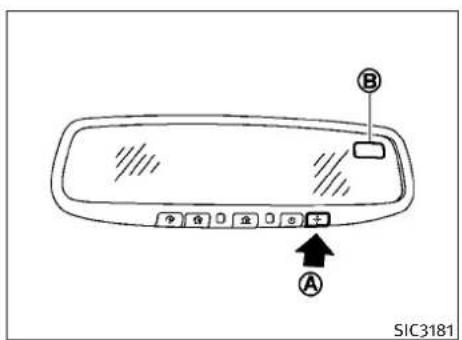
text_image
SIC3181WhentheignitionswitchispushedtotheON position, thecompassdisplay Ⓑ willindicate thedirectionofthevehicle'sheading.
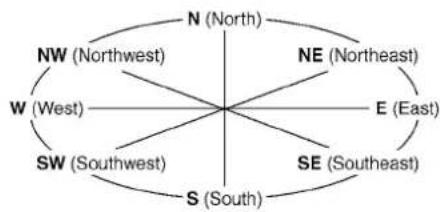
text_image
N (North) NE (Northeast) NW (Northwest) W (West) E (East) SW (Southwest) SE (Southeast) S (South)Ifthedisplayreads"C", calibratethecompass bydrivingthevehiclein3completecirclesat lessthan5MPH(8km/h). Youcanalsocalibratethecompassbydrivingyourvehicleon
2-8 Instrumentsandcontrols
youreverydayroute. The compasswillbecali-bratedonceithastracked3completecircles. Toturnonandoffthecompassmanually, push the -N switch Ⓐ whiletheignitionswitchis intheONposition.
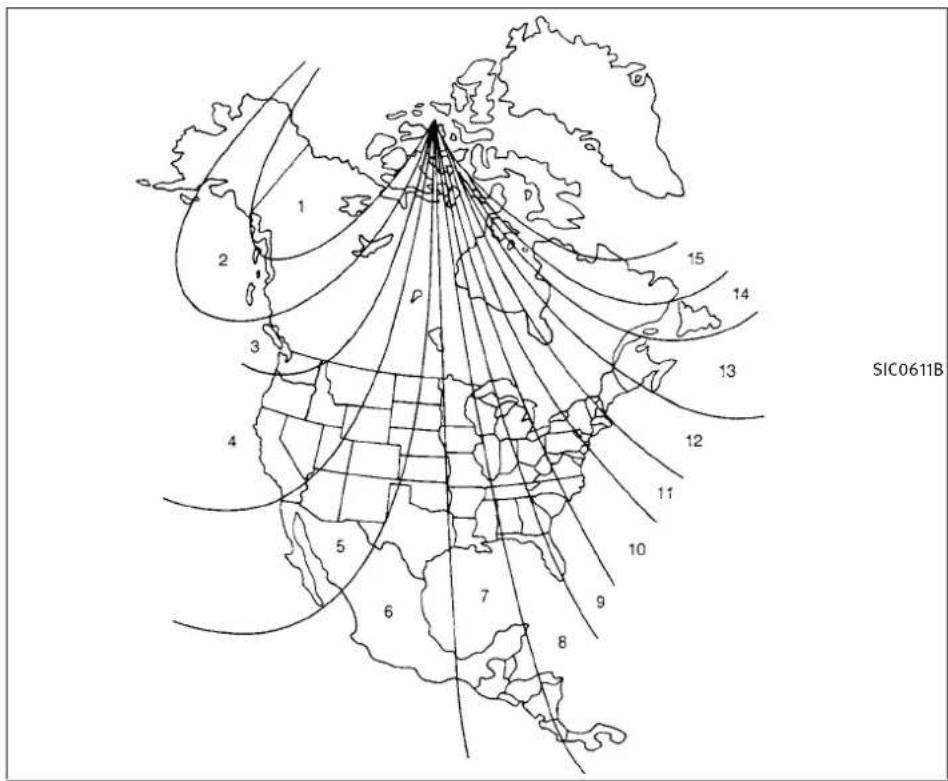
text_image
SIC0611BZonemap
ZONEVARIATIONCHANGE PROCEDURE
The difference between magnetic north and geographical north is known as variance. In some areas, this difference can sometimes be greater enough to cause false compass readings. Follow these instructions to set the variance for your particular location if this happens:
- PushtheswitchNormorethan3 seconds. The current zonenumber will appear in the display.
- Find your current location and variance number on the zonemap.
- Push the switch repeatedly until thenewzonenumberappearsinthe display, thenreleasetheswitch. After you releasetheswitch, thedisplaywillshowa compassdirectionwithinafewseconds.
- If the compass deviates from the correct indication soon after repeated adjustment, havethe compass checked at an INFINIT retailer.
●Thecompassmaynotindicatethecorrect compasspointintunnelsorwhiledrivingup ordownasteephill.(Thecompassreturnsto thecorrectcompasspointwhenthevehicle movestoanareawherethegeomagnetism isstabilized.)
Instrumentsandcontrols2-9

CAUTION
- Donotinstallaskirack, antenna, etc., which are attached to the vehicle by means of a magnet. They affect the operation of the compass.
- Whencleaningthemirror, useapapertowel orsimilarmaterialdampenedwithglass cleaner. Donotsprayglasscleanerdirectly onthemirrorasitmaycausetheliquid cleanertoenterthemirrorhousing.
2-10 Instrumentsandcontrols
WARNING/INDICATORLIGHTSAND AUDIBLEREMINDERS
| AWD | All-WheelDrive(AWD)warninglight (AWDmodels)* | CRUISE | IntelligentCruiseControl(ICC)sys- temwarninglight(orange)* | PASSenger OFF AIR BAG 2 | Frontpassengerairbagstatuslight |
| ABS | KEY  | IntelligentKeywarninglightHighbeamindicatorlight | |||
| Anti-lockBrakingSystem(ABS)warn- inglight | LowtirepressurewarninglightMalfunction | SERVICE SERVICE ENGINE SOON Light(MIL) | |||
| AT CHECK | Automatictransmissioncheckwarn- inglight | MasterwarninglightSecurityindicatorlight | |||
| BRAKE | CRUISE | PreviewFunctionwarninglight(or- ange)* | Slipindicatorlight | ||
| Brakewarninglight | SeatbeltwarninglightLowBeamindicatorlight( green ) | ||||
| ChargewarninglightSupplementalairbagwaagnglightTurnsignal/hazardindicatorlights | |||||
| EngineoilpressurewarninglightAutomatictransmissionpositionindi- catorlight* | VDC OFF | VehicleDynamicControl(VDC)off indicatorlight | |||
| 4WAS | 4WheelActiveSteer(4WAS)warning light* | Frontfoglightindicatorlight*:ifsoequipped | |||
CHECKINGBULBS
Withalldoorsclosed, apply the parking brake and push the ignitions switch to the ON position without starting the engine. The following lights will come on (if so equipped):

,01,BRAKE
AWD
4WAS


The following lights come on briefly and thengo off (if so equipped):

,0ABS

, KEY

AT CHECK

VDC OFF
Ifanylightdoesnotcomeon, it may indicate a burned-outbulboranopencircuitintheelectrical system. Havethesystem checked by an INFINIT retailer.
Some indicators and warnings are also displayed on the dot matrix crystal display between the speedometer and tachometer.(See "DOTMATRIXLIQUIDCRYSTALDISPLAY"laterin thissection.)
Instrumentsandcontrols
WARNINGLIGHTS
AWD
All-WheelDrive(AWD) warninglight(AWDmodels)
The warning light comes on when the ignition switch is pushed to ON. It turns off soon after the engine is started.
IftheAWDsystemmalfunctions, orthediameterofthefrontandtherearwheelsaredifferent, the warninglightwilleitherremainilluminatedorblink. (See "ALL-WHEELDRIVE(AWD)" inthe"5.Startinganddriving"section.)

CAUTION
- If the warning light comes on while driving theremay beam malfunction in the AWD system. Reducethe vehicles speed and have your vehicle checked by an INFINIT retailer as soon as possible.
- IftheAWDwarninglightblinksonwhenyou aredriving:
-blinksrapidly(abouttwiceasecond): Pullofftheroadinasafearea, andidlethe engine. Thedrivingmodewillchangeto 2WDtopreventtheAWDsystemfrom malfunctioning. If the warning light turns off, you can drive again.
-blinksslowly(aboutonceevery2seconds):
Pullofftheroadinasafearea, andidlethe engine. Check that all tiresizes are the same, tire pressure is correct and tires are not worn.
- If the warning light is still on after the above operations, have your vehicle checked by an INFINIT retailer as soon as possible.
ABS

kBraking System(ABS) warninglight
WhentheignitionswitchisintheONposition, theAnti-lockBrakingSystem(ABS)warning lightilluminatesandthenturnsoff.ThisindicatestheABSisoperational.
IftheABSwarninglightilluminateswhilethe engineisrunning,orwhiledriving,itmay indicatetheABSisnotfunctioningproperly. HavethesystemcheckedbyanINFINITlretailer.
IfanABSmalfunctionoccurs, the anti-lock functionisturnedoff. The brakesystem then operates normally, but without anti-lock assistance. (See "BRAKESYSTEM" in the "5. Starting and driving" section.)
AT CHECK
Automatictransmission checkwarninglight(ifso equipped)
When theignitionswitchispushed to the ON position, the light comes on for 2 seconds. If the light comes on at any other time, it may indicate the transmission is not functioning properly. Have your INFINIT retailer check and repair the transmission.
BRAKE
orBrakewarning light
Thislightfunctionsforboththeparkingbrake andthefootbrakesystems.
Parkingbrakeindicator:
When the ignitions switch this in the ON position, the light comes on when the parking brake is applied.
Lowbrakefluidwarninglight:
WhentheignitionswitchisintheONposition, thelightwarnsofalowbrakefluidlevel.Ifthe lightcomesonwhiletheengineisrunningwith theparkingbrakenotapplied,stopthevehicle andperformthefollowing:
2-12 Instrumentsandcontrols
- Check the brake fluid level. If brake fluid is necessary, add fluid and havethesystem checked by your INFINIT retailer. (See "BRAKEANDCLUTCHFLUID" in the "8. Maintenance and do-it-yourself" section.)
- If the brake fluid level is correct, have the warnings system checked by an INFINIT retailer.
Anti-lockBrakingSystem(ABS)warningindicator:
Whentheparkingbrakeisreleasedandthe brakefluidlevelissufficient,ifboththebrake warninglightandtheAnti-lockBrakingSystem (ABS)warninglightilluminate,itmayindicate theABSisnotfunctioningproperly.Havethe brakesystemchecked,andifnecessaryrepaired,byanINFINITlretailerpromptly.(See "Anti-lockBrakingSystem(ABS)warninglight" earlierinthissection.)
WARNING
-Yourbrakesystemmaynotbeworkingproperlyifthewarninglightison.Drivingcould bedangerous.Ifyoujudgeittobesafe,drive carefullytothenearestservicestationfor repairs. Otherwise,haveyourvehicletowed becausedrivingitcouldbedangerous.
- Pressingthebrakepedalwiththeengine stoppedand/orlowbrakefluidlevelmay increaseyourstoppingdistanceandbraking willrequiregreaterpedaleffortaswellas pedaltravel.
- Ifthebrakefluidlevelisbelowtheminimum orMINmarkonthebrakefluidreservoir,do notdriveuntilthebrakesystemhasbeen checkedatanINFINITIretailer.

Chargewarninglight
Ifthelightcomesonwhiletheengineisrunning, it may indicate the charging system is not functioning properly. Turn the engine off and check the alternator belt. If the belt is loose, broken, missing or if the light remain on, see an INFINIT retailer immediately.
CAUTION
Donotcontinuedrivingifthealternatorbeltis loose,brokenormissing.

4WheelActiveSteer(4WAS) warninglight(ifsoequipped)
Ifthelightcomesonwhiletheengineisrunning, it may indicate that there is a malfunction with the 4 Wheel Active Steer (4 WAS) portion of
thesteeringsystem.Pushtheignitionswitchto theOFFpositionandthentotheONposition.If thelightdoesnotturnoffaftercyclingthe engine,havethesystemcheckedbyanINFINITI retailer.
For further information about the 4 Wheel Active Steersystem, see "4 WHEELACTIVESTEER (4 WAS) SYSTEM" in the "5. Starting and driving" section.
Ifamalfunctionoccursinthesystem,the4 WheelActiveSteer(4WAS)functionwillcease butdrivingcanbecontinued.However,the steeringwheelisslightlyturnedevenwhen drivingonastraightroad.Drivecarefullytothe nearestINFINITIretailer.

Engineoilpressurewarning light
This light warn so flow engine oil pressure. If the light flickers or comes on during normal driving, pullofftherodinasafe area, stop the engine immediately and call an INFINIT retailer or other authorized repair shop.
Theengineoilpressurewarninglightisnotdesignedtoindicatealowoillevel.Usethedipsticktochecktheoillevel.(See"ENGINEOIL"in the"8.Maintenanceanddo-it-yourself"section.)
Instrumentsandcontrols2-13

CAUTION
Runningtheenginewiththeengineoilpressurewarninglightoncouldcauseseriousdamagetotheenginealmostimmediately.Such damageisnotcoveredbywarranty.Turnoffthe engineassoonasitissafetodoso.
CRUISE
IntelligentCruiseControl (ICC)systemwarninglight (orange;ifsoequipped)
Thislightcomesonifthereisamalfunctionin theIntelligentCruiseControl(ICC)system.
If the warning light comes on, park the vehicle in as a safe place. Turn the engine off, restart the engine, resum driving and set the ICC system again.
Ifitisnotpossibletosethesystemorthe indicatorstayson, it may indicate that the system is misfunctioning. Although the vehicle is still drive a bleunder normal conditions, have the vehicle checked at an INFINIT retailer.

IntelligentKeywarninglight
AftertheignitionswitchispushedtotheON position, thislightcomesonforabout2secondsandthenturnsoff.
This light warn so famal function with the electrical steering lock system orthel intelligent Keysystem.
Ifthelightcomesonwhiletheengineis stopped, it maybeimpossibletofreethe steeringlockortostarttheengine. Ifthelight comesonwhiletheengineisrunning, you can drivethevehicle. However in these cases, contact an INFINIT retailer for repair as soon as possible.

Lowtirepressurewarning light
YourvehicleisequippedwithaTirePressure MonitoringSystem(TPMS)thatmonitorsthe tirepressureofalltiresexcepthespare.
Thelowtirepressurewarninglightwarnsoflow tirepressureorindicatesthattheTPMSisnot functioningproperly.
AftertheignitionswitchispushedON, thislight illuminatesforabout1secondandturnsoff.
Lowtirepressurewarning:
If the vehicle is being driven with low tire pressure, the warning light will illuminate.
Whenthelowtirepressurewarninglightilluminates, you should stop and adjust the tire pressure to there recommended cold tire pressures shown on the Tire and Loading Information
label. Thelowtirepressurewarninglight does not automatically turnoff when the tire pressure is adjusted. After the tire is inflated to the recommended pressure, the vehicle must be driven at speeds above 16 MPH (25 km/h) to activate the TPMS and turnoff the low tire pressure warning light. Use tire pressure gaugeto check the tire pressure.
For additional information, see "TIREPRESSURE MONITORINGSYSTEM(TPMS)" in the "5.Starting and driving" section and "TIREPRESSURE MONITORINGSYSTEM(TPMS)" in the "6.Incase of emergency" section.
TPMSmalfunction:
IftheTPMSisnotfunctioningproperly,thelow tirepressurewarninglightwillflashforapproximately1minutewhentheignitionswitchis pushedON. Thelightwillremainonafterthe1 minute.HavethesystemcheckedbyanINFINITI retailer.
For additional information, see "TIREPRESSURE MONITORINGSYSTEM(TPMS)" in the "5.Starting and driving" section.
2-14 Instrumentsandcontrols

WARNING
- Ifthelightdoesnotilluminatewiththeignition switchpushedON,havethevehiclechecked byanINFINITlretailerassoonaspossible.
- Ifthelightilluminateswhiledriving, avoid suddensteeringmaneuversorabruptbraking, reducevehiclespeed, pullofftheroadto asafelocationandstopthevehicleassoon aspossible. Drivingwithunder-inflatedtires maypermanentlydamagethetiresandin- creasethelikelihoodoftirefailure.Serious vehicledamagecouldoccurandmayleadto anaccidentandcouldresultinseriouspersonalinjury.Checkthetirepressureforall fourtires.AdjustthetirepressureotherecommendedCOLDtirepressureshownonthe TireandLoadingInformationlabeltoturn thelowtirepressurewarninglightOFF.Ifthe lightstillilluminateswhiledrivingafteradjustingthetirepressure,atiremaybeflat.If youhaveaflattire,replaceitwithaspare tireassoonaspossible.
- Whenasparetireismountedorawheelis replaced, the TPMSwillnotfunction and the lowtirepressurewarninglightwillflashfor approximately 1 minute. Thelightwillremainonafterthe1 minute. Contact your INFINITlretailerassoonaspossiblefortire replacementand/orsystemresetting.
●Replacing tires with thosenotoriginally specified by INFINIT could affect the proper operation of the TPMS.

CAUTION
●TheTPMSisnotasubstitutefortheregular tirepressurecheck.Besuretocheckthetire pressureregularly.
- If the vehicle is being driven at speed of less than 16 MPH (25 km/h), the TPMS may not operate correctly.
- Besuretoinstallthespecifiedsizeoftiresto thefourwheelscorrectly.

Masterwarninglight
WhentheignitionswitchisintheONposition, themasterwarninglightilluminatesifanyof thefollowingaredisplayedonthedotmatrix liquidcrystaldisplay:
-
Nokeywarning
●Lowfuelwarning
●Lowwasherfluidwarning
●Parkingbrakereleasewarning
●Door/trunkopenwarning -
Loosefuelcapwarning(ifsoequipped)
- Checktirepressurewarning(ifsoequipped)
See "DOTMATRIXLIQUIDCRYSTALDISPLAY" laterinthissection.
CRUISE
PreviewFunctionwarning light(orange;ifsoequipped)
Thelightcomesonifthereisamalfunctioninthe BrakeAssist(withPreviewFunction)system.
If the warning light comes on, park the vehicle in as afe place. Turn the engine off, restart the engine, resum driving and set the ICC system again.
Ifitisnotpossibletosethesystemorthe indicatorstayson, it may indicate that the system is malfunctioning. Although the vehicle is still drive a under normal conditions, have the vehicle checked at an INFINIT retailer.

Seatbeltwarninglightand chime
Thelightandchimeremindyoutofastenseat belts. ThelightilluminateswhenevertheignitionswitchispushedtotheONposition, and willremainilluminateduntilthedriver'sseat beltisfastened. Atthesametime, thechime willsoundforabout6secondsunlessthe driver'sseatbeltissecurelyfastened.
Theseatbeltwarninglightforthefrontpassengerwillilluminateiftheseatbeltisnotfastened whenthefrontpassenger'sseatisoccupied. For5secondsaftertheignitionswitchisinthe ONposition,thesystemdoesnotactivatethe warninglightforthefrontpassenger.
See“SEATBELTS”inthe“1.Safety—Seats, seatbeltsandsupplementalrestraintsystem” sectionforprecautionsonseatbeltusage.

Supplementalairbag warninglight
AfterpushingtheignitionswitchtotheON position,thesupplementalairbagwarning lightwillilluminate.Thesupplementalairbag warninglightwillturnoffafterabout7seconds ifthesupplementalfrontairbagandsupplementalsideairbag,curtainside-impactairbag systemsand/orpretensionerseatbeltareoperational.
2-16 Instrumentsandcontrols
Ifanyofthefollowingconditionsoccur,the supplementalfrontairbag,supplementalside airbag,supplementalcurtainside-impactair bagandpretensionerseatbeltneedsservicing andyourvehiclemustbetakentoyournearest INFINITlretailer.
- Thesupplementalairbagwarninglightremainsonafterapproximately7seconds.
●Thesupplementalairbagwarninglight flashes intermittently. - Thesupplementalairbagwarninglightdoes notcomeonatall.
Unless checked and repaired, the Supplemental Restraint Systems and orthepretensioner seat belt may not function properly.
Foradditionalinformation,see“SUPPLEMENTAL RESTRAINTSYSTEM”inthe“1.Safety—Seats, seatbeltsandsupplementalrestraintsystem” section.
WARNING
If the supplemental airbag warning lightison, it could mean that the supplemental front air bag, supplement side airbag, curtains inside impact air bags systems and or pretensioner seat belt will not operate in an accident. To help avoid injury to your self for others, have your vehicle checked by a retailer as soon as possible.
INDICATORLIGHTS

AutomaticTransmission(AT) positionindicatorlight(ifso equipped)
Whentheignitionswitchispushedtothe"ON" position,theindicatorshowstheautomatic selectorposition.
Inthemanualshiftmode,whentetransmissiondoesnotshifttotheselectedgearduetoa transmissionprotectionmode,theATposition indicatorlightwillblinkandachimewillsound.
See "AUTOMATICTRANSMISSION" in the "5. Starting and driving" section for further details.

Frontfoglightindicatorlight
Thefrontfoglightindicatorlightilluminates whenthefrontfoglightsareon.(See“FOG LIGHTSWITCH”laterinthissection.)

Frontpassengerairbag statuslight
Thefrontpassengerairbagstatuslight() willbelitandthepassengerfrontairbagwillbe OFFdependingonhowthefrontpassengerseat isbeingused.
Forfrontpassengerairbagstatuslightoperation,see“INFINITIADVANCEDAIRBAGSYSTEM (frontseats)”inthe“1.Safety—Seats,seat beltsandsupplementalrestraintsystem”sectionofthismanual.

Highbeamindicatorlight
Thislightcomesonwhentheheadlighthigh beamisonandgoesoutwhenthelowbeamis selected.

MalfunctionIndicatorLight (MIL)
Ifthemalfunctionindicatorlightcomeson steadyorblinkswhiletheengineisrunning, it may indicate apotentiallemissioncontrolmalfunction.
Themalfunctionindicatorlightmayalsocome onsteadyifthefuel-fillercapislooseor missing,orifthevehiclerunsoutoffuel.Check tomakesurethefuel-fillercapisinstalledand closedtightly,andthatthevehiclehasatleast 3USgallons(14liters)offuelinthefueltank.
Afterafewdrivingtrips, the SERVICE ENGINE SOON lightshould turnoffifnootherpotentialemissioncontrol systemmalfunctionexists.
If this indicator light remains on for 20 seconds and then blinks for 10 seconds when the engine is not running, it indicates that the vehicle is not ready for an emission control system inspection/maintenance test. (See "READINESS FOR INSPECTION/MAINTENANCE(I/M)TEST(US only)" in the "9.Technical and consumer information" section.)
Operation:
Themalfunctionindicatorlightwillcomeonin oneoftwoways:
●Malfunctionindicatorlightonsteady—An emissioncontrolsystemmalfunctionhas beendetected.Checkthefuel-fillercap.If thefuel-fillercapislooseormissing,tighten orinstallthecapandcontinuetodrivethe vehicle.The SERVICE lightshouldturnoffafter afewdrivingtrips.Ifthe SERVICE ENGINE SPONS SOON lightdoes notturnoffafterafewdrivingtrips,havethe
vehicleinspectedbyanINFINITretailer.You donotneedtohaveyourvehicletowedto theretailer.
- Malfunctionindicatorlightblinking—An enginemisfirehasbeendetectedwhichmay damagetheemissioncontrolsystem.
Toreduceoravoidemissioncontrolsystem damage:
a) Donotdriveatspeedsabove45MPH(72 km/h).
b) Avoid hard acceleration or deceleration.
c) Avoidsteepuphillgrades.
d) If possible, reduce the amount of cargo being hauledortowed.
Themalfunctionindicatorlightmaystop blinkingandremainon.
HavethevehicleinspectedbyanINFINITI retailer.Youdonotneedtohaveyourvehicle towedtotheretailer.

CAUTION
Continued vehicle operation without having the emission control system checked and repaired as necessary could lead to poor driveability, reduced fuel economy, and possible damage to the emission control system.
Instrumentsandcontrols2-17

Securityindicatorlight
Thelightblinkswhentheignitionswitchisin theACC,OFForLOCKposition.Thisfunction indicatethesecuritysystemequippedonthe vehicleisoperational.
If these security system is misfunctioning, this light will remain on while the ignitions switch in the ON position. For additional information, see "SECURITY SYSTEMS" later in this section.

Slipindicatorlight
This indicator will blink when the VDC system or the traction control system is operating, thus alerting the driver that the vehicle is nearing its traction limits. Theroadsurface may be slippery.

LowBeamindicatorlight (green)
Thesmalllightindicatorlightilluminateswhen thefrontclearancelights,instrumentpanel lights,rearcombinationlightsandlicenseplate lightsareon.Theindicatorlightturnsoffwhen the EDO isturnedoff.

Turnsignal/hazardindicator lights
Thelightflasheswhentheturnsignalswitch leverorhazardswitchisturnedon.

VehicleDynamicControl (VDC)offindicatorlight
Thelightcomesonwhenthevehicledynamic controloffswitchispushedtoOFF. This indicates that the vehicledynamic control system and traction control system are not operating. Whenthevehicledynamic control off indicator light and slip indicator light come on with the vehicledynamic control system turned on, this light alert sthedrivertothefact that the vehicle dynamic control system's fail-safemode is operating, forexample the vehicledynamic control system may not be functioning properly. Havethesystem checked by an INFINIT retailer. If an abnormality occurs in the system, the vehicledynamic control system function will be canceled but the vehicle is still driveable. For additional information, see "VEHICLEDYNAMIC CONTROL (VDC) SYSTEM" in the "5.Starting and driving" section of this manual.
AUDIBLEREMINDERS Keyreminderchime
Achimewillsoundifthedriversidedooris openedwhiletheignitionswitchispushedto theACCpositionorpushedtotheOFFforLOCK positionwiththeIntelligentKeyleftinthe IntelligentKeyport.Makesuretheignition switchispushedtotheOFFposition,andtake theIntelligentKeywithyouwhenleavingthe vehicle.
Lightreminderchime
Achimewillsoundwhenthedriversidedooris openedwiththelightswitchinthe ☐ or ☐ positionandtheignitionswitchinthe ACC,OFForLOCKposition.
Turnthelightswitchoffwhenyouleavethe vehicle.
Parkingbrakereminderchime
Theparkingbrakereminderchimewillsoundif thevehicleisdrivenatmorethan4MPH(7 km/h)withtheparkingbrakeapplied.Stopthe vehicleandreleasetheparkingbrake.
2-18 Instrumentsandcontrols
DOTMATRIXLIQUIDCRYSTALDISPLAY
Brakepadwearwarning
Thediscbrakepadshaveaudiblewearwarnings.Whenabrakepadrequiresreplacement,it willmakeahighpitchedscrapingsoundwhen thevehicleisinmotion.Thisscrapingsound willfirstoccuronlywhenthebrakepedalis depressed.Aftermorewearofthebrakepad, thesoundwillalwaysbeheardevenifthebrake pedalisnotdepressed.Havethebrakes checkedassoonaspossibleifthewarning soundisheard.

text_image
SIC4293The dot matrix liquid crystal display ① is located between the tachometer and the speedometer, and it displays the automatic transmission position indicator (if so equipped), the Intelligent Cruise Control (ICC) system (if so equipped) information, the Intelligent Key operation information and other warnings and information.
Fordetailsabouttheautomatictransmission positionindicator,see"INDICATORLIGHTS"earlierinthissection.FordetailsabouttheICC system,see"INTELLIGENTCRUISECONTROL (ICC)SYSTEM"inthe"5.Startinganddriving" section.ForthedetailsabouttheIntelligentKey system,see"INTELLIGENTKEYSYSTEM"inthe "3.Pre-drivingchecksandadjustments" section.

text_image
BRAKE 1 2 3 4 5 NO KEY 6 SHIFT PUSH 7
text_image
8 9 CLUTCH WARNING RELEASE PARKING BRAKE EXIT 10 WARNING RANGE 000 MILES 11 EXIT
text_image
WARNING LOW WASHER EXIT WARNING LOOSE FUEL CAP EXIT ● RESET ALERT 0.0 H EXIT CRUISE SET 12 14 16 18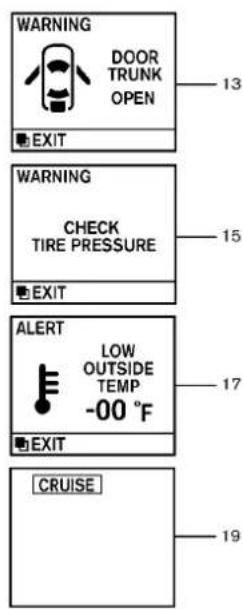
text_image
WARNING DOOR TRUNK OPEN EXIT WARNING CHECK TIRE PRESSURE EXIT ALERT LOW OUTSIDE TEMP -00 °F EXIT CRUISE 13 15 17 19SIC4547
2-20Instrumentsandcontrols
INDICATORSFOROPERATION
1. Enginestartoperationindicator (AutomaticTransmissionmodels)
This indicator appears when these selector lever is in the P(Park) position.
This indicatormeansthattheenginewillstart bypassingtheignitionswitchwiththebrake pedaldepressed.
2. Steeringlockreleasemalfunction indicator
This indicator appears when the steering wheel cannot be released from the LOCK position.
If this indicator appears, push the push button ignitions switch while lightly turning the steering wheel right and left.
3. Intelligent Key insertion indicator
This indicator appears when the Intelligent Key needstobe inserted into the Intelligent Key port. (Forexample, the Intelligent Key battery is discharged.)
If this indicator appears, insert the Intelligent Key into the Intelligent Key port in the correct direction. (See "PUSH-BUTTONIGNITION SWITCH" in the "5.Starting and driving" section.)
4. IntelligentKeyremovalindicator
This indicator appears when the driver's door is opened with the ignition switch in the OFF for LOCK position and the Intelligent Key placed in the Intelligent Key port. A key reminder chime also sounds.
If this indicator appears, removeth Intelligent Key from the Intelligent Key port and take it with you when leaving the vehicle.
5. NOKEYwarning
This warning appears either of the following conditions.
Nokeyinsidethevehicle:
The warning appears when the door is closed with the Intelligent Keyleft outside the vehicle and the ignition switch in the ACCorON position. Makes sure that the Intelligent Key is inside the vehicle.
UnregisteredIntelligentKey:
The warning appears when the ignitions switch is pushed from the LOCK position and the Intelligent Key cannot be recognized by the system. You cannot start the engine with an unregistered key. Use the registered Intelligent Key.
See“INTELLIGENTKEYSYSTEM”inthe“3.Pre-drivingchecksandadjustments”sectionfor moredetails.
6.SHIFT“P”warning(Automatic Transmissionmodels)
This warning appears when the ignitions switch is pushed to stop the engine with these selector lever in any position except the P(Park) position.
If this warning appears, movetheselector lever to the P(Park) position or push the ignition switch to the ON position.
Aninsidewarningchimewillalsosound.(See "INTELLIGENTKEYSYSTEM" inthe "3.Pre-drivingchecksandadjustments" section.)
7. "PUSH" warning(Automatic Transmissionmodels)
This warningappearswhentheselectorleveris movedtotheP(Park)positionwiththeignition switchintheACCpositionaftertheSHIFT“P” warningappears.
TopushtheignitionswitchtotheOFFposition, performthefollowingprocedure:
SHIFT“P”warning→(Movetheselectorlever to“P”)→PUSHwarning→(Pushtheignition switch→ignitionswitchpositionisturnedto ON)→PUSHwarning→(Pushtheignition switch→ignitionswitchpositionisturnedto OFF)
Instrumentsandcontrols2-21
8. Intelligent Key battery discharge indicator
This indicator appears when the Intelligent Key battery is running out of power.
If this indicator appears, replacethe battery with anewone. (See "INTELLIGENTKEYBATTERY REPLACEMENT" in the "8. Maintenance and do-it-yourself" section.)
9. Enginestartoperationindicator (ManualTransmissionmodels)
This indicatormeansthattheenginewillstart bypushingtheignitionswitchwiththeclutch pedaldepressed.
10. Parkingbrakereleasewarning
This warning appears when the vehicles speed is above 4 MPH (7 km/h) and the parking brake is applied.
11.Lowfuelwarning
This warning appears when the fuel level in the tank is getting low. Refuel as soon as it is convenient, preferably before the fuel gauge reach the empty (E) position.
Thereisasmallreserveoffuelremaininginthe tankwhenthefuelgaugereachestheempty(E) position.
2-22 Instrumentsandcontrols
12. Lowwasherfluidwarning
This warning appears when the washertank fluid is at low level. Add washer fluid as necessary. (See "WINDOWWASHERFLUID" in the "8. Maintenance and do-it-yourself" section.)
13. Door/trunkopenwarning(ignition switchisintheONposition)
This warning appears if any of the doors and/or the trunk lid are open or not closed securely. The vehicle icon indicates which door or the trunk lid is open on the display.
14. Loosefuelcapwarning(ifso equipped)
This warning appears when the fuel-fillercapis not tightened correctly after the vehicle has been refueled. (See "FUEL-FILLERDOOR" in the "3.Pre-driving checks and adjustments" section.)
15. Checktirepressurewarning(ifso equipped)
This warning appears when the low tire pressure warning light in the meter illuminated to indicate the low tire pressure. If this warning appears, stop the vehicle and adjust the tire pressure to there recommended cold tire pres
sureshownontheTireandLoadingInformation label.(See“Lowtirepressurewarninglight” earlierinthissectionand“TIREPRESSURE WARNINGSYSTEM(TPMS)”inthe“5.Starting anddriving”section.)
16. "Timetorest" indicator
This indicator appears when the set "timeto rest" indicator activates. You can set the time for up to 6 hours. (See "TRIPCOMPUTER" later in this section.)
17. Lowoutsidetemperaturewarning
This warning appears if the outside temperature is below 37^ F( 3^ C). The warning can be set not to be displayed. (See "TRIPCOMPUTER" later in this section.)
18. Cruiseindicator
Cruisemainswitchindicator:
The indicator is displayed when the cruise control mains switch is pushed. Whenthemain switch is pushed again, the indicator disappears. Whenthe cruise control mains switch indicator is displayed, the cruise control system is operational.
Cruisesetswitchindicator:
The indicator is displayed while the vehicle speed is controlled by the cruise control system. If the indicator blinks while the engine is running, it may indicate that the cruise control system is not functioning properly. Have the system checked by an INFINIT retailer.
See“CRUISECONTROL”inthe“5.Startingand driving”sectionfordetails.
19. Intelligent Cruise Control (ICC) system MAIN switch indicator (ifso equipped)
The indicator is displayed when the Intelligent Cruise Control (ICC) system mains switch is pushed. Whenthemainswitch is pushed again, the indicator disappears. While them mains switch indicator is displayed, the ICC system is operational.

text_image
MAINTENANCE ENGINE OIL EXIT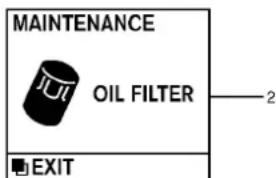
text_image
MAINTENANCE OIL FILTER EXIT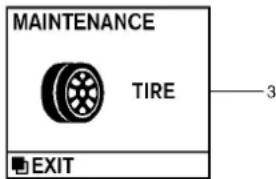
text_image
MAINTENANCE TIRE EXIT 3
text_image
MAINTENANCE OTHER EXIT 4INDICATORSFORMAINTENANCE
1. Engineoilreplacementindicator
This indicator appears when the sometime comes for changing the engine oil. You can set or reset the distance for changing the engine oil. (See "TRIPCOMPUTER" later in this section.)
2. Oilfilterreplacementindicator
This indicator appears when the sometime comes for replacing the oil filter. You can set or reset the distance for replacing the oil filter. (See "TRIPCOMPUTER" later in this section.)
3. Tirereplacementindicator
This indicator appears when these time comes for replacing tires. You can set or reset the distance for replacing tires. (See "TRIPCOMPUTER" later in this section.)
4. "OTHER" indicator
This indicator appears when these time comes for replacing item so other than the engine oil, oil filter and tires. You can set or reset the distance for replacing the items. (See "TRIP COMPUTER" later in this section.)
Moremaintenanceremindersarealsoavailable onthecenterdisplay.(See“HOWTOUSEINFO BUTTON”inthe“4.Monitor,climate,audio, phoneandvoicerecognitionsystems”section.)
Instrumentsandcontrols2-23
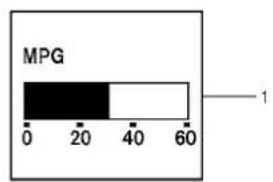
bar
MPG | Category | Value | |---|---| | Black Bar | 30 | | White Bar | 45 | | Arrow labeled '1' indicates a reference point.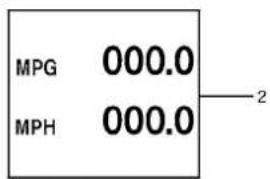
text_image
MPG 000.0 MPH 000.0 2
text_image
TIME 00:00 MILES 00:00 3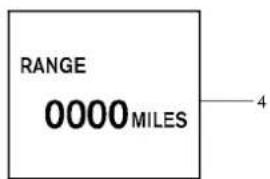
text_image
RANGE 0000 MILES 4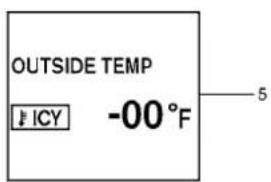
text_image
OUTSIDE TEMP ICY -00°F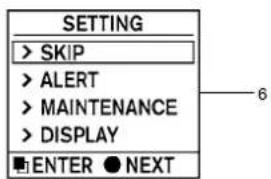
text_image
SETTING > SKIP > ALERT > MAINTENANCE > DISPLAY ENTER ● NEXT
text_image
WARNING X 1 > SKIP > DETAIL ■ ENTER ● NEXTSIC3282
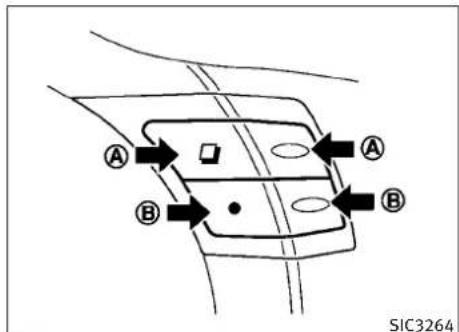
text_image
A B A B SIC3264TRIPCOMPUTER
Switchesforthetripcomputerarelocatedon therightsideofthecombinationmeterpanel. Tooperatethetripcomputer,pushthesideor frontoftheswitchesasshownabove.


switch


switch
WhentheignitionswitchispushedtotheON position, modesofthetripcomputercanbe
selectedbypushingthe

switch Ⓐ.
2-24Instrumentsandcontrols
Eachtimetheswitch A ispushed, the
displaywillchangeasfollows:
Currentfuelconsumption→Averagefuelconsumptionandspeed→Elapsedtimeandtrip odometer→Distancetoempty(dte)→Outside airtemperature(ICY)→Setting→Warningcheck
1. Currentfuel consumption
The current fuel consumption modes show the current fuel consumption.
2. Average fuel consumption (MPGor l(liter)/100km) and speed (MPHor km/h)
Fuelconsumption:
The average fuel consumption modes show the average fuel consumption sincethelast reset.
Resettingisdonebypushingthe
● switch
⑧ forlongerthan1second.(Theaveragespeed isalsoresetatthesametime.)
Thedisplayisupdatedevery30seconds.At aboutthefirst1/3mile(500m)afterareset,the displayshows“——”.
Speed:
Theaveragespeedmodeshowstheaverage vehiclespeedsincethelastreset. Resettingis donebypushingthe switch B forlonger than1second.(Theaveragefuelconsumptionis alsoresetatthesametime.)
Thedisplayisupdatedevery30seconds.The first30secondsafterareset,thedisplayshows “——”.
3. Elapsed time and tripodometer (mlsorkm)
Elapsedtime:
Theelapsedtimemodeshowsthetimesince thelastreset. Thedisplayedtimecanbereset bypassingthe switch B forlongerthan 1second.(Thetripodometerisalsoresetatthe sametime.)
Tripodometer:
Thetripodometermodeshowsthetotaldistancethevehiclehasbeendrivensincethelast
reset Presetting is done by pushing the switch Ⓑ for longer than 1 second. (The elapsed time is also reset at the same time.)
4. Distancetoempty(dte—mlsorkm)
Thedistancetoempty(dte)modeprovidesyou withanestimationofthedistancethatcanbe drivenbeforerefueling. Thedteisconstantly beingcalculated, basedontheamountoffuelin thefueltankandtheactualfuelconsumption.
Thedisplayisupdatedevery30seconds.
Thedtemodeincludesalowrangewarning feature.Ifthefuellevelislow,thewarningis displayedonthescreen.
Whenthefuelleveldropsevenlower,thedte displaywillchangeto“——”.
- If the amount off fuel added small, the display just before the ignition switch is pushed to the OFF position may continue to be displayed.
- Whendrivinguphillorroundingcurves, the fuelinthetankshifts, whichmaymomentarilychangethedisplay.
5. Outside air temperature (ICY—°F or °C)
The outside air temperature is displayed in °For °Cintherangeof - 22 to 131°F (- 30 to 55°C).
The outside air temperature mode includes a low temperature warning feature. If the outside air temperature is below 37^ F ( 3^ C), the warning is displayed on the screen.
Theoutsidetemperaturesensorislocatedinfront oftheradiator. Thesensormaybeaffected by roadorengineheat, winddirectionsandother driving conditions. Thedisplaymaydiffer from theactualoutsidetemperatureorthetemperaturedisplayedonvariousignsorbillboards.
6. Setting
Settingcannotbemadewhiledriving.Amessage"Settingcanonlybeoperatedwhen stopped"isalsodisplayedonthedotmatrix crystaldisplay.
The □ switch Ⓐ andswitch Ⓑ are usedinthesettingmodetoselectanddecidea menu.
SKIP:
Pushthe switch Ⓐ tomovetothe warningcheckmode.
2-26 Instrumentsandcontrols
Pushthe ● switch Ⓑ toselectother menus.
ALERT:
Thereare3submenusunderthealertmenu.
●BACK
Selectthissubmenutoreturntothetop pageofthesettingmode.
•TIMETOREST
Selectthissubmenutospecifywhenthe "timetorest" indicatoractivates.
-ICY
Select this submenutodisplaythelowout-sidetemperature warning.
MAINTENANCE:
Thereare5submenusunderthemaintenance menu.
●BACK
Selectthissubmenutoreturntothetop pageofthesettingmode.
●ENGINEOIL
Selectthissubmenutosetorresetthe distanceforchangingtheengineoil.
•OILFILTER
Selectthissubmenutosetorresetthe distanceforreplacingtheoilfilter.
•TIRE
Selectthissubmenutosetorresetthe distanceforreplacingtires.
OTHER
Selectthissubmenuandsetorresetthe distanceforreplacingitemsotherthanthe engineoil,oilfilterandtires.
DISPLAY:
Thereare3submenusunderthedisplaymenu.
- BACK
Selectthissubmenutoreturntothetop pageofthesettingmode.
●LANGUAGE
SelectthissubmenutochooseEnglishor Frenchfordisplay.
UNIT
Selectthissubmenutochoosetheunitfrom MPGorl/100km.
SECURITYSYSTEMS
7. Warningcheck
SKIP:
Pushthe

switch

tomovetothe
warningcheckmode.
Pushthe

switch

toselectother
menus.
DETAIL:
Thisitemisavailableonlywhenawarningis displayed.
Selectthismenutoseethedetailsofwarnings.

natural_image
Diagram of a car with concentric circular patterns and directional arrows, no readable text or symbols presentYour vehicle hastwotypes of security systems, as follows:
●Vehiclesecuritysystem
●INFINITIVehicleImmobilizerSystem
Theseurityconditionwillbeshownbythe securityindicatorlight.
VEHICLESECURITYSYSTEM
The vehicle security system provides visual and audio alarms signals if someone open the doors, hood, or trunk lid when the system is armed. It is not, however, amotion detection typesystem that activates when a vehicle is moved or when a vibration occurs.
Thesystemhelpsdetervehicletheftbutcannot preventit,norcanitpreventthetheftofinterior orexteriorvehiclecomponentsinallsituations. Alwayssecureyourvehicleevenifparkingfora briefperiod.NeverleaveyourIntelligentKey(s) inthevehicle,andalwayslockitwhenunattended.Beawareofyoursurroundings,and parkinsecure,well-litareaswheneverpossible.
Manydevicesofferingadditionalprotection, suchascomponentlocks,identificationmarkers,andtrackingsystems,areavailableatauto supplystoresandspecialtyshops.YourINFINITI retailermayalsooffersuchequipment.Check withyourinsurancecompanytoseeifyoumay beeligibleforddiscountsforvarioustheftprotectionfeatures.
SIC2045
Howtoarmthevehiclesecurity system
1.Closeallwindows.
Thesystemcanbearmedevenifthewindows areopen.
2. Push the ignitions switch to the OFF position.
3. Removethe Intelligent Key from the vehicle.
4. Closealldoors, hoodandtrunk. Lockall doors. Thedoorscanbelockedwiththe IntelligentKey, doorhandlerequest switch, powerdoorlockswitchormechanicalkey.
2-28 Instrumentsandcontrols
- Confirm that these security indicator light comes on. These security indicator light stays on for about 30 seconds. The vehicle security system is now pre-armed. After about 30 second the vehicle security system automatically shifts into the armed phase. These security light begins to flash once every approximately 3 seconds. If, during this 30-second pre-arm time period, the door is unlocked, or the ignition switch is pushed to ACC or ON, the system will not arm.
Evenwhenthedriverand/orpassengersarein thevehicle,thesystemwillactivatewithall doors,hood,andtrunklidlockedwiththeignitionswitchintheLOCKposition.Whenpushing theignitionswitchtotheACCorONposition,the systemwillbereleased.
Vehiclesecuritysystemactivation
The vehicle security system will give the following alarm:
●Theheadlightsblinkandthehornsounds intermittently.
●Thealarmautomaticallyturnsoffafterapproximately1minute. However, thealarm reactivatesifthevehicleistamperedwith again.
Thealarmisactivatedby:
- Unlockingthedoororopeningthetrunklid withoutusingthebuttonontheIntelligent Key,thedoorhandlerequestswitchorthe mechanicalkey.(Evenifthedoorisopened byreleasingthedoorinsidelockknob,the alarmwillactivate.)
- Openingthehood.
Howtostopanactivatedalarm
Thealarmwillstopbyunlockingadoorby pushingtheunlockbuttononthelIntelligent Key,thedoorhandlerequestswitchorusing themechanicalkey.Thealarmwillnotstopif theignitionswitchispushedtotheACCorON position.
If the system does not operate as described above, have it checked by an INFINIT retailer.
The INFINITIVehicle Immobilizer System will not allow the engine to start without the use of the registered Intelligent Key. Never leavethese keys in the vehicle.
Statementrelatedtosection15ofFCCrulesfor INFINITIVehicleImmobilizerSystem(CONT ASSY-CARDSLOT)
This device complies with part 15 of the FCC Rules and RSS-210 of Industry Canada. Operation is subject to the following two conditions;
(1) This device may not cause harmful interference, and (2) this device must accept any interference received, including interference that may cause undesired operation of the device.
CHANGESORMODIFICATIONSNOTEXPRESSLY APPROVEDBYTHEPARTYRESPONSIBLEFOR COMPLIANCECOULDVOIDTHEUSER'SAUTHORITYTOOPERATETHEEQUIPMENT.
SIC2045
Securityindicatorlight
Theseurityindicatorlightislocatedonthe meterpanel.Itindicatesthestatusofthe INFINITIVehicleImmobilizerSystem.
Thelightblinksaftertheignitionswitchwasin theLOCKposition.Thisfunctionindicates the securitysystemsequippedonthevehicleare operational.
If the INFINITIVehicle Immobilizer System is malfunctioning, this light will remain on while the ignition switch is in the ON position.
Ifthelightstillremainsonand/ortheenginewill notstart,seeanINFINITIretailerforINFINITIVehicleImmobilizerSystemserviceassoonas possible.PleasebringallIntelligentKeysthat youhavewhenvisitinganINFINITIretailerfor service.
- Donotoperatethewashercontinuouslyfor morethan30seconds.
- Donotoperatethewasherifthereservoir tankisempty.
- Donotfillthewindowwasherreservoirtank withwasherfluidconcentratesatfull strength. Somemethylalcoholbased washerfluidconcentratesmaypermanently stainthegrilleifspilledwhilefillingthewindowwasherreservoirtank.
●Pre-mixwasherfluidconcentrateswithwatertothemanufacturer'srecommendedlevelsbeforepouringthefluidintothewindowwasherreservoirtank.Donotusethewindowwasherreservoirtanktomixthewasher fluidconcentrateandwater.
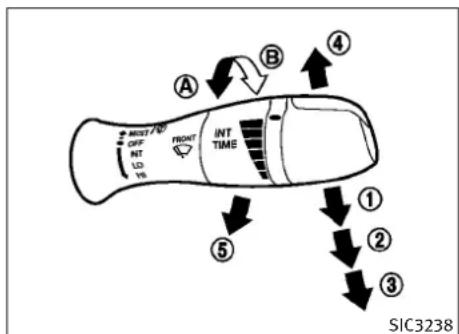
flowchart
graph TD
    A["Start"] --> B["Route ④"]
    B --> C["Route ③"]
    C --> D["Route ②"]
    D --> E["Route ①"]
    E --> F["Route ⑤"]
    F --> G["Route ④"]
    G --> H["Route ③"]
    H --> I["Route ②"]
    I --> J["Route ①"]
    J --> K["Route ④"]
    K --> L["Route ③"]
    L --> M["Route ②"]
    M --> N["Route ①"]
    N --> O["Route ④"]
    O --> P["Route ③"]
    P --> Q["Route ②"]
    Q --> R["Route ①"]
    R --> S["Route ④"]
    S --> T["Route ③"]
    T --> U["Route ②"]
    U --> V["Route ①"]
    V --> W["Route ④"]
    W --> X["Route ③"]
    X --> Y["Route ②"]
    Y --> Z["Route ①"]
TypeA
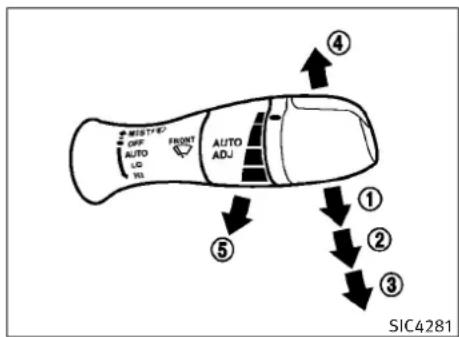
text_image
MID T-B OFF AUTO LQ NO FRONT AUTO ADJ ④ ⑤ ① ② ③ SIC4281TypeB
Thewindshieldwiperandwasheroperates whentheignitionswitchisintheONposition. Pushtheleverdowntooperatethewiperatthe followingspeed:
① Intermittent—intermittentoperationcanbe adjustedbyturningtheknobtoward
(Slower)or ⑧ (Faster).Whenthespeed sensingwiperintervalfunctionisturnedon, theintermittentoperationspeedvariesin accordancewiththevehiclespeed.(For example,whenthevehiclespeedishigh, theintermittentoperationspeedwillbe faster.)Toturnthisfunctiononandoff,see "HOWTOUSESETTINGBUTTON"inthe"4. Monitor,climate,audio,phoneandvoice recognitionsystems"section. Formodelswiththerain-sensingautowiper system,see"RAIN-SENSINGAUTOWIPER SYSTEM"laterinthissection.
② Low—continuouslowspeedoperation
③ High—continuoushighspeedoperation
Pushtheleverup ④ tohaveonesweep operationofthewiper.
Pullthelevertowardyou ⑤ tooperatethe washer.Thenthewiperwillalsooperateseveral times.
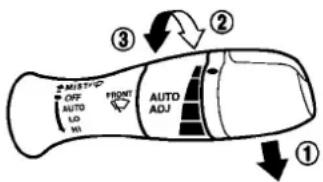
text_image
MUSTIC OFF AUTO ADJ WH FRONT AUTO ADJ ① ② ③SIC4190
RAIN-SENSINGAUTOWIPERSYSTEM (ifsoequipped)
Therain-sensingautowipersystemcanautomaticallyturnonthewipersandadjustthe wiperspeeddependingontherainfallandthe vehiclespeedbyusingtherainsensorlocated ontheupperpartofthewindshield.
Tosettherain-sensingautowipersystem, push theleverdowntotheAUTOposition ①. The wiperwillsweeponcewhiletheignitionswitch isintheONposition.
Therainsensorsensitivitylevelcanbeadjusted byturningtheknobtowardthefront ② (High) ortowardtherear ③ (Low).
●High—Highsensitiveoperation
●Low—Lowsensitiveoperation
Toturntherain-sensingautowipersystemoff, pushupthelevertotheOFFposition, orpull downthelevertotheLOorHIposition.
CAUTION
Donottouchtherainsensorandarounditwhen thewiperswitchisintheAUTOpositionandthe ignitionswitchisintheONposition. Thewipers may operate unexpectedly and causetoan injury orawiperdamage.
●Therain-sensingautowipersareintendedfor useduringrain.Iftheswitchisleftinthe AUTOposition,thewipersmayoperateunexpectedlywhendirt,fingerprints,oilfilmor insectsarestuckonoraroundthesensor. Thewipersmayalsooperatewhenexhaust gasormoistureaffecttherainsensor.
●Therain-sensingautowipersmaynotoperateifraindoesnothittherainsensorevenifitisraining.
- Whenthewindshieldglassiscoatedwith waterrepellent,thespeedoftherain-sensingautowipersmaybehighereven thoughheamountoftherainfallissmall.
- Besuretoturnofftherain-sensingautowiper systemwhenyouuseacarwash.
- Usinggenuinewiperbladesisrecommended forproperoperationoftherain-sensingauto wipersystem.(See"WINDSHIELDWIPER BLADES"inthe"8.Maintenanceanddo-it-yourself"sectionforwiperbladereplacement.)
REARWINDOWANDOUTSIDEMIRROR DEFROSTERSWITCH

text_image
SIC3239TypeA
Todefog/defrosttherearwindowglassand outsidemirrors(ifsoequipped),starttheengineandpushtheswitch ① on.Theindicator light ② willcomeon.Pushtheswitchagainto turnthedefrosteroff.
Itwillautomaticallyturnoffinapproximately15 minutes.

CAUTION
Whencleaningtheinnersideoftherearwindow,becarefulnottoscratchordamagethe rearwindowdefroster.
2-32 Instrumentsandcontrols
HEADLIGHTANDTURNSIGNALSWITCH
XENONHEADLIGHTS

WARNING

HIGHVOLTAGE
- Whenxenonheadlightsareon,theyproduceahighvoltage.Topreventanelectric shock,neverattempttomodifyordisassemble.Alwayshaveyourxenonheadlights replacedatanINFINITlretailer.
●Xenonheadlightsprovideconsiderably morelightthanconventionalheadlights. If theyarenotcorrectlyaimed, theymight temporarilyblindanoncomingdriverorthe driveraheadofyouandcauseaseriousaccident. Ifheadlightsarenotaimedcorrectly, immediatelytakeyourvehicletoanINFINITI retailerandhavetheheadlightsadjusted correctly.
Whenthexenonheadlightisinitiallyturnedon, itsbrightnessorcolorvariesslightly. However, thecolorandbrightnesswillsoonstabilize.
●The life of xenonhead lights will be shortened by frequent on-off operation. It is generally desirable to turn off the headlights for short intervals (for example, when the vehicle stops at traffic signal). Even when the day timer running lights are active (Canada only), the xenonhead lights done to turn on. This way the life of the xenonhead lights is not reduced.
- Ifthexenonheadlightbulbisclosetoburningout, the brightness will drastically decrease, the light will start blinking, or the color of the light will become reddish. If one or more of the abovesigns appear, contact an INFINIT retailer.

text_image
EDDE ① AUTO ISO ISO SIC32675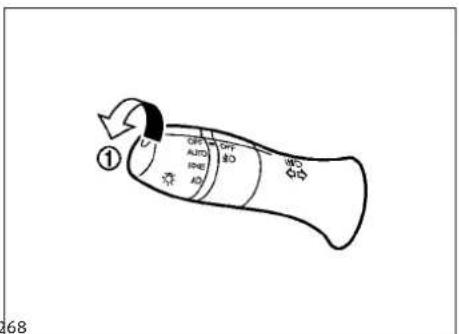
text_image
① GPT AUTO IRAE AD GPT AD WDS 68HEADLIGHTSWITCH
Lighting
① Turntheswitchtotheposition Thefrontpark,sidemarker,tail,license plateandinstrumentlightswillcomeon.
② Turntheswitchtotheposition: Headlightswillcomeonandalltheother lightsremainon.
Autolightsystem(ifsoequipped)
Theautolightsystemallowstheheadlightsto besetsotheyturnonandoffautomatically.
Tosettheautolightsystem:
-
Makesuretheheadlightswitchisinthe AUTOposition ①.
-
PushtheignitionswitchtotheONposition.
-
The autolightsystem automatically turns the headlightson and off.
Toturntheautolightsystemoff,turntheswitch totheOFF, EDQ orposition.
Theautolightsystemcanturnontheheadlights automaticallywhenitisdarkandturnoffthe headlightswhenitislight.
IftheignitionswitchispushedtotheOFF positionandoneofthedoorsisopenedand thisconditioniscontinued,theheadlightsremainonfor5minutes.
Automaticheadlightsoffdelay:
Youcankeeptheheadlightsonforupto180 secondsafteryoupushtheignitionswitchto OFFandopenanydoorthencloseallthedoors.
Youcanadjusttheperiodoftheautomatic headlightsoffdelayfrom0seconds(OFF)to180 seconds.Thefactorydefaultsettingis45sec- onds.
Forautomaticheadlightsoffdelaysetting,see "LightOffDelay"inthe"4.Monitor,climate, audio,phoneandvoicerecognitionsystems" section.
text_image
A SAA0642ABesurenottoputanythingontopofthephoto sensor locatedonthetopoftheinstrument panel. Thephotosensorcontrolstheautolight; ifitiscovered, thephotosensorreactsasifitis darkandtheheadlightswillilluminate.

text_image
① ② ③ OFF AUTO BQI BD BD BD 269Headlightbeamselect
① Toselectthelowbeam, puttheleverinthe neutralpositionasshown.
② Toselectthehighbeam, pushthelever forwardwhiletheswitchisinthe position. Pullitbacktoselectthelowbeam.
③ Pullingthelevertowardyouwillflashthe headlighthighbeamevenwhentheheadlightswitchisintheOFFposition.
2-34Instrumentsandcontrols
Batterysaversystem
Achimewillsoundwhenthedriversidedooris openedwiththelightswitchinthe EDQ or
positionandtheignitionswitchinthe ACC,OFFForLOCKposition.
Whentheheadlightswitchisinthe EDGE or
positionwhiletheignitionswitchisin theONposition,thelightswillautomatically turnoff5minutesaftertheignitionswitchhas beenpushedtotheOFFposition.
Whentheheadlightswitchremainsinthe EDGE orpositionafterthelightsautomaticallyturnoff,thelightswillturnonwhen theignitionswitchispushedtotheONposition.
CAUTION
- Whenyouturnontheheadlightswitchchagain afterthelightsautomaticallyturnoff,the lightswillnotturnoffautomatically.Besure toturnthelightswitchtotheOFFposition whenyouleavethevehicleforextendedperiodsoftime,otherwisethebatterywillbe discharged.
- Neverleavethelightswitchonwhenthe engineisnotrunningforextendedperiodsof timeeveniftheheadlightsturnoff automatically.
Daytimerunninglightsystem (Canadaonly)
Thedaytimerunninglightsautomaticallyilluminatewhentheengineisstartedwiththeparkingbrakereleased. Thedaytimerunninglights operatewiththeheadlightswitchintheOFF positionorinthe position.Turnthe headlightswitchtothe positionforfull illuminationwhendrivingatnight.
If the parking brake is applied before the engine is started, the day timer running lights donot illuminate. The day timer running lights illuminate on the parking brake is released. The day timer running light will remain on until the ignition switch is pushed to the OFF position.
WARNING
ForCoupemodels,whenthedaytimerunning lightsystemisactive,taillghtsonyourvehicle arenoton.Itisnecessaryatdusktoturnon yourheadlights.Failurertodosocouldcausean accidentinjuringyourselfandothers.
text_image
A B SIC3257②
text_image
BRIGHTNESS MAX①

text_image
BRIGHTNESS - +③

text_image
BRIGHTNESS MINSIC3270
Instrumentbrightnesscontrol
The instrument brightness control switch can be operated when the ignition switch is in the ON position. When the switch is operated, the dot matrix liquid crystal displays switch to the brightness adjustment mode.
Pushtheupperswitch Ⓐ tobrightenthe instrumentpanellights. The bar ① movesto the+side. When reaching themmaximumbrightness, "MAX" appear on the display ②.
Pushthelowerswitch ⑧ todimtheinstrument panellights. The bar ① movestothe-side. When reaching the minimum brightness, "MIN" appears on the display ③. However, "MIN" does not appear during the night time.
Thedotmatrixliquidcrystaldisplayreturnsto thenormaldisplayunderthefollowingconditions:
- whentheinstrumentbrightnesscontrol switchisnotoperatedformorethan5 seconds.
- whenthesideorfrontofthe

switchor
● switchontherightsideofthecombinationmeterpanelispushed.
2-36 Instrumentsandcontrols
text_image
① ② ① ② AUTO SIC32715 SIC32715
text_image
SIC2574 SIC2574 SIC2574 SIC2574 SIC2574 SIC2574 SIC2574 SIC2574 SIC2574 SIC2574 SIC2574 SIC2574 SIC2574 SIC2574 SIC2574 S100 S100 S100 S100 S100 S100 S100 S100 S100 S100 S100 S100 S100 S100 S100 S100 S100 S100 S100 S100 S101 S101 S101 S101 S101 S101 S101 S101 S101 S101 S101 S101 S101 S101 S101 S101 S101 S101 S101 S101 S102 S102 S102 S102 S102 S102 S102 S102 S102 S102 S102 S102 S102 S102 S102 S103 S103 S103 S103 S103 S103 S103 S103 S103 S103 S103 S103 S103 S103 S103 S103 S103 S103 S103 S103 S104 S104 S104 S104 S104 S104 S104 S104 S104 S104 S104 S104 S104 S104 S104 S104 S104 S104 S104 S104 S105 S105 S105 S105 S105 S105 S105 S105 S105 S105 S105 S105 S105 S105 S105 S106 S106 S106 S106 S106 S106 S106 S106 S106 S106 S106 S106 S106 S106 S106TURNSIGNALSWITCH
① Turnsignal
Movetheleverupordowntosignaltheturning direction. Whentethurniscompleted, theturn signalscancelautomatically.
② Lanechangesignal
Toindicatealanechange, movetheleverupor downtothepointwherelightsbeginflashing.
FOGLIGHTSWITCH
Toturnthefoglightson,turntheheadlight switchtothe 3D position,thenturnthe switchtothe 2D position.Toturnthemoff, turntheswitchtotheOFFposition.
Theheadlightsmustbeonforthefoglightsto operate.

Pushtheswitchontowarnotherdriverswhen youmuststoporparkunderemergencyconditions.Allturnsignallightswillflash.
WARNING
- Ifstoppingforanemergency,besureto movethevehiclewellofftheroad.
- Donotusethehazardwarningflasherswhile movingonthehighwayunlessunusualcircumstancesforceyoutodrivesoslowlythat yourvehiclemightbecomeahazardtoother traffic.
-Turnsignalsdonotworkwhenthehazard warningflasherlightsareon.
Instrumentsandcontrols2-37
HORNHEATEDSEATS(ifsoequipped)
Theflashercanbeactuatedwiththeignition switchinanyposition.
Somestatelawsmayprohibittheuseofthe hazardwarningflasherswitchwhiledriving.

natural_image
Diagram of a car's steering wheel with a black arrow pointing to the head (no text or symbols)SIC3312
Tosoundthehorn, pushthecenterpadarea of thesteeringwheel.
WARNING
Donotdisassemblethehorn.Doingsocould affectproperoperationofthesupplemental frontairbagsystem.Tamperingwiththe supplementalfrontairbagsystemmayresult inseriouspersonalinjury.
WARNING
Donotuseorallowoccupantstousetheseat heaterifyouortheoccupantscannotmonitor elevatedseattemperaturesorhaveaninability tofeelpaininbodypartsthatcontacttheseat. Useoftheseatheaterbysuchpeoplecould resultinseriousinjury.
CAUTION
●The battery could rundown if these at the theater is operated while the engine is not running.
- Donotusetheseatheaterforextendedperiodsorwhennooneisusingtheseat.
- Donotputanythingontheseatwhichinsulatesheat,suchasablanket,cushion,seat cover,etc. Otherwise,theseatmaybecome overheated.
- Donotplaceanythinghardorheavyonthe seatorpierceitwithapinorsimilarobject. Thismayresultindamagetotheheater.
- Anyliquidspilledontheheatedseatshould beremovedimmediatelywithadrycloth.
- Whencleaningtheseat,neverusegasoline, thinner,oranysimilarmaterials.
- Ifanyabnormalitiesarefoundortheheated seatdoesnotoperate,turntheswitchchoff andhavethesystemcheckedbyanINFINITI retailer.
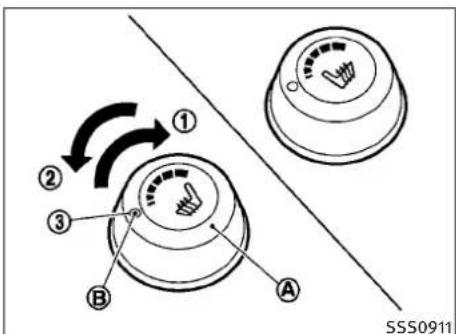
text_image
① ② ③ B A SSS0911Thefrontseatsarewarmedbybuilt-inheaters. Theswitcheslocatedonthecenterconsolecan beoperatedindependentlyofeachother.
1.Starttheengine.
2.Turnthecontrolknob Ⓐ totheright ① andselectthedesiredheatrange.
●Forhighheat,turntheknobtotheright
①.
●Forlowheat,turntheknobtotheleft ②.
●Theindicatorlight theheaterison. Ⓑ willilluminatewhen
3.Toturnofftheheater,returntheknobto theOFFposition ③.Makesurethatthe indicatorlightturnsoff.
Theheateriscontrolledbyathermistor, automaticallyturningtheheateronandoff. Theindicatorlightwillremainonaslongas theswitchison.
Whenthevehicle'sinterioriswarmed,or beforeyouleavethevehicle,besuretoturn offtheswitch.
SNOWMODESWITCH(ifsoequipped)VEHICLEDYNAMICCONTROL(VDC)OFF SWITCH
CLOCK
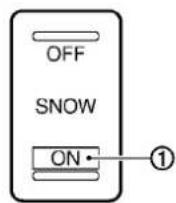
SIC3602SIC1881SIC3325
Fordrivingorstartingthevehicleonsnowy roadsorslipperyareas,turnontheSNOW modeswitch.Theindicatorlight ① onthe switchwillilluminate.WhentheSNOWmodeis activated,engineoutputiscontrolledtoavoid wheelspin.
The vehicles should be driven with the Vehicle Dynamic Control (VDC) system on most driving conditions.
Ifthevehicleisstuckinmudorsnow,theVDC systemreducetheengineoutputtoreduce wheelspin.Theenginespeedwillbereduced eveniftheacceleratorisdepressedtothefloor. Ifmaximumenginepowerisneededtofreea stuckvehicle,turntheVDCsystemoff.
ToturnofftheVDCsystem,pushtheVDCOFF switch.The VDC OFF indicatorwillilluminate.
PushtheVDCOFFswitchagainorrestartthe enginetoturnonthesystem.(See"VEHICLE DYNAMICCONTROL(VDC)SYSTEM"inthe"5. Startinganddriving"section.)
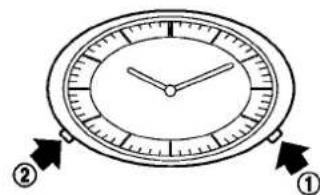
text_image
Diagram of an analog clock face with two hands pointing to the 12 o'clock, labeled with numbers ① and ②.If the powers supply is disconnected, the clock will not indicate the correct time. Read just the time.
ADJUSTINGTHETIME
1.Tosettheclockforward, pushthebutton ①.
2. Tosettheclockbackward, pushthebutton ②.
3. Tomoveforwardorbackwardfaster, push andholdthebuttonmorethan5seconds.
Fordetailsaboutdisplayclockadjustment(ifso equipped),see"HOWTOUSESETTINGBUTTON" inthe"4.Monitor,climate,audio,phoneand voicerecognitionsystems"section.
2-40 Instrumentsandcontrols
POWEROUTLET
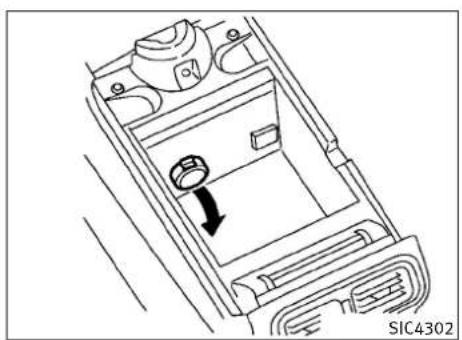
natural_image
Technical line drawing of a car interior frame with a directional arrow indicating rotation (no text or symbols)Automatictransmissionmodels
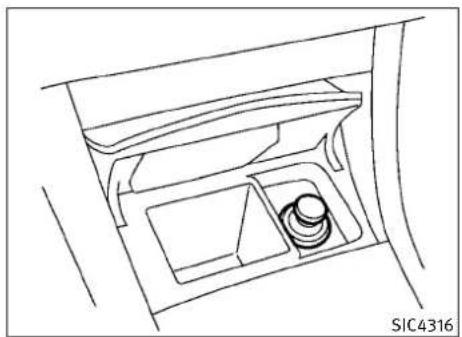
natural_image
Line drawing of a car interior with a seat and dashboard (no text or symbols)Automatictransmissionmodels

natural_image
Line drawing of a car interior with two circular objects inside, no text or symbols presentManualtransmissionmodels
The power outlet is located in the center console and storage box (if so equipped).
CAUTION
●Theoutletandplugmaybehotduringor immediatelyafteruse.
- Donotusewithaccessoriesthatexceeda12 volt,120W(10A)powerdraw.Donotuse doubleadaptersormorethanoneelectrical accessory.
- Usepoweroutletwiththeengine runningto avoid dischargingthevehicle battery.
- Avoidusingpoweroutletwhentheairconditioner,headlightsorrearwindowdefroster ison.
- Thispoweroutletisnotdesignedforuse withacigarettelighterunit.
- Pushthepluginasfarasitwillgo.Ifgood contactisnotmade,theplugmayoverheat ortheinternaltemperaturefusemayblow.
●Beforeinsertingordisconnectingaplug, be suretheelectricalaccessorybeingusedis turnedOFF. - Whennotinuse, besuretoclosethecap. Do notallowwatertocontacttheoutlet.
CIGARETTELIGHTERANDASHTRAYS(ifso equipped)

text_image
① ② ③ SIC3219$SIC3219\$IC2570
CAUTION
- Thecigarettelightersocketisapower sourceforthecigarettelighterelementonly. Theuseofthecigarettelightersocketasa powersourceforanyotheraccessoryisnot recommended.
- Donotuseanyotherpoweroutletforan accessorylighter.
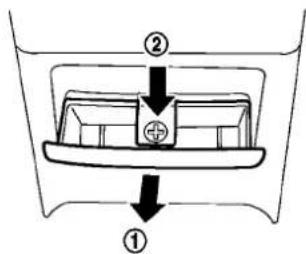
text_image
Diagram showing a mechanical or electrical component with labeled parts ① and ②, including a central symbol and directional arrows.FRONT
Toopentheashtraylid, pushtheliddownand releaseit ①.
Toemptytheashtray,pullout ②.
Thecigarettelighteroperateswhentheignition switchisintheONposition.
Pushthelighterinalltheway ③, thenrelease it. Whenthelighterisheated, it will spring out. Returnthelightertoits original position after use.
2-42 Instrumentsandcontrols
REAR
Toopentheashtraylid, pull ①.
Toemptytheashtray, pushdown ②, and pull out.
STORAGE
CUPHOLDERS
CAUTION
●Avoidabruptstartingandbrakingwhenthe cupholderisbeingusedtopreventspilling thedrink.Iftheliquidishot,itcanscaldyou oryourpassenger.
- Useonlysoftcupsinthecupholder.Hard objectscaninjureyouinanaccident.

text_image
① A SIC4304Automatictransmissionmodels—Front
Toopenthecupholder, pushthelid ①.
Theflap Ⓐ willbefoldeddownwheninserting alargecontainer.

text_image
① ② SIC3925Manualtransmissionmodels—Front
Toopenthecupholder, slidethelid ①.
natural_image
Diagram of a mechanical component with internal compartments and a curved arrow indicating rotation (no text or symbols)Rear
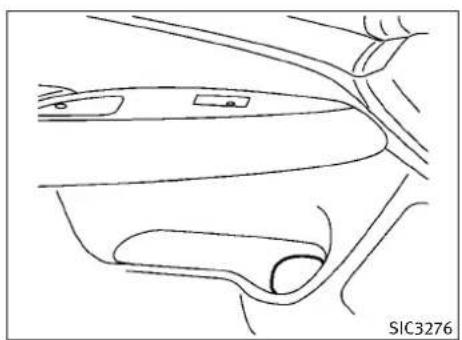
natural_image
Line drawing of a car's front and side views, showing dashboard and seat components (no text or symbols)Sedan
Softbottleholder
CAUTION
- Donotusebottleholderforanyotherobjectsthatcouldbethrownaboutinthevehicleandpossiblyinjurepeopleduringsuddenbrakingoranaccident.
- Donotusebottleholderforopenliquid containers.
Toopenthecupholder, pullthelid.

natural_image
Line drawing of a car's side mirror and dashboard (no text or symbols)Coupe
2-44 Instrumentsandcontrols

text_image
① SIC3246SSIC3246\$IC3469
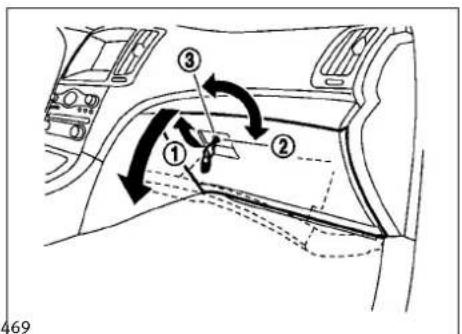
text_image
Diagram of car interior airflow or traffic flow with numbered components and directional arrows indicating movement paths.SUNGLASSESHOLDER
GLOVEBOX
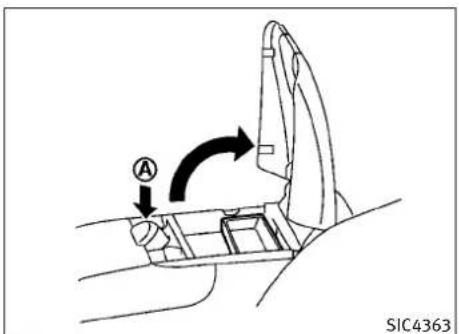
text_image
A SIC4363Automatictransmissionmodels
WARNING
Keepthesunglassesholderclosedwhiledrivingtopreventanaccident.
Toopenthesunglassesholder, push ①.
CAUTION
- Donotuseforanythingotherthanglasses.
- Donotleaveglassesinthesunglasses holderwhileparkingindirectsunlight.The heatmaydamagetheglasses.
WARNING
Keepgloveboxlidclosedwhiledrivingtohelp preventinjuryinanaccidentorasuddenstop.
Toopentheglovebox,pullthehandle ①.
Toclose, pushthelidin until the locklatches.
Tolock ②/unlock ③ theglovebox, usethe mechanicalkey. Forthemechanicalkey usage, see "KEYS" inthe "3. Pre-driving checks and adjustments" section.
CONSOLEBOX
Toopentheconsoleboxes, pushtheknob and pullupthelid.
Toclose, pushtheliddownuntillatched.
Theinnertray(ifsoequipped)canbemovedto thefrontorrrearposition.
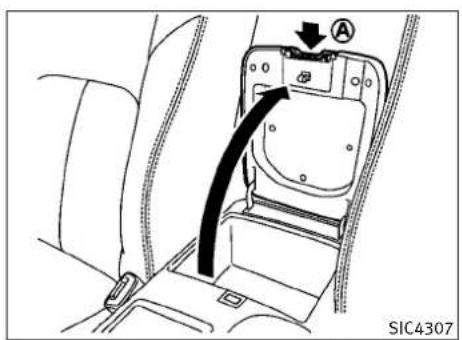
text_image
SIC4307Manualtransmissionmodels
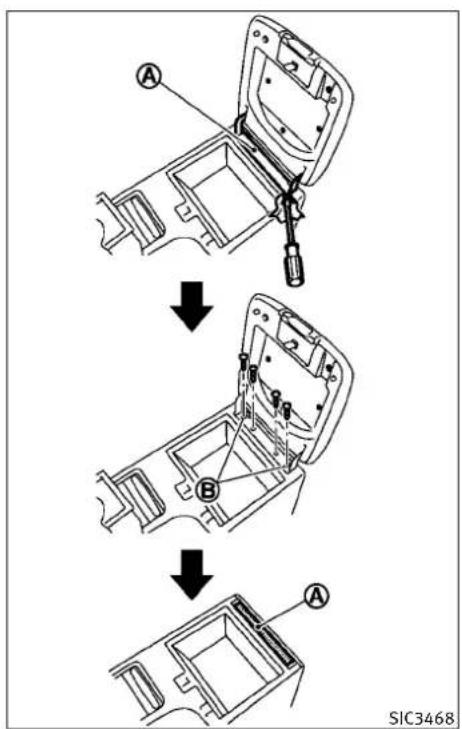
text_image
A B A SIC3468Coupe—Manualtransmissionmodel
Removingtheconsolelid(Coupe modelwithmanualtransmission)
Toremovetheconsolelid:
- Removethehingemask Ⓐ usingascrew-driverwrappedwithacloth.
- Loosenfourscrews, andremovethelid.
3.Tightenthetwooutsidescrews Ⓑ. - Installtheremovedhingemask originalposition. Ⓐ tothe
2-46 Instrumentsandcontrols
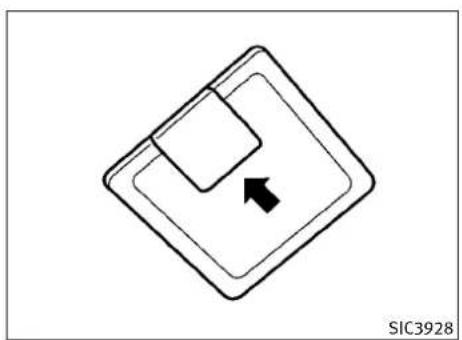
natural_image
Simple diagram of a diamond-shaped object with an arrow pointing to it, no text or symbols present.TypeA
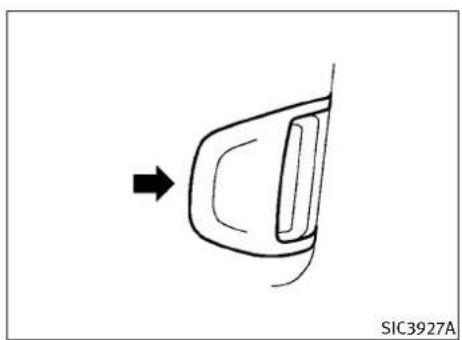
natural_image
Simple line drawing of a car door with an arrow pointing to the side (no text or symbols)TypeC
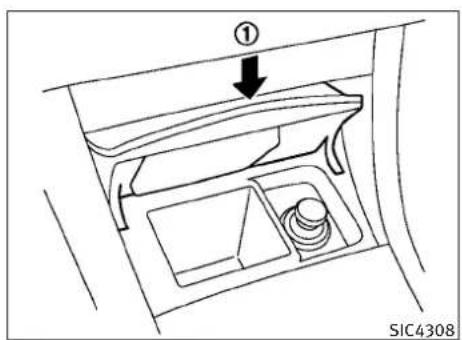
text_image
① SIC4308STORAGEBOX(ifsoequipped)
Toopen, pushthestorageboxlid ① asillustrated.
Donotplacevaluableitemsinthestoragebox.
Donotusethestorageboxasanashtray.
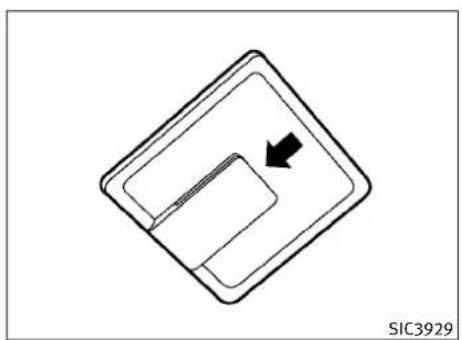
natural_image
Pure diagram of a diamond-shaped object with an arrow pointing to a rectangular interior (no text or symbols)TypeB
CARDHOLDER(ifsoequipped)
Thecardholderislocatedonorbehindthe driver'sorpassenger'ssunvisor.
Tousethecardholder, slidethecardinthecard holder.
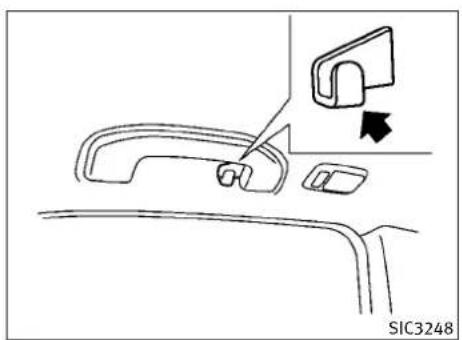
natural_image
Line drawing of a car handle panel with a close-up view of the handle (no text or symbols)Sedan
COATHOOKS
Sedan
Thecoathooksareequippedbesidetherear personallights.
CAUTION
Donotplaceitemswhicharemorethan2lb(1 kg)onthehook.
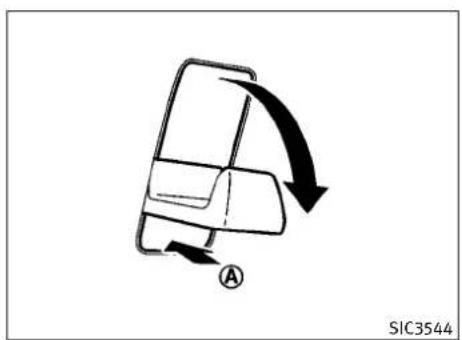
text_image
A SIC3544Coupe
Coupe
Tousethecoathook, pushthehook release.
Ⓐ to
CAUTION
Avoidhangingheavygoodsonthehook.

text_image
① ② ③ ④ SIC3467Insomecases, you may not be able to stop two golfbags in your vehicle, depending on their sizesortypes.
2-48 Instrumentsandcontrols
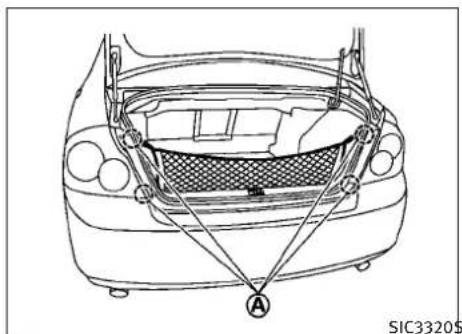
natural_image
Line drawing of a car's rear windshield with attached armrests and a mesh grille (no text or symbols)SIC3320\$IC3317
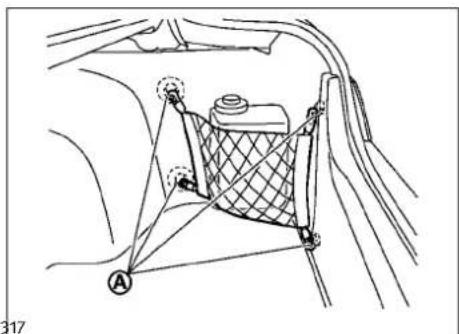
natural_image
Technical line drawing of a car seatbelt with labeled components (no text or symbols)CARGONETRETAINERS
Thecargonethelpskeeppackagesinthecargo areafrommovingaroundwhileyourvehicleis driven.
Toinstallthecargonet,attachthehookstothe retainers Ⓐ.

CAUTION
Avoidkeepingheavyobjectsinthenet.
TRUNKNETFOREXTRAWINDOW WASHERFLUID(Canadaonly;ifso equipped)
Thetrunknetisprovidedforholdingatankof extrawindowwasherfluid.
Toinstallthenet, placeacommerciallyavailabletankintherightcornerofthetrunkand thenattachthehookstotherestrainers
A.
WINDOWS
POWERWINDOWS

WARNING
●Makesurethatallpassengershavetheir hands,etc.insidethevehiclewhileitisin motionandbeforeclosingthewindows.Use thewindowlockswitchtopreventunexpecteduseofthepowerwindows.
- Donotleavechildrenunattendedinsidethe vehicle. They could unknowingly activate switchesorcontrolsandbecometrappedin the window. Unattendedchildrencouldbecome involved in serious accidents.
The power windows operate when the ignition switch is in the ON position or for about 45 seconds after the ignition switch is pushed to the OFF position. If the driver's front passenger's door is opened during this period of about 45 seconds, powerto the windows is canceled.

text_image
1 2 3 4 5 6 A B C SIC3279Sedan

text_image
1 A B 5 C 2 SIC3286ACoupe

text_image
SIC3241Passengersidepowerwindowswitch
Mainpowerwindowswitch(driver's side)
- Driversidewindow
2.Frontpassengersidewindow - Rearleftpassengersidewindow(Sedan only)
- Rearrightpassengersidewindow(Sedan only)
- Windowlockbutton
Toopenorclosethewindow, pushdown or pullup the switch and hold it. The main switch (driversides switches) will open or close all the windows.
Lockingpassengers'windows
Whenthelockbutton © ispushedin, only the driversidewindowcanbeopenedorclosed. Pushitinagaintocancel.
Thepassengersideswitchwillopenorclose onlythecorrespondingwindow.Toopenor closetehindow,pushdownorpullupthe switchandholdit.
2-50 Instrumentsandcontrols
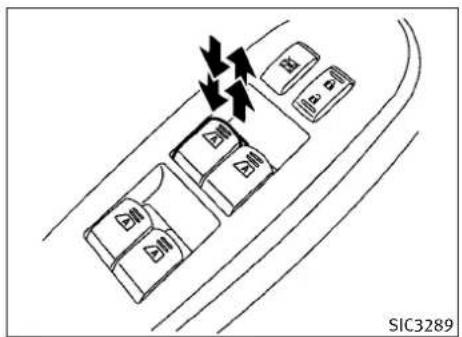
text_image
SIC3289Sedan-TypeA

text_image
SIC3288Coupe

text_image
SIC3285Sedan-TypeB
Automaticoperation(forfrontdoor windowsoralldoorwindows)
Tofullyopenorclosethewindow, completely pushdownorpulluptheswitchandreleaseit; itneednotbeheld. Thewindowwillautomatically openorclosealltheway. Tostopthe window, justpushorlifttheswitchinthe oppositedirection.
Alightpushorpullontheswitchwillcausethe windowtoopenorcloseuntiltheswitchis released.
Autoreversefunction
WARNING
Therearesomesmalldistancesimmediately beforetheclosedpositionwhichcannotbedetected.Makesurethatallpassengershave theirhands,etc.,insidethevehiclebeforeclosingthewindow.
If the control unit detect something caught in the window as it is closing, the window will be immediately lowered.
The autoreverse function can be activated when the window is closed by automatic operation when the ignitions switch this the ON position or for 45 seconds after the ignitions switch is pushed to the OFF position.
Depending on the environment driving conditions, the autoreverse function may be activated if an impactor loads similar to something being caught in the window occurs.
Automaticadjustingfunction(Coupe)
CAUTION
When the battery cable is removed from the battery terminal, donot close either of the front doors. The automatic window adjusting function will not work and the sideroof panel may be damaged.
The power window has an automatic adjusting function. Whentedoor is being opened, the window is automatically lowered slightly to avoid contact between the window and the side roof panel. Whentedoor is closed, the window is automatically raised slightly.
While the automatic adjusting function does not work, the window will be controlled as follows:
- Whenthedoorisopened, the windowlowers for approximately 2 seconds.
- Whilethedoorisopen, the window cannot be raised.
Ifthewindowsdonotclose automatically
If the power window automatic function (closing only) does not operate properly, perform the following procedure to initialize the power windowsystem.
- PushtheignitionswitchtotheONposition.
2.Closethedoor. - Openthewindowcompletelybyoperating thepowerwindowswitch.
- Pullthepowerwindowswitchandholdit toclosethewindow, and thenholdthe switchmorethan3secondsafterthe windowisclosedcompletely.
- Releasethepowerwindowswitch. Operatethewindowbytheautomaticfunction to confirm the initialization is complete.
- Performsteps2 through 5 above for other windows.
If the power window automatic function does not operate properly after performing procedure above, have your vehicle checked by an INFINIT retailer.
MOONROOF(ifsoequipped)
WARNING
- Inanaccidentyoucouldbethrownfromthe vehiclethroughanopenmoonroof.Always useseatbeltsandchildrestraints.
- Donotallowanyonetostanduporextend anyportionoftheirbodyoutofthemoonroof openingwhilethevehicleisinmotionor whilethemoonroofisclosing.
CAUTION
-Removewaterdrops, snow, iceorsand from themoonroofbeforeopening.
- Donotplaceanyheavyobjectonthemoon-rooforsurroundingarea.
2-52 Instrumentsandcontrols
AUTOMATICMOONROOF
Themoonroofonlyoperateswhentheignition switchisintheONposition.
The automatic moonroof is operational for about 45 seconds, even if the ignition switch is pushed to the OFF position. If the driver's door or the passenger's door is opened during this period of about 45 seconds, powerto the moonroof is canceled.

text_image
ON DOOR OFF ① ② SIC3243Sunshade
Thesunshadowillopenautomaticallywhenthe moonroofisopened.However,itmustbe closedmanually.
Tiltingthemoonroof
Totiltup,firstclosethemoonroof,thenpush theUP ① sideofthemoonroofswitch andreleaseit;itneednotbeheld.Totiltdown themoonroof,pushtheDOWN ② side.
Slidingthemoonroof
Tofullyopenorclosethemoonroof, push the CLOSE ↩ ① or OPEN ↩ ② side of the moonroof switch chand release it; it need not be
held. Theroofwillautomaticallyopenorclose alltheway. Tostoptheroof, pushtheswitch oncemorewhileitisopeningorclosing.
Autoreversefunction
WARNING
Therearesomesmalldistancesimmediately beforetheclosedpositionwhichcannotbedetected.Makesurethatallpassengershave theirhands,etc.,insidethevehiclebeforeclosingthemoonroof.
If the control unit detect something caught in themoonroof when it is closing, themoonroof will be immediately opened.
The autoreverse function can be activated when the moonroof is closed by automatic operation when the ignitions switch this the ON position or for about 45 seconds after the ignitions switch is pushed to the OFF position.
Ifthemoonroofcannotbeclosedautomatically whentheautoreversefunctionactivatesdueto amalfunction,pushandholdtheCLOSE ① sideofthemoonroofswitch.
Dependingontheenvironmentordrivingconditions,theautoreversefunctionmaybeactivated ifanimpactorloadsimilartosomethingbeing caughtinthemoonroofoccurs.
Instrumentsandcontrols2-53
INTERIORLIGHTS
Ifthemoonroofdoesnotoperate
Ifthemoonroofdoesnotoperateproperly, performthefollowingproceduretoinitializethe moonroofoperationsystem.
- Ifthemoonroofisopen, closeitfully by repeatedly pushing the CLOSE side of themoonroof switch to tilt the moonroof up.
2.PushandholdtheCLOSE ofthemoonroofswitch. ① side - Releasethemoonroofswitchafterthe moonroofmovesslightlyupanddown.
4.PushandholdtheOPEN ↩ ② sideof themoonroofswitchtofullytiltthemoon-roofdown. - Checkifthemoonroofswitchoperates normally.
Ifthemoonroofdoesnotoperateproperlyafter performingtheprocedureabove,haveyour vehiclecheckedbyanINFINITretailer.

natural_image
Diagram of a device interior with arrows indicating movement or force, no readable text or symbols present.MAPLIGHTS
Pushthebuttonasillustratedtoturnthelight onoroff.
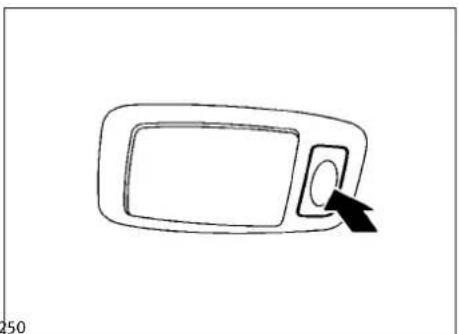
natural_image
Simple line drawing of a rectangular object with an arrow pointing to its side (no text or symbols)PERSONALLIGHTS(Sedan)
Rear
Pushthebuttonasillustratedtoturnthelight onoroff.
2-54Instrumentsandcontrols

text_image
① ON ② DOOR OFF ON DOOR OFF SIC3251INTERIORLIGHTCONTROL SWITCH
Theinteriorlightcontrolswitchhasthreepositions:ON,DOORandOFF.
ONposition
WhentheswitchisintheONposition ① themap lightsandrearpersonallightswillilluminate.
DOORposition
WhentheswitchisintheDOORposition ②, the maplightsandrearpersonallightswillilluminateunderthefollowingconditions:
- ignitionswitchisswitchedtotheLOCK position
-remainonforabout15seconds.
- doorsare unlocked by pushing the UNLOCK button on the Intelligent Key door handle request switch with the ignitions switch in the LOCK position
-remainonforabout15seconds.
●anydoorisopenedandthenclosedwiththe ignitionswitchintheLOCKposition
-remainonforabout15seconds.
-anydoorisopenedwiththeignitionswitch intheACCorONposition
-remainonwhilethedoorisopened. Whenthedoorisclosed,thelightsgooff.
Thelightswillalsoturnoffafter15minuteswhen thelightsremainilluminatedaftertheignition switchhasbeenpushedtotheOFForLOCKpositiontopreventthebatteryfrombecomingdischarged.
Whentheautointeriorilluminationissettothe OFFposition(see"VEHICLEINFORMATIONAND SETTINGS"inthe"4.Monitor,climate,audio, phoneandvoicerecognitionsystems"section), the lightswillilluminateunderthefollowing condition:
●anydoorisopenedwiththeignitionswitch inanyposition
-remainonwhilethedoorisopened. Whenthedoorisclosed,thelightsgooff.
OFFposition
WhentheswitchisintheOFFposition lightswillnotilluminate,regardlessofthe condition.
③,the

CAUTION
Donotuseforextendedperiodsoftimewith theenginestopped. This could result in adischarged battery.
VANITYMIRRORLIGHTSTRUNKLIGHT
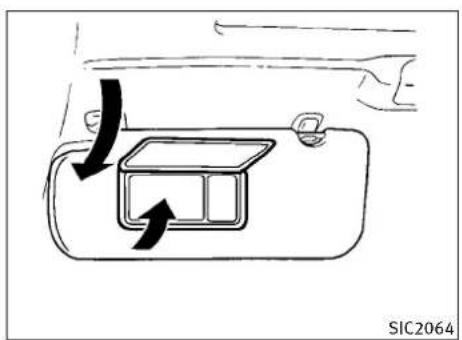
text_image
SIC2064TypeA
Thelightonthevanitymirrorwillturnonwhen thecoveronthevanitymirrorisopened.
Whenthecoverisclosed,thelightwillturnoff.
Thelightswillalsoturnoffafter15minuteswhen thelightsremainilluminatedtopreventthebatteryfrombecomingdischarged.
Thelightilluminateswhentetrunklidis opened. Whentetrunklidisclosed, thelight willturnoff.
Thelightwillalsoturnoffafter15minuteswhen thelightremainsilluminatedaftertheignition switchhasbeenpushedtotheOFForLOCKpositiontopreventthebatteryfrombecomingdischarged.
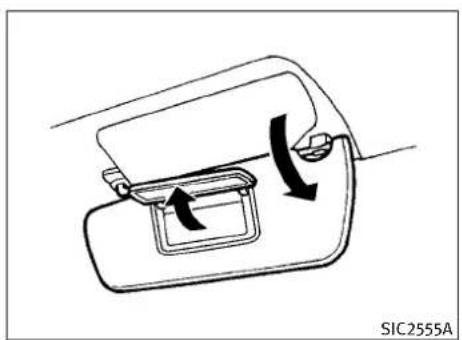
natural_image
Diagram of a car door handle mechanism with directional arrows indicating motion (no text or symbols)TypeB
2-56 Instrumentsandcontrols
HOMELINK® UNIVERSALTRANSCEIVER(if soequipped)
HomeLink®UniversalTransceiverprovides a convenient way to consolidate the functions of up to three individual hand-held transmitters into one built-in device.
HomeLink®UniversalTransceiver:
- WilloperatemostRadioFrequency(RF)devicesuchasgaragedoors,gates,homeand officelighting,entrydoorlocksandsecurity systems.
- Ispoweredbyyourvehicle'sbattery.No separatebatteriesarerequired.Ifthevehicle'sbatteryisdischargedorisdisconnected,HomeLink®willretainallprogramming.
OnceHomeLink®UniversalTransceiverisprogrammed, retaintheoriginaltransmitterforfutureprogrammingprocedures (Example:newvehiclepurchases). Uponsaleofthevehicle, the programmedHomeLink®UniversalTransceiver buttonsshouldbeerasedforsecuritypurposes. Foradditionalinformation, see "PROGRAMMING HomeLink®" laterinthissection.
WARNING
- DonotuseHomeLink® UniversalTransceiver withanygaragedooropenerthatlacks safetystopandreversefeaturesasrequired byfederalsafetystandards.(Thesestandardsbecameeffectiveforopenermodels manufacturedafterApril1,1982.)Agarage dooropenerwhichcannotdetectanobjectin thepathofaclosinggaragedoorandthen automaticallystopandreverse,doesnot meetcurrentfederalsafetystandards.Using agaragedooropenerwithoutthesefeatures increasestheriskofseriousinjuryordeath.
●Duringprogrammingprocedure,yourgarage doororsecuritygatemyopenorclose. Makesurethatpeopleandobjectsareclear ofthegaragedoor,gate,etc.thatyouare programming. - Yourvehicle'sengineshouldbeturnedoff whileprogrammingHomeLink®Universal Transceiver.
PROGRAMMINGHOMELINK®
ToprogramyourHomeLink®Transceivertooperateagaragedoor,gate,orentrydooropener,homeorofficelighting,youneedtobeatthe samelocationasthedevice.Note:Garagedoor openers(manufacturedafter1996)have“rolling codeprotection”.Toprogramagaragedoor openerequippedwith“rollingcodeprotection”; youwillneedtousealaddertogetuptothe garagedooropenermotortobeabletoaccess the“smartorlearn”programbutton.
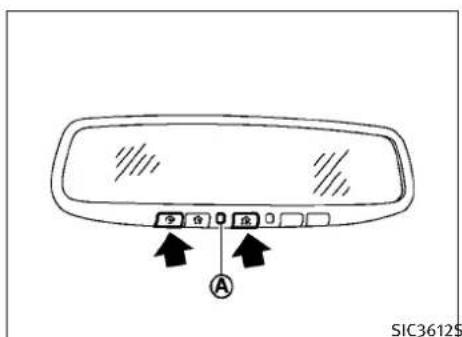
text_image
SIC3612$-
Tobegin, pushandholdthe2outer HomeLink® buttons (toclearthememory) until the indicator light Ⓐ blinks (after 20 seconds). Release both buttons.
-
Positiontheendofthehand-heldtransmitter1-3inchesawayfromthe HomeLink® surface.

-
Using both hands, simultaneously push and hold both the Home Link® button you want to program and the hand-held transmitter button. DONOTreleasethe buttons until step 4 has been completed.
-
HolddownbothbuttonsuntiltheindicatorlightonHomeLink®flashes,changingfroma"slowblink"toa"rapidblink".This couldtakeupto90seconds.Whenthe indicatorlightblinksrapidly,bothbuttons maybereleased.Therapidlyflashinglight indicatessuccessfulprogramming.Toactivatethegaragedoororotherprogrammeddevice.pushandholdtheprogrammedHomeLink®button-releasing whenthedevicebeginstoactivate.
-
If the indicator lighton HomeLink® blinks rapidly fortwosecond sandthenturns solid, HomeLink® has picked up a "rolling code" garagedoor openersignal. You will need to proceed with then next step to train HomeLink®, completing the programming may require aladder and another person for convenience.
-
Pushandreleasetheprogrambutton locatedonthegaragedooropener'smotortoactivatethe"trainingmode". This buttonisusuallylocatedneartheantennawirethathangsdownfromthe motor. If the wire originates from undera light lens, you will need to remove the lenstoaccessthetrainingbutton.
NOTE:
Once you have pushed and released the training button on the agaragedoor opener's motor and the "training light" is lit, you have 30 seconds in which to perform step 7. For convenience, use the help of a second person to assist when performing this step.
2-58 Instrumentsandcontrols
- Quickly(within30secondsofpushing andreleasingthegaragedooropener trainingbutton)andfirmlypushandreleasetheHomeLink®buttonyou'vejust programmed.Pushandreleasethe HomeLink®buttonuptothreetimesto completethetraining.
- YourHomeLink® button should now be programmed. Toprogramtheremaining HomeLink® buttons for additional door or gate openers, follow steps 2 through 8 only.
NOTE:
Donotrepeatstep1unlessyouwantto"clear" allpreviouslyprogrammedHomeLink®buttons.
If you have any questions or are having difficulty programming your HomeLink® buttons, pleasereferto the HomeLink® website at: www.homelink.com or call 1-800-355-3515.
PROGRAMMINGHOMELINK® FOR CANADIANCUSTOMERS
Prior to 1992, D.O.C. regulations required hand-held transmitterstostop transmitting after 2 seconds. Top program your hand-held transmit to HomeLink®, continuetopushandhold the HomeLink® button (notesteps 2 through 4 under "ProgrammingHomeLink®") while you
pushandre-push("cycle")yourhand-held transmitter every 2 seconds until the indicator lightflashes rapidly (indicating successful programming).
NOTE:
If programmingagaragedooropener,etc.,itis advisedtounplugthedeviceduringthe"cy-cling"processtopreventpossibledamageto thegaragedooropenercomponents.
IfHomeLink®doesnotquicklylearnthehand-heldtransmitterinformation:
●replacethehand-heldtransmitterbatteries withnewbatteries.
- positionthehand-heldtransmitterwithits batteryareafacingawayfromthe HomeLink® surface.
- pushandholdboththeHomeLink® and hand-heldtransmitterbuttonswithoutinterruption.
- positionthehand-heldtransmitter2to5in (50to127mm)awayfromtheHomeLink® surface.Holdthetransmitterinthatposition forupto15seconds.IfHomeLink®isnot programmedwithinthattime,tryholding thetransmitterinanotherposition-keeping theindicatorlightinviewatalltimes.
If you continue to have programming difficulties, please contact the INFINITI Consumer Affairs Department. The phonenumber are located in the Foreword of this Owner's Manual.
CLEARINGTHEPROGRAMMED INFORMATION
Individualbuttonscannotbecleared,however toclearallprogramming,pushandholdthetwo outsidebuttonsandreleasewhentheindicator lightbeginstoflash(inapproximately20seconds).
REPROGRAMMINGASINGLE HOMELINK®BUTTON
ToreprogramaHomeLink®UniversalTransceiverbutton,completethefollowing.
- PushandholdthedesiredHomeLink® button.Donotreleasethebuttonuntil step4hasbeencompleted.
- Whentheindicatorlightbeginstoflash slowly(after20seconds),positionthe hand-heldtransmitter2to5in(50to127 mm)awayfromtheHomeLink® surface.
- Pushandholdthehand-heldtransmitter button.
- The HomeLink® indicatorlightwillflash, firstslowlyandthenrapidly. When the indicatorlightbeginstoflashrapidly, releasebothbuttons.
TheHomeLink®UniversalTransceiverbutton hasnowbeenreprogrammed. Thenewdevice canbeactivatedbypushingtheHomeLink® buttonthatwasjustprogrammed. Thisprocedurewillnotaffectanyotherprogrammed HomeLink® buttons.
IFYOURVEHICLEISSTOLEN
Ifyourvehicleisstolen,youshouldchangethe codesofanynon-rollingcodedevicethathas beenprogrammedintoHomeLink®.Consultthe Owner'sManualofeachdeviceorcallthe manufacturerorretailerofthosedevicefor additionalinformation.
When your vehicle is recovered, you will need to reprogram the HomeLink® Universal Transceiver with your new transmitter information.
FCCNotice:
ThisdevicecomplieswithFCCrulespart15. Operationissubjecttothefollowingtwoconditions:(1)Thisdevicemaynotcauseharmfulinterferenceand(2)Thisdevicemustacceptanyinterferencethatmaybereceived,includinginterferencethatmaycauseundesiredoperation.
The transmitter has been tested and complies with FCCandDOC/MDCrules. Changesormodificationsnotexpressly approved by the party responsible for compliance could void the user's authority to operate the device.
DOC:ISTC1763K1313
FCCI.D.:CB2V67690
2-60 Instrumentsandcontrols
3Pre-drivingchecksandadjustments
Keys....3-2
IntelligentKey.... 3 - 2
Valethand-off....3-3
Doors.... 3 - 4
Lockingwithmechanicalkey.... 3-4
Opening and closing windows with the
mechanicalkey.... 3-5
Lockingwithinsidelockknob.... 3-5
Lockingwithpowerdoorlockswitch.... 3-5
Automaticdoorlocks.... 3-6
Childsafetyreardoorlock(Sedan).... 3-6
IntelligentKeysystem.... 3-7
IntelligentKeyoperatingrange.... 3-8
Doorlocks/unlocksprecaution.... 3-9
IntelligentKeyoperation.... 3-10
Batterysaversystem.... 3-12
Warningsignals.... 3-12
Troubleshootingguide.... 3-13
Remotekeylessentrysystem.... 3-14
Howtouseremotekeylessentrysystem..... 3-14
Hood....3-17
Trunklid. 3-18
Trunklidreleaseswitch.... 3-18
Trunkopenrequestswitch.... 3-19
Trunkreleasepowercancelswitch.... 3-19
Interiortrunklidrelease....3-20
Fuel-fillerdoor.... 3-21
Openingthefuel-fillerdoor.... 3-21
Fuel-fillercap. 3-21
Tilt/telescopicsteering. 3-23
Manualoperation(ifsoequipped)....3-24
Electricoperation(ifsoequipped)....3-24
Sunvisors....3-24
Mirrors.... 3-25
Insidemirror.... 3-25
Outsidemirrors....3-26
Vanitymirror....3-28
Automaticdrivepositioner(ifsoequipped)....3-28
Entry/exitfunction(AutomaticTransmission
Sedanmodels) 3-28
Seat synchronizationfunction....3-29
Memorystorage....3-30
Systemoperation.... 3-31
KEYS
Akeynumberplateissuppliedwithyourkeys. Recordthekeynumberandkeepitinasafe place(suchasyourwallet),notinthevehicle.If youloseyourkeys,seeanINFINITlretailerfor duplicatesbyusingthekeynumber.INFINITl doesnotrecordanykeynumberssoitisvery importanttokeeptrackofyourkeynumber plate.
Akeynumberisonlynecessarywhenyouhave lostallkeysanddonothaveonetoduplicate from.Ifyoustillhaveakey,thiskeycanbe duplicatedbyanINFINITIretailer.
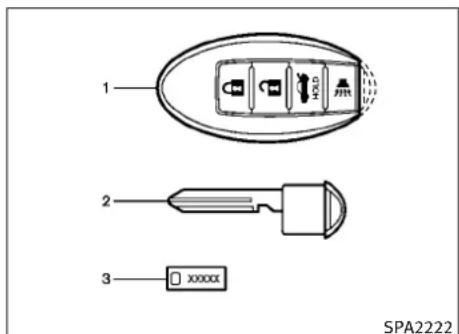
text_image
1 2 3 xxxxxxx SPA2222- IntelligentKeys(2sets)
- Mechanicalkeys(insidetheKeys)(2sets)
3.Keynumberplate(1set)
INTELLIGENTKEY
YourvehiclecanonlybedrivenwiththeIntelligentKeyswhichareregisteredtoyourvehicle's IntelligentKeysystemcomponentsandINFINITI VehicleImmobilizerSystemcomponents.As manyas4IntelligentKeyscanberegistered andusedwithonevehicle.Thenewkeysmust beregisteredbyanINFINITIretailerprioritouse withtheIntelligentKeysystemandINFINITI VehicleImmobilizerSystemofyourvehicle. Sincetheregistrationprocessrequireserasing allmemoryintheIntelligentKeycomponents
whenregisteringnewkeys,besuretotakeall IntelligentKeysthatyouhavetothe|NFINITI retailer.
ItispossiblethattheIntelligentKeyfunctions becomecanceled.ContactanINFINITIretailer.

CAUTION
- BesuretocarrythelIntelligentKeywithyou whendriving.TheIntelligentKeyisaprecisiondevicewithabuilt-intransmitter.To avoiddamagingit,pleasenotethe following.
-TheIntelligentKeyiswaterresistant; however, wetting may damage the Intelligent Key. If the Intelligent Key gets wet, immediately wipe until it is completely dry.
-Donotbend,droporstrikeitagainstan-otherobject.
-DonotplacethelIntelligentKeyforan extendedperiodinaplacewheretemperaturesexceed140°F(60°C).
-DonotchangeormodifytheIntelligent Key.
-Donotuseamagnetkeyholder.
3-2 Pre-driving checks and adjustments
-DonotplacethIntelligentKeynearan electricappliancesuchasatelevisionset orpersonalcomputer.
- DonotallowtheIntelligentKeytocome intocontactwithwaterorsaltwater,and donotwashitinawashingmachine.This could affect the system function.
- IfanIntelligentKeyislostorstolen, INFINITI recommend serasing the ID code of that Intelligent Key. This will prevent the Intelligent Key from unauthorized setounlock the vehicle. For information regarding the erasing procedure, please contact an INFINITI retailer.
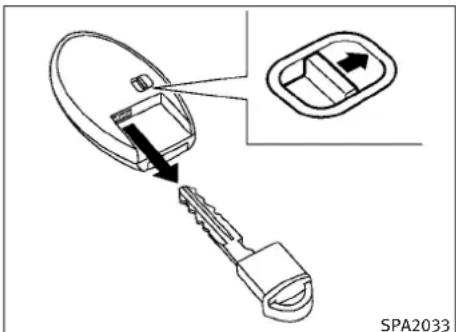
text_image
SPA2033Mechanicalkey
Toremovethemechanicalkey, releasethelock knobatthebackoftheIntelligentKey.
Toinstallthemechanicalkey, firmly insert it into the Intelligent Key until the lock knob return to the lock position.
Usethemechanicalkeytolockorunlockthe doors, gloveboxandtrunkpass-throughlid, if theyareequippedwithakeycylinder.
See "DOORS" laterinthissection and "TRUNK LID" laterinthissection, "STORAGE" in the "2. Instrumentsandcontrols" section and "SEATS" in the "1. Safety—Seats, seatbeltsandsupplementalrestraintsystem" section.
CAUTION
Alwayscarrythemechanicalkeyinstalledin thekey.
VALETHAND-OFF
When you havetoleaveakeywithavalet, give them the Intelligent Key itself and keep the mechanical key with y outoprotect your belongings.
Topreventthegloveboxandthetrunkfrom beingopenedduringvalethand-off, followthe proceduresbelow.
- Pushthetrunkreleasepowercancel switchtotheCANCELside.
- Removethemechanicalkeyfromtheln-telligentKey.
- Lockthegloveboxandthetrunkpass-through(forSedan)withthemechanical key.
- HandtheIntelligentKeytothevalet, keepingthemechanicalkeyinyour pocketorbagforinsertionintotheIntelligentKeywhenyouretrieveyourvehicle.
Pre-drivingchecksandadjustments3-3
DOORS
See "TRUNKLID" later in this section, "STORAGE" in the "2.Instruments and controls" section and "SEATS" in the "1.Safety—Seats, seat belts and supplemental restraints system" section.
WARNING
●Alwayshavethedoorslockedwhiledriving. Alongwiththeuseofseatbelts,thisprovidesgreatersafetyintheeventofanaccidentbyhelpingtopreventpersonsfrombeingthrownfromthevehicle.Thisalsohelps keepchildrenandothersfromunintentionallyopeningthedoors,andwillhelpkeep outintruders.
●Beforeopeninganydoor,alwayslookforand avoidoncomingtraffic.
- Donotleavechildrenunattendedinsidethe vehicle. They could dunknowingly activate switchesorcontrols. Unattendedchildren could become involved in serious accidents.

text_image
① ③ ② SPA2527LOCKINGWITHMECHANICALKEY
Thepowerdoorlocksystemallowsyoutolock orunlockalldoorssimultaneouslyusingthe mechanicalkey.
●Turningthedriver'sdoorkeycylindertothe frontofthevehicle ① willlockalldoors.
●Turningthedriver'sdoorkeycylinderonce totherearofthevehicle ② willunlockthe driver'sdoor. Afterreturningthekeytothe neutralposition ③, turningittotherear againwithin60secondswillunlockall doors.
3-4 Pre-driving checks and adjustments
- Youcanswitchthelocksystemtothemode thatallowsyoutoopenallthedoorswhen thekeyisturnedonce.(See“HOWTOUSE SETTINGBUTTON”inthe“4.Monitor,climate,audio,phoneandvoicerecognition systems”section.)
OPENINGANDCLOSINGWINDOWS WITHTHEMECHANICALKEY
The driver's door key operational also allows you to open and closet how window that is equipped with the automatic open/close function. (See "POWERWINDOWS" in the "2.Instruments and controls" section).
Toopenthewindow,turnthedriver'sdoorkey cylindertotherearofthevehicleforlongerthan 1second. Thedoorisunlockedandthewindow keepsopeningwhileturningthekey.
This function can also be performed by pushing and holding the door UNLOCK button of the Intelligent Key. (See "REMOTEKEYLESSENTRY SYSTEM" later in this section.)
Toclosethewindow,turnthedriver'sdoorkey cylindertothefrontofthevehicleforlonger than1second. Thedoorislockedandthe windowkeepsclosingwhileturningthekey.
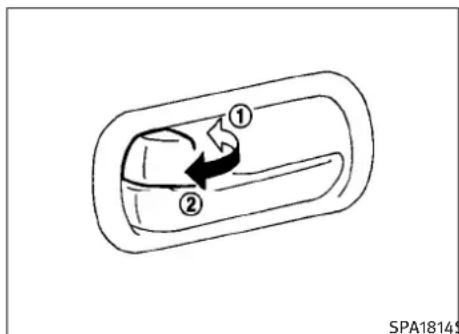
text_image
① ② SPA1814$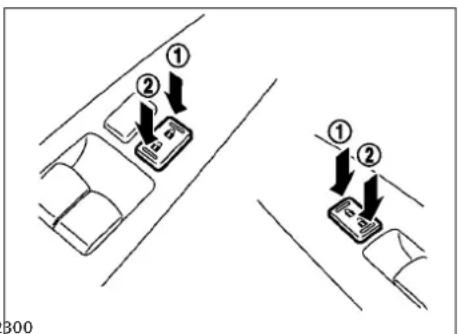
text_image
① ② ① ② B00LOCKINGWITHINSIDELOCKKNOB
Tolockthedoorindividually, movetheinside lockknobtothelockposition ① thenclosethe door.
Tounlock, movetheinsidelockknobtothe unlockposition ②.
WhenlockingthedoorwithoutanIntelligent Key,besurenottoleavethIntelligentKey insidethevehicle.
LOCKINGWITHPOWERDOORLOCK SWITCH
Operating the power door lock switch will lock or unlock all the doors. Thes switches are located on the driver's sand front passenger's door arm rests.
Tolockthedoors, pushthepowerdoorlock switchtothelockposition ① withthedriver's orfrontpassenger'sdooropen, thenclosethe door.
Whenlockingthedoorthisway, becertainnotto leavetheIntelligentKeyinsidethevehicle.
Tounlockthedoorsincludingthefuel-filler door, pushthepowerdoorlockswitchtothe unlockposition ②.
Pre-drivingchecksandadjustments3-5
Lockoutprotection
Whenthepowerdoorlockswitch(driverorfront passenger)ismovedtothelockpositionwith theIntelligentKeyintheportandanydoor open,alldoorswilllockandunlockautomatically.WiththeIntelligentKeyleftinthevehicle (notinthelIntelligentKeyport)andanydoor open,alldoorswillunlockautomaticallyanda chimewillsoundafterthedoorisclosed.
ThesefunctionshelptopreventtheIntelligent Keyfrombeingaccidentallylockedinsidethe vehicle.
AUTOMATICDOORLOCKS
●Alldoorslockautomaticallywhenthevehiclespeedreaches15MPH(24km/h).
- Alldoorsunlockautomaticallywhenthe ignitionswitchisplacedintheOFFposition.
The automatic unlock function can be deactivated or activated. Todeactivate or activate the automatic door unlock system, perform the following procedure:
- Closealldoors.
- PlacetheignitionswitchintheONposition.
3-6 Pre-driving checks and adjustments
- Within 20 second sof performing Step 2, push and hold the power door lock switch to the position (UNLOCK) form more than 5 seconds.
- When activated, the hazard indicator will flashtwice. Whendeactivated, the hazard indicator will flashonce.
- Theignitionswitchmustbeplacedinthe OFFandONpositionagainbetweeneach settingchange.
Whentheautomaticdoorunlocksystemis deactivated, thedoorsdonotunlockwhenthe ignitionswitchisplacedintheOFFposition.To unlockthedoormanually, usetheinsidelock knoborthepowerdoorlockswitch(driver'sor frontpassenger'sside).
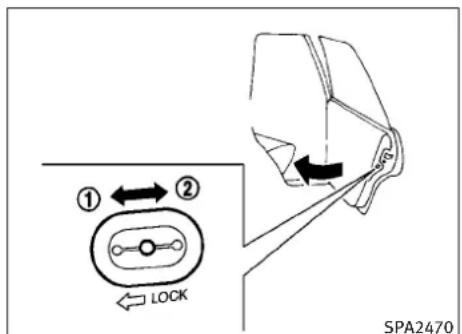
text_image
① ← ② LOCK SPA2470CHILDSAFETYREARDOORLOCK (Sedan)
Thechildsafetyreardoorlockhelpsprevent doorsfrombeingopenedaccidentally,especiallywhensmallchildrenareinthevehicle.
Whentheleversareinthelockposition ①, the reardoorscanbeopenedonlyfromtheoutside.
Todisengage, movetheleverstotheunlock position ②.
INTELLIGENTKEYSYSTEM
WARNING
●Radiowavescouldadverselyaffectelectric medicalequipment. Thosehouseapacemakershouldcontacttheelectricmedical equipmentmanufacturerforthepossibleinfluencesbeforeuse.
●TheIntelligentKeytransmitsradiowaves whenthebuttonsarepushed.TheFAAad-visesthattheradiowavesmayaffectaircraft navigationandcommunicationsystems.Do notoperatetheIntelligentKeywhileonan airplane.Makesurethebuttonsarenotoperatedunintentionallywhentheunitis storedduringaflight.
The Intelligent Keysystemcanoperate all the doors and the trunk lid using theremote controller function or pushing there requests switch on the vehicle without taking the key out from a pocket or purse. The operating environment and/or conditions may affect the Intelligent Key system operation.
Besuretoreadthefollowingbeforeusingthe IntelligentKeysystem.
CAUTION
- BesuretocarrytheIntelligentKeywithyou whenoperatingthevehicle.
●NeverleavetheIntelligentKeyinthevehicle whenyouleavethevehicle.
The Intelligent Keyisalways communicating with the vehicle as it receives radiowaves. The Intelligent Keysystem transmits weak radio waves. Environmental conditions may interfere with the operation of the Intelligent Keysystem under the following operating conditions.
- Whenoperatingnearalocationwherestrong radiowavesaretransmitted,suchasaTV tower,powerstationandbroadcastingstation.
- Wheninpossessionofwirelessequipment, suchasacellulartelephone,transceiver, andCBradio.
- When the Intelligent Key is in contact with or covered by metallic materials.
- Whenanytypeofradiowaveremotecontrol isusednearby.
- WhentheIntelligentKeyisplacednearan electricappliancesuchasapersonalcomputer.
- Whenthevehicleisparkednearaparking meter.
Insuchcases, correcttheoperatingconditions beforeusingtheIntelligentKeyfunctionoruse themechanicalkey.
Although the life of the battery varies depending on the operating conditions, the battery's life is approximately 2 years. If the battery is discharged, replace it with anewone.
WhentheIntelligentKeybatteryisalmostdischarged,inserttheIntelligentKeyintothe IntelligentKeyporttostarttheengine.Replace thedischargedbatterywithanewoneassoon aspossible.Formoredetails,see“PUSH-BUTTONIGNITIONSWITCH”inthe“5.Starting anddriving”section.
SincethelIntelligentKeyiscontinuouslyreceivingradiowaves,ifthekeyisleftnearequipmentwhichtransmitsstrongradiowaves,such assignalsfromaTVandpersonalcomputer,the batterylifemaybecomeshorter.
Forinformationregardingreplacementofabattery,see"INTELLIGENTKEYBATTERYREPLACEMENT"inthe"8.Maintenanceanddo-it-yourself"section.
Pre-drivingchecksandadjustments3-7
Because the steering wheel is locked electrically, unlocking the steering wheel with the ignitions switch in the LOCK position is impossible when the vehicle battery is completely discharged. Pays special attention that the vehicle battery is not completely discharged.
Asmanyas4IntelligentKeyscanberegistered andusedwithonevehicle.Forinformation aboutthepurchaseanduseofadditionalIntelligentKeys,contactanINFINITlretailer.
CAUTION
- DonotallowtheIntelligentKey, which containselectricalcomponents, tocomeinto contactwithwaterorsaltwater. This could affect the system function.
●DonotdroptheIntelligentKey. - DonotstrikethelIntelligentKeysharply againstanotherobject.
●DonotchangeormodifytheIntelligentKey. - WettingmaydamagetheIntelligentKey.If theIntelligentKeygetswet,immediately wipeuntilitiscompletelydry.
-
DonotplacetheIntelligentKeyforanextendedperiodinanareawheretemperaturesexceed140°F(60°C).
-
DonotattachtheIntelligentKeywithakey holderthatcontainsamagnet.
- Donotplaceth Intelligent Keynearequipment that produces amagnetic field, such as aTV, audioequipment and personal computers.
IfanIntelligentKeyislostorstolen, INFINITI recommend serasing the IDcode of that Intelligent Keyfrom the vehicle. This may prevent the unauthorized use of the Intelligent Keytooperatethe vehicle. For information regarding the erasing procedure, contact an INFINITI retailer.

natural_image
Top-down schematic of a car showing front, rear, and side views with numbered annotations (no text or symbols on the diagram itself)The Intelligent Key functions can only be used when the Intelligent Key is within the specified operating range from therequest switch ①.
3-8Pre-drivingchecksandadjustments
WhentheIntelligentKeybatteryisdischarged orstrongradiowavesarepresentnearthe operatinglocation,theIntelligentKeysystem's operatingrangebecomesnarrower,andthe IntelligentKeymaynotfunctionproperly.
Theoperatingrangeiswithin31.50in(80cm) fromeachrequestswitch ①.
If the Intelligent Keyistooclosetothedoor glass, handleorrearbumpertherequest switchesmaynotfunction.
WhentheIntelligentKeyiswithintheoperating range,itispossibleforanyonewhodesnot carrythelntelligentKeytopushtherequest switchtolock/unlockthedoorsandopenthe trunklid.
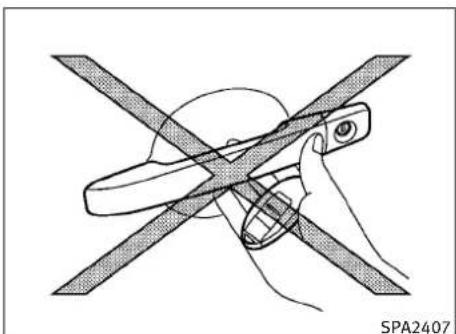
natural_image
Illustration of a hand using a tool to cut a flat blade, crossed out by two diagonal lines (no text or symbols)DOORLOCKS/UNLOCKSPRECAUTION
- Donotpushthedoorhandlerequestswitch withtheIntelligentKeyheldinyourhandas illustrated. Theclosedistancetothedoor handlewillcausethelIntelligentKeysystem tohavedifficultyrecognizingthattheIntelligentKeyisoutsidethevehicle.
- Afterlockingwiththedoorhandlerequest switch,verifythedoorsaresecurelylocked bytestingthem.
-
TopreventtheIntelligentKeyfrombeingleft insidethevehicleorthetrunk,makesure youcarrythekeywithyouandthenlockthe doorsorthetrunk.
-
Donotpullthedoorhandlebeforepushing thedoorhandlerequestswitch. Thedoor willbeunlockedbutwillnotopen. Release thedoorhandleonceandpullitagainto openthedoor.
●TheIntelligentKeysystem(opening/closing doorswiththedoorhandlerequestswitch) canbesettoremaininactive.(See"VEHICLE INFORMATIONANDSETTINGS"inthe"4. Monitor,climate,audio,phoneandvoice recognitionsystems"section.)

text_image
SPA2724$SPA2724\$PA2725
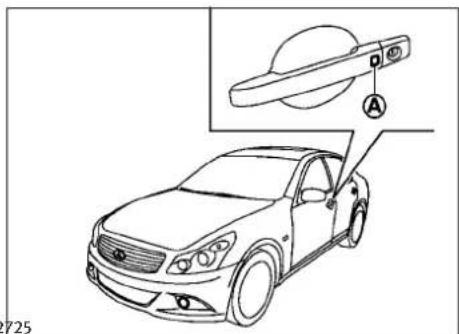
text_image
725Youcanlockorunlockthedoorswithouttaking thekeyoutfromyourpocketorbag.
When you carry the Intelligent Key with you, you can lock or unlock all doors by pushing the door handle request switch (driver's front passenger's) within the range of operation.
Whenyoulockorunlockthedoorsorthetrunk lid,thehazardindicatorwillflashandthehorn (ortheoutsidechime)willsoundasaconfirmation.Fordetails,see"Settinghazardindicator andhornmode"laterinthissection.
Lockingdoorsandfuel-fillerdoor
- PushtheignitionswitchtotheOFFpositionandmakesureyoucarrytheIntelligentKeywithyou.*1
2.Closeallthedoors.*2
3.Pushthedoorhandlerequestswitch (driver'sorfrontpassenger's) ④ while carryingtheIntelligentKeywithyou.*3
-
Allthedoorsandfuel-fillerdoorwilllock.
-
The hazard indicator flashestwice and the outside chimesoundstwice.
*1: DoorswilllockwiththeIntelligentKeywhile theignitionswitchisintheACCorON position.
*2: DoorswillnotlockwiththeIntelligentKey whileanydoorisopen.
*3: Doorswillnotlockbypushingthedoor handlerequestswitchwiththeIntelligent Keyinsidethevehicle. However, whenan IntelligentKeyisinsidethevehicle, doors canbelockedwithanotherregisteredIntell- igentKey.
Unlockingdoorsandfuel-fillerdoor
-
Pushthedoorhandlerequestswitch(driver'sorfrontpassenger's) ① oncewhile carryingtheIntelligentKeywithyou.
-
The hazard indicator flashes once and outside chimes sounds once. The corresponding door and the fuel - filler door will unlock.
-
Pushthedoorhandlerequestswitch again within 1 minute.
3-10Pre-drivingchecksandadjustments
- The hazard indicator flashes once and outside chimes sounds once again. All the doors will unlock.
Alldoorsandthefuel-fillerdoorwillbelocked automaticallyunlessoneofthefollowingoperationsisperformedwithin1minuteafterpushingtherequestswitchwhilethedoorsarelocked.
- Openinganydoor
●Pushingtheignitionswitch - InsertingtheIntelligentKeyintotheIntelligentKeyport.
During this 1-minute time period, if the UNLOCK
buttonontheIntelligentKeyispushed, alldoorswillbelockedautomaticallyafter another1minute.
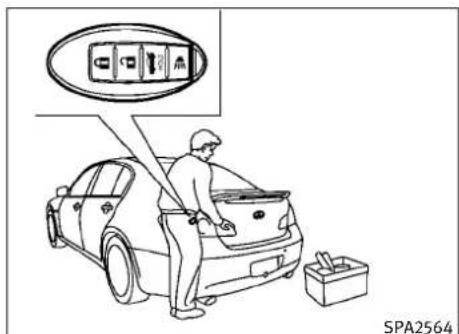
text_image
SPA2564
text_image
SPA2304Sedan
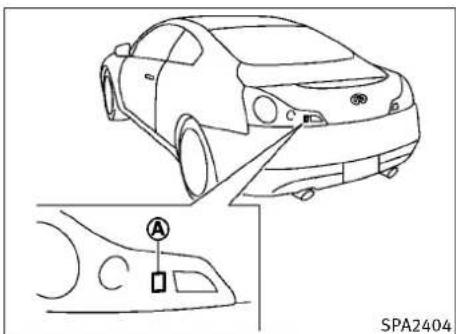
text_image
SPA2404Coupe
Openingtrunklid
- Pushthetrunkopenrequestswitch morethan1second.
A for - Thetrunkwillunlatch.Anoutsidechime willsoundfourtimes.
3.Raisethetrunklidtoopenthetrunk.
Lockoutprotection:
TopreventtheIntelligentKeyfrombeingaccidentallylockedinthetrunk,lockoutprotectionisequippedwiththeIntelligentKeysystem.
WhenthetrunklidisclosedwiththeIntelligent Keyinsidethetrunk,theoutsidechimewill soundandthetrunkwillopen.
Pre-drivingchecksandadjustments3-11
BATTERYSAVERSYSTEM
When all the following conditions are met for 60 minutes, the battery saversystem will cutoff the powers supply to prevent battery discharge.
●TheignitionswitchisintheACCposition, and
●Alldoorsareclosed, and
- TheselectorleverisintheP(Park)position (AutomaticTransmissionmodels).
WARNINGSIGNALS
Tohelppreventthevehiclefrommovingunex- pectedlybyerroneousoperationofthelIntelli- gentKeylistedonthefollowingchartortohelp preventthevehiclefrombeingstolen,chimeor beepsoundsinsideandoutsidethevehicleand awarningdisplaysinthedotmatrixliquid crystaldisplay.
Whenachimeorbeepsoundsorthewarning displays,besuretocheckthevehicleand IntelligentKey.
See "TROUBLESHOOTINGGUIDE" laterin this section and "DOTMATRIXLIQUIDCRYSTALDISPLAY" in the "2.Instrumentsandcontrols" section.
3-12 Pre-driving checks and adjustments
TROUBLESHOOTINGGUIDE
| SymptomPossiblecauseActiontotake | |||
| Whenpushingtheignitionswitchto stoptheengine | TheSHIFTPwarningappearsonthe displayandtheinsidewarningchime soundscontinuously(Automatic Transmissionmodels). | TheselectorleverisnotintheP (Park)position. | ShifttheselectorlevertotheP (Park)position. |
| Whenopeningthedriver'sdoorto getoutofthevehicle | Theinsidewarningchimesounds continuously. | TheignitionswitchisintheACC position. | PushtheignitionswitchtotheOFF position. |
| ThelntelligentKeyisinthelIntelli-gentKeyport. | RemovetheIntelligentKeyfromthe IntelligentKeyport. | ||
| Whenclosingthedooraftergetting outofthevehicle | TheNOKEYwarningappearsonthe display,theoutsidechimesounds3 timesandtheinsidewarningchime soundsforafewseconds. | TheignitionswitchisintheACCor ONposition. | PushtheignitionswitchtotheOFF position. |
| TheSHIFTPwarningappearsonthe displayandtheoutsidechime soundscontinuously(Automatic Transmissionmodels). | TheignitionswitchisintheACCor OFFpositionandtheselectorleveris notintheP(Park)position. | MovetheselectorlevertotheP (Park)positionandpushtheignition switchtotheOFFposition. | |
| Whenclosingthedoorwiththein-sidelockknobturnedtoLOCK | Theoutsidechimesoundsforafew secondsandallthedoorsunlock. | ThelntelligentKeyisinsidetheve-hicleortrunk. | CarrythelntelligentKeywithyou. |
| Whenpushingtherequestswitchor LOCKbuttononthelIntelligentKey tolockthedoor | Theoutsidechimesoundsforafew seconds. | ThelntelligentKeyisinsidetheve-hicleortrunk. | CarrythelntelligentKeywithyou. |
| Adoorisnotclosedsecurely.Closethedoor | securely. | ||
| WhenclosingthetrunklidTheoutsidechimesoundsforap-proximately10secondsandthe trunklidopens. | ThelntelligentKeyisinsidethe trunk. | CarrythelntelligentKeywithyou. | |
Pre-drivingchecksandadjustments3-13
REMOTEKEYLESSENTRYSYSTEM

WARNING
The Intelligent Keytransmits radiowaves when the buttons are pushed. The FAA advises that theradiowaves may affect aircraft navigation and communications systems. Donot operate the Intelligent Key while on an airplane. Make sure the buttons are not operated unintentionally when the unit is stored during a flight.
Itispossibletolock/unlockalldoors,fuel-filler door,activatethepanicalarmandopenthe windowsbypushingthebuttonsontheIntelligentKeyfromoutsidethevehicle.
Beforelockingthedoors, makesuretheIntelligentKeyisnotleftinthevehicle.
TheLOCK/UNLOCKbuttononthelIntelligentKey canoperateatadistanceofapproximately33ft (10m)fromthevehicle.(Theeffectivedistance dependsupontheconditionsaroundthevehicle.)
Asmanyas4IntelligentKeyscanbeusedwith onevehicle.Forinformationconcerningthe purchaseanduseofadditionalIntelligentKeys, contactanINFINITlretailer.
ThelockandunlockbuttonsontheIntelligent Keywillnotoperatewhen:
●thedistancebetweentheIntelligentKeyand thevehicleisover33ft(10m).
●theIntelligentKeybatteryisdischarged.
Afterlockingwiththeremotekeylessentry function, pullthedoorhandletomakesurethe doorsaresecurelylocked.
TheLOCK/UNLOCKoperatingrangevariesdependingontheenvironment.Tosecurelyoperatethelockandunlockbuttons,approachthe vehicletoabout3ft(1m)fromthedoor.

text_image
① ② ③ ④ HOLDSPA2100
- LOCKbutton
- UNLOCKbutton
3.TRUNKbutton
4.PANICbutton


HOWTOUSEREMOTEKEYLESSENTRY SYSTEM
Whenyoulockorunlockthedoorsorthetrunk lid,thehazardindicatorwillflashandthehorn (ortheoutsidechime)willsoundasaconfirmation.Fordetails,see"Settinghazardindicator andhornmode"laterinthissection.
3-14 Pre-driving checks and adjustments
Lockingdoorsandfuel-fillerdoor
- PushtheignitionswitchtotheOFFpositionandmakesureyoucarrytheIntelligentKeywithyou.*1
2.Closeallthedoors.*2 - PushtheLOCK IntelligentKey. button ① onthe
- Allthedoorsandfuel-fillerdoorwilllock.
- The hazard indicator flashestwice and the hornchirpsonce.
*1: DoorswilllockwiththeIntelligentKeywhile theignitionswitchisintheACCorON position.
*2: DoorswillnotlockwiththeIntelligentKey whileanydoorisopen.Operatethedoor handlestoconfirmthatthedoorshavebeen securelylocked.
Unlockingdoorsandfuel-fillerdoor
- Push the UNLOCK button Intelligent Keyonce. ② on the
- Thehazardindicatorflashesonce.Thedriver'sdoorandfuel-fillerdoorwillunlock.
- Push the UNLOCK button on the Intelligent Key again within 1 minute.
- The hazard indicator flashes once again. All the doors will unlock.
Alldoorswillbelockedautomaticallyunless oneofthefollowingoperationsisperformed within1minuteafterpushingtheUNLOCKbuttononthelIntelligentKeywhilethedoorsare locked.Ifduringthis1-minutetimeperiod,the UNLOCKbuttononthelIntelligentKeyis pushed,alldoorswillbelockedautomatically afteranother1minute.
- Openinganydoor
●Pushingtheignitionswitch
Openingwindows
The UNLOCK but nonoperationalsoallowsyoutoopenthewindowthatisequipped with the automaticopen/closefunction. (See "POWERWINDOWS" in the "2.Instrumentsand controls" section).
Toopenthewindow, pushthedoor UNLOCK
button ② ontheIntelligentKeyfor about3secondsafterthedoorisunlocked.
Tostopopening, releasethe UNLOCK button.
Ifthewindowopenoperationisstoppedin mid-operationwhilepushingtheUNLOCK
button, release and push the UNLOCK button again until the window opens completely.
WindowcannotbeclosedusingtheIntelligent Key.
The door window can also be operated by turning the mechanical key in a door lock. (See "DOORS" earlier in this section.)
Openingtrunklid
- Push the TRUNK HOLD button ③ on the Intelligent Key form more than 1 second.
- Thetrunkwillunlatch.
- Raisethetrunklidtoopenthetrunk.
Usingpanicalarm
If you are necessary your vehicle and feel threatened, you may activate the alarm to call attention as follows:
- Push the PANIC button ④ on the key form more than 1 second.
- Thetheftwarningalarmandheadlights willstayonfor25seconds.
- Thepanicalarmstopswhen:
●Ithasrunfor25seconds,or
- AnyofthebuttonsontheIntelligentKey arepushed.(Note:Panicbutton should be pushedformorethan1second.)
Settinghazardindicatorandhorn mode
This vehicle is a set in hazard indicator and horn mod when you first receive the vehicle.
Inhazardindicatorandhornmode,whenthe LOCK 🔒 button ① ispushed,thehazard indicatorflashestwiceandthehornchirps once.WhentheUNLOCK 🔒 button ② is pushed,thehazardindicatorflashesonce.
Ifhornsarenotnecessary, thesystemcanbe switched to the hazard indicator mode.
Inhazardindicatormode,whentheLOCK buttonispushed,thehazardindicator flashestwice.WhentheUNLOCK button ispushed,neitherthazardindicatornorthe hornoperates.
Hazardindicatorandhornmode:
| DOORLOCKDOOR | UNLOCKTRUNKUNLOCK | ||
| IntelligentKeysystem(Usingdoorhandleortrunkrequestswitch) | HAZARD-twiceOUTSIDECHIME-twice | HAZARD-onceOUTSIDECHIME-once | HAZARD-noneOUTSIDECHIME-4times |
| Remotekeylessentry system(Using , or HOLD button) | HAZARD-twiceHORN-once | HAZARD-onceHORN-none | HAZARD-noneHORN-none |
Hazardindicatormode:
| DOORLOCKDOOR | UNLOCKTRUNKUNLOCK | ||
| IntelligentKeysystem(Usingdoorhandleortrunkrequestswitch) | HAZARD-twiceOUTSIDECHIME-none | HAZARD-noneOUTSIDECHIME-none | HAZARD-noneOUTSIDECHIME-none |
| Remotekeylessentry system(Using 🔒 , 🔒 orHOLD button) | HAZARD-twiceHORN-none | HAZARD-noneHORN-none | HAZARD-noneHORN-none |
3-16 Pre-driving checks and adjustments
HOOD
Switchingprocedure:
Toswitchthehazardindicatorandhorn(chime) operation,pushtheLOCK ① andUN-LOCK ② buttonsontheIntelligentKey simultaneouslyformorethan2seconds.
- Whenthehazardindicatormodeisset, the hazardindicatorflashes3times.
- Whenthehazardindicatorandhornmodeis set, thehazardindicatorflashesonce and thehornchirpsonce.
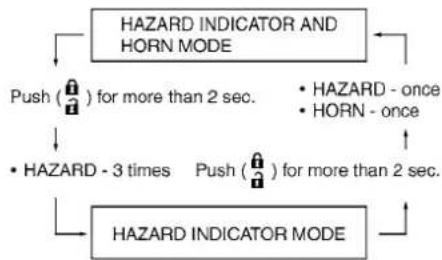
flowchart
graph TD
    A["HAZARD INDICATOR AND HORN MODE"] --> B["Push (🔒) for more than 2 sec."]
    A --> C["• HAZARD - once"]
    A --> D["• HORN - once"]
    A --> E["• HAZARD - 3 times"]
    A --> F["Push (🔒) for more than 2 sec."]
    A --> G["HAZARD INDICATOR MODE"]
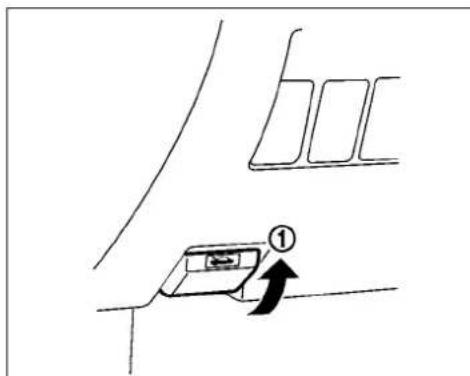
text_image
Diagram showing a directional arrow labeled '①' pointing to a rectangular object with internal structure, possibly indicating movement or process.
text_image
② SPA2318- Pullthehoodlockreleasehandle locatedbelowtheinstrumentpanel; the hoodwillthenspringupslightly.
- Pullthelever ② upatthefrontofthe hoodwithyourfingertipsandraisethe hood.
- When closing the hood, slowly closet the hood downtolatch both therightandle left locks. Push the hood downtolock the hood securely into place.
①
WARNING
●Makesurethehoodiscompletelyclosedand latchedbeforedriving.Failureretodosocould causethehoodtoflyopenandresultinan accident.
- Ifyouseesteamorsmokecomingfromthe enginecompartment,toavoidinjurydonot openthehood.
TRUNKLID

WARNING
- Donotdrivewiththetrunklidopen. This couldallowdangerousexhaustgasestobe drawnintothevehicle.See“EXHAUSTGAS (carbonmonoxide)”inthe“5.Startingand driving”sectionofthismanual.
- Closelysupervisechildrenwhentheyare aroundcarstopreventthemfromplaying andbecominglockedinthetrunkwherethey couldbeseriouslyinjured.Keepthecar locked,withthetrunkclosed,whennotin use,andpreventchildren'saccesstolintelligentKeys.
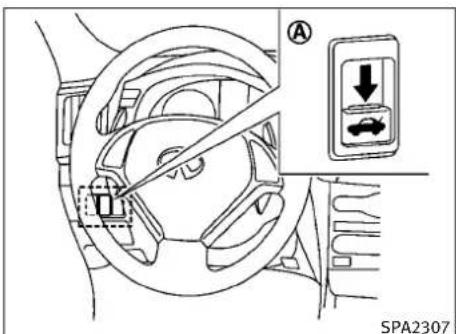
text_image
A ↓ SPA2307TRUNKLIDRELEASESWITCH
Thetrunklidreleaseswitch Ⓐ islocatedonthe instrumentpanel.
Toopenthetrunklid, pushthereleaseswitch downasillustrated. Toclose, pushthetrunklid down.
YoucanopenthetrunklidwithIntelligentKey. (See"INTELLIGENTKEYSYSTEM" page3-7or "REMOTEKEYLESSENTRYSYSTEM" earlierin thissection.)
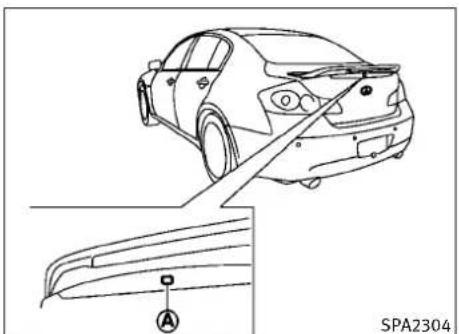
natural_image
Line drawing of a car rear view with a close-up inset showing the side panel labeled 'A' (no text or symbols on the car itself)Sedan

text_image
SPA2404Coupe
3-18 Pre-driving checks and adjustments
TRUNKOPENREQUESTSWITCH
Thetrunklidcanbeopenedbypushingthe trunkopenrequestswitchwhentheIntelligent Keyiswithintheoperatingrangeofthetrunk lock/unlockfunctionregardlessoftheinside lockknobposition.(See“INTELLIGENTKEYSYSTEM”earlierinthissection.)
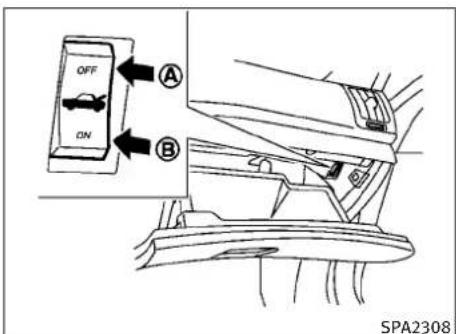
text_image
OFF ON A B SPA2308TRUNKRELEASEPOWERCANCEL SWITCH
Whentheswitchlocatedinsidethegloveboxis intheOFFposition Ⓐ, thepowertothetrunk lidwillbecanceledandthetrunklidcannotbe openedbythetrunklidreleaseswitch,the trunkopenrequestswitchortheTRUNKbutton ontheIntelligentKey.
Whenyouhavetoleavethevehiclewithavalet andwanttokeepyourbelongingssafeinthe gloveboxandthetrunk,pushthisswitchtoOFF andlockthegloveboxwiththemechanicalkey. ThenleavethevehicleandthelntelligentKey withthevaletandkeepthemechanicalkeywith you.
See"KEYS"earlierinthissection.
Toconnectthepowertothetrunklid, pushthe switchtotheON Ⓑ position.
Pre-drivingchecksandadjustments3-19
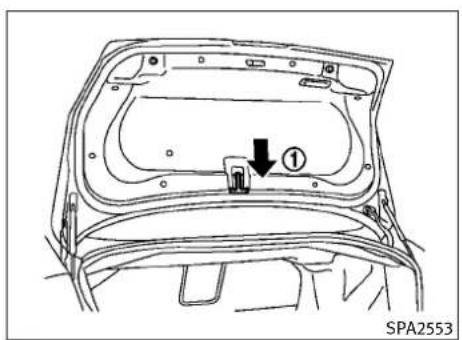
text_image
① SPA2553Sedan
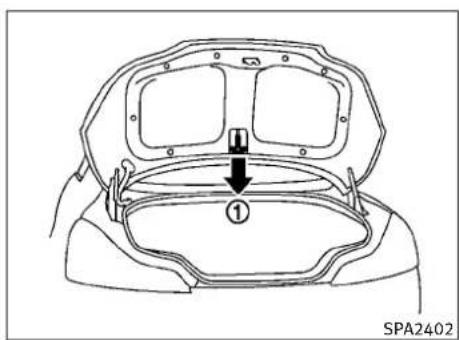
text_image
① SPA2402Coupe
INTERIORTRUNKLIDRELEASE
WARNING
Closelysupervisechildrenwhentheyare aroundcarstopreventthemfromplayingand becominglockedinthetrunkwheretheycould beseriouslyinjured.Keepthecarlocked,with thetrunklidsecureylatched,whennotinuse, andpreventchildren'saccesstolntelligent Keys.
Theinteriortrunklidreleasemechanismallows openingofthetrunklidintheeventthatpeople becomelockedinsidethetrunkorintheevent ofthelossofelectricalpowersuchasadischargedbattery.
Releasinginsidethetrunk
Toopenthetrunklidfromtheinside,pullthe releasehandle ① untilthelockreleasesand pushuponthetrunklid.Thereleaseleveris madeofamaterialthatglowsinthedarkafter abriefexposuretoambientlight.
Thehandleislocatedonthebackofthetrunk lidasillustrated.
Releasingfromtherearseat
Sedan:
Youcanaccessthereleasehandlethroughthe trunkpass-through(rearseatarmrest).(See "ARMREST"inthe"1.Safety—Seats,seatbelts andsupplementalrestraintsystem"section.)
Toopenthetrunklidfromtherearseat,pullthe releasehandletowardsfrontofvehicleuntilthe lockreleases.
Coupe:
Youcanaccessthereleasehandlebyfolding therearseat.
Pullthestrap, located at the center bottom of theseatback, and then fold down theseatback. (See "REARSEATS" in the "1. Safety—Seats, seatbelts and supplemental restraintsystem" section.)
Toopenthetrunklidfromtherearseat,pullthe releasehandletowardsfrontofvehicleuntilthe lockreleases.
3-20Pre-drivingchecksandadjustments
FUEL-FILLERDOOR
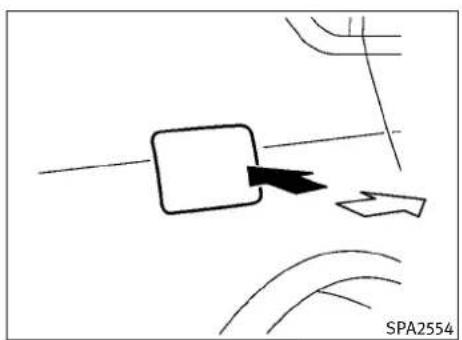
natural_image
Pure diagram of a mechanical or electrical component with no visible text, numbers, or symbolsSedan
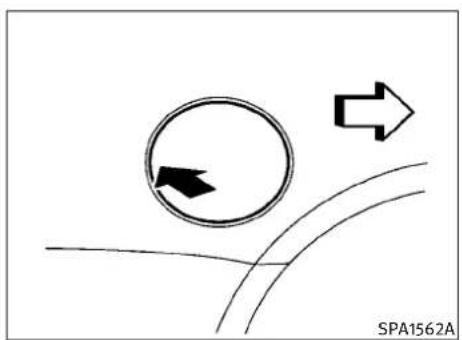
natural_image
Diagram showing a circular arrow with an arrow inside and two arrows pointing right, intersecting curved lines (no text or symbols)Coupe
OPENINGTHEFUEL-FILLERDOOR
Toopenthefuel-fillerdoor, unlockthefuel-filler doorbyusingoneofthefollowingoperations, thenpushtherightsideofthedoor(Sedan)or pushtheleftsideofthedoor(Coupe).
- Pushthedoorhandlerequestswitchwith theIntelligentKeycarriedwithyou.
- PushtheUNLOCKbuttonontheIntelligent Key.
- Insertthemechanicalkeyintothedoorlock cylinderandturnittotherearofthevehicle.
- Pushthepowerdoorlockswitchtothe UNLOCKposition.
Tolock, closethefuel-fillerdoorsecurely and lockalldoorsbyoperatingthedoorhandle requestswitch, theLOCKbuttononthelIntelligentKey, themechanicalkeyorthepowerdoor lockswitch.
FUEL-FILLERCAP
WARNING
●Gasolineisextremelyflammableandhighly explosiveundercertainconditions.You couldbeburnedorseriouslyinjuredifitis misusedormishandled.Alwaysstopengine anddonotsmokeorallowopenflamesor sparksnearthevehiclewhenrefueling.
- Donotattempttotopoffthefueltankafter thefuelpumpnozzleshutsoffautomatically.Continuedrefuelingmaycausefuel overflow,resultinginfuelsprayandpossiblyafire.
- Useonlyanoriginalequipmenttypefuel-fillercapasareplacement.lthasabuilt-in-safetyvalveneededforproperoperationof thefuelsystemandemissioncontrolsystem.Anincorrectcapcanresultinaserious malfunctionandpossibleinjury.Itcould alsocausethe SERVICE ENGINE SOON malfunctionindicator light(MIL)tocomeon.
●Neverpourfuelintothethrottlebodytoattempttostartyourvehicle.
Pre-drivingchecksandadjustments3-21
- Donotfillaportablefuelcontainerinthe vehicleortrailer.Staticelectricitycancause anexplosionofflammableliquid,vaporor gasinanyvehicleortrailer.Toreducethe riskofseriousinjuryordeathwhenfilling portablefuelcontainers:
-Alwaysplacethecontainerontheground whenfilling.
-Donotuseelectronicdeviceswhenfilling.
-Keepthepumpnozzleincontactwiththe containerwhileyouarefillingit.
-Useonlyapprovedportablefuelcontainersforflammableliquid.
CAUTION
- Iffuelisspilledonthevehiclebody,flushit awaywithwatertoavoidpaintdamage.
- Insertthecapstraightintothefuel-filler tube, thentightenuntilthefuel-fillercap clicks. Failuretotightenthefuel-fillercap properlymaycausethe SERVICE ENGINE SOON malfunction indicatorlight(MIL)toilluminate. If the SERVICE ENGINE SOON lightilluminatesbecausethefuel-fillercapislooseormissing, tightenorinstallthecapandcontinuetodrivethevehicle. The SERVICE ENGINE SOON lightshouldturnoffaftera fewdrivingtrips. If the SERVICE ENGINE SOON lightdoesnot turnoffafterafewdrivingtrips, havethe vehicleinspectedbyanINFINITlretailer.
- If your vehicle is equipped with the LOOSE FUELCAP warning, the LOOSEFUELCAP warning will illuminate if the fuel-fillercapis not properly tightened. Failure to tighten the fuel-fillercap properly after the LOOSEFUEL CAP warning illuminates may cause the SERVICE ENGINE SOON malfunction indicator light (MIL) to illuminate.

text_image
SPA2720Sedan
Toremovethefuel-fillercap:
- Turnthefuel-fillercapcounterclockwiseto remove.
- Putthefuel-fillercaponthecapholder whilerefueling.
Toinstallthefuel-fillercap:
- Insert the fuel-fillercap straight into the fuel-fillertube.
- Turnthefuel-fillercapclockwiseuntil clicks. The fuel-fillercapisaratcheting type.
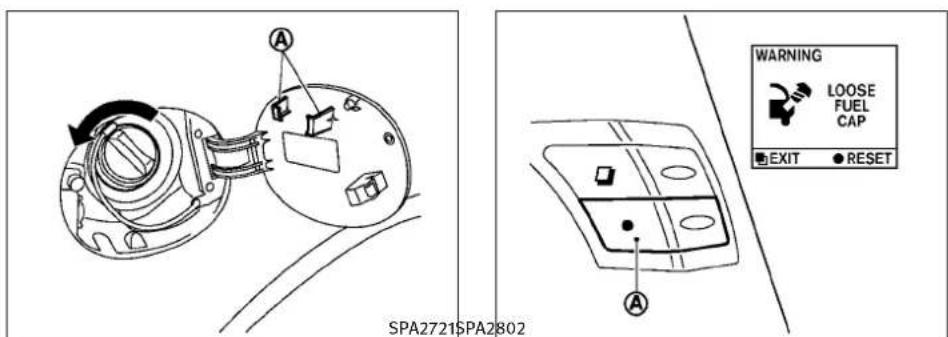
text_image
A A WARNING LOOSE FUEL CAP EXIT RESET SPA2721SPA2802Coupe
LOOSEFUELCAPwarning(ifso equipped)
TheLOOSEFUELCAPwarningappearsonthe dotmatrixliquidcrystaldisplaywhenthefuel-fillercapisnottightenedcorrectlyafterthe vehiclehasbeenrefueled.
Toturnoffthewarning,performthefollowing:
- Remove and install the fuel-fillercapas soon as possible. (See "FUEL-FILLER CAP").
- Tightenthefuel-fillercapuntilitclicks.
- Pushtheresetswitch Ⓐ ontherightside of the combinationmeterpanelforabout 1secondtoturnofftheLOOSEFUELCAP warning after tightening the fuelcap.
TILT/TELESCOPICSTEERING
WARNING
- Donotadjustthesteeringwheelwhiledriving.Youcouldlosecontrolofyourvehicle andcauseanaccident.
- Donotadjustthesteeringwheelanycloser toyouthanisnecessaryforpropersteering operationandcomfort. Thedriver'sairbag inflateswithgreatforce. If you are unrestrained, leaningforward, sittingsideways oroutofpositioninanyway, you are greaterriskofinjuryordeathinacrash. You may also receive serious or fatal injuries from the airbag if you are up again in when it inflates. Always sit back against theseat-back and as far away as practical from the steering wheel. Always usetheseatbelts.
Pre-drivingchecksandadjustments3-23
SUNVISORS

text_image
① SPA2328$SPA2328\$PA2B12

natural_image
Diagram of a car interior showing steering wheel and directional arrows indicating motion (no text or symbols)Theautomaticdrivepositionersystemwill makethesteeringwheelmoveupautomatically whenthedriver'sdoorisopenedwiththe ignitionswitchintheLOCKposition.Thislets thedrivergetintoandoutoftheseatmore easily.
Formoreinformation, see "AUTOMATICDRIVE POSITIONER" laterinthissection.
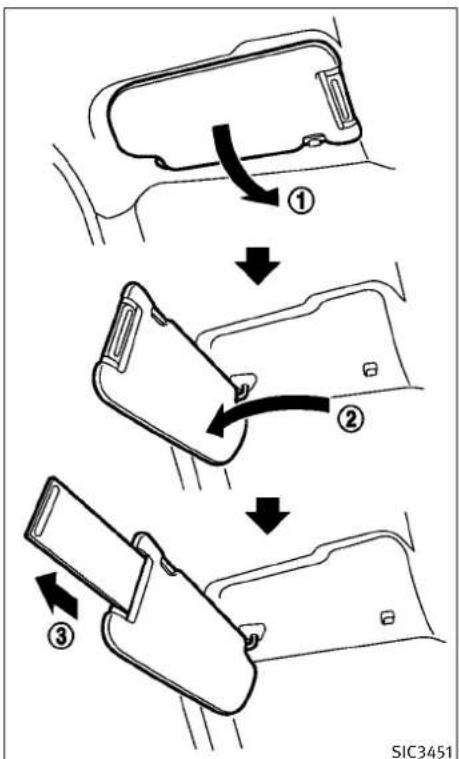
flowchart
graph TD
    A["Opening Seatbelt"] --> B["Adjustment Step ①"]
    B --> C["Adjustment Step ②"]
    C --> D["Adjustment Step ③"]
3-24Pre-drivingchecksandadjustments
MIRRORS

CAUTION
- Donotstorethemainsunvisorbeforestoringtheextensionsunvisor.
-
Donotpulltheextensionsunvisorforcedly downward.
-
Toblockoutglarefromthefront, swing downthemainsunvisor ①.
- Toblockglarefromtheside, remove the mainsunvisorfromthecentermountand swingittotheside ②.
- Drawouttheextensionsunvisor ③ from themainsunvisortoblockfromfurther glare.
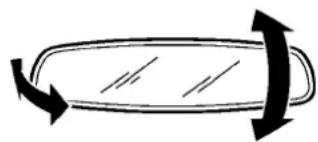
natural_image
Simple line drawing of a curved object with bidirectional arrows indicating rotation or movement (no text or symbols)SPA2447\$PA2143
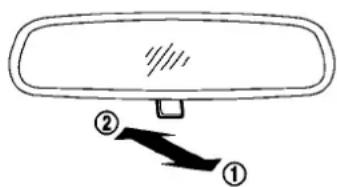
text_image
Diagram of a car rearview mirror with labeled parts ① and ② showing directional arrows.INSIDEMIRROR
Adjusttheheightandtheangleoftheinside mirrortothedesiredposition.
Manualanti-glaretype
Thenightposition ① willreduceglarefromthe headlightsofvehiclesbehindyouatnight.
Usethedayposition ② whendrivingindaylighthours.

WARNING
Usethenightpositiononlywhennecessary, becauseitreducesrearviewclarity.
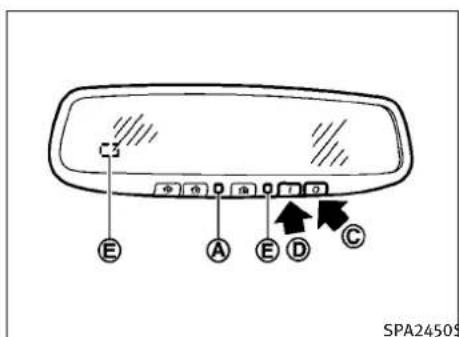
text_image
E A E D C SPA2450$Pushthe“○”switch Ⓒ tomaketheinside rearviewmirroroperatenormally.Theindicator lightwillturnoff.Pushthe“I”switch Ⓓ toturn thesystemon.
Donotallowanyobjecttocoverthesensors orapplyglasscleaneronthm.Doingsowill reducethesensitivityofthesensor,resultingin improperoperation.
Forthecompass(ifsoequipped)operation,see "COMPASS"inthe"2.Instrumentsandcontrols"section.
SPA2450\$PA2 For the HomeLink® UniversalTransceiver operation, see "HomeLink® UNIVERSALTRANS-CEIVER" in the "2.Instrumentsandcontrols" section.
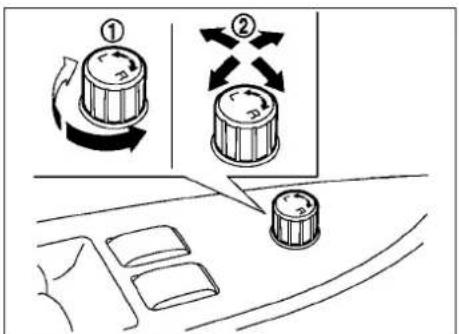
text_image
Diagram showing two rotary knob switches labeled ① and ② in a car dashboard, with directional arrows indicating rotation.OUTSIDEMIRRORS
Automaticanti-glaretype
Theinsidemirrorisdesignedsothatitautomaticallychangesreflectionaccordingtothe intensityoftheheadlightsofthefollowing vehicle.
The anti-glaresystem will be automatically turned on when the ignition switch is pushed to the ON position.
Whentheanti-glaresystemisturnedon, the indicatorlight Ⓐ willilluminateandexcessive glarefromtheheadlightsofthevehiclebehind youwillbereduced.
WARNING
Objectsviewedintheoutsidemirroronthe passengersidearecloserthantheyappear.Be carefulwhenmovingtotheright.Usingonly thismirrorcouldcauseanaccident.Usethe insidemirrororglanceoveryourshoulderto properlyjudgedistancetootherobjects.
3-26Pre-drivingchecksandadjustments
Adjustingoutsidemirrors
The outside mirror control switch is located on the armrest.
The outside mirror will operate only when the ignitions switch this in the ACC or ON position.
Turntheswitchrightorlefttoselecttherightor leftsidemirror ①, thenadjustusingthecontrolswitch ②.
Defrostingoutsidemirrors(ifso equipped)
Theoutsidemirrorswillbeheatedwhenthe rearwindowdefrosterswitchisoperated.
natural_image
Diagram of a car hood with an arrow indicating motion, no text or symbols presentFoldableoutsidemirrors
Foldtheoutsidemirrorbypushingittowardthe rearofthevehicle.
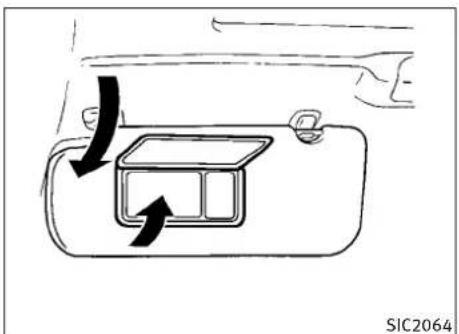
text_image
SIC2064TypeA

natural_image
Diagram of a hand holding a device with directional arrows indicating motion (no text or symbols)TypeB
Pre-drivingchecksandadjustments3-27
VANITYMIRROR
Tousethefrontvanitymirror,pulldownthesun visorandpullupthecover.
AUTOMATICDRIVEPOSITIONER(ifso equipped)
The automatic drive positionersystem has three features:
- Entry/exitfunction(AutomaticTransmission Sedanmodels)
- Seatsynchronizationfunction
●Memorystorage
ENTRY/EXITFUNCTION(Automatic TransmissionSedanmodels)
This system is designed so that the driver's seat and steering column will automatically move when the automatic transmission selector lever is in the P(Park) position. This allows the driver to get into and out of the driver's seat more easily.
Thedriver'sseatwillslidebackwardandthe steeringwheelwillmoveupwhenthedriver's doorisopenedwiththeignitionswitchinthe LOCKposition.
The driver's seat and steering wheel will return to the previous positions when none of the following is operated:
- Whentheignitionswitchispushedtothe ACCpositionafterthedriver'sdooris closed.
- Whentheignitionswitchispushedtothe ONposition.
- WhentheIntelligentKeyisinsertedintothe portafterthedriver'sdoorisclosed.
The driver's seat will not return to the previous positions if theseator steering adjusting switch is operated when theseatisatthe exit position.
Canceloractivateentry/exitfunction
TheselectorlevermustbeintheP(Park) positionwiththeignitionswitchintheOFF position.
Theentry/exitfunctioncanbeactivatedor canceledbypassingandholdingtheSET switchformorethan10seconds.
The indicator lights onthememory switches (1 and 2) will blink once when the function is canceled, and the indicator lights will blink twice when the function is activated. Not that the indicator lights may illuminate after seconds while holding the SET switch. This indicates readiness for linking the Intelligent Key to astored memory position. Keep the SET switch pressed from more than 10 second to turn on or off the entry/exit function.
Theentry/exitfunctioncanalsobeactivatedor canceledifthe"LiftSteeringWheelonExit"key or"SlideDriverSeatBackonExit"keyisturned toONorOFFinthe"Comfort&Conv."settings. (See"VEHICLEINFORMATIONANDSETTINGS"in
3-28 Pre-driving checks and adjustments
the"4.Monitor,climate,audio,phoneand voicerecognitionsystems"section.)
Initializeentry/exitfunction
If the batterycable is disconnected, or if the fuse opens, the entry / exit function will not work though this function was set on before. In such a case, after connecting the battery or replacing with anewuse, open and closeted driver's doormorethant wotimes after the ignition switchisturned from the ON position to the LOCK position. The entry / exit function will be activated.

text_image
2 1 SET SPA2322SEATSYNCHRONIZATIONFUNCTION
Theseatsynchronizationfunctionautomatically adjuststhepositionsofthesteeringwheeland outsidemirrorswhentheseatisadjustedusing thepowerseatswitches.
However, thesteeringwheelandoutsidemirrorswillnotmoveiftheseatisadjustedover themaximumthresholds. Thesystemconsiders that thesteeringwheelandoutsidemirror adjustmentsarenotnecessary because the seatmaynotbeadjustedforthedrivingposition. Notethatthefunctionissettodisabledas thefactorydefaultsetting.
Theseatsynchronizationfunctionoperatesunderthefollowingconditions:
●TheignitionswitchisintheONposition.
- TheselectorleverisintheP(Park)position (AutomaticTransmissionmodels)orthe parkingbrakeisapplied(ManualTransmissionmodels).
●Theseatbackisraised(Coupe).
Iftheoutsidemirrorsorthesteeringwheel reachesitsmaximumadjustment, thefunction isautomaticallydisabled. Restartthefunction byselectingapreviouslystoredseatmemory positionusingthememoryswitches(1or2). An IntelligentKeythatwaspreviouslylinkedtothe storedseatmemorycanalsobeusedtorestart thefunction.
Ifseatpositionwasnotpreviouslystoredin theseatmemory,restartthefunctionbyadjustingthesteeringwheelandoutsidemirrors manuallyforyourbestdrivingpositionandthen drivethevehicleabove4MPH(7km/h).
Canceloractivateseat synchronizationfunction
ForAutomaticTransmissionmodels:
TheselectorlevermustbeintheP(Park) positionwiththeignitionswitchintheACC position.
ForManualTransmissionmodels:
Theparkingbrakemustbeappliedwiththe ignitionswitchintheACCposition.
Theseatsynchronizationfunctioncanbeactivatedorcanceledbypushingandholdingthe SETswitchformorethan10secondswhilethe ignitionswitchisintheACCposition.
The indicator lights onthememory switches (1 and 2) will blink once when the function is canceled, and the indicator lights will blink twice when the function is activated. Not that the indicator lights may illuminate after seconds while holding the SET switch. This indicates readiness for linking the Intelligent Key to astored memory position. Keep the SET switch pushed from more than 10 second to turn on or off theseatsynchronization function.
MEMORYSTORAGE
Twopositionsforthedriver'sseat,steering columnandoutsidemirrorscanbestoredinthe automaticdrivepositionermemory.Follow theseprocedurestousethememorysystem.
- Automatic transmission models:
MovetheselectorlevertotheP(Park) position.
Manualtransmissionmodels:
Apply the parking brake.
-
Raisetheseatback(Coupe).
-
PushtheignitionswitchtotheONposition.
-
Adjustthedriver'sseat, steeringcolumn andoutsidemirrorstothedesiredpositionsbymanuallyoperatingeachadjustingswitch. For additional information, see "SEATS" in the "1. Safety—Seats, seat beltsandsupplementalrestraintsystem" section and "TILT/TELESCOPICSTEERING" page 3-23 and "OUTSIDEMIRRORS" earlier in this section.
-
Push the SET switch and within 5 seconds, push thememory switch (1 or 2) fully for at least 1 second.
The indicator light for the pushed memory switch will stay on for approximately 5 seconds after pushing the switch.
If memory is stored in the samememory switch, the previous memory will be deleted.
LinkingIntelligentKeytoastored memoryposition
The Intelligent Key can be linked to astored memory position with the following procedure.
-
Followthestepsforstoringamemory position.
-
While the indicator light forthememory switch being set is illuminated for 5 seconds, push the button on the Intelligent Key. If the indicator light blinks, the Intelligent Key is linked to that memory setting.
PushtheignitionswitchtotheOFFposition, and then push the button on the Intelligent Key. Thedriver's seat, steering wheel and outside mirrors will move to them memorized position.
3-30 Pre-driving checks and adjustments
Confirmingmemorystorage
- PushtheignitionswitchtotheONposition andpushtheSETswitch.Ifthemainmemory hasnotbeenstored,theindicatorlightwill comeonforapproximately0.5second. Whenthememoryhasstoredinposition,the indicatorlightwillstayonforapproximately 5seconds.
- If the batterycable is disconnected, or if the fuse opens, thememory will be canceled. In this case, reset the desired position using the previous procedure.
- IfoptionalIntelligentKeysareaddedtoyour vehicle,thememorystorageprocedure switch1or2andlinkingIntelligentKey proceduretoastoredmemoryposition shouldbeperformedagainforeachIntelligentKey.ForadditionalIntelligentKeyinformation,see"KEYS"earlierinthissection.
Selectingthememorizedposition
1. Automatictransmissionmodels:
MovetheselectorlevertotheP(Park) position.
Manualtransmissionmodels:
Apply the parking brake.
-
Raisetheseatback (Coupe).
-
Useoneofthefollowingmethodstomove thedriver'sseat, theoutsidemirrorsand thesteeringwheel.
-
PushtheignitionswitchtotheONpositionandpushthememoryswitch(1or2) fullyforatleast1second.
- Within45secondsofopeningthedriver's door, pushthememoryswitch(1or2) fullyforatleast1second.
The driver's seat, steering column and outsidemirrors will moveto thememor- ized position with the indicator light flashing, and thenthelight will stay on for approximately 5 seconds.
Formanualtransmissionmodels,thememory positionscanbeselectedevenwhentheengine isrunning.Inthiscase,movetheshiftleverto theN(Neutral)positionandapplytheparking brake.Then,performstep2.
SYSTEMOPERATION
The automatic drive positionersystem will not work or will stop operating under the following conditions:
- Whenthevehiclespeedisabove4MPH(7 km/h).
- Whentheadjustingswitchforthedriver's seatandsteeringcolumnisturnedonwhile theautomaticdrivepositionerisoperating.
- Whenthememoryswitch1or2isnot pushedforatleast1second.
- When theseat, steeringcolumnandoutside mirrorshavealreadybeenmovedtothe memorizedposition.
- Whennopositionisstoredinthememory switch.
- Whentheparkingbrakeisreleased(MT models).
- Whenthespeedisabove4MPH(7km/h) while the parking brake is applied (MT models). Torestart the drive positionersystem, move the parking braketo off and on.
- When the engine is started while moving the automatic drive positioner.
- When the AT selector lever is moved from the P(Park) position to any other position. (However, it will not be canceled if these switch is pushed while these at and steering column are returning to the previous positions (entry/exit function).)
Pre-drivingchecksandadjustments3-31
- Whenthedriver'sdoorremainsopenfor morethan45secondsandtheignition switchisnotintheONposition.
- Whentheseatbackisfolded(Coupe).
●Whilethewalk-infunctionoperates(Coupe). - Theseatsynchronizationfunctionisautomaticallydisablediftheoutsidemirrororsor steeringwheelreachesitsmaximumadjustment.
- Theseatsynchronizationfunctionwillnot operateiftheseatisadjustedoveroneof thefollowingmaximumthresholds:
-Seatsliding:3.0in(76mm)
-Seatbackreclining:9.1degrees
-Seatlifter(rearside):0.8in(20mm)
3-32 Pre-driving checks and adjustments
MEMO
Pre-drivingchecksandadjustments3-33
4Monitor, climate, audio, phone and voice recognition systems
Safetynote....4-2
Centermulti-functioncontrolpanel.... 4-2
HowtouseINFINITIcontroller.... 4 - 4
Howtousetouchscreen
(modelswithnavigationsystem)....4-4
Menuoptions(modelswithnavigation
system)....4-6
Howtoselectmenusonthescreen.... 4-7
Vehicleinformationandsettings.... 4 - 7
HowtouseSTATUSbutton.... 4 - 7
Howtousebrightnesscontrolanddisplay
ON/OFFbutton....4-7
HowtouseINFObutton....4-8
HowtouseSETTINGbutton.... 4-12
Rearviewmonitor(ifsoequipped)....4-22
Howtoreaddisplayedlines....4-22
Howtoparkwithpredictedcourselines.....4-23
Differencebetweenpredictedandactual
distances....4-24
Howtoadjustscreen....4-26
Operatingtips. 4-26
Ventilators.... 4-27
Automaticclimatecontrol....4-28
Automaticclimatecontrol(TypeA)....4-30
Automaticclimatecontrol(TypeB)....4-32
Automaticclimatecontrol(TypeC)....4-34
Operatingtips.... 4-37
In-cabinmicrofilter....4-38
Servicingclimatecontrol....4-38
Audiosystem....4-39
Audiooperationprecautions....4-39
FM-AM-SATradiowithCompactDisc(CD)
player....4-54
DVD(DIGITALVERSATILEDISC)player
operation(modelswithnavigationsystem).....4-59
Usbinputoperation(ifsoequipped)....4-62
Bluetooth®streamingaudio
(modelswithnavigationsystem)....4-66
iPod® playeroperation(ifsoequipped)....4-71
Musicboxhard-diskdrive(ifsoequipped).....4-73
Auxiliaryinputjacks(ifsoequipped)....4-81
Cd/dvd/usb memorycareandcleaning.....4-82
Steering-wheel-mountedcontrolsforaudio.....4-83
Antenna....4-84
CarphoneorCBradio. 4-85
Bluetooth®Hands-FreePhoneSystem
(modelswithnavigationsystem)....4-85
Regulatoryinformation....4-87
Voicecommands....4-87
Controlbuttons....4-87
Connectingprocedure....4-88
Phoneselection....4-88
Vehiclephonebook....4-88
Makingacall.... 4-91
Receivingacall....4-92
Duringacall....4-93
Phonesetting....4-93
Troubleshootingguide.... 4-95
Bluetooth®Hands-FreePhoneSystem
(modelswithoutnavigationsystem)....4-96
Regulatoryinformation....4-97
Receivingacall. 4-104
Duringacall....4-104
Phonesettings.... 4-105
Voiceadaptationmode....4-108
INFINITIVoiceRecognitionsystem
(modelswithnavigationsystem)....4-109
INFINITIVoiceRecognitionstandardmode.....4-109
Usingthesystem....4-112
INFINIT|VoiceRecognitionalternate
commandmode....4-122
Usingthesystem.... 4-128
Troubleshootingguide.... 4-133
SAFETYNOTECENTERMULTI-FUNCTIONCONTROLPANEL

WARNING
- Donotdisassembleormodifythissystem. If youdo, it may result in accidents, fire, or electric shock.
- Donotusethissystemifyounoticeany abnormality, suchasafrozenscreenorlack ofsound. Continueduseofthesystemmay resultinaccident, fireorelectricshock.
- Incaseyounoticeanyforeignobjectinthe systemhardware,spillliquidonit,ornotice smokeorsmellcomingfromit,stopusing thesystemimmediatelyandcontactyour nearestINFINITretailer. Ignoringsuchconditionsmayleadtoaccidents,fire,orelectric shock.
●Parkthevehicleinasafelocationandapply theparkingbraketoviewtheimagesonthe frontcenterdisplayscreenusingdevices connectedtotheauxiliaryinputjacks.
Donotattempttooperatethesysteminextreme temperatureconditions[below -4^(-20^) andabove 158^(70^)] .Operatingthissystem undertheseconditionsmayresultinsystem malfunctions.

text_image
1 2 3 4 5 STATUS DEST PHONE + ZOOM OUT ROUTE ENTER INFO OFF ZOOM IN MAP SETTING - AM+FM SAT DISC AUX BACK VOICE 12 13 6 7 8 9 10 11SAA1523
Modelswithnavigationsystem
- "STATUS" statusdisplaybutton(P.4-7)
2,6,7,10,11.Fornavigationsystemcontrol buttons(RefertotheseparateNavigationSystemOwner'sManual.)
3.INFINITIcontroller(P.4-4) - "PHONE"Bluetooth®Hands-FreePhone Systembutton(P.4-85)
- "OFF" brightness control and display ON/OFF button (P.4-7)
8."AM-FM-SAT"bandselectorbutton (P.4-39)
9. "DISC-AUX" selectorbutton(P.4-39)
12. "INFO" vehicle and navigation information button (P.4-8)
13. "SETTING" button(P.4-12)
4-2 Monitor, climate, audio, phone and voicerecognitionsystems
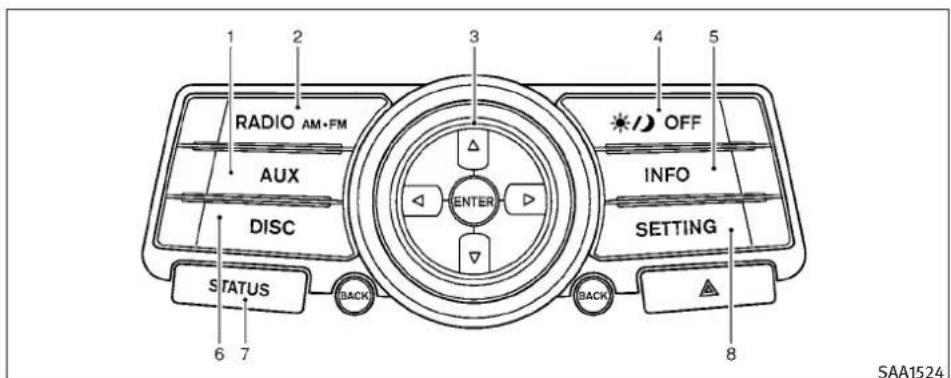
text_image
1 2 3 4 5 RADIO AM·FM AUX ENTER OFF INFO DISC SETTING STATUS BACK BACK 8 SAA1524Modelswithoutnavigationsystem
- "AUX" button(P.4-39)
- "RADIOAM·FM" bandselectorbutton (P.4-39)
3.INFINITIcontroller(P.4-4) - "OFF" brightness control and display ON/OFF button (P.4-7)
- "INFO" vehicleinformationbutton (P.4-8)
- "DISC" selectorbutton(P.4-39)
- "STATUS" statusdisplaybutton(P.4-7)
- "SETTING" button(P.4-12)
Whenyouusethissystem, makesurethe engineisrunning.
If you set the system with the engine not running (ignition ON or ACC) for longtime, it will use all the battery power, and the engine will not start.
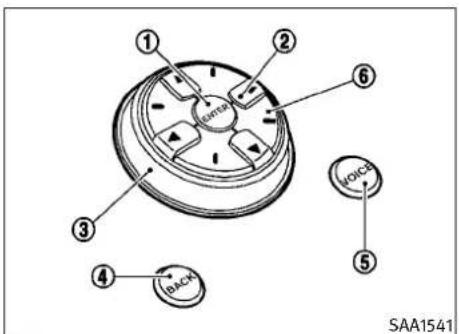
text_image
OOPA ① ② ⑥ ③ ④ BACK VOICE ⑤ SAA1541Modelswithnavigationsystem
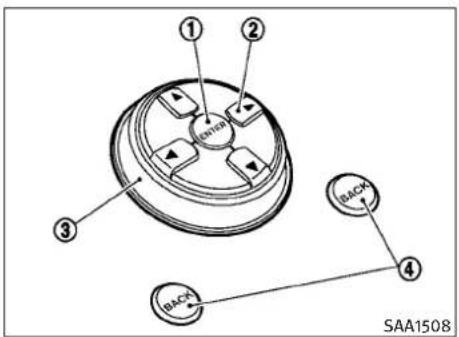
text_image
① ② (BAC) ③ (BAC) ④ SAA1508Modelswithoutnavigationsystem
Monitor, climate, audio, phone and voicerecognitionsystems4-3
Chooseanitemonthedisplayusingthemain directionalbuttons ② (oradditionaldirectional buttons ⑥ withnavigationsystem)orcenter dial ③, andpushtheENTERbutton ① for operation.
If you push the BACK button ④ before the setup is completed, these setup will be canceled and /orthedisplay will return to the previous screen. This button can also be used to delete character that have been input.
Afterthesetupiscompleted, pushtheBACK button ④ andreturntothepreviousscreen.
FortheVOICEbutton ⑤ functions, refertothe separateNavigationSystemOwner's Manual.
HOWTOUSETOUCHSCREEN(models withnavigationsystem)
CAUTION
- Theglassscreenontheliquidcrystaldisplay maybreakifitishitwithahardorsharp object.Iftheglassbreaks,donottouchthe liquidcrystallinematerial,whichcontainsa smallamountofmercury.Incaseofcontact withskin,washimmediatelywithsoapand water.
- Tocleanthedisplay, useasoft, drycloth. If additionalcleaningisnecessary, useasmall amountofneutraldetergentwithasoft cloth. Neverusearoughcloth, alcohol, benzine, thinneroranykindofsolventorpaper towelwithachemicalcleaningagent. They willscratchordeterioratethepanel.
- Donotsplashanyliquidsuchaswaterorcar fragranceonthedisplay.Contactwithliquid willcausethesystemtomalfunction.
Toensuresafedriving, somefunctions cannot beoperatedwhiledriving.
Theon-screenfunctionsthatarenotavailable whiledrivingwillbe"grayedout"ormuted.
Parkthevehicleinasafelocationandthen operatethenavigationsystem.
WARNING
●ALWAYSgiveyourfullattentiontodriving.
- Avoidusingvehiclefeaturesthatcoulddistractyou.lfdistracted,youcouldlosecontrolofyourvehicleandcauseanaccident.
4-4 Monitor, climate, audio, phone and voicerecognitionsystems
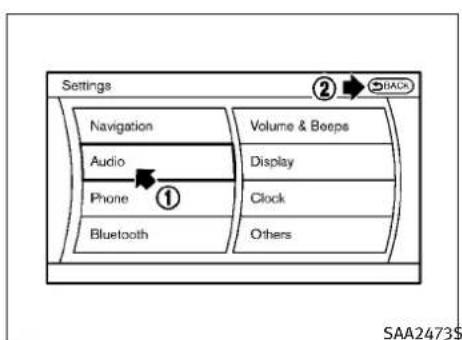
text_image
Settings Navigation Audio Phone Bluetooth Volume & Boeps Display Clock Others ② BACK SAA2473$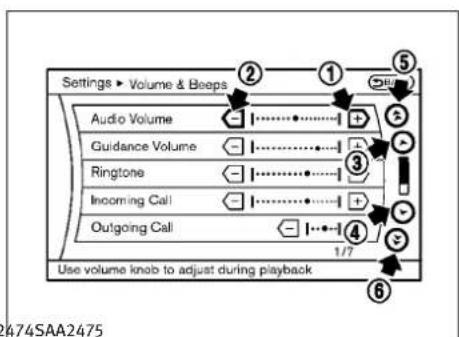
text_image
Settings ▶ Volume & Beeps Audio Volume Guidance Volume Ringtone Incoming Call Outgoing Call Use volume knob to adjust during playback 1/7 ② ① ⑤ ③ ④ ⑥ 2474SAA2475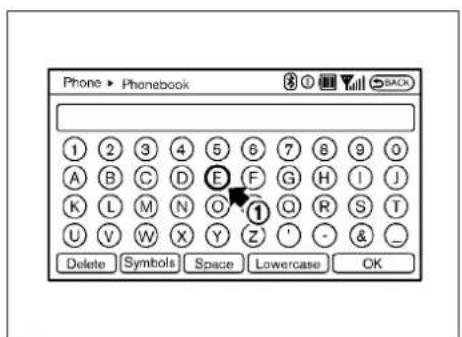
text_image
Phone ▶ Phonebook 1 2 3 4 5 6 7 8 9 0 A B C D E F G H I J K L M N O ① Q R S T U V W X Y Z ' - & _ Delete Symbols Space Lowercase OKTouchscreenoperation
Withthissystem,thesameoperationsasthose fortheINFINITcontrollerarepossibleusing the touchscreenoperation.
Selectingtheitem:
Touchanitemtoselectit. Toselectthe"Audio" settings, touchthe"Audio" area ① onthe screen.
Touchthe"BACK" ② keytoreturntothe previoussscreen.
Adjustinganitem:
Touchthe+ ① or- ② keytoadjustthe settings.
Touchthe ⬆ ③ or ⬇ ④ keytomoveto thepreviousornextitem.
Touchthe ⬆ ⑤ or ⬇ ⑥ keytomoveto thepreviousornextpage.
Inputtingcharacters:
Touchtheletterornumber ①.
Therearesomeoptionsavailablewheninputtingcharacters.
•Uppercase:
Showsuppercasecharacters.
●Lowercase:
Showslowercasecharacters.
Symbols:
Showssymbolssuchasthequestionmark (?).
- Space:
Insertsaspace.
Monitor, climate, audio, phone and voicerecognitionsystems 4-5
- Delete:
Deletesthelastcharacterthathasbeen inputwithonetouch.Pushandholdto deleteallofthecharacters.
OK:
Completescharacterinputs.
Touchscreenmaintenance
If you clean the displays screen, use a dry, soft cloth. If additional cleaning is necessary, use a small amount of neutral detergent with a soft cloth. Neverspray the screen with water or detergent. Dampenthe cloth first, and then wipethescreen.
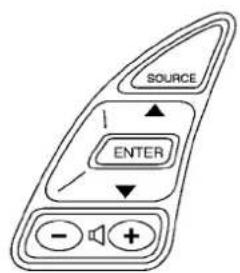
text_image
SOURCE ENTER - +SAA1525\$AA2476

text_image
Menu Options Destination Route Info Settings 1/4MENUOPTIONS(modelswith navigationsystem)
Thestartmenucanbedisplayedusingthe menucontrolswitchonthesteering-wheel-mountedcontrols.
- While the MAP or STATUS screen is displayed, push and hold them to control switch until the "Menu Options" screen appears.
- Highlight the preferred item by tilting the menu control switch upordown, and then push them menu control switch to select it.
Availableitems
Destination/Route:
Theseitemsareforthenavigationsystem.See theseseparateNavigationSystemOwner's Manualfordetails.
Info:
Displaytheinformationscreen.Itisthesame screenthatappearswhenyoupushtheINFO button.
Settings:
Displaysthesettingsscreen.Itisthesame screenthatappearswhenyoupushtheSET-TINGbutton.
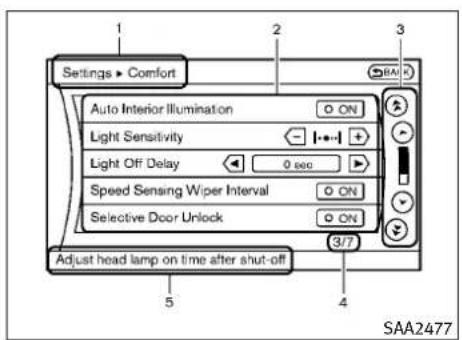
text_image
Settings • Comfort Auto Interior Illumination Light Sensitivity Light Off Delay Speed Sensing Wiper Interval Selective Door Unlock Adjust head lamp on time after shut-off 5 4 SAA2477Modelswithnavigationsystem
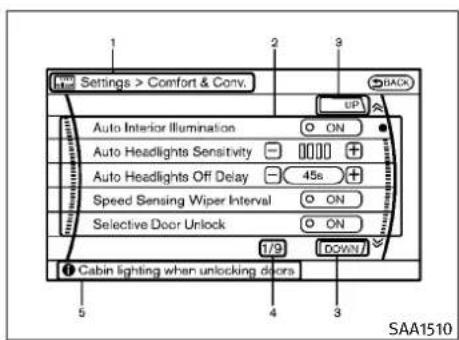
text_image
Settings > Comfort & Conv. Auto Interior Illumination ON Auto Headlights Sensitivity 45s Speed Sensing Wiper Interval ON Selective Door Unlock ON Cabin lighting when unlocking doors SAA1510Modelswithoutnavigationsystem
VEHICLEINFORMATIONANDSETTINGS
Showstheoptionstochoosewithinthat menuscreen.
3.UP/DOWNMovementindicator:
ShowsthattheINFINITlcontrollermaybe usedtomoveUP/DOWNonthescreenand selectmoreoptions.
- MenultemsCounter:
Showsthetotalnumberofitemslisted acrossallpagesforthecurrentmenu.
- Footer/InformationLine:
Provides more information(if available)about themenuselectioncurrentlyhighlighted.
HOWTOUSESTATUSBUTTON
Todisplaythestatusoftheaudio,climate controlsystem,fuelconsumptionandnavigationsystem(ifsoequipped),pushtheSTATUS button.Thefollowinginformationwillappear whentheSTATUSbuttonispushedrepeatedly.
AudioandClimatecontrolsystem→Audioandfueleconomy→AudioandNavigationsystem(ifsoequipped)
HOWTOUSEBRIGHTNESSCONTROL ANDDISPLAY/OFFBUTTON
Pushthe"OFFb/ultontoswitchthe displaybrightnessstothedaytimemodeorthe nighttimemode,andtoadjustthedisplay brightnessusingtheINFINITcontrollerwhile theindicatorisdisplayedatthebottomofthe screen.
Thedisplaybrightnesscanalsobeadjusted usingthebrightnessUPbutton(+)orbrightnessDOWNbutton(-).
Pushandholdthe" OFF"buttonformore than2secondstoturnthedisplayoff.Pushthe buttonagaintoturnthedisplayon.
HOWTOUSEINFOBUTTON
Thedisplayscreenshowsvehicleandnavigation(ifsoequipped)informationforyourconvenience.
Theinformationshownonthescreenshouldbe aguidetodeterminetheconditionofthevehicle.Seethefollowingfordetails.
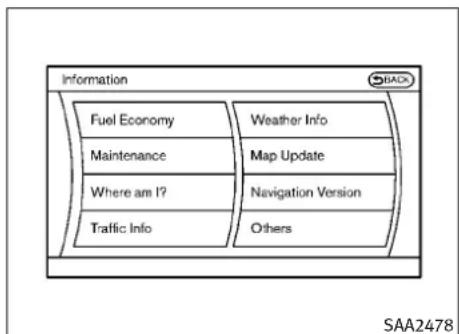
flowchart
graph TD
    A["Fuel Economy"] --> B["Weather Info"]
    C["Maintenance"] --> D["Map Update"]
    E["Where am I?"] --> F["Navigation Version"]
    G["Traffic Info"] --> H["Others"]
Modelswithnavigationsystem

flowchart
graph TD
    A["Information"] --> B["Fuel Economy"]
    B --> C["Maintenance"]
    C --> D{Decision}
    D -->|Yes| E["SAA1511"]
- Whereaml?
●TrafficInfo
●WeatherInfo
-MapUpdate
●NavigationVersion
4-8 Monitor, climate, audio, phone and voicerecognitionsystems

text_image
Information ► Fuel Economy Distance to Empty **** mile Avg Fuel Econ 26.0 MPG Fuel Econ 30 MPG 20 12 0 Reset Fuel Eco Fuel Eco History SAA2479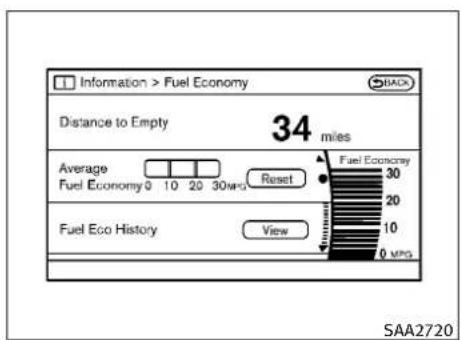
text_image
Information > Fuel Economy Distance to Empty 34 miles Average Fuel Economy 0 10 20 30 miles Reset Fuel Economy Fuel Eco History View SAA2720FuelEconomyinformation
Thedistancetoempty, averagefueleconomy and currentfueleconomywillbedisplayed for reference.
Toresettheaveragefueleconomy(AvgFuel Econ),selectthe"ResetFuelEco"or"Reset" key.
If the "FuelEcoHistory" or "View" key is selected, the average fuel consumption history will be displayed graph formal on with the average for the previous Reset-to-Reset period.
The unit can be converted between "US" and "Metric". (See "HOWTOUSESETTINGBUTTON" later in this section.)
Thefueleconomyinformationmaydifferfrom theinformationdisplayonthevehicleinformationdisplay. Thisisduetothetimingdifferenceinupdatingtheinformationanddoesnot indicateamalfunction.

bar
Information • Fuel Eco History | Category | Value | |---|---| | Reset Interval | 30 | | Latest | 30 | | Other | 20 | | Total | 20 |Modelswithnavigationsystem
text_image
Information > Fuel Eco History MPG 30 20 10 0 Reset Interval Latest: SAA2721Modelswithoutnavigationsystem
Monitor, climate, audio, phone and voicerecognitionsystems4-9
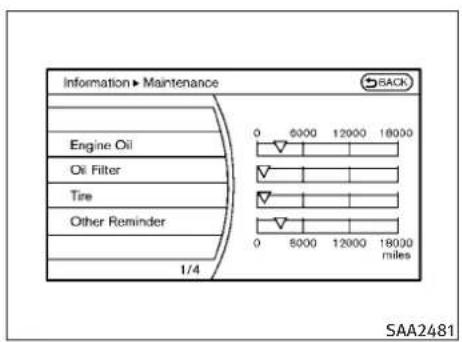
text_image
Information ► Maintenance Engine Oil Oil Filter Tire Other Reminder 1/4 0 8000 12000 18000 0 5000 12000 18000 miles SAA2481
text_image
Information > Maintenance BAK Engine Oil Oil Filter Tire Other Reminder SAA2830 miles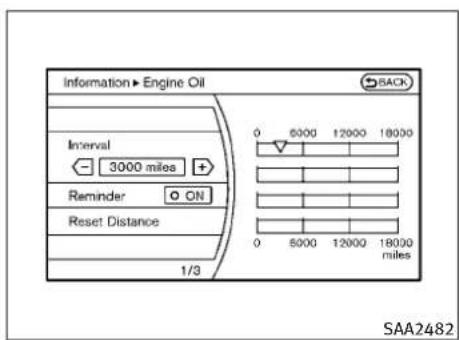
text_image
Information ► Engine Oil SACK Interval 3000 miles Reminder ON Reset Distance 1/3 0 5000 12000 18000 0 5000 12000 18000 miles SAA2482
text_image
Information > Reminder 1 Reset Distance Interval 0 mile Reminder ON 0 5000 12000 18000 0 6000 12000 18000 miles SAA2722Modelswithnavigationsystem
Modelswithoutnavigationsystem
Maintenanceinformation
Themaintenanceintervalscanbedisplayedfor theengineoil,oilfilter,tireandotherreminders.
Tosetamaintenanceinterval, selectapreferred itemfromthelist.
Youcanalsosettodisplayamessagetoremind youthatthemaintenanceneedstobeperformed.
The following examples show to set the engine oil maintenance information. Use the same step to set the other maintenance information.
- Settheinterval(mileage)ofthemaintenanceschedule.Todeterminethercommendedmaintenanceinterval, refer to your“INFINITServiceandMaintenance Guide”.
- Todisplaythereminderautomatically whenthesedireddistanceisreached, selectthe"Reminder"key.
- Resetthedrivingdistancetothenew maintenanceschedule.
- Toreturntothepreviousscreen, pushthe BACKbutton.
The unit can be converted between "US" and "Metric". (See "HOWTOUSESETTINGBUTTON" later in this section.)
4-10 Monitor, climate, audio, phone and voicerecognitionsystems
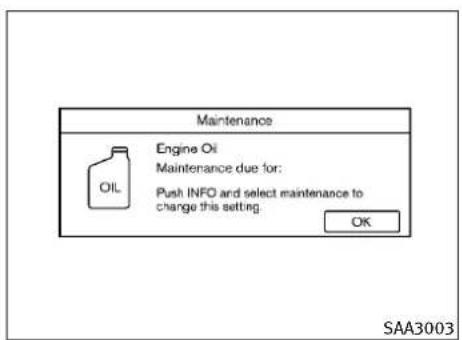
text_image
Maintenance Engine Oil Maintenance due for: Push INFO and select maintenance to change this setting OK SAA3003Modelswithnavigationsystem
TheReminderwillbeautomaticallydisplayed whenthespecifieddistancehasbeendriven andeverytimetheignitionswitchispushed to theACCorONposition. Thereminderwillnot appearwhiledriving.
Selectthe"OK"keytohidethereminderforthe restofthecurrentdrive.
Tostophereminderfromappearing, perform oneofthefollowingactions:
- Selectthe"ResetDistance".
●Deactivatethe"Reminder". - Increase the "Interval" distancetobemore than the current distance being tracked.
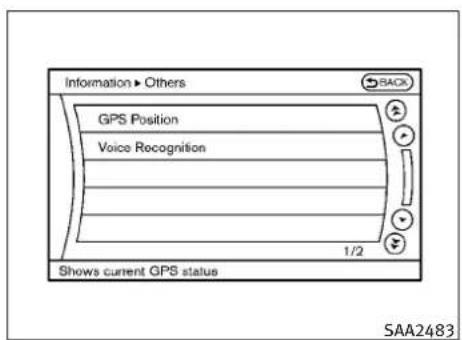
text_image
Information ▶ Others GPS Position Voice Recognition 1/2 Shows current GPS status SAA2483Othersinformation(modelswith navigationsystem)
The Others information display will appear when pushing the INFO button and selecting the "Others" key.
GPSPosition:
Forthedetailsofthisitem,seetheseparate NavigationSystemOwner'sManual.
VoiceRecognition:
Forthedetailsofthisitem,see"INFINITIVOICE RECOGNITIONSYSTEM(modelswithnavigation system)"laterinthissection.

text_image
SAA1611Modelswithoutnavigationsystem
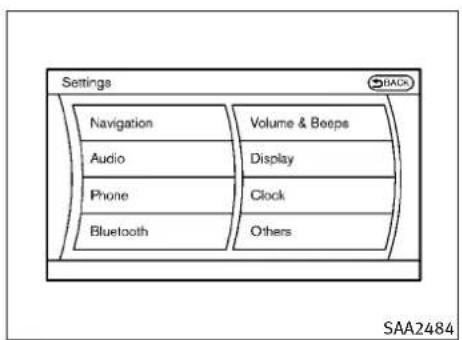
text_image
Settings Navigation Audio Phone Bluetooth Volume & Beeps Display Clock Others SAA2484Modelswithnavigationsystem
HOWTOUSESETTINGBUTTON
Thedisplaysillustratedwillappearwhenthe SETTINGbuttonispushed.
Fornavigationsettings, refertotheseparate NavigationSystemOwner'sManual.
text_image
Settings ► Audio Bass Treble Balance Fade Speed Sensitive Vol. 1/7 SAA2485Modelswithnavigationsystem
text_image
Settings Audio Display Button Beeps Camera Language SAA2604Modelswithoutnavigationsystem
text_image
Settings > Audio Bass Treble Balance Fader Speed Sensitive Vol. OFF SAA2740Modelswithoutnavigationsystem
4-12Monitor,climate,audio,phoneandvoicerecognitionsystems
Audiosettings
Thedisplayasillustratedwillappearwhen pushingtheSETTINGbuttonandselectingthe "Audio"key.
Bass/Treble/Balance/Fade:
Toadjustthespeakertonequalityandsound balance,selectthe"Bass", "Treble", "Balance" or "Fade"keyandadjustitwiththe|NFINITI controller.
Theseitemscanalsobeadjustedbypushing andturningtheAUDIOknob.
SpeedSensitiveVol.:
The audiosystem's volume is increased with the vehiclespeed. Select the "SpeedSensitive Vol." and adjust the effect level with the INFINITI controller. The SpeedSensitive Volume function is turned off when the level is setto OFF. Increasing the value will cause the volume to increase faster with vehiclespeed.
PrecisionPhasedAudio(ifsoequipped):
WhenthisitemisturnedtoON, superhighpitch soundandsuperlowpitchsoundareemphasizedandmidrangesoundisplayednaturally.
Driver'sAudioStage(ifsoequipped):
WhenthisfeatureisturnedtoON,bettersound willbeprovidedtothedriver'sposition.The drivercanenjoyamorecrispandclearsound thatisspecializedforthedriver'sposition.The effectofthisfeaturedependsonthetypeof musicthatisplayed.Forsomemusic,itmaybe difficulttorealizetheeffectofthisfeature.
DivX®RegistrationCode(modelswithnavigationsystem):
Theregistrationcodeforadevicethatisusedto downloadDivX®fileswillbedisplayedonthe screen.IfadiscisloadedoraUSBmemoryis connectedtotheaudiosystem,thisfunction willnotbeactivated.
DisplayAlbumCoverArt(modelswithnavigationsystem):
WhenthisitemisturnedtoON,thealbumcover imageisdisplayedwhenplayingiPod®orMP3 musicfilesthroughaCD,DVDorUSBmemory. Whentheimageisnotproperlyembedded in thefileordevice,theimagewillnotbedis- played.
Phonesettings(modelswith navigationsystem)
Fordetailsofthe"Phone"settings,see "BLUETOOTH®HANDS-FREEPHONESYSTEM (modelswithnavigationsystem)"laterinthis section.
Bluetooth®settings(formodelswith navigationsystem)
Fordetailsofthe"Bluetooth®"settings,see "BLUETOOTH®HANDS-FREEPHONESYSTEM (modelswithnavigationsystem)"laterinthis section.
text_image
Settings ▶ Volume & Beeps Audio Volume Guidance Volume Ringtone Incoming Call Outgoing Call 1/7 Use volume knob to adjust during playbackSAA2554 SAA26 gationsystem)"laterinthissection.
VolumeandBeepssettings(models withnavigationsystem)
Thedisplayasillustratedwillappearwhen pushingtheSETTINGbutton,selectingthe"Volume&Beeps"key.
AudioVolume:
To increase or decrease the audio volume, select the "Audio Volume" and adjust it with the INFINIT controller. You can also adjust the audio volume by turning the VOLUME control knob.
GuidanceVolume:
Toadjusttheguidancevoicevolumelouderor softer,selectthe"GuidanceVolume"andadjustitwiththeINFINITIcontroller.
Youcanalsoadjusttheguidancevoicevolume byturningtheVOLUMEcontrolknobwhilevoice guidanceisbeingannounced.
Ringtone/IncomingCall/OutgoingCall:
Forthedetailsoftheseitems,see“BLUETOOTH® HANDS-FREEPHONESYSTEM(modelswithnavigationsystem)”laterinthissection.
SwitchBeeps:
WhenthisitemisturnedtoON,youwillheara beepsoundwhenyouuseabutton.
GuidanceVoice:
WhenthisitemisturnedtoON,youwillhear voiceguidanceinthenavigationoperationorin otheroperations.
NOTE:
Whenthevoiceguidanceisbeingannounced duringaudioplayback,turningthevolumeknob doesnotadjustthemusiclevel;itadjuststhe guidancevolumelevel.Ifvoiceguidanceisnot beingheard,pleasechecktheGuidanceVolume level.
text_image
Settings > Button Beeps Button Beeps ONButtonBeepsettings(models withoutnavigationsystem)
The "ButtonBeeps" screenwillappear when pushing the SETTING button, selecting the "ButtonBeeps" key with the INFINIT controller and pushing the ENTER button.
ButtonBeeps:
WhenthisitemisturnedtoON,youwillheara beepsoundwhenyouuseabutton.
4-14 Monitor, climate, audio, phone and voicerecognitionsystems

text_image
Settings ▶ Display Display Adjustment Color Theme Black 1/2SAA2486\$AA21
Displaysettings(modelswith navigationsystem)
Thedisplayasillustratedwillappearwhen pushingtheSETTINGbuttonandselectingthe "Display"key.
DisplayAdjustment:
Toadjustthedisplaysettings,selectthe"DisplayAdjustment"key.Thefollowingsettings areavailable.
●Display
Toturnoffthescreen, pushtheENTERbutton andturnthe"Display"indicatoroff. Theother
methodistopushandholdthe" buttonformorethan2seconds.

Whenanymodebuttonispushedwiththe screenoff,thescreenturnsonforfurther operation.Thescreenwillturnoffautomatically 5secondsaftertheoperationisfinished.
Toturnonthescreen, setthisitemtotheON
position, orpushandholdthe" button.

OFF"
●Brightness/Contrast/BackgroundColor
Toadjustthebrightnessandcontrastofthe screen,selectthe"Brightness"or"Contrast" key.
Then,youcanadjustthebrightnesssto“Darker” or“Brighter”,andthecontrastto“Lower”or “Higher”usingtheINFINITIcontroller.
Forinformationonthe"BackgroundColor"key, refertotheseparateNavigationSystemOwner'sManual.
ColorTheme:
Choosethemecolorofthemenuscreen from "Black", "Brown" or "Silver".
text_image
Settings > Display (Auto Day) Display ON Brightness Contrast Background ColorDisplaysettings(modelswithout navigationsystem)
The "Display" screen will appear when pushing the SETTING button, selecting "Display" key with the INFINIT controller and pushing the ENTER button.
Display:
Toturnoffthescreen, pushtheENTERbutton andturnthe"ON"indicatoroff.
Whenanymodebuttonispushedwiththe screenoff,thescreenturnsonforfurther operation.Thescreenwillturnoffautomatically 5secondsaftertheoperationisfinished.
Toturnonthescreen, setthisitemtothe"ON" positionorpushthe" "button.
Brightness/Contrast/BackgroundColour:
Toadjustthebrightness,contrastandbackgroundcolourofthescreen,selecttheappropriate"Brightness","Contrast"or"BackgroundColour"keyandpushtheENTERbutton.
Then,youcanadjustthebrightnessto“Darker” or“Brighter”,andthecontrastto“Lower”or “Higher”usingtheINFINITIcontroller.Switch thebackgroundcolourtothedaytimemodeor thenighttimemodebypushingtheENTER button.

text_image
Settings ▶ Clock On-screen Clock Clock Format (24h) Offset (hour) Offset (min) Daylight Savings Time Time Zone Eastern 1/6 SAA2487Clocksettings(modelswith navigationsystem)
Thedisplayasillustratedwillappearwhen pushingtheSETTINGbuttonandselectingthe "Clock"key.
On-screenClock:
WhenthisitemisturnedtoON,aclockis alwaysdisplayedintheupperrightcornerof thescreen.
Thisclockwillindicate the time almost exactly because it is always adjusted by the GPS system.
ClockFormat(24h):
WhenthisitemisturnedtoON,the24-hour clockisdisplayed.Whenthisitemisnotturned toON,the12-hourclockisdisplayed.
Offset(hour)/(min):
Adjustthetimebyincreasingordecreasingper hourorperminute.
DaylightSavingTime:
TurnthisitemtoONfordaylightsavingtime application.
TimeZone:
Choosethetimezonefromthefollowing
•Pacific
●Mountain
Central
●Eastern
- Atlantic
●Newfoundland
●Hawaii
•Alaska
4-16Monitor, climate, audio, phone and voicerecognitionsystems

text_image
Settings ▶ Others Comfort Language & Units Voice Recognition Sonar Image Viewer 1/4 Adjust comfort & convenience settings SAA3019Otherssettings(modelswith navigationsystem)
TheOtherssettingsdisplaywillappearwhen pushingtheSETTINGbuttonandselectingthe "Others"key.
The following items are available:
- Comfort
●Language&Units
●VoiceRecognition - Camera(ifsoequipped)
Sonar
-ImageViewer
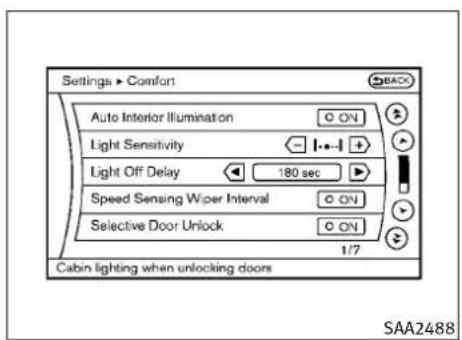
text_image
Settings > Comfort Auto Interior Illumination Light Sensitivity Light Off Delay Speed Sensing Wiper Interval Selective Door Unlock 1/7 Cabin lighting when unlocking doors SAA2488Modelswithnavigationsystem

text_image
Settings > Comfort & Conv. AUTO INTERIOR ILLIMINATION ON Light Sensitivity 45s Speed Sensing Wiper Interval ON Selective Door Unlock ON 1/7 DOWN SAA2739Modelswithoutnavigationsystem
Comfortsettings
Thedisplayasillustratedwillappearwhen pushingtheSETTINGbuttonandselectingthe "Others"key,andthenselectingthe"Comfort" key.Thiskeydoesnotappearonthedisplay untiltheignitionswitchispushedtotheON position.
AutoInteriorIllumination:
WhenthisitemisturnedtoON,theinterior lightswillilluminateifanydoorisunlocked.
LightSensitivity:
Adjustthesensitivityoftheautomatichead-lightshigher(right)orlower(left).
LiftSteeringWheelonExit(ifsoequipped):
WhenthisitemisturnedtoON, thesteering wheelmovesupwardforeasyexitiftheignition switchisintheLOCKpositionandthedriver's doorisopened. Aftergettingintothevehicle andpushingtheignitionswitchtotheACC position, thesteeringwheelmovestothepreviousposition.
SlideDriverSeatBackonExit(ifsoequipped):
WhenthisitemisturnedtoON,thedriver'sseat movesbackwardforeasyexitiftheignition switchisintheOFFpositionandthedriver's doorisopened.Aftergettingintothevehicle
Monitor, climate, audio, phone and voicerecognitionsystems 4-17
andpushingtheignitionswitchtotheACC position,thedriver'sseatmovestotheprevious position.
LightOffDelay:
Choosethedurationoftheautomaticheadlight offtimerfrom0,30,45,60,90,120,150and 180secondperiods.
SpeedSensingWiperInterval:
WhenthisitemisturnedtoON,thewiper intervalisadjustedautomaticallyaccording to thevehiclespeed.
SelectiveDoorUnlock:
WhenthisitemisturnedtoON,onlythedriver's doorisunlockedfirstafterthedoorunlock operation.Whenthedorhandlerequest switchonthedriver'sorfrontpassenger'sside doorispushedtobeunlocked,onlythecorrespondingdoorisunlockedfirst.Allthedoors canbeunlockedifthedoorunlockoperationis performedagainwithin60seconds.
WhenthisitemisturnedtoOFF, allthedoors will be unlocked after the door unlock operation is performed once.
IntelligentKeyLock/Unlock:
WhenthisitemisturnedtoON,door lock/unlockfunctionbypushingthedoor handlerequestswitchwillbeactivated.
ReturnAllSettingstoDefault:
Selectthisitemandthenselect"YES"toreturn allsettingstothedefault.

text_image
Settings > Language & Units BACK Select Language English Select Units US 1/2 SAA2490Language&Unitssettings
TheLanguage&Unitssettingsdisplaywill appearwhenpushingtheSETTINGbutton,selectingthe"Language&Units"keywiththeINFINITIcontrollerandpushingtheENTERbutton.
Formodelswiththenavigationsystem, select the "Others" keytoshowthe "Language& Units" key.
SelectLanguage:
Selectthe"SelectLanguage"key.Choose"English", "Français"or"Espanol"foryourfavorite displayappearance.
4-18 Monitor, climate, audio, phone and voicerecognition systems
If you select the "Français" key, the French language will be displayed, soplease us the French Owner's Manual. To obtain a French Owner's Manual, see "OWNER'S MANUAL/SERVICEMANUALORDERINFORMATION" in the "9. Technical and consumer information" section.
SelectUnits:
Selectthe"SelectUnits"key.Choose"US"(Mile,°F,MPG)or"Metric"(km,°C,L/100km)foryourfavoritedisplayappearance.
VoiceRecognitionsettings(models withnavigationsystem)
Fordetailsaboutthe"VoiceRecognition"settings,see"INFINITIVOICERECOGNITIONSYSTEM(modelswithnavigationsystem)"laterin thissection.

text_image
Settings ► Camera BACK Predictive Course Lines ON 1/1 Display of predictive course line SAA2404Modelswithnavigationsystem

text_image
Settings > Camera Predictive Course Lines ON SAA2606The "CAMERA" screenwillappearwhenselectingthe "Camera" keywiththeINFINIT controllerandpushingtheENTERbutton.
Forthedetailsaboutthecamerasystemoperation,see"REARVIEWMONITOR"laterinthis section.
PredictiveCourseLines:
WhenthisitemisturnedtoON, thepredicted courelineswillbedisplayedonthemonitor whentheselector/shiftleverisinthe“R” (Reverse)position.

text_image
Settings • Sonar ON Sonar Display Corner Sonar Sensitivity Centre Sonar Sensitivity 1/3 SAA2971Modelswithnavigationsystem
text_image
Settings > Sonar Sonar Display ON Corner Sonar Sensitivity - 🐘+ Centre Sonar Sensitivity - 🐘+ SAA2920Modelswithoutnavigationsystem
Sonarsettings(ifsoequipped)
The "Sonar" screenwillappearwhenselecting the "Sonar" keywiththeINFINITcontroller and pushingtheENTERbutton.
Forthedetailsofthesonarsystemoperation, see"SONARSYSTEM"inthe"5.Startingand driving"section.
SonarDisplay:
WhenthisitemisturnedON, thecorner/center sonarindicatorwillappearwhentheparking sensorsdetectfrontorrearobstaclesnearthe bumper.
CornerSonarSensitivity:
Adjustthesensitivitylevelofthecornersonar higher(right)orlower(left).
CentreSonarSensitivity:
Adjustthesensitivitylevelofthecentersonar higher(right)orlower(left).

text_image
Settings • Image Viewer 1 Image_1.jpg 2 Image_2.jpg 3 Image_3.jpg 4 Image_4.jpg 5 Image_5.jpg 6 Image_6.jpg 1/8 BACK Full Screen Display SAA2491ImageViewer(modelswith navigationsystem)
The image files in the USB memory will be displayed. Todisplay the ImageViewer, push the SETTING button, select the "Other" key and then select the "ImageViewer" key. The image of these selected file is displayed on the right side of the screen.
When anumberoffolders are included in the USB memory, select a folder from the list to display the file list.
Imageswillnotbeshownonthedisplaywhilethe vehicleisinanydrivepositiontoreducedriver distraction.Toviewimages,stopthevehicleina safelocationandapplytheparkingbrake.
4-20Monitor, climate, audio, phone and voicerecognitionsystems
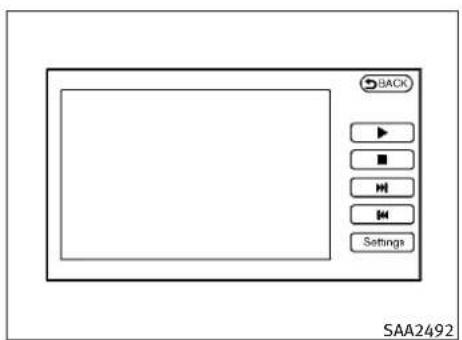
text_image
BACK ▶ ■ H H Settings SAA2492FullScreenDisplay:
Thefullscreendisplaywillappearwhenselectingthe"FullScreenDisplay"key.
TooperatethImageViewerortochangethe settings, select the desired key using the INFINIT controller.

(Start)
Selectthe" ▶ "keytostartplayingthe slideshow.

(Stop)
Selectthe" ■ "keytostoptheslide-show.
• Next
Selectthe" "keytodisplaythenext file.
• Ⓞ (Previous)
Selectthe" ☐ "keytodisplaythepreviousfile.
SettingtheImageViewer:
TheImageViewersettingdisplaywillappear whenselectingthe"Settings"keyonthefull screendisplay. Thefollowingsettingsareavailableforthefullscreendisplay.
- SlideshowSpeed
Selectthe"SlideshowSpeed"key.Fromthe followingdisplay,selectthechangingtime from5,10,30,60secondsor"NoAuto Change".
- SlideshowOrder
Selectthe"SlideshowOrder"key. From the following display, select "Random" or "OrderList". For "OrderList", the image order is the order of the files as stored on the USB memory.
Operatingtips:
- Onlyfilesthatmeetthefollowingconditions willbedisplayed.
-Imagetype:JPEG
-FileExtensions:*.jpg,*jpeg
-MaximumResolution:2048×1536pixels
-MaximumSize:2-MB
-Colors:32768(15-bit)
-MaximumFileNamelengths:253-Bytes
-MaximumFolders:500
-MaximumImagesperFolder:1024
- Ifanelectronicdevice(suchasadigital camera)isdirectlyconnectedtothevehicle usingaUSBcable,noimagewillbedisplayedonthescreen.
- If the filename is too long, some filenames may not be entirely displayed.
- Whenthetotalnumberofcharactersinthe filenameexceeds100orif1filenameina directoryexceeds100characters,allfiles willshowashortened8-characterversion. Theimagewillstillbedisplayedwhenselected.
REARVIEWMONITOR(ifsoequipped)
Whentheselectorleverisshiftedintothe“R”(Reverse)position,themonitordisplayshows viewtotherearofthevehicle.
Thesystemisdesignedasanaidtothedriverin detectinglargestationaryobjectstohelpavoid damagingthevehicle. Thesystemwillnotdetectsmalobjectsbelowthebumperandmay notdetectobjectsclosetothebumperoronthe ground.
WARNING
- Therearviewcameraisaconveniencebutil isnotasubstituteforproperbackingup. Alwaysturnandcheckthatitissafetodoso beforebackingup.Alwaysbackupslowly.
-
ObjectsviewedintheRearViewMonitordifferfromactualdistancebecauseawide-anglelensisused.ObjectsintheRearViewMonitorwillappearvisuallyoppositelike onesviewedintheinsideandoutside mirrors.
●Makesurethatthebackdoorissecurely closedwhenbackingup.
●Underneaththebumperandthecornerareas ofthebumpcannotbeviewedontherear-viewmonitorbecauseofitsmonitoring rangelimitation. -
Donotputanythingontherearviewcamera. Therearviewcameraisinstalledabovethe licenseplate.
- When washing the vehicle with high-pressure water, besurenottospray it around the camera. Otherwise, water may enter the camera unit causing water condensation on the helens, malfunction, fireor an electric shock.
- Donotstrikethecamera.Itisaprecision instrument. Otherwise, it may malfunction or caused damage resulting in a fireor an electric shock.
CAUTION
Thereisaplasticcoveroverthecamera.Donot scratchthecoverwhencleaningdirtorsnow fromthecover.
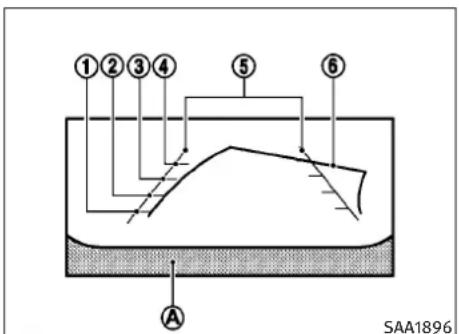
text_image
①②③④ ⑤ ⑥ A SAA1896HOWTOREADDISPLAYEDLINES
Guidinglineswhichindicatethevehiclewidth anddistancestoobjectswithreferencetothe bumperline Ⓐ aredisplayedonthemonitor.
Distanceguidelines:
Indicated distances from the bumper.
●Redline ①:approx.1.5ft(0.5m)
●Yellowline ②:approx.3ft(1m)
●Greenline ③:approx.7ft(2m)
●Greenline ④:approx.10ft(3m)
Vehiclewidthguidelines ⑤:
Indicatethevehiclewidthwhenbackingup.
4-22Monitor, climate, audio, phone and voicerecognitionsystems
Predictedcourselines ⑥:
Indicatethepredictedcoursewhenbackingup. Thepredictedcourselineswillbedisplayedon themonitorwhentheselectorleverisinthe“R” (Reverse)positionandthesteeringwheelis turned.Thepredictedcourselineswillmove dependingonhowmuchthesteeringwheelis turnedandwillnotbedisplayedwhilethe steeringwheelisintheneutralposition.
HOWTOPARKWITHPREDICTED COURSELINES
WARNING
- Alwaysturnandcheckthatitissafetopark yourcarbeforebackingup.Alwaysbackup slowly.
- Usethedisplayedlinesasareference. The linesarehighlyaffectedbythenumberof occupants,fuellevel,vehicleposition,road conditionandroadgrade.
- If the tires are replaced with different-sized tires, the predicted courselinemay not be displayed correctly.
-
Onasnow-coveredorslipperyroad, there may be adifference between the predicted courseline and the actual course line.
-
If the battery is disconnected or becomes discharged, the predicted courselines may not be displayed correctly. If this occurs, perform the following procedures.
-Drivethevehicleonastraightroadfor morethan5minutes. - Thedisplayedlineswillappearslightlyoffto therightbecausetherearviewcameraisnot installedintherearcenterofthevehicle.
- Thedistanceguidelineandthevehicle widthguidelineshouldbeusedasareferenceonlywhenthevehicleisonalevel paved surface. Thedistanceviewedonthe monitorisforreferenceonlyandmaybe differentthantheactualdistancebetween thevehicleanddisplayedobjects.
- Whenbackingupthevehicleupahill, objectsviewedinthemonitorarefurtherthan theyappear. Whenbackingupthevehicle downahill, objectsviewedinthemonitor arecloserthan theyappear. Usetheinside mirrororglanceoveryourshouldertop properlyjudgedistanceootherobjects.
The vehicle width and predicted courselines are wider than the actual width and course.

natural_image
Technical diagram showing a car under two different conditions: top view with a circular symbol and bottom view with a curved ramp, both without any text or labels.- Visually check that the parkingspace is safe before parking your vehicle.
- Therearviewofthevehicleisdisplayed onthescreen Ⓐ asillustratedwhenthe selectorleverismovedtothe“R”(Reverse)position.

text_image
B C D B C SAA1898- Maneuverthesteeringwheeltomakethe vehiclewidthguidelines ⑭ parallelto theparkingspace ⑤ whilereferringto thepredictedcourselines.
- Whenthevehicle is parked in the space completely, movetheselector levertothe P(Park) position (Automatic Transmission models) or an appropriate gear (Manual Transmission models) and apply the parking brake.
DIFFERENCEBETWEENPREDICTEDAND ACTUALDISTANCES
Thedistanceguidelineandthevehiclewidth guidelines should be used as reference only when the vehicle is on a level, paved surface. Thedistance viewed on the monitor is for reference only and may be different from the actual distance between the vehicle and displayed objects.
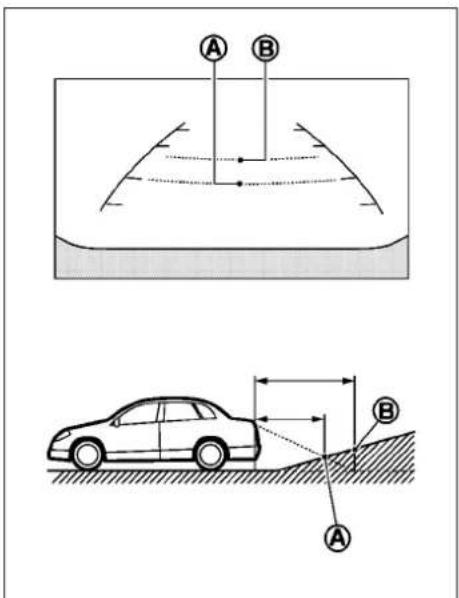
text_image
Diagram illustrating vehicle collision and trajectory with labeled points A and B, including a car on a slope.3.Slowlybackupthevehicleadjustingthe steeringwheelsothatthepredicted courselines Ⓑ entertheparkingspace Ⓒ.
Backinguponasteepuphill
Whenbackingupthevehicleupahill,the distanceguidelinesandthevehiclewidth guidelinesareshowncloserthantheactual distance.Forexample,thedisplayshows3ft (1.0m)totheplace Ⓐ,buttheactual3ft(1.0
4-24Monitor,climate,audio,phoneandvoicerecognitionsystems
m)distanceonthehillistheplace Ⓑ. Notethat anyobjectonthehillisfurtherthanitappears onthemonitor.
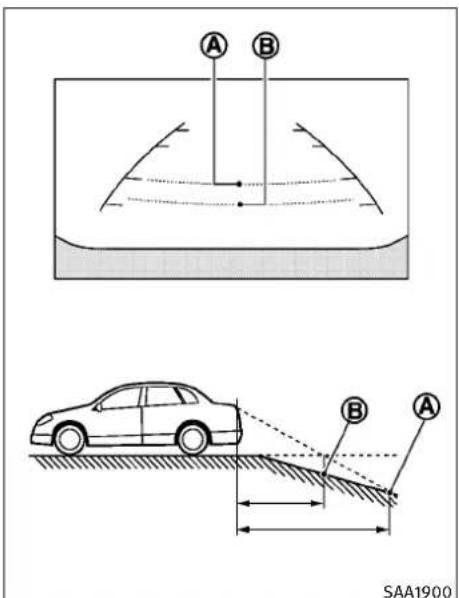
text_image
A B SAA1900m)distanceonthehillistheplace Ⓑ. Notethat anyobjectonthehilliscloserthanitappears onthemonitor.
Backinguponasteepdownhill
Whenbackingupthevehicledownahill,the distanceguidelinesandthevehiclewidth guidelinesareshownfurtherthantheactual distance. Forexample,thedisplayshows3ft (1.0m)totheplace Ⓐ,buttheactual3ft(1.0
Monitor, climate, audio, phone and voicerecognitionsystems 4-25
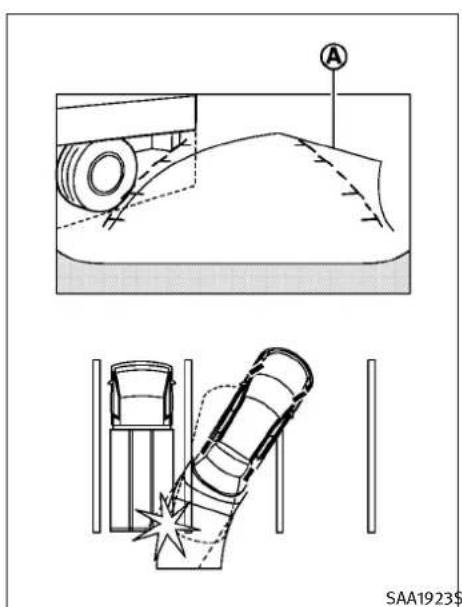
text_image
A SAA1923SBackingupnearaprojectingobject
Thepredictedcourselines Ⓐ donottouchthe objectinthedisplay.However,thevehiclemay hittheobjectifitprojectsovertheactual backingupcourse.
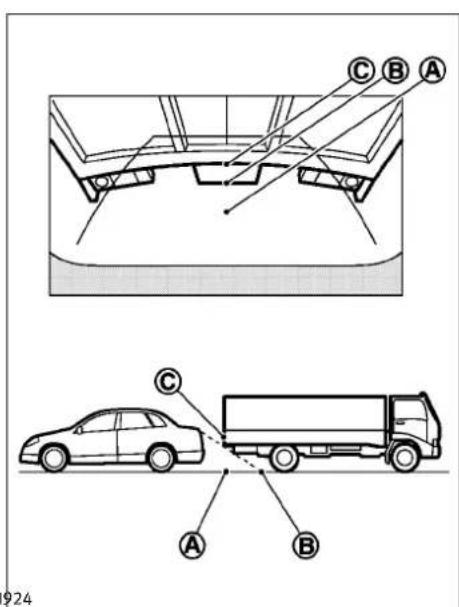
text_image
C B A C A B 924Backingupbehindaprojectingobject
Theposition Ⓐ is shown further than the position Ⓑ in the display. However, the position Ⓐ is actually at the same distance as the position Ⓐ. The vehicle may hit the object
whenbackinguptotheposition Ⓐ iftheobject projectsovertheactualbackingupcourse.
HOWTOADJUSTSCREEN
ToadjusttheDisplayON/OFF,Brightness,Tint,Color,ContrastandBlackLeveloftherearviewmonitor,pushtheSETTINGbuttonwiththerearviewmonitoron,selectthe"Display"keyonthescreenandselecttheitemkeyandadjustthelevelusingtheINFINITIcontroller.
DonotadjusttheBrightness, Tint, Color, ContrastandBlackLeveloftherearviewmonitor whilethevehicleismoving. Makesurethe parkingbrakeisfirmlyappliedandtheengine isnotrunning.
Thedisplayofthepredictedcourselinescanbe settoONorOFF.Fordetails,see"Camera settings"earlierinthissection.
OPERATINGTIPS
- Whentheselectorleverisshiftedtothe“R” (Reverse)position,themonitorscreenautomaticallychangestotherearviewmonitor mode.However,theradiocanbeheard.
- It may take sometime until there are view monitor is displayed after the selector lever has been shifted to "R" from another position to another position from "R". Objects
4-26Monitor, climate, audio, phone and voicerecognitionsystems
VENTILATORS
maybedistortedmomentarilyuntiltherear-viewmonitorscreenisdisplayedcompletely.
- When the temperature is extremely high or low, the screen may not clearly display objects. This is not a malfunction.
- When strong light directly enter the camera, objects may not be displayed clearly. This is not a malfunction.
- Verticallinesmaybeseeninobjectsonthe screen. Thisisduetostrongreflectedlight fromthebumper. Thisisnotamalfunction.
- Thescreenmayflickerunderfluorescent light. This is not a malfunction.
●Thecolorsofobjectsontherearviewmonitor may differs somewhat from those of the actual object.
- Objectsonthemonitormaynotbeclearina darkplaceoratnight. This is not a malfunction.
- Ifdirt, rainorsnowattachestothecamera, therearviewmonitormaynotclearlydisplay objects. Cleanthecamera.
- Donotusealcohol, benzineorthinnerto cleanthecamera. This will cause discoloration. Tocleanthecamera, wipewithacloth dampened with diluted mild cleaning agent and then wipewithadrycloth.
- Donotdamagethecameraasthemonitor screenmaybeadverselyaffected.
- Donotusewaxonthecamerawindow.Wipe offanywaxwithacleanclothdampened withmilddetergentdilutedwithwater.
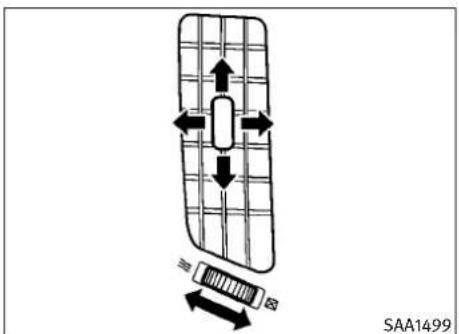
text_image
SAA1499Centerventilators

text_image
SAA1500Sideventilators
Monitor, climate, audio, phone and voicerecognitionsystems 4-27
AUTOMATICCLIMATECONTROL

text_image
SAA0564BRear(ifsoequipped)
Openorclose, and adjust the airflow direction of ventilators.

:Thissymbolindicatesthattheventsare closed.

:Thissymbolindicatesthattheventsare open.
WARNING
●Theairconditionercoolingfunctionoperatesonlywhentheengineisrunning.
- Donotleavechildrenoradultswhowould normallyrequirethesupportofothersalone inyourvehicle.Petsshouldnotbeleftalone either.Onhot,sunnydays,temperaturesin aclosedvehiclecouldquicklybecomehigh enoughtocausesevereorpossiblyfatalin-juriestopeopleoranimals.
- Donotusethere circulation mode for long periods as it may cause the interior air to become stable and the window stofogup.
Starttheengineandoperatetheautomatic climatecontrolsystem.
When the "STATUS" button is pushed, the automatic climate control status screen will appear. (See "HOWTOUSESTATUSBUTTON" earlier in this section.)
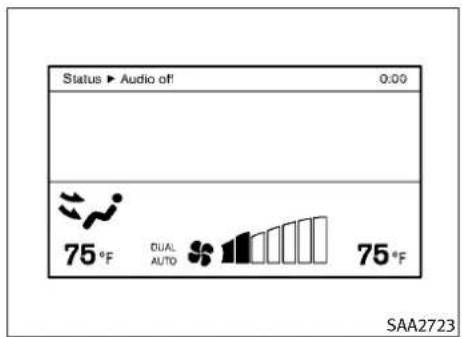
text_image
Status ▶ Audio off! 0:00 75°F DUAL AUTO 75°F SAA2723Modelswithnavigationsystem

text_image
Status Audio OFF Driver Passenger 75 °F AUTO ☐☐☐☐☐ DUAL 75 °F SAA1520Modelswithoutnavigationsystem
4-28Monitor,climate,audio,phoneandvoicerecognitionsystems
Youcanindividuallysetthedriverandfront passengersidetemperatureusingeachtemperaturecontrolbutton.

text_image
1 2 3 4 5 6 A/C MODE OFF - 7 8 9 10 PUSH AUTO PUSH DUAL SAA1527TypeA
- "AUTO" automaticclimatecontrolON button/Temperaturecontroldial(driver side)
- "A/C" airconditionerON/OFFbutton
- “♣+”fanspeedincreasebutton
- " 🎨 "frontdefrosterbutton
- "MODE" manual airflow control button
- "DUAL" zonecontrolON/OFF button/Temperaturecontroldial(passengerside)
-
"OFF" button for climate control system
-
“♣-”fanspeeddecreasebutton
- " [ ] "rearwindowdefrosterbutton (See"REARWINDOWANDOUTSIDEMIRRORDEFROSTERSWITCH"inthe"2.Instrumentsandcontrols"section.)
10." "intakeaircontrolbutton
Monitor, climate, audio, phone and voicerecognitionsystems4-29
AUTOMATICCLIMATECONTROL(TypeA) Automaticoperation
Coolingand/ordehumidifiedheating(AUTO):
Thismodemaybeusedallyearround. The systemworksautomaticallytocontroltheinsidetemperature, airflowdistributionandfan speedafterthepreferredtemperatureisset manually.
-
Push the "AUTO" button on. (The indicator on the button will illuminate and AUTO will be displayed.)
-
Turnthetemperaturecontroldial(driver side) to set the desired temperature.
-
Thetemperaturecanbesetwithinthe followingrange.
-ForU.S.:60to90°F(16to32°C)
-ForCanada:64to90°F(18to32°C)
- Thetemperatureofthepassengercompartmentwillbemaintainedautomatically.Airflowdistributionandfanspeed willalsobecontrolledautomatically.
- You can individually set driver and front passengersidetemperature using each temperature control button. When the "DUAL" button is pushed or the passengersidetemperature control button is turned, the DUAL indicator will come on. Toturnoff the passengersidetemperature control, push the "DUAL" button.
- Toturnofftheclimatecontrolsystem, pushthe"OFF"button.
Avisiblemistmaybeseencomingfromthe ventilatorsinhot,humidconditionsastheairis cooledrapidly.Thisdoesnotindicateamal-function.
Heating(A/COFF):
Theairconditionerdoesnotactivateinthis mode.Whenyouneedtoheatonly,usethis mode.
- Push the "AUTO" button on.
- Push the "A/C" button. (The A/C indicator will turn off.)
- Turnthetemperaturecontroldialtoset thedesiredtemperature.
-
Thetemperatureofthepassengercompartmentwillbemaintainedautomatically.Air flowdistributionandfanspeedarealso controlledautomatically.
-
Donotsetthetemperaturelowerthanthe outsideairtemperature.Otherwisethesystemmaynotworkproperly.
- Notrecommendedifwindowsfogup.
Dehumidifieddefrostingordefogging:
- Push the "frontdefrosterbutton. (The indicator light on the button will come on.)
- Turnthetemperaturecontroldialtoset thedesiredtemperature.
- To quickly remove ice from the outside of the windows, push the fans speed increase button “♣+” and set it to them maximum position.
- As soon as possible after the windshield is clean, push the "AUTO" button to return to the automode.
- Whenthe" "frontdefrosterbuttonis pushed, the airconditioner will automatically be turned on at outsidetemperatures above 23^ F(-5^ C) to defogthewindshield, and the air recirculatemodewill automatically be turned off.
Outsideairisdrawnintothepassenger compartmenttoimprovethedefoggingperformance.
4-30 Monitor, climate, audio, phone and voicerecognition systems
Manualoperation
Fanspeedcontrol:
Pushthefanspeedincrease" + " or d e crease" - "buttonstomanuallycontrolthe fanspeed.
Pushthe"AUTO"buttontoreturntoautomatic controlofthefanspeed.
Airrecirculation:
Pushtheintakeaircontrolbutton
" "torecirculateinteriorairinside thevehicle.Theindicatorlightonthe" sidewillcomeon.
Theairrecirculationmodecannotbeactivated whentheairconditionerisinthefrontdefrost-ingmode“ 📌 ”.
Outsideaircirculation:
Pushtheintakeaircontrolbutton
"→ → "todrawoutsideairintothe passengercompartment.Theindicatorlighton the" → "sidewillcomeon.
Automaticintakeaircontrol:
IntheAUTOmode, the intake air will be controlled automatically. Tomanually control the intake air, push the intake air control button
".Toreturntotheautomaticcontrolmode,pushtheintakeaircontrolbutton "forabout2seconds.Theindicatorlights(bothairrecirculationandoutsideaircirculationsides)willflashtwice,andthentheintakeairwillbecontrolledautomatically.
Airflowcontrol:
Pushingthe"MODE"manualairflowcontrol buttonselectstheairoutletto:

:Airflowsfromcenterandsideventilators.

:Airflowsfromcenterandsideventilatorsandfootoutlets.

:Airflowsmainlyfromfootoutlets.

:Airflowsfromdefrosterandfootoutlets.
Toturnthesystemoff:
PushtheOFFbutton.
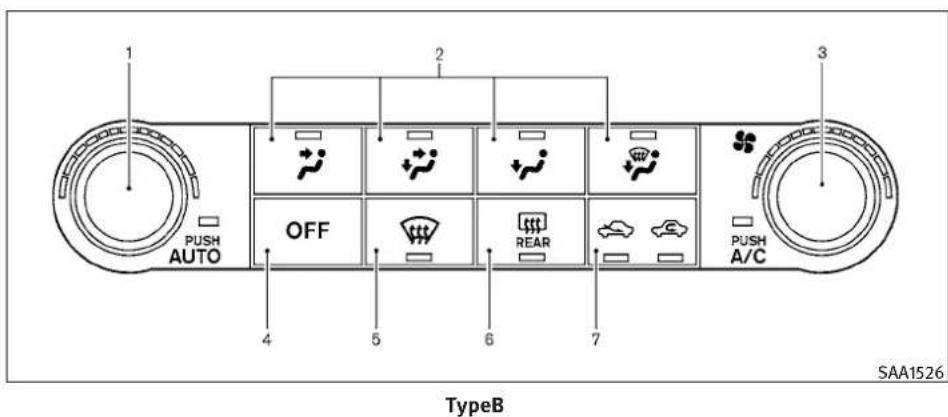
text_image
1 2 3 PUSH AUTO OFF 5 6 7 REAR PUSH A/C TypeB SAA1526-
"AUTO" automaticclimatecontrolON button/Temperaturecontroldial
-
Airflowcontrolbutton
-
" Fanspeedcontroldial
4."OFF"button
-
" 🔊 "frontdefrosterbutton
-
"REAR" rearwindowdefrosterbutton (See"REARWINDOWANDOUTSIDEMIRRORDEFROSTERSWITCH" in the "2.Instrumentsandcontrols" section.)
-
"→→"intakeaircontrolbutton
4-32Monitor,climate,audio,phoneandvoicerecognitionsystems
AUTOMATICCLIMATECONTROL(TypeB) Automaticoperation
Coolingand/ordehumidifiedheating(AUTO):
Thismodemaybeusedallyearround. The systemworksautomaticallytocontroltheinsidetemperature, airflowdistributionandfan speedafterthepreferredtemperatureisset manually.
-
Push the "AUTO" button on. (The indicator on the button will illuminate and AUTO will be displayed.)
-
Use the temperature controldialtoset the desired temperature.
- Thetemperaturecanbesetwithinthe followingrange.
-ForU.S.:60to90°F(16to32°C)
-ForCanada:64to90°F(18to32°C)
- Thetemperatureofthepassengercompartmentwillbemaintainedautomatically.Airflowdistributionandfanspeed willalsobecontrolledautomatically.
- Toturnofftheclimatecontrolsystem, pushthe"OFF"button.
Avisiblemistmaybeseencomingfromthe ventilatorsinhot,humidconditionsastheairis cooledrapidly.Thisdoesnotindicateamal-function.
Heating(A/COFF):
Theairconditionerdoesnotactivateinthis mode.Whenyouneedtoheatonly,usethis mode.
-
Push the "AUTO" button on.
-
Push the "A/C" button. (The A/C indicator will turn off.)
-
Turnthetemperaturecontroldialtoset thedesiredtemperature.
-
Thetemperatureofthepassengercompartmentwillbemaintainedautomatically. Air flowdistributionandfanspeedarealso controlledautomatically.
- Donotsetthetemperaturelowerthanthe outsideairtemperature. Otherwisethesystemmaynotworkproperly.
- Notrecommendedifwindowsfogup.
Dehumidifieddefrostingordefogging:
- Push the "frontdefrosterbutton. (The indicatorlightonthebuttonwill comeon.)
- Turnthetemperaturecontroldialtoset thedesiredtemperature.
- To quickly remove ice from the outside of the windows, turn the "clubs" fanspeed control dial and set it to them maximum position.
- As soon as possible after the windshield is clean, push the "AUTO" button to return to the automode.
- Whenthe" "frontdefrosterbuttonis pushed, the airconditioner will automatically be turned on at outsidetemperatures above 23^ F(-5^ C) to defogthewindshield, and the air recirculatemodewill automatically be turned off.
Outsideairisdrawnintothepassenger compartmenttoimprovethedefoggingperformance.
Manualoperation
Fanspeedcontrol:
Turnthe" "fanspeedcontroldialto manuallycontrolthefanspeed.
Pushthe"AUTO"buttontoreturntoautomatic controlofthefanspeed.
Airrecirculation:
Pushtheintakeaircontrolbutton
“”torecirculateinteriorairinside thevehicle.Theindicatorlightonthe“sidewillcomeon.
Theairrecirculationmode cannot be activated when the air conditioner is in the front defrost-ing mode".
Outsideaircirculation:
Pushtheintakeaircontrolbutton
“”todrawoutsideairintothe passengercompartment.Theindicatorlighton the“”sidewillcomeon.
Automaticintakeaircontrol:
IntheAUTOmode, the intakeair will be controlled automatically. Tomanually control the intakeair, push the intakeair control button
“”".Toreturntotheautomaticcontrolmode,pushtheintakeaircontrolbutton
“”forabout2seconds.Theindicatorlights(bothairrecirculationandoutsideaircirculationsides)willflashtwice,andthentheintakeairwillbecontrolledautomatically.
Airflowcontrol:
Pushinganairflowcontrolbuttonmanually controlstheairflowandselectstheairoutletto thefollowingsettings.
Airflowsfromcenterandsideventilators.
Airflowsfromcenterandsideventilatorsandfootoutlets.
Airflowsmainlyfromfootoutlets.
Airflowsfromdefrosterandfootoutlets.
Toturnthesystemoff:
PushtheOFFbutton.
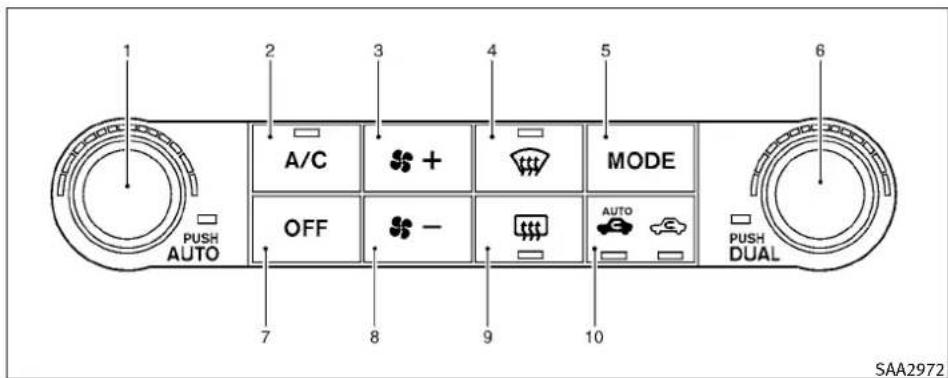
text_image
1 2 3 4 5 6 A/C MODE OFF - AUTO PUSH AUTO 7 8 9 10 PUSH DUAL SAA2972TypeC
- "AUTO" automaticoperationbutton/ Temperaturecontroldial(driverside)
- "A/C" airconditionerON/OFFbutton
- “♣+”fanspeedincreasebutton
- "frontdefrosterbutton
- "MODE" manual airflow control button
- "DUAL" zonecontrolON/OFFbutton/Temperaturecontroldial(passengerside)
7."OFF"buttonforclimatecontrolsystem -
"♣- "fanspeeddecreasebutton
-
" [ ] "rearwindowdefoggerbutton (See"REARWINDOWANDOUTSIDEMIRRORDEFROSTERSWITCH"inthe"2.Instrumentsandcontrols"section.)
10." AUTO "auto-recirculation button/intakeaircontrolbutton
AUTOMATICCLIMATECONTROL(TypeC)
Automaticoperation(AUTO)
The AUTOmodemaybeusedyear-roundasthe systemautomaticallycontrolsconstanttem-
perature, airflowdistribution and fanspeed after the desired temperature isset manually.
Toturnofftheheaterandairconditioner, push the"OFF"button.
Coolinganddehumidifiedheating:
- Push the "AUTO" button. (The AUTO indicator light will illuminate and "AUTO" will appear on the display.)
- If the A/C indicator light does not illuminate, push the "A/C" button. (The A/C indicator light willilluminate.)
- Turnthetemperaturecontroldial(driver's side) to set the desired temperature.
- Thetemperaturecanbesetwithinthe followingrange.
-ForU.S.:60to90°F(16to32°C)
-ForCanada:64to90°F(18to32°C)
- When the DUAL indicator light is turned off:
-Pushingthedriver'sside"AUTO"buttonchangesboththedriver'sandfront passenger'ssidetemperature.
-Pushingthepassenger'sside"DUAL" buttonchangesonlythefrontpassenger'ssidetemperature.(TheDUALindicatorlightwillilluminateand"DUAL" willappearonthedisplay.)
4-34Monitor,climate,audio,phoneandvoicerecognitionsystems
- Tosetseparateddesiredtemperaturesfor thedriverandfrontpassenger,pushthe "DUAL"button,theindicatorlightilluminates,andthenturnthecorresponding temperaturecontroldial.
- Tocanceltheseparatetemperaturesetting,pushthe“DUAL”button,theindicatorlightturnsoff,andthedriver'sside temperaturesettingwillbeappliedto boththedriver'sandfrontpassenger's sides.
Avisiblemistmaybeseencomingfromthe ventilatorsinhot,humidconditionsastheairis cooledrapidly.Thisdoesnotindicateamal-function.
Heating(A/Coff):
- Push the "AUTO" button. (The AUTO indicator light will illuminate and "AUTO" will appear on the display.)
- If the A/C indicator light illuminates, push the "A/C" button. (The A/C indicator light will turn off.)
- Turnthetemperaturecontroldialtoset thedesiredtemperature.
- When the DUAL indicator light is turned off:
-Pushingthedriver'sside"AUTO"buttonchangesboththedriver'sandfront
passenger'ssidetemperature.
-Pushingthepassenger'sside“DUAL” buttonchangesonlythefrontpassenger'ssidetemperature.(TheDUALindicatorlightwillilluminateand“DUAL” willappearonthedisplay.)
- Tosetseparateddesiredtemperaturesfor thedriverandfrontpassenger, pushthe "DUAL"button, theindicatorlightilluminates, andthenturnthecorresponding temperaturecontroldial.
- Tocanceltheseparatetemperaturesetting,pushthe“DUAL”button,theindicatorlightturnsoff,andthedriver'sside temperaturesettingwillbeappliedto boththedriver'sandfrontpassenger's sides.
- Donotsetthetemperaturelowerthanthe outsideairtemperature.Doingsomay causethetemperaturenottobecontrolledproperly.
- Ifthewindowsfogup, usedehumidified heatinginsteadoftheA/Coffheating.
Dehumidifieddefrosting/defogging:
- Pushthe“”button.(The indicator lightwillilluminate.)
-
Turnthetemperaturecontroldialtoset thedesiredtemperature.
-
Toremovefrostfromtheoutsidesurface ofthewindshieldquickly,setthetemperaturecontrolandfanspeedcontrolto theirmaximumposition.
- Afterthewindshielddiscleared, pushthe "AUTO" buttonosettotheautomatic mode.
- Whenthe "buttonispushed, the airconditionerwillautomaticallyturnon whentheoutsideairtemperatureis above23°F(-5°C)todefogthewindshield.Theairrecirculationmodewill automaticallyturnoff.Theoutsideair circulationmodewillbeselectedtoimprovethedefoggingperformance.
Manualoperation
Themanualmodecanbeusedtocontrolthe heaterandairconditionertoyourdesiredsettings.
Toturnofftheheaterandairconditioner, push the"OFF"button.
Fanspeedcontrol:
Pushthefanspeedcontrolbutton" increasethefanspeed.

Pushthefanspeedcontrolbutton" decreasethefanspeed.

Pushthe"AUTO"buttontochangethefan speedtotheautomaticmode.
Airflowcontrol:
Pushthe"MODE"buttontochangetheairflow mode.

:Airflowsfromthecenterandside ventilators.

:Airflowsfromthecenterandside ventilators,andfootoutlets.

:Airflowsmainlyfromthefootoutlets.

:Airflowsfromthedefoggerandfoot outlets.
Temperaturecontrol:
Turnthetemperaturecontroldialtosetthe desiredtemperature.
- Thetemperaturecanbesetwithinthefollowingrange.
-ForU.S.:60to90°F(16to32°C)
-ForCanada:64to90°F(18to32°C)
Airrecirculation:
Pushtheintakeaircontrolbuttontorecirculate interiorairinsidethevehicle.Theindicatorlight onthe" "sidewillilluminate.
Theairrecirculationmodecannotbeactivated when the air conditioner is in the front defrost-ing mode " ....".
Outsideaircirculation:
Pushtheintakeaircontrolbuttontodraw outsideairintothepassengercompartment.
Theindicatorlightonthe"
“sidewillturnoff.

"sideand
Automaticintakeaircontrol:
IntheAUTOmode, the intakeair will be controlled automatically. Tomanually control the intakeair, push the intakeair control button.
Toreturntotheautomaticcontrolmode, push theintakeaircontrolbuttonuntiltheindicator lightonthe" AUTO "sideilluminates. The advancedclimatecontrolsystemturnson and theintakeairwillbecontrolledautomatically.
Toturnsystemoff
PushtheOFFbutton.
Advancedclimatecontrolsystem
Theadvancedclimatecontrolsystemkeepthe airinsideofthevehicleclean,usingtheion controlandtheautomaticairintakecontrolwith exhaustgasdetectingsensor.
4-36 Monitor, climate, audio, phone and voicerecognitionsystems

text_image
Status ▶ Audio off 0:00 75°F DUAL AUTO QUICK CLEAN 75°F SAA2734Modelswithnavigationsystem
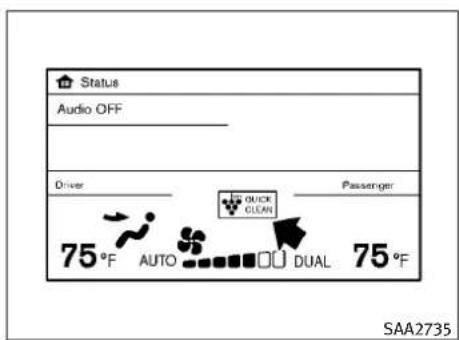
text_image
Status Audio OFF Driver Passenger 75°F AUTO QUICK CLEAN DUAL 75°F SAA2735Modelswithoutnavigationsystem
loncontrol:
ThisunitgenerateshighlyconcentratedPlasmaclusterionsintotheairblownfromthe ventilatorsandreducesodorabsorbedintothe interiortrim.
When the air conditioneristurnedon, the system generates Plasma cluster ions automatically.
TheamountofPlasmaclusterionsincreases according to the amount of airflow. When the airflow is high, “ ____” is displayed on the screen and when the airflow is low, the indication in the screen changesto “ ____”.
Exhaustgasdetectionsensor:
This vehicle is equipped with an exhaust gas detection sensor. When the automatic intake air control is ON, the sensor detect spollutants such as CO and NO _2 outside and the system automatically changes from the outside air circulation model to the circulation mode.
Whentheintakeaircontrolbuttonispushed underthefollowingconditions,theindicator lightonthe" AUTO "sidewillilluminateandthe exhaustgasdetectionsensorwillturnon.
●Theairflowcontrolisnotinthefront defoggermode(theindicatorlightonthe " 🎨 "frontdefoggerbuttonisturnedoff).
- Theoutsidetemperatureisabout32°F(0°C) or more.
When the automatic intake air control is ON, for the first 5 minutes, there circulation mode is selected to prevent dust, dirt and pollen from entering the vehicle and clean the air inside of the vehicle with Plasma cluster that are emitted from the ventilator.
After5minutes, the sensor detect sexhaust gas and automatically alternates between there circulation mode and outside aircirculation mode.
OPERATINGTIPS
When the engine coolant temperature and outside air temperature are low, the airflow from the foot outlets may not operate for a maximum of 150 seconds. This is not a malfunction. After the coolant temperature warms up, air will flow normally from the foot outlets.
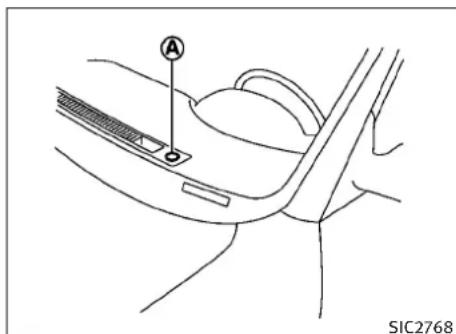
natural_image
Line drawing of a car interior showing a handle and seat, with no visible text or symbolsThesunloadsensor Ⓐ ontheinstrumentpanel helpsmaintainaconstanttemperature.Donot putanythingonoraroundthissensor.
IN-CABINMICROFILTER
TypeAandB:
Theclimatecontrolsystemisequippedwithan in-cabinmicrofilterwhichcollectsdirt,pollen, dust,etc.Tomakesuretheairconditioner heats,defogs,andventilatesefficiently,replace thefilterinaccordancewiththemaintenance scheduleinthelINFINITIServiceandMaintenanceGuide.Toreplacethefilter,contactan INFINITIretailer.
Thefiltershouldbereplacedifairflowisextremelydecreasedorwhenwindowsfogupeasilywhenoperatingheaterorairconditioning system.
TypeC:
Theclimatecontrolsystemisequippedwitha naturalgrapeseedpolyphenolfilterwhichcollectsandneutralizedirt,pollen,dust,etc.To makesurethattheairconditionerheats,defogs andventilatesefficiently,replacethefilterin accordancewiththemaintenanceschedulein theINFINITIServiceandMaintenanceGuide.To replacethefilter,contactanINFINITlretailer.
Thefiltershouldbereplacediftheairflowdecreasessignificantlyorifwindowsfogupeasily whenoperatingtheheaterorairconditioner.
SERVICINGCLIMATECONTROL
TheclimatecontrolsysteminyourINFINITIis chargedwitharefrigerantdesignedwiththe environmentinmind. Thisrefrigerantwillnot harmtheearth'sozonelayer. However, special chargingequipmentandlubricantarerequired whenservicingyourINFINITIairconditioner. Usingimproperrefrigerantsorlubricantswill causeseveredamagetoyourclimatecontrol system.(See"CAPACITIESANDRECOMMENDED FUEL/LUBRICANTS"inthe"9.Technicaland consumerinformation"sectionforclimatecontrolsystemrefrigerantandlubricantrecommendations.)
YourINFINITlretailerwillbeabletoserviceyour environmentallyfriendlyclimatecontrolsystem.

WARNING
Thesystemcontainsrefrigerantunderhigh pressure.Toavoidpersonalinjury,anyairconditionerservicesshouldbedoneonlybyanexperiencedtechnicianwiththeproper equipment.
4-38Monitor, climate, audio, phone and voicerecognitionsystems
AUDIOSYSTEM
AUDIOOPERATIONPRECAUTIONS Radio
PushtheignitionswitchtotheACCorON positionandpushtheradiobandselectbutton toturnontheradio.Ifyoulistentotheradio withtheenginenotrunning,theignitionswitch shouldbepushedtotheACCposition.
Radioreceptionisaffectedbystationsignal strength,distancefromradiotransmitter,buildings,bridges,mountainsandotherexternal influences.Intermittentchangesinreception qualitynormallyarecausedbytheseexternal influences.
Usingacellularphoneinornearthevehiclemay influenceradioreceptionquality.
Radioreception:
YourINFINITI radiosystemisequipped with state-of-the-artelectronic circuitstoenhance radioreception. These circuits are designed to extend reception range, and toenhancethe quality of that reception.
Howevertherearesomegeneralcharacteristics of both FM and AM radiosignal that can affect radioreception quality in an moving vehicle, even when the finest equipment is used. These characteristics are completely normal in given
receptionarea, and donotindicate anymal-functioninyourINFINITI radiosystem.
Receptionconditionswillconstantlychange becauseofvehiclemovement.Buildings,terrain,signaldistanceandinterferencefrom othervehiclescanworkagainstidealreception. Describedbelowaresomeofthefactorsthat canaffectyourradioreception.
Somecellularphonesorotherdevicesmay causeinterferenceorabuzzingnoisetocome fromtheaudiosystemspeakers.Storingthe deviceinadifferentlocationmayreduceor eliminatethenoise.
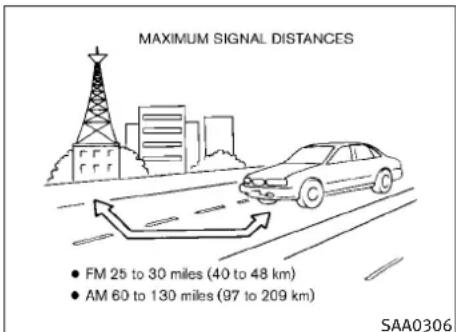
text_image
MAXIMUM SIGNAL DISTANCES • FM 25 to 30 miles (40 to 48 km) • AM 60 to 130 miles (97 to 209 km) SAA0306FMradioreception:
Range: FMrangeisnormallylimitedto25to30 miles(40to48km), withmonaural(single channel)FMhavingslightlymorerangethan stereoFM. Externalinfluencesmaysometimes interferewithFMstationreceptionevenifthe FMstationiswithin25miles(40km). The strengthoftheFMsignalisdirectlyrelated to the distancebetweenethetransmitterandreceiver.FMsignalsfollowaline-of-sightpath, exhibitingmanyofthesamecharacteristicsas light. Forexampletheywillreflectoffobjects.
Fadeanddrift: As your vehicle moves away from astation transmitter, the signals will tend to fade and or drift.
Staticandflutter: Duringsignalinterference frombuildings, largehillsorduetoantenna position, usuallyinconjunctionwithincreased distancefromthestationtransmitter, staticor fluttercanbeheard. Thiscanbereduced by loweringthetreblesettingtoreducethetreble response.
Multipathreception: Because of the reflective characteristics of FM signals, direct and reflected signals reach thereceiver at the same time. Thesignals may cancel each other, resulting in momentary flutter or loss of sound.
AMradioreception:
AMsignals, because of their low frequency, can bendaround objects and skip along the ground. In addition, the signals can be bounced off the ionosphere and bent back to earth. Because of these characteristics. AMsignals are also subject to interference as they travel from transmitter to receiver.
Fading: Occurswhilethevehicleispassing throughfreewayunderpassesorinareaswith manytallbuildings.Itcanalsooccurforseveral secondsduringionosphericturbulenceevenin areaswherenoobstaclesexist.
Static: Caused by thunderstorms, electrical powerlines, electricsignsandeventraffic lights.
Satelliteradioreception(ifsoequipped):
Whenthesatelliteradioisusedforthefirsttime orthebatteryhasbeenreplaced,thesatellite radiomaynotworkproperly.Thisisnota malfunction.Waitmorethan10minuteswith thesatelliteradioONandthevehicleoutside of anymetalorlargebuildingforthesatellite radiotoreceiveallofthenecessarydata.
ThesatelliteradiomoderequiresanactiveXM® SatelliteRadiosubscription. Thesatelliteradio isnotavailable in Alaska, Hawaii and Guam.
Thesatelliteradioperformancemaybeaffected ifcargocarriedontheroofblocksthesatellite radiosignal.
If possible, donotputcargonearthesatellite antenna.
Abuildupoficeonthesatelliteradioantenna canaffectsatelliteradioperformance.Remove theicetorestoresatelliteradioreception.

text_image
COMPACT DISC DIGITAL AUDIO SAA0480CompactDisc(CD)player
- DonotforceacompactdiscintotheCD insertslot. This could damage the CD and/or CD player.
- TryingtoloadaCDwiththeCDdoorclosed coulddamagetheCDand/orCDplayer.
4-40 Monitor, climate, audio, phone and voice recognition systems
- Duringcoldweatherorrainydays,theplayer maymalfunctionduetothehumidity.Ifthis occurs,removetheCDanddehumidifyor ventilatetheplayercompletely.
●Theplayermayskipwhiledrivingonrough roads.
●TheCDplayersometimes cannot function whenthepassengercompartmenttemperatureisextremelyhigh.Decreasethetemperaturebeforeuse. - Onlyusehighquality4.7in(12cm)round discsthathavethe“COMPACTdiscDIGITAL AUDIO”logoonthediscorpackaging.
- DonotexposetheCDtodirectsunlight.
- CDsthatarefpoorquality, dirty, scratched, coveredwithfingerprints, orthathavepin holesmaynotworkproperly.
●ThefollowingCDsmaynotworkproperly:
-Copycontrolcompactdiscs(CCCD)
-Recordablecompactdiscs(CD-R)
-Rewritablecompactdiscs(CD-RW) - DonotusethefollowingCDsastheymay causetheCDplayertomalfunction.
-3.1in(8cm)discs
-CDsthatarenotround
-CDswithapaperlabel
-CDsthatarewarped, scratched, or have abnormaledges
- Thisaudiosystemcanonlyplayprerecorded CDs.Ithasnocapabilitiestorecordorburn CDs.
- If the CD cannot be played, one of the following messages will be displayed.
CHECKDISC:
- Confirm that the CD inserted correctly (thelabelsideisfacingup, etc.).
- Confirm that the CD is not bent or warped and its free of scratches.
PUSHEJECT:
Thisisanerrorduetothetemperatureinside theplayeristoohigh.RemovetheCDby pushingtheEJECTbutton,andafterashort timereinserttheCD.TheCDcanbeplayed whenthetemperatureoftheplayerreturnsto normal.
UNPLAYABLE:
Thefileisunplayableinthisaudiosystem (onlyMP3orWMACD).
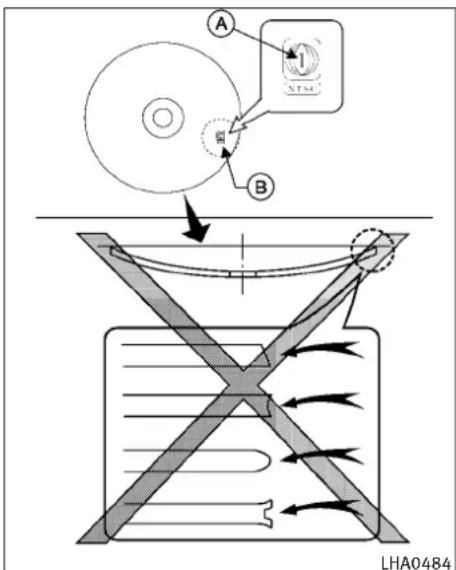
text_image
A B LHA0484DVD(DigitalVersatileDisc)player (modelswithnavigationsystem)
- DonotforceacompactdiscintotheCD/DVD insertslot. This could damage the CD/DVD player.
●Duringcoldweatherorrainydays,theplayer maymalfunctionduetohumidity.Ifthis occurs,removetheCD/DVDanddehumidify orventilatetheplayercompletely.
●Theplayermayskipwhiledrivingonrough roads.
●TheCD/DVDplayersometimes cannot function when the passenger compartment temperature is extremely high. Decreases the temperature before use.
- Onlyusehighquality4.7in(12cm)round discsthathavethe“COMPACTdiscDIGITAL AUDIO”or“DVDVideo”logoonthediscor packaging.
- DonotexposetheCD/DVDtodirectsunlight.
- CD/DVDsthatareofpoorquality, dirty, scratched, coveredwithfingerprints, orthat havepinholesmaynotworkproperly.
●The following CD/DVDs are not guaranteed to play:
-Copycontrolcompactdiscs(CCCD)
-Recordablecompactdiscs(CD-R)
-Rewritablecompactdiscs(CD-RW)
-RecordableDVDs(DVD±R,DVD±RDL)
-RewritableDVDs(DVD±RW,DVD±RWDL)
- DonotusethefollowingCD/DVDsasthey maycausetheCD/DVDplayertomalfunction.
-3.1in(8cm)discs
-CD/DVDsthatarenotround
-CD/DVDswithapaperlabel
-CD/DVDsthatarewarped, scratched or haveabnormaledges
-This audiosystem can only play prerecorded CD/DVDs. Ithas nocapabilitiesto recordorburn CD/DVDs.
- If the CD/DVD cannot be played, one of the following messages will be displayed.
DiscReadError:
- Confirm that the CD/DVD is inserted correctly (the label side is facing up, etc.).
- Confirm that the CD/DVD is not bentor warped and it is free of scratches.
PleaseEjectDisc:
-Thismaybeanerrorduetothetemperatureinsidetheplayerbeingtoohigh. RemovetheCD/DVDbypushingtheEJECT button,andafterashorttimereinsertthe CD/DVD.TheCD/DVDcanbeplayedwhen thetemperatureoftheplayerreturnsto
normal.Iftheerrorpersists,consultyour localretailer.
UnplayableFile:
-Thefilemaybecopyprotected.
- ThefileisnotMP3, WMA, AAC, M4Aor DivX®type.
RegionInvalid:
-TheDVDisnotforregion1orallregions. UseDVDswitharegioncode“1”, “ALL” or “1included” for your DVD entertainment system. (Theregioncode A is displayed asasmallsymbolprintedonthetop of the DVD B.) This vehicle-installed DVD player cannot play DVDswitharegion code other than “1” or “ALL”.
Copyrightandtrademark:
- ThetechnologyprotectedbytheU.S.patent andotherintellectualpropertyrightsowned byMacrovisionCorporationandotherright holdersisadoptedforthissystem.
- Thiscopyrightprotectedtechnologycannot beusedwithoutapermitfromMacrovision Corporation.Itislimitedtobepersonaluse, etc.,aslongasthepermitfromMacrovision Corporationisnotissued.
- Modifyingordisassemblingisprohibited.
4-42 Monitor, climate, audio, phone and voicerecognitionsystems
●Dolbydigitalismanufacturedunderlicense fromDolbyLaboratories,Inc.
- DolbyandthedoubleDmark" " are trademarksofDolbyLaboratories, Inc.
●DTSandDTS2.0" "areregistered trademarksofDTS, Inc.
Parentallevel(parentalcontrol):
DVDswiththeparentalcontrolsettingcanbe playedwiththissystem.Pleaseuseyourown judgementtosettheparentalcontrolwiththe system.
Discselection:
The following disc formats can be played with the DVD drive.
●DVD-VIDEO
●DVD-AUDIO
●VIDEO-CD
- CD-DA(ConventionalCompactDisc)
●DTS-CD
●DVD-AUDIO may not be playable depending on the system.
USB(UniversalSerialBus)
This systems supports various USB memory sticks, USB hard drives and iPod ^® players. There are some USB devices which may not be supported with this system.
- MakesurethattheUSBdeviceisconnected correctlyintotheUSBconnector.
- DonotforcethememorystickorUSBcable intotheUSBconnector. This could damage the connector.
- Duringcoldweatherorrainydays,theplayer maymalfunctionduetohumidity.Ifthis occurs,removetheUSBdeviceanddehumidifyorventilatetheUSBplayercompletely.
●TheUSBplayersometimes cannot function when the passenger compartment temperature is extremely high. Decreasethetemperature before use. - DonotleaveUSBmemoryinaplaceproneto staticelectricityorwheretheairconditioner blowsdirectly. ThedataintheUSBmemory maybedamaged.
●ThevehicleisnotequippedwithaUSB memorystick.
●AUSBdevice cannot be formatted with this system. To form a USB device, use a personal computer.
- PartitionedUSBdevicesmaynotbeplayed correctly.
- Somecharactersusedinotherlanguages (Chinese, Japanese, etc.) are not displayed properly on the vehicle centers screen. Using English language characters with a USB device is recommended.
- DonotconnectaUSBdeviceifaconnector orcableiswet.Allowthecableand/or connectorstodrycompletelybeforeconnectingtheUSBdevice.Iftheconnectoris exposedtofluidsotherthanwater,evaporativeresiduemaycauseashortbetween the connectorpins.
●LargevideopodcastfilescauseslowresponsesinaniPod®.Thevehiclecenter displaymaymomentarilyblackout,but it will soon recover.
- IfaniPod® automaticallyselectslargevideo podcastfileswhileintheshufflemode,the vehiclecenterdisplaymaymomentarily blackout,butitwillsoonrecover.
- Audiobooksmaynotplayinthesameorder astheyappearonaniPod®.
- AniPodnano®(1stGeneration)mayremain infastforwardorrewindmodeifitis connectedduringaseekoperation.Inthis case,pleasemanuallyresettheiPod®.
- AniPodnano®(2ndGeneration)willcontinuetofastforwardorrewindifitisdisconnectedduringaseekoperation.
- Anincorrectsongtitlemayappearwhenthe PlayModeischangedwhileusingtheiPod nano®(2ndGeneration)
iPod®isattrademarkofAppleInc., registered in the U.S. and other countries.
CompressedAudioFiles(MP3/WMA/AAC)
Explanationofterms:
- MP3—MP3isshortforMovingPictures ExpertsGroupAudioLayer3.MP3isthe mostwellknowncompresseddigitalaudio fileformat.Thisformatallowsfornear“CD quality”sound,butatafractionofthesize ofnormalaudiofiles.MP3conversionofan audiotrackcanreducethefilesizeby approximatelya10:1ratio(Sampling:44.1 kHz,Bitrate:128kbps)withvirtuallyno perceptiblelossinquality.Thecompression reducescertainpartsofsoundthatseem inaudibletomostpeople.
●WMA—WindowsMediaAudio(WMA)isa compressedaudioformatcreatedbyMicrosoftasanalternativetoMP3.TheWMA codeoffersgreaterfilecompressionthan theMP3codec,enablingstorageofmore digitalaudiotracksinthesameamountof spacewhencomparedtoMP3satthesame levelofquality.
- AAC/M4A—AdvancedAudioCoding(AAC)is alossyaudiocompressionformat.Audio filesthathavebeenencodedwithAACare generallysmallerinsizeanddeliverahigher qualityofsoundthanMP3.
- Bitrate—Bitratedenotesthenumberof bitspersecondusedbyadigitalmusicfile. Thesizeandqualityofacompresseddigital audiofileisdeterminedbythebitrateused whenencodingthefile.
- Samplingfrequency—Samplingfrequency istherateatwhichthesamplesofasignal areconvertedfromanalogtodigital(A/D conversion)persecond.
- Multisession—Multisessionisoneofthe methodsforwritingdatatomedia.Writing dataoncetothemediaiscalledasing session,andwritingmorethanonceis calledamultisession.
- ID3/WMATag—TheID3/WMAtagisthepart oftheencodedMP3orWMAfilethatcontainsinformationaboutthedigitalmusicfile suchassongtitle,artist,albumtitle,encodingbitrate,tracktimeduration,etc.ID3tag informationisdisplayedonthe Album/Artist/Tracktitlelineonthedisplay.
*Windows® and Windows Media® areregistered trademarks sort trademark of Microsoft Corporation in the United States of America and/or other countries.
4-44Monitor, climate, audio, phone and voicerecognitionsystems
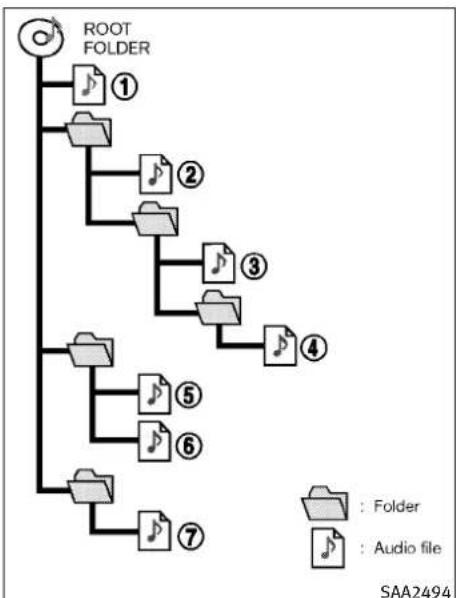
flowchart
graph TD
    A["ROOT FOLDER"] --> B["1"]
    A --> C["2"]
    A --> D["3"]
    A --> E["4"]
    A --> F["5"]
    A --> G["6"]
    A --> H["7"]
    B --> I["Folder"]
    C --> J["Folder"]
    D --> K["Folder"]
    E --> L["Folder"]
    F --> M["Folder"]
    G --> N["Folder"]
    H --> O["Folder"]
    I --> P["Folder"]
    J --> Q["Folder"]
    K --> R["Folder"]
    L --> S["Folder"]
    M --> T["Folder"]
    N --> U["Folder"]
    O --> V["Folder"]
    P --> W["Audio file"]
    Q --> X["Audio file"]
    R --> Y["Audio file"]
    S --> Z["Audio file"]
Playbackorder:
- Thefoldernamesoffoldersnotcontaining compressedaudiofilesarenotshowninthe display.
- Ifthereisafileinthetoplevelofadisc/USB, "RootFolder" is displayed.
●The playbackorderistheorderinwhichthe fileswerewrittenbythewritingsoftware,so thefilesmightnotplayinthedesiredorder.
●Music playback order of compressed audio files as illustrated in the next figure.
Specificationchart(TypeA):
| SupportedmediaCD,CD-R,CD-RW,DVD-ROM,DVD±R, | DVD±RW,DVD±RDL,USB2.0 | ||
| Supportedfilesystems | CD,CD-R,CD-RW,DVD-ROM,DVD±R,DVD±RW,DVD±RDL:ISO9660LEVEL1,ISO9660LEVEL2,Romeo,Joliet*ISO9660Level3(packetwriting)isnotsupported.*FilessavedusingtheLiveFileSystemcomponent(onaWindowsVista-basedcomputer)arenotsupported.UDFBridge(UDF1.02+ISO9660),UDF1.5,UDF2.0*VDF1.5/VDF2.0(packetwriting)isnotsupported. | ||
| USBmemory:FAT16,FAT32 | |||
| Supported versions*1 | MP3 | VersionMPEG1AudioLayer3 | |
| Samplingfre-quency | 8kHz-48kHz | ||
| Bitrate8kbps-320kbps,VBR*4 | |||
| WMA*2 | VersionWMA7,WMA8,WMA9 | ||
| Samplingfre-quency | 32kHz-48kHz | ||
| Bitrate32kbps-192kbps,VBR(Ver.9)*4 | |||
| AACVersionMPEG-AAC | |||
| Samplingfre-quency | 8 kHz - 9 6 kHz | ||
| Bitrate16kbps-320kbps,VBR*4 | |||
| Taginformation(SongtitleandArtistname) | ID3tagVER1.0,VER1.1,VER2.2,VER2.3,VER2.4(MP3only) | ||
| WMAtag(WMAonly) | |||
4-46 Monitor, climate, audio, phone and voicerecognition systems
| SupportedmediaCD,CD-R,CD-RW,DVD-ROM,DVD±R, | DVD±RW,DVD±RDL,USB2.0 |
| Folderlevels | Withnavigationsystem:Folderlevels:8,Folders:512(includingrootfolder),Files:5,000Withoutnavigationsystem:Folderlevels:8,Foldersandfiles:999(Max.255filesforonefolder) |
| TextcharacternumberlimitationWithnavigationsystem | m:100charactersWithoutnavigationsystem:64characters |
| Displayable character codes*3 | 01: ASCII, 02: ISO-8859-1, 03: UNICODE (UTF-16 BOM Big Endian), 04: UNICODE (UTF-16 Non-BOM Big Endian),05:UNICODE(UTF-8),06:UNICODE(Non-UTF-16BOMLittleEndian),07:SHIFT-JIS |
*1Filescreatedwithacombinationof48kHzsamplingfrequencyand64kbpsbitratecannotbeplayed.
*2ProtectedWMAfiles(DRM)cannotbeplayed.
*3Availableecodesdependonwhatkindofmedia,versionsandinformationaregoingtobedisplayed.
*4WhenVBRfilesareplayed,theplaybacktimemaynotbedisplayedcorrectly.
Specificationchart(TypeB):
| SupportedmediaCD,CD-R,CD-RW,CF | |||
| Supportedfilesystems | CD,CD-R,CD-RW:ISO9660LEVEL1,ISO9660LEVEL2,Romeo,Joliet*ISO9660Level3(packetwriting)isnotsupported.*FilessavedusingtheLiveFileSystemcomponent(onaWindowsVista-basedcomputer)are notsupported. | ||
| CompactFlashcard:FAT12,FAT16,FAT32 | |||
| Supported versions*1 | MP3 | VersionMPEG1,MPEG2,MPEG2.5 | |
| Samplingfrequency8kHz-48kHz | |||
| Bitrate8kbps-320kbps,VBR*4 | |||
| WMA*2 | VersionWMA7,WMA8,WMA9 | ||
| Samplingfrequency32kHz-48kHz | |||
| Bitrate32kbps-192kbps,VBR(Ver.9)*4 | |||
| Taginformation(SongtitleandArtistname) | ID3tagVER1.0,VER1.1,VER2.2,VER2.3,VER2.4(MP3only) | ||
| WMAtag(WMAonly) | |||
| Folderlevels | Withnavigationsystem:Folderlevels:8,Folders:255(includingrootfolder),Files:512(Max.255filesforonefolder)Withoutnavigationsystem:Folderlevels:8,Foldersandfiles:999(Max.255filesforonefolder) | ||
| TextcharacternumberlimitationWithnavigationsystem:128 | characters | ||
| Withoutnavigationsystem:64characters | |||
| Displayable character codes*3 | 01:ASCII,02:ISO-8859-1,03:UNICODE (UTF-16 BOM Big Endian),04:UNICODE (UTF-16 Non-BOM BigEndian),05:UNICODE(UTF-8),06:UNICODE(Non-UTF-16BOMLittleEndian) | ||
*1Filescreatedwithacombinationof48kHzsamplingfrequencyand64kbpsbitratecannotbeplayed.
*2ProtectedWMAfiles(DRM)cannotbeplayed.
*3Availablecodesdependonwhatkindofmedia,versionsandinformationaregoingtobedisplayed.
*4WhenVBRfilesareplayed,theplaybacktimemaynotbedisplayedcorrectly.
4-48Monitor, climate, audio, phone and voicerecognitionsystems
Troubleshootingguide:
| SymptomCauseandCo | Countermeasure |
| CannotplayCheckifthediscorUSBdev | vicewasinsertedcorrectly. |
| Checkifthediscisscratchedordirty. | |
| Check if there is condensation inside the player, and if there is, wait until the condensation is gone (about 1 hour) beforeusingtheplayer. | |
| Ifthereisatemperatureincreaseerror,theplayerwillplaycorrectlyafteritreturnstothenormaltemperature. | |
| IfthereisamixtureofmusicCDfiles(CD-DAdata)andcompressedaudiofilesonaCD,onlythemusicCDfiles(CD-DA data)willbeplayed. | |
| Fileswithextensionsotherthan“.MP3(.mp3)”,“.WMA(.wma)”,“.AAC(.aac)”,“.M4A(.m4a)”,or“.AA3(.aa3)”cannot beplayed.Inaddition,thecharactercodesandnumberofcharactersforfoldernamesandfilenamesshouldbein compliancewiththespecifications. | |
| Checkifthediscorthefileisgeneratedinanirregularformat.Thismayoccurdependingonthevariationorthesettingofcompressedaudiowritingapplicationsorothertexteditingapplications. | |
| Checkifthefinalizationprocess,suchassessioncloseanddiscclose,isdoneforthedisc. | |
| CheckifthediscorUSBdeviceisprotectedbycopyright. | |
| PoorsoundqualityCheckifthediscis | scratchedordirty. |
| Ittakesarelativelylongtime beforethemusicstartsplaying. | IftherearemanyfolderorfilevelsonthediscorUSBdevice,sometimemayberequiredbeforethemusicstarts playing. |
| Music cuts off or skips | The writing software and hardware combination might not match, or the writing speed, writing depth, writing width, etc.,mightnotmatchthespecifications.Tryusingtheslowestwritingspeed. |
| SkippingwithhighbitratefilesSkipp | ngmayoccurwithlargequantitiesofdata,suchasforhighbitratedata. |
| Moveimmediatelytothenext songwhenplaying. | Ifanunsupportedcompressedaudiofilehasbeingvasupportedextensionlike.MP3,orwhenplayisprohibited bycopyrightprotection,theplayerwillskiptothenextsong. |
| Thesongsdonotplaybackin thedesiredorder. | The playbackorderistheorderinwhichthefileswerewrittenbythewritingsoftware,sothefilesmightnotplayin thedesiredorder. |
| Random/ShufflemaybeactiveontheaudiosystemoronaUSBdevice. |
Monitor, climate, audio, phone and voicerecognitionsystems 4-49
CompressedVideoFiles(modelswith navigationsystem)
Explanationofterms:
- DivX® - DivX® refers to the DivX® codec ownedbyDivX,Inc.usedforalossycompressionofvideobasedonMPEG-4.
●AVI-AVIsstandsforAudioVideoInterleave. It isastandardfileformatoriginatedbyMicrosoftCorporation.A“.divx”encodedfile canbesavedintothe“.avi”fileformatfor playbackonthissystemifitmeetthe requirementsstatedinthetableinthis section. However, notallthe“.avi”filesare playableonthissystemsincedifferentencodingscanbeusedthantheDivX®codec. - ASF-ASFstandsforAdvancedSystems Format.ItisafleformatownedbyMicrosoft Corporation.Note:Only“.asf”filesthatmeet therequirementsstatedinthetableinthis sectioncanbeplayed.
- Bitrate—Bitratedenotesthenumberof bitspersecondusedbyadigitalvideofile. Thesizeandqualityofacompresseddigital audiofileisdeterminedbythebitrateused whenencodingthefile.
RequirementforSupportingVideoPlayback:
| MediaCD,CD-R,CD-RW,DVD,DVD±R,DVD±RW,DVD±RWDL,USB2.0Memory | |||
| FileSystemsCD, | CD-R,CD-RW,DVD,DVD±R,DVD±RW,DVD±RWDL | ISO9660LEVEL1,ISO9660LEVEL2,Romeo,Joliet,UDFBridge(UDF1.02+ISO9660),UDF1.5,UDF2.0-ISO9660Level3(packetwriting)isnotsupported.-FilessavedusingtheLiveFileSystemcomponent(onaWindowsVista-basedcomputer)arenotsupported.-VDF1.5/VDF2.0(packetwriting)isnotsupported. | |
| USBMemoryFAT16,FAT32 | |||
| FileTypes.divx,.avi | iVideoCodecs | DivX3,DivX4,DivX5 | DivX6 |
| AudioCodecs | MP3,MPEG2.5AudioLayer3,AC3,LPCM | ||
| .asf | VideoCodec | ISO-MPEG4 | |
| AudioCodec | G.726 | ||
| BitRates | .divx,.aviMaximum | Average 4Mbps | |
| MaximumPeak | 8Mbps | ||
| Resolution | .divx,.aviMinimum | 32×32 | |
| Maximum | 720×480 | ||
| .asf | Minimum | 32×32 | |
| Maximum | 720×576 | ||
Bluetooth® Audioplayer(modelswith navigationsystem)
- SomeBluetooth® audiodevicesmaynotbe recognizedbythein-vehicleaudiosystem.
- It is necessary to setup the wireless connection between an incompatible Bluetooth® audio device and their vehicle Bluetooth® module before using the Bluetooth® audioplayer.
- OperatingprocedureoftheBluetooth® audio playerwillvarydependingonthedevice. Makesureitisunderstoodhowtooperate anaudiodevicebeforeusingitwiththis system.
- TheBluetooth® audioplayermaybestopped underthefollowingconditions:
-Receivingahands-freecall.
- Checkingtheconnectiontothehands-freephone.
- DonotplaceaBluetooth® audiodeviceinan areasurroundedbymetalorfarawayfrom their-vehicleBluetooth® moduletoprevent tonequalitydegradationandwirelessconnectiondisruption.
●Whileanaudiodeviceisconnectedthrough aBluetooth®wirelessconnection,thebatterypowerofthedevicemaydischarge quickerthanusual.
- This systems supports the Bluetooth® Audio Distribution Profile (A2DP, AVRCP).
- Bluetooth®isattrademarkowned by BluetoothSIG,Inc.andlicensedtoClarion Co.,Ltd.
Bluetooth®
MusicBoxharddrive
Recording:
- Notethatdatathatislostandnotstoredto theharddiskdriveduetosystemdamage, improperoperationormalfunctionisnot underwarranty.
●Vehicleownersarenotpermittedtorecord musicwithoutpermissionoftheownerof thecopyrightexceptforpersonaluse. - Checkifthemusicisappropriatelyrecorded totheharddiskdriveafterrecordingwhen thecompactdisc cannot bererecorded.
- Somemusic cannot be recorded depending on the discondition duetohigh-speed recording.
- Jumpingsoundsmayberecordedwhena compactdiscisrecordedwhiledrivingon roughroadsandexcessivevibrationoccurs.
- Amarkindicatingjumpingsoundsisdisplayedifjumpingsoundsarerecorded.
●Nosoundsmayberecordedifjumping soundsoccursorthediscisinpoorcondition.
- TracksthatincludeSerialCopyManagement System(SCMS)arenotrecorded.
- Ifacompactdiscisscratchedordirty, itmay notberecorded, jumpingsoundsmayoccur oritmaytakealongtimetorecord.
Automatictitledownload:
- Thetitleinformationthatisautomatically downloadedmaydifferfromtheactualtitle.
- Whennewlyreleasedcompactdiscsare recorded, theirtitleinformationmaynotbe downloaded.
- The title information in the hard disk can be updated. (See "Playing recorded songs" later in this section.

text_image
1 VOL 2 SCAN 3 RDM RPT 4 5 SEEK-CAT TUNE FOLDER PUSH ON-OFF TRACK PUSH AUDIO 6 ① ② ③ ④ ⑤ ⑥ SAA2724 7 8 8TypeA
1.ON-OFF/VOLUMEcontrolknob
2.RadioSCAN(tuning)button
3.RDM(random)RPT(repeat)playbutton
- RadioCAT(category)/REW(rewind)button forSEEK/TRACK
- RadioCAT(category)/FF(fastforward)buttonforSEEK/TRACK
4-52Monitor,climate,audio,phoneandvoicerecognitionsystems
- Radiotuning/MP3/WMA/AACfolderselector/AUDIOcontrolknob
7.CDEJECTbutton
8.Radiostationpresetbuttons
Nosatelliteradioreceptionisavailableunless anXMSatelliteRadiosubscriptionisactive.
Theaudiocontrolbuttonsarealsolocatedon thecentermulti-functioncontrolpanel.

text_image
1 VOL 2 PRESET A·B·C 3 PUSH ON-OFF SCAN RPT 4 5 TUNE FOLDER TRACK 6 PUSH AUDIO ① ② ③ ④ ⑤ ⑥ SAA2921 7 8 8TypeB
1.ON-OFF/VOLUMEcontrolknob
2. RadioPRESETA-B-Cselectorbutton
3. RadioSCAN(tuning)/CDRPT(repeat)play button
- RadioCAT(category)/REW(rewind)button forSEEK/TRACK
-
RadioCAT(category)/FF(fastforward)buttonforSEEK/TRACK
-
Radiotuning/MP3/WMAfolderselector/AUDIOcontrolknob
7.CDEJECTbutton
8.Radiostationpresetbuttons
Nosatelliteradioreceptionisavailableunless anXM®satelliteradioservicesubscriptionis active.
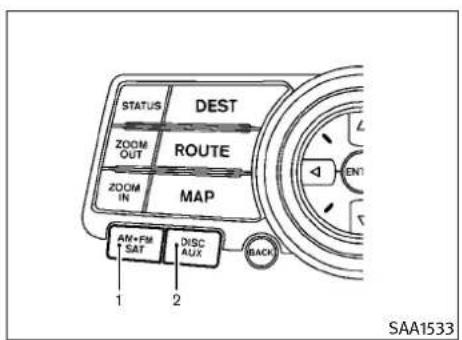
text_image
STATUS DEST ZOOM OUT ROUTE ZOOM IN MAP AM+FM SAT DISC AUX 1 2 BACK SAA1533Modelswithnavigationsystem
- Radiobandselectbutton
2.DISC·AUXbutton
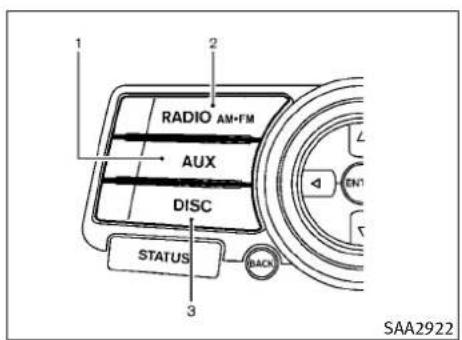
text_image
1 2 RADIO AM+FM AUX DISC STATUS BACK 3 SAA2922
text_image
1 2 RADIO AM-FM AUX DISC STATUS 3 BACKModelswithoutnavigationsystem
1.AUX/Satellitebandselectbutton
2.Radiobandselectbutton
3.DISCbutton
FM-AM-SATRADIOWITHCOMPACT DISC(CD)PLAYER
Foralloperationprecautions, see "AUDIOOPERATIONPRECAUTIONS" earlierinthissection.
ThesatelliteradiomoderequiresanactiveXM SatelliteRadiosubscription.Thesatelliteradio isnotavailableinAlaska,HawaiiandGuam.
It may takes sometime to receive the activation signal afters subscribing the XMSatellite Radio.
Afterreceivingtheactivationsignal,anavailablechannellistwillbeautomaticallyupdated intheradio.ForXM,pushtheignitionswitch fromLOCKtoACCtoupdatethechannellist.
Audiomainoperation
Headunit:
The autoloudness circuitenhancesthelowand highfrequencyrangesautomaticallyinboth radioreceptionandCDplayback.
ON-OFF/Volumecontrol:
PushtheignitionswitchtotheACCorON position, and then push the ON-OFF button while the system is offtoturnonthelastaudio source (i.e. FMorCD), which was playing immediately before the system wasturned off. While the system is on, pushing the ON-OFF button turnsthesystem off.
TurntheVOLcontrolknobtoadjustthevolume.
Adjustingtonequalityandspeakerbalance:
ToadjustBass, Treble, BalanceandFade, push theAudiocontrolknob.Whenthedisplay showsthesettingyouwanttochange(Bass, Treble, BalanceandFade), rotatetheAudio controlknobtosetthedesiredsetting.Forthe othersettingmethods, see "HOWTOUSESETTINGBUTTON"earlierinthissection.
4-54Monitor,climate,audio,phoneandvoicerecognitionsystems
This vehicle hassomesoundeffect functions as follows:
●SpeedSensitiveVol.
●PrecisionPhasedAudio(ifsoequipped)
●Driver'sAudioStage(ifsoequipped)
Formoredetails, see "VEHICLEINFORMATION AND SETTINGS" earlier in this section.
Switchingthedisplay(TypeA):
●Modelswithnavigationsystem
PushingtheDISC·AUXbuttonwillswitchthe displaysasfollows:
iPod®/USB → CD/DVD → Music Box → Bluetooth®Audio→iPod®/USB
●Modelswithoutnavigationsystem
PushingtheDISCbuttonwillswitchthedisplay asfollows:
CD→MusicBox→CD
PushingtheAUXbuttonwillswitchthedisplay asfollows:
USB/iPod → XM1 → XM2 → XM3 → USB/iPod
FM-AM-SATradiooperation
Whentheradiobandselectbuttonispushed whiletheignitionswitchisintheACCorON position,theradiowillcomeonatthechannel lastplayed.
Thelastchannelplayedwillalsocomeonwhen theON·OFFbuttonispushedtoON.
ThesatelliteradioisnotavailableinAlaska, HawaiiandGuam.
Ifanotheraudiosourceisplayingwhenthe radioorsatellitebandselectbuttonisturnedto ON,theaudiosourcewillautomaticallybe turnedoffandthelastradiochannelplayedwill comeon.
Whenthestereobroadcastsignalisweak, the radiowillautomaticallychangefromstereoto monauralreception.

PushingtheRADIOAM·FMorFM·AMradioband selectbuttonwillchangethebandasfollows:
●Modelswithnavigationsystem
AM → FM1 → FM2 → XM1 → XM2 → XM3 → AM
●Modelswithoutnavigationsystem
AM→FM1→FM2→AM
AUX radio(SAT)bandselect(TypeA):
Pushthesatellitebandselectbuttontoselect thesatelliteradiomodeXM1,XM2orXM3.
RADIO AMFM radio(FM/AM/SAT)bandselect (TypeB):
Pushingtheradiobandselectbuttonwill changethebandasfollows:
AM→FM→XM→AM
Whentheradiobandselectbuttonispushed whiletheignitionswitchisintheACCorON position,theradiowillcomeonatthestation lastplayed.
TUNE(Tuning):
●ForAMandFMradio
TurntheradioTUNEknobformanualtuning.
●ForXMSatelliteRadio
TurntheradioTUNEknobtoseekchannels fromallothecategorieswhenanycategory isnotselected.

●ForAMandFMradio
PushtheSEEK·CATorTRACKbutton ortounefromlowtohighorhighto lowfrequenciesandtostopatthenext broadcastingstation.

●ForXMSatelliteRadio
PushtheSEEK·CATorTRACKbutton ortotunetothefirstchannelofthe nextorpreviouscategory.

Duringsatelliteradioreception, the following notices will be displayed under certain conditions.
●NOSIGNAL(Nosignalisreceivedwhilethe SATtunerisconnected.)
- OFFAIR(Broadcastingsignedoff)
- CHECKANTENNA(Antennaconnectionerror)
- LOADING(When the initial setting is performed)
- UPDATING(Whenthesatelliteradiosubscriptionisnotactive)
SCAN RPT
orSCANning:
PushtheSCANtuningbuttontotunefromlow tohighfrequenciesandstopateachbroadcastingstation/channelfor5seconds.Pushingthe buttonagainduringthis5secondsperiodwill stopSCANtuningandtheradiowillremain tunedtothatstation/channel.
If the SCAN tuning button is not pushed within 5 seconds, SCAN tuning movesto then next station/channel.
PRESET A·B·C PRESETselect(TypeB):
PushthePRESETselectbuttontogotothenext PRESET. AfterchoosingfromthePRESETA, Bor C, youcanselectthedesiredstationusingthe INFINITIcontrollerorpushingthestationpreset buttons ① to ⑥.
① to ⑥ Stationmemoryoperations:
12stations/channelscanbesetfortheFMband (6eachforFM1andFM2), 18forXMradio(6 eachforXM1,XM2andXM3) and 6 stationscan besetfortheAMband.
- Choosetheradiobandusingtheradio bandselectbutton.
-
Tunetothedesiredstation/channelusing theSEEK·CAT, TRACK, SCANbuttonorthe radioTUNEknob.
-
Pushandholdthedesiredstationpreset button ① to ⑥ untiltheradiomutes.
-
Thestation indicator will then come on and the sound will resume. Memorizing is now complete.
-
Other button scan beset in the same manner.
If the batterycable is disconnected, or if the fuse opens, theradiomemory will be erased. In that case, reset the desired stations/channels.
List(AMandFMradio)(modelswithnavigation system):
Whenthe“List”keyonthedisplayisselected whiletheFMorAMradioisbeingplayed,the presetstationlistwillbedisplayed.
If1ofthe6presetstationslistedistouchedand held, thecurrentstationwillbestoredasthe newpreset.
Menu(XMSatelliteRadio)(modelswithnavigationsystem):
Whenthe"Menu"keyonthedisplayisselected whiletheXMSatelliteRadioisbeingplayed, themenulistwillbedisplayed.
The following items are available.
- PresetList
Displaysthepresetchannellist.If1ofthe6 presetstationslistedistouchedandheld,the currentstationwillbestoredasthenewpreset.
- CustomizeChannelList
Selectsspecificchannelstoskipwhileusing theTUNE,SEEK/CATEGORYorMenu-Categoriesfeature.
●FavoriteArtists&Songs
Storesthecurrentartistorsongthatisbeing played.Touchthe"Alert"keytobereminded whenthestoredartistorsongisplayingon astationwhilelisteningtoXM.
4-56 Monitor, climate, audio, phone and voicerecognitionsystems
●Categories
SelectingacategorywillgotothefirstchannelinthatcategoryasdefinedbyXMRadio.
- DirectTune
Inputsthechannelnumberbyusingakeypad.
Text(modelswithoutnavigationsystem):
Whenthe"Text"keyisselectedwiththe INFINITIcontrolleronthedisplayandthenthe ENTERbuttonispushedwhilethesatelliteradio isbeingplayed,thetextinformationlisted belowwillbedisplayedonthescreen.
-CHName
Category
Name
•Title
●Other
CompactDisc(CD)playeroperation
PushtheignitionswitchtotheACCorON positionandinserttheCompactDisc(CD)into theslotwiththelabelsidefacingup.TheCD willbeguidedautomaticallyintotheslotand startplaying.
AfterloadingtheCD, thenumberoftrackson theCDandtheplaytimewillappearonthe display.
Iftheradioisalreadyoperating, itwillautomaticallyturnoffandtheCDwillplay.
If the system has been turned off while the CD was playing, pushing the ON·OFF button will start the CD.
Donotuse3.1in(8cm)discs.
DISC AUX
orPIDISC
WhentheDISC-AUXorDISC(CDplay)buttonis pushedwiththesystemoffandtheCDloaded, thesystemwillturnonandtheCDwillstartto play.
WhentheDISC·AUXorDISCbuttonispushed withtheCDloadedandtheradioplaying,the radiowillautomaticallybeturnedoffandthe CDwillstarttoplay.
Menu(modelswithnavigationsystem):
When the "Menu" keyonthedisplayisselected while the CD is being played, themenuscreen will be displayed. The following menu options are available.
- FolderList(forCDwithcompressedaudio files)
Displaysthefolderlist.
- TrackList
Displaysthetracklist.
●PlayMode
Selectaplaymodefromthefollowingitems.
-Normal
-1FolderRepeat(forCDwithcompressed audiofiles)
-1TrackRepeat
-1DiscRandom
-1FolderRandom(forCDwithcompressed audiofiles)
●RecordtoMusicBox(forCD)
SelecttochoosespecificsongsontheCDto recordtotheMusicBox.
- TitleTextPriority(forCD)
SettheprioritytoCDDB(CompactDiscData Base)toacquiretrackinformationfromthe GracenoteDatabase,orsetthepriorityto CD-TEXTtoacquiretheinformationfrom CDs.
●AutomaticRecording(forCD)
WhenthisitemisturnedtoON,theMusic BoxharddriveautomaticallystartsrecordingwhenaCDisinserted.
●RecordingQuality(forCD)
Thelargernumber(132)willincrease the recorded sound quality while taking up more space on the Music Box leaving less room for moresongs.
ForthedetailsofMusicBox,see"MUSICBOX HARD-DISKDRIVE"laterinthissection.
Text(modelswithoutnavigationsystem):
Whenthe“Text”keyisselectedinthescreen usingtheINFINITIcontrollerandthentheENTER buttonispushedwhiletheCDisbeingplayed, themusicinformationbelowwillbedisplayed onthescreen.
CD:
CDwithcompressedaudiofiles:
- Disctitle
- Tracktitle
- Foldertitle
-Filetitle
●Songtitle - Albumtitle
●Artist


Next/PreviousTrackand FastForward/Rewind:
When the TRACK (fastforward)or(re-SEEK-CAT wind)buttonispushedformorethan1.5secondswhiletheCDisbeingplayed,theCDwill playwhilefastforwardingorrewinding.When thebuttonisreleased,theCDwillreturnto normalplayspeed.
When the TRACK or button is pushed for less than 1.5 seconds while the CD is being played, then next track or the beginning of the current track on the CD will be played.
RDM REPEAT(RPT), RANDOM(RDM) RPT (TypeA):
WhentheRPTbuttonispushedwhiletheCDis played,theplaypatterncanbechangedas follows:
(CD)

(CDwithcompressedaudiofiles)

SCAN RPT REPEAT(RPT)(TypeB):
When the SCAN-RPT button is pushed while the CDisplayed, the play pattern can be changed as follows:
(CD)

(CDwithMP3orWMA)

CDEJECT:
When the CDEJECT button is pushed with the CDloaded, the CDwillbeejected.
WhenthisbuttonispushedwhiletheCDis beingplayed,theCDwillbeejected.
If the CD comes out and is not removed, it will be pulled back into the slot to protect it.
4-58Monitor, climate, audio, phone and voicerecognitionsystems
DVD(DIGITALVERSATILEDISC) PLAYEROPERATION(modelswith navigationsystem)
Precautions
StarttheenginewhenusingtheDVDentertainmentsystem.
Movieswillnotbeshownonthefrontdisplay whilethevehicleisinanydrivepositionto reducedriverdistraction.Audioisavailable whenamovieisplayed.Toviewmoviesinthe frontdisplay,stopthevehicleinasafelocation, movetheselectorlevertotheP(Park)position (AutomaticTransmissionmodels)orapplythe parkingbrake(ManualTransmissionmodels).

WARNING
- Thedrivermustnotattempttooperatethe DVDsystemorweartheheadphoneswhile thevehicleisinmotionsothatfullattention maybegiventovehicleoperation.
- Donotattempttomodifythesystemtodisplayamovieonthefrontscreenwhilethe vehicleisbeingdriven.Doingsomaydistractthedriverandmaycauseacollisionand seriouspersonalinjuryordeath.

CAUTION
- OnlyoperatetheDVDwhilethevehicleengineisrunning.OperatingtheDVDforex-tendedperiodsoftimewiththeengineOFFcandischargethevehiclebattery.
- Donotallowthesystemtogetwet.Excessivemoisturesuchasspilledliquidsmay causethesystemtomalfunction.
●WhileplayingVIDEO-CDmedia, thisDVD playerdoesnotguaranteecompletefunctionalityofallVIDEO-CDformats.
Displaysettings
Toadjustthefrontdisplaymode, pushthe SETTINGbuttonwhiletheDVDisbeingplayed, selectthe"Others"keyandthenselectthe "Display"key.
ToadjustthedisplayON/OFF,brightness,tint,colorandcontrast,selectthe"DisplayAdjust-ment"keyandthenselecteachkey.
Thenyoucanadjusteachitemusingthe INFINITIcontroller.Afterchangeshavebeen madepushtheBACKbuttontosavethesetting.
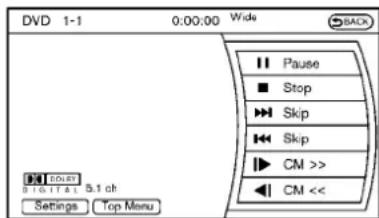
text_image
DVD 1-1 0:00:00 Wide Pause Stop Skip Skip CM >> CM << Back Power 5.1 ch Settings Top MenuSAA2497
PlayingaDVD
DISC-AUXbutton:
Parkthevehicleinasafelocationforthefront seatoccupantstoooperatetheDVDdrivewhile watchingtheimages.
PushtheDISC·AUXbuttonontheinstrument panelandturnthedisplaytotheDVDmode.
WhenaDVDisloaded, it will bereplayed automatically.
The operations screen will be turned on when the DISC-AUX button located on the instrument panel is pushed while a DVD is being played,
anditwillturnoffautomaticallyafteraperiodof time.Toturnitonagain,pushtheDISC·AUX buttonagain.
DVDoperationkeys:
WhentheDVDdisplayingwithouttheoperation screenbeingshown,youmayusethetouch screentoselectitemsfromthedisplayedvideo. YoumayalsousetheINFINITIcontrollerto selectanitemfromthedisplayedvideo.When theoperationscreenisbeingshown,usethe INFINITIcontrollerortouchscreentoselectan itemfromthedisplayedmenus.

PAUSE:
Selectthe" || "keytopausetheDVD.To resumeplayingtheDVD,usethe"PLAY"key.

PLAY:
Selectthe"▶ "keytostartplayingtheDVD,forexample,afterpausingtheDVD.

STOP:
Selectthe" ■ "keytostopplayingtheDVD.

/Next/PreviousChapter:
Selectthe“▶▶”or“◀◀▼ Keytoskip the chapter(s)ofthediscforward/backward.The chapterswilladvance/gobackthenumberof timesthiskeyisselected.

/CommercialSkip:
ThisfunctionisonlyforDVD-VIDEO,DVD-VR. Selectthe“ |▶” or “◀|”keytoskip forwardorbackwardsbythesetamountas definedintheDVDSettingsmenu.

/Next/PreviousImage:
ThisfunctionisonlyforDVD-AUDIO.Selectthe “+” or “—” keytoadvanceorrewind thestillimage. Thestillimagewilladvanceor rewindthenumberoftimesthiskeyisselected.
TopMenu:
Whenthe"TopMenu"keyisselectedinthe screenwhileaDVDisbeingplayed,thetop menuspecifictoeachdiscwillbedisplayed.For details,seetheinstructionsonthedisc.

text_image
DVD ▶ Setting Key Title Menu Title Search 1 + 10Key Search Angle Angle Mark ON 1/15 SAA2498Example
DVDsettings
Selectthe"Settings"keytoadjustthefollowing settings.
Move: Changethedisplaylocationbymoving theoperationkey.
Back: Return to the previous screen.

Hide: Hidetheoperationkey.
TitleMenu(DVD-VIDEO):
Somemenusspecifictoeachdiscwillbe shown. Fordetails, seetheinstructionsonthe disc.
TitleSearch(DVD-VIDEO, DVD-VR):
Thescenewiththespecifiedtitlewillbedisplayedeachtimethe“+”sideor“−”sideis selected.
GroupSearch(DVD-AUDIO,VIDEOCD):
Asceneinthespecifiedgroupwillbedisplayed eachtimethe“+”sideor“-”sideisselected.
10KeySearch(DVD-VIDEO,VIDEO-CD,CD-DA, DVD-VR):
Selectthe"10KeySearch"keytoopenthe numberentryscreen.Inputthenumbertobe searchedandselectthe"OK"key.Thespecified Title/ChapterorGroup/Trackwillbeplayed.
SelectNo.(VIDEO-CD):
Selectthe"SelectNo."keytoopenthenumber entryscreen.Inputthenumbertobesearched andselectthe"OK"key.Thespecifiedscene willbeplayed.
Angle(DVD-VIDEO):
IftheDVDcontainsdifferentangles(suchas movingimages), thecurrentimageanglecanbe switchedtoanotherone. Selectthe"Angle" key. Theanglewillchangeeachtimethe "+" sideor"—”sideisselected.
AngleMark(DVD-VIDEO):
Whenthisitemisturnedon, ananglemarkwill beshownonthebottomofthescreenifthe scenecanbeseenfromadifferentangle.
MenuSkip(DVD-VIDEO):
DVDmenusareaautomaticallyconfiguredand thecontentswillbeplayeddirectlywhenthe "MenuSkip" keyisturnedon. Notethatsome discsmaynotbeplayeddirectlyevenifthis itemisturnedon.
CMSkip(DVD-VIDEO):
Selectthe“CMSkip”key.Choosethesetting timefrom15,30or60secondsbyselectingthe "+"sideor"—"side.
DRC(DVD-VIDEO, DVD-VR):
DRC(DynamicRangeCompression)automaticallyadjuststhesoundtrackvolumelevelto maintainamoreevensoundtothespeakers.
DVDLanguage(DVD-VIDEO,VIDEO-CD):
Select the "DVDLanguage" key to open the number entry screen. Input the number corresponding to the preferred language and select the "OK" key. The DVD top menulanguag will be changed to the ones specified.
Display:
Toadjusttheimagequalityofthescreen,select thepreferredadjustmentitems.
Audio:
Select the preferred language for audio.
Subtitle(DVD-VIDEO, DVD-VR):
Select the preferred language for subtitles.
DisplayMode(DVD-VIDEO,VIDEO-CD,DVD-VR):
Selectfromthe“Full”, “Wide”, “Normal” or “Cinema” modes.
TitleList(DVD-VR):
Selectthepreferredtitlefromthelist.
PlayMode:
Select the preferred playmode.
PG/PLMode(DVD-VR):
Selectthe"PG"or"PL"mode.
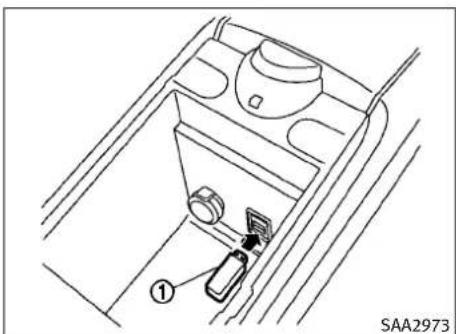
text_image
① SAA2973Automatictransmissionmodels
If the system has been turned off while the USB memory was playing, pushing the ON-OFF/VOL control knob will start the USB memory.
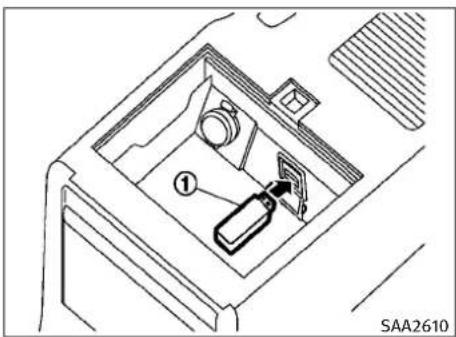
text_image
SAA2610Manualtransmissionmodels
4-62Monitor, climate, audio, phone and voicerecognitionsystems
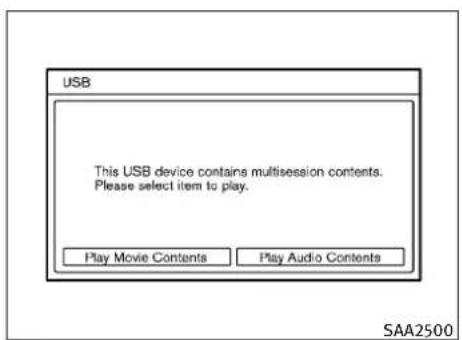
text_image
USB This USB device contains multisession contents. Please select item to play. Play Movie Contents Play Audio Contents SAA2500Fileselection(modelswithnavigation system)
When there are both audio and movie files in the USB memory, them do select screen is displayed. Select the preferred content to play.
When there is only one type off file, the audio or movie operations screen is displayed and starts to play.
Ifavideofilerestrictsthenumberofplaybacks, apop-upscreenwillappeartoconfirmitisokto play.Answeryesornoasrequestedbythe display.

text_image
USB Artist XXXXXXXXXXXXX Album XXXXXXXXXXXXX Track XXXXXXXXXXXXX Folder 1 of 3 Track 1 of 61 Menu TUNE ● Folder 0:07 SAA2501Modelswithnavigationsystem

text_image
USB 0:00 Up 1XXXXXXXXXXXXX 2XXXXXXXXXXXXX 3XXXXXXXXXXXXX 4XXXXXXXXXXXXX 5XXXXXXXXXXXXX 6XXXXXXXXXXXXX 6/16 Down (XXXXXXXX 0:00) Repeat All MP 3 Text SAA2611Modelswithoutnavigationsystem
Audiofileoperation

WhentheDISC·AUXorAUXbuttonispushed withthesystemoffandtheUSBmemoryinserted,thesystemwillturnon.
IfanotheraudiosourceisplayingandaUSB memoryisinserted, pushtheDISC-AUXorAUX buttonrepeatedlyuntilthecenterdisplay changestotheUSBmemorymode.

Next/PreviousFileandFast Forward/Rewind:
Whenthe TRACK (Rewind)or(FascForward)buttonispushedformorethan1.5secondswhileaUSBmemoryisbeingplayed,the USBmemorywillplaywhileforwardingorrewinding.Whenthebuttonisreleased,theUSB memorywillreturntonormalplayspeed.
When the TRACK orbit, an is pushed for less than 1.5 seconds while the USB memory is being played, then next track the beginning of the current track on the USB memory will be played.
The INFINITI controller can also be used to select track when the USB memory is being played.
Monitor, climate, audio, phone and voicerecognitionsystems4-63
Folderselection:
TochangetoanotherfolderintheUSBmemory, turnthefolderselectororchooseafolder displayedonthescreenusingtheINFINITI controller.
RDM REPEAT(RPT), RANDOM(RDM): RPT
WhentheRPTbuttonispushedwhiletheUSB memoryisplayed,theplaypatterncanbe changeasfollows.
Tochangetheplaymode, pushtheRPTbutton repeatedly and themodewillchangeasfollows.
Normal→1FolderRepeat→1TrackRepeat→ AllRandom→1FolderRandom→Normal
Text(modelswithoutnavigationsystem):
Whenthe"Text"keyisselectedonthescreen usingtheINFINITIcontrollerandthentheENTER buttonispushedwhileaUSBmemoryisbeing played,themusicinformationlistedbelowwill bedisplayedonthescreen.
- Foldertitle
-Filetitle - Songtitle
AlbumTitle
●Artist
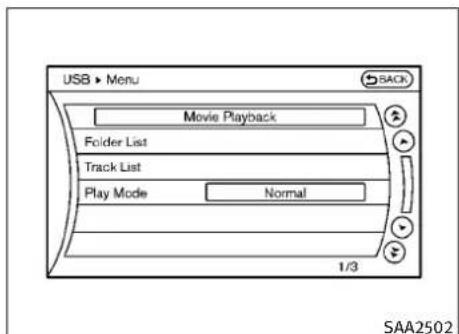
text_image
USB ▶ Menu Movie Playback Folder List Track List Play Mode Normal 1/3 SAA2502Menu(modelswithnavigationsystem):
Therearesomeoptionsavailableduringplay-back.Selectoneofthefollowingoptionsthat aredisplayedonthescreenifnecessary.Refer tothefollowinginformationforeachitem.
●MoviePlayback
Switchtothemovieplaybackmode. This itemisdisplayedonlywhenaUSBmemory containsmoviefiles.
- FolderList/TrackList
Displaysthefolderortracklist.The"Movie Playback"keyisalsodisplayedinthislist screen, andenablesswitchingtothemovie playbackmode.
●PlayMode
Select the preferred playmode.
4-64Monitor, climate, audio, phone and voicerecognitionsystems

text_image
USB 1 - 1 0:00:00 Wide SAA2503 Play Stop Skip Skip Settings ListMoviefileoperation(modelswith navigationsystem)
Parkthevehicleinasafelocationforthefront seatoccupantstoooperatetheUSBmemory whilewatchingtheimages.
DISC AUX
PLAY:
WhentheDISC·AUXbuttonispushedwiththe systemoffandtheUSBmemoryinserted,the systemwillturnon.
IfanotheraudiosourceisplayingandaUSB memoryisinserted, pushtheDISC-AUXbutton repeatedly until the center displaychangesto the USB memory mode.
Operationkeys:
TooperatetheUSBmemory,selectthedesired keydisplayedontheoperationscreenusingthe INFINITIcontroller.
II Pause
Selectthe" || "keytopausethemoviefile. Toresumeplayingthemoviefile,selectthe " ▶ "key.
Play
Selectthe"▶ "keytostartplayingamovie file,forexample,afterpausingamoviefile.
STOP
Selectthe" ■ "keytostopplayingamovie file.
Skip(Nextchapter)
Selectthe" ▶▶ "keytoskipthecapter(s)of thediscforward.Thechapterswilladvancethe numberoftimestheENTERbuttonispushed.
Skip(Previouschapter)
Selectthe" "keytoskipthechapter(s)of thediscbackward.Thechapterswillgoback thenumberoftimesthe" "keyisselected.
List:
Selectthe"List"keyonthemoviefileoperation screentodisplaythefilelist.

text_image
USB > Settings Audio File Play Back Play Mode Normal 10Key Search Display DRC 1 + Audio 1/7 SAA2504Example
Settings:
Selectthe"Settings"keytoadjustthefollowing settings.
●AudioFilePlayback
Switchtotheaudioplaybackmode. This itemisdisplayedonlywhentheUSB memorycontainstheaudiofiles.
●PlayMode
Selectthe"Normal"or"1TrackRepeat"play mode.
●10KeySearch
Selectthe"10KeySearch"keytoopenthe numberentryscreen.
Inputthenumbertobesearchedandselect the"OK"key.
Thespecifiedfolder/filewillbeplayed.
●Display
Toadjusttheimagequalityofthescreen, selectthepreferredadjustmentitems.
•DRC
DRC(DynamicRangeCompression) automatically adjuststhesoundtrackvolume leveltomaintainamoreevensoundtothe speakers.
●Audio
Select the preferred language for audio.
- Subtitle
Select the preferred language for subtitle.
- DisplayMode
Selectthe"Normal", "Wide", "Cinema" or "Full" mode.
BLUETOOTH®STREAMINGAUDIO (modelswithnavigationsystem)
YourINFINITlisequippedwithBluetooth®StreamingAudio.IfyouhaveacompatibleBluetooth® devicewithstreamingaudio(A2DPprofile),you cansetupthewirelessconnectionbetweenyour Bluetooth® deviceandthein-vehicleaudiosystem.Thisconnectionallowsyoutolistentothe audiofromtheBluetooth® deviceusingyour vehiclespeakers.Italsomayallowbasiccontrol ofthedeviceforplayingandskippingaudiofiles usingtheAVRCPBluetooth® profile.All Bluetooth® Devicesdonothavethesamelevelof controlsforAVRCP.Pleaseconsultthemanualfor yourBluetooth® Deviceformoredetails.
OnceyourBluetooth®deviceisconnectedto their-vehicleaudiosystem,itwillautomatically reconnectwheneverthedeviceispresent inthevehicleandyouselectBluetooth®Audio from your audiosystem.Youdonotneedto manually reconnectforeachusage.
Regulatoryinformation
FCCRegulatoryinformation:
-CAUTION: Tomaintaincompliance with FCC's RF exposure guidelines, use only the supplied antenna. Unauthorized antenna, modification, or attachment should damage the transmitter and may violate FCC regulations.
4-66Monitor, climate, audio, phone and voicerecognition systems
-Operationissubjecttothefollowingtwo conditions:
1) This device may not cause interference and
2) This device must accept any interference, including interference that may cause undesired operation of the device
ICRegulatoryinformation:
-Operationissubjecttothefollowingtwo conditions:
1) This device may not cause interference, and
2) This device must accept any interference, including interference that may cause undesired operation of the device.
-ThisClassBdigitalapparatusmeetsall requirementsoftheCanadianInterference-CausingEquipmentRegulations.
Bluetoothtrademark:
Bluetooth®
Bluetooth®isattrademark ownedbyBluetoothSIG, Inc.andlicensedto ClarionCo.,Ltd.
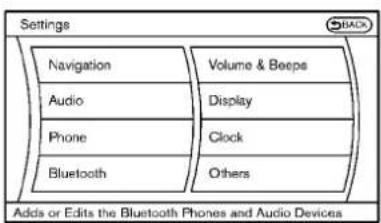
text_image
Settings Navigation Audio Phone Bluetooth Volume & Beeps Display Clock Others Adds or Edits the Bluetooth Phones and Audio DevicesSAA2505SAA2506
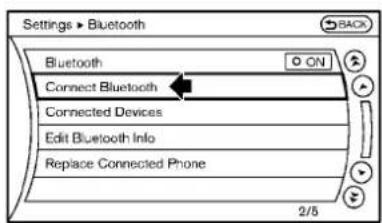
text_image
Settings > Bluetooth Bluetooth ON Connect Bluetooth Connected Devices Edit Bluetooth Info Replace Connected Phone 2/5- Selectthe"ConnectBluetooth"key.
Connectingprocedure
- Push the SETTING button and select the "Bluetooth" key.
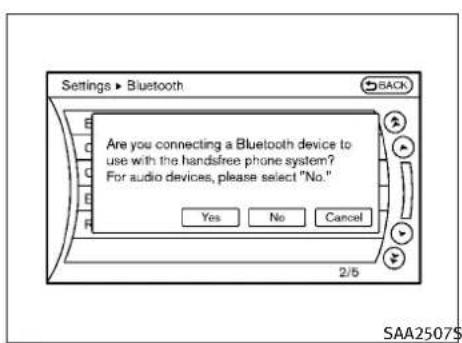
text_image
Settings • Bluetooth Are you connecting a Bluetooth device to use with the handsfree phone system? For audio devices, please select "No." Yes No Cancel 2/5 SAA2507$- A confirmationscreenwillbedisplayed. Select "No".
Note: Selecting "Yes" will only connect the handsfreephone portion of a Bluetooth® device.
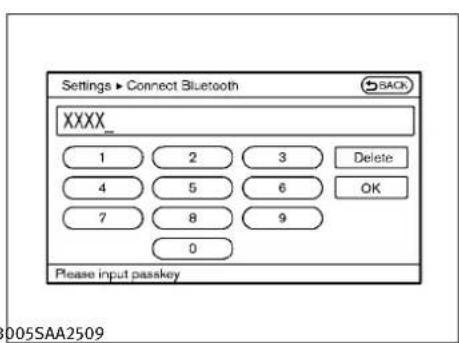
text_image
Settings ▶ Connect Bluetooth XXXX_ 1 2 3 Delete 4 5 6 OK 7 8 9 0 Please input passkey4.ChooseaPINcodetousewiththecom- patibleBluetooth®audiodeviceusingthe numberinputscreen.ThePINcodewill needtobeenteredintotheBluetooth® audiodeviceafterstep5.Selectthe"OK" key.
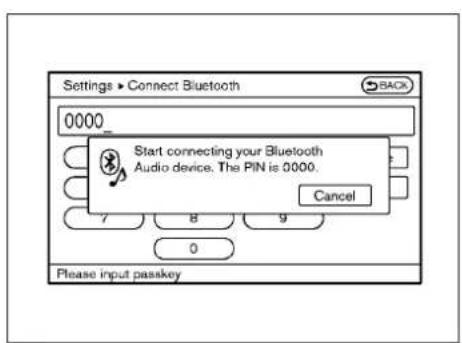
text_image
Settings ▶ Connect Bluetooth 0000 Start connecting your Bluetooth Audio device. The PIN is 0000. Cancel 7 8 9 0 Please input passkey- The standbymessagescreenwillappear. OperatethecompatibleBluetooth®audio device. For the connecting procedure of the audiodevice, seetheBluetooth®audio instructions.
Whentheconnectingiscompleted, the screenwillreturntotheBluetooth®setup display.
4-68Monitor, climate, audio, phone and voicerecognitionsystems
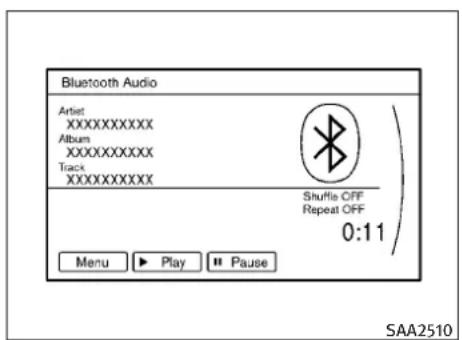
text_image
Bluetooth Audio Artist XXXXXXXXX Album XXXXXXXXX Track XXXXXXXXX Shuffle OFF Repeat OFF 0:11 Menu ▶ Play ■ Pause SAA2510Audiomainoperation
PushtheignitionswitchtotheACCorON position.Then,pushtheDISC-AUXbuttonrepeatedlytoswitchtotheBluetooth®audio mode.Ifthesesystemhasbeenturnedoffwhile theBluetooth®audiodevicewasplaying,pushingtheON-OFF/VOLcontrolknobwillstartthe Bluetooth®audiodevice.
Theabilitytopause,changetracks,fastforward,rewind,randomizeandrepeatmusicmay bedifferentbetweendevices.Someorallof thesefunctionsmaynotbesupportedoneach device.
Next/PreviousTrackand FastForward/Rewind:
Whenthe SEEK-CAT orbitonispushed for more than 1.5 seconds while a Bluetooth® audio file is being played, the Bluetooth® audiode- vicewill play while forwarding or rewinding. Whenthe button is released, the Bluetooth® audiodevicewill return on normal playspeed.
When the orbitonispushed for less than 1.5 seconds while a Bluetooth® audio fileis being played, then next track or the beginning of the current track on the Bluetooth® audiodevicewill be played. The INFINITI controller can also be used to select track when the Bluetooth® audioplay mode screen is shown on the display. ("Bluetooth audio" will be indicated on the header of the screen.)
RDM REPEAT(RPT), RANDOM(RDM): RPT
RDM RPT
Tochangetheplaymode, push the button repeatedly and themode changes as follows.
Normal→ShuffleAllTracks→ShuffleGroup→Repeat1Track→RepeatAllTracks→Repeat Group→Normal
Operationkeys:
TooperateaBluetooth® audiodevice,selecta keydisplayedontheoperationscreenusingthe INFINITIcontroller.

Selectthe" ▶ "keytostartplayingwhen pausing.Selectthiskeyagaintopausethe audioplay.

Selectthe“ II ”keytopausetheBluetooth® audiodevice.Selectthiskeyagaintoresume playing.
PlayMode:
Theplaymodesettingdisplaywillappearwhen the"Menu"keyisselected.
Choosethepreferredplaymodefromthefollowingitems.
●Shuffle
Choose"ShuffleOFF", "ShuffleAllTracks" and "ShuffleGroup".
- Repeat
Choose from "RepeatOFF", "Repeat1Track", "RepeatAllTracks" and "RepeatGroup".
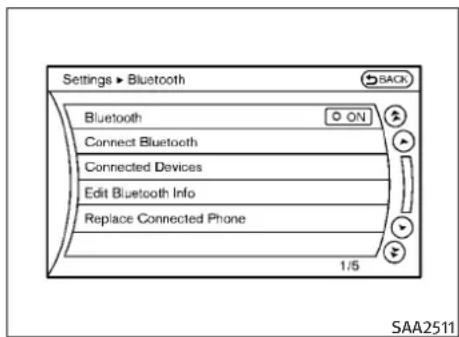
text_image
Settings ▶ Bluetooth Bluetooth ON Connect Bluetooth Connected Devices Edit Bluetooth Info Replace Connected Phone 1:5 SAA2511Bluetooth®settings
TosetuptheBluetooth® devicesystemtothe preferredsettings, pushtheSETTINGbutton andselectthe"Bluetooth"key.
Bluetooth:
If this setting is turned off, the connection between the Bluetooth ^® devices and their vehicle Bluetooth ^® module will be canceled.
ConnectBluetooth:
ConnectstotheBluetooth® device. See "Connectingprocedure" earlierinthissection.Upto 5 devicescanberegistered.
ConnectedDevices:
Registereddevicesareshownonthelist.Select aBluetooth® devicefromthelist, the following optionswillbeavailable.
- Select
Select“Select”toconnecttheselecteddevicetothevehicle.Ifthereisadifferent devicecurrentlyconnected,theselecteddevicewillreplacethecurrentdevice.
- Edit
RenametheselectedBluetooth®deviceusingthekeypaddisplayedonthescreen.(See "HOWTOUSETOUCHSCREEN(modelswith navigationsystem")earlierinthissection.)
- Delete
DeletetheselectedBluetooth®device.
EditBluetoothInfo:
Changethenamebroadcastedbythissystem overBluetooth®. ChangethePINcodethatis enteredwhenconnectingahandsfreedeviceto thissystem.
4-70 Monitor, climate, audio, phone and voicerecognitionsystems
ReplaceConnectedPhone:
ReplacetheBluetooth®connectionwithacon- nectedBluetooth®cellularphone.Fordetails aboutHands-FreePhoneSystem,see "BLUETOOTH®HANDS-FREEPHONESYSTEM (modelswithnavigationsystem)"laterinthis section.
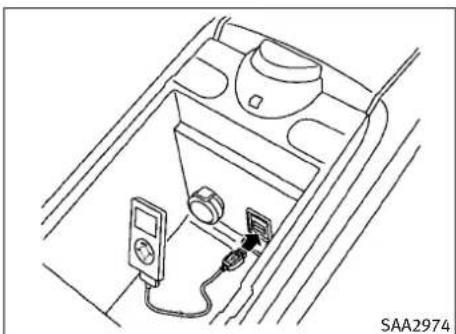
natural_image
Line drawing of a car interior showing a seatbelt, air conditioner unit, and electronic devices (no text or symbols)Automatictransmissionmodels
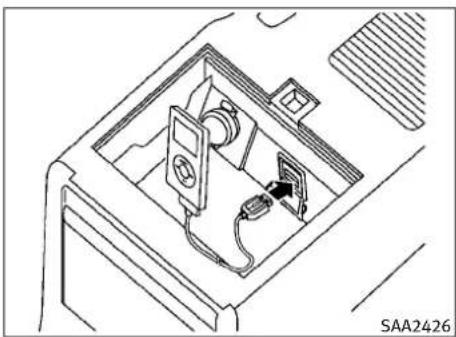
natural_image
Technical line drawing of a device interior with labeled components (no readable text or symbols)Manualtransmissionmodels
DependingontheversionoftheiPod®, the displayontheiPod®showsanINFINITlor AccessoryAttachedscreenwhentheconnection iscompleted. WhentheiPod®isconnectedto thevehicle, theiPod®musiclibrarycanonlybe operatedbythevehicleaudiocontrols.
*iPod®isattrademarkofAppleInc., registered intheU.S.andothercountries.
Compatibility
The following models are available:
Modelswithnavigationsystem:
●FifthgenerationiPod®(version1.2.3orlater)
- iPodClassic®(version1.1.1orlater)
- FirstgenerationiPodtouch®(version2.0.0 orlater)
- SecondgenerationiPodtouch®(version 1.2.3orlater)
Monitor, climate, audio, phone and voicerecognitionsystems 4-71
- FirstgenerationiPodnano®(version1.3.1or later)
- SecondgenerationiPodnano®(version1.1.3 orlater)
- ThirdgenerationiPodnano®(version1.1or later)
- FourthgenerationiPodnano®(version1.0.2 orlater)
●FifthgenerationiPod®(firmwareversion1.3) - FirstgenerationiPodClassic®(firmwareversion1.1.2PC)
- SecondgenerationiPodClassic®(firmware version2.0PC)
- FirstgenerationiPodtouch®(firmwareversion2.1)
- SecondgenerationiPodtouch®(firmware version2.1.1)
- FirstgenerationiPodnano®(firmwareversion1.3.1)
- SecondgenerationiPodnano®(firmware version1.1.3)
- ThirdgenerationiPodnano®(firmwareversion1.1PC)
MakesurethattheiPod®versionisupdated.
Modelswithoutnavigationsystem:
Audiomainoperation
PushtheignitionswitchtotheACCorON position.Then,pushtheDISC·AUXorDISC buttonrepeatedlytoswitchtotheiPod®mode.
If the system has been turned off while the iPod® was playing, pushing the ON·OFF button will start the iPod®.

WhentheDISC-AUXorAUXbuttonispushed withthesystemoffandtheiPod®connected, thesystemwillturnon.Ifanotheraudiosource isplayingandtheiPod®isconnected,pushthe DISC-AUXorAUXbuttonrepeatedlyuntilthe centerdisplaychangestotheiPod®mode.
Interface:
TheinterfaceforiPod® operationshownonthe vehiclecenterdisplayissimilartotheiPod® interface. UsetheINFINITIcontrollerandthe ENTERorBACKbuttontoplaytheiPod® with yourfavoritesettings.
The following item scan be chosen from the menulistscreen. For further information about each item, seetheiPod ^® Owner's Manual.
●NowPlaying
●Playlists
●Artists
●Albums
●Songs
- Podcasts
-Genres
●Composers
●Audiobooks
●ShuffleSongs
The followingtouch-panelbuttonsshownon thescreenarealsoavailable:
- MENU :returnstothepreviousscreen.
• ▶II :plays/pausesthemusicselected.


Next/PreviousTrackand FastForward/Rewind:
Whenthe SEEKCAT orbuttonispushedfor morethan1.5secondswhiletheiPod®isplaying, theiPod®willplaywhilefastforwardingor rewinding.Whenthebuttonisreleased,the iPod®willreturntothenormalplayspeed.
When the SEEK-CAT orbit is pushed for less than 1.5 seconds while the Pod is playing, then next track the beginning of the current track on the Pod will be played.
TheINFINITIcontrollercanalsobeusedto selecttrackswhentheiPod®isplaying.
4-72 Monitor, climate, audio, phone and voicerecognitionsystems
RDM REPEAT(RPT), RANDOM(RDM): RPT
When the RPT button is pushed while at track is being played, the play pattern can be changed as follows:
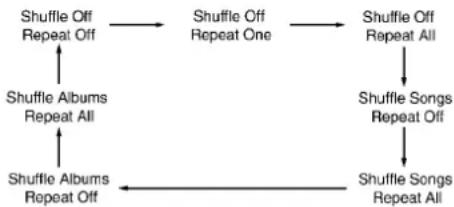
flowchart
graph TD
    A["Shuffle Off Repeat Off"] --> B["Shuffle Off Repeat One"]
    B --> C["Shuffle Off Repeat All"]
    C --> D["Shuffle Songs Repeat Off"]
    D --> E["Shuffle Songs Repeat All"]
    E --> F["Shuffle Albums Repeat All"]
    F --> G["Shuffle Albums Repeat Off"]
    G --> A
The following CDscanberecorded in the Music Box® audiosystem.
- CDsthatcontainuncompressedaudiofiles
●HybridCompactDiscDigitalAudio(Hybrid CD-DA)specificationinSuperAudioCDs - CompactDiscDigitalAudio(CD-DA)specifi-cationinCD-Extras
- Firstsessionofmultisessiondisc
Extremetemperatureconditions[below -4^ (-20^) andabove 158^(70^)] could affect the performanceofthehard-disk.
NOTE:
If the hard-diskneedstobereplacedduetoa malfunction, all stored music data will be erased.
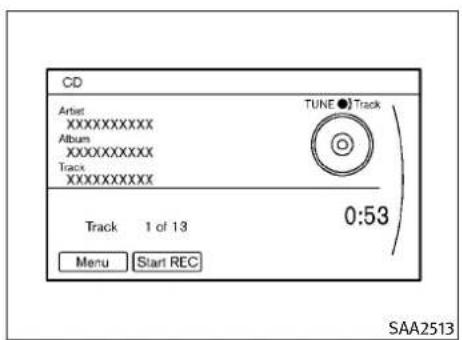
text_image
CD Artist XXXXXXXXX Album XXXXXXXXX Track XXXXXXXXX TUNE ● Track Track 1 of 13 0:53 Menu Start REC SAA2513Modelswithnavigationsystem
RecordingCDs
- Operatethe audiosystemtoplayaCD. For the detail of playing CDs, see "Compact Disc(CD) player operation" earlier in this section.
- Select the "StartREC" or "REC" key.
NOTE:
- Thesystemstartsplayingandrecordingthe 1sttrackontheCDwhenthe"StartREC"or "REC"keyisselected.
- Therecordingprocesscanbestoppedatany time.Alltracksthatwereplayedbeforethe CDwasstoppedarestored.
- Individualtrackscanbedeletedfromthe hard-diskdriveaftertheCDisrecorded.
●Theorderofthetracksmaynotbechanged whilerecording.
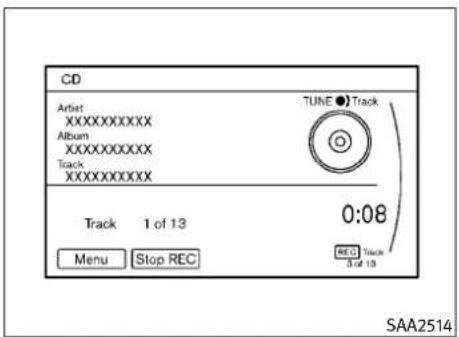
text_image
CD Artist XXXXXXXXX Album XXXXXXXXX Track XXXXXXXXX TUNE ● Track Track 1 of 13 0:08 Menu Stop REC REC Track 3 of 13 SAA2514Modelswithnavigationsystem
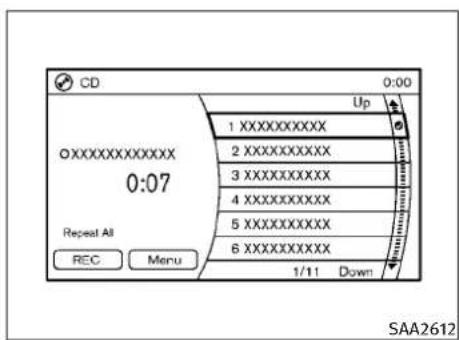
text_image
CD 0:00 Up 1 XXXXXXXXXX 2 XXXXXXXXXX 3 XXXXXXXXXX 4 XXXXXXXXXX 5 XXXXXXXXXX 6 XXXXXXXXXX Repeat All REC Menu 1/11 Down SAA2612Modelswithoutnavigationsystem
text_image
CD 0:00 Up 1 XXXXXXXXX 2 XXXXXXXXX 3 XXXXXXXXX 4 XXXXXXXXX 5 XXXXXXXXX 6 XXXXXXXXX Stop REC Menu REC Track 1 of 1 Repeat All SAA2613Modelswithoutnavigationsystem
4-74Monitor,climate,audio,phoneandvoicerecognitionsystems
If the title information of the track being recorded is stored either in the hard disk drive or in the CD, the title is automatically displayed on the screen. Fortitle acquisition from the hard disk drive, music recognition technology and related data are provided by Gracenote ^® .
Ifatrackisnotrecordedsuccessfullydueto skippingsounds,the Ⓧ markisdisplayed behindthetracknumber.
The "MusicBox" harddisk drive cannot perform recording under the following conditions.
●Thereisnotenoughspaceinthehard-disk
- Thenumberofalbumsreachesthemaximum of500.
- Thenumberoftracksreachesthemaximum of3,000.
Automaticrecording:
If the "AutomaticRecording" functionisturned to ON, recording starts when a CD is inserted. (See "MusicBoxsettings" later in this section.)
Stoppingrecording:
Tostoptherecording, selectthe"StopREC"key buttonbytouchingthescreenorusingthe INFINITIcontroller.
If the CDisejected, the audiosystemisturned off the ignitions switch is pushed to the OFF position, therecording alsostops.

text_image
Music Box My Playlists TUNE ●Track Artist XXXXXXXXX Album XXXXXXXXX Track XXXXXXXXX Track 1 of 1 1:31 Menu Tag Track SAA2515Modelswithnavigationsystem
text_image
Music Box 0:00 Album XXXXXXXXXXXXX XXXXXXXXXXXXX 2:44 Repeat Playlist Text Menu 1XXXXXXXXXXXXX 2XXXXXXXXXXXXX 3XXXXXXXXXXXXX 4XXXXXXXXXXXXX 5XXXXXXXXXXXXX 6XXXXXXXXXXXXX 1/10 SAA2614Modelswithoutnavigationsystem
Monitor, climate, audio, phone and voicerecognitionsystems 4-75
Playingrecordedsongs
Selectthe"MusicBox" audiosystembyusing oneofthefollowingmethods.
- Pushtheaudiosourceswitchonthesteering wheelrepeatedlyuntilthecenterdisplay changestotheMusicBoxmode.(See "STEERING-WHEEL-MOUNTEDCONTROLS FORAUDIO"laterinthissection.)
- PushtheDISC·AUXorDISCbuttonrepeatedlyuntilthecenterdisplaychangestothe MusicBoxmode.
- Givevoicecommands.(See“INFINITIVOICE RECOGNITIONSYSTEM(modelswithnavigationsystem)”laterinthissection.)
Stoppingplayback:
Thesystemstopsplayingwhen:
a.anothermode(radio,CD,DVD,USB memoryoriPod)isselected.
b.theaudiosystemisturnedoff.
c.theignitionswitchispushedtotheLOCK position.


Next/PreviousTrackand FastForward/Rewind:
When the ^SEEK-CAT (fastforward)or(re-TRACK wind)buttonispushedformorethan1.5secondswhileatrackisbeingplayed,thetrackwill playwhilefastforwardingorrewinding.When thebuttonisreleased,thetrackwillreturnto thenormalplayspeed.
When the SEEK-CAT orbitonispushed for less than 1.5 seconds while at track is being played, then next track or the beginning of the current track will be played.
The INFINIT controller can also be used to select track when at track is being played.
Playmodeselection:
TheTUNE/FOLDERknobwillskipfromalbumto albumunlessitisplaying"AllSongs"fromthe MusicLibrarymenu.Whenplaying"AllSongs", theknobwillchangethetrackinsteadofthe album.Theupperrightcornerofthemain screenwillindicateiftheTUNEknobischang-ingbytrackoralbum.
RDM REPEAT(RPT), RANDOM(RDM): RPT
When the RPT-RDM button is pushed while a track is being played, the play pattern can be changed as follows:
(Normal)→1AlbumRepeat→1TrackRepeat→1AlbumRandom→AllRandom→(Normal)
TagTrack(modelswithnavigationsystem):
Select"TagTrack"keyonthescreenwhena trackisbeingplayed.Amenuwillshowthe5 availableplaylists.Selectoneoftheplayliststo addthecurrentsongtothatplaylist.Ifapaylist isnotselectable(textisgrayedout),itmeans thesongalreadyexistsinthatplaylist.
4-76 Monitor, climate, audio, phone and voicerecognitionsystems

text_image
Music Box • Menu Now Playing Music Library My Playlists Play Mode 1 Album Repeat Edit Music Information Music Box Settings 1/6 SAA2516Modelswithnavigationsystem
text_image
Music Box > Menu 0:00 Music Library Edit Music Information Music Box Settings SAA2725Modelswithoutnavigationsystem
Therearesomeoptionsavailablebyselecting the"Menu"keyonthescreenduring playback. Selectoneofthefollowingoptionsthatare displayedonthescreenifnecessary.
NowPlaying(modelswithnavigationsystem):
Displaysatracklisttochooseapreferredtrack for playback.
MusicLibrary:
Therearesomeoptionsavailableduringplay-back.Selectoneofthefollowingoptionsthat aredisplayedonthescreenifnecessary.
●Artists
Playtracksbyanartistwhosemusicis currentlybeingplayed.Theartistsaresorted inalphabeticalorder.
Albums
Playtracksineachalbum. The albums are sorted in alphabetical order.
●AllSongs
Playtracksfromallrecordedtracks.The tracksaresortedinalphabeticalorder.
-Genres
Playtracksbyaselectedgenre.
MyPlaylists(modelswithnavigationsystem):
DisplaysthePlaylistandeditsthePlaylistif necessary.
Selectthe"Edit"key.
The following items are available
- AddCurrentSongs
AddacurrenttracktothePlaylist.
- AddSongsbyAlbum
Displaysalistofalbumsinalphabetical order.Selectinganalbumdisplaysallofthe tracksinthealbum.Selecttracksfromthe listtoaddtothePlaylist.
- AddSongsbyArtist
Displaysalistofartistsinalphabetical order.Selectinganartistdisplaysallofthe tracksbytheartist.Selecttracksfromthe listtoaddtothePlaylist.
- EditSongsOrder
ReorderthetracksinthePlaylistbyselectingatrackandspecifyingtheorder.
- EditName
EditthenameofthePlaylistusingthekeypaddisplayedonthescreen.(See“HOWTOUSEINFINITICONTROLLER”earlierinthissection.)
- DeleteSongs
DeletetracksinthePlaylistbyselectingfrom thedisplayedsonglist.
PlayMode(modelswithnavigationsystem):
Choosethepreferredplaymodefromthefollowingitems.
Normal
●1AlbumRepeat
●1TrackRepeat
-1PlaylistRandom
●1ArtistRandom
●1AlbumRandom
●1AllTrackRandom
●1AllRandom
EditMusicInformation:
Displaysthefollowinginformationaboutthe MusicBoxharddrivetoeditifnecessary.
- EditInformationofCurrentSong(models withnavigationsystem)
Editthe"Track", "Artist"and"Genre"informationofthecurrenttrackusingthekeypaddisplayonthescreen.(See"HOWTOUSE TOUCHSCREEN(modelswithnavigationsystem)"earlierinthissection.)
Editthe"Mode"informationbyselecting fromthelist.
- EditInformationbyAlbum(modelswithnavigationsystem)
Editthedisplayednameandofaselected albumandthetrackinformationinthealbum.
- UpdateGracenotefromUSBDevice(models withnavigationsystem)/TransferTitlesfrom USB(modelswithoutnavigationsystem)
Updatethein-vehicleGracenoteDatabase usingaUSBmemory.Searchthetitlefroma informationacquiredonthelnternet. Visitwww.InfinitiUSA.com/music-update/ fordetails.
●TransferMissingTitlestoUSB
TransfertheinformationofanalbumrecordedwithouttitlestoaUSBmemory. Visitwww.InfinitiUSA.com/music-update/ fordetails.
- UpdateGracenotefromHDD
Searchthetitleusingthedatabaseinthe harddisk.
4-78Monitor, climate, audio, phone and voicerecognitionsystems

text_image
Music Box • Music Box Settings BACK Music Box Used/Free Space Automatic Recording 0 ON Delete Songs from Music Box Recording Quality 132 kbps CDDB Version 1/5 SAA2517Modelswithnavigationsystem

text_image
Music Box > Music Box Settings 0:00 Music Box Used/Free Space Delete Tracks from Music Box Automatic Recording ON Recording Quality Gracenote Database Version SAA2438Modelswithoutnavigationsystem
MusicBoxsettings
TosettheMusicboxharddrivetoyourpreferredsettings,selectthe"Menu"keyduring playback,andthe"MusicBoxSettings"key withtheINFINITIcontroller,andthenpushthe ENTERbutton.
MusicBoxUsed/FreeSpace:
Informationabout"SavedAlbum", "Saved Track" and "RemainingTime" is displayed.
AutomaticRecording:
WhenthisitemisturnedtoON,theMusicBox harddriveautomaticallystartsrecordingwhen aCDisinserted.
DeleteSongsfromMusicBox:
Delete the current song, selected songs or albums by choosing from the list, or all songs / albums in the Music Box.
RecordingQuality:
Settherecordingqualityof105kbpsor132 kbps. Thedefaultissetto105kbps.
CDDBVersion(modelswithnavigation system)/GracenoteDatabaseVersion(models withoutnavigationsystem):
Theversionofthebuilt-inGracenoteDatabase isdisplayed.
Gracenote
NOTE:
●TheinformationcontainedintheGracenote Databaseisnotfullyguaranteed.
- TheserviceoftheGracenoteDatabaseonthe Internetmaybestoppedwithoutpriornotice formaintenance.

gracenote.
End-UserLicenseAgreement
USEOFTHISPRODUCTIMPLIESACCEPTANCEOF THETERMSBELOW.
Gracenote®MusicID®TermsofUse
Thisapplicationordevicecontainssoftware fromGracenote,Inc.ofEmeryville,California ("Gracenote").ThesoftwarefromGracenote (the"GracenoteSoftware")enablesthisapplicationtoperformdiscand/orfileidentification andobtainmusic-relatedinformation,including name,artist,track,andtitleinformation ("GracenoteData")fromonlineserversorembeddeddatabases (collectively,"Gracenote Servers")andtoperformotherfunctions.You mayuseGracenoteDataonlybymeansofthe intendedEnd-Userfunctionsofthisapplication ordevice.You agreethatyou willuseGracenote Data,theGracenoteSoftware,andGracenote
Serversforyourownpersonalnon-commercial useonly.Youagreenottoassign,copy,transfer ortransmittheGracenoteSoftwareorany GracenoteDatatoanythirdparty.YOUAGREE NOTTOUSEOREXPLOITGRACENOTEDATA,THE GRACENOTESOFTWARE,ORGRACENOTESERVERS,EXCEPTASEXPRESSLYPERMITTEDHEREIN.
Youagreethatyournon-exclusivelicensetouse theGracenoteData,theGracenoteSoftware, andGracenoteServerswillterminateifyou violatetheserestrictions.Ifyourlicenseterminates,youagreetoceaseanyandalluseofthe GracenoteData,theGracenoteSoftware,and GracenoteServers.Gracenotereservesall rightsinGracenoteData,theGracenoteSoftware,andtheGracenoteServers,includingall ownershiprights.Undernocircumstanceswill Gracenotebecomeliableforanypaymentto youforanyinformationthatyouprovide.
YouagreethatGracenote,Inc.mayenforceits rightsunderthisAgreementagainstyoudirectlyinitsownname.
TheGracenoteserviceusesauniqueidentifier totrackqueriesforstatisticalpurposes. The purposeofarandomlyassignednumericidentifieristoallowtheGracenoteservicetocount querieswithoutknowinganythingaboutwho youare.Formoreinformation,seetheweb pagefortheGracenotePrivacyPolicyforthe Gracenoteservice.
TheGracenoteSoftwareandeachitemof GracenoteDataarelicensedtoyou“ASIS.” Gracenotemakesnorepresentationsorwarranties,expressorimplied,regardingtheaccuracy ofanyGracenoteDatafromintheGracenote Servers.Gracenotereservestherighttodelete datafromtheGracenoteServersortochange datacategoriesforanycausesethatGracenote deemssufficient.Nowarrantyismadethatthe Gracenote SoftwareorGracenoteServersare error-freeorthatfunctioningofGracenote SoftwareorGracenoteServerswillbeuninterrupted.Gracenoteisnotobligatedtoprovide youwithnewenhancedoradditionaldatatypes orcategoriesthatGracenotemayprovideinthe futureandisfreetodiscontinueitsservicesat anytime.
GRACENOTEDISCLAIMSALLWARRANTIESEX-PRESSORIMPLIED, INCLUDING, BUTNOTLIMITEDTO, IMPLIEDWARRANTIESOFMERCHANTABILITY, FITNESSFORAPARTICULARPURPOSE, TITLE, ANDNON-INFRINGEMENT. GRACENOTE DOESNOTWARRANTTHERESULTSTHATWILLBE OBTAINEDBYYOURUSEOFTHEGRACENOTE SOFTWAREORANYGRACENOTESERVER.INNO CASEWILLGRACENOTEBELIABLEFORANY
CONSEQUENTIALORINCIDENTALDAMAGESOR FORANYLOSTPROFITSORLOSTREVENUES.
Copyright:
Musicrecognitiontechnologyandrelateddata areprovidedbyGracenote®. Gracenoteisthe industrystandardinmusicrecognitiontechnologyandrelatedcontentdelivery. Formore information, pleasevisitwww.gracenote.com.
CDandmusic-relateddatafromGracenote,Inc., copyright©2000-2009Gracenote.Gracenote Software,copyright©2000-2009Gracenote. Thisproductandservicemaypracticeoneor moreofthefollowingU.S.Patents:#5,987,525; #6,061,680; #6,154,773, #6,161,132, #6,230,192, #6,230,207, #6,240,459, #6,330,593,andotherpatentsissuedorpending.Someservicessuppliedunderlicensefrom OpenGlobe,Inc.forU.S.Patent:#6,304,523.
Gracenote and CDDBareregistered trademarks of Gracenote. The Gracenotelogo and logotype, and the "Powered by Gracenote" logo are trademark sof Gracenote.
text_image
Bef pov Wit jack mo thro SAA29905AA1567Beforeconnectingadevicetoajack,turnoffthe poweroftheportabledevice.
With a compatible device connected to the jacks, push the AUX button to switch to the AUX mode. The output from the device will be played through the monitor and audio system.
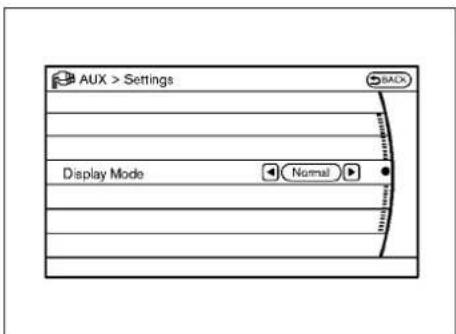
text_image
AUX > Settings BACK Display Mode NormalAUXILIARYINPUTJACKS(ifso equipped)
Theauxiliaryinputjacksarelocatedinthe centerconsole.NTSCcompatibledevicessuch asvideogames,camcordersandportablevideo playerscanbeconnectedtotheauxiliaryjacks. Compatibleaudiodevices,suchassomeMP3 players,canalsobeconnectedtothesystem throughtheauxiliaryjacks.
Theauxiliaryjacksarecolorcodedforidentificationpurposes.
●Yellow-videoinput
●White-leftchannelaudioinput
●Red-rightchannelaudioinput
AUXMenu
Whenthe"Setting"keyonthedisplayisselectedwhileintheAUXmode,themenuscreen willbedisplayed.
DisplayMode:
Choosethedisplaymodefromthefollowing items.
Normal
Wide
Cinema
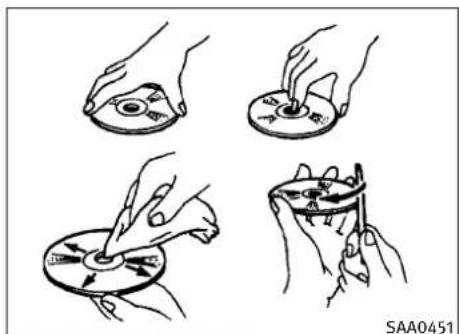
natural_image
Four hand-drawn diagrams showing a disc being cut into a circular component, with no text or symbols present.CD/DVD/USBMEMORYCAREAND CLEANING
CD/DVD
- HandleaCD/DVDbyitsedges.Nevertouch thesurfaceofthedisc.Donotbendthedisc.
●Alwaysplacethediscsinthestoragecase whentheyarenotbeingused. - Tocleanadisc, wipethesurfacefrom the centertotheouteredge using aclean, soft cloth. Donotwipethediscusing acircular motion.
Donotuseaconventionalrecordcleaneror alcoholintendedforindustrialuse.
●Anewdiscmayberoughontheinnerand outeredges.Removetheroughedgesby rubbingtheinnerandouteredgeswiththe sideofapenorpencilasillustrated.
USBmemory
- NevertouchtheterminalportionoftheUSB memory.
- DonotplaceheavyobjectsontheUSB memory.
- DonotstoretheUSBmemoryinhighly humidlocations.
- DonotexposetheUSBmemorytodirect sunlight.
- DonotspillanyliquidsontheUSBmemory. RefertotheUSBmemoryOwner'sManualfor thedetails.

text_image
1 2 3 4 SAA2923Modelswithnavigationsystem
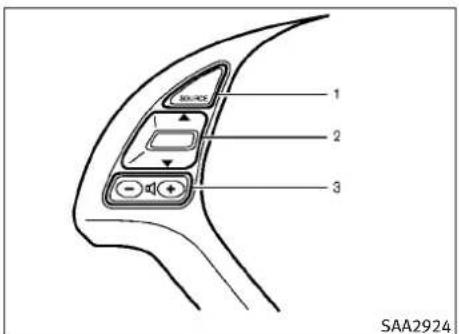
text_image
1 2 3 SAA2924Modelswithoutnavigationsystem
4-82Monitor, climate, audio, phone and voicerecognitionsystems
- Audiosourceswitch
- Menucontrolswitch(modelswithnavigation system) or audiotuningswitch(modelwithoutnavigation system)
- Volumecontrolswitch
- Backswitch
STEERING-WHEEL-MOUNTED CONTROLSFORAUDIO
Menucontrolswitch(modelswith navigationsystem) or audiotuning switch(modelswithoutnavigation system)
While the display is showing a MAP (navigation system only), STATUS or Audioscreen, til the switch upward downward to select a station, track, CDor folder. Formostudiosources, tilting the switch up/down form more than 1.5 seconds provides different function that til- ing up/down for less than 1.5 seconds.
AMandFMradio:
- Tiltingup/downforlessthan1.5seconds willincreaseordecreasethepresetstation.
- Tiltingup/downformorethan1.5seconds willseekupordowntothenextstation.
- Pushingthemenucontrolswitch(models withnavigationsystem)willshowthelistof presetstations.
XMSatelliteRadio:
- Tiltingup/downforlessthan1.5seconds willincreaseordecreasethepresetchannel.
- Tiltingup/downformorethan1.5seconds willgotothenextorpreviouscategory.
- Pushingthemenucontrolswitch(models withnavigationsystem)willshowtheXM Menu.
iPod®(ifsoequipped):
- Tiltingup/downforlessthan1.5seconds willincreaseordecreasethetracknumber.
- Tiltingup/downformorethan1.5seconds willskiptothenextorpreviousindex.
- Pushingthemenucontrolswitchwillshow theiPodMenu.
CD :
- Tiltingup/downforlessthan1.5seconds willincreaseordecreasethetracknumber.
- Tiltingup/downformorethan1.5seconds willincrease/decreasethefoldernumber(if playingcompressedaudiofiles).
- Pushingthemenucontrolswitch(models withnavigationsystem)willshowtheCD Menu.
DVD(modelswithnavigationsystem):
- Tiltingup/downforlessthan1.5seconds willincreaseordecreasethetracknumber.
- Tiltingup/downformorethan1.5seconds willincreaseordecreasethetitlenumber.
- Pushingthemenucontrolswitchwillselect anitemfromtheDVDdisplay.
- Whenthetransparentoperationmenuappears, the switch will control themenu.
USB(ifsoequipped):
- Tiltingup/downforlessthan1.5seconds willincreaseordecreasethetracknumber.
- Tiltingup/downformorethan1.5seconds willincrease/decreasethefoldernumber
- Pushingthemenucontrolswitchwillshow theUSBMenu.
MusicBox(ifsoequipped):
- Tiltingup/downforlessthan1.5seconds willincreaseordecreasethetracknumber.
- Tiltingup/downformorethan1.5seconds willincrease/decreasethealbum(folder) number(ifplayingcompressedaudiofiles).
Monitor, climate, audio, phone and voicerecognitionsystems4-83
- Pushingthemenucontrolswitchwillshow theMusicBoxMenu.
Bluetooth®Audio(modelswithnavigationsystem):
- Tiltingup/downforlessthan1.5seconds willincreaseordecreasethetracknumber.
AUX(ifsoequipped):
- Pushingthemenucontrolswitch(models withnavigationsystem)willshowtheAUX Menu.

BACKswitch(modelswith navigationsystem)
Pushthisswitchtogobacktotheprevious screenorcanceltheselectionifitisnotcompleted.
Volumecontrolswitches
Pushtheupper(+)orlower(-)sideswitchto increaseordecreasethevolume.
Audiosourceswitch
Pushtheaudiosourceswitchtochangethe modeasfollows.
TypeA:
●Modelswithnavigationsystem
$$ \begin{array}{l}\text {AM} \rightarrow \text {FM} \rightarrow \text {SAT} \rightarrow \text {CD / DVD} \rightarrow \text {Music Box} \rightarrow\\text {USB / iPod} ^ {\circledast} \rightarrow \text {Bluetooth} ^ {\circledast} \text {Audio}\end{array} $$
●Modelswithoutnavigationsystem
$$ \begin{array}{l}\text {AM} \rightarrow \text {FM} \rightarrow \text {CD} \rightarrow \text {Music Box} \rightarrow \text {USB / iPod} ^ {\circledast}\\rightarrow \text {SAT}\end{array} $$
TypeB:
PresetA→PresetB→PresetC→CD
ANTENNA
Windowantenna
Theantennapatternisprintedinsidetherear window.
CAUTION
- Donotplacemetalizedfilmneartherear windowglassorattachanymetalpartstoit. Thismaycausepoorreceptionornoise.
- Whencleaningtheinsideoftherearwindow, becarefulnottoscratchordamagetherear windowantenna.Lightlywipealongtheantennawithadampenedsoftcloth.
4-84Monitor, climate, audio, phone and voicerecognition systems
CARPHONEORCBRADIOBUETOOTH®HANDS-FREEPHONESYSTEM
WheninstallingacarphoneoraCBradioin yourINFINITI,besuretoobservethefollowing cautions,otherwisethenewequipmentmay adverselyaffecttheelectroniccontrolmodules andelectroniccontrolsystemharness.
WARNING
- Acellulartelephones should not be used while driving so full attention may begin to vehicle operation. Some jurisdictions prohibit the use of cellularartelephones while driving.
- If you must make a call while your vehicle is in motion, the hands-free cellular phone operational mode (if so equipped) is highly recommended. Exercise extremecution at all times of full attention may begin to vehicle operation.
- Ifaconversationinamovingvehiclerequires youtotakenotes,pullofftheroadtoasafe locationandstopyourvehiclebeforedoing so.
CAUTION
- Keeptheantennaasfarawayaspossible from the electronic control modules.
- Keeptheantennawiremorethan8in(20cm) awayfromtheelectroniccontrolsystemharness.Donotroutetheantennawirenextto anyharness.
- Adjusttheantennastanding-waveratioas recommendedbythemanufacturer.
- ConnectthegroundwirefromtheCBradio chassistothebody.
●Fordetails,consultanINFINITIretailer.
(modelswithnavigationsystem)
WARNING
- Useaphoneafterstoppingyourvehicleina safelocation.Ifyouhavetouseaphone whiledriving,exerciseextremec cautionatall timesofullattentionmaybegiventove- hicleoperation.
- If you find yourself unable to devote full attention to vehicle operation while talking on the phone, pullofftheroadtoasafelocation and stop your vehicle before doing so.
CAUTION
To avoid draining the vehicle battery, use a phone after starting the engine.
YourINFINITlisequippedwithBluetooth® Hands-FreePhoneSystem.Ifyouareanowner ofacompatibleBluetooth®enabledcellular phone,youcansetupthewirelessconnection betweenyourcellularphoneandthein-vehicle phonemodule.WithBluetooth®wirelesstechnology,youcanmakeorreceiveatelephone callwithyourcellularphoneinyourpocket.
Onceacellularphoneisconnectedtothe in-vehiclephonemodule,nophoneconnecting procedureisrequiredanymore.Yourphoneis automaticallyconnectedwiththein-vehicle phonemodulewhentheignitionswitchis pushedtotheONpositionwiththeregistered cellularphoneturnedonandcarriedinthe vehicle.
Youcanregisterupto5differentBluetooth® cellularphonesinthein-vehiclephonemodule. However, youcantalkononlyonecellular phoneatatime.
The INFINITIVoiceRecognition systems supports the phone commands, sodialingaphonenum berusing your voice is possible. Formore details, see "INFINITIVOCERECOGNITION SYSTEM (modelswithnavigation system)" later in this section; page 4-109.
BeforeusingtheBluetooth®Hands-FreePhone System, refertothefollowingnotes.
- Setupthewirelessconnectionbetweena compatiblecellularphoneandthein-vehicle phonemodulebeforeusingtheBluetooth® Hands-FreePhoneSystem.
- SomeBluetooth® enabledcellularphones may not be recognized by their vehicle phonemodule. Please visit www.lnfinitiUSA.com/bluetoothforarecommendedphonelist.
- Youwillnotbeabletouseahands-free phoneunderthefollowingconditions:
-Yourvehicleisoutsideofthetelephone servicearea.
-Yourvehicleisinanareawhereitis difficulttoreceiveradiowaves;suchasin atunnel,inanundergroundparkinggarage,behindatallbuildingorinamountinousarea.
-Yourcellularphoneislockedinordernot tobedialed.
- Whentheradiowaveconditionisnotideal orambientsoundistooloud, itmaybe difficulttoheartheotherperson'svoice duringacall.
- Immediatelyaftertheignitionswitchis pushedtotheONposition,itmaybeimpossibletoreceiveacallforashortperiodof time.
- Do not place the cellular phone in an area surrounded by metal or far away from the in-vehiclephonemoduletopreventone qualitydegradationandwirelessconnection disruption.
●Whileacellularphoneisconnectedthrough theBluetooth®wirelessconnection,thebatterypowerofthecellularphonemaydischargequickerthanusual.
- IftheBluetooth® Hands-FreePhoneSystem seemstobemalfunctioning, pleasevisit www.InfinitiUSA.com/bluetoothfortrouble-shootinghelp.
- Somecellularphonesorotherdevicesmay causeinterferenceorabuzzingnoiseto comefromtheaudiosystemspeakers.Storingthedeviceinadifferentlocationmay reduceoreliminatethenoise.
- RefertothecellularphoneOwner's Manual regarding the telephone pairing procedure specific to your phone, battery charging, cellular phone antenna, etc.
●Theantennadisplayonthemonitorwillnot coincide with the antenna display of some cellularphones.
- Keeptheinteriorofthevehicleasquietas possibletohearthecaller'svoiceclearlyas wellastominimizeitsechoes.
- If reception between callers is unclear, adjusting the incoming or outgoing call volume may improve the clarity.
REGULATORYINFORMATION FCCRegulatoryinformation
-CAUTION: Tomaintaincompliance with FCC's RFexposure guidelines, use only the supplied antenna. Unauthorized antenna, modification, or attachment should damage the transmitter and may violate FCC regulations.
-Operationissubjecttothefollowingtwo conditions:
1) this device may not cause interference and
2) this device must accept any interference, including interference that may cause undesired operation of the device
ICRegulatoryinformation
-Operationissubjecttothefollowingtwo conditions:(1)thisdevicemaynotcause interference,and(2)thisdevicemustaccept anyinterference,includinginterferencethat maycauseundesiredoperationofthedevice.
-ThisClassBdigitalapparatusmeetsall requirementsoftheCanadianInterference-CausingEquipmentRegulations.
Bluetoothtrademark:
Bluetooth®
BLUETOOTH®isatrademarkownedbyBluetooth SIG, Inc., U.S.A. and licensed to Clarion Co., Ltd.
VOICECOMMANDS
Youcanusevoicecommandstooperatevarious Bluetooth®Hands-FreePhoneSystemfeatures usingtheINFINITIVoiceRecognitionsystem.
Formoredetails, see "INFINITIVOICERECOGNITIONSYSTEM(modelswithnavigationsystem)" laterinthissection; page4-109.
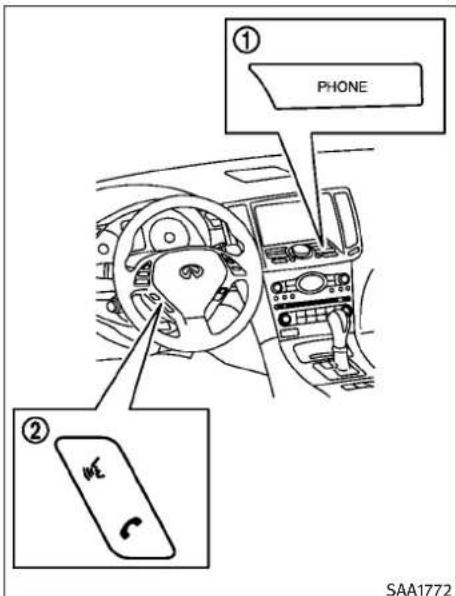
text_image
① PHONE ② SAA1772CONTROLBUTTONS
1)PHONEbutton
2) TALK/PHONESENDbutton
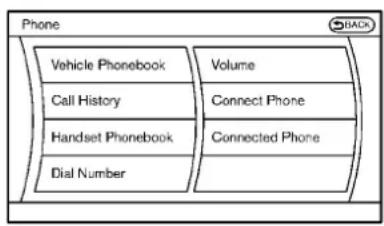
text_image
Phone Vehicle Phonebook Call History Handset Phonebook Dial Number Volume Connect Phone Connected Phone BACKSAA2519\$AA2520
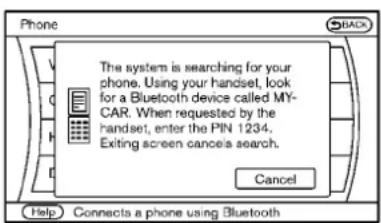
text_image
The system is searching for your phone. Using your handset, look for a Bluetooth device called MY-CAR. When requested by the handset, enter the PIN 1234. Exiting screen cancels search. Cancel Help Connects a phone using BluetoothCONNECTINGPROCEDURE
-
Push the PHONE button or the button, and select the "Connect Phone" key.
-
WhenaPINcodeappearsonthescreen, operatethecompatibleBluetooth®cellularphonetoenterthePINcode.
Theconnectingprocedureofthecellular phonevariesaccordingtoeachcellular phone.SeethecellularphoneOwner's Manualforthedetails.Youcanalsovisit www.InfinitiUSA.com/bluetoothorcall INFINITIConsumerAffairsDepartmentfor instructionsonpairing|INFINITIrecommendedcellularphones.
When the connection process is completed, the screen will return to the Phonemeu display.
PHONESELECTION
Upto5cellularphonescanberegisteredtothe system.Toswitchtoconnectanothercellular phone,pushPHONEbuttonandselectthe "ConnectedPhones"key.Theregisteredcellularphonesareshownonthelist.Ifyouselecta cellularphonethatisdifferentfromtheone currentlyconnected,thenewlyselectedphone willbeconnectedtothesystem.
VEHICLEPHONEBOOK
Thisvehiclehastwophonebooksavailablefor hands-freeuse.Dependingonthephone,the systemmayautomaticallydownloadtheentire cellphone'sphonebookintothe"Handset Phonebook".Forthedetailsaboutdownloading aphonebook,see"PHONESETTING"laterin thissection.Ifaphonebookdoesnotautomaticallydownload,thevehiclephonebookmaybe setforupto40entries.Thisphonebookallows therecordingofanametospeakwhileusing voicerecognition.
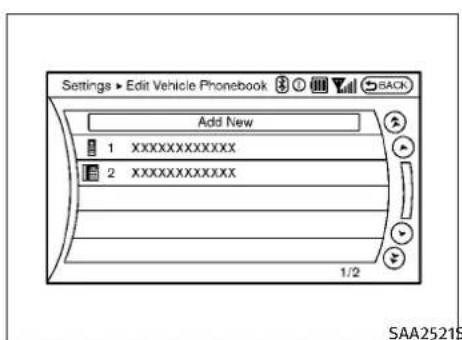
text_image
Settings ► Edit Vehicle Phonebook Add New 1 XXXXXXXXXXXXX 2 XXXXXXXXXXXXX 1/2 SAA25215-
Push the PHONE button and select the "Vehicle Phonebook" key.
-
Selectthe "AddNew" keyatthetopofthe screen.
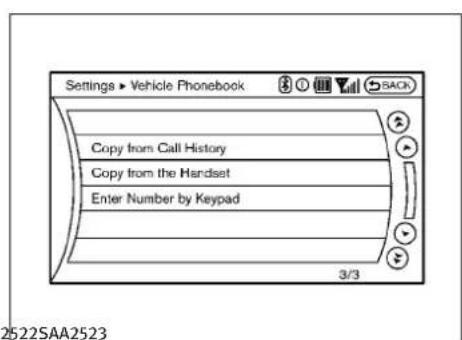
text_image
Settings ► Vehicle Phonebook Copy from Call History Copy from the Handset Enter Number by Keypad 3/3 2522SAA25233.Choosethemethodforenteringthe phonebookentry.Forthisexample,select "EnterNumberbyKeypad".
- Enterthedigitsandselectthe"OK"key. (See"HOWTOUSETOUCHSCREEN(mod- elswithnavigationsystem)"earlierinthis section.)

text_image
Settings ► Vehicle Phonebook OK Entry # 1 Name David Number 111-111-1111 Type Voicetag 2/5- Select the "Voicetag" keytorecorda nametospeak when using the INFINIT Voice Recognition system.
- Select the "Store" key and prepare to speak then a name after the tone.
- Whenthevoicetagissuccessfullysaved, selectthe"OK"keytosavethephone-bookentry.
- After the phone book entry is saved, it will show a screen that is ready to call the number. Press the BACK button to return to the Vehicle Phone book.
Therearedifferentmethodstoinputaphone number.Selectoneofthefollowingoptions insteadof"EnterNumberbyKeypad"instep3.
Monitor, climate, audio, phone and voicerecognitionsystems 4-89
- CopyfromCallHistory
Thesystemwillshowalistofincoming, outgoingormissedcallsthatweredown-loadedfromtheconnectedcellularphone (dependingonthephone'scompatibility). Selectoneoftheseentriestosaveinthe vehiclephonebook.
-CopyfromtheHandset
Thesystemwillshowtheconnectedcellular phone'sphonebookthatwasdownloaded (dependingon the phone's compatibility). Selectoneoftheseentriestosaveinthe vehiclephonebook.
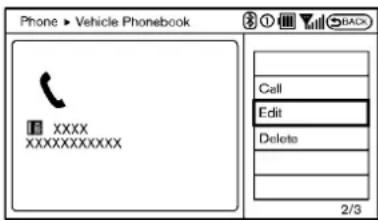
text_image
Phone > Vehicle Phonebook XXXX XXXXXXXXXX Call Edit Delete 2/3SAA2620 SAA2523
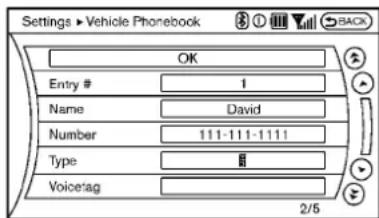
text_image
Settings ► Vehicle Phonebook OK Entry # 1 Name David Number 111-111-1111 Type # Voice tag 2/5EditingtheVehiclePhonebook
- Push the PHONE button and select the "Vehicle Phonebook" key.
- Selectthedesiredentryfromthedisplayedlist.
- Selectthe"Edit"key.
- Select the desired item to change.
The followingeditingitemsareavailable:
-Entry#
Changesthedisplayednumberofthese- lectedentry.
Name
Editthenameoftheentryusingthekeypad displayedonthescreen.
●Number
Editthephonenumberusingthekeypad displayedonthescreen.
●Type
Selectaniconfromtheiconlist.
4-90Monitor, climate, audio, phone and voicerecognition systems
●Voicetag
Confirmandstorethevoicetag.Voicetags alloweasydialingusingtheINFINITIVoice Recognitionsystem.(See"INFINITIVOICE RECOGNITIONSYSTEM(modelswithnavigation system)"laterinthissection.)
Todeleteanentry, selectthe"Delete"keyat step3.

text_image
Phone Vehicle Phonebook Call History Handset Phonebook Dial Number Volume Connect Phone Connected Phones Help Calls a phonebook entry saved to the vehicleSAA2524\$AA2621

text_image
Phone > Handset Phonebook 0:15 XXXX XXXXXXXXXX Call Phonebook Delete One Del Phone No. 1/4MAKINGACALL
Tomakeacall, follow this procedure.
- Push the PHONE button on the instrument panel or the button on the steering wheel. The "PHONE" screen will appear on the display.
- Select the "HandsetPhonebook" key on the "PHONE" menu.
- Select the desired entry from the list.
-
Confirm the correct entry by selecting for the correct number from the list.
-
Select the "Call" keytostartdialing the number.
Therearedifferentmethodstomakeacall. Selectoneofthefollowingoptionsinsteadof "HandsetPhonebook"instep2above.
●VehiclePhonebook
SelectanentrystoredintheVehicle's Phonebook.
- CallHistory
Selectanoutgoing, incomingormissedcall downloadedfromyourcellphone(dependingonyourphone'scompatibility).
●DialNumber
Input the phonenumbermanually using the keypad displayed on the screen. (See "HOW TOUSETOUCHSCREEN(modelswithnavigation system)" earlier in this section.)

text_image
Phone Incoming Call 0:00 XXXXXXXXX Answer Hold Call Reject Call 1/3 SAA2525RECEIVINGACALL
Whenyouhearaphonering, the display will changetotheincomingcallmode. Toreceivea call, performoneofthefollowingprocedures listed below.
a) Selectthe"Answer"key.
b) Push the PHONE button on the instrument panel.
c) Push the wheel.

buttononthesteering
Therearesomeoptionsavailablewhenreceivingacall.Selectoneofthefollowingdisplayed onthescreen.
-Answer
Acceptanincomingcalltotalk.
●HoldCall
Putanincomingcallonhold.
-RejectCall
Rejectanincomingcall.
To finish the call, perform one of the following procedures listed below.
a) Selectthe“Hangup”key.
b) Push the PHONE button on the instrument panel.
c) Push the wheel.

buttononthesteering
4-92Monitor, climate, audio, phone and voicerecognitionsystems

text_image
Phone Call in Progress 0:15 XXXXXXXXXX Hang up Use Handset Mute Keypad 1/4SAA2526\$AA2527 thephone. This adjustment is also available in the SETTING mode.
●Keypad
Usingthetouchtone, senddigitstothe
connectedpartyforusingservicessuchas voicemail.
- CancelMute
Thiswillappearafter"Mute"isselected.
Mutewillbecanceled.
Toadjusttheperson'svoicetobelouderor quieter, pushthevolumecontrolswitch(+or—) onthesteeringwheelorturnthevolumecontrol knobontheinstrumentpanelwhiletalkingon Thephone. This adjustment is also available in theSETTINGmode.

text_image
Settings ▶ Phone Edit Vehicle Phonebook Delete Phonebook Download Handset Phonebook Volume Auto Downloaded ON 1/5 Add or edit phonebook entriesDURINGACALL
Therearesomeoptionsavailableduringacall.
Selectoneofthefollowingdisplayedonthe screenifnecessary.
●Hangup
Finishthecall.
- UseHandset
Transferthecalltothecellularphone.
●Mute
Muteyourvoicetotheperson.
PHONESETTING
TosetuptheBluetooth®Hands-FreePhone Systemtoyourpreferredsettings,pushthe SETTINGbuttonontheinstrumentpaneland selectthe"PHONE"key.
EditVehiclePhonebook
Toeditthevehiclephonebook, usethesame procedureasdescribedin"VEHICLEPHONEBOOK"earlierinthissection.
DeletePhonebook
Thevehiclephonebookentriescanbedeleted allatthesametimeoronebyone.
DownloadHandsetPhonebook
Downloadthecontactsregisteredina Bluetooth®cellularphone.Availabilityofthis functiondependsoneachcellularphone.The memorydownloadingprocedurefromthecellularphonealsovariesaccordingtoeachcellular phone.SeecellularphoneOwner'sManualfor details.
When "AutoDownload" is active, the system will automatically re-download the entries registered in the phone every time it is paired with the vehicle, even after you do te the entries from your vehicle's Handset Memory.
Volume
The following kind of phone volume can be set. Pushing the PHONE button and selecting the "Volume" key can also operate the nameset- tings.
●Ringtone/IncomingCall/OutgoingCall
To increase or decrease the volume, select the "Ringtone", "IncomingCall" or "OutgoingCall" key and adjust it with the INFINITE controller.
●AutomaticHold
Whenthisfunctionisactivated,anincoming phonecallisautomaticallyheld.
4-94Monitor, climate, audio, phone and voicerecognition systems
●VehicleRingtone
Whenthisfunctionisactivated,aspecific ringtonethatisdifferentfromthecellular phonewillsoundwhenreceivingacall.
AutoDownload
Whenthisitemisactivated, the phonebook of a hands-free phone is automatically downloaded at the same time that the hands-free phone is connected.
Whenthisitemisactive,thesystemwillautomaticallyre-downloadtheentriesregisteredin theconnectedphoneevenifyouattemptto deletetheentries.
TROUBLESHOOTINGGUIDE
The system should respond correctly to all voice commands without difficulty. If problems are encountered, try the following solutions. Where the solutions are listed by number, try each solution in turn, starting with number 1, until the problem is resolved.
| SymptomSolution | |
| Systemfailstointerpretthecom-mandcorrectly. | 1.Ensurethathecommandisvalid.(See“INFINITIVOICERECOGNITIONSYSTEM(modelswithnavigationsystem)”laterinthissection;page4-109.) |
| 2.Ensurethathecommandisspokenafterthetone. | |
| 3.Speakclearlywithoutpausingbetweenwordsandatalevelappropriatetotheambientnoiselevelinthe vehicle. | |
| 4.Ensurethatheambientnoiselevelisnotexcessive(forexample,windowsopenordefrosteron).NOTE:Ifitis toonoisytousethephone,itislikelythatthevoicecommandswillnotberecognized. | |
| 5.Ifmorethanonecommandwassaidatatime,trysayingthecommandsseparately. | |
| Thesystemconsistentlyselectsthe wrongvoicetag. | 1.Ensurethathevoicetagrequestedmatcheswhatwasoriginallystored.(See“VEHICLEPHONEBOOK”earlierin thissection.) |
| 2.Replaceoneofthenamesbeingconfusedwithanewname. |
BLUETOOTH® HANDS-FREEPHONESYSTEM (modelswithoutnavigationsystem)

WARNING
- Useaphoneafterstoppingyourvehicleina safelocation.Ifyouhavetouseaphone whiledriving,exerciseextremec cautionatall timesofullattentionmaybegiventove- hicleoperation.
- If you find yourself unable to devote full attention to vehicle operation while talking on the phone, pullofftheroad to as a location and stop your vehicle before doing so.

CAUTION
To avoid draining the vehicle battery, use a phone after starting the engine.
YourvehicleisequippedwithBluetooth® Hands-FreePhoneSystem.Ifyouareanowner ofaBluetooth®enabledcellularphone,youcan setupthewirelessconnectionbetweenyour cellularphoneandthein-vehiclephonemodule.WithBluetooth®wirelesstechnology,you canmakeorreceiveatelephonecallwithyour cellularphoneinyourpocket.
Onceyourcellularphoneispairedtothein-vehiclephonemodule,nophoneconnecting procedureisrequired.Yourphoneisautomaticallyconnectedwiththein-vehiclephonemodulewhentheignitionswitchispushedtothe "ON"positionwiththeregisteredcellular phoneturnedonandcarriedinthevehicle.
Youcanregisterupto5differentBluetooth® cellularphonesinthein-vehiclephonemodule. However, you cantalkononlyonecellular phoneatatime.
When acallisactive, the audiosystem and microphone (located in the ceiling in front of the rear view mirror) are used for the hands free communications.
If the audiosystem is being used at the time, the audiomodewill mute and will stay muted until the active call is ended.
The INFINITIVoiceRecognitionsystemsupports thephonecommands, sodialingaphonenum- berusingyourvoiceispossible.
BeforeusingtheBluetooth®Hands-FreePhone System, refertothefollowingnotes.
- Setupthewirelessconnectionbetweena cellularphoneandthein-vehiclephone modulebeforeusingtheBluetooth®Hands-FreePhoneSystem.
- SomeBluetooth® enabledcellularphones may not be recognized by their vehicle phonemodule.
- Youwillnotbeabletouseahands-free phoneunderthefollowingconditions:
-Yourvehicleisoutsideofthetelephone servicearea.
-Yourvehicleisinanareawhereitis difficulttoreceiveradiowaves;suchasin atunnel,inanundergroundparkinggarage,behindatallbuildingorinamountainousarea.
-Yourcellularphoneislockedinordernot tobedialed.
- Whentheradiowaveconditionisnotideal orambientsoundistooloud, itmaybe difficulttoheartheotherperson'svoice duringacall.
- Immediatelyaftertheignitionswitchis pushedtothe"ON"position,itmaybe impossibletoreceiveacallforashortperiod oftime.
-
Donotplacethecellularphoneinanarea surroundedbymetalorfarawayfromthe in-vehiclephonemodule topreventtone qualitydegradationandwirelessconnection disruption.
●Whileacellularphoneisconnectedthrough theBluetooth®wirelessconnection,thebatterypowerofthecellularphonemaydischargequickerthanusual. -
IftheBluetooth®Hands-FreePhoneSystem seemstobemalfunctioning,pleasecontact anINFINITIretailer.
- Somecellularphonesorotherdevicesmay causeinterferenceorabuzzingnoiseto comefromtheaudiosystemspeakers.Storingthedeviceinadifferentlocationmay reduceoreliminatethenoise.
- RefertothecellularphoneOwner's Manual regarding the telephone pairing procedure specific to your phone, battery charging, cellular phone antenna, etc.
●Theantennadisplayonthemonitorwillnot coincidewiththeantennadisplayofsome cellularphones. - Keeptheinteriorofthevehicleasquietas possibletohearthecaller'svoiceclearlyas wellastominimizeitsechoes.
- Ifreceptionbetweencallersisunclear,adjustingtheincomingoroutgoingcallvolume mayimprovetheclarity.
- Thiswirelesshandsfreecarkitisbasedon Bluetooth® technology,
-Frequency:2402MHz-2480MHz
-OutputPower:7,94dBmE.I.R.P
-Modulation: FHSSGFSK8DPSK, π/4DQPSK
-NumberofChannel:79
-Thiswirelessequipmentcan'tbeusedfor anyservicesrelatedtosafetybecause thereisthepossibilityofradiointerference.
REGULATORYINFORMATION
Bluetooth®
Bluetooth®isatrademark ownedbyBluetoothSIG, Inc., U.S.A. and licensed to Visteon Corporation.
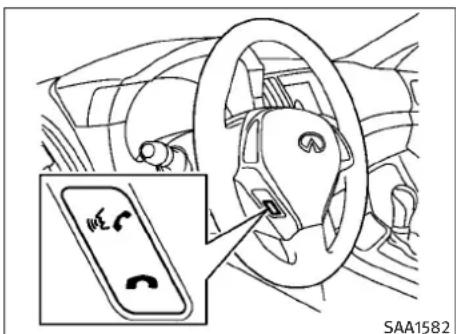
text_image
SAA1582CONTROLBUTTONS
1.PHONESENDbutton
PushthebuttontoinitiateaVRsessionor answeranincomingcall.Youcanalsouse thebuttontoskipthroughsystemfeedbackandtoentercommandsduringacall.
2.PHONEEND
button
PushthebuttontocancelaVRsessionor endacall.
VOICERECOGNITIONSYSTEM
YoucanalsousetheBluetooth®hands-free phonesystemwithVoiceRecognitionSystem.
INFO
●Theavailablevoicecommandsareonlyapplicabletotherelevantlanguagesetinthe LANGUAGEsettingscreen.(See“HOWTO USESETTINGBUTTON”earlierinthissection.)
- If the vehicle is in motion, some commands may not be available as full attention maybe giventovehicleoperation.
Usingsystem
Initialization:
WhentheignitionswitchispushedtotheON position,VoiceRecognitionSystemisinitialized,whichtakesafewseconds.Whencompleted,thesystemisreadytoacceptvoice commands.Ifthe switchonthesteering wheelispushedbeforetheinitializationcom- pletes,thesystemwillnotacceptanycommand.
Beforestarting:
TogetthebestperformanceoutoftheVoice RecognitionSystem,observethefollowing:
- Keeptheinteriorofthevehicleasquietas possible.Closetthewindowstoeliminate the surroundingnoises(trafficnoises,vibration sounds,etc.),whichmaypreventthesystem fromrecognizingthevoicecommandscor- rectly.
- Waituntilatonesoundsbeforespeakinga command.
- Speakavoicecommandwithin5seconds afterthebeepsound.Ifnovoicecommandis given,thesystemwillaskyouforanumber. Ifnofurthercommandisgiven,thesession ends.
●Speakinanaturalvoicewithoutpausing betweenwords.
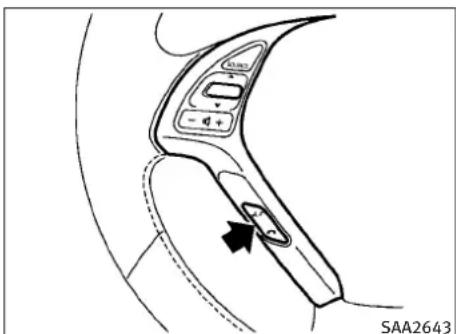
text_image
SAA2643Givingvoicecommand:
- Pushandreleasetheswitch located onthesteeringwheel.
4-98Monitor, climate, audio, phone and voicerecognitionsystems
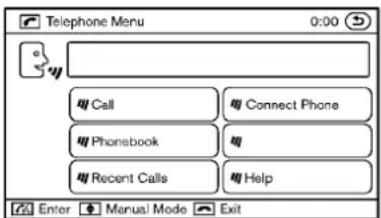
text_image
Telephone Menu 0:00 Call Connect Phone Phonebook Recent Calls Help Enter Manual Mode ExitSAA2574
- Alistofcommandsappearsonthescreen, andthesystemannounces, "Pleasesaya commandafterthebeep.Availablecommandsare:Call,Phonebook,RecentCalls, ConnectPhoneorHelp".
- Afterthetonesoundsandtheicononthe screenchangesfrom to,peak acommand.Seethe"Listofvoice commands"laterinthissectionforthevoice commandlist.Speak"Call"forexample INFO
Voicecommandscannotberecognizedas longasthescreeniconisnotinthecommandrecognitionmode
- Thesystemacknowledgesthecommand andannouncesthenextsetofavailable commands.
- Afterthetonesounds, speak the phone number.
- When you have finished speaking the phonenumber, the system repeats it back and announce the available commands.
- Aftersystemresponds, speak "Dial" and thesystemdialsthespokennumbers.
Operatingtips:
●Voice commands cannot be accepted when the iconis
- If the command is not recognized, the system announces, "Pleasesayagain". Repeat the command in a clear voice.
- Pushthe 📊 switchortheBACKbutton oncetoreturntothepreviousscreen.
- If you want to cancel the command, push the switch. Them message "Voice input is canceled" will be announced. If you want to adjust the volume of the system feedback, push the volume control buttons [+] or [-] on the steering wheel or set the audio system volume knob while the system is making an announcement.
Howtospeakcommands:
TheVoiceRecognitionSystemrequiresacertain waytospeakvoicecommands.Speaknormally andclearlyinthedirectionofthemicrophone (locatedinfrontoftherearviewmirror).Every digitofthenumbermustbespokenindividually andinanormalmanner.Thehands-freemode willworkbestwhenthetelephonenumberis spokeninblocksofthreetofivedigits.After eachspokenblockisterminated,thesystem willrepeatathethreetofivedigitsandwaitfor youtospeakthenextdigitorblockofdigits requiredforthetelephonenumber.
See "Listofvoicecommands" laterinthis sectionfortheappropriatecommandsthatcan bespokenforthehands-freemodesystem.
Example:
Inordertoinitiateacall, speak "Phonebook". INFO
- If you are controlling the telephones system by voice command for the first time, on that know the appropriate voice command, speak "Help". The system announces available commands.
- Whenyouspeaknumbers,youcanspeak both"zero"or"oh"for"0".
Personalvocabulary(voicetags):
VoiceRecognitionSystemisequippedwiththe functioncalled"voicetags",whichcanbeassociatedwiththephonenumberandnameinthe phonebook.Usingthevoicetagwillautomaticallygenerateaspeeddialtotheregistered number.
See "PHONEBOOKREGISTRATION" earlier in this section.
Youcancalltheidentifiednumberusingthe followingcommand:"Dial"followedbythe voicetag.
Diallinganamewithavoicetag:
Itispossibletocallupanameviaavoicetag insteadofanumber,providedthenameand numberofyourcorrespondenthasbeenpreviouslylstoredinthephonebook.
Dialviaavoicetag, according to the following procedure.
- Pushthe

switch.
-
Thesystemreplies "pleasesayacom-mandafterthebeep.Availablecommands are:Call,Phonebook,RecentCalls,ConnectPhoneorHelp".
-
Give your instruction to the system by saying: "Dial John" fore example ("John" must have been previously set as a voice tag for John's phonenumber) or "Dial One" if John is classified as one in the phonebook.
If the system cannot understand your command, repeat according to there recommendations mentioned in "Howtospeak commands" earlier in this section.
- If the given name (voicetag) is correct, the phones system will dial then number registered for "John".
INFO
Toendthevoicecommandphaseatanystage of the procedure, push the switch once inordertoactivatethecancelcommand.
Manualcommandselection:
Commandscanbeselectedmanually. While the commands are displayed on the screen, select a command by operating the Tuneswitch, and then push the button. Once a command is manually selected, the voice command function is cancelled. Toretuntovoice command mode, push the button to cancel the current operation, and then perform the first procedure of voice command.
4-100Monitor, climate, audio, phone and voicerecognitionsystems
Listofvoicecommands:
| COMMANDACTION | |
| “Call/Dial”“Dialsthespecified. | |
| “Call/Dial”“Redial”Dialsthelastnumber. | |
| “Call”“Dialsthespecified. | |
| “Phonebook”“”Displaysthespecifiedinthephonebook. | |
| “Phonebook”“ListNames”Displaysallthenamesinthephonebook. | |
| “Phonebook”“TransferEntry”Transfersthephonebookdatatothesystem. | |
| “Phonebook”“DeleteEntry”Deletesthephonebookregisteredinthesystem. | |
| “ConnectPhone”“SoftwareVersion”Displaysthesoftwareversionofthesystemtobeconnected. | |
| “ConnectPhone”“AddPhone”Connectsacellularphonetothesystem. | |
| “ConnectPhone”“SelectPhone”Selectsaregisteredcellularphone. | |
| “ConnectPhone”“DeletePhone”Deletesaregisteredcellularphone. | |
| “ConnectPhone”“BluetoothOff”TurnstheBluetooth®connectionoff. | |
| “ConnectPhone”“ReplacePhone”Changestheregisteredorderofthecellularphones. | |
| “ConnectPhone”“DeletePhone”“AllPhones” De- etesallregisteredcellularphones. | |
| “Connect Phone” “Delete Phone” “List Phones” | Selects a registered cellular phone and deletes it. |
text_image
Telephone Menu 0:00 Call Connect Phone Phonebook Help Recent Calls Enter Manual Mode ExitSAA2575\$AA2576SAA2577

text_image
Telephone Menu 0:00 Connect Phone Add Phone Replace Phone Select Phone Bluetooth On/Off Delete Phone Help Enter Manual Mode Go BackPAIRINGPROCEDURE
Upto5cellularphonescanberegistered.
- Push the button on the steering wheel. Thesystemannounce the available commands.
-
Speak: "ConnectPhone". Thesystemacknowledgesthecommandandannounces thenextsetofavailablecommands.
-
Speak: "AddPhone". Thesystemacknowledgesthecommandandasksyou to initiate connecting from the phone handset.
INFO:
TheAddPhonecommandisnotavailablewhen thevehicleismoving.
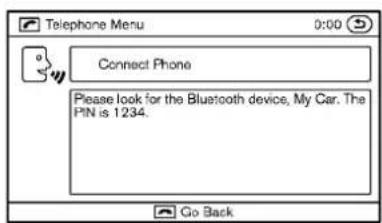
text_image
Telephone Menu 0:00 Connect Phone Please look for the Bluetooth device, My Car. The PIN is 1234. Go Back- When asked to enter a PIN codetoconnect a Bluetooth® cellular phone, enter thecode "1234".
Thecodeisalways"1234"regardlessofthe numberofphonespaired.
Theconnectingprocedureofacellular phonevariesaccordingtoeachcellular phone.SeethecellularphoneOwner's Manualformoreinformation.
4-102Monitor, climate, audio, phone and voicerecognitionsystems

text_image
Telephone Menu 0:00 qq (Phone Name) qq qq qq qq Co BackSAA2578\$AA2579SAA2580
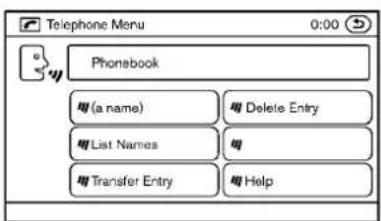
text_image
Telephone Menu 0:00 Phonebook (a name) Delete Entry List Names Transfer Entry Help- Thesystemaskstheusertospeakaname forthephone.
Speak: "Yes". Thesystemacknowledgesthe commandandregistersthecellularphone.
Ifthenameistoolongortooshort,thesystem tellstheuser,thenpromptstheuserforaname again.
Also,ifmorethanonephoneisconnectedand thenamesoundstoomuchlikeanamealready used,thesystemtellstheuser,thenprompts theuserfornameagain.
PHONEBOOKREGISTRATION
Whenthecellularphoneisconnectedtothe in-vehiclemodule,thedatastoredinthecellularphonesuchasphonebook,outgoingcall logs,incomingcalllogsandmissedcallogsis automaticallytransferredandregisteredtothe system.
The availability of this function depends on each cellular phone. The copying procedure also varies according to each cellular phone. SeecellularphoneOwner's Manual form more information.
Upto1,000phonenumbersperregistered cellularphonecanbestoredinthephonebook.

text_image
Telephone Menu 0:00 Call (a name) Callback Number Redial HelpMAKINGACALL
Tomakeacall, follow the procedures below.
- Push the button on the steering wheel. A tonewillsound.
- Speak: "Call". Thesystemacknowledges the command and announce then next set of available commands.
- Speak theregistered person's name. The systemacknowledgesthe command and announcesthenextsetofavailablecommands.
- Speak: "Yes". Thesystemacknowledges the command and make the call.
- Oncethecallhasended, pressthe buttononthesteeringwheel.

Monitor, climate, audio, phone and voicerecognitionsystems 4-103
RECEIVINGACALL
Whentheringtoneisheard, pressthebutton onthesteeringwheel.
Oncethecallhasended, pressthebuttonon thesteeringwheel.
NOTE:
Torejectacallwhentheringtoneisheard,press thebuttononthesteeringwheel.
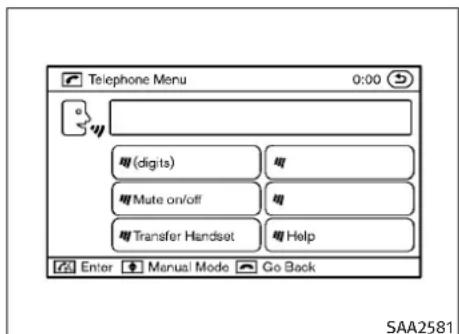
text_image
Telephone Menu 0:00 digits mute on/off Transfer Handset Help Enter Manual Mode Go Back SAA2581DURINGACALL
During acallthereareseveralcommandoptionsavailable.Pressthe 📌 buttononthe steeringwheeltomutethereceivingvoiceand entercommands.
●“(digits)”—UsetheSendcommandtoenter numbersduringacall.Forexample,ifdirectedtodialanextensionbyanautomated system:
Speak: "Sendingonetwothreefour."
Thesystemacknowledgesthecommandand sendsthetonesassociatedwiththenumbers.ThesystemthenendstheVRsession andreturnstothecall.
- "Muteon/off"—Use the Mutecommand to mutetheuser's voicesotheotherparty cannothearit.
Usethemutecommandagaintounmutethe user'svoice.
- "TransferHandset"—UsetheTransfer Handsetcommandtotransferthecallfrom theBluetooth®Hands-FreePhoneSystemto acellularphonewhenprivacyisdesired.The systemannounces,"TransferHandset.The callistransferredtothehandsetonly."The systemthenendstheVRsession.
TheTransferCallcommandcanalsobe issuedagaintoreturntoahands-freecall throughthevehicle.
- "Help"—Thesystemannouncestheavailablecommands.
NOTE:
If the other party ends the call or the cellular phonenetwork connection is lost while the Mute feature is on, the Mute feature may need to be reset to "off."
4-104Monitor, climate, audio, phone and voicerecognitionsystems

text_image
Telephone Menu 0:00 Call (a name) Number Redial Callback HelpSAA2582\$AA203Callback
PHONE SETTINGS
Call
●(aname)
IfthereareentriesstoredinthePhoneBook, anumberassociatedwithanameandlocationcanbedialed. See"Phonebookregistration"inthissectiontolearnhowtostore entries.Whenpromptedbythesystem,say thenameofthephonebookentrytocall.
Thesystemacknowledgesthename.Ifthere are multiple locations associated with the name,thesystemaskstheusertochoose the location.
Oncethenameandlocationareconfirmed, thesystembeginsthecall.
●Number
When prompted by the system, speak the numbertocall.
●Redial
UsetheRedialcommandtocallthelast numberofoutgoingcalls.Thesystemac- knowledgesthecommand,repeatsthenumberandbeginsdialing.Ifaredialnumber doesnotexist,thesystemannounces, "Thereisnonumbertoredial"andendsthe VRsession.
Use the Callback command to call the last number in incoming calls. Thesystemacknowledgesthe command, repeats thenumber and begins dialing. If an incoming call number does not exist, the systemannounces, "There is nonumbertocallback" and ends the VR session.
●Help
Thesystemannouncestheavailablecommands.

text_image
Telephone Menu 0:00 Phonebook (a name) Delete Entry List Names Transfer Entry Help Enter Manual Mode Go BackPhonebook
(aname)
Usethenamecommandtoseekthename andlocationsregisteredinthephonebookin alphabeticalorder.Whenthesystemacknowledgesthealphabettheuserspoke, thesystemannouncesallregisterednames andlocationsbeginningwiththatalphabet.
Playbackofthelistcanbestoppedatany timebypressingabuttononthesteering wheel. ThesystemendstheVRsession.
●ListNames
UsetheListNamescommandtohearthe namesandlocationsregisteredinthe phonebook.Whenthesystemacknowledges thecommand,thesystemannouncesall voicetagsregisteredinthesystem.
Playbackofthelistcanbestoppedatany timebypressingabuttononthesteering wheel. ThesystemendstheVRsession.
- TransferEntry
UsetheTransferEntrycommandtotransfer thephonebookdatastoredinacellular phonetothesystem.
Thesystemacknowledgesthecommandand askstheusertoinitiateatransferfromthe phonehandset. Thenewcontactphone numberwillbetransferredfromthecellular phoneviaaBluetooth® communicationlink.
The transfer procedure varies according to each cellular phone. Seethecellular phone Owner's Manual form more information. The system repeatsthenumberandpromptsthe userforthenextcommand. After entering numbers, choose "Store."
Thesystemconfirmsthename, location and number. Thesystemthenasksiftheuser would liketostoreanotherlocation for the samename. If the user does not wish to store another location, the system ends the VR session.
- DeleteEntry
UsetheDeleteEntrycommandtodeletea specificnumberorallnumbersinthephonebook.Thesystemannouncesthenamesof thephonenumbersalreadystoredinthe system.Thesystemthengivestheoptionto deleteaspecificnumberorallnumbers. Oncetheuserchoosestodeletaanumberor allnumbers,thesystemaskstheuserto confirm.
●Help
Thesystemannouncestheavailablecommands.
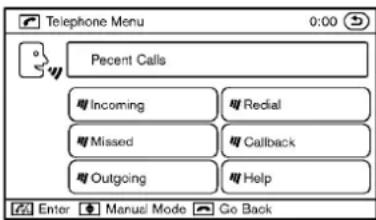
text_image
Telephone Menu 0:00 Pecnt Calls Incoming Recial Missed Callback Outgoing Help Enter Manual Mode Go BackSAA2584
RecentCalls
●Incoming
UsetheIncomingcommandtomakeacall viewingthelistofincomingcalls.
Missed
UsetheMissedcommandtomakeacall viewingthelistofmissedcalls.
Outgoing
UsetheOutgoingcommandtomakeacall viewingthelistofoutgoingcalls.
●Redial
UsetheRedialcommandtodialthelast outgoingcall.
4-106Monitor, climate, audio, phone and voicerecognitionsystems
-Callback
Use the Callback command todial thelast incoming call.
●Help
Thesystemannouncestheavailablecommands.
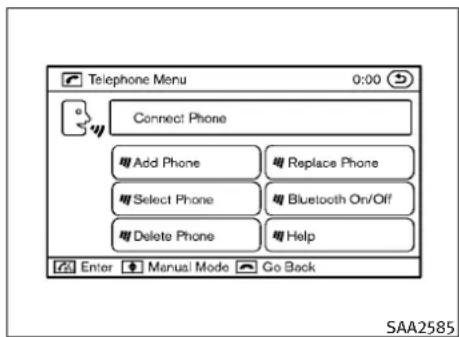
text_image
Telephone Menu 0:00 Connect Phone Add Phone Replace Phone Select Phone Bluetooth On/Off Delete Phone Help Enter Manual Mode Go Back SAA2585ConnectPhone
- AddPhone
UsethePairPhonecommandtoconnecta compatiblephonetotheBluetooth®Hands-FreePhoneSystem.
When asked to enter a PIN codeto connect a Bluetooth® cellular phone, enter the code "1234".
Thecodeisalways"1234"regardlessofthe numberofphonesconnected.Upto5 phonescanbeconnected.Iftheusertriesto connectasixthphone,thesystemannouncesthattheusermustfirstdeleteone phoneorreplaceanexistingphone.Ifthe userriestoconnectaphonethathas
alreadybeenconnectedtothevehiclesystem,thesystemannouncesthenamethat thephoneisalreadyusing.Theconnecting procedurewillthenbecancelled.
TheAddPhonecommandisnotavailable whenthevehicleismoving.
- SelectPhone
Use the Select Phone command to select a phone of lesser priority when woormore phones connected with Bluetooth® Hands-Free Phone System are in the vehicle at the sametime.
Thesystemaskstheusertonamethephone and confirmtheselection.
Oncetheselectionisconfirmed, theselected phoneremainsactiveuntiltheignitionswitch isturnedOFForanewphoneisselected.
- DeletePhone
Use the Delete Phone command to delete a specific phone or all phones from Bluetooth® Hands-Free Phone System. The systemannouncesthenames of the phones already paired with the system and their priority level. The system thengivesthe option to delete as specific phone, all phones or listentothelist again. Oncetheuser choose to delete an phone or all phones, the system mask the userto confirm.
NOTE:
Whentheuserdeletesaphone,theassociated phonebookforthatphonewillalsobedeleted.
-ReplacePhone
Use the Replace Phone command to change the priority level of the active phone.
The priority level determines which phone is active when more than one paired Bluetooth® phone is in the vehicle.
Thesystemstatestheprioritylevelofthe activephoneandasksforanewpriority level(1,2,3,4,5).
If thenewprioritylevelisalreadybeing used for another phone, the twophones will swap priority levels.
Forexample, if the current priority levels are:
PriorityLevel1=PhoneA
PriorityLevel2=PhoneB
PriorityLevel3=PhoneC
andyouchangetheprioritylevelofPhoneCtoLevel1,then:
PriorityLevel1=PhoneC
PriorityLevel2=PhoneB
PriorityLevel3=PhoneA
- BluetoothOn/Off
UsetheBluetoothOn/Offcommandtoturn on/offBluetooth®Hands-FreePhoneSystem.
●Help
Thesystemannouncestheavailablecommands.
VOICEADAPTATIONMODE
TheVoiceAdaptationmodeallowsuptotwo userswithdifferentdialectstotrainthesystem toimproverecognitionaccuracy.Byrepeatinga numberofcommands,theuserscancreatea voicemodeloftheirownvoicethatisstoredin thesystem.Thesystemiscapableofstoringa differentvoiceadaptationmodelforeachconnectedphone.
Trainingprocedure
-
Position the vehicle in areasonably quiet outdoor location.
-
Sitinthedriver'sseatwiththeengine running, theparkingbrakeon, and the transmissioninPark.
3.Pressthe 📊 button.
-
Speak: "Help". Thesystemacknowledges the command and announce the next set of available commands.
-
Speak: "VoiceAdaptation". Thesystem acknowledged the command and displays the voice adaptation modescreen.
-
VoicememoryAormemoryBisselected automatically. If both memory locations are already in use, the system will prompt you to overwrite one. Follow the instructions provided by the system.
-
When preparation is complete and you are ready to begin, press the button.
-
The voice adaptation modewill be explained. Follow the instructions provided by the system.
-
Whentrainingisfinished, thesystemwill tellyouanadequatenumberofphrases havebeenrecorded.
-
Thesystemwillaskyoutosayyour name.Followtheinstructionstoregister yourname.
-
Thesystemwillannouncethatvoiceadaptationhasbeencompletedandthe systemisready.
4-108Monitor, climate, audio, phone and voicerecognitionsystems
INFINITIVOICERECOGNITIONSYSTEM (modelswithnavigationsystem)
Thevoiceadaptationmodewillstopif:
- The button is pressed in voice adaptation mode.
●Thevehicleisdrivenduringvoiceadaptation mode.
●TheignitionswitchisturnedtotheOFFor LOCKposition.
INFINITIVoiceRecognitionallowshands-free operationofthePhone,Navigation,Information and Audiosystemsinoneoftwomodes,StandardModeorAlternateCommandMode.
InStandardMode, commandsthatareavailable arealwaysshownonthedisplayandannouncedbythesystem.Youcancompleteyour desiredoperationbysimplyfollowingthe promptsgivenbythesystem.(See“INFINITI VOICERECOGNITIONSTANDARDMODE”laterin thissectionfordetails.)
Foradvancedoperation,youcanusetheAlternateCommandMode.(See“INFINITIVOICERECOGNITIONALTERNATECOMMANDMODE”later inthissectionfordetails.)Whenthismodeis active,anexpandedlistofcommandscanbe spokenafterpushingtheTALK switch, andthevoicecommandmenupromptsare turnedoff.Reviewtheexpandedcommandlist, whichisavailablewhenthismodeisactive. Notethatinthismodetherecognitionsuccess ratemaybeaffectedasthenumberofavailable commandsandthewaysofspeakingeach commandareincreased.
Toswitchonemodetoanother,seeeachmode descriptionlaterinthissection.
Toimprovetherecognitionsuccessratewhen AlternateCommandModeisactive,tryusing theSpeakerAdaptationFunctionavailablein thatmode. Otherwise,itisrecommendedthat AlternateCommandModebeturnedoffand StandardModebeusedforthebestrecognition performance.
Forthevoicecommandsforthenavigation system, refertotheNavigationSystemOwner's Manualofyourvehicle.
INFINITIVOICERECOGNITION STANDARDMODE
The following section is applicable when the Standard Mode is activated.
TheStandardModeenablesyoutocomplete thedesiredoperationbysimplyfollowingthe promptsthatappearonthedisplayandalsoare announcedbythesystem.

text_image
Settings > Others Comfort Language & Units Voice Recognition Image Viewer 3/4 Adjust voice recognition settingsSAA2529\$AA2530SAA2531

text_image
Settings ▶ Voice recognition Command List User Guide Speaker Adaptation Alternate Command Mode ○ ON Minimize Voice Feedback ○ ON 4/5 Change the mode of voice recognitionActivatingStandardMode
When the Alternate Command Mode is active, perform the following step to switch to the Standard Mode.
- Push the SETTING button on the instrument panel.
- Selectthe"Others"key.
-
Selectthe"VoiceRecognition"key.
-
Selectthe"AlternateCommandMode" key.
5.TheindicatorturnsoffandtheStandard Modeactivates.
Displayinguserguide
IfyouusetheINFINITIVoiceRecognitionsystem forthefirsttimeoryoudonotknowhowto operateit,youcandisplaytheUserGuidefor confirmation.
Youcan confirm how to use voice commands by accessing simplified User Guide, which contains basic instructions and tutorials for several voice commands.

text_image
Information ▶ User Guide Getting Started Let's Practice Using the Address Book Finding a Street Address Placing Calls Help on Speaking 1/6- Push the INFO button on the instrument panel.
2.Selectthe"Others"key.
3.Selectthe"VoiceRecognition"key.
4.Selectthe"UserGuide"key.
5.Selectapreferreditem.
Youcanskipsteps1and3aboveifyousay "Help".
4-110 Monitor, climate, audio, phone and voicerecognitionsystems
Availableitems:
- GettingStarted
Describesthebasicsofhowtooperatethe INFINITIVoiceRecognitionsystem.
- Let's Practice
Modethatallowspracticingbyfollowingthe instructionsofthesystemvoice.
●UsingtheAddressBook
Tutorialforenteringadestinationbyusing theAddressBook.
●FindingaStreetAddress(ifsoequipped)
Tutorialforenteringadestinationbystreet address.
- PlacingCalls
Tutorialformakingaphonecallbyvoice commandoperation.
- HelponSpeaking
Displaysusefultipsofspeakingforcorrect commandrecognitionbythesystem.
NotethattheCommandListfeatureisonly availablewhenAlternateCommandModeis active.
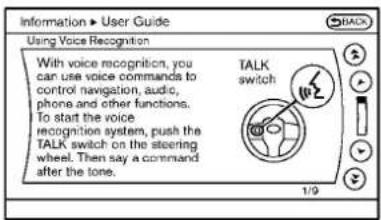
text_image
Information ▶ User Guide Using Voice Recognition With voice recognition, you can use voice commands to control navigation, audio, phone and other functions. To start the voice recognition system, push the TALK switch on the steering wheel. Then say a command after the tone. BACK TALK switch 1/9SAA2532SAA2534

text_image
Information ▶ User Guide 88066262200 Digits were not recognized correctly. Please check the analysis of your speech for possible improvements. Volume of voice Soft Good Load Speed Slow Good Fast Start of speaking Early Good Late Try Again DoneGettingStarted
BeforeusingtheINFINITVoiceRecognition systemforthefirsttime,youcanconfirmhowto usecommandsbyviewingtheGettingStarted sectionoftheUserGuide.
- Selectthe"GettingStarted"key.
2.Youcanconfirmthepagebyscrollingthe screenusingtheINFINITIcontroller.
TutorialsontheoperationoftheINFINITIVoice Recognitionsystem
If you choose "UsingtheAddressBook", "FindingaStreetAddress" or "PlacingCalls", you can view tutorial on how to perform these operations using INFINITIVoice Recognition.
Let's Practice
ThismodehelpslearnhowtousetheINFINITI VoiceRecognitionsystem.
- Selectthe"Let'sPractice"key.
- Afterthemessagescreenappears, push theTALK switchonthesteering wheel.
- Speakthedisplayednumberafterthe tone. The evaluationscreenwillbedisplayedandtheresultcanbeconfirmed.
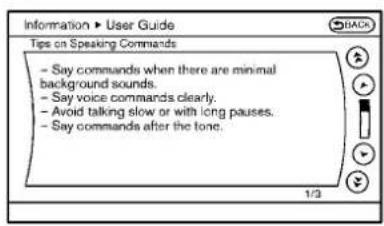
text_image
Information ▶ User Guide Tips on Speaking Commands - Say commands when there are minimal background sounds. - Say voice commands clearly. - Avoid talking slow or with long pauses. - Say commands after the tone.SAA2533\$AA1588 voicecommands.
Usefultipsforcorrectoperation
Youcandisplayusefulspeakingtipstohelpthe systemrecognizeyourvoicecommandscorrectly.
Select"HelponSpeaking"tostartdisplay.
USINGTHESYSTEM
Initialization
WhentheignitionswitchispushedtotheON position,INFINITIVoiceRecognitionisinitialized,whichtakesafewseconds.Whencompleted,thesystemisreadytoacceptvoice commands.IftheTALK switchispushed beforetheinitializationcompletes,thedisplay
willshowthemessage:"Phoneticdatadown- loaded.Pleaseasewait."orabeepsounds.
Beforestarting
Togetthebestrecognitionperformancefrom INFINITIVoiceRecognition,observethefollowing:
●The interior of the vehicles should be as quiet as possible. Closet hewindowsto eliminate the surrounding noises (traffic noise and vibrations sounds, etc.), which may prevent the system from correctly recognizing the
●Waituntilthetonesoundsbeforespeakinga command.
●Speakinanaturalconversationalvoicewithoutpausingbetweenwords.
- If the air conditionerissetto "Auto", the fan speed is automatically lowered so that your command scan be recognized more easily.
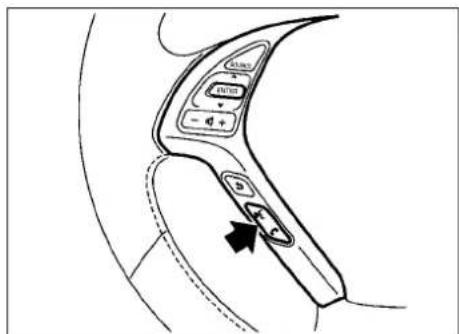
text_image
Diagram of car interior control panel with labeled buttons and directional arrow indicatorGivingvoicecommands
- Push the TALK switch located on the steering wheel.
4-112Monitor, climate, audio, phone and voicerecognitionsystems
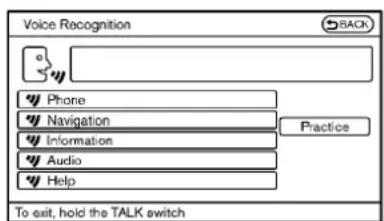
text_image
Voice Recognition BACK Phone Navigation Information Audio Help Practice To exit, hold the TALK switchSAA2535
2.Alistofcommandsappearsonthe screen, and the system announces, "Would you like to access Phone, Navigation, Information, Audio or Help?".
- Afterthetonesoundsandtheicononthe
screenchangesfrom speakacommand.

to

Selectingthe“Practice”keywillstartthe practicemode.See“Let'sPractice”earlierin thissection.
- Continuetofollowthevoicemenu promptsandspeakafterthetonesounds untilyourdesiredoperationiscompleted.
Selectingthe“Help”keycandisplaythe detailedinformationoftheeachcommand.
Operatingtips:
●Sayacommandafterthetone.
- Commandsthatareavailablearealways shownonthedisplayandspokenthrough voicemenuprompts.Commandsotherthan thosethataredisplayedarenotaccepted. Pleasefollowthepromptsgivenbythe system.
- If the command is not recognized, the system announces, "Pleasesayagain". Repeat the command in a clear voice.
- PushtheBACKbuttononcetoreturntothe previoussscreen.
- Toexitthevoicerecognitionsystem, push andholdtheTALK switch.Themessage, "Voice canceled" will be announced.
- Toskipthevoiceguidancefunctionandgive thecommandimmediately, press the TALK switch to interrupt the system. Remember to speak after the tone.
- If you want to adjust the volume of the system feedback, push the volume control buttons [+] or [-] on the steerings switchor use the audiosystem volume knob while the system is making an announcement.
Howtospeaknumbers:
INFINITVoiceRecognitionrequiresacertain waytospeaknumberswhengivingvoicecommands.Refertothefollowingexamples.
Generalrule
Onlysingledigits0(zero)to9canbeused.(For example, if you would liketosay500, "fivezero zero" can be used, but "five hundred" cannot.)
Examples
●1-800-662-6200
- “Oneeightzerozerosixsixtwosixtwo zerozero”
ImprovingRecognitionofPhonenumber
Youcanimprovetherecognitionofphonenumbersbysayingthephonenumberinthree groupsofnumbers. Forexample, whenyoutry tocall800-662-6200, say "eight zero zero" first, and the systemwillthenaskyouforthe nextthree digits. Then, say "sixsixtwo". After recognition, the systemwillthenaskforthelast four digits. Say, "sixtwozerozero". Using this method of phonedigitentry can improve recognition performance.
Whenspeakingahousenumber,speakthe number"0"as"zero".Iftheletter"o(oh)"is includedinthehousenumber,itwillnotbe recognizedasthenumber"0(zero)"evenifyou speak"oh"insteadof"zero".Pleasespeak "zero"forthenumber"0(zero)", "oh"forthe letter"o(oh)"
4-114 Monitor, climate, audio, phone and voicerecognitionsystems
CommandList
CategoryCommand:
| CommandAction | |
| PhoneOperatesthePhonefunction | |
| NavigationOperatestheNavigationfunction | |
| InformationDisplaysthevehicleInformationfunction | |
| AudioOperatestheAudiofunction. | |
| HelpDisplaysUserGuide |
- PhoneCommand:
| CommandAction | ||
| DialNumberMakesacalltoaspokenphonenumberupto10digits. | ||
| VehiclePhonebookMakesacalltoacontactthatisstoredintheVehiclePhonebook. | ||
| HandsetPhonebookMakesacalltoacontactthatisstoredinthemobilephone. | ||
| CallhistoryIncomingCallsMakesacalltotheincomingcallnumber. | ||
| InternationalCall | Makesaninternationalcallbyallowingmorethan10digitstobespoken. | |
| ChangeNumber | Correctstherecognizedphonenumber(availableduringphonenumberentry). | |
●NavigationCommand:
| CommandAction | |
| HomeSetsaroutetoyourhomethatisstoredintheAddressBook. | |
| AddressSearchesforalocationbythestreetaddressspecified,andsetsaroutetothelocation. | |
| PlacesSetsaroutetoafacilitynearthecurrentvehiclelocation. | |
| AddressBookSearchesforstoredinformationintheAddressBook. | |
| PreviousDestinationsSetsaroutetoapreviousdestination. | |
●InformationCommand:
| CommandAction | |
| FuelEconomyDisplaysfueleconomyinformation. | |
| MaintenanceDisplaysmaintenanceinformation. | |
| TrafficInformationTurnsthetrafficinformationsystemONandOFF. | |
| Whereaml?Displaysyourcurrentlocation. | |
●AudioCommand:
| CommandAction | |
| AMTurnstotheAMband,selectingthestationlastplayed. | |
| FMTurnstotheFMband,selectingthestationlastplayed. | |
| XMTurnstotheXMSatelliteband,selectingthechannellastplayed. | |
| MusicBoxTurnsonthe“MusicBox”harddiskdriveaudiosystem. | |
| CD | StartstoplayaCD. |
4-116 Monitor, climate, audio, phone and voice recognition systems
●GeneralCommands
| CommandAction | |
| GobackCorrectsthelastrecognitionresulttoret | urntothepreviousscreen |
| ExitCancelsVoiceRecognition |
Monitor, climate, audio, phone and voicerecognitionsystems4-117
Voicecommandexamples
TousetheINFINITIVoiceRecognitionfunction, speakingonecommandissometimessufficient,butatothertimesitisnecessarytospeak twoormorecommands.Asexamples,some additionalbasicoperationsbyvoicecommands aredescribedhere.
Fornavigationsystemcommands,seetheseparateNavigationSystemOwner'sManual.
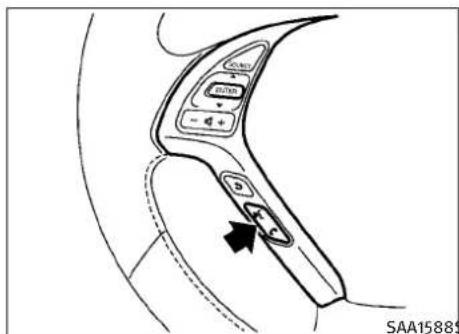
text_image
SAA15889Example1-Placingacalltothephonenumber 800-662-6200:
- Push the TALK switch located on the steering wheel.
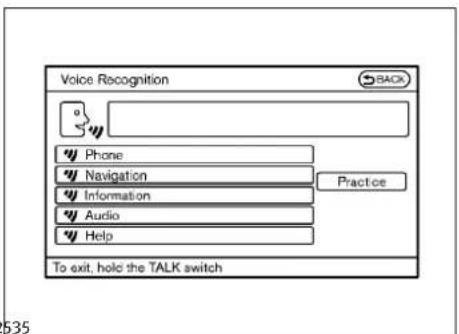
text_image
Voice Recognition BACK Phone Navigation Information Audio Help Practice To exit, hold the TALK switch 535- Thesystemannounces, "Wouldyoulike toaccessPhone, Navigation, Information, AudioorHelp?"
3.Speak"Phone".
4-118Monitor, climate, audio, phone and voicerecognitionsystems
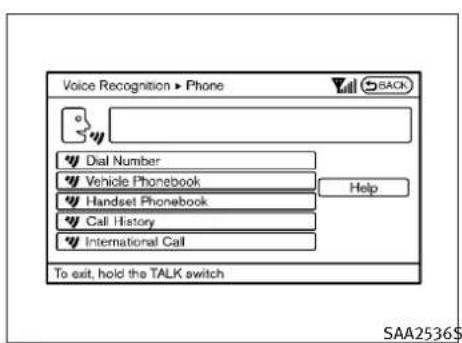
text_image
Voice Recognition ▶ Phone Dial Number Vehicle Phonebook Handset Phonebook Call History International Call To exit, hold the TALK switch SAA2536$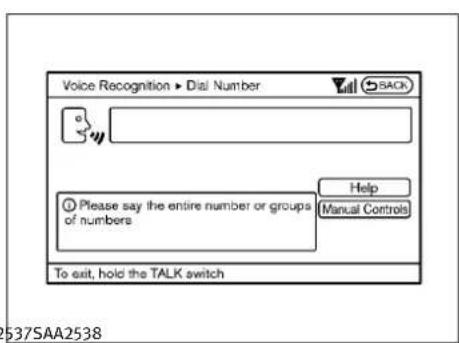
text_image
Voice Recognition ▶ Dial Number SACK Please say the entire number or groups of numbers Help Manual Controls To exit, hold the TALK switch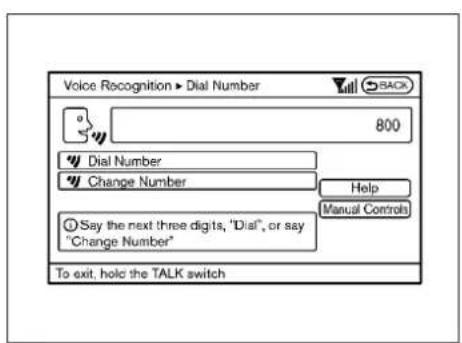
text_image
Voice Recognition ▶ Dial Number 800 Dial Number Change Number Help Manual Controls Say the next three digits, "Dial", or say "Change Number" To exit, hold the TALK switch4.Speak"DialNumber".5.Speak"800".
Selectingthe"ManualControls"key switchesthescreentothekeypadtoinput thephonenumbermanually.
- Thesystemannounces, "Pleasesaythe nextthreedigitsordial, orsaychange number."
7.Speak"662".

text_image
Voice Recognition ▶ Dial Number 800-662 Change Number Help Manual Controls Say the last four digits or say "Change Number" To exit, hold the TALK switch SAA2539$- Thesystemannounces, "Pleasesaythe lastfourdigits" or say changenumber.
9.Speak“6 2 0 0”.

text_image
Voice Recognition ▶ Dial Number 800-662-6200 Dial Change Number Help Manual Controls Please say "Dial" or say "Change Number" To exit, hold the TALK switch- Thesystemannounces, "DialorChange Number?"
11.Speak"Dial".
- Thesystemmakesacallto800-662-6200.
Note:
- Youcanalsospeak“800-662-6200”(10 continuousdigits)or“662-6200”(7continuousdigits),iftheareacodeisnotnecessary. However,the3-3-4digitgroupingisrecommendedforimprovedrecognition.(See “Howtospeaknumbers”earlierinthis section.)
- Youcanonlysayaphonenumberusingthe 3-3-4grouping,7digits,and10digitsusing thiscommand.Pleaseusethe"International Call"commandforallotherformats.
- Ifyousay"ChangeNumber"duringphone numberentry,thesystemwillautomatically requestthatyourepeatthenumberusing the3-3-4format.Inthiscasepleasesaythe areacodefirststandthenfollowtheprompts.
- Donotadda"1"infrontoftheareacode whenspeakingphonenumbers.
- If the system does not recognize your command, pleasetry repeating the command using an natural voice. Speaking to slow or tool loudly may further decrease recognition performance.
4-120 Monitor, climate, audio, phone and voice recognition systems

text_image
SAA1588$Example2-Placinganinternationalcalltothe phonenumber011-81-111-222-3333:
- Push the TALK switch located on the steering wheel.
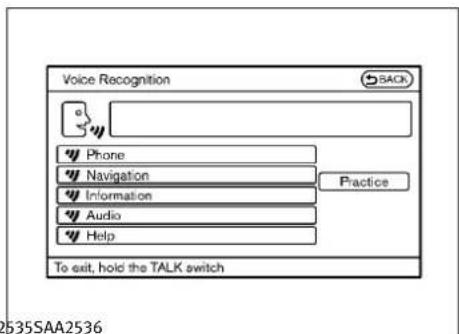
text_image
Voice Recognition SACK Phone Navigation Information Audio Help Practice To exit, hold the TALK switch- Thesystemannounces, "Wouldyoulike toaccessPhone, Navigation, Information, AudioorHelp?"
3.Speak"Phone".
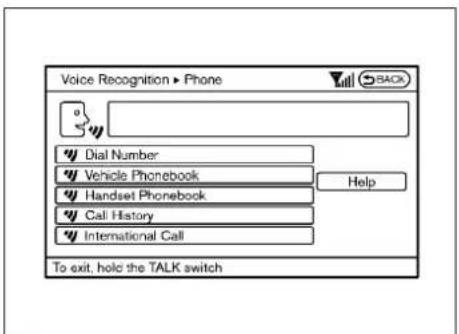
text_image
Voice Recognition ▶ Phone Dial Number Vehicle Phonebook Handset Phonebook Call History International Call To exit, hold the TALK switch- Speak "InternationalCall".
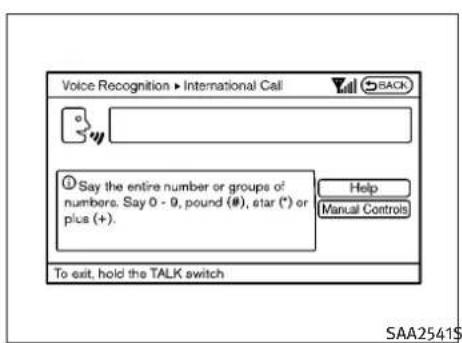
text_image
Voice Recognition ▶ International Call BACK Say the entire number or groups of numbers. Say 0 - 0, pound (#), etar (*) or plus (+). Help Manual Controls To exit, hold the TALK switch SAA2541$
text_image
Voice Recognition ▶ International Call 011811112223333 Dial Change Number Help Manual Controls Please continue, or say "Dial" To exit, hold the TALK switch5.Speak"011811112223333".6.Speak"Dial".
- Systemmakesacallto011-81-111-222-3333.
Note:
AnydigitinputformatisavailableinthelInternationalNumberinputprocess.
INFINITIVOICERECOGNITION ALTERNATECOMMANDMODE
The following section is applicable when Alternate Command Mode is activated.
WhenAlternateCommandModeisactivated, an expandedlistofcommandscanbeusedafter pressingtheTALK switch.Inthismode, availablecommandsarenotfullyshownonthe displayorprompted.Reviewtheexpanded commandlistwhenthismodeisactive.See examplesofAlternateCommandModescreens.
Pleasenotethatinthismodetherecognition successratemaybeaffectedasthenumberof availablecommandsandwaysofspeakingeach commandareincreased.Toimprovetherecognitionsuccessrate,tryusingtheSpeakerAdaptationFunctionavailableinthatmode.(See "Speakeradaptationfunction(forAlternateCommandMode)"laterinthissection.)OtherwiseitisrecommendedthatAlternateCommandModebeturnedOFFandStandardMode beusedforthebestrecognitionperformance.
4-122Monitor, climate, audio, phone and voicerecognitionsystems

text_image
Settings > Others Comfort Language & Unite Voice Recognition Image Viewer 3/4 Adjust voice recognition settingsSAA2529\$AA2543SAA2544

text_image
Settings ▶ Voice Recognition User Guide Alternate Command Mode ON 2/2 Change the mode of voice recognitionActivatingAlternateCommandMode
WhentheStandardModeisactive,performthe followingstepstoswitchtotheAlternateCommandMode.
- Push the SETTING button on the instrument panel.
- Highlightthe"Others"key.
-
Highlightthe"VoiceRecognition"key.
-
Highlight the "AlternateCommandMode" key.
- The confirmation message is displayed on the screen. Push the "OK" keyto activate the AlternateCommandMode.
Displayingcommandlist
If you are controlling the system by voice commands for the first time, order not known the appropriate voice command, perform the following procedure for displaying the voice command list (available only in Alternate Command Mode).
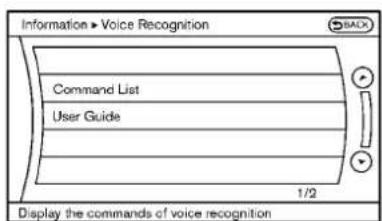
text_image
Information > Voice Recognition Command List User Guide 1/2 Display the commands of voice recognition- PushtheINFObuttonontheinstrument panel.
2.Selectthe"Others"key.
3.Selectthe"VoiceRecognition"key. - Selectthe"CommandList"key.
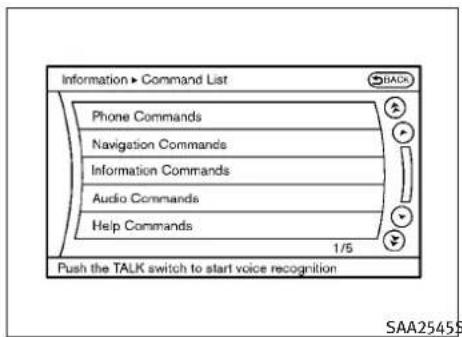
text_image
Information ► Command List Phone Commands Navigation Commands Information Commands Audio Commands Help Commands 1/5 Push the TALK switch to start voice recognition SAA25455
text_image
Information > Command List SACH Dial Number Vehicle Phonebook Handset Phonebook International Call Incoming Calls Previous Next 1/2 Push the TALK switch to start voice recognition5.Selectacategoryfromthelist.6.Selectanitem.
- If necessary, scroll the screen using the INFINITI controller to view the entire list.
- PresstheBACKbuttontoreturntothe previoussscreen.
4-124Monitor, climate, audio, phone and voicerecognitionsystems
Listofhelpcommands
PhoneCommands:
| CommandAction | ||
| DialNumberMakesacalltoaspokenphonenumber. | ||
| VehiclePhonebookMakesacalltoacontactthatistisstoredintheVehiclePhonebook. | ||
| HandsetPhonebookMakesacalltoacontactthatistisstoredinthemobilephone. | ||
| CallHistoryIncomingCallsMakesacalltotheincomingcallnumber. | ||
| InternationalCallMakesaninternationalcallbyallowingmorethan10digitstobespoken. | ||
NavigationCommands:
| CommandAction | |
| HomeSetsaroutetoyourhomethatisstoredintheAddressBook. | |
| AddressSearchesforalocationbythestreetaddressspecified,andsetsaroutetothelocation. | |
| PlacesSetsaroutetoafacilitynearthecurrentvehiclelocation. | |
| AddressBookSearchesforstoredinformationintheAddressBook. | |
| PreviousDestinationsSetsaroutetoapreviousdestination. | |
| PreviousStartPoint | Setsaroutetoapreviousstartingpoint. |
| DeleteDestination | Deletesadestination. |
InformationCommands:
| CommandAction | |
| FuelEconomyDisplaysfueleconomyinformation. | |
| MaintenanceDisplaysmaintenanceinformation. | |
| Whereaml?Displaysyourcurrentlocation. | |
| TrafficInformationTurnsthetrafficinformationsystem | ONandOFF. |
| WeatherInformationDisplaysweatherinformation. | |
| WeatherMapDisplaysaweathermap. |
AudioCommands:
| CommandAction | |
| MusicBoxTurnsonthe“MusicBox”harddiskdriveaud | osystem. |
| CDStartstoplayaCD. | |
| FMTurnstotheFMband,selectingthestationlastplayed. | |
| AMTurnstotheAMband,selectingthestationlastplayed. | |
| XMTurnstotheXMSatelliteRadioband,selectingthechannellastplayed. | |
| USBTurnsontheUSBmemory. | |
| BluetoothAudioTurnsontheBluetooth®audioplayer. | |
| AUXTurnsontheAUX. |
4-126 Monitor, climate, audio, phone and voice recognition systems
HelpCommands:
| CommandAction | ||
| CommandListNavigation | tionCommandsDisplaysthenavigationcommandlist. | |
| PhoneCommandsDisplaysthephonecommandlist. | ||
| AudioCommandsDisplaystheaudiocommandlist. | ||
| InformationCommandsDisplaystheinformationcommandlist. | ||
| HelpCommandsDisplaysthehelpcommandlist. | ||
| UserGuideDisplaystheUserGuide. | ||
| SpeakerAdaptationThesystemcanmemorizethevoicesofuptothreepersons. | ||
GeneralCommands:
| CommandAction | |
| GobackCorrectsthelastrecognitionresulttoreturntotnepreviousscreen | |
| ExitCancelsVoiceRecognition | |
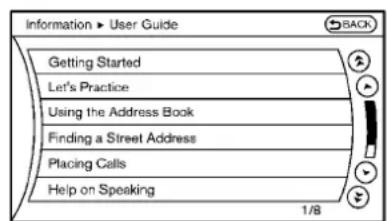
text_image
Information ► User Guide Getting Started Let's Practice Using the Address Book Finding a Street Address Placing Calls Help on Speaking 1/8SAA2547
Displayinguserguide
Youcan confirm how to use voice commands by accessing simplified User Guide, which contains basic instructions and tutorials for several voice commands.
- PushtheINFObuttonontheinstrument panel.
- Select the "Others" key using the INFINITE controller and push the ENTERbutton.
- Highlight the "Voice Recognition" key using the INFINIT controller and push the ENTERbutton.
- Highlightthe"UserGuide"keyusingthe INFINITIcontrollerandpushtheENTER button.
4-128Monitor, climate, audio, phone and voicerecognitionsystems
- HighlightanitemusingtheINFINITcontrollerandpushtheENTERbutton.
Availableitems:
- GettingStarted
Describethebasicsofhowtooperatethe INFINITIVoiceRecognitionsystem.
- Let's Practice
Modethatallowspracticingbyfollowingthe instructionsofthesystemvoice.
●UsingtheAddressBook
RefertoNavigationSystemOwner's Manual.
●FindingaStreetAddress(ifsoequipped)
RefertoNavigationSystemOwner's Manual.
- PlacingCalls
Tutorialformakingaphonecallbyvoice commandoperation.
- HelponSpeaking
Displaysusefultipsforhowtocorrectly speakcommandsinorderforthemtobe properlyrecognizedbythesystem.
●VoiceRecognitionSettings
Describestheavailablevoicerecognition settings.
Tutorialadaptingthesystemtoyourvoice.
USINGTHESYSTEM
Initialization
WhentheignitionswitchispushedtotheON position,INFINITIVoiceRecognitionisinitialized,whichtakesafewseconds.Whencompleted,thesystemisreadytoacceptvoice commands.IftheTALK switchispushed beforetheinitializationcompletesthedisplay willshowthemessage:"Phoneticdatadownloaded.Pleaseawait."orabeepsounds.
Beforestarting
TogetthebestperformancefromINFINITIVoice Recognition,observethefollowing.
- Keeptheinteriorofthevehicleasquietas possible. Closetehindowstoeliminate the surroundingnoises(trafficnoises, vibration sounds, etc.), which may prevent the system from recognizing the voice commands correctly.
-
When the air conditioner is in the AUTO mode, the fanspeed decreases automatically foreasy recognition.
-
Waituntilatonesoundsbeforespeakinga command.
●Speakinanaturalvoicewithoutpausing betweenwords.

text_image
SAA15889Givingvoicecommand
- PushandreleasetheTALKswitch locatedonthesteeringwheel.

text_image
Voice Recognition BACK Phone Navigation Information Audio Help Practice Alternate Command Mode ON To exit, hold the TALK switch2.Alistofcommandsappearsonthe screen, and the system announces, "Pleasesayacommand".
3. Afterthetonesoundsandtheicononthe screenchangesfrom to speakacommand.
Operatingtips:
●Voicecommandscannotbeacceptedwhen theiconis
●Thelistdisplayedcanbescrolledbytilting themenucontrolswitchonthesteering wheel.
- If the command is not recognized, the system announces, "Pleasesayagain". Repeat the command in a clear voice.
Monitor, climate, audio, phone and voicerecognitionsystems4-129
- PushtheBACKbuttononcetoreturntothe previoussscreen.
- If you want to cancel the command, push and hold the TALK switch for 1 second. Them message "Voice canceled" will be announced.
- Toskipthevoiceguidancefunctionandgive thecommandimmediately, press the TALK switch to interrupt the system. Rememberespeak after the tone.
- If you want to adjust the volume of the system feedback, push the volume control switch (+ or -) on the steering wheel or use the audiosystem volume knob while the system is making an announcement.
Howtospeaknumbers:
INFINITIVoiceRecognitionrequiresacertain waytospeaknumberswhengivingvoicecommands.Refertothefollowingexamples.
Generalrule
Onlysingledigits0(zero)to9canbeused.(For example, ifyouwouldliketosay500, "fivezero zero" canbeused, but "fivehundred" cannot.
Phonenumber
Speakphonenumbersaccordingtothefollowingexamples:
●1-800-662-6200
- “Dialoneeightzerozerosixsixtwosix twozerozero.”
Note1: For the best voice recognition phone dialing results, say phonenumbersassingle digits.
Note2: You cannot say 555-6000 as "five five fivesixthousands".
Note3: Whenspeakingahousenumber, speak thenumber "0" as "zero". If the letter "o(Oh)" is included in the house number, it will not be recognized asthenumber "0(zero)" even if you speak "oh" instead of "zero". Please speak "zero" for thenumber "0(zero)", "oh" for the letter "o(oh)".
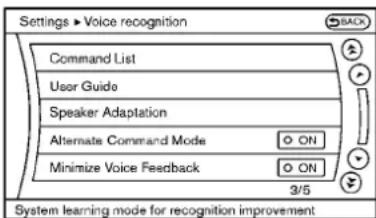
text_image
Settings ► Voice recognition Command List User Guide Speaker Adaptation Alternate Command Mode ON Minimize Voice Feedback ON 3/5 System learning mode for recognition improvementSAA2549
Speakeradaptationfunction(for AlternateCommandMode)
Thevoicerecognitionsystemhasafunctionto learntheuser'svoiceforbettervoicerecogni- tionperformance.Thesystemcanmemorizethe voicesofuptothreepersons.
Havingthesystemlearntheuser'svoice:
- Push the SETTING button on the instrument panel and select the "Others" key.
- Selectthe"VoiceRecognition"key.
- Selectthe"SpeakerAdaptation"key.
4-130Monitor, climate, audio, phone and voicerecognitionsystems
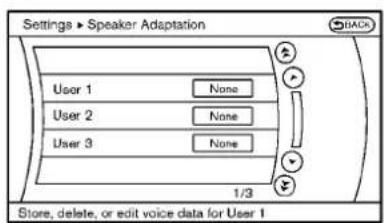
text_image
Settings ► Speaker Adaptation Back User 1 None User 2 None User 3 None 1/3 Store, delete, or edit voice data for User 1SAA2550SAA2551SAA2552
- Select the user whose voice is memorized by the system.
-
Select the "StartSpeakerAdaptation Learning" key.
-
Selectacategorytobelearnedbythe systemfromthefollowinglist.
-
PhoneCommands
●NavigationCommands
●InformationCommands
●AudioCommands
●HelpCommands
Thevoicecommandsinthecategoryare displayed.
- Selectavoicecommandandthenpush theENTERbutton.
Thevoicerecognitionsystemstarts.
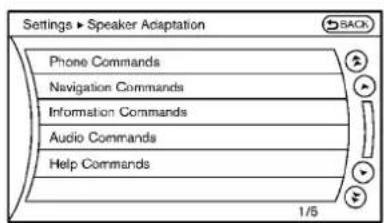
text_image
Settings ► Speaker Adaptation Phone Commands Navigation Commands Information Commands Audio Commands Help Commands 1/5
text_image
Settings ► Speaker Adaptation Back Dial Number Enters a domestic phone number and dials it Alternate Command Mode ON To exit, hold the TALK switch- Thesystemrequeststhatyourepeata commandafteratone.
- Afterthetonesoundsandtheicononthe
screenchangesfrom 📋 to speakthecommandthatthesystemrequested.

- Whenthesystemhasrecognizedthe voicecommand, thevoiceoftheuseris learned.
PushtheswitchorBACKbuttontoreturn tothepreviousscreen.
If the system has learned the command correctly, the voice command status on the right side of the command turns from "None" to "Stored".
Monitor, climate, audio, phone and voicerecognitionsystems 4-131

text_image
Settings > Speaker Adaptation Edit User Name User 1 Delete Voice Data Continuous Learning ON 1/3 Identify voice data by adding a name SAA2553SpeakerAdaptationfunctionsettings:
EditUserName
Edittheusernameusingthekeypaddisplayed onthescreen.
DeleteVoiceData
Resetstheuser'svoicethatthevoicerecognitionsystemhaslearned.
ContinuousLearning
WhenthisitemisturnedtoON,youcanhave thesystemlearnthevoicecommandsinsuccession,withoutselectingcommandsoneby one.
Minimizevoicefeedback(for AlternateCommandMode)
Tominimizethevoicefeedbackfromthesystem,performthefollowingsteps.
- Push the SETTING button on the instrument panel.
- Selectthe"Others"key.
- Selectthe"VoiceRecognition"key.
- Selectthe "MinimizeVoiceFeedback" key.
- ThesettingisturnedtoONandthevoice guidancewillnowbereducedwhenusing theVoiceRecognitionsystem.
4-132Monitor, climate, audio, phone and voicerecognitionsystems
TROUBLESHOOTINGGUIDE
The system should respond correctly to all voice commands without difficulty. If problems are encountered, follow the solutions given in this guide for the appropriate error.
Where the solutions are listed by number, try each solution in turn, starting with number one, until the problem is resolved.
| Symptom/errormessageSolution | |
| Displays“COMMANDNOTRECOGNIZED”orthe systemfailstointerpretthecommandcorrectly. | 1.Ensurethatthecommandformatisvalid,see“CommandList”earlierinthissection. |
| 2.Speakclearlywithoutpausingbetweenwordsandatalevelappropriatetotheambientnoiselevel. | |
| 3.Ensurethattheambientnoiselevelisnotexcessive,forexample,windowsopenordefroston.NOTE:Ifitistoonoisytousethephone,itislikelythatvoicecommandswillnotberecognized. | |
| 4.Ifoptionalwordsofthecommandhavebeenomitted,thenthecommandshouldbetriedwiththese inplace. | |
| Thesystemconsistentlyselectsthewrongvoic-etaginthephonebook. | 1. Ensure that the voicetag requested matches what was originally stored. (See “BLUETOOTH® HANDS-FREEPHONESYSTEM(modelswithnavigationsystem)”earlierinthissection;page4-85.) |
| 2.Replaceoneofthevoicetagsbeingconfusedwithadifferentvoicetag. | |
| The system cannot be operated. | 1. Make sure that the soft top is usable. If the soft top is not working, contact an INFINITI retailer. |
| 2.Closetheretractablehardtop. | |
| 3.Openandclosetheretractablehardtopbeforeoperatingthesystem. |
5Startinganddriving
Precautionswhenstartinganddriving. 5-2
Exhaustgas(carbonmonoxide)....5-2
Three-waycatalyst....5-2
TirePressureMonitoringSystem(TPMS)....5-3
Avoidingcollisionandrollover.... 5 - 5
Off-roadrecovery....5-5
Rapidairpressureloss.... 5 - 6
Drinkingalcohol/drugsanddriving....5-6
All-WheelDrive(AWD)drivingsafety precautions.... 5 - 7
Push-buttonignitionswitch.... 5-7
Operatingrangeforenginestartfunction....5-8
Push-buttonignitionswitchoperation....5-8
Push-buttonignitionswitchpositions....5-9
IntelligentKeybatterydischarge.... 5-10
Beforestartingtheengine.... 5-10
Startingtheengine....5-11
Drivingthevehicle....5-12
Automatictransmission....5-12
Manualtransmission.... 5-16
Parkingbrake. 5-18
Automatictransmissionmodels.... 5-18
Manualtransmissionmodels.... 5-18
Cruisecontrol....5-19
Precautionsoncruisecontrol....5-19
Cruise control operations....5-19
IntelligentCruiseControl(ICC)system
(ifsoequipped)....5-21
Selectingthevehicle-to-vehicledistance controlmode.... 5-22
Vehicle-to-vehicledistancecontrolmode.....5-22
Precautionsonvehicle-to-vehicledistance controlmode.... 5-23
Vehicle-to-vehicledistancecontrolmode operation.... 5-25
Conventional(FIXEDSPEED)cruisecontrol mode....5-38
Previewfunction(forIntelligentCruise Controlsystemequippedmodels)....5-42
Break-inschedule....5-42
Increasingfueleconomy.... 5-42
All-WheelDrive(AWD)(ifsoequipped)....5-43
Parking/parkingonhills. 5-44
Sonar system(ifsoequipped)....5-46 Sonarindicator....5-47
Sonarsystemoffswitch....5-48
Powersteering....5-48
Brakesystem....5-48
Brakingprecautions....5-48
Parkingbrakebreak-in.... 5-49
Brakeassist....5-49
Brakeassist....5-49
Previewfunction(IntelligentCruiseControl systemequippedmodels).... 5-49
Anti-lockBrakingSystem(ABS)....5-52
VehicleDynamicControl(VDC)system.... 5-53
4wheelactivesteer(4WAS)system
(ifsoequipped)....5-54
Coldweatherdriving.... 5-55
Freeingafrozendoorlock.... 5-55
Antifreeze. 5-55
Battery....5-55
Drainingofcoolantwater.... 5-55
Tireequipment....5-55
Specialwinterequipment.... 5-56
Drivingonsnoworice.... 5-56
Engineblockheater(ifsoequipped)....5-56
PRECAUTIONSWHENSTARTINGAND DRIVING
WARNING
- Donotleavechildrenoradultswhowould normallyrequirethesupportofothersalone inyourvehicle.Petsshouldnotbeleftalone either.Theycouldaccidentallyinjurethemselvesorothersthroughinadvertentoperationofthevehicle.Also,onhot,sunnydays, temperaturesinaclosedvehiclecould quicklybecomehighenoughtocausesevere orpossiblyfatalinjuriestopeopleor animals.
- Closelysupervisechildrenwhentheyare aroundcarstopreventthemfromplaying andbecominglockedinthetrunkwherethey couldbeseriouslyinjured.Keepthecar locked,withtherearseatbackandtrunklid securelylatchedwhennotinuse,andpreventchildren'saccesstocarkeys.
EXHAUSTGAS(carbonmonoxide)
WARNING
- Donotbreatheexhaustgases; they contain colorless and odorless carbon monoxide. Carbon monoxide is dangerous. It can cause unconsciousness or death.
- If you suspect that exhaust fumes are entering the vehicle, drivewith all windows fully open, and have the vehicle inspected immediately.
- Donotruntheengineinclosedspacessuch asagarage.
- Donotparkthevehiclewiththeengineerunningforanyextendedlengthoftime.
- Keepthetrunklidclosedwhiledriving, otherwiseexhaustgasescouldbedrawninto thepassengercompartment.Ifyoumust drivewiththetrunklidopen,followthese precautions:
1.Openallthewindows.
2.Setthe airrecirculationtooffand thefancontroltohightocirculatetheair.
- If electrical wiring or other cable connections must pass to a trailer through these equal on the trunk lid or the body, follow them manufacturer's recommendation to prevent carbon monoxide entry into the vehicle.
●Theexhaustsystemandbodyshouldbeinspectedbyaqualifiedmechanicwhenever:
-Thevehicleisraisedforservice.
-Yoususpectthatexhaustfumesareenteringintothepassengercompartment.
-Younoticeachangeinthesoundofthe exhaustsystem.
-Youhavehadanaccidentinvolvingdam-
agetotheexhaustsystem,underbody,or
rearofthevehicle.
THREE-WAYCATALYST
The three-way catalyst is an emission control device installed in the exhaust system. Exhaust gases in the three-way catalyst are burned at high temperature to help reduce pollutants.
WARNING
- Theexhaustgasandtheexhaustsystemare veryhot.Keeppeople,animalsorflammable materialsawayfromtheexhaustsystem components.
- Donotstoporparkthevehicleoverflammablematerialssuchasdrygrass,waste paperorrags.Theymayigniteandcausea fire.
5-2 Startinganddriving

CAUTION
- Donotuseleadedgasoline.Depositsfrom leadedgasolineseriouslyreducethethreewaycatalyst'sabilitytohelpreduceexhaust pollutants.
- Keepyourenginetunedup.Malfunctionsin theignition,fuelinjection,orelectricalsystemscancauseoverrichfuelflowintothe three-waycatalyst,causingittooverheat. Donotkeepdrivingiftheenginemisfires,or ifnoticeablelossofperformanceorother unusualoperatingconditionsaredetected. Havethevehicleinspectedpromptlybyan INFINITlretailer.
- Avoiddrivingwithanextremelylowfuel level. Runningoutoffuelcouldcausethe enginetomisfire,damagingthethree-way catalyst.
●Donotracetheenginewhilewarmingitup. - Donotpushortowyourvehicletostartthe engine.
TIREPRESSUREMONITORINGSYSTEM (TPMS)
Eachtire, including the spare (if provided), should be checked monthly when cold and inflated to the inflation pressurerecommended by the vehicle manufacturer on the vehicle placardortire inflation pressure label. (If your vehicle hastires of different sizes thanthesize indicated on the vehicle placardortire inflation pressure label, you should determin the propertire inflation pressure forthosetires.)
Asanadded safety feature, your vehicle has been equipped with a Tire Pressure Monitoring System (TPMS) that illuminates alow tire pressure telltale when none or more of your tiresis significantly under-inflated. Accordingly, when the low tire pressure telltale illuminates, you should stop and check your tires as soon as possible, and in flat the them to the proper pressure. Driving on as significantly under-inflated tire cause esthetire too over heat and can lead to tire failure. Under inflation also reduces fuel efficiency and tire tread life, and may affect the vehicle's handling and stopping ability.
PleasenotethattheTPMSisnotasubstitutefor propertiremaintenance,anditisthedriver's responsibilitytomaintaincorrecttirepressure,
evenifunder-inflationhasnotreachedthelevel totriggerilluminationoftheTPMSlowtire pressuretelltale.
Yourvehiclehasalsobenequippedwitha TPMSmalfunctionindicatortoindicatewhen thesystemisnotoperatingproperly.TheTPMSmalfunctionindicatoriscombinedwiththelow tirepressuretelltale.Whenthesystemdetects amalfunction,thetelltalewillflashforapproximatelyoneminuteandthenremaincontinuouslyilluminated. Thissequencewillcontinue uponsubsequentvehiclestart-upsaslongas themalfunctionexists.Whenthemalfunction indicatorisilluminated,thesystemmaynotbe abletodetectorsignallowtirepressureas intended.TPMSmalfunctionsmayoccurfora varietyofreasons,includingtheinstallationof replacementoralternatetiresorwheelsonthe vehiclethatpreventtheTPMSfromfunctioning properly.AlwayschecktheTPMSmalfunction telltaleafterreplacingoneormoretiresor wheelsonyourvehicletoensurethatthe replacementoralternatetiresandwheelsallow theTPMStocontinuetofunctionproperly.
Additional information
●TheTPMSdoesnotmonitorthetirepressure ofthesparetire.
●TheTPMSwillactivateonlywhenthevehicle isdrivenatspeedsabove16MPH(25km/h). Also, thissystemmaynotdetectasudden dropintirepressure(forexampleaflattire whiledriving).
●Thelowtirepressurewarninglightdoesnot automaticallyturnoffwhenthetirepressure isadjusted. After the tire is inflated to the recommended pressure, the vehicle must be driven at speeds above 16 MPH (25 km/h) to activate the TPMS and turnoff the low tire pressure warning light. Use a tire pressure gaugeto check the tire pressure.
- Tirepressurerisesandfallsdependingon theheatcausedbythevehicle'soperation andtheoutsidetemperature.Lowoutside temperaturecanlowerthetemperature of theairinsidethetirewhichcancausea lowertireinflationpressure.Thismaycause thelowtirepressurewarninglighttoilluminate.Ifthewarninglightilluminatesinlow ambienttemperature,checkthetirepressureforallfourtires.
For additional information, see "Low tire pressure warning light" in the "2.Instruments and controls" section and "TIREPRESSURE MONITORING SYSTEM (TPMS)" in the "6.In case of emergency" section.
WARNING
- Ifthelowtirepressurewarninglightilluminateswhiledriving,avoidsuddensteeringmaneuversorabruptbraking,reducevehicle speed,pullofftheroadtoasafelocationand stopthevehicleassoonaspossible.Driving withunder-inflatedtiresmaypermanently damagethetiresandincreasethelikelihood oftirefailure.Seriousvehicledamagecould occurandmayleadtoanaccidentandcould resultinseriouspersonalinjury.Checkthe tirepressureforallfourtires.Adjustthetire pressuretotherecommendedCOLDtire pressureshownontheTireandLoadingInformationlabeltoturnthelowtirepressure warninglightOFF.Ifthelightstillilluminateswhiledrivingafteradjustingthetire pressure,atiremaybeflat.Ifyouhaveaflat tire,replaceitwithasparetireassoonas possible.(See“FLATTIRE”inthe“6.Incase ofemergency”sectionforchangingaflat tire.)
- Whenasparetireismountedorawheelis replaced, the TPMSwillnotfunction and the lowtirepressurewarninglightwillflashfor approximately 1 minute. Thelightwillremainonafter 1 minute. Contact your INFINITE retailer as soon as possible for a replacement and or system resetting.
●Replacing tires with thosenotoriginally specified by INFINIT could affect the proper operation of the TPMS. - Donotinjectanytireliquidoraerosoltire sealantintothetires,asthismaycausea malfunctionofthetirepressuresensors.
CAUTION
●TheTPMSmaynotfunctionproperlywhen thewheelsareequippedwithtirechainsor thewheelsareburiedinsnow.
- Donotplacemetalizedfilmoranymetal parts(antenna,etc.)onthewindows.This maycausepoorreceptionofthesignalsfrom the tirepressuresensors,andtheTPMSwill notfunctionproperly.
5-4 Starting and driving
Somedevicesandtransmittersmaytemporarily interferewiththeoperationoftheTPMSand causethelowtirepressurewarninglightto illuminate.Someexamplesare:
-Facilitiesorelectricdevicesusingsimilar radiofrequenciesarenearthevehicle.
-Ifatransmittersettosimilarfrequenciesis beingusedinornearthevehicle.
-Ifacomputer(orsimilarequipment)ora DC/ACconverterisbeingusedinornearthe vehicle.
FCCNotice:
Changesormodificationsnotexpresslyapprovedbythepartyresponsibleforcompliance couldvoidtheuser'sauthoritytooperatethe equipment.
This device complies with Part 15 of the FCC Rules and RSS-210 of Industry Canada.
Operationissubjecttothefollowingtwoconditions:(1)Thisdevicemaynotcauseharmfulinterference,and(2)thisdevicemustacceptanyinterferencereceived,includinginterferencethatmaycauseundesiredoperationofthedevice.
AVOIDINGCOLLISIONANDROLLOVER
WARNING
Failuretooperatethisvehicleinasafeand prudentmannermayresultinlossofcontrolor anaccident.
Bealertanddrivedefensivelyatalltimes.Obey alltrafficregulations.Avoidexcessivespeed, highspeedcornering,orsuddensteeringmaneuvers,becausethesedrivingpracticescould causeyoutolosecontrolofyourvehicle.As withanyvehicle,alossofcontrolcouldresultin acollisionwithothervehiclesorobjects,or causethevehicletorollover,particularlyifthe lossofcontrolcausesthevehicletoslidesideways.Beattentiveatalltimes,andavoid drivingwhentired.Neverdrivewhenunderthe influenceofalcoholodrugs(includingprescriptionorover-the-counterdrugswhichmay causedrowsiness).Alwayswearyourseatbelt asoutlinedinthe"SEATBELTS"inthe"1.Safety—Seats,seatbeltsandsupplementalrestraint system"sectionofthismanual,andalsoinstructyourpassengerstodoso.
Seatbeltshelpreducetheriskofinjuryin collisionsandrollovers.Inarollovercrash,an unbeltedorimproperlybeltedpersonissignifi-
cantlymorelikelytobeinjuredorkilledthana personproperlywearingaseatbelt.
OFF-ROADRECOVERY
While driving, therightside or leftsidewheels may unintentionally leavetheroad surface. If this occurs, maintain in control of the vehicle by following the procedure below. Please note that this procedure is only a general guide. The vehicle must be driven as appropriate based on the condition of the vehicle, road and traffic.
- Remaincalmanddonotoverreact.
- Donotapplythebrakes.
- Maintain a firm grip on the steering wheel with both hands and try to hold a straight course.
- When appropriate, slowly releasethe accelerator pedal togradually slow the vehicle.
- If there is nothing in the way, steer the vehicle to follow the road while the vehicles speed is reduced. Donot attempt to drivethe vehicle back on other roads surface until vehicles speed is reduced.
- When it's safetodoso, gradually turn the steering wheel until both tires return to the roads surface. When all tires are on the roads surface, steer the vehicle to stay in the appropriate driving lane.
Startinganddriving5-5
- If you decide that it is not safet to return the vehicle to other roads surface based on vehicle, road traffic conditions, gradually slow the vehicle to as topinasafe place off the road.
RAPIDAIRPRESSURELOSS
Rapidairpressurelossora"blow-out"can occurifthetireispuncturedorisdamageddue tohittingacurborpothole.Rapidairpressure losscanalsobecauusedbydrivingonunderinflatedtires.
Rapidairpressurelosscanaffectthehandling andstabilityofthevehicle,especiallyathighwayspeeds.
Helppreventrapidairpressurelossbymaintainingthecorrectairpressureandvisually inspectthetiresforwearanddamage.See "WHEELSANDTIRES"inthe"8.Maintenance anddo-it-yourself"sectionofthismanual.
Ifatirerapidlylosesairpressureor"blows-out" whiledrivingmaintaincontrolofthevehicleby followingtheprocedurebelow.Pleasenotethat thisprocedureisonlyageneralguide.The vehiclemustbedrivenasappropriatebasedon theconditionsofthevehicle,roadandtraffic.
WARNING
The following actions can increase the chance of losing control of the vehicle if there is a sudden loss of air pressure. Losing control of the vehicle may cause a collision and result in personal injury.
●The vehicle generally moves or pulls in the direction of the flattire.
●Donotrapidlyapplythebrakes.
●Donotrapidlyreleasetheacceleratorpedal.
- Donotrapidlyturnthesteeringwheel.
1.Remaincalmanddonotoverreact.
2. Maintainafirmgriponthesteeringwheel withbothhandsandtrytoholdastraight course.
3. When appropriate, slowly releasethe acceleratorpedaltogradually slow the vehicle.
4. Graduallysteerthevehicletoasafelocationofftheroadandawayfromtrafficif possible.
5. Lightly apply the brake pedalt gradually stop the vehicle.
- Turnonthehazardwarningflashersand eithercontactaroadsideemergencyservicetochangethetireorsee"CHANGING AFLATTIRE"inthe"6.Incaseofemergency"sectionofthisOwner'sManual.
DRINKINGALCOHOL/DRUGSAND DRIVING
WARNING
Neverdriveundertheinfluenceofalcoholor drugs. Alcoholinthebloodstreamreducescoordination, delaysreactiontimeandimpairs judgement. Drivingafterdrinkingalcoholincreasesthikelikelihoodofbeinginvolvedinan accidentinjuringyourselfandothers. Additionally, ifyouareinjuredinanaccident, alcohol canincreasetheseverityoftheinjury.
INFINITliscommittedtosafedriving. However, youmustchoosenottodriveundertheinfluenceofalcohol. Everyyearthousandsofpeople areinjuredorkilledinalcohol-relatedaccidents. Althoughelocallawsvaryonwhatis consideredtobelegallyintoxicated, thefactis thatalcoholaffectsallpeopledifferently and mostpeopleunderestimatetheeffectsofalcohol.
PUSH-BUTTONIGNITIONSWITCH
Remember, drinking and driving don't mix! And that ist rue for drugs, too (over-the-counter, prescription, and illegal drugs). Don't drive if your ability to operate your vehicle is impaired by alcohol, drugs, or some other physical condition.
ALL-WHEELDRIVE(AWD)DRIVING SAFETYPRECAUTIONS

WARNING
-
Donotdrivebeyondtheperformancecapabilityofthetires,evenwithAWDengaged. Acceleratingquickly,sharpsteeringmaneu-versorsuddenbrakingmaycauselossof control.
●Alwaysusetiresofthesametype,size, brand,construction(bias,bias-beltedorradial),andtreadpatternonallfourwheels.Installtirechainsontherearwheelswhen drivingonslipperyroadsanddrivecarefully.
●Thisvehicleisnotdesignedforoffroad (roughroad)use.Donotdriveonsandyor muddyroadsthattiresmaygetstuckin. -
ForAWDequippedvehicles, donotattempt toraisetwowheelsoffthegroundandshift thetransmissiontoanyD(Drive)orR(Reverse)positionwiththeenginerunning.Doingsomayresultindrivetraindamageor unexpectedvehiclemovementwhichcould resultinseriousvehicledamageorpersonal injury.
- DonotattempttotestanAWDequippedvehicleona2-wheeldynamometer, (such as the dynamometers used by some states for emission testing), or similar equipment even if the other two wheels are raised off the ground. Makes sure you inform test facility personnel that your vehicle is equipped with AWDbeforeitis placed on dynamometer. Using the wrong test equipment may result in a drive in damage or unexpected vehicle movement which could result in serious vehicle damage or personal injury.
- Whenawheelisoffthegroundduetoan unlevelsurface, donotspinthewheel excessively.

WARNING
Donotoperatethepush-buttonignitionswitch whiledrivingthevehicleexceptinanemergency.(Theenginewillstopwhentheignition switchispushed3consecutivetimesorthe ignitionswitchispushedandheldformore than2seconds.)Iftheenginestopwhilethe vehicleisbeingdriven,thiscouldleadtoa crashandseriousinjury.
Beforeoperatingthepush-buttonignition switch,besuretomovetheselectorlevertothe P(Park)position(forautomatictransmission model)ortheshiftlevertotheN(Neutral) position(formanualtransmissionmodel).
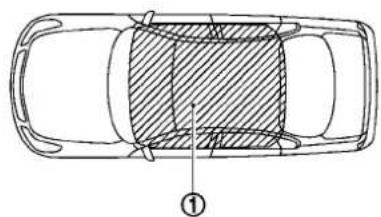
natural_image
Top-down schematic of a car showing cross-sectional view with hatched shading and labeled point (①), no text or symbols present.SSD0824\$SD1021
The Intelligent Keycanonlybeused for starting the engine when the Intelligent Key is within the specified operating range ①.
WhentheIntelligentKeybatteryisalmostdischargedorstrongradiowavesarepresentnear theoperatinglocation,theIntelligentKeysystem'soperatingrangebecomesnarrowerand maynotfunctionproperly.
If the Intelligent Key is within the operating range, it is possible for anyone, even someone who does not carry the Intelligent Key, to push the ignition switch to start the engine.
- ThetrunkareaisnotincludedintheoperatingrangebutthelntelligentKeymayfunction.
- If the Intelligent Key is placed on the instrument panel, rear parcel shelf, inside the glovebox or door pocket, the Intelligent Key may not function.
- If the Intelligent Key is placed near the door or window outside the vehicle, the Intelligent Key may function.
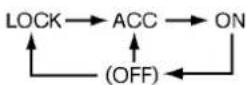
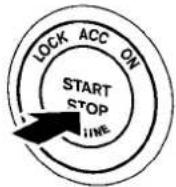
PUSH-BUTTONIGNITIONSWITCH OPERATION
When the ignitions switch is pushed without depressing the brake pedal (automatic transmission model) or the clutch pedal (manual transmission model), the ignitions switch position will change as follows:
- PushcenteroncetochangetoACC.
- PushcentertwotimestochangetoON.
- PushcenterthreetimestochangetoOFF. (Nopositionilluminates.)
- PushcenterfourtimestoreturntoACC.
- OpenorcloseanydoortoreturntoLOCK duringtheOFFposition.
5-8 Starting and driving
Theignitionswitchisequippedwithananti-theftsteeringlockdevice.
Inorderforthesteeringwheeltobelocked, it must be turned about 1/8 of a right or left turn from the straightup position.
Tolockthesteeringwheel, shifttheignition switchtotheLOCKposition.Tounlockthesteeringwheel, pushtheignitionswitch.Ifthesteeringlockreleasemalfunctionindicatorappears onthedotmatrixliquidcrystaldisplay, pushthe push-buttonignitionswitchagainwhilelightly turningthesteeringwheelrightandleft.(See "DOTMATRIXLIQUIDCRYSTALDISPLAY"inthe "2.Instrumentsandcontrols"section.)
If the battery of the vehicle is discharged, the push-buttonignitions switch cannot be turned from the LOCK position.
Someindicatorsandwarningsforoperationare displayedonthedotmatrixliquidcrystaldisplaybetweenthespeedometerandtachometer. (See“DOTMATRIXLIQUIDCRYSTALDISPLAY”in the“2.Instrumentsandcontrols”section.)
Automatictransmissionmodels
Theignitionlockisdesignedsothattheignition switchpositioncannotbeswitchedtoLOCK untiltheselectorleverismovedtotheP(Park) position.
Whentheignitionswitchcannotbepushed towardtheLOCKposition,proceedasfollows:
- MovetheselectorleverintotheP(Park) position.
- Push the ignitions switch to the OFF position. The ignitions switch position indicator will not illuminate.
- Openthedoor. Theignitionswitchwill changetotheLOCKposition.
TheselectorlevercanbemovedfromtheP(Park) positioniftheignitionswitchisintheONpositionandthebrakepedalisdepressed.
PUSH-BUTTONIGNITIONSWITCH POSITIONS
LOCK(Normalparkingposition)
Theignitionswitchcanonlybelockedinthis position.
Theignitionswitchwillbeunlockedwhenitis pushedtotheACCpositionwhilecarryingthe IntelligentKeyorwiththeIntelligentKeyinsertedintheport.
ACC(Accessories)
Thispositionactivateselectricalaccessories suchastheradio,whentheengineisnot running.
ON(Normaloperatingposition)
This position turns on the ignition system and electrical accessories.
OFF
Theenginecanbeturnedoffwithoutlocking thesteeringwheel.
Theignitionlockisdesignedsothattheignition switchcannotbeswitchedtotheLOCKposition untiltheselectorleverismovedtotheP(Park) position.
CAUTION
Donotleavethevehiclewiththepush-button ignitionswitchinACCorONpositionswhenthe engineisnotrunningforanextendedperiod. Thiscandischargethebattery.
Emergencyengineshutoff
Toshutofftheengineinanemergencysituation whiledrivingpeformthefollowingprocedure:
-Rapidlypushthepush-buttonignitionswitch 3consecutivetimes,or
-Pushandholdthepush-buttonignitionfor morethan2seconds.
Startinganddriving5-9
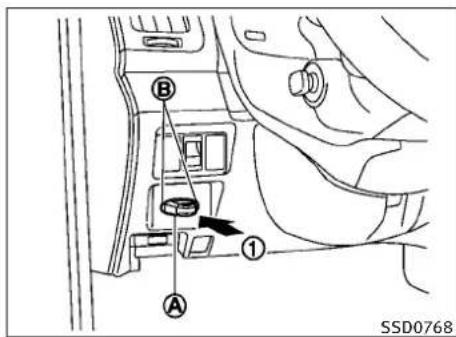
text_image
B A ① SSD0768INTELLIGENTKEYBATTERYDISCHARGE
IfthebatteryofthelIntelligentKeyisalmost discharged,theguidelight ⑧ ofthelIntelligent Keyport ⑨ blinksandtheindicatorappearson thedotmatrixliquidcrystaldisplay.(See“DOT MATRIXLIQUIDCRYSTALDISPLAY”inthe“2. Instrumentsandcontrols”section.)
Inthiscase, inserting the Intelligent Key into the port ① allows outostartthe engine. Make sure that the key ringside faces backward as illustrated. Insert the Intelligent Key in the port until its latched and secured.
ToremovethelIntelligentKeyfromtheport, pushtheignitionswitchtotheOFFpositionand pulltheIntelligentKeyoutoftheport.
5-10 Starting and driving
BEFORESTARTINGTHEENGINE
NOTE:
The Intelligent Keyport does not charge the Intelligent Key battery. If you see the low battery indicator in the dot matrix liquid crystal display, replace the battery as soon as possible. (See "INTELLIGENT KEYBATTERY REPLACEMENT" in the "8. Maintenance and do-it-yourself" section.)
CAUTION
●NeverplaceanythingexcepttheIntelligent KeyinthelIntelligentKeyport.Doingsomay causedamagetotheequipment.
●MakesuretheIntelligentKeyisinthecorrectdirectionwheninsertingittothelIntelligentKeyport.Theenginemaynotstartifitis intheincorrectdirection.
- RemovetheIntelligentKeyfromtheIntelligentKeyportaftertheignitionswitchis pushedtotheOFFposition.
●Makesuretheareaaroundthevehicleis clear.
- Checkfluidlevelssuchasengineoil,coolant,brakefluidandwindowwasherfluidas frequentlyaspossible,oratleastwhenever yourefuel.
- Check that all windows and lights are clean.
- Visuallyinspecttiresfortheirappearance andcondition. Alsochecktiresforproper inflation.
- Lockalldoors.
- Positionseatandadjustheadrestraints.
- Adjustinsideandoutsidemirrors.
●Fastenseatbeltsandaskallpassengersto dolikewise.
- Checktheoperationofwarninglightswhen theignitionswitchispushedtotheON position.(See"WARNING/INDICATORLIGHTS ANDAUDIBLEREMINDERS"inthe"2.Instrumentsandcontrols"section.)
STARTINGTHEENGINE
-
Apply the parking brake.
-
AutomaticTransmission(AT)model:
MovetheselectorlevertotheP(Park)orN(Neutral)position.(Pisrecommended.)
Thestarterisdesignednottooperateunless theselectorleverisineitheroftheabove positions.
ManualTransmission(MT)model:
MovetheshiftlevertotheN(Neutral)position.Depresstheclutchpedalfullytothe floor.
Thestarterisdesignednottooperateunless theclutchpedalisfullydepressed.
The Intelligent Key must be carried when operating the ignitions switch.
- Push the ignitions switch to the ON position. Depressthe brake pedal (AT model) or the clutch pedal (MT model) and push the ignitions switch to start the engine.
Tostarttheengineimmediately, pushand releasetheignitionswitchwhiledepressing thebrakepedalorclutchpedal(MTmodel) withtheignitionswitchinanyposition.
- If the engine is very hard to start in extremely cold weather or when restarting, depress the accelerator pedal alittle (approximately 1/3 to the floor) and while holding, crank the engine. Releasethe accelerator pedal when the engine starts.
- Iftheengineisveryhardtostartbecauseit isflooded, depress the accelerator pedal all the way to the floor and hold it. Push the ignitionswitch to the ON position to start cranking the engine. After 5 or 6 seconds, stop cranking bypassing the ignitions switch to OFF. After cranking the engine, releasethe accelerator pedal. Crank the engine with your foot off the accelerator pedal by depressing the brake pedal and pushing the push-button ignitions switch to start the engine. If the engine starts, but fail storun, repeat the above procedure.
CAUTION
Donotoperatethestarterformorethan15 secondsatatime.Iftheengineedsnotstart, pushtheignitionswitchtoOFFandwait10 secondsbeforecrankingagain,otherwisethe startercouldbedamaged.
4.Warm-up
Allowtheenginetoidleforatleast30 secondsafterstarting.Donotracetheenginewhilewarmingitup.Driveatmoderate speedforashortdistancefirst,especiallyin coldweather.Incoldweather,keepthe engineerunningforaminimumof2-3 minutesbeforeshuttingitoff.Startingand stoppingtheengineoverashortperiodof timemaymakethevehiclemoredifficultto start.
Whenracingtheengineupto4,000rpmor moreundernoloadcondition,theengine willenterthefuelcutmode.
- Tostoptheengine, shifttheselectorlever totheP(Park)position(ATmodel)or movetheshiftlevertotheN(Neutral) position(MTmodel), and pushtheignitionswitchtotheOFFposition.
DRIVINGTHEVEHICLE
AUTOMATICTRANSMISSION
7speedautomatictransmission
The automatic transmission in your vehicle is electronically controlled by transmission control module to produce maximum efficiency and smooth operation.
Shown the following pages are there recommended operating procedures forth this transmission. Follow these procedures form maximum vehicle performance and driving enjoyment.
Startingthevehicle
Afterstartingtheengine,fullydepressthefoot brakepedalandpushtheselectorleverbutton beofreshiftingtheselectorlevertotheR(Reverse),N(Neutral),D(Drive),DS(DriveSport)or Manualshiftmodeposition.Besurethevehicle isfullystoppedbeforeattemptingtoshiftthe selectorlever.
This automatic transmission model is designed so that the foot brake pad must be depressed before shifting from P(Park) to any drive position while the ignition switch position is ON.
TheselectorlevercannotbemovedoutoftheP (Park)positionandintoanyoftheothergear positionsiftheignitionswitchispushedtothe LOCK,OFForACCposition.
5-12 Starting and driving
-
Keep the foot brake pedal depressed and push these selector lever button to shift into driving gear.
-
Releasetheparkingbrakeandfootbrake, thengraduallystartthevehicleinmotion.
WARNING
- Donotdepresstheacceleratorpedalwhile shiftingfromP(Park)orN(Neutral)toR(Reverse),D(Drive),DS(DriveSport)ormanual shiftmode.Alwaysdepressthebrakepedal untilshiftingiscompleted.Failuretodoso couldcauseyoutolosecontrolandhavean accident.
●Coldengineidlespeedishigh, sousecautionwhenshiftingintoaforwardorreverse gearbeforetheenginehaswarmedup.
- NevershifttoP(Park)orR(Reverse)while vehicleismovingforward.NevershifttoP(Park),D(Drive)orDS(DriveSport)while vehicleismovingrearward.Failureretodoso couldcauseyoutolosecontrolandhavean accident.
CAUTION
- Whenstoppingthevehicleonanuphill grade, donotholdthevehiclebydepressing theacceleratorpedal. Thefootbrakeshould beusedforthispurpose.
- Donotdownshiftabruptlyonslipperyroads. Thismaycausealossofcontrol.
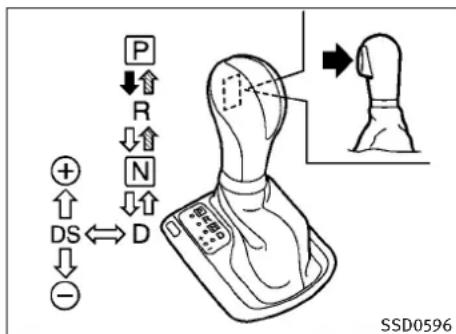
text_image
P ↓↑ R ↓↑ N ↓↑ ⊕ ↑ DS ⇌ D ↓ -Selectorlever
Shifting
Tomovetheselectorlever,
→ :Pushthebuttonwhiledepressingthe brakepedal,
→ :Pushthebutton,
→:Justmovetheselectorlever.
Afterstartingtheengine,fullydepress the brakepedalandshifttheselectorleverfromP (Park)toR(Reverse),N(Neutral),D(Drive),DS (DriveSport)orManualshiftmodeposition.
PushthebuttontoshiftintoP(Park)orR (Reverse).Allotherpositionscanbeselected withoutpushingthebutton.
WARNING
Apply the parking brake if these selector lever is in any position while the engine is not running. Failure to dosocould cause the vehicle to move unexpectedly or roll away and result in serious personal injury or property damage.
CAUTION
Makesurethevehicleiscompletelystopped andthetransmissionisintheP(Park)position.
P(Park)position:
Usethisselectorpositionwhenthevehicleis parkedorwhenstartingtheengine.Makesure thevehicleiscompletelystopped.Thebrake pedalmustbedepressedandtheselectorlever buttonpushedintomovetheselectorleverfrom theN(Neutral)positionoranydrivepositionto theP(Park)position.Applytheparkingbrake. Whenparkingonahill,applytheparkingbrake first,thenmovetheselectorlevertotheP(Park) position.
CAUTION
Use this position only when the vehicle is completely stopped.
R(Reverse):
Use this position to backup. Always besure the vehicle is completely stopped before selecting the R(Reverse) position. The brake pedal must be depressed and these selector lever button pushed into movethese selector lever from the P (Park) position, the N(Neutral) position or any drive position to the R(Reverse) position.
N(Neutral):
Neitherforwardnorreversegearisengaged. Theenginecanbestartedinthisposition.You mayshifttotheN(Neutral)positionandrestart astalledenginewhilethevehicleismoving.
D(Drive):
Use this position for all normal forward driving.
DS(DriveSport)mode
MovetheselectorleverfromD(Drive)totheleft intothemanualshiftgate. Thetransmission positionindicatorinthemetershows“DS”.
IntheDS(DriveSport)mode, the transmission changestothe "sporty" drivingshiftoperation, creating amoreaggressive acceleration feeling thantheD(Drive)mode and providing age changesensationwhenthedriver accelerates quickly.
Whenthedriverselectsthemanualshiftmode usingtheselectorlever(orthepaddleshifter) duringtheDS(DriveSport)modeoperation,the drivermustmovetheselectorleverfromDS (DriveSport)toD(Drive)andbackagain to re-selecttheDS(DriveSport)mode.
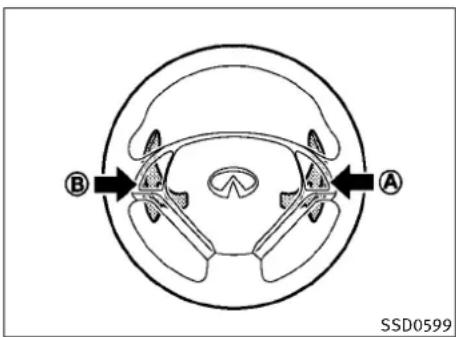
text_image
B A SSD0599Paddleshifters
Manualshiftmode
WhentheselectorleverisintheDS(Drive Sport)position, thetransmissionisready for themanualshiftmode.Shiftrangescanbe selectedmanuallybymovingtheselectorlever upordown, orpullingtheright-sideorleft-side paddleshifter.
Whenshiftingup, movetheselectorlevertothe +(up)sideorpulltheright-sidepaddleshifter (+) Ⓐ (ifsoequipped). Thetransmissionshifts tothehigherrange.
Whenshiftingdown, movetheselectorleverto the—(down)sideorpulltheleft-sidepaddle
shifter(−) Ⓑ (ifsoequipped).Thetransmissionshiftstothelowerrange.
Whencancelingthemanualshiftmode, return theselectorlevertotheD(Drive)position. The transmissionreturnstothenormaldriving mode.
When you pull the paddleshifter while in the D (Drive) position, the transmission will shift to the upper or lower ran get temporarily. The transmission will automatically return to the D (Drive) position after a short period of time. If you want to return to the D (Drive) position manually, pull and hold the paddleshifter for about 1.5 seconds.
Inthemanualshiftmode, theshiftrangeis displayed on the position indicator in the meter.
Shiftrangesupordownonebyoneasfollows:
$$ \begin{array}{c c c c c c c c}\mathsf {M 1} \rightarrow&\mathsf {M 2} \rightarrow&\mathsf {M 3} \rightarrow&\mathsf {M 4} \rightarrow&\mathsf {M 5} \rightarrow&\mathsf {M 6} \rightarrow&\mathsf {M 7}\\leftarrow&\leftarrow&\leftarrow&\leftarrow&\leftarrow&\leftarrow&\end{array} $$
^M 7(7th):
Use these positions for all normal forward driving at highways speeds.
5-14 Starting and driving
^M 6(6th)and ^M 5(5th):
Use this position when driving up long slopes, or forengine braking when driving down long slopes.
^M 4(4th), ^M 3(3rd) and ^M 2(2nd):
Usethesepositionsforhillclimbingorengine brakingondownhillgrades.
^M1(1st) :
Use this position when climbing steep hills slowly or drivings slowly through deep snow, or for maximum engine braking on steep downhill grades.
- Remembernottodriveathighspeedsfor extendedperiodsoftimeinlowerthan7th gear. Thisreducesfueleconomy.
- Movingtheselectorleverrapidlytothesame sidetwicewillshifttherangesinsuccession.
- Inthemanualshiftmode, the transmission may not shift to these selected gear. This helps maintain driving performance and reduces the chance of vehicle damage or loss of control.
Whenthissituationoccurs, the Automatic Transmission(AT)positionindicatorlight(on thedotmatrixliquidcrystaldisplay) will blinkandthechimewillsound.
- Inthemanualshiftmode, the transmission automatically shifts down to 1st gear before the vehicle comestoastop. When accelerating again, it is necessary to shift up to the desired range.
Acceleratordownshift—InD(Drive) position—
Forpassingorhillclimbing,fullydepressthe acceleratorpedaltothefloor.Thisshiftsthe transmissiondownintothelowergear,dependingonthevehiclespeed.
Fail-safe
Whenthefail-safeoperationoccurs, notethat the transmission will be locked in any of the forward gears according to the condition.
Ifthevehicleisdrivenunderextremeconditions, suchasexcessivewheelspinningandsubsequenthardbraking, thefail-safesystemmaybe activated. This will obscurevenifallelectrical circuits are functioning properly. In this case, pushtheignitionswitchtotheOFFposition and waitfor3 seconds. Then pushtheignitionswitch backtotheONposition. The vehicles should return to its normal operating condition. If it does not return to its normal operating condition, have an INFINIT retailer check the transmission and repair if necessary.
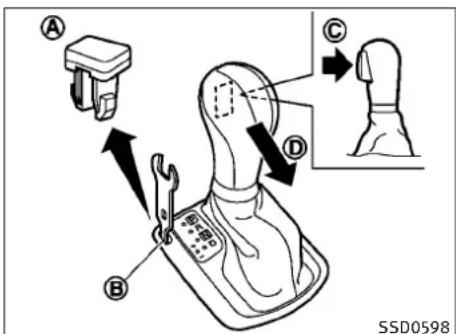
text_image
A B C D SSD0598Shiftlockrelease
If the battery charge is low word discharged, the selector lever may not be moved from the P (Park) position even with the brake pedal depressed and these selector lever button pushed.
Tomovetheselectorlever, perform the following procedure:
- PushtheignitionswitchtotheOFFor LOCKposition.
- Apply the parking brake.
- Removetheshiftlockcover suitabletool. Ⓐ usinga
Startinganddriving5-15
4.Pushdowntheshiftlock
B asillustrated.
- Pushtheselectorleverbutton © and movetheselectorlevertoN(Neutral) position Ⓓ whileholdingdowntheshift lock.
PushtheignitionswitchtotheONpositionto unlockthesteeringwheel.Nowthevehiclemay bemovedtothedesiredlocation.
If the battery is discharged completely, the steering wheel cannot be unlocked. Donot mov the vehicle with the steering wheel locked.
If the lever cannot be removed out of P (Park), have an INFINIT retailer check the automatic transmission system as soon as possible.
MANUALTRANSMISSION

WARNING
- Donotdownshiftabruptlyonslipperyroads. Thismaycausealossofcontrol.
- Donotover-revtheenginewhenshiftingtoa lowergear. This may cause alossof control orenginedamage.
5-16 Starting and driving

CAUTION
- Donotrestyourfootontheclutchpedal whiledriving. This may damage the clutch.
●Fullydepresstheclutchpedalbeforeshift-ingtohelppreventtransmissiondamage. - Stopyourvehiclecompletelybeforeshifting intoR(Reverse).
- When the vehicle is stopped for a period of time, fore example at a stoplight, shift to N (Neutral) and release the clutch pedal with the footbrake applied.
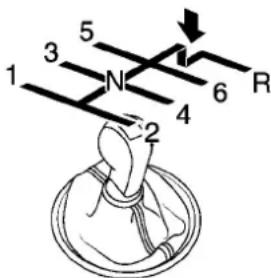
text_image
1 3 5 N 4 2 6 RSSD0536
Shifting
Tochangegears, or when upshifting order down-shifting, fully depress the clutch pedal, shift into the appropriate gear, then slowly and smoothly releaset the clutch pedal.
Thisvehicleisequippedwithashortthrow shiftermanualtransmission.Toensuresmooth gearchanges,fullydepresstheclutchpedal beforeoperatingtheshiftlever.Iftheclutch pedalisnotfullydepressedbeforethetrans-missionisshifted,agearnoisemaybeheard. Transmissiondamagecouldoccur.
Startthevehiclein1stgearandshiftto2nd, 3rd,4th,5thand6thgearinsequenceaccordingtovehiclespeed.
Tobackup, depresstheshiftleverandthen moveittotheR(Reverse)gearafterstopping thevehiclecompletely.
Theshiftleverreturnstoitsoriginalposition whentheshiftleverismovedtotheN(Neutral) position.
IfitisdifficulttomovetheshiftleverintotheR (Reverse)or1stgear, shifttotheN(Neutral) position, and then releasetheclutchpedal once. Fully depress the clutchpedal again and shift intotheR(Reverse)or1stgear.
Suggestedupshiftspeeds
The following aresuggested vehicles speeds for shifting into a higher gear. Theses suggestions relatetofueleconomy and vehicle performance. Actual upshifts speedswill vary according to road conditions, the weather and individual driving habits.
Fornormalaccelerationinlowaltitudeareas [lessthan4,000ft(1,219m)]:
GearchangeMPH(km/h)
1stto2nd8(13)
2ndto3rd16(25)
3rdto4th25(40)
4thto5th28(45)
5thto6th33(53)
For quick acceleration in low altitude areas or in high altitude areas [over 4,000 ft (1,219 m)]:
GearchangeMPH(km/h)
1stto2nd15(24)
2ndto3rd 25(40)
3rdto4th 40(64)
4thto5th45(72)
5thto6th50(80)
Suggested maximumspeedineach gear
Downshifttoalowergeariftheengineisnot runningsmoothly,orifyouneedtoaccelerate.
Donotexceedthemaximumsuggestedspeed (shownbelow)inanygear.Forlevelroaddriving,usethehighestgearsuggestedforthat speed.Alwaysobservepostspeedlimits, and driveaccordingtotheroadconditions,which willensuresafeoperation.Donotover-revthe enginewhenshiftingtoalowergearasitmay causeenginedamageorlossofvehiclecontrol.
Sedan:
| GearMPH(km/h) | |
| 1st | 39(63) |
| 2nd | 64(103) |
| 3rd | 92(148) |
| 4th | — |
| 5th | — |
| 6th | — |
Coupe:
| GearMPH(km/h) | |
| 1st | 39(63) |
| 2nd | 65(104) |
| 3rd | 93(149) |
| 4th | — |
| 5th | — |
| 6th | — |
PARKINGBRAKE

WARNING
- Besuretheparkingbrakeisfullyreleased beforedriving.Failuretodosocancause brakefailureandleadtoanaccident.
- Donotreleasetheparkingbrakefromoutsidethevehicle.
- Donotusethegearshiftinplaceofthe parkingbrake. Whenparking, besurethe parkingbrakeisfullyengaged.
- Donotleavechildrenunattendedinavehicle.Theycouldreleasetheparkingbrake andcauseanaccident.
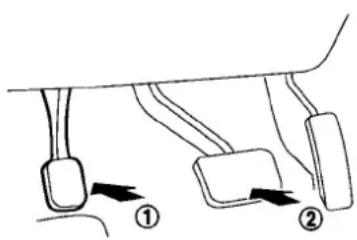
text_image
Diagram showing two labeled mechanical or electrical components with directional arrows indicating movement or force direction.SPA2331\$PA2110

text_image
Diagram showing three labeled arrows pointing to a curved object, with numbers ①, ②, and ③ indicating directional movement.AUTOMATICTRANSMISSIONMODELS
Toapply: Fully depress the parking brake pedal ①.
Torelease:
1.Firmlyapplythefootbrake ②.
2.Depresstheparkingbrakepedal ① and theparkingbrakewillbereleased.
3. Before driving, besure the brakewarning light goes out.
MANUALTRANSMISSIONMODELS
Toapply: Pull the parking brake lever up ①.
Torelease:
- Firmlyapplythefootbrake.
- While pulling up on the parking brake leverslightly, push the button ② and lower the lever completely ③.
- Before driving, besure the brakewarning light goes out.
CRUISECONTROL
PRECAUTIONSONCRUISECONTROL
- If the cruise control system malfunctions, it will cancel automatically. The SET indicator on the dot matrix crystal display will then blink to warn the driver.
- If the engine coolant temperature becomes excessively high, the cruise control system will be canceled automatically.
- If the SET indicatorblinks, turn the cruise control mains switchoff and havethesystem checked by your INFINIT retailer.
●TheSETindicatormaysometimesblink whenthecruisecontrolmainswitchis turnedONwhilepushingthe RESUME/ACCELERATE,SET/COASTorCANCELswitch.Toproperlysetthecruisecontrol system,performthestepsbelowintheorder indicated.

WARNING
Donotusethecruise control when driving under the following conditions:
- whenitisnotpossibletokeepthevehicleat asetspeed
•inheavytrafficorintrafficthatvariesin speed
●onwindingorhillyroads
● onslipperyroads(rain, snow, ice, etc.)
-inverywindyareas
Doingsocouldcausealossofvehiclecontrol andresultinanaccident.

CAUTION
Onmanualtransmissionmodels, donotshift into N(Neutral) without depressing the clutch pedal when the cruise control is set. Should this occur, depress the clutch pedaland turn them as switch off immediately. Failure to do somay cause engaged damage.

text_image
3 CANCEL 1 ACCEL/RESET 2 COAST/SET 4 ON OFF SSD0600- RESUME/ACCELERATE switch
2.SET/COASTswitch
3.CANCELswitch - MAIN(ON-OFF) switch
CRUISECONTROLOPERATIONS
Thecruisecontrolallowsdrivingataspeed between25to89MPH(40to144km/h)without keepingyourfootontheacceleratorpedal.
Toturnonthecruisecontrol, pushtheMAIN switchon. The CRUISE indicator will come on.
Tosetcruisingspeed,accelerateyourvehicleto thedesiredspeed,pushtheSET/COASTswitch andreleaseit.(TheCRUISESETindicatorwill comeonintheinstrumentpanel.)Takeyour footofftheacceleratorpedal.Yourvehiclewill maintainthesetspeed.
- Topassanothervehicle, depress the accelerator pedal. When you are a set of vehicles will return to the previously set speed.
●The vehicle may not maintain the sets speed on winding or hilly roads. If this happens, drivewithout the cruise control.
Tocancelthepresetspeed, followanyofthese methods:
a) Push the CANCEL button. The SET indicator will go out.
b) Tapthebrakepedal. The SET indicator will go out.
c) MovetheselectorlevertotheN(Neutral) position. The SET indicator will go out.
d)TurntheMAINswitchoff.BoththeCRUISE indicatorandSETindicatorwillgoout.
- If you depress the brake pedal while pushing the RESUME/ACCELERATE or SET/COAST switch and reset at the cruising speed, the cruise control will disengage. Turn the MAIN switch off once and then turn it on again.
5-20 Startinganddriving
- Thecruisecontrolwillautomaticallycancelif thevehicleslowsmorethan8MPH(12 km/h)belowthesetspeed.
- If you depress the clutch pedal (Manual Transmission models) or movetheselector levertoN(Neutral) position (Automatic Transmission models), the cruise control will be canceled.
Toresetatafastercruisingspeed, useoneof thefollowingmethods:
- Depresstheacceleratorpedal. When the vehicleattainsthedesiredspeed, pushand releasetheSET/COASTswitch.
- PushandholdtheRESUME/ACCELERATE switch. Whenthevehicleattainsthespeed youdesire, releasetheswitch.
- Push, then quickly releasethe RESUME/ACCELERATE switch. Each time you do this, the setspeedwillincreasebyabout 1MPH(1.6km/h).
Toresetataslowercruisingspeed, useoneof thefollowingmethods:
●Lightlytapthebrakepedal. Whenthevehicleattainsthedesiredspeed, push the SET/COASTswitchandreleaseit.
- PushandholdtheSET/COASTswitch.Releasetheswitchwhenthevehicleslows downtothedesiredspeed.
- Push, then quickly releasethe SET/COAST switch. Each time you do this, the sets speed will decrease by about 1 MPH (1.6 km/h).
Toresumethepresetspeed, pushandrelease theRESUME/ACCELERATEswitch. The vehicle will resumethelastsetcruisingspeed when the vehiclespeed is over 25 MPH (40 km/h).
5-20 Startinganddriving
INTELLIGENTCRUISECONTROL(ICC) SYSTEM(ifsoequipped)
The Intelligent Cruise Control (ICC) system automatically maintains a selected distance from the vehicle traveling in front of you according to that vehicle's speed (uptothesetspeed), or at the setspeed when thereada ahead is clear.
The ICC function can be set to one of two cruise control modes:
●Vehicle-to-vehicledistancecontrolmode:
Formaintainingaselecteddistancebetween yourvehicleandthevehicleinfrontofyou uptothepresetspeed.
●Conventional(fixedspeed)cruisecontrol mode:
Forcruisingatapresetspeed.

WARNING
●Alwaysdrivecarefullyandattentivelywhen usingeithercruisecontrolmode.Readand understandtheOwner'sManualthoroughly beforeusingthecruisecontrol.Toavoidseriousinjuryordeath,donotrelyonthesystemtopreventaccidentsortocontrolthe vehicle'sspeedinemergencysituations.Do notusecruisecontrolexceptinappropriate roadandtrafficconditions.
●Intheconventional(fixedspeed)cruisecontrolmode,awarningchimewillnotsoundto warnyouifyouaretooclosetothevehicle ahead.Payspecialattentiontothedistance betweenyourvehicleandthevehicleahead ofyouoracollisioncouldoccur.
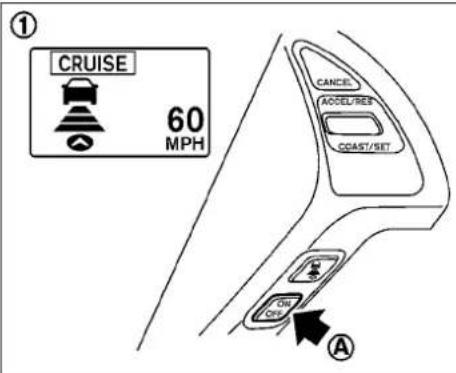
text_image
① CRUISE 60 MPH CANCEL ACCEL/REF COAST/SET OFF OFF A- Vehicle-to-vehicledistancecontrolmode
- Conventional(fixedspeed)cruisecontrol mode
PushtheMAINswitch ① tochoosethecruise controlmodebetweenthevehicle-to-vehicle distancecontrolmode ① andtheconventional (fixedspeed)cruisecontrolmode ②.
AlwaysconfirmthesettingintheIntelligent CruiseControlsystemdisplay.
Forthevehicle-to-vehicledistancecontrol mode,seethefollowingdescription.Forthe conventional(fixedspeed)cruisecontrolmode, seepage5-39.

text_image
② CRUISE SET CANCEL ACCEL/RESET COAST/SET ON OFF A SSD0604SELECTINGTHEVEHICLE-TO-VEHICLE DISTANCECONTROLMODE
Tochoosethevehicle-to-vehicledistancecontrolmode ①,quicklypushandreleasethe MAINswitch Ⓐ.
Onceacontrolmodeisactivated, it cannot be changed to the other cruise control mode. To changethemode, push the MAIN switch on ceto turn the system off. Then push the MAIN switch again to turn the system back on and select the desired cruise control mode.
VEHICLE-TO-VEHICLEDISTANCE CONTROLMODE
Inthevehicle-to-vehicledistancecontrolmode, theIntelligentCruiseControl(ICC)systemautomaticallymaintainsaselecteddistancefrom the vehicle travelinginfrontofyouaccording to that vehicle's speed(uptothesetspeed), or at the setspeedwhentheroadaheadisclear.
With ICC, the driver can maintain the same speed as other vehicles without the constant need to adjust the sets speed as you would with an normal cruise control system.
5-22 Starting and driving

text_image
A SSD0926Sedan
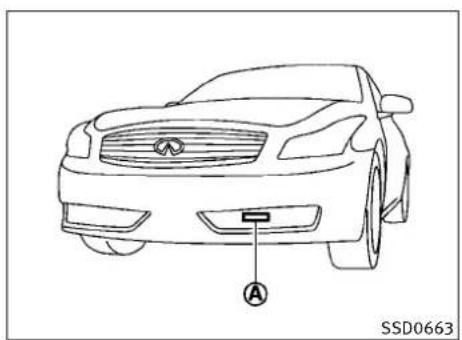
natural_image
Line drawing of a car front view with a labeled sensor or connector (no text or symbols beyond the label)Coupe-TypeB
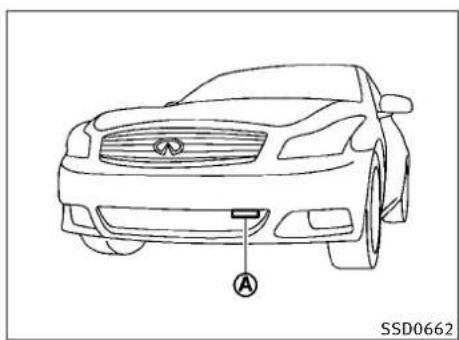
natural_image
Line drawing of a car front view with a labeled sensor or connector (no text or symbols beyond the label)Coupe—TypeA
PRECAUTIONSONVEHICLE-TO-VEHICLEDISTANCECONTROLMODE
Thesystemisintendedtoenhancetheoperationofthevehiclewhenfollowingavehicle travelinginthesamelaneanddirection.
Ifthedistancesensor Ⓐ detectsaslower movingvehicleahead,thesystemwillreduce thevehiclespeedsothatyourvehiclefollows thevehicleinfrontattheselecteddistance.
Thesystemautomaticallycontrolsthethrottle andappliesthebrakes(upto25%ofvehicle brakingpower)ifnecessary.
Thedetectionrangeofthesensorisapproximately390ft(120m)ahead.
WARNING
- Thissystemisonlyanaidtoassistthedriver andisnotacollisionwarningoravoidance device.Itisthedriver'sresponsibilitytostay alert,drivesafelyandbeincontrolofthe vehicleatalltimes.
- Thesystemisprimarilyintendedforuseon straight,dry,openroadswithlighttraffic.It isnotadvisabletousethesystemincity trafficorcongestedareas.
- Thissystemwillnotadaptautomaticallyto roadconditions. Thissystemshouldbeused unevenlyflowingtraffic. Donotusethesystemonroadswithsharpcurves, oronic roads, inheavyrainorinfog.
Thedistancesensorwillnotdetectundermost conditions:
●Stationaryandslowmovingvehicles
●Pedestriansorobjectsintheroadway
●Oncomingvehiclesinthesamelane
●Motorcyclestravelingoffsetinthetravel lane
Startinganddriving5-23
This system will not automatically brake the vehicle to stop.
WARNING
●Asthereisaperformancelimittothedistancecontrolfunction,neverrelysolelyon theIntelligentCruiseControlsystem.This systemdoesnotcorrectcareless,inattentiveorabsent-mindeddriving,overcome poorvisibilityinrain,fog,orotherbad weather.Deceleratethevehiclespeedbydepressingthebrakepedal,dependingonthe distancetothevehicleaheadandthesurroundingcircumstancesinordertomaintain asafedistancebetweenvehicles.
- Although the brake operation is controlled by the system, the system does not automatically stop the vehicle. If the vehicle speed falls below approximately 20 MPH (32 km/h), the Intelligent Cruise Control system is automatically canceled and awarning chimesounds. (The brake control is also canceled.)
- Thesystemmaynotdetectthevehiclein frontofyouincertainroadorweatherconditions.Toavoidaccidents,neverusethelIntelligentCruiseControlsystemunderthe followingconditions:
-Onroadswherethetrafficisheavyor therearesharpcurves
-Onslipperyroadsurfacessuchasonice orsnow,etc.
–Duringbadweather(rain,fog,snow,etc.)
Whenthewindshieldwiperisoperatedat thelowspeed(LO)orhighspeed(HI)position,theIntelligentCruiseControlsystemisautomaticallycanceled.
-Whenstronglight(forexample,atsunriseorsunset)isdirectlyshiningonthe frontofthevehicle
-Whenrain, snowordirtadheretothesystemsensor
-Onsteepdownhillroads(thevehiclemay gobeyondthesetvehiclespeedandfrequentbrakingmayresultinoverheating thebrakes)
-Onrepeateduphillanddownhillroads
- Whentrafficconditionsmakeitdifficultto keepaproperdistancebetweenvehicles becauseoffrequentaccelerationor deceleration
●Insomeroadortrafficconditions,vehicle orobjectcanunexpectedlycomeintothe sensordetectionzoneandcauseautomatic braking.Youmayneedtocontrolthedistancefromothervehiclesusingtheacceleratorpedal.Alwaysstayalertandavoidusing theICCsystemwhenitisnotrecommended inthissection.
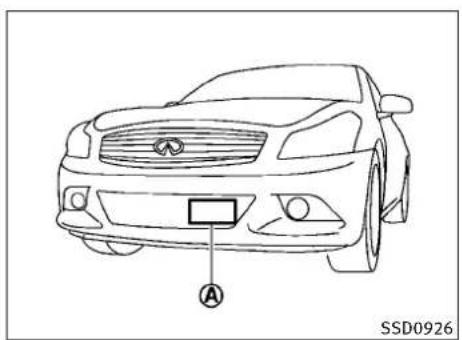
text_image
A SSD0926Sedan
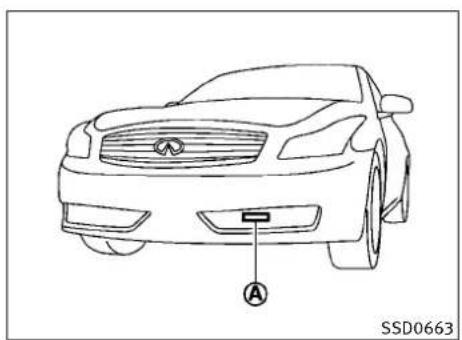
natural_image
Line drawing of a car front view with a labeled sensor or connector (no text or symbols beyond the label)Coupe-TypeB
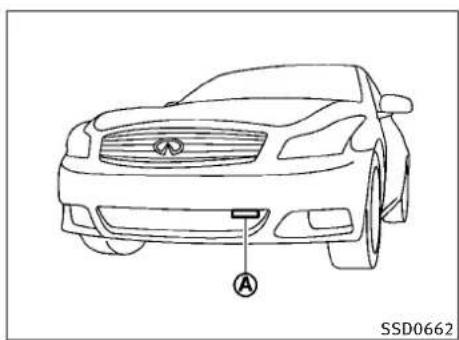
natural_image
Line drawing of a car front view with a labeled sensor or connector (no text or symbols beyond the label)Coupe-TypeA
Alwayspayattentiontotheoperationofthe vehicleandbereadytomanuallycontrolthe properfollowingdistance.Thevehicle-to-vehicledistancecontrolmodeofthelntelligent CruiseControl(ICC)systemmaynotbeableto maintaintheselecteddistancebetweenvehicles(followingdistance)orselectedvehicle speedundersomecircumstances.
The vehicle-to-vehicledistancecontrolmode usesasensor locatedonthefrontofthe vehicletodetectvehiclestravelingahead. The sensorgenerallydetectsthesignalsreturned fromthereflectorsonavehicleahead.Therefore,ifthesensorcannotdetectthereflectoron thevehicleahead,thelCCsystemmaynot maintaintheselecteddistance.
The following aresome conditions in which the sensor cannot detect the signals:
- Whenthereflectorofthevehicleaheadis positionedhighonthevehicle(trailer,etc.)
- When thereflectoronthevehicleahead is missing,damagedorcovered
- When thereflectorofthevehicleaheadis coveredwithdirt, snowandroadspray
- Whenthesnoworroadsprayfromtraveling vehiclesreducesthesensor'svisibility
- Whendenseexhaustorothersmoke(black smoke)fromvehiclesreducesthesensor's visibility
- Whenexcessivelyheavybaggageisloaded intherearseatorthetrunkofyourvehicle
TheICCsystemisdesignedtoautomatically checkthesensor'soperationwithinthelimitationsofthesystem.Whenthesensoriscovered withdirtorobstructs,thesystemwillautomaticallybecanceled.Ifthesensoriscoveredwith ice,attransparentortranslucentvinylbag,etc., theICCsystemmaynotdetectthem.Inthese instances,thevehicle-to-vehicledistancecontrolmodemaynotcancelandmaynotbeable tomaintaintheselectedfollowingdistance fromthevehicleahead.Besuretocheckand cleanthesensorregularly.
Thevehicle-to-vehicledistancecontrolmodeis designedtomaintainaselecteddistanceand reducethespeedtomatchtheslowervehicle ahead; thesystemwilldeceleratethevehicleas necessary. However, theICCsystemcanonly applyupto25%ofthevehiclestotalbraking power. Thissystemshouldonlybeusedwhen trafficconditionsallowvehiclespeedstore-mainfairlyconstantorwhenvehiclespeeds changegradually. Ifvehiclemovesintothe travelinglaneaheadorifavehicletraveling aheadrapidlydecelerates, thedistancebetweenvehiclesmaybecomecloserbecausethe ICCsystemcannotdeceleratethevehicle quicklyenough. Ifthisoccurs, theICCsystem willsoundawarningchimeandblinkthe systemdisplaytonotifythedrivertotake necessaryaction.
5-26 Starting and driving
Thesystemwillcancelandawarningchimewill soundifthespeedfallsbelowapproximately20 MPH(32km/h). Thesystemwillalsodisengage belowthe20MPH(32km/h)cut-offspeedor overthemaximumsetspeed.
See "Approachwarning" laterinthissection.
The following items are controlled in the vehicle-to-vehicledistance control mode:
- Whentherearenovehiclestravelingahead, thevehicle-to-vehicledistancecontrolmode maintainsthespeedsetbythedriver. The setspeedrangeisbetweenapproximately 25and90MPH(40and144km/h).
- Whenthereisavehicletravelingahead, the vehicle-to-vehicledistancecontrolmodeadjuststhespeedtomaintainthedistance, selectedbydriver, fromthevehicleahead. Theadjustingspeedrangeisbetweenapproximately20MPH(32km/h)anduptothe setspeed.
- Whenthevehicletravelingaheadhasmoved outfromitslaneoftravel,thevehicle-to-vehicledistancecontrolmodeaccelerates andmaintainsvehiclespeeduptotheset speed.
The ICC system does not control vehicles speed or warn you when you approach stationary and slow moving vehicles. You must pay attention to vehicle operation to maintain proper distance from vehicles ahead when approaching toll gates or traffic congestion.
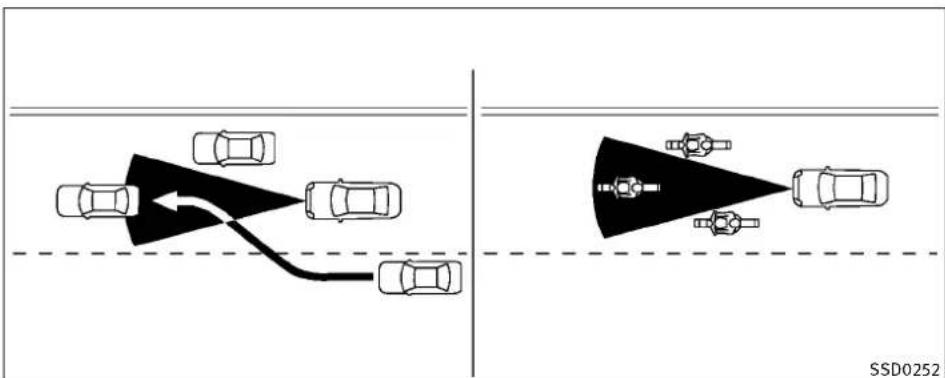
flowchart
graph TD
    A["Top Left: Car with arrow indicating collision"]
    B["Top Right: Target Vehicle with arrow indicating collision"]
    C["Bottom Left: Car with dashed line crossing"]
    D["Bottom Right: Car with dashed line crossing"]
ThedetectionzoneofthelCCsensorislimited. Avehicleaheadmustbeinthedetectionzone forthevehicle-to-vehicledistancedetection modetomaintaintheselecteddistancefrom thevehicleahead.
Avehicleaheadmaymoveoutsideofthede- tectionzoneduetoitspositionwithinthesame laneoftravel.Motorcyclesmaynotbedetected inthesamelaneaheadiftheyaretraveling offsetfromthecenterlineofthelane.Avehicle thatisenteringthelaneaheadmaynotbe detecteduntilthevehiclehascompletely movedintothelane.Ifthisoccurs,theICC systemmaywarnyoubyblinkingthesystem indicatorandsoundingthechime.Thedriver
mayhavetomanuallycontroltheproperdistanceawayfromvehicletravelingahead.
Startinganddriving5-27
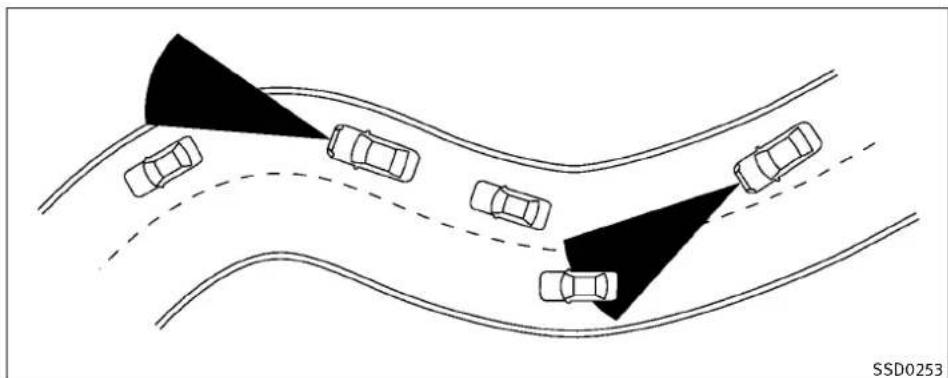
natural_image
Diagram showing multiple cars on curved road with two shaded triangular obstacles, no text or symbols presentWhendrivingonsomeroads,suchaswinding, hilly,curved,narrowroads,orroadswhichare underconstruction,theICCsensormaydetect vehiclesinadifferentlane,ormaytemporarily notdetectvehicletravelingahead.Thismay causethelICCsystemtodecelerateoracceleratethevehicle.
The detection of vehicles may also be affected by vehicle operation (steering maneuver or traveling position in the Helane, etc.) or vehicle condition. If this occurs, the CC system may warn you by blinking the system indicator and sounding the chime unexpected. You will have to manually control the proper distance away from the vehicle traveling ahead.
5-28Startinganddriving

natural_image
Diagram showing two cars driving on a road with an arrow indicating direction, no text or symbols presentWhendrivingonthefreewayatasetspeed and approachingaslowertravelingvehicleahead, theICCwilladjustthespeedtomaintainthe distance,selectedbythedriver,fromtheve- hicleahead.Ifthevehicleaheadchangeslanes orexitsthefreeway,theICCsystemwillaccelerateandmaintainthespeeduptotheset speed.Payattentiontothedrivingoperationto maintainincontrolofthevehicleasitaccelerates tothesetspeed.
The vehicle may not maintain the sets speed on winding or hilly roads. If this occurs, you will have to manually control the vehicles speed.
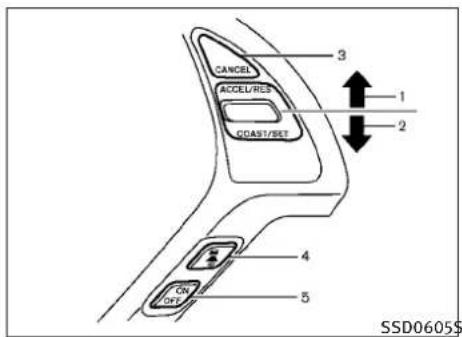
text_image
CANCEL ACCEL/RES COAST/RET 3 1 2 4 CN OFF 5 SSD0605$SSD0605\$SD0606
4) DISTANCE switch:
Changesthevehicle'sfollowingdistance:
●Long
●Middle
●Short
5) MAINswitch:
Masterswitchtoactivatethesystem
Intelligentcruisecontrolswitch
ThesystemisoperatedbyaMAINswitchand fourcontrolswitches,allmountedonthesteeringwheel.
1)RESUME/ACCELERATEswitch:
Resumessetspeedorincreasesspeed incrementally,
2) SET/COASTswitch:
Setsdesiredcruisespeed, reduces speed incrementally.
3) CANCELswitch:
Deactivate the system without erasing the set speed.

text_image
1 2 3 4 CRUISE 60 MPH 5 CRUISE 6Intelligentcruisecontrolsystem display and indicators
Thedisplayislocatedbetweenthespeedometerandtachometer.
1) MAINswitchindicator:
IndicatesthattheMAINswitchisON.
2) Vehicleaheaddetectionindicator:
Indicateswhetheritdetectsavehiclein frontofyou.
3) Setdistanceindicator:
Displaysthesetecteddistancebetween vehiclesetwiththeDISTANCEswitch.
4) Indicates your vehicle
Startinganddriving5-29
5) Set vehiclespeed indicator:
Indicatesthesetvehiclespeed.
ForCanadianmodels,thespeedisdisplayedinkm/h.
6) Intelligent Cruise Control system warning light (orange):
Thelightcomesonifthereisamalfunc- tionintheICCsystem.
CRUISE
SSD0607\$SD0608
WhentheignitionswitchispushedtotheON position,theindicatorscomeonasillustrated tocheckforaburned-outbulb,anditturnsoff whentheengineisstarted.

text_image
CRUISE MPH CANCEL ACCEL/REF CONST/REF ON OKOperatingvehicle-to-vehicledistance controlmode
Toturnonthecruisecontrol, quickly push and releas the MAIN switch ① on. The cruise indicator light, set distance indicator and set vehiclespeed indicator come on and in a stand by state for setting.
5-30 Starting and driving
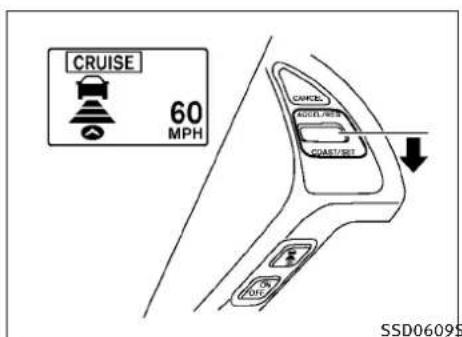
text_image
CRUISE 60 MPH CAUSE AUTO/RESET COAST/RESET OFF SSD0609STosetcruisingspeed,accelerateyourvehicle to thedesiredspeed,pushtheSET/COASTswitch andreleaseit.(Vehicleaheaddetectionindicator,setdistanceindicatorandsetvehiclespeed indicatorcomeon.)Takeyourfootoffthe acceleratorpedal.Yourvehiclewillmaintainthe setspeed.
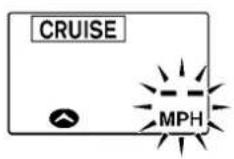
SSD0609SSD0784SSD0614
WhentheSET/COASTswitchispushedunder the following conditions, the system cannot be set and the ICC indicators will blink for approximately 2 seconds:
- Whentravelingbelow25MPH(40km/h)and thevehicleaheadisnotdetected
- WhentheselectorleverisnotintheD,DSor Manualmode
- Whenthewindshieldwipersareoperatingat low(LO)orhighspeed(HI).
●Whenthebrakesareoperatedbythedriver
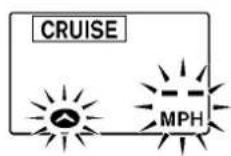
When the SET/COAST switch is pushed under the following conditions, the system cannot be set.
AwarningchimewillsoundandthelCCindicatorswillblink.
- WhentheSNOWmodeswitchisON(Touse theICCsystem,turnofftheSNOWmode switch,pushtheMAINswitchtoturnoffthe ICCandresettheICCswitchbypassingthe MAINswitchagain.)
FordetailsabouttheSNOWmodeswitch, see"SNOWMODESWITCH"inthe"2.Instrumentsandcontrols"section.
①

②
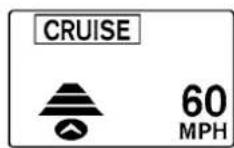
SSD0610
1.Systemsetdisplaywithvehicleahead
2. Systemsetdisplaywithoutvehicleahead
Systemoperation

WARNING
Normallywhencontrollingthedistancetoa vehicleahead, thissystemautomaticallyacceleratesordeceleratesyourvehicleaccordingto thespeedofthevehicleahead.Depressthe acceleratorortoproperlyaccelerateyourvehicle- whenaccelerationisrequiredforalane change.Depressthebrakepedalwhendecelerationisrequiredtomaintinasafedistance
tothevehicleaheadduetoitssuddenbraking orifavehiclecutsin.Alwaysstayalertwhen usingthelCCsystem.
The driversetsthesdesired vehiclespeed based ontheroad conditions. The CC system maintains the vehicle speed, similar to standard cruise control, as long as no vehicle is detected in the lane ahead.
The ICCsystemdisplaysthesetspeed.
Vehicledetectedahead:
When vehicle is detected in the lane ahead, the CC system decelerates the vehicle by controlling the throttle and applying the brake to match the speed of a lower vehicle ahead. The system then controls the vehicles speed based on the speed of the vehicle ahead to maintain the river selected distance.
ThestoplightsofthevehiclecomeonwhenbrakingisperformedbythelCCsystem.
Whenthebrakeoperates,anoisemaybeheard. Thisisnotamalfunction.
Whenavehicleaheadisdetected,thevehicle aheaddetectionindicatorcomeson.TheICC systemwillalsodisplaythesetspeedand selecteddistance.
Vehicleaheadnotdetected:
Whenavehicleisnolongerdetectedahead,the ICCsystemgraduallyacceleratesyourvehicletoresumethepreviouslysetvehiclespeed.The ICCsystemthenmaintainsthesetspeed.
When a vehicle is no longer detected the vehicle ahead detection indicator turn soff.
5-32Startinganddriving
If a vehicle ahead appears during acceleration to the vehicle speed or any time the CC system is in operation, the system controls the distance that vehicle.
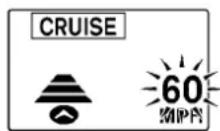
SSD0611
Whenpassinganothervehicle,thesetspeed indicatorwillflashwhenthevehiclespeed exceedsthesetspeed.Thevehicledetectindicatorwillturnoffwhentheareaaheadofthe vehicleisopen.Whenthepedalisreleased,the vehiclewillreturntothepreviouslysetspeed.
Even though your vehicles speedissetin the ICC system, you can depress the accelerator pedal when it is necessary to accelerate your vehicle rapidly.
Howtochangethesetvehiclespeed
Tocancelthepresetspeed, useanyofthese methods:
- PushtheCANCELswitch. Thesetvehicle speedindicatorwillgoout.
●Tapthebrakepedal. Thesetvehiclespeed indicatorwillgoout.
●TurntheMAINswitchchoff.BoththeMAIN switchindicatorandsetvehiclespeedindicatorwillgoout.
Toresetatafastercruisingspeed, useoneof thefollowingmethods:
- Depresstheacceleratorpedal. When the vehicleattainsthedesiredspeed, pushand releasetheSET/COASTswitch.
- PushandholdtheRESUME/ACCELERATE switch. Thesetvehiclespeedwillincrease byapproximately5MPH(5km/hfor Canada).
- Push, then quickly releasethe RESUME/ACCELERATE switch. Each time you do this, the sets speed will increase by approximately 1 MPH (1 km/h for Canada).
Toresetataslowercruisingspeed, useoneof thefollowingmethods:
●Lightlytapthebrakepedal. Whenthevehicleattainsthedesiredspeed, push the SET/COASTswitchandreleaseit.
- PushandholdtheSET/COASTswitch. The setvehiclespeedwilldecreasebyapproximately5MPH(5km/hforCanada).
- Push, then quickly releasetheSET/COAST switch. Each time you do this, the setspeed will decrease by approximately 1 MPH (1 km/h for Canada).
Toresumethepresetspeed, pushandrelease theRESUME/ACCELERATEswitch. The vehicle will resumethelastsetcruisingspeed when the vehiclespeed is over 25 MPH (40 km/h).
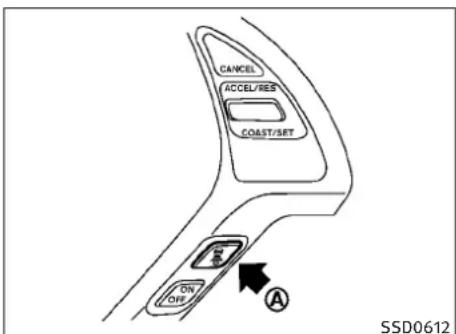
text_image
CANCEL ACCEL/RES COAST/SRT ON OFF A SSD0612Howtochangethesetdistanceto thevehicleahead
Thedistancetothevehicleaheadcanbese-lectedatanytimedependingonthetraffic conditions.
EachtimetheDISTANCEswitch Ⓐ ispushed, thesetdistancewillchangetolong,middle, shortandbacktolongagaininthatsequence.
5-34 Starting and driving
| Distance | Display | Approximate distance at 60 MPH (100 km/h) [ft (m)] |
| Long | 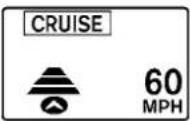 | 200 (60) |
| Middle |  | 150 (45) |
| Short |  | 100 (30) |
SSD0613D
- Thedistancetothevehicleaheadwill changeaccordingtothevehiclespeed.The higherthevehiclespeed,thelongerthe distance.
- If the engine is stopped, the set distance becomes "long". (Each time the engine is started, the initial setting becomes "long".)
Approachwarning
If your vehicle comes closer to the vehicle ahead, but the deceleration of that vehicle or if an other vehicle cuts in, the system warns the driver with the chime and ICC system display. Decelerate by depressing the brake pedal to maintain safe vehicle distance if:
●Thechimesounds.
●Thevehicleaheaddetectionandsetdistanceindicatorblink.
The warningchimemaynotsoundinsome caseswhenthereisashortdistancebetween vehicles. Some examples are:
- Whenthevehiclesaretravelingatthesame speedandthedistancebetweenvehiclesis notchanging
- When the vehicle ahead is a head of a travel, fast and the distance between vehicles is increasing
- Whenavehiclecutsinnearyourvehicle
Thewarningchimewillnotsoundwhen:
- Yourvehicleapproachesothervehiclesthat areparkedormovingslowly.
●Theacceleratorpedalisdepressed,overridingthesystem.
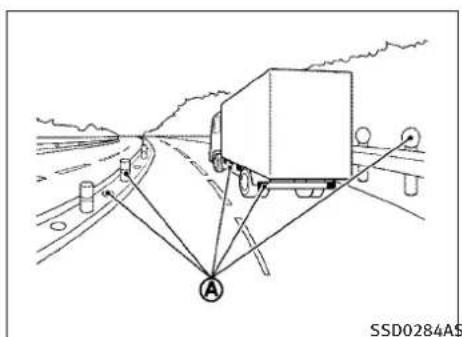
text_image
SSD0284AS AAlso, the sensors sensitivity can be affected by vehicle operation (steering maneuver or driving position in the lane) or traffic or vehicle condition (fore example, if a vehicle is being driven with some damage).
Automaticcancellation
Achimesoundsunderthefollowingconditions andthecontrolisautomaticallycanceled.
- Whenthevehiclespeedfallsbelowapproximately20MPH(32km/h)
●WhentheselectorleverisnotintheD (Drive),DS(DriveSport)ormanualshift mode - Whenthewindshieldwipersareoperatedat lowspeed(LO)orhighspeed(HI)
- WhentheSNOWmodeswitchisturnedon
- WhentheVDCisturnedoff
- WhentheVDCoperates
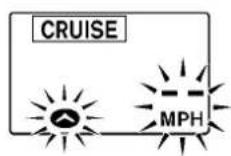
Warninglightanddisplay
ConditionA:
ThechimesoundsandtheIntelligentCruise Controlsystemiscanceledautomaticallyinthe conditionsdescribedbelow.Partofthesystem displaywillcomeonorblink,makingitimpossibletoset.
- WhentheVDCisturnedoff
- WhentheABSorVDC(includingthetraction controlsystem)operates
- Whenatireslips
- WhentheSNOWmodeswitchisturnedon
- Whenstronglight(sunlight,etc.)isdirectly shiningonthefrontofthevehicle
NOTE:
The approach warning chimemaysound and the system display may blink when the CC sensor detect somereflectors which are fitted on vehicles in other lanes or on the side of the road. This may cause the CC system to decelerate or accelerates the vehicle. The CC sensormay detect the sereflectors when the vehicle is driven on winding roads, hillyroads when entering orexiting arc curve. The CC sensormay also detect reflector on narrow road or in road construction zones. In these cases you will have to manually control the proper distance ahead of your vehicle.
5-36 Starting and driving
Actiontotake:
When the conditions listed above are no longer present, turn the system off using the Intelligent Cruise Control MAIN Switch. Turn the CC system back on the system.
CRUISE
CLEAN SENSOR
CRUISE
CRUISE
CRUISE
SSD0615SSD0616
ConditionB:
Whenthesensorwindowisdirty, making it impossible to detect vehicle ahead, the ICC system is automatically canceled.
ThechimesoundsandtheICCsystemwarning light(orange)willcomeonandthe"CLEAN SENSOR"indicatorwillappear.
Actiontotake:
If the warning light comes on, park the vehicle in asafe place, turn the engine off. Clean the sensor window with asoft cloth and then perform these settings again.
ConditionC:
WhenthelCCsystemisnotoperatingproperly, thechimesoundsandthelCCsystemwarning light(orange)willcomeon.
Actiontotake:
If the warning light comes on, park the vehicle in as a safe place. Turn the engine off, restart the engine, resum driving and set the CC system again.
Ifitisnotpossibletosetthesystemorthe indicatorstayson, it may indicate that the ICC system is misfunctioning. Although the vehicle is still drive a unable normal conditions, have the vehicle checked at an INFINIT retailer.
Startinganddriving5-37
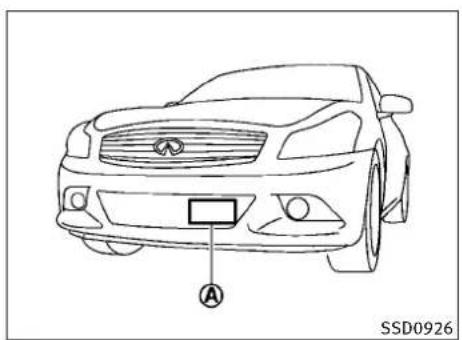
text_image
A SSD0926Sedan

natural_image
Line drawing of a car front view with a labeled sensor or connector (no text or symbols beyond the label)Coupe-TypeB

natural_image
Line drawing of a car front view with a labeled sensor or connector (no text or symbols beyond the label)Coupe-TypeA
Sensormaintenance
ThesensorforthelCCsystem belowthefrontbumper.
Ⓐ islocated
TokeeptheICCsystemoperatingproperly, be suretoobservethefollowing:
●Alwayskeepthesensorclean.Wipewitha softclothcarefullysoasnottodamagethe sensor.
- Donotstrikeordamagetheareasaround thesensor.Donottouchorremovethe screwlocatedonthesensor.Doingsocould
causefailureormalfunction.Ifthesensoris damagedduetoanaccident,contactan INFINITlretailer.
- Donotattachasticker(includingtransparentmaterial)orinstallanaccessorynearthe sensor.Thiscouldcausefailureormalfunction.
CONVENTIONAL(FIXEDSPEED)CRUISE CONTROLMODE
Thismodeallowsdrivingataspeedbetween25 to89MPH(40to144km/h)withoutkeeping yourfootontheacceleratorpedal.
WARNING
●Intheconventional(fixedspeed)cruisecontrolmode,awarningchimedoesnotsound towarnyouifyouaretooclosetothevehicle ahead,asneitherthepresenceofthevehicle aheadnorthevehicle-to-vehicledistanceis detected.
●Payspecialattentiontothedistancebetweenyourvehicleandthevehicleaheadofyouoracollisioncouldoccur.
●AlwaysconfirmthesettingintheIntelligent CruiseControlsystemdisplay.
5-38 Starting and driving
- Donotusetheconventional(fixedspeed) cruisecontrolmodewhendrivingunderthe followingconditions:
-whenitisnotpossibletokeepthevehicle atasespeed
-inheavytrafficorintrafficthatvariesin speed
-onwindingorhillyroads
-onslipperyroads(rain,snow,ice,etc.)
-inverywindyareas - Doingsocouldcausealossofvehiclecontrol andresultinanaccident.
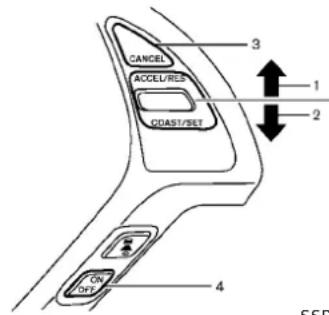
text_image
CANCEL ACCEL/RES CDAST/SET ON OFF 3 1 2 4 SSDSSD0617SSD0618

flowchart
graph TD
    A["1"] --> B["CRUISE SET"]
    B --> C["2"]
    B --> D["3"]
Conventional(fixedspeed)cruise controlswitch
1)RESUME/ACCELERATEswitch:
Resumessetspeedorincreasespeed incrementally.
2) SET/COASTswitch:
Setsthedesiredcruisespeed, reduces speedincrementally.
3) CANCEL switch:
Deactivatesthesystemwithouterasing thesetspeed.
4) MAINswitch:
Masterswitchtoactivatethesystem.
Conventional(fixedspeed)cruise controlmodedisplayandindicators
Thedisplayislocatedbetweenthespeedometerandtachometer.
1) MAINswitchindicator:
IndicatesthattheMAINswitchisON.
2) Cruisesetswitchindicator:
Displayswhilethevehiclespeediscontrolledbytheconventional(fixedspeed)cruisecontrolmodeoftheICCsystem.
3) Cruisesystemwarninglight:
Comesonifthereisamalfunctioninthe cruisecontrolsystem.
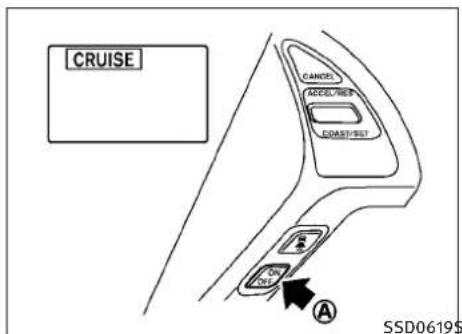
text_image
CRUISE CANOS ACCEL/HEE CONST/HEE A SSD0619$WhentheignitionswitchispushedtotheOFF position,thesystemisalsoautomatically turnedoff.TousetheIntelligentCruiseControl again,quicklypushandreleasetheMAIN switch(vehicle-to-vehicledistancecontrol mode)orpushandholdit(conventionalcruise controlmode)againtoturniton.
CAUTION
To avoid accidentally engaging cruise control, makes sure to turn the MAIN switch when not using the Intelligent Cruise Control system.
Operatingconventional(fixedspeed) cruisecontrolmode
Toturnontheconventional(fixedspeed)cruise controlmode, pushandholdtheMAINswitch A forlongerthanabout1.5seconds.
WhenpushingtheMAINswitchon,theIntelligentCruiseControlsystemdisplayandtheCRUISEindicatoraredisplayedonthedotmatrixcrystaldisplay.AfteryouholdtheMAINswitchonforlongerthanabout1.5seconds,theIntelligentCruiseControlsystemdisplaygoesout.TheCRUISEindicatorstayslit.Youcannowsetyourdesiredcruisingspeed.PushingtheMAINswitchagainwillturnthesystemcompletelyoff.
5-40 Starting and driving
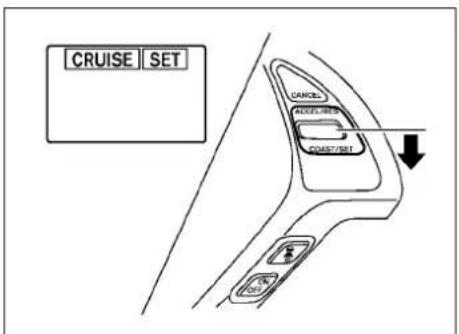
text_image
CRUISE SET CANCEL DOOR/RESET COAST/RESET OK OKTosetcruisingspeed,accelerateyourvehicle to thedesiredspeed,pushtheSET/COASTswitch andreleaseit.(TheSETindicatorwillcomeon in thedisplay.)Takeyourfootofftheaccelerator pedal.Yourvehiclewillmaintainthesetspeed.
- Topassanothervehicle, depress the accelerator pedal. When you are a set the vehicle will return to the previously set speed.
●Thevehiclemaynotmaintainthesetspeed whengoingupordownsteephills.Ifthis happens,manuallymaintainvehiclespeed.
Tocancelthepresetspeed, useanyofthe followingmethods:
a) Push the CANCEL button. The SET indicator will go out.
b) Tapthebrakepedal. The SET indicator will go out.
c) TurntheMAINswitchoff. Both the CRUISE indicator and SET indicator will go out.
Toresetatafastercruisingspeed, useoneof thefollowingthreemethods:
a) Depresstheacceleratorpedal. When the vehicle attainsthedesiredspeed, push and releasetheSET/COASTswitch.
b) PushandholdtheRESUME/ACCELERATE setswitch. Whenthevehicleattains the speedyoudesire, releasetheswitch.
c) Push, then quickly releasethe RESUME/ACCELERATE switch. Each time you do this, the sets speed will increase by about 1 MPH (1.6 km/h).
Toresetataslowercruisingspeed, useoneof thefollowingthreemethods:
a) Lightlytapthebrakepedal. When the vehicle attainsthedesiredspeed, push theSET/COASTswitchandreleaseit.
b) PushandholdtheSET/COASTswitch. Releasetheswitchwhenthevehicle slowsdowntothedesiredspeed.
c) Push, then quickly releasethe SET/COAST switch. Each time you do this, the set speed will decrease by about 1 MPH (1.6 km/h).
Toresumethepresetspeed, pushandrelease theRESUME/ACCELERATEswitch. The vehicle will resumethelast setcruisingspeed when the vehiclespeed is over 25 MPH (40 km/h).
Automaticcancellation
Achimesoundsunderthefollowingconditions andthecontrolisautomaticallycanceled.
- Whenthevehicleslowsdownmorethan8 MPH(13km/h)belowthesetspeed
- Whenthevehiclespeedfallsbelowapproximately20MPH(32km/h)
- When the selector lever is not in the D (Drive), DS(DriveSport) or manual shift mode
- WhentheVDCoperates(includingthetractioncontrolsystem)
- Whenatireslips

CRUISE
SSD0621
Warninglight
Whenthesystemisnotoperatingproperly,the chimesoundsandthesystemwarninglight (orange)willcomeon.
Actiontotake:
If the warning light comes on, park the vehicle in as afe place. Turn the engine off, restart the engine, resumed driving and then perform the setting again.
Ifitisnotpossibletosetortheindicatorstays on, it may indicate that the system is almost functioning. Although the vehicle is still driveable under normal conditions, have the vehicle checked at an INFINIT retailer.
Startinganddriving5-41
BREAK-INSCHEDULEINCREASINGFUELECONOMY
PREVIEWFUNCTION(forIntelligent CruiseControlsystemequipped models)
TheICCsystemwiththepreviewfunctionidentiestheneedtoapplyemergencybrakingby sensingthevehicleaheadinthesamelaneand thedistancetothevehicleaheadandrelative speedfromit,itappliesthebrakepre-pressure beforethedriverdepressesthebrakepedaland helpsimprovebrakeresponsebyreducing pedalfreeplay.
Formoredetails, see "BRAKEASSIST" later in this section.
CAUTION
During the first 1,200 miles (2,000 km), follow the recommendation to obtain maximum engine performance and ensure the futurer reliability and economy of your new vehicle.
Failure to follow the recommendations may result in shortened engine life and reduced engine performance.
- Avoiddrivingforlongperiodsatconstant speed, eitherfastorslow.Donotrunthe engineover4,000rpm.
- Donotaccelerateatfullthrottleinanygear.
-
Avoidquickstarts.
●Avoidhardbrakingasmuchaspossible. -
Accelerateslowlyandsmoothly.Maintain cruisingspeedswithaconstantaccelerator position.
●Driveatmoderatespeedsonthehighway. - Avoidunnecessaryystoppingandbraking. Keepasafedistancebehindothervehicles.
- Selectagearrangesuitabletoroadconditions.
●Avoidunnecessaryprolongedengineidling. - Keepyourenginetunedup.
- Followtherecommendedperiodicmaintenanceschedule.
- Keepthetiresinflatedatthecorrectpressure.Impropertirepressurewillincrease wearandwastefuel.
- Makesurethefrontwheelsareproperly aligned.Improperalignmentwillcausepre-maturetirewearandlowerfueleconomy.
●Climatecontroloperationlowersfuel economy. Usetheairconditioneronlywhen necessary. - Whencruisingathighwayspeeds, itismore economicaltousetheairconditionerand leavethewindowsclosedtoreducedrag.
ALL-WHEELDRIVE(AWD)(ifsoequipped)
| Warning light | Comes on or blinks when |
 Comes on Comes on | There is a malfunction in the all wheel drive system. |
 Blinks rapidly Blinks rapidly | The power-train oil temperature rises abnormally. |
 Blinks slowly Blinks slowly | The difference in wheel rotation is large. SSD0336 |
TheAWDwarninglightislocatedinthemeter.
TheAWDwarninglightcomesonwhenthe ignitionswitchispushedtotheONposition.It turnsoffsoonaftertheengineisstarted.
IfanymalfunctionoccursintheAWDsystem whiletheengineisrunning,thewarninglight willcomeon.
Thewarninglightmayblinkrapidly(abouttwice persecond)whiletryingtofreeeastuckvehicle duetohighpowertrainoiltemperature.The drivingmodemaychangetotwo-wheeldrive.If thewarninglightblinksrapidlyduringoperation,stopthevehiclewiththeengineidlingina safeplaceimmediately.Thenifthelightgoes offafterawhile,youcancontinuedriving.
Alargedifferencebetweenthediametersof frontandrearwheelswillmakethewarning lightblinkslowly(aboutoncepertwoseconds). Pullofftheroadinasafearea, andidlethe engine. Check that all tiresizes are the same, tire pressure is correct and tires are not worn.
If the warning light is blinking after the above operation, have your vehicle checked by an INFINIT retailer as soon as possible.
WARNING
- ForAWDequippedvehicles, donotattempt toraisetwowheelsoffthegroundandshift thetransmissiontoanydriveorreversepositionwiththeenginerunning.Doingsomay resultindrivetraindamageorunexpected vehiclemovementwhichcouldresultinseriousvehicledamageorpersonalinjury.
- DonotattempttotestanAWDequippedvehicleona2-wheeldynamometer(suchas the dynamometers used by somestates for emissionstesting)orsimilarequipment even if the other two wheels are raised off the ground. Makes sure that you inform the test facility personnel that your vehicle is equipped with AWD before it is placed on a dynamometer. Using the wrong test equipment may result in drivetrain damage or unexpected vehicle movement which could result in serious vehicle damage or personal injury.
PARKING/PARKINGONHILLS

CAUTION
- Donotoperatetheengineonafreeroller whenanyofthewheelsareraised.
- If the warning light comes on while driving theremay beam malfunction in the AWD system. Reducethe vehicles speed and have your vehicle checked by an INFINIT retailer as soon as possible.
- If the warning light remains after the above operation, have your vehicle checked by an INFINIT retailer as soon as possible.
- The powertrain may be damaged if you continued driving with the warning light blinking.
①
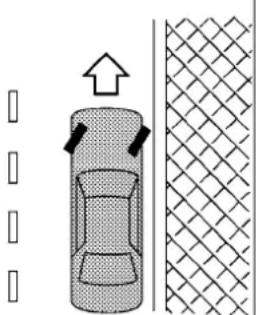
natural_image
Diagram showing a car with directional arrows and a textured surface, no text or symbols present②
□
□
□
□
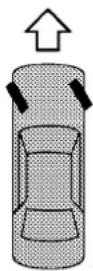

③
□
□
□
□
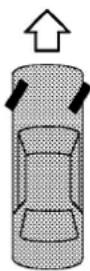

SD1006MA

WARNING
- Donotstoporparkthevehicleoverflammablematerialssuchasdrygrass,waste paperorrags.Theymayigniteandcausea fire.
●Neverleavetheengineerunningwhilethe vehicleisunattended. - Donotleavechildrenunattendedinsidethe vehicle. They could dunknowingly activate switchesorcontrols. Unattendedchildren could become involved in serious accidents.
● Safeparking procedures require that both the parking brake be applied and the transmission placed into P(Park) for Automatic Transmission (AT) model or an appropriate gear for Manual Transmission (MT) model. Failure to dosocould cause the vehicle to move unexpectedly or roll away and result in an accident.
●Makesuretheautomatictransmissionselectorleverhasbeenpushedasfarforward asitcangoandcannotbemovedwithout depressingthefootbrakepedal.
- Firmly apply the parking brake.
- Automatic transmission models:
MovetheselectorlevertotheP(Park) position.
Manualtransmissionmodels:
PlacetheshiftleverintheR(Reverse)gear. Whenparkingonanuphillgrade, placethe shiftleverinthe1stgear.
- To help prevent the vehicle from rolling into the street when parked on as sloping driveway, it is good practicet to turn the wheels as illustrated.
●HEADEDDOWNHILLWITHCURB: ①
Turnthewheelsintothecurbandmovethe vehicleforwarduntilthecurbsidewheel gentlytouchesthecurb.
●HEADEDUPHILLWITHCURB: ②
Turnthewheelsawayfromthecurband movethevehiclebackuntilthecurbside wheelgentlytouchesthecurb.
●HEADEDUPHILLORDDOWNHILL,NOCURB: ③
Turnthewheelstowardthesideoftheroad sothevehiclewillmoveawayfromthe centeroftheroadifitmoves.
- Push the ignitions switch to the OFF position.
SONARSYSTEM(ifsoequipped)

natural_image
Top-down line drawing of a car with no text, numbers, or symbolsSSD0927
WARNING
- Thesonarsystemisaconveniencebutilis notasubstituteforproperparking.Always lookaroundandcheckthatitissafetodoso beforeparking.Alwaysmoveslowly.
- Readandunderstandthelimitations of the sonarsystemas contained in this section. Inclement weather may affect the function of the sonarsystem; this may include reduced performance or false activation.
- This system is not designed to prevent contact with small or more objects.
●Thesystemisdesignedasanaidtothe driverindetectinglargestationaryobjects tohelpavoiddamagingthevehicle. Thesystemwillnotdetectsmalobjectsbelowthe bumper, and may not detect objectscloseto the bumperorontheground.
- If your vehicles sustain damage to the bumper fascia, leaving it misaligned or bent, the sensing zone may be altered causing inaccurate measurement of obstacles or false alarms.
CAUTION
Keeptheinteriorofthevehicleasquietaspossibletohearthetoneclearly.
Thesonarsystemsoundsatonetowarnthe driverofobstaclesnearthebumper.Whenthe "SonarDisplay"keyisON,thesonarindicator willalsoappearinthecenterdisplay.(See "SONARINDICATOR"laterinthissection.)The systemdetectsrearobstacleswhentheselector leverisinthe"R"(Reverse)position.
Thesystemmaynotdetectobjectsatspeeds above6MPH(10km/h)andmaynotdetect certainangularormovingobjects.
Thesonarsystemdetectsobstaclesupto3.9 feet(1.2m)fromthebumperwithadecreased coverageareaattheoutercornersofthe bumper.Refertotheillustrationforapproximatezonecoverageareas.Asyoumovecloser totheobstacle,therateofthetoneincreases. Whentheobstacleislessthan11.8in(30cm) away,thetonewillsoundcontinuously.
Keepthecorner/centersonar(locatedonthe bumperfascia)freefromsnow,iceandlarge accumulationsofdirt(donotcleanthesonar withsharpobjects).Ifthesonariscovered,it willaffecttheaccuracyofthesonarsystem.
5-46 Starting and driving
Thesensitivitylevelofthecorner/centersonar canbeadjusted(higherolower)intheSONAR settingdisplay.(See“HOWTOUSESETTING BUTTON”inthe“4.Monitor,climate,audio, phoneandvoicerecognitionsystems”section forthe“Sonar”settings.)
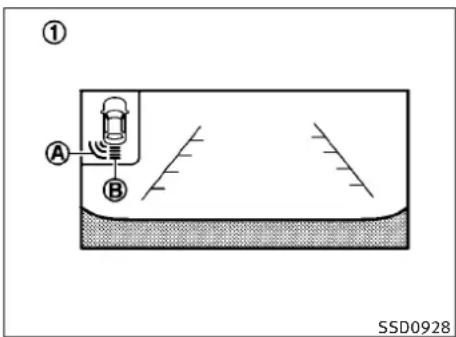
text_image
① A B SSD0928① Rearviewmonitordisplay
Ⓐ Cornersonarindicator
⑧ Centersonarindicator
SONARINDICATOR
Withthe“SonarDisplay”keyONinthe“Sonar”settings,whenthecorner/centersonardetects obstaclesnearthebumper,atonewillsound andthesonarindicatorwillappearinthecenter display.Whentherearviewmonitorisdisplay,thesonarindicatorwillappearinthe uppercornerofthedisplay ①.
Thesonarindicators ① and ② indicate the position of the object and the distance to the object with its color and rate of blinking.
Whenanobjectisdetected, the indicator (green) appears and blinks (thetonesounds intermittently). Whenthevehiclemoves closer to the object, the color of the indicator turns yellow and therate of blinking increases (the rate of the tone increases). Whenthe corner of the vehicle is very close to the object, less than 11.8 in (30 cm) away, the indicator stops blinking and turns red (thetonesounds continuously).
Whentherearviewmonitorisdisplayed,the colorsofthesonarindicatorandthedistance guidelinesintherearviewindicatedifferent distancestotheobject.
Thesonarindicatorcanbeturnedoffinthe SONARsettingdisplay.(See“HOWTOUSE SETTINGBUTTON”inthe“4.Monitor,climate, audio,phoneandvoicerecognitionsystems” sectionforthe“Sonar”settings.)Whenthe sonarindicatorisoff,onlyatonesoundswhen thesonardetectsobstacles.
If the engine is not running oristurned off while driving, the power assist for the steering will not work. Steering will behard to operate.
The power assisted steering uses a hydraulic pump, driven by the engine, to assist steering.
Iftheenginestopsorthedrivebeltbreaks,you willstillhavecontrolofthevehicle.However, muchgreatersteeringeffortisneeded,especiallyinsharpturnsandatlowspeeds.
BRAKINGPRECAUTIONS
Thebrakesystemhastwoseparatehydraulic circuits. Ifonecircuitmalfunctions, you will still have braking at twowheels.
Vacuumassistedbrakes
Thebrakeboosteraidsbrakingbyusingengine vacuum. Iftheenginestops, youcanstopthe vehiclebydepressingthebrakepedal. However, greaterfootpressureonthebrakepedal willberequiredtostopthevehicleandthe stoppingdistancewillbelonger.
Whenthebrakepedalisdepressedslowly and firmly, you may hear a clicking noise and feel a slight pulsation. This is normal and indicates that the Brake Assist System is operating.
Wetbrakes
Whenthevehicleiswashedordriventhrough water,thebrakesmaygetwet.Asaresult,your brakingdistancewillbelongerandthevehicle maypulltoonesideduringbraking.
Todrybrakes, drivethevehicleatasafespeed whilelightlytappingthebrakepedaltoheat-up thebrakes. Do this until the brakes return to normal. Avoid driving the vehicle at high speeds until the brakes function correctly.
This procedure is described in the vehicles service manual and can be performed by an INFINIT retailer.
Usingthebrakes
Avoidrestingyourfootonthebrakepedalwhile driving. This will cause overheating of the brakes, wearing out the brake and pads faster and reduce gasmileage.
Tohelpsavethebrakesandtopreventthe brakesfromoverheating, reducespeed and downshifttoalowergearbeforegoingdowna slopeorlonggrade. Overheatedbrakesmay reducebrakingperformanceandcouldresultin lossofvehiclecontrol.
BRAKEASSIST
WARNING
- Whiledrivingonaslippery surface, be careful when braking, accelerating orderown shifting. Abrupt braking or accelerating could cause the wheelstoskid and result in an accident.
- If the engine is not running oristurned off while driving, the power assist for the brakes will not work. Braking will be harder.
BRAKEASSIST
Whentheforceappliedtothebrakepedal exceedsacertainlevel,theBrakeAssistis activatedgeneratinggreaterbrakingforcethan aconventionalbrakeboosterevenwithlight pedalforce.
WARNING
TheBrakeAssistisonlyanaidtoassistbraking operationandisnotacollisionwarningor avoidancedevice.Itisthedriver'sresponsibilitytostayalert,drivesafelyandbeincontrolofthevehicleatalltimes.
PREVIEWFUNCTION(IntelligentCruise Controlsystemequippedmodels)
When the Preview Function identifiable theneed to apply emergency braking by sensing vehicle ahead in the same lane and the distance and relatives speed from it, application the brake pressure before the driver depresse the brake pedaland helps improve braker response by reducing pedal free play.
- This system will not operate when the vehicle is moving at approximately 20 MPH (32 km/h) or less.
Startinganddriving5-49
●Thepre-pressurefunctionceaseswhenthe followingconditionsaremet:
a) Whenthedriverdepressestheacceleratorpedalorthebrakepedal.
b) If the driver does not operate the accelerator or brake pedal within approximately 1 second.

natural_image
Top-down diagram of a road with two cars and a shaded triangular area, no text or symbols present●Thesensorwillnotdetect:
a) Pedestriansorobjectsintheroadway
b) Oncoming vehicles in the same amelane
c) Motorcyclestravelingoffsetinthetravel laneasillustrated
WARNING
- Thissystemisonlyanaidtoassistbraking operationandisnotacollisionwarningor avoidancedevice.Itisthedriver'sresponsibilitytostayalert,drivesafelyandbein controlofthevehicleataltimes.
- AsthereisaperformancelimittothePreviewFunction,neverrelysolelyonthissystem.Thissystemdoesnotcorrectcareless inattentiveorabsent-mindeddriving,or overcomepoorvisibilityinrain,fog,orother badweather.Reducevehiclespeedbydepressingthebrakepedal,inordertomaintainasafedistancebetweenvehicles.
- Thesystemmaynotdetectthevehiclein frontofyouincertainroadorweatherconditions.ThePreviewFunctionmaynotoperate properlyunderthefollowingconditions.The vehicleisstilldriveableundernormalconditionsandtheBrakeAssistwilloperate.
-Whenrain,snowordirtadheretothesystemsensor
-Whenstronglight(forexample,atsunriseorsunset)isdirectlyshiningonthe frontofthevehicle
-Windingorhillyroadsmaycausethesen- sortotemporarilynotdetectvehiclein thesamelaneormaydetectobjector vehiclesinotherlanes.
-Vehiclepositioninthelanemaycausethe sensorototemporarilynotdetectvehicle inthesamelaneormaydetectobjector vehiclesinotherlanes.
- When the Preview Function operates, the brake pedal may moves slightly and may make a small noise. This is not a system malfunction.
CRUISE
SSD0471
Warninglightanddisplay
When the Preview Function is not operating properly, achimesoundsandthesystemwarninglight (orange) will come on.
Actiontotake:
If the warning light comes on, park the vehicle in as a safe place. Turn the engine off, restart the engine and resumed driving.
Iftheindicatorstayson, itmayindicate that the PreviewFunctionismalfunctioning (thebrakeis operative). Although the Vehicle is still drive-able under normal conditions, have the vehicle checked at an INFINIT retailer.
Howtohandlethesensor
ThesensorforthePreviewFunctioniscommon with Intelligent Cruise Control and dislocated below the front bumper.
TokeepthePreviewFunctionoperatingproperly, besuretoobservethefollowing:
●Alwayskeepthesensorclean.Wipewitha softclothcarefullysoasnottodamagethe sensor.
- Donotstrikeordamagetheareasaround thesensor.Donottouchorremovethe screwlocatedonthesensor.Doingsocould causefailureormalfunction.Ifthesensoris damagedduetoanaccident,contactan INFINITretailer.
- Donotattachasticker(includingtransparentmaterial)orinstallanaccessorynearthe sensor. This could cause failure or malfunction.
ANTI-LOCKBRAKINGSYSTEM(ABS)
WARNING
●The Anti-lock Braking System (ABS) is asophisticated device, but it cannot prevent accidents resulting from care less or dangerous driving techniques. It can help maintain vehicle control during braking on slippery surfaces. Remember that stopping distances on slippery surfaces will be longer than on normal surfaces even with ABS. Stopping distances may also be longer on rough, gravel or snow covered roads, or if you are using tirechains. Always maintain as a safe distance from the vehicle in front of you. Ultimately, the driver is responsible for safety.
●Tiretypeandconditionmayalsoaffectbrakingeffectiveness.
-Whenreplacingtires,installthespecified sizeoftiresonallfourwheels.
- Wheninstallingasparetire,makesurethat itisthepropersizeandtypeasspecifiedon theTireandLoadingInformationlabel.See "TIREANDLOADINGINFORMATIONLABEL" inthe"9.Technicalandconsumerinformation"sectionofthismanual.
-Fordetailedinformation,see"WHEELS ANDTIRES"inthe"8.Maintenanceand do-it-yourself"sectionofthismanual.
The Anti-lock Braking System (ABS) control the brakessothewheels donotlock during hard braking or when braking on slipper surfaces. The system detects therotations speed at each wheel and varies the brake fluid pressure to prevent each wheel from locking and sliding. By preventing each wheel from locking, the system helps the driver maintain steering control and help to minimize werving and spinning on slipper surfaces.
Usingthesystem
Depressthebrakepedalandholditdown. Depressthebrakepedalwithfirmsteadypressure, butdonotpumpthebrakes. TheABSwill operatetopreventthewheelsfromlockingup. Steerthevehicletoavoidobstacles.
WARNING
Donotpumpthebrakepedal.Doingsomay resultinincreasedstoppingdistances.
Self-testfeature
TheABSincludeselectronicsensors,electric pumps,hydraulicsolenoidsandacomputer. Thecomputerhasabuilt-indiagnosticfeature thatteststhesystemeachtimeyoustartthe engineandmovethevehicleatalowspeedin
forwardorreverse.Whentheself-testoccurs, youmayheara"clunk"noiseand/orfeela pulsationinthebrakepedal.Thisisnormaland doesnotindicateamalfunction.Ifthecomputer sensesamalfunction,itswitchestheABSoff andilluminatestheABSwarninglightonthe instrumentpanel.Thebrakesystemthenoperatesnormally,butwithoutanti-lockassistance.
IftheABSwarninglightilluminatesduringthe self-testorwhiledriving,havethevehicle checkedbyanINFINITlretailer.
Normaloperation
TheABSoperatesatspeedsabove3to6MPH (5to10km/h).
WhentheABSsensesthatoneormorewheels areclosetolockingup,theactuatorrapidly appliesandreleaseshydraulicpressure.This actionissimilartopumpingthebrakesvery quickly.Youmayfeelapulsationinthebrake pedalandhearanoisefromunderthehoodor feelavibrationfromtheactuatorwhenitis operating.Thisisnormalandindicatesthatthe ABSisoperatingproperly.Howeverthepulsationmayindicatethatroadconditionsarehazardousandextracareisrequiredwhiledriving.
VEHICLEDYNAMICCONTROL(VDC) SYSTEM
TheVehicleDynamicControl(VDC)systemuses varioussensorstomonitordriverinputsand vehiclemotion.Undercertaindrivingconditions,theVDCsystemhelpstopperformthe followingfunctions.
●Controlsbrakepressuretoreducewheelslip ononeslippingdrivewheelsopoweris transferredtoanonslippingdrivewheelon thesameaxle.
●Controlsbrakepressureandengineoutput
toreducedrivewheelslipbasedonvehicle
speed(tractioncontrolfunction).
●Controlsbrakepressureatindividualwheels andengineoutputtohelpthedrivermaintaincontrolofthevehicleinthefollowing conditions:
-understeer(vehicletendstonotfollow thesteeredpathdespiteincreasedsteeringinput)
-oversteer(vehicletendstospindueto certainroadordrivingconditions).
The VDC system can help the driver to maintain control of the vehicle, but it cannot prevent loss of vehicle control in all drivings situations.
WhentheVDCsystemoperates,the indicatorintheinstrumentpanelflashesso notethefollowing:
●Theroadmaybelipperyorthesystemmay determinesomeactionisrequiredtohelp keepthevehicleonthesteeredpath.
- Youmayfeelapulsationinthebrakepedal andhearanoiseorvibrationfromunderthe hood. Thisisnormalandindicatesthatthe VDCsystemisworkingproperly.
- Adjustyourspeedanddrivingtotheroad conditions.
See“Slipindicatorlight”inthe“2.Instruments and controls”sectionand“VehicleDynamic Control(VDC)offindicatorlight”inthe“2.Instrumentsandcontrols”section.
Ifamalfunctionoccursinthesystem,the andindicatorlightscomeoninthe instrumentpanel.TheVDCsystemautomaticallyturnsoffwhentheseindicatorlightsare on.
TheVDCOFFswitchisusedtoturnofftheVDC system.TheVDCoffindicatorilluminatesto indicatetheVDCsystemisoff.WhentheVDC switchisusedtoturnoffthesystem,theVDC systemstilloperatestopreventonedrivewheel fromslippingbytransferringpowertoanon
slippingdrivewheel.The indicator flashesifthisoccurs.AllotherVDCfunctions
areoffandthe indicatorwillnotflash. TheVDCSystemisautomaticallyresettoon
whentheignitionswitchisplacedintheoff positionthenbacktotheonposition.
Thecomputerhasabuilt-indiagnosticfeature thatteststhesystemeachtimeyoustartthe engineandmovethevehicleforwardorin reverseataslowspeed.Whentheself-test occurs,youmayheara“clunk”noiseand/or feelapulsationinthebrakepedal.Thisis normalandisnotanindicationofamalfunction.
WARNING
●TheVDCsystemisdesignedtohelpthe drivermaintainstabilitybutdoesnotpreventaccidentsduetoabruptsteeringoperationathighspeedsorbycarelessordangerousdrivingtechniques.Reducevehicle speedandbeespeciallycarefulwhendriving andcorneringonslipperysurfacesandalwaysdrivecarefully.
- Donotmodifythevehicle'ssuspension. If suspensionpartssuchasshockabsorbers, struts,springs,stabilizerbars,bushings andwheelsarenotINFINITIrecommended foryourvehiclecorareextremelydeteriorated,theVDCsystemmaynotoperateproperly.Thiscouldadverselyaffectivehandlingperformance,andthe indicator mayflashorboth andindicator lightsmayilluminate.
- Ifbrakerelatedpartssuchasbrakepads, rotorsandcalipersarenotINFINITIrecommendedorareextremelydeteriorated,the VDCsystemmaynotoperateproperly and both andindicatorlightsmay illuminate.
- Ifenginecontrolrelatedpartsarenot INFINITIrecommendedorareextremelydeteriorated,boththe andindicatorlightsmayilluminate.
- Whendrivingonextremelyinclinedsurfaces suchashigherbankedcorners,theVDCsystemmaynotoperateproperlyandthe indicatormayflashorbothand indicatorlightsmayilluminate.Donotdrive onthesetypesofroads.
- Whendrivingonanunstablesurfacesuchas aturntable, ferry, elevatororramp, the
indicatormayflashorbothand
VDC OFF indicatorlightsmayilluminate.This isnotamalfunction.Restarttheengineafter drivingontoastablesurface.
- If wheels sortires other than the INFINIT recommended ones are used, the VDC system
maynotoperateproperlyandthe dicatormayflashorboth indicatorlightsmayilluminate.

●TheVDCsystemisnotasubstituteforwinter tiresortirechainsonasnowcoveredroad.
4WHEELACTIVESTEER(4WAS)SYSTEM(if soequipped)
The4WheelActiveSteer(4WAS)systemisan electronicallycontrolledfour-wheelsteering system.
Depending on the vehicles speed and steering angle, the angles of the front and rear wheels are adjusted by the 4 WAS system to help improved driving performance.
Ifamalfunctionoccursinthesystem,the4WAS functionwillstopbut theordinarytwo-wheel steeringsystem willoperate normally.The "4WAS"warninglightwillilluminate.Ifthelight illuminates while you are driving, contact an INFINITlretailerforrepair.
Thesteeringwheelmaybeslightlyturnedeven whendrivingonastraightroadduetoa protection mechanismforthe 4WASsystem. Thisisnotamalfunction.Thesteeringwheel will return to the normal position after the protectionmechanismdeactivates.
The protection mechanism activates under the following conditions:
- Thesteeringwheelisoperatedforciblywhen itishardtooperateorthetiresareblocked byobstacles.
- Thesteeringwheeliscontinuouslyoperated whenthevehicleisparkedorbeingdrivenat extremelylowspeed.
COLDWEATHERDRIVING
●Thesteeringwheelisforciblyturnedbeyond itsoperationlimits.
●Thebatteryvoltageisreduced.
Repeatedsteeringmaneuversthatmayactivate theprotectionmechanismwilldamagethe 4WASsystem.

WARNING
The4WASsystem,althoughasophisticated device,cannotpreventaccidentsresulting fromcarelessordangerousdrivingtechniques. Ultimatelytheresponsibilityforsafetyofself andothersrestsinthehandsofthedriver. Thereforeonlythroughattentiveandcareful drivingmethodscanthe4WASsystembefully appreciatedandsafetyoptimized.
FREEINGAFROZENDOORLOCK
Topreventadoorlockfromfreezing,apply deicerthroughthekeyhole.Ifthelockbecomes frozen,heatthekeybeforeinsertingitintothe keyholeorusetheIntelligentKeysystem.
ANTIFREEZE
Inthewinterwhenitisanticipatedthatthe outsidetemperaturewilldropbelow32°F(0°C), checkantifreezetoassureproperwinterprotec- tion.Foradditionalinformation,see"ENGINE COOLINGSYSTEM"inthe"8.Maintenanceand do-it-yourself"section.
BATTERY
If the battery is not fully charged during extremely cold weather conditions, the battery fluid may freeze and damage the battery. To maintain maximum efficiency, the battery should be checked regularly. For additional information, see "BATTERY" in the "8. Maintenance and do-it-yourself" section.
DRAININGOFCOOLANTWATER
If the vehicle is to be left outsid without antifreeze, drain the coolingsystem, including the engine block. Refill before operating the vehicle. Ford details, see "ENGINECOOLINGSYSTEM" in the "8. Maintenance and do-it-yourself" section.
TIREEQUIPMENT
SUMMERtireshaveatreaddesignedtoprovide superiorperformanceondrypavement.However,theperformanceofthesetireswillbe substantiallyreducedinsnowyandicyconditions.Ifyouoperateyourvehicleonsnowyor icyroads,INFINITIrecommendstheuseofMUD &SNOWorALLSEASONtiresonallfourwheels. ConsultantINFINITIretailerforthetiretype, size,speedratingandavailabilityinformation.
For additional traction on icy roads, studded tires maybe used. However, some U.S. states and Canadian provinces prohibit their use. Check local, state and provincial laws before installing studded tires.
Skidandtractioncapabilitiesofstuddedsnow tires,onwetordrysurfaces,maybepoorerthan thatofnon-studdedsnowtires.
Tirechainsmaybeused. Fordetails, see "TIRE CHAINS" in the "8. Maintenance and do-it-yourself" section of this manual.
Forall-wheeldrive
If you install snowtires, they must also be the same size, brand, construction and tread pattern all four wheels.
SPECIALWINTEREQUIPMENT
It is recommended that the following items be carried in the vehicle during winter:
- Ascraper and stiff-bristled brushtoremove ice and snow from the windows and wiper blades.
●Asturdy, flatboardtobeplaced under the jacktogiveitfirmsupport. - Ashoveltodigthevehicleoutofsnowdrifts.
- Extrawindowwasherfluidtorefillthereservoirtank.
DRIVINGONSNOWORICE

WARNING
- Wetice(32°F,0°Candfreezingrain),very coldsnoworicecanbeslickandveryhardto driveon.Thevehiclewillhavemuchless tractionor“grip”undertheseconditions. Trytoavoiddrivingonweticeuntiltheroad issaltedorsanded.
-
Whateverthecondition,drivewithcaution. Accelerateandslowdownwithcare.Ifacceleratingordownshiftingtoofast,thedrive wheelswillloseevenmoretraction.
-
Allowmorestoppingdistanceunderthese conditions. Brakings should bestarted sooner thanondrypavement.
- Allowgreaterfollowingdistancesonslip-peryroads.
●Watchforslipperyspots(glareice).These mayappearonanotherwiseclearroadin shadedareas.Ifapatchoficeisseenahead, brakebeforereachingit.Trynottobrake whileontheice,andavoidanysuddensteeringmaneuvers. - Donotusethecruise control on slippery roads.
●Snowcantrapdangerousehaustgasesunderyourvehicle. Keepsnowclearoftheexhaustpipeandfromaroundyourvehicle.
ENGINEBLOCKHEATER(ifso equipped)
Engineblockheatersareusedtoassistincold temperaturestarting.
The engine blockheaters should be used when the outside temperature is 20^ F( -7^ C) or lower.
Tousetheengineblockheater
- Turntheengineoff.
- Openthehood and unwrap the engine blockheatercord.
3.Plugtheengineblockheatercordintoa grounded3-wire,3-prongedextension cord. - PlugtheextensioncordintoaGround FaultInterrupt(GFI)protected, grounded 110-voltAC(VAC)outlet.
- The engine block heater must be plugged in for at least 2 - 4 hours, depending on outside temperatures, to properly warm the engine coolant. Use an appropriate timertoturn the engine block heater on.
- Before starting the engine, unplug and properly store the cord to keep it away from moving parts.

WARNING
- Donotuseyouengineblockheaterwithan ungroundedelectricalsystemora 2-prongedadapter.Youcanbeseriouslyinjuredbyanelectricalshockifyouusean ungroundedconnection.
●Disconnectandproperlystoretheengine blockheatercordbeforestartingtheengine. Damagetothecordcouldresultinanelectricalshockandcancauseseriousinjury. - Useaheavy-duty3-wire,3-prongedextensioncordratedforatleast10A.Plugthe extensioncordintoaGroundFaultInterrupt (GFI)protected,grounded110-VACoutlet. Failuretousetheproperextensioncordora groundedoutletcanresultinafireorelectricalshockandcauseseriouspersonalinjury.
Startinganddriving5-57
MEMO
5-58 Starting and driving
6Incaseofemergency
Roadsideassistanceprogram....6-2
Flattire....6-2
TirePressureMonitoringSystem(TPMS)....6-2
Changingaflattire....6-3
Jumpstarting....6-7
Pushstarting....6-9
If your vehicle overheats. 6-10
Towingyourvehicle....6-11
TowingrecommendedbyINFINITI. 6-12
Vehiclerecovery(Freeingastuckvehicle)....6-13
ROADSIDEASSISTANCEPROGRAMFLATTIRE
Intheeventofaroadsideemergency,Roadside AssistanceServiceisavailabletoyou.Please refertoyourWarrantyInformationBooklet (U.S.)orWarranty&RoadsideAssistanceInformationBooklet(Canada)fordetails.
Emergencyengineshutoff
Toshutofftheengineinanemergencysituation whiledrivingperformthefollowingprocedure:
-Rapidlypushthepush-buttonignitionswitch 3consecutivetimes,or
-Pushandholdthepush-buttonignitionfor morethan2seconds.
TIREPRESSUREMONITORINGSYSTEM (TPMS)
This vehicle is equipped with the Tire Pressure Monitoring System (TPMS). It monitor tire pressure of all tires except the spare. When the low tire pressure warning light is lit, one or more of your tires is significantly under-inflated. If the vehicle is being driven with low tire pressure, the TPMS will activate and warn you of it by the low tire pressure warning light. This system will activate only when the vehicle is driven at speeds above 16 MPH (25 km/h). For more details, see "WARNING/INDICATORLIGHTS AND AUDIBLEREMINDERS" in the "2.Instruments and controls" section and "TIREPRES- SUREMONITORINGSYSTEM (TPMS)" in the "5.Starting and driving" section.
WARNING
- Ifthelowtirepressurewarninglightilluminateswhiledriving,avoidsuddensteeringmaneuversorabruptbraking,reducevehicle speed,pullofftheroadtoasafelocationand stopthevehicleassoonaspossible.Driving withunder-inflatedtiresmaypermanently damagethetiresandincreasethelikelihood oftirefailure.Seriousvehicledamagecould occurandmayleadtoanaccidentandcould resultinseriouspersonalinjury.Checkthe tirepressureforallfourtires.Adjustthetire pressureotherecommendedCOLDtire pressureshownontheTireandLoadingInformationlabeltoturnthelowtirepressure warninglightOFF.Ifthelightstillilluminateswhiledrivingafteradjustingthetire pressure,atiremaybeflat.Ifyouhaveaflat tire,replaceitwithasparetireassoonas possible.
- Whenasparetireismountedorawheelis replaced, the TPMS will not function and the low tire pressure warning light will flash for approximately 1 minute. Thelight will remain on after 1 minute. Contact your INFINITI retailer as soon as possible for to replacement and or system resetting.
●Replacing tires with thosenotoriginally specified by INFINIT could affect the proper operation of the TPMS.
- Donotinjectanytireliquidoraerosoltire sealantintothetires,asthismaycausea malfunctionofthetirepressuresensors.
CHANGINGAFLATTIRE
If you have a flattire, follow the instructions below.
Stoppingthevehicle
- Safelymovethevehicleofftheroadand awayfromtraffic.
- Turnonthehazardwarningflashers.
- Parkonalevelsurface and apply the parking brake. Movetheselectorleverto the P(Park) position (Automatictransmission models). Movetheshiftlevertothe R (Reverse) gear (Manualtransmission models).
- Turnofftheengine.
-
Raisethehoodtowarnothertraffic, and tosignalprofessionalroadassistance personnelthatyouneedassistance.
-
Have all passengers get out of the vehicle and standinasafe place, away from traffic and clear of the vehicle.
WARNING
- Makesuretheparkingbrakeissecurelyappliedandthemanualtransmissionisshifted intoR(Reverse),ortheautomatictransmissionintoP(Park).
●Neverchangetireswhenthevehicleisona slope,iceorslipperyareas.This is hazardous.
●Neverchangetiresifoncomingtrafficis closetoyourvehicle.Waitforprofessional roadassistance.
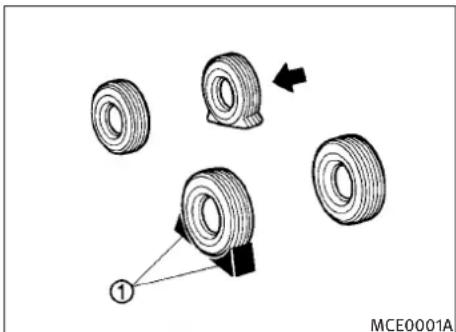
natural_image
Diagram showing tire assembly with arrows indicating direction and a numbered connection point (no text or symbols)Blockingwheels
Placesuitableblocks ① atboththefrontand backofthewheeldiagonallyoppositetheflat tiretopreventthevehiclefrommovingwhenit isjackedup.
WARNING
Besuretoblockthewheelasthevehiclemay moveandresultinpersonalinjury.

text_image
① SCE0659Jackingtools—Sedan
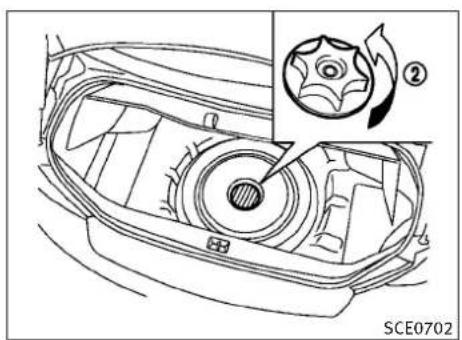
natural_image
Technical line drawing of a car interior with a gear shift and labeled component (no text or symbols beyond label)Spare—SedanandCoupe

text_image
A ① SCE0695Jackingtools—Coupe
Gettingthesparetireandtools
Raisethetrunkfloorcover ① usingthetab A.
Removejackingtoolslocatedinsidethetrunk asillustrated.
Thesparetireislocatedunderthejackingtools. Removethecap ② holdingthesparetire.
Jackingupthevehicleandremoving thedamagedtire
WARNING
- Nevergetunderthevehiclewhileitissupportedonlybythejack.Ifitisnecessaryto workunderthevehicle,supportitwith safetystands.
- Useonlythejackprovidedwithyourvehicle toliftthevehicle.Donotusethejackprovidedwithyourvehicleonothervehicles. Thejackisdesignedforliftingonlyyourvehicleduringatirechange.
●Use the correct jack-uppoints. Never use any other part of the vehicle for jacks support.
●Neverjackupthevehiclemorethan necessary.
●Neveruseblocksonorunderthejack. - Donotstartorruntheenginewhilevehicleis onthejack,asitmaycausethevehicletomove. Thisisespeciallytrueforvehicles withlimitedslipdifferentials.
●Donotallowpassengerstostayinthevehiclewhileitisonthejack.
Carefullyreadthecautionlabelattachedtothe jackbodyandthefollowinginstructions.
6-4 Incaseofemergency
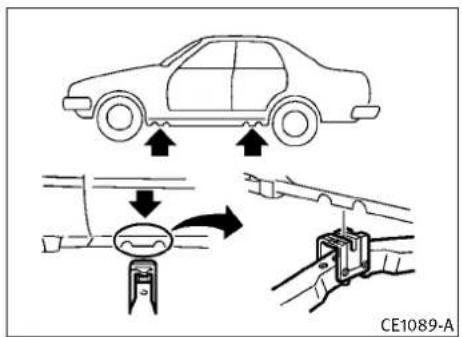
text_image
CE1089-AJack-uppoint
- Placethejackdirectlyunderthejack-up pointasillustratedsothetopofthejack contactsthevehicleatthejack-uppoint. Alignthejackheadbetweenthetwo notchesinthefrontortherearasshown. Alsofitthegrooveofthejackheadbetweenthenotchesasshown.
Thejackshouldbeusedonlevelfirmground.
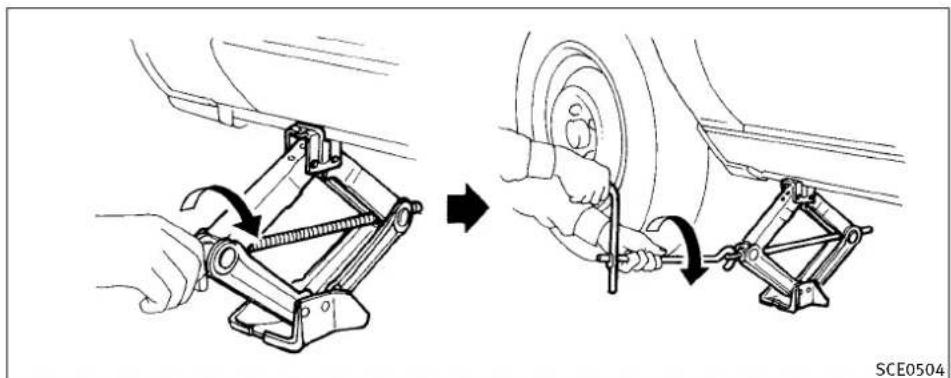
natural_image
Diagram showing car tire assembly process with tool and wheel (no text or symbols)-
Looseneachwheelnutoneortwoturns byturningcounterclockwisewiththe wheelnutwrench.Donotremovethe wheelnutsuntilthetireisofftheground.
-
Carefullyraisethevehicle until the tire clearstheground. Toliftthevehicle, securely hold the jack lever and rod with both hands as shown above. Removethe wheelnuts, and then removethetire.

natural_image
Technical diagram of a mechanical component with pin layout and cross-section view (no text or symbols)Installingthesparetire
TheT-typesparetireisdesignedforemergency use.(Seespecificinstructionsundertheheading"WHEELSANDTIRES"inthe"8.Maintenance anddo-it-yourself"section.)
- Cleananymudordirtfromthesurface betweenthewheelandhub.
- Carefullyputthesparetireonandtighten thewheelnutsfingertight.
Modelsequippedwithdifferentsizedtiresin thefrontandrear:
Whenreplacingafronttire,makesurethat theholeinthesparetirewheelisaligned withthepinonthebrakerotor.
- With the wheel nut wrench, tighten wheel nuts alternately and evenly in these-quence as illustrated (①, ②, ③, ④, ⑤) until they are tight.
- Lowerthevehicleslowlyuntilthetire touchestheground. Then, withthewheel nutwrench, tightenthewheelnutssecurelyinthesequenceasillustrated. Lowerthevehiclecompletely.
WARNING
- Incorrectwheelnutsorimproperlytightened wheelnutscancausethewheeltobecome looseorcomeoff. This could cause an accident.
- Donotuseoilorgreaseonthewheelstudsor nuts. This could cause then nutstobecome loose.
- Retightenthewheelnutswhenthevehicle hasbeendrivenfor600miles(1,000km) (alsoincasesofaflattire,etc.).
- As soon as possible, tightenthewheelnuts to the specified torque with a torque wrench.
Wheelnuttighteningtorque: 80ft-lb(108N·m)
The wheelnuts must be kept tightened to specification at all times. It is recommended that wheel nuts be tightened to specifications at each lubrication interval.
- AdjusttirepressuretotheCOLDpressure.
COLDpressure:
Afterthevehiclehasbeenparkedforthree hoursormoreordrivenlessthan1mile(1.6 km).
COLDtirepressuresareshownontheTire andLoadingInformationlabelaffixedtothe driversidecenterpillar.
6-6 Incaseofemergency
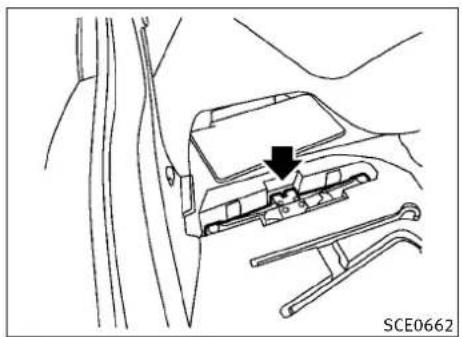
natural_image
Technical line drawing of a mechanical component with a black arrow indicating a specific part (no text or symbols present)Sedan
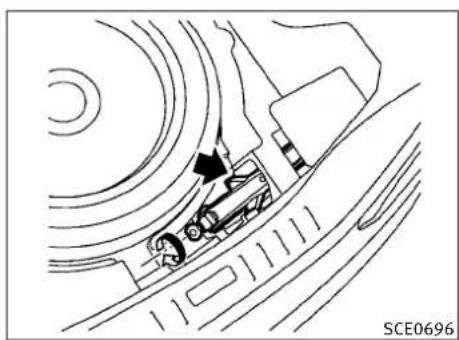
natural_image
Technical line drawing of a mechanical assembly with no visible text or symbolsCoupe
-
Securelystoretheflattireandjacking equipmentinthevehicle.
-
Placethesparetirecoverandthetrunk floorcarpetingoverthedamagedtire.
7.Closethetrunk.
WARNING
●Alwaysmakesurethatthesparetireand jackingequipmentareproperlysecuredafteruse.Suchitemscanbecomedangerous projectilesinanaccidentorsuddenstop.
- TheT-typesparetireandsmallsizespare tirearedesignedforemergencyuse.See specificinstructionsundertheheading "WHEELSANDTIRES"inthe"8.Maintenance anddo-it-yourself"section.
Ifneeded,RoadsideAssistanceisavailable. PleaseseeyourWarrantyInformationBooklet orRoadsideAssistancel.D.Cardforthetoll-free numbertocall(U.S.)orWarrantyInformation Booklet(Canada).
JUMPSTARTING
Tostartyourenginewithaboosterbattery,the instructionsandprecautionsbelowmustbe followed.
WARNING
- Ifdoneincorrectly, jumpstartingcanleadto abatteryexplosion, resultinginsevereinjuryordeath. It couldalsodamageyour vehicle.
●Explosivehydrogengasisalwayspresentin thevicinityofthebattery.Keepallsparks andflamesawayfromthebattery. - Donotallowbatteryfluidtocomeintocontactwitheyes,skin,clothingorpaintedsurfaces.Batteryfluidisacorrosivesulphuric acidsolutionwhichcancausesevereburns. Ifthefluidshouldcomeintocontactwith anything,immediatelyflushthecontacted areawithwater.
- Keepthebatteryoutofthereachofchildren.
●Theboosterbatterymustberatedat12 volts.Useofanimproperlyratedbatterycan damageyourvehicle.
Incaseofemergency6-7
- Whenever working on near a battery, always wears suitable eyeprotectors (forexample, goggles or industrials safety spectacles) and removerings, metal bands, or any other jewelry. Don't lean over the battery when jump starting.
- Donotattempttojumpstartafrozenbattery. Itcouldexplodeandcauseseriousinjury.
- Yourvehiclehasanautomaticenginecoolingfan.Itcouldcomeonatanytime.Keep handsandotherobjectsawayfromit.
Ifneeded, Roadside Assistance is available. Please see your Warranty Information Booklet or Roadside Assistance. D. Cardforthetoll-free numbertocall (U.S.) or Warranty Information Booklet (Canada).
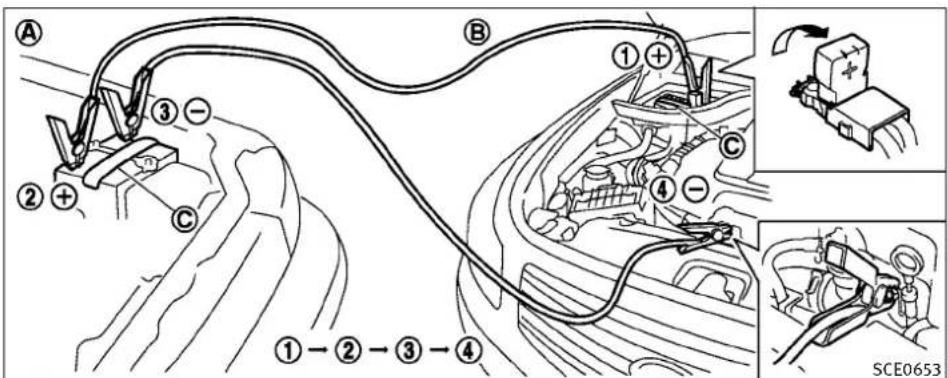
text_image
A ① ② ③ + - C B ① ④ + - C ④ ①-②-③-④ SCE0653WARNING
Alwaysfollowtheinstructionsbelow.Failureto dosocouldresultindamagetothecharging systemandcausepersonalinjury.
- If the booster battery is in another vehicle, position the two vehicles (A) and (B) to bring their batteries into close proximity to each other.
Donotallowthetwovehiclestotouch.
- Applyparkingbrake.Movetheselector levertotheP(Park)position(Automatic transmissionmodels).MovetheshiftlevertotheN(Neutral)position(Manual transmissionmodels).Switchchoffallunnecessaryelectricalsystems(light, heater, airconditioner, etc.).
- Removeventcapsonthebattery(ifso equipped). Coverthebatterywithafirmly wrungoutmoistcloth © toreduceexplosionhazard.
6-8 Incaseofemergency
PUSHSTARTING
- Connectjumpercablesinthesequenceas illustrated(① → ② → ③ → ④).
If the battery is disconnected, discharged, the steering wheel will lock and cannot be turned. Supply power using jumpercables before pushing the ignitions switch and disengaging the steering lock.

CAUTION
- Alwaysconnectpositive(+)topositive(+) andnegative(−)tobodyground(asillustrated)—nottothebattery.
●Makesurethejumpercablesdonottouch movingpartsintheenginecompartmentand thatclampsdonotcontactanyothermetal.
5.Starttheengineoftheboostervehicle andletitrunforafewminutes.
- Keep the engines speed of the booster vehicle Ⓐ at about 2,000rpm, and start the engine of the vehicle being jump started Ⓑ.

CAUTION
Donotkeepthestartermotorengagedformore than10seconds.Iftheengineedsnotstart rightaway,pushtheignitionswitchtotheOFF positionandwait10secondsbeforetrying again.
- After starting you're engine, carefully disconnect then negative cable and then the positive cable (④ → ③ → ② → ①).
- Replacetheventcaps(ifsoequipped). Be suretodisposeoftheclothusedtocover theventholesasitmaybecontaminated withcorrosiveacid.
- Putthebatterycoveron.
Donotattempttostarttheenginebypushing.

CAUTION
●Automatictransmissionmodelscannotbe push-startedortow-started.Attemptingto dosomaycausetransmissiondamage.
- Threewaycatalystequippedmodelsshould notbestartedbypushingsincethethree waycatalystmaybedamaged.
- Nevertrytostartthevehiclebytowingit; whentheenginestarts,theforwardsurge couldcausethevehicletocollidewiththe towvehicle.
Ifneeded,RoadsideAssistanceisavailable. PleaseseeyourWarrantyInformationBooklet orRoadsideAssistancel.D.Cardforthetoll-free numbertocall(U.S.)orWarranty&Roadside AssistanceInformationBooklet(Canada).
IFYOURVEHICLEOVERHEATS
CAUTION
- Donotcontinuetodriveifyourvehicleoverheats.Doingsocouldcauseenginedamage oravehiclefire.
- To avoid the danger of being scalded, never removaleradiator cap while the engine is still hot. When the radiator cap is removed, pressurized hot water will spurt out, possibly causing serious injury.
- Donotopenthehoodifsteamiscomingout.
If your vehicle is overheating (indicated by an extremely high temperature gaugereading), or if you feel alack of engine power, detect abnormal noise, etc., takethe following steps:
- Movethevehiclesafelyofftheroad, apply theparkingbrakeandmovetheselector levertotheP(Park)position(Automatic transmissionmodels). Movetheshiftlever totheN(Neutral)position(Manualtransmissionmodels).
Donotstoptheengine.
-
Turnoff the climate control. Open all the windows, mov the heater or air condition temperature control to maximum hot and fan control to high speed.
-
If engine overheating is caused by climbing along hill on a hot day, run the engine at a fastidle (approximately 1,500 rpm) until the temperature gauge indication returnstonormal.
4.Getoutofthevehicle.Lookandlistenfor steamorcoolantescapingfromtheradiatorbeforeopeningthehood.(lfsteamor coolantisescaping,turnofftheengine.) Donotopenthehoodfurtheruntilno steamorcoolantcanbeseen. -
Opentheenginehood.
WARNING
Ifsteamorwateriscomingfromtheengine, standcleartopreventgettingburned.
- Visually check drive belts for damage or looseness. Also check if the cooling fan is running. Theradiator hoses and radiators should not leak water. If coolant is leaking or the cooling fand does not run, stop the engine.
WARNING
Becarefulnottoallowyourhands,hair,jewelry orclothingtocomeintocontactwith,orget caughtin,enginebeltsortheenginecooling fan.Theenginecoolingfancanstartatany time.
- After the engine cools down, check the coolant level in the reservoir tank with the engineer running. Add coolant to the reservoir tank if necessary. Have your vehicle repaired at the nearest INFINIT retailer.
Ifneeded, Roadside Assistance is available. Please see your Warranty Information Booklet or Roadside Assistance. D. Cardforthetoll-free numbertocall (U.S.) or Warranty & Roadside Assistance Information Booklet (Canada).
6-10 Incaseofemergency
TOWINGYOURVEHICLE
Whentowingyourvehicle, allState(Provincial inCanada) and local regulations for towing must be followed. Incorrect towing equipment could damage your vehicle. Towing instructions are available from an INFINIT retailer. Local service operators are familiar with the applicable laws and procedures for towing. To assure propertowing and prevent accidental damage your vehicle, INFINIT recommend that you have a service operator to your vehicle. It is advisable to have the service operator carefully read the following precautions.

WARNING
●Neverrideinavehiclethatisbeingtowed.
- Nevergetunderyourvehicleafterithasbeen liftedbyatowtruck.

CAUTION
- Whentowing, makesurethatthetransmission, axles, steeringsystemandpowertrain areinworkingcondition. If anyunitisdamaged, dolliesmustbeused.
●Alwaysattachsafetychainsbeforetowing.
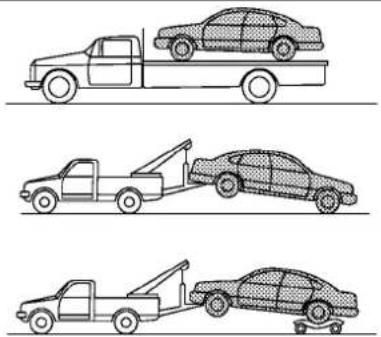
natural_image
Three line drawings of a pickup truck, a tow truck, and a sedan car, all without any text or symbols.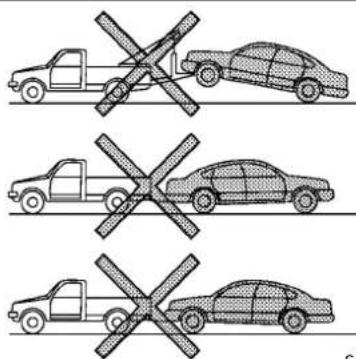
text_image
Diagram showing three scenarios of vehicles with crossed-out and unbroken cross symbols, likely indicating parking or road restriction.SCE0788
Two-wheeldrivemodels
TOWINGRECOMMENDEDBYINFINITI
Two-WheelDrive(2WD)models
INFINITI recommendsthatyourvehiclebetowed withthedriving(rear)wheelsoffthegroundor placethevehicleonaflatbedtruckasillustrated.
CAUTION
●Nevertowautomatictransmissionmodels withtherearwheelsonthegroundorfour wheelsontheground(forwardorbackward), asthismaycauseseriousandexpensive
damagetothetransmission.Ifitisnecessarytotowthevehiclewiththefrontwheels raised,alwaysusetowingdolliesunderthe rearwheels.
- Whentowingrearwheeldrivemodelswiththe frontwheelsonthegroundorontowingdollies:PushtheignitionswitchtotheACCorON position,andsecurethesteeringwheelina straight-aheadpositionwitharopeorsimilar device.Neversecurethesteeringwheelby selectingtheLOCKposition.Thismaydamage thesteeringlockmechanism.
- If you have to own manual transmission models with therear wheels on the ground (if you donot usetowing dollies) or four wheels on the ground:
-PushtheignitionswitchtotheONpositionandturnoffallaccessories.
-Alwaysreleasetheparkingbrake.
-MovethetransmissionshiftlevertotheN (Neutral)position.
- Observethefollowingrestrictedtowing speedsanddistancesformanualtransmissionmodelsonly:
●Rearwheelsontheground: Speed:Below50MPH(80km/h) Distance:Lessthan50miles(80km)
●Fourwheelsontheground: Speed:Below70MPH(112km/h) Distance:Lessthan500miles(800km)
- If the speedordistance must necessarily begreater, removethe propellershaft before towing to prevent damage to the transmission.
6-12 Incaseofemergency

text_image
Diagram showing six different types of car-related incidents with crossed-out signs, likely indicating no violations or invalid cases.All-wheeldrivemodels
All-WheelDrive(AWD)models
INFINITIrecommendsthattowingdolliesbe usedwhentowingyourvehicleorthevehiclebe placedonaflatbedtruckasillustrated.

CAUTION
NevertowAWDmodelswithanyofthewheels onthegroundasthismaycauseseriousand expensivedamagetothepowertrain.
VEHICLERECOVERY(Freeingastuck vehicle)

WARNING
●Standclearofastuckvehicle.
- Donotspinyourtiresathighspeed. This could causethemtoexplodeandresultin serious injury. Partsofyourvehiclecould also overheat and bedamaged.
Pullingastuckvehicle
If your vehicle is stuck in sand, snow, mud, etc., use atowstrap or other devices designed specifically for vehiclerecovery. Always follow the manufacturer's instructions for the recovery device.

text_image
A B $0.0892 ①Sedan
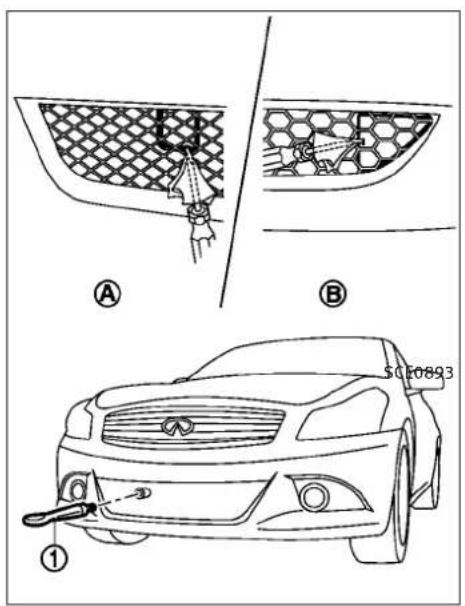
text_image
Technical diagram showing car exterior components with labeled parts A, B, and numbered parts ① and ②Coupe
Front:
-
Toremovethehookcoverfromthe bumperwithasuitabletool, insertthe toolintothemeshandtakeofftheremovablepart.
-
Securely install the vehiclerecovery hook ① stored with jacking tools as illustrated. Attach the top strapt to the recovery hook. Makes sure that the hook is properly secured in the original place after use.
6-14 Incaseofemergency
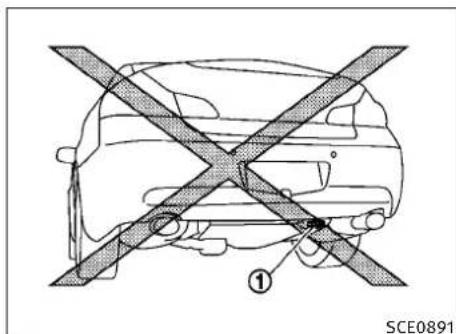
text_image
① SCE0891Rear:
Donotusethetiedownhooks ① fortowingor vehiclerecovery.

CAUTION
●Towchainsorcablesmustbeattachedonly tothevehiclerecoveryhooksormainstructuralmembersofthevehicle. Otherwise, the vehiclebodywillbedamaged.
- Donotusethevehicletiedownstofreea vehiclestuckinsand,snow,mud,etc.
●Nevertowavehicleusingthevehicletie downsorrecoveryhooks.
●Alwayspullthecablestraightoutfromthe frontofthevehicle.Neverpullonthevehicle atanangle.
- Pullingdevicesshouldberoutedsotheydo nottouchanypartofthesuspension,steering,brakeorcoolingsystems.
- Pullingdevicessuchasropesorcanvas strapsarenotrecommendedforuseinvehicletowingorrecovery.
Rockingastuckvehicle
If your vehicle is stuckins and snow, mud, etc., use the following procedure:
- TurnofftheVehicleDynamicControl(VDC) system.
- Makesuretheareainfrontandbehind thevehicleisclearofobstructions.
- Turnthesteeringwheelrightandleftto clearanareaaroundthefronttires.
4.Slowlyrockthevehicleforwardandbackward. -
Shiftback and forth between R (reverse) and D (drive) (automatic transmission models) or 1st (low) and R (reverse) (manual transmission models).
-
Applytheacceleratoraslittleaspossibleto maintaintherockingmotion.
●Releasetheacceleratorpedalbeforeshifting betweenRandD(automatictransmission models)or1standR(manualtransmission models). - Donotspinthetiresabove35MPH(55 km/h).
- If the vehicle cannot be freed after a few tries, contact a professional towingservicetoremovethe vehicle.
MEMO
6-16 Incaseofemergency
7Appearanceandcare
Cleaningexterior....7-2
Washing....7-2
Waxing....7-2
Removingspots....7-3
Underbody....7-3
Glass....7-3
Wheels....7-3
Chromeparts....7-3
Tiredressing....7-4
Cleaninginterior....7-4
Airfresheners....7-4
Floormats.... 7-5
Seatbelts....7-5
Corrosionprotection....7-6
Mostcommonfactorscontributingto
vehiclecorrosion....7-6
Environmentalfactorsinfluencetherateof corrosion....7-6
Toprotectyourvehiclefromcorrosion....7-6
CLEANINGEXTERIOR
Inordertomaintaintheappearanceofyour vehicle,itisimportanttotakepropercareofit.
Toprotectthepaintsurface, washyourvehicle assoonasyoucan:
●afterarainfalltopreventpossibledamage fromacidrain
●afterdrivingoncoastalroads
- whencontaminantssuchassoot, birddroppings, treesap, metalparticlesorbugsget onthepaintsurface
●whendustormudbuildsuponthesurface
Whenever possible, store or park your vehicle inside agarage or in covered area.
Whenitisnecessarytoparkoutside,parkina shadyareaorprotectthevehiclewithabody cover.
Becarefulnottoscratchthepaintsurfacewhen puttingonorremovingthebodycover.
WASHING
Washdirtoffthevehiclewithawetspongeand plentyofwater.Cleanthevehiclethoroughly usingamildsoap,aspecialvehiclesoapor generalpurposedishwashingliquidmixedwith clean,lukewarm(neverhot)water.
7-2 Appearance and care
CAUTION
- Donotusecarwashesthatuseacidinthe detergent. Some car washes, especially brushless ones, usesome acid for cleaning. The acid may react with some plastic vehicle components, causing them to crack. This could affect their appearance, and also could cause them not to function properly. Always check with your car was shot to confirm that acid is not used.
- Donotwashthevehiclewithstronghouseholdsoap,strongchemicaldetergents, gasolineorsolvents.
- Donotwashthevehicleindirectsunlightor whilethevehiclebodyishot,asthesurface maybecomewater-spotted.
- Avoidusingtight-nappedorroughcloths, suchaswashingmitts.Caremustbetaken whenremovingcaked-ondirtorotherforeignsubstancesothepaintsurfaceisnot scratchedordamaged.
Rinsethevehicleagainwithplentyofclean water.
Insideflanges, seamsandfoldsonthedoors, hatchesandhoodareparticularlyvulnerableto theeffectsofroadsalt. Therefore, theseareas mustberegularlycleaned. Makesurethatthe
drainholesintheloweredgeofthedoorare open.Spraywaterunderthebodyandinthe wheelwellstoloosenthedirtandwashaway roadsalt.
Avoidleavingwaterspotsonthepaintsurface byusingadampchamoistodrythevehicle.
WAXING
Regularwaxingprotectsthepaintsurfaceand helpsretainnewvehicleappearance.Polishing isrecommendedtoremovebuilt-upwaxresidue andtoavoidawweatheredappearancebefore reapplyingwax.
AnINFINITretailercanassistyouinchoosing theproperproduct.
- Waxyourvehicleonlyafterathoroughwashing.Followtheinstructionssuppliedwiththewax.
- Donotuseawaxcontaininganyabrasives, cuttingcompoundsorcleanersthatmay damagethevehiclefinish.
Machinecompoundoraggressivepolishingon abasecoat/clearcoatpaintfinishmaydullthe finishorleaveswirlmarks.
REMOVINGSPOTS
Removetarandoilspots,industrialdust,insects,andtreesapasquicklyaspossiblefrom thepaintsurfacetoavoidlastingdamageor staining.SpecialcleaningproductsareavailableatanINFINITretaileroranyautomotive accessorystores.
UNDERBODY
Inareaswhereroadsaltisusedinwinter,the underbodymustbecleanedregularly.Thiswill preventdirtandsaltfrombuildingupand causingtheaccelerationofcorrosiononthe underbodyandsuspension.Beforethewinter periodandagaininthespring,theunderseal mustbecheckedand,ifnecessary,re-treated.
GLASS
Useglasscleanertoremovesmokeanddust filmfromtheglasssurfaces.Itisnormalfor glasstobecomecoatedwithafilmafterthe vehicleisparkedinthehotsun.Glasscleaner andasoftclothwilleasilyremovethisfilm.
CAUTION
Whencleaningtheinsideofthewindows,do notusesharp-edgedtools,abrasivecleanersor chlorine-baseddisinfectantcleaners.They coulddamagetheelectricalconductors,radio antennaelementsorrearwindowdefroster elements.
WHEELS
Washthewheelswhenwashingthevehicleto maintaintheirappearance.
- Cleantheinnersideofthewheelswhenthe wheelischangedortheundersideofthe vehicleiswashed.
- Inspectwheelrimsregularlyfordentsor corrosion. Suchdamagemaycauselossof pressureorpoorsealatthetirebead.
- INFINITI recommendsthattheroadwheels bewaxedtoprotectagainstroadsaltin areaswhereitisusedduringwinter.
CAUTION
Donotuseabrasivecleanerswhenwashingthe wheels.
Aluminumalloywheels
Washregularlywithaspongedampenedina mildsoapsolution,especiallyduringwinter monthsinareaswhereroadsaltisused.Salt coulddiscolorthewheelsifnotremoved.
CAUTION
Followthedirectionsbelowtoavoidstainingor discoloringthewheels:
- Donotuseacleanerthatusesstrongacidor alkalicontentstocleanthewheels.
- Donotapplywheelcleanerstothewheels whentheyarehot. Thewheeltemperature shouldbethesameasambienttemperature.
- Rinsethewheeltocompletelyremovethe cleanerwithin15minutesafterthecleaneris applied.
CHROMEPARTS
Cleanchromepartsregularlywithanon-abrasivechromepolishtomaintainthefinish.
CLEANINGINTERIOR
TIREDRESSING
INFINITI does not recommend the use of tire dressings. Tire manufacturers apply a coating to the rest of help reduced discoloration of the rubber. If tired dressing is applied to the tires, it may react with the coating and form a compound. This compound may come off the tire while driving and stain the vehicle paint.
If you choosetouse satiredressing, takethe following precautions:
- Useawater-basedtiredressing. The coating on the tired dissolves more easily within oil-basedtiredressing.
- Applyalightcoatoftiredressingtohelp preventitfromenteringthetire tread/grooves(whereitwouldbedifficultto remove).
●Wipeoffexcesstiredressingusingadry towel.Makesurethetiredressingiscompletelyremovedfromthetiretread/grooves. - Allowthetiredressingtodryasrecommendedbytiredressingmanufacturer.
Occasionallyremoveloosedustfromtheinteriortrim,plasticpartsandseatsusingavacuumcleanerorsoftbristledbrush.Wipethevinylandleathersurfaceswithaclean,softclothdampenedinmildsoapsolution,thenwipecleanwithadrysoftcloth.
Regularcareandcleaningisrequiredinorderto maintaintheappearanceoftheleather.
Before using any fabric protector, read the manufacturer's recommendations. Some fabric protectors contain chemical that may stain or bleach these at material.
Useaclothdampenedonlywithwater,toclean themeterandgaugelens.
WARNING
Donotusewateroracidiccleaners(hotsteam cleaners)ontheseat.Thiscandamagetheseat oroccupantclassificationsensors.Thiscan alsoaffecttheoperationoftheairbagsystem andresultinseriouspersonalinjury.
CAUTION
●Neverusebenzine, thinner, oranysimilar material.
- Smalldirtparticlescanbeabrasiveanddamagingtotheleathersurfacesandshouldbe removedpromptly.Donotusesaddlesoap, carwaxes,polishes,oils,cleaningfluids, solvents,detergentsorammonia-based cleanersastheymaydamagetheleather's naturalfinish.
- Only use fabric protectors approved by INFINITI.
- Donotuseglassorplasticcleaneronmeter orgaugelenscovers.Itmaydamagethelens cover.
AIRFRESHENERS
Mostairfreshenersuseasolventthatcould affectthevehicleinterior.Ifyouuseanair freshener,takethefollowingprecautions:
●Hanging-typeairfreshenerscancausepermanentdiscolorationwhentheycontactvehicleinteriorsurfaces. Placetheairfreshenerinalocationthatallowsittohangfree andnotcontactaninteriorsurface.
- Liquid-typeairfreshenerstypicallyclipon thevents. Theseproductscancauseimmediate damage and discoloration when spilledoninteriorsurfaces.
7-4 Appearanceandcare
Carefullyreadandfollowthemanufacturer's instructionsbeforeusingairfresheners.
FLOORMATS
WARNING
To avoid potential pedal interference that may result in a collision or injury:
- NEVERplaceafloormatontopofanother floormatinthedriverfrontposition.
- UseonlygenuineNISSANfloormatsspecificallydesignedforuseinyourvehiclemodel. SeeyourINFINITIretailerformore information.
- Properlypositionthematsinthefloorwell usingthefloormatpositioningaid.See "Floormatpositioningaid"inthissection.
TheuseofgenuineNISSANfloormatscan extendthelifeofyourvehiclecarpetandmake iteasiertocleantheinterior.Matsshouldbe maintainedwithregularcleaningandreplaced iftheybecomeexcessivelyworn.

natural_image
Technical line drawing of a mechanical component with no visible text or symbolsFloormatpositioningaid
Thismodelincludesfrontfloormatbracketsto actasfloormatpositioningaid.INFINITifloor matshavebeenspeciallydesignedforyour vehiclemodel.Thedriver'sandpassenger's sidefloormatshaveagrommetholeincorporatedinthem.Positionthematbyplacingthe floormatbrackethookthroughthefloormat grommetholewhilecenteringthematinthe footwell.
Periodically check to make certainty that them are properly positioned.
SEATBELTS
Theseatbeltscanbecleanedbywipingthem withaspongedampenedinamildsoapsolution.Allowthebeltstodrycompletelybefore usingthem.
See“SEATBELTS”inthe“1.Safety—Seats, seatbeltsandsupplementalrestraintsystem” section.
WARNING
Donotallowwetseatbeltstorollupinthe retractor.NEVERusebleach,dye,orchemical solventstocleantheseatbelts,sincethese materialsmayseverelyweakentheseatbelt webbing.
CORROSIONPROTECTION
MOSTCOMMONFACTORS CONTRIBUTING TO VEHICLE CORROSION
●The accumulation of moisture-retaining dirt and debrisin body panel sections, cavities, and other areas.
- Damagetopaintandotherprotectivecoatingscausedbygravelandstonechipsor minortrafficaccidents.
ENVIRONMENTALFACTORSINFLUENCE THERATEOFCORROSION
Moisture
Accumulation of sand, dirt and water on the vehicle body underside can accelerate corrosion. Wet floor coverings will not dry completely inside the vehicle, and should be removed for drying to avoid floor panel corrosion.
Relativehumidity
Corrosionwillbeacceleratedinareasofhigh relativehumidity,especiallythoseareaswhere thetemperaturesstayabovefreezingwhere atmosphericpollutionexists,orwhereroadsalt isused.
Temperature
Atemperature increase will accelerate aetherate of corrosion to those parts which are not well ventilated.
Airpollution
Industrial pollution, the presence of salt in the air in coastal areas, or heavy roads salt use will accelerate the corrosion process. Roads salt will also accelerate the integration of paints surfaces.
TOPROTECT YOURVEHICLEFROM CORROSION
- Washandwaxyourvehicleoftentokeepthe vehicleclean.
●Alwayscheckforminordamagetothepaint andrepairitassoonaspossible. - Keepdrainholesatthebottomofthedoors opentoavoidwateraccumulation.
- Checktheunderbodyforaccumulationof sand, dirtorsalt. If present, washwithwater as soon as possible.

CAUTION
- NEVERremovedirt, sandorotherdebris from the passenger compartment by washing it outwithahose. Removedirt with avacuum cleaner.
●Neverallowwaterorotherliquidstocomein contactwiththelectroniccomponentsinside thevehicleasthismaydamagethem.
Chemicalsusedforroadsurfacedeicingare extremelycorrosive. Theyacceleratecorrosion anddeteriorationofunderbodycomponents suchastheexhaustsystem,fuelandbrake lines,brakecables,floorpanandfenders.
Inwinter, the underbody must be cleaned periodically.
For additional protection against trust and corrosion, which may be required in some areas, consultant INFINIT retailer.
7-6 Appearance and care
MEMO
Appearanceandcare7-7
8Maintenanceanddo-it-yourself
Maintenancerequirement.... 8 - 2
Scheduledmaintenance....8-2
Generalmaintenance....8-2
Wheretogoforservice....8-2
Generalmaintenance....8-2
Explanationofmaintenanceitems....8-2
Maintenance precautions.... 8 - 5
Enginecompartmentchecklocations....8-6
VQ37VHRengine....8-6
Enginecoolingsystem.... 8 - 7
Checkingenginecoolantlevel.... 8-7
Changingenginecoolant....8-8
Engineoil....8-8
Checkingengineoillevel....8-8
Changingengineoilandfilter....8-9
Automatictransmissionfluid....8-11
Powersteeringfluid....8-11
Brakeandclutchfluid.... 8-12
Brakefluid.... 8-12
Clutchfluid(ifsoequipped)....8-12
Windowwasherfluid.... 8-13
Battery.... 8-13
Coupe....8-13
Jumpstarting....8-15
Variablevoltagecontrolsystem.... 8-15
Drivebelts.... 8-16
Sparkplugs.... 8-16
Replacingsparkplugs.... 8-17
Aircleaner.... 8-17
Windshieldwiperblades.... 8-18
Cleaning....8-18
Replacing....8-18
Brakes....8-19
Self-adjustingbrakes.... 8-19
Brakepadwearwarning.... 8-19
Fuses....8-20
Enginecompartment....8-20
Passengercompartment.... 8-21
Intelligent Keybatteryreplacement....8-22
Lights....8-23
Sedan....8-23
Coupe....8-24
Headlights....8-25
Exteriorandinteriorlights.... 8-25
Wheelsandtires....8-28
Tirepressure....8-28
Tirelabeling....8-32
Changingwheelsandtires 8-36
MAINTENANCEREQUIREMENTGENERALMAINTENANCE
YournewINFINITIhasbeendesignedtohave minimummaintenancerequirementswithlong serviceintervalstosaveyoubothtimeand money. However, someday-to-dayandregular maintenanceisessentialtomaintainyourIN-FINITI'sfinemechanicalcondition,aswellasits emissionandengineperformance.
Itistheowner's responsibility to make sure that the scheduled maintenance, as well as general maintenance, is performed.
Asthevehicleowner, you are the only one who can ensure that your vehicle receives the proper maintenance care. You are available in the maintenance chain.
Generalmaintenanceincludesthoseitems whichshouldbecheckedduringnormalday-to-dayoperation.Theyareessentialforproper
vehicleoperation.Itisyourresponsibilityto performtheseproceduresregularlyasprescribed.
Performinggeneralmaintenancechecksrequiresminimalmechanicalskillandonlyafew generalautomotivetools.
These checks or inspections can be done by yourself, a qualified technician, if you prefer, an INFINIT retailer.
WHERETOGOFORSERVICE
Ifmaintenanceserviceisrequiredoryourvehicleappearstomalfunction,havethesystems checkedandservicedbyanINFINITlretailer.
INFINITltechniciansarewell-trainedspecialists andarekeptuptodatewiththelatestservice informationthroughtechnicalbulletins,service tips,andin-retailershipinformationsystems. Theyarecompletelyqualifiedtoworkon INFINITlvehiclesbeforeworkbegins.
You can be confident that an INFINIT retailer's serviced department performs the best job to meet them, maintaining an equilibrium on your vehicle—in reliable and economical way.
During thenormalday-to-day operation of the vehicle, general maintenances should be performed regularly as prescribed in this section. If you detect any unusual sounds, vibrations or smell, besure to check for the cause or have an INFINIT retailer do it promptly. In addition, you should notify an INFINIT retailer if you think that repairs are required.
When performing any checks or maintenance work, see "MAINTENANCE PRECAUTIONS" later in this section.
EXPLANATIONOFMAINTENANCE ITEMS
Additionalinformationonthefollowingitems with“*”isfoundlaterinthissection.
Outsidethevehicle
Themaintenanceitemslistedhereshouldbe performedfromtimetotime, unless otherwise specified.
Doorsandenginehood: Check that all doors and the engine hood, operate properly. Also ensure that all latches lock securely. Lubricate hinges, latches, latchpins, rollers and links if necessary. Makes sure that these secondary latch keep the hood from opening when the primary latch is released.
8-2 Maintenance and do-it-yourself
Whendrivinginareasusingroadsaltorother corrosivematerials, checklubricationfrequently.
Lights*:Cleantheheadlightsonaregular basis.Makesurethattheheadlights,stop lights,taillights,turnsignallights,andother lightsarealloperatingproperlyandinstalled securely.Alsocheckheadlightaim.
Roadwheelnuts(lugnuts)*:Whenchecking the tires,makesurenowheelnutsaremissing,and checkforanyloosewheelnuts.Tightenif necessary.
Tirerotation*: Tiresshouldberotated every 7,500 miles (12,000 km). If your vehicle is equipped with different-sized tires in the front and rear, tires cannot be rotated.
Tires*:Checkthepressurewithagaugeoften andalwayspriortolongdistancetrips.Ifnecessary,adjustthepressureinalltires,includingthespare,tothepressurespecified.Check carefullyfordamage,cutsorexcessivewear.
TirePressureMonitoringSystem(TPMS)transmittercomponents:ReplacetheTPMStransmittergrommetseal,valvecoreandcapwhenthe tiresarereplacedduetowearorage.
Tire, wheelalignment and balance: If the vehicle should pull to either side while driving on
straightandlevelroad, orifyoudetectuneven orabnormaltirewear, theremaybeaneedfor wheelalignment.
If the steering wheel or seat vibrates at normal highways speeds, wheel balancing may be needed.
For additional information regarding tires, refer to "Important Tire Safety Information" (US) or "Tire Safety Information" (Canada) in the INFINITIWarrantyInformationBooklet.
Windshield: Cleanthewindshieldonaregular basis. Checkthewindshieldatleasteverysix monthsforcracksorotherdamage. Havea damagedwindshieldrepairedbyaqualified repairfacility.
Windshieldwiperblades*:Checkforcracksor weariftheydonotwipeproperly.
Insidethevehicle
Themaintenanceitemslistedhereshouldbe checkedonaregularbasis,suchaswhen performingperiodicmaintenance,cleaningthe vehicle,etc.
Acceleratorpedal: Checkthepedalforsmooth operationandmakesurethepedaldoesnot catchorrequireuneveneffort. Keepthefloor matawayfromthepedal.
AutomatictransmissionP(Park)mechanism:On afairlysteephill,checkthatyourvehicleisheld securelywiththeselectorleverintheP(Park) positionwithoutapplyinganybrakes.
Brakepedal: Checkthepedalforsmoothoperation. If the brakepedalsuddenly goes down further than normal, the pedal feels spongy or the vehicle seem stotak elongertostop, see an INFINIT retailer immediately. Keep the floor at away from the pedal.
Brakes: Check that the brakes donot pull the vehicle to onesidewhen applied.
Parkingbrake: Check the parking brake operation regularly. The vehicles should be securely held on a fairly steep chill with only the parking brake applied. If the parking brakeneeds adjusted, see an INFINIT retailer.
Seatbelts: Check that all part of these seat belt system (forexample, buckles, anchors, adjuster and retractors) operate properly and smoothly, and are installed securely. Check the belt webbing for cuts, fraying, wearordamage.
Seats: Checkseatpositioncontrolssuchas seatadjusters, seatbackrecliner, etc. to ensure they operates smoothly and that all latcheslock securely every position. Check that the head
restraintsmoveupanddownsmoothlyandthat thelocks(ifsoequipped)holdsecurelyinall latchedpositions.
Steeringwheel: Checkforchangesinthesteeringconditions, suchasexcessivefreeplay, hardsteeringorstrangenoises.
Warninglightsandchimes: Makesurethatall warninglightsandchimesareoperatingproperly.
Windshielddefroster:Checkthattheaircomes outofthedefrosteroutletsproperlyandin sufficientquantitywhenoperatingtheheateror airconditioner.
Windshieldwiperandwasher*:Checkthatthe wipersandwasheroperateproperlyandthat thewipersdonotstreak.
Underthehood and vehicle
Themaintenanceitemslistedhereshouldbe checkedperiodically(forexample,eachtime youchecktheengineoilorrefuel).
Battery*:Checkthefluidlevelineachcell.It shouldbebetweentheMAXandMINlines. Vehiclesoperatedinhighttemperaturesorundersevereconditionrequirefrequentchecksof thebatteryfluidlevel.
Brakefluidlevel*: Makesurethatthebrake fluidlevelisbetweentheMAXandMINlineson thereservoir.
Enginecoolantlevel*:Checkthecoolantlevel whentheengineiscold.
Enginedrivebelts*: Makesurethatnobeltis frayed, worn, crackedorily.
Engineoillevel*: Checkthelevelafterparking thevehicleonalevelspotandturningoffthe engine. Waitmorethan15minutesfortheoilto drainbackintotheoilpan.
Exhaustsystem: Makesuretherearenoloose supports, cracksorholes. If the sound of the exhaust seems unusual or there is a mell of exhaust fumes, immediately have the exhaust system inspected by an INFINIT retailer. (See "PRECAUTIONS WHEN STARTING AND DRIVING" in the "5. Starting and driving" section for exhaust gas (Carbon monoxide).)
Fluidleaks: Checkunderthevehicleforfuel, oil, waterorotherfluidleaksafterthevehiclehas beenparkedforawhile.Waterdrippingfrom theairconditionerafteruseisnormal.If you shouldnoticeanyleaksorifgasolinefumesare evident,checkforthecauseandhaveitcorrectedimmediately.
Powersteeringfluidlevel*andlines:Checkthe levelwhenthefluidiscold,withtheengineoff. Checkthelinesforproperattachment,leaks, cracks,etc.
Radiatorandhoses:Checkthefrontofthe radiatorandcleanoffanydirt, insects, leaves, etc., that may have accumulated. Makesurethe hoseshavenocracks, deformation, rotorloose connections.
Underbody: The underbody is frequently exposed to corrosives, substances such as those used on icy roads, to control dust. It is very important to remove the substances, otherwise must form the floor, frame, fuel lines and around the exhaust system. At the end of winter, the underbody should be thoroughly flushed with plain water, being careful to clean those areas where mud and dirt may accumulate. For additional information, see "CLEANING EXTERIOR" in the "7. Appearance and care" section.
Windshieldwasherfluid*: Check that there is adequate fluid in the reservoir.
8-4 Maintenance and do-it-yourself
MAINTENANCEPRECAUTIONS
When performing any inspection or maintenance work on your vehicle, alwaystake care to prevent serious accidental injury to yourself for damage to the vehicle. The following are general precautions which should be closely observed.

WARNING
- Parkthevehicleonalevelsurface,applythe parkingbrakesecurelyandblockthewheels topreventthevehiclefrommoving. For manualtransmissionmodels,movetheshift levertoN(Neutral).Forautomatictransmissionmodels,movetheselectorlevertoP (Park).
- BesuretheignitionswitchisintheOFFor LOCKpositionwhenperforminganyparts replacementorrepairs.
- Neverconnectordisconnectthebatteryor anytransistorizedcomponentwhiletheignitionswitchisintheONposition.
●NeverleavetheengineorautomatictransmissionrelatedcomponentharnessesdisconnectedwhiletheignitionswitchisintheONposition. -
If you must work with the engineer running, keep your hands, clothing, hair and tools away from moving fans, belts and any other moving parts.
-
Itisadvisabletosecureorremoveanyloose clothingandremoveanyjewelry,suchas rings,watches,etc.beforeworkingonyour vehicle.
●Alwaysweareyeprotectionwheneveryou workonyourvehicle. - Ifyoumustruntheengineinanenclosed spacesuchasagarage,besurethereis properventilationforexhaustgasesto escape.
- Nevergetunderthevehiclewhileitissupportedonlybyajack.Ifitisnecessaryto workunderthevehicle,supportitwith safetystands.
- Keepsmokingmaterials, flameandsparks awayfromfueltankandthebattery.
-Yourvehicleisequippedwithanautomatic enginecoolingfan.Itmaycomeonatany timewithoutwarning,eveniftheignition keyisintheOFFpositionandtheengineis notrunning.Toavoidinjury,alwaysdisconnectthenegativebatterycablebeforeworkingnearthefan. - Thefuelfilterorfuellinessshouldbeserviced byanINFINITlretailerbecausethefuellines areunderhighpressureevenwhentheengineisoff.

CAUTION
- Donotworkunderthehoodwhiletheengine ishot.Turntheengineoffandwaituntil coolsdown.
●Avoiddirectcontactwithusedengineoil and coolant.Improperlydisposedengineoil, coolant,and/orothervehiclefluidscandamagetheenvironment.Alwaysconformtolo-calregulationsfordisposalofvehiclefluid.
This"8.Maintenanceanddo-it-yourself"sectiongivesinstructionsregardingonlythose itemswhicharerelativelyeasyforanownerto perform.
AgenuineINFINITIServiceManualisalsoavailable.(See"OWNER'SMANUAL/SERVICE MANUALORDERINFORMATION"inthe"9.Technicalandconsumerinformation"section.)
Youshouldbeawarethatincompleteorim- properservicingmayresultinoperatingdiffi- cultiesorexcessiveemissions,andcouldaffect yourwarrantycoverage.Ifindoubtaboutany servicing,werecommendthatitbedonebyan INFINITlretailer.
ENGINECOMPARTMENTCHECK LOCATIONS

text_image
1 2 3 4 5 6 7 8 9 10 11 12 8 SSI0345VQ37VHRENGINE
1.Fuse/fusiblelinkholder
2.Battery
-
Engineoilfillercap
-
Brakefluidreservoir
8-6 Maintenance and do-it-yourself
-
Clutchfluidreservoir (ManualTransmissionmodels)
-
Windowwasherfluidreservoir
7.Powersteeringfluidreservoir
8.Aircleaner
9.Radiatorfillercap
10.Drivebelts
-
Enginecoolantreservoir
-
Engineoildipstick
ENGINECOOLINGSYSTEM
Theenginecoolingsystemisfilledatthefactory withahigh-quality,year-round,anti-freeze coolantsolution.Theantifreezesolutioncontainsrustandcorrosioninhibitors,therefore additionalcoolingsystemadditivesarenot necessary.
WARNING
●Neverremovetheradiatorcapwhentheengineishot.Waituntiltheengineandradiatorcooldown.Seriousburnscouldbe causedbyhighpressurefluidescapingfrom theradiator.Seeprecautionsin"IFYOUR VEHICLEOVERHEATS"inthe"6.Incaseof emergency"sectionofthismanual.
●Theradiatorisequippedwithapressure typeradiatorcap.Topreventengine damage,useonlyagenuineNISSANradiatorcap.
CAUTION
- Whenaddingorreplacingcoolant,besureto useonlyaGenuineNISSANLongLife Antifreeze/Coolant(blue)orequivalentwith the propermixture ratioshowninthefollowingchart.Thelifeexpectancyofthefactory-fillcoolantis105,000miles(168,000km)or 7years.Mixinganyothertypeofcoolantor the useofnon-distilledwaterwillreducethe lifeexpectancyofthefactory-fillcoolant.RefertotheInfinitiServiceandMaintenance Guideformoredetails.Theuseofother typesofcoolantsolutionsmaydamagethe enginecoolingsystem.
●Thecoolantreservoirisequippedwitha pressuretyperadiatorcap.Topreventenginedamage,useonlyagenuineNISSAN coolantreservircap.
| Outside temperature downto | Antifreeze | mineral-izedwater ordistilled water | |
| °F°C | |||
| -30 | -35 | 50% | 50% |

text_image
MUL ① ② SD12043CHECKING ENGINECOOLANTLEVEL
Checkthecoolantlevelinthereservoirwhenthe engineiscold.IfthecoolantlevelisbelowMIN ②,openthereservoirtankcapandaddcoolant uptotheMAX ① level.Ifthereservoirtankis empty,checkthecoolantlevelintheradiator whentheengineiscold.Ifthereisinsufficient coolantintheradiator,filltheradiatorwith coolantuptothefilleropeningandalsoaddit tothereservoirtankuptotheMAXlevel ①
Tightenthecapsecurelyafteraddingengine coolant.
ThisvehiclecontainsGenuineNISSANLongLife Antifreeze/Coolant(blue).Thelifeexpectancy of the factory-fill coolant is 105,000 miles
Maintenanceanddo-it-yourself
ENGINEOIL
(168,000km)or7years.Mixinganyothertype ofcoolantortheuseofnon-distilledwaterwill reducethelifeepectancyofthefactory-fill coolant.RefertotheINFINITIServiceandMaintenanceGuideformoredetails.
If thecoolingsystem requires coolant frequently, have it checked by an INFINIT retailer.
CHANGINGENGINECOOLANT
MajorcoolingsystemrepairsshouldbeperformedbyanINFINITIretailer.TheserviceprocedurescanbefoundintheappropriateINFINITI ServiceManual.
Improperservicingcanresultinreducedheater performanceandengineoverheating.

WARNING
- To avoid the danger of being scalded, never changethe coolant when the engine is shot.
●Neverremovetheradiatorcapwhentheengineishot.Seriousburnscouldbecausedby highpressurefluidescapingfromthe radiator. - Avoiddirectskincontactwithusedcoolant. Ifskincontactismade,washthoroughly withsoaporhandcleanerassoonas possible.
- Keepcoolantoutofreachofchildrenand pets.
Enginecoolantmustbedisposedofproperly. Checkyourlocalregulations.

text_image
SDI2045CHECKINGENGINEOILLEVEL
- Parkthevehicleonalevelsurface and apply the parking brake.
- Runtheengine until it reaches operating temperature.
- Turnofftheengine. Waitmorethan15 minutesfortheoiltodrainbackintotheoil pan.
- Removethedipstickandwipeitclean. Reinsertitalltheway.
- Removethedipstickagainandcheckthe oillevel.Itshouldbewithintherange ①. Iftheoilevelisbelow ②, removetheoil fillercapandpourrecommendedoil throughtheopening.Donotoverfill ③.
8-8 Maintenance and do-it-yourself
- Recheckoillevelwiththedipstick.
Itisnormaltoaddsomeoilbetweenoilmaintenanceintervalsorduringthebreak-inperiod, dependingontheseverityofoperatingconditions.

CAUTION
Oillevelshouldbecheckedregularly.Operatingtheenginewithaninsufficientamountofoil candamagetheengine,andsuchdamageis notcoveredbywarranty.
CHANGINGENGINEOILANDFILTER
Vehicleset-up
- Parkthevehicleonalevelsurface and applytheparkingbrake.
- Runtheengineuntilreachesoperating temperature.
- Turntheengineoffandwaitmorethan15 minutes.
- Raise and support the vehicle using a suitable floor jack and safety jack stands.
- Placethesafetyjackstandsunderthe vehiclejack-uppoints.
-
Asuitableadaptersshouldbeattachedto thejackstandsaddle.
-
Removetheplasticengineundercover.
a. Removethesmallplasticclipatthecenter pointoftheundercover.
b. Then removethe other boltsthathold the undercoverin place.

CAUTION
Makesurethecorrectliftingandsupport pointsareusedtoavoidvehicledamage.
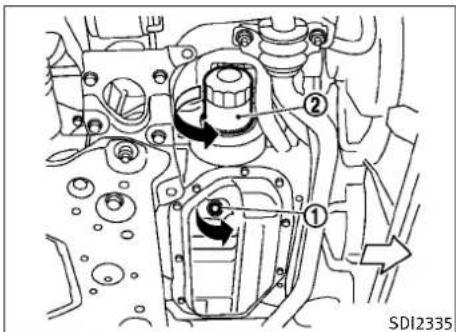
text_image
① ② SDI2335Two-wheeldrive(2WD)models
Engineoilandfilter
- Placealargedrainpanunderthedrain plug.
- Removetheoilfillercap.
3.Removethedrainplug ① withawrench andcompletelydraintheoil.

CAUTION
Becarefulnottoburnyourself,astheengineoil ishot.
Maintenanceanddo-it-yourself8-9
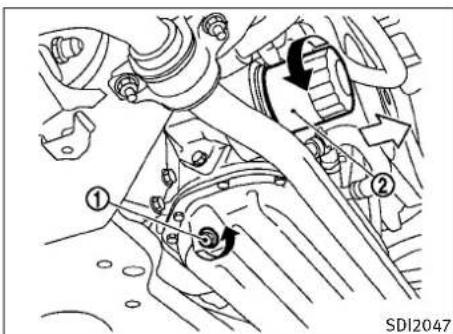
text_image
Technical diagram of a mechanical assembly with numbered components and directional arrows indicating motion or movement.All-wheeldrive(AWD)models
●Wasteoilmustbedisposedofproperly.
- Checkyourlocalregulations.
4.(Performsteps4to7onlywhenthe engineoilfilterchangeisneeded.)
Loosentheoilfilter ② withanoilfilter wrench.Removetheoilfilterbyturningitby hand.
5. Wipetheengineoilfiltermountingsurface with acleanrag.
8-10 Maintenance and do-it-yourself
CAUTION
Besuretoremoveanyoldrubbergasketre- mainingonthemountingsurfaceoftheengine. Failuretodosocouldleadtoenginedamage.
- Coatthegasketonthenewfilterwith cleanengineoil.
- Screwintheoilfilterclockwiseuntila slightresistanceisfelt, thentightenadditionally more than 2/3 turn.
Oilfiltertighteningtorque: 11to15ft-lb (14.7to20.5N·m)
- Cleanandre-installthedrainplugwitha newwasher.Securelytightenthedrain plugwithawrench.
Drainplugtighteningtorque: 22to29ft-lb (29to39N·m)
Donotuseexcessiveforce.
- Refillenginewithrecommendedoiland installtheoilfillercapsecurely.
See "CAPACITIESANDRECOMMENDED FUEL/LUBRICANTS" in the "9.Technicaland consumerinformation" sectionfordrainand refillcapacity. Thedrainandrefillcapacity
dependsontheoiltemperatureanddraintime. Usethesespecificationsforreferenceonly. Alwaysusethedipsticktodeterminetheproper amountofoilintheengine.
- Start the engine and check for leakage around the drain plug and the oil filter. Correct as required.
- Turntheengineoffandwaitmorethan15 minutes. Check the oil level with the dipstick. Add engine oil if necessary.
Aftertheoperation
- Install the engine undercover into position asthe following steps.
a.Pullthecenterofthesmallplasticclip out.
b. Hold the engine undercover intoposition.
c. Insert theclip through the undercover into the hole in the frame, then push the center of the clip into lock the clip in place.
d.Installtheotherboltsthatholdtheundercoverinplace.Becarefulnottostrip theboltsorover-tightenthem.
- Lowerthevehiclecarefullytotheground.
- Disposeofwasteoilandfilterproperly.
AUTOMATICTRANSMISSIONFLUIDPOWERSTEERINGFLUID

WARNING
●Prolongedandrepeatedcontactwithused engineoilmaycauseskincancer.
- Trytoavoiddirectskincontactwithusedoil. Ifskincontactismade, washthoroughly withsoaporhandcleanerassoonas possible.
- Keepusedengineoiloutofreachofchildren.
Whencheckingorreplacementisrequired,we recommendanINFINITIretailerforservicing.

CAUTION
- UseonlyGenuineNISSANMaticSATF.Do notmixwithotherfluids.
- Usingautomatictransmissionfluidother thanGenuineNISSANMaticSATFwillcause deteriorationindriveabilityandautomatic transmissiondurability,andmaydamage theautomatictransmission,whichisnot coveredbytheINFINITInewvehiclelimited warranty.
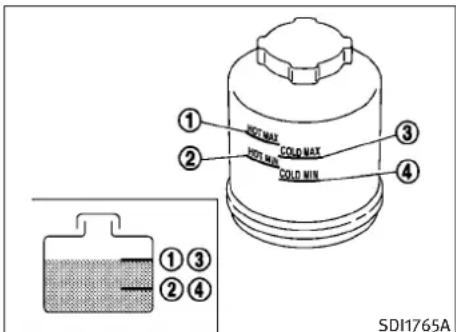
text_image
① HOT MAX ② HOT MIN ③ COLD MAX COLD MIN ④ ① ③ ② ④ SDI1765ACheckthefluidlevelinthereservoir.
ThefluidlevelshouldbecheckedusingtheHOT range(①:HOTMAX., ②:HOTMIN.)atfluid temperaturesof122to176°F(50to80°C)or usingtheCOLDrange(③:COLDMAX., ④:COLDMIN.)atfluidtemperaturesof32to86°F (0to30°C).
IfthefluidisbelowtheMINline,addGenuine NISSANPSForequivalent.Removethecapand fillthroughtheopening.

CAUTION
- Donotoverfill.
●UseGenuineNISSANPSForequivalent.
Maintenanceanddo-it-yourself8-11
BRAKEANDCLUTCHFLUID
For further brake and clutch fluid information, see "CAPACITIES AND RECOMMENDED FUEL/LUBRICANTS" in the "9. Technical and consumer information" section of this manual.

WARNING
- Useonlynewfluidfromasealedcontainer. Old, inferioror contaminated fluid may damagethebrakesystem. The use of improper fluidscandamagethebrakesystem and affect the vehicle's stopping ability.
●Cleanthefillercapbeforeremoving.
●Brakefluidispoisonousandshouldbe storedcarefullyinmarkedcontainersoutofthereachofchildren.

CAUTION
Donotspillthefluidonpaintedsurfaces. This willdamagethepaint.Iffluidisspilled, wash thesurfacewithwater.
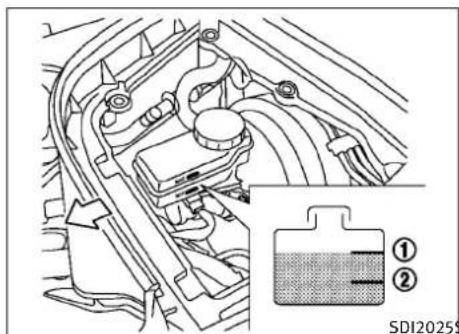
text_image
① ② SDI20255SDI2025\$DI1906A
BRAKEFLUID
Checkthefluidlevelinthereservoir.Ifthefluid isbelowtheMINline ② orthebrakewarning lightcomeson,addGenuineNISSANSuper HeavyDutyBrakeFluidorequivalentDOT3fluid uptotheMAXline ①.Iffluidmustbeadded frequently,thesystemshouldbecheckedbyan INFINITIretailer.
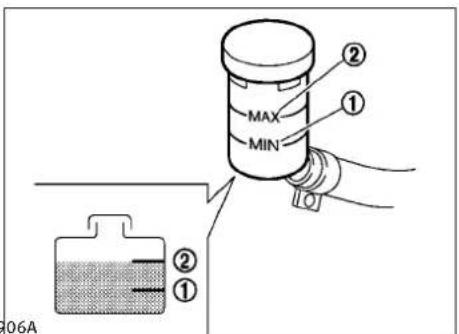
text_image
MAX MIN ① ② ① 06ACLUTCHFLUID(ifsoequipped)
Checkthefluidlevelinthereservoir.Ifthefluid levelisbelowtheMINline ①,addGenuine NISSANSuperHeavyDutyBrakeFluidorequivalentDOT3fluiduptotheMAXline ②.Iffluid mustbeaddedfrequently,thesystemshould becheckedbyanINFINITretailer.
8-12 Maintenance and do-it-yourself
WINDOWWASHERFLUIDBATTERY
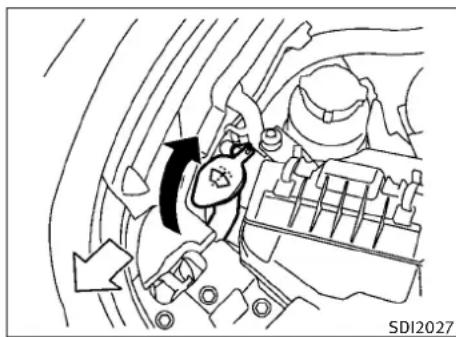
natural_image
Mechanical component diagram showing a valve mechanism with directional arrows (no text or symbols)
WARNING
Antifreezeispoisonousandshouldbestored carefullyinmarkedcontainersoutofthereach ofchildren.
Fillthewindowwasherfluidreservoirperiodically.Addwindowwasherfluidwhenthelow windowwasherfluidwarninglightcomeson.
Tofillthewindowwasherfluidreservoir, liftthe capoffthereservoirtankandpourthewindow washerfluidintothetankopening.
Addawashersolventtothewasherforbetter cleaning. In the winter season, addawind-shieldwasherantifreeze. Followthemanufac-turer's instructions forthemixtureratio.
Refillthereservoirmorefrequentlywhendrivingconditionsrequireanincreasedamountof windowwasherfluid.
RecommendedfluidisGenuineNISSANWindshieldWasherConcentrateCleaner&Antifreezeorequivalent.

CAUTION
- Donotsubstituteengineanti-freezecoolant forwindowwashersolution. This may result in damagetothepaint.
- Donotfillthewindowwasherreservoirtank withwasherfluidconcentratesatfull strength. Somemethylalcoholbased washerfluidconcentratesmaypermanently stainthegrilleifspilledwhilefillingthewindowwasherreservoirtank.
-
Pre-mixwasherfluidconcentrateswithwatertothemanufacturer'srecommendedlevelsbeforepouringthefluidintothewindowwasherreservoirtank.Donotusethewindowwasherreservoirtanktomixthewasher fluidconcentrateandwater.
-
Keepthebatterysurfacecleananddry. Cleanthebatterywithasolutionofbaking sodaandwater.
●Makecertaintheterminalconnectionsare cleanandsecurelytightened. - If the vehicle is not to be used for 30 days or longer, disconnect then negative (−) battery terminal cable to prevent discharging it.
COUPE

CAUTION
Whenthebatterycableisremovedfromthe batteryterminal,donotcloseeitheroffront doors.Theautomaticwindowadjustingfunctionwillnotwork,andthesideroofpanelmay bedamaged.
Todisconnectthenegative(−)batteryterminal, performtheprocedureinthefollowingorder. Otherwise,thewindowandthesideroofpanel maycontactandbedamaged.
1.Closethewindows.
2. Openthehood.
3. Close and lock all the doors.
4. Disconnect thenegative(−)battery terminal.
5. Secureyclosethehood.
Maintenanceanddo-it-yourself8-13
Toconnectthenegative(—)batteryterminal, performtheprocedureinthefollowingorder. Otherwise,thewindowandthesideroofpanel maycontactandbedamaged.
- Unlockandopenthedriversidedoor.Do notclosethedoor.
- Openthehood.
- Connectthenegative(—)batteryterminal. Thenclosethehood.
- Fullyopenthedriversidedoorwindow.
- Closethedriversidedoorandthewindow.
SEDANANDCOUPE

WARNING
- Donotexposethebatterytoflamesorelectricalsparks.Hydrogengasgeneratedby thebatteryisexplosive.Donotallowbattery fluidtocontactyourskin,eyes,fabrics,or paintedsurfaces.Aftertouchingabatteryor batterycap,donottouchorrubyoureyes. Thoroughlywashyourhands.Iftheacidcontactsyoureyes,skinorclothing,immediatelyflushwithwaterforatleast15minutes andseekmedicalattention.
- Donotoperatethevehicleifthefluidinthe batteryislow.Lowbatteryfluidcancausea higherloadonthebatterywhichcangenerateheat,reducebatterylife,andinsome casesleadtoanexplosion.
- Whenworkingtonnearabattery,always wearsuitableeyeprotectionandremoveall jewelry.
●Batteryposts,terminalsandrelatedaccessoriescontainleadandleadcompounds. Washhandsafterhandling. - Keepthebatteryoutofthereachofchildren.
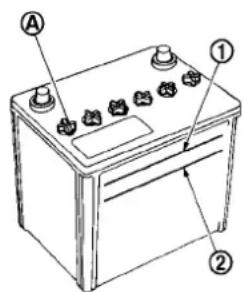
text_image
A ① ②DI0137MA
Checkthefluidleveleachcell(Removethe batterycoverifitisnecessary).Itshouldbe betweentheUPPERLEVEL ① andLOWERLEVEL ② lines.
Ifitisnecessarytoaddfluid, addonlydistilled watertobringtheleveltotheindicatorineach filleropening.Donotoverfill.
8-14 Maintenance and do-it-yourself

text_image
① ② SDI1480C1.Removethecellplugs Ⓐ.
2.AdddistilledwateruptotheUPPERLEVEL ① line.
Ifthesideofthebatteryisnotclear,check thedistilledwaterlevelbylookingdirectly abovethecell;thecondition ① indicates OKandtheconditions ② needsmoretobe added.
3.Tightencellplugs Ⓐ.
Vehiclesoperatedinhightemperaturesorundersevereconditionsrequirefrequentchecks ofthebatteryfluidlevel.
JUMPSTARTING
Ifjumpstartingisnecessary,see“JUMPSTARTING”inthe“6.Incaseofemergency”section.If theenginedoesnotstartbyjumpstarting,the batterymayhavetobereplaced.Contactan INFINITlretailer.
VARIABLEVOLTAGECONTROLSYSTEM
CAUTION
- Donotgroundaccessoriesdirectlytothe batteryterminal.Doingsowillbypasssthe variablevoltagecontrolsystemandthevehiclebatterymaynotchargecompletely.
- Useelectricalaccessorieswiththeengine runningtoavoiddischargingthevehicle battery.
The variable voltage control system measures the amount of electrical discharge from the battery and control voltage generated by the generator.
DRIVEBELTSSPARKPLUGS

text_image
1 2 3 4 5 SDI2119VQ37VHRengine
- Powersteeringfluidpump
- Alternator
3.Crankshaftpulley - Airconditionercompressor
5.Drivebeltauto-tensioner
WARNING
BesuretheignitionswitchisintheOFFForLOCK positionbeforeservicingdrivebelts.Theenginecouldrotateunexpectedly.
- Visually inspect each belt for sign of unusual wear, cuts, fraying or looseness. If the belt is in poor condition or loose, have it replaced or adjusted by an INFINIT retailer.
- Havethebeltscheckedregularlyforconditionandtensioninaccordancewiththemaintenancescheduleinyour“INFINITI ServiceandMaintenanceGuide”.
WARNING
Besuretheengineandtheignitionswitchare offandthattheparkingbrakeisengaged securely.
CAUTION
Besuretousethecorrectsockettoremovethe sparkplugs.Anincorrectsocketcandamage thesparkplugs.
8-16 Maintenance and do-it-yourself
AIRCLEANER
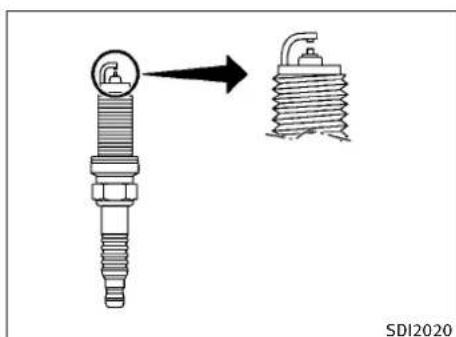
text_image
SDI2020REPLACINGSPARKPLUGS
Ifreplacementisrequired,seeanINFINITire-tailerforservicing.
Iridium-tippedsparkplugs
It is not necessary to replace their idium-tipped spark plugs as frequently asthe conventional types spark plug sessions, they will last much longer. Follow them maintenances schedule in "INFINITService and Maintenance Guide", but do not reuse them by cleaning or regapping.
Alwaysreplacesparkplugswithrecommended orequivalentones.
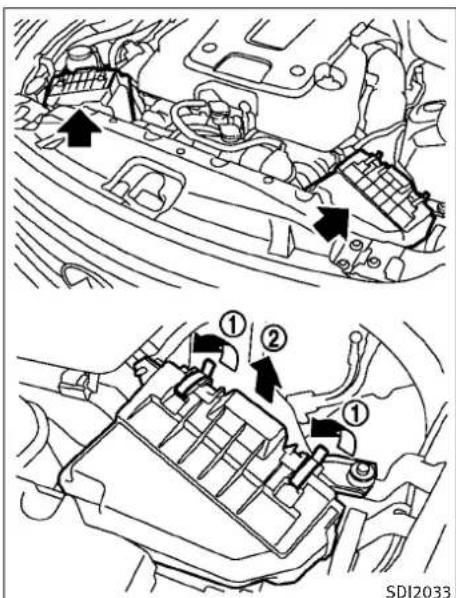
text_image
Technical diagram showing engine compartment with numbered parts and directional arrows indicating flow or movementRemovetheretainers ① asillustratedandpull outthefilterelement ②.
The filter elements should not be cleaned and reused. Replace it according to them maintenance intervals. See "INFINITIService and Maintenance Guide" form maintenance intervals.
When replacing the filter, wipe the inside of the air cleaner housing and the cover with adamp cloth.
WARNING
- Operatingtheenginewiththeaircleaner removedcancauseyouorotherstobe burned.Theaircleanernotonlycleansthe air,itstopsflameiftheenginebackfires.Ifit isn'tthere,andtheenginebackfires,you couldbeburned.Donotdrivewiththeair cleanerremoved,andbecarefulwhenworkingtheenginewiththeaircleaner removed.
●Neverpourfuelintothethrottlebodyorattempttostarttheenginewiththeaircleaner removed.Doingsocouldresultinserious injury.
Maintenanceanddo-it-yourself8-17
WINDSHIELDWIPERBLADES
CLEANING
If your windshield is not clear after using the windshield washer or if a blade chatters when running, wax or other material maybe on the blade or windshield.
Cleantheoutsideofthewindshieldwitha washersolutionoramilddetergent.Yourwind-shieldiscleanifbeadsdonotformwhen rinsingwithclearwater.
Cleaneachbladebywipingitwithacloth soakedinawashersolutionoramilddetergent.Thenrinsethebladewithclearwater.If yourwindshieldisstillnotclearaftercleaning thebladesandusingthewiper,replacethe blades.
Wornwindshieldwiperbladescandamagethe windshieldandimpairdrivervision.
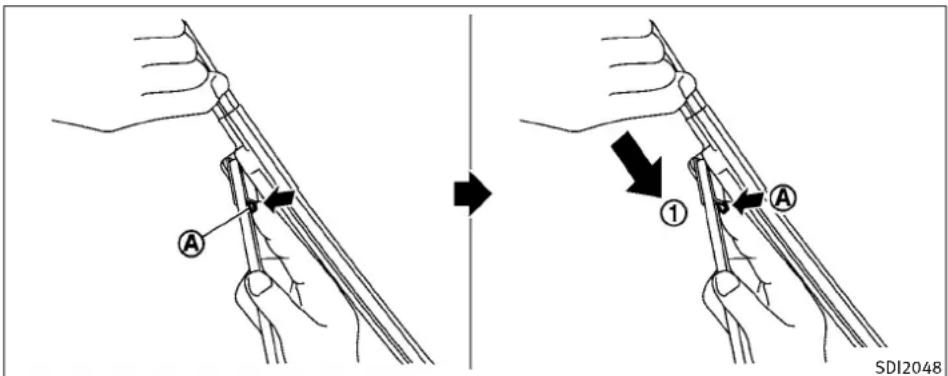
text_image
A ① A SDI2048REPLACING
Replacethewiperbladesiftheyareworn.
- Pullthewiperarm.
2.Pushthereleasetab Ⓐ,andthenmove thewiperbladedownthewiperarm ① whilepushingthereleasetabtoremove. - Insertthenewwiperbladeontothewiper armuntilaclicksounds.
- Rotatethewiperbladesothedimpleisin thegroove.
CAUTION
- Afterwiperbladereplacement, return the wiperarmtoitsoriginalposition; otherwiseitmaybedamagedwhenthehood isopened.
- Makesurethewiperbladescontactthe glass;otherwisethearmmaybedamaged fromwindpressure.
8-18 Maintenance and do-it-yourself
BRAKES
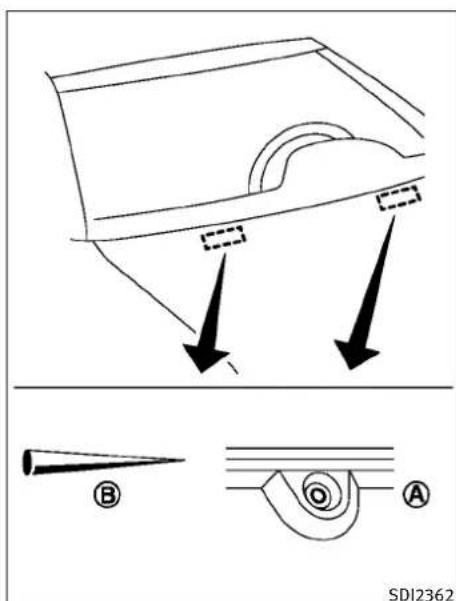
text_image
SDI2362Ifyouwaxthesurfaceofthehood,becareful nottoletwaxgetintothewashernozzle Thismaycausecloggingorimproperwind-shieldwasheroperation.Ifwaxgetsintothe nozzle,removeitwithaneedleorsmallpin Becarefulnottodamagethenozzle.
If the brakes donot operate properly, have the brakes checked by an INFINIT retailer.
SELF-ADJUSTINGBRAKES
Your vehicle is equipped with self-adjusting brakes.
Thedisc-typebrakesself-adjusteverytimethe brakepedalisapplied.
WARNING
SeeanINFINITIretailerforabrakesystem checkifthebrakepedalheightdoesnotreturn tonormal.
BRAKEPADWEARWARNING
Thediscbrakepadshaveaudiblewearwarnings.Whenabrakepadrequiresreplacement,it willmakeahighpitchedscrapingsoundwhen thevehicleisinmotion.Thisscrapingsound willfirstoccuronlywhenthebrakepedalis depressed.Aftermorewearofthebrakepad, thesoundwillalwaysbeheardevenifthebrake pedalisnotdepressed.Havethebrakes checkedassoonaspossibleifthewearwarningsoundisheard.
Undersomedrivingorclimateconditions, occasionalbrakesqueak,squealorothernoisemay beheard.Occasionalbrakenoiseduringlightto moderatestopsisnormalanddoesnotaffect thefunctionorperformanceofthebrakesystem.
Properbrakeinspectionintervalsshouldbefollowed.Foradditionalinformation,seethemaintenancelogsectionofyour"INFINITIService andMaintenanceGuide"formaintenanceintervals.
FUSES

natural_image
Technical diagram of a vehicle engine compartment with directional arrows indicating flow or movement (no text or symbols present)SDI1479A\$DI1754
ENGINECOMPARTMENT
CAUTION
Neveruseafuseofahigherorloweramperage ratingthanthatspecifiedonthefuseboxcover. Thiscoulddamagetheelectricalsystemor causeafire.
Ifanyelectricalequipmentdoesnotoperate, checkforanopenfuse.
- Besuretheignitionswitchispushed to theOFFForLOCKpositionandtheheadlightswitchisturnedtoOFF.
8-20 Maintenance and do-it-yourself
- Opentheenginehood and remove the cover on the battery and the fuse/fusible linkholder.
- Removethefuse/fusiblelinkholder cover.
- Removethefusewiththefusepuller.

- If the fuse is open Ⓐ, replace it with a new fuse Ⓑ. Spare fuses are stored in the passenger compartment fuse box.
- Ifanewfusealsoopens, havetheelectricalsystemcheckedandrepairedbyan INFINITIretailer.
Fusiblelinks
Ifanyelectricalequipmentdoesnotoperate andfusesareingoodcondition,checkthe fusiblelinks.Ifanyofthesefusiblelinksare melted,replaceonlywithgenuineINFINITI parts.

text_image
SDI2034PASSENGERCOMPARTMENT
CAUTION
Neveruseafuseofahigherorloweramperage ratingthanthatspecifiedonthefuseboxcover. Thiscoulddamagetheelectricalsystemor causeafire.
Ifanyelectricalequipmentdoesnotoperate, checkforanopenfuse.
-
Besuretheignitionswitchispushed to theOFFForLOCKpositionandtheheadlightswitchisturnedtoOFF.
-
Openthefuseboxlid.
-
Removethefusewiththefusepuller
-
If the fuse is open, replace it with anew fuse.
-
Ifanewfusealsoopens, havetheelectricalsystemcheckedandrepairedbyan INFINITlretailer. Sparefusesarestoredin thefusebox.
INTELLIGENTKEYBATTERYREPLACEMENT

text_image
0 a B A SDI1834Replacethebatteryasfollows:
- Releasethelockknobatthebackofthe IntelligentKeyandremovethemechanical key.
2.Insertaflat-bladescrewdriver wrappedwithaclothintotheslit thecornerandtwistittoseparatethe upperpartfromthelowerpart.
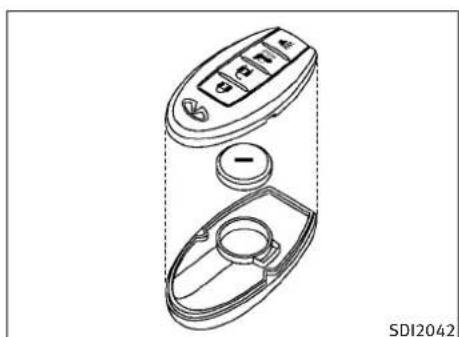
natural_image
Technical line drawing of a handheld device with control panel and circular base (no text or symbols)- Replacethebatterywithanewone.
Recommendedbattery:CR2032orequivalent.
-
Donottouchtheinternalcircuitand electricterminalsasitcouldcausea malfunction.
●Holdthebatterybytheedges.Holding thebatteryacrossthecontactpointswill seriouslydepletethestoragecapacity.
●Makesurethatthe+sidefaceshe bottomofthecase. -
Alignthetipsoftheupperandlower parts, and then push them together until it is securely closed.
-
Push the button two worth treetimesto check its operation.
SeeanINFINITretailerifyouneedanyassistanceforreplacement.
FCCNotice:
Thisequipmenthasbeentestedandfoundto complywiththelimitsforaClassBdigitaldevice pursuanttopart15oftheFCCRules.Theselimits aredesignedtoprovidereasonableprotection againstharmfulinterferenceinaresidentialinstallation.Thisequipmentgenerates,usesand canradiatoradiofrequencyenergyand,ifnot installedandusedinaccordancewiththeinstructions,maycauseharmfulinterferenceto radiocommunications.However,thereisno guaranteeethatinterferencewillnotoccurina particularinstallation.Ifthisequipmentdoes causeharmfulinterferencetoradioortelevision reception,whichcanbedeterminedbyturning theequipmentoffandon,theuserisencouraged totrytocorrecttheinterferencebyoneormore ofthefollowingmeasures:
-Reorientorrelocatethereceivingantenna
-Increasetheseparationbetweentheequipmentandthereceiver
-Connecttheequipmentintoanoutletona circuitdifferentfromthattowhichthereceiverisconnected.
-Consulttheretaileroranexperienced radio/TVtechnicianforhelp.
8-22 Maintenanceanddo-it-yourself
LIGHTS

text_image
1 2 3 4 5 6 7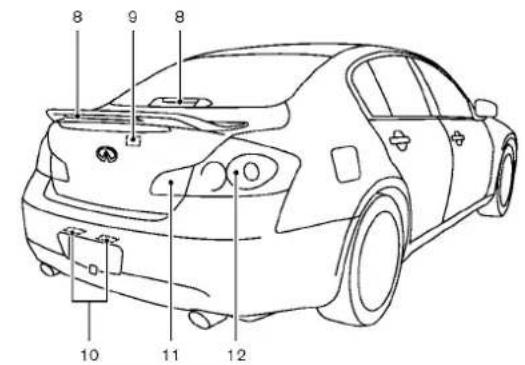
text_image
8 9 8 10 11 12SDI2501
SEDAN
1.Frontturnsignallightandclearancelight
- Headlight(high-andlow-beam)
3.Frontsidemarkerlight
4.Maplight
- Rearpersonallight
6.Foglight
-
Steplight
-
High-mounted stoplight (on therearpar-celshelforintherearspoiler)*
9.Trunklight
-
Licenseplatelight
-
Back-uplight
-
Rearcombinationlight(rearturn signal/tail/stop/sidemarkerlight)
*: Notethatwhenthefactoryspoileris installed, therearparcelshelfhigh-mountedstoplightisstillpresent, but it isdisabledandreplacedbytherear spoilerhigh-mountedstoplight.
Maintenanceanddo-it-yourself8-23
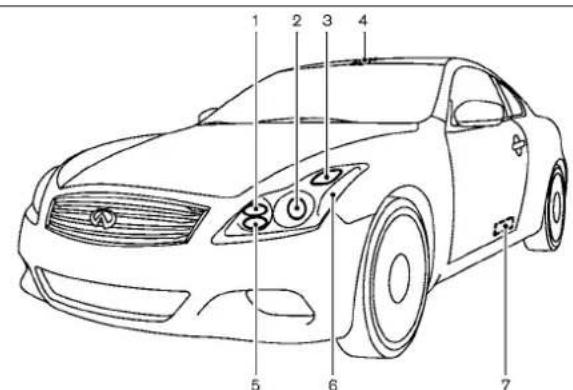
text_image
1 2 3 4 5 6 7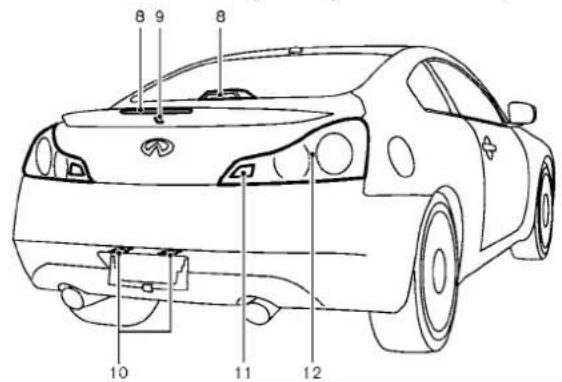
text_image
8 9 8 10 11 12SDI2126
8-24 Maintenance and do-it-yourself
COUPE
1.Foglight
2.Headlight(high-andlow-beam)
3.Frontturnsignallight
4.Maplight
5.Clearancelight
6.Frontsidemarkerlight
7. Steplight
8. High-mounted stoplight (on therearpar-celshelforintherearspoiler)*
9.Trunklight
-
Licenseplatelight
-
Back-uplight
-
Rearcombinationlight(rearturn signal/tail/stop/sidemarkerlight)
*: Notethatwhenthefactoryspoileris installed, therearparcelshelfhigh-mountedstoplightisstillpresent, but it isdisabledandreplacedbytherear spoilerhigh-mountedstoplight.
HEADLIGHTS
Replacing
Xenonheadlightbulb:

WARNING

HIGHVOLTAGE
When xenonheadlights are on, they produce a high voltage. Top prevent an electric shock, never attempt to modify disassemble. Always have your xenon headlights replaced at an INFINIT retailer. For additional information, see "HEADLIGHT AND TURNSIGNAL SWITCH" in the "2.Instruments and controls" section.
Usethesamenumberandwattageshowninthe followingchartasoriginallyinstalled.
Ifreplacementisrequired,seeanINFINITire-tailer.
Fogmaytemporarilyforminsidethelensofthe exteriorlightsintherainorinacarwash.A temperaturedifferencebetweentheinsideand theoutsideofthelenscausesthefog.Thisis notamalfunction.lflargedropsofwatercollect insidethelens,contactanINFINITlretailer.
EXTERIORANDINTERIORLIGHTS
Sedan
*:SeeanINFINITlretailerforreplacement.
NOTE: Always check with the Parts Department at an INFINIT retailer forth the latest information about parts.
Coupe
| ItemWattage(W)BulbNo. | ||
| Headlight*High/Lowbeams(xenon)35D2SFrontturnsignallight*21WY21WFrontfoglight*55H1Clearancelight*5W5WFrontsidemarkerlight*5W5WRearcombinationlight*back-up16W16Wturnsignal21W21Wstop/tail/sidemarkerLicenseplatelight*MaplightVanitymirrorlightSteplight*Trunklight*High-mountedstoplight* | LED5W5W8283.4LED | ——————— |
*:SeeanINFINITlretailerforreplacement.
NOTE: Always check with the Parts Department at an INFINITI retailer for the latest information about parts.
Replacementprocedures
AllotherlightsareeithertypeA,B,C,D,EorF. Whenreplacingabulb,firstremovethelens and/orcover.

flowchart
graph TD
    A["Light Bulb"] --> B["Switch"]
    B --> C["Switch"]
    C --> D["Switch"]
    D --> E["Switch"]
    E --> F["Switch"]
    F --> G["Switch"]
    G --> H["Switch"]
    H --> I["Switch"]
    I --> J["Switch"]
    J --> K["Switch"]
    K --> L["Switch"]
    L --> M["Switch"]
    M --> N["Switch"]
    N --> O["Switch"]
    O --> P["Switch"]
    P --> Q["Switch"]
    Q --> R["Switch"]
    R --> S["Switch"]
    S --> T["Switch"]
    T --> U["Switch"]
    U --> V["Switch"]
    V --> W["Switch"]
    W --> X["Switch"]
    X --> Y["Switch"]
    Y --> Z["Switch"]
    Z --> AA["Switch"]
    AA --> AB["Switch"]
    AB --> AC["Switch"]
    AC --> AD["Switch"]
    AD --> AE["Switch"]
    AE --> AF["Switch"]
    AF --> AG["Switch"]
    AG --> AH["Switch"]
    AH --> AI["Switch"]
    AI --> AJ["Switch"]
    AJ --> AK["Switch"]
    AK --> AL["Switch"]
    AL --> AM["Switch"]
    AM --> AN["Switch"]
    AN --> AO["Switch"]
    AO --> AP["Switch"]
    AP --> AQ["Switch"]
    AQ --> AR["Switch"]
    AR --> AS["Switch"]
    AS --> AT["Switch"]
    AT --> AU["Switch"]
    AU --> AV["Switch"]
    AV --> AW["Switch"]
    AW --> AX["Switch"]
    AX --> AY["Switch"]

text_image
Maplight SDI2508
text_image
SDI2031 Rearpersonallight(Sedanonly)Maintenanceanddo-it-yourself8-27
WHEELSANDTIRES
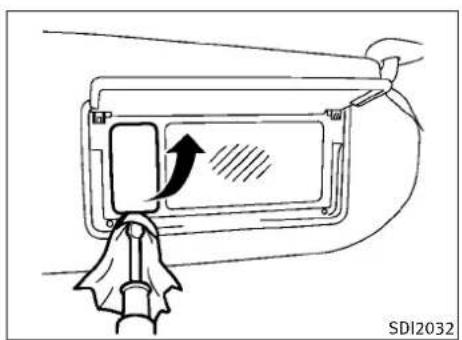
text_image
SDI2032Vanitymirrorlight(TypeA)
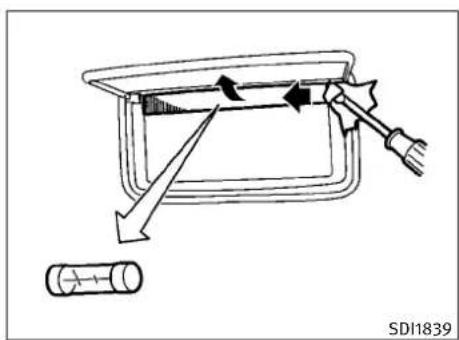
text_image
SDI1839Vanitymirrorlight(TypeB)
If you have a flattire, see "FLATTIRE" in the "6. In case of emergency" section.
TIREPRESSURE
TirePressureMonitoringSystem (TPMS)
ThisvehicleisequippedwiththeTirePressure MonitoringSystem(TPMS).Itmonitorstire pressureofalltiresexceptthespare.Whenthe lowtirepressurewarninglightislit,oneor moreofyourtiresissignificantlyunderinflated.
TheTPMSwillactivateonlywhenthevehicleis drivenatspeedsabove16MPH(25km/h).Also, thissystemmaynotdetectasuddendropintire pressure(forexampleaflattirewhiledriving).
Formoredetails, see "Lowtirepressurewarninglight" in the "2.Instrumentsandcontrols" section, "TIREPRESSUREMONITORINGSYSTEM (TPMS)" in the "5.Startinganddriving" section and "TIREPRESSUREMONITORINGSYSTEM (TPMS)" in the "6.Incaseofemergency" section.
Tireinflationpressure
Check the pressure of the the wires (including the spare) often and always prior to long distance trips. There recommended
tirepressurespecificationsareshown ontheTireandLoadingInformation labelunderthe"ColdTirePressure" heading.TheTireandLoadingInformationlabelisaffixedtothedriverside centerpillar.Tirepressuresshouldbe checkedregularlybecause:
- Mosttiresnaturallyloseairovertime.
- Tires can lose air suddenly when driven over potholes or other objects or if the vehicle strikes acumb while parking.
Thetirepressuresshouldbechecked whenthetiresarecold. Thetiresare consideredCOLDafterthevehiclehas been parked for 3 or more hours, or drivenlessthan1mile(1.6km)atmoderatespeeds.
Incorrect tire pressure, including under inflation, may adversely affect tire life and vehicle handling.
8-28 Maintenanceanddo-it-yourself
WARNING
- Improperlyinflatedtirescanfailsuddenlyandcauseanaccident.
•TheGrossVehicleWeightrating (GVWR)islocatedontheF.M.V.S.S./C.M.V.S.S.label.Thevehicleweight capacityisindicatedontheTireand LoadingInformationlabel.Donot loadyourvehiclebeyondthiscapacity.Overloadingyourvehiclemayresultinreducedtirelife,unsafeoperatingconditionsduetoprematuretire failure,orunfavorablehandlingcharacteristicsandcouldalsoleadtoa seriousaccident.Loadingbeyondthe specifiedcapacitymayalsoresultin failureofothervehiclecomponents.
- Beforetakingalongtrip,orwhenever youheavilyloadyourvehicle,usea tirepressuregaugetoensurethatthe tirepressuresareatthespecified level.
- For additional information regarding tires, referto "Important Tire Safety Information" (US) or "Tire Safety Information" (Canada) in the Warranty Information Booklet.
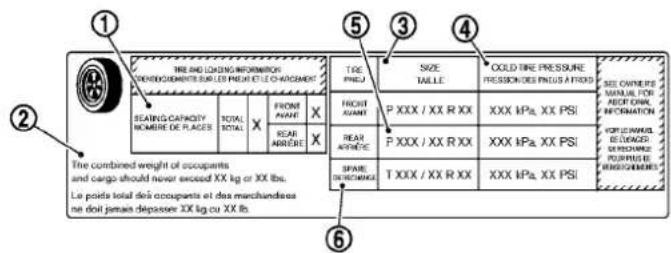
text_image
THE AND LOADING INFORMATION DEMOACHÉMENTS SUR LES PHEUS ET LE CHARGAMENT BEATING CAPACITY NOMBLE DE PLAGES TOTAL X FRONT AVANT X REAR AMMÈRE X TREE PRESS. FROST AVANT P XXX / XX R XX XXX kPa. XX PSI COLD TIRE PRESSURE PRESSION DES PRESS A FROIS SEED OWNERE MANUEL FOR ADOY GRAV. INFORMATION VOLLE MANUEL DE VAGUED RESUMPTIONS RESUMPTIONS SPRING EXCHANGE T XXX / XX R XX XXX kPa. XX PSI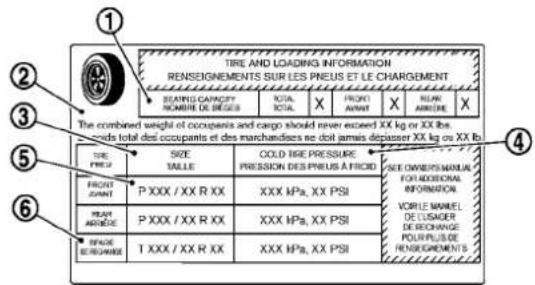
text_image
TIRE AND LOADING INFORMATION RENSEIGNEMENTS SUR LES PNEUS ET LE CHARGEMENT SEATING CAPACITY NOMBRE DE BRIGUES TOTAL X FRONT AVANT X HEAR AMBIERE X The combined weight of occupants and cargo should never exceed XX kg or XX lbs. Hands total des occupants et des marchandises ne dot armais depasser XX kg ou XX lb. TIRE PNEUS SIZE TAILLE COLD TIRE PRESSURE PRESSION DES PNEUS À FROID SEE OWNER'S MANUAL FOR ADDITIONAL INFORMATION. VORLE MANUEL DE USAGER DE RICHENANCE POUR PLUS DE RENSEIGNEMENTS. PRECENT AVANT P XXX / XX R XX XXX MPa, XX PSI PEAV AMBIERE P XXX / XX R XX XXX MPa, XX PSI SPADE SERUMBAGE T XXX / XX R XX XXX MPa, XX PSISDI2153
TireandLoadingInformationlabel
① Seatingcapacity: Themaximum numberofoccupantsthatcanbe seatedinthevehicle.
② Vehicleloadlimit: See“VEHICLE LOADINGINFORMATION”inthe“9. Technicalandconsumerinformation”section.
③ Originalsize: Thesizeofthetires originally installed on the vehicle at the factory.
④ Coldtirepressure:Inflatethetires tothispressurewhenthetiresare cold.TiresareconsideredCOLD afterthevehiclehasbeenparked for3ormorehours,ordrivenless than1mile(1.6km)atmoderate speeds.Therecommendedcold tireinflationissetbythemanufac-turertoprovidethebestbalanceof tirewear,vehiclehandling,drive-ability,tirenoise,etc.,uptothe vehicle'sGVWR.
⑤ Tiresize—see“TIRELABELING” laterinthissection.
⑥ Sparetiresizeorcompactspare tiresize(ifsoequipped)
8-30 Maintenance and do-it-yourself
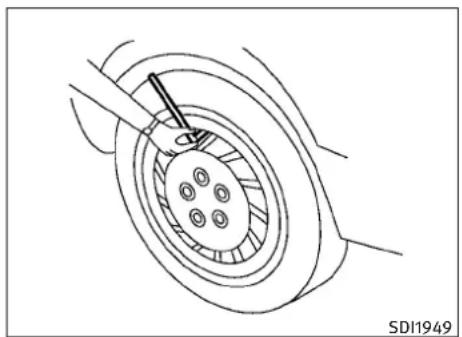
natural_image
Technical line drawing of a mechanical assembly with concentric rings and a central component (no text or symbols)Checkingthetirepressure
- Removethevalvestemcapfromthe tire.
-
Pressthepressuregaugesquarely ontothevalvestem.Donotpresstoo hardorforcethevalvestemsideways,orairwillescape.Ifthehissing soundofairescapingfromthetireis heardwhilecheckingthepressure, repositionthegaugetoeliminatethis leakage.
-
Removethegauge.
-
Readthetirepressureonthegauge stemandcompareittothespecificationshownontheTireandLoading Informationlabel.
- Addairtothetireasneeded.Iftoo muchairisadded,pressthecoreof thevalvestembrieflywiththetipof thegaugestemtoreleasepressure. Recheckthepressureandaddorreleaseairasneeded.
- Installthevalvestemcap.
- Check the pressure of allothertires, including the spare.
Sedan:
| SIZECOLD | TIREINFLATIONPRESSURE | |
| FRONTORIGINALTIRE | P225/55R1795V | 230kPa,33PSI |
| P225/50R1894V | 230kPa,33PSI | |
| 225/50R1895W | 230kPa,33PSI | |
| REARORIGINALTIRE | P225/55R1795V | 230kPa,33PSI |
| P225/50R1894V | 230kPa,33PSI | |
| 245/45R1896W | 230kPa,33PSI | |
| SPARETIRE | T145/80D17 | 420kPa,60PSI |
| T145/70R184 | 20kPa,60PSI | |
| T145/70D18 | 420kPa,60PSI |
Coupe:
| SIZECOLDTIRE | ||
| FRONTORIGINAL TIRE | P225/50R1894V | 230kPa,33PSI |
| 225/45R1992W | 240kPa,35PSI | |
| SIZECOLDTIRE | ||
| INFLATION PRESSURE | ||
| REAR ORIGINAL TIRE | P225/50R1894V | 230kPa, 33PSI |
| 245/40R1994W | 240kPa, 35PSI | |
| SPARE TIRE | T145/80D17 | 420kPa, 60PSI |
| T145/70R18 | 420kPa, 60PSI | |
| T145/70D18 | 420kPa, 60PSI | |
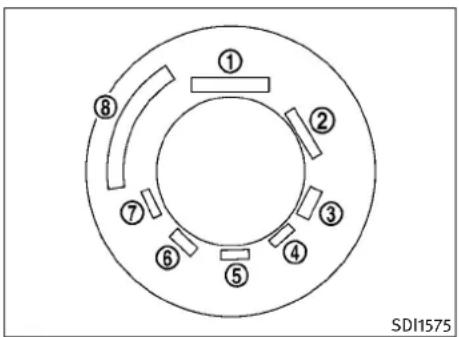
text_image
① ② ③ ④ ⑤ ⑥ ⑦ ⑧ SDI1575Example
TIRELABELING
Federallawrequirestiremanufacturers toplacestandardizedinformationonthe sidewallofalltires. This information identifies and describesthefundamental characteristics of the tire and also provides the identification number (TIN) for safety standard certification. The TIN can be used to identify the tire in case of a recall.
8-32 Maintenance and do-it-yourself

text_image
P215/60R16 94H P 215 60 R 16 94 H ↑ ↑ ↑ ↑ ↑ ↑ ↑ 1 2 3 4 5 6 7 SDI1606Example
① Tiresize(example:P215/60R1694H)
- P:The "P"indicatesthetireisdesignedforpassengervehicles.(Notall tireshavethisinformation.)
- Three-digitnumber(215):Thisnum-bergivesthewidthinmillimetersof thetirefromsidewalledgetosidewalledge.
-
Two-digitnumber(60):Thisnumber, knownastheaspectratio,givesthe tire's ratioofheighttowidth.
-
R:The“R”standsforradial.
- Two-digitnumber(16):Thisnumberis thewheelorrimdiameterininches.
- Two-orthree-digitnumber(94):This numberisthetire'sloadindex.Itisa measurementofhowmuchweight eachtirecansupport.Youmaynot findthisinformationonalltiresbecauseitisnotrequiredbylaw.
- H:Tirespeedrating.Youshouldnot drivethevehiclefasterthanthetire speedrating.
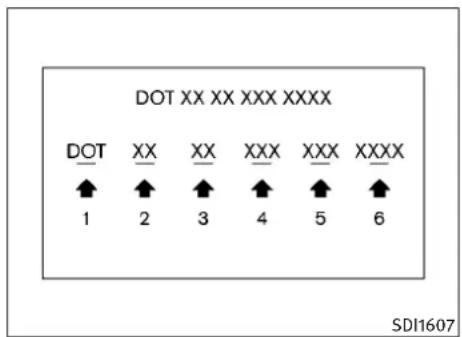
- DOT:Abbreviationforthe"DepartmentofTransportation".Thesymbol canbeplacedabove,belowortothe leftorrightoftheTireIdentification Number.
- Two-digitcode: Manufacturer's identificationmark
-
Two-digitcode:Tiresize Maintenanceanddo-it-yourself8-33
-
Three-digitcode: Tiretypecode(Optional)
- Three-digitcode:DateofManufacture
- Fournumbersrepresenttheweekand yearthetirewasbuilt.Forexample, thenumbers3103meansthe31st weekof2003.Ifthesenumbersare missing,thenlookontheothersidewallofthetire.
③ Tireplycompositionandmaterial Thenumberoflayersorpliesof rubber-coatedfabricinthetire. Tiremanufacturersalsomustindicatethematerialsinthetire,which includesteel,nylon,polyester,and others.
④ Maximumpermissibleinflationpressure Thisnumberisthegreatestamount ofairpressurethatshouldbeputin thetire.Donotexceedthemaximum permissibleinflationpressure.
⑤ Maximumloadrating Thisnumberindicatethemaximum loadinkilogramsandpoundsthat canbecarriedbythetire.When replacingthetiresonthevehicle, alwaysuseatirethathasthesame loadratingasthefactoryinstalled tire.
⑥ Termof“tubeless”or“tubetype” Indicateswhetherthetirerequiresan innertube(“tubetype”)ornot (“tubeless”).
⑦ Theword“radial”
Theword“radial”isshown,ifthetire hasradialstructure.
⑧ Manufacturerorbrandname
Manufacturerorbrandnameis shown.
Othertire-relatedterminology:
Inadditiontothemanytermsthatare definedthroughoutthissection,IntendedOutboardSidewallis(1)thesidewallthatcontainsawhitewall,bears
whiteletteringorbearsmanufacturer, brandand/ormodelnamemoldingthat ishigherordeeperthanthesamemold-ingontheothersidewallofthetire,or (2)theoutwardfacingsidewallofan asymmetricaltirethathasaparticular side that must always face outward whenmountedonavehicle.
TYPESOFTIRES

WARNING
- When changing or replacing tires, be sure all fourtiresareofthesametype(Example: Summer, AllSeasonorSnow) and construction. An INFINITI retailer may be able to help you within information about tiretype, size, speed rating and availability.
- Replacement tires may have a lower speed rating than the factory equipped tires, and may not match the potential maximum vehiclespeed. Never exceed them maximum speed rating of the tire.
●Replacing tires with those not originally specified by INFINIT could affect the proper operation of the TPMS.
8-34 Maintenance and do-it-yourself
- For additional information regarding tires, refer to "Important Tire Safety Information" (US) or "Tire Safety Information" (Canada) in the Warranty Information Booklet.
Allseasontires
INFINITIspecifiesallseasonontiresonsome modelstoprovidegoodperformanceallyear, includingsnowyandicyroadconditions.All SeasontiresareidentifiedbyALLSEASON and/orM&S(MudandSnow)onthetiresidewall.Snowtireshavebettersnowtractionthan AllSeasontiresandmaybemoreappropriatein someareas.
Summertires
INFINITlspecifiessummertiresonsomemodels toprovidesuperiorperformanceondryroads. Summertireperformanceissubstantiallyreducedinsnowandice.Summertiresdonot havethetiretractionratingM&Sonthetire sidewall.
If you planto operate your vehicle in snowy or icy conditions, INFINIT recommend the use of SNOW tires or ALL SEASON tires on all four wheels.
Snowtires
Ifsnowtiresareneeded,itisnecessaryto selecttiresequivalentinsizeandloadratingto theoriginalequipmenttires.Ifyoudonot,itcan adverselyaffectthesafetyandhandlingofyour vehicle.
Generally, snowtireswillhavelowerspeed ratingsthanfactoryequippedtiresandmaynot matchthepotentialmaximumvehiclespeed. Neverexceedthemaximumspeedratingofthe tire.
If you install snowtires, they must be the same size, brand, construction and tread pattern on all four wheels.
Foradditionaltractiononicyroads,studded tiresmaybeused.However,someU.S.states andCanadianprovincesprohibittheiruse. Checklocal,stateandprovinciallawsbefore installingstuddedtires.Skidandtractioncapabilitiesofstuddedsnowtires,onwetordry surfaces,maybepoorerthanthatofnon-studdedsnowtires.
TIRECHAINS
Useoftirechainsmaybeprohibitedaccording tolocation.Checkthelocallawsbeforeinstallingtirechains.Wheninstallingtirechains, makesuretheyarethepropersizeforthetires onyourvehicleandareinstalledaccordingto thechainmanufacturer'ssuggestions.Useonly SAEClassSchains.Class"S"chainsareused onvehicleswithrestrictedtiretovehicleclearance.VehiclesthatcanuseClass"S"chainsare designedtomeettheSAEstandardminimum clearancesbetweenethetireandtheclosest vehiclesuspensionorbodycomponentrequiredtoaccommodatetheuseofawinter tractiondevice(tirechainsorcables).Theminimumclearancesaredeterminedusingthefactoryequippedtiresize.Othertypesmaydamageyourvehicle.Usechaintensionerswhen recommendedbythetirechainmanufacturer to ensureatightfit.Looseendlinksofthetire chainmustbesecuredorremovedtoprevent thepossibilityofwhippingactiondamageto thefendersorunderbody.Ifpossible,avoid fullyloadingyourvehiclewhenusingtire chains.Inaddition,driveatareducedspeed. Otherwise,yourvehiclemaybedamaged and/orvehiclehandlingandperformancemay beadverselyaffected.
Tirechainsmustbeinstalledonlyontherear wheelsandnotonthefrontwheels.
Maintenanceanddo-it-yourself
NeverinstalltirechainsonaTEMPORARYUSE ONLYsparetire.
Donotusetirechainsondryroads. Driving with tirechainsinsuchconditionscancausedamagetothevariousmechanismsofthevehicle duetosomeoverstress.

text_image
SDI1662CHANGINGWHEELSANDTIRES
Tirerotation(Modelsequipped with samesizetiresonallwheels)
INFINITI recommends rotating the theories every 7,500 miles (12,000 km). (See "FLATTIRE" in the "6.In case of emergency" section for tirereplacing procedures.)
As soon as possible, tightenthewheel nutstothespecifiedtorquewithatorque wrench.
Wheelnuttighteningtorque: 80ft-lb(108N·m)
The wheelnuts must be kept tightened to the specification at all times. It is recommended that wheel nuts be tightened to the specification at each tirerotation interval.
WARNING
- Afterrotatingthetires, checkandadjustthetirepressure.
- Retightenthewheelnutwhenthe vehiclehasbeendrivenfor600miles (1,000km)(alsoincasesofaflattire, etc.).
- DonotincludetheT-typesparetireor anyothersmallsizesparetireinthe tirerotation.
- For additional information regarding tires, referto "Important Tire Safety Information" (US) or "Tire Safety Information" (Canada) in the Warranty Information Booklet.
Tirerotation(Modelsequipped with differentsizetiresonfrontandrear)
Tires cannot be rotated on this vehicle, as front tires are adifferentsize from reartires and the direction of the wheel rotation is fixed for each tire.
Apinisonthefrontbrakerotorto preventtherearwheelsfrombeinginstalledinplaceofthefrontwheels.The sparetirecanbeinstalledinplaceofthe frontandrearwheels.Wheninstalling thesparetireinthefrontwheel,thehole inthesparetirewheelmustbealigned withthepinonthebrakerotor.
WARNING
- Retightenthewheelnutswhenthe vehiclehasbeendrivenfor600miles (1,000km)(alsoincasesofaflattire, etc.).
- For additional information regarding tires, referto "Important Tire Safety Information" (US) or "Tire Safety Information" (Canada) in the Warranty Information Booklet.

text_image
Diagram showing two labeled regions (① and ②) with curved lines and directional arrows, possibly illustrating a physical or mathematical concept.SDI1663
- Wearindicator
- Wearindicatorlocationmark
Tirewearanddamage
WARNING
- Tiresshouldbeperiodicallyin-spectedforwear, cracking, bulgingor objectscaughtinthetread. If excessive wear, cracks, bulgingordeep cutsarefound, the tire(s) should be replaced.
- Theoriginaltireshavebuilt-intread wearindicators.Whenwearindicatorsarevisible,thetire(s)shouldbe replaced.
- Tiresdegradewithageanduse.Have tires,includingthespare,over6 yearsoldcheckedbyaqualifiedtechnician,becauseesometiredamage maynotbeobvious.Replacethetires asnecessarytopreventtirefailure andpossiblepersonalinjury.
- Improperserviceofthesparetiremay resultinseriouspersonalinjury.Ifit isnecessarytorepairthesparetire, contactanINFINITIretailer.
- For additional information regarding tires, refer to "Important Tire Safety Information" (US) or "Tire Safety Information" (Canada) in the Warranty Information Booklet.
Replacingwheelsandtires
Whenreplacingatire,usethesamesize,tread design,speedratingandloadcarryingcapacity asoriginallyequipped.(See“SPECIFICATIONS” inthe“9.Technicalandconsumerinformation” sectionforrecommendedtypesandsizesof tiresandwheels.)
WARNING
●Theuseoftiresotherthanthoserecommendedorthemixeduseoftiresofdifferent brands,construction(bias,bias-belted orradial),ortreadpatternscanadverselyaffect theride,braking,handling,groundclearance,body-to-tireclearance,tirechain clearance,speedometercalibration,headlightaimandbumperheight.Someofthese effectsmayleadtoaccidentsandcouldresultinseriouspersonalinjury.
- If the wheels are exchanged for any reason, always replace with wheels which have the same-off-set dimension. Wheel of different-off-set could cause premature tire wear, degrade vehicle handling characteristics and/or interference with the brake discs/drums. Such interference can lead to decreased braking efficiency and/or early brake pad/shoewear. See "WHEELSAND TIRES" in the "9. Technical and consumer information" section of this manual for wheel off-set dimensions.
- Whenasparetireismountedorawheelis replaced, the TPMS will not function and the low tire pressure warning light will flash for approximately 1 minute. Thelight will remain on after 1 minute. Contact your INFINITE retailer as soon as possible for to replace-ment and or system resetting.
●Replacing tires with thosenotoriginally specified by INFINIT could affect the proper operation of the TPMS. - Donotinstalladamagedordeformedwheel ortireevenifithasbeenrepaired.Such wheels or tires could have structural damage andcouldfailwithoutwarning.
●Theuseofretreadtireisnotrecommended.
- For additional information regarding tires, refer to "Important Tire Safety Information" (US) or "Tire Safety Information" (Canada) in the Warranty Information Booklet.
All-WheelDrive(AWD)models
CAUTION
●Alwaysusetiresofthesametype, size, brand, construction (bias, bias-beltedorradial), and tread pattern on all four wheels. Failure to dosomay result in a circumference difference between it res on the front and rear axles which will cause excessively wear and may damage the transmission, transfercase and differential gears.
- ONLYusesparetiressspecifiedfortheAWD model.
Ifexcessiveirewearisfound,itisrecommendedthatallfourtiresbereplacedwithtires ofthesamesize,brand,constructionandtread pattern. Thetirepressureandwheelalignment shouldalsobecheckedandcorrectedasnecessary. ContactanINFINITlretailer.
Wheelbalance
Unbalanced wheels may affect vehicle handling and tire life. Even with regular use, wheels can get out of balance. Therefore, they should be balanced as required.
Wheelbalanceservices should be performed with the wheel soffthe vehicle. Spin balancing the wheels on the vehicle could lead to mechanical damage.
For additional information regarding tires, refer to "Important Tire Safety Information" (US) or "Tire Safety Information" (Canada) in the INFINITIWarrantyInformationBooklet.
Careofwheels
See "CLEANINGEXTERIOR" in the "7. Appearance and care" section for details about care of the wheels.
Sparetire(TEMPORARYUSEONLY (T-type)sparetire)
ObservethefollowingprecautionsiftheT-type sparetiremustbeused,otherwiseyourvehicle couldbedamagedorinvolvedinanaccident.
WARNING
●TheT-typesparetireshouldbeusedfor emergencyuse.Itshouldbereplacedwith thestandardtireatthefirstopportunityto avoidpossibletireordifferentialdamage.
- DrivecarefullywhiletheTEMPORARYUSE ONLYsparetireisinstalled.Avoidsharp turnsandabruptbrakingwhiledriving.
Periodicallychecksparetireinflationpressure.AlwayskeepthepressureoftheTEMPORARYUSEONLYsparetireat60psi(420 kPa,4.2bar).Alwayskeepthepressureof thefullsizesparetire(ifsoequipped)atthe recommendedpressureforstandardtires, asindicatedontheTireandLoadingInformationlabel.ForTireandLoadingInformationlabellocation,see“TireandLoading Informationlabel”intheindexofthis manual.
- With the TEMPORARY USE ONLY spare tire installed on drive your vehicle speeds faster than 50 MPH (80 km/h).
- Whendrivingonroadscoveredwithsnowor ice,theTEMPORARYUSEONLYsparetire shouldbeusedonthefrontwheelsandoriginaltireusedonthearwheels(drive wheels).Usetirechainsonlyonthetworear originaltires.
Maintenanceanddo-it-yourself8-39
●TiretreadoftheTEMPORARYUSEONLY spare tirewillwearatafasterratethanthe standardtire. Replacethesparetireassoon asthetreadwearindicatorsappear.
- Donotusethesparetireonothervehicles.
- Donotusemorethanonesparetireatthe sametime.
- DonottowatrailerwhentheTEMPORARY USEONLYsparetireisinstalled.

CAUTION
- DonotusetirechainsonaTEMPORARYUSE ONLYsparetire.Tirechainswillnotfitproperlyandmaycausedamagetothevehicle.
- Because the TEMPORARY USE ONLY spare tireissmaller than the original tire, ground clearance is reduced. To avoid damage to the vehicle, donot drive over obstacles. Also do not drive the vehicle through an automatic car wash since it may get caught.
8-40 Maintenance and do-it-yourself
9Technicalandconsumerinformation
Capacitiesandrecommendedfuel/lubricants.....9-2
Fuelrecommendation....9-4
Engineoilandoilfilterrecommendation....9-6
Airconditioningsystemrefrigerantand
lubricantrecommendations.... 9-7
Specifications....9-8
Engine....9-8
Wheelsandtires....9-9
Dimensions....9-11
Whentravelingorregisteringyourvehiclein
anothercountry....9-11
Vehicleidentification....9-12
VehicleIdentificationNumber(VIN)plate....9-12
Vehicleloadcapacity....9-19
Loadingtips....9-20
Measurementofweights.... 9-21
Towingatrailer....9-21
Flattowing....9-21
Uniformtirequalitygrading....9-22
Treadwear....9-22
TractionAA,A,BandC....9-22
TemperatureA,BandC....9-22
Emissioncontrolsystemwarranty....9-23
Reportingsafetydefects(USonly)....9-23
ReadinessforInspection/Maintenance(I/M)test
(USonly)....9-24
EventDataRecorders(EDR)....9-25
Owner's Manual/ServiceManualorder
information....9-25
Intheeventofacollision....9-26
CAPACITIESANDRECOMMENDED FUEL/LUBRICANTS
The following are approximate capacities. The actual refill capacities may be a little different. When refilling, follow the procedure instructed in the "8. Maintenance and do-it-yourself" section to determinethe proper refill capacity.
| Capacity(Approximate)RecommendedspecificationsUSmeasureImpmeasureLiter | |||||
| Fuel20gal16-5/8gal76See“FUELRECOMMENDATION”laterinthissection. | |||||
| Engineoil*2DrainandrefillWithoilfilterchange5-1/8qt4-3/8qt4.9•EngineoilwithAPICertificationMark*1*2 | |||||
| Withoutoilfilterchange4-7/8qt4qt 4.6 | •ViscositySAE5W-30 | ||||
| CoolingsystemAutomatictransmission model | With reservoir | 9 qt | 7-1/2 qt | 8.5 | 50% Genuine NISSAN Long Life Antifreeze/Coolant (blue) or equivalent50%Demineralizedordistilledwater |
| Reservoir | 7/8qt | 3/4qt | 0.8 | ||
| Manualtransmission model | Withreservoir | 9-1/8qt7-5/8qt | 8.6 | ||
| Reservoir | 7/8qt | 3/4qt | 0.8 | ||
| Automatic transmission fluid | — | — | — | Genuine NISSAN Matic S ATF*3 | |
| Manual transmission gear oil | — | — | — | Genuine NISSAN Manual Transmission Fluid (MTF)HQMulti75W-85orAPIGL-4,ViscositySAE75W-85 | |
| Differential gear oil | — | — | — | Front:GenuineNISSANDifferentialOilHypoidSuperGL-580W-90orAPIGL-5ViscositySAE80W-90*4Rear:For7AT2WDmodels:GenuineNISSANDifferentialOilSynthetic75W-90orAPIGL-5synthetic gearoil,ViscositySAE75W-90*5Allothermodels:GenuineNISSANDifferentialOilHypoidSuperGL-580W-90orAPIGL-5ViscositySAE80W-90*4 | |
| Transfer fluid | — | — | — | Genuine NISSAN Matic J ATF*6 | |
| Powersteeringfluid(PSF) | Refilltotheproperoilevelaccordingtotheinstructionsinthe*8.Maintenanceanddo-it-yourself"section. | GenuineNISSANPSForequivalent*7 | |||
| Brakeandclutchfluid | GenuineNISSANSuperHeavyDutyBrakeFluid*8orequivalentDOT3 | ||||
| Multi-purposegreaseWithoutlimitedslipdifferential | NLGINo.2(Lithiumsoapbase) | ||||
| Withlimitedslipdifferential | |||||
| Air conditioning system refrigerant | — | — | — | HFC-134a (R-134a)*9 | |
| Air conditioning system lubricants | — | — | — | NISSAN A/C System OilTypeSorexactequivalent | |
| Window washer fluid | — | — | — | Genuine NISSAN Windshield Washer Concentrate Cleaner & Antifreeze or equivalent | |
9-2 Technicalandconsumerinformation
*1:INFINITI recommends GenuineNISSANEsterEngineOilavailableatyourINFINITIretailer.
*2: For additional information, see “ENGINE OIL” in the “8. Maintenance and do-it-yourself” section for changing engine oil.
*3: Using automatic transmission fluid other than Genuine NISSAN Matic S ATF will cause deterioration in driveability and automatic transmission durability, and may damage the automatic transmission, which is not covered by the INFINITI new vehicle limited warranty.
*4:Forhotclimates,viscositySAE90issuitableforambienttemperaturesabove32°F(0°C).
*5:SeeanINFINITlretailerforserviceforsyntheticoil.
*6: Using transfer fluid other than Genuine NISSAN Matic J ATF will cause deterioration in driveability and transfer durability, and may damage the transfer, which is not covered by the INFINIT new vehicle limited warranty.
*7:DEXRON ^TM VItypeATFmayalsobeused.
*8:AvailableinmainlandUSthroughanINFINITlretailer.
*9: For additional information, see "VEHICLE IDENTIFICATION" later in this section for air conditioner specification label.
Technical and consumer information 9-3
If premium gasoline is not available, unleaded regular gasolinewithanoctanerating of 87AKI number (Research octanenumber 91) may be temporarily used, but only under the following precautions:
●Havethefueltankfilledonlypartiallywith unleadedregulargasoline, andfillupwith unleadedpremiumgasolineassoonaspossible.
●Avoidfullthrottledrivingandabruptacceleration.
However, formaximumvehicleperformance, the useofunleadedpremiumgasolineisrecommended.

CAUTION
- Usingafuelotherthanthatspecifiedcould adverselyaffecttheemissioncontrolsystem,andmayalsoaffectwarrantycoverage.
- Undernocircumstance should lead gasolinebeused, because this will damage the three-way catalyst.
9-4 Technical and consumer information
- DonotuseE-85fuelinyourvehicle.Your vehicleisnotdesignedtorunonE-85fuel. UsingE-85fuelcandamagethefuelsystem componentsandisnotcoveredbythe INFINITlvehiclelimitedwarranty.
Gasolinespecifications
INFINITI recommends using gasolinethat meets the World-WideFuelCharter(WWFC) specifications where it is available. Many of the automobile manufacturers developed this specification to improve emissions system and vehicle performance. Ask your service station manager if the gasoline meet the World-WideFuelCharter (WWFC) specifications.
Reformulated gasoline
Somefuelsuppliersarenowproducingreformulatedgasolines. These gasolinesarespecially designed to reduce vehicle emissions. INFINITI supportseffortstowardscleanerair and suggest that you are formulated gasolin when available.
Gasolinecontainingoxygenates
Somefuelsuppliers sell gasoline containing oxygenatessuchasethanol, MTBE and methanol with or without advertising their presence. INFINITI does not recommend the use off fuel sof
whichtheoxygenatecontentandthefuelcompatibilityforyourINFINItcannotbereadilydetermined.Ifindoubt,askyourservicestationmanager.
If you use oxygenate-blend gasoline, please takethefollowing precautions asthe usage of such fuel smay cause vehicle performance problems and/or fuel system damage.
- The fuel should be unleaded and have an octanerating nolower than that recommended for unleaded gasoline.
- Ifanoxygenate-blend, excepting amethanol blend, is used, it should contain non more than 10% oxygenate. (MTBEmay, however, be added upto 15%.)
- Ifamethanolblendisused, it should contain nomorethan 5% methanol (methylalcohol, woodalcohol). It should also contain suitable amount of appropriate cosolvents and corrosion inhibitors. If not properly formulated with appropriate cosolvents and corrosion inhibitors, such methanol blends may cause fuel system damage and/or vehicle performance problems. At thistime, sufficient data is not available to ensure that all methanol blends are suitable for use in INFINIT vehicles.
Ifanyundesirabledriveabilityproblemssuchas enginestallingorhardhotstartingareexperi-
encedafterusingoxygenate-blendfuels,immediatelychangetoanon-oxygenatefuelorafuel withalowblendofMTBE.
Takecarenottospillgasolineduringrefueling. Gasolinecontainingoxygenatescancausepaint damage.
E-85fuel
E-85fuelisamixtureofapproximately 85% fuel ethanoland 15% unleaded gasoline. E-85 can onlybeusedinaFlexibleFuelVehicle(FFV). Do notuse E-85 fuelinyour vehicle. U.S. government regulations require fuelethanold dispensing pumpstobeidentified byasmall, square, orange and black label with the common abbreviation or the appropriate percentage forth that region.
Aftermarketfueladditives
INFINITI does not recommend the use of any aftermarket fuel additives (Example: fuel injector cleaner, octane booster, intakevaldede-positremovers, etc.) which are sold commercially. Many of these additives intended for gum, varnish or deposit removal may contain activesolventorsimilar ingredient that can be harmful to the fuel system and engine.
Octaneratingtips
Usingunleadedgasolinewithanoctanerating lowerthanrecommendedabovecancausepersistent, heavysparkknock.(Sparkknockisa metalliccrappingnoise.)Ifsevere,thiscanlead toenginedamage.Ifyoudetectastersistent heavysparkknockevenwhenusinggasolineof thestatedoctanerating,orifyouhearsteady sparkknockwhileholdingasteadyspeedon levelroads,haveanINFINITIretailercorrectthe condition.Failuretocorrecttheconditionismis-useofthevehicle,forwhichINFINITIisnotresponsible.
Incorrectignitiontimingwillresultinknocking, after-runoroverheating. Thisinturnmaycause excessivefuelconsumptionordamagetothe engine. Ifanyoftheabovesymptomsare encountered, haveyourvehiclecheckedatan INFINITlretailerorothercompetentservicefacility.
However, now and then you may notice light sparkknock for short time while accelerating or driving up hills. This is no cause for concern, because you get the greatest fuel benefit when there is light sparkknock for short time under heavy engine load.

CAUTION
- YourvehicleisnotdesignedtorunonE-85 fuel. UsingE-85fuelinavehiclenotspecificallydesignedforE-85fuelcandamagefuel systemcomponentsandisnotcoveredby theINFINITlnewvehiclelimitedwarranty.
●E-85isamixtureofapproximately85%fuel ethanoland15%unleadedgasoline.
●U.S. government regulations require ethanol dispensing pumpstobe identified by a small, square, orange and black label with the common abbreviation or the appropriate percentage forth at region.
①

text_image
AMERICAN PETROLEUM INSTITUTE FOR GASOLINE ENGINES CERTIFIED②
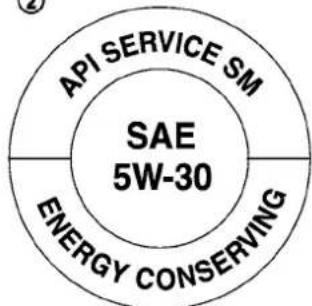
text_image
API SERVICE SM SAE 5W-30 ENERGY CONSERVINGSTI0505
- API certification mark
- APIservicesymbol
ENGINEOILANDOILFILTER RECOMMENDATION
Selectingthecorrectoil
Itisessentialtochoosethecorrectgrade, quality,andviscosityengineoiltoensuresatisfactoryenginelifeandperformance,see“CAPACITIESANDRECOMMENDED FUEL/LUBRICANTS”earlierinthissection. INFINITIrecommendstheuseofanenergy conservingoilinordertoimprovefueleconomy.
9-6 Technical and consumer information
SelectonlyengineoilsthatmeettheAmerican PetroleumInstitute(API)certificationorInternationalLubricantStandardizationandApproval Committee(ILSAC)certificationandSAEviscositystandard.TheseoilshavetheAPlcertificationmarkonthefrontofthecontainer.Oils whichdonothavethespecifiedqualitylabel shouldnotbeusedastheycouldcauseengine damage.
Oiladditives
INFINITI does not recommend the use of oil additives. The use of an oil additive is not necessary when the proper oil type is used and maintenance intervals are followed.
Oilwhichmaycontainforeignmatterorhas beenpreviouslyusedshouldnotbeused.
Oilviscosity
Theengineoilviscosityorthicknesschanges with temperature. Because of this, it is important that the engineoilviscositybeselected based on the temperatures at which the vehicle will be operated before then extoil change. Choosing an oil viscosity other than that recommended could cause serious engined damage.
Selectingthecorrectoilfilter
Yournewvehicleisequippedwithahigh-qualitygenuineNISSANoilfilter.Whenreplacing,usethegenuineoilfilteroritsequivalent forthereasondescribedinchangeintervals.
Changeintervals
Theoilandoilfilterchangeintervalsforyour enginearebasedontheuseofthespecified qualityoilsandfilters.Oilandfilterotherthan thespecifiedquality,oroilandfilterchange intervalslongerthanrecommendedcouldreduceenginelife.Damagetoenginescausedby impropermaintenanceoruseofincorrectoil andfilterqualityand/orviscosityisnotcovered bythenewINFINITlvehiclelimitedwarranties.
Yourenginewasfilledwithahighquality engineoilwhenitwasbuilt.Youdonothaveto
changetheoilbeforethefirstrecommended changeinterval.Oilandfilterchangeintervals dependuponhowyouuseyourvehicle.Operationunderthefollowingconditionsmayrequire morefrequentoilandfilterchanges.
- repeatedshortdistancedrivingatcoldoutsidetemperatures,
●drivingindustyconditions, - extensiveidling,
- stopandgo"rushhour"traffic,
Refertothe"INFINITIServiceandMaintenance Guide"forthemaintenanceschedule.
AIRCONDITIONINGSYSTEM REFRIGERANTANDLUBRICANT RECOMMENDATIONS
The airconditioningsysteminyourINFINITVehicle must be charged with therefrigerantHFC-134a(R-134a) and the lubricant, NISSANA/CsystemoilType Sortheexact equivalents.

CAUTION
The useofanyotherrefrigerantorlubricantwill causeseveredamagetotheairconditioning systemandwillrequirethereplacementofall airconditionersystemcomponents.
TherefrigerantHFC-134a(R-134a)inyour INFINITIvehiclewillnotharmtheearth'sozone layer. Although this refrigerant does not affect the earth'satmosphere, certaingovernmental regulations require thereafter recovery and recycling of any refrigerant during automotive air conditioningsystemservice. Your INFINITIretailer hastetrained technicians and equipment needed to recover and recycle your air conditioningsystemrefrigerant.
ContactanINFINITlretailerwhenservicingyour airconditioningsystem.
SPECIFICATIONS
ENGINE
| ModelVQ37VHR | |
| TypeGasoline,4-cycle | |
| Cylinderarrangement6-cylinder,V-slantedat 60^ | |
| Bore×Strokein(mm) 3.760 × 3.385(95.5 × 86.0) | |
| Displacementcuin | 225.54(3,696) |
| (cm ^3 ) | |
| Firingorder1-2-3-4-5-6 | |
| IdlespeedrpmNoadjustmentisnecessary. | |
| Ignitiontiming(B.T.D.C.)degree/ rpm | |
| SparkplugStandardFXE24HR-11 | |
| Sparkpluggap(Normal)in(mm)0.043(1.1) | |
| CamshaftoperationTimingchain | |
ThissparkignitionsystemcomplieswiththeCanadianstandardICES-002.

text_image
1 3 5 2 4 6 STI0425VQ37VHRengine
9-8 Technical and consumer information
WHEELSANDTIRES
Roadwheel
Sedan:
| TypeSizeOffsetin(mm) | ||
| Conventional17×7-1/2J1.77(45) | ||
| 18×7-1/2J1.77(45) | ||
| Front:18×7-1/2J1.77(45)Rear:18×8-1/2J1.97(50) | ||
| Spare17×4T1.18(30) | 18×4T0(0) | |
Coupe:
| TypeSizeOffsetin(mm) | ||
| Conventional18×8J1.69(43) | ||
| Front:19×8-1/2J1.69(43)Rear:19×9J1.77(45) | ||
| Spare17×4T1.18(30) | 18×4T0(0) |
Tire
Sedan:
| TypeSizePressurePSI(kPa)[Cold] | ||
| ConventionalP225/55R1733(230) | ||
| Spare(T-type) | T145/80D17 | 60(420)T145/70R18 |
| T145/70D18 | ||
Coupe:
| TypeSizePressurePSI(kPa)[Cold] | ||
| ConventionalP225/50R1833(230) | ||
| Front:225/45R1935(240)Rear:245/40R19 | ||
| Spare(T-type)T145/80D1760(420)T145/70R18T145/70D18 | ||
9-10 Technical and consumer information
DIMENSIONS IN(MM)
| Sedan: | |
| Overalllength(withfrontlicenseplate)187.2(4,755) | |
| Overalllength(withoutfrontlicenseplate)187.0(4,750) | |
| Overallwidth69.8(1,773) | |
| Overallheight57.2(1,453)*1*2 | 57.8(1,468)*3 |
| Fronttread59.8(1,520) | |
| Reartread59.8(1,520)*2 | 60.2(1,530)*1*3 |
| Wheelbase112.2(2,850) | |
| Coupe: | |
| Overalllength(withfrontlicenseplate)183.1(4,650) | |
| Overalllength(withoutfrontlicenseplate)183.1(4,650) | |
| Overallwidth71.8(1,823) | |
| Overallheight54.8(1,391)*4*5 | 55.4(1,406)*6 |
| Fronttread60.8(1,545) | |
| Reartread61.4(1,560) | |
| Wheelbase112.2(2,850) | |
*1:Sedan/Two-WheelDrive(2WD)/17-intiremodels
*2:Sedan/Two-WheelDrive(2WD)/18-intiremodels
*3:Sedan/All-WheelDrive(AWD)models
*4:Coupe/Two-WheelDrive(2WD)/18-intiremodels
*5:Coupe/Two-WheelDrive(2WD)/19-intiremodels
*6:Coupe/All-WheelDrive(AWD)models
WHENTRAVELINGORREGISTERING YOUR VEHICLEINANOTHERCOUNTRY
If you plant to travel in another country, you should first find out if the fuel available is suitable for your vehicle's engine.
Using fuel with toolowanoctanerating may cause engined damage. All gasoline vehicles must be operated with unleaded gasoline. Therefore, avoid taking your vehicle to areas where appropriate fuel is not available.
Whentransferringtheregistrationofyourvehicletoanothercountry,state,provinceordistrict,itmaybenecessarytomodifythevehicletomeetlocalawsandregulations.
Thelaws and regulations form motor vehicle emission control and safety standards vary according to the country, state, province or district; therefore, vehicles specifications may differ.
When any vehicle is to be taken into another country, state, province or district and registered, its modifications, transportation, and registration are the responsibility of the user. INFINITI is not responsible for any inconvenience that may result.
VEHICLEIDENTIFICATION
text_image
ST104319 ST104319VEHICLEIDENTIFICATIONNUMBER (VIN)PLATE
Thevehicleidentificationnumberplateisattachedasshown. Thisnumberistheidentificationforyourvehicleandisusedinthevehicle registration.
natural_image
Technical line drawing of a car engine bay with no visible text or symbolsVEHICLEIDENTIFICATIONNUMBER (chassisnumber)
Thenumberisstampedasshownintheengine compartment.

natural_image
Technical line drawing of an internal combustion engine with directional arrows indicating motion (no text or labels)ENGINESERIALNUMBER
Thenumberisstampedontheengineas shown.
9-12Technicalandconsumerinformation

natural_image
Diagram of a car interior showing steering wheel and seatbelt (no text or symbols)Sedan
F.M.V.S.S./C.M.V.S.S.CERTIFICATION LABEL
The Federal/Canadian Motor Vehicle Safety Standards (F.M.V.S.S./C.M.V.S.S.) certification label is affixed as shown. This label contains valuable vehicle information, such as: Gross Vehicle Weight Ratings (GVWR), Gross Axle Weight Rating (GAWR), month and year of manufacture, Vehicle Identification Number (VIN), etc. Review it carefully.

natural_image
Diagram of a car interior showing a curved road with a black arrow pointing to a component, labeled 'STI0707' (no text or symbols on the diagram itself)Coupe
natural_image
Technical line drawing of a car front panel with no visible text or symbolsEMISSIONCONTROLINFORMATION LABEL
The emission control information label is attached as shown.
Technicalandconsumerinformation9-13
natural_image
Diagram of a car interior showing a seatbelt and side panel, with no visible text or symbols.
natural_image
Technical line drawing of a car front panel with a black arrow pointing to the side panel (no text or symbols present)TIREANDLOADINGINFORMATION LABEL
ThecoldtirepressureisshownontheTireand LoadingInformationlabelaffixedtothepillaras illustrated.
AIRCONDITIONERSPECIFICATION LABEL
Theairconditionerspecificationlabelisattachedasshown.
9-14 Technical and consumer information
INSTALLINGFRONTLICENSEPLATE
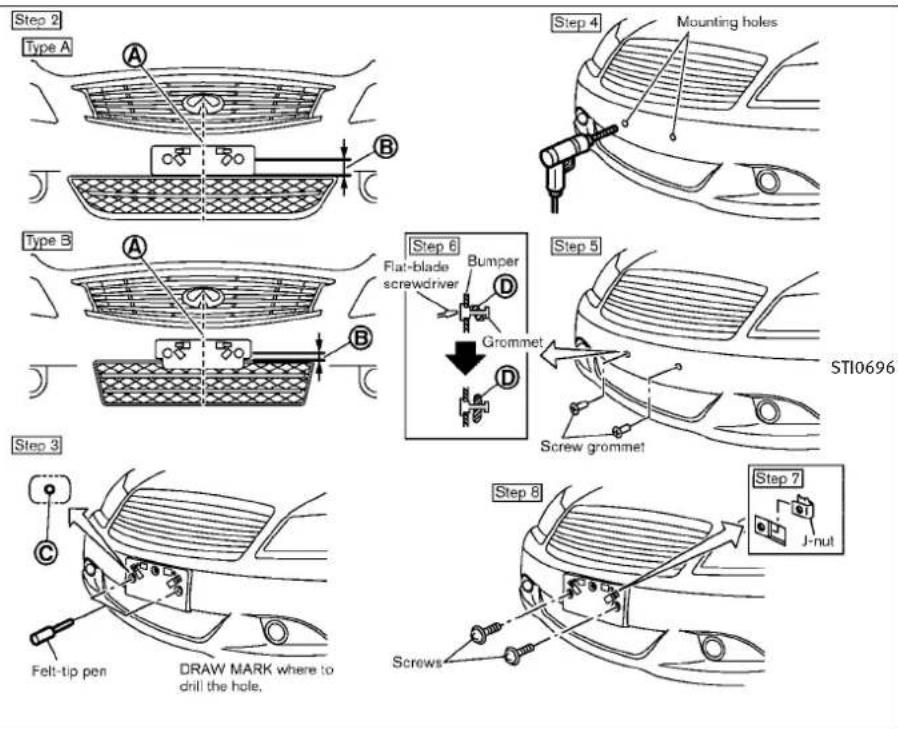
text_image
Step 2 Type A A B Step 4 Mounting holes Type B A B Step 6 Flat-blade screwdriver Bumper D Grommet D Step 5 Stl0696 Screw grommet Step 3 C Felt-tip pen DRAW MARK where to drill the hole. Step 8 Screws Step 7 J-nutSedan
Usethefollowingstepstomountthelicense plate:
Beforemountingthelicenseplate, confirm that the following parts are enclosed in the plastic bag.
Onlyusetherecommendedmountingposition, otherwisethelIntelligentCruiseControl(ICC) sensorobstruction(ifsoequipped)mayresult.
●Licenseplatebracket
●J-nut×2
●Screw×2
●Screwgrommet×2
SEDAN
- Parkthevehicleonflat, levelground.
- Locatethecenterposition Ⓐ asillustrated. Positionthelicenseplatebracket atadistanceofapproximately0.35in(9 mm) Ⓑ fromthebottomofthebumper. Holdthelicenseplatebracketinplace.
3.Markthecenterofthehole felt-tippen. © witha - Carefully drill two pilotholes using a 0.39 in (10mm) drill bit at them marked locations. (Besure that the drill only goes through the bumper fascia.)
Technicalandconsumerinformation9-15
- Insertgrommetsintotheholeonthe fascia.
- Insertaflat-bladescrewdriver into the grommetholetoadd90°turnontothe part ⑭.
- Insertal-nutintothelicenseplatebracket beforeplacingthelicenseplatebracket onthefascia.
- Install the license plate bracket with screws.
- Install the license plate with bolt sthat are nolonger than 0.55 in (14mm).
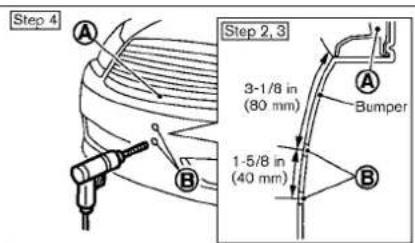
text_image
Step 4 A B Step 2,3 3-1/8 in (80 mm) A Bumper 1-5/8 in (40 mm)
text_image
Step 5 Rear surface of the license plate bracket
text_image
Step 9 E Grommet E Step 8 StI0551 Screw grommet
text_image
Step 6 D Felt-tip pen DRAW MARK where to drill the hole.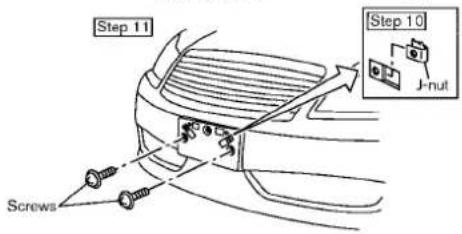
text_image
Step 11 Screws Step 10 J-nut9-16 Technical and consumer information
Coupe
VEHICLELOADINGINFORMATION
COUPE
- Parkthevehicleonflat, levelground.
- Locatethecenterpositionindicator Ⓐ on thelowerpartofthegrille.Measure straightdownfromtheedgewherethe bumperandgrillemeettothealigning holes Ⓑ,keepingthetapemeasurelined upwiththecenterpositionindicator.
3.Marktheholes Ⓑ withafelt-tippen. - Carefully drill the two aligning holes using a 0.39 in (10 mm) drill bit at the marked locations. (Besure that the drill only goesthrough the bumper fascia.)
5.Lineupthebosses © orlicenseplate bracketwiththeholesandholdthelicenseplatebracketinplace.
6.Markthecenteroftheholes witha felt-tippen. - Carefully drill the twopilo tholes using a 0.39in(10mm) drill bit at them marked locations. (Besure that the drill only goes through the bumper fascia.)
- Insertgrommetsintotheholeonthe fascia.
-
Insertaflat-bladescrewdriver into the grommetholetoadd90°turnontothe part Ⓔ.
-
Insertal-nutintothelicenseplate bracketbeforeplacingthelicenseplate bracketonthefascia.
- Installthelicenseplatebracketwith screws.
- Install the license plate with bolt that arenolonger than 0.55 in (14mm).
WARNING
- Itisextremelydangeroustorideina cargoareainsidethevehicle.Inacollision,peopleridingintheseareas aremorelikelytobeseriouslyinjured orkilled.
- Donotallowpeopleorideinanyarea of vehiclethatisnotequipped with seatsandseatbelts.
- Besureeveryoneinyourvehicleisin aseatandusingaseatbeltproperly.
TERMS
It is important to familiarize yourself with the following terms before loading your vehicle:
- CurbWeight(actualweightofyour vehicle)-vehicleweightincluding: standardandoptionalequipment,fluids,emergencytools,andsparetire assembly.Thisweightdoesnot include passengersandcargo.
Technicalandconsumerinformation
- GVW(GrossVehicleWeight)-curb weightplusthecombinedweightof passengersandcargo.
- GVWR(GrossVehicleWeightRating)-maximumtotalcombinedweightof theunloadedvehicle,passengers, luggage,hitch,trailertongueload andanyotheroptionalequipment. Thisinformationislocatedonthe F.M.V.S.S./C.M.V.S.S.label.
- GAWR(GrossAxleWeightRating)-maximumweight(load)limitspecified forthefrontorrearaxle.Thisinformationislocatedonthe F.M.V.S.S./C.M.V.S.S.label.
- GCWR(GrossCombinedWeightRating)-Themaximumtotalweightratingofthevehicle,passengers,cargo,andtrailer.
●VehicleCapacityWeight,Loadlimit, Totalloadcapacity-maximumtotal weightlimitspecifiedoftheload (passengersandcargo)forthevehicle. Thisisthemaximumcombined
9-18 Technical and consumer information
weightofoccupantsandcargothat canbeloadedintothevehicle.Ifthe vehicleisusedtotowatrailer,the trailertongueweightmustbeincludedaspartofthecargoload.This informationislocatedontheTireand LoadingInformationlabel.
●Cargocapacity-permissible weightof cargo, the weightoftotaloccupants weight subtracted from the loadlimit.
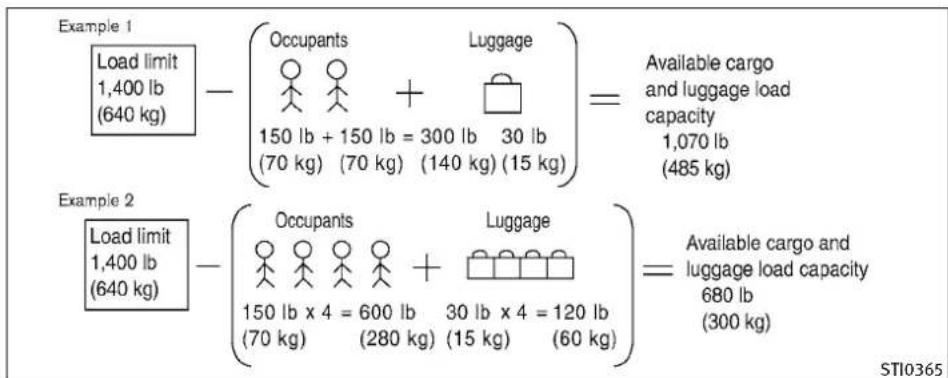
text_image
Example 1 Load limit 1,400 lb (640 kg) - (Occupants ○ ○ + Luggage 150 lb + 150 lb = 300 lb 30 lb (70 kg) (70 kg) (140 kg) (15 kg) )= Available cargo and luggage load capacity 1,070 lb (485 kg) Example 2 Load limit 1,400 lb (640 kg) - (Occupants ○ ○ + Luggage 150 lb x 4 = 600 lb 30 lb x 4 = 120 lb (70 kg) (280 kg) (15 kg) (60 kg) )= Available cargo and luggage load capacity 680 lb (300 kg) STI0365VEHICLELOADCAPACITY
Donotexceedtheloadlimitofyour vehicleshownas"Thecombinedweight ofoccupantsandcargo"ontheTireand LoadingInformationlabel.Donotexceedthenumberofoccupantsshownas "SeatingCapacity"ontheTireandLoadingInformationlabel.
Toget "thecombinedweightofoccupantsandcargo", addtheweightofall occupants, thenaddthetotalluggage weight. Examplesareshownintheillustration.
Stepsfordeterminingcorrectload limit
- Locatethestatement"Thecombined weightofoccupantsandcargoshould neverexceedXXXkgorXXXlbs"on yourvehicle'splacard.
-
Determinethecombinedweightof thedriverandpassengersthatwillbe ridinginyourvehicle.
-
Subtract the combined weight of the driver and passengers from XXXkgor XXXlbs.
- Theresultingfigureequalstheavailableamountofcargoandluggage loadcapacity. Forexample, iftheXXX amountequals1400lbs.andthere willbefive150lb.passengersinyour vehicle, theamountofavailable cargoandluggageloadcapacityis 650lbs.(1400-750(5x150)=650 lbsor640-340(5x70)=300kg.)
- Determinethecombinedweightof luggageandcargobeingloadedon thevehicle.Thatweightmaynot safelyexceedtheavailablecargoand luggageloadcapacitycalculatedin Step4.
- If your vehicle will betowing at a trailer, load from your trailer will be transferred to your vehicle. Consult this manual to determine how this reduces the available cargo and luggage to load capacity of your vehicle.
Technicalandconsumerinformation
Beforedrivingloadedvehicle, confirm that you donot exceed the Gross Vehicle Weight Rating (GVWR) or the Gross Axle Weight Rating (GAWR) for your vehicle. (See "MEASUREMENT OF WEIGHTS" later in this section.)
Alsochecktiresforproperinflationpressures.SeetheTireandLoadingInformationlabel.
LOADINGTIPS
●TheGVWmustnotexceedGVWRor GAWRasspecifiedonthe F.M.V.S.S./C.M.V.S.S.certificationlabel.
- Donotloadthefrontandrearaxleto the GAWR. Doingsowillexceedthe GVWR.
WARNING
•Properlysecureallcargotohelppreventitfromslidingorshifting.Donot placecargohigherthantheseat-backs.Inasuddenstoporcollision, unsecuredcargocouldcausepersonalinjury.
- Donotloadyourvehicleanyheavier thantheGVWRorthemaximumfront andrearGAWRs.Ifyoudo,partsof yourvehiclecanbreak,tiredamage couldoccur,oritcanchangetheway yourvehiclehandles.Thiscouldresultinlossofcontrolandcausepersonalinjury.
Overloadingcouldnotonlyshorten thelifeofyourvehicleandthetires, butalsocouldleadtohazardousvehiclehandlingandlongbrakingdistance. Thismaycauseapremature tiremalfunction,whichcouldresultin aseriousaccidentandpersonalinjury. Failurescausedbyoverloading arenotcoveredbythe vehicle's warranty.
TOWINGATRAILER
MEASUREMENTOFWEIGHTS
Securelooseitemstoppreventweight shiftsthatcouldaffectthebalanceof yourvehicle.Whenthevehicleisloaded, drivetoascaleandweighthefrontand therearwheelsseparatelytodetermine axleloads.Individualaxleloadsshould notexceedeitherofthegrossaxle weightratings(GAWR).Thetotalofthe axleloadsshouldnotexceedthegross vehicleweightrating(GVWR).Theseratingsaregivenonthevehiclecertificationlabel.Ifweightratingsareexceeded,moveorremoveitemstobring allweightsbelowtheratings.
Yourvehiclewasdesignedtobeusedtocarry passengersandcargo.INFINITIdoesnotrecommendtrailertowing,becauseitplacesadditionalloadsonyourvehicle'sengine,drivetrain,steering,braking,andothersystems.
AnINFINITITowingGuide(U.S.only)isavailable onthewebsiteat www.InfinitiUSA.com.Thisguideincludesinformationontrailertowingcapabilityandthe specialequipmentrequiredforpropertowing.
CAUTION
Vehicledamageresultingfromtowingatraler isnotcoveredbyINFINITIwarranties.
FLATTOWING
Towingyourvehiclewithallfourwheelsonthe groundissometimescalledflattowing.This methodissometimesusedwhentowinga vehiclebehindarecreationalvehicle,suchasa motorhome.
CAUTION
●Failuretofollowtheseguidelinescanresult inseveretransmissiondamage.
- Whenever flattening your vehicle, always towforward, never backward.
- DONOTtowanyautomatictransmissionvehiclewithallfourwheelsontheground(flat towing).DoingsoWILLDAMAGEinternal transmissionpartsduetolackoftransmissionlubrication.
●Foremergencytowingproceduresreferto "TOWINGRECOMMENDEDBYINFINITI"inthe "6.Incaseofemergency"sectionofthis manual.
Automatictransmission
Totowavehicleequippedwithanautomatic transmission,anappropriatevehicledolly MUSTbeplacedunderthetowedvehicle'sdrive wheels.Alwaysfollowthedollymanufacturer's recommendationswhenusingtheirproduct.
Manualtransmission
- Alwaystowwiththemanualtransmissionin Neutral.
- Yourvehiclespeedshouldneverexceed70 MPH(112km/h)whenflattowingyourvehicle.
- Aftertowing500miles,startandidlethe enginewiththetransmissioninNeutralfor twominutes.Failureretoidletheengineafter every500milesoftowingmaycausedamagetothetransmission'sinternalparts.
Technicalandconsumerinformation9-21
UNIFORMTIREQUALITYGRADING
DOT(DepartmentOfTransportation)Quality Grades:Allpassengercartiresmustconformto federalsafetyrequirementsinadditiontothese grades.
Qualitygradescanbefoundwhereapplicable onthetiresidewallbetweentreadshoulderand maximumsectionwidth. Forexample:
Treadwear200TractionAATemperatureA
TREADWEAR
Thetreadweargradeisacomparativerating basedonthewearrateofthetirewhentested undercontrolledconditionsonaspecifiedgovernmenttestcourse. Forexample, atiregraded 150wouldwearoneandone-half(11/2)times aswellonthegovernmentcourseasatire graded100. Therelativeperformanceoftires dependsuponactualconditionsoftheiruse, however, and may departsignificantly from the normduetovariationsindrivinghabits, service practices and differences in road characteristics and climate.
TRACTIONAA,A,BANDC
Thetractiongrades, from highest to lowest, are AA, A, Band C. Those grades represent the tire's sability to stop on wet pavement as measured under controlled conditions specified
9-22 Technical and consumer information
governmenttestsurfacesofasphaltandconcrete.AtiremarkedCmayhavepoortraction performance.
WARNING
Thetractiongradeassignedtothistireisbased onstraight-aheadbrakingtractiontests, and does not include acceleration, cornering, hydroplaning, or peaktraction characteristics.
TEMPERATUREA, BANDC
ThetemperaturegradesA(thehighest),B,and C,representingthetire'sresistancetothe generationofheatanditsabilitytodissipate heatwhentestedundercontrolledconditions onaspecifiedindoorlaboratorytestwheel. Sustainedhightemperaturecancausethematerialofthetiretodegenerateandreductire life,andexcessivetemperaturecanleadto suddentirefailure.ThegradeCcorrespondsto alevelofperformancewhichallpassengercar tiresmustmeetundertheFederalMotorVehicle SafetyStandardNo.109.GradesBandArepresenthigherlevelsofperformanceonthe laboratorytestwheelthanthemminumrequiredbylaw.
WARNING
Thetemperaturegradeforthistireisestablishedforatirethatisproperlyinflatedandnotoverloaded.Excessivespeed,under-inflation,orexcessiveloading,eitherseparatelyorincombination,cancauseheatbuild-upandpossibletirefailure.
EMISSIONCONTROLSYSTEMWARRANTY
Your INFINIT discovered by the following emission warranties.
ForUS:
●EmissionDefectsWarranty
●EmissionsPerformanceWarranty(See WarrantyInformationBookletfordetails.)
ForCanada:
EmissionControlSystemWarranty
Detailsofthesewarrantiesmaybefoundwith othervehiclewarrantiesinyourWarrantyInformationBooklet(WarrantyandRoadsideAssistanceInformation(Canadaonly))thatcomes withyourINFINITI.Ifyoudidnotreceivea WarrantyInformationBooklet(WarrantyandRoadsideAssistanceInformation(Canada only)),orithasbecomelost,youmayobtaina replacementbywritingto:
●INFINITIDivision
NissanNorthAmerica,Inc. ConsumerAffairsDepartment P.O.Box685003 Franklin,TN37068-5003
●NissanCanadInc.
5290OrbitorDrive Mississauga,Ontario, L4W4Z5
REPORTINGSAFETYDEFECTS(USonly)
If you believe that your vehicle has a defect which could cause acrash or cause injury or death, you should immediately inform the National Highway Traffic Safety Administration (NHTSA) in addition to notifying INFINITI.
IfNHTSAreceivessimilarcomplaints, it may open an investigation, and if it finds that as safety defect exists in a group of vehicles, it may order a recall and remedied campaign. However, NHTSA cannot become involved in individual problems between you, your retailer, or INFINITI.
TocontactNHTSA,youmaycallthe VehicleSafetyHotlinetoll-freeat1-888-327-4236(TTY:1-800-424-9153);goto http://www.safercar.gov;orwriteto:Administrator,NHTSA,400SeventhStreet, SW.,WashingtonDC20590.Youcan alsoobtainotherinformationaboutmotorvehiclesafetyfrom http://www.safercar.gov.
YoumaynotifyINFINITIbycontactingour ConsumerAffairsDepartment,toll-free, at1-800-662-6200.
READINESSFORINSPECTION/MAINTENANCE(I/M)TEST(USonly)
Avehicle equipped with All-Wheel Drive (AWD) should never be tested using at wow wheel dynamometer (such asthodynamometers used by somestates foremission testing), or similar equipment. Makes sure you inform test facility personnel that your vehicle is equipped with AWD before it is placed on dynamometer. Using the wrong test equipment may result in transmission damage or unexpected vehicle movement which could result in serious vehicle damage or personal injury.
Duetolegalrequirementsinsomestates/areas,yourvehiclemayberequiredtobein whatiscalledthe"readycondition"foran Inspection/Maintenance(I/M)testoftheemissioncontrolsystem.
Thevehicleissettothe"readycondition"when itisdriventhroughcertaindrivingpatterns. Usually,the"readycondition"canbeobtained byordinaryusageofthevehicle.
Ifapowertrainsystemcomponentisrepairedor thebatteryisdisconnected,thevehiclemaybe resettoa"notreadycondition".Beforetaking thel/Mtest,checkthevehicle's inspection/maintenancetestreadinesscondition.PushtheignitionswitchtotheONposition withoutstartingtheengine.IftheMalfunction IndicatorLight(MIL)comesonsteadyfor20 secondsandthenblinksfor10seconds,thel/M
9-24 Technical and consumer information
testconditionis "notready". If the MIL does not blink after 20 seconds, the /Mtestcondition is "ready".
IftheMILindicatesthevehicleisina“not ready”condition,drivethevehiclethroughthe followingpatterntosetthevehicletothe “readycondition”.Ifyoucannotordonotwant toperformthedrivingpattern,anINFINITlretailercanconductitforyou.
WARNING
Alwaysdrivethevehicleinasafeandprudent manneraccordingtotrafficconditionsand obeyalltrafficlaws.
- Start the engine. Allow the engine to idle until the engine coolant temperature gaugeneedle points between the CandH (normal operating temperature).
2.Acceleratethevehicleto55MPH(88 km/h), then quickly releasetheacceleratorpedalcompletely and keepitreleased for at least 10 seconds. - Quickly depress the accelerator pedal for amoment, thendrivethe vehicle at a speed of 53 to 60 MPH (86 to 96 km/h) for at least 9 minutes.
-
Stop the vehicle. Leavethe enginer un- ning.
-
Acceleratethevehicleto55MPH(88 km/h) and maintain the speed for 2 minutes.
- Repeatsteps4 and 5 at least 10 times.
- Quicklyreleasetheacceleratorpedal completelyandkeepitreleasedforat leastfor1minute.Maintainthespeedfor atleast5minutes.
- Stop the vehicle. Placethe automatic transmission selector lever in the P (Park) or N (Neutral) position orthemanual transmission shift lever in the N (Neutral) position.
9.Turntheengineoff. - Start the engine and allow the engine to idle for at least 2 hours.
- PlacetheignitionswitchtotheOFFpositionandleavethevehicleforatleast90 minutes.
Ifstep1through7isinterrupted,repeat the preceding step. Anysafedrivingmode is acceptable between steps. Donotstoptheengine until step7 is completed.
EVENTDATARECORDERS(EDR)OWNER'SMANUAL/SERVICEMANUAL
ThisvehicleisequippedwithanEventDataRecorder(EDR).ThemainpurposeofanEDRisto record, incertaincrashornearcrash-likesituations, such as an airbag deployment or hitting a roadobstacle, datathatwillassistin understanding how vehicle's systems performed. The EDRis designed to record data related to vehicle dynamics and safety systems for short period of time, typically 30 seconds or less. The EDRin this vehicle is designed to record such data as:
●Howvariousystemsinyourvehiclewere operating;
- Whetherornotthedriverandpassenger safetybeltswerebuckled/fastened;
- Howfar(ifatall)thedriverwasdepressing theacceleratorand/orbrakepedal;and,
●Howfastthevehiclewastraveling.
●Soundsarenotrecorded.
Thesedatacanhelpprovideabetterunderstandingofthecircumstancesinwhichcrashes andinjuriesoccur.NOTE:EDRdataarerecorded byyourvehicleonlyifanontrivialcrashsituationoccurs;nodataarerecordedbytheEDR undernormaldrivingconditionsandnopersonal data(e.g.name,gender,ageandcrashlocation) arerecorded.However,otherparties,suchas lawenforcement,couldcombinetheEDRdata
withthetypeofpersonallyidentifyingdataroutinelyacquiredduringacrashinvestigation.
ToreaddatarecordedbyanEDR,specialequipmentisrequiredandaccesstothevehicleorthe EDRisneeded.InadditiontothevehiclemanufacturerandINFINITretailer,otherparties,such aslawenforcement,thathavethespecialequipment,canreadtheinformationiftheyhaveaccesstothevehicleortheEDR.EDRdatawillonly beaccessedwiththeconsentofthevehicle ownerorlesseeorasotherwiserequiredorpermittedbylaw.
ORDERINFORMATION
AgenuineINFINITIServiceManualisthebest sourceofserviceandrepairinformationforyour vehicle.Filledwithwiringdiagrams,illustrationsandstep-by-stepdiagnosticandadjust-mentprocedures,thismanualisthesameone usedbythefactorytrainedtechniciansworking atanINFINITIretailer.AlsoavailablearegenuineINFINITIOwner'sManuals,andgenuine INFINITIServiceandOwner'sManualsforolder INFINITImodels.
IntheUSA:
Forcurrentpricingandavailabilityofgenuine INFINITIServiceManualsforthe2000model yearandlater,contact:
1-800-450-9491
www.infiniti-techinfo.com
Forcurrentpricingandavailabilityofgenuine INFINITIServiceManualsforthe1999model yearandprior,seenINFINITIretailer,or contact:
1-800-247-5321
Forcurrentpricingandavailabilityofgenuine INFINITIOwner'sManualsforthismodelyear andprior,seeanINFINITlretailer,orcontact:
1-800-247-5321
InCanada:
TopurchaseacopyofagenuineINFINITIService ManualorOwner's Manualpleasecontactan INFINITlretailer.Forthephonenumberand locationofanINFINITlretailerinyourareacall theINFINITISatisfactionCenterat1-800-361- 4792andabilingualINFINITlrepresentativewill assistyou.
AlsoavailablearegenuineINFINITIServiceand Owner'sManualsforolderINFINITImodels.
INTHEEVENTOFACOLLISION
Unfortunately, accidentsdooccur. In this unlikely event, there is some important information you should know. Many insurance companies routinely authorize the use of non-genuine collision parts in order to cut costs, among other reasons.
InsistontheuseofGenuineINFINITI CollisionParts!
If you want your vehicle to be restored using partsmadeto INFINITI's original exactings specifications—if you want to help pittolast and hold its resale value, the solution is simple. Telly our insurance agent and your repair should only use Genuine INFINITICollision Parts. INFINITI does
notwarrantnon-INFINITIparts, nordoesINFINITI'swarrantyapplytodamagecausedbya non-genuinepart.
Using GenuineINFINITIPartscanhelpprotect yourpersonalsafety, preserveyourwarranty protection and maintaintheresalevalueofyour vehicle. Andifyourvehiclewasleased, using GenuineINFINITIPartsmaypreventorlimit unnecessaryexcesswearandtearexpensesat theendofyourlease.
INFINITIdesignsitshoodswithcrumplezones tominimize therisk that the hood will penetrate the windshield of your vehicle in an accident. Non-genuine (imitation) parts may not provide such built-in safeguards. Also, non-genuine part softenshow premature wear, rust and corrosion.
Whyshouldyoutakeachance?
Inover40states, the lawsays you must be advised if non-genuine parts are used to repair your vehicle. And some states have been enacted law that restrict insurance companies from authorizing the use of non-genuine collision parts during the new vehicle warranty. These law should protect you, so you can take action to protect yourself.
It'syourright!
If you should need further information visit us at:
www.InfinitiUSA.com(forU.S.customers)or www.infiniti.ca(forCanadiancustomers)
10Index
4WheelActiveSteer(4WAS)system. . . . .5-54
4WheelActiveSteer(4WAS)warninglight..2-13
A
ABS(Anti-lockBrakingSystem)....5-52
Advancedairbagsystem. . . . . . . . . . . . 1-45
Airbagsystem
Advancedairbagsystem. . . . . . . . . 1-45
Frontpassengerairbagandstatus
light. 1-47
Front-seatmountedside-impact
supplementalairbagsystem. . . . . . 1-50
Roof-mountedcurtainside-impact
supplementalairbagsystem. . . . . . 1-50
Airbagwarninglabels. . . . . . . . . . . . . . . 1-53
Airbagwarninglight. . . . . . . . . . 1-53,2-16
Aircleanerhousingfilter. . . . . . . . . . . .8-17
Airconditioner
Airconditionerservice. . . . . . . . . . . . 4-38
Airconditionerspecificationlabel. . . . 9-14
Airconditioningsystemrefrigerantand
lubricantrecommendations. ..... 4-38
Automaticclimatecontrol. . . . . . . 4-28
In-cabinmicrofilter. 4-38
Operation(Seeautomaticclimate
control). 4-28
Alarm,Howtostopalarm
(seevehiclesecuritysystem). . . . . . . . .2-28
Alcohol,drugsanddriving. . . . . . . . . . . . . . . . . . . . . . . . . . . . . . . . . . . . . . . . . . . . . . . . . . . . . . . . . . . . .
All-wheeldrive(AWD). . . . . . . . . . . . . . . . . . . . . . . . . . . . . . . . . . . . . . . . . . . . . . 5-43
All-wheeldrive(AWD)drivingsafety
precautions. . . . . . . . . . . . . . . . . . . . . . . . . . . . . . . . . . . . . . . . . . . . . . . 5-7
All-wheeldrive(AWD)warninglight. . . . .2-12
Antenna. 4-84
Anti-lockBrakingSystem(ABS).....5-52
Anti-lockbrakingsystem(ABS)warning
light. 2-12
Appearancecare
Exteriorappearancecare. . . . . . . . . . .7-2
Interiorappearancecare. . . . . . . . . 7 - 4
Armrest. 1-12
Ashtrays(Seecigarettelighter
andashtrays). . . . . . . . . . . . . . . . . . . . . . . . . . . . . . . . . . . . . . . . . . . . 2-42
Audiblereminders. . . . . . . . . . . . . . . . . . . . . . . . . . . . . . . . . . . . . . . . . . . . . . . . . . . 2-18
Audiooperationprecautions .....4-39
Audiosystem. . . . . . . . . . . . . . . . . . . . . . . . . . . . . . . . . . . . . . . . . . . . . 4-39
Audiosystem, Steeringwheel
audiocontrols. 4-83
Autolightsystem. . . . . . . . . . . . . . . . . . . . . . . . . . . . . . . . . . . . . . . . . . . . . 2-33
Automatic
Automaticadjustingfunction(front
windows). 2-52
Automatic climatecontrol. . . . . . . 4-30
Automatictransmissionfluid(ATF)....8-11
Climatecontrol. 4-28
Drivingwithautomatictransmission...5-12
Automaticdoorlocks. . . . . . . . . . . . . . . . . . . 3-6
Automaticdrivepositioner. . . . . . . . . .3-28
Automaticseatpositioner .....3-28
Averagefuelconsumptionandspeed ....2-25
Avoidingcollisionandrollover. . . . . . . . .5-5
B
Battery. . . . . . . . . . . . . . . . . . . . . . . . . . . . . . . . . . . . . . . . . . . . . . . . . . . . . . . . . . . . . . . . . . 8-13
Battery
Batterysaversystem. . . . . . . . . . . . . 2-35
IntelligentKey. 8-22
Variablevoltagecontrolsystem ..... 8-15
Beforestartingtheengine. . . . . . . . . . . . . . . . . . . . . . . . . . . . . . . . . . . . . . . . . . . . . . . . . . . . . . . . .
Belts(Seedrivebelts). . . . . . . . . . . . . . . . . . . . . . . . . . . . . . . . . . . . . . . . . . . . . . . . . . . . . . . . . . . . 8-16
Bluetooth®hands-freephonesystem
(modelswithnavigationsystem) .....4-85
Boosterseats. . . . . . . . . . . . . . . . . . . . . . . . . . . . . . . . . . . . . . . . . . . 1-35
Brake
Anti-lockBrakingSystem(ABS)....5-52
Brakeandclutchfluid. . . . . . . . . . 8-12
Brakesystem. 5-48
Parkingbrakeoperation..... 5-18
Brakewarninglight. . . . . . . . . . . . . . . . . . 2-12
Break-inschedule. . . . . . . . . . . . . . . . . . . . . . . . . . . . . . . . . . . . . . . . . . . . . 5-42
BrightnesscontrolanddisplayON/OFF
button. . . . . . . . . . . . . . . . . . . . . . . . . . . . . . . . . . . . . . . . . . . . 4-7
Brightnesscontrol,Instrumentpanel....2-36
Bulbcheck/instrumentpanel.... . . . . .2-11
Bulbreplacement. . . . . . . . . . . . . . . . . . . . . . . . . . . . . . . . . . . . . . . . . . . . . . . . . . 8-23
C
Cabinairfilter. . . . . . . . . . . . . . . . . . . . . . . . . . . . . . . . . . . . . . . . . 4-38
Capacitiesandrecommended
fuel/lubricants . . . . . . . . . . . . . . . . . . . . . . . . . . . . . . . . . . . . . . . . . . . . 9-2
CarphoneorCBradio. . . . . . . . . . . . . . . . . . . . . . . . . . . . . 4-85
Cardholder. . . . . . . . . . . . . . . . . . . . . . . . . . . . . . . . . . . . . . . . . . . . 2-47
Cargonetretainers. . . . . . . . . . . . . . . . . . 2-49
Catalyticconverter, Threewaycatalyst....5-2
Centermulti-functioncontrolpanel. . . . . .4-2
Childrestraints. . . . . . . . . . . . . . . . . . . . . . . . . . . . . . 1-20
Childrestraints
Boosterseats. . . . . . . . . . . . . . . . . . . . . . . 1-35
InstallationusingLATCH. . . . . . . . 1-25
Installationusingtheseatbelts. . . . 1-29
LATCHsystem. 1-22
Precautionsonchildrestraints. . . . . . 1-21
Toptetherstrap. 1-24
Childsafety. . . . . . . . . . . . . . . . . . . . . . . . . . . . . . . . . . . 1-15
Childsafetyreardoorlock. . . . . . . . . . . . . 3-6
Chimes
Audiblereminders. . . . . . . . . . . . . . . . 2-18
Seatbeltwarninglightandchime. . . . 2-16
Cigarettelighterandashtrays. . . . . . . .2-42
Circuitbreaker,Fusiblelink. . . . . . . . . . .8-21
Cleaningexteriorandinterior. . . . . .7-2,7-4
Climatecontrol, Automatic
climatecontrol. . . . . . . . . . . . . . . . . . . . . . . . . . 4-28
Clock. . . . . . . . . . . . . . . . . . . . . . . . . . . . . . . . . . . . . . . . . . . 2-40
Clutchfluid. . . . . . . . . . . . . . . . . . . . . . . . . . . . . . . . . . . . . . . . . . . . . . . . . . . . . . . . . . . . . 8-12
Coathooks. 2-48
Cockpit. . . . . . . . . . . . . . . . . . . . . . . . . . . . . . . . . . . . . . . . . . . . . . 2-2
Coldweatherdriving. . . . . . . . . . . . . . . . . . . . . . . . . . . . . . . . . . . . . . . . . . . . . . . . . . . . . . 5-55
Command(SeeBluetooth®Hands-Free
PhoneSystem). . . . . . . . . . . . . . . . 4-87,4-101
CompactDisc(CD)player
(Seeaudiosystem). . . . . . . . . . . . . . . . . . . . 4-57
Compactsparetire. . . . . . . . . . . . . . . . . . . . . . . . . . . . . . . . . . . . . . . . . . . . . . . . . . . . . . . . . . 8-39
Compass. . . . . . . . . . . . . . . . . . . . . . . . . . . . . . . . . . . . . . . . . . . . . 2-8
Consolebox. . . . . . . . . . . . . . . . . . . . . . . . . . . . . . . . . 2-45
Controller, Centermulti-functioncontrol
panel. . . . . . . . . . . . . . . . . . . . . . . . . . . . . . . . . . . . . . . . . . . . . . . . 4-4
Controls
Controlpanelbutton(display)....4-2
Heater andairconditionercontrols
(Seeautomaticclimatecontrol). . . . . 4-28
Coolant
Capacitiesandrecommendedfuel/
lubricants. . . . . . . . . . . . . . . . . . . . . . . . . . . . . . . . . . . . . . . . . . . 9-2
Changingenginecoolant. . . . . . . . 8 - 8
Checkingenginecoolantlevel. . . . . . 8 - 7
Corrosionprotection. . . . . . . . . . . . . . . . . . . . . . . . . . . . . . . . . . . . . . . . . . . . . . . . . . . 7-6
Cruisecontrol . . . . . . . . . . . . . . . . . . . . . . . . . . . . . . . . . . . . . . . . . . . . . . . . . . . . . . . . . . . 5-19
Cruisecontrol
Fixedspeedcruisecontrol(onICC
system). . . . . . . . . . . . . . . . . . . . . . . . . . . . . . . . . . . . . . . . . . . . . . . . 5-38
Intelligentcruisecontrol(ICC)system .. 5-21
Cruiseindicator. . . . . . . . . . . . . . . . . . . . . 2-22
Cupholders. . . . . . . . . . . . . . . . . . . . . . . . . . . . . . . . . . . . . . . . 2-43
Currentfuelconsumption. . . . . . . . . . . 2-25
D
Daytimerunninglightsystem. . . . . . . . . 2-35
Defrosterswitch, Rearwindowandoutside
mirrordefrosterswitch. . . . . . . . . . . . . 2-32
Dimensions. . . . . . . . . . . . . . . . . . . . . . . . . . . . . . . . . . . . . . . . . . . . . . . . . . . . . . . . . 9-11
Displaycleaning. . . . . . . . . . . . . . . . . . . . . . . . . . . . . . . . . 4-6
Displaycontrols(Seecentermulti-function
controlpanel). . . . . . . . . . . . . . . . . . . . . . . . . . . . . . . 4-2
Distancetoempty. . . . . . . . . . . . . . . . . . . . . 2-25
Door/trunkopenwarning. . . . . . . . . . . . 2-22
Dotmatrixliquidcrystaldisplay. . . . . . .2-19
Drivebelts. . . . . . . . . . . . . . . . . . . . . . . . . . . . . . . . . . . . . . . . . . . . . . . . . . . . . . . . . . . . 8-16
Drivepositioner. . . . . . . . . . . . . . . . . . . . . . . . 3-28
Driving
All-wheeldrive(AWD). . . . . . . . . . . . . . .5-43
Coldweatherdriving. 5-55
Drivingwithautomatictransmission...5-12
Drivingwithmanualtransmission. . . . 5-16
Precautionswhenstartinganddriving.. 5-2
DS(DriveSport)mode .....5-14
E
Economy,Fuel. . . . . . . . . . . . . . . . . . . . . . . . . . . . . . . . . . . . . . . . . . 5-42
Elapsedtime. . . . . . . . . . . . . . . . . . . . . . . . . . . . . . . . . . . . . . . . . . . 2-25
Elapsed time and tripodometer. . . . . . . 2-25
Emissioncontrolinformationlabel .....9-13
Emissioncontrolsystemwarranty. . . . . .9-23
Engine
Beforestartingtheengine. . . . . . . . . .5-10
Break-in schedule .....5-42
Capacitiesandrecommendedfuel/
lubricants. 9-2
Changingenginecoolant...... 8-8
Changingengineoilandfilter. . . . . . . 8 - 9
Checkingenginecoolantlevel. . . . . . . 8 -7
Checkingengineoillevel...... 8-8
Engine block heater .....5-56
Enginecompartmentchecklocations...8-6
Enginecoolingsystem. . . . . . . . . . . 8 - 7
Engineoil. 8 -8
Engineoilandoilfilterrecommendation. 9-6
Engineoilreplacementindicator. . . . 2-23
Engineoilviscosity. . . . . . . . . . . . . . 9 - 6
Engineserialnumber. 9-12
Enginespecifications. . . . . . . . . . . . 9- 8
Enginestartoperationindicator
(AutomaticTransmissionmodels). . . . 2-21
Enginestartoperationindicator(Manual
Transmissionmodels). 2-22
If your vehicle overheats. . . . . . . . 6-10
Startingtheengine. 5-11
Enginecoolanttemperaturegauge. . . . . .2-6
Entry/exitfunction. . . . . . . . . . . . . . . . . . . . . 3-28
EventDataRecorders(EDR).....9-25
Exhaustgas(carbonmonoxide). . . . . . . .5-2
F
F.M.V.S.S./C.M.V.S.S.certificationlabel...9-13
Filter
Aircleanerhousingfilter. . . . . . . . .8-17
Changingengineoilandfilter. . . . . . 8 - 9
Flashers(Seehazardwarning
flasherswitch). . . . . . . . . . . . . . . . . . . . . . . . . . . . . . . . . . . . . . . . . . . . 2-37
Flattire. . . . . . . . . . . . . . . . . . . . . . . . . . . . . . . . . . . . . . . . . . . . . . . . . . . . . . . . . . . 6-2
Flattowing. . . . . . . . . . . . . . . . . . . . . . . . . . . . . . . . . . . . . . . . . . . . . . . . . 9-21
Floormatcleaning. . . . . . . . . . . . . . . . . . . . . . . . . . . . . . . . . . . . . . . . . . . . . . . . . . . 7-5
Fluid
Automatictransmissionfluid(ATF)....8-11
Brakeandclutchfluid. 8-12
Capacitiesandrecommendedfuel/
lubricants. 9 - 2
Enginecoolant. 8 - 7
Engineoil. 8 - 8
Powersteeringfluid. 8-11
Windowwasherfluid. 8-13
FM-AM-SATradiowithCompactDisc(CD)
player. 4-54
Foglightswitch. . . . . . . . . . . . . . . . . . . . . . . . . . . . . . 2-37
Frontpassengerairbagandstatuslight..1-47
Frontpowerseatadjustment. . . . . . . . . . . 1-3
Frontseat, Frontseatadjustment. . . . . . .1-3
Front-seataactiveheadrestraints. . . . . . .1-11
Fuel
Capacitiesandrecommendedfuel/
lubricants. . . . . . . . . . . . . . . . . . . . . . . . . . . . . . . . . . . . . . . . . . . . . 9-2
Fueleconomy. 5-42
Fueleconomyinformation(display)....4-9
Fueloctanerating. 9 - 4
Fuelrecommendation. 9 - 4
Fuel-fillercap. 3-21
Fuel-fillerdoor. 3-21
Gauge. 2·7
Fuses. . . . . . . . . . . . . . . . . . . . . . . . . . . . . . . . . . . . . . . . . . . . . . . . . . . . . . . . . . . . . . . . . 8-20
Fusiblelinks. . . . . . . . . . . . . . . . . . . . . . . . . . . . . . . . . . . . . . . . . . . . . . . . . . . . . . . . . . . . . 8-21
G
Garage dooropener, HomeLink® Universal
Transceiver. . . . . . . . . . . . . . . . . . . . . . . . . . . . . . . . . . . . . . . . . . . . . 2-57
Gas cap ....
Gauge. 2-4
Gauge
Enginecoolanttemperaturegauge.....2-6
Fuelgauge. 2 - 7
Odometer. 2 - 5
Speedometer. 2 - 5
Tachometer 2 - 6
Tripcomputer. 2-24
Generalmaintenance....8-2
Glovebox. . . . . . . . . . . . . . . . . . . . . . . . . . . . . . . . . . . . . . . . . . . . . 2-45
Golfbagstowing. . . . . . . . . . . . . . . . . . . . . . . . . . . . . 2-48
H
Hands-freephonesystem,Bluetooth ^®
(withnavigationsystem). . . . . . . . . . . . 4-85
Hands-freephonesystem,Bluetooth®
(withoutnavigationsystem).....4-96
Hazardwarningflasherswitch... . . . . .2-37
Headrestraints. . . . . . . . . . . . . . . . . . . . . . . . . . . . . . . . . . . . . . . . . . . . 1-9
Headlights
Bulbreplacement. . . . . . . . . . . . . . . . . . . . . . . . . . . . . . . . . . . . . . . . . . . . . . . . . . . . . . . . . . 8-25
Headlightswitch. 2-33
Xenonheadlights. 2-32
Heatedseats 2-38
Heater
Automaticclimatecontrol. . . . . . . . 4-28
Engineblockheater. . . . . . . . . . . 5-56
HomeLink®UniversalTransceiver. . . . . . .2-57
Hoodrelease . . . . . . . . . . . . . . . . . . . . . . . . . . . . . . . . . . . . . . . . 3-17
Hook,Coathooks . . . . . . . . . . . . . . . . . . . . . . . . . . . . . . 2-48
Horn. 2-38
Ignitionswitch
Automatictransmissionmodels. . . . . .5-12
Manualtransmissionmodels ..... 5-16
|
Ignitionswitch(Push-button). . . . . . . . . . .5-7
Immobilizersystem. . . . . . . . . . . . . . . . . . . . 2-29
In-cabinmicrofilter. . . . . . . . . . . . . . . . . . . . . 4-38
Indicator lights . . . . . . . . . . . . . . . . . . . . . . . . . . . . . . . . . . . . . . . . . . . . . . . . 2-16
Indicator,Dotmatrixdisplay. . . . . . . . .2-19
INFINITIVehicleImmobilizerSystem. . . . .2-29
INFINITlvoicerecognitionstandard
mode . . . . . . . . . . . . . . . . . . . . . . . . . . . . . . . . . . . . . . . . . . . . . . . . 4-109
INFINITIvoicerecognitionsystem. . . . . .4-109
INFObutton. . . . . . . . . . . . . . . . . . . . . . . . . . . . . . . . . . . . . . . . . . . . . . 4-8
Insidemirror. . . . . . . . . . . . . . . . . . . . . . . . . . . . . . . . . . . . 3-25
Inspection/maintenance(I/M)test. . . . . .9-24
Instrumentbrightnesscontrol. . . . . . . 2-36
Instrumentpanel. . . . . . . . . . . . . . . . . . . . . 2-3
Intelligentcruisecontrol(ICC)system....5-21
Intelligentcruisecontrol(ICC)systemmain
switchindicator. . . . . . . . . . . . . . . . . . . . . . . . . . 2-23
IntelligentCruiseControl(ICC)system
warninglight. . . . . . . . . . . . . . . . . . . . . . . . . . . . . . . . . . . . . . . . . . . . 2-14
Intelligentcruisecontrol(ICC)system,
Previewfunction. . . . . . . . . . . . . . . . . . . . . . . . . . . . . . . . . . . . . . . . . . . . . . . . 5-42
IntelligentKey. . . . . . . . . . . . . . . . . . . . . . . . . . . . . . . . . . . . 3-2
IntelligentKeybatterydischarge
indicator. . . . . . . . . . . . . . . . . . . . . . . . . . . . . . . . . . . . . . . . . . . . . . . 2-22
IntelligentKeyinsertionindicator. . . . . .2-21
IntelligentKeyremovalindicator. . . . . . .2-21
IntelligentKeysystem. . . . . . . . . . . . . . . . . . 3-7
IntelligentKeysystem
Batteryreplacement. . . . . . . . . . . . .8-22
Keyoperatingrange. 3 - 8
Keyoperation. 3-10
Warninglight 2-14
Warningsignals. 3-12
IntelligentKeywarninglight. . . . . . . . .2-14
Interiorlightcontrolswitch. . . . . . . . . .2-55
Interiorlightreplacement. . . . . . . . . . . . . . .8-25
Interiorlights. . . . . . . . . . . . . . . . . . . . . . . . . . . . . . . . . . . . . . . . . . . . . 2-54
Interiortrunklidrelease. . . . . . . . . . . 3-20
iPod® playeroperation .....4-71
ISOFIXchildrestraint. . . . . . . . . . . . . . . . . . . 1-22
J
Jumpstarting. . . . . . . . . . . . . . . . . . . . . . . . . . . . . . . . . . . . . . . . . . . . . . . . . . . . . . . . . . . 6-7
K
Keylessentry(Seeremotekeylessentry
system). . . . . . . . . . . . . . . . . . . . . . . . . . . . . . . . . . . . . . . . . . . . . 3-14
Keys 3-2
Keys, For Intelligent Keysystem. . . . . . . 3-7
Labels
Airbagwarninglabels. . . . . . . . . . . . 1-53
Airconditionerspecificationlabel. . . . 9-14
Emission controlinformationlabel. . . . 9-13
Engineserialnumber. . . . . . . . . . 9-12
F.M.V.S.S./C.M.V.S.S.certification
label. 9-13
TireandLoadinginformationlabel... 9-14
Vehicleidentificationnumber(VIN)... 9-12
L
LATCHsystem. . . . . . . . . . . . . . . . . . . . . . . . . . . . . . . . . . . . . . . . . . . 1-22
Licenseplate,Installingfrontlicenseplate.9-15
Light
Airbagwarninglight .....1-53
Bulbreplacement. 8-23
Foglightswitch. 2-37
Headlightswitch. 2-33
Headlightsbulbreplacement. . . . . . 8-25
Indicatorlights 2-16
Interiorlightcontrolswitch ..... 2-55
Interiorlights 2-54
Maplights. 2-54
Trunklight. 2-56
Vanitymirrorlights. 2-56
Warning/indicatorlightsandaudible
reminders 2-12
Xenonheadlights. 2-32
Lightreplacement. . . . . . . . . . . . . . . . . . . . . . . . . . . . . . . . . . . . . . . . . . . . . . . . . . 8-23
Lights, Exterior and interior light
replacement. . . . . . . . . . . . . . . . . . . . . . . . . . . . . . . . . . . . . . . . . . . . . . . . . . . . . . . . . . . 8-25
Loadinginformation(Seevehicleloading
information). . . . . . . . . . . . . . . . . . . . . . . . . . . . . . . . . . . . . . . . . . . . . . . . 9-17
Lock
Automaticdoorlocks. . . . . . . . . . . . . 3-6
Doorlocks. 3 - 4
Lowoutsidetemperaturewarning. . . . . .2-22
Lowtirepressurewarninglight... . . . . .2-14
Lowtirepressurewarningsystem(Seetire
pressuremonitoringsystem(TPMS)). . . . .5-3
Lowwasherfluidwarning. . . . . . . . . . . . 2-22
Maintenance
Battery . . . . . . . . . . . . . . . . . . . . . . . . . . . . . . . . . . . . . . . . . . . . . . . . . . . . . . . . . . . . 8-13
Generalmaintenance 8 - 2
Indicatorsformaintenance
(dot matrix). 2-23
Insidethevehicle 8 - 3
Maintenance precautions. . . . . . . . 8 - 5
Maintenancerequirements... . . . . 8 - 2
Outsidethevehicle 8 - 2
Seatbeltmaintenance. . . . . . . . . 1-20
M
Malfunctionindicatorlight(MIL).....2-17
Maplights. . . . . . . . . . . . . . . . . . . . . . . . . . . . . . . . . . . . . . . . . . . . . 2-54
Masterwarninglight. . . . . . . . . . . . . . . . . . . . 2-15
Mechanicalkey(IntelligentKeysystem)...3-3
Memorystorage, Automaticdrive
positioner. . . . . . . . . . . . . . . . . . . . . . . . . . . . . . . . . . . . . . . . 3-30
Meter
Tripcomputer. . . . . . . . . . . . . . . . . . . . . . 2-24
Metersandgauges. . . . . . . . . . . . . . . . . . . . . . . . 2-4
Metersandgauges, Instrumentbrightness
control. . . . . . . . . . . . . . . . . . . . . . . . . . . . . . . . . . . . . . . . . . . . . 2-36
Mirror
Insidemirror. . . . . . . . . . . . . . . . . . . . . . . . . . 3-25
Outsidemirrors. 3-26
Monitor,Rearviewmonitor. . . . . . . . . . . 4-22
Moonroof. . . . . . . . . . . . . . . . . . . . . . . . . . . . . . . . . . . . . . . . . . . . . . . 2-52
N
Newvehiclebreak-in. . . . . . . . . . . . . . . . . . . . . . . . . . . . . . . . . . . . . . . . . . . . . . 5-42
Nokeywarning. . . . . . . . . . . . . . . . . . . . . . . . . . . . . . . . . . . . . . . . 2-21
0
Odometer. . . . . . . . . . . . . . . . . . . . . . . . . . . . . . . . . . . . . . . . . . . . . . 2-5
Off-roadrecovery. . . . . . . . . . . . . . . . . . . . . . . . . . . . . . . . . . . . . . . . . . . . . . . . . 5-5
Oil
Capacitiesandrecommendedfuel/
lubricants. . . . . . . . . . . . . . . . . . . . . . . . . . . . . . . . . . . . . . . . . . . . . . 9-2
Changingengineoilandfilter. . . . . . 8 - 9
Checkingengineoillevel. 8 - 8
Engineoil. 8 - 8
Engineoilviscosity. 9 - 6
Oilfilterreplacementindicator. . . . 2-23
Operation, Indicators for operation (dot
matrix). . . . . . . . . . . . . . . . . . . . . . . . . . . . . . . . . . . . . . . . . . . . . . . . . . . . . . 2-21
Outsideairtemperature. . . . . . . . . . . . . 2-26
Outsidemirrors. . . . . . . . . . . . . . . . . . . . . . . . . . . . . . . 3-26
Owner's Manual/ServiceManualorder
information. . . . . . . . . . . . . . . . . . . . . . . . . . . . . . . . . . . . . . . . . . . . . . . 9-25
P
Panicalarm. . . . . . . . . . . . . . . . . . . . . . . . . . . . . . . . . . . . . . . . . . . . . 3-15
Parking
Parkingbrakeoperation. . . . . . . . . . .5-18
Parkingbrakereleasewarning. . . . . . 2-22
Parkingonhills. 5-44
Parkingbrakebreak-in. . . . . . . . . . . . . . . . . . . . . . . . . . . . . . . . . . . . . . . . . . . . . . . . . . . . . . . . . . . 5-49
Personallights. . . . . . . . . . . . . . . . . . . . . . . 2-54
Phone, CarphoneorCBradio. . . . . . . . 4-85
Power
Powerdoorlock . . . . . . . . . . . . . . . . . . . . . . . . . . . . . . . . . . . . . . 3-4
Power outlet. 2-41
Powersteeringfluid 8-11
Powersteeringsystem. . . . . . . . . 5-48
Powerwindows. 2-49
Powerfrontseatadjustment. . . . . . . . . . . 1-3
Pre-crashseatbelts. . . . . . . . . . . . . . . . . . 1-16
Precautions
Audiooperation .....4-39
Brakingprecautions ..... 5-48
Childrestraints. 1-21
Cruisecontrol. 5-19
Maintenance. 8 - 5
Seatbeltusage. 1-12
Supplementalrestraintsystem ..... 1-40
Whenstartinganddriving .... 5 - 2
Previewfunction. . . . . . . . . . . . . . . . . . . . . . . . . . . . . . . . . . . . . . . . . . . . . . 5-49
Previewfunction(forIntelligentcruise
controlsystem). . . . . . . . . . . . . . . . . . . . . . . . . . . . . . . . . . . . . . . . . . . . . . . . . . . 5-42
PreviewFunctionwarninglight. . . . . . .2-15
Pushstarting. . . . . . . . . . . . . . . . . . . . . . . . . . . . . . . . . . . . . . . . . . . . . . . . . 6-9
Push-buttonignitionswitch. . . . . . . . . . . 5-7
R
Radio. . . . . . . . . . . . . . . . . . . . . . . . . . . . . . . . . . . . . . . . . . . . . . . 4-39
Radio
CarphoneorCBradio .....4-85
FM-AM-SATradiowithCompactDisc
(CD)player. 4-54
Rain-sensingautowipersystem .....2-31
Rapidairpressureloss .....5-6
Readinessforinspection/maintenance
(I/M)test(USonly). . . . . . . . . . . . . . . . . . . . . . . . . . . . . . 9-24
Reardoorlock,Childsafetyreardoorlock ..3-6
Rearseats. 1-7
Rearwindowandoutsidemirrordefroster
switch 2-32
Rearviewmonitor. . . . . . . . . . . . . . . . . . . . . . . . . 4-22
Recorders, Eventdata. . . . . . . . . . . . . . . . . . . 9-25
Registeringyourvehiclein
anothercountry . . . . . . . . . . . . . . . . . . . . . . . . . . . . . . . . . . . . . . . . . . . . . 9-11
Remotekeylessentrysystem. . . . . . . . .3-14
Reportingsafetydefects(USonly) .....9-23
Roadsideassistanceprogram. . . . . . . . . .6-2
Rollover .....5-5
Roof, Moonroof .....2-53
Safety
Childseatbelts. . . . . . . . . . . . . . . . . . . 1-15
Reportingsafetydefects(USonly)...9-23
s
Satelliteradiooperation. . . . . . . . . . . . . . 4-55
Seatadjustment
Frontpowerseatadjustment. . . . . . . .1-3
Frontseats. 1 - 3
Seatbelt(s)
Childsafety. . . . . . . . . . . . . . . . . . . . . . . . . . . . 1-15
Infants. 1-15
Injuredpersons. 1-16
Largerchildren. 1-15
Pre-crashseatbelts. 1-16
Precautionsonseatbeltusage. . . . . . 1-12
Pregnantwomen. 1-16
Seatbeltcleaning. 7·5
Seatbeltextenders. 1-20
Seatbeltmaintenance. . . . . . . . . 1-20
Seatbeltwarninglightandchime. . . . 2-16
Seatbelts. 1-12
Seatbeltswithpretensioners. . . . . 1-52
Shoulderbeltheightadjustment. . . . 1-19
Smallchildren. 1-15
Three-pointtype 1-16
Seatsynchronizationfunction. . . . . . . 3-29
Seat(s)
Driver-sidememory. . . . . . . . . . . . . . 3-28
Heatedseats. 2-38
Seats. 1 - 2
Securitysystem(INFINITIVehicle
ImmobilizerSystem),Enginestart. . . . . .2-29
Securitysystem, Vehiclesecuritysystem..2-27
Selectorlever
Shiftlockrelease . . . . . . . . . . . . . . . . . . . . . . . . . . . . . . . . . . . . . . . . . . . . . . . . . . . . . . . . . 5-15
Servicingairconditioner(Seeautomatic
climatecontrol). . . . . . . . . . . . . . . . . . . . . . . . . . . . . . . . . . . . . . . 4-28
Servicingclimatecontrol. . . . . . . . . . . . . 4-38
SETTINGbutton . . . . . . . . . . . . . . . . . . . . . . . . . . . . . . . . . . . . . . . . . . 4-12
Shiftlockrelease
Transmission. . . . . . . . . . . . . . . . . . . . . . . . . . . . . . . . . . . . . . . . . . . . . . . . 5-15
Shifting
Automatictransmission .....5-12
Manualtransmission. 5-16
Shoulder beltheightadjustment .....1-19
Slidingfrontpassenger'sseat. . . . . . . . . 1-5
Snowmodeswitch .....2-40
Sonarsystem. . . . . . . . . . . . . . . . . . . . . . . . . . . . . . . . . . . . . . . . . . . . . . . 5-46
Sonarsystemoffswitch .....5-48
Sparetire. . . . . . . . . . . . . . . . . . . . . . . . . . . . . . . . . . . . . . . . . . . . 9-9
Sparkplugs. . . . . . . . . . . . . . . . . . . . . . . . . . . . . . . . . . . . . . . . . . . . . . . . . . . . . . . . . . . . . . . . 8-16
Speedometer. . . . . . . . . . . . . . . . . . . . . . . . . . . . . . . . . . . . . . . . . . . . . 2-5
Starting
Beforestartingtheengine .....5-10
Precautionswhenstartinganddriving..5-2
Startingtheengine. 5-11
STATUSbutton. 4-7
Statuslight, Frontpassengerairbag....1-47
Steering
Powersteeringfluid .....8-11
Powersteeringsystem 5-48
Steeringlockreleasemalfunction
indicator 2-21
Steering-wheel-mountedcontrolsfor
audio. 4-83
Tilt/telescopicsteering. . . . . . . . . 3-23
Storage 2-43
Storagebox .....2-47
Stowinggolfbags. . . . . . . . . . . . . . . . . . . 2-48
Sunvisors. . . . . . . . . . . . . . . . . . . . . . . . . . . . . . . . . . . . . . . . . . . . . 3-24
Sunglassesholder. . . . . . . . . . . . . . . . . . . . 2-45
Supplementalairbagwarninglabels....1-53
Supplementalairbagwarninglight..1-53,2-16
Supplementalrestraintsystem. . . . . . . .1-40
Supplementalrestraintsystem,
Precautionsonsupplementalrestraint
system....1-40
Switch
Autolightswitch .....2-33
Foglightswitch 2-37
Hazardwarningflasherswitch. . . . . 2-37
Headlightswitch 2-33
Ignitionswitchautomatictransmission
models 5-12
Ignitionswitchmanualtransmission
models 5-16
Snowmodeswitch. 2-40
Turn signalswitch. 2-37
Vehicledynamiccontrol(VDC)
offswitch. 2-40
T
Tachometer .....2-6
Temperaturegauge,Enginecoolant
temperaturegauge .....2-6
Theft(INFINITIVehicleImmobilizerSystem),
Enginestart . . . . . . . . . . . . . . . . . . . . . . . . . . . . . . . . . . . . . . . . . . . 2-29
Thighextension. . . . . . . . . . . . . . . . . . . . . . . . . . 1-5
Three-waycatalyst. . . . . . . . . . . . . . . . . . . . . . . . . . . . . . . . . . . . . . . . . . . . . . . . . . 5-2
Tilt/telescopicsteering. . . . . . . . . . . . . 3-23
Tire
Tirereplacementindicator. . . . . . . .2-23
Tirerotation. 8-36
Tirepressure,Lowtirepressurewarning
light. . . . . . . . . . . . . . . . . . . . . . . . . . . . . . . . . . . . . . . . . . . . . . . . . 2-14
Tires
Flattire. . . . . . . . . . . . . . . . . . . . . . . . . . . . . . . . . . . . . . . . . . . . . . . . . . . . . . . 6-2
Lowtirepressurewarningsystem. . . . 5 - 3
Sparetire. 8-39
TireandLoadinginformationlabel...8-30
Tirechains. 8-35
Tiredressing. 7 - 4
Tirepressure. 8-28
Tirepressuremonitoringsystem
(TPMS)....5-3
Typesoftires. 8-34
Uniformtirequalitygrading. . . . . . 9-22
Wheel/tiresize. 9 - 9
Wheelsandtires. 8-28
Toptetherstrapchildrestraints. . . . . . .1-24
Touchscreensystem. . . . . . . . . . . . . . . . . . 4-4
Towing
Flattowing. . . . . . . . . . . . . . . . . . . . . . . . . . . . . . . . . . . . . . . . . . . . . . 9-21
Towtrucktowing. 6-11
Towingatrailer. 9-21
TPMS,Tirepressuremonitoringsystem....5-3
TPMS,Tirepressurewarningsystem. . . . .6-2
Trailertowing. . . . . . . . . . . . . . . . . . . . . . . . . . . . . . . . . . . . . . . . . . . . . . . 9-21
Transceiver,HomeLink®Universal
Transceiver. . . . . . . . . . . . . . . . . . . . . . . . . . . . . . . . . . . . . . . . . . 2-57
Transmission
Automatictransmissionfluid(ATF)....8-11
Drivingwithautomatictransmission. ..5-12
Drivingwithmanualtransmission. . . . 5-16
Transmissionselectorlever
lockrelease. 5-15
Transmitter(Seeremotekeylessentry
system). 3-14
Travelingorregisteringyourvehiclein
anothercountry. . . . . . . . . . . . . . . . . . . . . . . . . . . . . . . . . . . . . . . . . . . . . 9-11
Tripcomputer. . . . . . . . . . . . . . . . . . . . . . . . . . . . . . . . . . 2-24
Tripodometer. . . . . . . . . . . . . . . . . . . . . . . . . . . . . . . . . . . . . . . . 2-25
Trunk
Interiortrunklidrelease. . . . . . . . .3-20
Trunklid. 3-18
Trunklidreleaseswitch. . . . . . . . . 3-18
Trunk netforextrawindowwasher
fluid. 2-49
Trunkopenrequestswitch. . . . . . . 3-19
Trunkreleasepowercancelswitch.. .3-19
Trunklight. . . . . . . . . . . . . . . . . . . . . . . . . . . . . . . . . . . . . . . . . . . . 2-56
Trunkpass-through .....1-12
Turnsignalswitch. . . . . . . . . . . . . . . . . . . . . 2-37
U
Underbodycleaning. . . . . . . . . . . . . . . . . . . . . . . . . . . . . . . . . . . . . . . . . . . . . . . . . 7-3
Uniformtirequalitygrading. . . . . . . . .9-22
V
Vanitymirror. . . . . . . . . . . . . . . . . . . . . . . . . . . . . . 3-28
Vanitymirrorlights. . . . . . . . . . . . . . . . . . . 2-56
Variablevoltagecontrolsystem. . . . . . . .8-15
Vehicle
Dimensions 9-11
Recovery(freeingastuckvehicle). . . . 6-13
Vehicledynamiccontrol(VDC)
offswitch. 2-40
Vehicledynamiccontrol(VDC)
system. 5-53
Vehicleinformationandsettings
(display). 4 - 7
Vehicleidentificationnumber(VIN). . . . . .9-12
Vehicleloadinginformation. . . . . . . . . .9-17
Vehiclesecuritysystem. . . . . . . . . . . . . . 2-27
Ventilators. . . . . . . . . . . . . . . . . . . . . . . . . . . . . . . . . . 4-27
Voicecommand(SeeBluetooth®Hands-Free
PhoneSystem). . . . . . . . . . . . . . . . 4-87,4-101
Voicerecognitionsystem. . . . . . . . . . 4-109
Voicerecognition,Alternatecommand
mode. . . . . . . . . . . . . . . . . . . . . . . . . . . . . . . . . . . . . . . . . . . . . . . 4-122
W
Walk-inmechanism. . . . . . . . . . . . . . . . . . . 1-6
Warning
Dotmatrixdisplay. . . . . . . . . . . . . . . . 2-19
Hazardwarningflasherswitch ..... 2-37
Tirepressuremonitoringsystem (TPMS). 5 - 3
Warning/indicatorlightsandaudible reminders. 2-11
Warninglabels, Airbagwarninglabels.. .1-53
Warninglight
Airbagwarninglight. . . . . . . . . . . . . . . 1-53
All-wheeldrive(AWD)warninglight.. .2-12
Anti-lockbrakingsystem(ABS)warning light. 2-12
Brakewarninglight. 2-12
IntelligentKeywarninglight. . . . . . . 2-14
Low tirepressurewarninglight. . . . 2-14
Seatbeltwarninglightandchime. . . . 2-16
Warninglights. . . . . . . . . . . . . . . . . . . . . . . . . . . . . . . 2-12
Warranty, Emission control system
warranty. . . . . . . . . . . . . . . . . . . . . . . . . . . . . . . . . . . . . . . . . . . . . . . . . 9-23
Washerswitch, Windshieldwiperand
washerswitch. . . . . . . . . . . . . . . . . . . . . . . . . . . . . . . 2-30
Washing. . . . . . . . . . . . . . . . . . . . . . . . . . . . . . . . . . . . . . . . . . . . . . . . . . . . . . 7-2
Waxing. . . . . . . . . . . . . . . . . . . . . . . . . . . . . . . . . . . . . . . . . . . . . . . . . . . . . 7-2
Wheel/tiresize. . . . . . . . . . . . . . . . . . . . . . . . . . . . . . . . . . . . . . . . . . 9-9
Wheelsandtires. . . . . . . . . . . . . . . . . . . . . . . . . . . . . . . . . . . . . . . . . . . . . . . . . . . . . . . . . . 8-28
Wheelsandtires
Careofwheels. . . . . . . . . . . . . . . . . . . . . . . . . . . . . . . . . . . . . . . . . . . . 7-3
Cleaningaluminumalloywheels. . . . . 7 - 3
Windowwasherfluid. . . . . . . . . . . . . . . . . . . . . . . . . . . . . . . . . . . . . . . . . . . . . . . . . . . . . . . . . . . . 8-13
Window(s)
Automaticadjustingfunction. . . . . . .2-52
Cleaning. 7 - 3
Powerwindows. 2-49
Windshieldwiperandwasherswitch....2-30
Wiper
Rain-sensingautowipersystem. . . . .2-31
Windshieldwiperandwasherswitch..2-30
Wiperblades. 8-18
X
Xenonheadlights .....2-32
MEMO
GASSTATIONINFORMATION
FUELRECOMMENDATION: VQ37VHRengine
Useunleadedpremiumgasolinewithanoctane ratingofatleast91AKI(Anti-KnockIndex) number(Researchoctanenumber96).
If premium gasoline is not available, unleaded regulargasolinewithanoctanerating of 87AKI number (Research octanenumber 91) maybe temporarily used, but only under the following precautions:
●Havethefueltankfilledonlypartiallywith unleadedregulargasoline, andfillupwith unleadedpremiumgasolineassoonaspossible.
- Avoidfullthrottledrivingandabruptacceleration.
However, formaximumvehicleperformance, the useofunleadedpremiumgasolineisrecommended.
CAUTION
- Usingafuelotherthanthatspecifiedcould adverselyaffecttheemissioncontrolsystems,andmayalsoaffectwarranty coverage.
●Undernocircumstance should lead gasolinebeused, sincethiswilldamagethe threewaycatalyst.
- DonotuseE-85fuelinyourvehicle.Your vehicleisnotdesignedtorunonE-85fuel. UsingE-85fuelcandamagethefuelsystem componentsandisnotcoveredbythe INFINITlvehiclelimitedwarranty.
For additional information, see "CAPACITIES ANDRECOMMENDEDFUEL/LUBRICANTS" in the "9.Technicalandconsumerinformation" section.
ENGINEOILRECOMMENDATION:
●EngineoilwithAPICertificationMark
-ViscositySAE5W-30
See "CAPACITIESANDRECOMMENDED
FUEL/LUBRICANTS"inthe"9.Technicaland consumerinformation"sectionforengineoil andoilfilterrecommendation.
COLDTIREPRESSURES:
Thelabelistypicallylocatedonthedriverside centerpillaroronthedriver'sdoor.Foradditionalinformation,see"WHEELSANDTIRES"in the"8.Maintenanceanddo-it-yourself"section.
NEWVEHICLEBREAK-INPROCEDURES RECOMMENDATION:
During the first 1,200 miles (2,000 km) of vehicle use, follow there recommendations outlined in the "BREAK-INSCHEDULE" in the "5. Starting and driving" section of this Owner's Manual. Follow these recommendations for the futurereliability and economy of your new vehicle.

text_image
Image containing a vertical strip of evenly spaced black and white horizontal lines on a white background.
INFINITI.