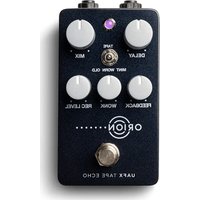
Tape - Audio effect pedal Universal Audio - Free user manual and instructions
Find the device manual for free Tape Universal Audio in PDF.


| Product Type | Software Plugin (Audio Effect) |
| Format | AAX, AU, VST2, VST3 |
| Platform | macOS, Windows |
| Bit Depth | 64-bit |
| Sample Rate Support | Up to 192 kHz |
| Key Features | Analog tape saturation, wow & flutter, tape compression, multi-tape head modes |
| Emulated Models | Ampex 102, Studer A800, Oxide Tape |
| Controls | Input gain, speed, bias, flux, tape compression amount, wow & flutter amount |
| Presets | Included factory presets for various instruments and mix buses |
| DSP Usage | Requires UAD-2 or Apollo DSP (optional native mode) |
| System Requirements (macOS) | macOS 10.14 or later, Intel or Apple Silicon |
| System Requirements (Windows) | Windows 10 or later, Intel/AMD processor |
| Memory (RAM) | 2 GB minimum |
| Disk Space | 500 MB free |
| Authorization | iLok (hardware or cloud) or machine-based |
| Manufacturer | Universal Audio, Inc. |
| Release Year | 2020 (original version) |
| Maintenance | Software updates via UAD Meter & Control Panel |
| Safety | No physical hazards; ensure stable computer operation |
| Repairability | Not applicable (software); reinstall or contact support |
Frequently Asked Questions - Tape Universal Audio
User questions about Tape Universal Audio
0 question about this device. Answer the ones you know or ask your own.
Ask a new question about this device
Download the instructions for your Audio effect pedal in PDF format for free! Find your manual Tape - Universal Audio and take your electronic device back in hand. On this page are published all the documents necessary for the use of your device. Tape by Universal Audio.
USER MANUAL Tape Universal Audio
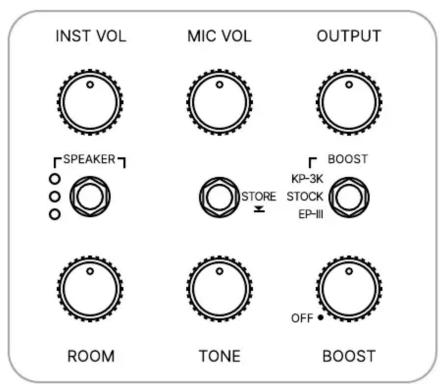


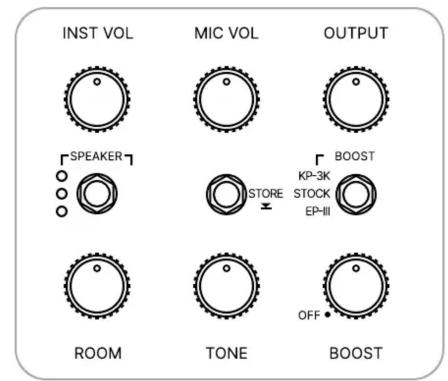

WOODROW
55 Instrument Amplifier
EFFECT RECALL SHEET
NOTES
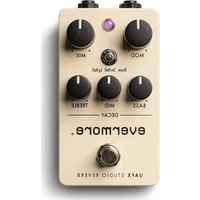
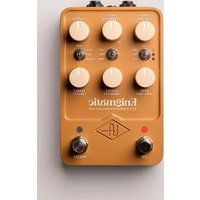
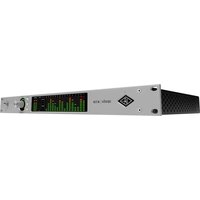

Brand : Universal Audio
Model : Tape
Category : Audio effect pedal