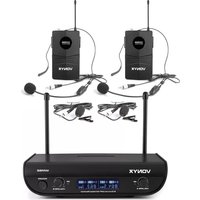
CMS300B - Microphone Vonyx - Free user manual and instructions
Find the device manual for free CMS300B Vonyx in PDF.


| Product Type | Microphone |
| Brand | Vonyx |
| Model | CMS300B |
| Type | Dynamic |
| Polar Pattern | Cardioid |
| Frequency Response | 50 Hz - 15 kHz |
| Sensitivity | -54 dB ± 3 dB |
| Impedance | 600 Ω |
| Connector | XLR 3-pin |
| Cable Length | 5 m |
| Material | Metal body |
| Dimensions | 180 x 50 mm |
| Weight | 350 g |
| Power Supply | No external power required |
| On/Off Switch | Yes |
| Stand Included | Yes, adjustable base |
| Color | Black |
| Accessories | Windscreen, XLR cable |
| Maintenance | Wipe with dry cloth; avoid moisture |
| Safety | Keep away from water and extreme temperatures |
| Spare Parts | XLR cable replaceable |
| Guarantee | 2 years |
Frequently Asked Questions - CMS300B Vonyx
User questions about CMS300B Vonyx
0 question about this device. Answer the ones you know or ask your own.
Ask a new question about this device
Download the instructions for your Microphone in PDF format for free! Find your manual CMS300B - Vonyx and take your electronic device back in hand. On this page are published all the documents necessary for the use of your device. CMS300B by Vonyx.
USER MANUAL CMS300B Vonyx
CMS300 Series Studio Microphone Set
Ref. nr.: 173.512, 173.514, 173.516
natural_image
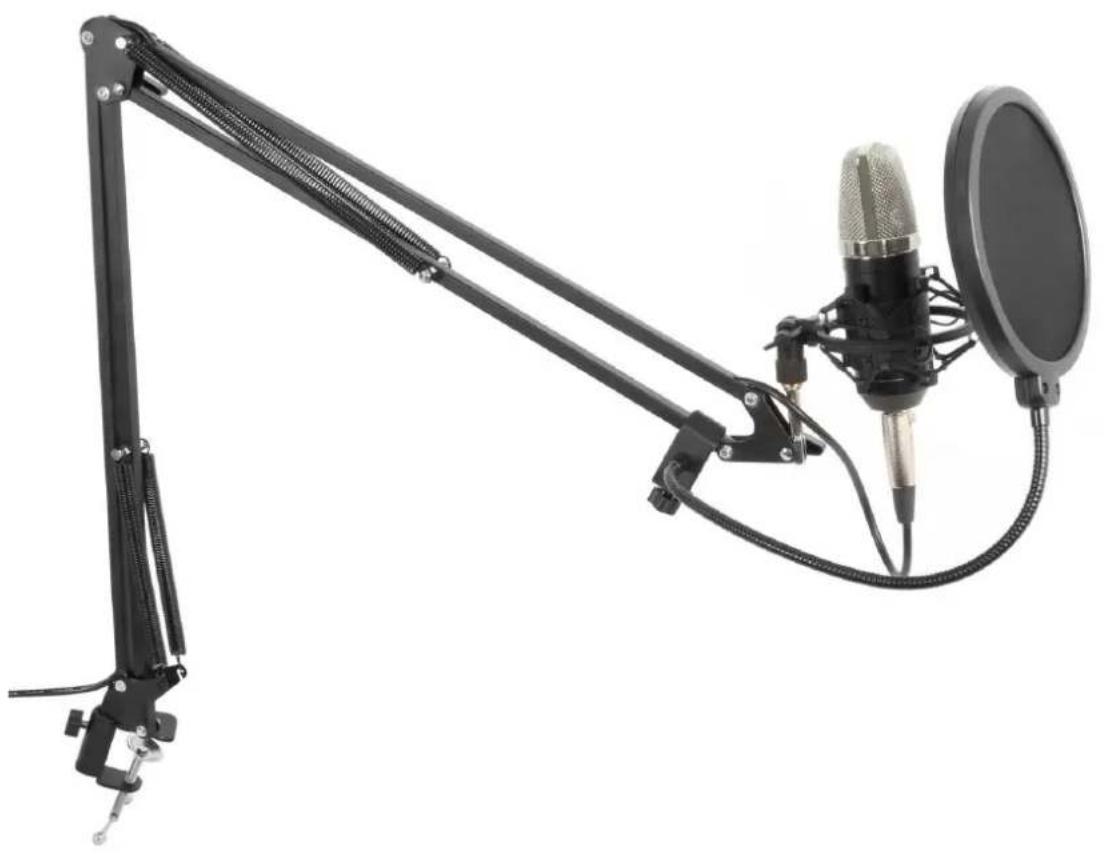
Studio setup with a black adjustable arm and a studio microphone on a stand (no text or symbols visible)INSTRUCTION MANUAL
Congratulations to the purchase of this Vonyx product. Please read this manual thoroughly prior to using the product in order to benefit fully from all features. Follow the instructions in order not to invalidate the warranty. Take all precautions to avoid fire and/or electrical shock. Keep the manual for future reference.
UNPACKING INSTRUCTION
CAUTION! Immediately upon receiving the product, carefully unpack the carton, check the contents to ensure that all parts are present, and have been received in good condition. Notify the shipper immediately and retain packing material for inspection if any parts appear damage from shipping or the package itself shows signs of mishandling. Save the package and all packing materials. In the event that the product must be returned to the factory, it is important that the product be returned in the original factory box and packing.
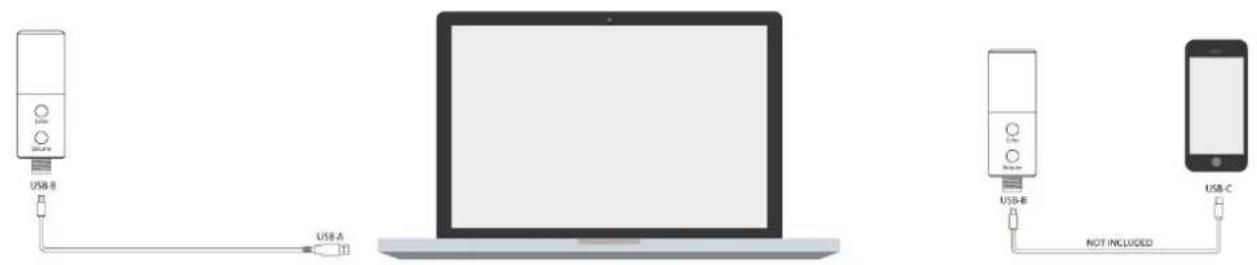
MICROPHONE CONNECTION
STAND ASSEMBLY INSTRUCTIONS
- Install the base of the stand on to, for example, a tabletop.
- Attach the suspension arm link to the base stand.
- Tighten the nut once your preferred suspension arm direction has been determined.
- Attach the arm to the suspension arm link.
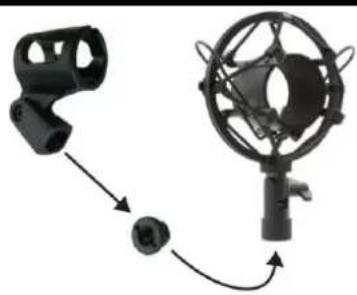
- Attach the shock mount to the suspension arm. Use the adapter of the microphone
- holder to enable mounting of the shock mount (picture right).
- Adjust the height of the arm to your preferred height.
- Put the microphone into the clamp ring of the shock mount.
- Optional: attach the pop filter to the stand to eliminate popping and sibilance sound.
natural_image
Diagram of a mechanical device with a bracket and a rotating knob (no text or symbols)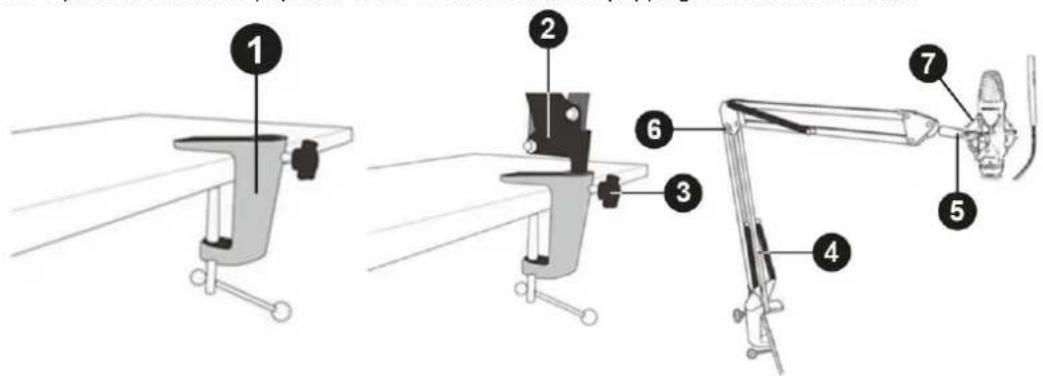
SPECIFICATIONS
| CMS300 | |||
| Ref.nr. | 173.512 | 173.514 | 173.516 |
| Frequency response | 50Hz-14KHz | ||
| Sensitivity | -43dB (+/-2dB) | ||
| Impedance | 200 Ohm | ||
| SPL max | 120dB | ||
| Mic. Power supply | 5V via USB | ||
| Weight | 1.95kg | ||
Specifications and design are subject to change without prior notice.
www.tronios.com
Copyright © 2022 by Tronios The Netherlands