ST-W - Digital decoder AwoX Striim - Free user manual and instructions
Find the device manual for free ST-W AwoX Striim in PDF.


| Product Type | Digital Decoder (Set-Top Box) |
| Brand | AwoX Striim |
| Model | ST-W |
| Dimensions (W x D x H) | 120 x 80 x 30 mm |
| Weight | 200 g |
| Power Supply | 5V DC, 1A via included AC adapter |
| Video Output | HDMI 1.4 (up to 1080p) |
| Audio Output | HDMI (stereo or pass-through) |
| Tuner | DVB-T/T2/C/S/S2 (depending on region) |
| Connectivity | Ethernet (RJ45), Wi-Fi 802.11 b/g/n, USB 2.0 |
| Media Playback | USB playback of video, audio, and photo files |
| Electronic Program Guide (EPG) | Yes |
| Parental Control | Yes (channel locking) |
| Sleep Timer | Yes (30, 60, 90, 120 minutes) |
| Firmware Update | Over-the-air (OTA) or via USB |
| Remote Control | Infrared, included |
| Spare Parts Available | Remote control, power adapter, HDMI cable, USB cable |
| Maintenance | Clean with a dry, soft cloth; avoid liquids |
| Safety | Do not block ventilation slots; use only the supplied adapter |
| General Information | Supports HD and SD channels; multilingual on-screen menu |
Frequently Asked Questions - ST-W AwoX Striim
User questions about ST-W AwoX Striim
0 question about this device. Answer the ones you know or ask your own.
Ask a new question about this device
Download the instructions for your Digital decoder in PDF format for free! Find your manual ST-W - AwoX Striim and take your electronic device back in hand. On this page are published all the documents necessary for the use of your device. ST-W by AwoX Striim.
USER MANUAL ST-W AwoX Striim
Air-mouse remote control....6
AwoX StriimSTICK setup 8
AwoX StriimSTICK applicaons....10
Technical specicaons 11
© 2012 AwoX. All rights reserved. StriimSTICK, AwoX, the AwoX logo and other AwoX marks are owned by AwoX. The "Android" name, the logo, and other trademarks are property of Google Inc. All other trademarks are the property of their respective owners. Product images and photos are non-contractual.
Welcome
Congratulaons and thank you for choosing the AwoX StriimSTICK smart TV adapter. Just plug this Android™ smart sck into any TV's HDMI input and surf the Internet over a Wi-Fi conncon just like a tablet or smartphone.
Enjoy this powerful and easy-to-use Wi-Fi / Internet HDMI smart sick to:
- Use your TV just like an Android-powered tablet or smartphone
- Access the on-line Android Market to download thousands of applicaons
- Share your photos, listen to music, stream videos
- Search the Internet
- Use your on-line e-mail accounts
- Take it with you when you travel... use AwoX StriimSTICK anywhere you have a TV and Wi-Fi Internet access!

natural_image
Green Android robot logo (no text or symbols)This guide will show you how to set up your StriimSTICK™ adapter and turn your TV into an Android-powered smart TV in a few easy steps.
AwoX StriimSTICK overview
What's in the box
- StriimSTICK HDMI dongle to plug into your TV
- Air-mouse remote control and wireless receiver for StriimSTICK
- USB-to-Micro USB power cable to provide power to StriimSTICK
- AC adapter with USB port (in case TV's USB does not supply enough power)
- HDMI extension cable
Note: The StriimSTICK dongle has a micro-SD card slot that supports cards up to 32 GB
Before your begin
Charge your air-mouse using the provided USB cable.
Air-mouse remote control
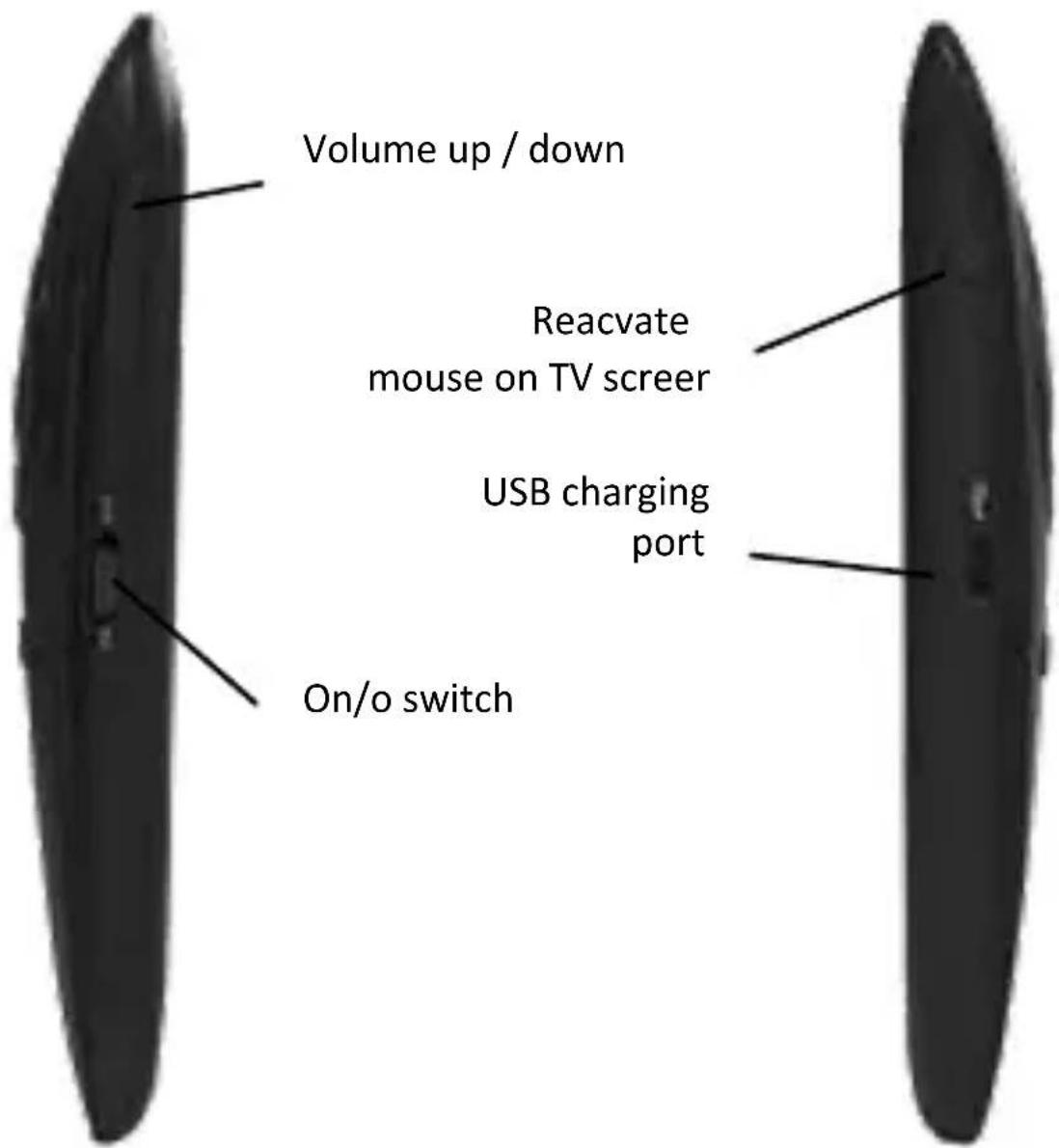
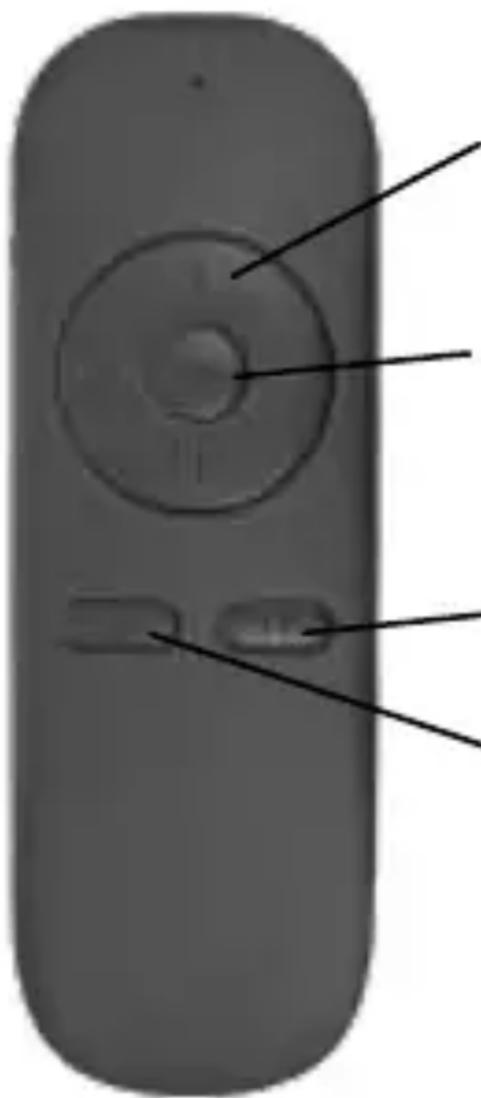
Your AwoX StriimSTICK includes a wireless air-mouse to control an arrow-cursor on your TV screen. Use this remote control like a tradional mouse, as well as to simulate various swipe movements supported by the Android operang system. The following pictures show the various features of your remote control:
natural_image
Close-up of a remote control device with labeled buttons and a circular dial (no text or symbols beyond basic markings)Cursor control: up, down, right, le
"OK" buon in center, direconal navigaon buons
Home
Back
Recharging the air-mouse baery
To recharge the baery in your air-mouse, simply unplug the USB charging cable from the StriimSTICK dongle when you are not using it, and insert the cable into the micro-USB port on the air-mouse.
AwoX StriimSTICK setup
Set up StriimSTICK on your TV
- Plug the air-mouse adapter into the top of the StriimSTICK.
- To provide power to the StriimSTICK, plug the micro-USB connector into the appropriate port on StriimSTICK.
-
Plug the other USB cable end: - into a USB port on your TV - or, into the provided AC adapter and then plug the adapter into a wall socket.
-
Plug the StriimSTICK into a free HDMI port on your TV. If it is dicult to posion the dongle directly, use the provided HDMI extension cable.
-
Turn on your TV. The StriimSTICK takes about 1 minute to startup fully.
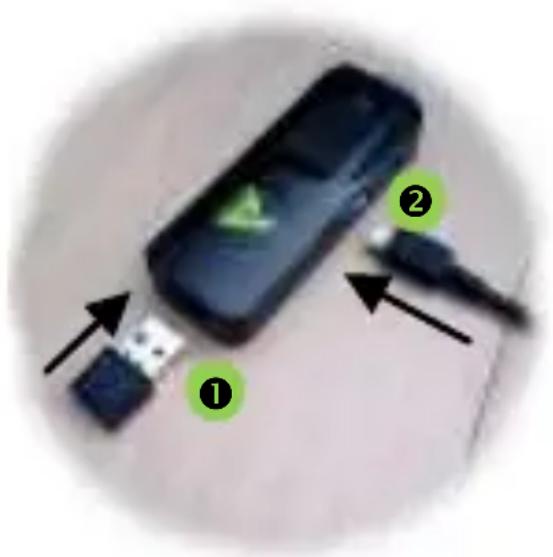
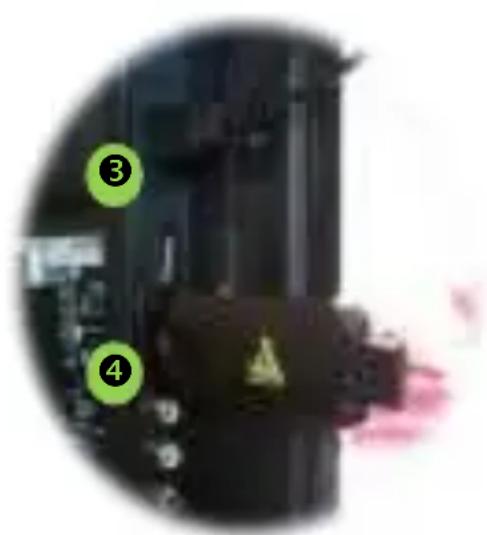
-
Use your regular TV remote control to select the appropriate HDMI port to view the StriimSTICK welcome screen.
-
On the front of the air-mouse, slide the ON/OFF switch to "ON" to establish the conncon with the StriimSTICK.
Note: Press the ✝ buon on the side of the remote control to reacvate the mouse cursor if it no longer appears on the TV screen.
Connect StriimSTICK to your home Wi-Fi network
-
Select Sengs on the StriimSTICK home screen.
-
Select Wi-Fi (click "ON" if necessary).
-
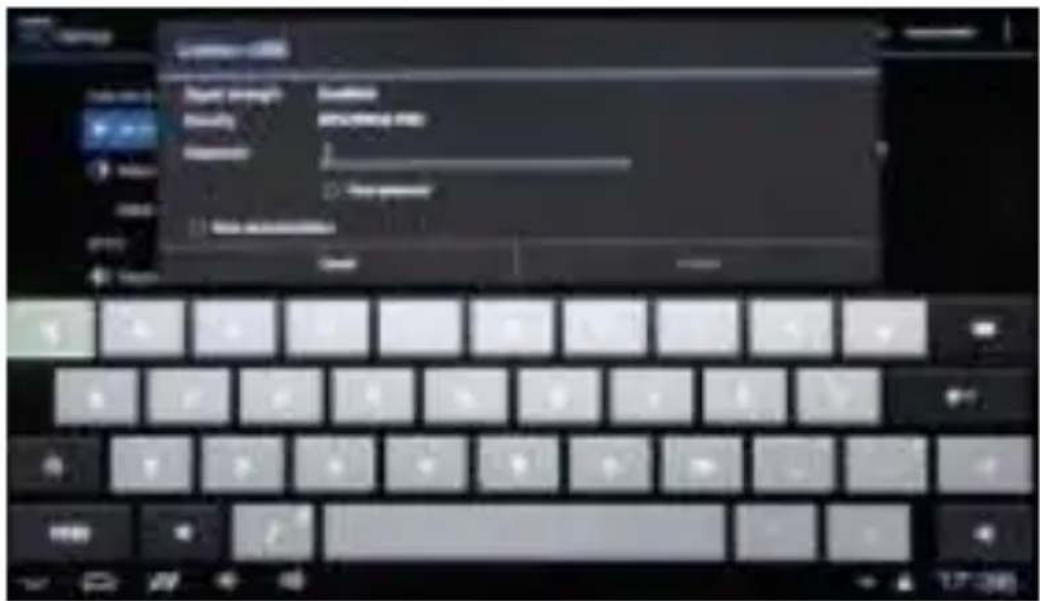
Select your home Wi-Fi router in the list.
-
Enter your router's password (some routers may be case-sensitive to the characters you enter here).
-
Click on Connect.
-
Use the air-mouse to navigate around the Android interface. For more details on using the Android system, apps and other features, please see www.google.com.
AwoX StiimSTICK applications
Standard Android applicaons
StriimSTICK supports all the same applicaons as other Android devices. You may purchase and download new applicaons, access Web sites, run searches, watch videos, and much more.
AwoX StriimSTICK Launcher
The StriimSTICK interface opens to the AwoX StriimSTICK launcher, shown below. Simply click with your air-mouse to navigate through your applicaons.
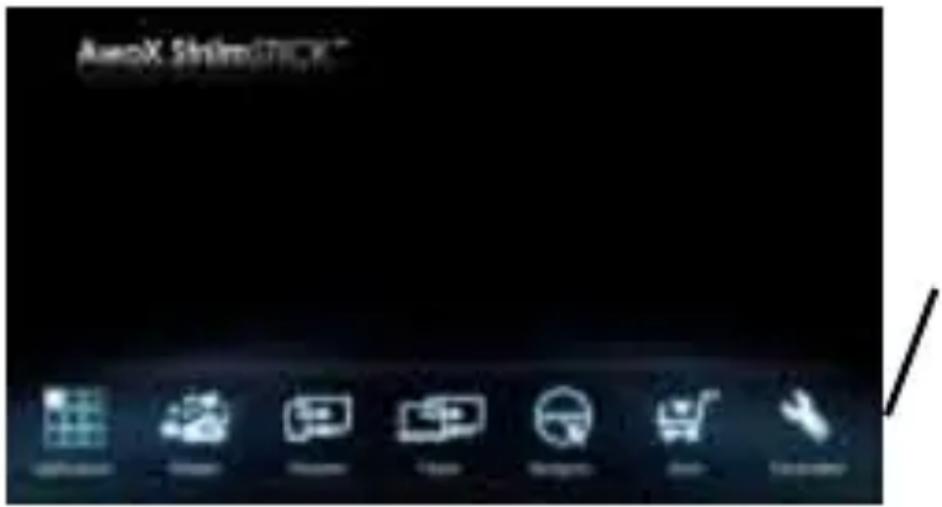
Click on these icons to access your applicaons
Technical specifications
| Hardware | |
| System | Android 4.x |
| Processor | ARM A8, 1.0 GHz, 2D/3D GPU processors2 GB RAM |
| Memory | 4 GB |
| Supported media formats | Audio: APE, FLAC, MP3Image: JPG, PNG, BMPVideo: MKV, WMV, WMV, MPG,MPEG, DAT, AVI, MOV,MP4, WMV, FLV,3GP;HD video (1080p): H.264,H.263, VP8, RV8/9, MPEG4,XviD, DivX 3/4/5, MPEG 1/2 |
| Network | Wi-Fi b/g/n |
| USB interface | Micro SD slot, up to 32 GB |
| Air-mouse | 2.4 GHz wireless |
| HDMI interface | HDMI 1.4 output, 19 pin D-Sub |
| Size | 85 x 43 x 16 mm |
| Weight (net) | 100 g |
| Environmental | |
| Operang | 0° to +50°C |
| conditions | 10% to 85% RH (no condensaon) |
| Storage | -20° to +60°C |
| conditions | 5% to 90% RH (no condensaon) |
| Power supply | 5V DC via TV USB port or AC adapter |
| Consumpon | 5W max, < 1A |

AwoX StriimSTICK
HDMI Wi-Fi smart TV stick
ST-W