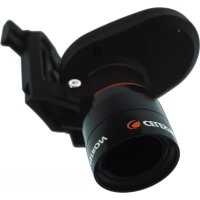
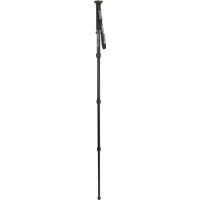
93480 - Tripod CELESTRON - Free user manual and instructions
Find the device manual for free 93480 CELESTRON in PDF.


Pick your language and provide your email: we'll send you a specifically translated version.
| Product Type | Tripod |
| Brand | Celestron |
| Model | 93480 |
| Maximum Height | 152 cm (60 in) |
| Minimum Height | 48 cm (19 in) |
| Folded Length | 61 cm (24 in) |
| Weight | 1.8 kg (4.0 lbs) |
| Load Capacity | 5.5 kg (12 lbs) |
| Head Type | Pan/Tilt Fluid Head |
| Leg Sections | 3 |
| Leg Lock Type | Flip Lock Levers |
| Material | Aluminum |
| Mount Type | 1/4-20 and 3/8-16 Screws |
| Bubble Level | Yes |
| Feet | Rubber with Spikes (Retractable) |
| Center Column | Geared with Crank |
| Warranty | 2 Years Limited |
| Included Accessories | Carrying Case, Quick Release Plate |
| Maintenance | Clean with dry cloth; avoid solvents |
| Safety | Do not exceed load capacity; secure all locks before use |
Frequently Asked Questions - 93480 CELESTRON
How do I extend the tripod legs?
Release the flip lock levers on each leg section, pull the leg to the desired length, and lock the lever securely. Always extend from the thickest section first.
What is the maximum weight capacity of this tripod?
The maximum load capacity is 5.5 kg (12 lbs). Do not exceed this limit to ensure stability.
Can I use this tripod with a telescope?
Yes, it is suitable for small to medium telescopes with a mounting screw of 1/4-20 or 3/8-16. Ensure the total weight is under the rated capacity.
How do I attach a camera or spotting scope?
Attach the quick release plate to your device using the appropriate screw, then slide the plate into the head until it clicks. Tighten the locking knob.
How do I level the tripod?
Use the built-in bubble level on the center column. Adjust leg lengths individually to center the bubble.
The head seems loose; how do I tighten it?
Use the tension knobs on the pan/tilt head. Turn the knobs clockwise to increase friction and tighten movement.
Can I replace the quick release plate if lost?
Yes, replacement plates compatible with the 93480 are available from Celestron or third-party suppliers. Ensure it matches the head's mounting dimensions.
How do I clean and maintain the tripod?
Wipe with a dry or slightly damp cloth. Avoid abrasive cleaners. Periodically check and tighten all screws. Store in the carrying case when not in use.
Is this tripod suitable for indoor and outdoor use?
Yes, the rubber feet provide grip on hard surfaces, and retractable spikes offer stability on soft ground. The aluminum construction is lightweight and durable.
What is the warranty period?
Celestron provides a 2-year limited warranty against defects in materials and workmanship. Retain your receipt for proof of purchase.
User questions about 93480 CELESTRON
0 question about this device. Answer the ones you know or ask your own.
Ask a new question about this device
No questions yet. Be the first to ask one.
Download the instructions for your Tripod in PDF format for free! Find your manual 93480 - CELESTRON and take your electronic device back in hand. On this page are published all the documents necessary for the use of your device. 93480 by CELESTRON.
USER MANUAL 93480 CELESTRON
natural_image
Line drawing of a CELESTRON device with a curved arm and base, no text or symbols present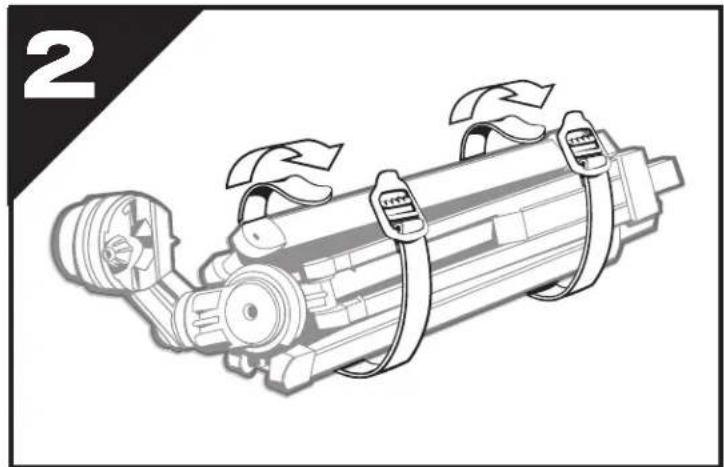
natural_image
Illustration of a mechanical device with attached clamps and a valve, labeled with number 2 (no text or symbols on the diagram itself)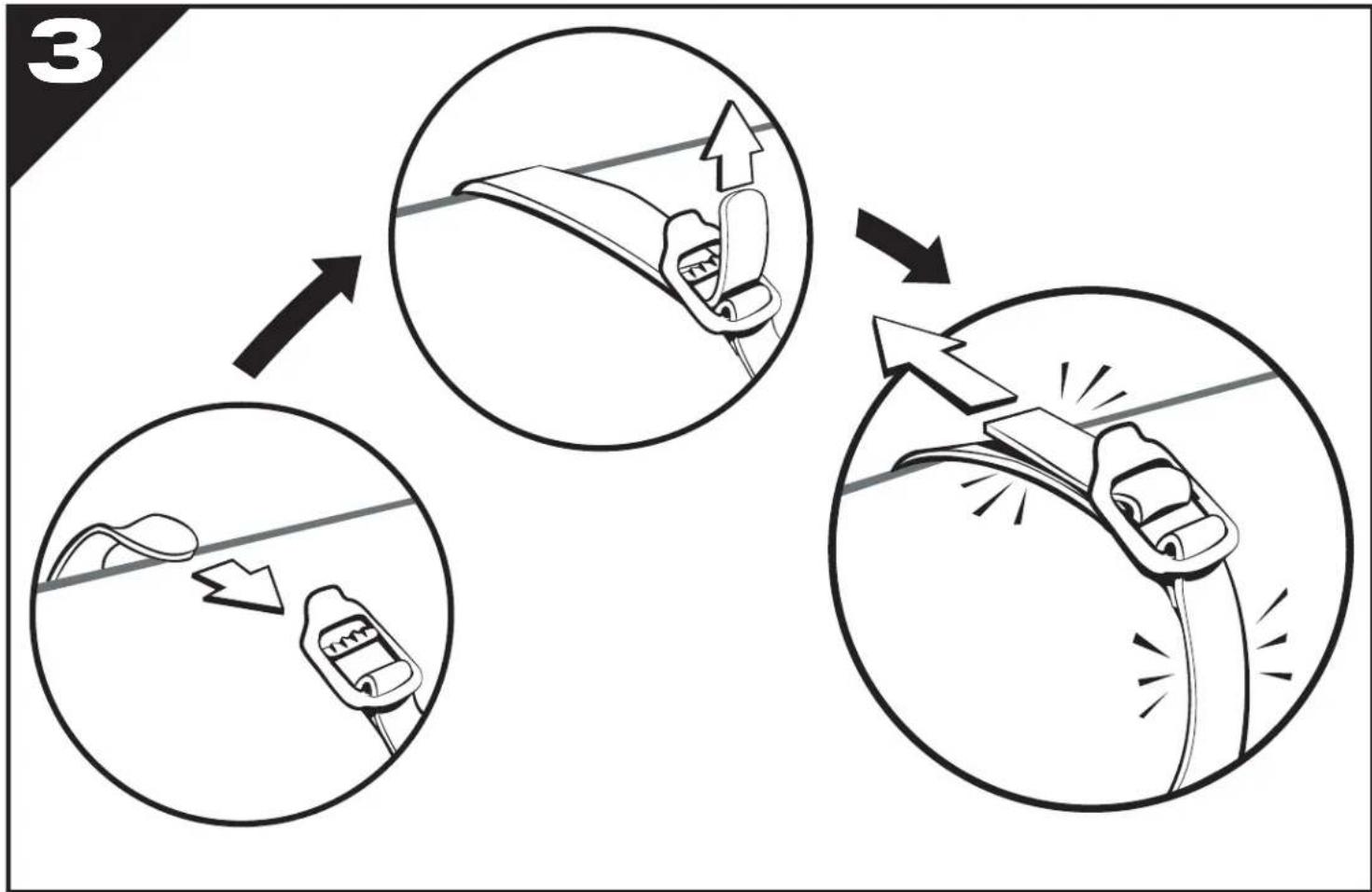
text_image
3
natural_image
Technical line drawing of a mechanical assembly with clamps and gears (no text or symbols)5