Uni WSS-2 - Kitchen scale WILFA - Free user manual and instructions
Find the device manual for free Uni WSS-2 WILFA in PDF.


| Type | Kitchen Scale |
| Brand | Wilfa |
| Model | Uni WSS-2 |
| Maximum Weight Capacity | 5 kg (11 lb) |
| Graduation / Precision | 1 g |
| Display | LCD, with backlight |
| Units of Measurement | g, kg, lb, oz, ml (water), fl.oz (water) |
| Tare Function | Yes |
| Auto-Off | Yes, after 2 minutes of inactivity |
| Battery Type | 2 x AAA or 1 x CR2032 (depending on version) |
| Material | Stainless steel platform, plastic housing |
| Dimensions (W x D x H) | 20 x 15 x 2 cm |
| Weight | 300 g |
| Overload Indicator | Yes |
| Low Battery Indicator | Yes |
Frequently Asked Questions - Uni WSS-2 WILFA
User questions about Uni WSS-2 WILFA
0 question about this device. Answer the ones you know or ask your own.
Ask a new question about this device
Download the instructions for your Kitchen scale in PDF format for free! Find your manual Uni WSS-2 - WILFA and take your electronic device back in hand. On this page are published all the documents necessary for the use of your device. Uni WSS-2 by WILFA.
USER MANUAL Uni WSS-2 WILFA
Bruksanvisning
Bruksanvisning
Brugsanvisning
Käyttöohje
Instruction manual WSS-2
Kitchen Scale


LES ALLE ANVISNINGER F∅R BRUK
LÄS IGENOM ALLA INSTRUKTIONER INNAN PRODUKTEN ANVÄNDS
LÆS ALLE VEJLEDNINGER INDEN BRUG
LUE OHJEET HUOLELLISESTI ENNEN KÄYTTÖÄ
READ ALL INSTRUCTIONS BEFORE USING
Tareringsfunktion
Tara-funktion
Taaraustoiminto
Read all instructions before use. Read carefully and keep for future reference.
Important safety instructions
- Always place the object to be weight at the center of the kitchen scale.
- Do not place any object on top of the scale before switching the appliance on.
- Remove the batteries if the scale is not being used for a long period.
- Clean the scale with a slightly damp cloth. Do not use chemical/abrasive cleaning agents.
- Never immerse the appliance into water or any other liquid.
- Keep the scale in a cool dry area.
SCALE FUNCTION DESCRIPTION
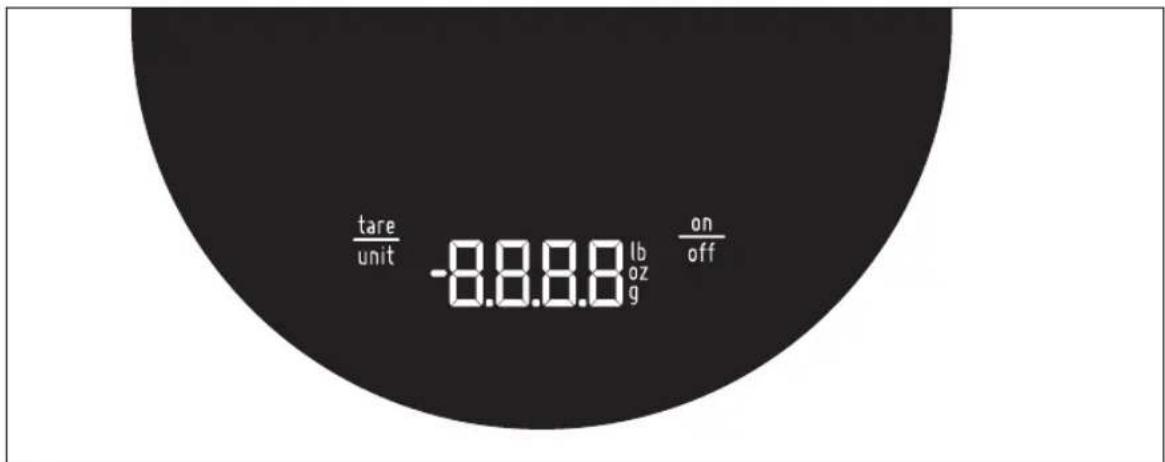
Full display layout
The scale reveals the symbols on scale with white LED backlight when activated.
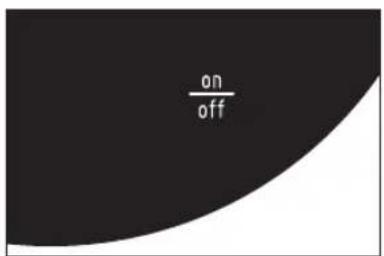
Turn on scale
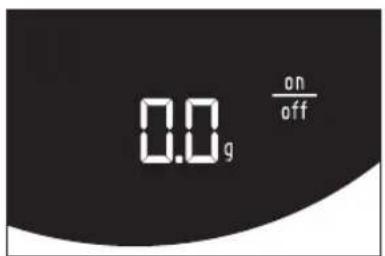
- Press "on/off" once.
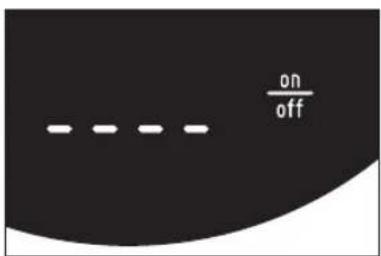
• The scale reveals "----",
• Then shows the digits (0.0g)
Tare function
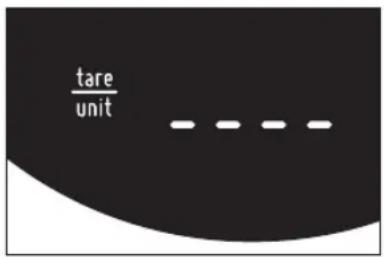
- Place coffee container on top of the scale, press the "tare/unit" to tare the weight of the container. The scale will display "----" for a moment.
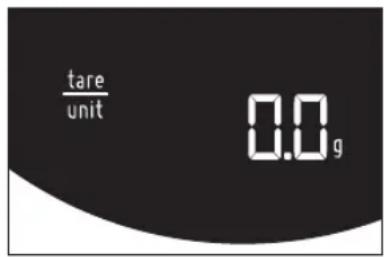
- Then the scale will return into ready mode by showing "0.0 g".
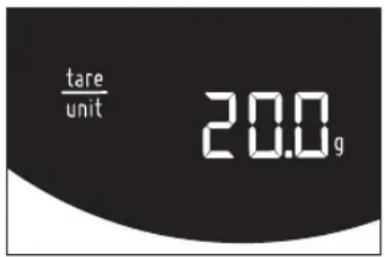
- The scale is now ready for measuring any additional weight. For example, pouring 20 g coffee bean into container will display "20.0 g".
Unit change
- Press and hold "tare/unit" button for 1 second, the digits disappear and then the unit changes. If held continuously the unit keep alternating every 0.5 second.
- Confirm the unit selection by releasing the button. The display shows that a profile has been selected.
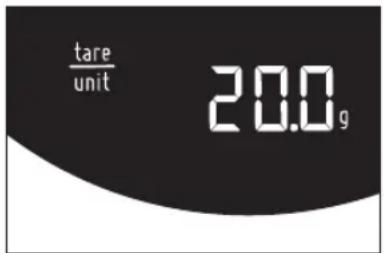
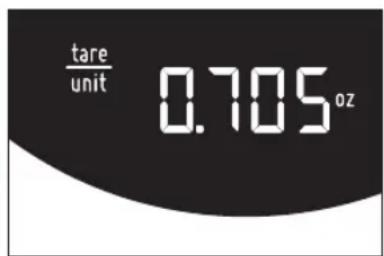
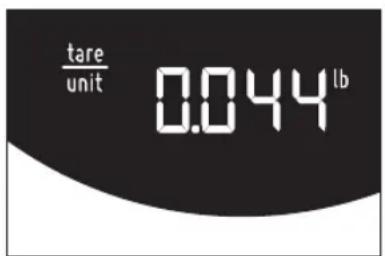
Auto off feature
Note: If you stop adding weight to the scale – after 3 minutes auto shut off is activated.
Troubleshooting
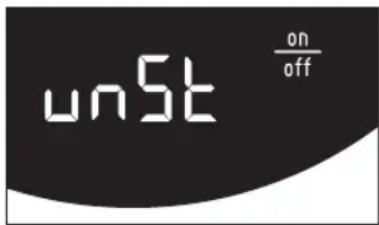
Unable to activate the scale because the scale is unstable.
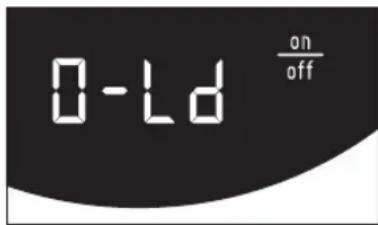
The scale is overloaded, remove weight from the scale. (Max. range is 2kg.)
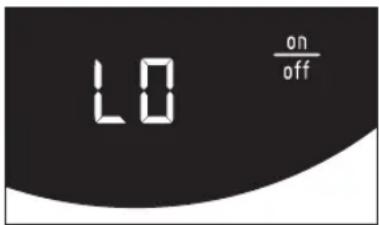
Low battery, change batteries.
Bluetooth
The scale comes with a build in Bluetooth® device, this feature enables the user to read and control the scale remotely from a smartphone device (iOS or Android).
Follow these steps to connect your smartphone to the scale.
- Download the "Wilfa SVART" app from App Store® or Google Play™.
- Turn on the scale.
- Open the app on your smartphone device and click on the Bluetooth icon in the upper right corner.
- Select the "Wilfa Svart Scale" and press connect.
For more useful tips read the help section inside the app by clicking on the menu icon in the upper left corner.
Battery: 3xAAA
This marking indicates that this product should not be disposed with other household wastes throughout the EU. To prevent possible harm to the environment or human health from uncontrolled waste disposal, recycle it responsibly to promote the sustainable reuse of material resources. To return your used device, please use the return and collection systems or contact the retailer where the product was purchased. They can take this product for environmental safe recycling.
AS WILFA
Industriveien 25
1481 Hagan
Norway wilta.com
Tara-Funktion
Brand : WILFA
Model : Uni WSS-2
Category : Kitchen scale