
C2000 - Photocopieur CANON - Notice d'utilisation et mode d'emploi gratuit
Retrouvez gratuitement la notice de l'appareil C2000 CANON au format PDF.


| Type de produit | Photocopieur multifonction couleur |
| Marque | Canon |
| Modèle | imageRUNNER ADVANCE C2000 (C2020L/i, C2030L/i) |
| Dimensions (L x P x H) | Environ 620 x 640 x 580 mm |
| Poids | Environ 80 kg (selon configuration) |
| Alimentation électrique | 220-240 V, 50/60 Hz |
| Consommation énergétique | Veille : 1,5 W ; mode veille profonde : 0,5 W |
| Vitesse de copie/impression | Jusqu'à 20 ppm (C2020) ou 30 ppm (C2030) en couleur et N&B |
| Résolution d'impression | 1200 x 1200 dpi (équivalent) |
| Écran tactile | 5,7 pouces VGA couleur |
| Capacité papier standard | 2 x 250 feuilles (1 cassette + 1 bac) + 100 feuilles dans le bac multifonction |
| Capacité papier maximale | 2 000 feuilles avec options |
| Formats papier supportés | A5, A4, A3, SRA3 (jusqu'à 220 g/m²) |
| Recto-verso automatique | Oui |
| Fonctions principales | Copie, impression, numérisation, fax en option |
| Type de toner | PQ toner sans huile, 4 couleurs |
| Numérisation | Vers e-mail, dossier réseau, USB, PDF recherche (option) |
| Interface réseau | Ethernet 10/100/1000 Base-T |
| Ports USB | USB 2.0 (hôte et périphérique) |
| Sécurité | Chiffrement disque dur (EAL3), authentification utilisateur, impression sécurisée |
| Entretien et nettoyage | Remplacement toner par l'avant ; nettoyage de la vitre et du bac d'alimentation |
| Pièces détachées et réparabilité | Cassettes, finisseur interne, chargeur de documents, kit de maintenance |
| Informations générales | Certification Energy Star, RoHS ; conception écologique (bioplastiques) |
FOIRE AUX QUESTIONS - C2000 CANON
Questions des utilisateurs sur C2000 CANON
0 question sur cet appareil. Repondez a celles que vous connaissez ou posez la votre.
Poser une nouvelle question sur cet appareil
Téléchargez la notice de votre Photocopieur au format PDF gratuitement ! Retrouvez votre notice C2000 - CANON et reprennez votre appareil électronique en main. Sur cette page sont publiés tous les documents nécessaires à l'utilisation de votre appareil C2000 de la marque CANON.
MODE D'EMPLOI C2000 CANON
ADVANCING office communication
imageRUNNER ADVANCE C2020L/i
imageRUNNER ADVANCE C2030L/i
you can
ADVANCED office productivity
Enhancing document communication, Canon's ground breaking imageRUNNER ADVANCE technology platform now sits at the heart of our entry-level colour systems. Introducing the imageRUNNER ADVANCE C2000 range: streamlining office workflows, these compact yet productive devices make even sophisticated document tasks easy to perform.
Effortless operation
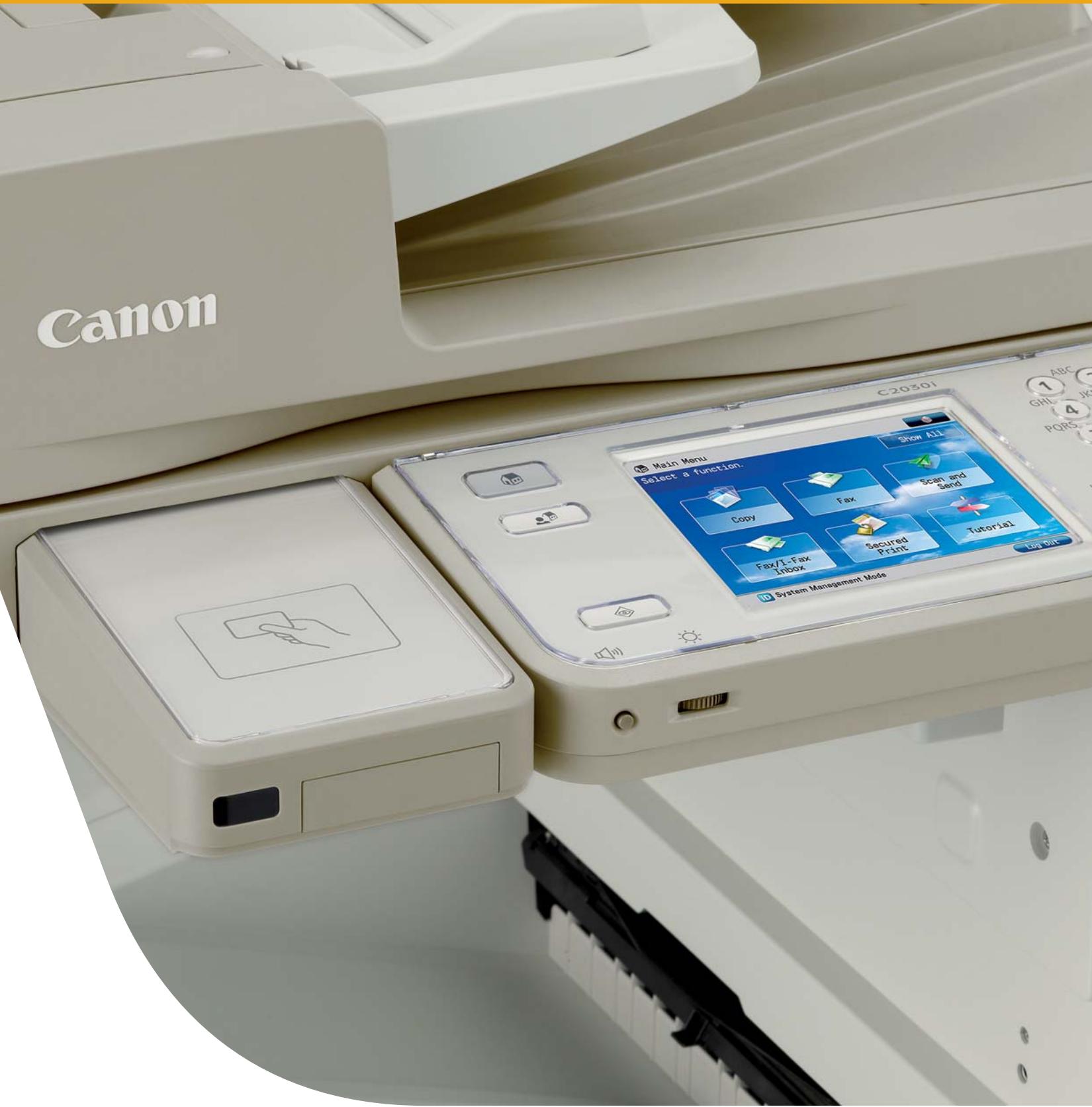
A high resolution 5.7 inch VGA full colour touch-screen makes the imageRUNNER ADVANCE C2000 range a pleasure to work with. Large, familiar icons ensure document processing is intuitive and the layout, as well as the screen's background, can be customised to suit any environment.
To complement the Main Menu, the control panel also features a Quick Menu button. This allows instant access to frequently performed jobs and even allows users to create personal workflows that can make even complex office tasks achievable at the touch of a button.
Streamlining office workflows
The imageRUNNER ADVANCE platform was developed to allow seamless integration with applications from Canon and third parties. Adobe® Reader Extensions capabilities enables documents to be shared and reviewed electronically – without the need to purchase any software licenses.
Canon's powerful iW360 software can also be incorporated, allowing information from a variety of sources to be quickly combined and highly professional printed and digital documents to be created and distributed with minimal effort.
Productivity personified
Four compact devices enable you to take document communication to the next level. The imageRUNNER ADVANCE C2030 L/i operates at a swift 30 pages per minute in both black and white and colour, while the imageRUNNER ADVANCE 2020 L/i runs at 20 pages per minute. A choice of HDD (i) or a flash memory version (L) of each model is available.
A new oil-free PQ toner system and full support for Adobe® PostScript® 3™ (i models only) ensures vibrant colour and the crispest black and white prints are guaranteed. Devices warm up in seconds and feature duplex units enabling double-sided documents to be created at full machine speed – professionalism without compromise. Media capabilities enable heavier paper up to 220 gsm to be handled with up to SRA3 catered for.
On average people spend over 4 hours per week looking for information.
AIIM Europe 2009
Keep costs within budget thanks to class-leading energy efficiency and powerful expenditure controls. With seamless network integration and stringent security management, the imageRUNNER ADVANCE C2000 range has everything well under control.
ADVANCED
savings and security
Manage and reduce print costs
Incorporate Canon's Security and Cost Control Pack (SCCP) to control and reduce print costs. With SCCP, you increase cost awareness to all users and significantly reduce print costs. Each time users log-in to the device, total print costs and statistics such as colour usage can be displayed.
Administrators can even include a custom message to encourage cost-cutting activities such as using black and white, N-up or duplexing. Furthermore, details of every print, copy and scan job and its costs are recorded, enabling managers to obtain reports showing usage for each individual. You can use this valuable information to save money, for example, by requesting that users frequently printing in colour restrict this activity to specific document types.
Watertight security
Your networked multifunctional devices are a haven of sensitive, business-critical information. And threats to document and data security have never been higher. Using the Security and Cost Control Pack (SCCP), Canon's imageRUNNER ADVANCE C2000 range ensures confidential information stays that way.
Device access can be controlled so that access is only permitted once the user authenticates themselves at the device. This can be via a card system, or a log-in process that works identically to your company's network or Windows log-in procedure, making it secure, yet easy for users to work with.
To prevent documents being viewed by those unauthorised to do so, Secure Printing is supported*. This means that documents can be “held” until the relevant user authenticates themselves at a device, whereby documents are released for printing. SCCP also allows documents can be collected at the most convenient device available on the network, simply by logging in and printing.
With the optional IPSec Board, data can be transmitted across the network using the IP security protocol, ensuring network traffic cannot be read by third parties.
Device hard disks can be encrypted (in adherence with Common Criteria EAL3) as well as easily removed for temporary offsite storage if required.*
Effective scanning, routing and collaboration
With the touch of a button, it's easy to securely digitise paper documents, store and send them to a multitude of destinations such as email, fax, network folders or even backend systems. Future retrieval is aided by the optional searchable PDF facility that allows for specific words within a document to be located.
Seamless integration
The entire range has been designed to allow seamless integration into your business environment. All imageRUNNER ADVANCE devices share a common platform and user interface, making large scale, multi-machine deployments easy for IT departments, as well as providing a consistent, user-friendly interface.
The imageRUNNER ADVANCE C2000 range can also access the functionality of higher end iR ADVANCE systems, for example fax or address books, acting as clients in a server-client relationship.
Integration into systems like Microsoft SharePoint, Adobe, and Canon's powerful range of software solutions provides your business with the most efficient document processes attainable.

natural_image
Two men in a blue shirt standing by a window, one looking upward and the other looking down, with green foliage in the background (no text or symbols visible)ADVANCED environmental credentials
From concept to manufacture to office usage, the imageRUNNER ADVANCE C2000 range is designed to minimise environmental impact. Incorporating bio-plastics, recycled materials, and features that reduce energy consumption, it’s a range built for now as well as the future.
Responsible manufacturing
Part of the design ethos behind this forward thinking range is the reduction of CO_2 emissions. Each device contains bio-plastics - made from plant-based raw materials instead of petroleum - as well as various recycled components, to help achieve these aims. Canon's Life Cycle Assessment (LCA) system helps us regularly evaluate how these goals are being met. The manufacturing process also comfortably adheres to the Restriction of Hazardous Substances (RoHS) criteria.
Reduce energy consumption
This range achieves the lowest TEC (Total Energy Consumption) rating in its class. Our RAPID fusing system enables fast warm-up times and toner to be fixed at lower temperatures to preserve energy. In standby mode each device uses as little as 1.5 W of power and is fully operational from sleep mode in just 10 seconds. As you might expect, each device easily conforms to the European-wide Energy Star Program.
Compact and efficient
The well-thought out design ensures each device fits comfortably into even the smallest office spaces. Toner bottles can all be easily accessed from the front of the device for quick replacement, and since the finisher – allowing corner and double stapling - is built into the heart of the system, professional colour documents can be created without requiring additional, costly office space. With built-in duplex capabilities, double-sided documents can be produced which not only look professional but can dramatically reduce paper consumption costs too.
The imageRUNNER ADVANCE C2000 range devices use as little as 1.5 W of power, as a result achieving one of the lowest TEC* ratings in it's class.
1
natural_image
Exterior view of a modern office building (no signage)2
natural_image
Interior view of a laboratory or industrial equipment unit with no visible text or symbols3
natural_image
Interior view of a laboratory instrument with open chamber and digital display (no visible text or symbols)4
natural_image
Close-up of two electronic devices with control buttons (no visible text or symbols)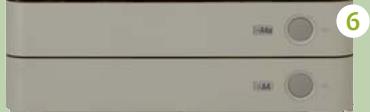
natural_image
Close-up of a white appliance front panel with two buttons labeled 'T4A' and 'T4A', no visible text or symbols beyond labels.
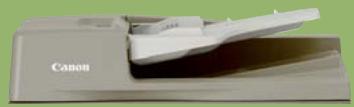
1 Duplex Color Image Reader Unit-D1
A 50 sheet duplex document feeder (DADF) helps cope with scanning and sizeable copy runs, accommodating documents with different sized pages.
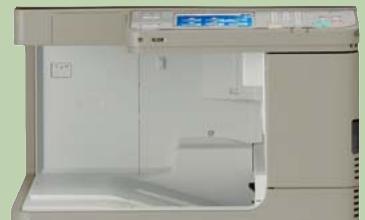
2 Inner Finisher-C1
Transform a simple colour report into a fully stapled document. Staple capacity is 50 sheets of A4, with a capacity of 750 A4 – A5R in a single print run.
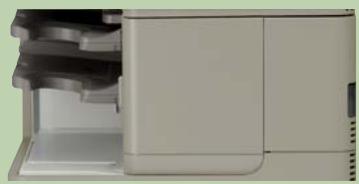
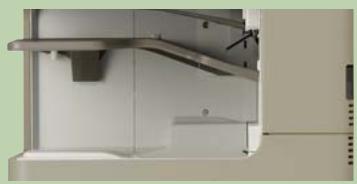
3 Inner 2-way Tray-F1
Two finisher trays offering the ability to separate copy, print or fax output across the two trays with a capacity of
- 100 sheets on upper tray
- 250 sheets on lower tray
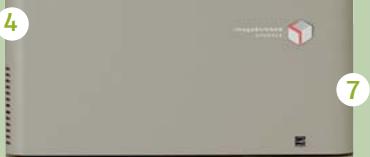
4 Advanced Technology
Using the Multifunctional Embedded Application Platform (MEAP), Canon's Java based application platform, enables new and customised software to be incorporated directly within your device. This way you can future proof your investment. Plus, the device also adheres to the strictest environmental standards such as RoHS, which restricts the use of hazardous substances.
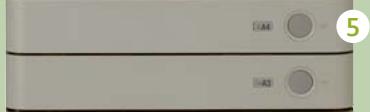
5 Paper Cassette
Two cassettes come as standard; A 250- sheet cassette and a 500 sheet Cassette. Each cassette is user-adjustable to cope with paper sizes between A5-A3.
6 Cassette Feeding Unit-AF1
A total of 2,000 sheets gives versatility from 5 different sources, including optional additional trays, allowing you to produce stunning colour documents combining different media types and weights.
7 Stack Bypass
The 100 sheet stack bypass accommodates a variety of media from A5R to SRA3 and up to 220gsm.
Advance every opportunity with imageRUNNER ADVANCE.

imageRUNNER ADVANCE
uniFLOW
iW36O

Therefore™ PEOPLE PROCESS INFORMATION


Adobe® PostScript® 3™

eCopy
USB Print & Scan
Canon Inc.
canon.com
Canon Europe
canon-europe.com
Canon Europe Ltd
3 The Square, Stockley Park
Uxbridge, Middlesex
UB11 1ET UK
English Edition 0146W147
© Canon Europa N.V. 2010 (0810)