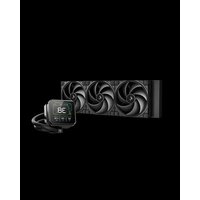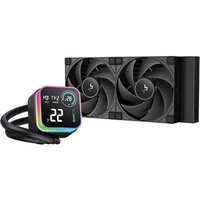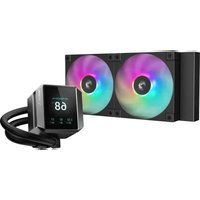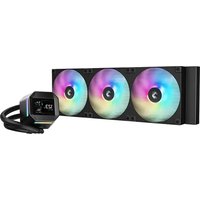
LM420 - Système de refroidissement de matériel informatique DeepCool - Notice d'utilisation et mode d'emploi gratuit
Retrouvez gratuitement la notice de l'appareil LM420 DeepCool au format PDF.


| Caractéristiques techniques | Refroidissement par air, compatible avec les sockets Intel et AMD, ventilateur de 120 mm, vitesse de rotation jusqu'à 1800 RPM, niveau sonore maximum de 28 dBA. |
|---|---|
| Utilisation | Conçu pour les systèmes de refroidissement de processeurs, idéal pour les configurations de jeu et les stations de travail. |
| Maintenance et réparation | Nettoyage régulier des ventilateurs recommandé, vérification des connexions électriques et remplacement du ventilateur si nécessaire. |
| Sécurité | Ne pas bloquer les entrées d'air, éviter l'exposition à l'humidité, respecter les instructions d'installation pour prévenir les dommages. |
| Informations générales | Garantie de 2 ans, dimensions compactes pour s'adapter à la plupart des boîtiers, design esthétique avec éclairage RGB. |
FOIRE AUX QUESTIONS - LM420 DeepCool
Questions des utilisateurs sur LM420 DeepCool
0 question sur cet appareil. Repondez a celles que vous connaissez ou posez la votre.
Poser une nouvelle question sur cet appareil
Téléchargez la notice de votre Système de refroidissement de matériel informatique au format PDF gratuitement ! Retrouvez votre notice LM420 - DeepCool et reprennez votre appareil électronique en main. Sur cette page sont publiés tous les documents nécessaires à l'utilisation de votre appareil LM420 de la marque DeepCool.
MODE D'EMPLOI LM420 DeepCool
LM420
420mm Liquid cooler
INTEL-LGA1200/1151/1150/1155
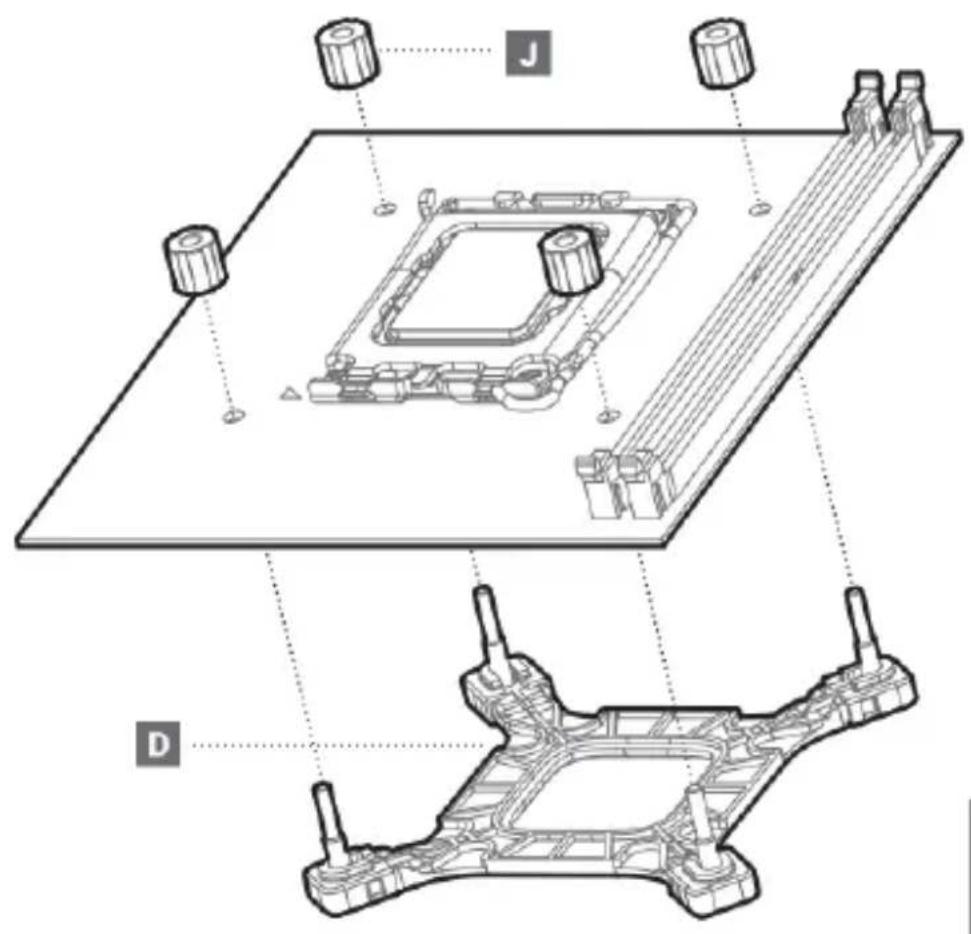
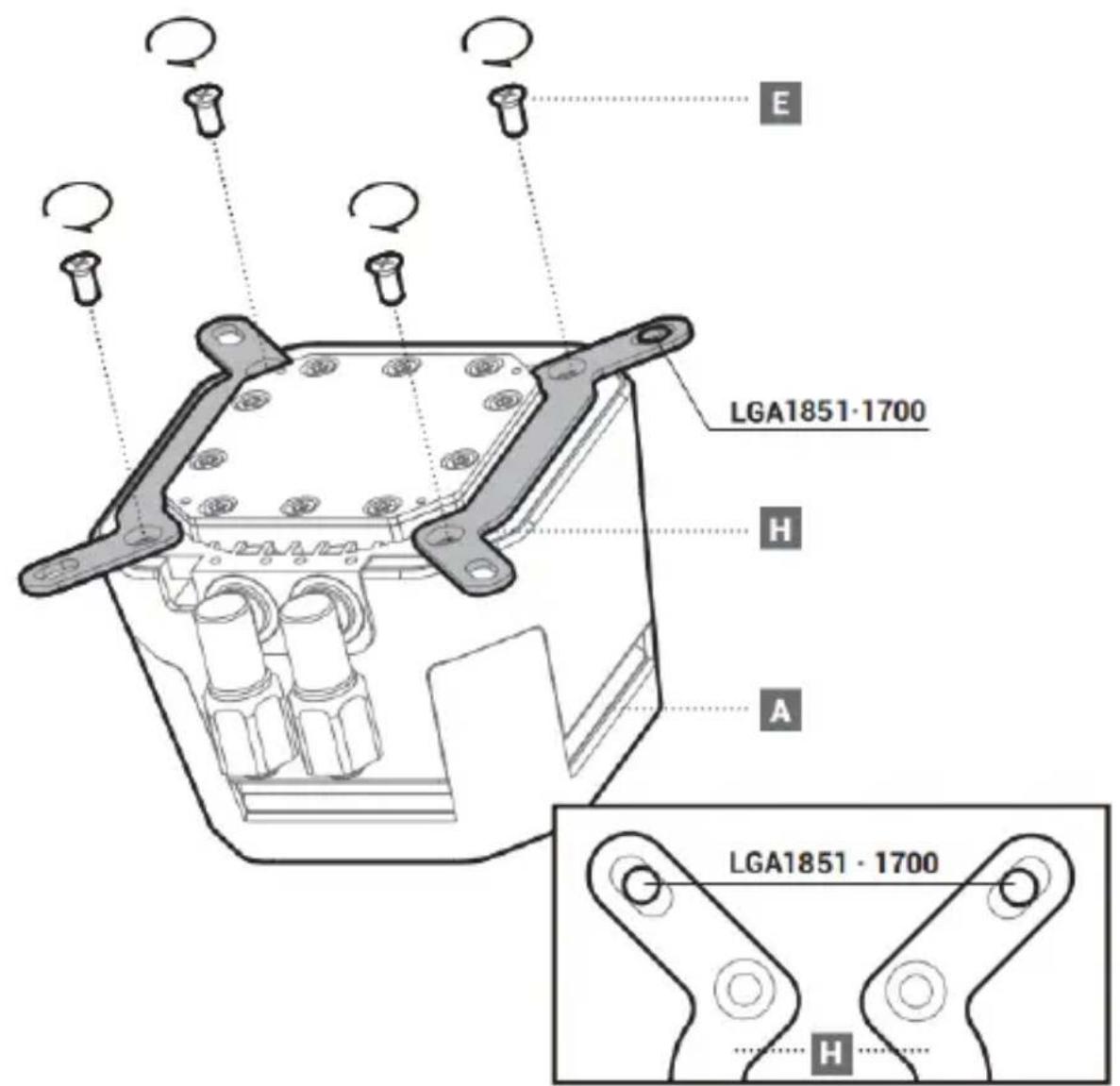
INTEL-LGA1851/1700 5
AMD-AMS/AM4 9
Front Mounting The Radiator (Optional) 13
Chassis & Radiator 15
Connection 16
Connection with Digital 17
Download 18
INTEL & AMD
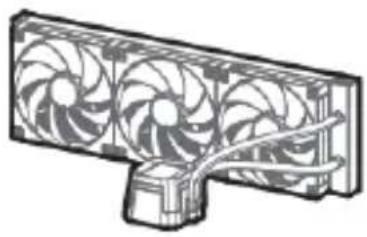
A
Front Mounting Screws (Optional)
x1
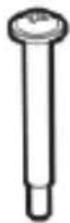
B
420MM
×12
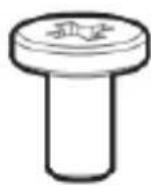
C
420MM
x12
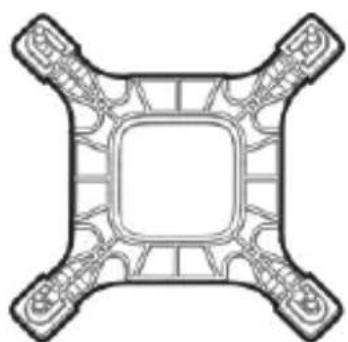
x1
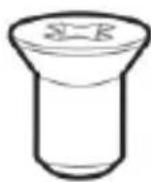
E
x4
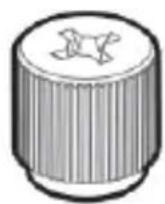
F
x4
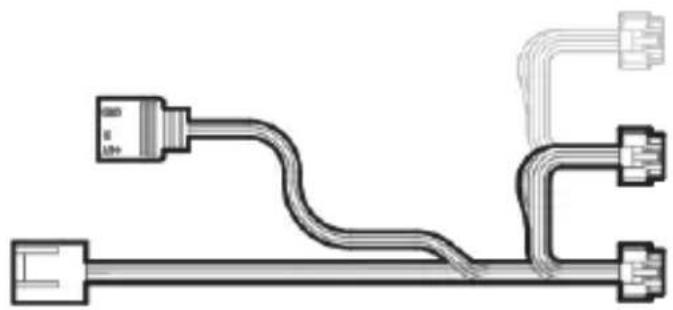
G
x1
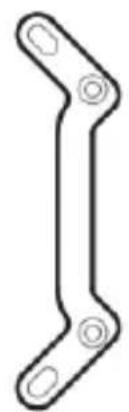
INTEL
H
x2
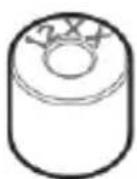
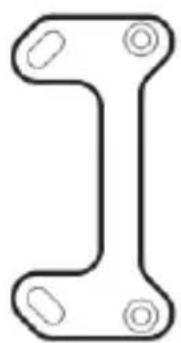
0
1200·115x
×4
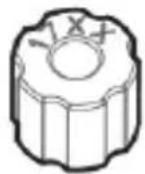
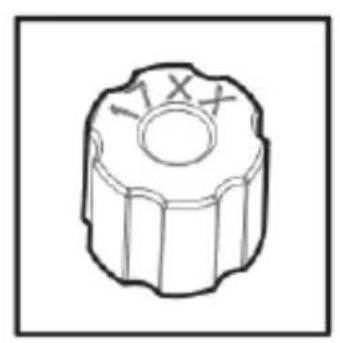
J
1851·1700
x4
AMD
K
x2
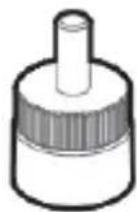
L
AM5·AM4
x4
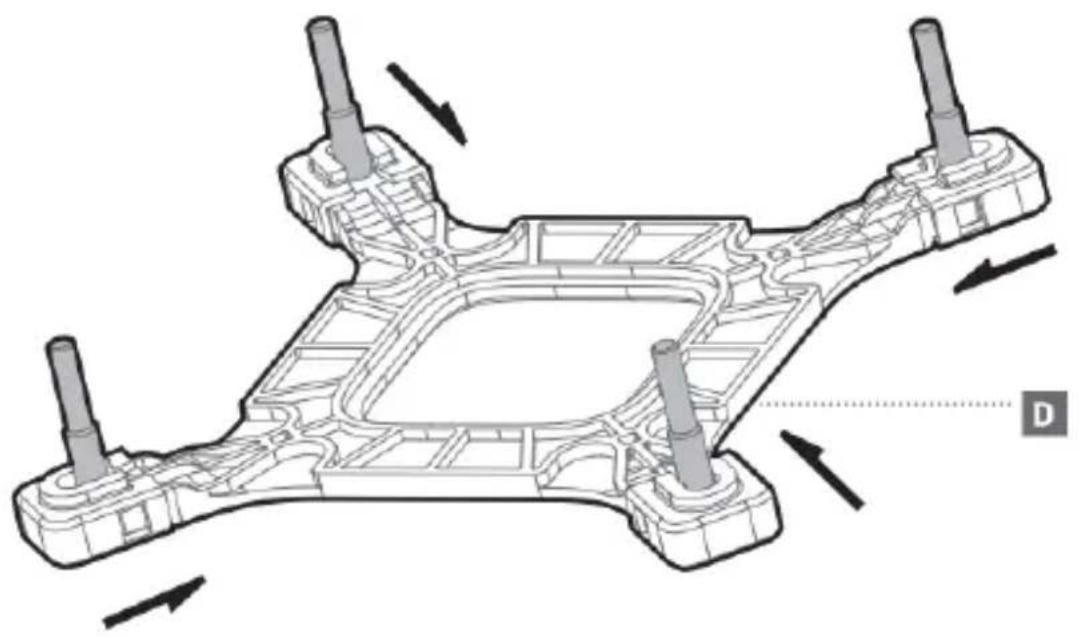
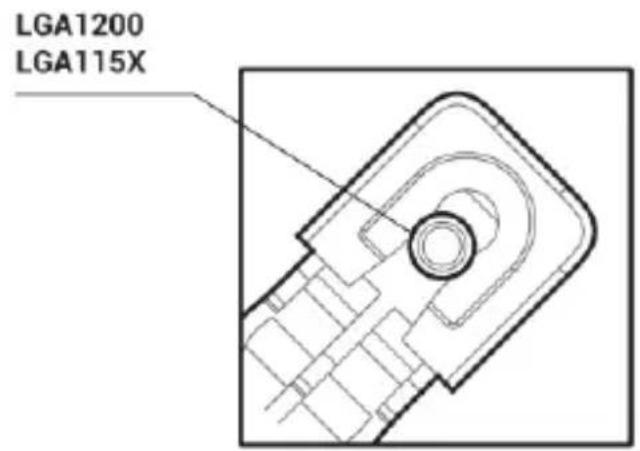
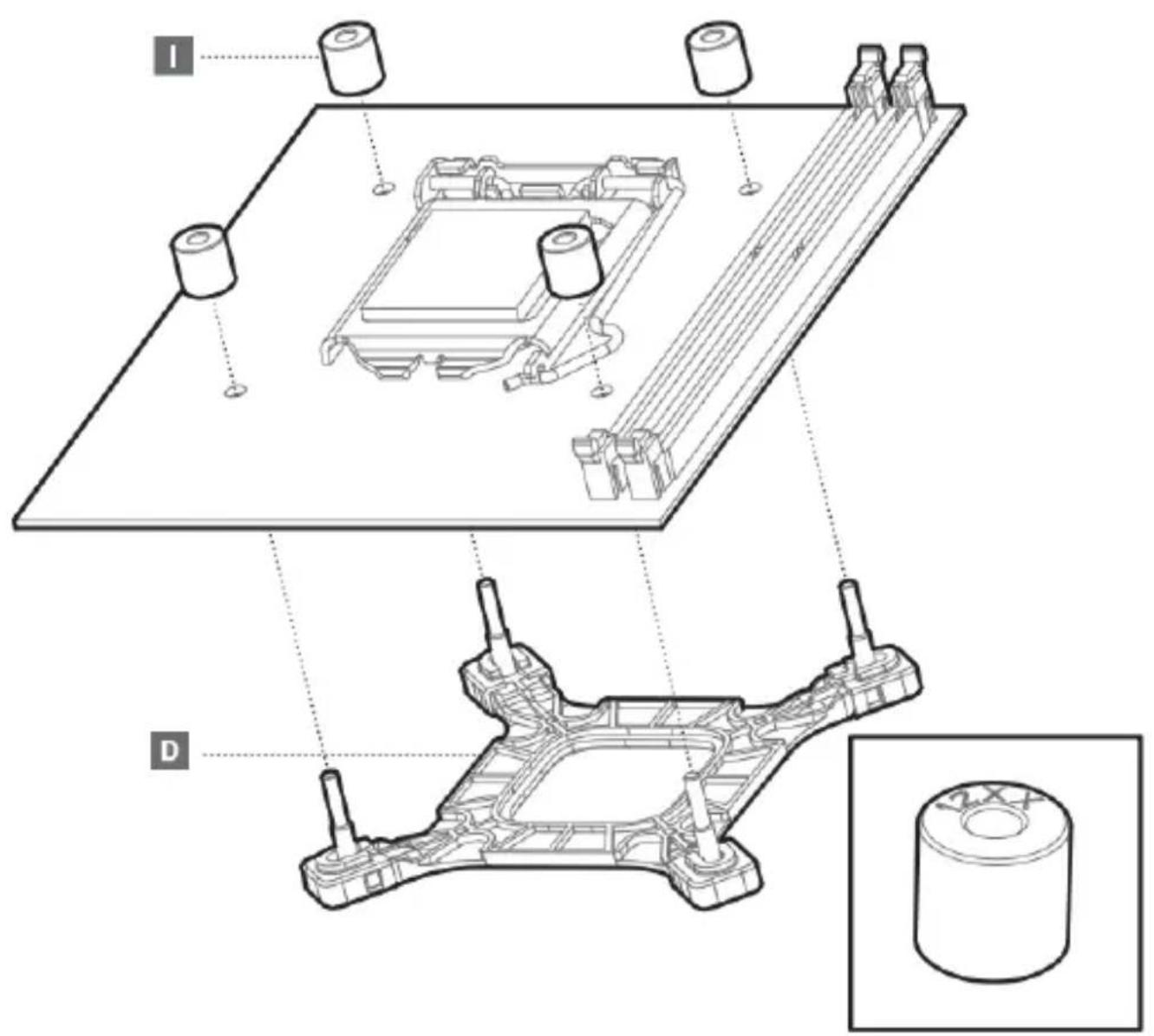
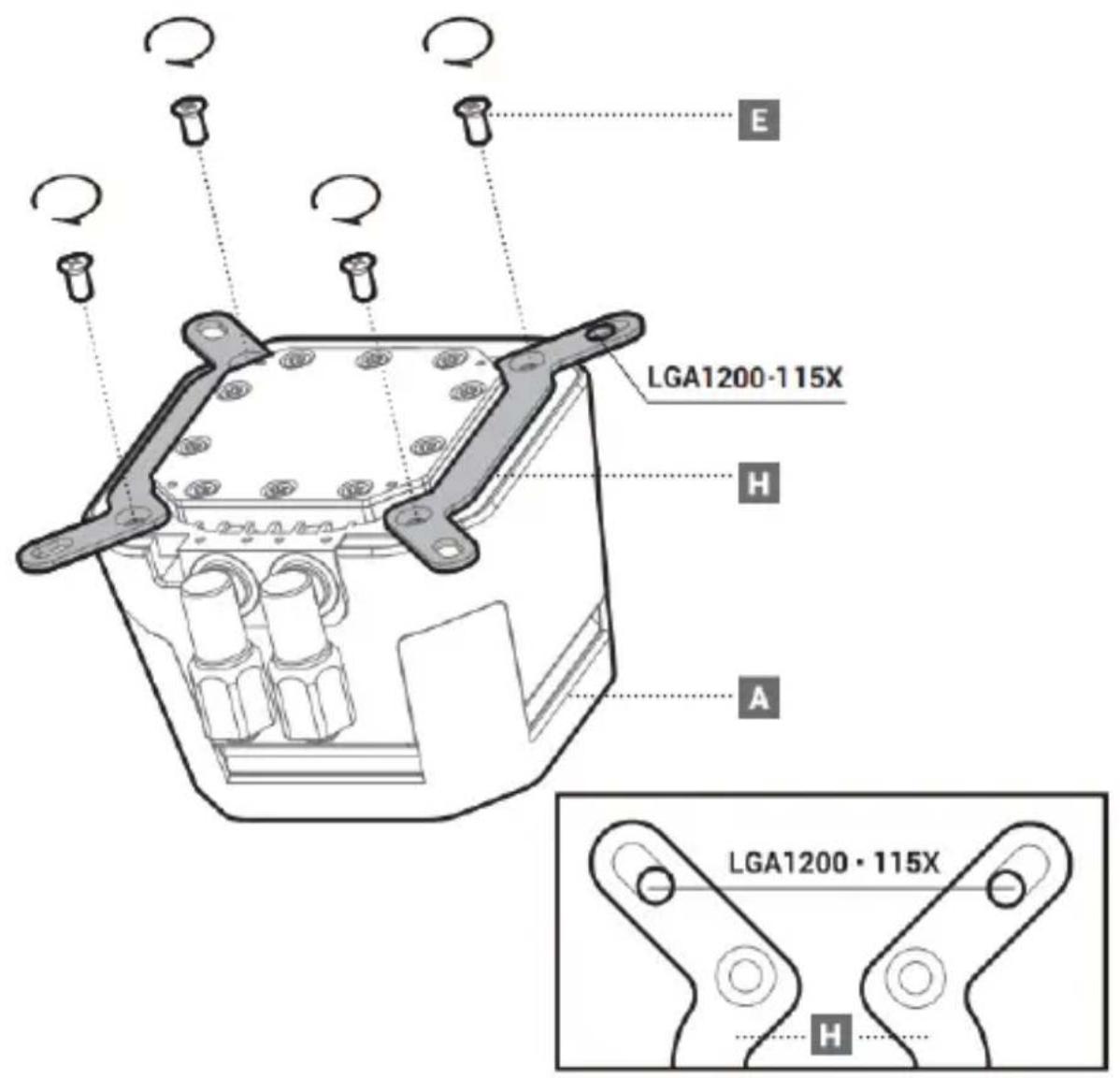
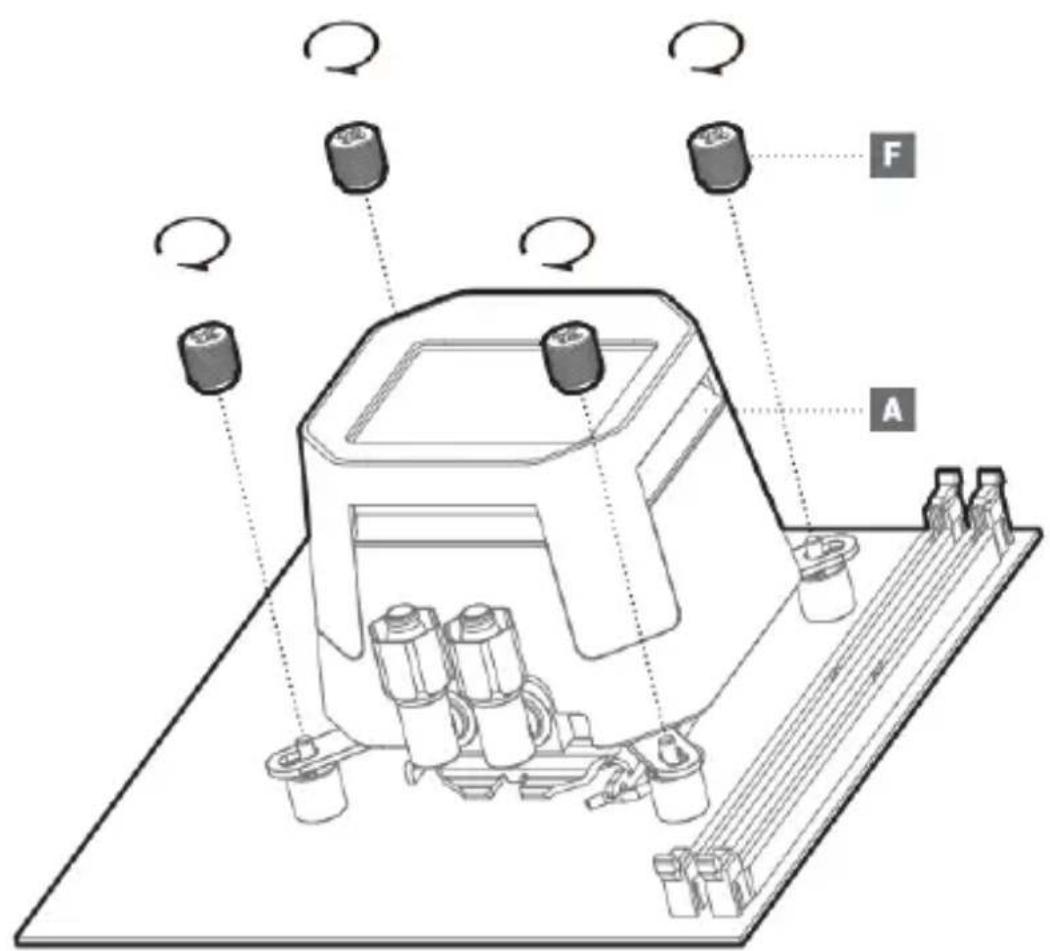
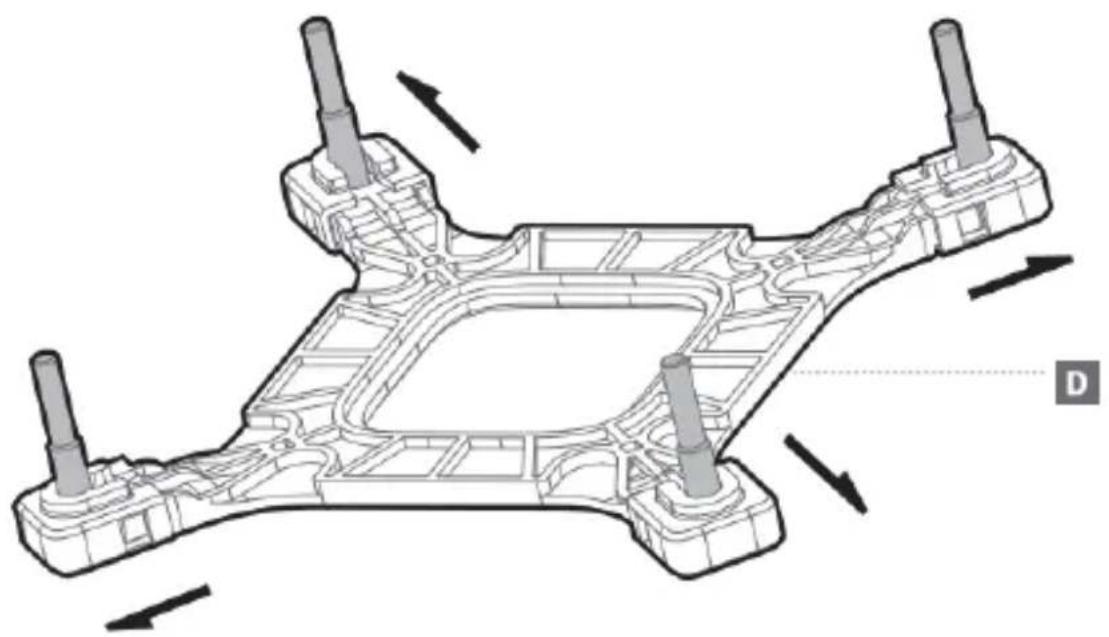
LGA1851
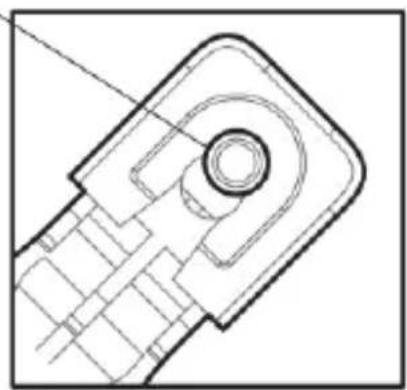
LGA1700
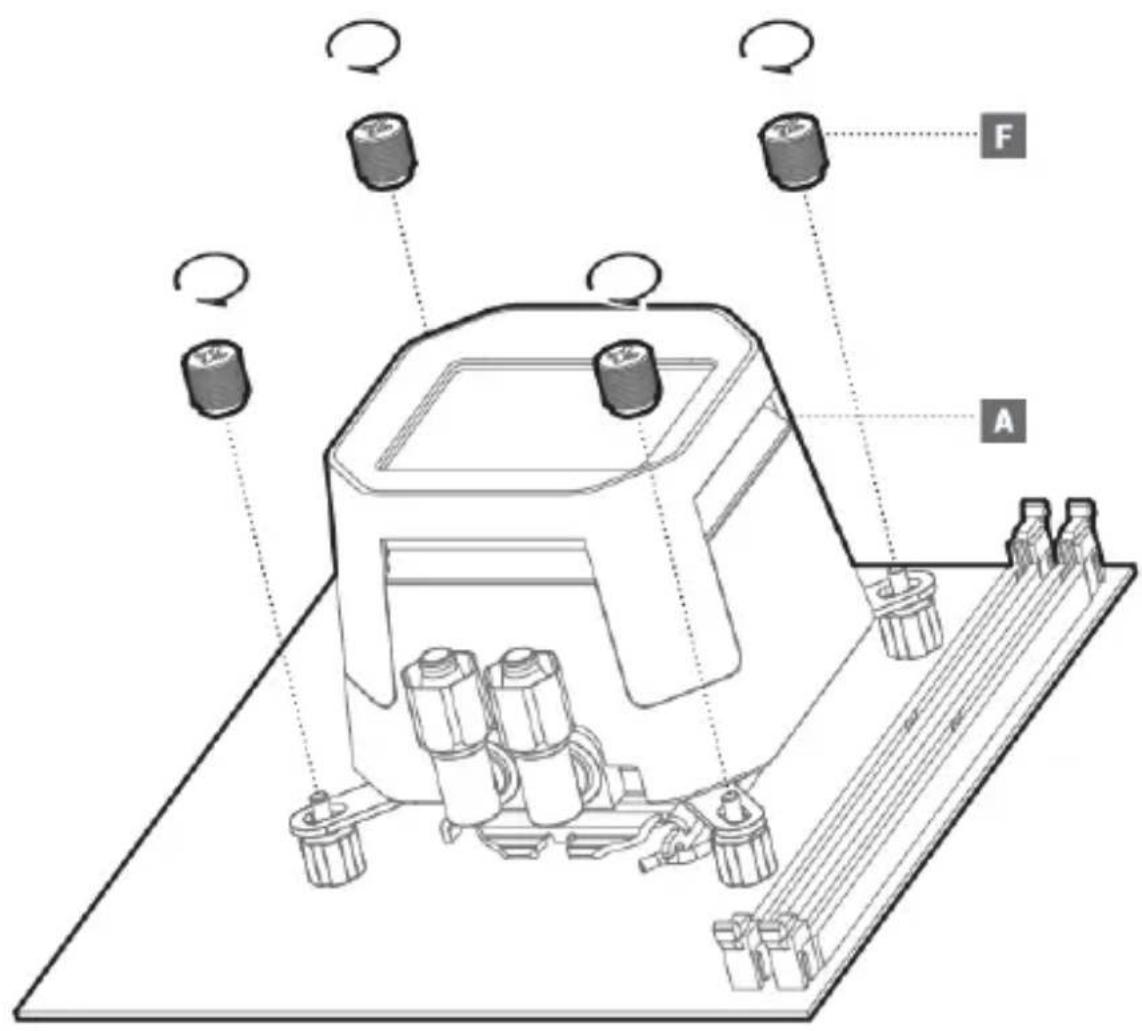
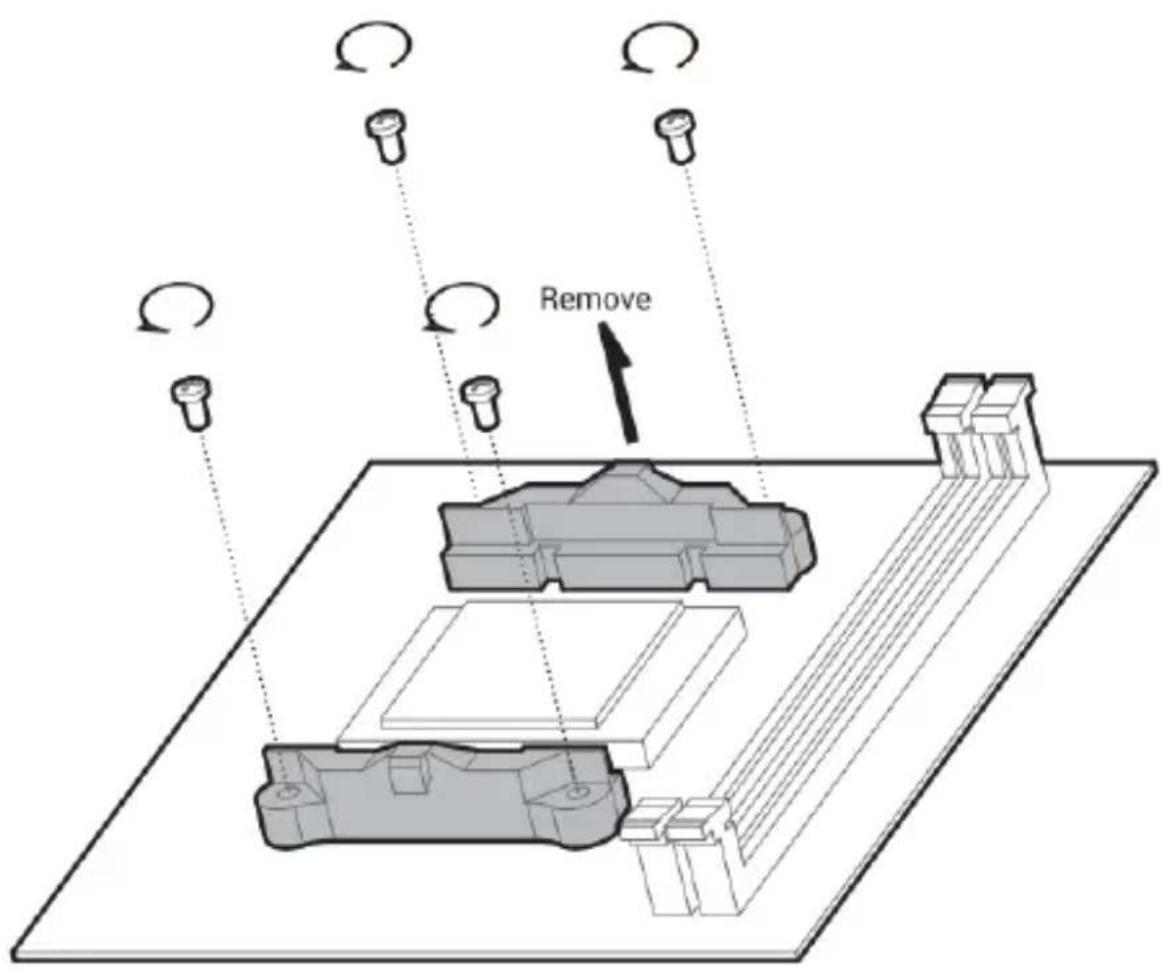
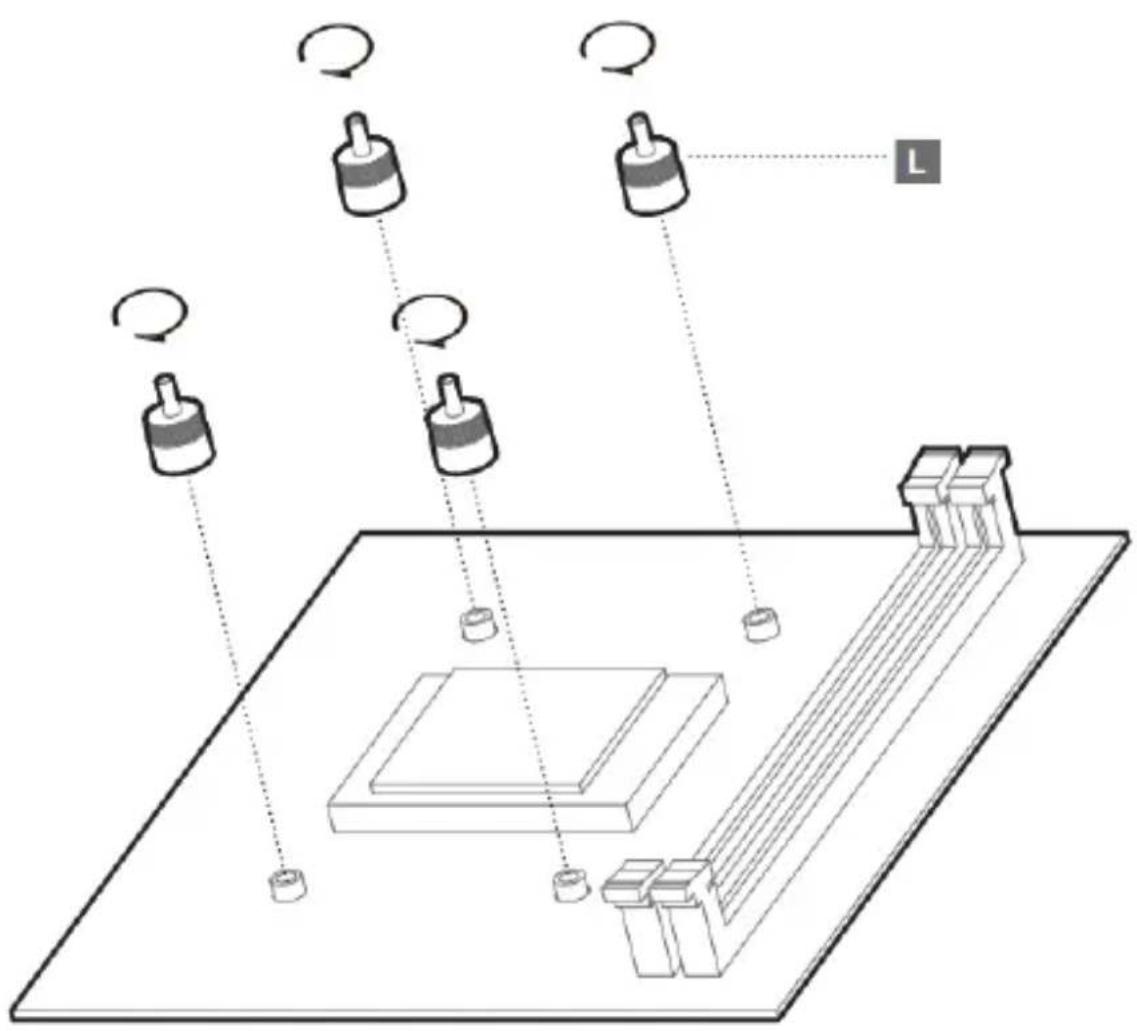
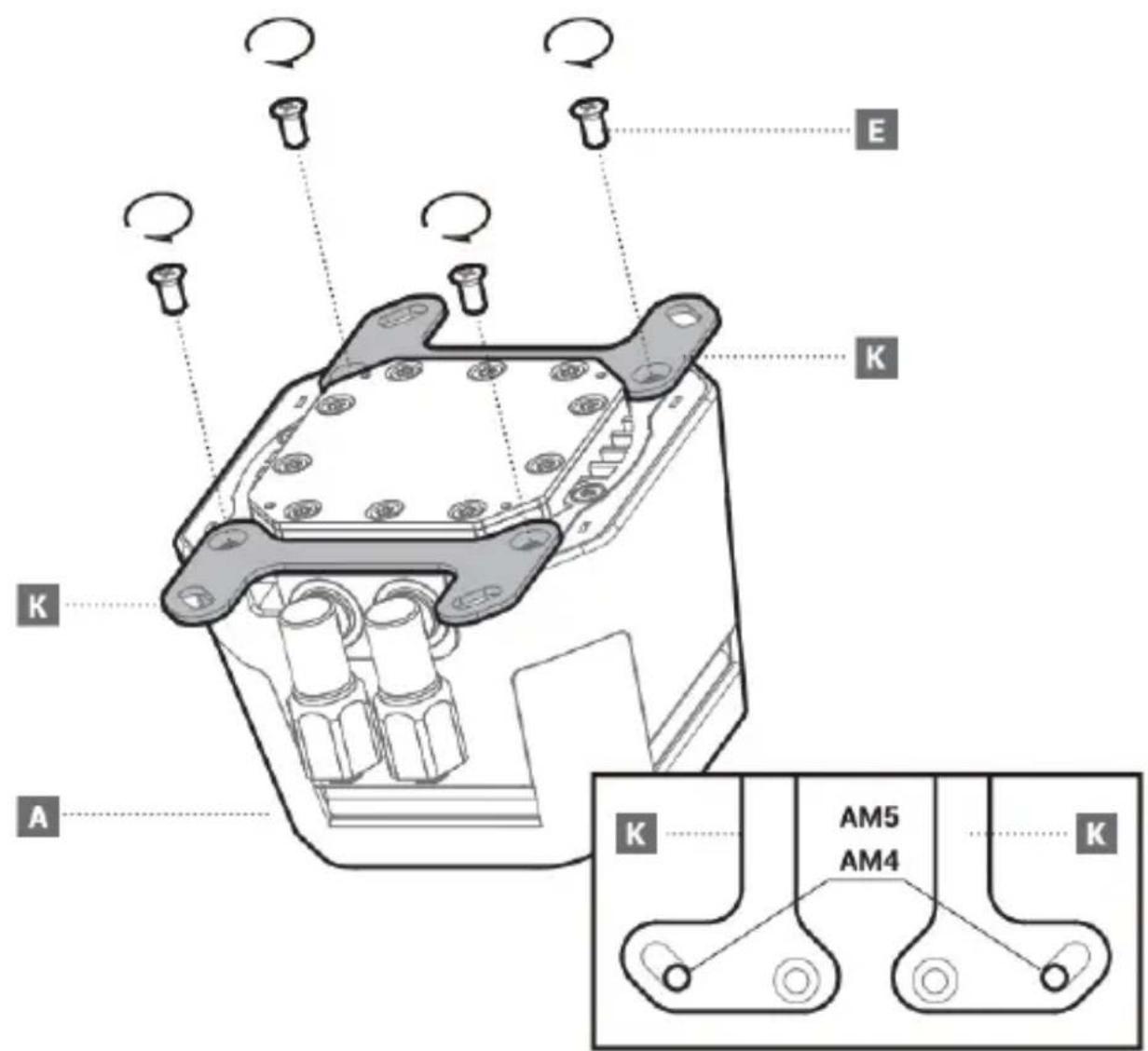
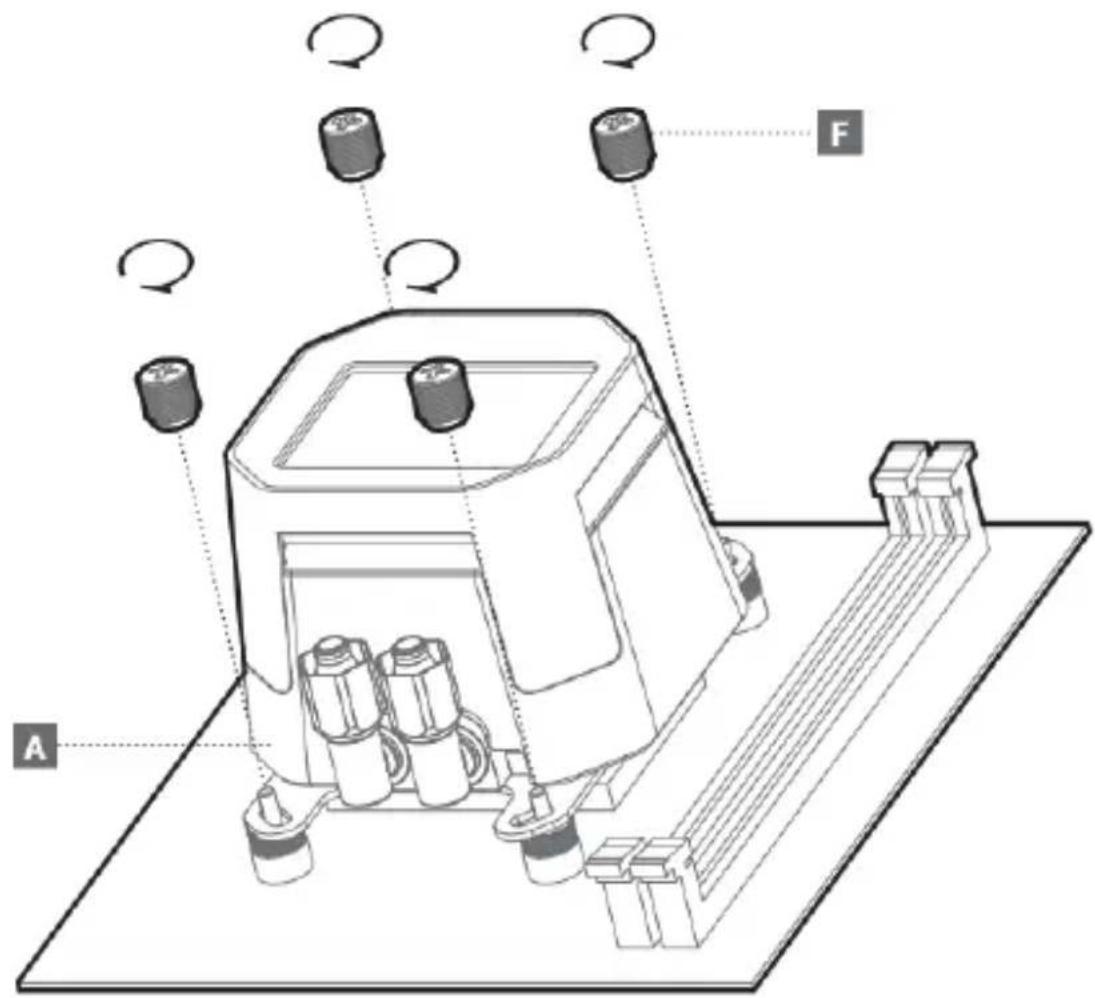
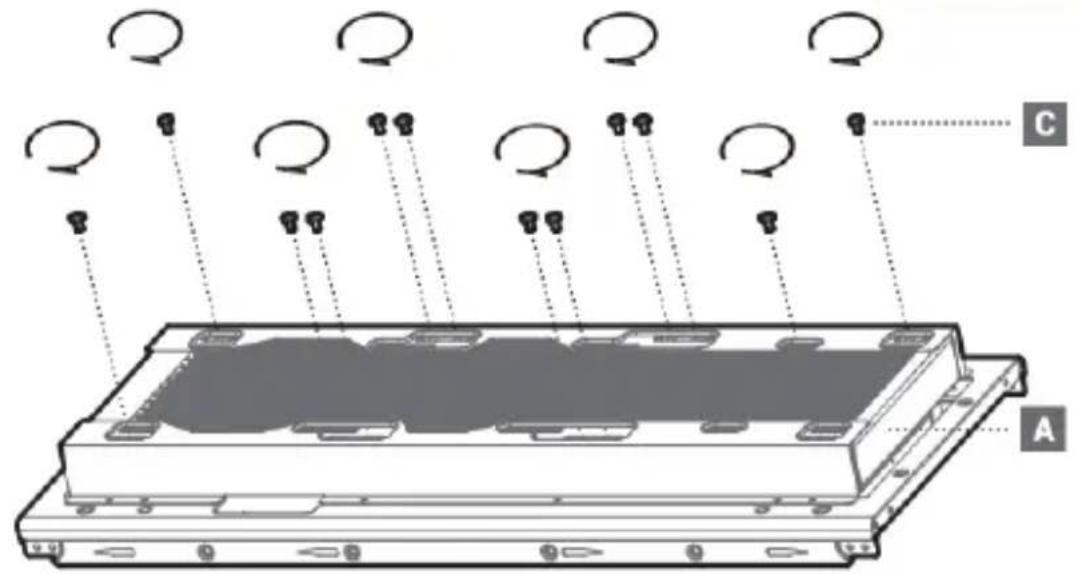
Front Mounting The Radiator (Optional)
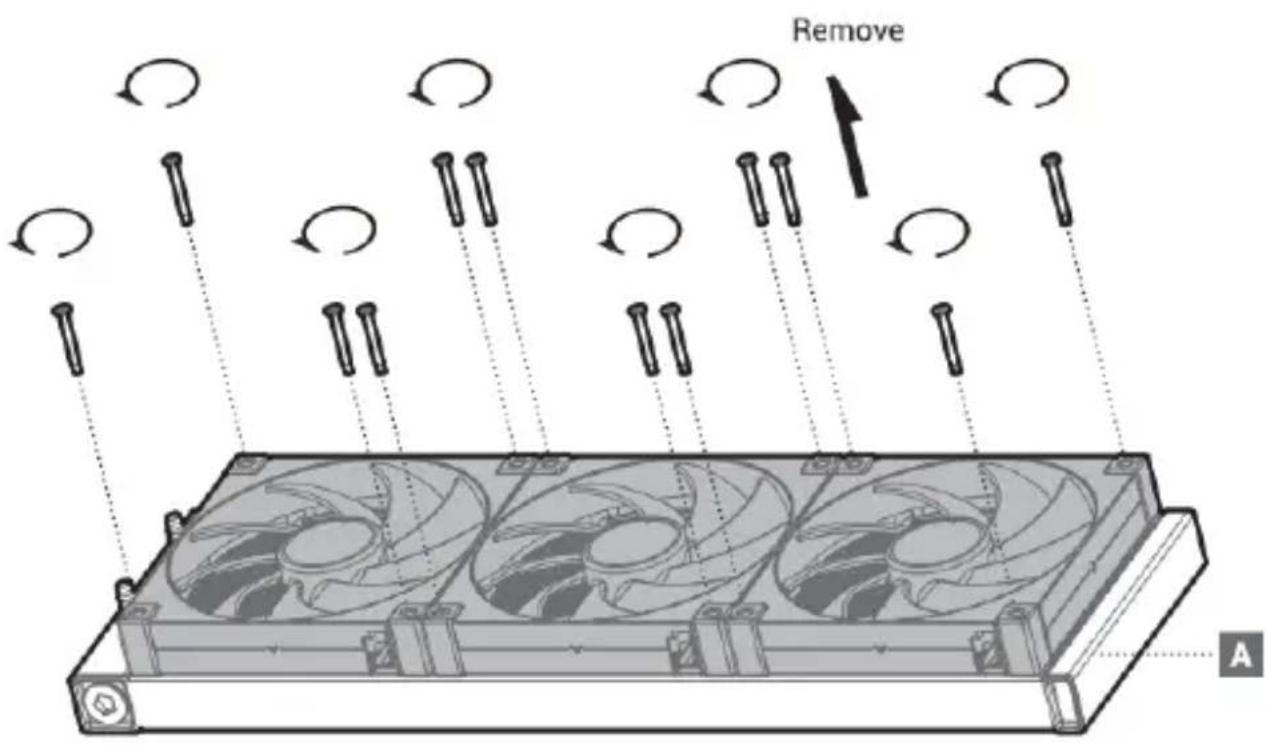
Front Mounting The Radiator (Optional)
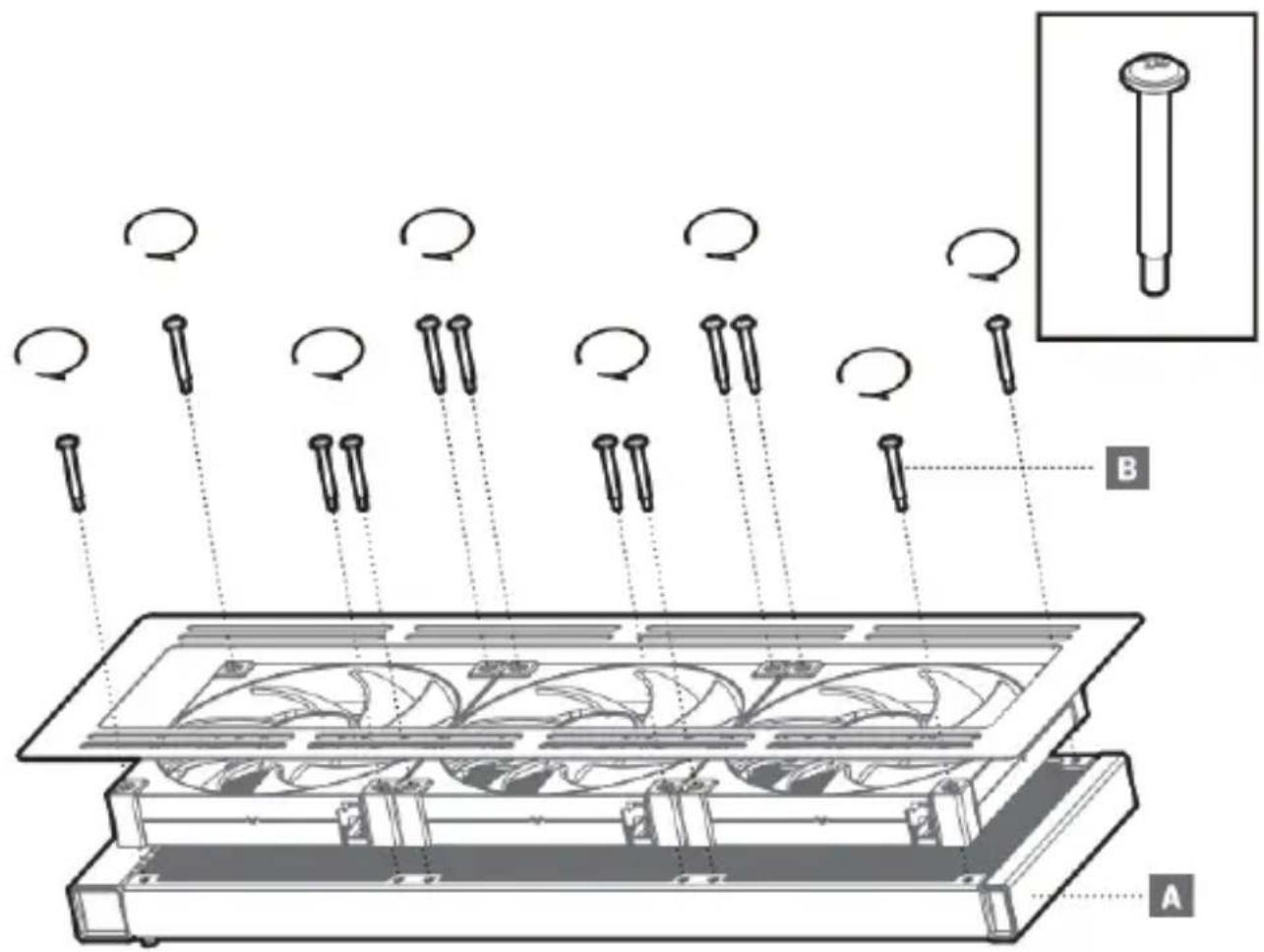
Chassis & Radiator
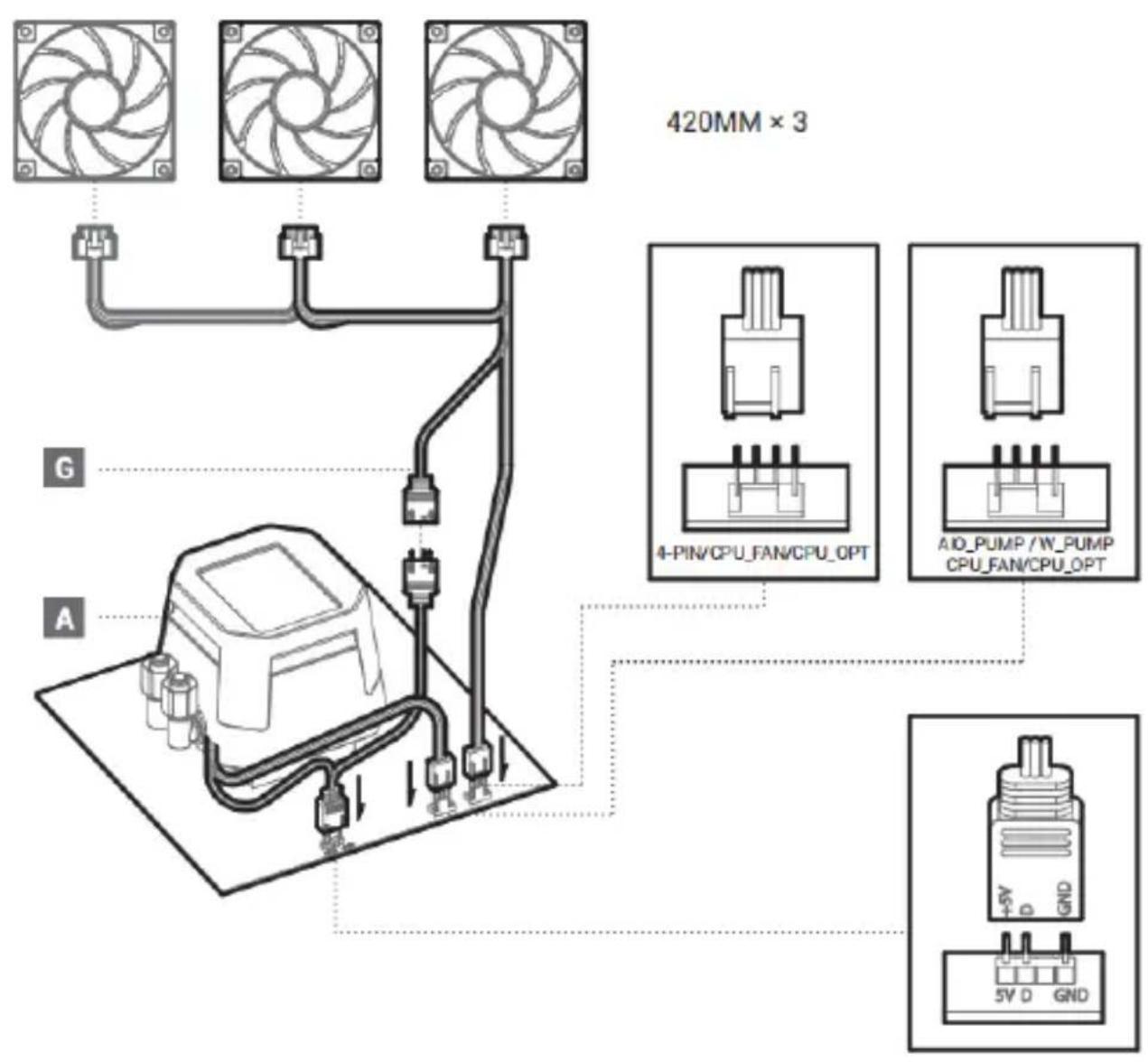
Connection
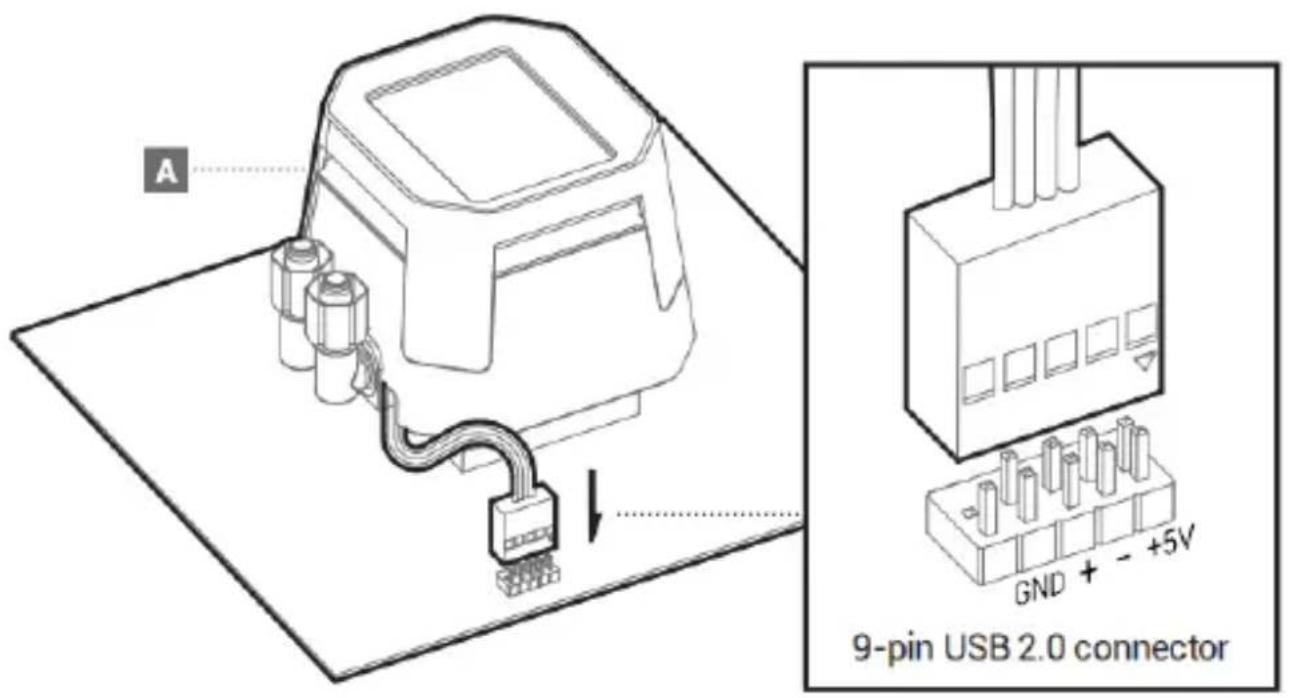
Connection with Digital
Download
EN 1. After installing the product, open the PC, download and install the software, the product function control has been enabled, website:www.cryoex.com
2. Operating system version requirements: Windows 10/Windows 11
DE 1. Öffnen Sie nach der Installation des Produkts den PC, laden Sie die Software herunter und installieren Sie sie. Die Produktfunktionsteuerung wurde aktiviert, Website:www.cryoex.com
2. Anforderungen an die Betriebssystemversion. Windows 10/Windows 11
FR 1. Apre s avoir installe le produit, ouvr le PC, telecharger et installer le logiquei qui permet de regler les fonctions du produit, site Web:www.cryoex.com
2. Exigences en matière de version du système d'opération: Windows 10/Windows 11
ES 1. Despues de instalar el producto, abra PC, descargue e instale el software, la regulacion de la funcia del producto ya esta activada, situ web:wwwcrypex.com
2. Requisitos de version del Sistema operativo: Windows10/Windows11
IT 1. Dopo aver installato il prodotto, apnre il PC, scancare e installare il software, abilitato a regolare le funzioni del prodotto, il website: www.cryoex.com
2. Requisiti della versione del sistema operativo: Windows 10/Windows 11
PT 1. Depois de instalar o produit, ligne o PC, baixe e instale o software, que foi habilitado para regular as funções do produits, site:www.cryoex.com
2. Requisitos de versao do systema operacionl: Windows 10/Windows 11
NL 1. Open na het installereren van het product de pc, download en installer de software, de productfunctioncontrole is ingeschakeld, website: www.cryoex.com
2. Vereisten voor besturingssystemeversie: Windows 10/Windows 11
CS 1. Po instalaci vrobku otevete PC, stahnete a nainstalujte software, povolte ovladani funkci vrobku. Web:www.cryoex.com
2. Pozadavyk na verzizi operacinho systemu: Windows 10/Windows 11
SV 1. After installation av produiten, appn a datom, ladda ner och installer a programvaran, produktfunktionskontrollen har aktiverats, webplats:www.cryoex.com
2. Kraw pa operativsystemets version: Windows 10/Windows 11
PL 1. Po zainstalowaniu produktu nalezy uruchomic komputer, pocrać i zainstalowac oprogramowanie i wączyc sterowanie funkcjami produktu na stronie internetowej:www.cryoex.com
2. Wymagania dotyczace wersji systernu operacyjngo: Windows 10/Windows 11
TR 1. Ürunkurulduktan sonra PC'yi açın, yazilimi indirin ve kurun, ürün islev kontrolüntekinleştin, internet sitesi: www.cryox.com
2. Isletim sistemi surum gerekliliklen: Windows 10/Windows 11
Download
RU 1. Nocne yctahOBKn H3denn oTkpoTe KOMNbIePep, 3aRpy3nte n yCTaHOBte nporpamMHOe o6ecneueHne, npn 3TOM BKNIOAeTCr YnpaBneHne FyHKURAm H3denn, Be6-cain:Www.cryoex.com 2. TpeboBaHn Bepcun onepauuOHn CusTeMH: Windows 10/Windows 11
UK 1. Iicra BCTaHOBneHH BPO6y BiKpnTe KOMnIOTe, 3aBaHTaxTe Ta BCTaHOBtbporpamHe 3abeaneHnnpu bmy BMKAeTbCkepyBAHH FyHKJRMn BPO6y Be6-caIT:Www.cryoex.com2.Bmorm Bepci onepauiHoI cnctemn:Windows 10/Windows 11
KK 1. OHHiOphATKaHHaH KeIH, KOMNbIOTepdi aabHb3, 6aIapnAmalbIK, KypanDbI JxKtEN anBIn, opHaTbIHb3, OHIM cyHKunnapbH Gackapy alemehTI KocblnaBb, Be6-camT.Www.cryox.com 2. OepauuHbIK xyHe HcckacbHbH TanaTapbi: Windows 10/Windows 11
JA1.製品を取り付た後、PCを起動し、フロアをダウローツし、製品の機能調整を有効にしま
2.操作ステムのバーニン要件:Windows 10/Windows 11
KO1. 1. 1. 1. 1. 1. 1. 1. 1. 1. 1. 1. 1. 1. 1. 1. 1. 1. 1. 1. 1. 1. 1. 1. 1. 1. 1. 1. 1. 1. 1. 1. 1. 1. 20000000000000000000000000000000000000000000000000000000000000000000000000000000000
AR gailbog pihil auii pi sllg anill jiu pag nall jguanll jiaai all cui 1. com.cryoex.www: gaglljlgicq Windows10/Windows11: jaiill plbi jboi chibio.2
TH 1. kavonndaedonaanun nqnud PC atuikaaadowwmsnounwnbuaanrnnnna u35utndwww.cryox.com 2. dnnkuaausuuuuaams: Windows 10/Windows 11
VI 1. Sau khi cai dat san pham, ma PC, tai xuong va cai dat phan mem, bat chuc nang dieu khien san pham, tranq web:www.cryoex.com 2. Yeu cau ve phien ban he dieu hanh: Windows 10/Windows 11
ZH1.安装产品后,打开PC,下载并安装软件,已启用产品功能调控,网址:www.cryoex.com 2.操作系统版本要求:Windows10/Windows11
ZH1.安裝產品後,打開PC,下載並安裝軟件,已啟用產品功能調控,網址:www.cryoex.com 2.操作系統版本要求:Windows10/Windows11
| 部件名称 | 有毒有害物质或元素 | |||||
| 铅(Pb) | 汞(Hg) | 镉(Cd) | 六价铬(Cr+6) | 多溴联苯(PBB) | 多溴二苯醚(PBDE) | |
| 散热片 | ○ | ○ | ○ | ○ | ○ | ○ |
| 塑胶 | ○ | ○ | ○ | ○ | ○ | ○ |
| 硅胶 | ○ | ○ | ○ | ○ | ○ | ○ |
| 集成电路 | ○ | ○ | ○ | ○ | ○ | ○ |
| 零件包 | ○ | ○ | ○ | ○ | ○ | ○ |
| 本表格依据SJ/T 11364的规定编制。环保使用期限标识表示产品在正常工作温度和湿度等条件下的环保使用年限为10年。○:表示该有害物质在该部件所有均质材料中的含量均在GB/T 26572规定的限量要求以下。×:表示该有害物质至少在该部件的某一均质材料中的含量超出GB/T 26572规定的限量要求,且因技术发展水平限制而无成熟方案替代,均符合欧盟RoHS法规环保指令。 | ||||||