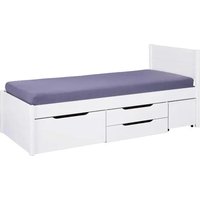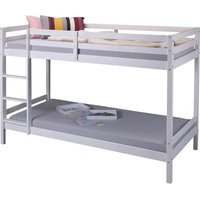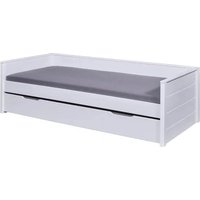
Dream the Future - Lit Inter Link - Notice d'utilisation et mode d'emploi gratuit
Retrouvez gratuitement la notice de l'appareil Dream the Future Inter Link au format PDF.


Choisissez votre langue et indiquez votre email : nous vous enverrons une version traduite specifiquement.
| Caractéristiques Techniques | Détails |
|---|---|
| Type de produit | Non catégorisé |
| Dimensions | Non spécifiées |
| Poids | Non spécifié |
| Matériaux | Non spécifiés |
| Couleur | Non spécifiée |
| Utilisation | Non spécifiée |
| Maintenance | Non spécifiée |
| Sécurité | Non spécifiée |
| Informations Générales | Non spécifiées |
FOIRE AUX QUESTIONS - Dream the Future Inter Link
Qu'est-ce que le produit Inter Link Dream the Future ?
Inter Link Dream the Future est un produit innovant qui vise à améliorer votre expérience quotidienne grâce à des technologies avancées et des fonctionnalités uniques.
Comment puis-je utiliser le produit Inter Link Dream the Future ?
Pour utiliser le produit, veuillez suivre les instructions fournies dans le manuel d'utilisation. Assurez-vous de respecter les étapes d'installation et de configuration.
Que faire si le produit ne fonctionne pas correctement ?
Si vous rencontrez des problèmes de fonctionnement, essayez de redémarrer le produit. Si le problème persiste, consultez la section dépannage du manuel ou contactez notre service client.
Le produit est-il compatible avec d'autres appareils ?
Oui, Inter Link Dream the Future est conçu pour être compatible avec une variété d'appareils. Veuillez vérifier la liste de compatibilité dans le manuel d'utilisation.
Comment puis-je mettre à jour le logiciel du produit ?
Pour mettre à jour le logiciel, connectez le produit à Internet et suivez les instructions sur l'écran. Vous pouvez également vérifier les mises à jour dans les paramètres du produit.
Où puis-je trouver des pièces de rechange pour le produit ?
Les pièces de rechange peuvent être commandées sur notre site web ou par l'intermédiaire de revendeurs agréés. Consultez la section 'Accessoires' sur notre site pour plus d'informations.
Le produit est-il garanti ?
Oui, Inter Link Dream the Future est couvert par une garantie de 2 ans contre les défauts de fabrication. Conservez votre preuve d'achat pour toute réclamation.
Comment contacter le support technique ?
Vous pouvez contacter notre support technique par téléphone ou par email. Les coordonnées sont disponibles sur notre site web dans la section 'Contact'.
Questions des utilisateurs sur Dream the Future Inter Link
0 question sur cet appareil. Repondez a celles que vous connaissez ou posez la votre.
Poser une nouvelle question sur cet appareil
Aucune question pour l'instant. Soyez le premier à en poser une.
Téléchargez la notice de votre Lit au format PDF gratuitement ! Retrouvez votre notice Dream the Future - Inter Link et reprennez votre appareil électronique en main. Sur cette page sont publiés tous les documents nécessaires à l'utilisation de votre appareil Dream the Future de la marque Inter Link.
MODE D'EMPLOI Dream the Future Inter Link
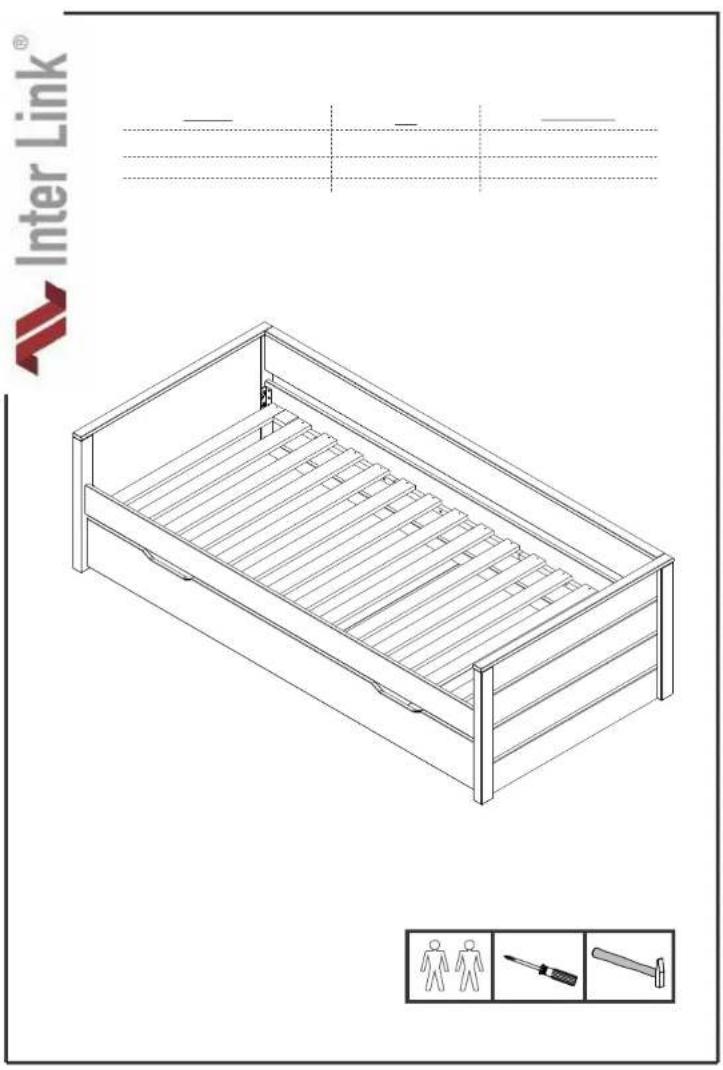
text_image
Inter Link® Inter Link®
natural_image
Pure geometric lines and shapes without any text, numbers, or symbols
natural_image
Pure geometric lines and shapes without any text, numbers, or symbols
text_image
Blank document template with placeholder text boxes and a red triangle marker at the bottom.
natural_image
Blank white document with three horizontal lines and a small red triangle marker at the bottom (no text or symbols)
natural_image
Pure geometric lines and shapes without any text, numbers, or symbols
natural_image
Blank white document with three horizontal lines and a small red triangle at the bottom (no text or symbols)
natural_image
Blank white image with three horizontal gray bars and a small red triangle at the bottom (no text or symbols)
natural_image
Blank white document with three horizontal lines and a small red triangle at the bottom (no text or symbols)
natural_image
Blank white image with faint horizontal lines and a small red triangle marker in the bottom right corner (no text or symbols)
natural_image
Blank white document template with three horizontal lines and a small red triangle marker at the bottom (no text or symbols)
natural_image
Blank white image with faint horizontal lines and a small red triangle marker in the bottom left corner (no text or symbols)
natural_image
Blank white document with three horizontal lines and a small red triangle at the bottom (no text or symbols)
natural_image
Blank white image with three horizontal gray bars and a small red triangle at the bottom (no text or symbols)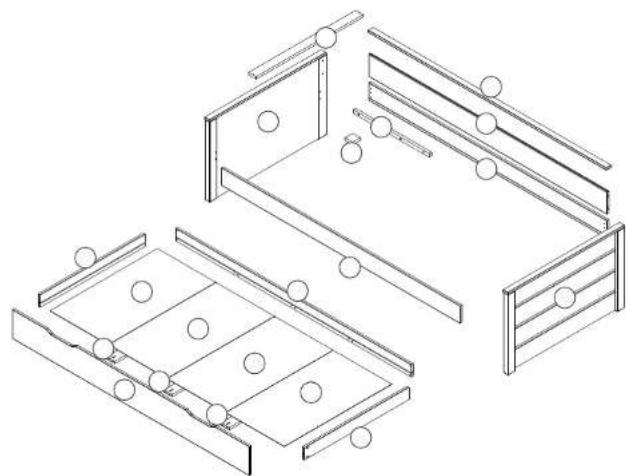
natural_image
Isometric line drawing of three different folding compartments with circular elements, no text or symbols present
text_image
Diagram showing various screw and nut components with corresponding icons and labels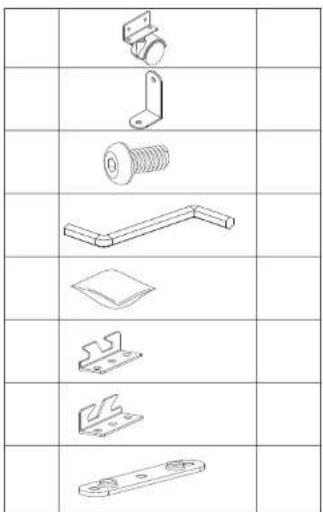
text_image
Technical drawing of mechanical parts with orthographic projections and dimensioning views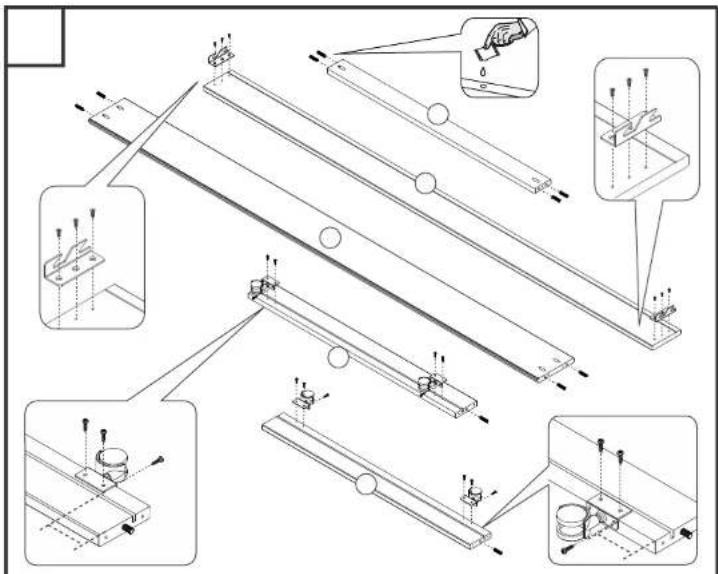
text_image
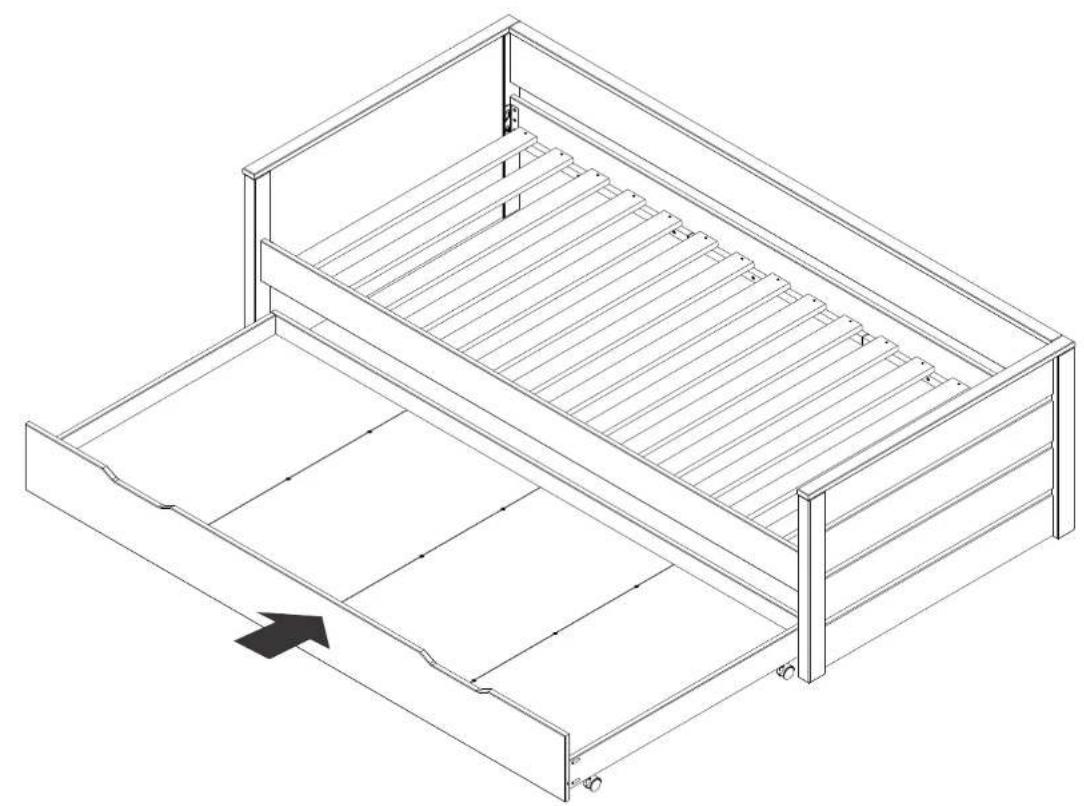
Technical diagram illustrating assembly steps of a mechanical assembly with labeled components and directional arrows indicating motion or movement.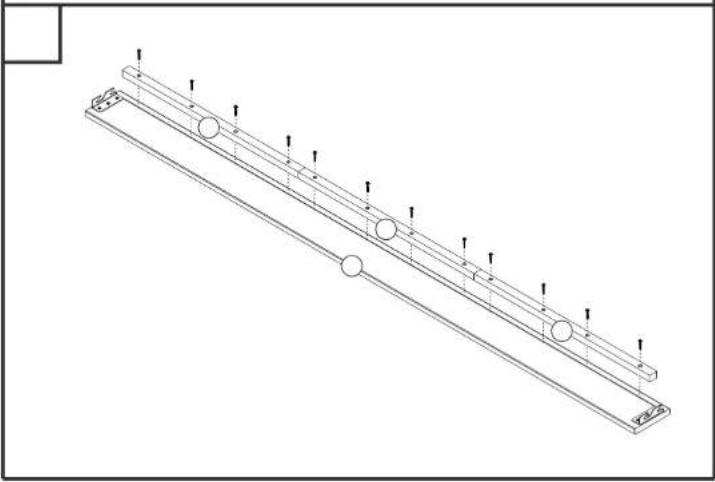
natural_image
Technical line drawing of a mechanical support structure with circular components and vertical supports (no text or symbols)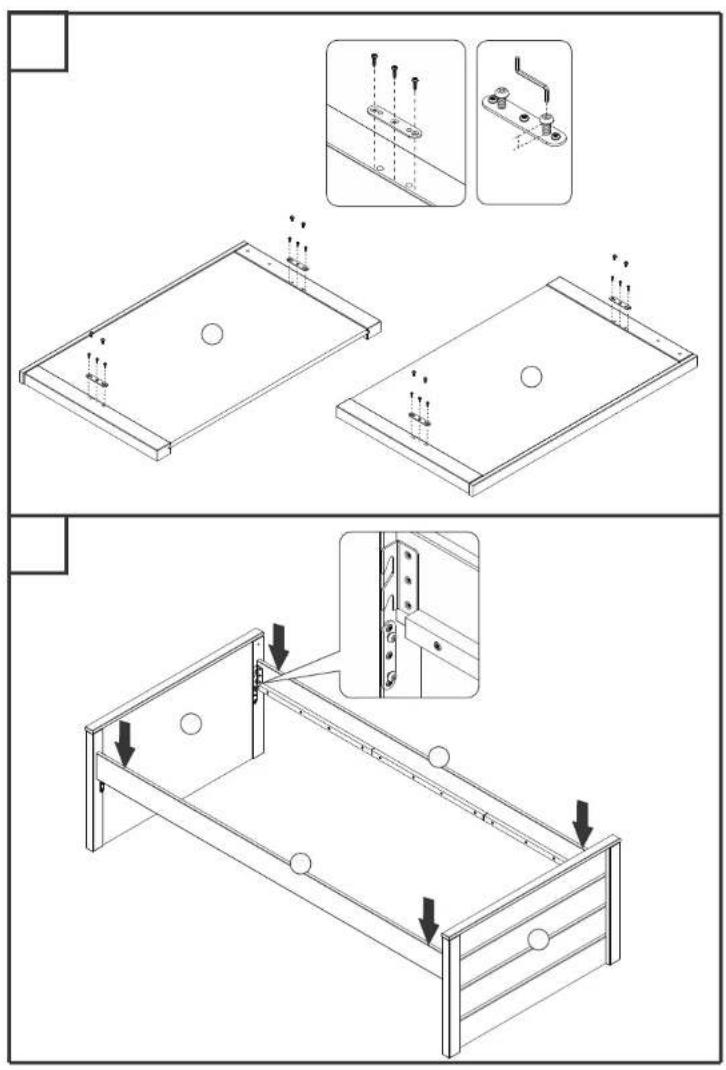
text_image
Technical diagram showing assembly steps of a bed frame with mounting holes and structural details, including detail views and directional arrows.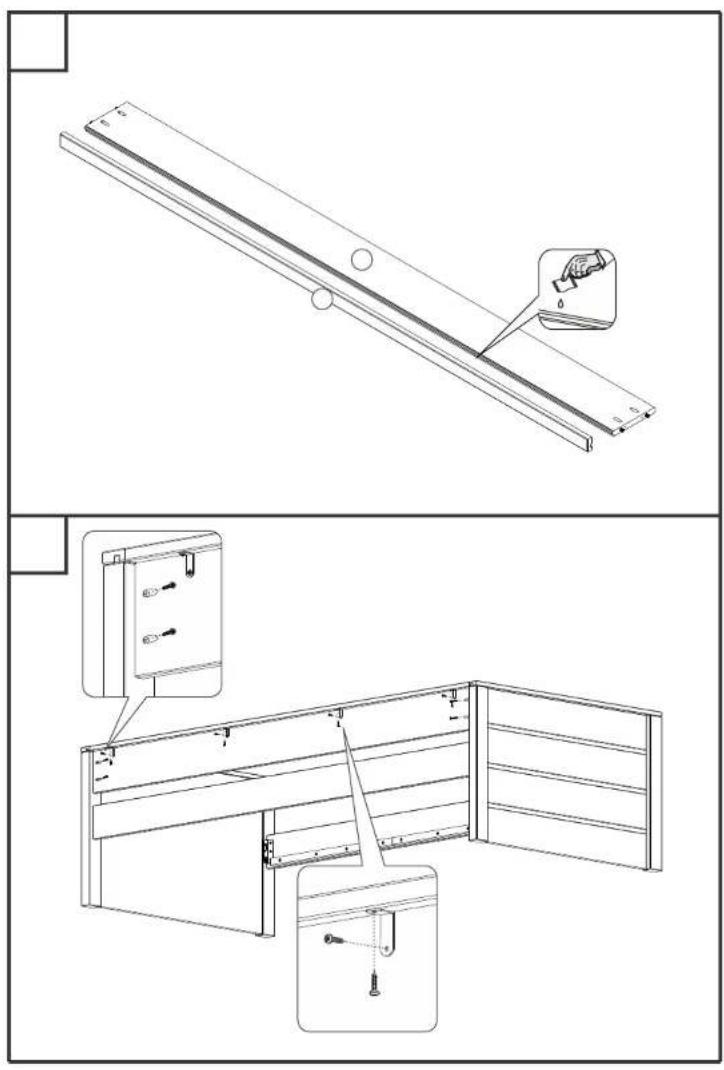
text_image
Technical diagram showing assembly of a wooden shelf panel with labeled components and detail views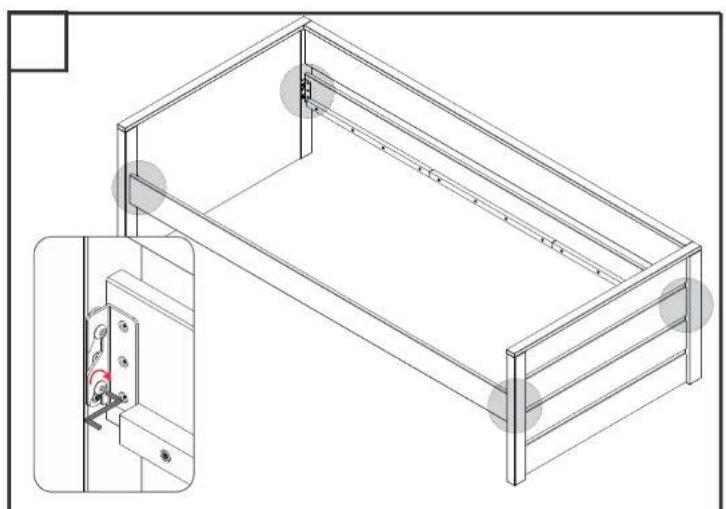
natural_image
Technical line drawing of a rectangular metal frame structure with mounting holes and a close-up inset showing internal components (no text or symbols)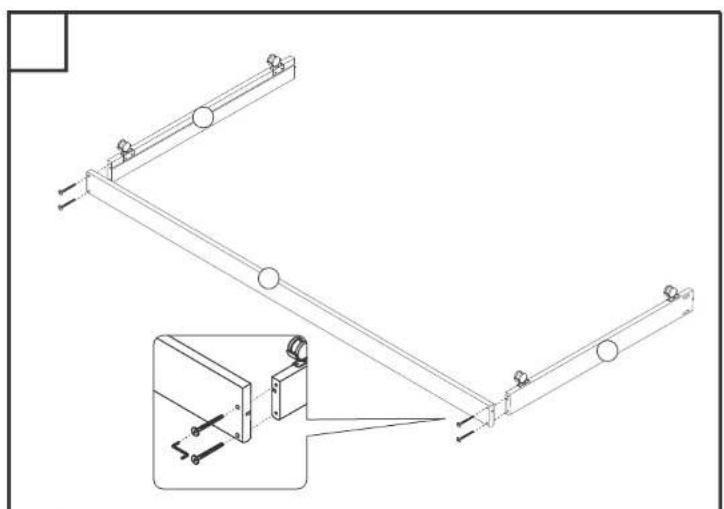
natural_image
Technical line drawing of a mechanical linkage system with mounting brackets and a zoomed-in detail view (no text or symbols)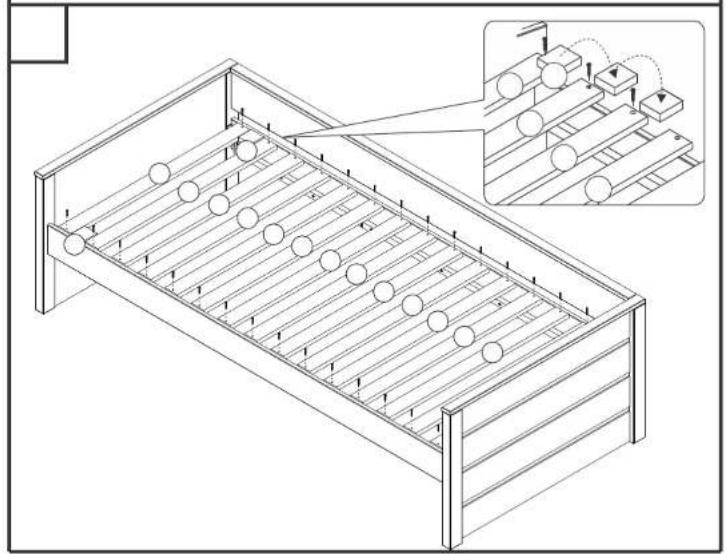
natural_image
Isometric line drawing of a bed with rows and columns, showing structural details and an inset of mechanical components (no text or symbols)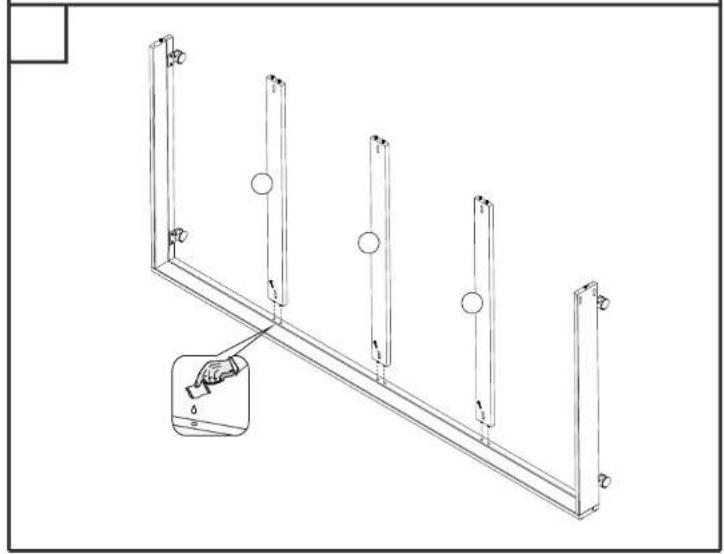
natural_image
Technical line drawing of a metal frame structure with five vertical supports and circular holes, showing a magnified inset of the bottom section (no text or symbols)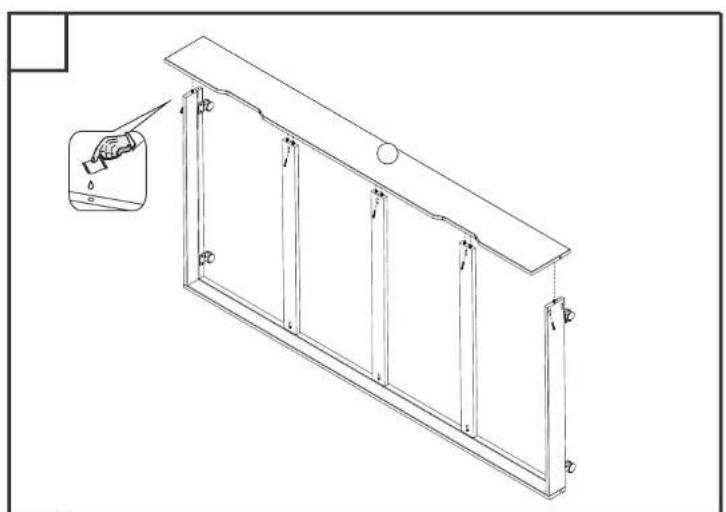
natural_image
Technical line drawing of a multi-panel window frame structure with an inset showing a hand holding a tool near the top (no text or symbols)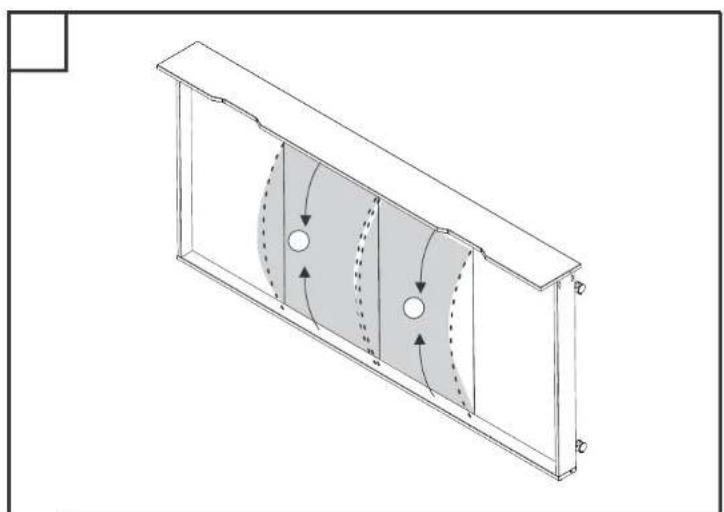
natural_image
Isometric technical diagram of a structural frame with internal channel and directional arrows (no text or symbols)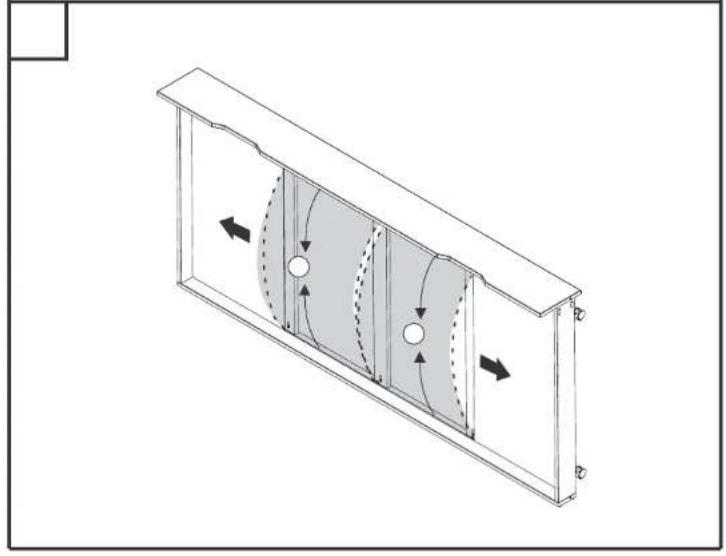
natural_image
Technical diagram of a rectangular enclosure with internal fan-like structure and directional arrows indicating flow or movement (no text or symbols)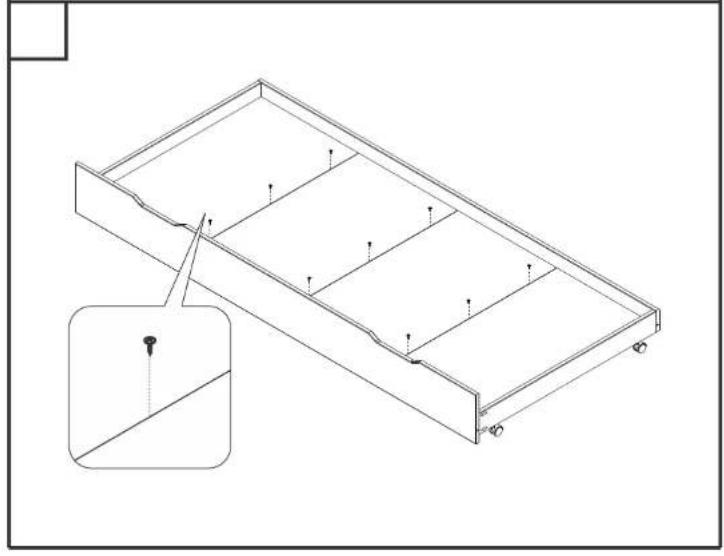
natural_image
Technical line drawing of a rectangular frame with internal compartments and mounting holes, showing structural details (no text or symbols)