Neo - Lecteur de code barre PSION - Notice d'utilisation et mode d'emploi gratuit
Retrouvez gratuitement la notice de l'appareil Neo PSION au format PDF.


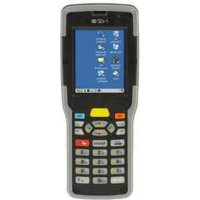
| Caractéristiques techniques | Lecteur de code-barres PSION Neo, compatible avec divers formats de codes-barres. |
|---|---|
| Utilisation | Idéal pour la gestion des stocks, la vente au détail et la logistique. |
| Maintenance | Nettoyage régulier de la lentille et mise à jour du firmware recommandés. |
| Sécurité | Conforme aux normes de sécurité électrique, éviter l'exposition à l'eau. |
| Informations générales | Vérifiez la compatibilité avec votre système avant l'achat. |
FOIRE AUX QUESTIONS - Neo PSION
Questions des utilisateurs sur Neo PSION
0 question sur cet appareil. Repondez a celles que vous connaissez ou posez la votre.
Poser une nouvelle question sur cet appareil
Téléchargez la notice de votre Lecteur de code barre au format PDF gratuitement ! Retrouvez votre notice Neo - PSION et reprennez votre appareil électronique en main. Sur cette page sont publiés tous les documents nécessaires à l'utilisation de votre appareil Neo de la marque PSION.
MODE D'EMPLOI Neo PSION
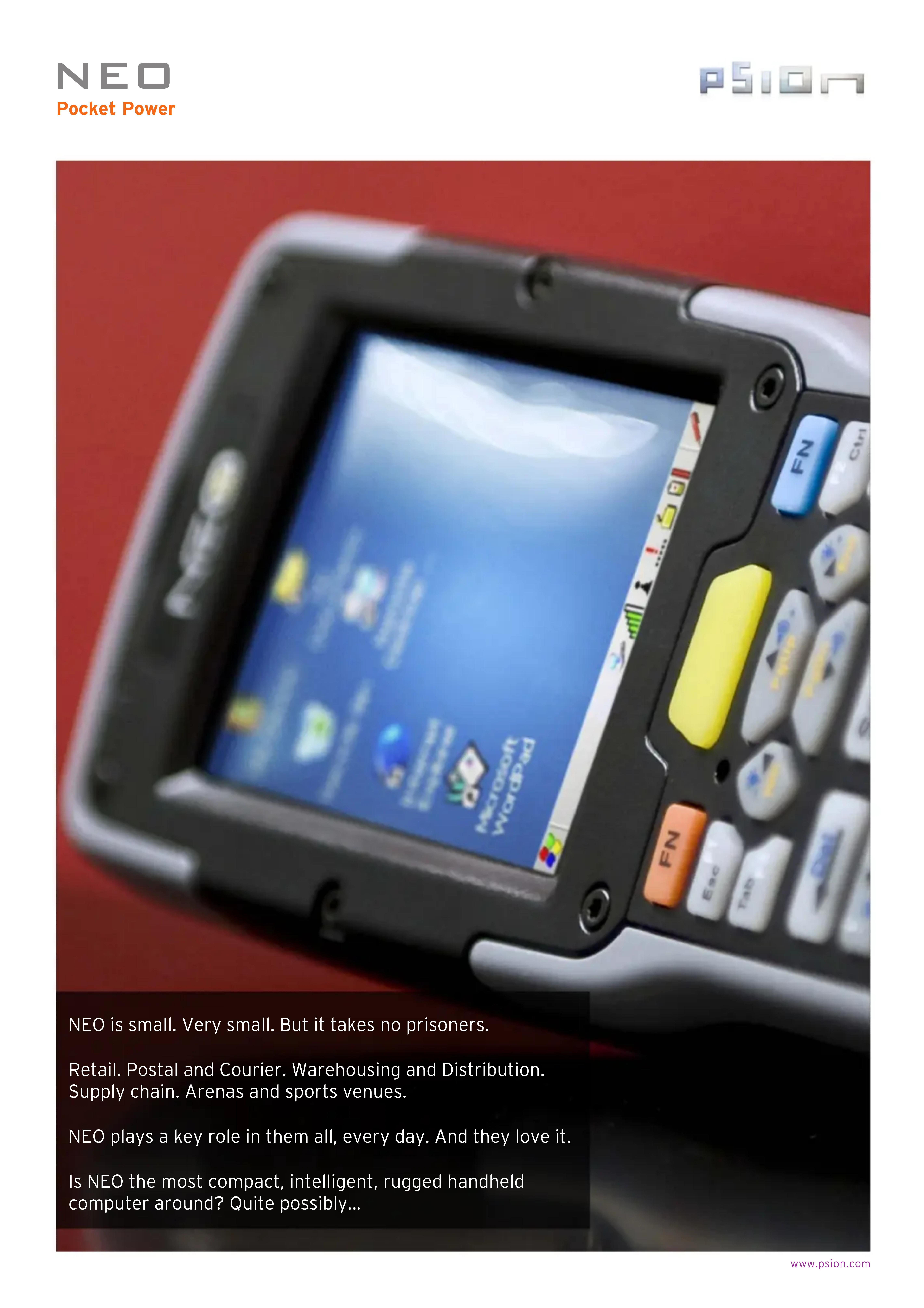
NEO is small. Very small. But it takes no prisoners.
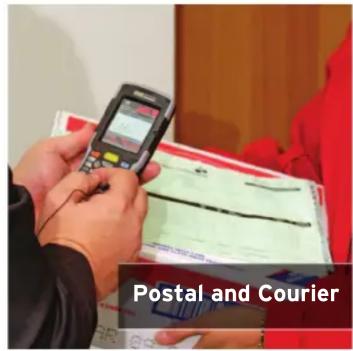
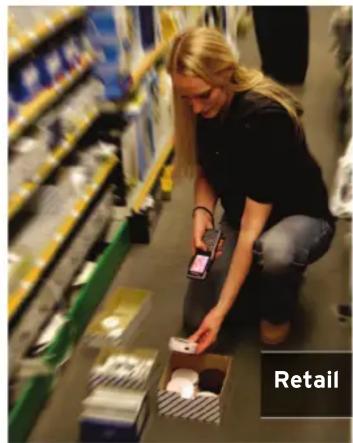
Retail. Postal and Courier. Warehousing and Distribution. Supply chain. Arenas and sports venues.
NEO plays a key role in them all, every day. And they love it.
Is NEO the most compact, intelligent, rugged handheld computer around? Quite possibly...
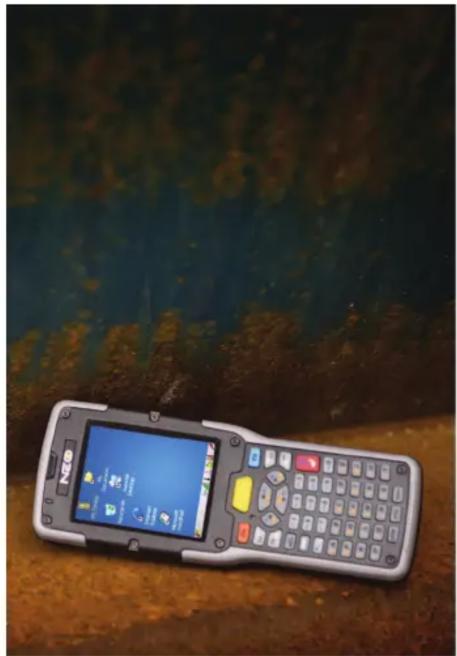
Pocket Dynamo
You need smaller, lighter data collection tools. But you won't compromise on power or functionality. Now you don't have to.
NEO proves that exceptionally good things come in small packages. Its compact size (it weighs just over 275g ) coupled with a raft of features makes it perfect for the mobile workforce.
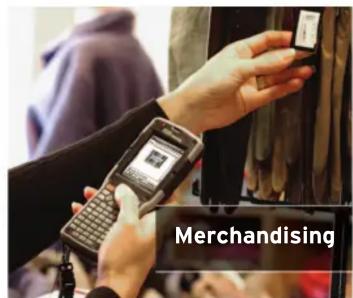
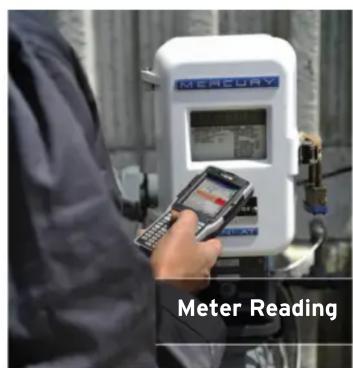
The pocket dynamo is setting industry alight. Stock checking. Inventory tracking. Light warehouse duty or full-on, in-store retail. NEO takes them all on. You want some?
Features & Benefits
It Doesn't Mess Around
NEO may be small but don't be fooled. It's unbelievably rugged. Which means it's never out of action. And productivity never dips.
This lean machine can withstand being dropped from 1.2 meters to polished concrete. Twenty-six times over (it could take more). It packs an IP rating of 54, so you don't have to worry about dust or moisture. And it can operate in extreme conditions: from -10°C to +50°C (14°F to 122°F).
Plus, a ten-hour battery life means it lasts the whole shift.
Striking Ergonomics
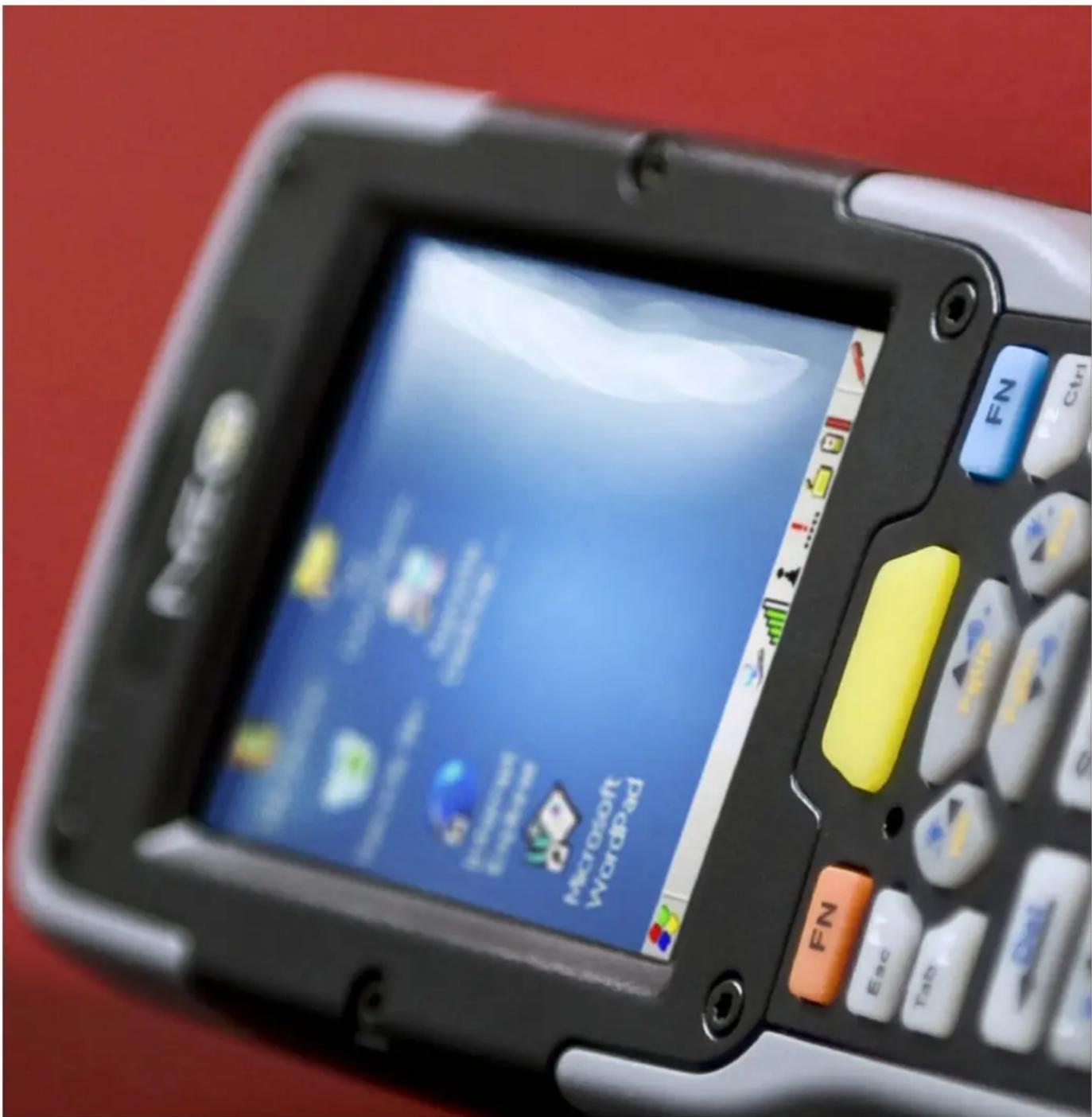
We always put the worker at the heart of our design. That's why NEO just feels right. It's bright, high-resolution colour display is angled towards the user. This makes it a dream to use - unlike the frustrating 'scan, tilt and squint' action of other devices.
And just feel the weight. Or lack of it. The stylish NEO tips the scales at under 10oz.
We Can't Stop Cramming
You wanted it, so we've given it to you. NEO is Windows®-based and integrates with loads of advanced data capture and communications functions. WLAN and Bluetooth® connectivity - check. VoIP, IM and texting functionality, so you're never out of touch - that's here too.
And there's no need to fear the future. NEO can easily be expanded to incorporate new technologies, like RFID, as and when your apps demand it.
Choices, Choices
Different apps have different requirements. NEO supports them all - it's available with 48-key alphanumeric or 26-key numeric keyboards.
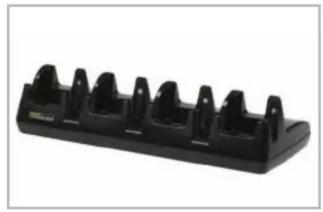
Quad Unit Docking Station
Supports the simultaneous charging of four units and provides Ethernet connectivity to each device.
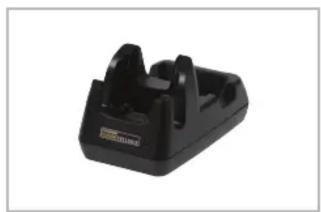
Base Unit Desktop Dock with Modem Option
Simultaneously charge main unit and spare battery. Includes a Micro USB Connection for data transfer. The optional integrated analog modem allows data connections over a PSTN line and is designed to offer a cost-effective solution for wide-area data exchange, without the need for always-on connectivity.
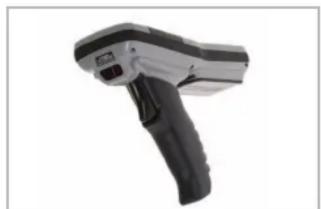
Pistol Grip
Quick, simple pistol grip installation or removal requires no screws or tools. Clip it on for inventory checking and remove it for price checking.
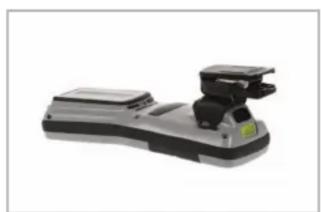
Belt Kit
Get quick, ergonomic device access with this quick release, quick insertion belt clip. This is the ideal accessory to compliment speech/voice-directed operations.
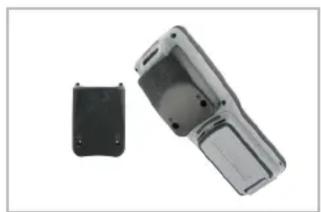
High Frequency (HF) RFID Back Pack
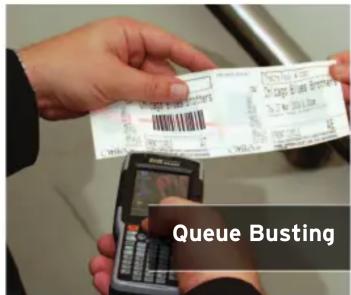
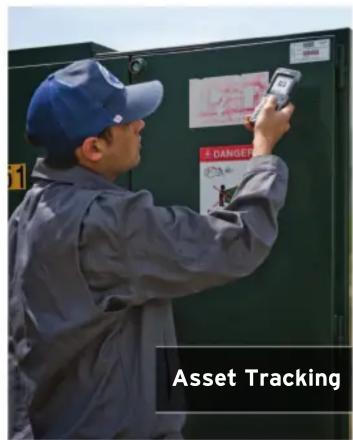
Perfect for ticketing and asset tracking applications, the HF RFID Back Pack simply mounts to the backside of NEO for integrated HF RFID reading capabilities. The HF Multi ISO Reader Module supports a broad range of tags, has 2 SAM slots for data encryption, and is CE, FCC and IC certified.
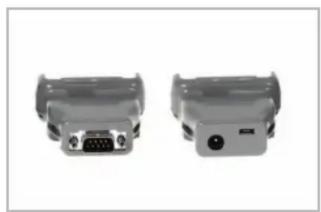
Adapters to USB & Power or RS232
These adapters connect NEO to USB or RS232 serial while on the move. The power-in jack of the PX3054 can be used in conjunction with the AC/DC wall adapter or the 12-24V cigarette lighter adapter.

Platform
Marvell® PXA270 Processor
624MHz
128 MB SDRAM
- 128 MB Flash ROM

Wireless Communications
- On-board IEEE 802.11b/g (CCX V4 Certified)
- On-board Bluetooth® 2.0 + EDR radio (10 m range)
High Frequency RFID Back Pack
Operating System
- Windows® CE 5.0 Core
- Windows® CE 5.0 Professional
Windows Mobile 6.1
Application Software*
- Internet Explorer® 6 for CE
- Wordpad
Active Sync - Open TekTerm
ANSI - TESS terminal emulations
- IBM 3270, IBM 5250, HP 2392
Wavelink
MCL
MCC - PTX Connect
Vocollect VoiceClient 1.3
*O/S Dependent


Barcode Applications
- 1D Laser Scanner Option
- 1D Imager Option
- 2D Imager Option
Programming Environment
- HTML, XML
- Mobile Devices SDK
- HTML, XML
JavaTM
Visual Studio® 2008 - Standard protocol APIs - Windows® sockets
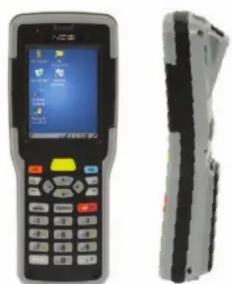
User Interface
- Multicolour LED for scanning and charging
Display (Backlit)
2.7" QVGA portrait mode - QWERTY virtual option
- Sunlight readable transmissive with touch screen
Colour 240 x 320 graphic TFT
Passive stylus or finger operation - Ergonomic tilted display
Audio
Built-in microphone and receiver on all "WiFi" variants
85 db internal beeper
- Bluetooth® (on equipped models)
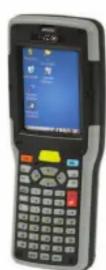
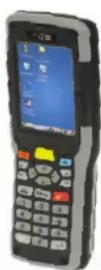
Keypad (Backlit)
48 key Alpha Numeric
26 large key Numeric
- LED backlit keypad
- Ergonomically enhanced for ambidextrous one-hand operation
Expansion Slots
One MicroSD slot
Expansion Port
- Battery Power
- USB signaling
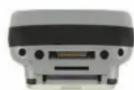
Docking Port
- RS232
- USB
- DC Input
Power Management
- 3.7V @ 3300 mAh Li-ion rechargeable battery
10 hour battery operation (5 scans, transmit & receive/min)
Built in gas gauge & performance monitor - System backup (10 minutes) during battery swap
- 3 day real time clock backup
- Adjustable battery allocation between system backup and runtime
Physical Dimensions & Weight
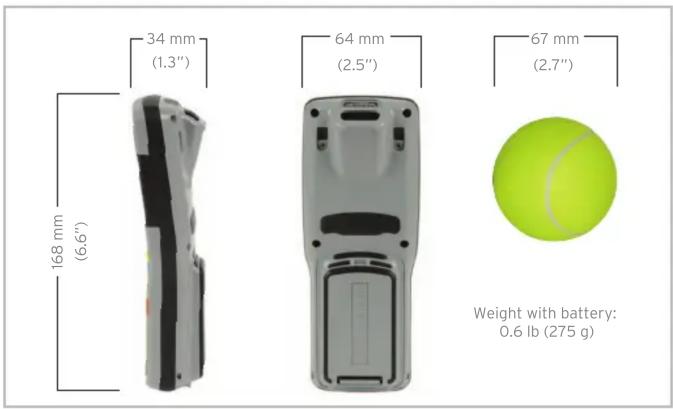
Device: 168 mm x 64 mm x 34 mm (6.6" x 2.5" x 1.3")
- Grip Area: 56 mm/2.2^ ( W)
Weight with battery: 275 g (0.6 lb)
Regulatory Approvals
FCC15.247
·IC RSS210
CE ETSI EN 300 328, ETSI EN 301489, EN 55022, EN55024
Safety IEC 60950-1
- Laser Safety IEC 60825-1
User Environment
- Operating Temperature: -10°C to +50°C (14°F to 122°F)
Storage Temperature: -20°C to +60°C (-4°F to 140°F) - Relative Humidity: 5% to 95% RH non-condensing
Rain & Dust Protection: IP54, IEC 529 - Drop: 1.2 m (4 ft) - 26 drops to polished concrete
- Shock and Vibe: Random vibration 1 ~m^2 / s^3 @ 5 to 200 Hz, 0.5 ~m^2 / s^3 @ 200-500 with duration of 100 min/axes, 3 axes, and shock of 150 ~m / s^2 @11ms and 300 ~m / s^2 @ 6ms
- ESD: +/- 8k Vdc air discharge, +/- 4k Vdc contacts
A complete list of accessories
is available at: www.psion.com

Product is ROHS Compliant.
- Note this product will carry the CE Mark.
- Specifications are subject to change without notice.