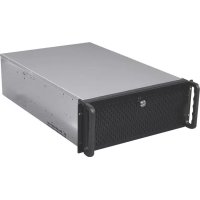
RSVL4000B - Unite Centrale Rosewill - Notice d'utilisation et mode d'emploi gratuit
Retrouvez gratuitement la notice de l'appareil RSVL4000B Rosewill au format PDF.

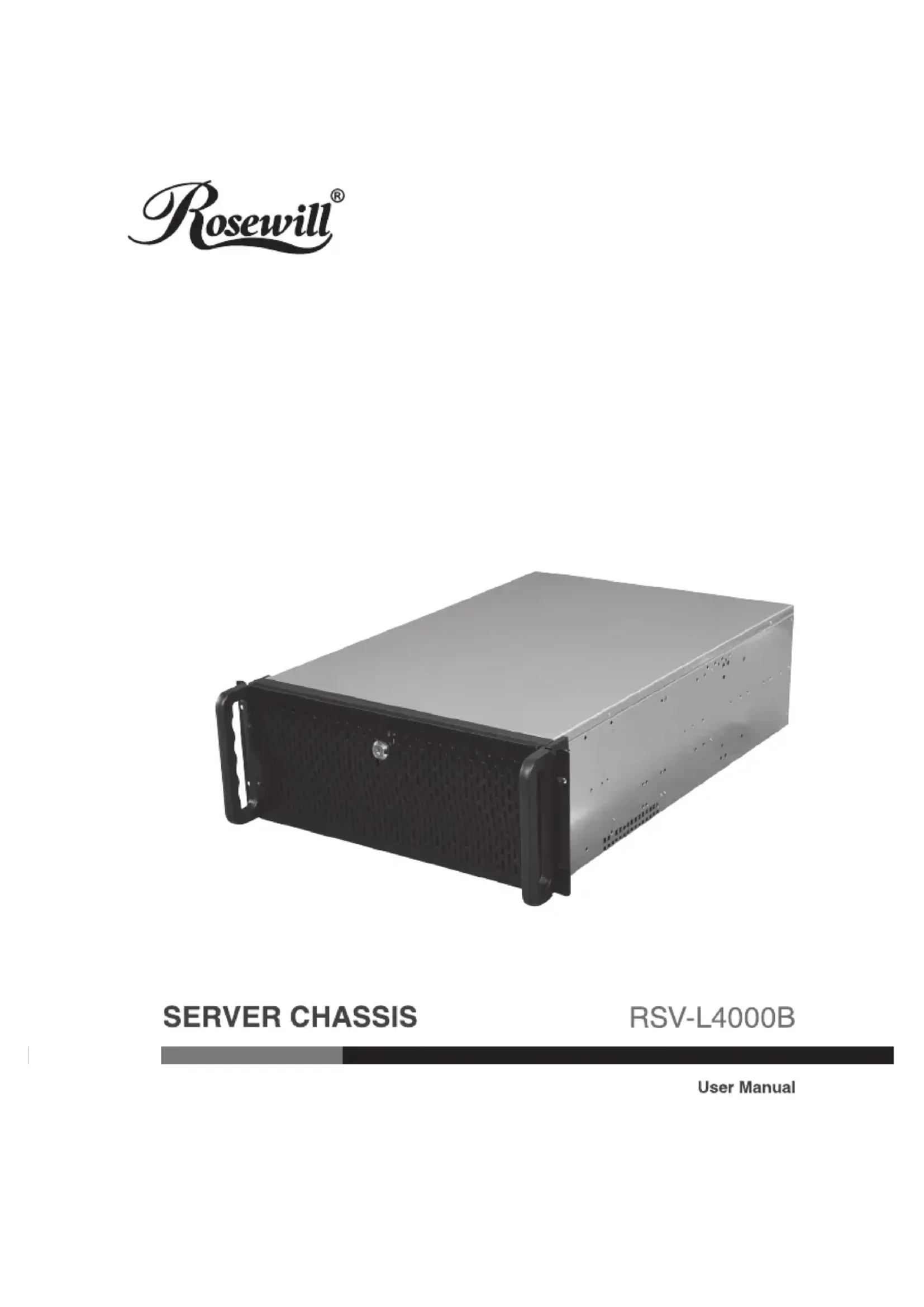
| Type de produit | Châssis serveur 4U pour minage |
| Marque | Rosewill |
| Modèle | RSV-L4000B |
| Matériau du boîtier | Acier SGCC |
| Couleur | Noir et argent |
| Dimensions (H x L x P) | 17,8 x 42,7 x 63,5 cm (7 x 16,8 x 25 pouces) |
| Poids | 10,1 kg (22,27 lb) |
| Compatibilité carte mère | ATX 12 x 9,6 pouces et inférieur |
| Baies de stockage internes | 1 x 3,5" ou 2,5" |
| Supports d'extension | 6 cartes VGA (via carte riser) |
| Ports avant | Interrupteur marche/arrêt |
| Système de refroidissement | 5 x 80 mm au milieu (optionnel), 2 x 80 mm à l'arrière (optionnel) |
| Alimentation | Non incluse, installation au format standard (PSU séparé) |
| Fonctions principales | Conçu pour le minage de crypto-monnaies, support de 6 GPU, format rack 4U |
| Entretien et nettoyage | Garder les panneaux fermés, dépoussiérer régulièrement, utiliser un chiffon doux |
| Sécurité | Débrancher avant toute intervention, utiliser des vis fournies, ne pas obstruer les ventilations |
| Pièces détachées et réparabilité | Vis, entretoises, câbles USB inclus ; pièces standards disponibles |
| Informations générales | Garantie et support via Rosewill (techsupport@rosewill.com) |
FOIRE AUX QUESTIONS - RSVL4000B Rosewill
Questions des utilisateurs sur RSVL4000B Rosewill
0 question sur cet appareil. Repondez a celles que vous connaissez ou posez la votre.
Poser une nouvelle question sur cet appareil
Téléchargez la notice de votre Unite Centrale au format PDF gratuitement ! Retrouvez votre notice RSVL4000B - Rosewill et reprennez votre appareil électronique en main. Sur cette page sont publiés tous les documents nécessaires à l'utilisation de votre appareil RSVL4000B de la marque Rosewill.
MODE D'EMPLOI RSVL4000B Rosewill
Rosewill®
natural_image
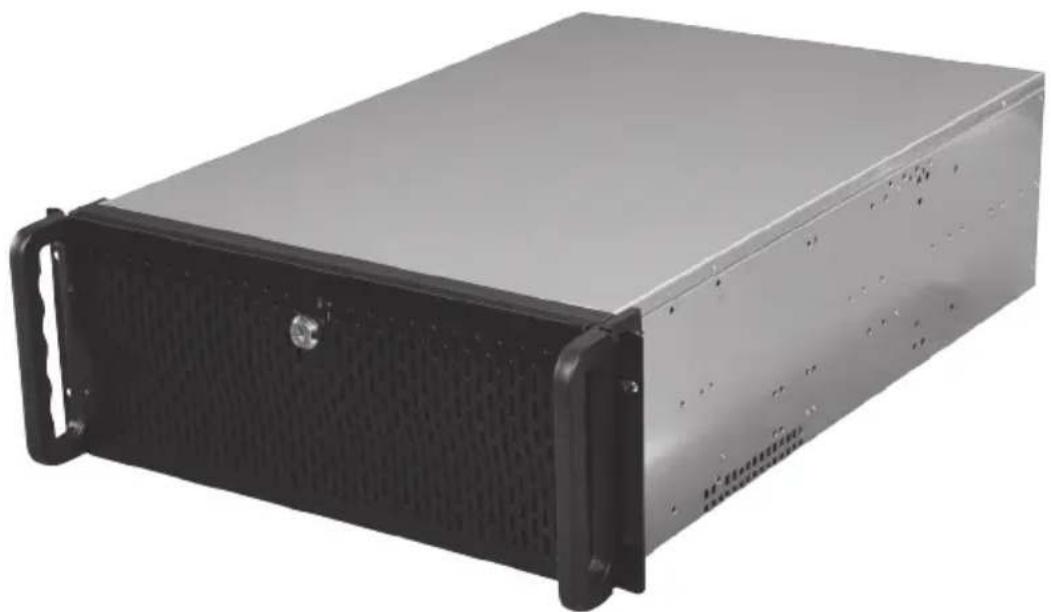
Exterior view of a gray server rack unit with black ventilation slots and mounting brackets (no text or symbols visible)SERVER CHASSIS
RSV-L4000B
Rosewill®
Table of Contents
Product Overview 02
Accessory Kit 02
Introduction Guide 03
Open the Unit 03
Install the Power Supply 03
Install the Motherboard 04
Install the Add-on Card 04
Install a 3.5" or 2.5" Drive 06
Care 06
Options 07
Specifications Table 08
Thank you for purchasing a Rosewill Server Chassis. Please read the instruction manual before using and retain it for your future reference.
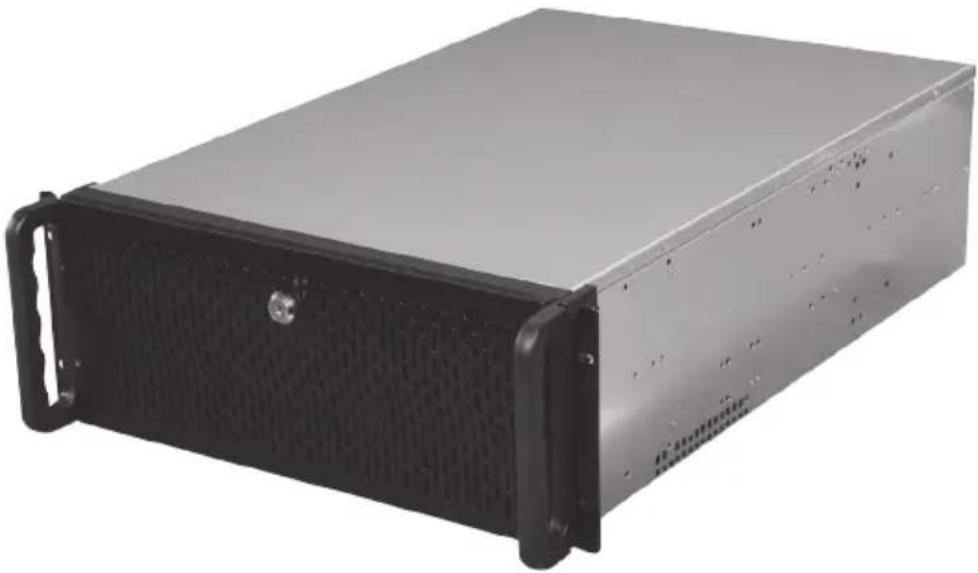
Product Overview
natural_image
Exterior view of a gray server rack unit with black ventilation slots and mounting brackets (no text or symbols visible)Accessory Kit
| Part Name | Item Qty | Function/ Component | Function/ Component |
| Screw-A 6*6 | HWM*28WGA Card & PSU | VGA Card & PSU | |
| Screw-B 3*5 | PWM*16 Motherboard & SSD | Motherboard & SSD | |
| Screw-C 6#32*6 | 4 | HDD | |
| Screw-D | 4.8*10KB | 50 | Fans |
| Standoff | 9 | Motherboard | |
Installation Guide
1. Open the Unit
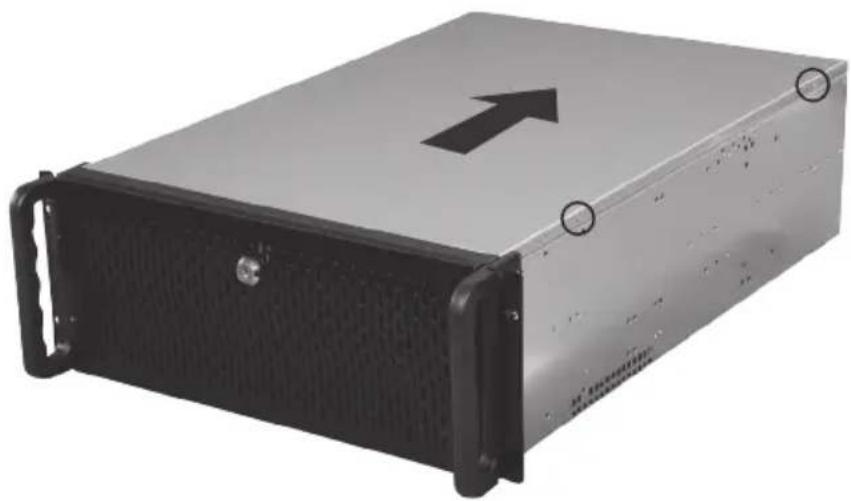
1-1. Remove the screws from each side of the chassis (two on each side). (Figure 1).
1-2. Once the screws are removed, push the top cover to remove from the chassis.
natural_image
Exterior view of a server rack unit with black ventilation slots and an upward-pointing arrow indicator (no text or symbols on the device itself)2. Install the Power Supply
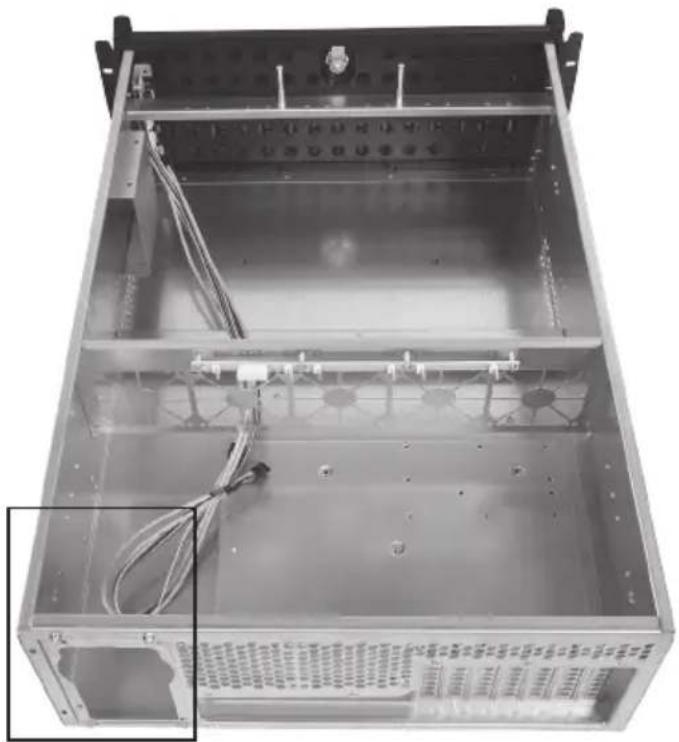
2-1. Seat the power supply unit (PSU) back of the case and secure with Screw-A (Figure 2).
natural_image
Interior view of an open server rack cabinet with visible wiring and mounting brackets (no text or labels)3. Install the Motherboard
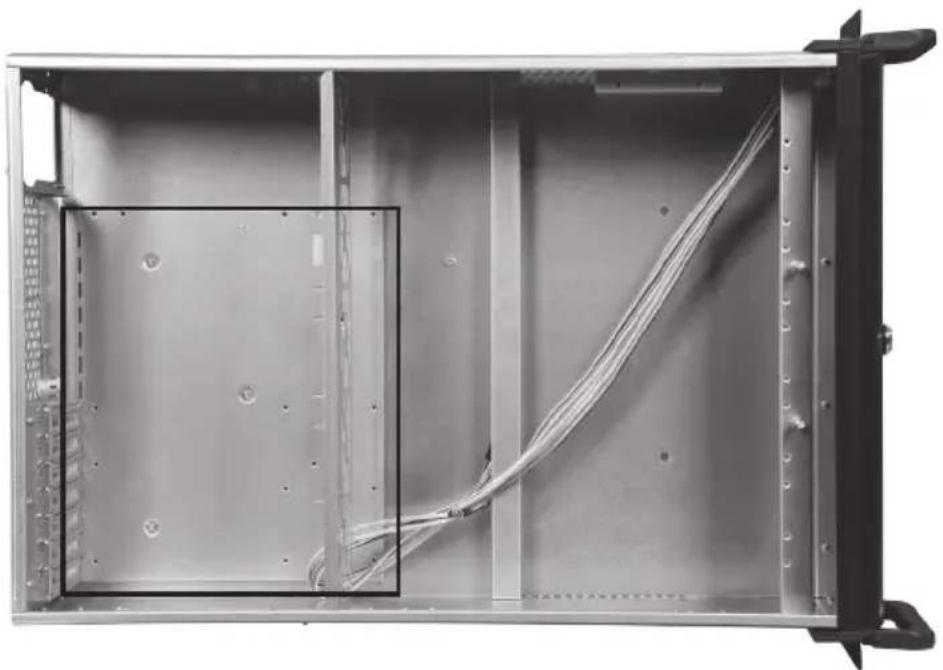
3-1. Install standoffs in the chassis. Secure the motherboard down with Screw-B (Figure 3).
natural_image
Interior view of an open server rack cabinet with visible wiring and mounting brackets (no text or symbols)4. Install Add-on Card
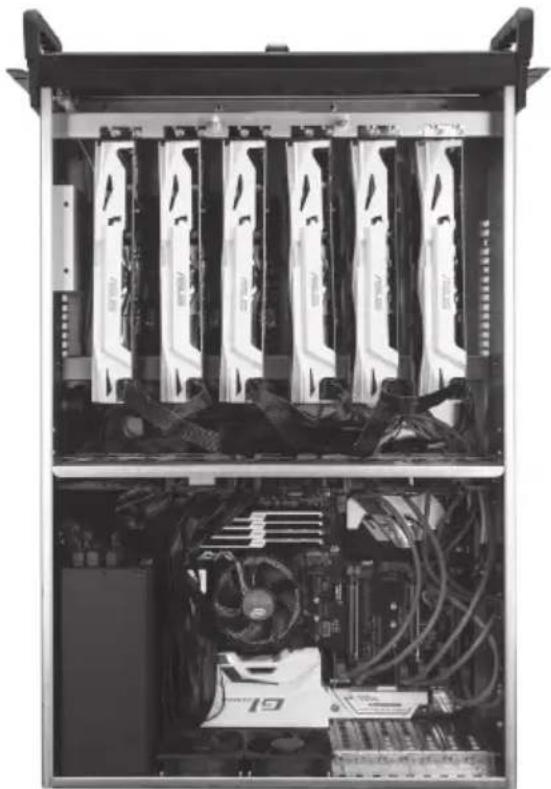
Install optional add-on cards and secure with the Screw-A (Figure 4).
The following pictures of Step 4 are installed demonstrations, optional components are not included in the package.
natural_image
Interior view of a server rack with multiple CPU racks and a heatsink (no visible text or labels)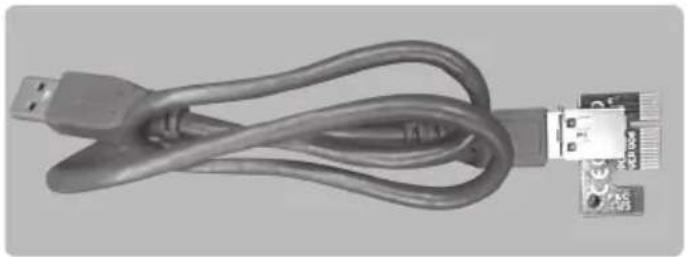
natural_image
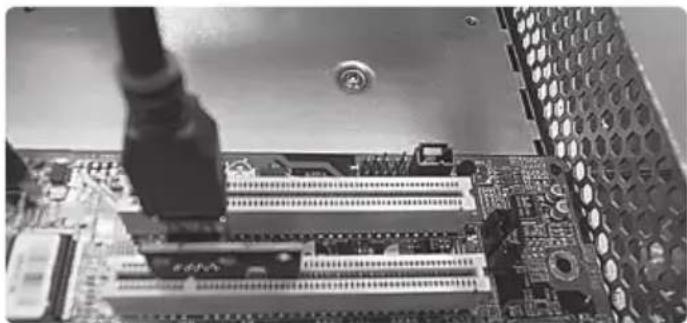
Close-up of a USB cable with connector port (no visible text or symbols)4-1. Connect USB cable with riser card.
natural_image
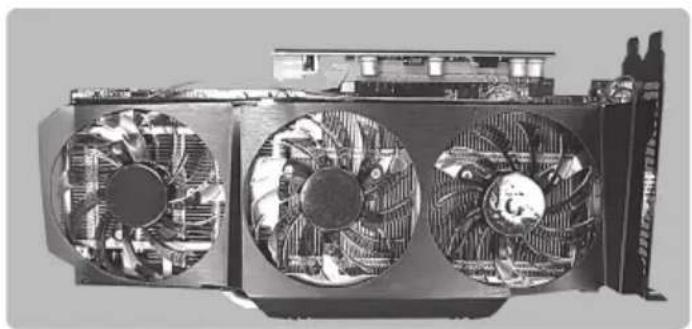
Close-up of a computer motherboard with three fans and heat sinks (no visible text or symbols)4-2. Insert the adapter card to VGA card
natural_image
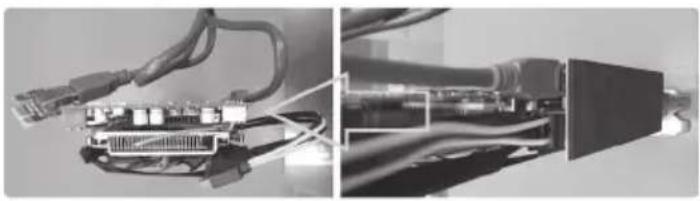
Two-panel image showing internal cable connections: one with USB cable and connector, the other with exposed wiring (no text or symbols visible)4-3. Connect the USB & power cable to the adapter card
natural_image
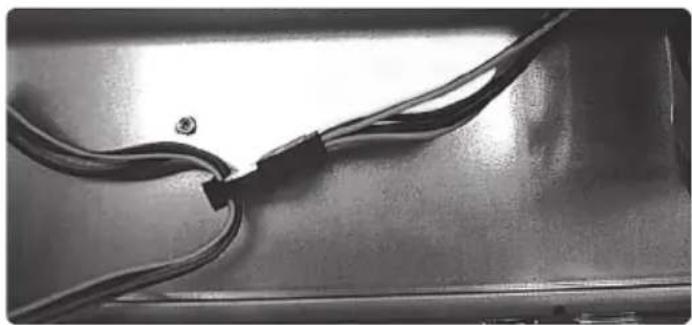
Close-up of a metal panel with visible wires and connectors (no text or symbols)4-4. Connect power cable to SATA connect on PSU unit
natural_image
Close-up of a computer motherboard with a CPU socket and screwdriver inserted (no visible text or symbols)4-5. Insert riser card to motherboard.
natural_image
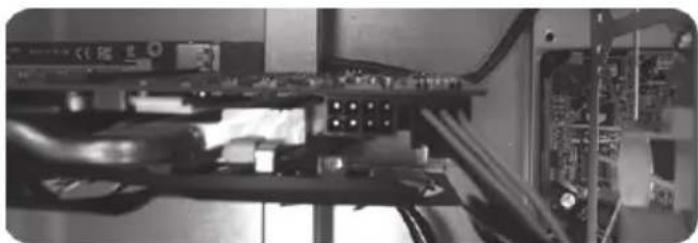
Interior view of an electronic device with circuit board and connectors (no visible text or symbols)4-6. Connect VGA card with 6 pins or 8 pins on PSU unit
5. Install a 3.5" or 2.5" Drive
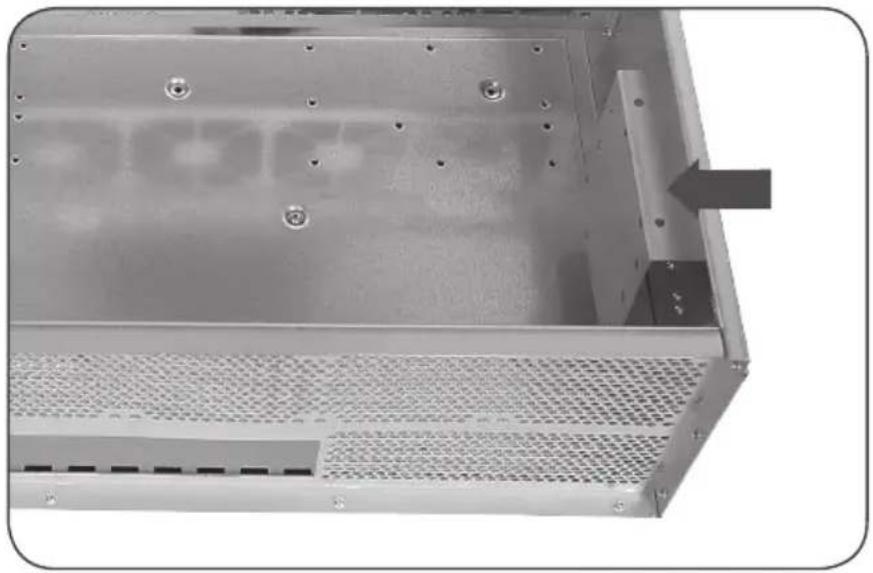
5-1 Screw down the SSD/HDD on the chassis (Figure 5).
natural_image
Interior view of a metallic industrial enclosure with perforated metal panel and mounting holes (no text or symbols visible)6. Care
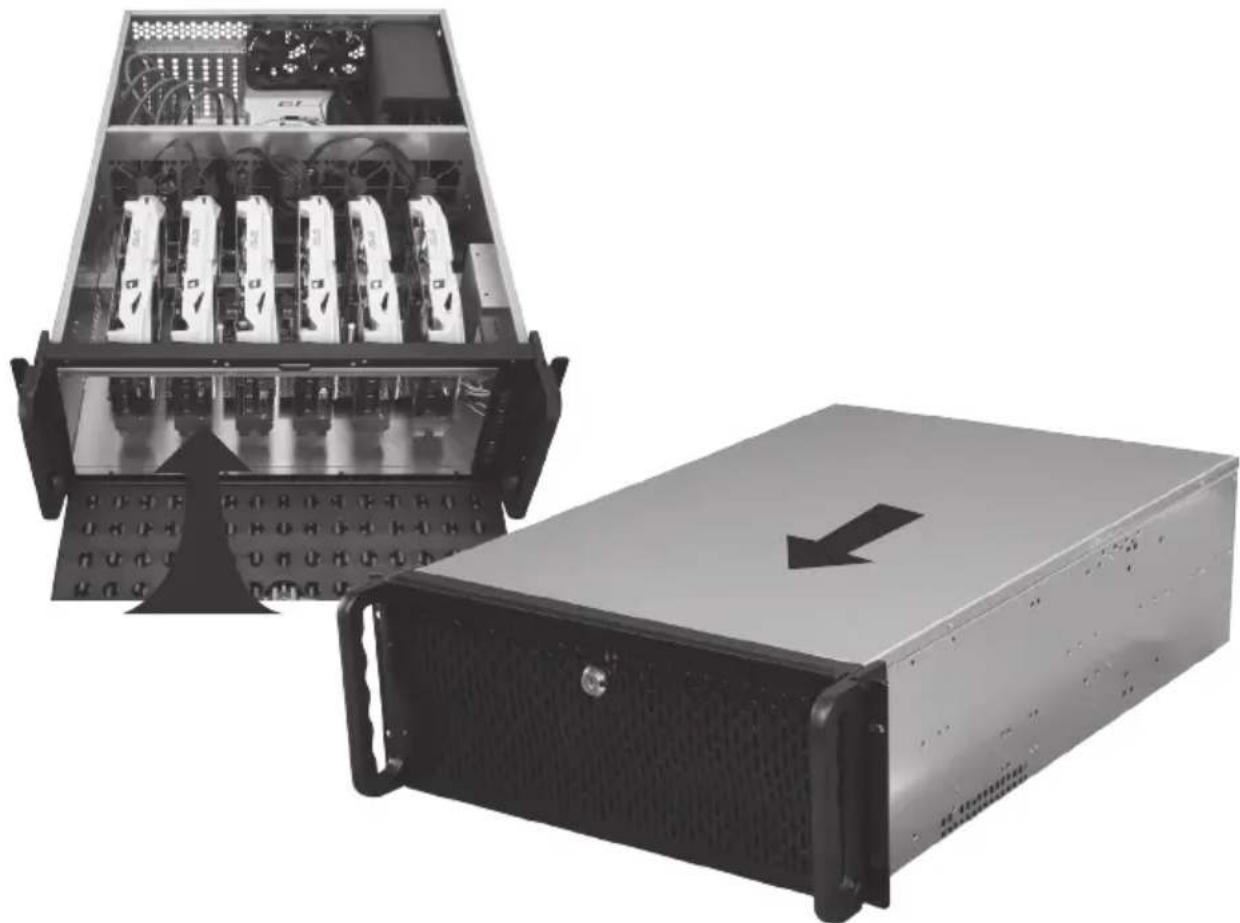
6-1. To prevent damage, keep all panels closed and secured (Figure 6a).
6-2. Put the top cover back into place and secure with 4 screws (Figure 6b).
natural_image
Two black server rack units with internal hardware modules and a downward arrow indicating storage or ventilation (no visible text or symbols)7. Options
7-1 Cooling Fan Installation
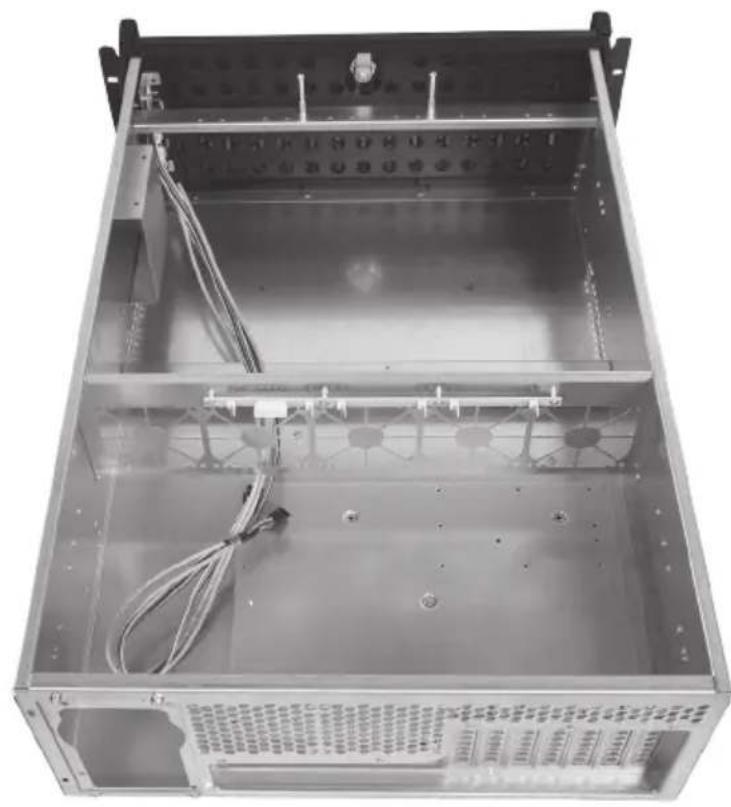
Rosewill RSV-L4000B provides options of installing five 80 mm fans (3 pins) in the middle, and two 80 mm fans (4 pins) at the rear: (Figure 7).
natural_image
Interior view of a server rack unit with exposed wiring and mounting brackets (no visible text or labels)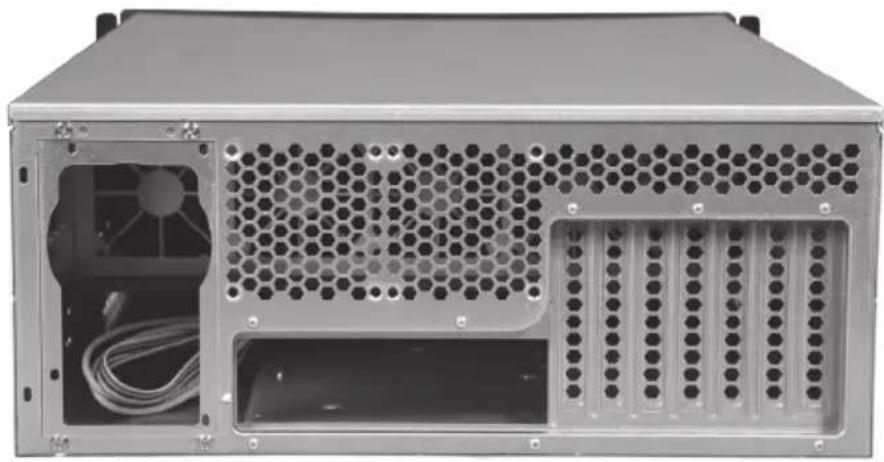
natural_image
Front view of a server rack unit with hexagonal ventilation slots and a fan (no visible text or labels)- Specifications Table
| Model | |
| Model Name RSV-L4000B | RSV-L4000B |
| Features | |
| Type 4U Mining Chassis | 4U Mining Chassis |
| Color Black and silver | Black and silver |
| Case Material Steel SGCC | Steel SGCC |
| Motherboard Compatibility 12" x 9.6" 12"2x 8.60.51"ATX and below and below | |
| Expansion | |
| Internal 3.5" or 2.5" Drive Bays 1 | 1 |
| Expansion Slots Support 6 VGA Cards | Support 6 VGA Cards |
| Front Ports | |
| Front Ports Power On/Off Switch | Power On/Off Switch |
| Cooling System Options | |
| 80 mm Fan 5 x Middle (optional) | 5 x Rate (optional); 2 x Rear (optional) |
| Physical Specifications | |
| Dimensions 7.00" x 16.80" x 25.00" | (H x W x D).80" x 25.00" (H x W x D) |
| Weight 22.27 lb | 22.27 lb |

Rosewill® Technical Support Information
techsupport@rosewill.com 1-800-575-9885
Thank you for purchasing a quality Rosewill product.
Please register your product at: www.rosewill.com
for complete warranty information and support for your product.
Marque : Rosewill
Modèle : RSVL4000B
Catégorie : Unite Centrale