
NIS - Système de communication ASCOM - Notice d'utilisation et mode d'emploi gratuit
Retrouvez gratuitement la notice de l'appareil NIS ASCOM au format PDF.


| Type de produit | Système de communication et de sécurité IP |
| Marque | ASCOM |
| Modèle | NIS |
| Dimensions du châssis central | Format rack 19 pouces, hauteur 2U |
| Poids | Environ 15 kg (selon configuration) |
| Alimentation | 100-240 V AC, 50/60 Hz |
| Fonctions principales | Interface graphique, profils personnels, appels prioritaires, messagerie vocale, SMS, enregistrement des appels, intégration GSM-R, connexion CCTV, SCADA, annonces vocales, radio analogique, Tétrapol, gestion à distance |
| Entretien et nettoyage | Nettoyer avec un chiffon doux et sec. Les mises à jour logicielles sont automatiques sans interruption de service. |
| Sécurité | Accès contrôlé par utilisateur autorisé, vérification des droits pour la gestion, auto-test des composants, appels prioritaires, surveillance de bout en bout |
| Pièces détachées et réparabilité | Composants modulaires, auto-diagnostic, pièces de rechange disponibles auprès d'Ascom |
| Informations générales | Fabricant : Ascom (Suisse) SA, Belpstrasse 37, 3000 Berne 14, Suisse. Site web : www.ascom.com |
FOIRE AUX QUESTIONS - NIS ASCOM
Questions des utilisateurs sur NIS ASCOM
0 question sur cet appareil. Repondez a celles que vous connaissez ou posez la votre.
Poser une nouvelle question sur cet appareil
Téléchargez la notice de votre Système de communication au format PDF gratuitement ! Retrouvez votre notice NIS - ASCOM et reprennez votre appareil électronique en main. Sur cette page sont publiés tous les documents nécessaires à l'utilisation de votre appareil NIS de la marque ASCOM.
MODE D'EMPLOI NIS ASCOM

NIS THE COMMUNICATION PLATFORM FOR ADDED SAFETY
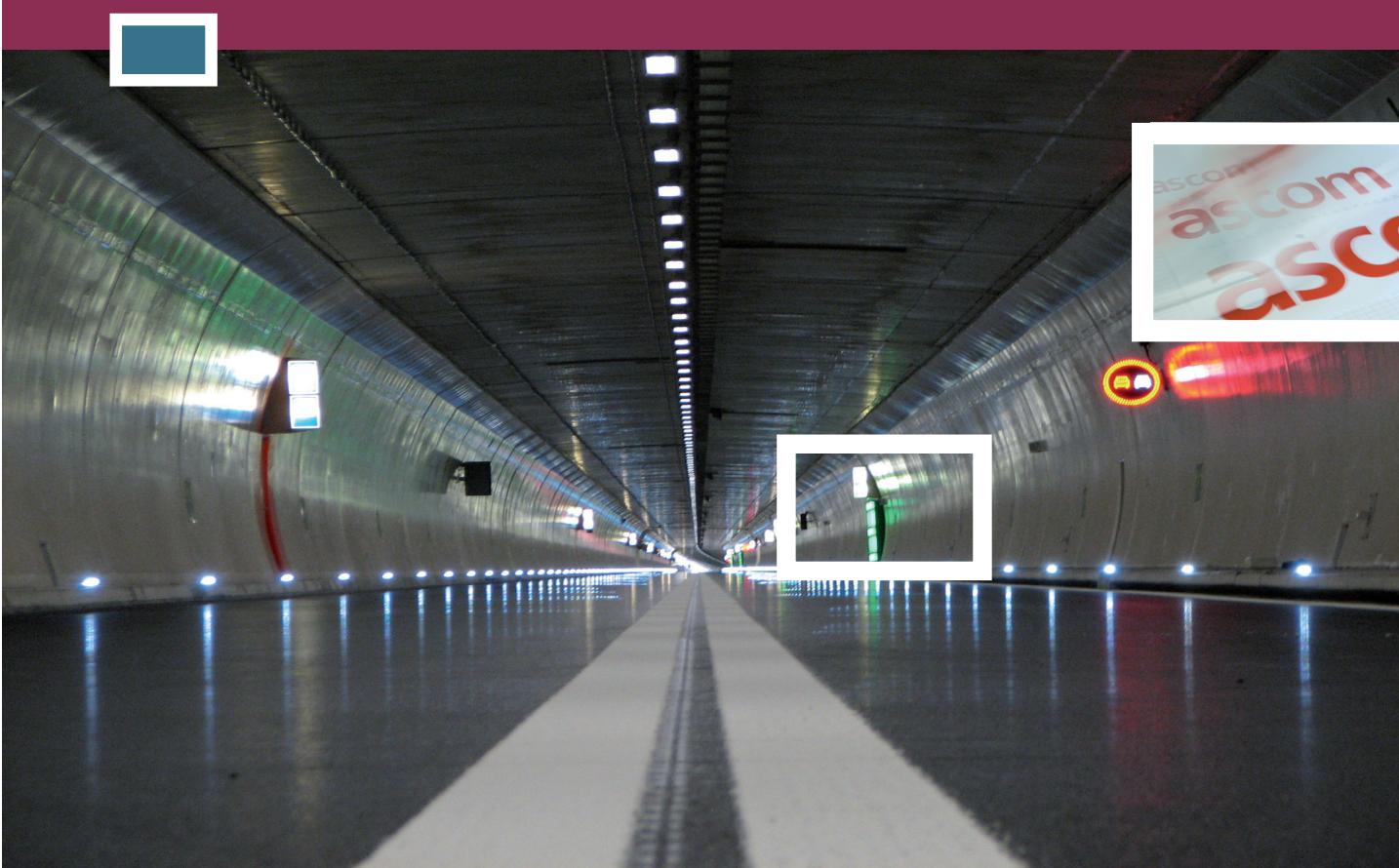
Public address announcements at railway stations, emergency call road installations and communication systems for operations control centres are just a few of the NIS applications. The NIS is a particularly user-friendly, quality Swiss manufactured IP-based communication and security system. With its ergonomic workstations and efficient tools it guarantees fault-free operation in no matter how hostile the environment. Customer-friendly in configuration, NIS boasts a wealth of communication and safety applications. Cost-effectively scalable and with a redundancy available where required, NIS can be controlled either locally or over a network connection.

To protect the System, Ascom has implemented
a number of features:
Controlled access by authorised users only
Authorisation check for functions such as system management, database access, etc.
Priority call switching
Self-test mechanisms in individual components to protect against failures.
The IP-platform NIS is Ascom's third generation of communication and security system, the product family having a long and successful record serving a multitude of applications across Europe. With its extensive range of interfaces it is easily integrated into legacy communication and computer networks. The core element of any NIS system is the Central Exchange. It can also be used to create networks of NIS Exchanges connected via WAN and LAN interfaces. The Central Exchange also works with analogue and ISDN end-user terminals. Private and public networks can be linked using ISDN and primary rate lines.
NIS is user-friendly: Anyone used to operating a feature-phone will quickly find their way around the intuitive graphical NIS user interface. Any user support that is needed can immediately be accessed by via our integrated, multilingual online Help functions. This means that NIS adapts to the user. In other words, users log in regardless of location and always using the same ID and password. The familiar user interface is available at all times, providing all the functions required, be it operational or managerial.

At Ascom we are convinced that NIS is unique, the only product on the market to offer such a wide array of functions in a single standard package including:
The integrated call recording feature allows the user to review the last 100 calls. For liability and security reasons all calls can also be archived and administered accordingly. It means that in the event of an incident, it is possible to reconstruct precisely what happened. NIS has two different functions for this purpose.
The cross-network SMS Service provides users with quick and concise information. All the accounts of registered users are managed from the SMS Service Centre application, from where text messages are sent out and received.
Voice Mail is connected to a users e-mail program. The caller leaves a message, which is then forwarded to the Voice Mailbox in the same way as with a telephone answering machine. The recipient receives the message via e-mail and can listen to it from any computer.
Emergency call points are part of the standard service provided by public and private transport companies and highways agencies. The emergency/information call function from NIS ideally complements these services. Incoming emergency calls are answered as a matter of priority. They are then forwarded to one or more operators based on a number of criteria.
The system's operability and reliability are ensured by means of an (end to-end) monitoring mechanism.
Many European railway operators are gradually replacing analogue radio technology with GSM-R networks. NIS is GSM-R compatible and establishes the connection to the railway communication system, and does so between subscribers of both fixed line and mobile networks.
The following GSM-R functions are available on NIS Terminals:
- Dialling via functional addresses (into the fixed line network and the GSM-R network)
Online display of registered functional GSM-R destinations - Convenient dialling aids for dialling functional addresses in trains and at work sites
- Registration for user functions (functional addresses)
- Grouping of user functions
Priority calls (emergency calls)
Group calls - Switching of abbreviated dialling calls depending on the caller's position
A NIS Rail workstation can also therefore be a fully fledged GSM-R dispatcher's workstation.
With the NIS announcement system, nothing is left to chance. It is particularly well suited for network-wide broadband spoken announcements as well as automated announcements, e.g. using the DISPRAS passenger information system. The announcement destinations include loudspeakers, loudspeaker groups or entire ELA systems. Not only is the operation of the system simple, the user can also broadcast recorded gong melodies and other audio files.
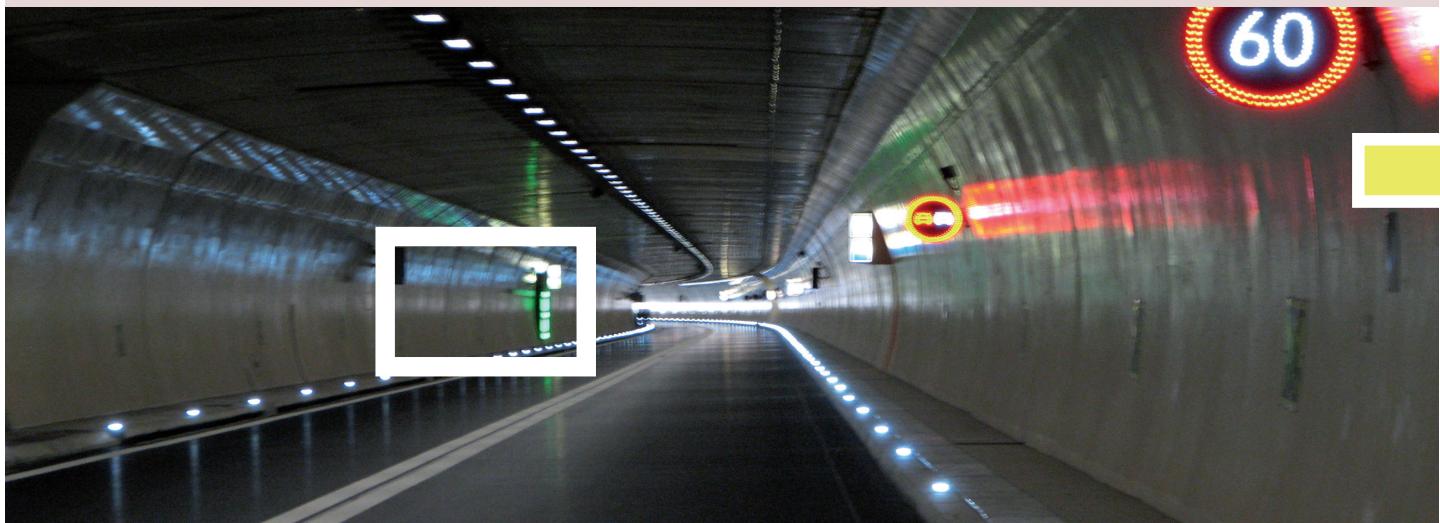
The SCADA module is used to monitor and control third-party systems via interface cards. The graphical operation of SCADA inputs and outputs allows the user to configure the inputs so they trigger alarms the moment there is a change of state.
With the CCTV link, NIS is capable not only of merging video and voice recording systems, but also of connecting them in the event of an incident. Cameras are linked up via the CCTV interface, controlled via the NIS user interface and activated in the event of an emergency call.
With the NIS radio connection, users can expand a radio network to a fixed line network. Full-duplex connections allow an open radio channel to be switched into a radio conference room. This means that various parties can dial in and also be forwarded to other destinations.
NIS system components distributed across the network are reliably monitored, remote-controlled, alarmed and operated using the NIS Management System.
When developing NIS Ascom made sure that maintenance work was kept to a minimum and that the related servicing costs are kept as low as possible.
Software updates are made automatically without affecting normal operation. With self-tests integrated in all the components the current operating state can be viewed at any time. Any failures are detected and displayed immediately.

NIS provides communications, safety and third-party system connectivity, all within a single platform. The robust system was originally developed within the transportation sector, operators of public suburban transport services, highways agencies and organisations with safety remits in mind for the purpose of integrating voice, video and data into their networks. The NIS does this in a flexible, modular, cost-effective manner.
NIS can be tailored precisely to customer requirements and operated regardless of location. Reliability, safety and an attractive cost framework are all key aspects of the ongoing further development work on NIS at Ascom.
"NIS proves its worth day after day. The system is reliable, its operation simple and uncomplicated."

The business case for a NIS is undeniable; future proof technology that brings real "bottom line" benefits.
NIS FUNCTIONS
Graphical user interface
Personal profiles
Local operation, remote operation, parallel operation
Functional addressing, roles
Authentication and location autonomy
Online busy indicator
Priority calls (emergency / information calls)
Logical destination dialling
Queue
Meet Me
Phone Book
Manual announcement / dynamic announcement groups / broadband codec
Analogue radio (PTT)
Radio track transmitter
Tetrapol integration (PTT)
GSM-R
SCADA (monitoring and controlling data points)
End-to-end system monitoring (Fekon)
Control system / third-party system link-up via OPC
CCTV connection / control
Call recording
Call playback (last 100 calls per user)
SMS - Short Message Service
Voice Mail
Integration and gateway function
Private or public networks (primary or basic rate accesses) ISDN or analogue telephony VoIP (SIP based)
System can be implemented with a redundant configuration
Connection of automatic passenger information system (DISPRAS)
Management / maintenance components
Ascom (Switzerland) Ltd.
Belpstrasse 37
3000 Bern 14
T+41319991111
F+41319991682
info@ascom.com
www.ascom.com
Ascom (Germany) GmbH
Edisonstrasse 11-13
60388 Frankfurt am Main
T+496109738584
F+496109738333
info@ascom.com
www.ascom.com
Ascom (Austria) Ges.m.b.H
Lemböckgasse 49
1230 Vienna
T+431811770
F+4318117710
info@ascom.com
www.ascom.com
Marque : ASCOM
Modèle : NIS
Catégorie : Système de communication