
CR008 - Lecteur de cartes mémoire SWEEX - Notice d'utilisation et mode d'emploi gratuit
Retrouvez gratuitement la notice de l'appareil CR008 SWEEX au format PDF.

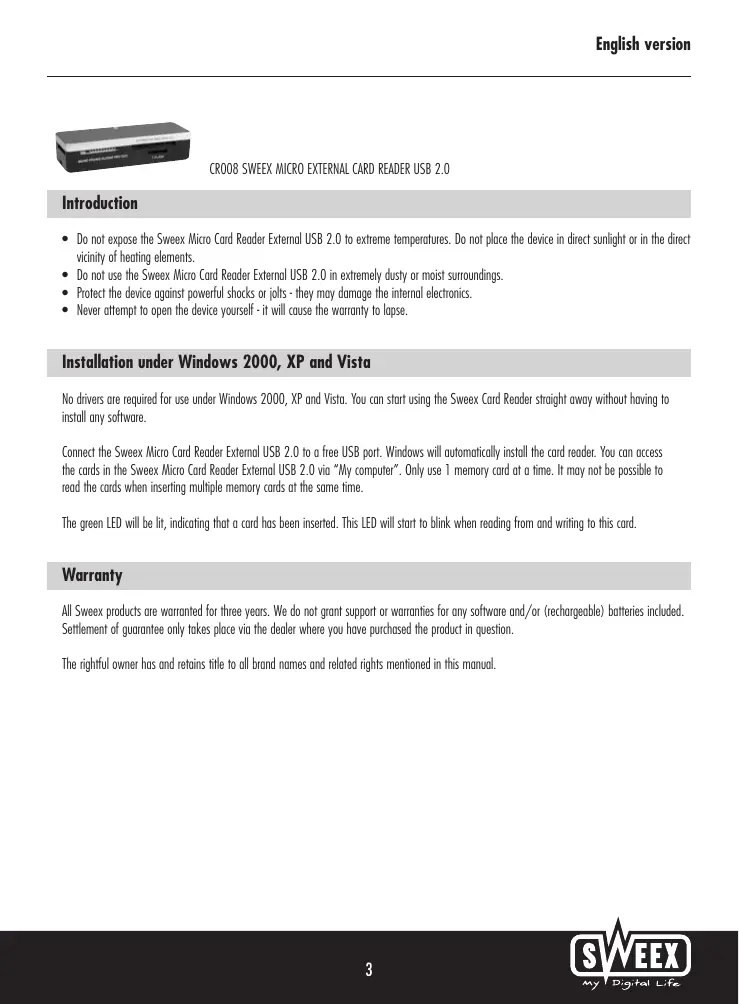
| Type de produit | Lecteur de cartes mémoire externe |
| Marque | SWEEX |
| Modèle | CR008 |
| Interface | USB 2.0 |
| Cartes supportées | SD, Micro SD, MMC, RS-MMC, MS, MS Pro, etc. |
| Dimensions | Environ 6 x 2 x 1 cm |
| Poids | Environ 20 g |
| Alimentation | Par bus USB (5 V) |
| Consommation | Faible, alimenté directement par le port USB |
| Systèmes d'exploitation | Windows 2000, XP, Vista (aucun pilote requis) |
| Indicateur LED | Vert fixe : carte insérée ; clignotant : lecture/écriture |
| Utilisation | Insérer une seule carte à la fois |
| Entretien et nettoyage | Nettoyer avec un chiffon doux et sec ; éviter les liquides |
| Sécurité | Ne pas exposer à l'humidité, à la poussière, aux chocs ou à des températures extrêmes |
| Réparabilité | Ne pas ouvrir : toute ouverture annule la garantie |
| Pièces détachées | Aucune pièce détachable disponible |
| Garantie | 3 ans (hors logiciel et batteries) |
| Température de fonctionnement | 0°C à 40°C |
| Humidité de fonctionnement | 20% à 80% HR (sans condensation) |
FOIRE AUX QUESTIONS - CR008 SWEEX
Questions des utilisateurs sur CR008 SWEEX
0 question sur cet appareil. Repondez a celles que vous connaissez ou posez la votre.
Poser une nouvelle question sur cet appareil
Téléchargez la notice de votre Lecteur de cartes mémoire au format PDF gratuitement ! Retrouvez votre notice CR008 - SWEEX et reprennez votre appareil électronique en main. Sur cette page sont publiés tous les documents nécessaires à l'utilisation de votre appareil CR008 de la marque SWEEX.
MODE D'EMPLOI CR008 SWEEX
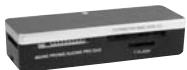
CRO08 SWEEX MICRO EXTERNAL CARD READER USB 2.0
Introduction
- Do not expose the Sweeex Micro Card Reader External USB 2.0 to extreme temperatures. Do not place the device in direct sunlight or in the direct vicinity of heating elements.
- Do not use the Sweex Micro Card Reader External USB 2.0 in extremely dusty or moist surroundings.
- Protect the device against powerful shocks or jolts - they may damage the internal electronics.
- Never attempt to open the device yourself - it will cause the warranty to lapse.
Installation under Windows 2000, XP and Vista
No drivers are required for use under Windows 2000, XP and Vista. You can start using the SweeX Card Reader straight away without having to install any software.
Connect the Sweex Micro Card Reader External USB 2.0 to a free USB port. Windows will automatically install the card reader. You can access the cards in the Sweex Micro Card Reader External USB 2.0 via "My computer". Only use 1 memory card at a time. It may not be possible to read the cards when inserting multiple memory cards at the same time.
The green LED will be lit, indicating that a card has been inserted. This LED will start to blink when reading from and writing to this card.
Warranty
All Swee x products are warranted for three years. We do not grant support or warranties for any software and/or (rechargeable) batteries included. Settlement of guarantee only takes place via the dealer where you have purchased the product in question.
The rightful owner has and retains title to all brand names and related rights mentioned in this manual.