
CR005V3 - Lecteur de cartes mémoire SWEEX - Notice d'utilisation et mode d'emploi gratuit
Retrouvez gratuitement la notice de l'appareil CR005V3 SWEEX au format PDF.

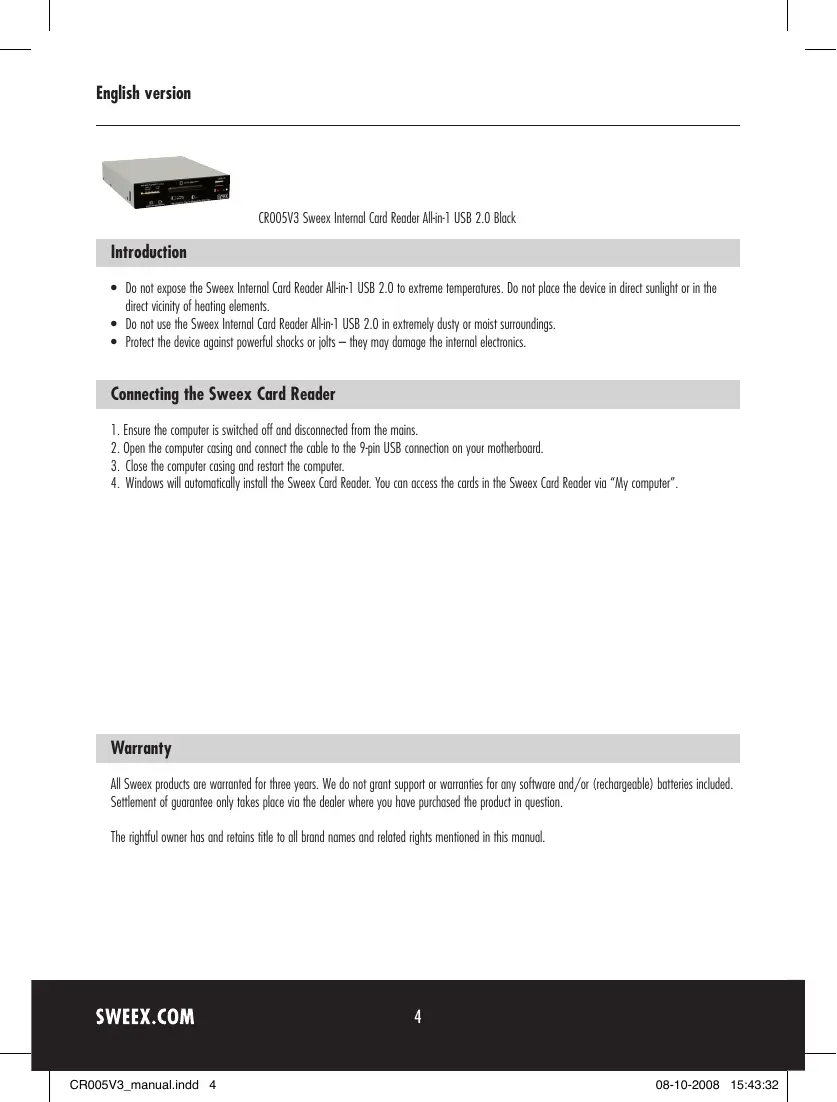
| Type de produit | Lecteur de cartes mémoire interne |
| Marque | SWEEX |
| Modèle | CR005V3 |
| Interface | USB 2.0 |
| Connecteur | 9 broches USB (carte mère) |
| Formats de cartes supportés | All-in-1 : SD, SDHC, SDXC, microSD, CompactFlash, Memory Stick, etc. |
| Couleur | Noir |
| Alimentation | Via port USB interne |
| Dimensions (environ) | 10 cm x 5 cm x 2 cm |
| Poids (environ) | 50 g |
| Température de fonctionnement | 0°C à 40°C |
| Humidité de fonctionnement | 20% à 80% HR |
| Compatibilité système | Windows (installation automatique) |
| Garantie | 3 ans |
| Entretien | Nettoyer avec un chiffon sec et non pelucheux. Ne pas utiliser de liquides. |
| Sécurité | Éviter l'exposition à l'humidité, la poussière, les chocs et les températures extrêmes. |
| Fonctions principales | Lecture et écriture de cartes mémoire |
| Installation | Brancher sur le connecteur USB 9 broches de la carte mère |
| Accessoires inclus | Câble de connexion intégré |
| Réparabilité | Aucune pièce détachée disponible. En cas de panne, remplacer l'unité. |
FOIRE AUX QUESTIONS - CR005V3 SWEEX
Questions des utilisateurs sur CR005V3 SWEEX
0 question sur cet appareil. Repondez a celles que vous connaissez ou posez la votre.
Poser une nouvelle question sur cet appareil
Téléchargez la notice de votre Lecteur de cartes mémoire au format PDF gratuitement ! Retrouvez votre notice CR005V3 - SWEEX et reprennez votre appareil électronique en main. Sur cette page sont publiés tous les documents nécessaires à l'utilisation de votre appareil CR005V3 de la marque SWEEX.
MODE D'EMPLOI CR005V3 SWEEX
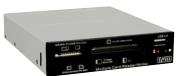
CR005V3 Sweex Internal Card Reader All-in-1 USB 2.0 Black
Introduction
- Do not expose the Sweex Internal Card Reader All-in-1 USB 2.0 to extreme temperatures. Do not place the device in direct sunlight or in the direct vicinity of heating elements.
- Do not use the Sweex Internal Card Reader All-in-1 USB 2.0 in extremely dusty or moist surroundings.
- Protect the device against powerful shocks or jolts - they may damage the internal electronics.
Connecting the Sweex Card Reader
- Ensure the computer is switched off and disconnected from the moins.
- Open the computer casing and connect the cable to the 9-pin USB connection on your motherboard.
- Close the computer casing and restart the computer.
- Windows will automatically install the Sweex Card Reader. You can access the cards in the Sweex Card Reader via "My computer"
Warranty
All Swee products are warranted for three years. We do not grant support or warranties for any software and/or (rechargeable) batteries included. Settlement of guarantee only takes place via the dealer where you have purchased the product in question.
The rightful owner has and retains title to all brand names and related rights mentioned in this manual.