CARD MINI 4 - Scanner IRIS - Notice d'utilisation et mode d'emploi gratuit
Retrouvez gratuitement la notice de l'appareil CARD MINI 4 IRIS au format PDF.


| Intitulé | Détails |
|---|---|
| Type de produit | Scanner de cartes de visite |
| Caractéristiques techniques principales | Numérisation rapide, reconnaissance de caractères (OCR), connexion USB |
| Alimentation électrique | Alimentation par USB |
| Dimensions approximatives | 115 x 75 x 20 mm |
| Poids | 150 g |
| Compatibilités | Windows, macOS |
| Type de batterie | Non applicable (fonctionne sur USB) |
| Tension | 5 V (via USB) |
| Puissance | Consommation faible, environ 2 W |
| Fonctions principales | Numérisation de cartes de visite, exportation vers des applications de gestion de contacts |
| Entretien et nettoyage | Essuyer avec un chiffon doux, ne pas utiliser de produits abrasifs |
| Pièces détachées et réparabilité | Réparabilité limitée, pièces non disponibles pour le grand public |
| Informations générales utiles | Vérifier la compatibilité avec votre système d'exploitation avant l'achat |
FOIRE AUX QUESTIONS - CARD MINI 4 IRIS
Questions des utilisateurs sur CARD MINI 4 IRIS
0 question sur cet appareil. Repondez a celles que vous connaissez ou posez la votre.
Poser une nouvelle question sur cet appareil
Téléchargez la notice de votre Scanner au format PDF gratuitement ! Retrouvez votre notice CARD MINI 4 - IRIS et reprennez votre appareil électronique en main. Sur cette page sont publiés tous les documents nécessaires à l'utilisation de votre appareil CARD MINI 4 de la marque IRIS.
MODE D'EMPLOI CARD MINI 4 IRIS
text_image
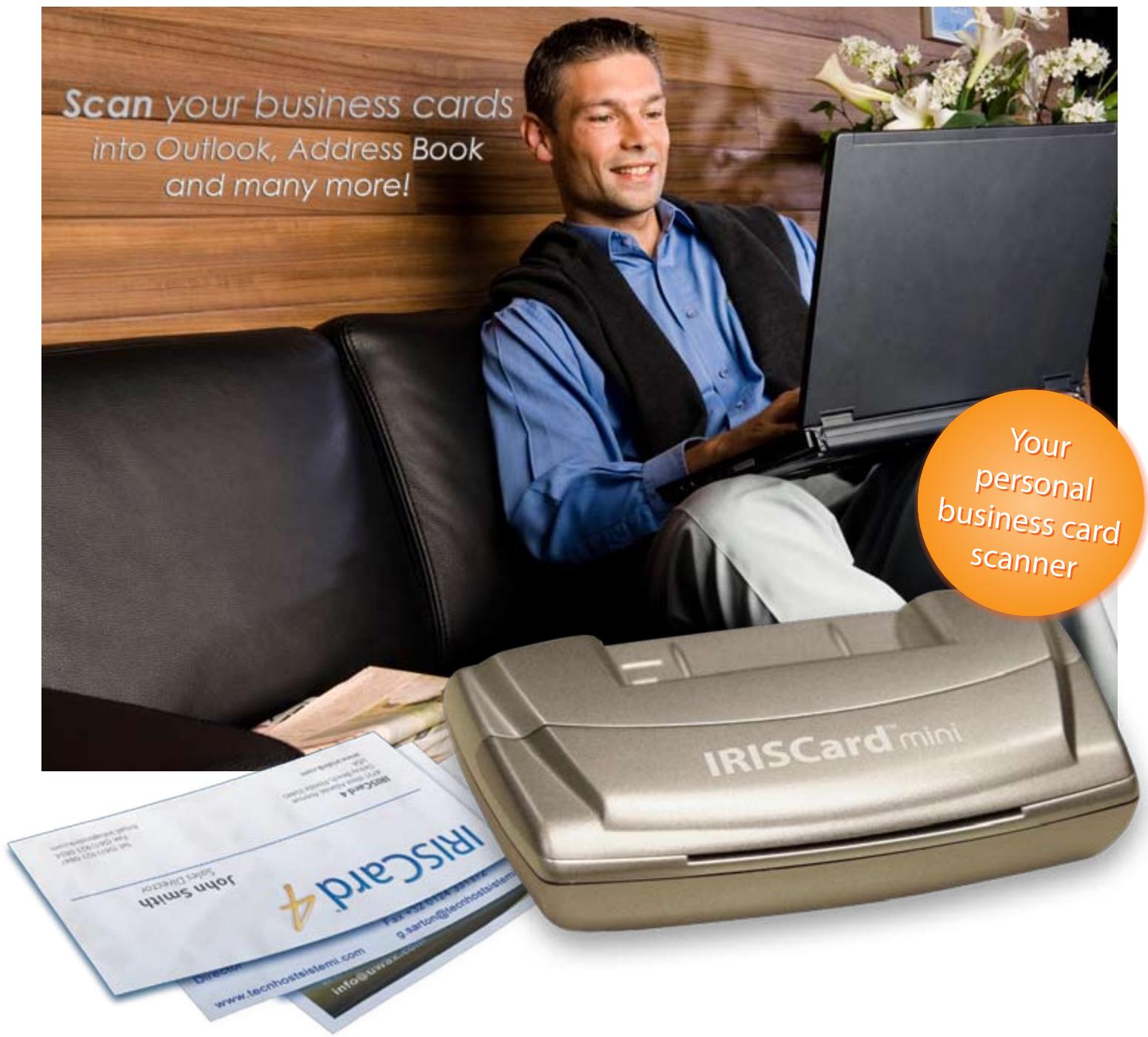
Scan your business cards into Outlook, Address Book and many more! Your personal business card scanner IRISCard mini john.smith sider director www.techostalslami.com g.aetong@techostalslami.com info@iriscard.comThe IRISCard Mini 4
is the most intuitive and personal business card solution.
IRISCard™ mini 4
for Windows & Macintosh
Export to Outlook, Outlook Express, Palm, Pocket PC and Address Book!
IRISCard™ mini 4
text_image
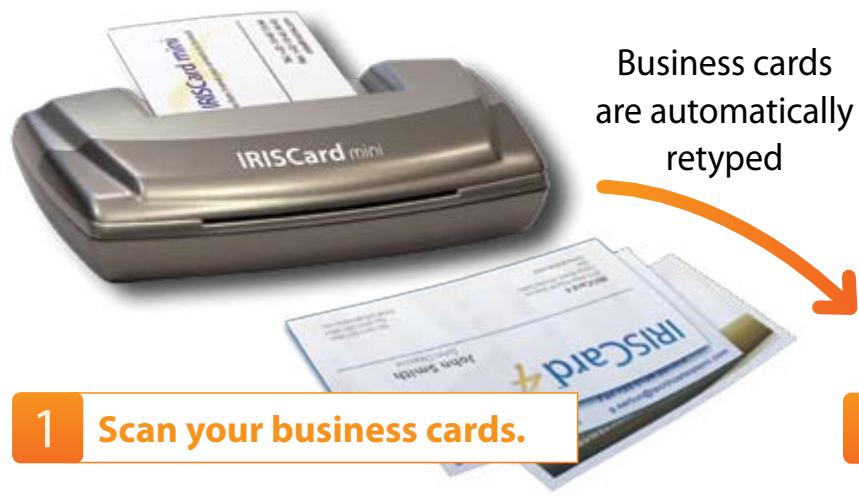
IRISCard (print) Business cards are automatically retyped 1 Scan your business cards.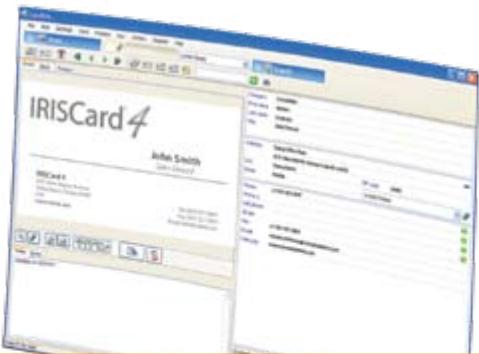
text_image
IRISCard 4 John Smith www.iriscard.com IRISCard 4 www.iriscard.com IRISCard 4 www.iriscard.com IRISCard 4 www.iriscard.com IRISCard 4 www.iriscard.com IRISCard 4 www.iriscard.com IRISCard 4 www.iriscard.com IRISCard 4 www.iriscard.com IRISCard 4 www.iriscard.com IRISCard 4 www.iriskcard.com IRISCard 4 www.iriskcard.com IRISCard 4 www.iriskcard.com IRISCard 4 www.iriskcard.com IRISCard 4 www.iriskcard.com IRISCard 4 www.iriskcard.com IRISCard 4 www.iriskcard.com IRISCard 4 www.iriskcard.com IRISCard 4 www.iriskcard.com iriskcard.com iriskcard.com iriskcard.com iriskcard.com iriskcard.com iriskcard.com iriskcard.com iriskcard.com iriskcard.com iriskcard.com iriskcard.com iriskcard.com iriskcard.com iriskcard.com iriskcard.com iriskcard.com iriskcard.com iriskcard.com iriskcard.com iriskcard.com iniskcard.com iniskcard.com iniskcard.com iniskcard.com iniskcard.com iniskcard.com iniskcard.com iniskcard.com iniskcard.com iniskcard.com iniskcard.com iniskcard.com2 Manage your contacts.
The IRISCard™ quickly scans your paper business cards, captures the information they contain and instantaneously creates electronic contacts to be sent to your favorite contact manager, such as MS Outlook, etc.
Efficient greyscale scanner
Fast. Portable. USB powered. No batteries are required.
Quickly export your contacts
Send your contacts to MS Outlook, MS Outlook Express Address Book, Palm Desktop, Pocket PC, etc.
Multiple cards scanning
Scan and automatically recognize up to 10 business cards with your existing flatbed scanner.
Easy export to Excel
Use your contacts in Excel to organize mail merges, search and sort your contacts, etc.

217 countries supported
Capture all the information from business cards coming from all over the world. Wherever you go, you are covered!

Skype support
Launch Skype calls in one single click, directly from the IRISCard.
The features of the Mac version differ from PC version. All technical specifications are available on our website www.cardiris.com/compare
| Synchronisation table | Windows | Mac OS |
| Export | Export to Outlook, Outlook Express, Excel, palm OS, Pocket PC, vCard and comma delimited Text | Export to Address Book, Palm OS and comma delimited text |
| Synchronization | Pocket PC, Palm OS | Cardiris does not have an internal database |
By the maker of the award-winning Readiris™ Pro.







FREE Technical Support for All Registered Users!
© Copyrights 1993-2007 - I.R.I.S. s.a. - All rights reserved - IRISCard, the I.R.I.S. and IRISCard logo are I.R.I.S. trademarks. All products mentioned are trademarks from their respective owners.
Made in EEC.
Minimum systems requirements for Windows:
A Pentium-class CPU, 256MB RAM, 150MB free disk space, a CD-Rom drive, a free USB Port from the PC or powered HUB. Runs on Windows Vista, XP and 2000.
Minimum systems requirements for Mac OS:
A Mac OS computer with a G3 processor, 160 Mb of free disk space, a CD ROM drive, a free USB Port from the Mac or powered HUB. Runs on OS X 10.3.9 or superior (10.4 recommended).

Document to Knowledge
Europe & MEA
I.R.I.S. s.a.
Ph: +32 10 45 13 64
info@irislink.com
US & North America
I.R.I.S. Inc.
Ph: +1 (561)-921 0847
info@irisusa.com



USB 2, color scanner

visit us at
www.irislink.com