GO 6400 - Casque Bluetooth JABRA - Notice d'utilisation et mode d'emploi gratuit
Retrouvez gratuitement la notice de l'appareil GO 6400 JABRA au format PDF.

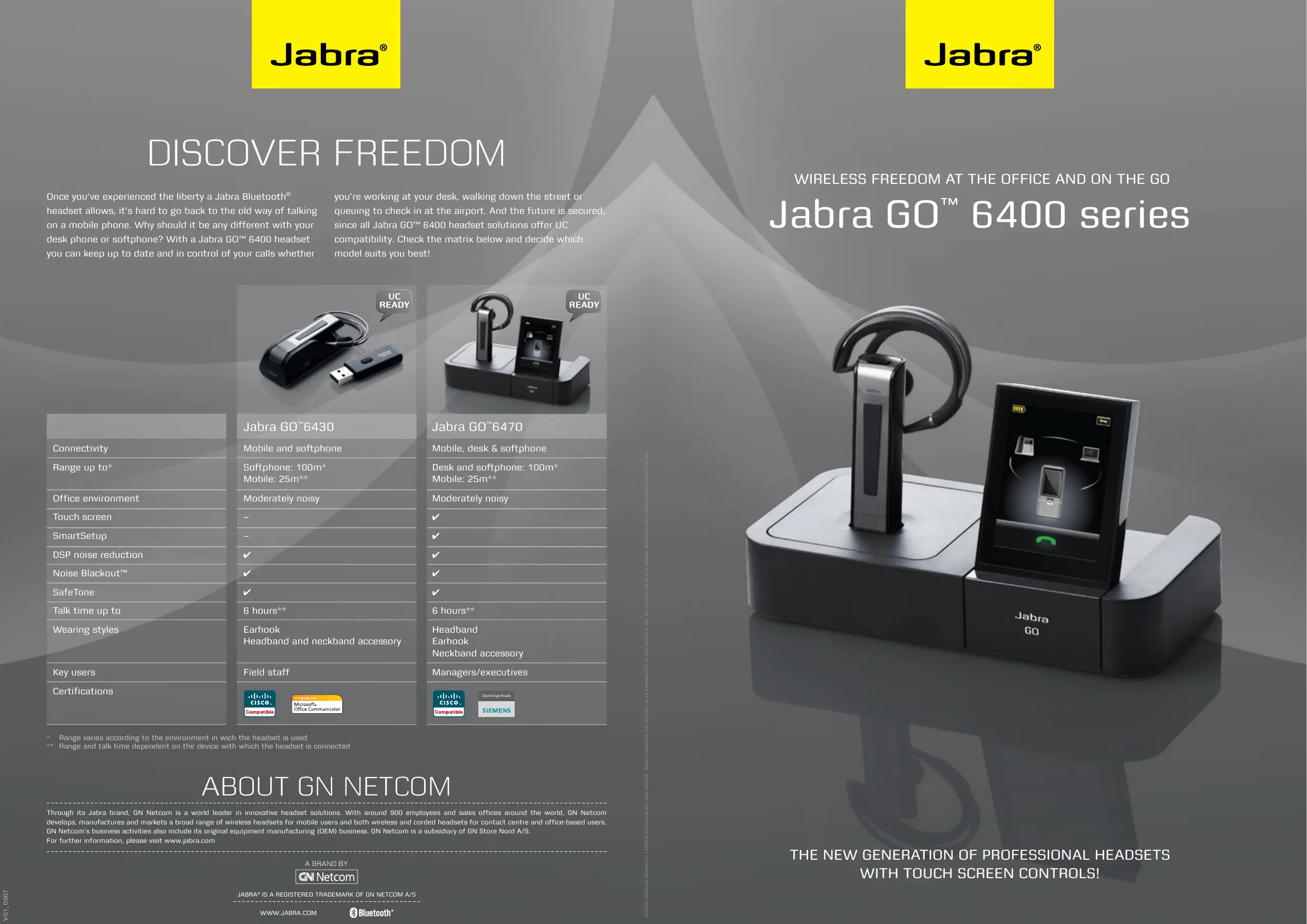

| Marque | JABRA |
| Modèle | GO 6400 |
| Type de produit | Casque Bluetooth professionnel |
| Technologie de connexion | Bluetooth avec Multiuse (mobile, bureau, softphone) |
| Portée maximale | 100 m (bureau/softphone), 25 m (mobile) |
| Autonomie en conversation | Jusqu'à 6 heures |
| Réduction de bruit | Noise Blackout™ double microphone avec DSP |
| Qualité audio | Audio large bande (Wideband) |
| Protection auditive | SafeTone™ |
| Écran | Écran couleur tactile 2,4 pouces |
| Contrôle | Capteurs tactiles (volume, muet, appel) |
| Assistant de configuration | SmartSetup |
| Mise à jour | En ligne (firmware et pilotes) |
| Compatibilité UC | Prêt pour communications unifiées |
| Styles de port | Oreillette ; accessoires bandeau et collier en option |
| Alimentation | Batterie rechargeable |
| Nettoyage | Chiffon doux et sec |
| Température de fonctionnement | De 0°C à 40°C |
FOIRE AUX QUESTIONS - GO 6400 JABRA
Questions des utilisateurs sur GO 6400 JABRA
0 question sur cet appareil. Repondez a celles que vous connaissez ou posez la votre.
Poser une nouvelle question sur cet appareil
Téléchargez la notice de votre Casque Bluetooth au format PDF gratuitement ! Retrouvez votre notice GO 6400 - JABRA et reprennez votre appareil électronique en main. Sur cette page sont publiés tous les documents nécessaires à l'utilisation de votre appareil GO 6400 de la marque JABRA.
MODE D'EMPLOI GO 6400 JABRA
DISCOVER FREEDOM
Once you’ve experienced the liberty a Jabra Bluetooth® headset allows, it’s hard to go back to the old way of talking on a mobile phone. Why should it be any different with your desk phone or softphone? With a Jabra GO™ 6400 headset you can keep up to date and in control of your calls whether
you're working at your desk, walking down the street orqueuing to check in at the airport. And the future is secured, since all Jabra GO™ 6400 headset solutions offer UCcompatibility. Check the matrix below and decide whichmodel suits you best!
| Connectivity |
| Range up to* |
| Office environment |
| Touch screen |
| SmartSetup |
| DSP noise reduction |
| Noise Blackout™ |
| SafeTone |
| Talk time up to |
| Wearing styles |
| Key users |
| Certifications |
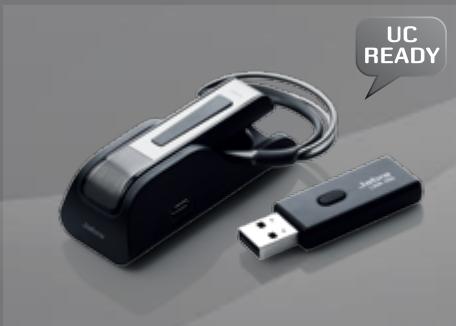
Jabra GO™ 6430
Mobile and softphone

Softphone: 100m
Mobile: 25m*
Moderately noisy


6 hours**
Earhook

Headband and neckband accessory
Field staff
- Range varies according to the environment in which the headset is used
** Range and talk time dependent on the device with which the headset is connected
ABOUT GN NETCOM
n t n . For further information, please visit www.jabra.com
WIRELESS FREEDOM AT THE OFFICE AND ON THE GO
Jabra GO™ 6400 series
STAY IN TOUCH
WHEREVER YOU GO
Jabra
MULTI
USE
How often do you actually work a whole day at your desk? If the answer is ‘rarely’, you’re in good company. These days working life is less and less location dependent – internal meetings, customer presentations and sales negotiations can all take place both in and outside the office. So you need a way to stay in full control of your communications, without being tied to your desk.
A Jabra GO™ 6400 series headset is an indispensable working tool that helps you get the results you're after, no
matter where you are. When you're out and about, you can travel light, wearing this one sleek, discreet piece of equipment. Capable of transmitting calls from your desk, mobile and softphone, your Jabra GO 6400 series headset delivers big benefits in the office too. Advanced sound technology prevents distractions so you can give every call your full attention.
Jabra GO 6400 series headsets are also UC ready, preparing you for a smooth transition to Unified Communications in the future.

SHARPEN YOUR SENSES
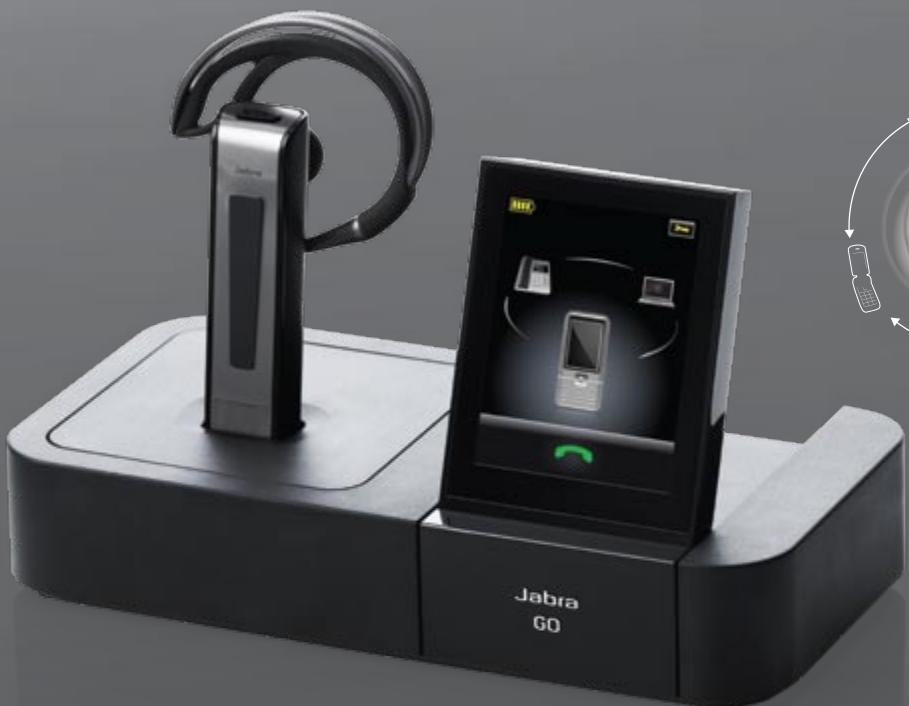
Jabra GO™ 6400 series is the first office headset that integrates hearing, sight and touch to improve your communication. An exciting line-up of new features enhance the user-experience.
Advanced audio technology gives you crystal clear sound; a lightweight, ergonomic design with choice of wearing styles increases comfort; a flip up screen with touch interface makes set-up and call handling easy.
HEAR ME.
UNRIVALLED AUDIO AND NOISE-CANCEL
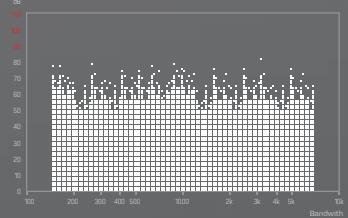
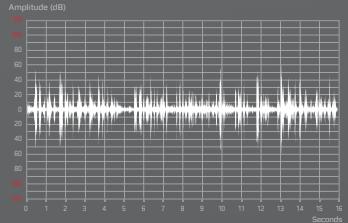
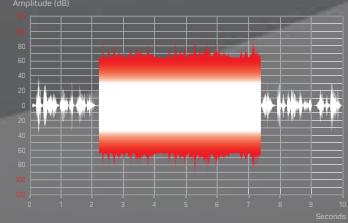
Featuring state-of-the-art audio technologies, the Jabra GO 6400 series delivers such superb sound quality you'll never want to answer a call without it! A dual microphone Noise Blackout™ system with advanced Digital Signal Processing practically eliminates all background noise, so your voice can be heard clearly even from a noisy location. Wideband quality ensures that the sound you hear is sharp, while SafeTone technology protects your hearing.
WITH WIDEBAND SOUND
WITH NOISE BLACKOUT
WITH SAFETONE
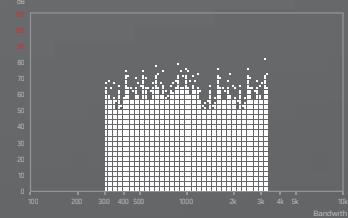
WITH NARROWBAND SOUND
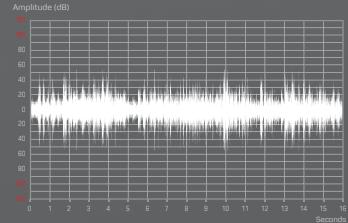
WITHOUT NOISE BLACKOUTTM
WITHOUT SAFETONE
SEE ME.
COOL DESIGN AND
CHOICE OF WEARING STYLES
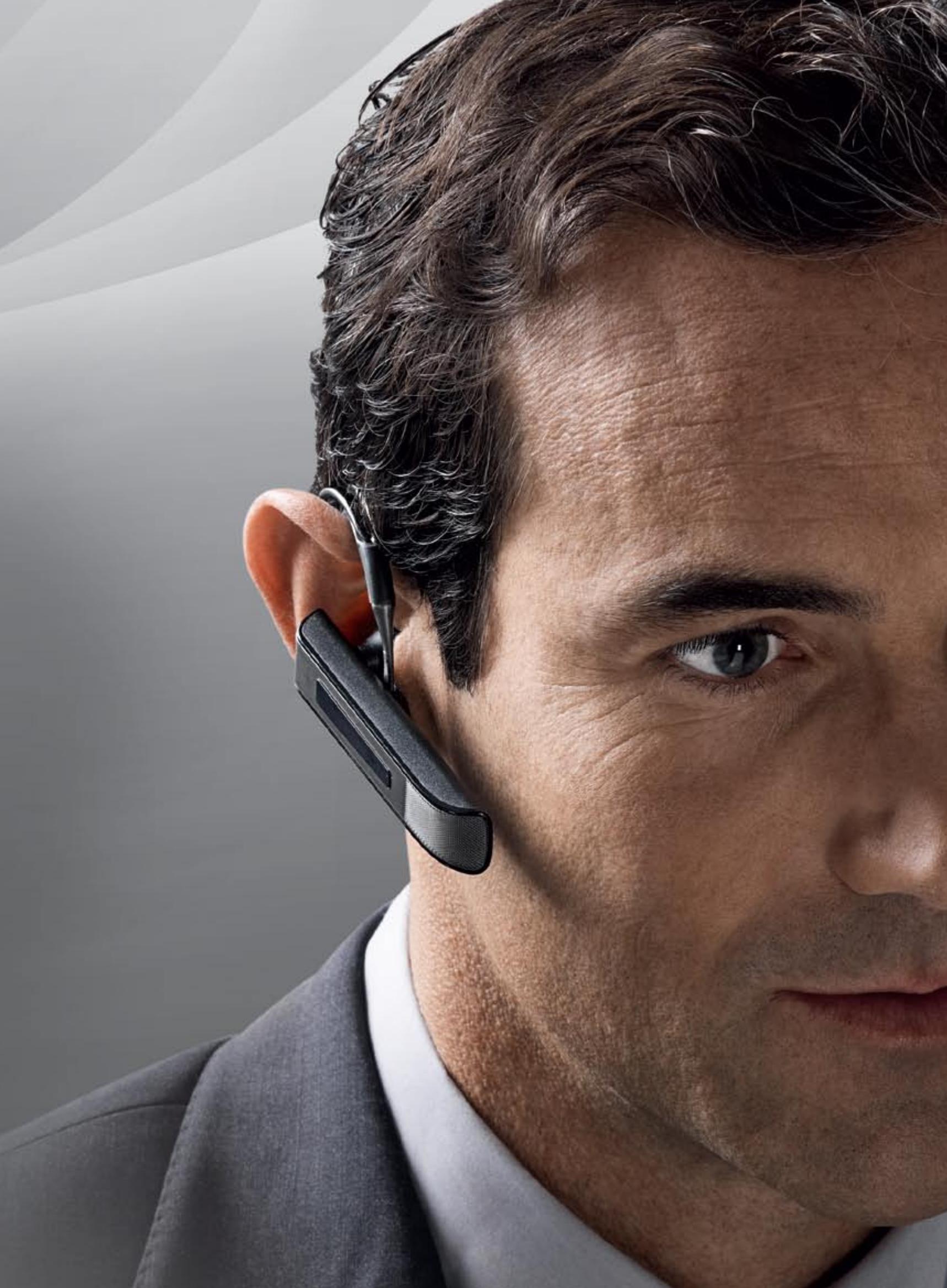
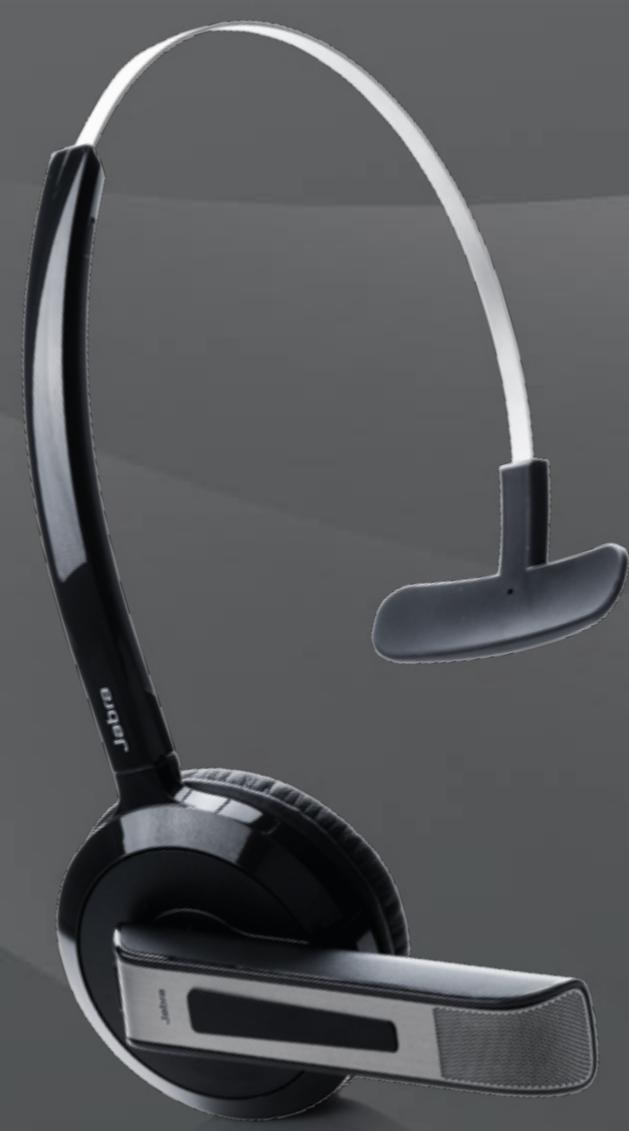
Jabra GO 6400 series is the smallest headset ever designed for use in professional office environments. Although it is packed with state-of-the-art audio and noise-canceling technology, it's only slightly larger than a typical mobile phone headset. The sleek styling and lightweight design makes it discreet to wear and easy to carry. And the choice of three ergonomic wearing styles, including a uniqueear-hook, increases comfort.
SEEING IS BELIEVING
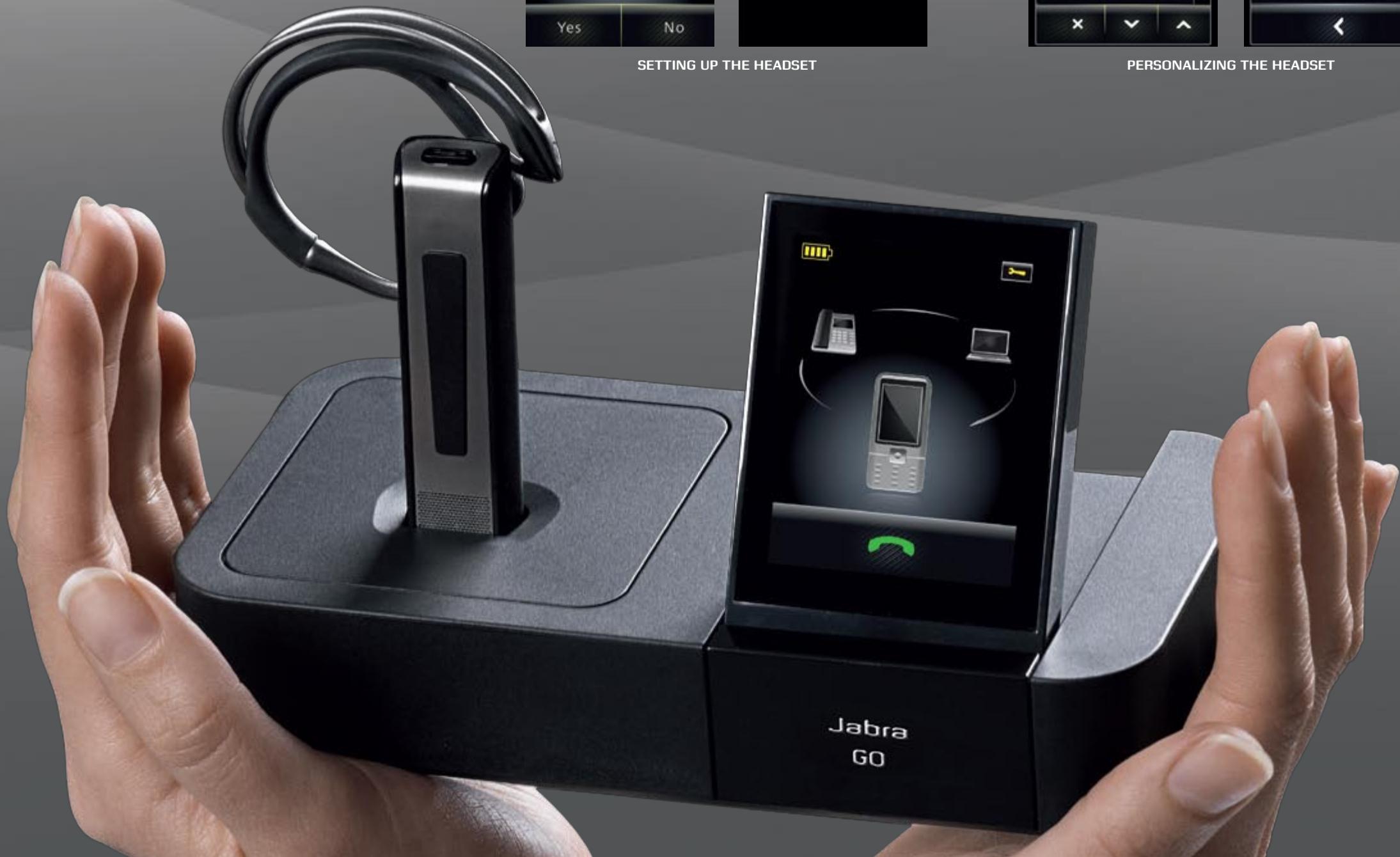
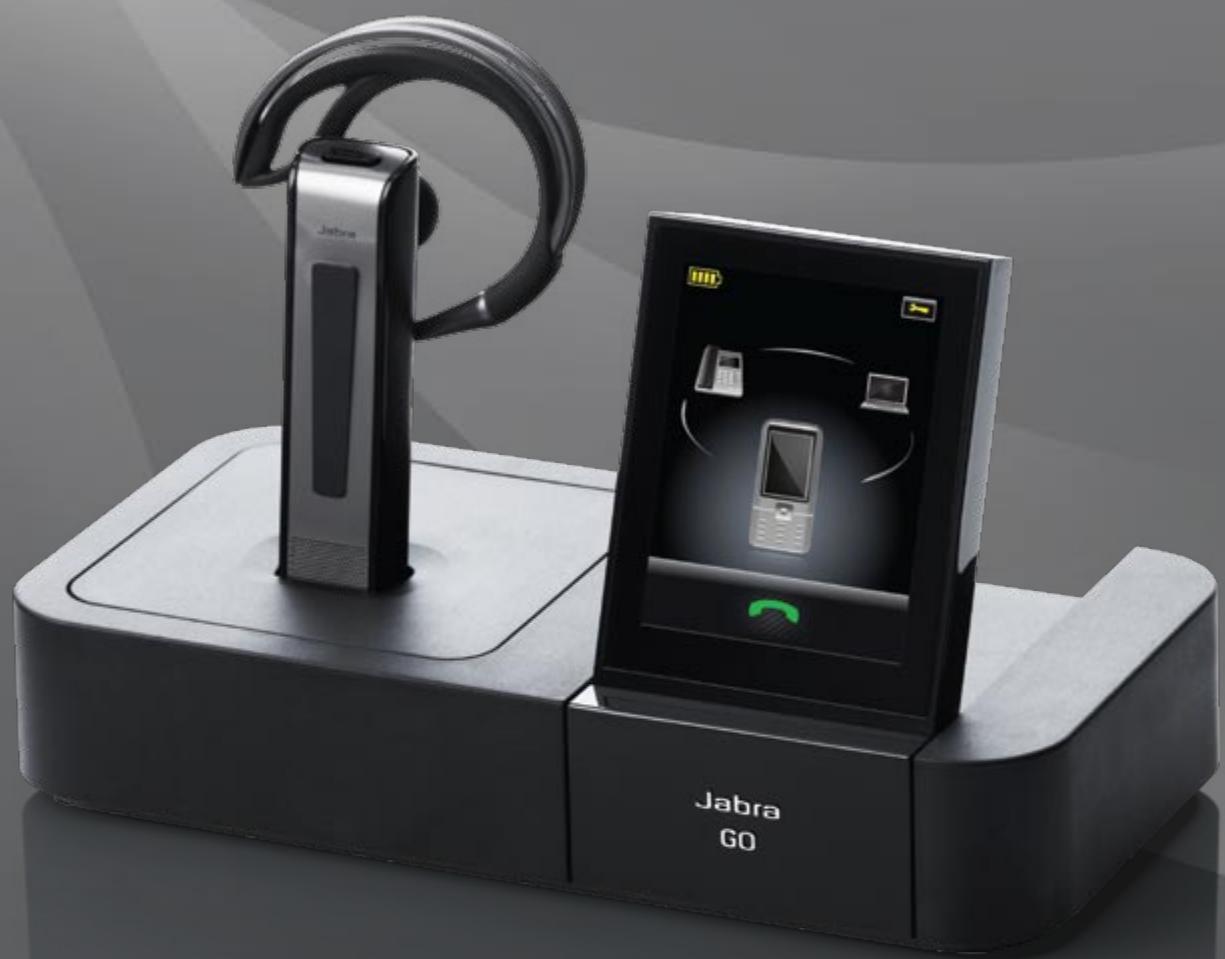
Sight is one of our most influential senses. That's why we have equipped the office version of Jabra GO 6400 series with a 2.4" color display that sets new standards for usability. The screen helps you adjust headset settings and it provides you with a status on your calls. For example it can show callers' phone numbers – or if someone tries to reach you on your softphone while you are on a mobile or desk phone call.
TOUCH ME.
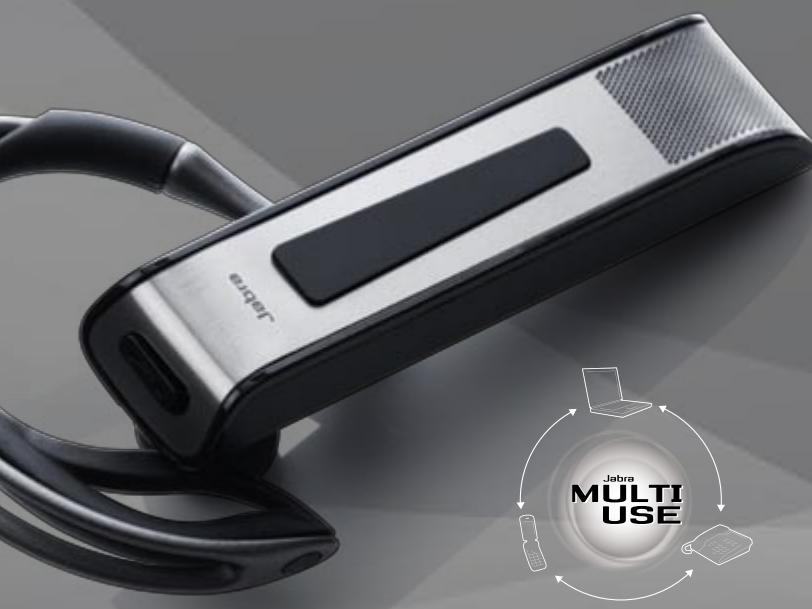
CONTROL ALL YOUR PHONES WITH ONE HEADSET
Jabra GO™ 6400 series headsets enable you to stay in touch wherever you go - within 100 m from your desk or softphone or 25 m from your mobile phone. Built-in Multiuse technology means all your phone calls come to the same headset regardless of which number the caller uses. And no matter which line your contacts try to reach you on, you can always answer just by tapping the touch sensor controls on the headset! The touch sensors also allow you to adjust volume and mute calls.
TOUCH SCREEN
The three voice channels - mobile, desk and softphone
- are united by a stylish touch screen.
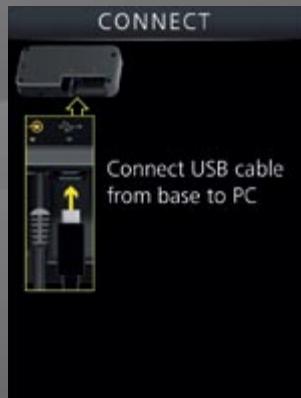
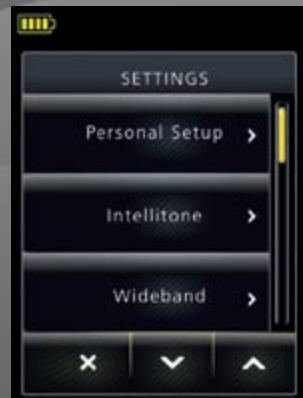
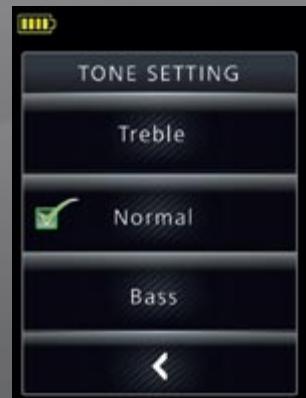
A SmartSetup wizard on the touch screen guides you through the simple process of connecting phones and choosing preferences to get started. Once you're up and running, the screen's colorful icons and intuitive menu system make call-handling a breeze.
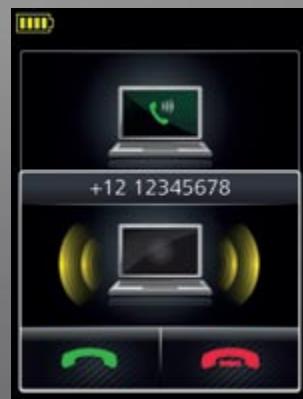
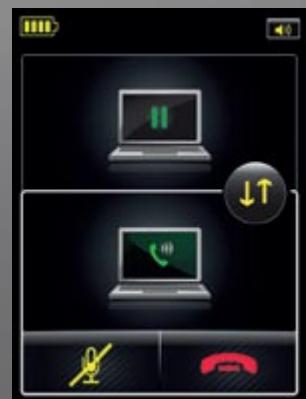
PLACING A CALL ON HOLD
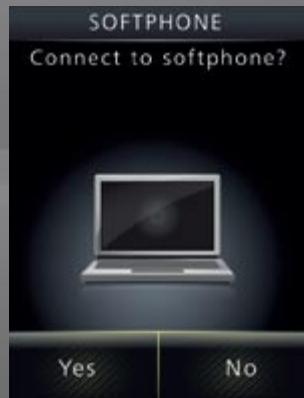
SETTING UP THE HEADSET
PERSONALIZING THE HEADSET
UPDATE FEATURES ONLINE
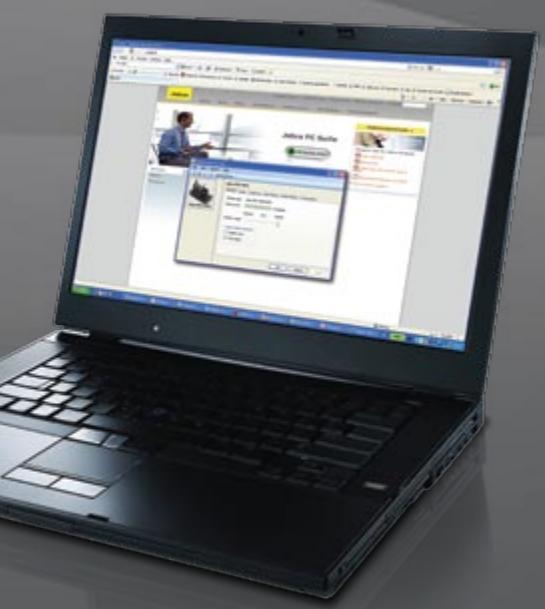
A Jabra GO 6400 series headset is a future-proof investment. Live Internet updates enable you to download the latest firmware, new functionality improvements and free drivers for the latest generation of softphones!