MC 9700 - Machine à coudre JANOME - Notice d'utilisation et mode d'emploi gratuit
Retrouvez gratuitement la notice de l'appareil MC 9700 JANOME au format PDF.


| Type de produit | Machine à coudre électronique avec fonctions de broderie |
| Caractéristiques techniques principales | 200 points de couture, 6 alphabets, 10 styles de boutonnières automatiques |
| Alimentation électrique | Adaptateur secteur 100-240V |
| Dimensions approximatives | 43 x 30 x 18 cm |
| Poids | 8,2 kg |
| Compatibilités | Compatible avec les pieds de biche JANOME et accessoires standards |
| Type de batterie | Non applicable (fonctionne sur secteur) |
| Tension | 100-240V |
| Puissance | 70W |
| Fonctions principales | Couture, broderie, personnalisation de motifs, réglage automatique de la tension |
| Entretien et nettoyage | Nettoyage régulier de la machine, lubrification des pièces mobiles, remplacement des aiguilles |
| Pièces détachées et réparabilité | Disponibilité de pièces détachées chez les revendeurs agréés |
| Sécurité | Arrêt automatique en cas de surcharge, protection contre les courts-circuits |
| Informations générales utiles | Garantie de 2 ans, manuel d'utilisation inclus, support technique disponible |
FOIRE AUX QUESTIONS - MC 9700 JANOME
Questions des utilisateurs sur MC 9700 JANOME
0 question sur cet appareil. Repondez a celles que vous connaissez ou posez la votre.
Poser une nouvelle question sur cet appareil
Téléchargez la notice de votre Machine à coudre au format PDF gratuitement ! Retrouvez votre notice MC 9700 - JANOME et reprennez votre appareil électronique en main. Sur cette page sont publiés tous les documents nécessaires à l'utilisation de votre appareil MC 9700 de la marque JANOME.
MODE D'EMPLOI MC 9700 JANOME


THE FEATURES YOU NEED FOR FLAWLESS SEWING
Start with an extensive package of decorative and utility stitches. Add the ability to combine and save these
stitches into your own unique patterns. Include seven automatic buttonholes, and a host of specialty features, like an automatic needle threader, twin needle guard, and automatic thread tension control. Put it all together and you get the Memory Craft 9700. The perfect choice for superior sewing.

A COLOR TOUCHSCREEN MAKES IT EASY
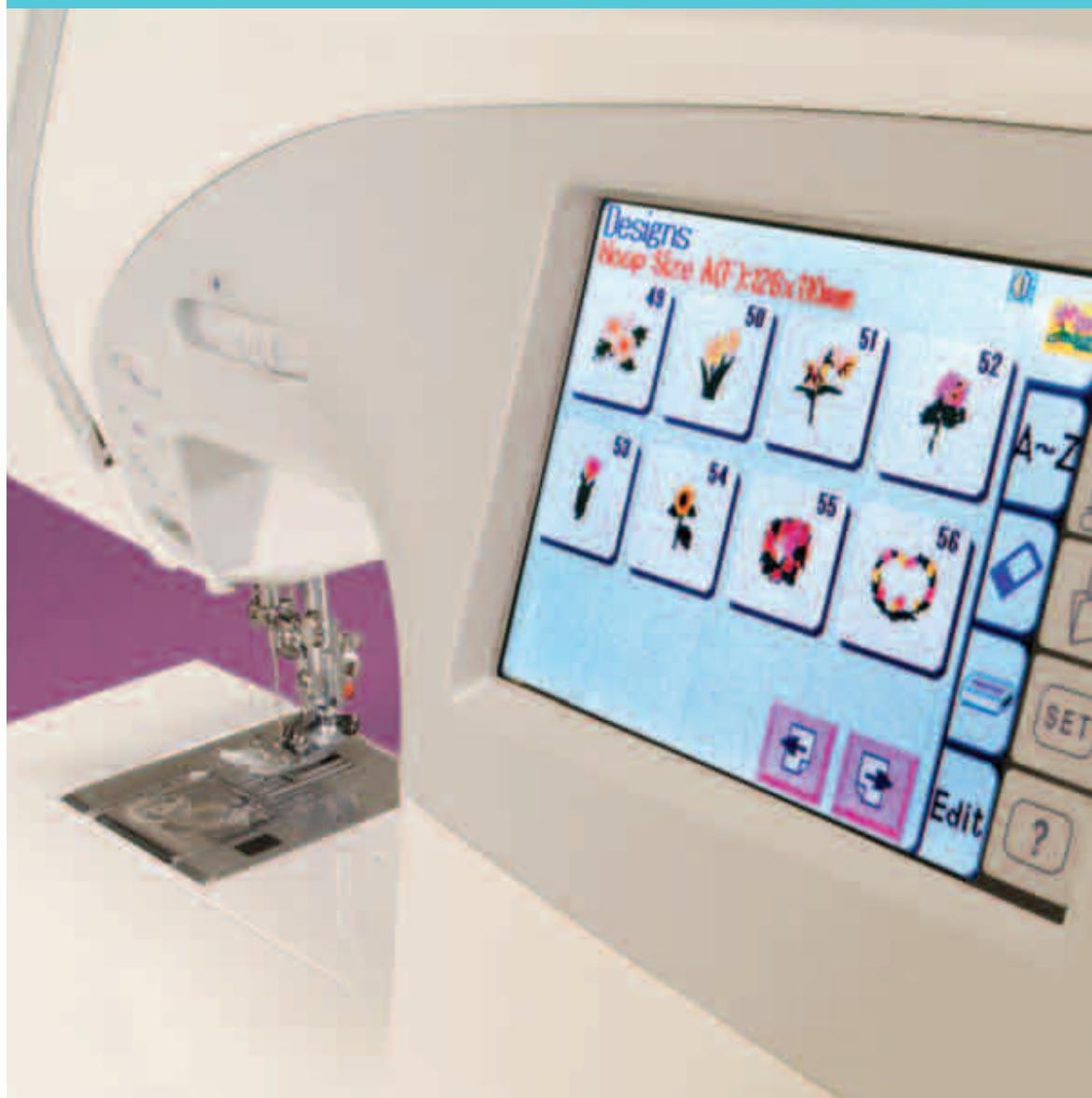
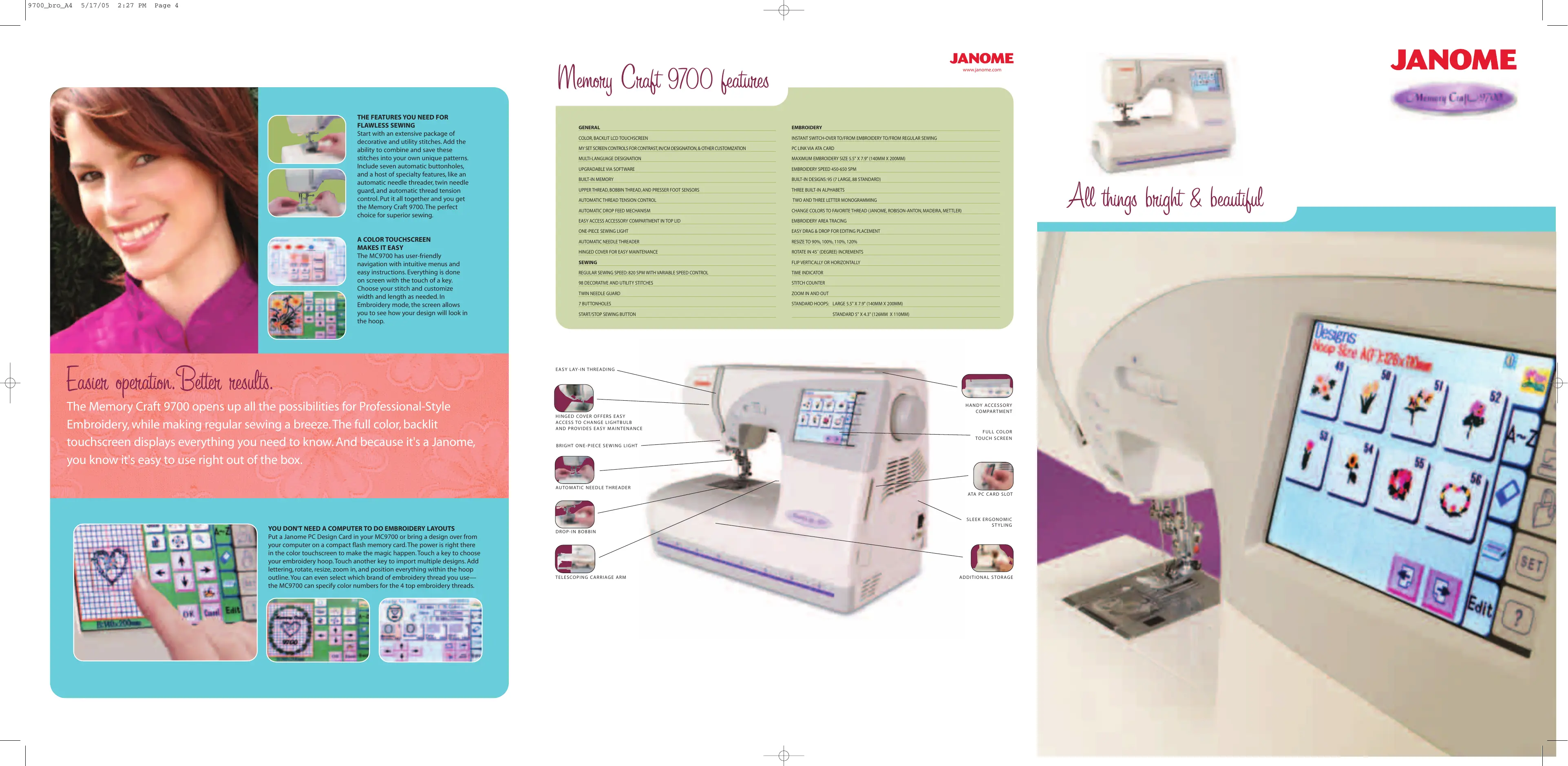
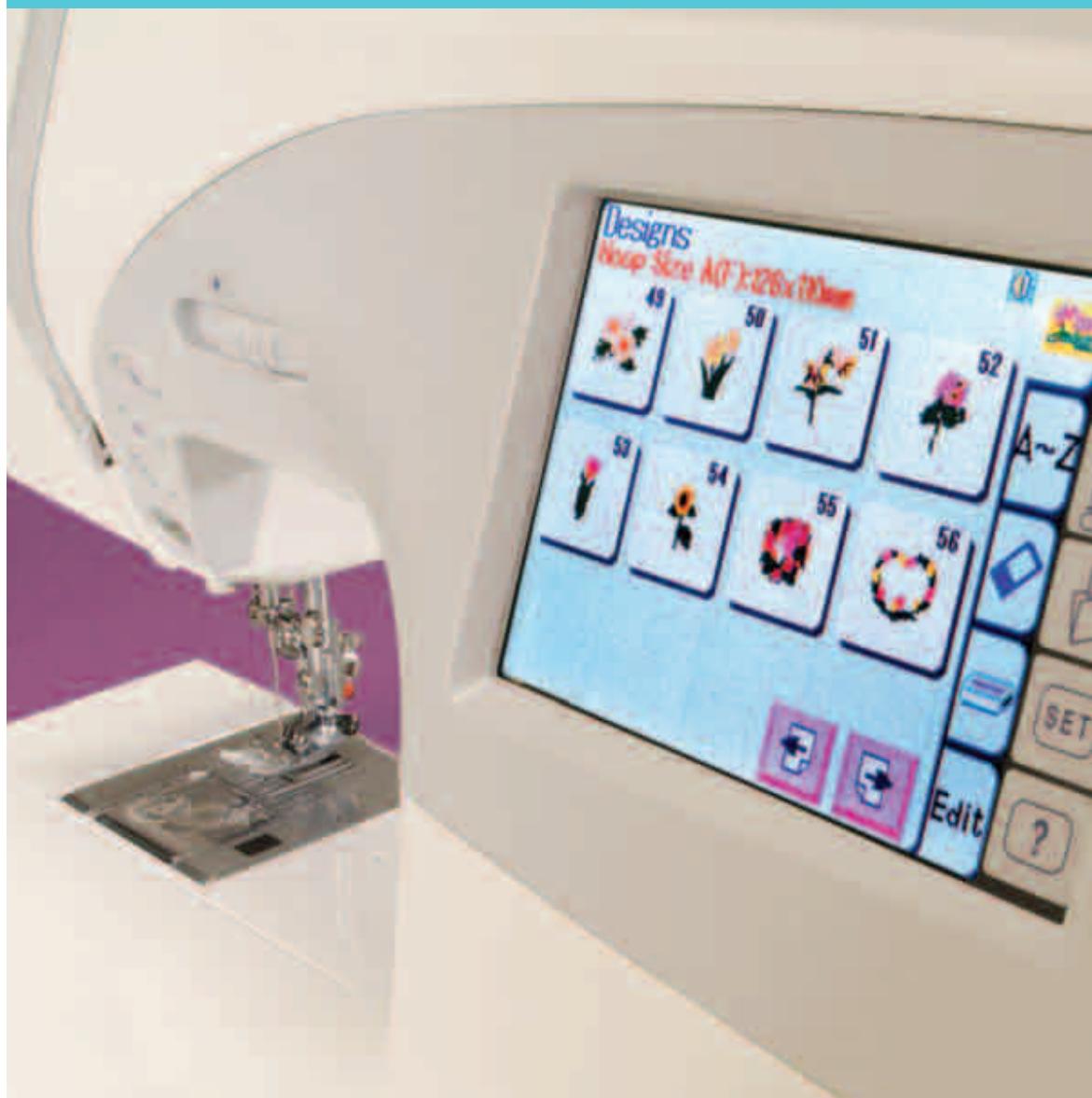
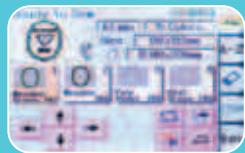
The MC9700 has user-friendly navigation with intuitive menus and easy instructions. Everything is done on screen with the touch of a key.
Choose your stitch and customize width and length as needed. In Embroidery mode, the screen allows you to see how your design will look the hoop.
Easier operation. Better results.
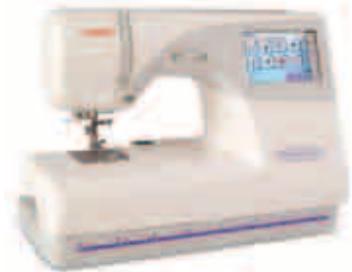
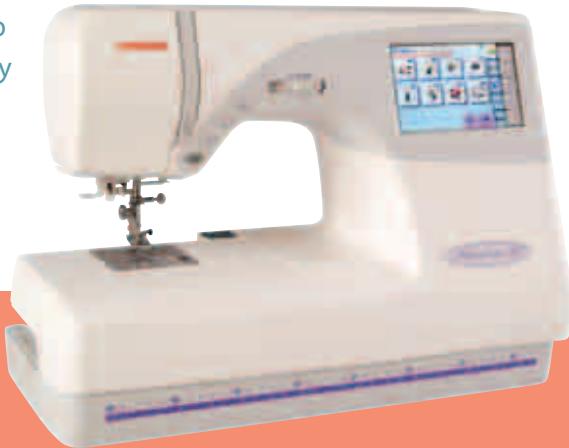
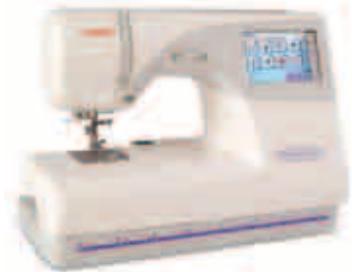
The Memory Craft 9700 opens up all the possibilities for Professional-Style Embroidery, while making regular sewing a breeze. The full color, backlit touchscreen displays everything you need to know. And because it's a Janome, you know it's easy to use right out of the box.
YOU DON'T NEED A COMPUTER TO DO EMBROIDERY LAYOUTS
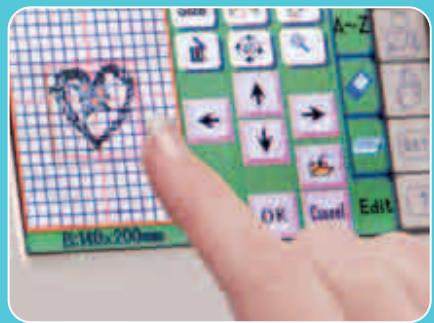
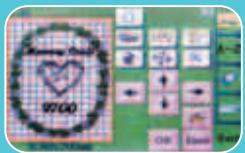
Put a Janome PC Design Card in your MC9700 or bring a design over from your computer on a compact flash memory card. The power is right there in the color touchscreen to make the magic happen. Touch a key to choose your embroidery hoop. Touch another key to import multiple designs. Add lettering, rotate, resize, zoom in, and position everything within the hoop outline. You can even select which brand of embroidery thread you use—the MC9700 can specify color numbers for the 4 top embroidery threads.
Memory Craft 9700 features
GENERAL
COLOR. BACKLIT LCD TOUCHSCREEN
MY SET SCREEN CONTROLS FOR CONTRAST,IN/CM DESIGNATION,& OTHER CUSTOMIZATION
MULTI-LANGUAGE DESIGNATION
UPGRADABLE VIA SOFTWARE
BUILT-IN MEMORY
UPPER THREAD, BOBBIN THREAD AND PRESSER FOOT SENSORS
AUTOMATIC THREAD TENSION CONTROL
AUTOMATIC DROP FEED MECHANISM
EASY ACCESS ACCESSORY COMPARTMENT IN TOP LID
ONE-PIECE SEWING LIGHT
AUTOMATIC NEEDLE THREADER
HINGED COVER FOR EASY MAINTENANCE
SEWING
REGULAR SEWING SPEED: 820 SPM WITH VARIABLE SPEED CONTROL
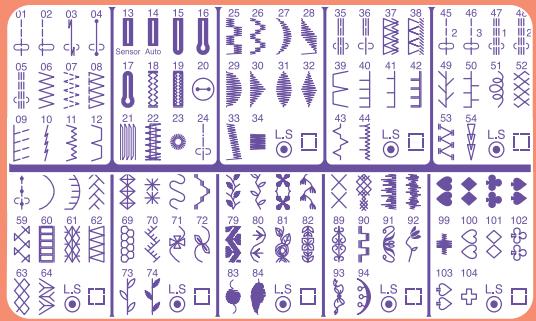
98 DECORATIVE AND UTILITY STITCHES
TWIN NEEDLE GUAI
7 BUTTONHOLES
START/STOP SEWING BUTTON
EMBROIDERY
INSTANT SWITCH-OVER TO/FROM EMBROIDERY TO/FROM REGULAR SEWING
PC LINK VIA ATA CARD
MAXIMUM EMBROIDERY SIZE 5.5^ 7.9^ (140MM X 200MM)
EMBROIDERY SPEED 450-650 SPM
BUILT-IN DESIGNS: 95 (7 LARGE, 88 STANDARD)
THREE BUILT-IN ALPHABETS
TWO AND THREE LETTER MONOGRAMMING
CHANGE COLOURS TO FAVORITE THREAD (JANOME, ROBISON-ANTON, MADEIRA, METTLER)
EMBROIDERY AREA TRACING
EASY DRAG & DROP FOR EDITING PLACEMENT
RESIZE TO 90%, 100%, 110%, 120%
ROTATE IN 45^ (DEGREE) INCREMENTS
FLIP VERTICALLY OR HORIZONTALLY
TIME INDICATEOF
STITCH COUNTER
ZOOM IN AND OUT
STANDARD HOOPS: LARGE 5.5" X 7.9" (140MM X 200MM)
STANDARD 5" X 4.3" (126MM X 110MM)
JANOME
www.janome.com
All things bright & beautiful
Bring your style to life
Your creative style reflects the many facets of your personality. You have a serious side that wants precision sewing. You have a creative side that loves to explore all the possibilities of embroidery design. And you have a practical side that doesn't want to waste time setting-up a complicated embroidery attachment.
Fortunately for you, the Memory Craft 9700 was designed to bring together all the best features in one machine. You get the precision stitching Janome is known for, easy navigation and design layout on a color
touchscreen, and the built-in, two-step conversion from sewing to embroidery you can't get from any other brand.

HELLO, PROFESSIONAL-STYLE EMBROIDERY. GOODBYTE, CLUMSY EMBROIDERY ATTACHMENT.
GET MORE SEWING DONE WITH EASEN AND PRECISION
The MC9700 has the power and precision of a superior stitch mechanism combined with the sophistication of computerized control. From embellishment with decorative stitches and delicate heirloom work, to creative quilting and clothing construction, your sewing projects will go smoother and look better.
MORE DECORATIVE STITCHING
Choose from 98 decorative stitches. Each stitch can be customized and/or combined, and saved to the built-in Memory banks.
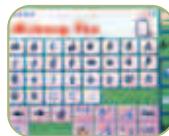
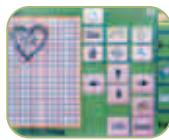
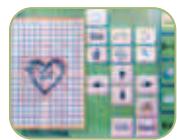
Touch, drag and drop
If you can point, you can use even our most advanced on-screen editing functions.
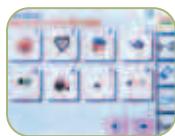
1. Bring in designs on PC Design Cards or ATA PC Cards.
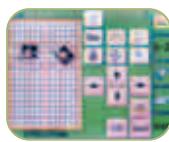
5. Rotate and resize designs

Great standard and optional accessories, plus easy updates. Janome offers a host of wonderful accessories. Ask your dealer or go online to www.janome.com to view a complete list. And, remember, your MC9700 can be updated via software.
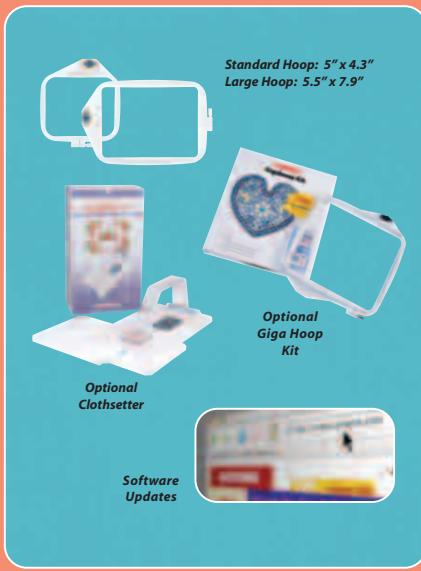
EMBROIDERY HOOPS INCLUDED
Select your hoop size right on screen. Both the Standard and Large hoops are included with the MC9700, giving you up to 5.5^ × 7.9^ of embroidery area.
SUPER-SIZE YOUR EMBROIDERY WITH THE
OPTIONAL GIGA HOOP KIT
This package includes our biggest hoop (9.1^ × 7.9^ ) , Customizer 10000 Plus layout software, and a collection of 50 designs created especially for the Giga Hoop.
GO BEYOND THE HOOP FOR UNLIMITED EMBROIDERY SIZE
Only Janome has the amazing Clothsetter. This optional accessory allows you to place your embroidery designs perfectly anywhere, every time. It's so accurate, you can use it to create designs of virtually unlimited size. With the Clothsetter's perfect placement, your designs are never limited to the size of your hoop.
UPDATE YOUR MACHINE THROUGH SOFTWARE
You can update your MC9700 with software. This means when Janome releases new stitches, screens, or other feature modifications, you'll be able to add these free or low-cost updates right into your machine's onboard computer. It's like getting a new machine with the touch of a button!
Unlimited design options
Pick your favorite or try them all.
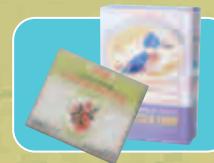
Bring In Embroidery Designs From Many Sources. Select from Janome PC Design Cards, download from the Internet, or create your own designs with Janome embroidery software. You can easily transfer them all to the MC9700 using the ATA PC Card slot. The color menu system makes it easy.
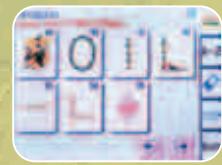
SELECT FROM AN ON-BOARD LIBRARY
The MC9700 comes loaded with 95 popular designs, so you can begin embroiderding right out of the box.

BROWSE OUR PC DESIGN CARD COLLECTION
These optional cards contain hundreds of images digitized (converted to embroidery stitch data) especially for your Janome. Each PC Design Card is loaded onto Flash Memory media with designs ranging from classic floras to whimsical children's designs. View all the design menus at www.janome.com. Current Design Cards are also available on CD ROM for use with Janome software to manipulate or combine designs in your computer.
CREATE WITH JANOME EMBROIDERY SOFTWARE
Easy-to-use Janome software programs, like Customizer 10000 Plus and Digitizer 10000, give you the tools you need to create your own digitized embroidery designs. And just like our machines, our optional software is intuitive and flexible. No stacks of manuals or lengthy tutorials required. Just click to create.
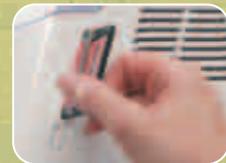
FAST ACCESS THROUGH THE ATA PC CARD SLOT
However you get them, you can transfer your designs quickly and easily on an ATA PC Card (also known as "Compact Flash with Type II Adapter) that inserts directly into the machine's port. It's much faster and more reliable than a floppy disk. In fact, it's the standard storage device for a host of electronic devices from laptops to digital cameras, and blank cards can be purchased at any electronics store.

DOWNLOAD DESIGNS FROM THE INTERNET
Lots of websites offer copyright-free designs in the Janome .jef and .sew formats. Download these or make your own with Janome digitizing software. Just transfer the designs to an optional ATA PC Card to load them into your machine.
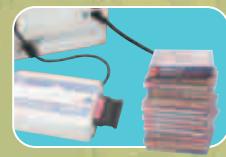
USE YOUR FAVORITE CLASSIC MEMORY CARDS
With the optional Card Reader 10000, your MC9700 can read designs from our large Memory Card archives (#102 and up).


THE FEATURES YOU NEED FOR FLAWLESS SEWING
Start with an extensive package of decorative and utility stitches. Add the ability to combine and save these
stitches into your own unique patterns. Include seven automatic buttonholes, and a host of specialty features, like an automatic needle threader, twin needle guard, and automatic thread tension control. Put it all together and you get the Memory Craft 9700. The perfect choice for superior sewing.

A COLOR TOUCHSCREEN MAKES IT EASY
The MC9700 has user-friendly navigation with intuitive menus and easy instructions. Everything is done on screen with the touch of a key.
Choose your stitch and customize width and length as needed. In Embroidery mode, the screen allows you to see how your design will look in the hoop.
Easier operation. Better results.
The Memory Craft 9700 opens up all the possibilities for Professional-Style Embroidery, while making regular sewing a breeze. The full color, backlit touchscreen displays everything you need to know. And because it's a Janome, you know it's easy to use right out of the box.
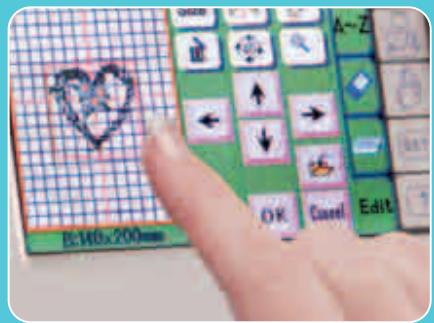
YOU DON'T NEED A COMPUTER TO DO EMBROIDERY LAYOUTS
Put a Janome PC Design Card in your MC9700 or bring a design over from your computer on a compact flash memory card. The power is right there in the color touchscreen to make the magic happen. Touch a key to choose your embroidery hoop. Touch another key to import multiple designs. Add lettering, rotate, resize, zoom in, and position everything within the hoop outline. You can even select which brand of embroidery thread you use—the MC9700 can specify color numbers for the 4 top embroidery threads.
Memory Craft 9700 features
GENERAL
COLOR. BACKLIT LCD TOUCHSCREEN
MY SET SCREEN CONTROLS FOR CONTRAST,IN/CM DESIGNATION,& OTHER CUSTOMIZATION
MULTI-LANGUAGE DESIGNATION
UPGRADABLE VIA SOFTWARE
BUILT-IN MEMORY
UPPER THREAD, BOBBIN THREAD, AND PRESSER FOOT SENSORS
AUTOMATIC THREAD TENSION CONTROL
AUTOMATIC DROP FEED MECHANISM
EASY ACCESS ACCESSORY COMPARTMENT IN TOP LID
ONE-PIECE SEWING LIGHT
AUTOMATIC NEEDLE THREADER
HINGED COVER FOR EASY MAINTENANCE
SEWING
REGULAR SEWING SPEED: 820 SPM WITH VARIABLE SPEED CONTROL
98 DECORATIVE AND UTILITY STITCHES
TWIN NEEDLE GUAR
7 BUTTONHOLES
START/STOPSEWINGBUTTON
EMBROIDERY
INSTANT SWITCH-OVER TO/FROM EMBROIDERY TO/FROM REGULAR SEWING
PC LINK VIA ATA CARD
MAXIMUM EMBROIDERY SIZE 5.5^ 7.9^ (140MM X 200MM)
EMBROIDERY SPEED 450-650 SPM
BUILT-IN DESIGNS:95 (7 LARGE,88 STANDARD)
THREE BUILT-IN ALPHABETS
TWO AND THREE LETTER MONOGRAMMING
CHANGE COLOURS TO FAVORITE THREAD (JANOME, ROBISON-ANTON, MADEIRA, METTLER)
EMBROIDERY AREA TRACING
EASY DRAG & DROP FOR EDITING PLACEMENT
RESIZE TO 90%, 100%, 110%, 120%
ROTATE IN 45^ (DEGREE) INCREMENTS
FLIP VERTICALLY OR HORIZONTAL
TIME INDICATOR
STITCH COUNTER
ZOOM IN AND OUT
STANDARD HOOPS: LARGE 5.5" X 7.9" (140MM X 200MM)
STANDARD 5" X 4.3" (126MM X 110MM)
JANOME
www.janome.com
All things bright & beautiful