Xpress On-Premise - Caméra de visioconférence JABRA - Notice d'utilisation et mode d'emploi gratuit
Retrouvez gratuitement la notice de l'appareil Xpress On-Premise JABRA au format PDF.


| Type de produit | Casque téléphonique professionnel pour communications unifiées |
| Dimensions (L x l x H) | 170 x 70 x 180 mm (base) ; 150 x 60 x 50 mm (casque) |
| Poids | ~80 g (casque) ; ~120 g (base) |
| Alimentation | Base via adaptateur secteur (5 V, 1 A) ; batterie lithium-ion intégrée |
| Autonomie en conversation | Jusqu'à 10 heures |
| Autonomie en veille | Jusqu'à 100 heures |
| Temps de charge | 2 heures pour une charge complète |
| Portée sans fil | Jusqu'à 30 mètres en intérieur (selon environnement) |
| Connectivité | DECT 6.0 ; USB (base) ; entrée audio 3,5 mm (optionnel) |
| Fonctions principales | Contrôle des appels (réponse/fin), mise en sourdine, réglage du volume, commutation entre appels |
| Compatibilité | PC, Mac, téléphones IP, centrales téléphoniques compatibles DECT |
| Réduction de bruit | Microphone avec réduction de bruit ambiant |
| Indicateur LED | État de la batterie et de la connexion (base et casque) |
| Entretien et nettoyage | Essuyer avec un chiffon doux légèrement humide ; ne pas utiliser de produits abrasifs |
| Sécurité | Conforme aux normes CE, FCC ; protocole de sécurité DECT |
| Pièces détachées et réparabilité | Batterie remplaçable, coussinets d'oreille disponibles ; réparation par centre agréé |
| Garantie | 2 ans (sous réserve des conditions générales) |
| Contenu de la boîte | Casque, base, adaptateur secteur, câble USB, guide de démarrage rapide |
FOIRE AUX QUESTIONS - Xpress On-Premise JABRA
Questions des utilisateurs sur Xpress On-Premise JABRA
0 question sur cet appareil. Repondez a celles que vous connaissez ou posez la votre.
Poser une nouvelle question sur cet appareil
Téléchargez la notice de votre Caméra de visioconférence au format PDF gratuitement ! Retrouvez votre notice Xpress On-Premise - JABRA et reprennez votre appareil électronique en main. Sur cette page sont publiés tous les documents nécessaires à l'utilisation de votre appareil Xpress On-Premise de la marque JABRA.
MODE D'EMPLOI Xpress On-Premise JABRA
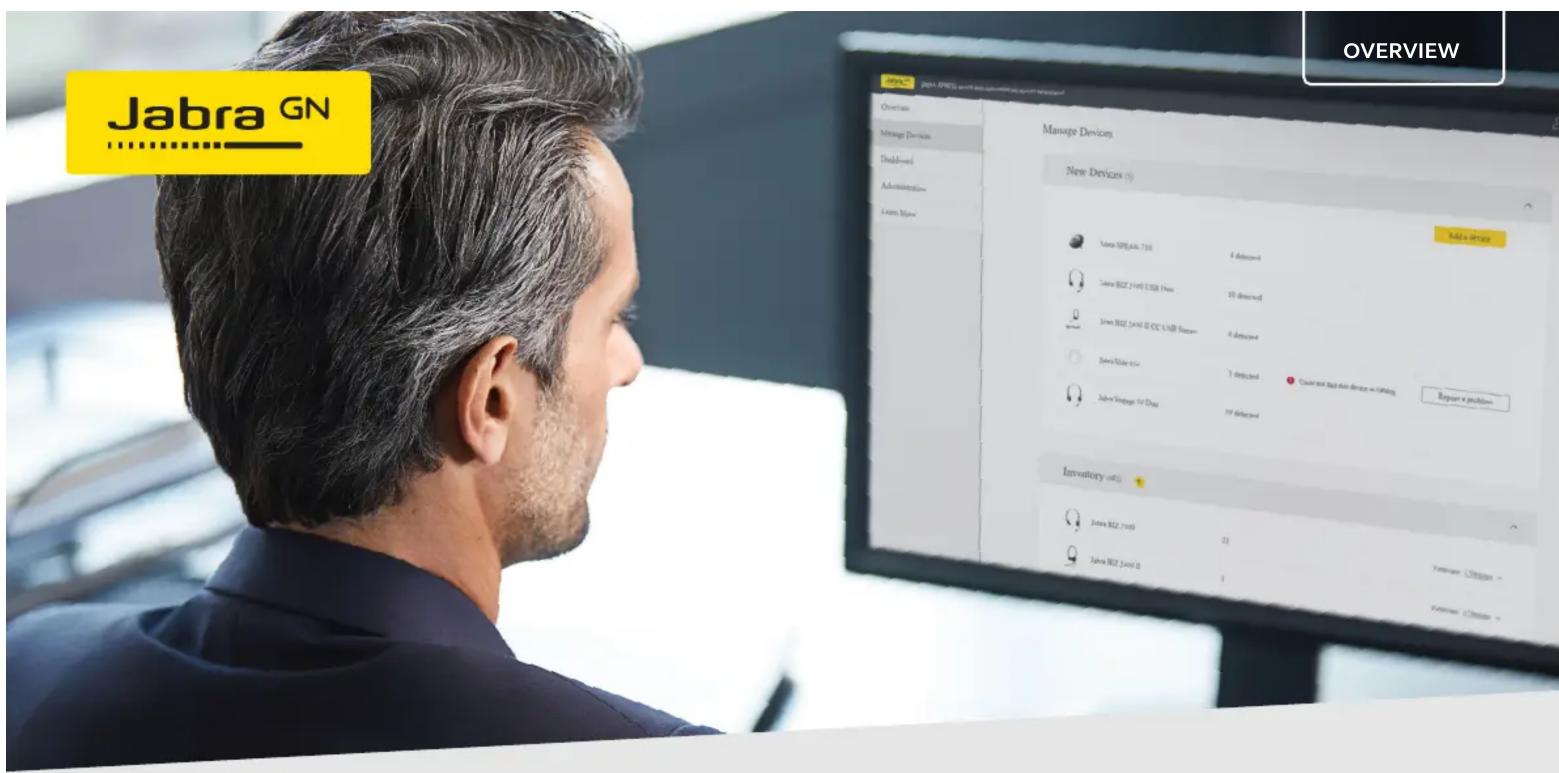
Manage your meeting rooms from a distance
Utilize space and monitor compliance with Room Insights
Jabra Xpress is a software solution that lets you manage all your employees' Jabra audio and video solutions 100% remotely, and free of charge.
Now, the Room Insights for Jabra PanaCast, the newest feature in Jabra Xpress, you can use our unique data capture to manage your meeting rooms from a distance. Based on numbers from People Count - a feature in Jabra Panacast that utilizes the camera's impressive 180° field-of-view to count the number of people present in a room - it's easy to improve meeting space utilization, while defining and monitoring meeting room safety capacity.
Improve meeting space utilization
Space is increasingly becoming a scarce and expensive resource in many organizations. Jabra Xpress Room Insights allows you to make data-driven decisions - based on insights of usage, peak hours and capacity - helping you better utilize your meeting room space.
Identifying the actual utilization of meeting rooms over time provides you with solid data to understand the future need for number and size of meeting rooms, allowing you to adapt your collaboration setup to suit your changing needs.
Quote: 24% of IT decision makers say they lack big data to power facility management.

natural_image
Jabra J-axis sensor device with dual lenses and a flat base (no visible text or symbols)Manage safety in meeting rooms
New guidance authorities regarding meeting rooms suggests keeping meeting participants six feet apart, or the meeting room at 50% capacity, in order to comply with safety standards. In meeting rooms fitted with Jabra Panacast, you can now systematically view the room's current occupancy against the safest capacity in Jabra Xpress, to ensure compliance.
How to get started
Step 1.
Go to Administration within your Jabra Xpress account to create your room Configure meeting room:
a) Give your meeting room a name
b) Enter the normal room capacity (the maximum amount of people usually permitted)
c) Enter the restricted room capacity (most current safety standards recommend 50% of normal capacity)
d) Pair a PanaCast camera in the room by entering its serial number
You can always edit the room details in Administration
Step 2.
View data in Room Insights
Simply export data to Excel (.csv) file if you require more than a 30-day view, or for extensive custom reporting.

bar
| Room Name | Safety Capacity | | :--- | :--- | | #orgSICKX | 0 | | uJOSLxF-H | 3 | | #orgSICKX | 5 | | #d Sate | 4 | | IMHOMDTF | 0 | | #l#t#s | 1 | | wHLmgOlgC | 0 | | #pDxKAL1EE | 1 | | #PSTkgQ8B | 1 | | Room Name | Safety Capacity (m²) | | :--- | :--- | | #orgSICKX | 0 | | uJOSLxF-H | 3 | | #orgSICKX | 5 | | #d Sate | 4 | | IMHOMDTF | 0 | | #l#t#s | 1 | | wHLmgOlgC | 0 | | #pDxKAL1EE | 1 | | #PSTkg28B | 1 | | Room Name | Safety Capacity (m²) | | :--- | :--- | | #orgSICKX | 0 | | uJOSLxF-H | 3 | | #orgSICKX | 5 | | #d Sate | 4 | | IMHOMDTF | 0 | | #l#t#s | 1 | | wHLmgOlgC | 0 | | #PSTkgQ8B | 1 | | Room Name | Safety Capacity (m²) | | :--- | :--- | | #orgSICKX | 0 | | uJOSLxF-H | 3 | | #orgSICKX | 5 | | #d Sate | 4 | | IMHOMDTF | 0 | | #l#t#s | 1 | | wHLmgOlgc | 0 | | #pDxKAL1EE | 1 | | #PSTkgQ8B | 1 | | Room Name | Safety Capacity (m²) | | :--- | :--- | | #orgSICKX | 0 | | uJOSLxF-H | 3 | | #orgSICKX | 5 | | #d Sate | 4 | | IMHOMDTF | 0 | | @l#t#s | 1 | | wHLmgOlgC | 0 | | #pSTkgQ8B | 1 | | Room Name | Safety Capacity (m²) | | :--- | :--- | | #orgSICKX | 0 | | uJOSLxF-H | 3 | | #orgSICKX | 5 | | #d Sate | 4 | | IMHOMDTF | 0 | | @l#t#s | 1 | | wHLmgOlgC | 0 |
Marque : JABRA
Modèle : Xpress On-Premise
Catégorie : Caméra de visioconférence