MMO76 - Oven Mayer - Free user manual and instructions
Find the device manual for free MMO76 Mayer in PDF.


| Product Type | Electric Oven |
| Brand | Mayer |
| Model | MMO76 |
| Energy Source | Electric |
| Oven Capacity | 70 Liters |
| Dimensions (W x H x D) | 59.5 cm x 59.5 cm x 54.7 cm |
| Weight | Approximately 32 kg |
| Rated Power | 3000 W |
| Number of Functions | 8 (including convection, grill, defrost, etc.) |
| Temperature Range | 50°C - 250°C |
| Door Type | Cool touch, triple-glazed |
| Control Type | Rotary knobs and buttons |
| Display | LED screen |
| Interior Light | Yes |
| Cleaning | Enamel lining, easy clean |
| Safety Features | Child lock, overheating protection, automatic shut-off |
| Spare Parts Availability | Heating elements, door gasket, thermostat, etc. |
| Energy Efficiency Class | A |
| Warranty | 2 years |
Frequently Asked Questions - MMO76 Mayer
User questions about MMO76 Mayer
0 question about this device. Answer the ones you know or ask your own.
Ask a new question about this device
Download the instructions for your Oven in PDF format for free! Find your manual MMO76 - Mayer and take your electronic device back in hand. On this page are published all the documents necessary for the use of your device. MMO76 by Mayer.
USER MANUAL MMO76 Mayer
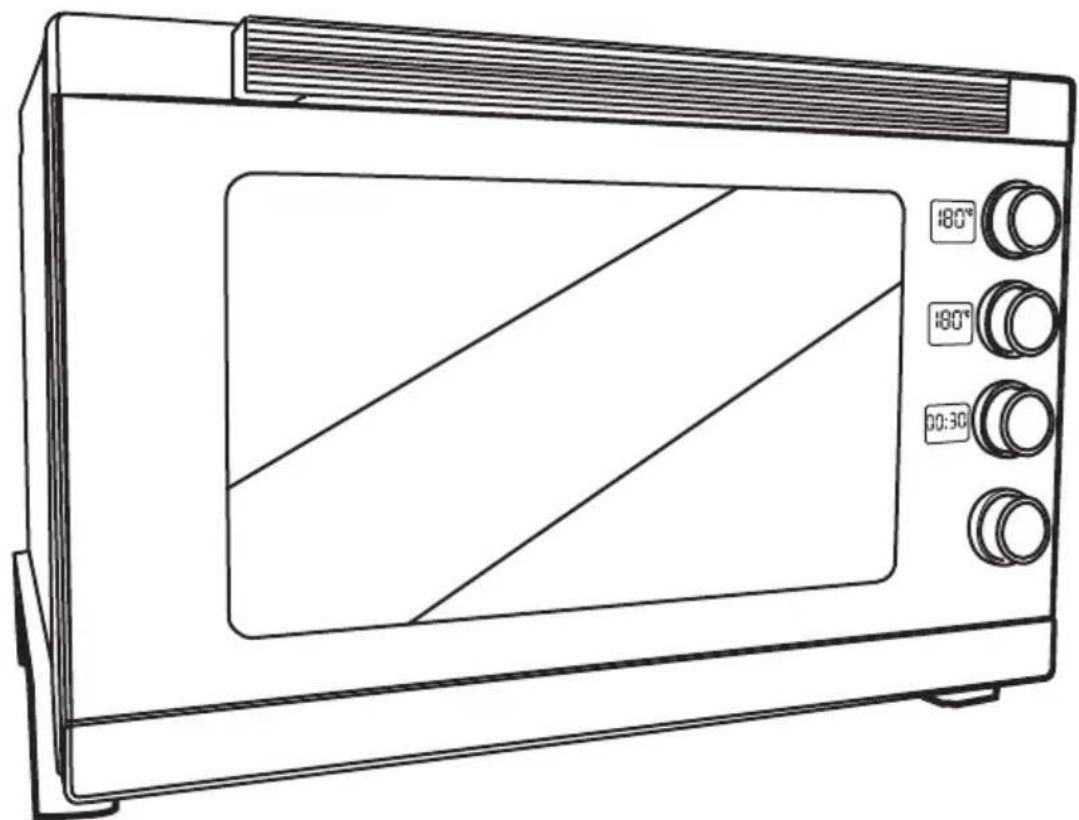
Electric Oven The Professional Chef Series MM076
natural_image
Line drawing of a microwave oven with control knobs and a diagonal screen (no text or symbols)Please read this instruction manual thoroughly before operating and keep it for future reference
IMPORTANT SAFETY INSTRUCTIONS
- This appliance is not intended for use by persons (including children) with reduced physical, sensory or mental capabilities, or lack of experience and knowledge unless they have been given supervision or instruction concerning the use of the appliance by a person responsible for their safety.
• Children should be supervised to ensure that they do not play with the appliance. - Do not operate any appliance with a damaged cord or plug or after the appliance malfunctions, or has been dropped or damaged in any manner. If the power cord is damaged, it must be replaced by the Service Centre to avoid a hazard.
- When using electrical appliances, basic safety precautions should always be followed to reduce the risk of fire, electric shock, and/or injury.
• Do not immerse appliance, cord or plug in water or other liquid.
• Unplug from the outlet when not in use and before cleaning.
• Do not unplug the appliance by pulling on the cord. - Use the accessories from the appliance only, as other accessories not from the appliance may cause fire, electric shock or injury.
- Do not operate the oven in the presence of explosive and or flammable fumes such as petrol or kerosene.
- Do not leave the oven operating without supervision, ensure the oven is placed on a flat stable, dry heat-resistant surface when in operations.
• Do not place the oven on or near a heater cooker or a hot gas. - Do not disassemble the oven or replace parts with parts not intended for this appliance.
• Do not touch hot surfaces. Use the handles and knobs only. - When in use, the oven is hot. Do not touch the oven and the glass door.
- Extreme caution should be exercised when using containers constructed of anything other than metal or glass.
- Do not sprinkle water on the glass window while it's hot, this could cause the glass to crack.
• There should be at least a distance of 10 cm between the oven and the wall. - Allow the appliance to cool before cleaning.
• Oversized food or metal utensils must not be inserted into the oven. - A fire may occur if the oven is covered or touching inflammable material, including draperies, walls, and etc, when in operation.
• Do not store any materials, other than the recommended accessories in the oven.
• Always wear protective, insulated oven gloves when inserting or removing items from the hot oven.
• For indoor use only. - When cooking oil-splashing dishes such as roast chicken, it is recommended to put 2 sheets of aluminium foils on a tray to diminish oil splashing. Put one on a tray. Then oil will drip to a gap between foils.
PRODUCT TECHNICAL PARAMETERS
| MODEL | RATED VOLTAGE | RATED POWER | GROSS CAPACITY |
| MMO76 | 230V~50Hz | 2910W | 76L |
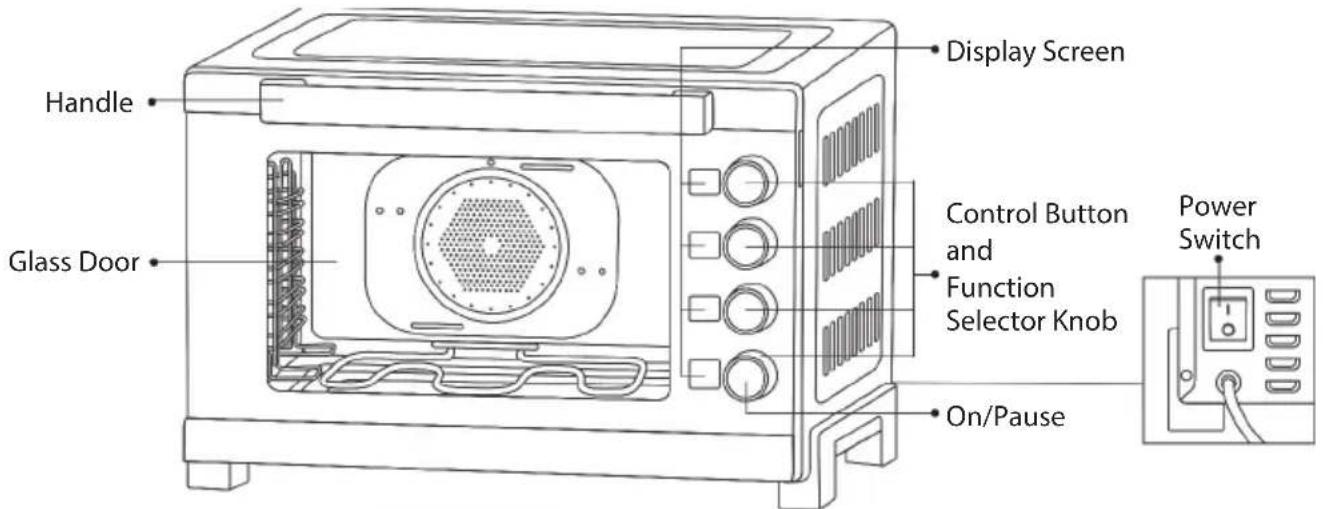
INTRODUCTION OF PARTS
natural_image
Pure electrical circuit lines without any symbols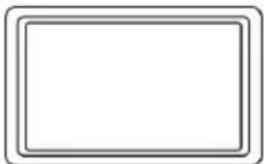
natural_image
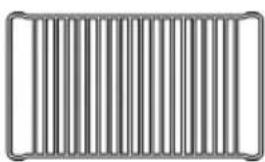
Empty rectangular frame with rounded corners (no text or symbols)Wire Rack Baking Tray
Note:
- The hole on the back panel is for steam exhaust purpose.
- To start the oven operation, must turn on the power switch that is situated at the rear panel of the oven.
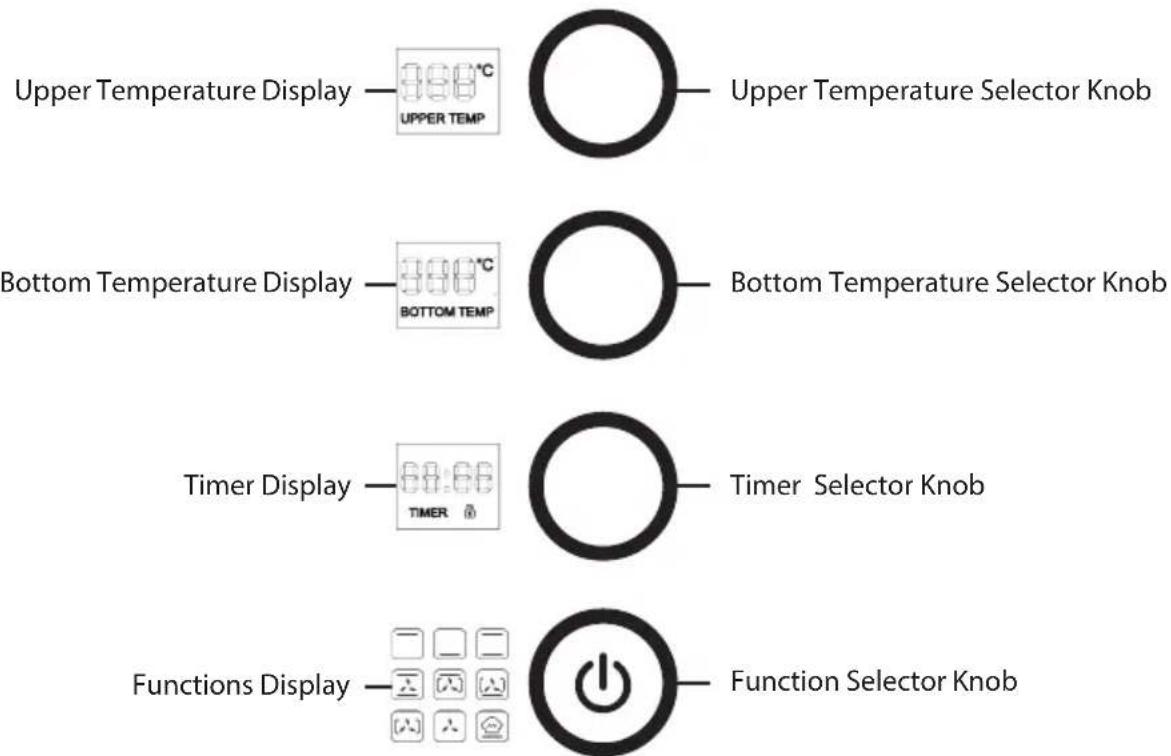
Control Panel
CONTROLS AND OPERATIONS
Before use
• Make sure that the appliance is unplugged.
- Wash the accessories with mild dish detergent and rinse them thoroughly with water.
- Thoroughly dry all accessories and re-assemble them in the appliance before plugging the appliance into the power outlet.
- If the appliance is used for the first time, we recommend that you run the oven (without any food or accessories in it) at the highest temperature on the toast function for about 10 minutes, it may slightly emit smell and smoke. This is normal and only last for a short time.
• Make sure to use the appliance in a well-ventilated area.
Operating instruction
- Positioning the rack, the baking tray should be placed under the rack to catch the cooking juices and fats.
- Put the food into the appliance then close the door.
- Switch on the power supply and turn on the power switch that is situated at the rear panel of the appliance and a beep sound will be heard and the display will flash, after 3 seconds.
“☐” and “☐” will start blinking. Meantime, the default setting of upper and bottom temperature is 1800C and the default baking time is 30 minutes. - You may select your desired cooking function, time and temperature by turning the related knob control.
- Your setting will appear in the display. The knob "①" blinking press once the oven will work in the set mode until the end of setting time. The appliance will automatically enter into standby mode if there is no setting in between 30 seconds.
- When the set time is up, the timer will beep for 30 seconds, please take out the cooked food.
Notes:
- When baking foods with high water content such as cakes, toasts, etc., that will produce water vapor when baking. The steam will adhere to the glass door and turn into water droplets. This is a normal physical process.
- If baked biscuits show even browning results, lower the temperature and extend baking time. You may experiment and adjust to identify your preference on using different ingredients. Or while baking, turn the pan or adjust the level of rack position to ensure biscuits brown on both side evenly.
Control Panel Guide
| No. Display Operation | |||
| 1 Upper | Temperature Display Rotate to adjust the upper temperature 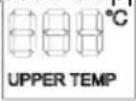 | ||
| 2 Bottom | Temperature Display | 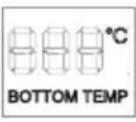 | Rotate to adjust the bottom temperature |
| 3 Timer | Display Rotate to adjust the timer and press and hold for 3 secs to switch on the child lock function 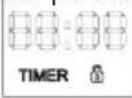 | ||
| 4 Functions | Display Rotate to select the full 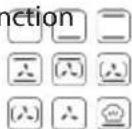 | ||
| 5 Upper | Temperature Selector Knob |  | Rotate to adjust the upper temperature and press once to set the temperature |
| 6 Bottom | Temperature Selector Knob |  | Rotate to adjust the bottom temperature and press once to set the temperature |
| 7 Timer | Selector Knob |  | Rotate to adjust the timer and press and hold for 3 secs to switch on the child lock function |
| 8 Function | Selector Knob | 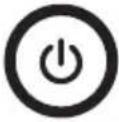 | Rotate to select the functions, press the middle to switch on/off, and press and hold for 3 secs to switch on the child lock function |
Function Guide
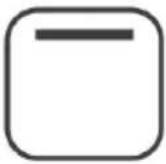 | Upper Heating: For fish fillet, baking, and sea food | 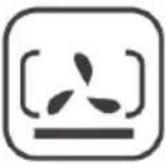 | Bottom Heaating + Convection + Rear Heating: For dough, yogurt, and ferment products |
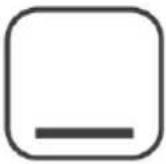 | Bottom Heating: For big / thick cake and meat baking | 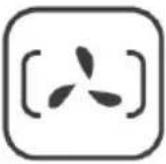 | Rear Heating + Convection: For dough, yogurt, and ferment products |
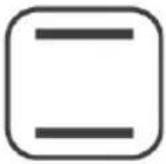 | Upper / Bottom Heating: For cakes, pork, steak, meat balls, and risotto | 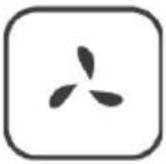 | Cooking Convection: For cavity cooling |
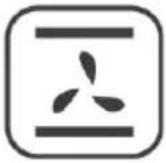 | Upper / Bottom Heating: For cakes, pork, steak, meat balls, and risotto | 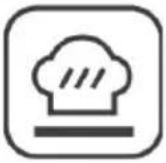 | Bottom Heating: For dough, yogurt, and ferment products |
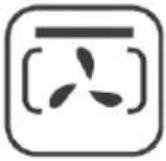 | Upper Heating + Convection + Rear Heating: For chicken wings |
Functional Temperature Adjustment Range
| Functions Default Time | Temperature | Time Limit Temperature Range | Default Load |
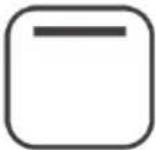 | 0:30 180 0:01 - 2:00 60 - 230 | Upper heating illumination | |
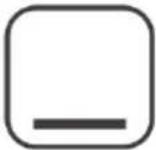 | 0.30 180 0:01 - 2:00 60 - 230 | Bottom heating | illumination |
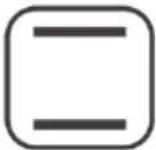 | 0.30 180 0:01 - 2:00 60 - 230 | Upper / Bottom heating | and illumination, linkage adjustment if the top and bottom is over 30° |
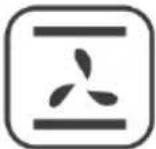 | 0.30 180 0:01 - 2:00 60 - 230 | Upper and bottom heating | + convection |
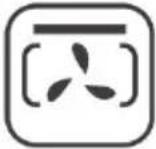 | 0.30 180 0:01 - 2:00 60 - 230 | Upper heating + convection | + rear heating and illumination |
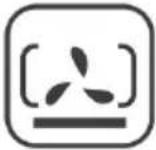 | 0.30 180 0:01 - 2:00 60 - 230 | Bottom heating + | convection + rear heating and illumination |
 | 0.30 180 0:01 - 2:00 40 - 230 | Rear heating + convection | and illumination |
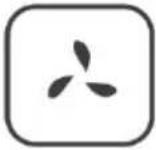 | 0.30 - 0:01 - 2:00 - Cool convection and | illumination | |
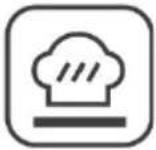 | 0.40 180 0:01 - 2:00 60 - 230 | Fermentation |
CLEANING AND MAINTENANCE
- Ensure that the main power is off and unit is unplugged from the main socket and allow the appliance to cool down completely before performing any cleaning task.
• Use a damp cloth or sponge to clean the interior and exterior surfaces. - Do not soak the inside of the oven or wash it in running water as this will seriously damage the appliance.
- Never use abrasive material, detergent or hard tools to try to dislodge food particles left on the walls of the oven. Wiping with a damp cloth a few times more will remove them.
• The accessories can be cleaned using warm, soapy water.
• Dry thoroughly before storing.
Brand : Mayer
Model : MMO76
Category : Oven