
DSB-H1802JLH-VKW - Air conditioner DAEWOO - Free user manual and instructions
Find the device manual for free DSB-H1802JLH-VKW DAEWOO in PDF.


| Product Type | Split Type Room Air Conditioner |
| Model | DSB-H1802JLH-VKW |
| Cooling Capacity | 18,000 BTU/h (approx. 5.3 kW) |
| Heating Capacity | 18,000 BTU/h (approx. 5.3 kW) (if heat pump) |
| Power Supply | 220-240V, 50Hz, 1 Ph |
| Refrigerant | R32 (presumed) |
| Indoor Unit Dimensions (WxDxH) | Approx. 1000 x 230 x 330 mm |
| Outdoor Unit Dimensions (WxDxH) | Approx. 850 x 330 x 550 mm |
| Indoor Unit Weight | Approx. 12 kg |
| Outdoor Unit Weight | Approx. 38 kg |
| Energy Efficiency Ratio (EER) | 3.2 (est.) |
| Noise Level Indoor (Low/High) | 28 dB(A) / 44 dB(A) (approx.) |
| Noise Level Outdoor | 55 dB(A) (approx.) |
| WiFi Connectivity | Yes, via App |
| Modes | Cool, Heat, Dry, Fan, Auto |
| Fan Speeds | Auto, Low, Med, High |
| Timer | Yes, on/off timer |
| Swing | Yes, automatic louver swing |
| Special Functions | Powerful, Eco, Sleep mode |
| Filter Cleaning | Removable washable filter (monthly) |
| Installation Type | Wall-mounted indoor unit |
Frequently Asked Questions - DSB-H1802JLH-VKW DAEWOO
User questions about DSB-H1802JLH-VKW DAEWOO
0 question about this device. Answer the ones you know or ask your own.
Ask a new question about this device
Download the instructions for your Air conditioner in PDF format for free! Find your manual DSB-H1802JLH-VKW - DAEWOO and take your electronic device back in hand. On this page are published all the documents necessary for the use of your device. DSB-H1802JLH-VKW by DAEWOO.
USER MANUAL DSB-H1802JLH-VKW DAEWOO
SPLIT TYPE ROOM AIR CONDITIONER
MODEL #: DSB-H1202JLH-VKW
DSB-H1802JLH-VKW
DSB-H2402JLH-VKW

WIFI


Please read carefully and thoroughly this manual before operating the unit.
If you still have any difficulties or problems, consult your dealer for help or DAEWOO ELECTRONICS.
Please keep this manual well.
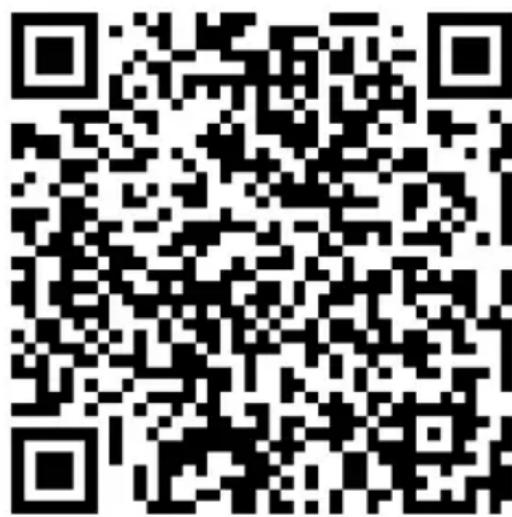
Please scan the QR code to download the latest App software. The latest App software integrated air conditioner, dehumidifier and Portable air conditioner.


Service condition
Thank you for choosing our air conditioner.
This manual apply to the air conditioners which has WiFi function.
Please read the manual carefully before using the product and keep it properly for further review.
For technical update, there is maybe deviation of the actual items from what is on the manual. We express our apologies. Please refer to your actual product
Activate QR code
- When you first time enter the App, it will pop-up activation interface, you can select scan activation QR code (click "Scan" button and scan the activation QR code in next page) or input "activation" click code "activate" button to active it.
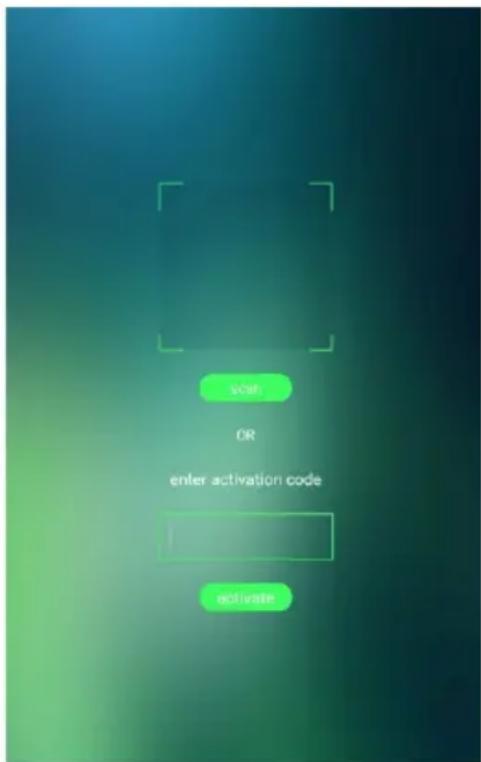
- Air conditioner activation code

Add the device
- Click "Add device" button (please confirm the mobile have been connected with WIFI router)

- Input the router name and password, then choose "Start Config"

- Air conditioner lock setting. Click “☐” to set the control lock function and press it again to unlock it. Delete air conditioner.
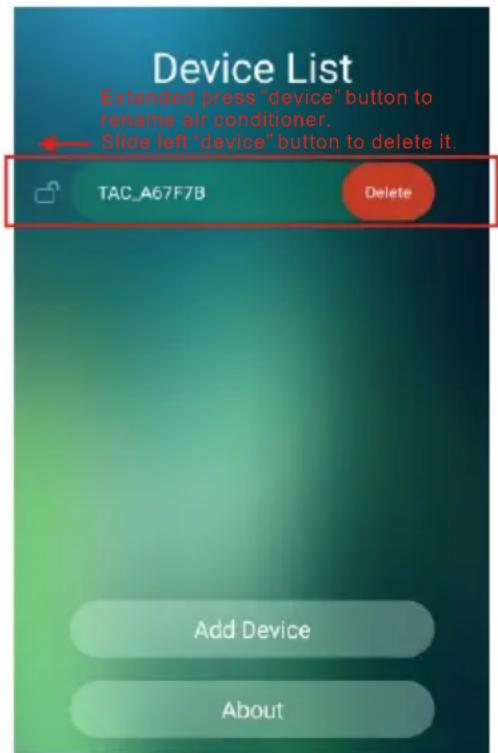
Air conditioner control
- Click the air conditioner name to enter the control interface.

*For App update, there maybe deviation of the actual items from what is on the manual without prior notice. We express our apologies.
Conventional function declaration

Power off button

Timer


Mode

Different mode can set different fan speed
![graph LR A["100"] --> B["Mid"] B --> C["High"] C --> D["Auto"] E["100"] --> F["Mid"] F --> G["High"] G --> H["Auto"] I["100"] --> J["Mid"] J --> K["High"] K --> L["Auto"] M["100"] --> N["Mid"] N --> O["High"] O --> P["Auto"] style A fill:#4A90E2,stroke:#333 style E fill:#4A90E2,stroke:#333 style I f…](/content/2026/05/970147/images/6e98ba00d2a28e2eb44a34c07ef2ec4610f59528b8566f290444803c16819a0b.jpg)

Swing
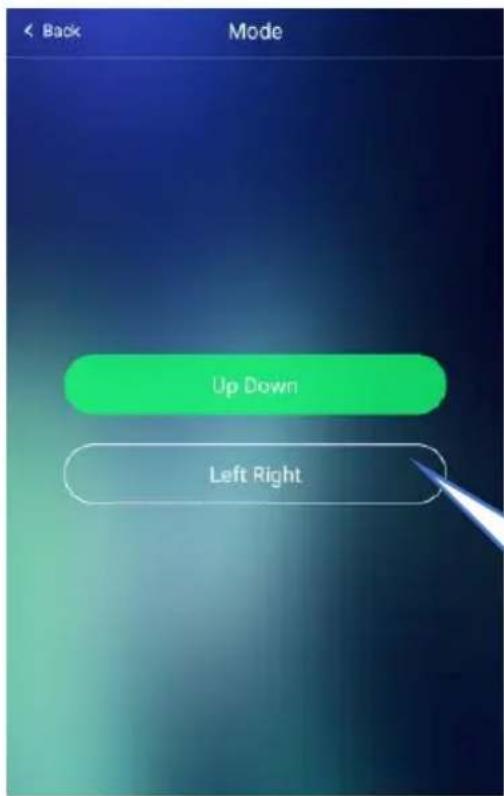
Set the function need to corresponding mode.

Powerful Eco

Trouble shooting
| Description | Analysis of cause |
| Air conditioner can't be configured successfully | 1. Check the mobile connected WIFI address and password is correct;2. Check the air conditioner under configuration status;3. There are any firewall or other restrictions have been set or not;4. check the router work normally;5. Make sure air conditioner, router and mobile work within signal scope6. Check router shielding App or not |
| Mobile can't control air conditioner | Software display: Identification failed, It means the air conditioner has been reset, and the mobile phone lost control permission. You need to connect WIFI to get permission again. Please connect the local network and refresh it. After all still can't work, please delete air conditioner and wait its refresh. |
| Mobile can't find air conditioner | Software display: Air conditioner out of line. Please check network working1. The air conditioner has been reconfiguration2. Air conditioner out of power3. Router out of power4. Air conditioner can't connect to router5. Air conditioner can't connect to network through the router(under remote control mode)6. Mobile can't connect to router(Under local control mode);7. The mobile phone can't connect to network (under remote control mode). |
DAEWOO
APARAT DE CLIMATIZARE MANUAL DE UTILIZARE ŞI İNGRIJIRE
APARAT DE CLIMATIZARE DE CAMERĂ TIP SPLIT
MODEL #: DSB-H1202JLH-VKW
DSB-H1802JLH-VKW
DSB-H2402JLH-VKW



Stare de functionare

Mod

Brand : DAEWOO
Model : DSB-H1802JLH-VKW
Category : Air conditioner