
DM-25C - CD Player DENVER - Free user manual and instructions
Find the device manual for free DM-25C DENVER in PDF.


| Product Type | Portable CD Player |
| Model | DM-25C |
| Brand | DENVER |
| Dimensions (approx.) | 130 x 130 x 25 mm |
| Weight (approx.) | 200 g (without batteries) |
| Power Supply | 2x AA batteries or AC adapter (DC 4.5V, not included) |
| Playable Discs | CD, CD-R, CD-RW |
| Playback Functions | Play, Pause, Stop, Next/Previous Track, Search, Repeat (1/All), Random, Program |
| Anti-Skip Protection | Electronic skip protection (e.g., 10 sec) |
| Audio Output | Headphone jack (3.5mm stereo) |
| Display | LCD with track number, time, battery indicator |
| Controls | Buttons on top panel: Play/Pause, Stop, Skip, Volume, Mode |
| Maintenance | Clean lens with soft dry cloth; avoid moisture and dust |
| Safety Precautions | Do not disassemble; keep away from liquids; use only approved power sources |
| Spare Parts & Reparability | Contact DENVER support for spare parts; no user-serviceable parts inside |
| General Information | Designed for personal music enjoyment; suitable for indoor/outdoor use |
Frequently Asked Questions - DM-25C DENVER
User questions about DM-25C DENVER
0 question about this device. Answer the ones you know or ask your own.
Ask a new question about this device
Download the instructions for your CD Player in PDF format for free! Find your manual DM-25C - DENVER and take your electronic device back in hand. On this page are published all the documents necessary for the use of your device. DM-25C by DENVER.
USER MANUAL DM-25C DENVER
Portable Compact CD Player
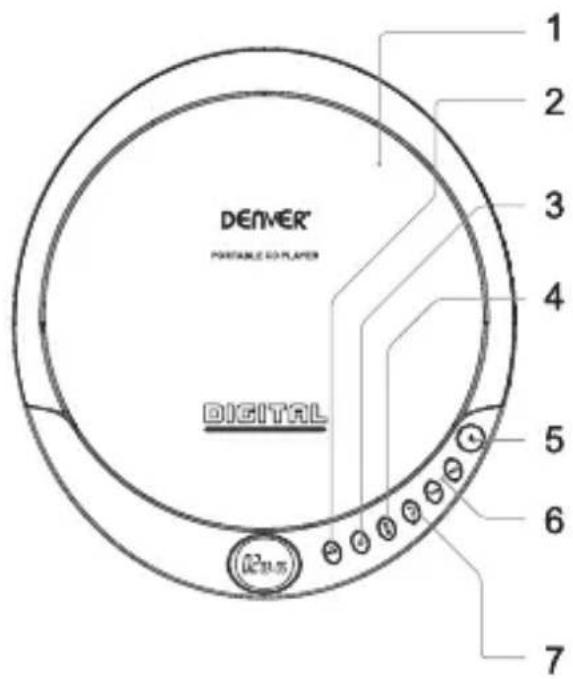
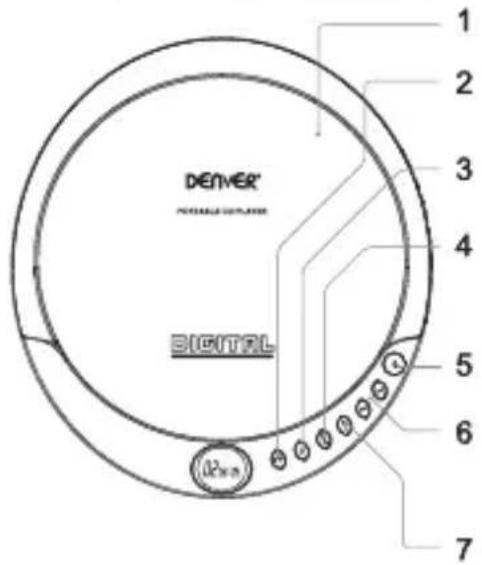
1 CD DOOR
2 PLAY/PAUSE
Press to play or pause a loaded CD.
3 STOP/OFF
Press to stop a CD during play. In stop mode, press to power off the CD player.
4 MODE
Press to repeat a single track or an entire CD, play tracks in a random order, or play the CD in intro mode.
5 OPEN
Press to open the CD DOOR.
6 SKIP/SEARCH
Press to skip between tracks on a loaded CD. Press and hold to search an individual track on a loaded CD.
7 PROG
Press to program a loaded CD to play tracks in a specified order.
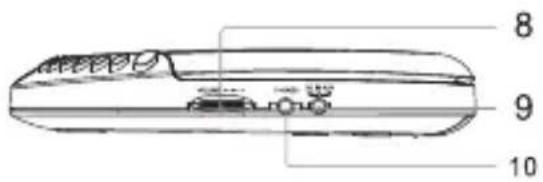
8 VOLUME
Press to adjust the volume.
9 DC POWER INPUT
10 STEREO
EARPHONE JACK
Personal CD Player
Features
- CD player: CD, CD-R
- Rotary volume control
LCD display - Low battery indicator
• DC power: requires 2, AA size, batteries (not included)
Includes
• One set of stereo earbuds
Setup
Power
Requires an AC/DC power adapter (not included). Input:230V/50Hz Output:DC4.5V,800mA
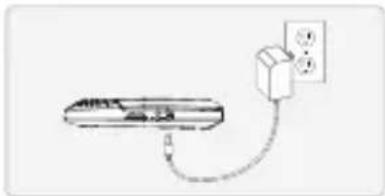
natural_image
Simple line drawing of a device with a power outlet and cable, no text or symbols presentBattery Power
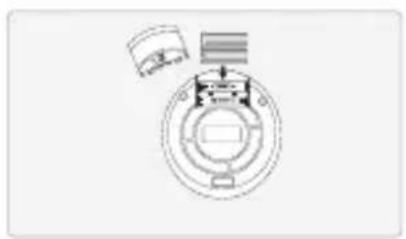
Requires 2, AA size, batteries (not included)
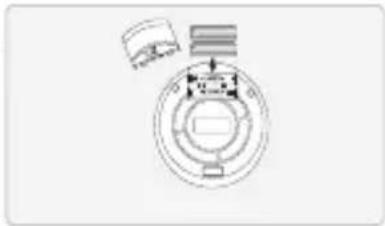
natural_image
Pure mechanical diagram showing concentric circles and a shaft, without any text, numbers, or symbolsOperations
Loading a CD
- Press the OPEN button to open the CD DOOR.
- Load a CD into the player, label side up.
- Close the CD DOOR.
Playing a CD
- Follow the instructions for Loading a CD.
- Press the PLAY/PAUSE button to begin playing the loaded CD.
Programming a CD
- Follow the instructions for Loading a CD and Playing a CD.
- Press the STOP button to stop the CD during play.
- Press the PROG button.
"01" will begin to blink on the DISPLAY. - Press the SKIP/SEARCH buttons to select the track you wish to program.
- Press the PROG button to save the selected track to the program.
- Repeat steps 4 and 5 to program up to 20 tracks to play in the order they are programmed.
- Press the PLAY/PAUSE button to begin playing the programmed tracks.
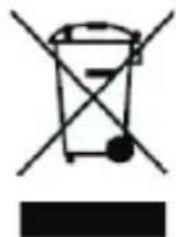
Electric and electronic equipment contains materials, components and substances that can be hazardous to your health and the environment, if the waste material (discarded electric and electronic equipment) is not handled correctly.
Electric and electronic equipment is marked with the crossed out trash can symbol, seen below. This symbol signifies that electric and electronic equipment should not be disposed of with other household waste, but should be disposed of separately.
natural_image
Symbol of a trash bin crossed with a diagonal line, no text or numbers presentAll cities have established collection points, where electric and electronic equipment can either be submitted free of charge at recycling stations and other collection sites, or be collected from the households. Additional information is available at the technical department of your city.

ALL RIGHTS RESERVED
COPYRIGHT DENVER ELECTRONICS A/S
WWW.DENVER-ELECTRONICS.COM
Importer:
DENVER ELECTRONICS A/S
Stavneagervej 22
DK-8250 EGAA
DENMARK
DM-24 / DM-25C
Einführung
(German)
Tragbarer CD-Player
natural_image
Simple line drawing of a device with a plug and cable, no text or symbols present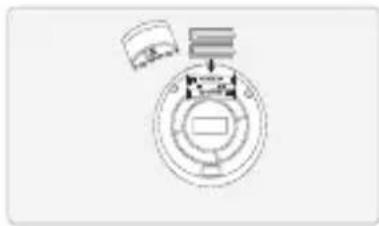
natural_image
Pure mechanical diagram showing a circular component with internal components and a separate rectangular element (no text or symbols)Bedienung
Einlegen einer CD
natural_image
Simple line drawing of a trash bin with crossed lines and a blank rectangular base (no text or symbols)natural_image
Simple line drawing of a device with a cable and a power outlet (no text or symbols)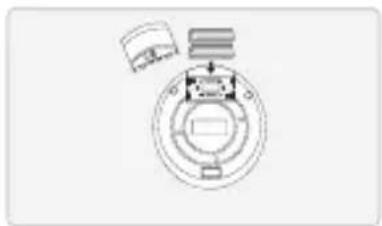
natural_image
Pure mechanical diagram showing a circular component with internal components and a separate rectangular block (no text or symbols)W dostawie
natural_image
Simple line drawing of a trash bin with crossed lines indicating no waste or discharge (no text or symbols)
natural_image
Pure mechanical diagram showing a circular component with internal components and a separate rectangular element (no text or symbols)Toiminnot
natural_image
Simple line drawing of a device connected to a wall-mounted power outlet (no text or symbols)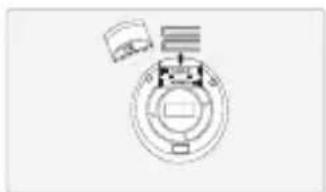
natural_image
Pure mechanical diagram showing a circular component with internal components and a separate rectangular block (no text or symbols)Fonctionnement
Charger un CD
natural_image
Simple line drawing of a trash bin with crossed lines indicating no waste or discharge (no text or symbols)natural_image
Simple line drawing of a device with a power outlet and cable, no text or symbols present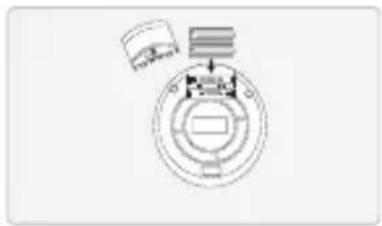
natural_image
Pure diagram of a circular mechanical or electrical component with no text, numbers, or symbolsOperações
Carregar um CD
natural_image
Symbol of a trash bin with crossed lines indicating no waste, and a solid black rectangle below (no text or labels)natural_image
Simple line drawing of a device connected to an electrical outlet (no text or symbols)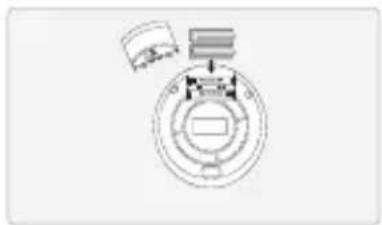
natural_image
Pure mechanical diagram showing a circular component with internal components and a small inset view (no text or symbols)Operaciones
Carga de un CD
natural_image
Symbol of a trash bin crossed with a diagonal line and a horizontal bar below (no text or numbers present)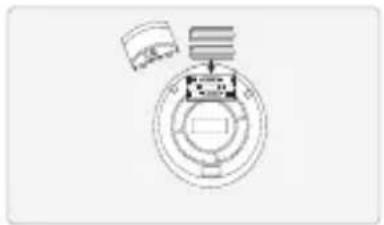
natural_image
Pure mechanical diagram showing concentric circles and a shaft, without any text, numbers, or symbols.Användning
Mata in en CD-skiva
natural_image
Simple line drawing of a trash bin with crossed lines and a blank rectangular base (no text or symbols)natural_image
Simple line drawing of a device connected to a wall-mounted power outlet (no text or symbols)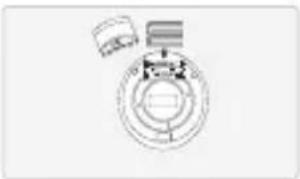
natural_image
Pure mechanical diagram showing concentric rings and a small component, without any text, numbers, or symbols.Batteridrift
Kræver
natural_image
Symbol of a trash bin with crossed lines and a solid black rectangle below (no text or labels)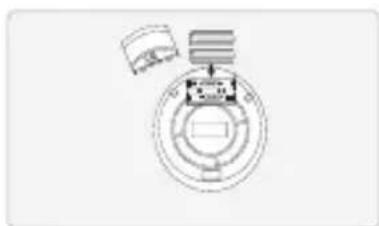
natural_image
Pure mechanical diagram showing concentric circles and a central component (no text or symbols)natural_image
Simple line drawing of a trash bin with crossed x- and circular base, no text or symbols presentnatural_image
Simple line drawing of a remote device connected to a wall-mounted power outlet (no text or symbols)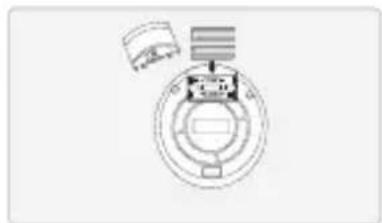
natural_image
Pure mechanical diagram showing a circular component with internal components and a separate cylindrical component (no text or symbols)Alimentazione
natural_image
Simple line drawing of a trash bin with crossed lines and a blank rectangular base (no text or symbols)


- Portable Compact CD Player
- Personal CD Player
- Features
- Includes
- Setup
- Power
- Battery Power
- Operations
- Loading a CD
- Playing a CD
- Programming a CD
- Bedienung
- Einlegen einer CD
- W dostawie
- Toiminnot
- Fonctionnement
- Charger un CD
- Operações
- Carregar um CD
- Operaciones
- Carga de un CD
- Användning
- Mata in en CD-skiva
- Batteridrift
- Alimentazione
Brand : DENVER
Model : DM-25C
Category : CD Player