
Multi-Fi 6 - Loudspeaker CALIBER - Free user manual and instructions
Find the device manual for free Multi-Fi 6 CALIBER in PDF.


| Type | Wireless multi-room speaker |
| Dimensions (W x D x H) | 256 x 80 x 103.5 mm |
| Weight | 1490 g |
| Power Output | 15W RMS |
| Speakers | 2 x 53 mm full-range, 1 x 70 mm subwoofer |
| Frequency Range | 80 Hz – 20 kHz |
| Bluetooth | Version 2.1 + EDR (A2DP, AVRCP) |
| Bluetooth Range | Up to 10 meters (open space) |
| Wi-Fi | 802.11 b/g/n (STA and AP modes) |
| NFC | Yes, for quick pairing |
| Audio Inputs | 3.5 mm AUX-in (cable included), USB (up to 32 GB) |
| Battery Type | Built-in rechargeable lithium, 3.7 V / 2000 mAh |
| Battery Life | Approx. 6 hours (depending on usage) |
| Charging Time | Approx. 3.5 hours |
| Charging Input | DC 5 V via micro USB (cable included) |
| Controls | On/Off, Mode, Volume, Play/Pause, Track Skip, WPS |
| Indicators | Bluetooth, Wi-Fi, Power/Charging, Mode LED |
| Hands-Free | Yes, built-in microphone for calls |
| Multi-Room | Yes, group multiple speakers via app |
| Styling | Black finish |
| Cleaning | Soft dry cloth; dampen with water only for stains |
| Safety | Place on flat surface with ventilation; battery not replaceable |
Frequently Asked Questions - Multi-Fi 6 CALIBER
User questions about Multi-Fi 6 CALIBER
0 question about this device. Answer the ones you know or ask your own.
Ask a new question about this device
Download the instructions for your Loudspeaker in PDF format for free! Find your manual Multi-Fi 6 - CALIBER and take your electronic device back in hand. On this page are published all the documents necessary for the use of your device. Multi-Fi 6 by CALIBER.
USER MANUAL Multi-Fi 6 CALIBER
in order to use of all the
features offered by this product.
For iOS:

Download on the
App Store
For Android:

GET IT ON
Google Play
| Bluetooth version: | 2.1 + EDR (supports A2DP and AVRCP) |
| Bluetooth range: | up to 10 meters (without barrier) |
| Speakers: | 15W RMS2x 53mm speaker / 1x 70mm subwoofer |
| Frequency: | 80HZ - 20KHz |
| Audio Aux-in: | 3.5mm stereo jack (special cable included) |
| USB input: | Standard USB (max. 32GB) |
| Battery: | 3.7V 2000mAh Lithium battery |
| Battery working time: | approx. 6 hours |
| Battery charging time: | approx. 3.5 hours |
| Charge input: | DC 5V (by built-in micro USB) |
| Dimensions: | 256(w) x 80(d) x 103.5(H) mm |
| Weight: | 1490 gr. |
Connections and buttons
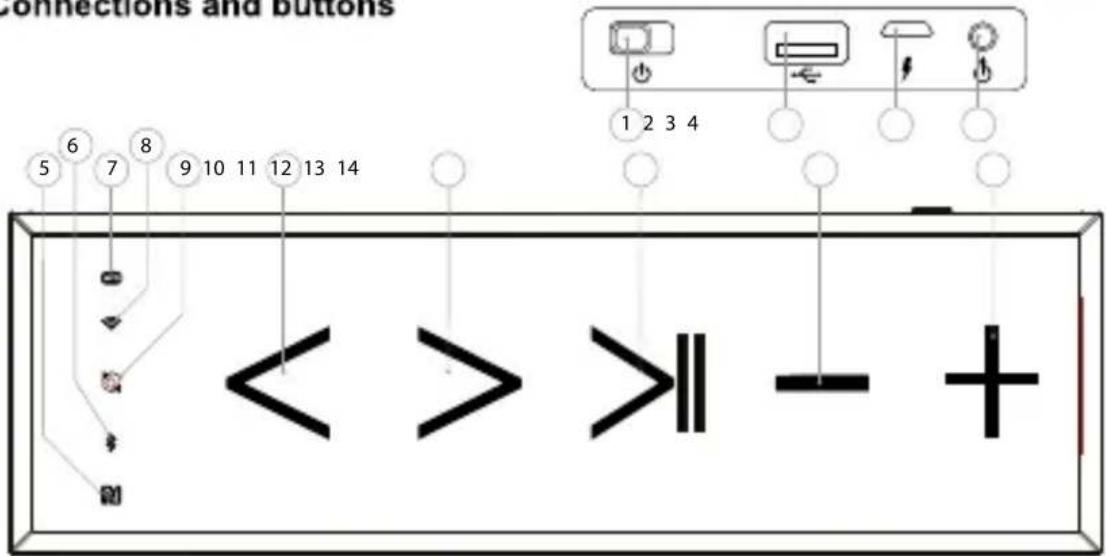
- ON/OFF
Switch to turn ON/OFF the speaker. - USB reader
For standard USB only (max. 32GB) - USB DC-in
Micro USB charge connection (cable incl.) - AUX-in (line in)
3.5mm Jack connector for a wired connection with e.g. an external player (Jack-to-jack cable incl.) - NFC location
Location for Bluetooth pairing by NFC - Bluetooth indicator
Flashing blue when in pairing mode and solid blue when pairing is successful. -
WPS button
Button to activate WPS pairing for Wi-Fi connection. -
Wi-Fi indicator
Will light up solid blue when it sends out the a Wi-Fi network after approx. 8 seconds.
Or will Flash after pushing the WPS button and will turn solid blue when connected to your Wi-Fi network.
- Mode button / LED indicator
To switch between Wi-Fi, Bluetooth and USB mode.
LED indicator lights up:
Blue: Line in mode active
Red: Flashing is low power Solid while charging (will turn off when full)
- Previous track (K)
- Next track (▶)
- Play / pause (▶II)
- Decrease volume
- Increase volume
GB
- Use a soft dry cloth for periodic cleaning of the product. For more severe stains, please dampen the cloth with water only.
- Place the product on a flat surface. Provide enough space around the product for sufficient ventilation.
- The built-in rechargebale battery is not replaceable.
FR
Connect with Wi-Fi router (STA mode)
Connect the speaker(s) to your phone or tablet using the FREE app and your own Wi-Fi network. Follow the steps below.
Note: Shown images may vary from your situation.
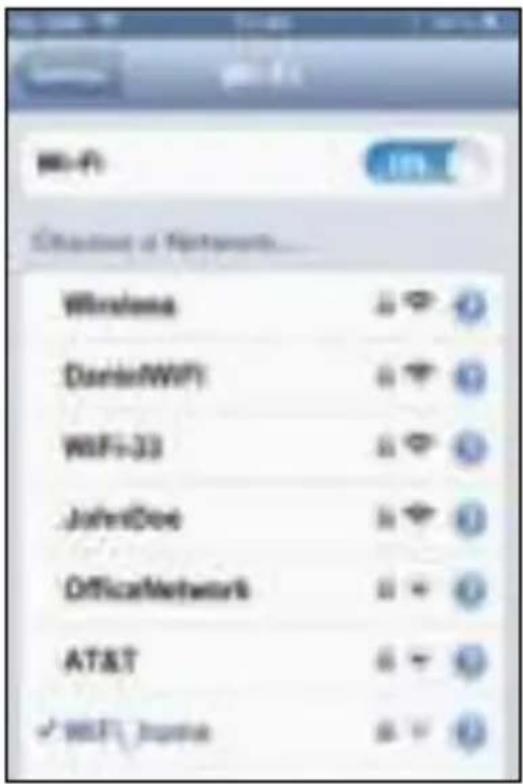
- Step 1:
Connect your phone or tablet to your own Wi-Fi network.
- Step 2:
Go to the App Store (iOS) or Google Play (Android) and download the FREE Caliber Multi-Fi app.
- Step 3:
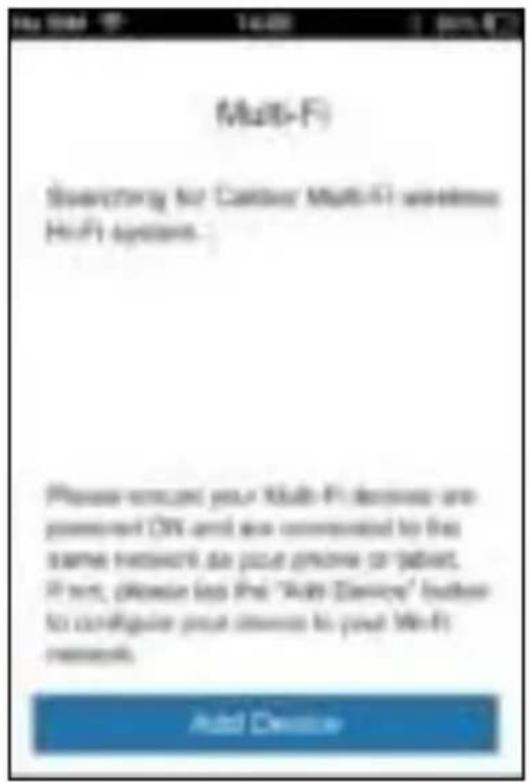
Start up the FREE Multi-Fi app and click "Add Device" (first time only).
- Step 4:
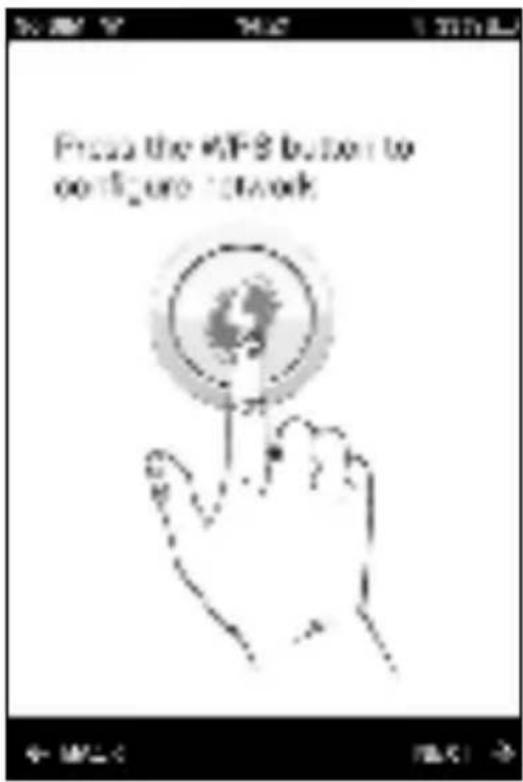
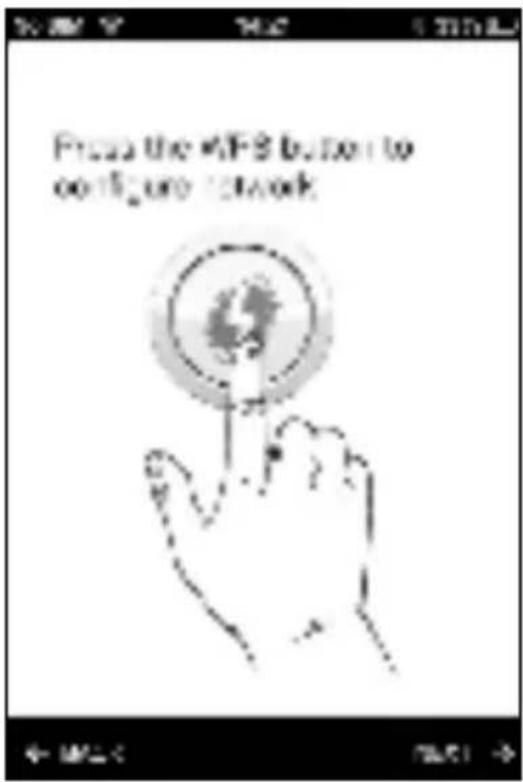
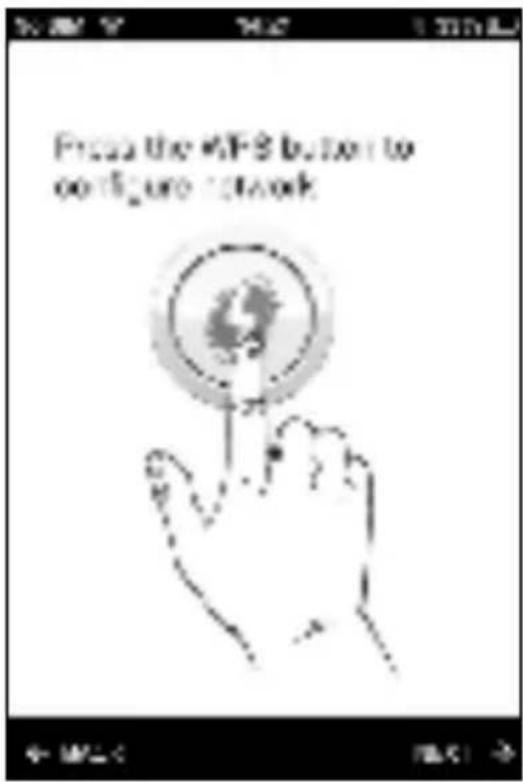
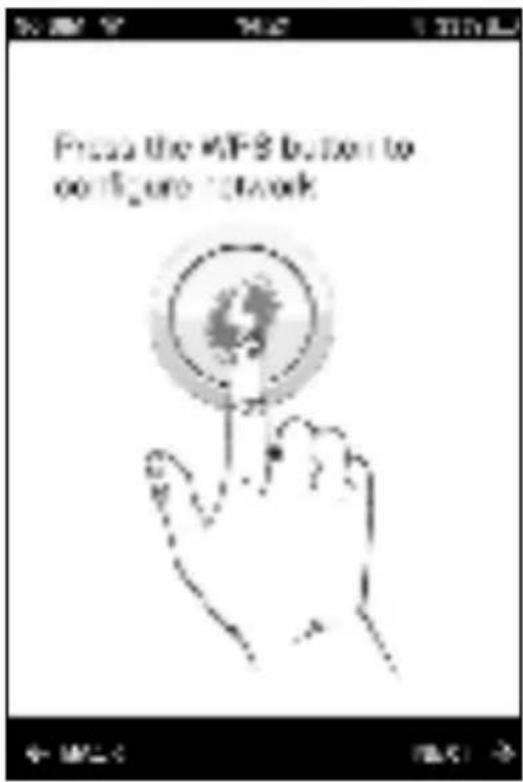
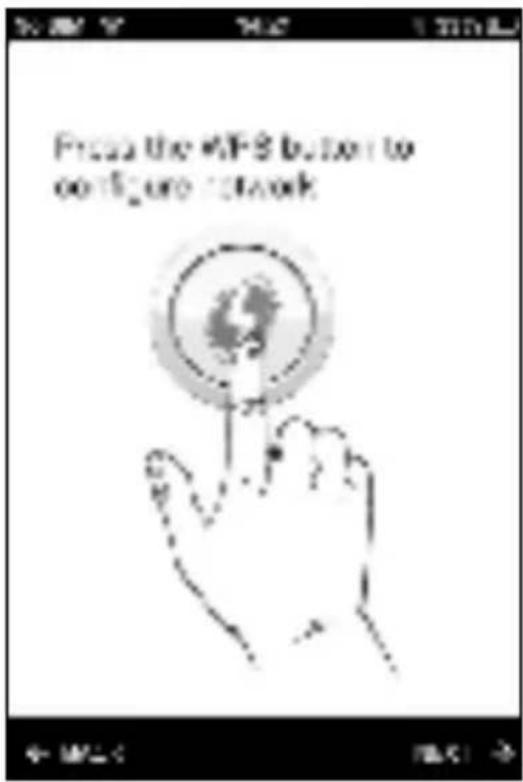
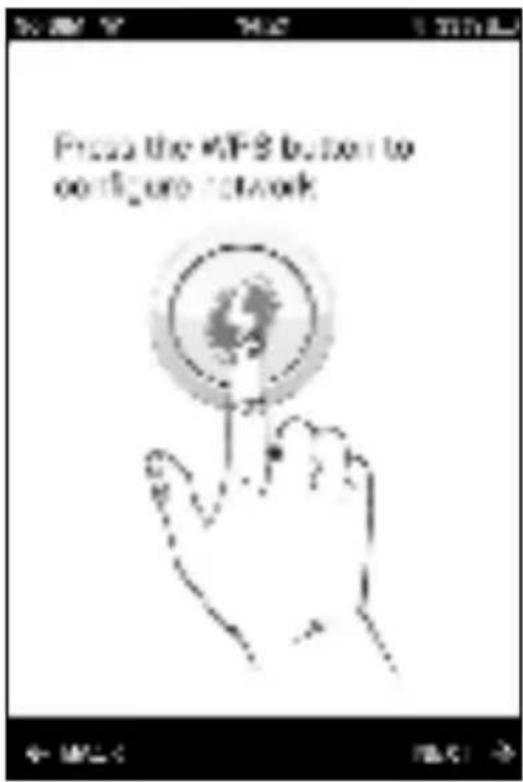
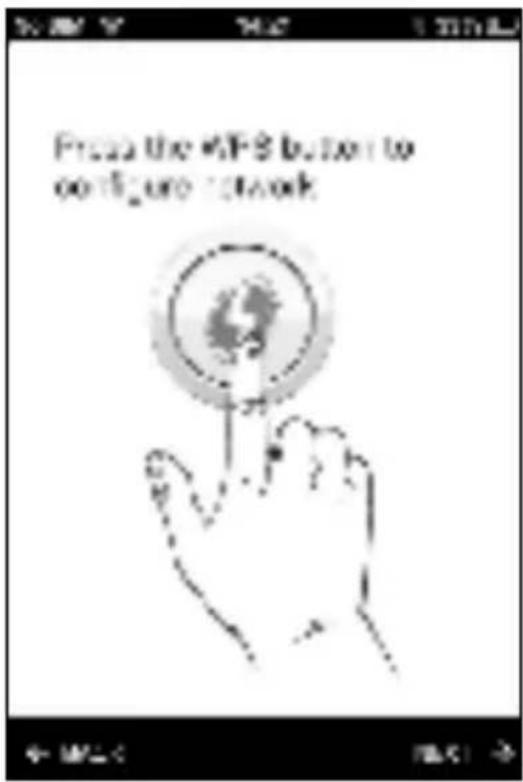
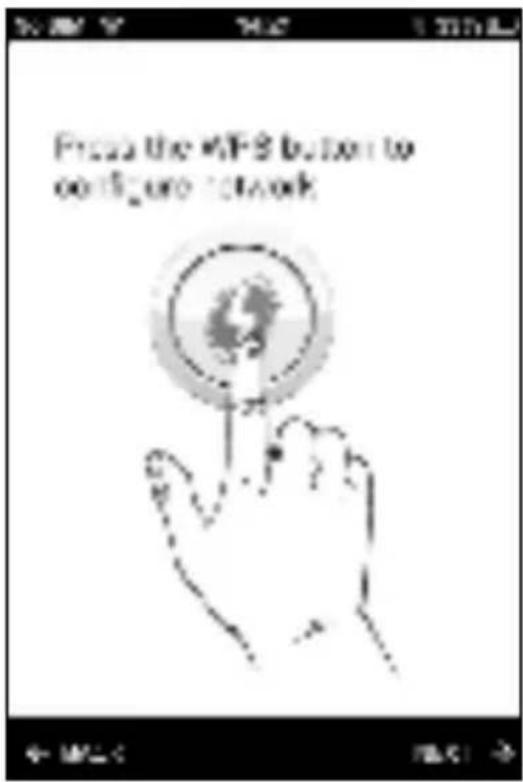
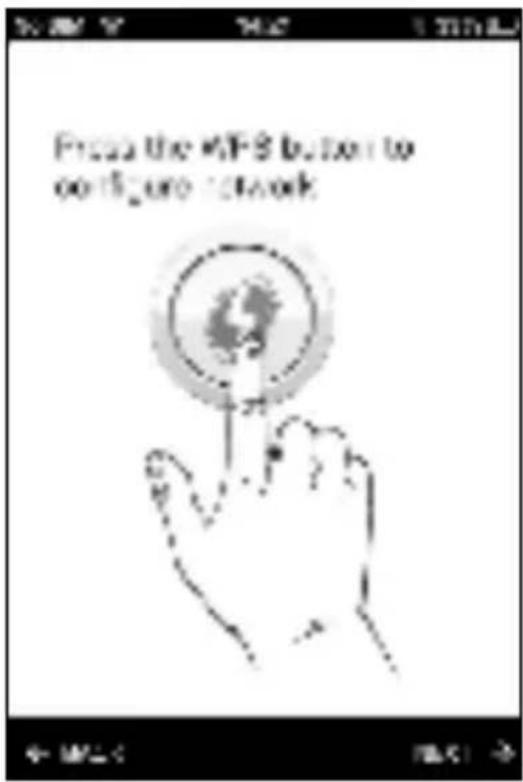
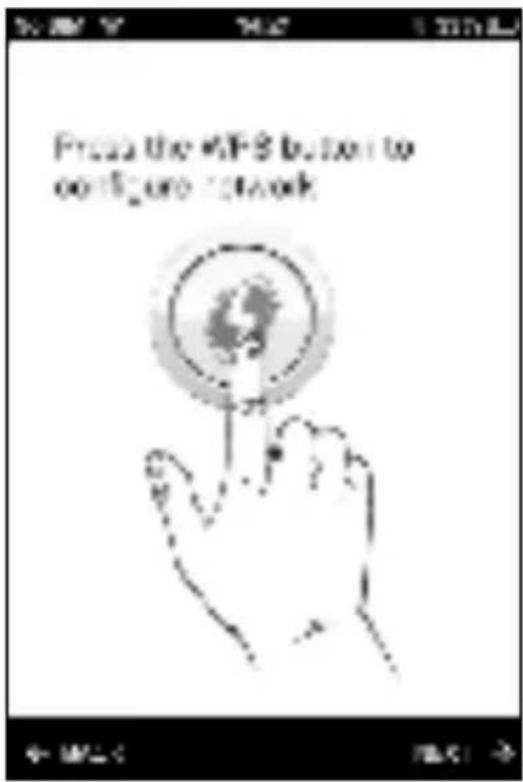
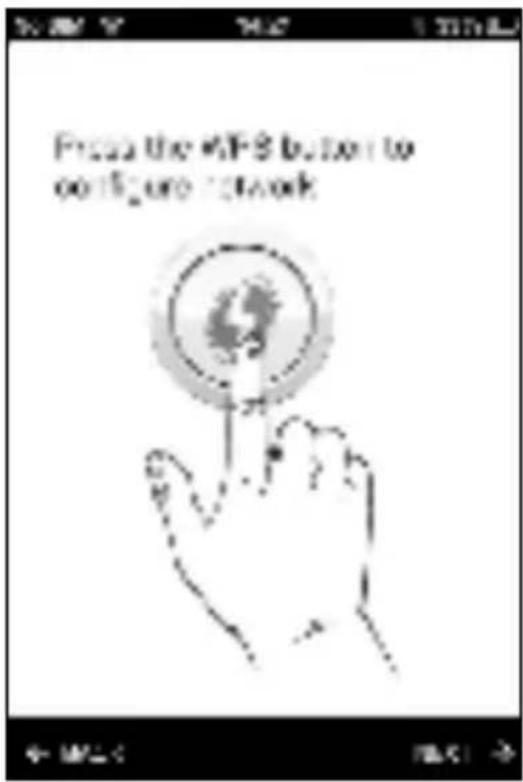
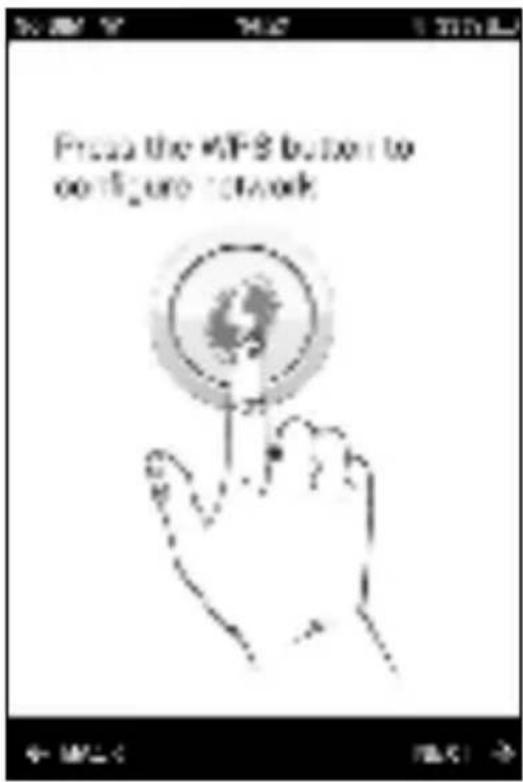
Push the WPS button on the speaker (7) and choose "next".
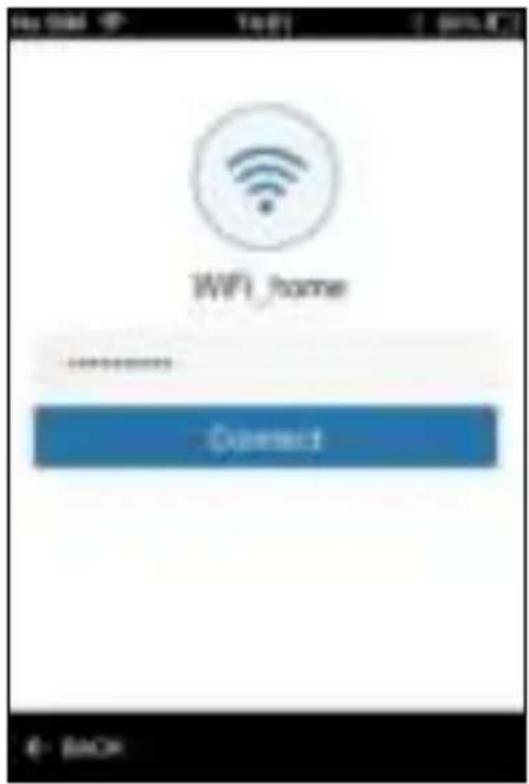
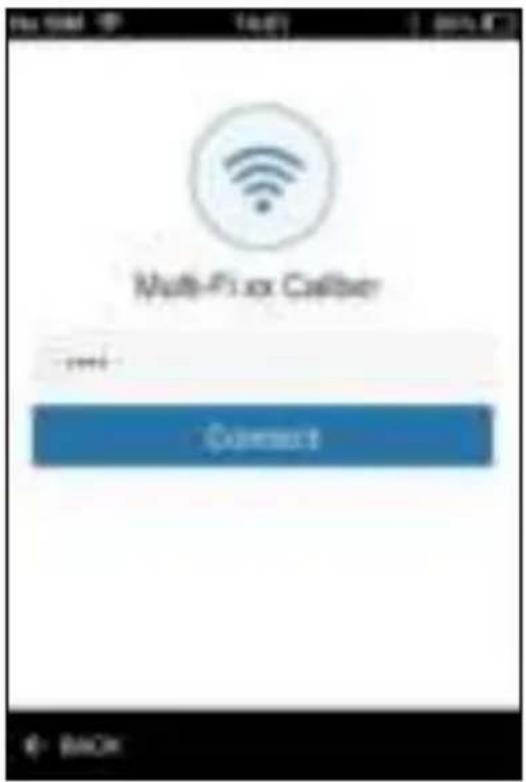
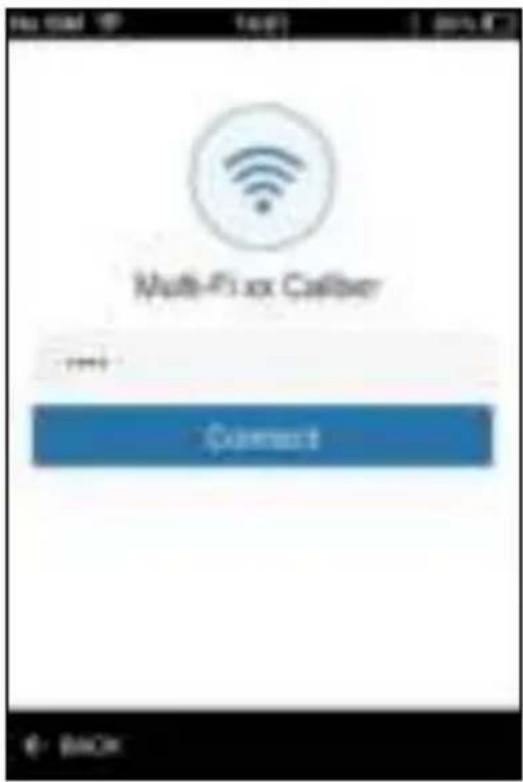
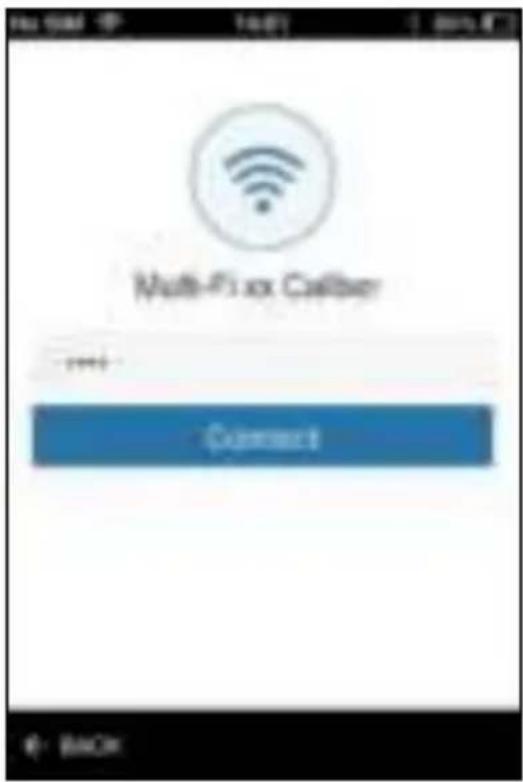
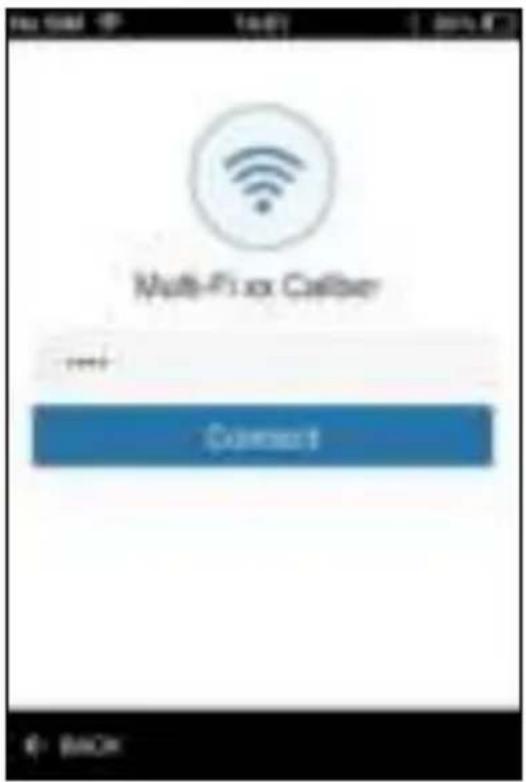
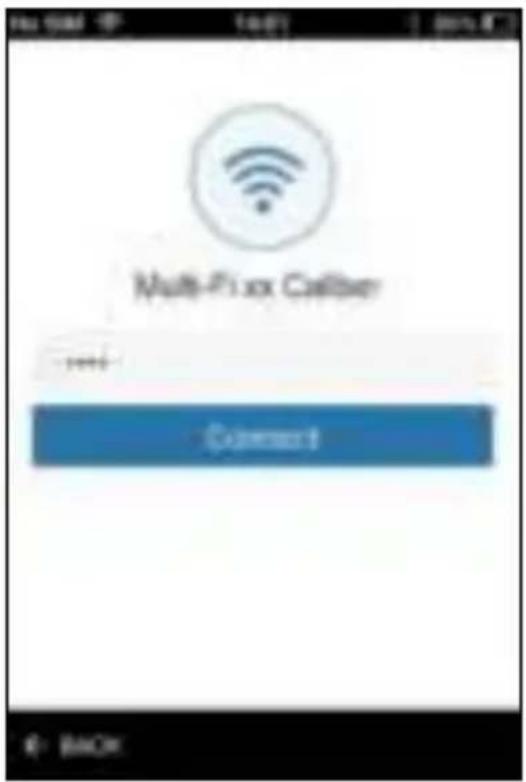
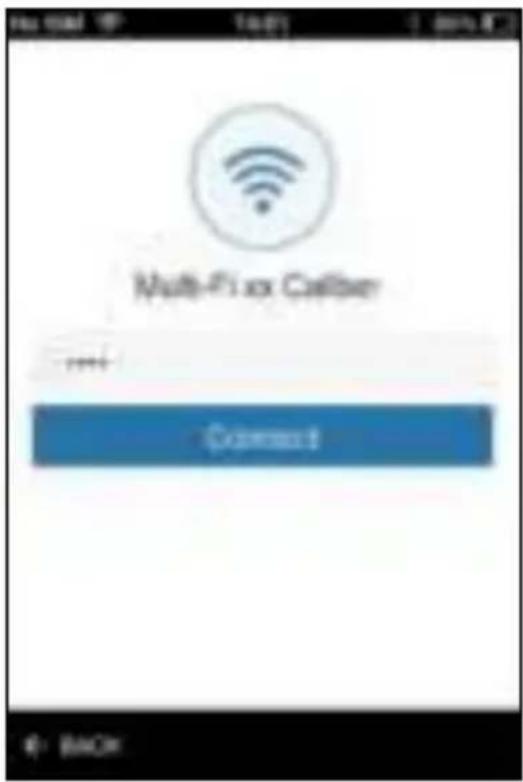
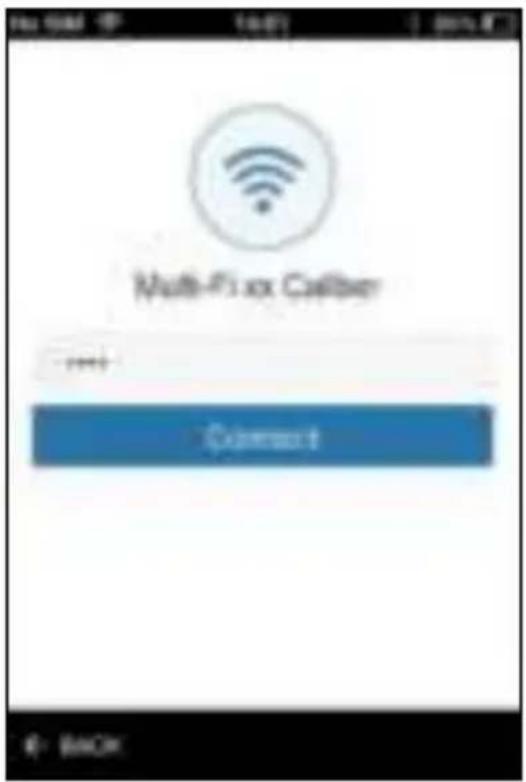
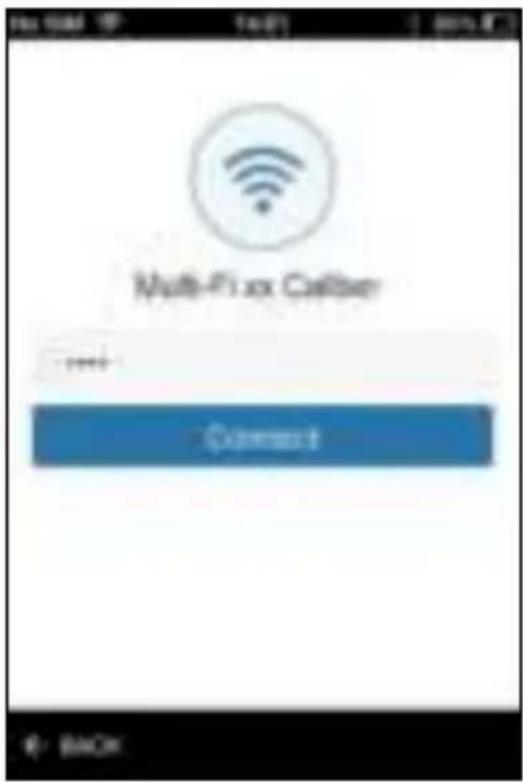
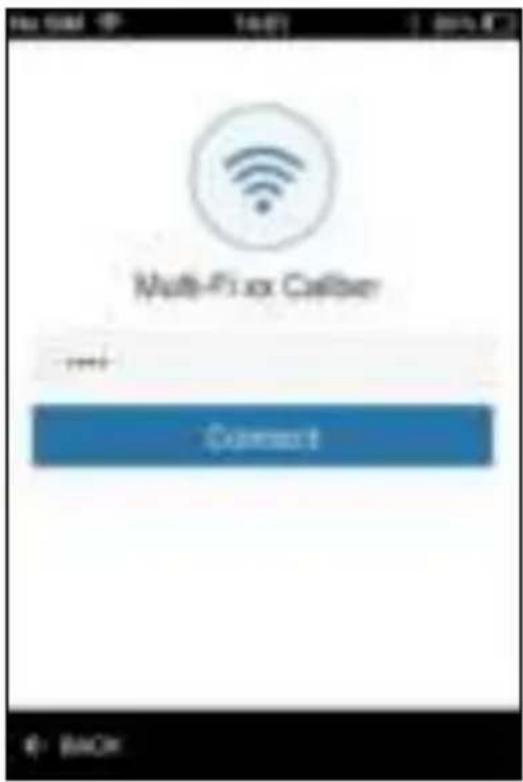
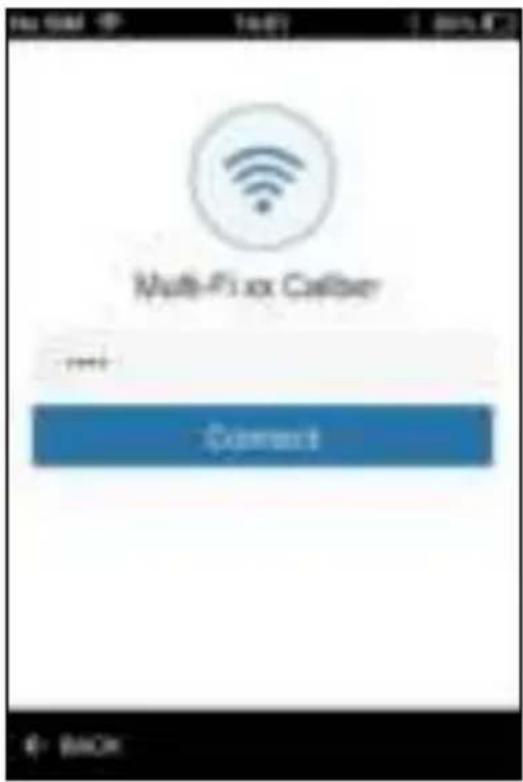
- Step 5: Enter the password of your own Wi-Fi network and choose "Connect".
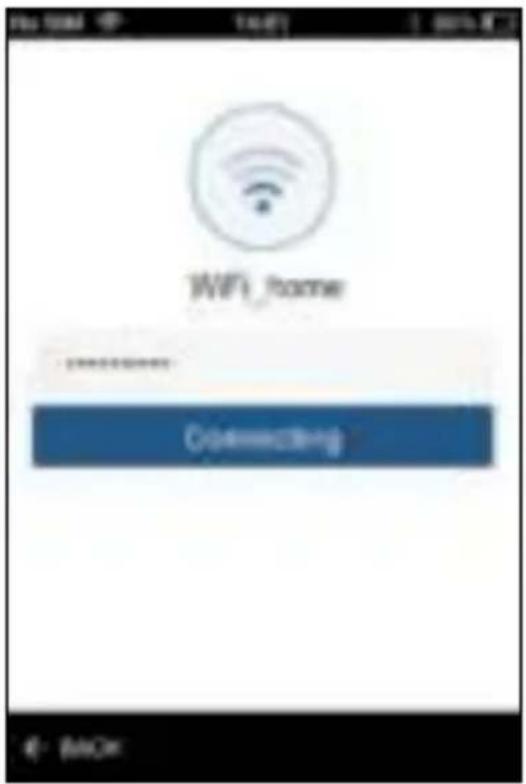
- Step 6: The app will show "Connecting", please be patient.
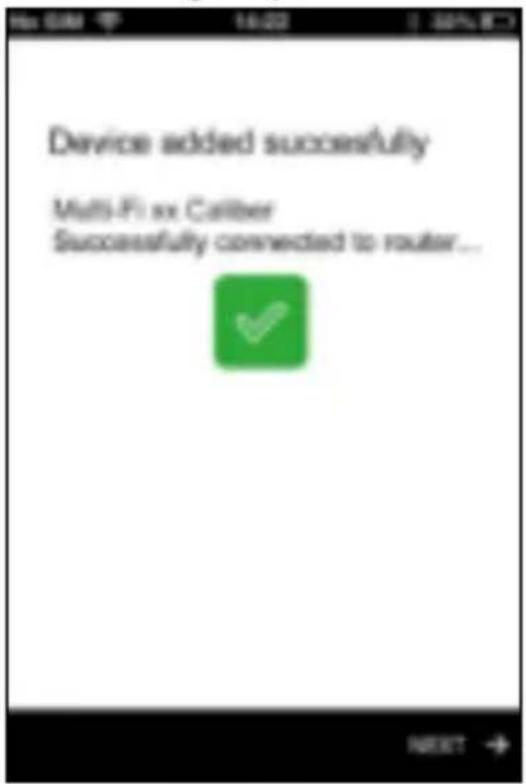
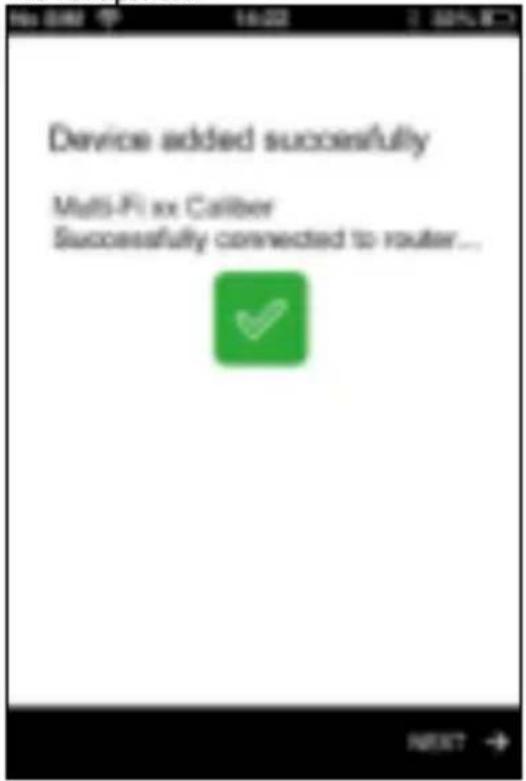
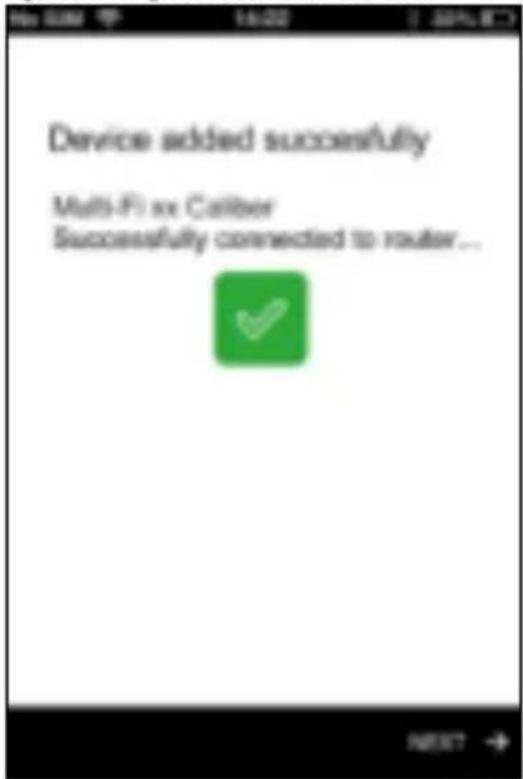
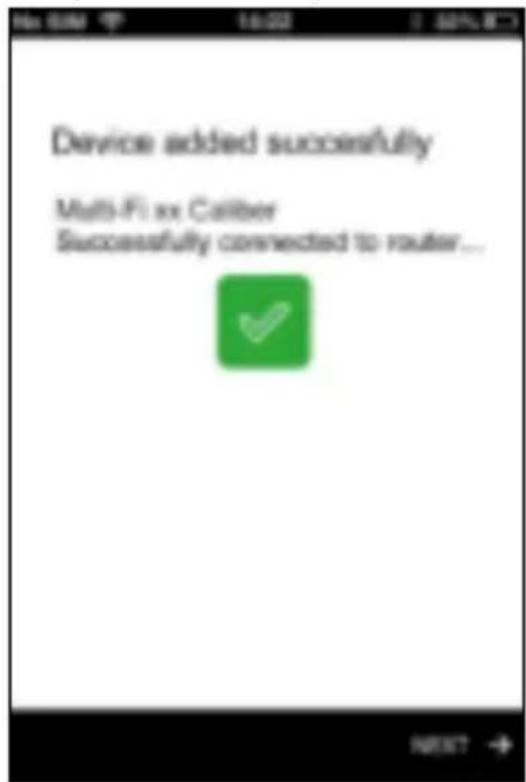
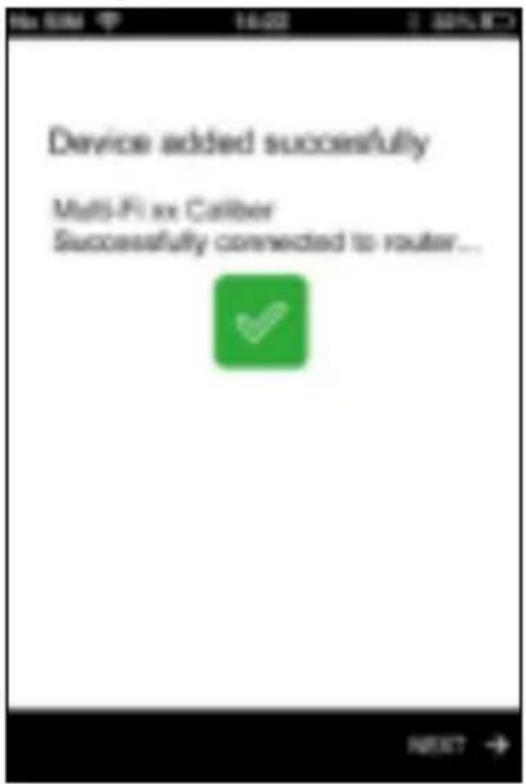
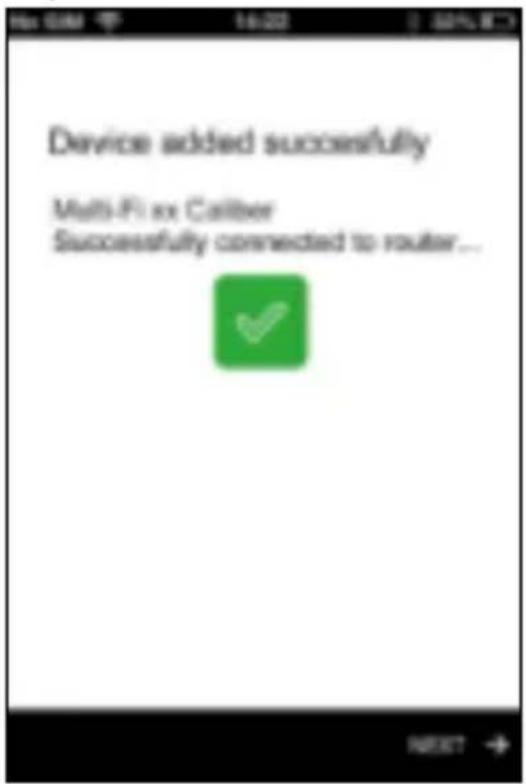
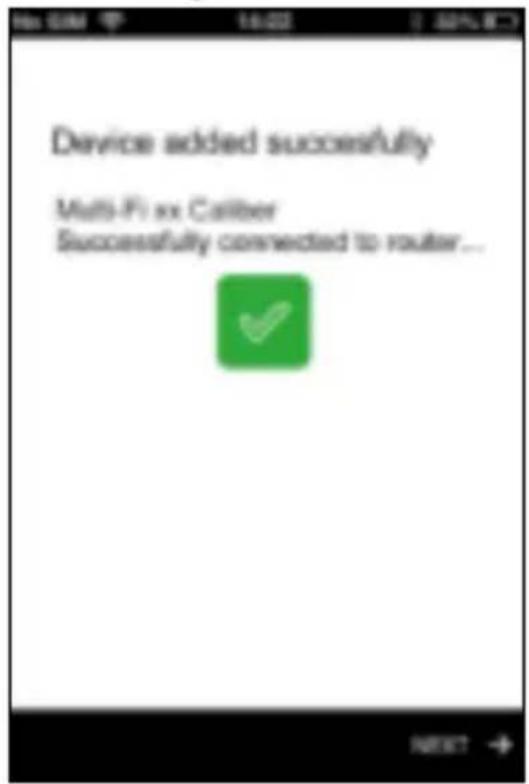
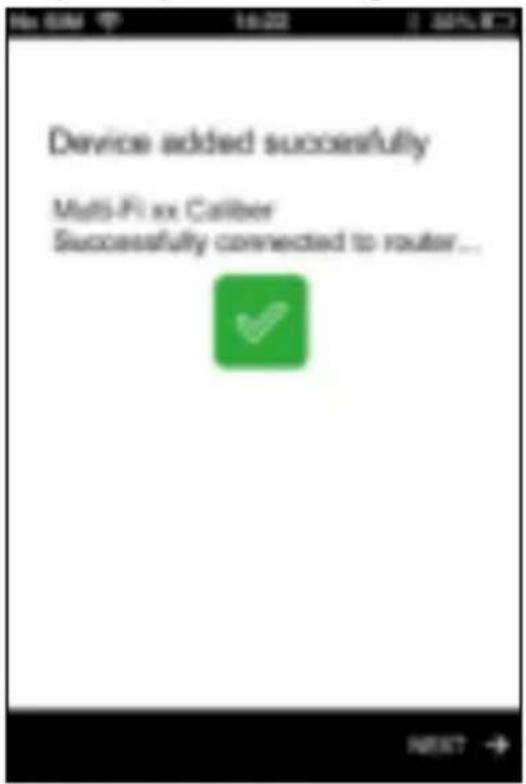
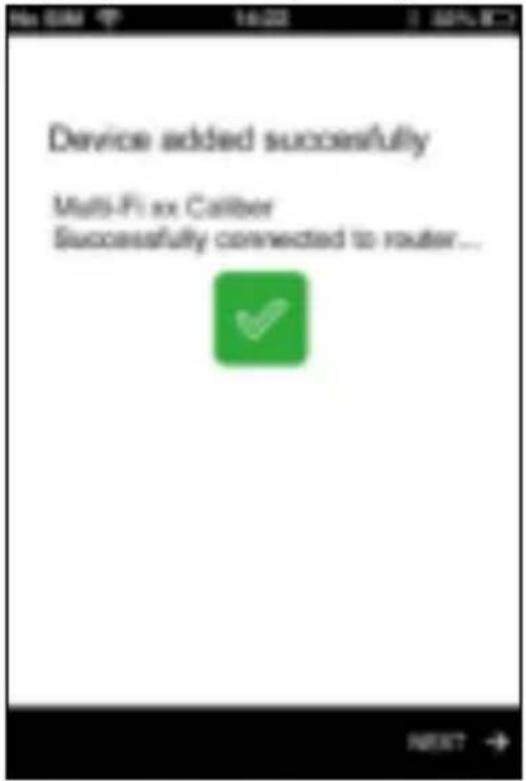
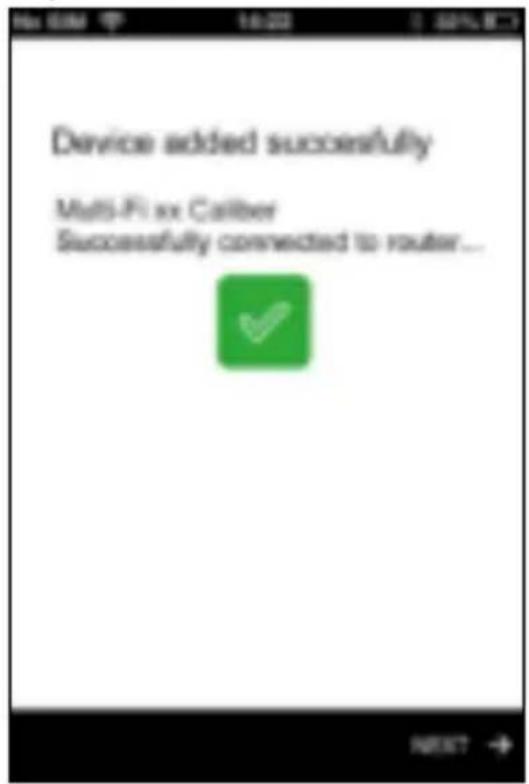
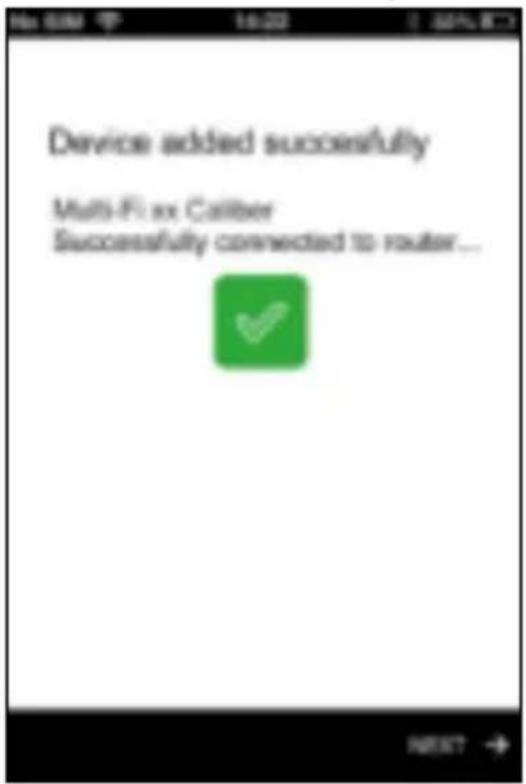
- Step 7: If all goes well, your device will be connected, choose "next". If not, try again starting at step 3 and after restarting the speaker.
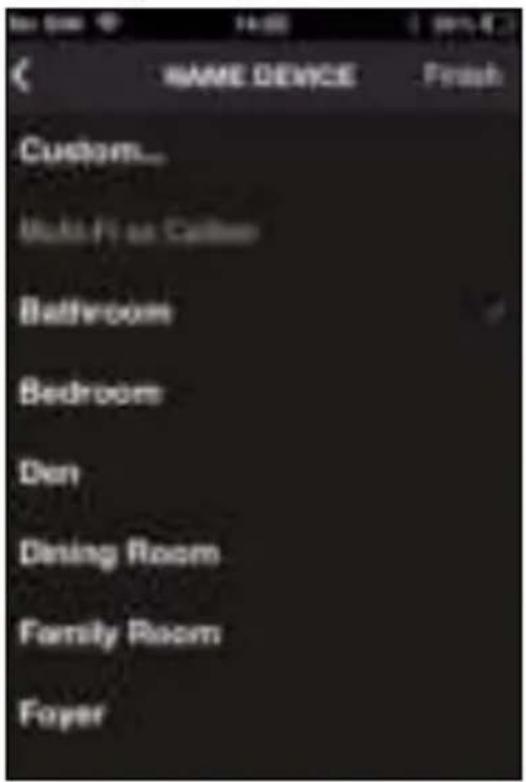
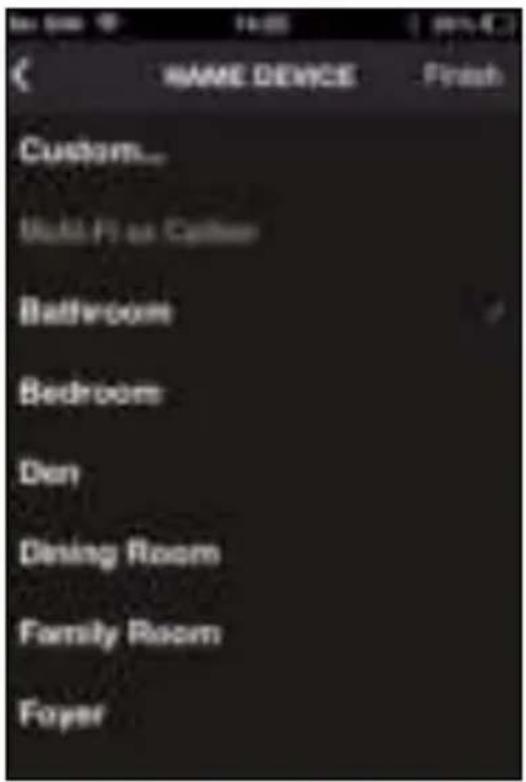
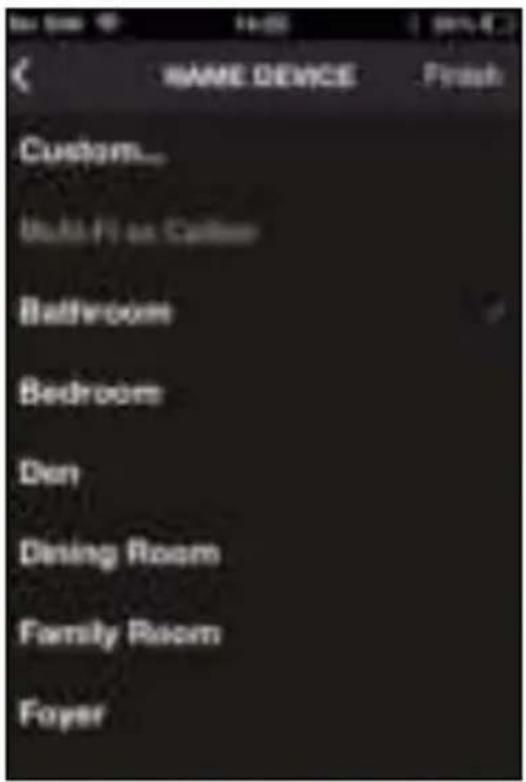
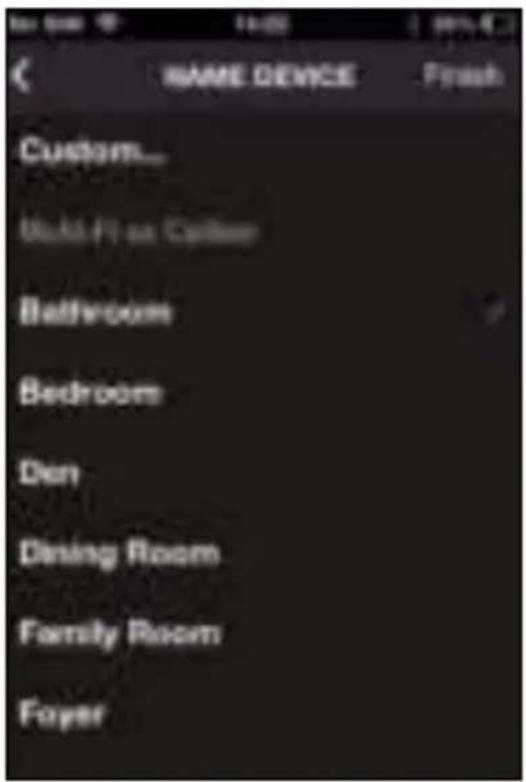
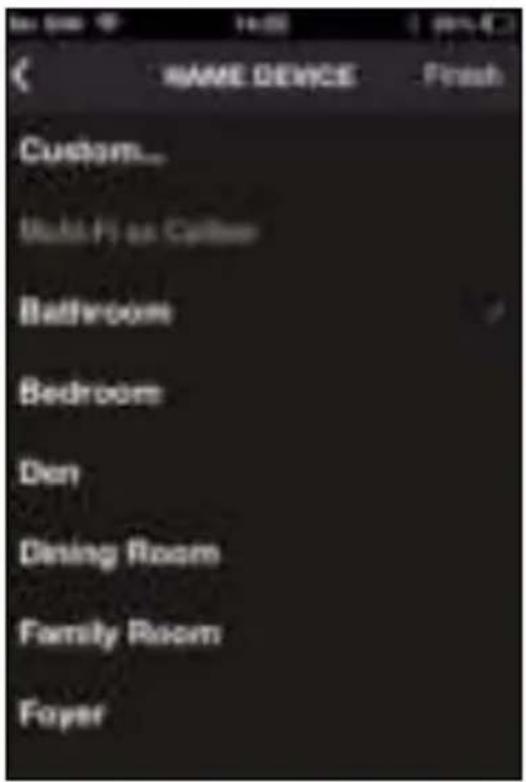
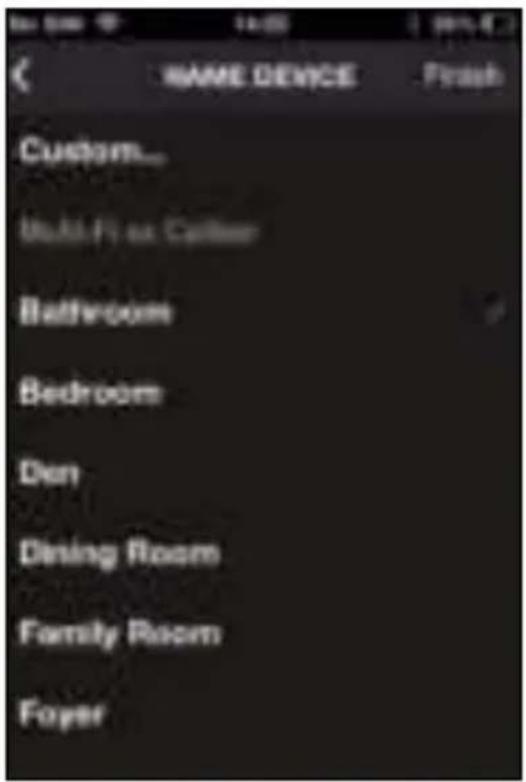
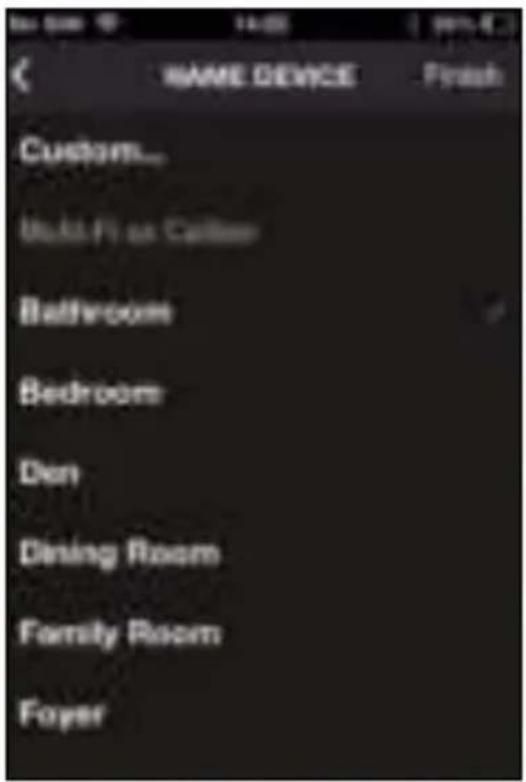
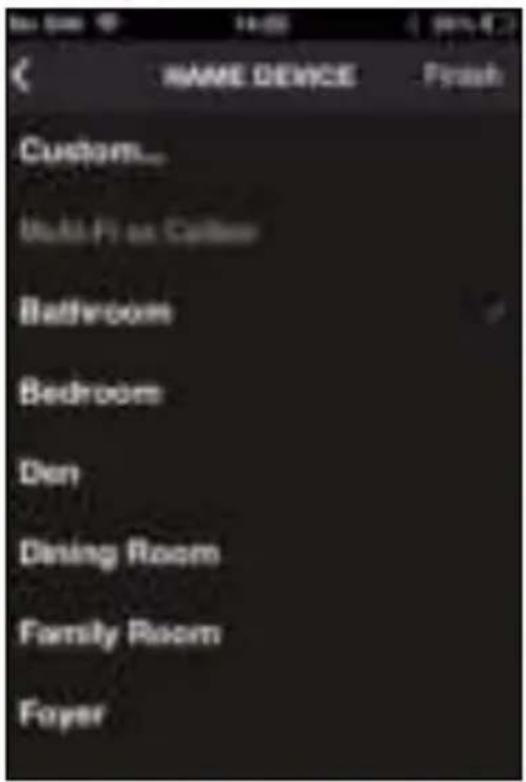
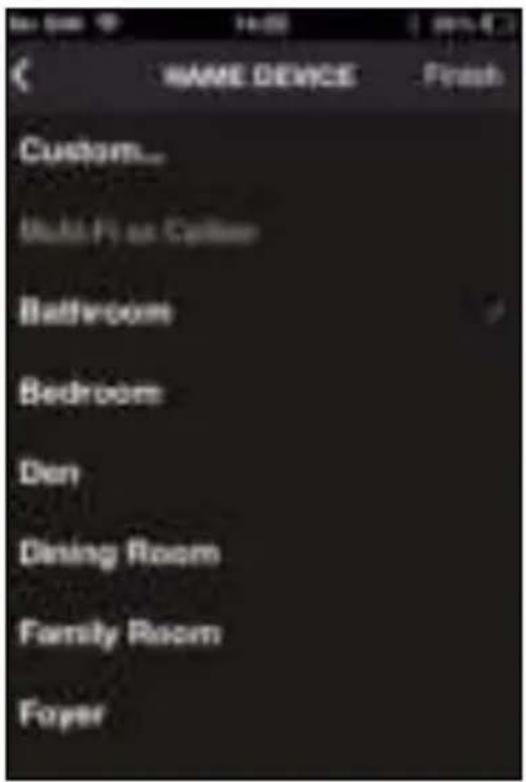
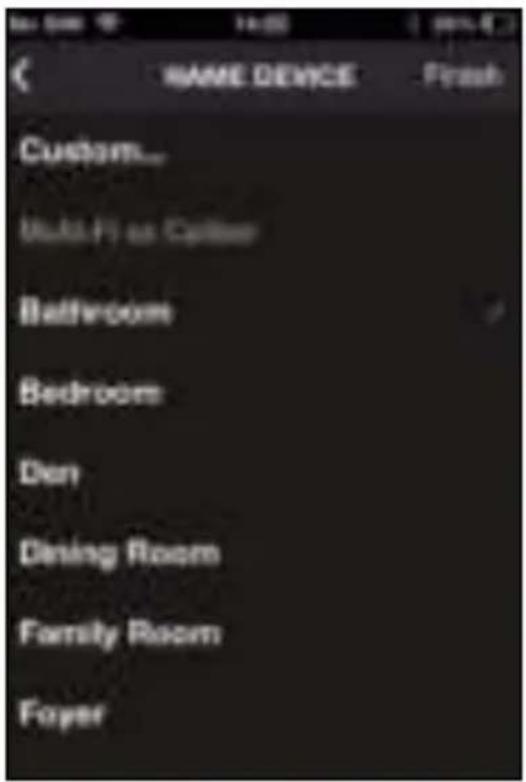
- Step 8: Choose a name from the list or give the speaker a custom name (as an example we use bathroom) and choose "finish".
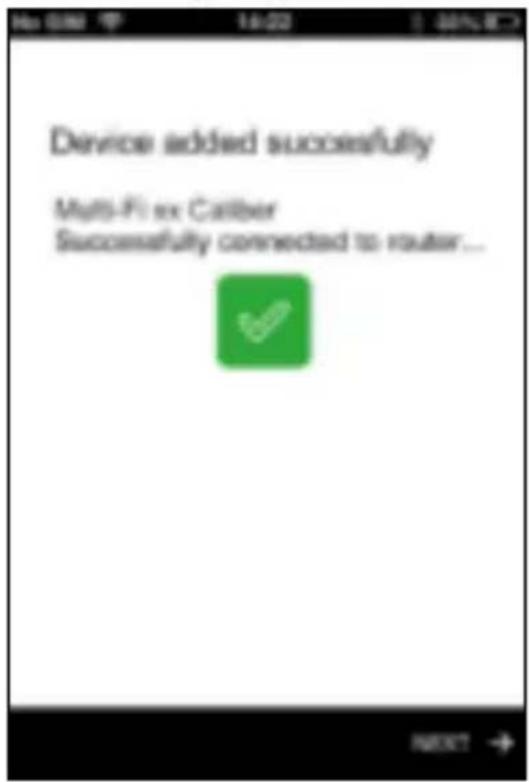
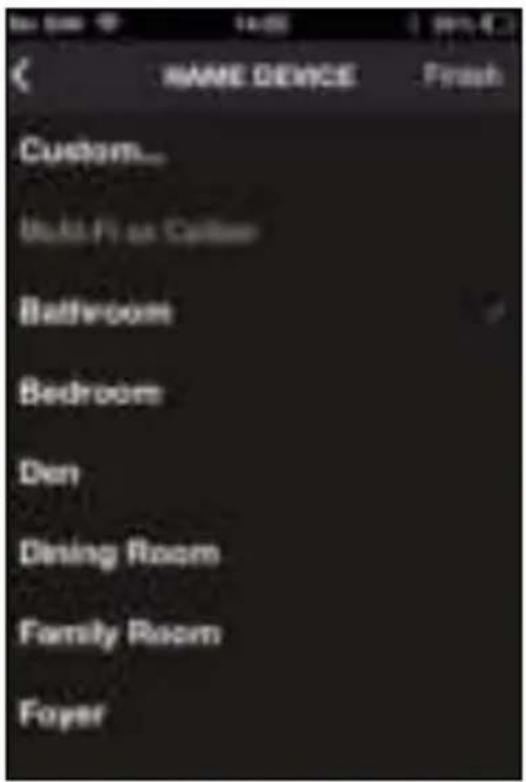
Your speaker is now ready for use.
The following steps explain how you can connect more speakers and how they can be used simultaneously or separately.
- Step 9:
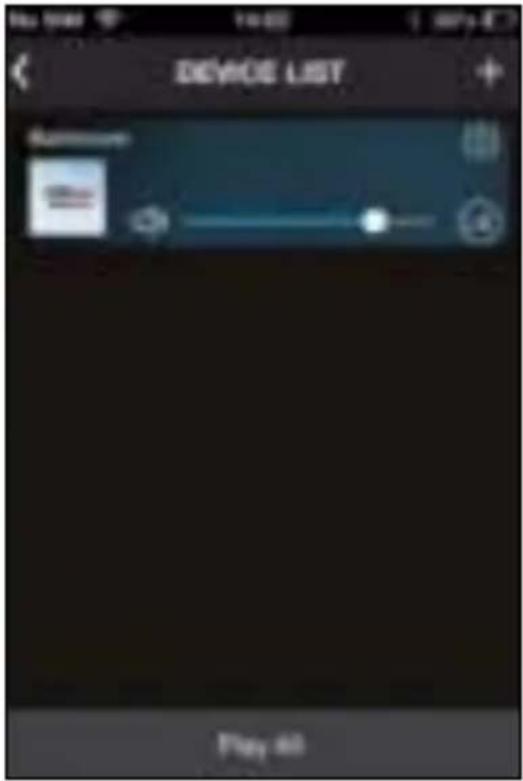
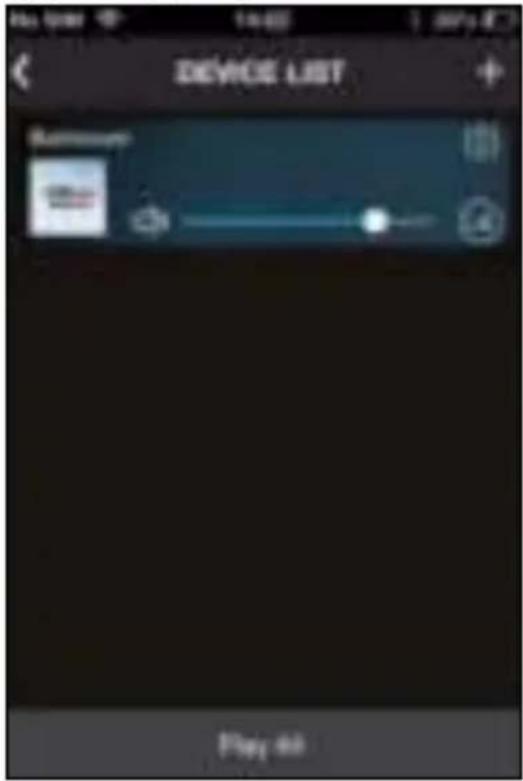
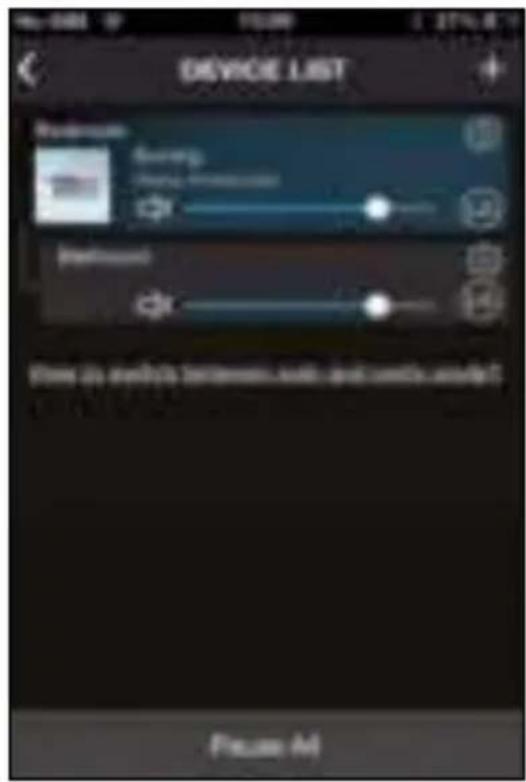
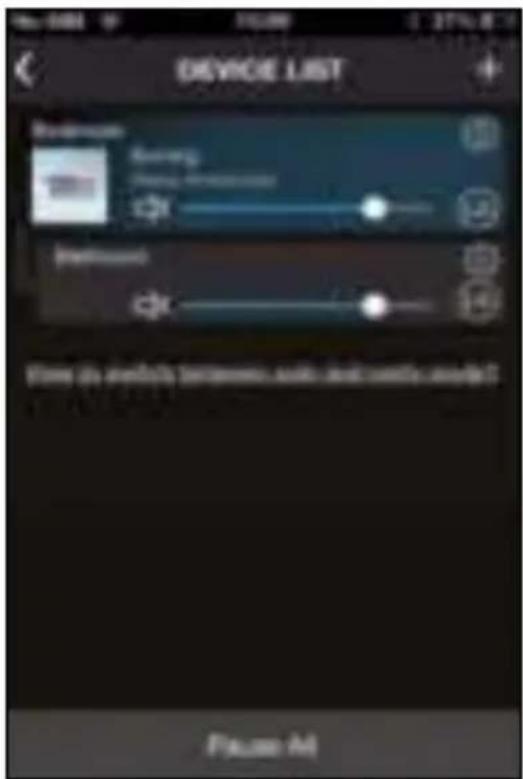
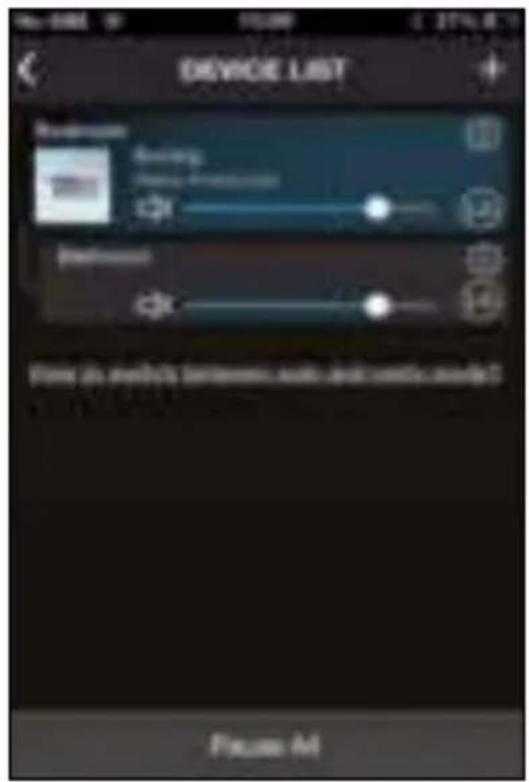
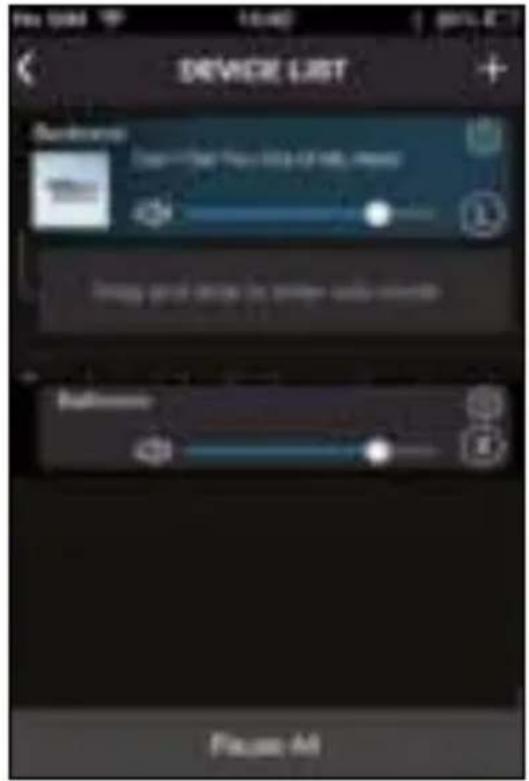
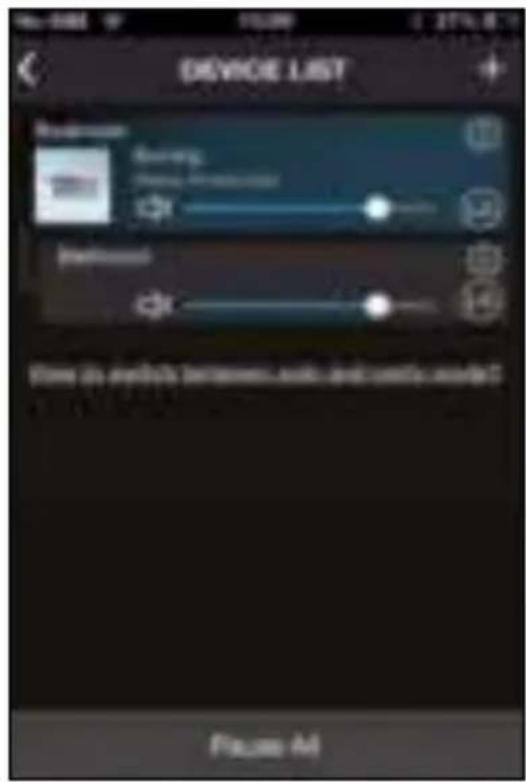
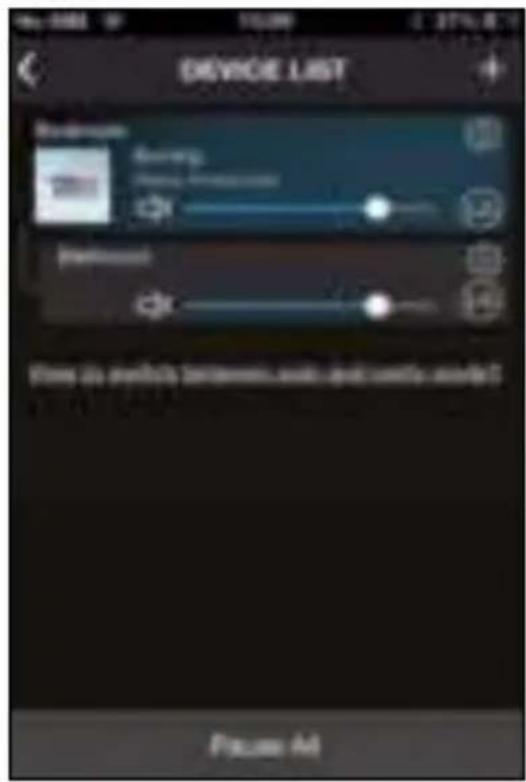
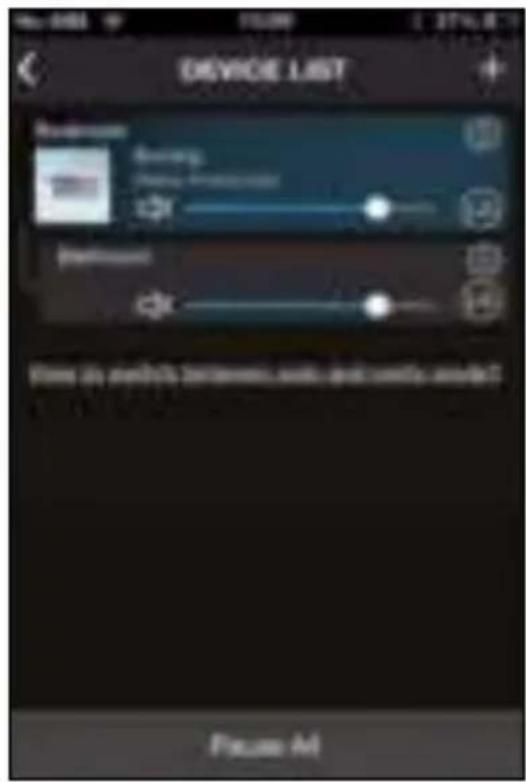
The speaker will be shown in the device list.
- Step 10:
If you want to add more speakers, turn them ON and click the [+] in the upper right corner and follow steps 4-8 again.
• Step 11:
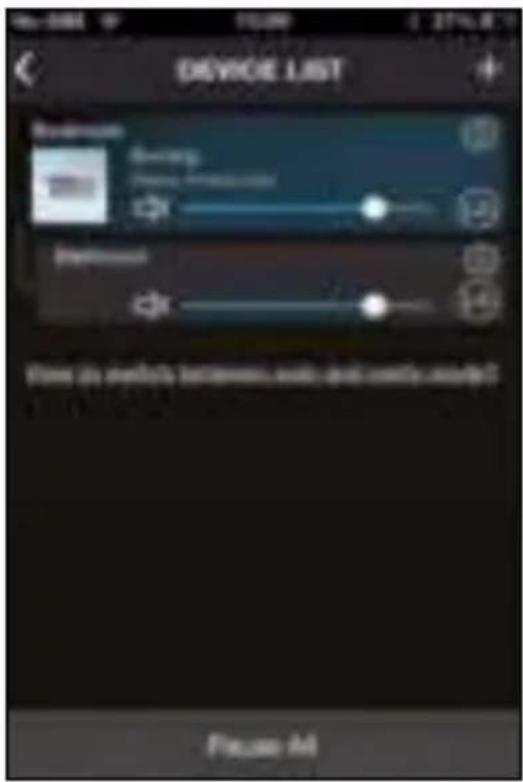
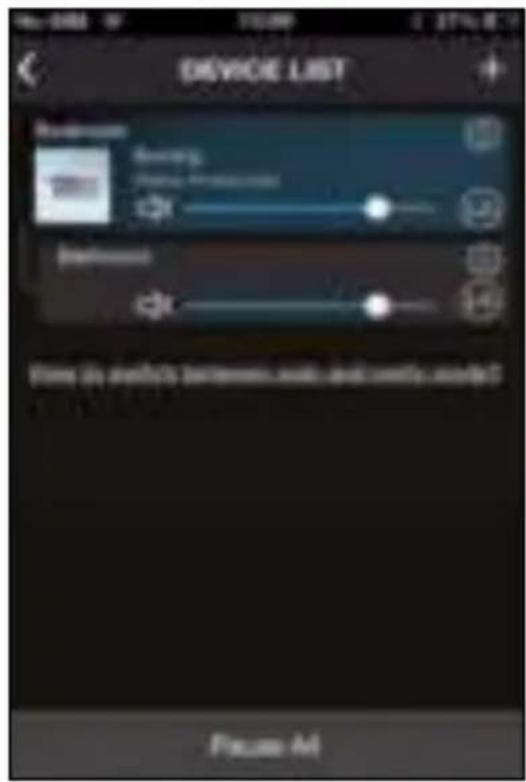
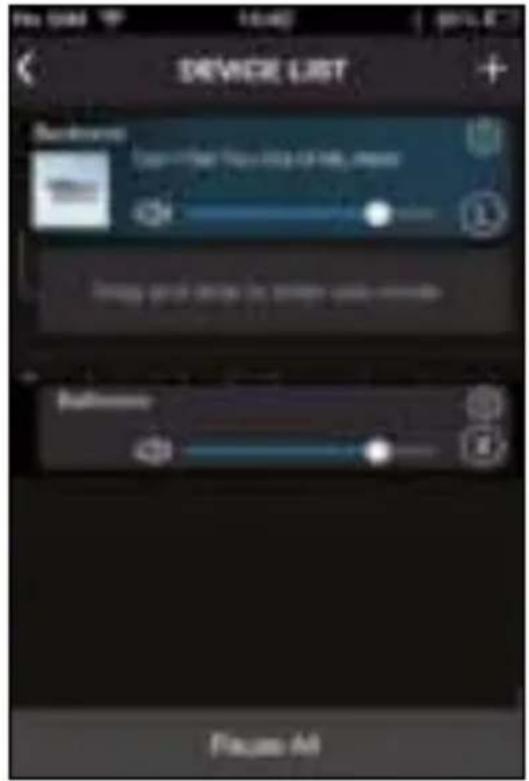
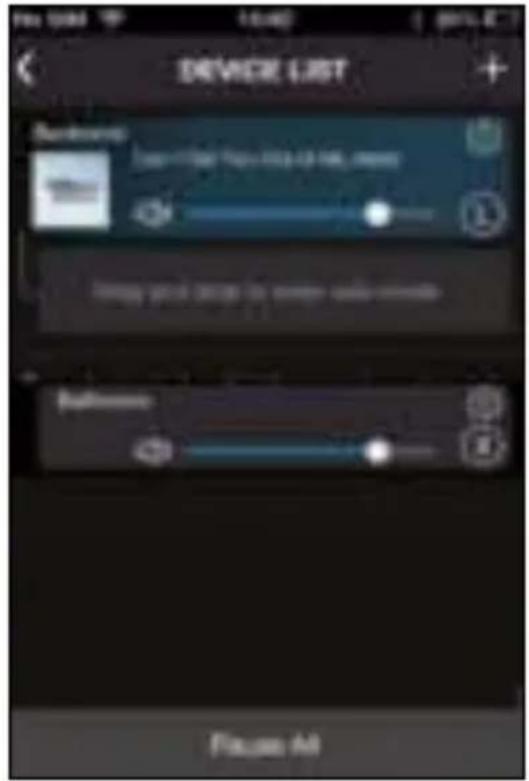
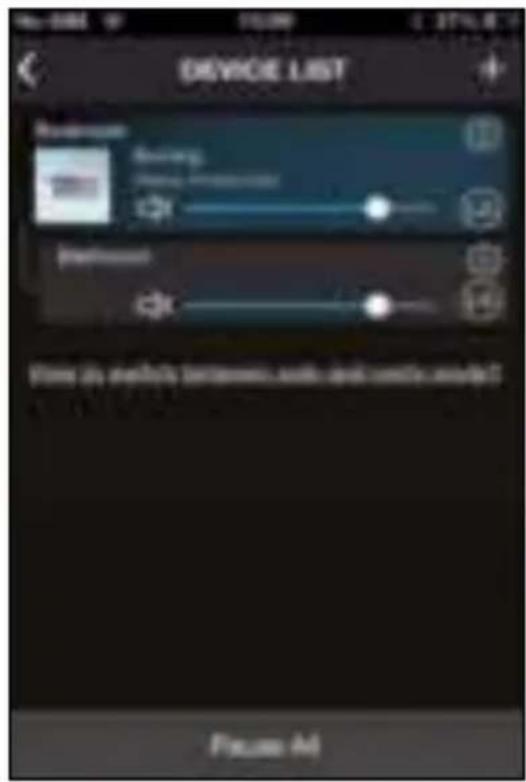
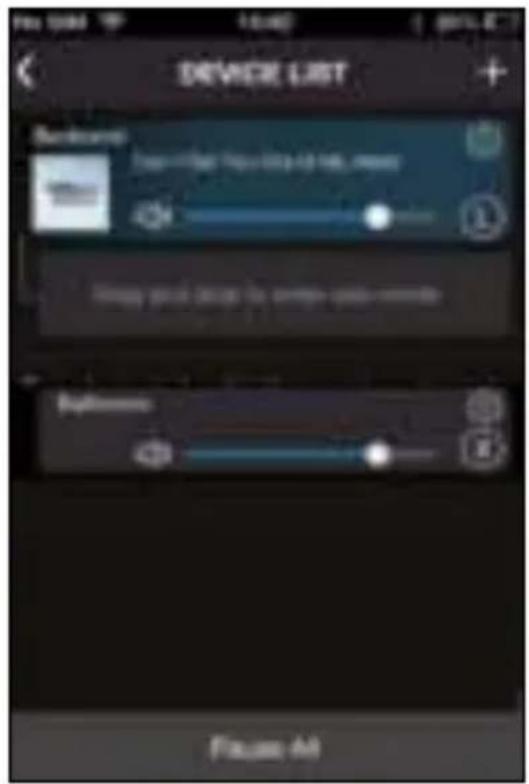
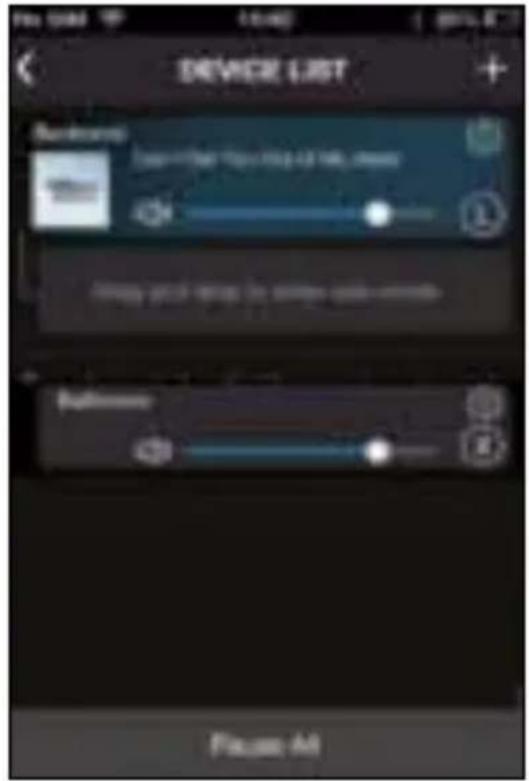
To let 2 (or more) speakers play the same music, push and hold 1 speaker till it shows the white dotted lines at the left.
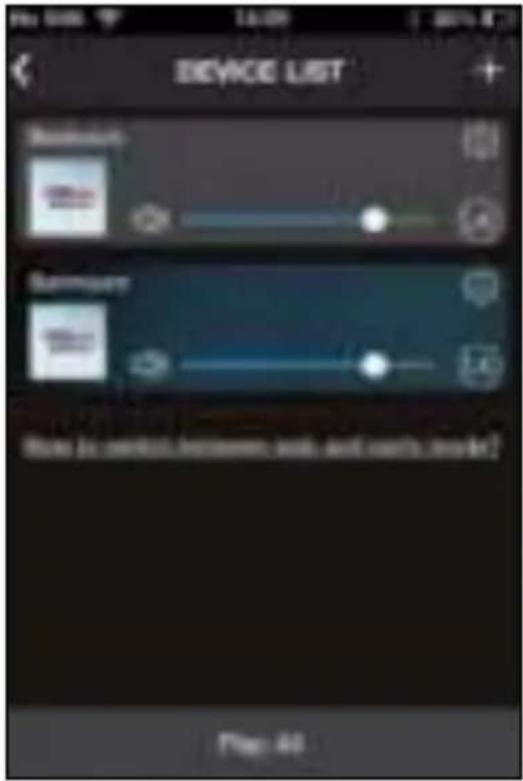
- Step 12:
Playing the same music, you can still control the volume for each speaker separately.
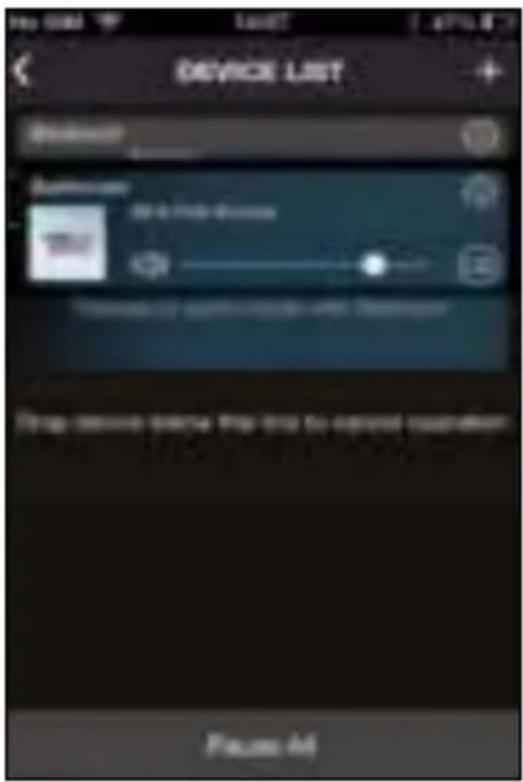
- Step 13:
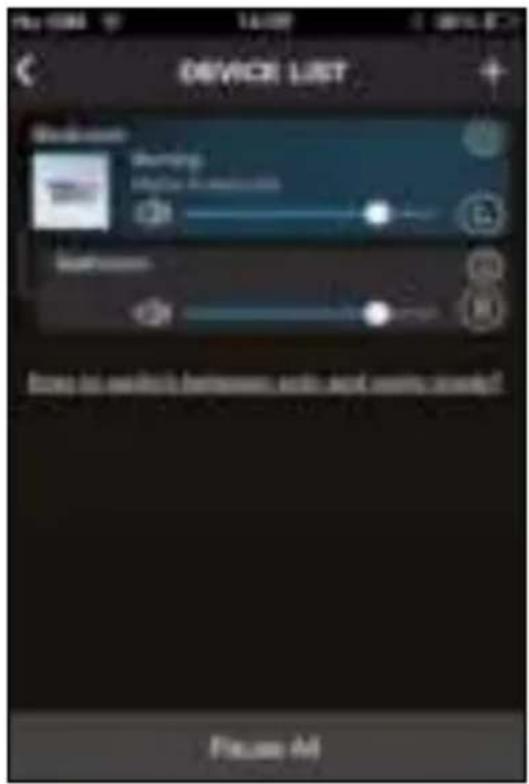
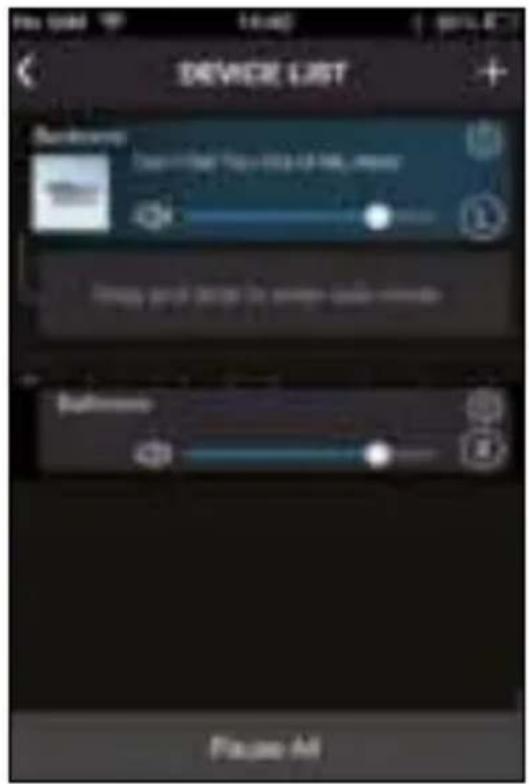
The speakers can play stereo (shown by [LR] behind the volume) or be the Left or Right one in a set (shown by [L] or [R] behind the volume). Click on [LR], [L] or [R] to change.
• Step 14:
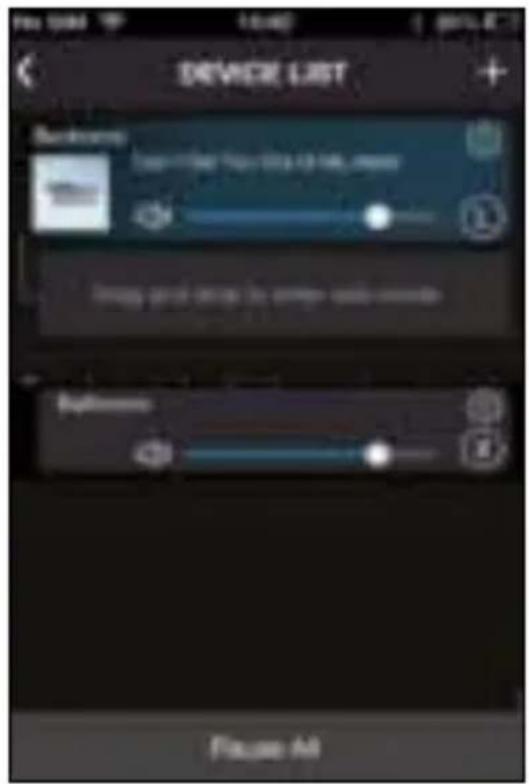
To let a speaker play different music again, push, hold and drag that speaker down from the group.
Connecting by Bluetooth
• Turn the speaker ON.
- Make sure it is in Bluetooth mode and else use the MODE button (9). The Bluetooth led (6) will be flashing.
- Search for "MULTI-FI 6 CALIBER" (password: 0000) with your Bluetooth device and connect.
- When successfully connected, the Bluetooth led (6) will light up solid.
Connecting by NFC
• Turn the speaker ON.
• Make sure the mobile phone supports NFC.
- Switch ON the NFC and Bluetooth on your mobile phone.
- Touch the spot marked NFC (5) on the speaker for approx. 2 seconds with the NFC spot of your mobile phone (location of the NCF spot on your phone should be explained in the manual of your phone).
On the display of your phone a message will appear asking you to connect, choose [OK] and wait for 5–8 seconds.
- When successfully connected, the Bluetooth led (6) will light up solid.
Note: when connected by Bluetooth you can use the speakers for hands free calling using its built-in microphone.
Connect without a Wi-Fi router (AP mode)\*
Don't have or want to use your router, you can use one speaker as a router. It will appear as a Wi-Fi network and using the app you can even connect more speakers. Turn ON the speaker and wait for approx. 8 seconds for the Wi-Fi led (8) to light up, than follow the steps below**.
- Step 1:
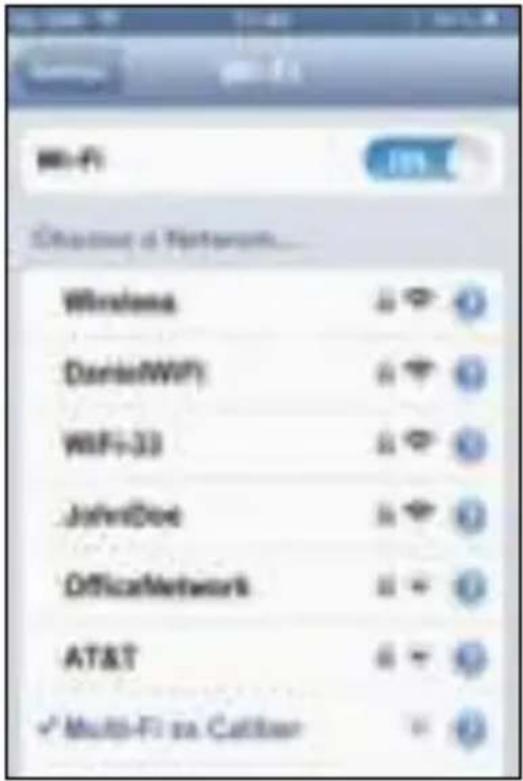
Open the Wi-Fi settings on your phone or tablet and choose the Multi-Fi speaker from the list.
- Step 2:
Open the app and you'll see the one speaker connected. To connect more speakers, turn them ON and click the [+] in the upper right corner.
- Step 3:
Push the WPS button on the speaker (7) and choose "next".
- Step 4:
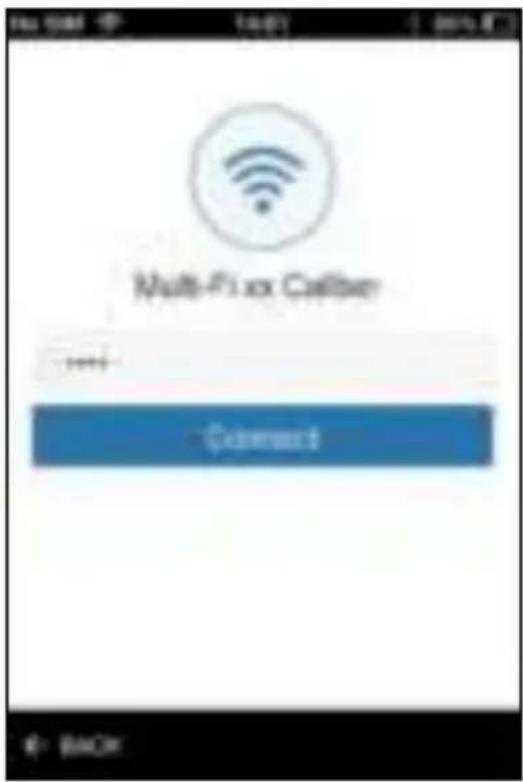
You'll be asked for a password to add the new speaker, please fill in "0000" and choose "Connect".
*Note: in this mode you can't use internet on your phone or tablet.
**Note: shown images may vary from your situation.
- Step 5:
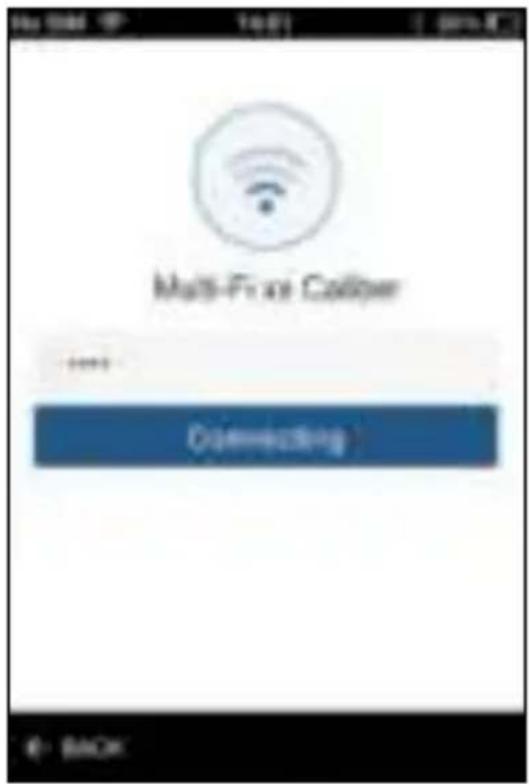
The app will show "Connecting", please be patient.
- Step 6:
If all goes well, your device will be connected, choose "next". If not, try again starting at step 2 and after restarting the speaker.
For play and sound settings, please see steps 8\~11 under "Connect with Wi-Fi router".
Using the USB
• Turn the speaker ON.
- Place an USB with MP3 files into the reader.
- The speaker will automatically go into USB mode or else use the MODE button (9).
• To control the playback, use the controls on the speaker.
Connecting by AUX-in
- Turn the speaker ON.
- Use the provided 3.5mm Jack-to-Jack cable to connect an external device to the AUX-in (4).
• The speaker will automatically go into AUX mode or else use the MODE button (9).
• To control the playback, use the controls on your external device.
Battery charging
The device has a built-in rechargeable lithium battery. For the first time; charge the battery for 6 hours. The unit is provided with USB-to-Micro USB cable.
Connect the USB to a 5V USB port and the other end to the DC-in (3) of the unit. While charging a indicator will light up and will turn OFF when fully charged.
The unit will operate without the wire connection using the lithium battery. The amount of battery life depends on how hard the unit is working. Heavy, loud, bass music will use more energy to produce than spoken word.
• Étape 5 :
- Étape 7 :
• Étape 8 :
- Étape 11 :
• Étape 13 :

Connexion Bluetooth
• Schritt 5:
• Schritt 7:
• Schritt 8:
• Schritt 13:
• Passaggio 5:
• Passaggio 7:
• Passaggio 8:
• Passaggio 11:
• Passaggio 13:
- Paso 3:
• Paso 11:
• Paso 13:
• Etapa 5:
• Etapa 7:
• Etapa 8:

• Etapa 13:
• Steg 12:
• Steg 13:
Anslutning via Bluetooth
• Krok 5:
• Krok 7:
•Krok 8:
PRZEWODNIK SZYBKIĘGO STARTU
•Krok 11:
• Krok 13:
•Krok 3:
• Βήμα 5:
• Βήμα 7:
• Βήμα 8:
• Βήμα 11:
• Βήμα 13:
• Βήμα 3:
• 5. krok:
Zadajte heslo svojej Wi-Fi siete a vyberte „Connect“.
• 6. krok:
• 7. krok:
• 8. krok:
STRUČNÝ NÁVOD K OBSLUZE
• 11. krok:
• 13. krok:
Pripojenie pomocou Bluetooth
• Zapnite reproduktor.
- Aby ste sa uistili, že je v režime Bluetooth a na iné nastavenia použite tlačidlo MODE (9). LED kontrolka Bluetooth (6) bude blikat'.
- Vyhfadajte „MULTI-FI 6 CALIBER“ (heslo: 0000) s vašim Bluetooth zariadením a pripojte ho.
- Po úspešnom pripojeni bude LED kontrolka Bluetooth (6) svietit.
• Stap 5:
• Stap 7:
• Stap 8:
VERKORTE HANDLEIDING
• Stap 11:
• Stap 13:
Koppelen via Bluetooth
Caliber hereby declares that the item Multi-Fi6 is in compliance with the essential requirements and other relevant provisions of Directive 1999/5/EC (R&TTE), 2004/108/EC (EMC) and 2011/65/EU (Rohs)
FR

- GB
- FR
- Connect with Wi-Fi router (STA mode)
- - Step 1:
- - Step 2:
- - Step 3:
- - Step 4:
- Your speaker is now ready for use.
- - Step 9:
- - Step 10:
- • Step 11:
- - Step 12:
- - Step 13:
- • Step 14:
- Connecting by Bluetooth
- Connecting by NFC
- Connect without a Wi-Fi router (AP mode)\*
- - Step 5:
- - Step 6:
- Using the USB
- Connecting by AUX-in
- Battery charging
- • Étape 5 :
- - Étape 7 :
- • Étape 8 :
- • Étape 13 :
- Connexion Bluetooth
- • Schritt 5:
- • Schritt 7:
- • Schritt 8:
- • Schritt 13:
- • Passaggio 11:
- • Passaggio 13:
- - Paso 3:
- • Paso 11:
- • Paso 13:
- • Etapa 5:
- • Etapa 7:
- • Etapa 8:
- • Etapa 13:
- • Steg 13:
- Anslutning via Bluetooth
- • Krok 5:
- • Krok 7:
- •Krok 8:
- PRZEWODNIK SZYBKIĘGO STARTU
- • Krok 13:
- •Krok 3:
- • Βήμα 5:
- • Βήμα 7:
- • Βήμα 8:
- • Βήμα 13:
- • Βήμα 3:
- • 5. krok:
- • 6. krok:
- • 7. krok:
- • 8. krok:
- STRUČNÝ NÁVOD K OBSLUZE
- • 13. krok:
- Pripojenie pomocou Bluetooth
- VERKORTE HANDLEIDING
- • Stap 11:
- • Stap 13:
- Koppelen via Bluetooth
Brand : CALIBER
Model : Multi-Fi 6
Category : Loudspeaker