
TS 15 - Portable media player MPMAN - Free user manual and instructions
Find the device manual for free TS 15 MPMAN in PDF.


| Product type | Portable media player |
| Brand | MPMAN |
| Model | TS 15 |
| Supported audio formats | MP3, WMA, WAV, FLAC |
| Supported video formats | AMV, AVI (converted) |
| Image formats | JPEG, BMP |
| Screen | 1.8-inch color LCD |
| Storage capacity | 8 GB (internal, expandable via micro SD up to 32 GB) |
| Dimensions (L x W x H) | Approximately 95 x 45 x 12 mm |
| Weight | Approximately 50 g (with battery) |
| Power supply | Built-in rechargeable lithium-ion battery, 300 mAh, via USB port |
| Battery life | Up to 12 hours of audio playback |
| Connectivity | USB 2.0, 3.5 mm headphone jack |
| Main functions | Audio playback, video playback, photo display, FM radio, voice recording, text reader |
| FM radio | Yes, with station memory |
| Voice recording | Yes, in WAV format |
| Maintenance and cleaning | Clean with a soft, dry cloth. Do not use chemicals. |
| Safety | Do not expose to moisture or extreme temperatures. Use moderate volume to protect hearing. |
| Spare parts and repairability | Built-in battery not user-replaceable. No spare parts available. |
| Box contents | TS15 player, USB cable, earphones, user manual |
Frequently Asked Questions - TS 15 MPMAN
User questions about TS 15 MPMAN
0 question about this device. Answer the ones you know or ask your own.
Ask a new question about this device
Download the instructions for your Portable media player in PDF format for free! Find your manual TS 15 - MPMAN and take your electronic device back in hand. On this page are published all the documents necessary for the use of your device. TS 15 by MPMAN.
USER MANUAL TS 15 MPMAN
1: Additional Information
| Clip |
| ON/OFF |
| Display |
| VOL - |
| VOL + |
| Earphone jack |
| USB jack |
2: Function Description:
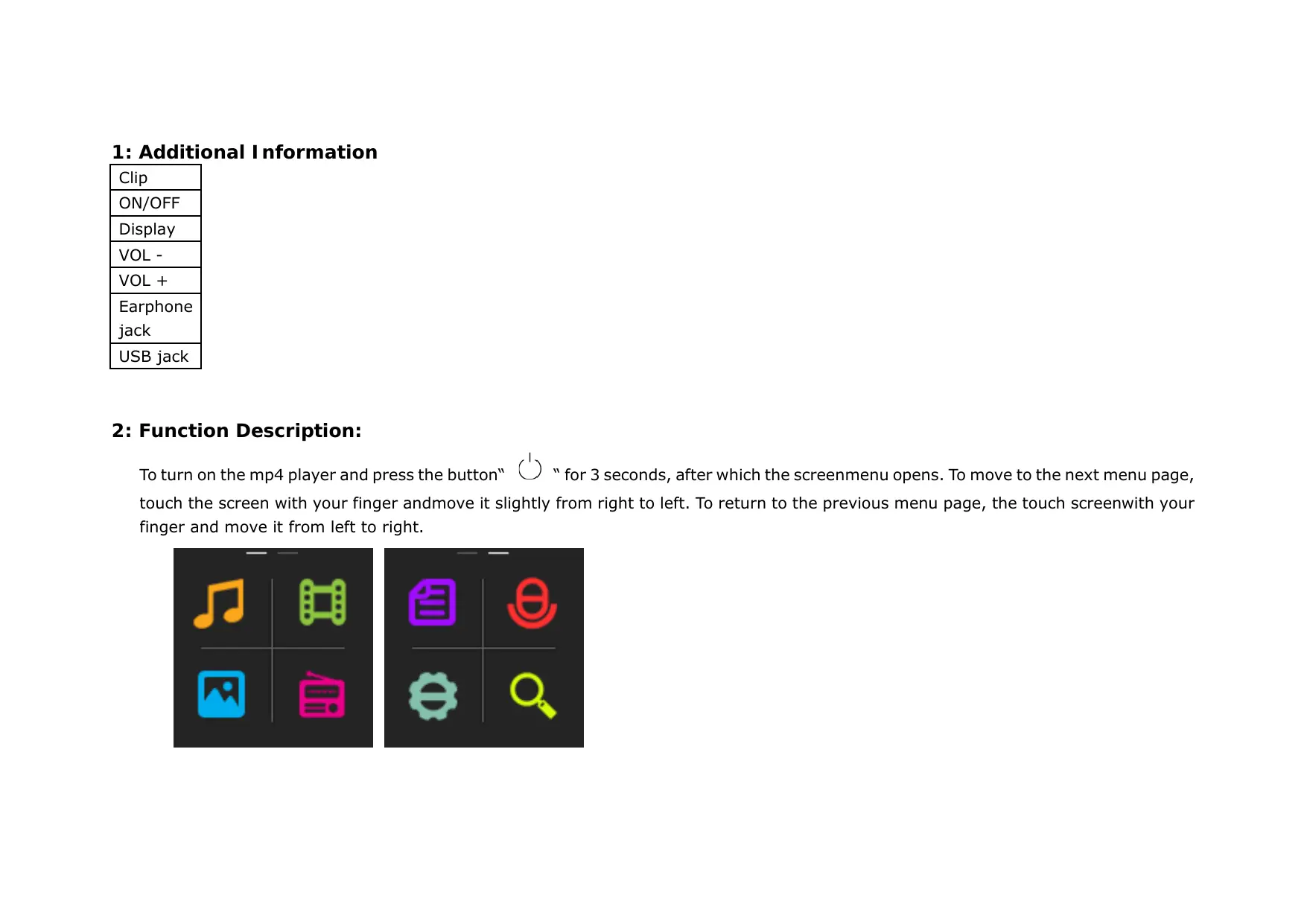
To turn on the mp4 player and press the button" " for 3 seconds, after which the screenmenu opens. To move to the next menu page, touch the screen with your finger and move it slightly from right to left. To return to the previous menu page, the touch screenwith your finger and move it from left to right.
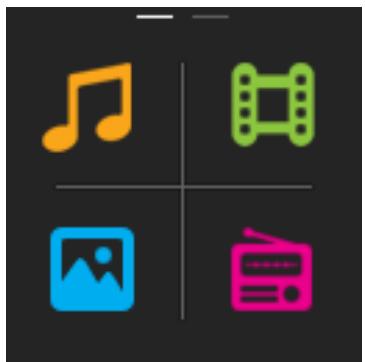

Swipe
Tap
"HOLD" Function:
-
- Press the button to lock the screen.
-
- Press the key to unlock the screen.
2.1. Music play mode:
a) Tap on the music icon

to display the playback menu
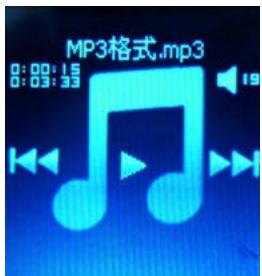
- Press the button “ , ” and adjust the volume of the headphone output.
- Back-press key “ 品 ” to play the previous songs.
- Forward-press key" >> " to play the next songs.
- Play icon"▶" to play / pause function key.
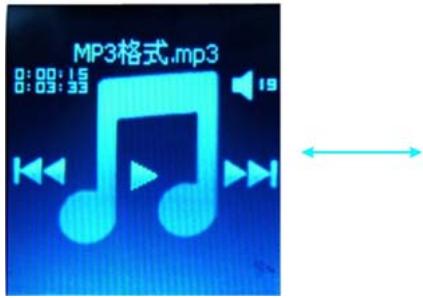
b) During playback
-
finger to touch the screen and move it slightly from right to left, to get the song listinformation.
-
finger to touch the screen and move it slightly from left to right to return to the menu.
2.2. Video Playback:

button to access the video list.
- Touch the screen with your finger and move it slightly from right to left to bring up the next video list.
- Press the video title to play the video.
[VIDEO-FORMAT- SUPPORT: AVI with resolution 128X128]
-finger to touch the screen and move it slightly from left to right to enter the main menu screen.
NOTE: The video-conversion program from device to PC COPY AND PROPERLY INSTALL.
Copy of the Program Files:
1 / MP4 to PC.
2 / A new player (for example, drive E) is created, click on it to open it.
3 / The installation file "Video_converter.exe" find
4 / The file on the desktop of the PC's copy.
5 / Double click on the file to install the program.
Converting Video Files:
1 / program "AVI converter Open
2 / "ADD" button to choose to convert the source video file.
3 / Make sure that the resolution "128 x 128" is set (files with a different resolution cannot be played with the MP4 player)
4 / Press the "Convert Now " button to stop the video Konvertierprozess.
5 / target file into the mp4 player copy to play the video.
2.3. E-Book:

- Press the Text icon" " to go to E-Book
- Press the power button for automatic page switching
- Negative Volume button “ ” to move to next page
- Positive volume button “ ” to go to the previous page
- touch the screen with your finger and move it slightly from left to right to return to the main menu screen.
2.4 Photo:

-
Photo icon “ 🅥 🅥 ” to view photos of press
-
touch the screen with your finger and move it slightly from right to left to bring up thenext photo.
- touch the screen with your finger and move it slightly from left to right, to the previousphoto or return to the main screen.
2.5 Recording:
a). Recording icon

" button to display the Capture menu:
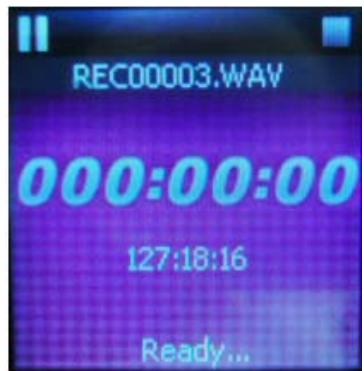
- Pause icon “ ” button to pause to start recording.
- Stop icon button “ ” to save the recorded file.
2.6 Radio:
- Radio icon

button to open the radio menu
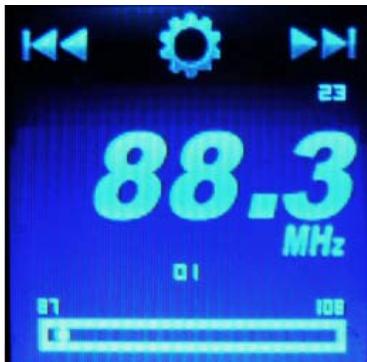
- Press key “ ” to go to the Radio Setup menu.
- Back-press key “ ” to go to the previous channel.
- Forward-press key “▶” to go to the next channel.
2.7 Setting:

button to display the Systemeinstellmenu
- touch the screen with your finger and move it slightly from left to right, to the main screen menu.
2.8 Explorer:

button to display the setup menu of the information.
- touch the screen with your finger and move it slightly from left to right, to the main screen menu.
Note
- The player does not excessively hot, cold, dusty or suspend dark environments.
- Player to protect against friction with hard objects in order to protect it from scratches at the surface or from battery or hardware damage.
- Player to use in extremely dry environments, to protect it from static electricity.
- During formatting, uploading and downloading the player does not switch offsuddenly to avoid the occurrence of bugs;
- player away from babies or small children with.
- The player supports Windows XP, Win7, Vista OS System or Mac OS x 10.6.4version.
The contents of this manual may change without notice for purpose of improvement. We reserve the right to make changes without notice to this manual.

Contribute to environmental protection!
Be sure to follow the local environmental regulations: bring non-functioning electrical equipment provided for waste disposal system.

MPMANAGER
For movie and music synchronisation and conversion, please use MPMANAGER software supplied in the PLAYER.
This software can be used also for UPDATE of your player.
MPMANAGER manual is included in your PLAYER.
For more information please check our website www.mpmaneurope.com

CE

Brand : MPMAN
Model : TS 15
Category : Portable media player