Active 4 Pro - Smartwatch Kogan - Free user manual and instructions
Find the device manual for free Active 4 Pro Kogan in PDF.


| Product Type | Smartwatch |
| Brand | Kogan |
| Model | Active 4 Pro |
| Part Numbers | KAA4PGBLKA, KAA4PGRGDA, KAA4PGNVYA |
| Display | Full touch screen with short/long press, swipe left/right/up/down |
| Sensors | Heart rate, SpO2, stress, noise, accelerometer |
| Battery Charging | Magnetic charging cable, 5V/500mA USB adapter (not included) |
| Water Resistance | Supports pool swimming and open water swimming (5ATM assumed) |
| Connectivity | Bluetooth (for app and calls) |
| Compatible App | VeryFit (iOS and Android) |
| Supported Languages | Multiple languages via app translation |
| Exercise Modes | 110 types (21 default, up to 30 visible); includes running, cycling, swimming, yoga, HIIT, cricket, etc. |
| Health Monitoring | 24/7 heart rate, stress, SpO2, sleep, breathing training, women's health, body energy |
| Smart Features | Calling (up to 20 contacts), dialpad, event reminders, weather, music control, remote camera, AI voice assistant, find phone, flashlight |
| Watch Faces | 12 pre-installed, more from Watch Face Market, customizable via app |
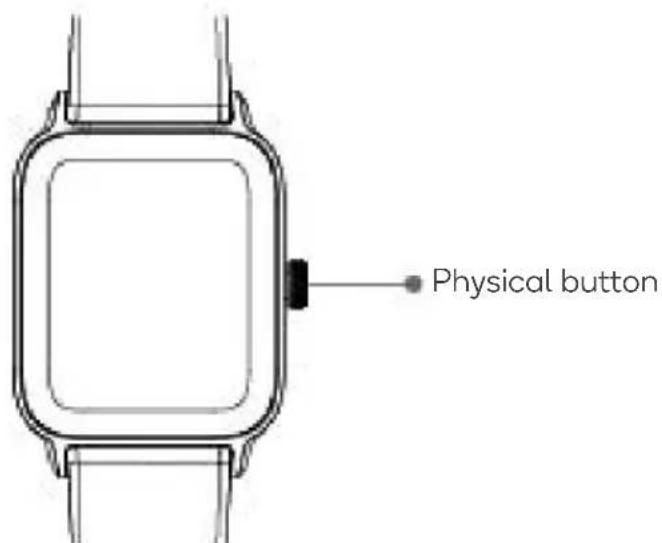
| Physical Button | Press to return, long press for sports list (3s), power restart (5s), restart (8s); triple press for SOS |
| Components | Smartwatch, charging cable, user guide |
| Cleaning & Maintenance | Keep sensor clean, avoid harsh chemicals; charge contacts dry |
Frequently Asked Questions - Active 4 Pro Kogan
User questions about Active 4 Pro Kogan
0 question about this device. Answer the ones you know or ask your own.
Ask a new question about this device
Download the instructions for your Smartwatch in PDF format for free! Find your manual Active 4 Pro - Kogan and take your electronic device back in hand. On this page are published all the documents necessary for the use of your device. Active 4 Pro by Kogan.
USER MANUAL Active 4 Pro Kogan
ACTIVE 4 PRO SPORTS GPS SMART WATCH
KAA4PGBLKA, KAA4PGRGDA, KAA4PGNVYA
Components 3
Overview 3
Operation 4
App Connectivity 6
Functions 7
Notes 18
COMPONENTS
- Smart watch
- Charging cable
- User guide
OVERVIEW
Front
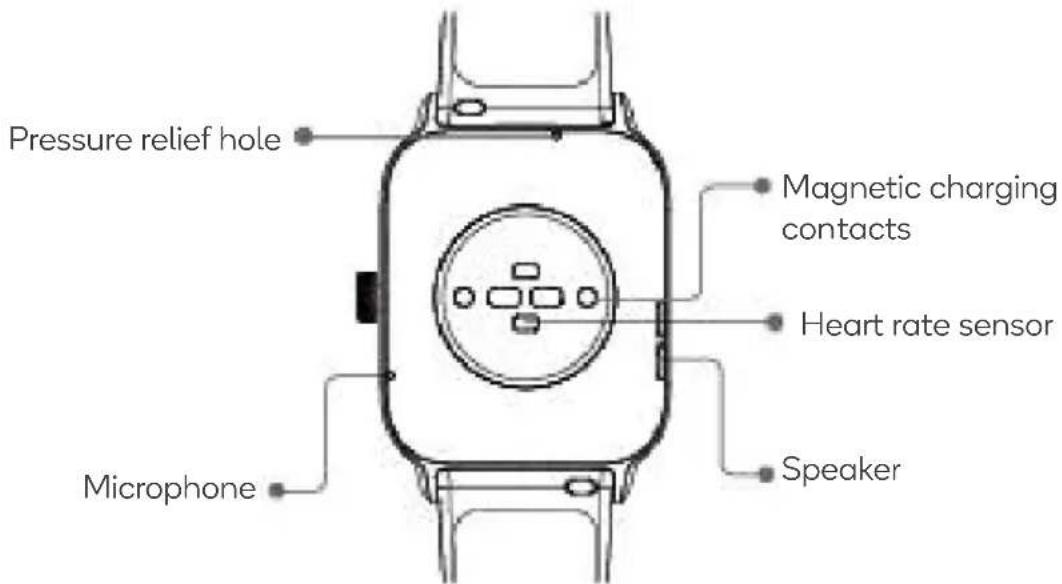
Rear
OPERATION
Note:
Ensure the smart watch is charged fully before first use.
Charging
-
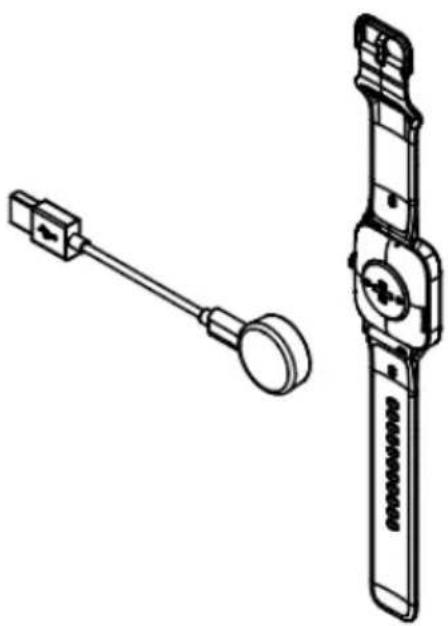
Whilst the watch is off, it automatically turns on when you put it on charge. To charge, attach the supplied magnetic charging cable to the magnetic charging contacts on the back of the smart watch.
-
Attach the opposite end of the cable into a USB power adapter (not supplied). Ensure the adapter meets the specified voltage and current (5V/500mA).
natural_image
Technical line drawing of a mechanical device with two views: one showing a handle and circular end, the other showing a vertical cylindrical component (no text or symbols)Wearing
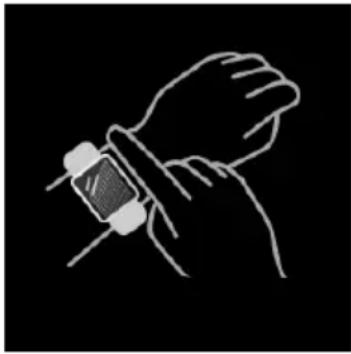
Ensure the watch is at least one finger above your wrist bone and the sensor on the back touches your skin.
Screen Operation
The watch has a full touch screen that supports short and long presses, swipes left/right, and swipes up/down.
natural_image
Line drawing of a wristwatch with a sensor attached, against a black background (no text or symbols)Button Operation
- Press the 'Physical' button to return to the previous page.
-
Press and hold the 'Physical' button for:
-
3 seconds to enter the Sports list.
- 5 seconds to enter the Power Restart page.
- 8 seconds: to restart the watch.
- Quickly press the 'Physical' button 3 times to enter SOS. Quickly press the 'Physical' button 3 times on the SOS countdown page to cancel SOS.
Connect to the VeryFit App
- Connect the contact points of the magnetic charging cable to the contact points of the watch to charge and activate the device and to turn it on.
- Search for the 'VeryFit' app in your phone's app store, download and install it; or scan the QR code to download the app from the browser. In the app interface, set your personal information, as well as your step and weight goals.
- Open the app, tap the ‘+’ icon in the upper right corner, select ‘Add Device’, choose the device category, and select the device you wish to link in the corresponding search list. You may also link the device directly by scanning the device’s QR code using the scan function.

Pairing
- Enable Bluetooth on your device and open the VeryFit app.
- Illuminate the watch screen and bring it close to your phone.
- Tap 'Bind Device' on the app select the watch model in the search results.
- Confirm the pairing request on the watch.
- Fill in your information and set your step goal on the app to complete the pairing.
FUNCTIONS
Watch Face
- The watch can display different watch faces, including 12 pre-installed by default.
- Switch between watch faces on the watch or through the VeryFit app's watch face settings. Additionally, the wallpaper watch face can be installed via the app.
- More watch faces are available for download from the 'Watch Face Market.'
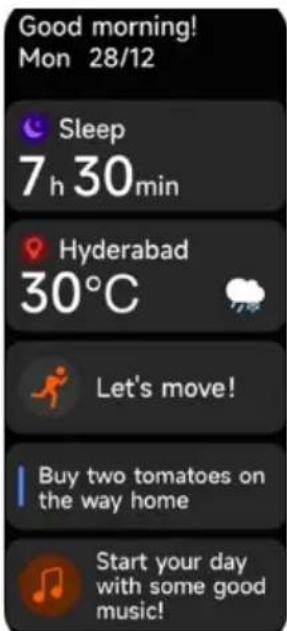
X Screen
Based on the user's usage habits and time, different applications and reminders are recommended for display on the X screen.
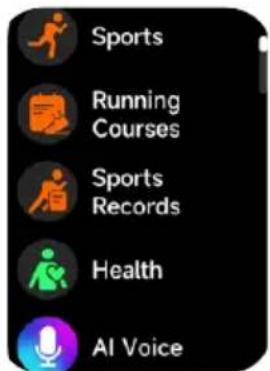
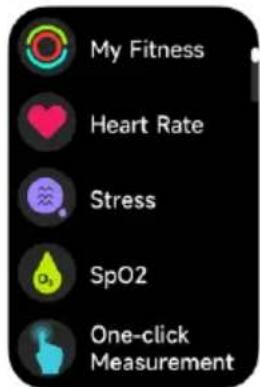
Applications
- Sports
- Running Courses
- Sports Records
- Health
○ My Fitness
○ Heart Rate
○ Stress
- SpO2
○ One-click measurement
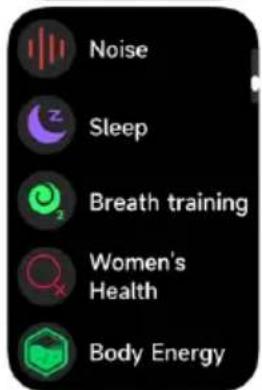
o Noise
- Sleep
- Breath training
- Women's Health
○ Body Energy
- AI Voice
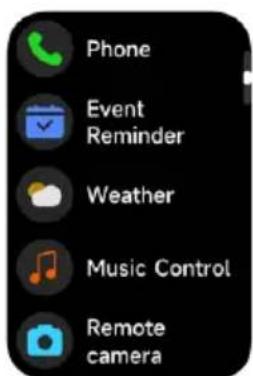
- Phone
- Event Reminder
- Weather
- Music Control
- Remote camera
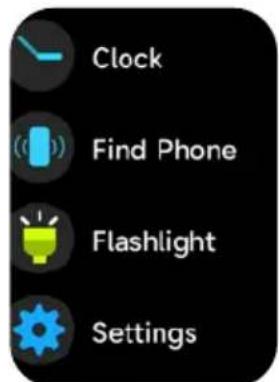
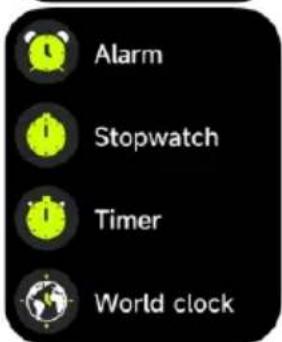
- Clock
o Alarm
- Stopwatch
o Timer
- World clock
- Find Phone
- Flashlight
- Settings
Sports
- The watch supports 110 exercise types, with 21 displayed by default and the ability to display up to 30. You can add or remove exercise types directly through the watch.
- In the app's multi-exercise mode, you can also change their order.
Outdoor running
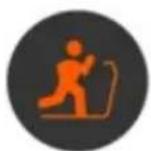
Indoor running
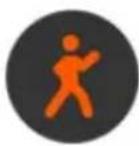
Outdoor walking
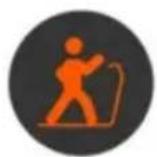
Indoor walking
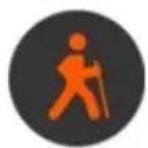
Hiking
Outdoor cycling
Indoor cycling Pool
swimming

Open water
swimming
Elliptical machine
Rowing machine
Yoga
Workout
Cricket
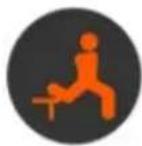
Functional strength training
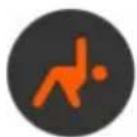
High-intensity interval training (HIIT)
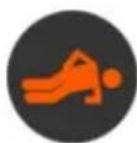
Core training
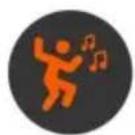
Dancing High
Knee Lifting
Cooldown

Cross-
country
racing
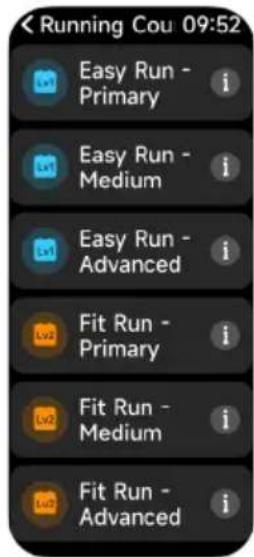
- This watch supports running courses, offering different stages tailored to various skill levels to help improve your running ability progressively.
- It also features intelligent exercise recognition, automatically detecting if the user is running or walking.
- The watch can automatically pause exercises or send reminders when an exercise ends. This feature can be enabled or disabled through the app.
- The watch provides a summary of exercise data, which can be reviewed on the VeryFit app.
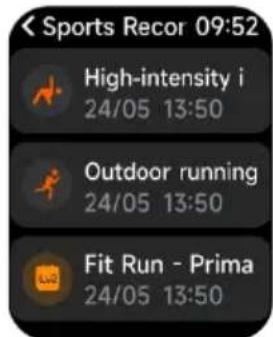
- You can view recent exercise records directly on the watch, including detailed data, or access these records on the app.
My Fitness
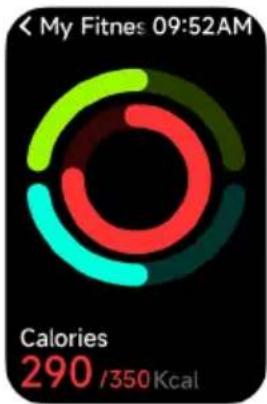
- The watch collects and displays various fitness metrics, including daily activity, moderate to high-intensity exercise, walking, and step data, along with corresponding goals.
- It provides an hourly histogram of moderate to high-intensity activity, walking data, daily steps and distance, and daily goal settings.
Heart Rate
- Measure your heart rate and HRV on the watch. In the app settings, you can enable or disable the 24-hour heart rate monitoring and view the data. When the all-day heart rate monitor is enabled, you can see the percentage distribution of each heart rate interval.
- During each heart rate measurement, keep your arm and wrist still and wait patiently until the measurement is complete.
pie
| Category | Calories | |---|---| | Red Segment | 290 | | Green Segment | 350 | | Cyan Segment | 350 | The chart displays a single data point for 'Calories' at 09:52 AM.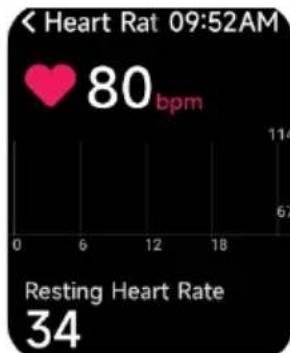
line
| Time (s) | Heart Rate (bpm) | | :--- | :--- | | 09:52 AM | 80 |Stress
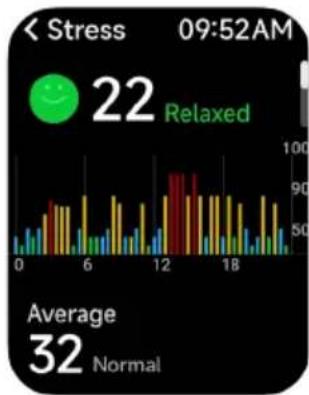
- Measure stress on the watch. In addition, the watch supports automatic around-the-clock stress monitor. In the app settings, you can turn on/off this function or view the stress data.
- Each time stress is measured, keep your arm and wrist still and wait patiently until the measurement finishes.
SpO2
- Measure SpO2 on the watch. In addition, the watch supports automatic around-the-clock SpO2 monitor. In the app settings, you can turn on/off this function or view the SpO2 data.
- Each time SpO2 is measured, keep your arm and wrist still and wait patiently until the measurement finishes.
One-click Measurement
- Heart rate, stress, and blood oxygen can be measured simultaneously within 30 seconds.
- During each one-click measurement, keep your arm and wrist still and wait patiently until the measurement is complete.
Noise
• Measure noise levels on the watch.
- Additionally, the watch supports automatic 24-hour noise monitoring. In the app settings, you can enable or disable this function and view the corresponding data.
- During each noise measurement, keep your arm and wrist still and wait patiently until the measurement is complete.
bar
| Time | Stress | |------|--------| | 0 | 0 | | 6 | 70 | | 12 | 90 | | 18 | 70 |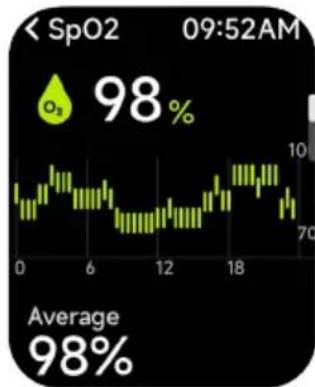
line
| Time | Value | |------|-------| | 0 | 70 | | 6 | 10 | | 12 | 70 | | 18 | 10 |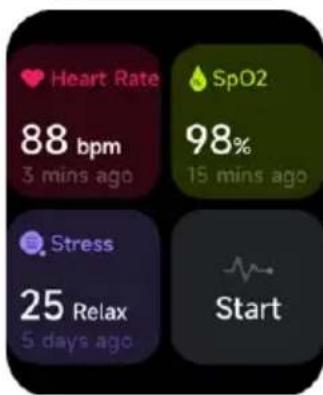
other
| Metric | Value | | :--- | :--- | | Heart Rate (bpm) | 88 | | SpO2 (%) | 98 | | Stress (Relax) (days ago) | 25 | | Start | (no explicit value shown) |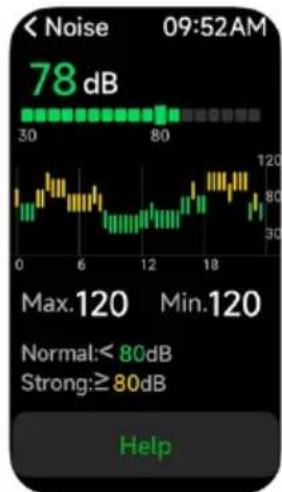
line
| Time | Value | |------|-------| | 0 | 30 | | 6 | 80 | | 12 | 120 | | 18 | 80 |Sleep
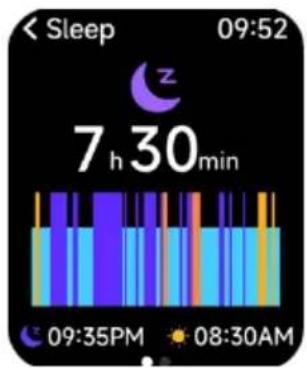
View your most recent sleep record, including sleep and respiratory rate status at each stage.
Breathe
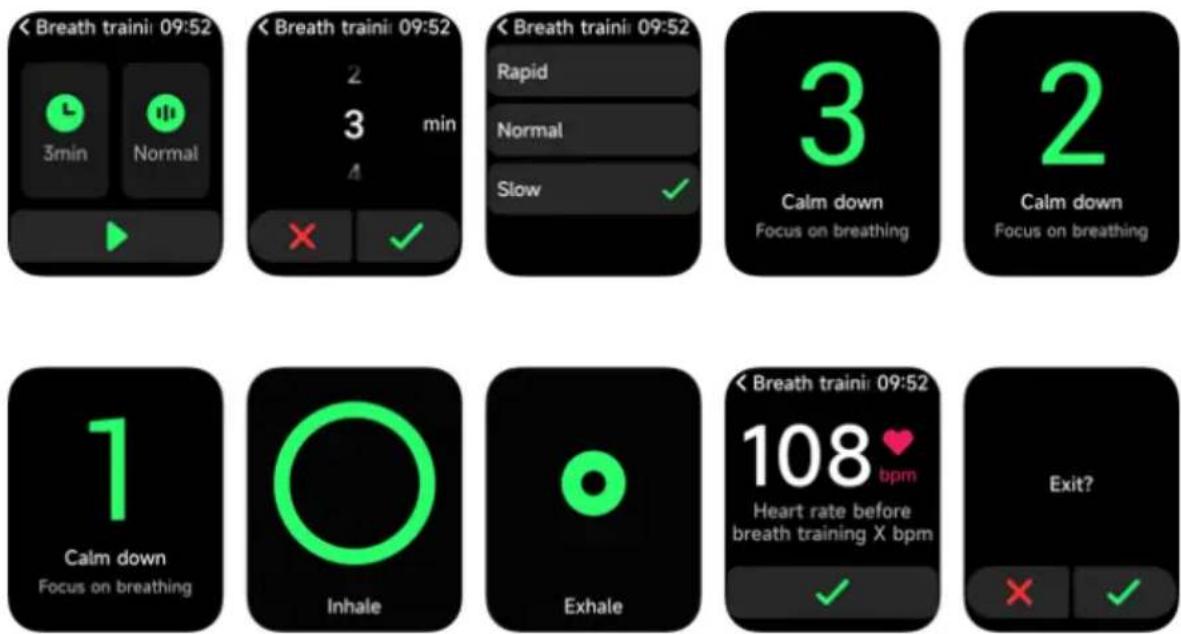
- Tap the 'Breathe' icon to access this feature. It helps you adjust your breathing rate – rapid, normal, or slow – and choose the duration.
- Tap 'Start' to begin the breath training animation. Follow the vibration and animation cues to adjust your breathing. Proper breath training can help soothe your emotions.
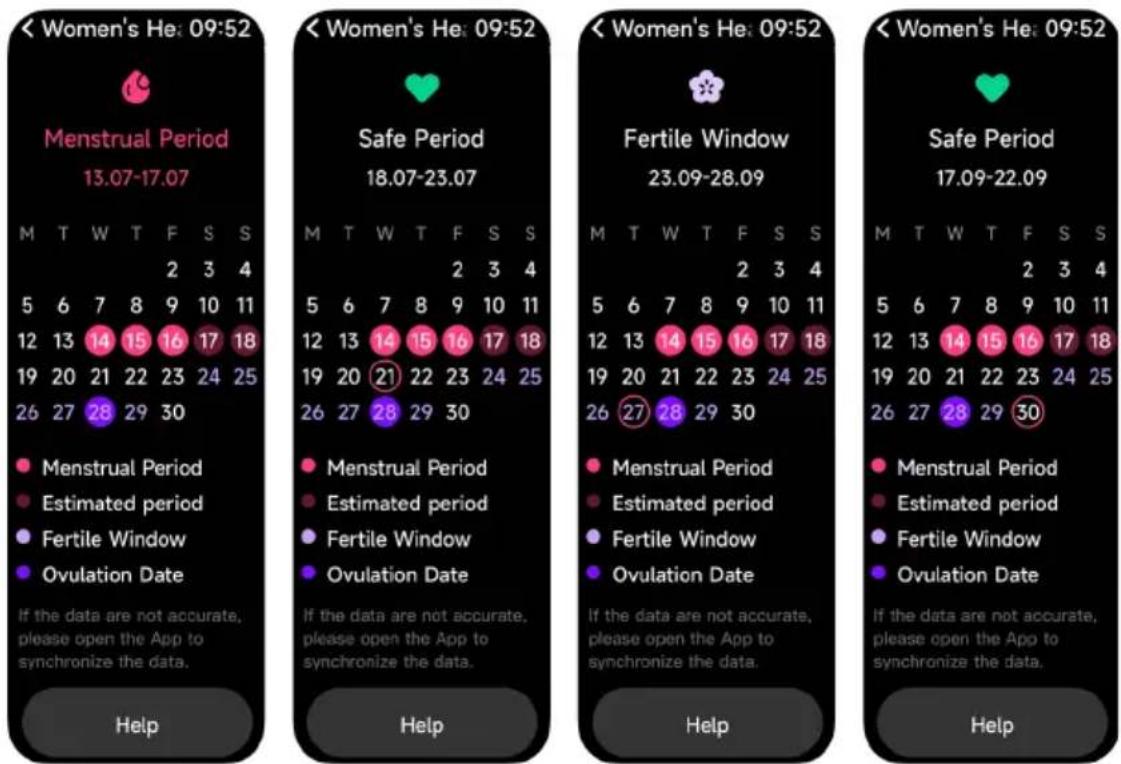
Women's Health
Set the cycle length, reminder time, and other options. The watch will periodically remind you and display the cycle tracking function options.
Body Energy
- Body Energy is a feature that uses a combination of Heart Rate Variability, Stress, Sleep, and Activity to estimate a user's energy reserves throughout the day.
- Body Energy can help manage a user's day: a high value indicates enough energy for a workout or exercise, while a low value suggests it's time to rest.
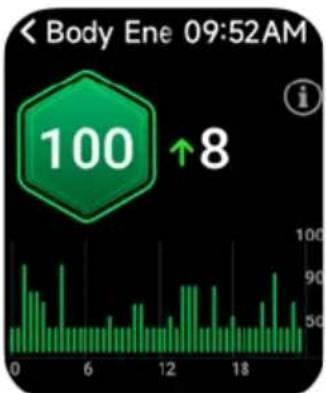
bar
| Time | Value | |------|-------| | 0 | 100 | | 6 | 100 | | 12 | 100 | | 18 | 100 |AI Voice
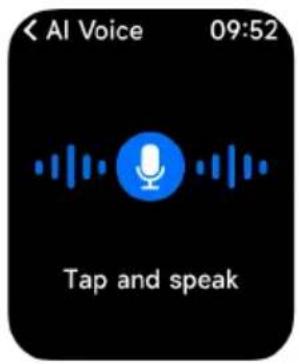
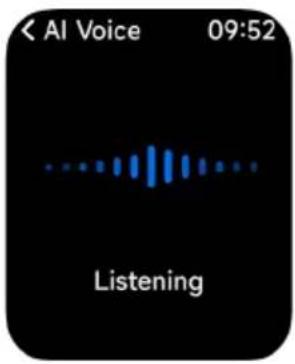
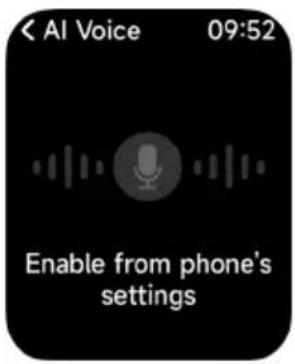
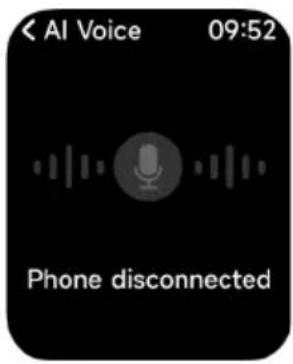
Control your phone's built in voice assistant, such as Siri and Google Assistant, by inputting voice commands on the watch.
Phone
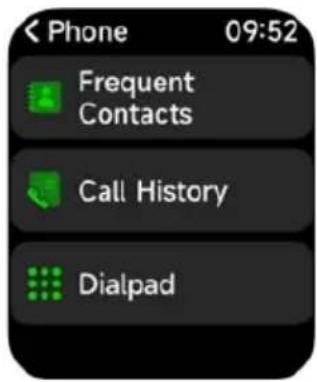
- You can add up to 20 favourite contacts to your watch through the app, then call these contacts on your watch.
- You can add 1 emergency contact to your watch. When the Bluetooth (BT) and BLE are connected and the app is running, press and hold the 'Physical' button for 5 seconds on the watch face or quickly press the 'Physical' button 3 times on the favourite contacts page to dial the emergency contact.
- View and delete recent call history on your watch and call the numbers displayed in the call history.
- You can make calls through the dialpad.
Event Reminder
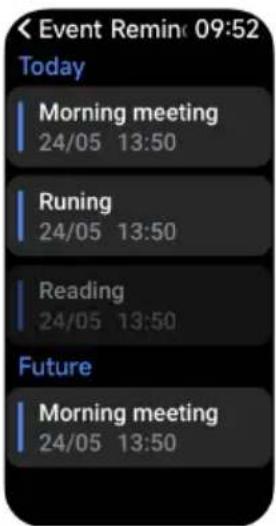
- You can set a reminder and reminder time on the app.
- Once set, the reminder will be synchronised to the watch. When the reminder is due, a notification will pop up on the watch.
- You can view all event reminders.
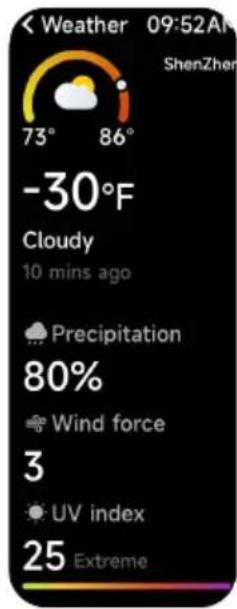
Weather
Supports viewing seven-day weather for your current city. You can view today's current weather, highest and lowest weather values, and the highest and lowest weather values for the next six days.
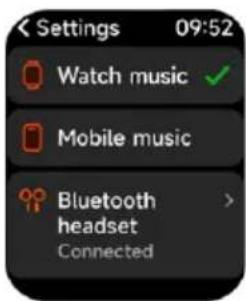
Music Control
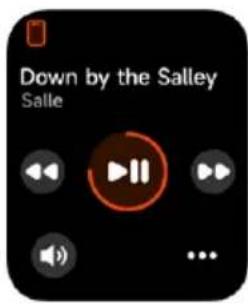
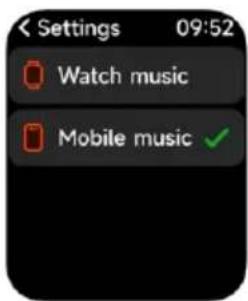
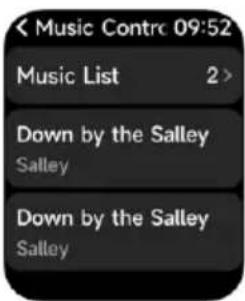
- When the watch is connected to the app, you can perform functions like 'next', 'previous', 'play/pause', and 'volume increase/decrease'. These functions can be enabled or disabled in the app settings.
- You can also set song lists and transfer songs through the app. After the watch receives music files from the app, it can play the local music.
- The watch can connect to earphones for listening to local songs and sports notifications.
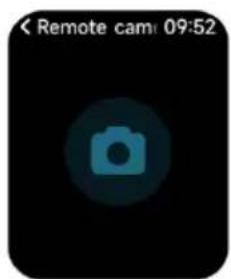
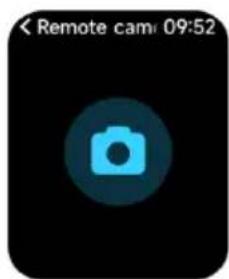
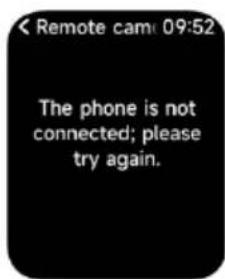
Remote Camera
When the watch is connected to the app, you can control the camera remotely.

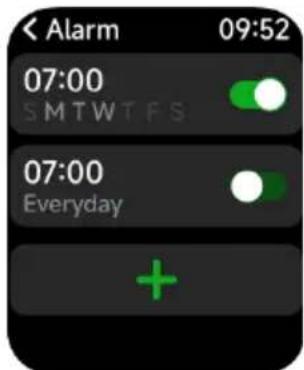
Alarm
- You can add or delete alarms and turn alarms on or off on the watch. You can also set an alarm for the watch via the app.
- In the app, you can set the alarm delay time and the number of delays to decide how long and how many times you want to delay the alarm.
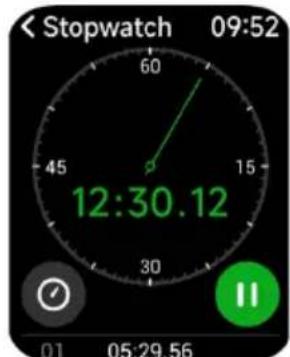
Stopwatch
Use the watch as a stopwatch. The stopwatch includes a 'Lap' function.
Timer
You can set a timer with a preset duration on the watch. The timer will notify you when it expires. You can also customise the timer duration.
World Time
You can check the time in your city on the watch and set the time for other cities through the app to be displayed on the watch.
Find Phone
When the watch is connected to the app, you can make your phone ring. Click the icon to end the ringing. This function can be turned on or off in the app settings.
Flashlight
When the battery is above 5%, you can turn on the watch's flashlight for lighting. natural_image
Simple icon of a plug with sparkles, no text or symbols presentSettings
- In the watch's settings, you can adjust the screen-on time, ringtone settings, and app view. - In the watch's settings, you can also shut down, restart, or reset the watch. Resetting will clear all data stored on the watch and unpair it from your phone. Reminder
The watch supports multiple reminder modes, including message reminders, incoming call reminders, walking reminders, drinking reminders, exercise goal reminders, and exercise rate warning reminders. NOTES
Need more information?
We hope that this user guide has given you the assistance needed for a simple set-up. For the most up-to-date guide for your product, as well as any additional assistance you may require, head online to help.kogan.com kogan.com- ACTIVE 4 PRO SPORTS GPS SMART WATCH
- COMPONENTS
- OVERVIEW
- OPERATION
- Note:
- Charging
- Wearing
- Screen Operation
- Button Operation
- Connect to the VeryFit App
- Pairing
- FUNCTIONS
- Watch Face
- X Screen
- Applications
- Sports
- My Fitness
- Heart Rate
- Stress
- SpO2
- One-click Measurement
- Noise
- Sleep
- Breathe
- Women's Health
- Body Energy
- AI Voice
- Phone
- Event Reminder
- Weather
- Music Control
- Remote Camera
- Alarm
- Stopwatch
- Timer
- World Time
- Find Phone
- Flashlight
- Settings
- Reminder
- NOTES
- Need more information?
Brand : Kogan
Model : Active 4 Pro
Category : Smartwatch