KAAPM2WTRGA - Smartwatch Kogan - Free user manual and instructions
Find the device manual for free KAAPM2WTRGA Kogan in PDF.


User questions about KAAPM2WTRGA Kogan
0 question about this device. Answer the ones you know or ask your own.
Ask a new question about this device
Download the instructions for your Smartwatch in PDF format for free! Find your manual KAAPM2WTRGA - Kogan and take your electronic device back in hand. On this page are published all the documents necessary for the use of your device. KAAPM2WTRGA by Kogan.
USER MANUAL KAAPM2WTRGA Kogan
natural_image
Black smartwatch with colorful app interface and digital display (no readable text or symbols)ACTIVE SLIM SMART WATCH
- Smart watch
- Charging dock
- User guide
APP CONNECTIVITY
Download the Smart-Time Pro app
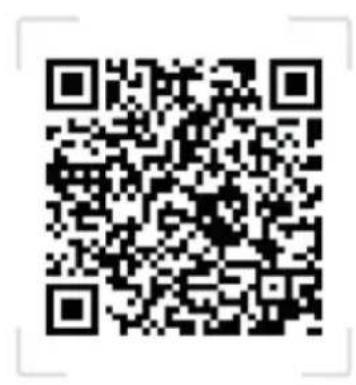
Download the Smart-Time Pro app from the iOS App Store or the Google Play store, or by scanning the QR code below.
The Smart-Time Pro app supports iOS 11.0 and Android 5.3 and above.
text_image
QR code image containing encoded data, no visible human-readable text
text_image
Available on the App Store GET IT ON Google PlayPairing
- Ensure Bluetooth is enabled on your phone.
- Open the Smart-Time Pro app. Register an account, log in or skip registration.
- Go to Device → Add device.
- Select 'Active Slim'. On iOS devices, tap Pair.
- Confirm the pairing on the watch by tapping 'Pair'.
- When the watch and the app are paired, a green tick √ will appear and the Bluetooth icon will be blue on the watch.
Bluetooth 3.0 connection mode
iPhone: supports Bluetooth 5.0+3.0 dual Bluetooth one-button link (follow the system prompt box when pairing).
Android: System will pop up Bluetooth pairing request. Check the prompt permission settings and tap 'Pair' to complete Bluetooth 5.0+3.0 pairing
If the system does not pop up a Bluetooth pairing request, you will need to click 'unbind' in the 'call service pairing option' in the Bluetooth pairing prompt settings, and then follow the prompts to complete the Bluetooth pairing.
After the initial pairing, subsequent connections will create a memory link for Bluetooth 3.0 on the watch, allowing for a seamless one-button connection.
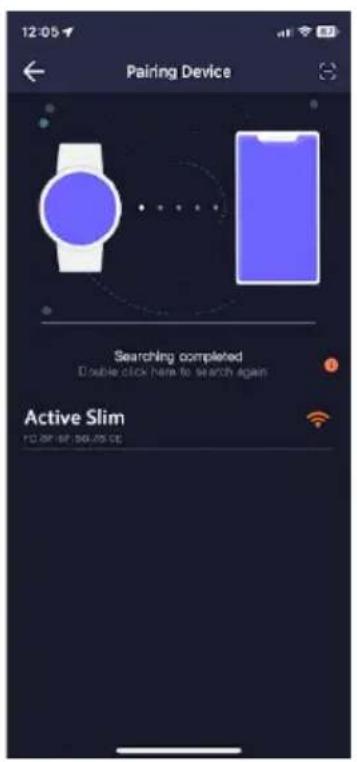
If the watch and your mobile phone don't automatically connect, initiate a manual search on your mobile device. Search for the Bluetooth device named 'Active Slim' and select it to establish the connection
text_image
12:05 Pairing Device Searching completed Double click here to search again Active Slim 10:00:00 00:00:00
text_image
12:05 Pairing Device Bluetooth Pairing Request 'Active Slim' would like to pair with your iPhone. Cancel Pair Please accept the pairing request to the device Pair 09:30 Cancel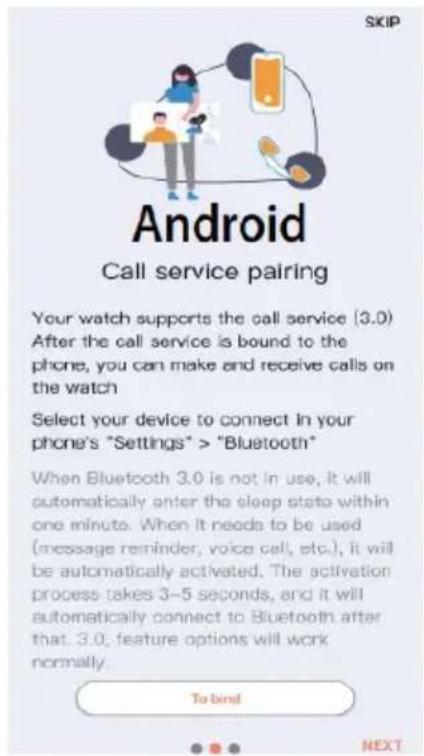
text_image
SKIP Android Call service pairing Your watch supports the call service [3.0) After the call service is bound to the phone, you can make and receive calls on the watch Select your device to connect in your phone's "Settings" > "Bluetooth" When Bluetooth 3.0 is not in use, it will automatically enter the sleep state within one minute. When it needs to be used (message reminder, voice call, etc.), it will be automatically activated. The activation process takes 3–5 seconds, and it will automatically connect to Bluetooth after that. 3.0; feature options will work normally. To bind NEXTOPERATION
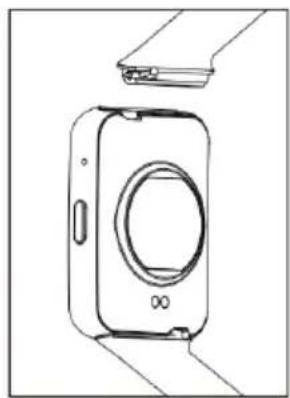
Quick Fit Strap
The watch comes in two parts (watch body and strap). Only one strap is provided, but different watch straps can be purchased separately and changed according to your preference.
natural_image
Line drawing of a digital camera module with no text or symbolsCharging Instructions
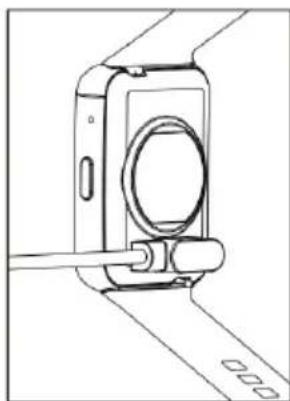
- Place the back of the watch on the charging dock, aligning and attaching the charging pins to the magnetic gold prongs. The charging icon will illuminate on the screen within 5 seconds.
- The watch's full charge time is approximately 3 hours. The battery icon on the watch will be full when the watch is fully charged.
natural_image
Line drawing of a camera module with a cable inserted, showing no text or symbolsNote:
Clean the back of the watch before charging to avoid sweat eroding the magnetic prongs.
Notes:
- Do not use this watch for disease diagnosis, treatment or prevention purposes.
- Data from the watch may not be completely accurate if the watch is not worn correctly or if there are environmental changes.
Changing the Watch Face
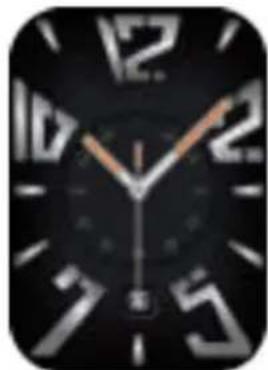
- On the main screen, long tap on the display and you will see multiple watch faces. Tap on the one that you like the most to make it your watch face.
- On the Smart-Time Pro app, go to Device → Watch Face Gallery. Go to 'Online Face' to choose from the provided watch faces or go to 'Custom Face' to use a picture from your phone.
natural_image
Close-up of a black analog clock face showing time approximately 10:30 (no text or symbols beyond numerals)
natural_image
Digital clock app icon showing colorful floating spheres on black background (no readable text or symbols)
text_image
09 AM 06/08 MON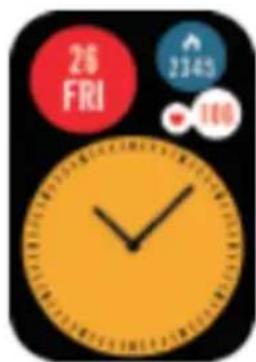
text_image
26 FRI 2345 100
text_image
2345 08 36 WED SEPT 28 106 23456Sports:
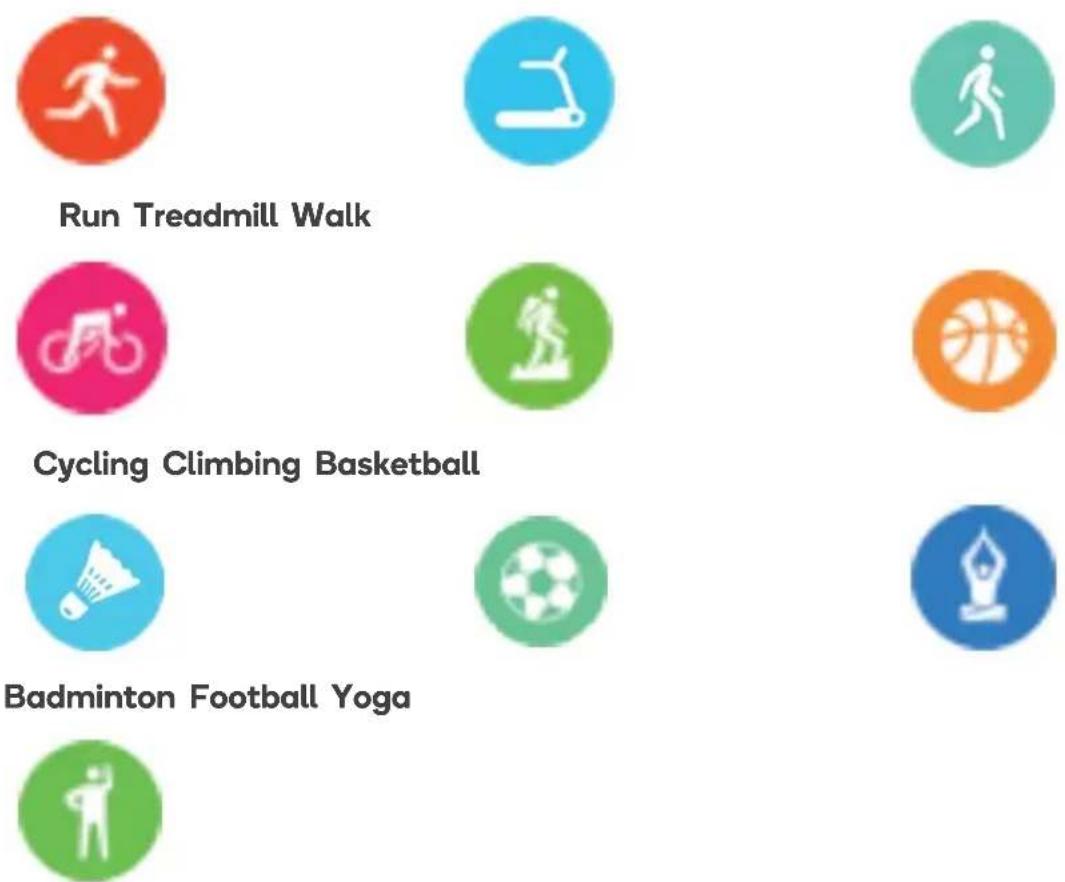
This watch supports up to 100+ customisable sports modes, including: running, walking, treadmill, mountaineering, cycling, spin bike, yoga, basketball, football and badminton.
Free movement
To add additional sports to the watch:
- Open the Sport app and tap 'Personalisation'.
- Tap the plus icon.
- Tap a category.
- Select a sport and tap 'Confirm'.

flowchart
graph LR
    A["Sports 08:24 AM"] --> B["Sports 08:24 AM"]
    B --> C["Sports 08:24 AM"]
    C --> D["Recommend 08:24 AM"]
    A --> E["Run ✗"]
    A --> F["Walk ✗"]
    A --> G["Personalization ✗"]
    B --> H["Run ✗"]
    B --> I["Teadmill ✗"]
    B --> J["Walk ✗"]
    C --> K["Recommend >"]
    C --> L["Fitness >"]
    C --> M["Leisure >"]
    C --> N["Athletics >"]
    D --> O["Recommend 08:24 AM"]
    D --> P["Run ✓"]
    D --> Q["Walk ○"]
    D --> R["Confirm"]
| Heart ratePlace the watch on your wrist to measure your heart rate levels. |  | |
| StressPlace the watch on your wrist to measure your stress levels. | 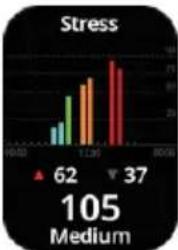 | |
| ActivityTrack daily calories, distance and steps. | 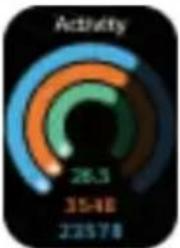 | |
| SpO2Place the watch on your wrist to measure your real-time blood oxygen value. |  | |
| SleepPlace the watch on your wrist to measure your sleep throughout the night. |  | |
| MusicControl the following functions of your phone's music player:Play/pauseNext/previous trackIncrease/decrease volume |  | |
| Stock marketTo view stocks on your watch, follow the steps below on the Smart-Time Pro app:1. Go to Device → Stock Market.2. Tap ‘Add’.3. Search for the stock name.4. Tap ‘Add’ to add it to your watch. | 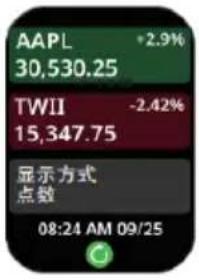 | |
| World clockTo view world clocks to your watch, follow the steps below on the Smart-Time Pro app:1. Go to Device → World Time.2. Tap ‘Add’.3. Search for the region name.4. Tap ‘Add’ to add it to your watch. |  | |
| CameraOn the Smart-Time Pro app, go to Device → Take Picture to open the camera on the watch. |  | |
| Breathing exercises:Set the time and breathing rhythm and tap play to begin. | 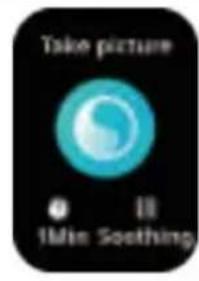 | |
| CalculatorPerform numeric calculations. |  | |
| Phone• View call history and make calls.• Add contacts on the app and view them on the watch. |  | |
| NotificationsReceive notifications from SMS, QQ, WeChat, and more. | 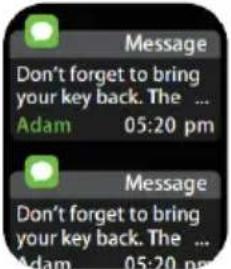 | |
| Find phoneWhen the watch is connected to the APP, the phone will make a sound after tapping it. |  | |
| Anti-lost reminder:When the watch is disconnected from the Bluetooth of the mobile phone, the watch will make a sound and vibrate to prevent loss. |  | |
| Voice assistantTap to wake up the voice assistant and say your request. |  | |
| GamesPlay games on the watch. | 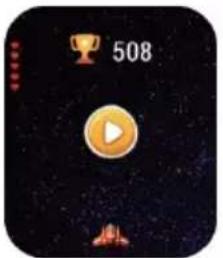 | |
| Stopwatch:Start and end the stopwatch. | 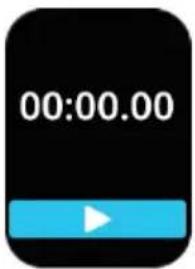 | |
| Weather:View the current weather temperature when the watch is connected to the app. | 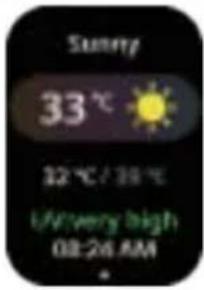 | |
| Timer:Set a timer. | 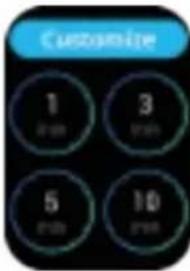 | |
| Alarm:Add, customise and delete up to 5 alarms. | 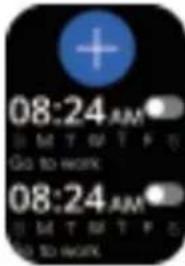 | |
| Settings:Dial switchGeneralBrightnessLanguage | ThemePower offFactory resetRebootAbout |  |
| Shortcut menu:Do not disturbBrightness adjustmentScreen always onFind phoneSettingAlarm | 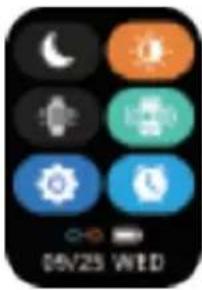 | |
SPECIFICATIONS
Wristband length 253mm
Wristband width 20mm
Weight 34.5g
Battery
250mAh Poly-Li
Waterproof IP67
TROUBLESHOOTING
| Issue Possible Cause Solution | ||
| The watch is not receiving heart rate data. | The watch is not being worn correctly. | Ensure the watch is placed just above your wrist joint and the strap is fastened. |
| Heart rate monitoring is not enabled on the Smart-Time Pro app. | Enable heart rate monitoring on the app. | |
| The watch won’t pair with my phone. | The watch can only be paired with one device and will not appear in the devices list if it is already paired. | Unpair the watch from the device in the device settings. |
Exemption Clause
-
The data output for Heart Rate, Pressure and Blood Oxygen from the Active Slim is not intended to serve as a medical or diagnostic reference.
-
Engaging in self-diagnosis and self-treatment can be hazardous. Only qualified physicians are authorized to diagnose and treat conditions such as high blood pressure or any other heart diseases. Kindly consult your physician for more professionally informed diagnostic opinions.
-
Please note that data provided by the Active Slim smartwatch, including heart rate may not be entirely accurate due to factors like interference from environmental signals, variations in wearing posture, changes in the climate, and physical conditions.
-
It is strongly advised not to initiate drugs or treatment solely based on the monitoring data supplied by the Active Slim. When medication and treatment are necessary, it is crucial to follow medical advice. We are not responsible for the inaccuracies in monitoring data and the consequences resulting from the misuse of such data and information.
Disposal:

This marking indicates that this appliance should not be disposed with other household wastes. To prevent possible harm to the environment or human health from uncontrolled waste disposal, recycle it responsibly to promote the sustainable reuse of material resources.
NOTES
Need more information?
We hope that this user guide has given you the assistance needed for a simple set-up.
For the most up-to-date guide for your product, as well as any additional assistance you may require, head online to help.kogan.com
kogan.com