
Tru 1 Earbuds - Headphones Majority - Free user manual and instructions
Find the device manual for free Tru 1 Earbuds Majority in PDF.


| Product Type | True Wireless Earbuds |
| Brand | Majority |
| Model | Tru 1 Earbuds |
| Bluetooth Version | BT5.2+EDR |
| Earbud Battery Capacity | 3.7V / 30mAh |
| Charging Case Battery Capacity | 3.7V / 300mAh |
| Earbud Charging Time | Approx. 1.5 hours |
| Charging Case Charging Time | Approx. 2.5 hours |
| Playback Time (Estimated) | Up to 4 hours per charge (based on typical use) |
| Charging Port | USB Type-C |
| Driver Size | 6mm (typical for earbuds) |
| Frequency Response | 20Hz - 20kHz |
| Impedance | 32Ω |
| Microphone | Built-in |
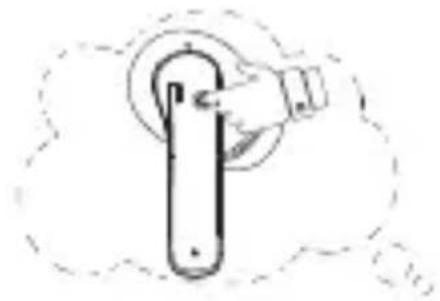
| Controls | Multi-function button (MFB) for play/pause, calls, voice assistant |
| Eartip Sizes Included | S, M, L (3 pairs) |
| Charging Case Dimensions (Approx.) | 60 x 45 x 25 mm |
| Weight per Earbud (Approx.) | 4 g |
| Weight of Charging Case (Approx.) | 35 g |
| Water Resistance (Estimated) | IPX4 (sweat-resistant, not submersible) |
| Warranty | 3 Years (upon registration) |
| Cleaning Instructions | Use a dry cloth to wipe charging pins after use; keep away from moisture |
| Safety Precautions | Avoid extreme heat, humidity, corrosive environments; do not overcharge |
Frequently Asked Questions - Tru 1 Earbuds Majority
User questions about Tru 1 Earbuds Majority
0 question about this device. Answer the ones you know or ask your own.
Ask a new question about this device
Download the instructions for your Headphones in PDF format for free! Find your manual Tru 1 Earbuds - Majority and take your electronic device back in hand. On this page are published all the documents necessary for the use of your device. Tru 1 Earbuds by Majority.
USER MANUAL Tru 1 Earbuds Majority
natural_image
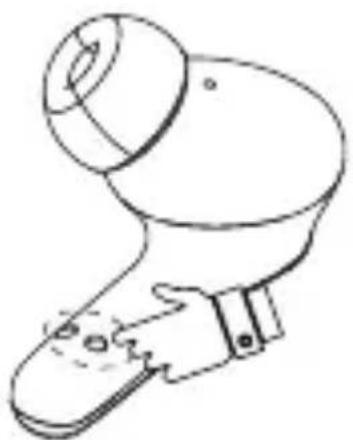
Line drawing of an open earbuds with two sets of ear cutouts (no text or symbols)
Specifications
3
YEAR WARRANTY
Inside the Box:
- Majority Tru 1 Wireless Earbud ×2PCS
- On-the-go Charging Case ×1PCS
3.Type C Charging Cable ×1PCS
4.Eartips(Size S/M/L) ×3Pairs
5.User Manual ×1PCS
6.Welcome Guide ×1PCS
7.CE Declaration ×1PCS
Specification:
Bluetooth Version:BT5.2+EDR
Earbud Charging time:1.5 hours
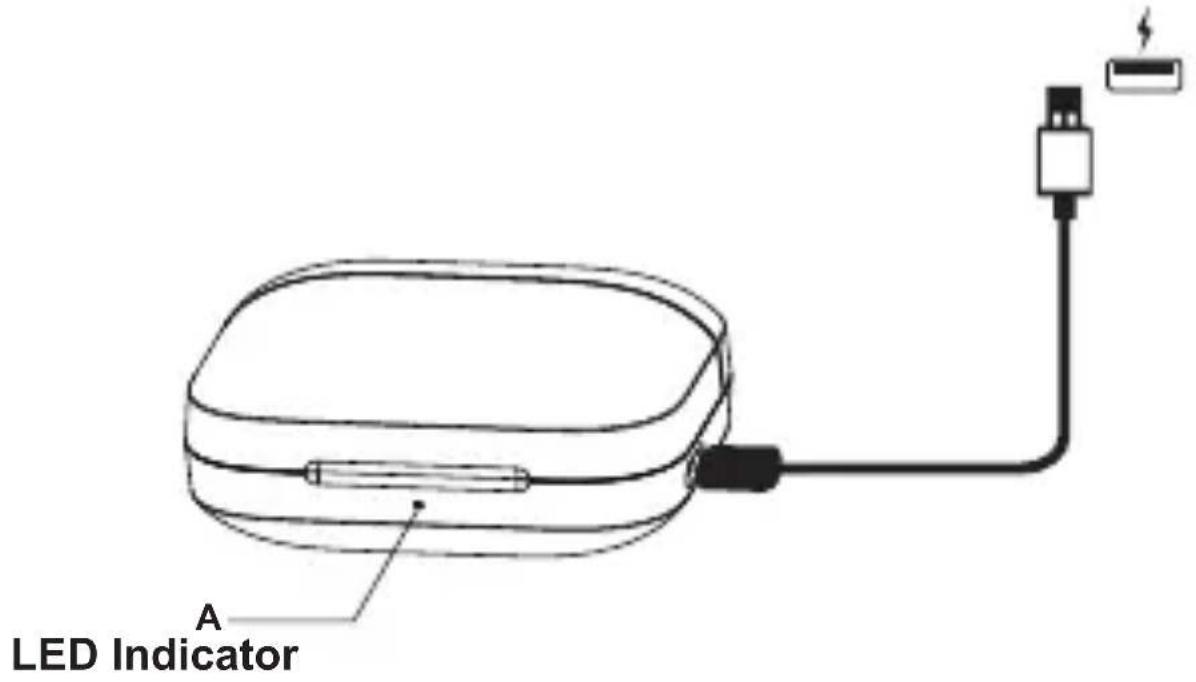
Charging case Charging time:2.5 hours
Earbud Battery:3.7V/30mAh
Charging Case Battery:3.7V/300mAh
Safety Precautions:
- Please keep the device away from extreme heat, humidity or corrosive environment.
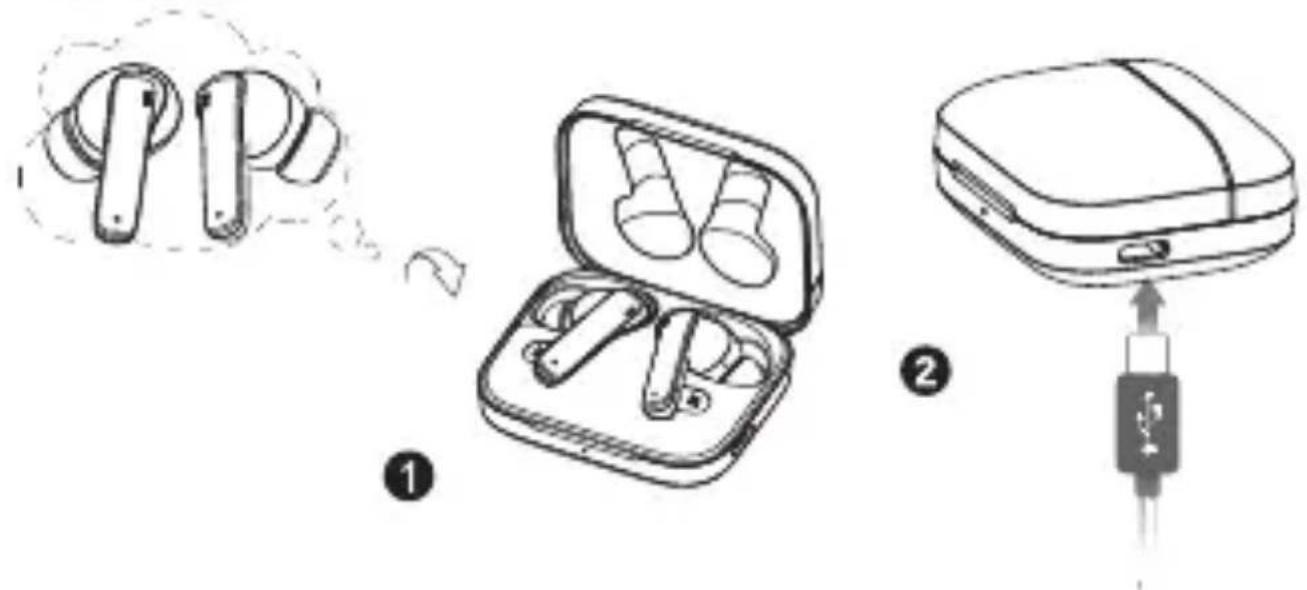
- Please don't over-charge the earbuds or charging case for a longer than required amount of time, as they may decrease the lifetime of battery performance.
- Use a dry cloth to wipe the earbud charging pins after using the earbuds.
natural_image
Line drawing of a handheld device with a circular lens and handle (no text or symbols)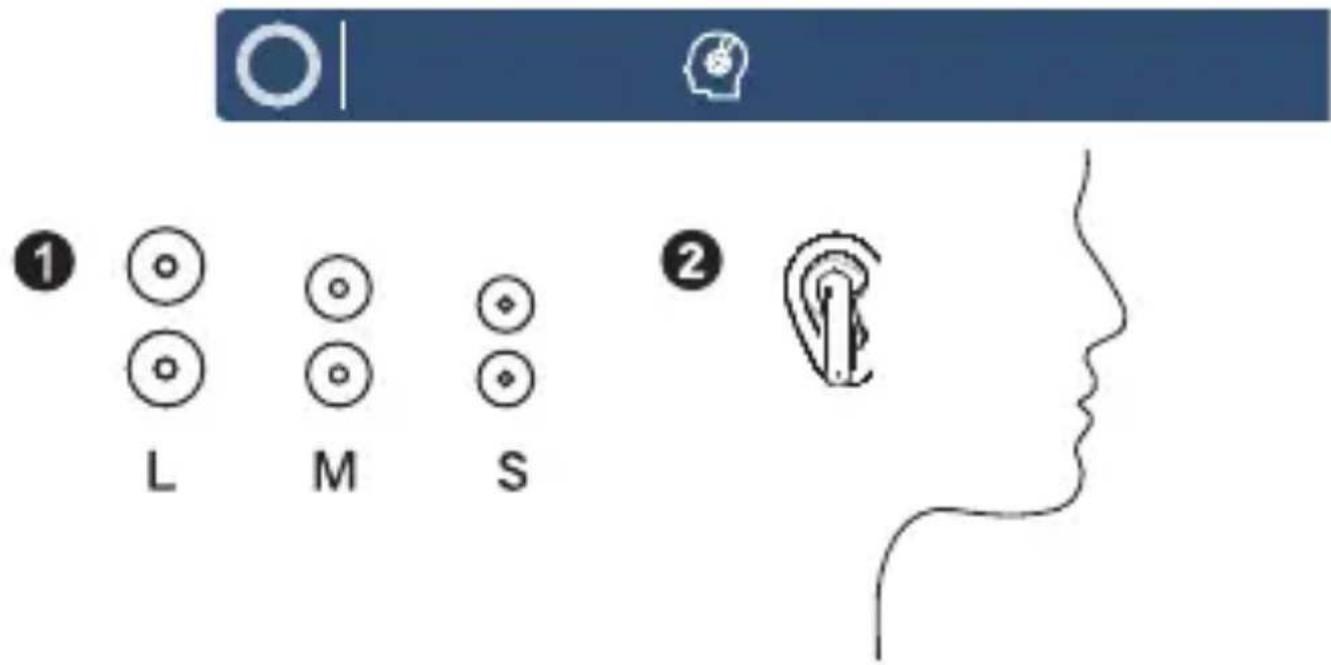
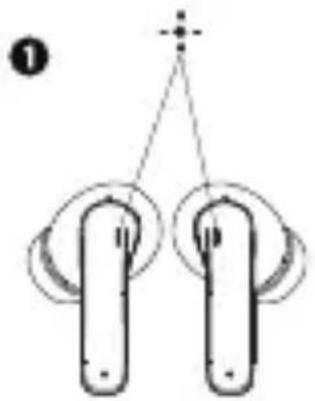
Wearing: Choose the silicone eartips that are most suitable for your ears.
natural_image
Simple line drawing of a tool or device with a handle and circular base, enclosed in a dashed outline (no text or symbols)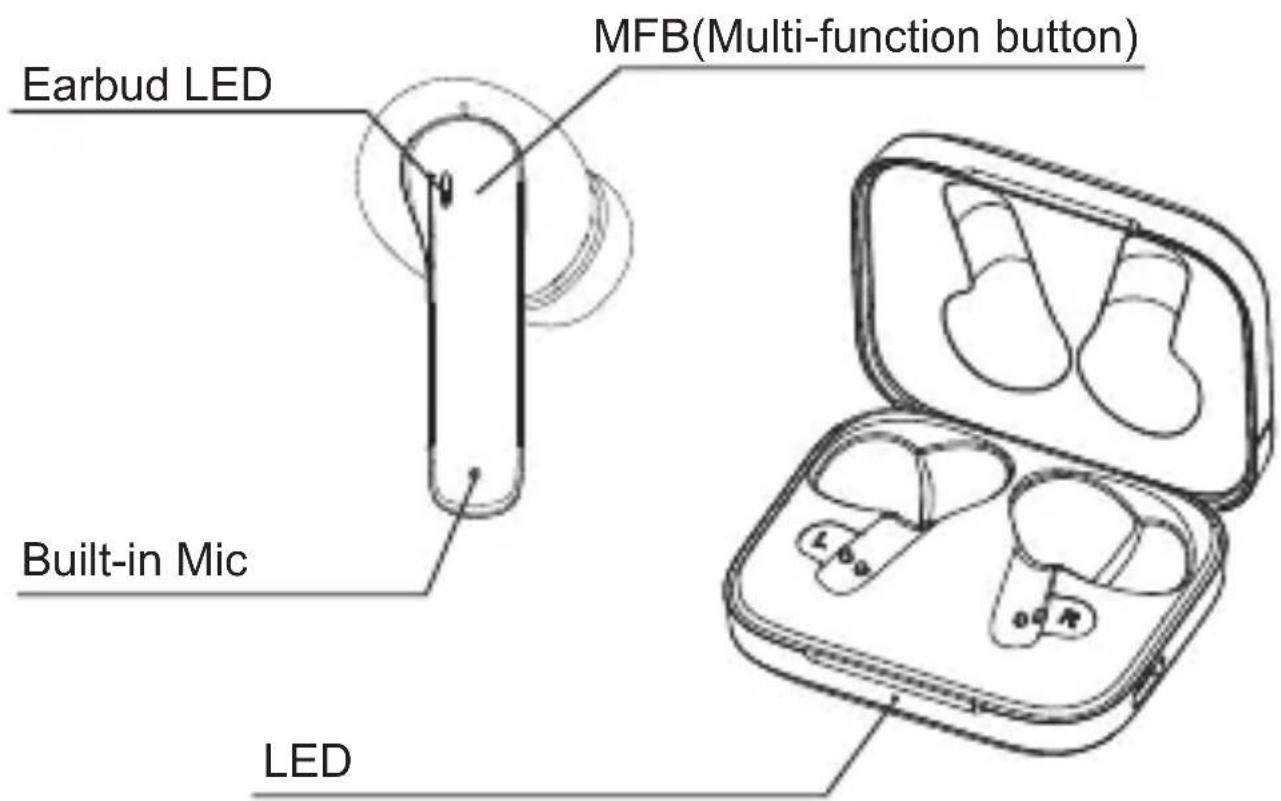



natural_image
Simple line drawing of two vertical objects with circular ends and a plus sign above (no text or symbols)2



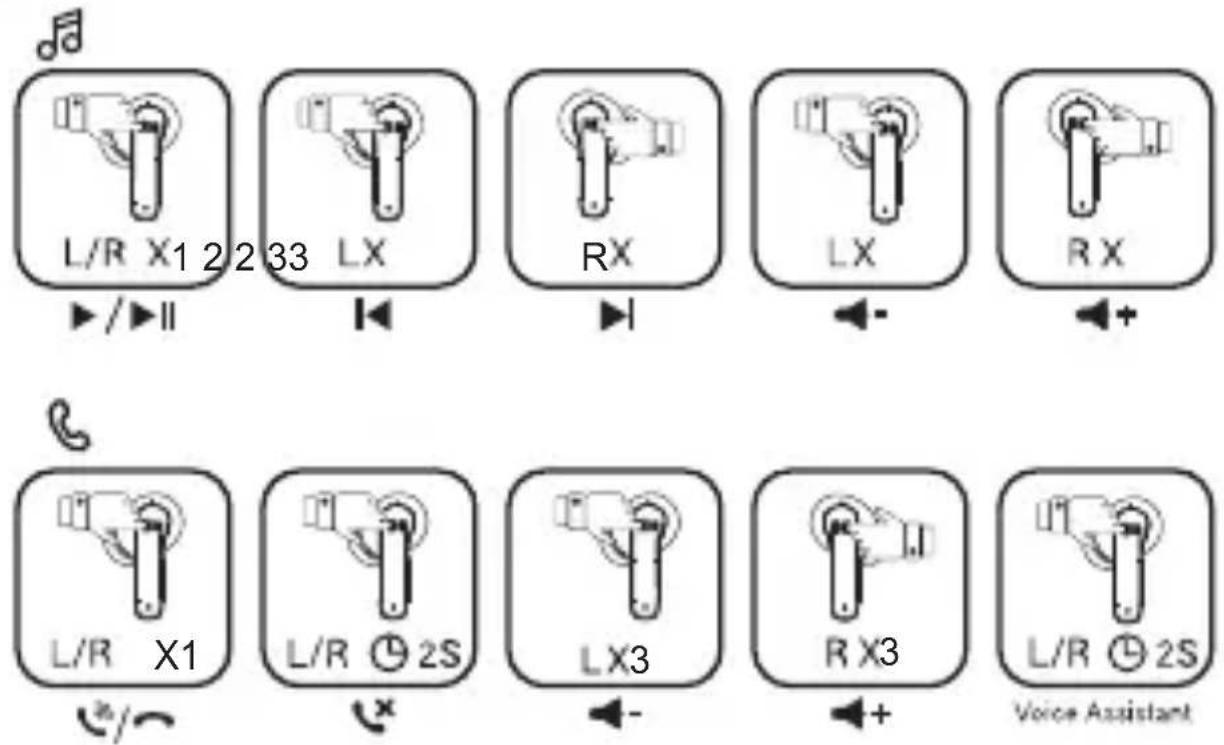
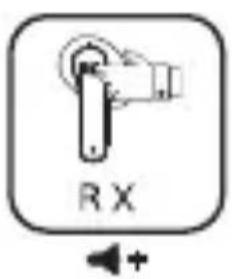
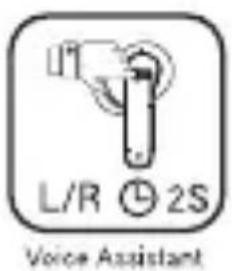
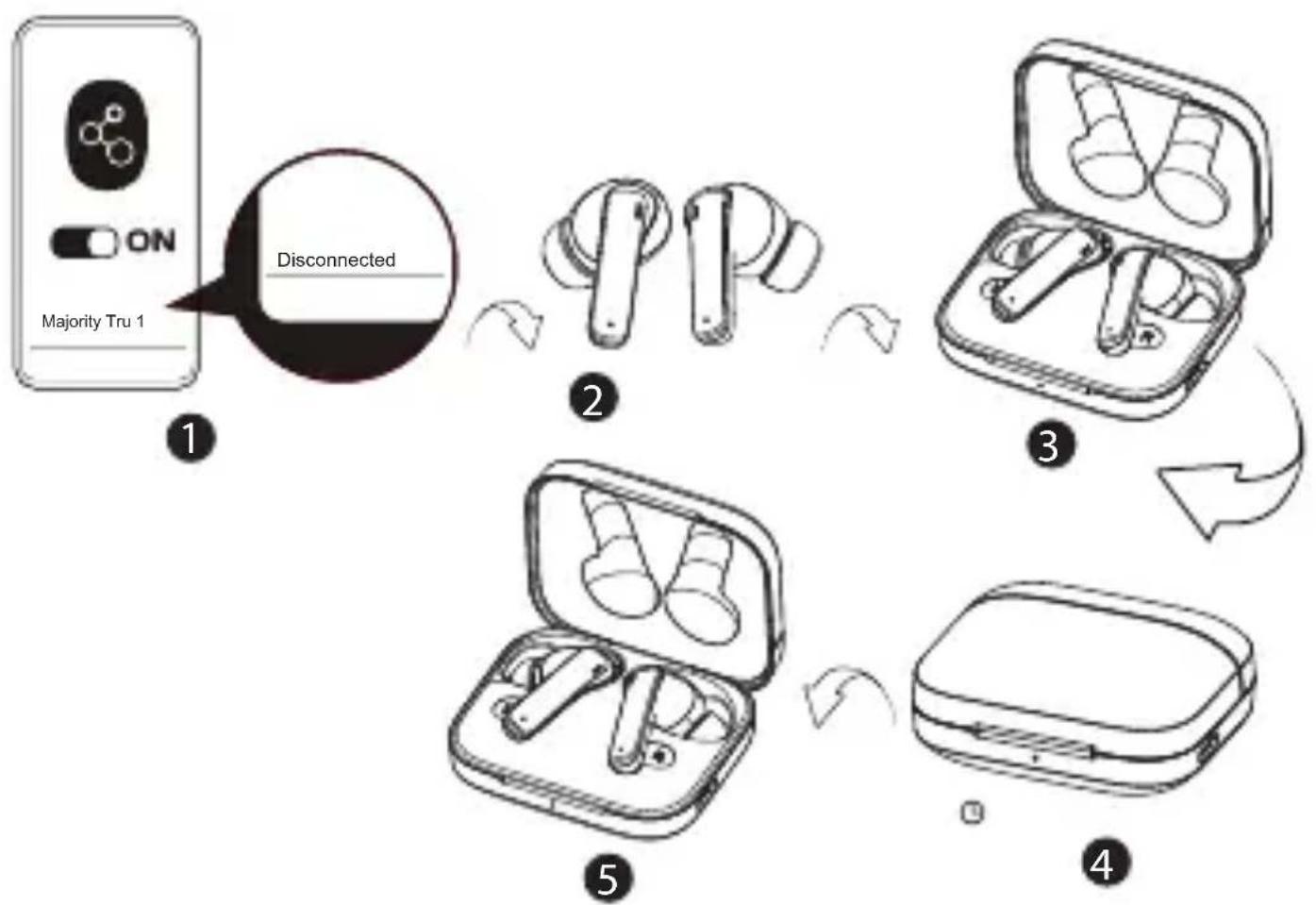
Reset:
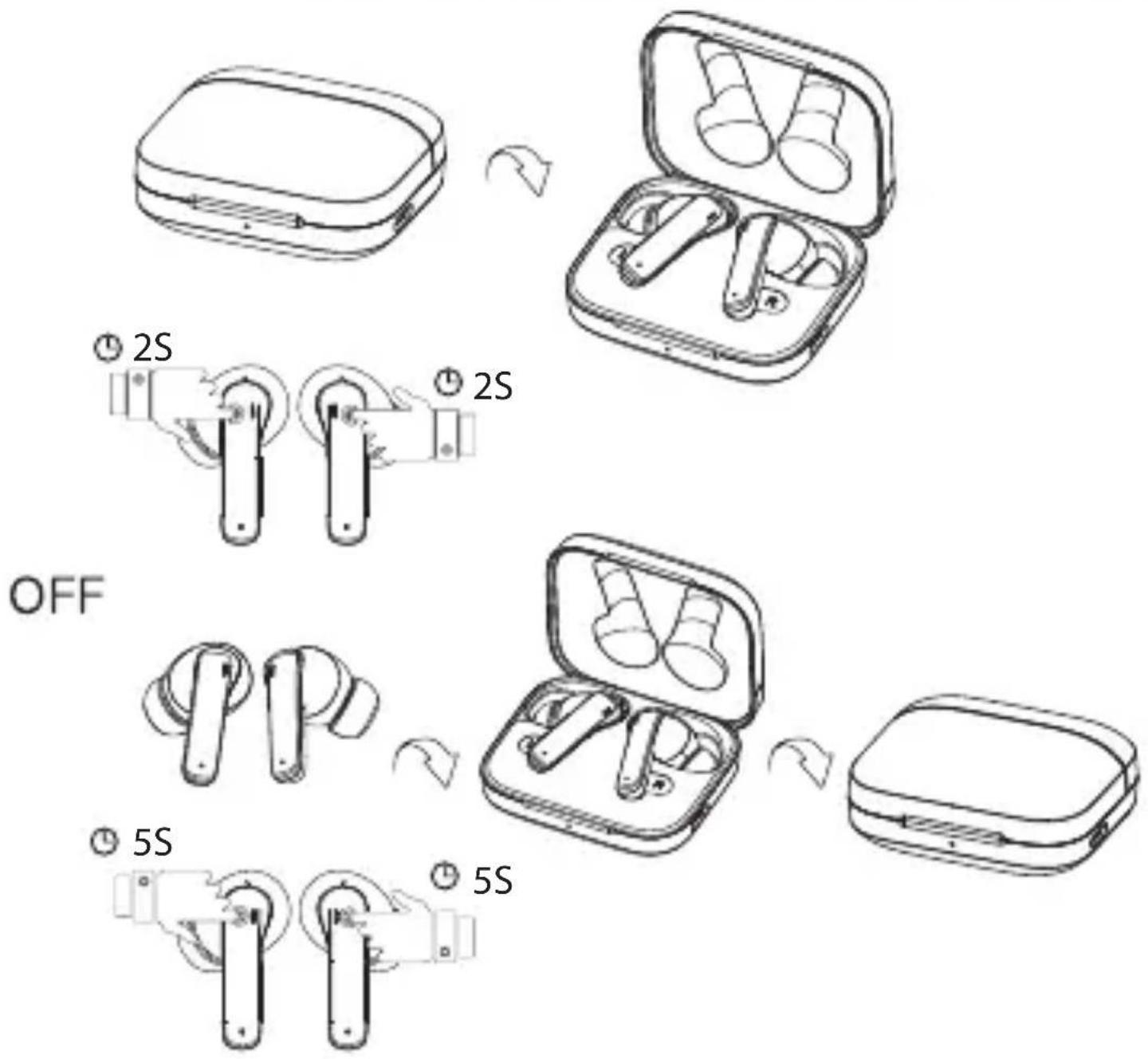
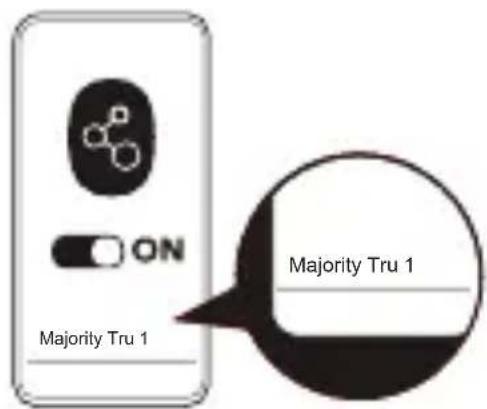
1) Delete the pairing name "Majority Tru 1" on your mobile phone and turn off the Bluetooth function.
2) Put the earbuds back into charging case and close the cover, Leave it for 5 seconds.
3) Open the charging case to turn on "Majority Tru 1", the reset is successful.


Specifications
on the web page, use the menu to find "Register Your Product". You will
splashing and no objects filled with liquid, such as
sunshine, fire or the like.
Only use attachments/accessories specified by the

Refer all servicing to qualified service personnel.
disposal when finished with.


No naked flame sources, such as lit candles, should






MAJORITY
Brand : Majority
Model : Tru 1 Earbuds
Category : Headphones