
Pebbles - Earphones MEE audio - Free user manual and instructions
Find the device manual for free Pebbles MEE audio in PDF.


| Product Type | Truly Wireless Earbuds |
| Brand | MEE audio |
| Model | Pebbles |
| Connectivity | Bluetooth |
| Touch Controls | Yes (volume, playback, call, voice assistant, low latency mode, clear pairings) |
| Voice Assistant Support | Siri and Google Assistant |
| Low Latency Mode | Yes (gaming mode, enabled by tapping 4x) |
| Charging Time (Earbuds) | 2 hours (in case) |
| Charging Time (Case) | 2 hours (via USB cable) |
| Battery Indicator (Earbuds) | Flash 3 times while charging |
| Battery Indicator (Case) | Solid light 5s (>20%), quick flash 3 times (<20%), no light (0%) |
| Microphone | Yes (for calls and voice assistant) |
| Pairing Mode | Automatic when lid opened after initial charge |
| Clear Pairings | Tap earbud 6 times (two tones confirm) |
| Warranty | 1 year manufacturer warranty |
| Weight (per earbud) | Approx. 5 g |
| Weight (case) | Approx. 30 g |
| Dimensions (case) | Approx. 4.0 x 4.0 x 2.0 cm |
| Compliance | FCC Part 15 Class B |
| Safety Warning | Hearing damage risk at high volume; do not use while driving |
| Disposal | Recycle according to local regulations (contains battery and electronics) |
Frequently Asked Questions - Pebbles MEE audio
User questions about Pebbles MEE audio
0 question about this device. Answer the ones you know or ask your own.
Ask a new question about this device
Download the instructions for your Earphones in PDF format for free! Find your manual Pebbles - MEE audio and take your electronic device back in hand. On this page are published all the documents necessary for the use of your device. Pebbles by MEE audio.
USER MANUAL Pebbles MEE audio
natural_image
Abstract logo design featuring a stylized 'M' within concentric circles (no text or symbols)PEBBLES
TRULY WIRELESS EARBUDS

natural_image
Line drawing of a human ear with a highlighted internal organ (no text or symbols)PEBBLES SETUP GUIDE

Scan the QR code or visit:
MEEaudio.com/PebblesSupport
Product Overview

natural_image
Line drawing of an open and closed electronic device case with internal components (no text or symbols)Charging Pins
Earbud Indicator Lights
Case Battery Indicator Light
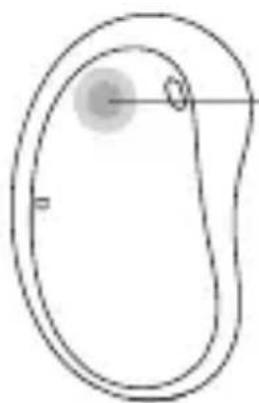
natural_image
Simple line drawing of a teardrop-shaped object with a central circular feature and two marked points (no text or symbols)Touch Control Panel

natural_image
Simple line drawing of a device or component with a horizontal bar and a small rectangular block inside, no text or symbols present.Charging Port
Touch Controls

natural_image
Simple line drawing of a teardrop shape with a small circular mark on the left (no text or symbols)LEFT

natural_image
Simple line drawing of a seed or pod with a circular bud and two small circles inside, no text or symbols present.RIGHT
| Press and hold 2s | Power on | |
| Press and hold 5s | Power off | |
| Tap 1x | Volume down | Volume up |
| Tap 2x | Play / pause / answer phone call / hang up | |
| Tap 3x | Activate Siri®/ Google AssistantTM | |
| Tap 4x | Enable / disable low latency (gaming) mode | |
| Press and hold 2s | Previous track | Next track |
| Tap 6x | Clear pairings and put into pairing mode | |
Getting Started
- Remove film and return earpieces to case
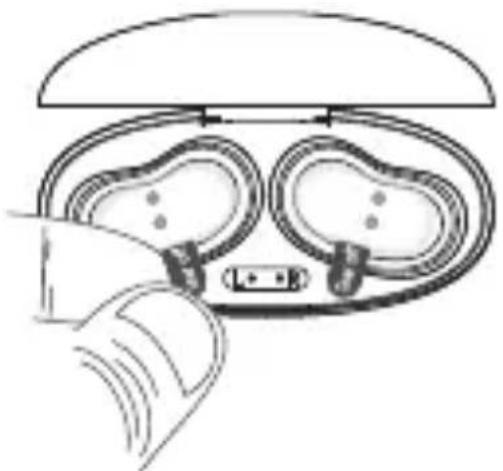
natural_image
Diagram of a hand holding a device with two circular components, possibly a smartwatch or connector (no text or symbols present)- Charge for 2 hours

natural_image
Line drawing of a wall-mounted device connected to a battery pack (no text or symbols)- Remove charging cable and open lid to automatically enter pairing mode
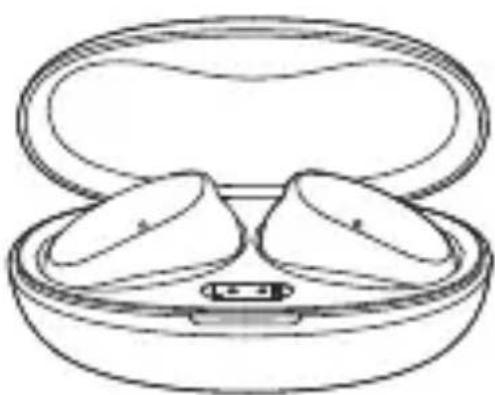
natural_image
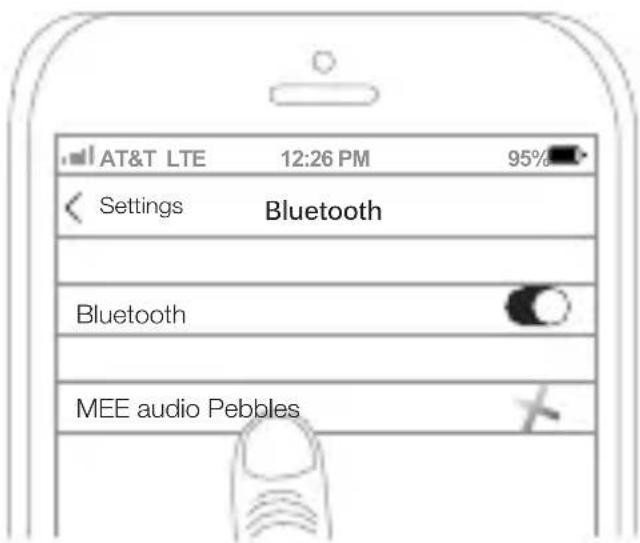
Line drawing of an open cushioned device with two oval-shaped cutouts (no text or symbols)- Open your device's Bluetooth menu and select "MEE audio Pebbles"

Charging
Charge Earbuds
Place earbuds in the case
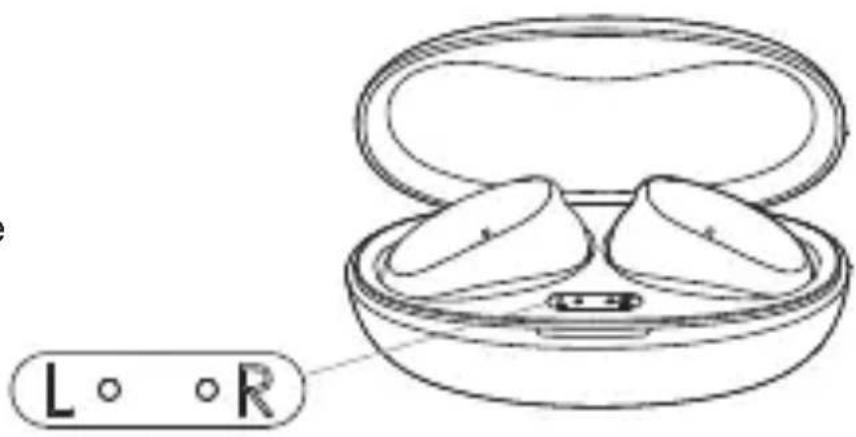
Earbud Indicator Lights
Flash 3 times Earbud charging
Charge Case
Close the lid and plug in the charging cable

natural_image
Simple line drawing of a device with an oval top and a flat base, no text or symbols present.Case Battery Indicator Light (While Charging)
| Slow recurring flash | Case charging |
| Solid light | Case charged |
Case Battery Indicator
-
Make sure charging cable is not plugged in
-
Open or close case lid to activate indicator light

natural_image
Line drawing of a closed charging case with two internal components and a small base (no text or symbols)Case Battery Indicator Light
| Solid light for 5 seconds | Case battery above 20% |
| Quick flash 3 times | Case battery below 20% |
| No light | Case battery 0% |
Clear Pairings / Pair New Device
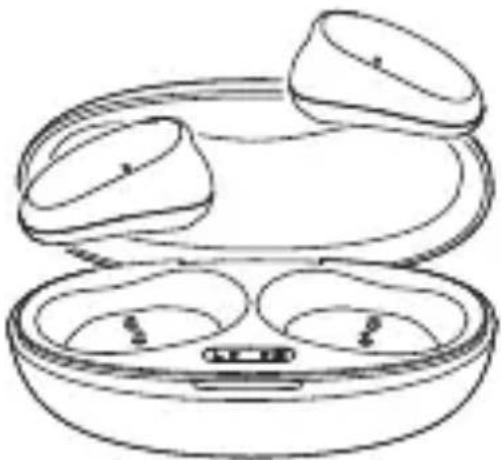
- Take out both earpieces and put them in your ears
natural_image
Line drawing of a closed electronic device with three compartments and a tray (no text or symbols)- Tap either side 6 times to clear pairings. If successful, you will hear two tones.

natural_image
Simple line drawing of a human ear with a shaded area on the ear (no text or symbols)6X
- Open your device's Bluetooth menu and select "MEE audio Pebbles"
For Additional Support
VIEW OUR VIDEO SETUP GUIDE
Scan the QR code or enter the URL below into your web browser:
MEEaudio.com/PebblesSupport

QUESTIONS?
WE'RE HERE TO HELP!
Phone Support: 626-965-1008
Monday \~ Friday 9 am to 5 pm PST
Email Support: support@MEEaudio.com
All emails are responded to within 2 business days

WARRANTY
This product is covered by a 1-year manufacturer warranty.
For more information, visit MEEaudio.com/support.
MEE audio and its logo are registered trademarks of S2E, Inc. All rights reserved.
The Bluetooth ^® word mark and logos are registered trademarks owned by Bluetooth SIG, Inc. and any use of such marks by MEE audio is under license. Other trademarks and trade names are those of their respective owners.
Siri ^® is a registered trademark of Apple Inc. Google Assistant is a trademark of Google Inc.
WARNINGS
Using headphones at high volumes for extended periods of time will result in permanent hearing damage. It is advised you keep volume levels moderate to low at all times for your safety. Turn the volume all the way down after connecting your earphones, then gradually increase the volume until you reach a comfortable listening level. Do not use headphones while driving a car, cycling, operating machinery, or performing other activities that require hearing surrounding sounds.
Keep the device and packaging out of reach of children.
This device is designed and manufactured to operate within its defined design limits. Misuse may result in electric shock or fire. Read and follow these instructions carefully.
- If submersed in water, do not turn the device on until completely dried. Note: liquid submersion voids the warranty.
- Danger of explosion or fire if batteries are damaged. Keep away from direct sunlight, naked flames, flammable gasses, or heat sources such as radiators or stoves
- Battery performance will be severely decreased when stored in extreme temperatures: below -10°C/14°F or above 45°C/113°F including direct sunlight
- Do not use around flammable gasses as fire or explosion may occur.
- There are no user replaceable/reparable parts in the device. Disassembling it will void your warranty. Only use attachments/accessories specified by the manufacturer
Changes or modifications to this unit not expressly approved by MEE audio could void the user's authority to operate the equipment.
COMPLIANCE INFORMATION
This device complies with part 15 of the FCC Rules. Operation is subject to the following two conditions: (1) This device may not cause harmful interference, and (2) this device must accept any interference received, including interference that may cause undesired operation.
FCC RULES
This equipment has been tested and found to comply with the limits for a Class B digital device, pursuant to part 15 of the FCC Rules. These limits are designed to provide reasonable protection against harmful interference in a residential installation. This equipment generates, uses and can radiate radio frequency energy and, if not installed and used in accordance with the instruction manual, may cause harmful interference to radio communications.
However, there is no guarantee that interference will not occur in a particular installation. If this equipment does cause harmful interference to radio or television reception, which can be determined by turning the equipment off and on, the user is encouraged to try to correct the interference by one or more of the following measures:
- Relocate the receiving antenna.
- Increase the separation between equipment and receiver.
- Connect the equipment into an outlet on a circuit different from that to which the receiver is connected.
- Consult the dealer or an experienced radio/TV technician for help.
DISPOSAL AND RECYCLING
Dispose of this product in accordance with all local laws and regulations. Because this product contains electronic components and a battery, it must be disposed of separately from household waste. Contact local authorities to learn about disposal and recycling options.


- PEBBLES
- TRULY WIRELESS EARBUDS
- Touch Controls
- Getting Started
- Charging
- Charge Earbuds
- Earbud Indicator Lights
- Charge Case
- Case Battery Indicator
- Clear Pairings / Pair New Device
- For Additional Support
- VIEW OUR VIDEO SETUP GUIDE
- QUESTIONS?
- WE'RE HERE TO HELP!
- WARRANTY
- WARNINGS
- COMPLIANCE INFORMATION
- FCC RULES
- DISPOSAL AND RECYCLING
Brand : MEE audio
Model : Pebbles
Category : Earphones