
SC100 - Scale TESLA - Free user manual and instructions
Find the device manual for free SC100 TESLA in PDF.


| Product Type | Digital Scale |
| Brand | Tesla |
| Model | SC100 |
| Display Type | LCD Display with Backlight |
| Capacity | 5 kg / 11 lbs |
| Readability | 1 g / 0.1 oz |
| Units | g, kg, lb, oz |
| Power Source | 2 x AAA batteries (included) |
| Auto-Off | Yes, after 2 minutes of inactivity |
| Tare Function | Yes |
| Low Battery Indicator | Yes |
| Overload Indication | Yes, "Err" displayed |
| Platform Material | Stainless Steel |
| Dimensions (L x W x H) | 20 x 15 x 2 cm |
| Product Weight | 350 g |
| Color | White / Black |
| Package Contents | Scale, User Manual, 2 AAA Batteries |
| Cleaning Instructions | Wipe with a damp cloth; do not submerge in water |
| Certification | CE, RoHS |
Frequently Asked Questions - SC100 TESLA
User questions about SC100 TESLA
0 question about this device. Answer the ones you know or ask your own.
Ask a new question about this device
Download the instructions for your Scale in PDF format for free! Find your manual SC100 - TESLA and take your electronic device back in hand. On this page are published all the documents necessary for the use of your device. SC100 by TESLA.
USER MANUAL SC100 TESLA
natural_image
Black square electronic device with white buttons and 'TESLA' logo on front (no additional text or symbols)TESLA SMART COMPOSITION SCALE SC100
USER MANUAL
Thank you for buying the Tesla Smart Composition Scale SC100.
Our app allows users to easily connect the smart scale and comfortably check their weight.
The readings are sent to your mobile device where you can view them in the Tesla Smart app, available to download for FREE.
Maximum capacity: 180 kg
Maximum deviation: 100 g
The product is compatible with the „Tesla Smart“ app and analyses 18 values related to your state of health.
Measured values:
Weight / BMI / Body fat % / Muscle mass (kg) / Fat mass (kg) / Body fat index / Obesity level / Ideal weight / Weight control / Visceral fat index / Fat free weight / Body water / Bone mass / Protein quantity / BMR / Metabolic age / Body type / Score and trend
The app supports sharing with multiple family members • Automatic power on and off • Low battery and overload indicator light
Notes: The scale switches on when an object weighing 5 kg or more is placed on it. We recommend using the scale under the following ambient conditions: 0 °C-40 °C / 32 °F-104 °F; relative humidity 85 %, ensure continuous updating of conditions.
Product information
Download the free „Tesla Smart“ app for Android or iOS. Systems requirements for app use: • iOS 8.0 or newer • Android 4.4 or newer
Before use, carefully read the following instructions.
The scale is intended for household use only, not for commercial use.
Before use, insert the batteries:
1.) Open the battery compartment on the underside of the scale.
2.) Insert the batteries, making sure the polarity is correct.
3.) Then close the battery compartment again.
Notes: If „LO“ appears on the display, replace the batteries.
How to connect
1.) Switch on the scale - (the scale will automatically switch on when the batteries are inserted).
2.) Check if the Bluetooth icon flashes on the scale - (if not, remove and the insert the battery again).
3.) In the app click „Add device“. The app should automatically show all devices in range.
4.) Click on the scale and confirm its addition.
How to weigh yourself
1.) Stand in the middle of the scale.
2.) 0.0 appears on the display.
3.) The scale switches on and is ready for use.
4.) Stand on the scale and wait for your weight to appear on the screen.
Important:
Stand on the scale with your bare feet and make sure they touch the left and right electrodes located on the scales. Wait until the scale weighs you, then step off. The results will automatically be sent to your mobile phone. You can look at detailed data in the app.
To change the weighing unit, press the button located at the bottom of the scale.
Troubleshooting
1.) If „Lo“ appears on the display, replace the batteries.
2.) When Weight is displayed on the LCD but there is no analytical data in the app or „Err2“ is displayed:
Ensure you are barefoot when standing on the scale.
Ensure your feet are touching the electrodes on both the right and left sides.
Ensure you have entered the profile parameters in full.
Ensure the Tesla Smart app shows that the scale is connected.
Ensure that the scale's electrodes are clean.
Ensure that Bluetooth is enabled on your phone.
If none of the above have solved the problem, enter Device Management.
Here, first remove the device and then repeat steps 1-2 to pair the device again.
Use and maintenance
Place the scale on a solid, flat surface. Avoid carpets and other soft surfaces.
Always weigh yourself on the same scale placed on the same surface. An uneven surface can influence the data measurement.
The surface of the scale will be slippery when wet. Keep the scale dry.
Wear no clothes or shoes, and always weigh yourself before meals and at the same time of day for the most accurate results.
For better accuracy, it is not recommended to weigh yourself within 2 hours of waking up.
Keep the scale in a dry place to protect the electronic components.
After use clean with a damp cloth. Do not use solvents or immerse in water.
Do not overload the scale as permanent damage may occur.
Do not disassemble the scale, except for the battery compartment.
Avoid excessive shock or vibration to the instrument, such as dropping the scale on the floor or dropping objects on the scale.
A user who has any metal material embedded in their body may experience differences in body fat readings.
People who are fitted with a pacemaker are not recommended to use this device.
The accuracy of the weight reading may vary in the following cases:
high levels of alcohol,
high levels of caffeine or drugs,
after intensive sports activity,
during illness,
during pregnancy,
after large meals,
if experiencing dehydration,
your personal data (height, age, gender) were not entered correctly,
if you have wet or dry feet,
if you have swollen feet.
INFORMATION ABOUT DISPOSAL AND RECYCLING
This product is marked with the symbol for separate collection. The product must be disposed of in accordance with the regulations for disposal of electrical and electronic equipment (Directive 2012/19/EU on waste electrical and electronic equipment). Disposal together with regular municipal waste is prohibited. Dispose of all electrical and electronic products in accordance with all local and European regulations at the designated collection points which hold the appropriate authorisation and certification in line with the local and legislative regulations. Correct disposal and recycling help to minimise impacts on the environment and human health. Further information regarding disposal can be obtained from the vendor, authorised service centre or local authorities.
EU DECLARATION OF CONFORMITY
Hereby, Tesla Global Limited declares that the radio equipment type TSL-HC-SC100 is in compliance with 2014/53/EU directives. The full text of the EU declaration of conformity is available at the following internet address: tsl.sh/doc
Connectivity: Bluetooth
Frequency band: 2.412 - 2.472 MHz
Max. radio-frequency power (EIRP): < 20 dBm

Manufacturer
Tesla Global Limited
Far East Consortium Building,
121 Des Voeux Road Central
Hong Kong
www.teslasmart.com
TT TESLA
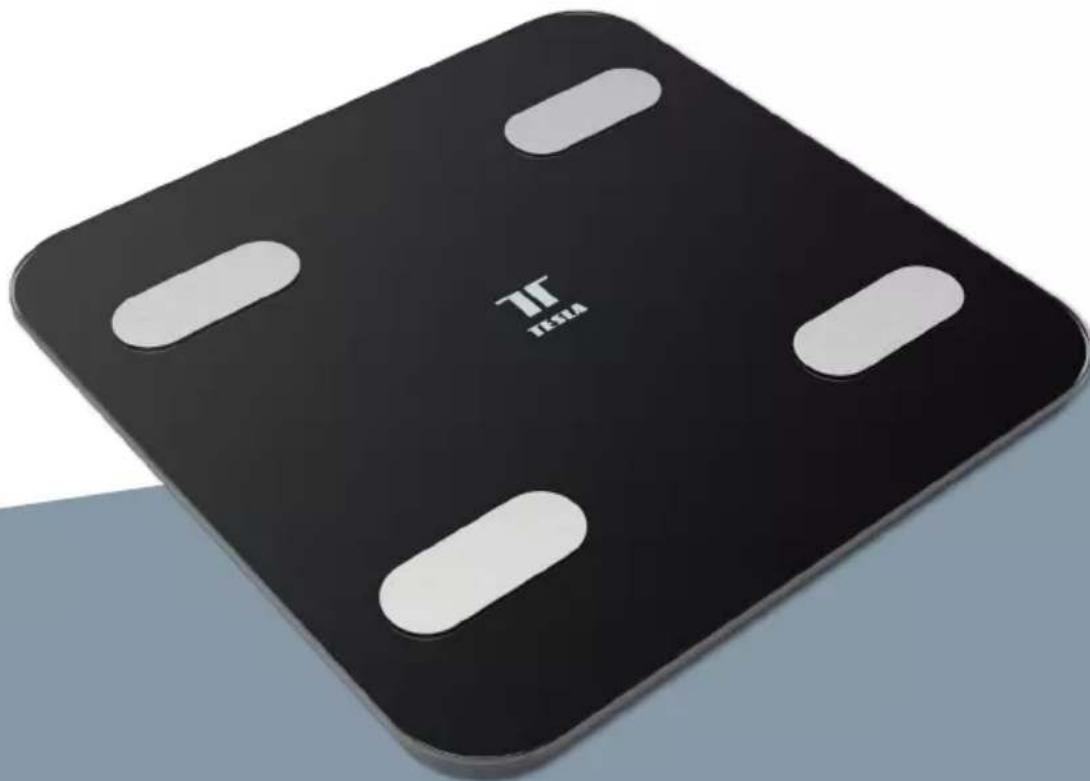
natural_image
Black square electronic device with white buttons and 'TESLA' logo on front (no additional text or symbols)TESLA SMART COMPOSITION SCALE SC100
BENUTZERHANDBUCH
Produzent
Tesla Global Limited
Far East Consortium Building,
121 Des Voeux Road Central
Hong Kong
www.teslasmart.com
TT TESLA
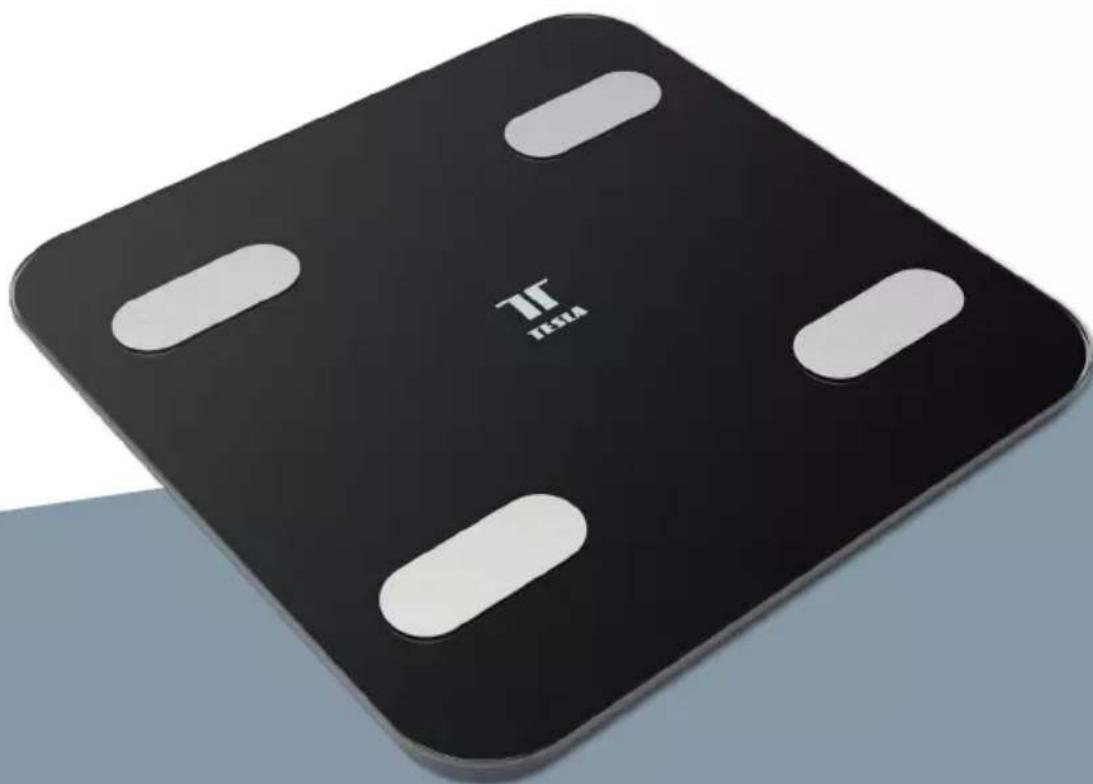
natural_image
Black square electronic device with white buttons and 'TESLA' logo on front (no additional text or symbols)TESLA SMART COMPOSITION SCALE SC100
UŽIVATELSKÁ PŘÍRUČKA
Výrobce
Tesla Global Limited
Far East Consortium Building,
121 Des Voeux Road Central
Hong Kong
www.teslasmart.com
TT TESLA
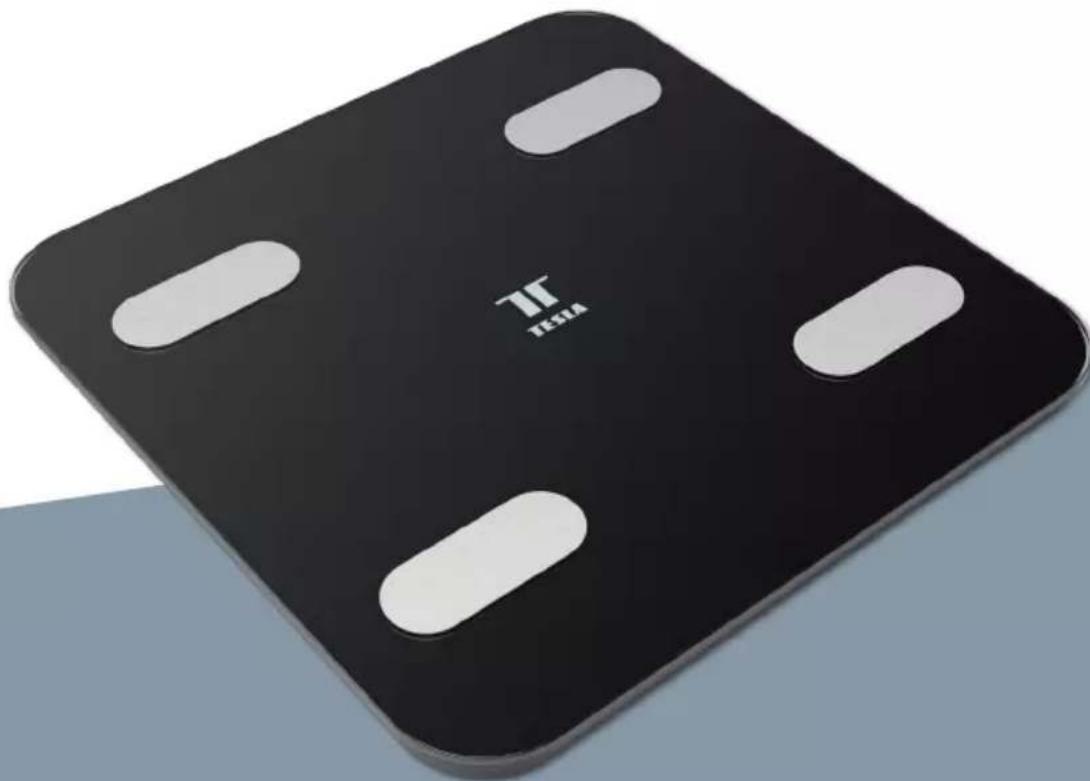
natural_image
Black square electronic device with white buttons and 'TESLA' logo on front (no additional text or symbols)TESLA SMART COMPOSITION SCALE SC100
POUŽÍVATELŠKÁ PRÍRUČKA
Far East Consortium Building,
121 Des Voeux Road Central
Hong Kong
www.teslasmart.com
TT TESLA
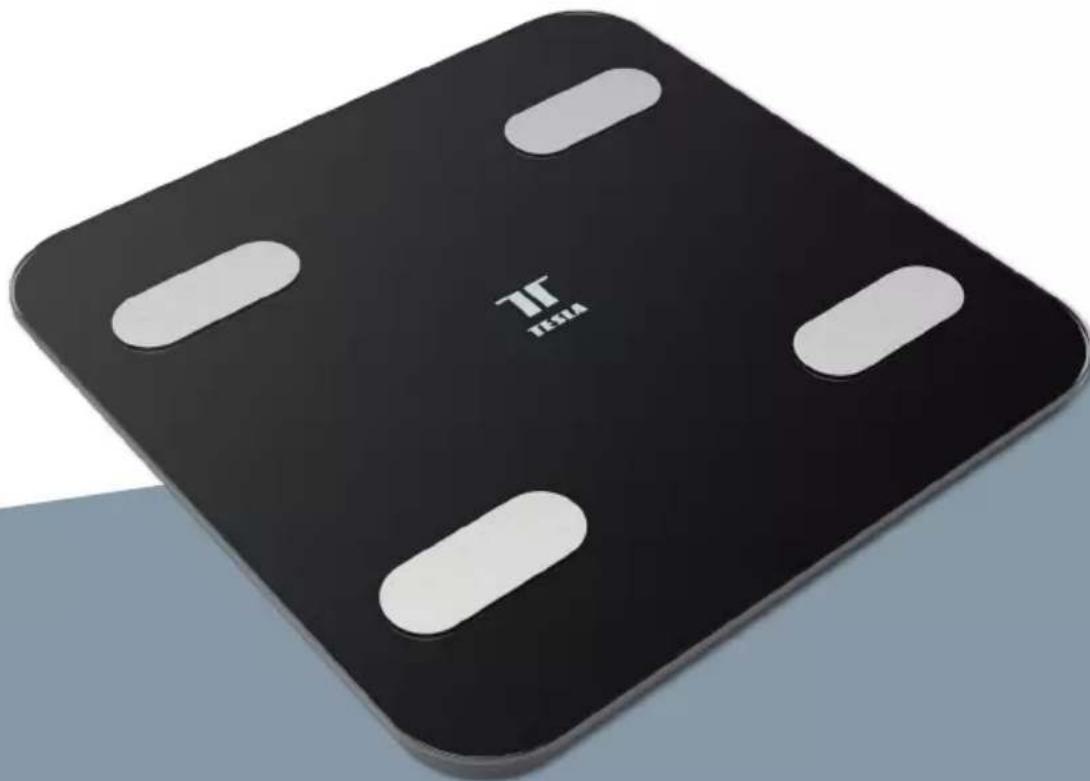
natural_image
Black square electronic device with white buttons and 'TESLA' logo on front (no additional text or symbols)TESLA SMART COMPOSITION SCALE SC100
INSTRUKCJA
OBSŁUGI
Far East Consortium Building,
121 Des Voeux Road Central
Hong Kong
www.teslasmart.com
TT TESLA
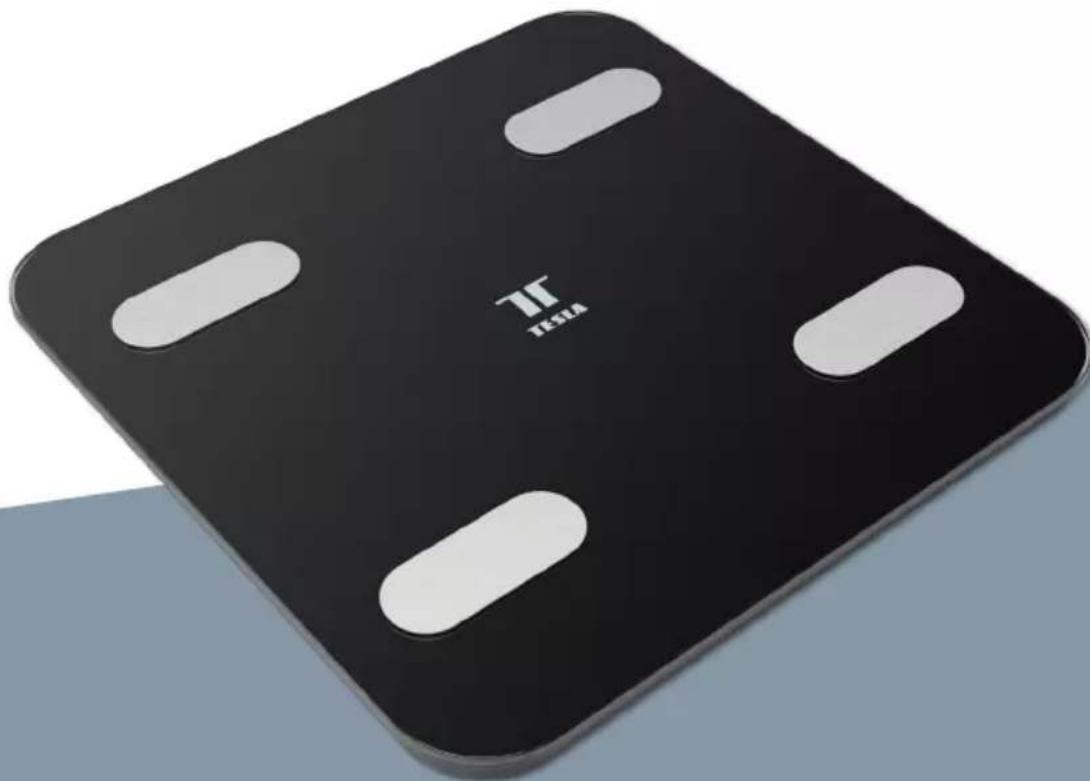
natural_image
Black square electronic device with white buttons and 'TESLA' logo on front (no additional text or symbols)TESLA SMART COMPOSITION SCALE SC100
HASZNÁLATI ÚTMUTATÓ
Termelő
Tesla Global Limited
Far East Consortium Building,
121 Des Voeux Road Central
Hong Kong
www.teslasmart.com
TT TESLA
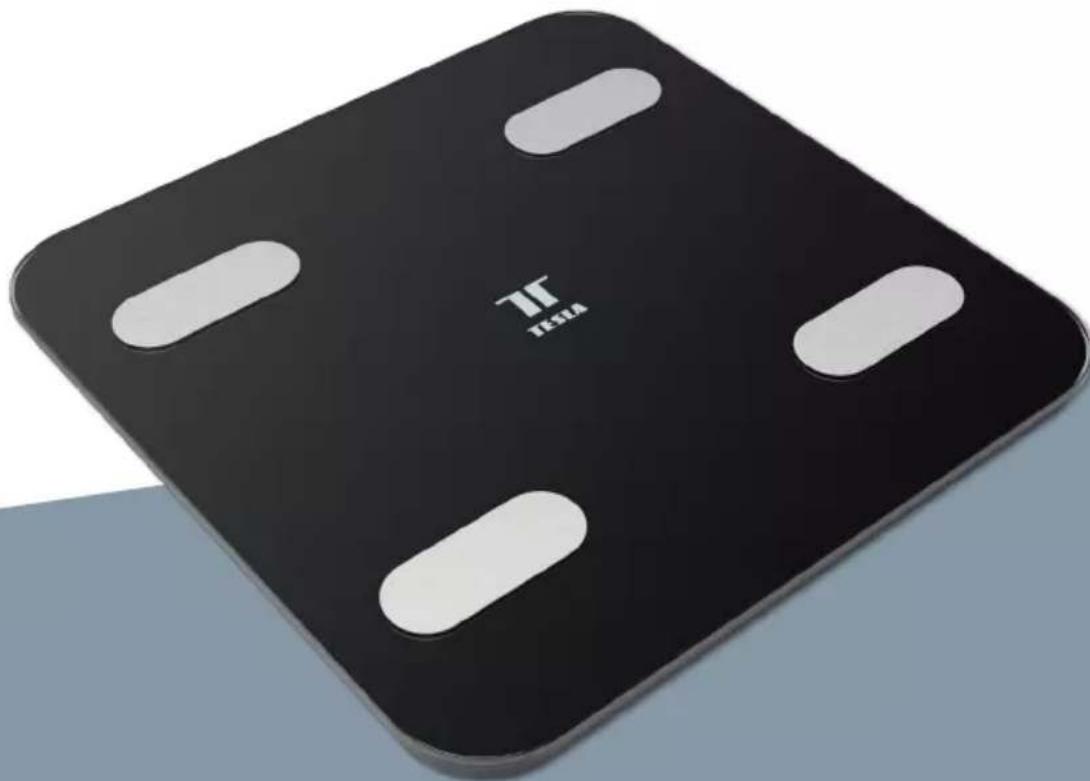
natural_image
Black square electronic device with white buttons and 'TESLA' logo on front (no additional text or symbols)TESLA SMART COMPOSITION SCALE SC100
UPORABNIŠKI PRIROČNIK
Zahvaljujemo se vam za nakup osebne tehtnice Tesla Smart Composition Scale SC100.
Pred uporabo vstavite baterije:
1.) Odprite prostor za baterije na dnu naprave.
2.) Vstavite baterije s pravilno polarnostjo.
3.) Nato ponovno zaprite prostor za baterije.
Opomba: Če se na zaslonu prikaže, 'LO", je treba baterije zamenjati.
Kako se povezati
Producent
Tesla Global Limited
Far East Consortium Building,
121 Des Voeux Road Central
Hong Kong
www.teslasmart.com
TT TESLA
TESLA SMART COMPOSITION SCALE SC100
Manufacturer Tesla Global Limited Far East Consortium Building, 121 Des Voeux Road Central Hong Kong www.teslasmart.com

- TESLA SMART COMPOSITION SCALE SC100
- Thank you for buying the Tesla Smart Composition Scale SC100.
- Measured values:
- Product information
- Before use, insert the batteries:
- How to connect
- How to weigh yourself
- Important:
- Troubleshooting
- Use and maintenance
- The accuracy of the weight reading may vary in the following cases:
- INFORMATION ABOUT DISPOSAL AND RECYCLING
- EU DECLARATION OF CONFORMITY
- Manufacturer
- TT TESLA
- Produzent
- Termelő
- Zahvaljujemo se vam za nakup osebne tehtnice Tesla Smart Composition Scale SC100.
- Kako se povezati
- Producent
Brand : TESLA
Model : SC100
Category : Scale