
MM9259 - Action Camera Manta - Free user manual and instructions
Find the device manual for free MM9259 Manta in PDF.


| Product Type | Action Camera |
| Brand | Manta |
| Model | MM9259 |
| Dimensions (approx.) | 60 x 40 x 20 mm |
| Weight (approx.) | 100 g |
| Power Source | Rechargeable lithium-ion battery |
| Battery Capacity | 900 mAh |
| Charging Method | USB-C cable |
| Video Resolution | 4K at 30 fps, 1080p at 60 fps |
| Photo Resolution | 12 MP |
| Field of View | 170 degrees wide-angle |
| Waterproof Rating | IP68 with included housing (up to 30 m) |
| Connectivity | Wi-Fi, Bluetooth |
| Storage | MicroSD card up to 256 GB |
| Mounting | Standard tripod mount and adhesive mounts included |
| Maintenance | Clean lens with a soft, dry cloth. Keep housing seals clean. |
| Safety | Avoid exposure to extreme temperatures. Do not disassemble. |
| Spare Parts | Batteries, mounts, and charging cables available separately. |
| Repairability | Battery and memory card user-replaceable. Other repairs by authorized service. |
Frequently Asked Questions - MM9259 Manta
User questions about MM9259 Manta
0 question about this device. Answer the ones you know or ask your own.
Ask a new question about this device
Download the instructions for your Action Camera in PDF format for free! Find your manual MM9259 - Manta and take your electronic device back in hand. On this page are published all the documents necessary for the use of your device. MM9259 by Manta.
USER MANUAL MM9259 Manta
natural_image
Close-up of a transparent mechanical housing with black and white components (no visible text or symbols)二

natural_image
Exterior view of a modern office building (no signage)

+

二


+


二


+


+
=



+

+

二

+

二

natural_image
Black-and-white photo of a mounted optical or military scope with a mounted device (no visible text or symbols)natural_image
Symbol of a trash bin with crossed lines indicating no waste or discharge, and a solid black rectangle below (no text or labels)- Keep it safe from falling and dropping
- Keep it distance from any strong magnetic interference objects like electrical machine to avoid strong radio waves that might be damaging the product and affect the sound or image quality.
- Don't expose the product directly to high temperatures and strong sunlight
- We recommend using high quality Micro SD Card for the best results.
- Don't place your Micro SD card near strong magnetic objects to avoid data error.
- In case of overheating, unwanted smoke or unpleasant smell from the device, unplug it immediately from the power outlet to prevent hazardous re.
- Keep it safety from children while on charging.
- Stored the device in a cool, dry and dust free locaon.
Introduction
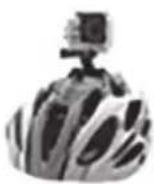
Action Camera is a high-denition digital moon video recording device, created to reach market demand. It has a wide variety of the leading features for digital video recording, photo shoong, audio recording with screen display and detachable battery. Best suitable for vehicle recording, outdoor sports, home security, diving and more related advies. Allowing you to enjoy the moments while capturing every scene anymore, anywhere.
Multipurpose

natural_image
Five grayscale icons representing different transportation and lifestyle categories (car, bicycle, sailboat, gear, house) — no text or symbols present.Product Features
- With a water proof casing, allowing you to film 30 meters under water scene.
- HD screen display for convenient videos and image playback
- Detachable battery for easy replacement and help extend product lifespan
• Record videos while charging
• HD 16Megapixel wide angle lens - HDMI Output
- Web Camera
• Supports SD card memory expandable up to 32GB (Maximum)
• Supports mulple video recording formats:
• Supports MP4 recording format
• Supports mulple photo shoong modes: Single shot & Snapper
• Super lightweight, small in size
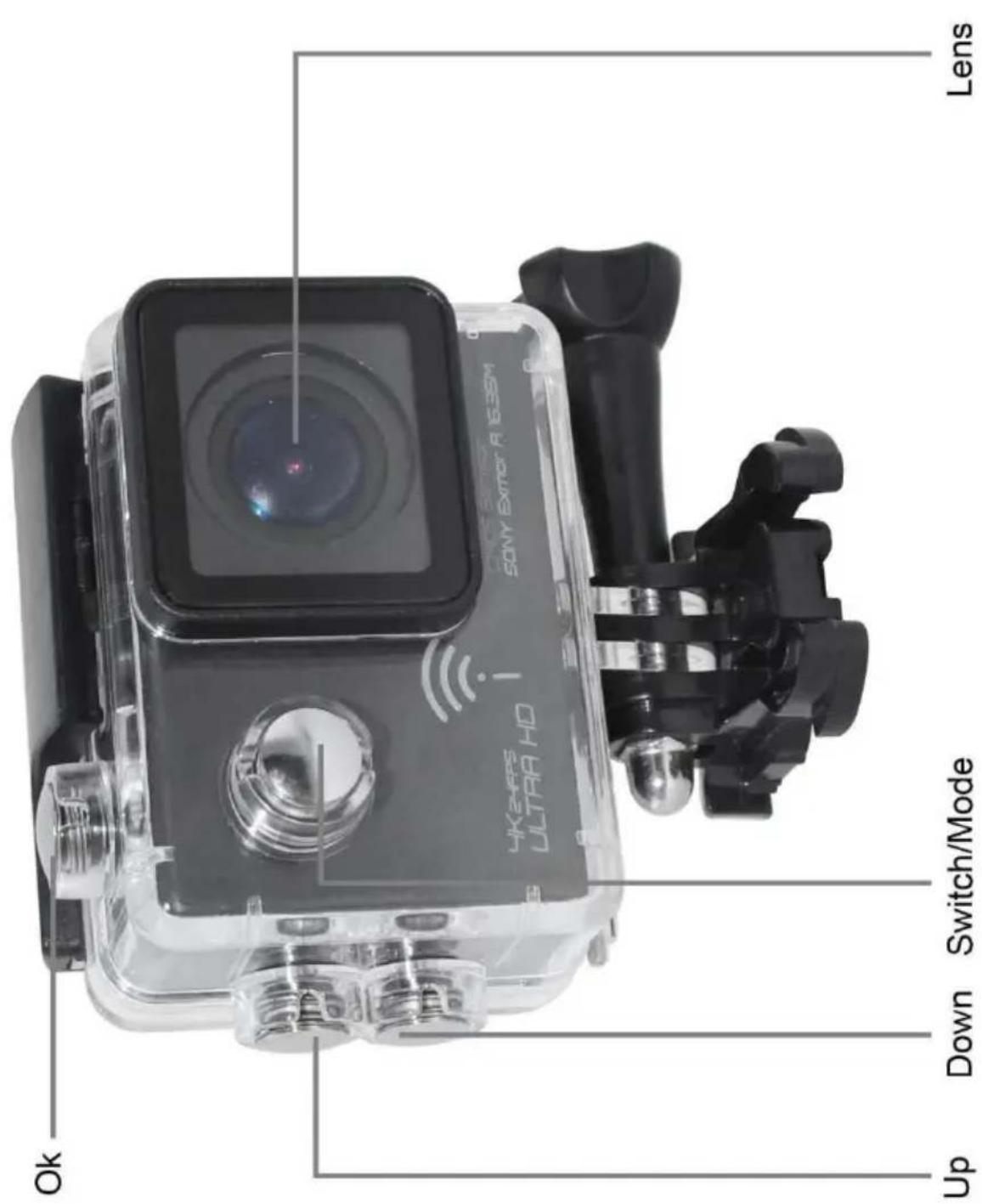
Camera Illustration


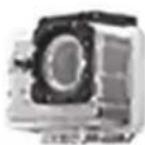
Waterproof Case Illustration


natural_image
Close-up of a transparent mechanical housing with black and white components (no visible text or symbols)二

natural_image
Exterior view of a modern office building (no signage)
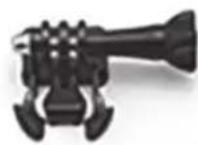
+

二


+

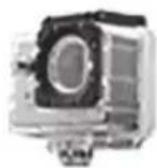
二


+
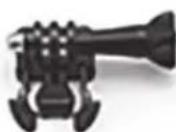

+

=



+
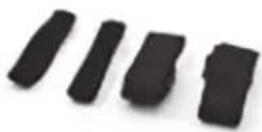
+
二

+

二

natural_image
Black-and-white photo of a mounted optical or military scope with a mounted device (no visible text or symbols)Installing Micro SD Card
Note: Please choose a branded Micro SD card, and then format it with the computer before use. We suggest a high quality SD card for the perfect result.
1. Installing and removing the batteries
A. Slightly press and swipe the battery cap to open it
B. Correctly install the battery into the camera as indicated by +/- sign and make sure it is in the correct direcon with the arrows marked on the battery before you fit it in.
C. Battery Gauge: Please refer to diagram
D. Removing the Battery: Open the cap and pull out the battery
2. Charging
A. You can recharge this Action Camera by connecng it directly to the computer or with the power adapter.
B. It can be also charge with the car charger
C. Action Camera can record the video while charging (Switch to Vehicle-mounted Mode in the "Menu")
D. The camera can be charge even the power is switch off.
3. Switching the camera on and off
A. Press and hold the power switch for 3 to 5 seconds to turn it on/off
B. You can also switch it on/ o trough the LCD screen display
4. Mode Switching
Switch between video recording/ Photo shoong/Playback by pressing the power buon as mode funcon.

Recording mode, while

photo shoong mode.

Symbols are displayed on the top of the screen.
Refers to the funcon of video playback, and the last one is system sengs.
5. Video recording & Setting configuration
- Video Recording
Switch to recording mode and there'll be an

icon in the upper le corner of the screen. Press
OK to start the recording and the icon in the upper le corner will start to flash. Press "OK" again if
you want to stop and the icon will disappear.
- Photo shoong & Setngs
Switch the camera on and press "Mode" to select
"Photo shoong Mode", there'll be an icon in the upper le corner of the screen display and the camera is in photo shoong mode. Press "OK" to take photos.
Shoong Pattern: Single shot / Self-mer (2s/5s/10s) and Connuous Shoong
3.Data Storage & Playback
You can use the USB cable to transfer the le to the computer or you can remove the micro SD card with the card reader.
6. WI-FI conncon
- can connect a mobile phone with android or IOS system or a panel computer via WIFI, the operation steps are as following:
A. Install "OKCAM" soware on a mobile phone or a panel computer (you can search and download on Google Play for android system, or search and download on APP Store for IOS system.
B. Aer power on, press WIFI key on the camera, WIFI icon displays on the screen.
C. Enable WIFI on a mobile phone or a panel computer, search WIFI account for the camera, then connect, and the initial Password ☐ 12345678 will display on screen.
D. When WIFI connected, WIFI Connecon Ready displays on the screen,
E. After □finalcam□ software operates on a mobile phone or a panel computer, images recorded by the camera will be real-me displayed on a mobile phone or a panel computer. You can operate via related icons
related to the soware or set funcon parameters of the camera
2. WI-FI password change
A. Power on and enter WIFI setting menu, the password can be set as per your requirement.

natural_image
Symbol of a trash bin with crossed lines indicating no waste or discharge (no text or labels)Correct Disposal of this product.
This marking indicates that this product should not be disposed with other household wastes throughout the EU. To prevent possible harm to the environment or human health from uncontrolled waste disposal, recycle it responsibly to promote the sustainable reuse of material resources. To return your used device, please use the return and collection systems or contact the retailer where the product was purchased. They can take this product for environmental safe recycling.
Note!
Product design and Technical parameters may be change without notice. This mainly concerns parameters technical, software and user manual present. User's Manual is a general orientation on service product. Manufacturer and distributor do not assume any responsibility as compensation for any inaccuracies errors in the descriptions appearing in this user manual.
INFOLINIA SERWISOWA
tel: +48 22 332 34 63 lub e-mail:
serwis@manta.com.pl from Monday to
Friday. 9.00-17.00
The manufacturer reserves the right to make changes to product specificaons without noce.
Home: www.manta.com.pl
Home support:
www.manta.info.pl



Made in P.R.C.
FOR MANTA EUROPE
- Introduction
- Multipurpose
- Product Features
- Waterproof Case Illustration
- Installing Micro SD Card
- Installing and removing the batteries
- Charging
- Switching the camera on and off
- Mode Switching
- Video recording & Setting configuration
- 3.Data Storage & Playback
- WI-FI conncon
- WI-FI password change
- Correct Disposal of this product.
- Note!
- INFOLINIA SERWISOWA
Brand : Manta
Model : MM9259
Category : Action Camera