
SW-171 - Smartwatch DENVER - Free user manual and instructions
Find the device manual for free SW-171 DENVER in PDF.


| Product type | Smartwatch |
| Brand | Denver |
| Model | SW-171 |
| Dimensions (approx.) | 45 x 38 x 10 mm |
| Weight (approx.) | 50 g |
| Power supply | Built-in rechargeable lithium-ion battery (3.7 V / 180 mAh) |
| Battery life (estimated) | 5 to 7 days depending on usage |
| Display | Color touchscreen, 240x240 pixels resolution |
| Connectivity | Bluetooth 4.0, range 10 m |
| Water resistance | Splash and sweat proof (IP67, do not swim) |
| Main functions | Pedometer, sleep, heart rate, blood pressure, SpO2, 8 sports, weather, notifications, music control, camera shutter, stopwatch, sedentary reminder |
| Sensors | Accelerometer, optical heart rate sensor |
| Companion app | DENVER SMART (iOS and Android) |
| Compatibility | iOS 9.0+ / Android 4.4+ |
| Care and cleaning | Clean with a soft dry cloth, dry the strap after contact with water |
| Safety | Lithium-ion battery: do not expose to heat, recycle separately |
| Spare parts and repairability | Interchangeable strap (standard 22 mm), battery not user-replaceable |
| General information | Manufacturer: Denver Electronics A/S, Denmark. Frequency 2402-2480 MHz, max power 0 dBm. Complies with directive 2014/53/EU. |
Frequently Asked Questions - SW-171 DENVER
User questions about SW-171 DENVER
0 question about this device. Answer the ones you know or ask your own.
Ask a new question about this device
Download the instructions for your Smartwatch in PDF format for free! Find your manual SW-171 - DENVER and take your electronic device back in hand. On this page are published all the documents necessary for the use of your device. SW-171 by DENVER.
USER MANUAL SW-171 DENVER
Bluetooth Smartwatch
DENVER SW-171
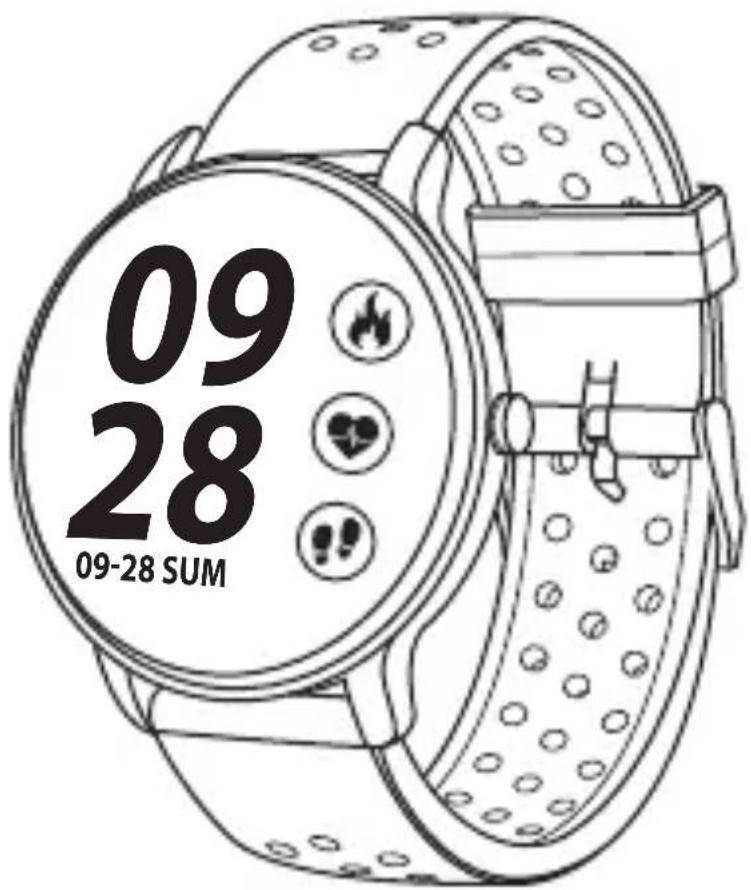
User's Manual
www.facebook.com/denverelectronics

natural_image
Silhouette of two people running, one running and the other running (no text or symbols)DENVER ELECTRONICS A/S
Omega 5A, Soeften
DK-8382 Hinnerup
Denmark


Contents
English---- 1 - 6
German---- 7 - 12
French---- 13-18
Spanish---- 19—24
Dutch---- 25-30
Polish---- 31-36
Swedish---- 37-42
Finnish----43-48
Danish 49-54
Portuguese---- 55-60
Italian---- 61-66
Norwegian---- 67-72
Note: If the user manual is not printed in your local language, then please enter our website to see if it is found online under the model you have. The website address is: www.denver-electronics.com
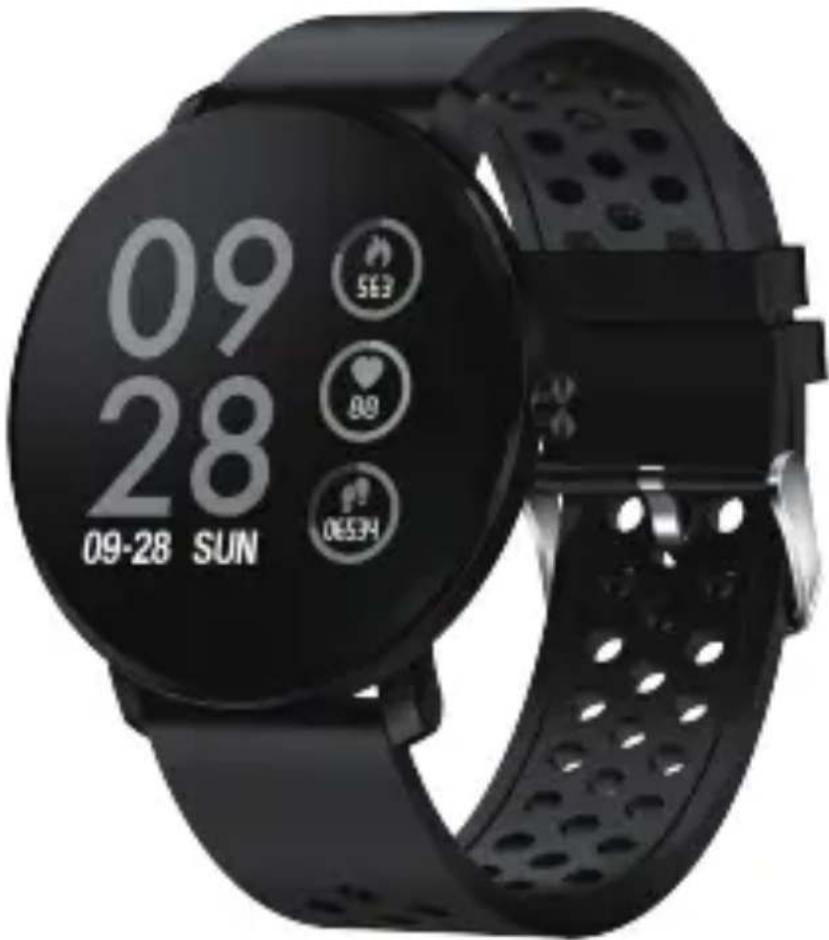
USER MANUAL
SW-171
SMART WATCH
Note: Please upgrade the software to the latest version on the APP before use. Please charge the smart watch before use.
Download App
Scan the following QR code, download and install the App.

Scan QR Code and Download
Pairing
Open the App and set up your profile.
Go to the [Device], Click [Add a Device].
Choose your device on the scanning list.
Finish
Long press the [time page] on your device, and go to the detail page. The MAC address on the detail page can help you identify your device on the scanning list.
Smart watch features
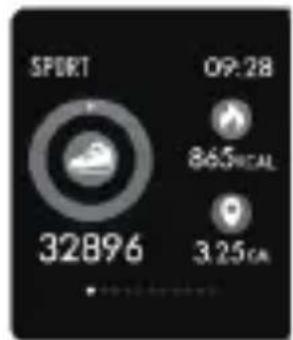
Sports track
The smart watch automatically measures steps taken, calories burned and distance traveled. The measured data is synchronized to the App.
Note: The sport data stored on the watch is cleared at midnight every day.
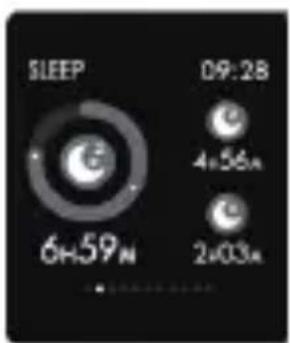
Sleep monitor
By wearing the smart watch during sleep, it will measure your sleep time and quality. The measured data is synchronized to the App.
Note: The sleep data stored on the watch is cleared at 8:00 pm the next day.
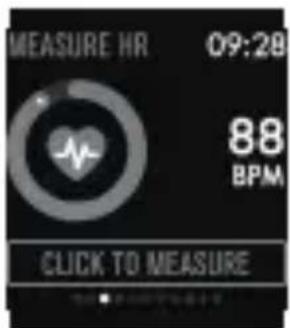
Heart rate monitor
Touch the heart rate page to start measuring your heart rate.
The page can display heart rate data of the latest 7 measurements.
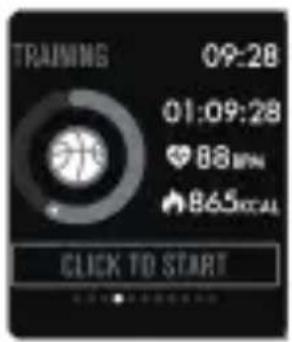
Multi-sport training
Touch the training page to start a new training measure recording. 8 sport modes are available. The last training data is displayed on the training page.
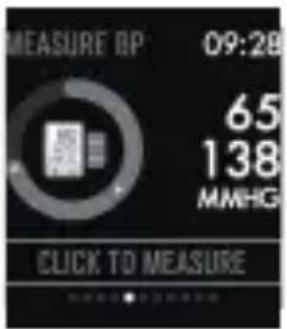
Blood pressure monitor
Touch the blood pressure page to start measuring your blood pressure. The page can display blood pressure data of the latest 7 measurements.
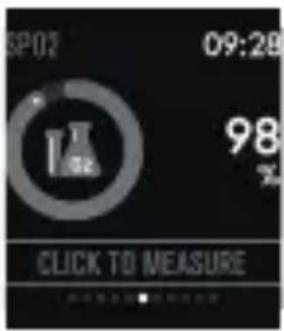
SpO2/blood oxygen monitor
Touch the SpO2 page to start measuring your SpO2/blood oxygen. The page can display the measured data of the latest 7 measurements.
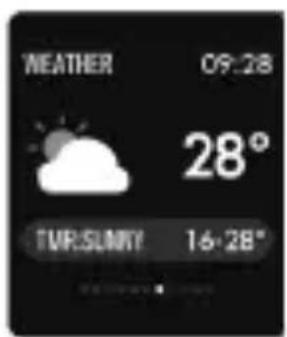
Weather forecast
The weather page displays the weather information of the current and next day. The latest weather information from the App can be synchronized to the watch if the watch is connected to the App.
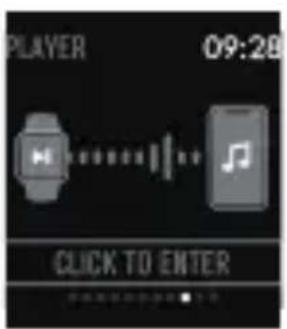
Message reminder
The watch can synchronize incoming notifications from Twitter, Facebook, Whatsapp, Instagram etc.
Latest 3 messages can be stored on the watch.
Note: You can switch on or off the incoming notification in the App.
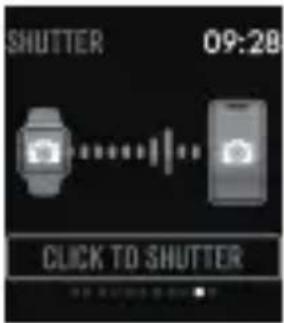
Remote shutter
After the watch is connected to the App, the watch can remotely control the camera from your mobile phone.
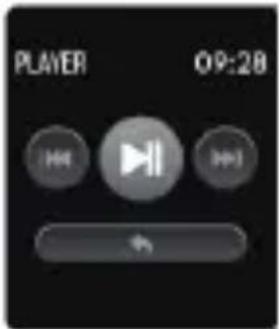
Music play controller
After the watch is connected to the App, the watch can remotely control the music player from your mobile phone
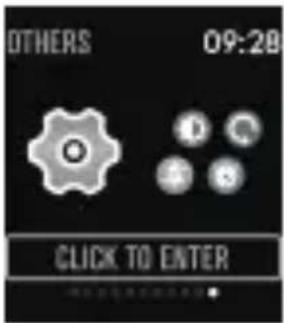
Other features
Other features include stopwatch, screen brightness adjustment, mute mode, factory resetting, and power off.
Stop watch
Touch the stopwatch page to start timing, and long press again to stop timing.
natural_image
Simple icon of a jar with a window and label, no readable text or symbolsAlarm
If you set and activate alarm on the App, and the watch is connected to the App, the watch vibrates when the alarm time is up.

Sedentary reminder
The watch vibrates to remind you to walk after 1 hour sitting.
Note: You can switch on or off the feature in the APP.
More information about the smart watch
Using in wet conditions
The smart watch is water-resistant, which means it is rain-proof and splash-proof and can stand up to even the sweatiest workout.
Note: Do not swim with the smart watch. It is not recommended to shower with the smart watch, though it does not hurt the watch. Remove the watch periodically to allow your skin to dry and breathe. Whenever you get your bracelet wet, dry it thoroughly before putting it back on.
Using the function button and the touch screen
Press and hold the function button for 3 seconds to turn on the device, press briefly the function button to wake up the device.
To turn off the device, press and hold the function button, and tap "Power off" on the display.
Tap the screen, slide left for next screen page and slide right for previous screen page. Tap the screen page to start measuring.
Using quick view
When the watch screen is turned off, just turn your wrist towards you and the screen turns on for you to check the time and message from your phone. The watch screen automatically turns off after being idle for a few seconds.
Warning Lithium battery inside
Please notice - All products are subject to change without any notice. We take reservations for errors and omissions in the manual.
ALL RIGHTS RESERVED, COPYRIGHT DENVER ELECTRONICS A/S
DENVER
www.denver-electronics.com

Electric and electronic equipment and included batteries contains materials, components and substances that can be hazardous to your health and the environment, if the waste material (discarded electric and electronic equipment and batteries) is not handled correctly.
Electric and electronic equipment and batteries is marked with the crossed out trash can symbol, seen below. This symbol signifies that electric and electronic equipment and batteries should not be disposed of with other household waste, but should be disposed of separately.
As the end user it is important that you submit your used batteries to the appropriate and designated facility. In this manner you make sure that the batteries are recycled in accordance with legislature and will not harm the environment.
All cities have established collection points, where electric and electronic equipment and batteries can either be submitted free of charge at recycling stations and other collection sites, or be collected from the households. Additional information is available at the technical department of your city.
Hereby, Inter Sales A/S declares that the radio equipment type SW-171 is in compliance with Directive 2014/53/EU. The full text of the EU declaration of conformity is available at the following internet address: www.denver-electronics.com and then click the search ICON on topline of website. Write modelnumber: SW-171 Now enter product page, and red directive is found under downloads/other downloads Operating Frequency Range: 2402-2480MHZ
Max Output Power: 0 dBm
DENVER ELECTRONICS A/S
Omega 5A, Soeften
DK-8382 Hinnerup
Denmark
www.facebook.com/denverelectronics
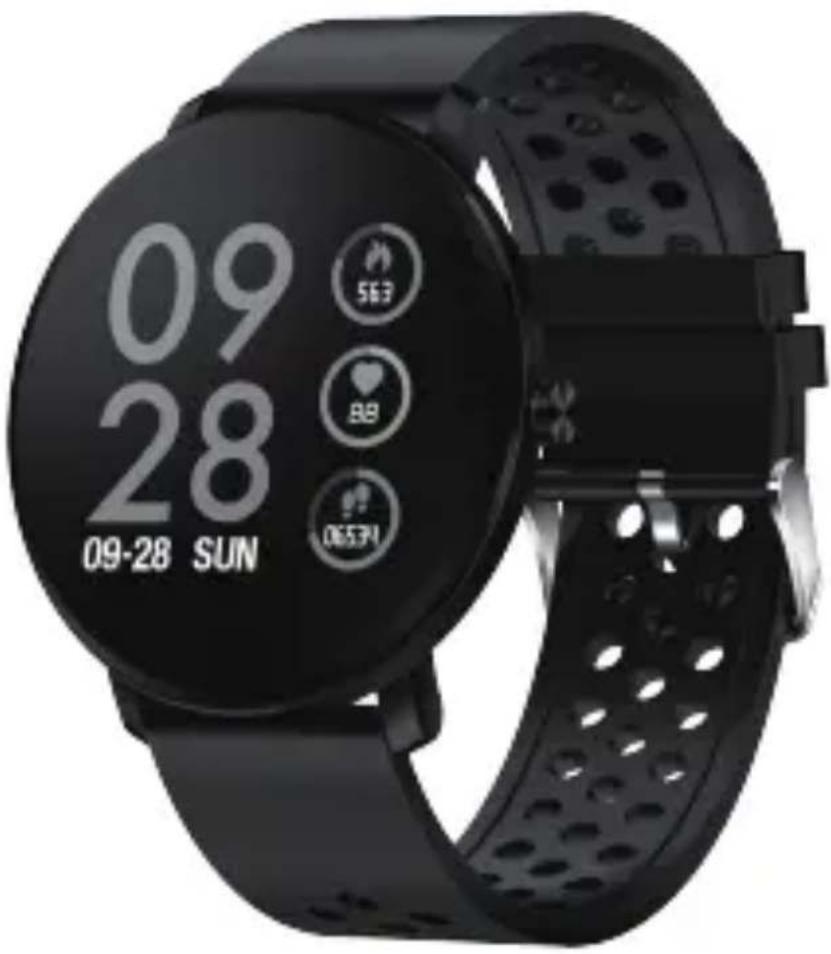
BEDIENUNGSANLEITUNG
SW-171
SMART WATCH
Herzfrequenzmesser
Blutdruckmesser
natural_image
Simple icon of a computer monitor with a screen displaying '10.00' and '8.00' (no text or symbols on the device itself)Wecker
Moniteur de pouls
Entrainement multi-sport
natural_image
Simple icon of a computer monitor with a screen displaying '100%' (no text or symbols on the device itself)Alarme
Smart watch features
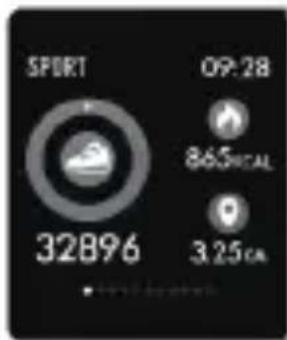
Pista deportiva
Monitor de sueño
natural_image
Simple icon of a computer monitor with a screen displaying '100%' (no text or symbols on the device itself)Alarma
Slaapmonitor
Hartslagmonitor
Tik hartslagpagina lang ingedrukt om uw hartslag te meten.
bloeddrukmeter
natural_image
Simple icon of a computer monitor with a screen displaying the text (no readable symbols or text)Alarm
Monitor tętna
natural_image
Simple icon of a digital camera with time display and frame (no text or symbols)Budzik
Pulsmätare
Multisportträning
Blodtrycksmätare
natural_image
Simple icon of a digital camera with time display (no text or symbols)Larm
Sykemittari
Sääennuste
natural_image
Simple icon of a computer monitor with a screen displaying '100%' (no text or symbols on the device itself)Hälytys
Pulsmonitor
Blodtryksmåler
natural_image
Simple icon of a computer monitor with no visible text or symbolsAlarm
Treino multi-desportos.
natural_image
Simple icon of a computer monitor with a screen displaying '700' and '800' (no text or symbols on the device itself)Alarme
Allenamento multi-sport
natural_image
Simple icon of a computer monitor with a screen displaying '700' and '800' (no text or symbols on the device itself)Sveglia
Pulsmonitor
Blodtrykksmonitor
natural_image
Simple icon of a computer monitor with a screen displaying the text (no readable symbols or text)Alarm
Hvis du stiller inn og aktiverer en alarm i appen, og klokken er paret med appen, vibrerer klokken når alarmen går.

- Bluetooth Smartwatch
- DENVER SW-171
- User's Manual
- Contents
- USER MANUAL
- SW-171
- Download App
- Pairing
- Sports track
- Sleep monitor
- Heart rate monitor
- Multi-sport training
- Blood pressure monitor
- SpO2/blood oxygen monitor
- Weather forecast
- Message reminder
- Remote shutter
- Music play controller
- Other features
- Stop watch
- Alarm
- Sedentary reminder
- More information about the smart watch
- Using in wet conditions
- Using the function button and the touch screen
- Using quick view
- DENVER
- BEDIENUNGSANLEITUNG
- Herzfrequenzmesser
- Blutdruckmesser
- Wecker
- Moniteur de pouls
- Entrainement multi-sport
- Alarme
- Pista deportiva
- Monitor de sueño
- Alarma
- Slaapmonitor
- Hartslagmonitor
- bloeddrukmeter
- Monitor tętna
- Budzik
- Pulsmätare
- Multisportträning
- Blodtrycksmätare
- Larm
- Sykemittari
- Sääennuste
- Hälytys
- Pulsmonitor
- Blodtryksmåler
- Treino multi-desportos.
- Allenamento multi-sport
- Sveglia
- Blodtrykksmonitor
Brand : DENVER
Model : SW-171
Category : Smartwatch