
Smart Plug Dual - Uncategorized TESLA - Free user manual and instructions
Find the device manual for free Smart Plug Dual TESLA in PDF.


| Product Type | Smart Wi-Fi Plug with Dual Outlets |
| Model | TSL-SPL-2 |
| Power Supply | AC 230V ~ 50Hz |
| Max Power Rating | 3680W (Total), 16A per outlet |
| Wi-Fi Standard | 802.11 b/g/n, 2.4 GHz only |
| Wireless Range | Up to 30 meters indoors (typical) |
| Operating Temperature | 0°C to 35°C |
| Storage Temperature | -10°C to +40°C |
| Operating Humidity | 5% to 65% RH |
| Encryption | WEP / WPA / WPA2 |
| Frequency Band | 2412 – 2472 MHz |
| Max Transmit Power | +18 dBm (802.11b), +16 dBm (802.11g), +14 dBm (802.11n) |
| Channels | 1-13 |
| App Control | Yes via Tesla Smart App (iOS/Android) |
| Voice Control | Compatible with Amazon Alexa, Google Assistant (via app) |
| Scheduling | Yes, timer and countdown functions |
| Remote Control | Yes, from anywhere via internet |
| Package Contents | 1x Smart Plug, 1x User Manual |
| Safety Certifications | CE, RoHS |
| Material | Flame-retardant PC plastic |
| Dimensions | Approx. 5.5 x 5.5 x 6.5 cm (each plug) |
| Weight | Approx. 80 g (per plug) |
Frequently Asked Questions - Smart Plug Dual TESLA
User questions about Smart Plug Dual TESLA
0 question about this device. Answer the ones you know or ask your own.
Ask a new question about this device
Download the instructions for your Uncategorized in PDF format for free! Find your manual Smart Plug Dual - TESLA and take your electronic device back in hand. On this page are published all the documents necessary for the use of your device. Smart Plug Dual by TESLA.
USER MANUAL Smart Plug Dual TESLA
natural_image
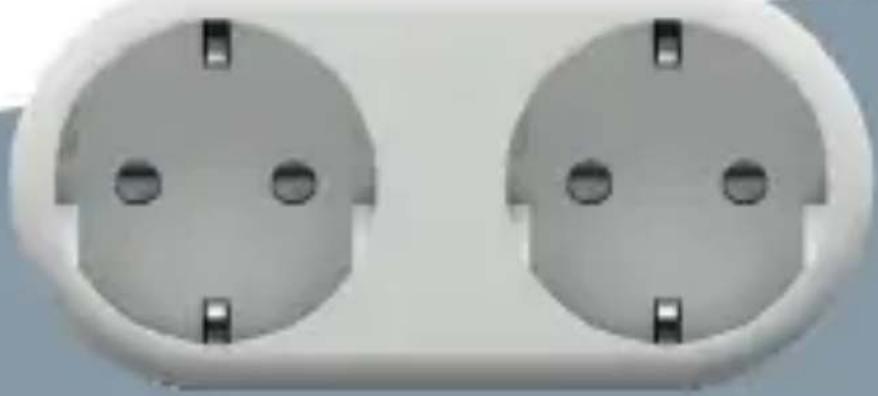
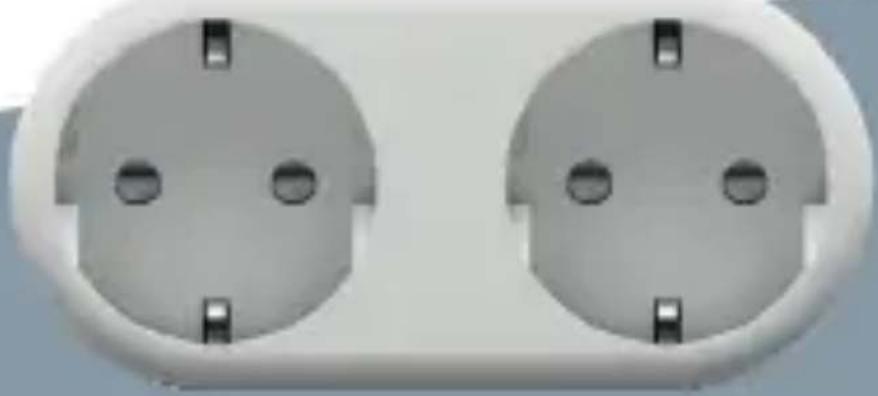
Close-up of two identical electrical socket plugs with mounting holes (no text or symbols visible)TESLA SMART PLUG DUAL
USER MANUAL
Package content
1x Smart Power Plug
1x User Manual
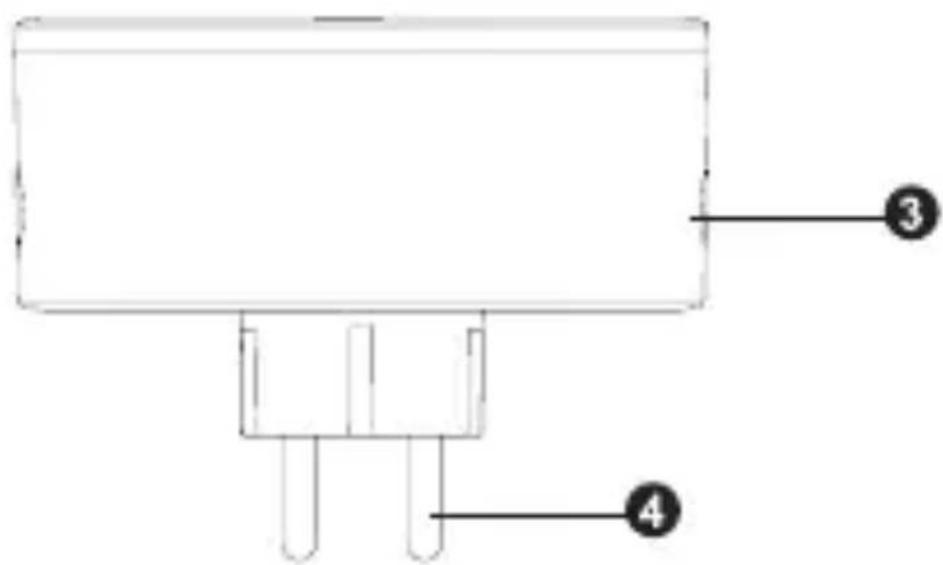
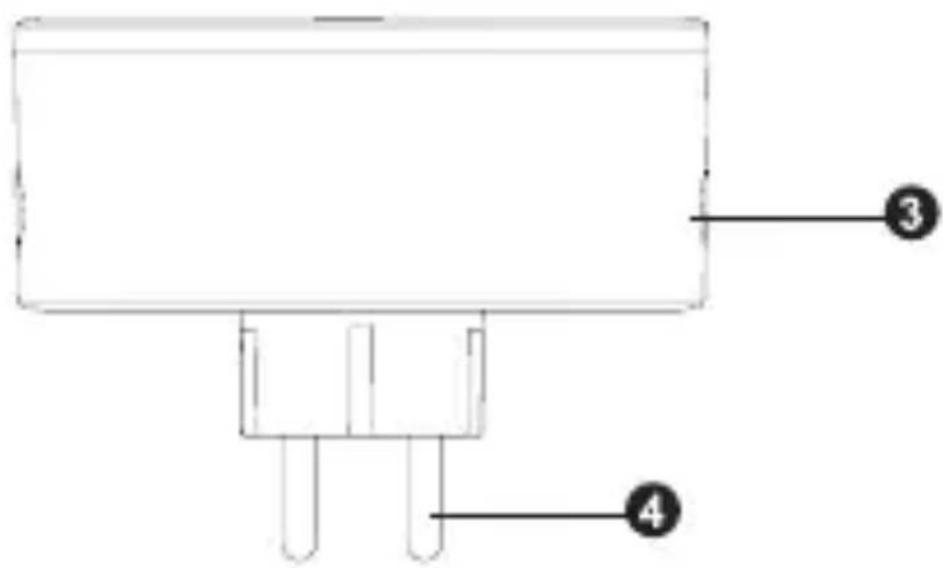
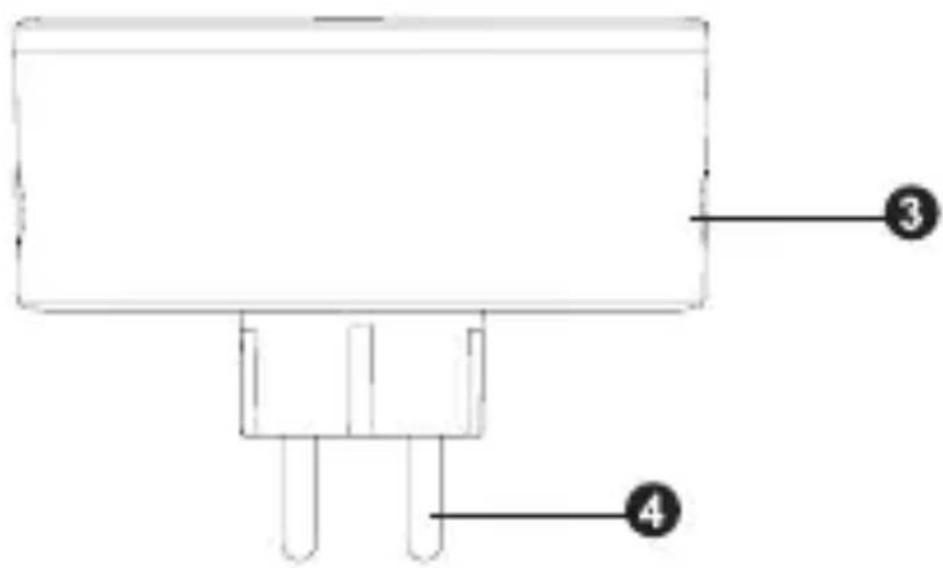
Function Diagram
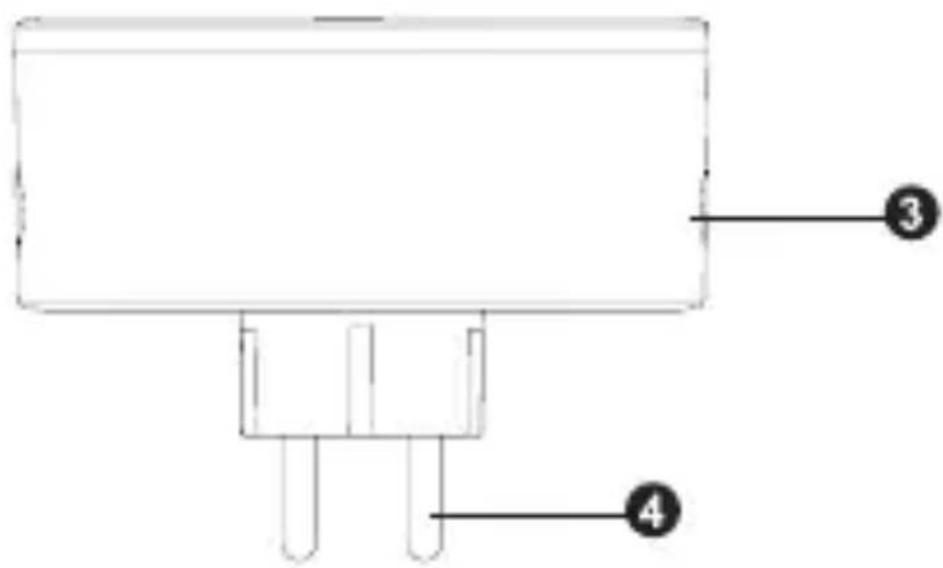
- Smart Power Plug
- Electrical Outlet
- Power Button
- Plug
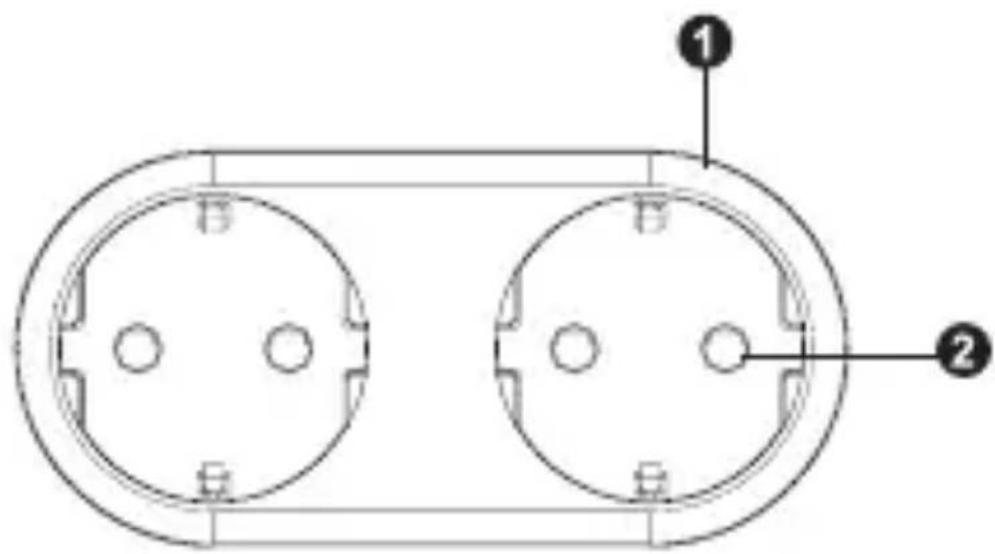
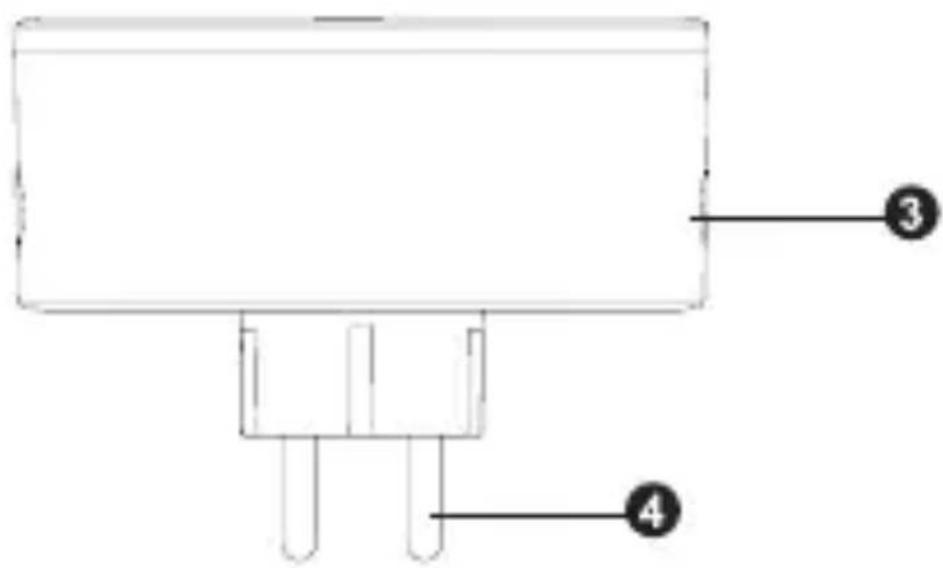
SPECIFICATION
| Power Supply AC 230V~50Hz | |
| Max Power 3680W | |
| Single outlet current 16A max | |
| Wifi-Fi standard 2.4GHz (make sure your router is 2.4GHz if the rounter has two line) | |
| Operation Temperature | 0-35 °C |
| Storage Temperature | -10 °C- +40 °C |
| Humidity in operation | 5% - 65% |
| WLAN Specification Standard: 802.11 b/g/nEncryption: WEP / WPA / WRA2Frequency range: 2412 - 2472 MHz Max.Transmitting power: 8027.11b°: +18dBm802.119 : +16dBm 802.11n(-20MAZ): +140dBmChannel: 1-13 | |
Safety Information
IMPORTANT: Please read and comply with all the instructions and warnings provided in this user manual before using the product. Failure to comply with the instructions and warning provided herein may result in inaccurate results and/or damage to product itself.
WARNING: DO NOT connect a device that exceeds the power ratings for this power socket. Doing so may overheat or cause possible damage to the device or other equipment.
DO NOT use the power socket if it is damaged in any way, shape, or form.
DO NOT attempt to repair, disassemble or modify this device under any circumstances. Doing so may damage the device or cause electric shock and possible injury.
DO NOT place the power socket near any heat source or in direct sunlight.
DO NOT place or operate the power socket in high-humidity environments.
DO NOT operate the power socket if there is a strange odor or heat emitting from the power socket or a connected device, contact customer support immediately.
DO NOT touch any electrical appliances with wet hands or handle appliances near liquids.
Avoid using excessive force when handling the power socket.
Keep the power socket dry and clean at all times.
DO NOT use any solvents or cleaning solutions on the power socket. Clean only with a soft, dry cloth.
Never overload electrical circuits as it may cause an electrical shock or fire.
How to Connect Wi-Fi?
Step 1: Download & Registration
- Scan the QR Code to download Tesla Smart APP. Or Search Tesla Smart in Apple store or Google Play to install the APP
- Open the Tesla Smart App, tap Register to get an account with your phone number or E-mail. Sign in the App.
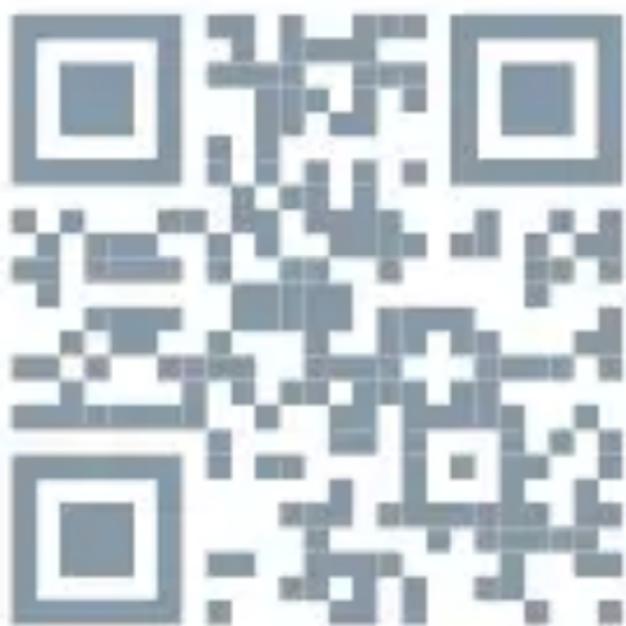
Step 2: Add Devices in Easy Mode (Recommend)
• Make sure your Tesla Smart Plug is powered on
• Make sure your mobile phone is connected to your Wi-Fi
- Press the power button for more than 5 seconds until the indicator begin to flash quickly (about 2 times/second) this means the device is ready for configuration
- Open your „Tesla Sart“ APP, tap „+“ on the top right of the APP
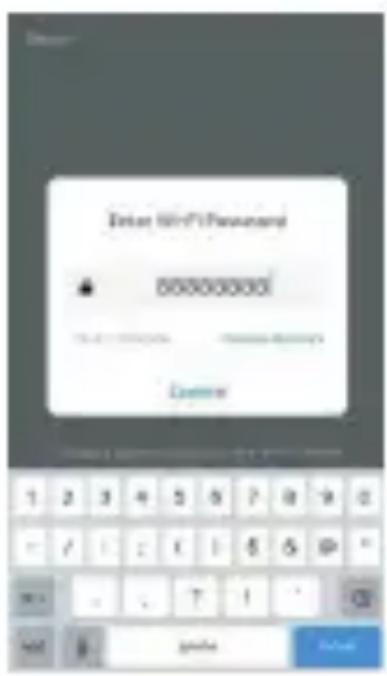
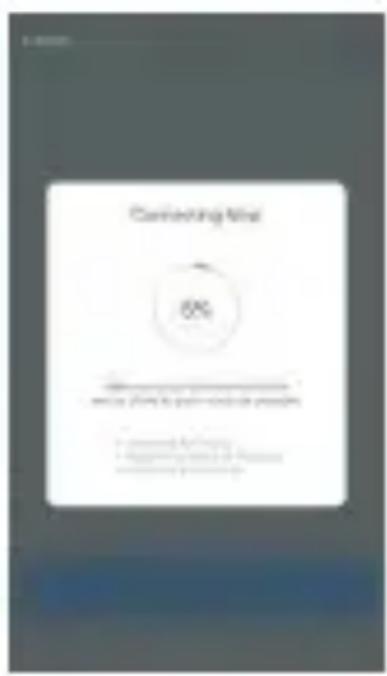
- Select Device Type, tap „ confirm indicator rapidly blink“. It will fetch the password of the Wi-Fi network your mobile phone is connected to.
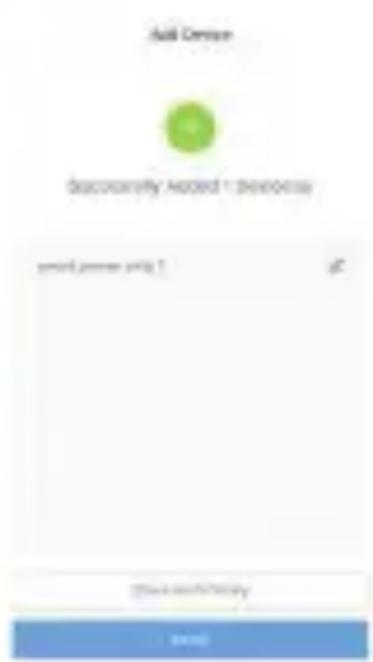
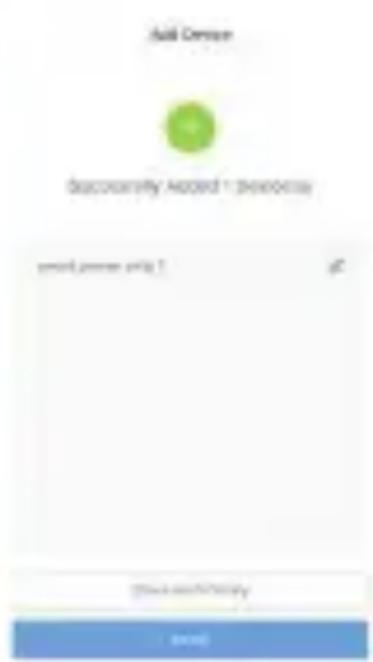
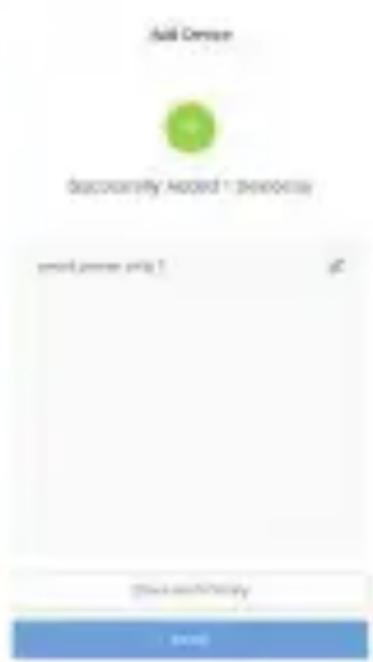
Tap „Confirm“ to connect to the device, when it appears „successfully add 1device“, then the connection is completed and your devices is listed in your APP list.
INFORMATION ABOUT DISPOSAL AND RECYCLING
This product is marked with the symbol for separate collection. The product must be disposed of in accordance with the regulations for disposal of electrical and electronic equipment (Directive 2012/19/EU on waste electrical and electronic equipment). Disposal together with regular municipal waste is prohibited. Dispose of all electrical and electronic products in accordance with all local and European regulations at the designated collection points which hold the appropriate authorisation and certification in line with the local and legislative regulations. Correct disposal and recycling help to minimise impacts on the environment and human health. Further information regarding disposal can be obtained from the vendor, authorised service centre or local authorities.
EU DECLARATION OF CONFORMITY
Hereby, Tesla Global Limited declares that the radio equipment type TSL-SPL-2 is in compliance with EU directives. The full text of the EU declaration of conformity is available at the following internet address: tsl.sh/doc
Connectivity: Bluetooth, Wi-Fi 2.4 GHz
Frequency band: 2.412 - 2.484 GHz
Max. radio-frequency power (EIRP): < 20 dBm

Manufacturer
Tesla Global Limited
Far East Consortium Building,
121 Des Voeux Road Central
Hong Kong
www.teslasmart.com
TT TESLA
natural_image
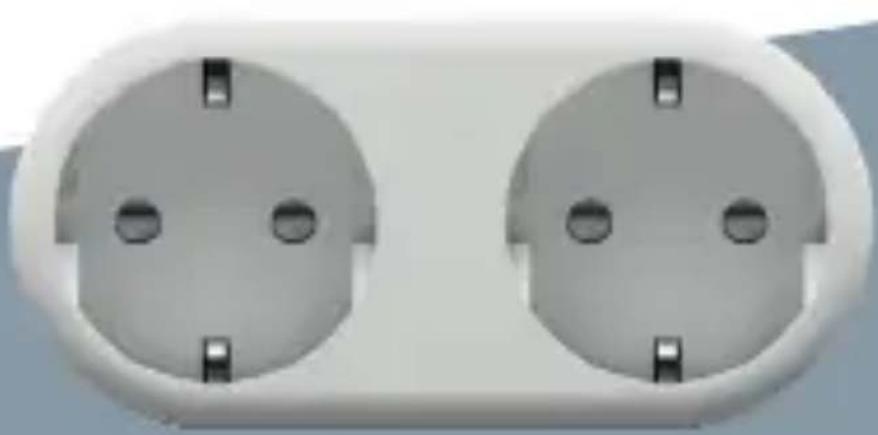
Close-up of two white electrical socket plugs with mounting holes (no text or symbols visible)TESLA SMART PLUG DUAL
BENUTZERHANDBUCH
Die Packung enthält
SPEZIFIKATION
| Spannungsquelle AC 230V~50Hz | |
| Max Power 3680W | |
| Maximale Leistung 16A max | |
| Wifi-Fi standard 2.4GHz (make sure your router is 2.4GHz if the rounter has two line) | |
| Betriebstemperatur 0-35 °C | |
| Feuchtigkeit im Betrieb | -10 °C- +40 °C |
| Luftfeuchtigkeit im Betrieb | 5% - 65% |
| WLAN Specification Standard: 802.11 b/g/nEncryption: WEP / WPA / WRA2Frequency range: 2412 - 2472 MHz Max.Transmitting power: 8027.11b °: +18dBm802.119 : +16dBm 802.11n(20MAZ): +140dBmChannel: 1-13 | |
Sicherheitshinweise

Far East Consortium Building,
121 Des Voeux Road Central
Hong Kong
www.teslasmart.com
TT TESLA
natural_image
Close-up of two identical electrical socket plugs with mounting holes (no text or symbols visible)TESLA SMART PLUG DUAL
UŽIVATELSKÁ PŘÍRUČKA
EN
DE
CZ
SK
PL
HU
SL
Děkujeme!
SPECIFIKACE
INFORMACE O LIKVIDACI A RECYKLACI
Far East Consortium Building,
121 Des Voeux Road Central
Hong Kong
www.teslasmart.com
TT TESLA
natural_image
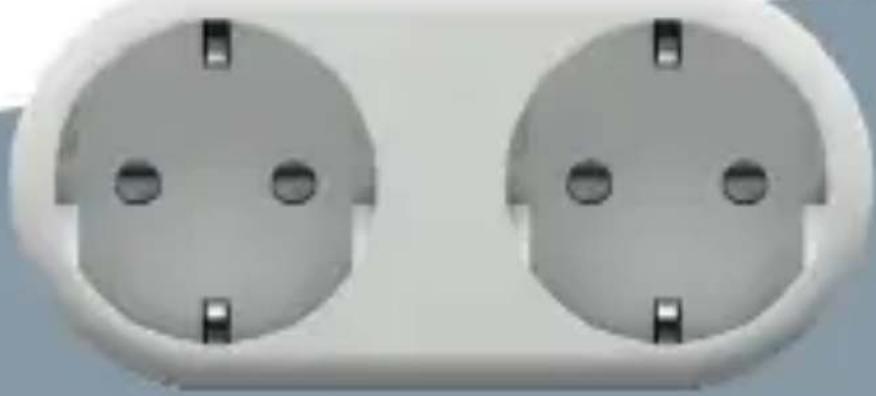
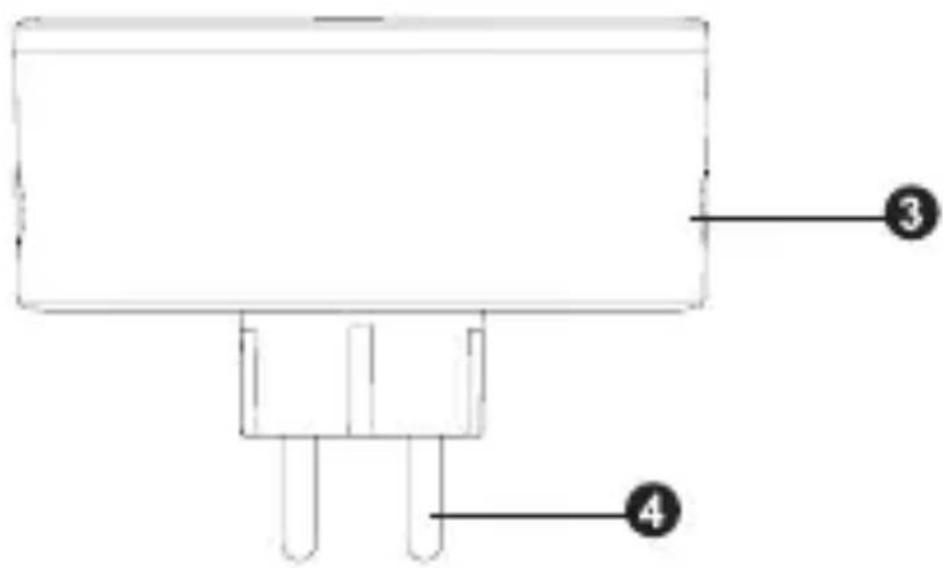
Two identical electrical socket plugs with mounting holes, shown from top and side (no text or symbols visible)TESLA SMART PLUG DUAL
UŽÍVATELŠKÁ PRÍRUČKA
EN
DE
CZ
SK
PL
HU
SL
Balenie obsahuje
ŠPECIFIKÁCIA

INFORMÁCIE O LIKVIDÁCII A RECYKLÁCII
Far East Consortium Building,
121 Des Voeux Road Central
Hong Kong
www.teslasmart.com
TT TESLA
natural_image
Close-up of two identical electrical socket plugs with mounting holes (no text or symbols visible)TESLA SMART PLUG DUAL
INSTRUKCJA UŻYTKOWNIKA
Zestaw zawiera
1x Inteligentne gniazdo
SPECYFIKACJA

INFORMACJE O UTYLIZACJI I RECYKLINGU
Far East Consortium Building,
121 Des Voeux Road Central
Hong Kong
www.teslasmart.com
TT TESLA
natural_image
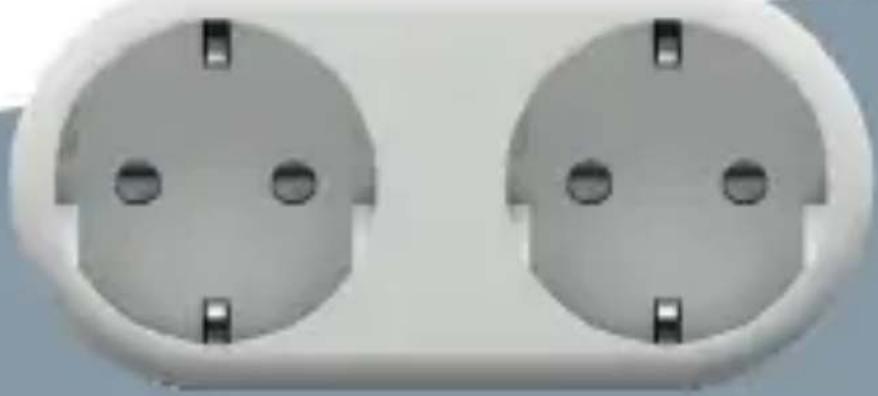
Close-up of two identical electrical socket plugs with mounting holes (no text or symbols visible)TESLA SMART PLUG DUAL
HASZNÁLATI UTASÍTÁS
A csomag tartalma
SPECIFIKÁCIÓ
natural_image
Close-up of two identical electrical socket plugs with mounting holes (no text or symbols visible)TESLA SMART PLUG DUAL
PRIROČNIK ZA UPORABO
Pakiranje vsebuje
1x Pametni vtič
SPECIFIKACIJA
| Vir napajanja AC 230V~50Hz | |
| Največja izhodna moč | 3680W |
| Največja obremeni- tev vtičnice | 16A max |
| Frekvenca Wi-Fi 2.4GHz (prepričajte se, da je vaš usmerjevalnik primeren za 2,4 GHz) | |
| Delovna temperatura 0-35 °C | |
| Temperatura shran- jevanja | -10 °C- +40 °C |
| Delovna vlažnost 5% - 65% | |
| WLAN Specifikacija Standard: 802.11 b/g/nEncryption: WEP / WPA / WRA2Frequency range: 2412 - 2472 MHz Max.Transmitting power: 8027.11b °: +18dBm802.119 : +16dBm 802.11n(-20MAZ): +140dBmChannel: 1-13 | |
Varnostna opozorila
INFORMACIJE O ODSTRANJEVANJU IN RECIKLIRANJU
Far East Consortium Building,
121 Des Voeux Road Central
Hong Kong
www.teslasmart.com


- TESLA SMART PLUG DUAL
- Package content
- Function Diagram
- Safety Information
- How to Connect Wi-Fi?
- Step 1: Download & Registration
- Step 2: Add Devices in Easy Mode (Recommend)
- INFORMATION ABOUT DISPOSAL AND RECYCLING
- EU DECLARATION OF CONFORMITY
- Manufacturer
- TT TESLA
- Die Packung enthält
- Sicherheitshinweise
- Děkujeme!
- INFORMACE O LIKVIDACI A RECYKLACI
- Balenie obsahuje
- INFORMÁCIE O LIKVIDÁCII A RECYKLÁCII
- Zestaw zawiera
- INFORMACJE O UTYLIZACJI I RECYKLINGU
- A csomag tartalma
- Pakiranje vsebuje
- Varnostna opozorila
- INFORMACIJE O ODSTRANJEVANJU IN RECIKLIRANJU
Brand : TESLA
Model : Smart Plug Dual
Category : Uncategorized