
VP 2141 S AZZURO - Vacuum Cleaner ECG - Free user manual and instructions
Find the device manual for free VP 2141 S AZZURO ECG in PDF.


| Product Type | Canister Vacuum Cleaner |
| Model | VP 2141 S AZZURO |
| Brand | ECG |
| Color | Azuro Blue |
| Power Supply | 220-240 V ~ 50 Hz |
| Power Consumption | 1500 W |
| Dust Capacity | 2.5 L (bagless) |
| Filtration System | HEPA 13 washable filter |
| Suction Control | Electronic slider on handle |
| Cord Length | 6 m |
| Operating Radius | 9 m |
| Noise Level | 75 dB(A) |
| Weight | 5.2 kg |
| Dimensions (L x W x H) | 400 x 260 x 300 mm |
| Included Accessories | Crevasse tool, dusting brush, upholstery tool |
| Floor Nozzle | Combination carpet/hard floor nozzle with pedal |
| Dust Container | Transparent with easy-empty button |
| Filter Cleaning | Washable under running water |
| Overheat Protection | Automatic shut-off |
| Repairability Index | 7.5 / 10 (spare parts available) |
Frequently Asked Questions - VP 2141 S AZZURO ECG
User questions about VP 2141 S AZZURO ECG
0 question about this device. Answer the ones you know or ask your own.
Ask a new question about this device
Download the instructions for your Vacuum Cleaner in PDF format for free! Find your manual VP 2141 S AZZURO - ECG and take your electronic device back in hand. On this page are published all the documents necessary for the use of your device. VP 2141 S AZZURO by ECG.
USER MANUAL VP 2141 S AZZURO ECG
natural_image
Exterior view of a white and gray vacuum cleaner with green handle and blue filter (no text or symbols visible)VP 2141 S
PODLAHOVÝ VYSAVAČ
NÁVOD K OBSLUZE
PODLAHOVÝ VYSÁVAČ
NÁVOD NA OBSLUHU
ODKURZACZ PODŁOGOWY
INSTRUKCJA OBSŁUGI
PADLÓPORSZÍVÓ
HASZNÁLATI ÚTMUTATÓ
BODENSTAUBSAUGER
BEDIENUNGSANLEITUNG
VACUUM CLEANER
INSTRUCTION MANUAL
CZ
SK
PL
HU
DE
EN
BEZPEČNOSTNÍ POKYNY
Seznam součástí
natural_image
Close-up of a blue computer mouse head with a circular lens (no text or symbols visible)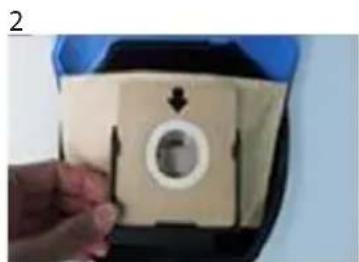
natural_image
Hand holding a beige plastic component with a circular hole and arrow indicator (no text or symbols)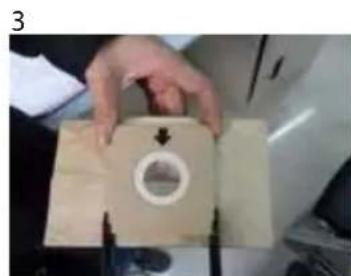
natural_image
Hand holding a beige medical or laboratory device with a circular opening and arrows, no visible text or symbols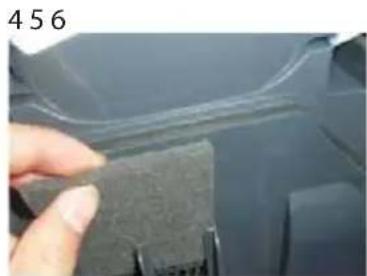
natural_image
Close-up of a hand holding a small dark object with a white outline, next to a curved surface (no text or symbols visible)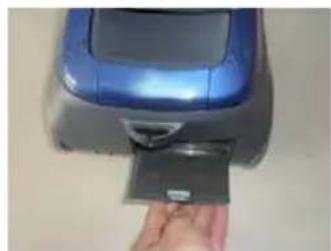
natural_image
Hand inserting a card into a blue printer (no visible text or symbols)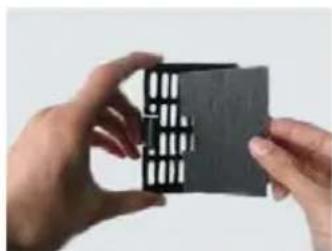
natural_image
Close-up of hands holding a black rectangular object with white slats, against a plain background (no text or symbols visible)Upozornění:
Zoznam súčastí
natural_image
Close-up of a hand holding a black cylindrical object against a blue background (no text or symbols visible)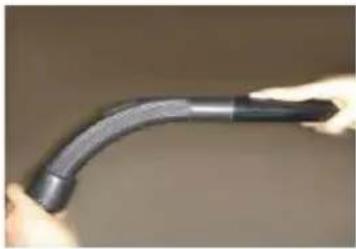
natural_image
Close-up of hands holding a curved black pipe fitting (no text or symbols visible)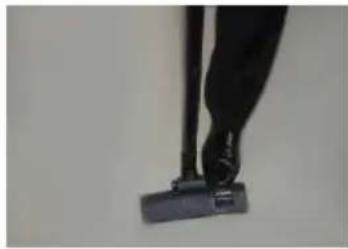
natural_image
Close-up of a person's legs using a black vacuum cleaner (no visible text or symbols)456
natural_image
Close-up of a black cylindrical tool or probe with a small protrusion on the left end (no visible text or symbols)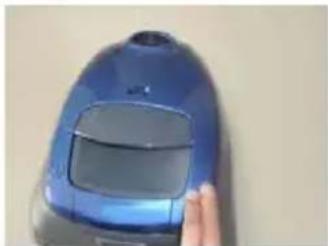
natural_image
Close-up of a blue vacuum cleaner with a finger pointing to its side (no visible text or symbols)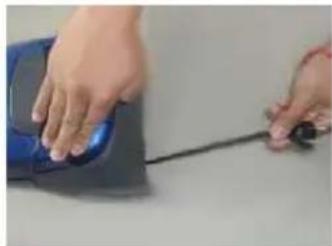
natural_image
Close-up of hands using a blue computer mouse with a black cable (no visible text or symbols)Po použití
natural_image
Close-up of a blue computer mouse with a circular lens (no text or symbols visible)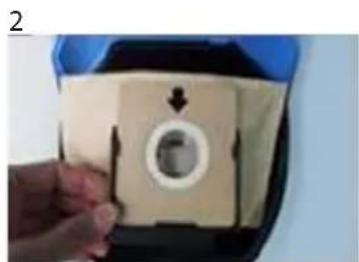
natural_image
Hand holding a beige plastic bag with a circular hole and arrow, no visible text or symbols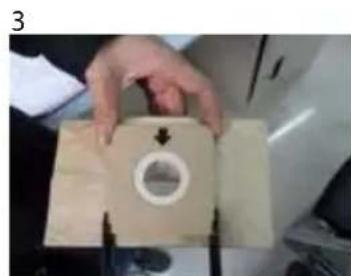
natural_image
Hand holding a beige medical or laboratory device with a circular opening and arrows indicating direction (no visible text or symbols)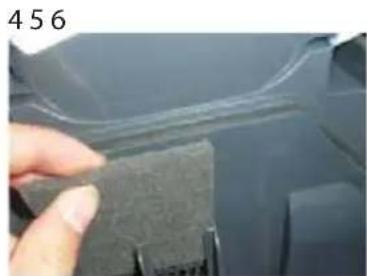
natural_image
Close-up of a hand holding a small dark object with a white outline, next to a curved surface (no text or symbols visible)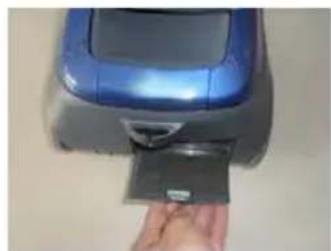
natural_image
Hand inserting a card into a blue printer (no visible text or symbols)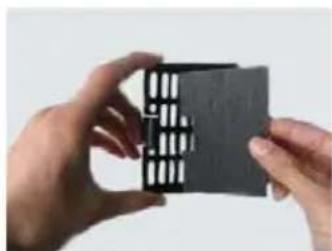
natural_image
Close-up of hands holding a black rectangular object with white slats, against a plain background (no text or symbols visible)Upozornenie:
Lista elementów
natural_image
Close-up of a blue computer mouse head with a circular lens (no text or symbols visible)2
natural_image
Hand holding a button with a circular arrow and arrowhead, no visible text or symbols3
natural_image
Close-up of a hand holding a beige paper with a circular hole and arrow, next to a tool (no visible text or symbols)456
natural_image
Close-up of a finger pressing down on a dark textured surface with a curved line above (no text or symbols visible)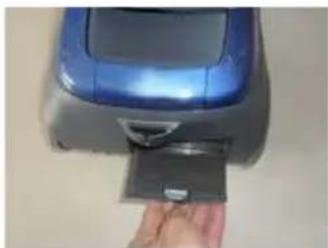
natural_image
Hand inserting a card into a blue handheld device (no visible text or symbols)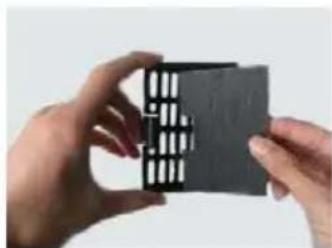
natural_image
Close-up of hands holding a black rectangular object with a grid pattern, against a plain background (no text or symbols visible)Ostrzeżenie:
natural_image
Close-up of a hand holding a black cylindrical object against a blue background (no text or symbols visible)2
natural_image
Close-up of hands holding a curved black pipe fitting (no text or symbols visible)3
natural_image
Close-up of a person's legs using a vacuum cleaner on a stand (no text or symbols visible)456
natural_image
Close-up of a black mechanical tool tip with a small square head (no visible text or symbols)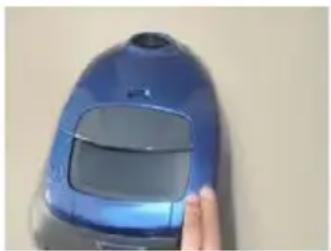
natural_image
Close-up of a blue and black vacuum cleaner with a hand touching its side (no visible text or symbols)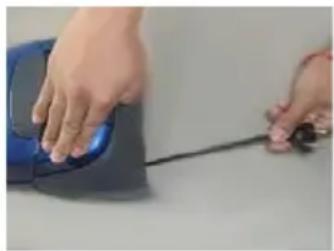
natural_image
Close-up of hands operating a blue computer mouse with a black cable (no visible text or symbols)Használat után
natural_image
Close-up of a blue toy device's circular opening with a central hole, no visible text or symbols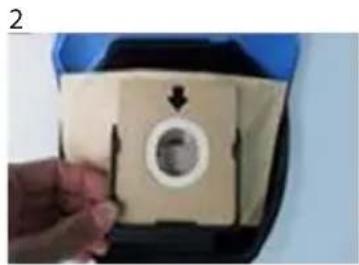
natural_image
Hand holding a beige rectangular object with a circular hole and arrow, no visible text or symbols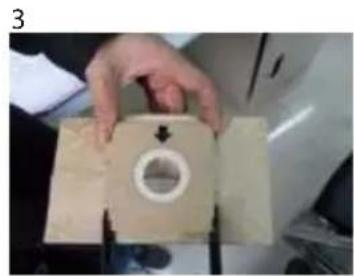
natural_image
Hand holding a beige plastic component with a circular hole and arrow indicator (no text or symbols visible)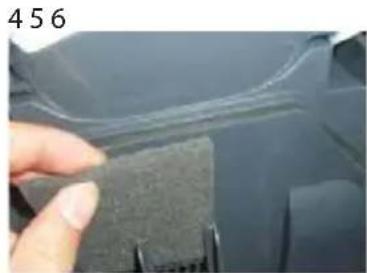
natural_image
Close-up of a hand holding a textured material next to a curved line, no visible text or symbols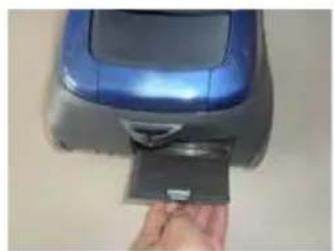
natural_image
Hand inserting a card into a blue and gray device (no visible text or symbols)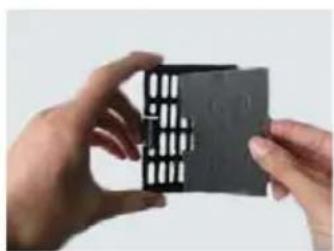
natural_image
Close-up of hands holding a black rectangular electronic component with a grid pattern (no visible text or symbols)Figyelmeztetés!
natural_image
Close-up of a hand holding a blue cylindrical object with a black handle (no visible text or symbols)2
natural_image
Close-up of a curved black pipe or tube being held by gloved hands (no text or symbols visible)3
natural_image
Close-up of a black hand holding a white plastic clip attached to a purple base (no text or symbols visible)456
natural_image
Close-up of a black cylindrical object with a small square end, possibly a tool or component (no visible text or symbols)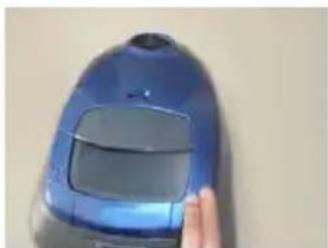
natural_image
Close-up of a blue and black handheld vacuum cleaner with a hand touching its side (no visible text or symbols)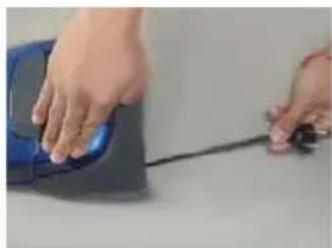
natural_image
Close-up of hands operating a blue computer mouse with a black cable (no visible text or symbols)Nach der Verwendung
natural_image
Close-up of a blue plastic car's head with a circular vent and central hub (no text or symbols visible)2
natural_image
Hand holding a beige plastic component with a circular hole and arrow indicator (no text or symbols)3
natural_image
Hand holding a beige plastic component with a circular hole and arrow indicator (no visible text or symbols)456
natural_image
Close-up of a finger pressing a dark textured block on a car surface (no visible text or symbols)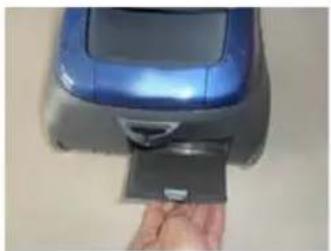
natural_image
Hand inserting a card into a blue and gray device (no visible text or symbols)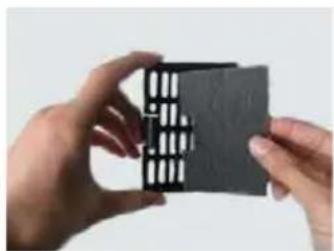
natural_image
Close-up of hands holding a black rectangular object with a grid pattern (no visible text or symbols)Hinweis:
Read carefully and save for future use!
Warning: The safety measures and instructions, contained in this manual, do not include all conditions and situations possible. The user must understand that common sense, caution and care are factors that cannot be integrated into any product. Therefore, these factors shall be ensured by the user/s using and operating this appliance. We are not liable for damage caused during transportation, improper use, voltage fluctuation or any change or modification of any part of the appliance.
To prevent fire or injury by electric shock, always keep basic precautions when using electric appliances, including the following:
- Read all instructions before using the appliance.
- Make sure the voltage in your outlet corresponds to the voltage provided on the appliance label and that the socket is properly grounded. The outlet must be installed according to valid safety instructions.
- Do not use the vacuum cleaner if the power cord is damaged. All repairs including cord replacements shall be performed by a professional service centre! Do not remove protective covers of the appliance, risk of electric shock!
- Protect the vacuum cleaner from direct contact with water and other liquids, do not place on it containers with liquids to prevent electric shock.
- Do not use the vacuum cleaner in upright position. Never use the vacuum cleaner without inserted dust bag, motor fi liter and exhaust fi liter.
- Do not leave the plugged in vacuum cleaner unattended. Disconnect the cord from the electrical outlet prior to performing maintenance. When unplugging, grasp the plug, never pull the power cord.
- Do not use the vacuum cleaner outdoors or in a damp environment. Risk of electric shock.
- Do not allow children to play with the vacuum cleaner. A vacuum cleaner is not a toy. Be more attentive if you are using the vacuum cleaner near children.
- Use only attachments and accessories approved by the manufacturer.
- If the vacuum cleaner does not work properly, if it fell (e.g. into water), if it is damaged or if it was forgotten outdoors, have it inspected professionally at an authorized service center.
- Do not hold the vacuum cleaner by the power cord when moving it. Make sure that the power cord is not broken or bent over sharp objects and edges. When working with the vacuum cleaner, do not drive over the power cord. Keep the power cord away from heat sources.
- Do not touch the power cord or the vacuum cleaner with wet hands.
- Do not insert any objects into the vacuum cleaner openings. Do not use the vacuum cleaner if the openings are blocked in any way. Make sure that the vacuum cleaner is clean, without dirt and any dirt residue, which can reduce the suction power of the vacuum cleaner.
- Keep hair, loose clothing, hands and other parts of the body away from openings or moving parts of the vacuum cleaner.
- Never vacuum the following objects, it could result in damage to the appliance or cause an injury:
- sharp objects like glass, screws, coins, nails, etc.
- hot or smouldering objects like embers, cigarettes or fl ammable and volatile liquids
- wet surfaces, water and other liquids.
- Use extra care when cleaning stairs.
- Use the vacuum cleaner only in accordance with the instructions in this manual. This vacuum cleaner is designed for home use only. The manufacturer is not liable for damages caused by the improper use of this appliance.
- This appliance can be used by children ages 8 and older and by the physically and mentally impaired or by individuals with insufficient experience and knowledge, if supervised or trained to use the appliance in a safe manner and understand potential dangers. Children shall not play with the appliance. Cleaning and maintenance operations performed by the user shall not be carried out by children, if they are not older than 8 years and under supervision. Children under the age of 8 shall keep away from the appliance and its power supply.
DESCRIPTION OF THE VACUUM CLEANER
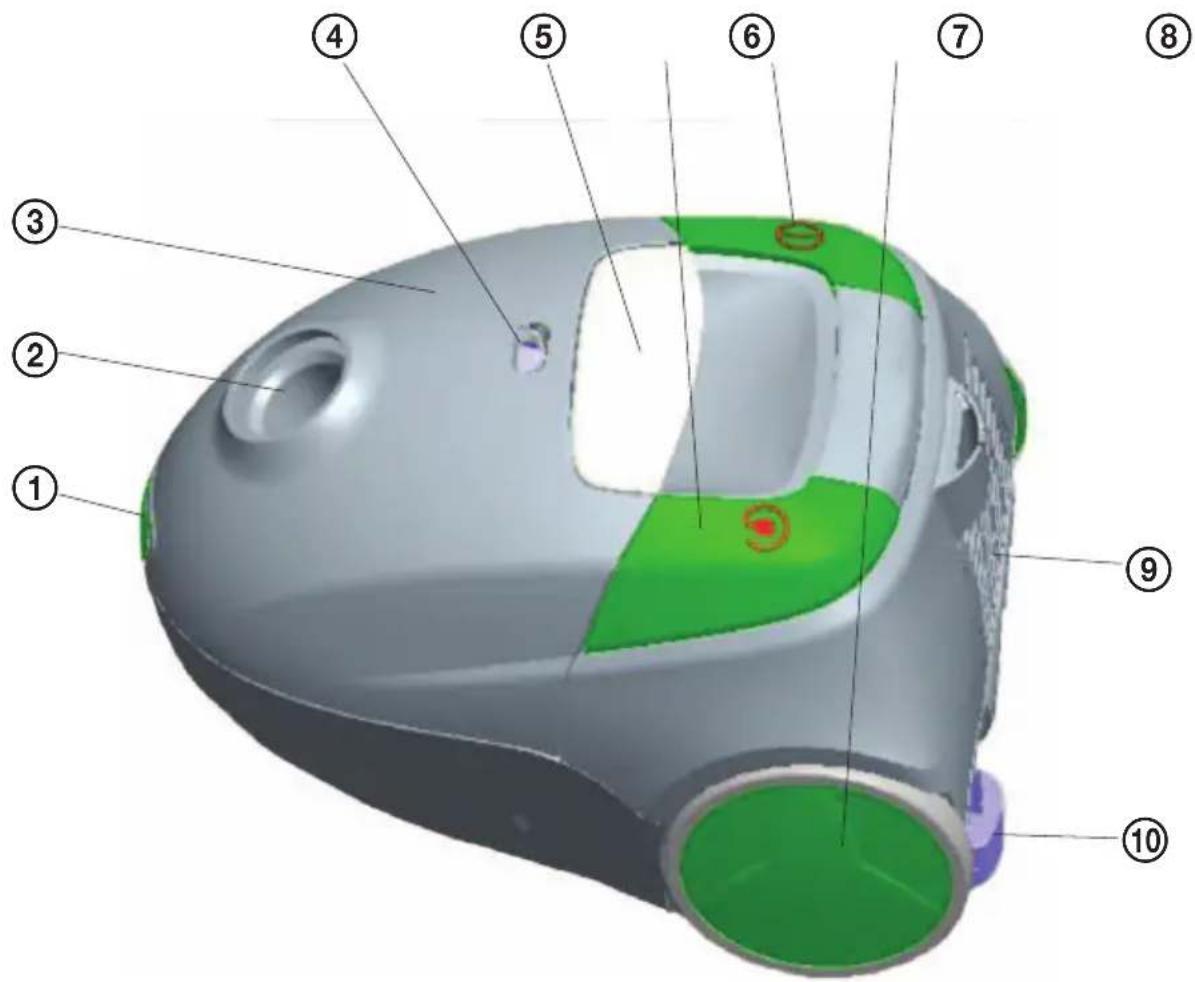
List of parts
-
Front cover lock
-
Opening for inserting the hose
-
Front cover
-
The full dust bag indicator
-
Handle for moving
-
Cable rewind button
-
ON/OFF button
-
Large wheels
-
Rear filter cover
-
Power cable
USING THE VACUUM CLEANER
The vacuum cleaner must be switched off and unplugged prior to assembly!
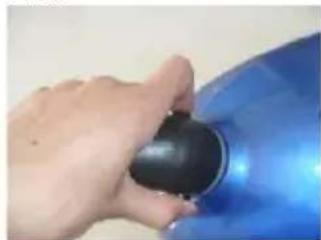
- Insert the end of the hose in the opening in front of the vacuum cleaner and secure it (Fig. 1).
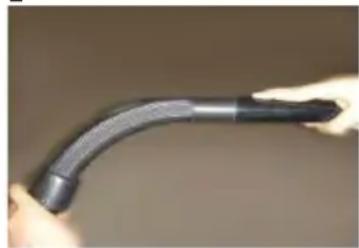
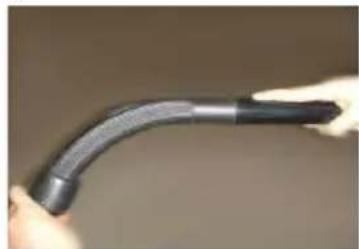
- Connect the other end of the hose with curved ending to the tube (Fig. 2).
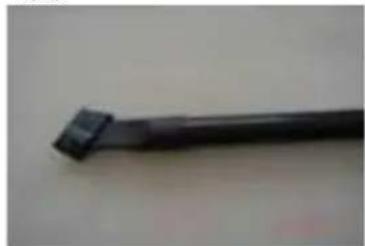
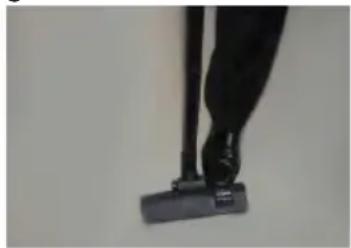
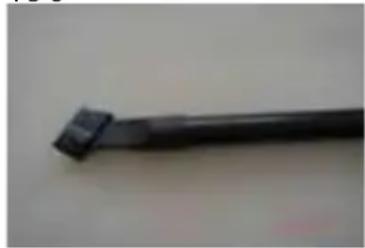
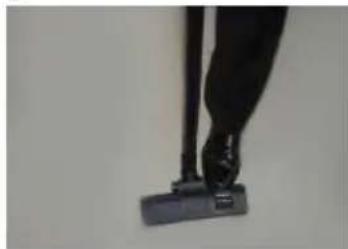
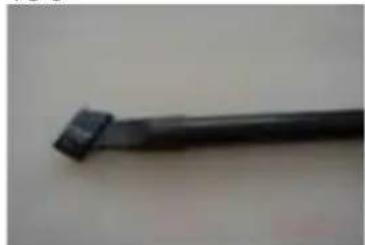
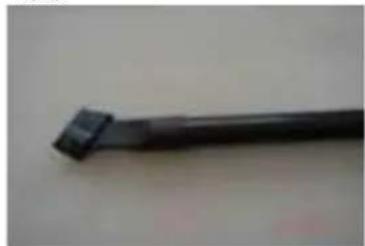
- Connect to the tube accessories suitable for a given type of flooring: brush nozzle for carpets or hard floors (switch according to floor type) (Fig. 3), combined tapered nozzle and dust brush for sofas, curtains and hard to reach places in the corners or between the furniture (Fig. 4).
- Starting the vacuum cleaner: plug the power cord in the electrical outlet whose parameters correspond to those in the type label of the appliance and press the power button to start the vacuum cleaner (Fig. 5).
- Retracting the power cord: Grasp the plug and pull out the power cord. Press the retractor button, the power cord rewinds back into the vacuum cleaner (Fig. 6).
123
natural_image
Close-up of a hand holding a black cylindrical object against a blue background (no text or symbols visible)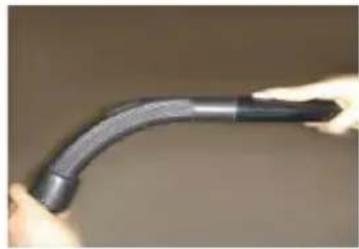
natural_image
Close-up of hands holding a curved black pipe fitting (no text or symbols visible)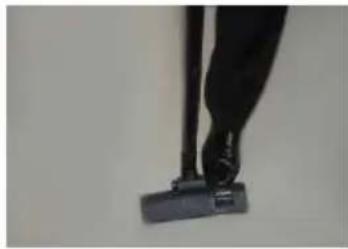
natural_image
Close-up of a person's legs using a black vacuum cleaner (no visible text or symbols)456
natural_image
Close-up of a black mechanical tool tip against a plain background (no text or symbols visible)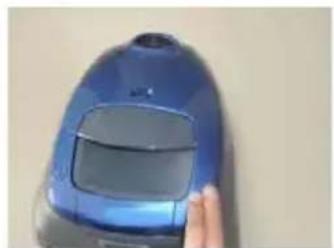
natural_image
Close-up of a blue vacuum cleaner with a finger pointing to its side (no visible text or symbols)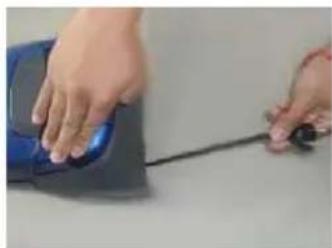
natural_image
Close-up of hands using a blue computer mouse with a black cable (no text or symbols visible)After use
Turn off the vacuum cleaner and unplug the power cord from the outlet. Before you add any accessories or before cleaning the appliance, always turn the vacuum cleaner off and unplug it from the outlet.
Issues
Do not use an appliance showing any signs of damage. Damaged power cords must be replaced by a qualified authorized service centre. Only this way can you prevent safety risks.
See the troubleshooting guide if your vacuum cleaner does not operate correctly. Refer to an authorized service centre if you are not able to resolve an issue yourself.
Full dust bag indicator
The vacuum cleaner is equipped with an indicator ④, which changes to red colour, if the dust bag is full or if the suction hoses are clogged. If the full dust bag indicator is red even after inserting a new bag, switch off the vacuum cleaner, unplug the power cord and check the hose or tube for jammed objects. If the indicator remains red, refer to an authorized service centre or your dealer. To prevent overheating and possible damage to the vacuum cleaner, check the following:
- All connections between the hose, plastic tube and floor brush
- Opening for connecting the hose
- Brush throughput
- Exhaust fi Iter
- Motor filter
- Dust bag
MAINTENANCE AND CLEANING
Attention:
Always unplug the power cord from the outlet before any maintenance and cleaning.
-
Changing the dust bag: When the colour of the dust bag indicator changes to red, it is time to change the dust bag.
-
Press the lock in front to open the front cover (Fig. 1).
-
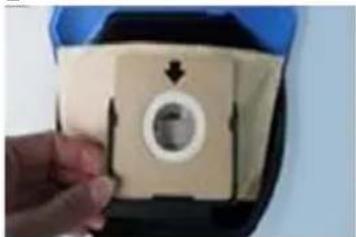
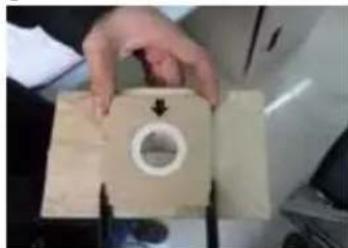
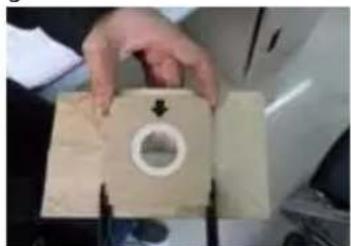
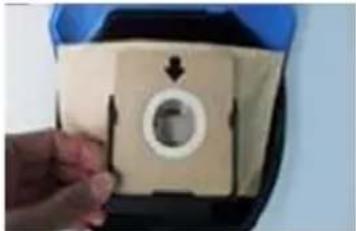
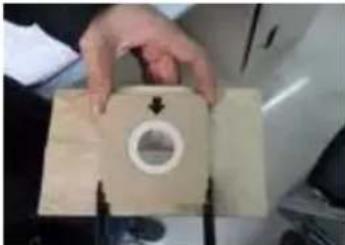
Remove the holder with the bag and remove the full bag from the holder (Fig. 2).
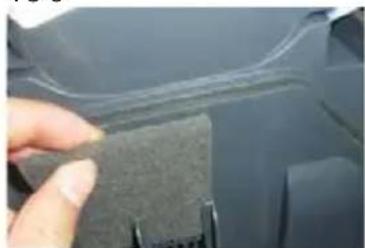
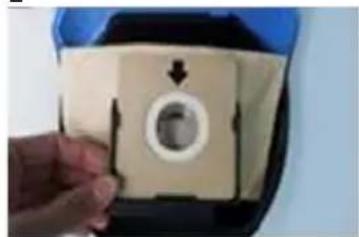
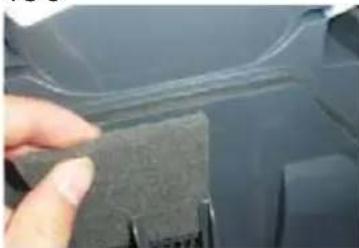
• Installation of a new bag: Insert the bag in the holder and then insert the holder with the bag in the grooves under the front cover (Fig. 3). -
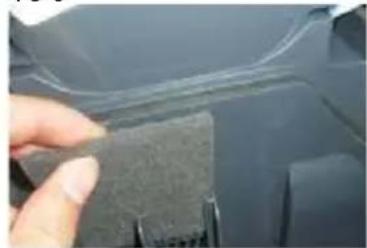
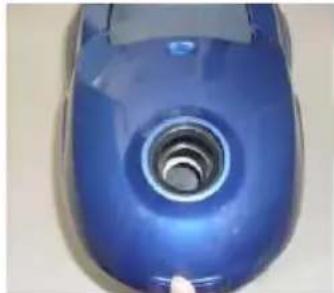
Clean the motor filter once a year: Open the front cover, remove the filter, wash it with warm water and dry thoroughly before using it again. If the filter is damaged, replace it (Fig. 4).
- Cleaning of the exhaust filter: Open and remove the exhaust filter cover. Wash the filter with warm water and dry thoroughly before using it again. If the filter is damaged, replace it (Fig. 5, 6).
- Cleaning of the appliance surface: Use soft and slightly moistened cloth with a few drops of the cleaning solution to clean. Never use solvents or other abrasive cleaners. Never immerse the vacuum cleaner into water or any other liquid and do not leave it under running water.
1
natural_image
Close-up of a blue industrial vacuum cleaner with a circular vent and metallic rim (no text or symbols visible)2
natural_image
Hand holding a beige square object with a circular hole and arrow, no visible text or symbols3
natural_image
Close-up of hands holding a beige rectangular object with a circular hole and arrow, no visible text or symbols456
natural_image
Close-up of a hand holding a textured gray object, partially visible against a dark background (no text or symbols)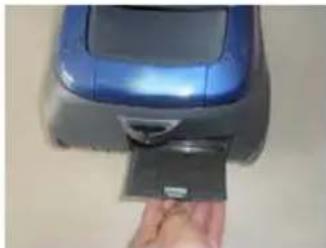
natural_image
Hand inserting a card into a blue printer (no visible text or symbols)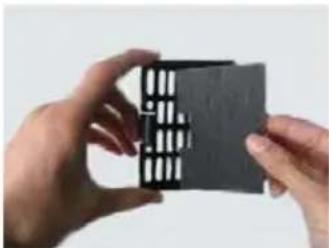
natural_image
Close-up of hands holding a small black card with a grid pattern (no visible text or symbols)EN
Attention:
You can find the replacement bags for the VP 2141 S vacuum cleaner under the name KOMA ECG VP 2141 or SWIRL® Y 98® MicroPor® Plus or BASE BA-1750.
^® SWIRL, MicroPor and Y 98 are registered trademarks of Melitta Group.
TROUBLESHOOTING
Before referring to a service centre, check the following list of common problems and how to remove them.
| Problem Possible cause | Solution | |
| The motor will not start. The vacuum cleaner is not powered. | Check the power cord and plug.Refer to an authorized service centre if the problems persist. | |
| The suction power is reduced. | Full dust bag, clogged hose or tube or dirty fi Iters. | Replace the dust bag, remove foreign objects from the hose or tube, replace fi Iters. |
TECHNICAL SPECIFICATIONS
Suction power 160 W
Dustbag capacity - 1.6 l
Full dustbag indicator
7 m operating radius
Accessories:
Plastic floor brush
Crevice tool
Weight: 2.5 kg
Nominal voltage: 230 V\~ 50/60 Hz
Nominal input power: 1200 W
Noise level: < 76 dB
USE AND DISPOSAL OF WASTE
Wrapping paper and corrugated paperboard – deliver to scrapyard. Packing foil, PE bags, plastic elements – throw into plastic recycling containers.
EN
DISPOSAL OF PRODUCTS AT THE END OF LIFETIME
Disposal of electric and electronic equipment (valid in EU member countries and other European countries with an implemented recycling system)
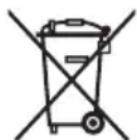
The represented symbol on the product or package means the product shall not be treated as domestic waste.
Hand over the product to the specified location for recycling electric and electronic equipment. Prevent negative impacts on human health and the environment by properly recycling your product.
Recycling contributes to preserving natural resources. For more information on the recycling of this product, refer to your local authority, domestic waste processing organization or store, where you purchased the product.
This product complies with EU directive requirements on electromagnetic compatibility and electrical safety.
Changes in text and technical parameters reserved.

08/05

K+B Progres
K+B Progres, a.s. (dále jen K+B), IČO: 61860123

- VP 2141 S
- PODLAHOVÝ VYSAVAČ
- PODLAHOVÝ VYSÁVAČ
- ODKURZACZ PODŁOGOWY
- PADLÓPORSZÍVÓ
- BODENSTAUBSAUGER
- VACUUM CLEANER
- BEZPEČNOSTNÍ POKYNY
- Seznam součástí
- Upozornění:
- Zoznam súčastí
- Po použití
- Upozornenie:
- Lista elementów
- Ostrzeżenie:
- Használat után
- Figyelmeztetés!
- Nach der Verwendung
- Hinweis:
- Read carefully and save for future use!
- DESCRIPTION OF THE VACUUM CLEANER
- List of parts
- USING THE VACUUM CLEANER
- After use
- Issues
- Full dust bag indicator
- MAINTENANCE AND CLEANING
- Attention:
- TROUBLESHOOTING
- TECHNICAL SPECIFICATIONS
- USE AND DISPOSAL OF WASTE
- EN
- DISPOSAL OF PRODUCTS AT THE END OF LIFETIME
- K+B Progres
Brand : ECG
Model : VP 2141 S AZZURO
Category : Vacuum Cleaner