
DLB002 - Home Automation Manta - Free user manual and instructions
Find the device manual for free DLB002 Manta in PDF.


| Product Type | Smart Home Hub / Controller |
| Model Number | DLB002 |
| Brand | Manta |
| Dimensions (H x W x D) | 110 mm x 70 mm x 30 mm |
| Weight | 150 g |
| Power Supply | DC 5V, 1A (USB-C) |
| Wireless Connectivity | Wi-Fi 2.4 GHz, Zigbee 3.0 |
| Supported Voice Assistants | Amazon Alexa, Google Assistant |
| Max Connected Devices | 32 Zigbee devices |
| Operating Temperature | -10°C to 45°C |
| Main Functions | Remote control, scheduling, scene automation, energy monitoring |
| Compatible App | Manta Home (iOS/Android) |
| Maintenance | Wipe with dry cloth; keep away from moisture |
| Safety Features | Overcurrent protection, surge protection |
| Spare Parts Availability | Power adapter and USB cable replaceable |
| Repairability | User-serviceable: only external parts; internal repair by qualified technician |
| Certifications | CE, FCC, RoHS |
Frequently Asked Questions - DLB002 Manta
User questions about DLB002 Manta
0 question about this device. Answer the ones you know or ask your own.
Ask a new question about this device
Download the instructions for your Home Automation in PDF format for free! Find your manual DLB002 - Manta and take your electronic device back in hand. On this page are published all the documents necessary for the use of your device. DLB002 by Manta.
USER MANUAL DLB002 Manta
Lampa Bluetooth Smart LED
Model:
DLB002

natural_image
White LED light bulb with rainbow-colored dome and E2B screw base (no text or symbols visible)Instrukcja obsługi
User's Manual
Návod k použití
Manual de usuario
Bedienungsanleitung
iOS Android

Zmienianie koloru
Czas świecenia
3. Tryb instalacji:
natural_image
Interior scene with a white armchair, a lamp, and a coffee table (no text or symbols visible)Living room
natural_image
Black metal stand with a decorative lampshade and scattered beads, next to a window with curtains (no text or symbols visible)Bedroom
natural_image
Black-and-white photo of a table lamp and a chair on a shelf, no text or symbols visibleStudy room

natural_image
Interior view of a modern dining room with a long wooden table, white chairs, and hanging pendant lights (no text or symbols visible)Dinning room
natural_image
Color gradient bar with eight square color swatches (red, orange, yellow, green, cyan, blue, purple) and an upward arrow above the top two bars (no text or symbols)natural_image
Color gradient sphere with smooth transition from red to blue (no text or symbols)10. Specyfikacja:
natural_image
Symbol of a trash bin crossed with no text or labels
This product has a unique and exclusive two-in-one design - the smart LED bulb with Bluetooth and speaker. The E27/822 socket enjoys easy installation and good compatibility to all bulbs, can support a wide range of Bluetooth and wireless audio configuration files and be compatible with the devices that have Bluetooth function, including iPhone4S and later with IOS 7.0 and later versions. More importantly is this Bluetooth LED Bulb use low consumption 4.0 technology, purity and definition of particular voice based on DSP technology. Wish you can have infinite joy from the combination of light and music.
1. Installation of APP software:
A. Applicable Apple devices: Supports iPhone 4 and later with IOS 7.0 and later versions.
B. Applicable Android devices: Supports Android 2.3.3 and later
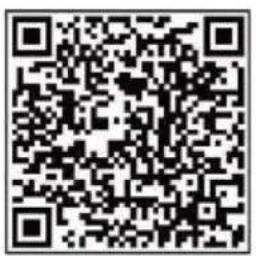
Note: APP software can be downloaded by scanning QR code with mobile phone for installation.
iOS

Android
- APP operate manual:

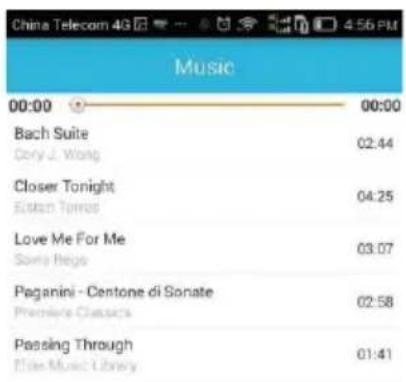

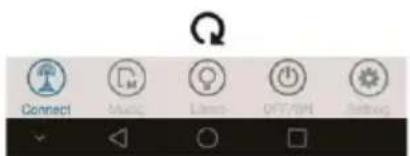
Bluetooth connect

Color change

Music play
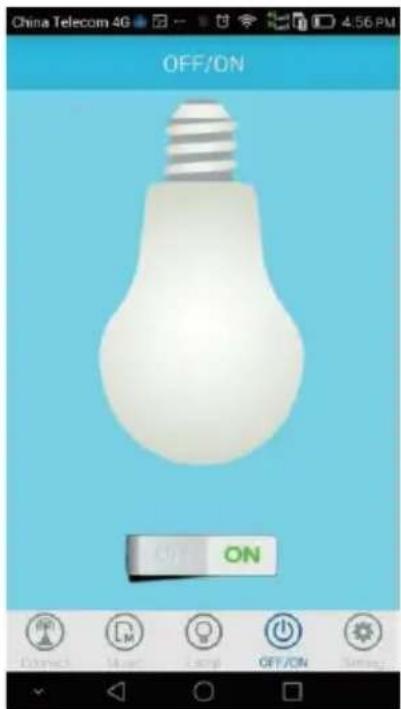
LED light on /off
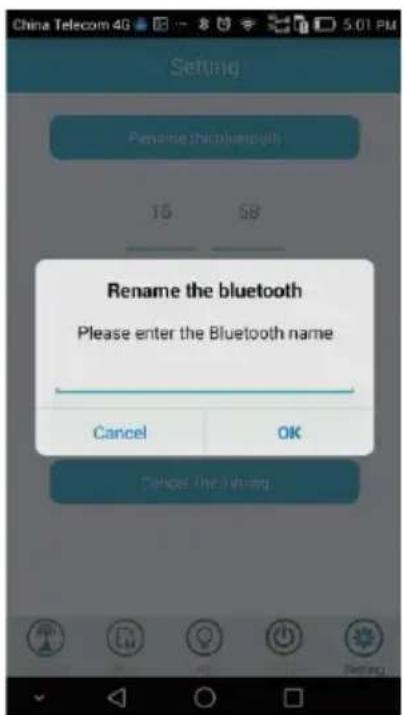
Rename the bluetooth

Timing lights
3. Installation mode:
- Please turn off switching power supply before installing the products in E27/822.
Note: if you have no E27/822 bulb, you can purchase a converter that can be converted to E27/BZZ socket.
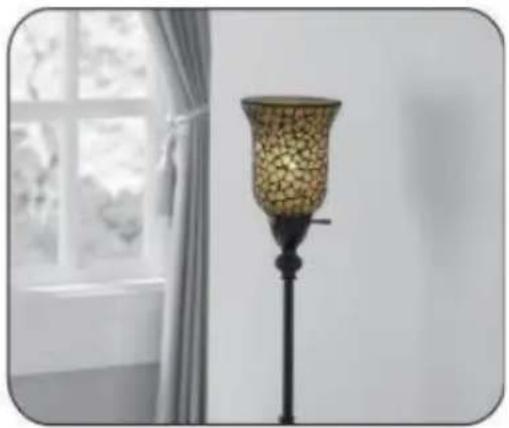
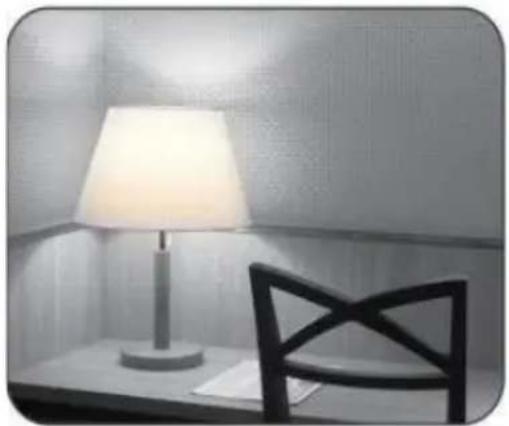
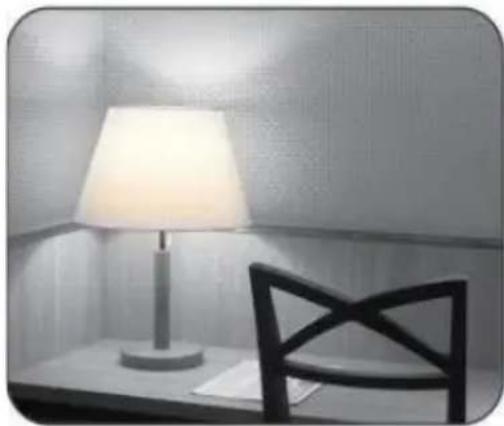
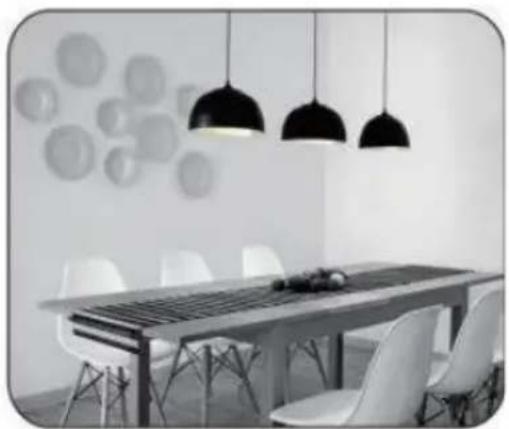
- As a LED with adjustable brightness, it can be installed on ceiling and wall and be used as night lamp by adjusting the brightness to the minimum when you sleep.
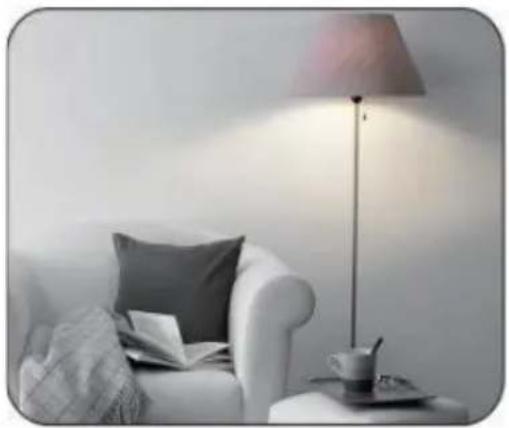
natural_image
Interior scene with a white armchair, gray pillow, and a desk lamp (no text or symbols visible)Living room

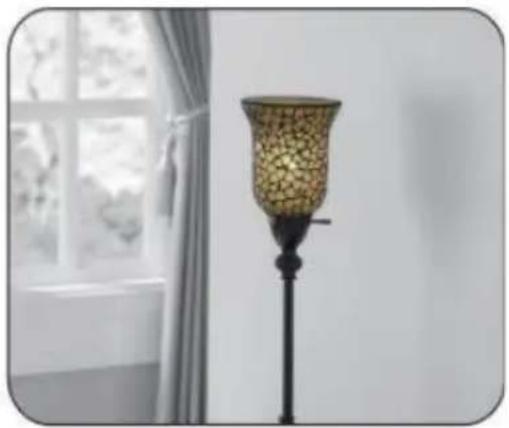
natural_image
Black metal stand with a decorative lampshade and scattered beads, next to a window with curtains (no text or symbols visible)Bedroom

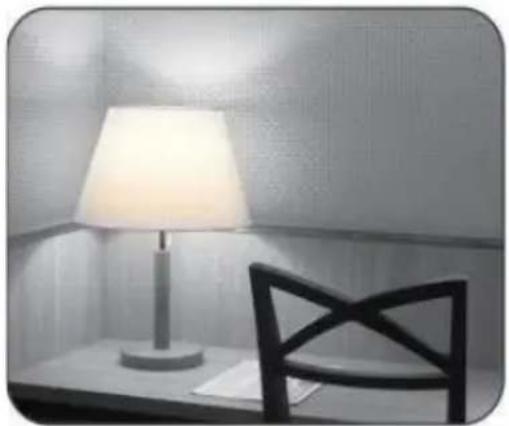
natural_image
Black-and-white photo of a table lamp and a chair on a shelf, no text or symbols visibleStudy room

natural_image
Interior view of a modern dining room with a long wooden table, white chairs, and hanging pendant lights (no text or symbols visible)Dinning room
4. Pairing mode:
1 ) Firstly, power on this product, click setting icon on the phone, open Bluetooth, search “AC-001-C” for pairing, quit setting after “AC-001-C” is searched and pairing is done
2) Open APP icon "JBSmartBulb" on your mobile phone, select "connect" interface click the icon "AC-OOI-C"
for pairing automatically. And then enter to music play interface
User's Manual
EN

after successful pairing.
Note: When distance of mobile phone and device over products limited, Bluetooth will cutoff automatically, when distance in the range of products limited, Bluetooth will connect automatically in about 10 seconds.
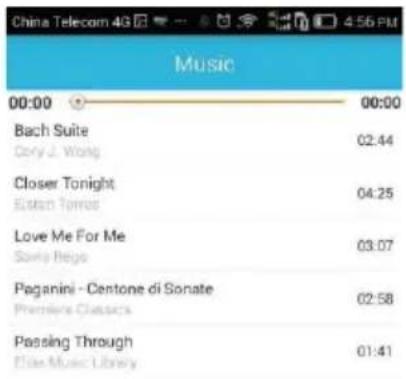
5. Music playing via Bluetooth:
Switch to LED control mode interface from music mode:
6. Control of LED colored light:

palette, adjust to different colors
Manual control: click correspond color icon, LED will show different color

natural_image
Color gradient bar with eight square color swatches (red, orange, yellow, green, cyan, blue, purple) and an upward arrow above the top two bars (no text or symbols)Upper progress bar: adjust color light brightness
Lower progress bar: adjust white light brightness Circle icon: color
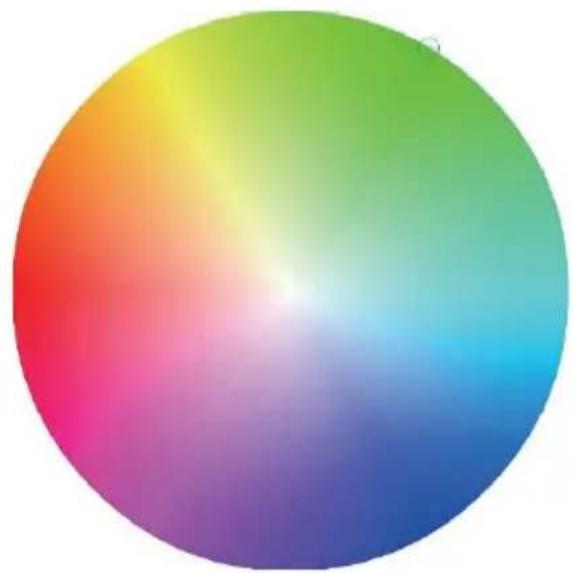
natural_image
Color gradient sphere with smooth transition from red to blue (no text or symbols)Circle icon: color palette, adjust to different colors
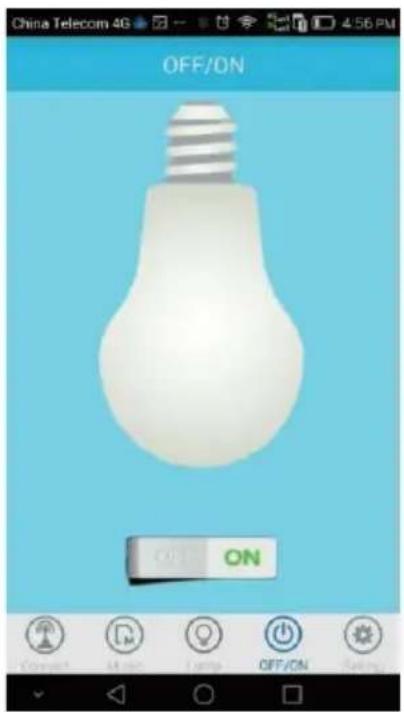
- Colored light on/off:

Control bulb by clicking OFF/ON icon above.

8. Timing off:
Set timing off to turn off LED bulb at the set time by pressing setting icon in figure above, setting the off time required and confirming after time is selected the timing off can also be canceled by setting.
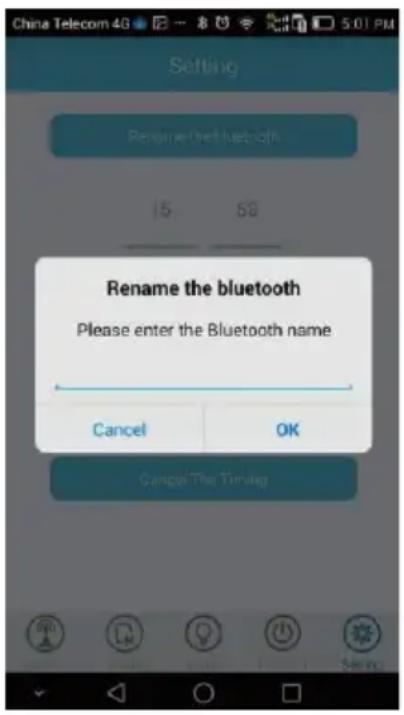
9. Rename Bluetooth:
Since product position may be confusing to customer if the pairing names searched by Bluetooth are the same when multiple colored lights operated in the same time, this function allows customer to rename product position as you like, such as kitchen, bathroom and living room, thus you can operate different smart LED bulbs in different position.
Note: the renamed smart LED bulb won't be effective unless it's restarted after power-off.
10. Specifications:
Product power: LED 6W, AMP 3W
Working voltage: AC100-24oV
Working frequency: 50-60HZ
Viewing angle of LED bulb: 120 degree
Color temperature: TC=652oK
Red ratio: R=13.2%
Color rendering index: Ra=70.9
Light-flux: Ⓕ=273.01 m
Base specification: E27/822
Bluetooth version: Bluetooth 4.0
LED color: 2805(white light)26-28LM
RGB: 5050 (red, orange, yellow, green, light blue, blue and purple)
Bluetooth distance: No obstacle less than 10 m
Working temp: -10-50°C
Compatibility: Android 2.3.3 and later version, lphone 4S/58/6 etc.
Application fields: household, shopping mall, hotel, office building
11. Precautions:
- Do not put this product in closed lampshade
- Do not install this product on the light with dimmer switch
- Do not put this product in the place which is humid or has water
4 Keep using it under the power supply of 100V to 240V AC, 50-60HZ - This product is not a toy and keep it untouchable to children
- Do not put this product on high-temperature surface
- Do not open any sealing device for safety and according to Warranty Terms
- Cool the bulb before replacing it to avoid electric shock or burning
iOS

Android

Stmívání

Doba svícení
3. Režim instalace:
natural_image
Color gradient bar with eight rounded squares in red, orange, yellow, green, cyan, blue, and purple (no text or symbols)natural_image
Color gradient sphere with smooth transition from red to blue (no text or symbols)8. Časovač
iOS

Android

Conectar dispositivo Bluetooth

Reproducir música

Cambiar color

Tiempo de alumbrado
natural_image
Interior scene with a white armchair, a gray pillow, a flat lamp, and a coffee table (no text or symbols visible)Living room

natural_image
Black metal lamp with a textured spherical shade against a plain wall, next to a window with curtains (no text or symbols visible)Bedroom
natural_image
Black-and-white photo of a table lamp and chair on a desk, no visible text or symbolsStudy room

natural_image
Interior view of a modern dining room with a long wooden table, white chairs, and hanging pendant lights (no text or symbols visible)Dinning room
natural_image
Color gradient bar with eight distinct color swatches (red, orange, yellow, green, cyan, blue, purple) and an upward arrow on the top bar (no text or symbols)natural_image
Color gradient sphere with smooth transition from red to blue (no text or symbols)iOS

Android


Leuchtzeit
3. Installationsmodus:
natural_image
Interior scene with a white armchair, a lamp, and a coffee table (no text or symbols visible)Living room

natural_image
Black metal stand with a decorative lampshade and gold beads, placed near a window with curtains (no text or symbols visible)Bedroom

natural_image
Black-and-white photo of a table lamp and chair on a desk (no text or symbols visible)Study room
natural_image
Interior view of a modern dining room with a long table, chairs, and hanging pendant lights (no text or symbols visible)Dinning room

natural_image
Color gradient bar with eight rounded squares in red, orange, yellow, green, cyan, blue, and purple (no text or symbols)
iOS

Android


Проигрывание музыки
natural_image
Interior scene with a sofa, lamp, and coffee table (no visible text or symbols)Living room

natural_image
Black metal stand with a decorative lampshade and scattered beads, next to a window with curtains (no text or symbols visible)Bedroom
natural_image
Black-and-white photo of a table lamp and a chair on a desk (no text or symbols visible)Study room

natural_image
Interior view of a modern dining room with a long wooden table, white chairs, and hanging pendant lights (no text or symbols visible)Dinning room
natural_image
Color gradient bar with eight square color swatches (red, orange, yellow, green, cyan, blue, purple) and an upward arrow above the top two bars (no text or symbols)natural_image
Color gradient sphere with smooth transition from red to blue (no text or symbols)Лампа включается
10. Спецификация:
iOS

Android


Czas świecenia
natural_image
Interior scene with a white armchair, a gray pillow, a lamp, and a small table with a teacup (no visible text or symbols)Living room
natural_image
Black metal stand with a decorative lampshade and scattered beads, next to a window with curtains (no text or symbols visible)Bedroom

natural_image
Black-and-white photo of a table lamp and a chair on a shelf, no text or symbols visibleStudy room

natural_image
Interior view of a modern dining room with a long wooden table, white chairs, and hanging pendant lights (no text or symbols visible)Dinning room
natural_image
Color gradient bar with eight rounded squares in red, orange, yellow, green, cyan, blue, purple (no text or symbols)natural_image
Color gradient sphere with smooth transition from red to blue (no text or symbols)10. Specifiche:
natural_image
Abstract black-and-white circular logo with interlocking curved shapes (no text or symbols)MANTA
INFOLINIA SERWISOWA
from Monday to Friday. 9.00-17.00
The manufacturer reserves the right to make changes to product specifications without notice.
Home: www.manta.com.pl
Home support: www.manta.info.pl


Made in P.R.C.
FOR MANTA EUROPE
- Lampa Bluetooth Smart LED
- Tryb instalacji:
- Specyfikacja:
- Installation of APP software:
- Installation mode:
- Pairing mode:
- User's Manual
- EN
- Music playing via Bluetooth:
- Control of LED colored light:
- Timing off:
- Rename Bluetooth:
- Specifications:
- Precautions:
- Režim instalace:
- Časovač
- Installationsmodus:
- Спецификация:
- Specifiche:
- MANTA
- INFOLINIA SERWISOWA
Brand : Manta
Model : DLB002
Category : Home Automation