BLAUPUNKT TPMS 2.0 - Uncategorized

TPMS 2.0 - Uncategorized BLAUPUNKT - Free user manual and instructions

Find the device manual for free TPMS 2.0 BLAUPUNKT in PDF.

📄 8 pages English EN Download 💬 AI Question 10 questions ⚙️ Specs
Notice BLAUPUNKT TPMS 2.0 - page 5
Pick your language and provide your email: we'll send you a specifically translated version.
Product TypeTire Pressure Monitoring System (TPMS)
BrandBlaupunkt
ModelTPMS 2.0
Sensor Operating Frequency433.92 MHz
Sensor Battery Voltage1.8V ~ 3.3V
Sensor Battery TypeCR1632
Sensor Battery Life1 year
Sensor Operating Temperature-20°C ~ 60°C
Sensor Pressure Range0 ~ 3.5 Bar / 0 ~ 50 PSI
Display Operating Frequency433.92 MHz
Display Operating Voltage3.7V
Display Operating Temperature-20°C ~ 70°C
Default High Pressure Alert3.0 Bar / 43 PSI
Default Low Pressure Alert1.8 Bar / 26 PSI
Default High Temperature Alert68°C ~ 80°C
Temperature Precision+/- 2°C
Pressure Precision0.1 Bar / 1.5 PSI
Power Source (Display)Rechargeable battery (USB charging)
Auto Power Off60 seconds after vehicle stops
Sensor InstallationMount on tire valve (ensure compatibility)
Display InstallationPlace on dashboard or windshield
Sensor PairingRequired when switching tire positions or replacing sensors
ComplianceComplies with standard TPMS regulations

Frequently Asked Questions - TPMS 2.0 BLAUPUNKT

What is the battery life of the TPMS sensors?
The sensor battery life is approximately 1 year under normal usage. Replace with a CR1632 battery when low.
How do I install the sensors?
Screw the sensors onto the tire valves. Ensure the valves are standard; if air leaks, consult a workshop. The display mounts on the dashboard or windshield.
Why is no data displayed after installation?
Possible causes: the display battery may be dead (charge via USB), or the car needs to move above 20 km/h to activate sensor transmission.
How do I pair the sensors with the display?
Sensor pairing is required when changing tire positions or replacing sensors. Follow the pairing procedure in the manual, typically by pressing a button on the display.
What do the high and low pressure alerts mean?
Default high pressure alert is 3.0 Bar / 43 PSI. Default low pressure alert is 1.8 Bar / 26 PSI. You can adjust these values in settings.
Can I replace the sensor battery myself?
Yes, the sensor uses a CR1632 coin cell battery. Open the sensor casing and replace the battery carefully.
What should I do if a sensor is lost?
Purchase a new sensor from Blaupunkt and pair it with the display. Note that Blaupunkt does not guarantee or cover lost sensors.
How do I change the pressure unit?
In the settings menu, you can switch between Bar, PSI, or other units. Refer to the manual for unit switching steps.
What is the operating temperature range?
Sensors operate from -20°C to 60°C; display operates from -20°C to 70°C. Avoid extreme conditions.
Does the display turn off automatically?
Yes, the display will turn off automatically 60 seconds after the car stops moving to save battery.

User questions about TPMS 2.0 BLAUPUNKT

0 question about this device. Answer the ones you know or ask your own.

Ask a new question about this device

The email remains private: it is only used to notify you if someone responds to your question.

No questions yet. Be the first to ask one.

Download the instructions for your Uncategorized in PDF format for free! Find your manual TPMS 2.0 - BLAUPUNKT and take your electronic device back in hand. On this page are published all the documents necessary for the use of your device. TPMS 2.0 by BLAUPUNKT.

USER MANUAL TPMS 2.0 BLAUPUNKT

natural_image Close-up of four metallic mechanical components with no visible text or symbols

Enjoy it.

Sensor

Operating frequency433.92MHz
Battery voltage1.8V ~ 3.3V
Battery lifetime1-year
Operating temperature-20°C ~ 60°C
Pressure range0~3.5 Bar / 0~50 PSI

Display

Operating frequency433.92MHz
Operating voltage3.7V
Operating temperature-20°C ~ 70°C

Default value

High pressure value3.0 Bar / 43 PSI
Low pressure value1.8 Bar / 26 PSI
High temperature value68°C ~ 80°C

Precision

Temperature+/-2°C
Pressure0.1 Bar / 1.5 PSI

Air pressure unit 1 Bar = 14.5 PSI = 100 Kpa = 1.02Kgf/cm2

Accessories
BLAUPUNKT TPMS 2.0 - 1

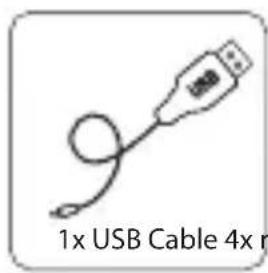
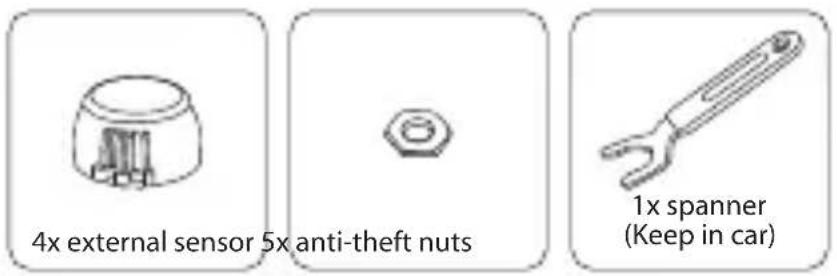
1x USB Cable 4x r

BLAUPUNKT TPMS 2.0 - 3

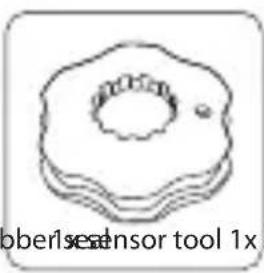
natural_image Simple line drawing of a donut-shaped object with a central hole and a small dot, no text or symbols present.
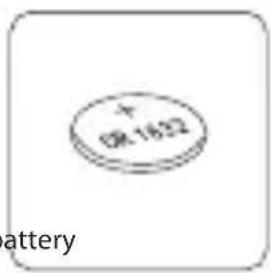
+ OR 1822 battery

BLAUPUNKT TPMS 2.0 - 5

natural_image Simple geometric shape: a black circle centered inside a white square (no text or symbols)
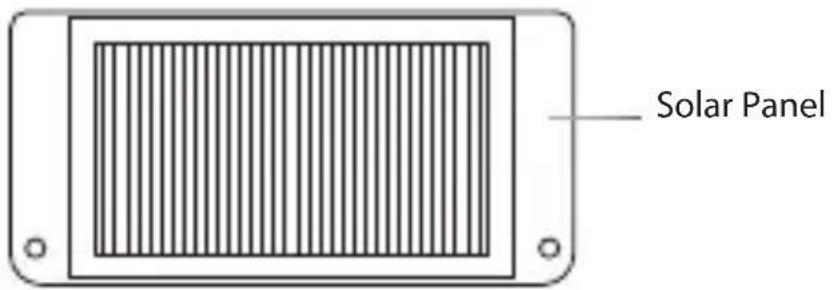
Solar Panel

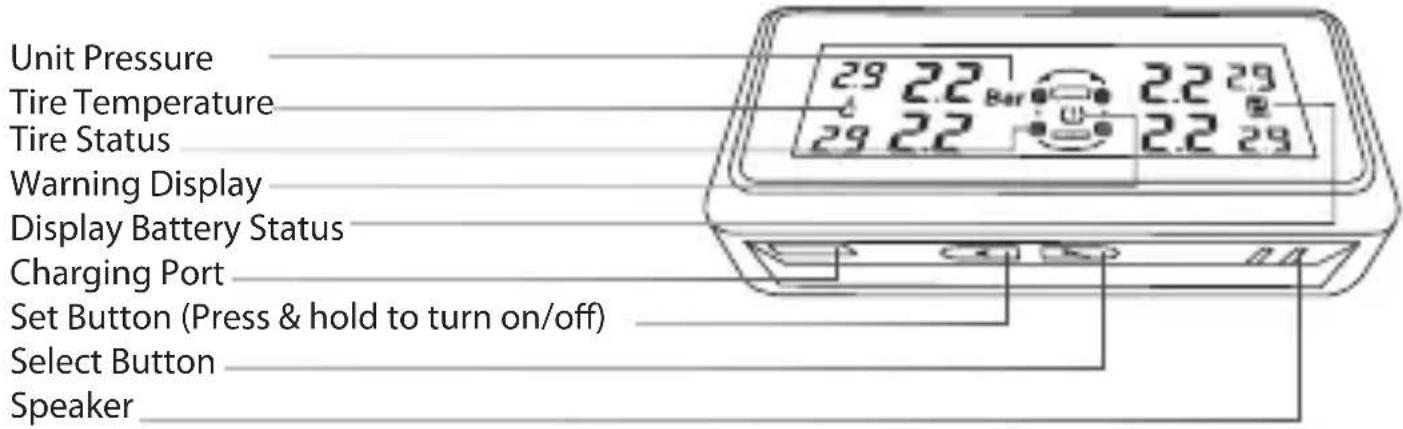
Unit Pressure Tire Temperature Tire Status Warning Display Display Battery Status Charging Port Set Button (Press & hold to turn on/off) Select Button Speaker

SENSOR

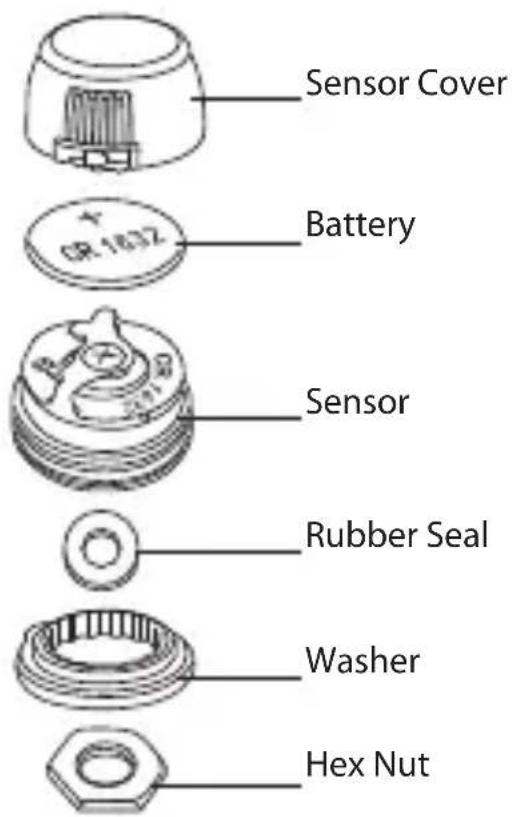
Sensor Cover Battery Sensor Rubber Seal Washer Hex Nut

SENSOR INSTALLATION
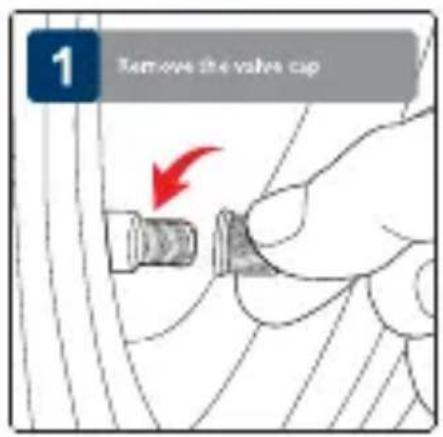
1 Remove the valve cup

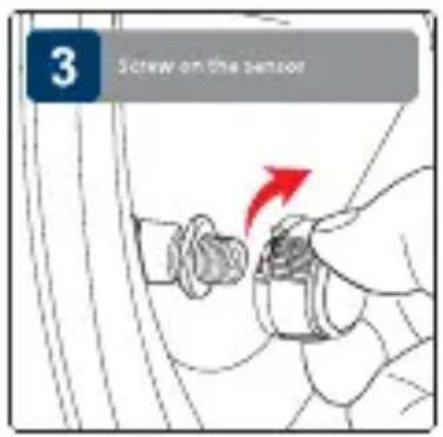
3 Screw on the sensor

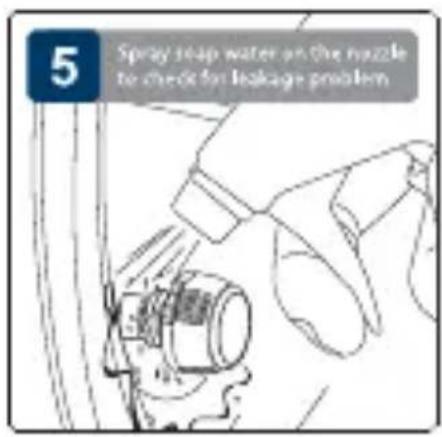
5 Spray soap water on the nozzle to check for leakage problem

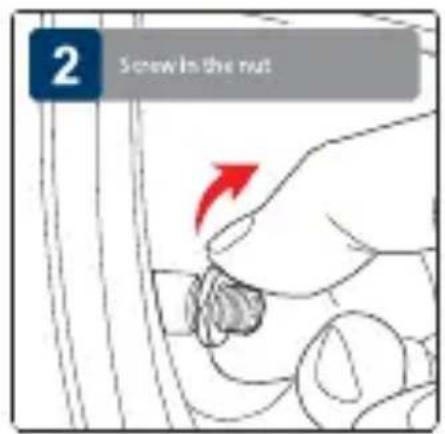
2 Screw In the nut

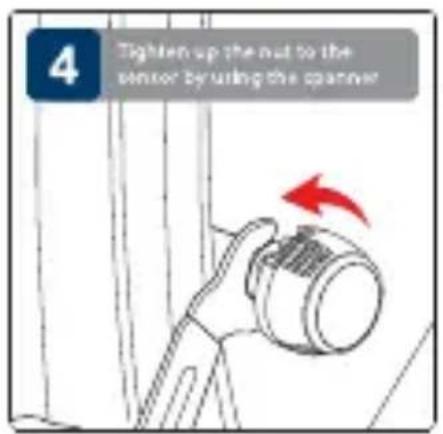
4 Tighten up the nut to the sensor by using the spanner

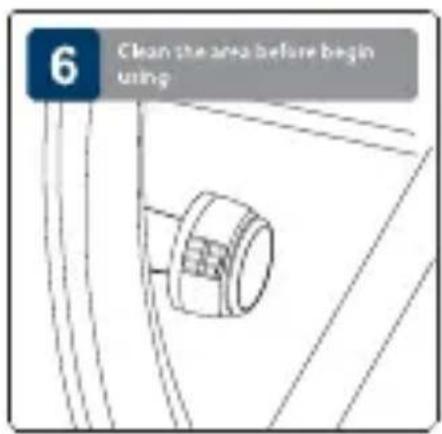
6 Clean the area before begin using

SENSOR BATTERY REPLACEMENT
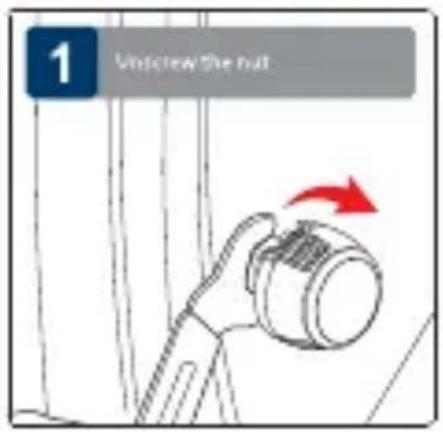
1 Uncrew the nut

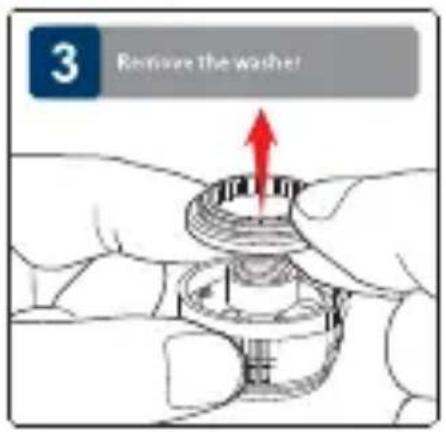
3 Remove the washer

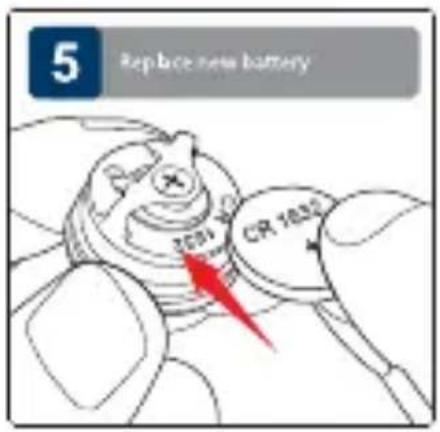
5 Replace new battery 2001 CR 1832

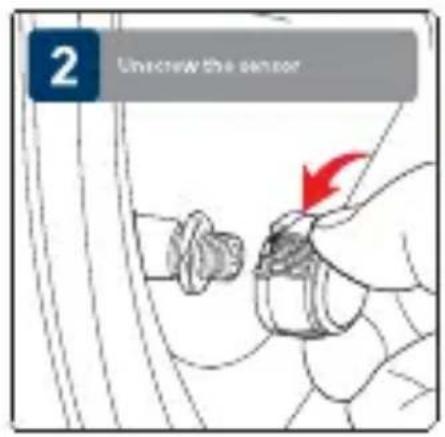
2 Uncrew the sensor

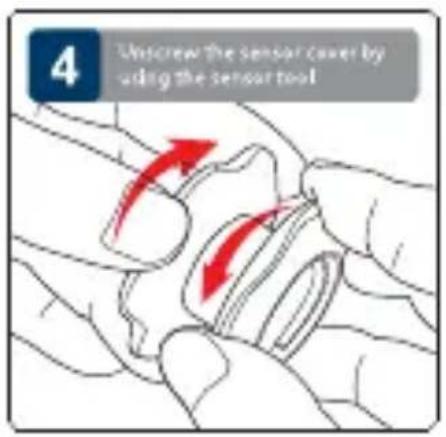
4 Untcrew the sensor cover by using the sensor tool

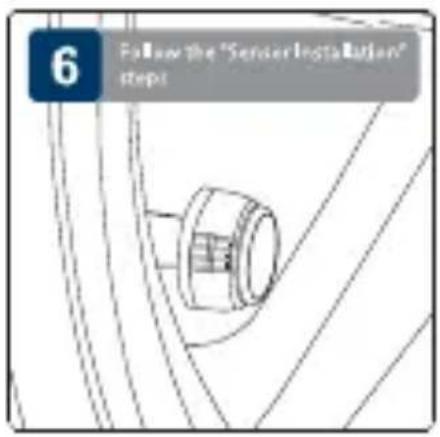
6 Follow the "Sensor Installation" steps

DISPLAY INSTALLATION
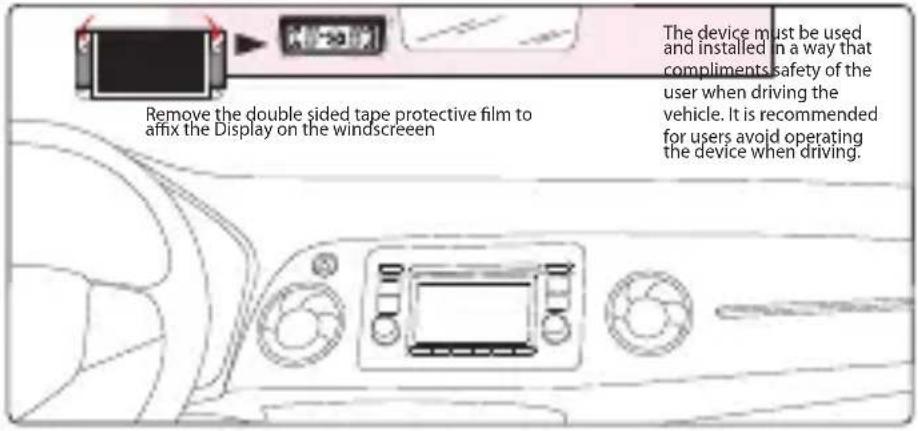
Remove the double sided tape protective film to affix the Display on the windscreen The device must be used and installed in a way that compliments safety of the user when driving the vehicle. It is recommended for users avoid operating the device when driving.

FUNCTIONAL TEST
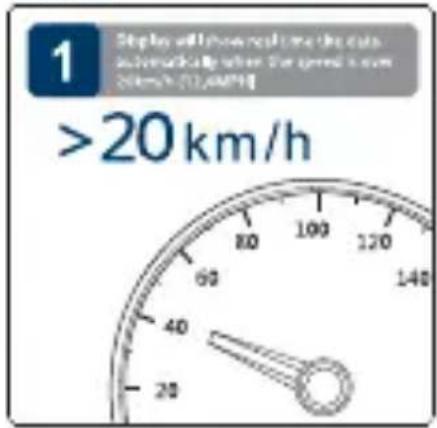
1 Display will show real time the data automatically when the speed is over 50km/h (7.5MPa) >20 km/h

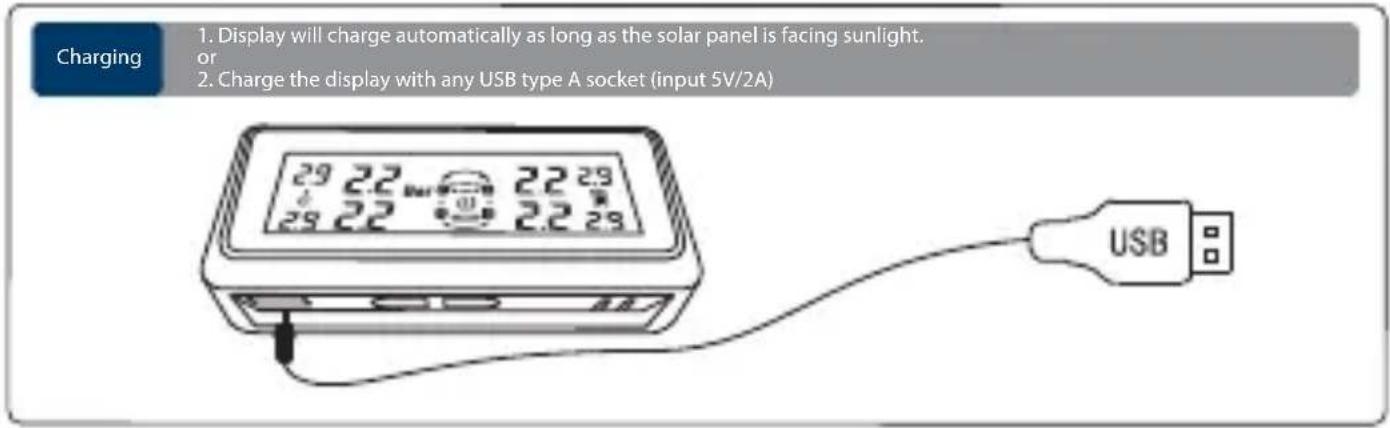
Charging 1. Display will charge automatically as long as the solar panel is facing sunlight. or 2. Charge the display with any USB type A socket (input 5V/2A) 29 22 22 29 29 22 22 29 USB

DIFFERENT SCENARIO
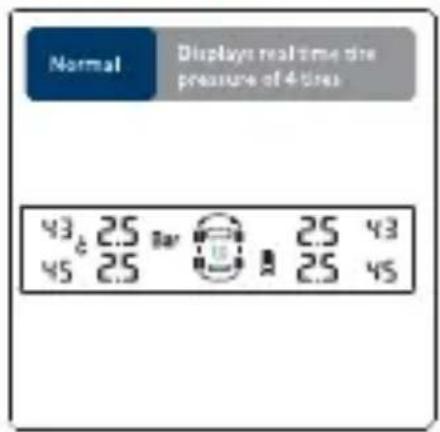
Normal Displays real time the pressure of 4-tiles 43 2.5 Bar 2.5 43 45 2.5 2.5 45

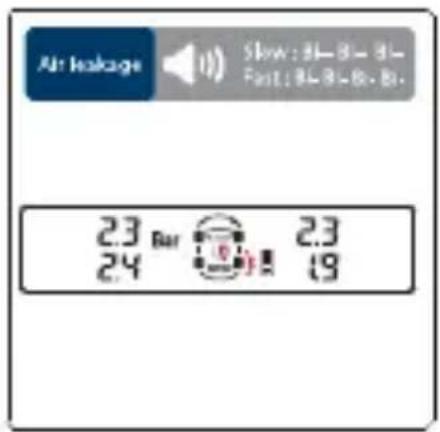
Air leakage Slow: 81-82-83- Fast: 84-85-86-87. 23 Bar 23 24 19

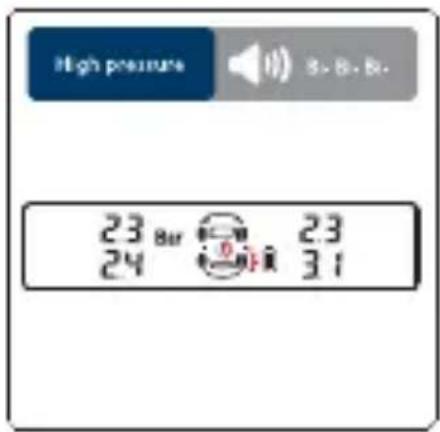
High pressure 23 Bar 23 24 0 mm 31

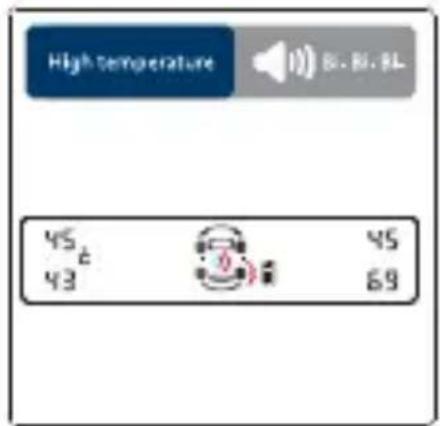
High temperature 45 43 45 69

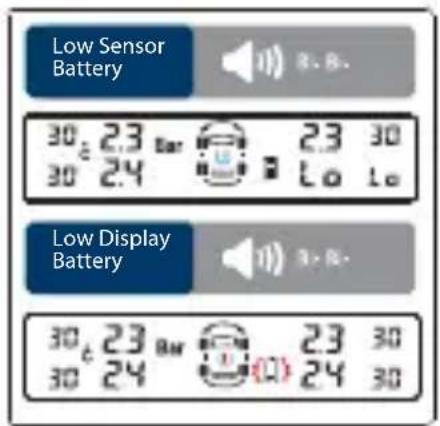
Low Sensor Battery 30 23 Bar 30 24 23 30 Lo Lo Low Display Battery 30 23 Bar 30 24 23 30 Lo 24 30 24

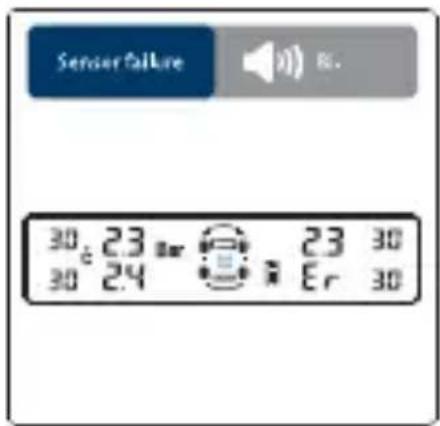
Sensor Failure 30 23 23 30 30 24 Er 30

HIGH PRESSURE VALUE SETTING
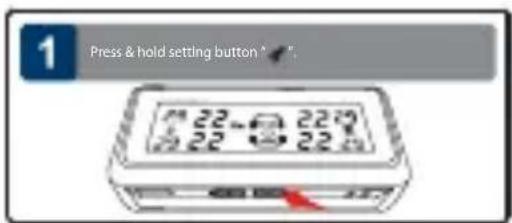
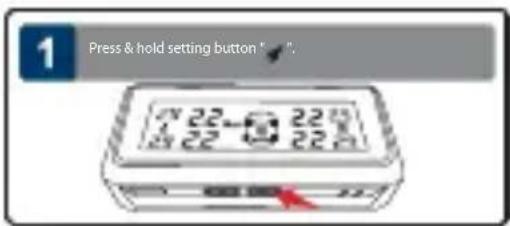
1 Press & hold setting button ^ # 22-0 220 22-0 220

LOW PRESSURE VALUE SETTING
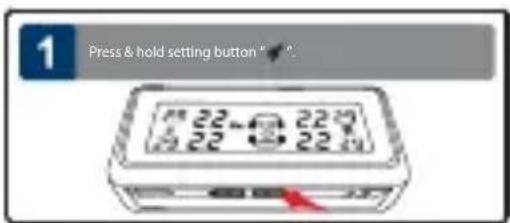
1 Press & hold setting button "√"? 22-32 22-32 22-32

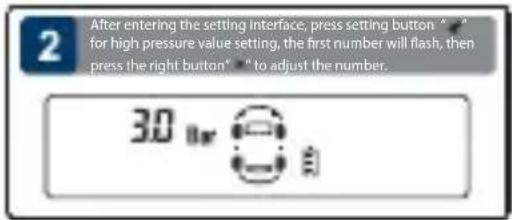
2 After entering the setting interface, press setting button " * " for high pressure value setting, the first number will flash, then press the right button" * " to adjust the number. 3.0 bar

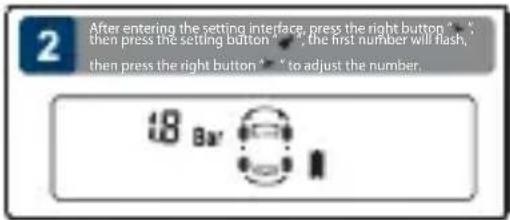
2 After entering the setting interface, press the right button * , then press the setting button * , the first number will flash, then press the right button * * to adjust the number. 18 Bar

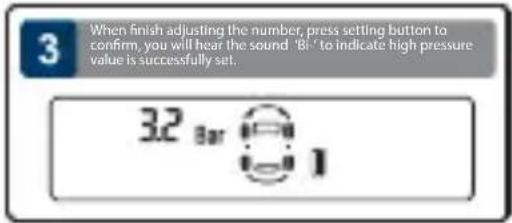
3 When finish adjusting the number, press setting button to confirm, you will hear the sound 'Bi' to indicate high pressure value is successfully set. 32 bar 1

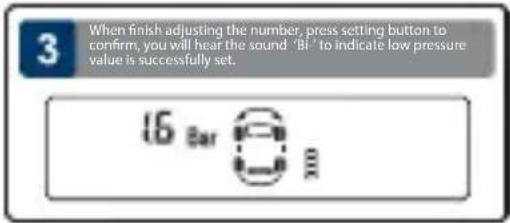
3 When finish adjusting the number, press setting button to confirm, you will hear the sound 'BI' to indicate low pressure value is successfully set. 16 Bar

HIGH TEMPERATURE VALUE SETTING UNIT SWITCHING
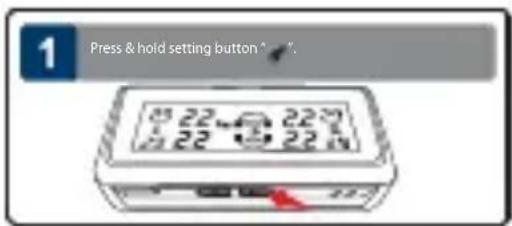
1 Press & hold setting button ^ 22 °C 8 22 22 22 5 22 22 22

1 Press & hold setting button "F-4".

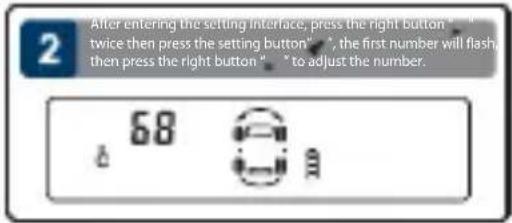
2 After entering the setting interface, press the right button " twice then press the setting button", the first number will flash then press the right button " to adjust the number. 68

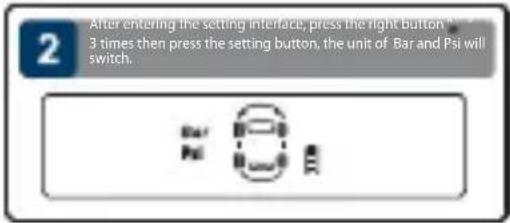
2 After entering the setting interface, press the right button "3 times then press the setting button, the unit of Bar and Psi will switch.

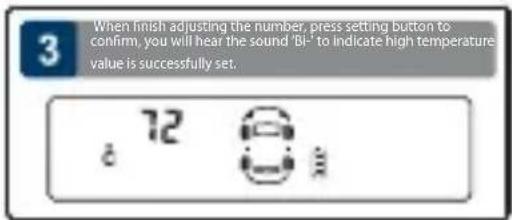
3 When finish adjusting the number, press setting button to confirm, you will hear the sound 'Bi-' to indicate high temperature value is successfully set. 72 8

You will hear the sound 'Bi-' to indicate that unit switching successful

RESET SETTING
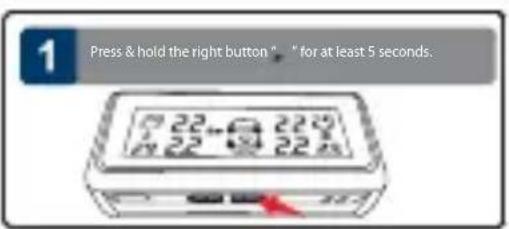
1 Press & hold the right button " * for at least 5 seconds.

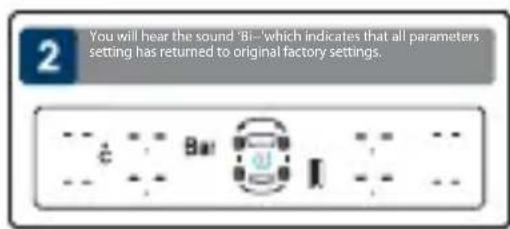
2 You will hear the sound 'Bi-' which indicates that all parameters setting has returned to original factory settings.

SETTING

SENSOR PAIRING
(Sensor pairing are required only when the tires or the sensors has switched location or be replaced)
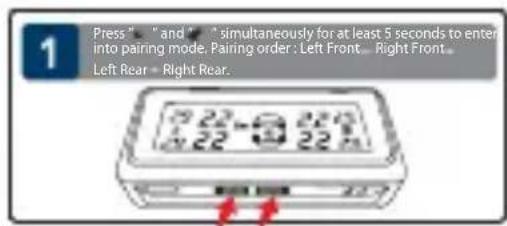
1 Press " and " simultaneously for at least 5 seconds to enter into pairing mode. Pairing order: Left Front... Right Front... Left Rear = Right Rear.

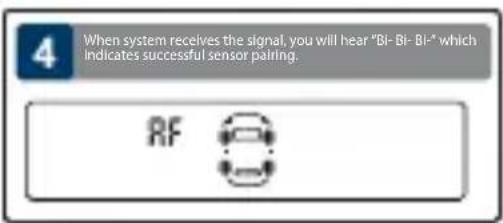
4 When system receives the signal, you will hear "Bi-Bi-Bi-" which indicates successful sensor pairing. RF

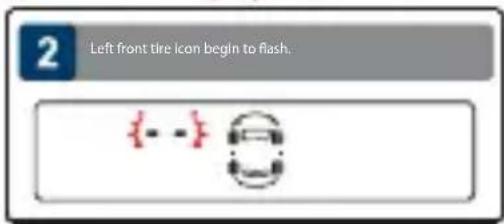
2 Left front tire icon begin to flash. {--} =

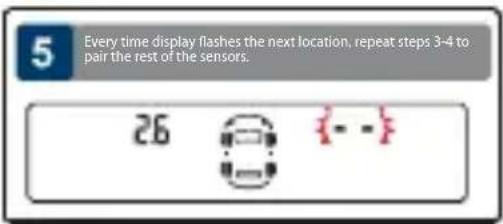
Every time display flashes the next location, repeat steps 3-4 to pair the rest of the sensors. 26

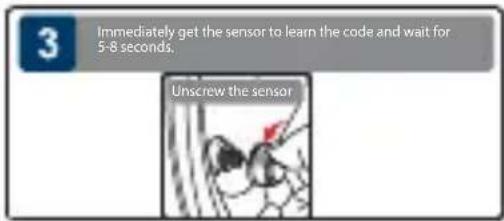
3 Immediately get the sensor to learn the code and wait for 5-8 seconds. Unscrew the sensor

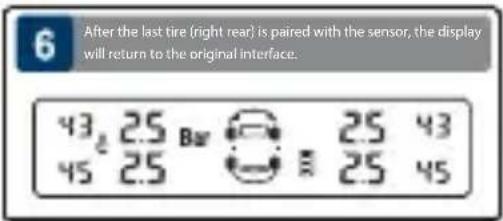
6 After the last tire (right rear) is paired with the sensor, the display will return to the original interface. 43 25 Bar 25 43 45 25 25 45

TROUBLESHOOTING

1. Air leakage after sensor installation

The tire valves may not be universal standard, please check with the local workshop.

2. No tire data are displayed after completing installation

a. Display may have run out of battery. Charge display with USB cable.
b. Tire sensor will began transmitting data to display when the car moves beyond 20km/h.

3. Missing/lost sensor

Please purchase new sensor.

4. Sensor battery low

Please replace with battery CR1632.

5. Change of tire location

Please reprogram the corresponding sensors.

Note

  1. TPMS (Tire Pressure Monitoring System) is designed for monitoring tire irregularities. Drive has responsibility to maintain tires regularly.
  2. Driver should react promptly once warning from this unit alerted.
  3. Blaupunkt does not guarantee or assumes liability for the loss of sensors.
  4. All sensors in this unit have been pre-set individually for each tire in the factory.
  5. Whenever the location of tire changed, the sensor must be reprogrammed.
  6. The display will turn off automatically 60-sec after the car stopped moving.
BLAUPUNKT TPMS 2.0 - Note - 1

Manual assistant
Powered by Anthropic
Waiting for your message
Product information

Brand : BLAUPUNKT

Model : TPMS 2.0

Category : Uncategorized