RVM 5.1 - Uncategorized BLAUPUNKT - Free user manual and instructions
Find the device manual for free RVM 5.1 BLAUPUNKT in PDF.


| Product Type | 5.1 Channel Home Theater System |
| Brand | Blaupunkt |
| Model | RVM 5.1 |
| Dimensions (W x H x D) | 430 x 100 x 300 mm |
| Weight | 5.5 kg |
| Power Supply | AC 220-240V, 50Hz |
| Power Consumption | 150 W |
| Audio Output | 5.1 channels (front left/right, center, surround left/right, subwoofer) |
| Supported Audio Formats | MP3, WMA, AAC, FLAC |
| Tuner | FM/AM with 30 presets |
| Bluetooth | Version 5.0, A2DP, AVRCP |
| USB Port | 1 x USB 2.0 (front) |
| HDMI Input | 2 x HDMI 2.0 |
| HDMI Output | 1 x HDMI ARC |
| Remote Control | Included (CR2025 battery) |
| Speaker Impedance | 4-8 ohms |
| Frequency Response | 20 Hz - 20 kHz |
| Signal-to-Noise Ratio | > 80 dB |
| Total Harmonic Distortion | < 0.5% |
| Cleaning | Wipe with a soft, dry cloth |
| Safety | Do not expose to water or moisture; keep ventilation slots clear |
| Accessories Included | Remote control, power cord, user manual |
Frequently Asked Questions - RVM 5.1 BLAUPUNKT
User questions about RVM 5.1 BLAUPUNKT
0 question about this device. Answer the ones you know or ask your own.
Ask a new question about this device
Download the instructions for your Uncategorized in PDF format for free! Find your manual RVM 5.1 - BLAUPUNKT and take your electronic device back in hand. On this page are published all the documents necessary for the use of your device. RVM 5.1 by BLAUPUNKT.
USER MANUAL RVM 5.1 BLAUPUNKT
natural_image
Two identical electronic devices displaying a car on a road, each with a 3D navigation arrow overlay (no text or symbols on the device surfaces)Enjoy it.
natural_image
Black rectangular electronic device with a black screen and control buttons (no visible text or symbols)natural_image
Pure electrical circuit lines without any symbols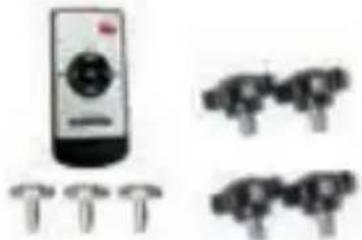
natural_image
Illustration of a remote control with four pins and three identical mechanical components (no text or symbols)Zubehör
natural_image
Simple 3D rectangular prism outline with no text or symbolsBox
natural_image
Pure electrical connector diagram without any text or symbols
natural_image
Silhouette of a person using a camera on a stand, with a red flag in the background (no text or symbols)Zubehör
natural_image
Simple 3D rectangular prism outline with no text or symbolsBox
natural_image
Simple line drawings of three identical mechanical parts with no text or symbols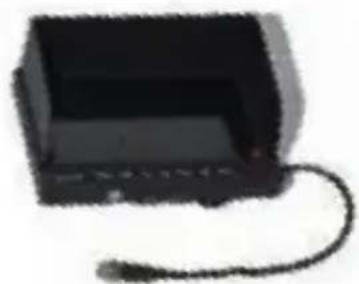
natural_image
Black rectangular electronic device with a coiled cable, no visible text or symbols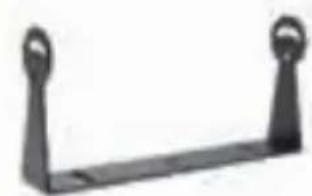
natural_image
Metal support bracket with two handles (no text or symbols)natural_image
Two video monitors displaying a red truck on a scenic highway (no text or symbols visible)natural_image
Two black rectangular devices: a front-mounted display showing a red truck on a mountain road, and a side-mounted device with no visible text or symbols.Alternative Befestigungsmethode:
natural_image
Close-up of a black mechanical component with a red arrow pointing to it (no visible text or symbols)
natural_image
Close-up of a black mechanical component with two red circular highlights (no text or symbols visible)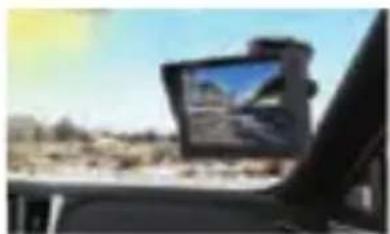
natural_image
Interior view of a car with a mounted tablet displaying a landscape photo (no visible text or symbols)natural_image
Illustration of a red truck driving on a road with a dashed lane and white markings, labeled 'LCD MONITOR' below (no other text or symbols)natural_image
Red LCD monitor on a road with dashed lane markings (no text or symbols on the vehicle itself)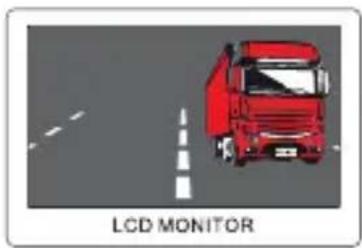
natural_image
Illustration of a red truck driving on a road with a dashed white line and 'LCD MONITOR' label (no other text or symbols)natural_image
Dark screen with a horizontal line and faint patterns, labeled 'LCD MONITOR' at the bottom (no other text or symbols visible)
natural_image
Diagram of a LCD monitor with labeled components (no readable text or symbols)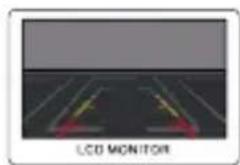
natural_image
Diagram of a LCD monitor with two yellow directional arrows on a dark surface (no text or symbols)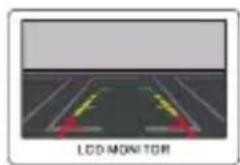
natural_image
Diagram of a road with directional arrows and a 'LCD MONITOR' label, no readable text or symbols beyond the label.
natural_image
Front view of a black rectangular electronic device with two side buttons (no visible text or symbols)7" Digital LCD Monitor
RVM 7.1
natural_image
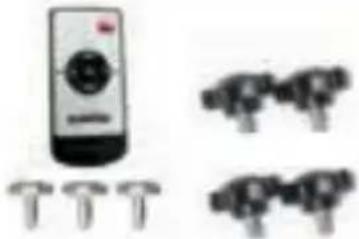
Illustration of a remote control with four pins and three identical camera icons (no text or symbols)Accessories
Instruction Manual Connection cable
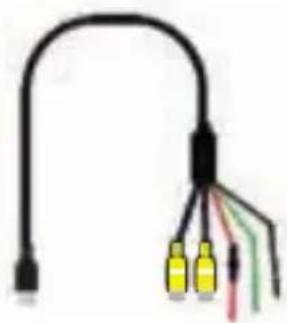
natural_image
Pure electrical circuit lines without any symbols
natural_image
Simple 3D rectangular prism outline with no text or symbolsPacking Box
5" Digital LCD Monitor
RVM 5.1

natural_image
Silhouette of a person holding a camera and a monitor, with a red flag in the background (no text or symbols)Accessories
Instruction Manual Connection cable
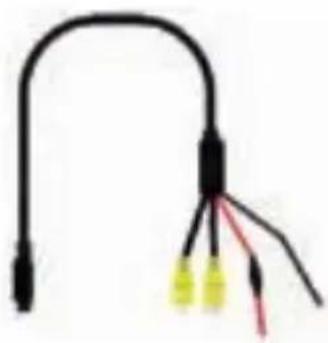
natural_image
Pure electrical connector diagram without any text or symbols
natural_image
Simple 3D rectangular prism outline with no text or symbolsPacking Box
MONITOR INSTALLATION
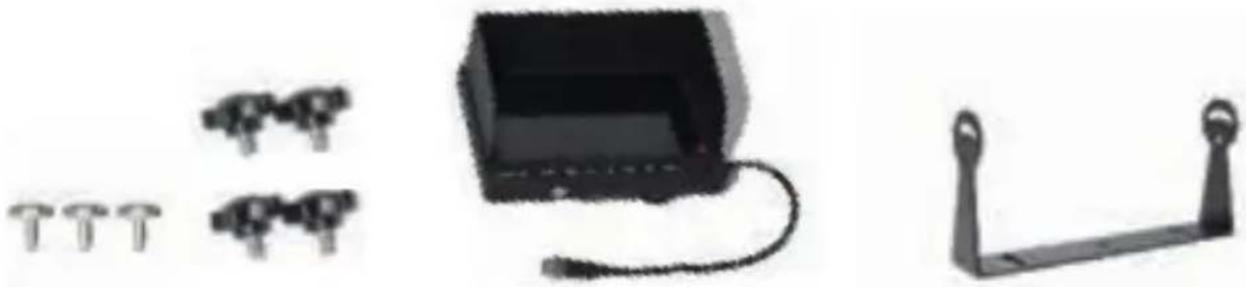
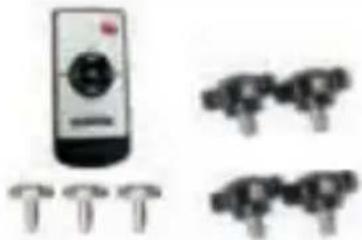
- Prepare all the parts of the kit before installation.
natural_image
Three black mechanical components: a battery, three identical screws, and a support frame (no text or symbols visible)- Fix the screws and let the U brack tight (see below pictures).
natural_image
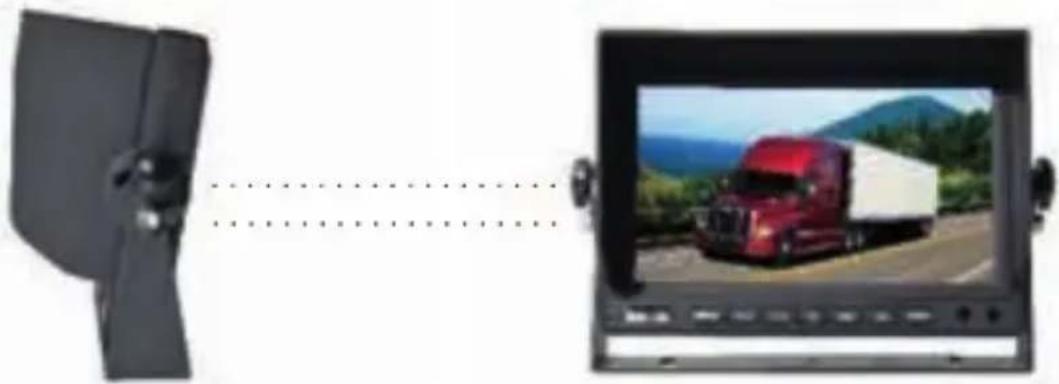
Two monitors displaying a red truck on a scenic road with mountains in the background; no visible text or symbols.- Move the monitor to the desired location then fix screws on the bottom of the bracket (see below pictures).
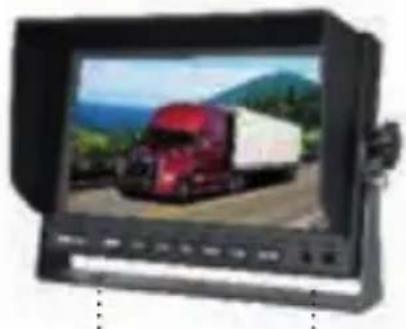
natural_image
Black-and-white photo of a red semi-truck on a road with mountainous background (no visible text or symbols)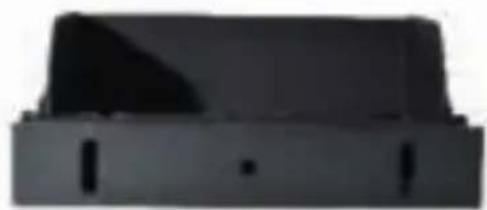
natural_image
Exterior view of a modern office building (no signage)Alternative mounting method:
1) Fix the monitor and suction cup
2) Lower the joystick while firmly pressing the suction plate against the parts to be connected to a flat surface, such as the windshield/instrument panel. (When removing it, just lift the lever to remove it easily.)
3) Rotate the screw to adjust the height of the monitor in an easy-to-observe manner.
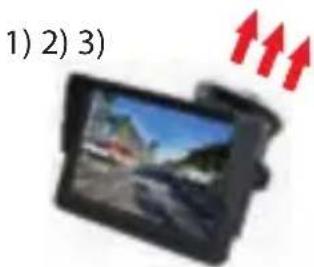
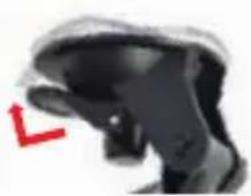
natural_image
Close-up of a black mechanical component with a red arrow pointing to a feature (no visible text or symbols)
natural_image
Black mechanical component with red circular highlights (no visible text or symbols)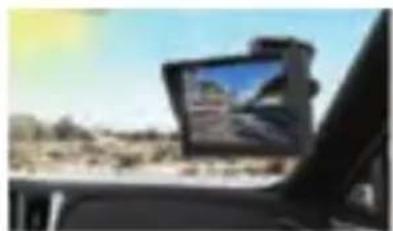
natural_image
Interior view of a car showing a mounted touchscreen device on a road ahead, with desert landscape in background (no visible text or symbols)Installation Location Reference
Because of the monitor bracket, it is difficult to fix it if the dashboard is not flat, we recommend to install it on the windshield.
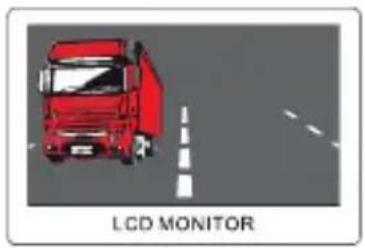
1. NORMAL/MIRROR FLIP
natural_image
Red truck driving on a road with lane markings, labeled 'LCD MONITOR' below (no other text or symbols)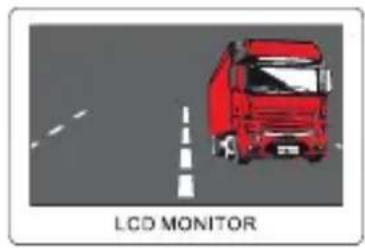
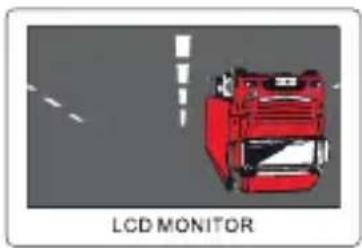
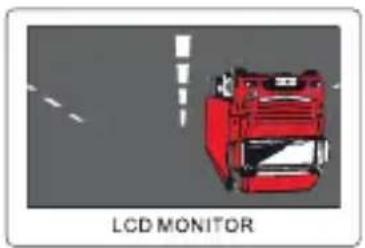
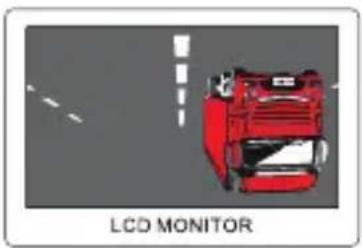
2. VERTICAL FLIPPING
natural_image
Illustration of a red truck on a road with dashed lane markings, labeled 'LCD MONITOR' below (no other text or symbols)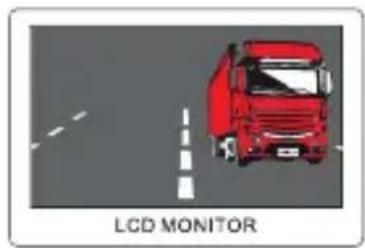
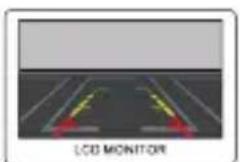
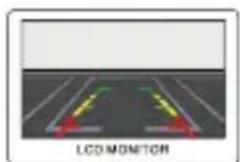
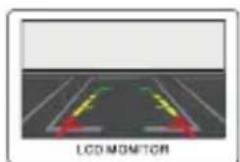
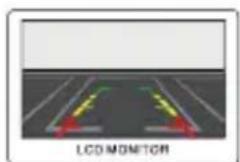
For the function of image flip, you can adjust through the menu, or press the sixth button to choose the mode you need
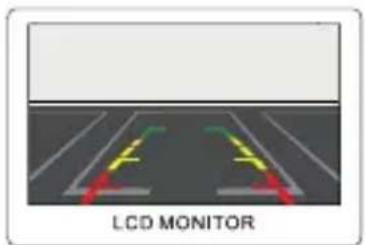
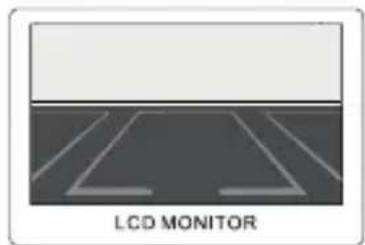
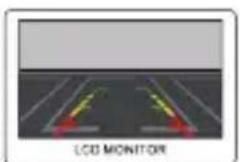
3. PARKING LINE SELECTION
natural_image
Diagram of a LCD monitor with four lanes and a blank screen (no text or symbols on the diagram itself)Also, you can switch parking line on/off
Multi-language Selection
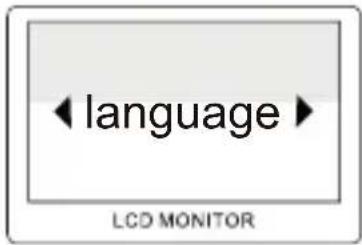
Chinese, English, Italian, Spanish, Portuguese, Japanese ect.
The Screen Proportion Adjustment
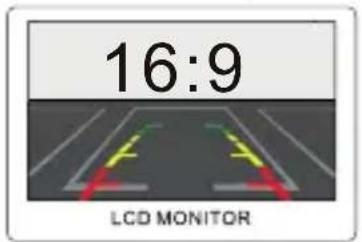
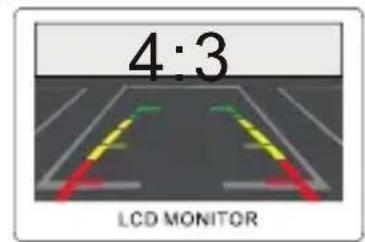
It have two type of screen proportion, one for 16:9, one for 4:3, you can choose the type you like, enter the menu to adjust.

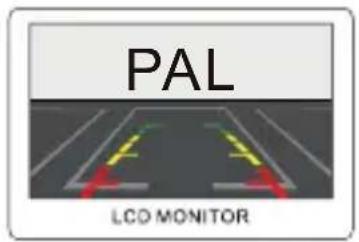
PAL/NTSC Switch
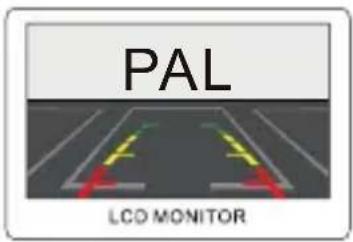
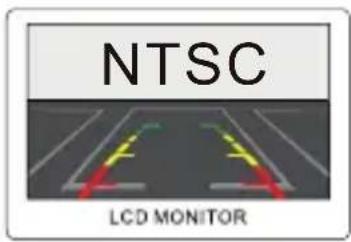
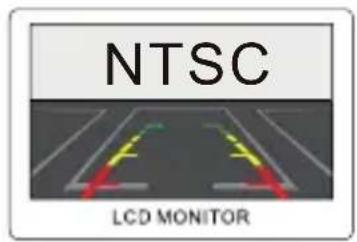
For TV system, it have PAL, NTSC, or auto, you can choose the suitable system
Brightness Adjustment

natural_image
Dark abstract image with faint horizontal lines and a label 'LCD MONITOR' at the bottom (no other text or symbols)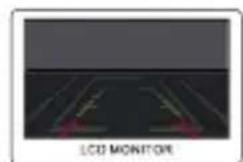
natural_image
Diagram of a 3D LED monitor with labeled components (no text or symbols on the diagram itself)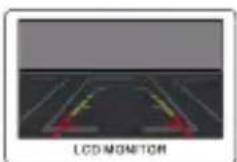
For the brightness, it have 5 modes, it have standard mode, soft mode, vivid mode and light mode, press the seventh button on the monitor, you can adjust the brightness according you need
CONNECTION DIAGRAM
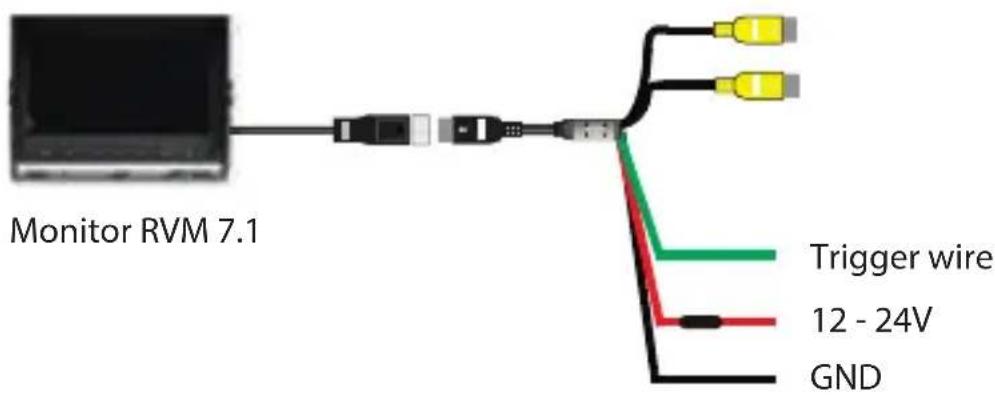
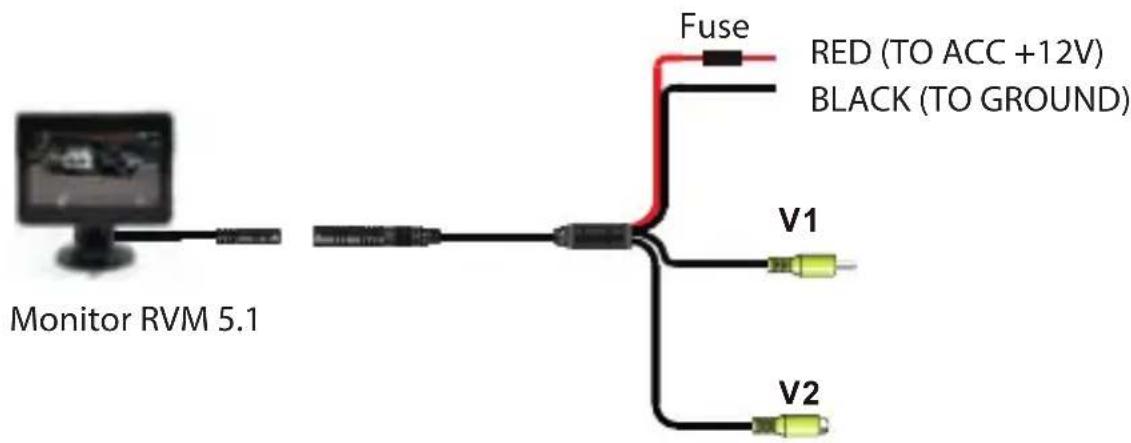
- Some of the functions described in the instructions may be model-specific and may not be supported by every model.
- Do not modify or tamper with the device. There are no user-serviceable parts inside.
- Observe the performance limits of the device. Have repairs and, if necessary, installation done by a professional.
- Install the device only if you have needed experience installing such devices and are familiar with the vehicle's electrical system. Observe the information marked on the unit connections.
- Ensure that all wires transfer the correct signals or voltages.
- The installation of the radio must not interfere with or prevent the activation of airbags and other safety devices and/or controls.
- Disconnect the vehicle battery (negative terminal, ground) before installing the device, as doing otherwise may cause malfunctions or damage to the device or the vehicle electronics. Observe the vehicle manufacturer's safety instructions (airbag, alarm system, on-board computer, immobiliser, etc.).
- The rear (front) view camera functions technically as a driver assistance device, which cannot be taken as substitute for driver's responsibility when operating the vehicle.
- To keep the camera/monitor working properly, please clean the camera/monitor regularly to free it from dirt, water drops, snowdrops etc.
- Although the camera is designed to be waterproof, please do NOT use high-pressure water jet to wash the camera as this may break the glass lens.
- Keep the cables of the camera/monitor away from high temperature objects such as engine or exhaust.
- If the camera model you have comes without in-built LED lights, please turn on your license plate light for better vision at night or in dark areas.
- The camera/monitor are applicable to vehicles with DC 12V power output (10 % higher or lower allowed), please do NOT use the 5.1 model on vehicles with DC 24V or other power output out of this range, otherwise it is very likely to get burned.
- The specifications of the camera/monitor are subject to change without prior notice.
natural_image
Black rectangular electronic device with a black screen and two side buttons (no visible text or symbols)natural_image
Pure electrical circuit lines without any symbols
natural_image
Illustration of a remote control with four pins and three identical icons below (no text or symbols)Akcesoria
natural_image
Simple 3D rectangular prism outline with no text or symbolsPudełko
natural_image
Pure electrical connector diagram without any text or symbols
natural_image
Silhouette of a person holding a camera and a monitor, with a red flag in the background (no text or symbols)Akcesoria
natural_image
Simple 3D rectangular prism outline with no text or symbolsPudełko
MONTAŻ MONITORA
natural_image
Three black hardware components: a small bracket with four pins, an open control box, and a lever handle (no text or symbols visible)natural_image
Side-by-side comparison of a black remote control panel with a red truck on a scenic road (no text or symbols visible)natural_image
Two black rectangular devices: a front-mounted monitor displaying a red truck on a mountain road, and a side-mounted device with no visible text or symbols.natural_image
Close-up of a black object with a red arrow pointing downward (no text or symbols visible)
natural_image
Close-up of a black mechanical component with two red circular highlights (no text or symbols visible)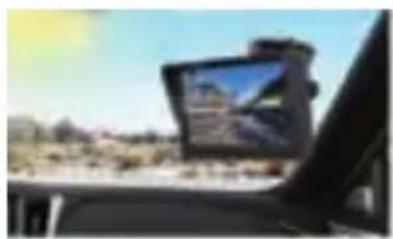
natural_image
Interior view of a car showing a mounted touchscreen device on the windshield, with desert landscape in background (no visible text or symbols)natural_image
Illustration of a red truck on a road with dashed lane markings, labeled 'LCD MONITOR' below (no other text or symbols)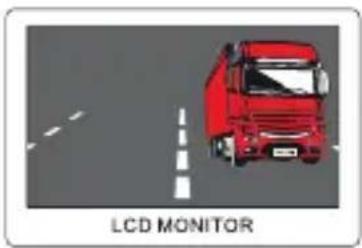
natural_image
Illustration of a red truck driving on a road with a dashed lane and 'LCD MONITOR' label (no other text or symbols)natural_image
Diagram of a parking lot with lane markings and a LCD monitor label (no readable text or symbols beyond the label)natural_image
Dark screen with a horizontal line and faint patterns, labeled 'LCD MONITOR' at the bottom (no other text or symbols visible)
natural_image
Diagram of a LCD monitor with labeled components (no readable text or symbols)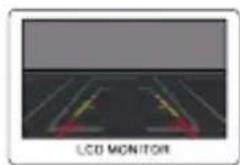
natural_image
Diagram of a LCD monitor with two yellow directional arrows indicating light paths (no text or symbols)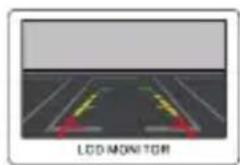
natural_image
Diagram of a road with two colored arrows indicating light paths, labeled 'LCD MONITOR' at the bottom (no other text or symbols)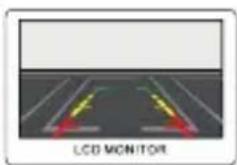
natural_image
Black rectangular electronic device with two side buttons (no visible text or symbols)natural_image
Illustration of a remote control with four pins and three identical mechanical components (no text or symbols)Accessoires
natural_image
Pure electrical connector diagram without any text or symbols
natural_image
Simple 3D rectangular prism outline with no text or symbolsBoîte
natural_image
Silhouette of a microscope and a monitor on a stand, with a red flag in the background (no text or symbols)Accessoires
natural_image
Pure electrical connector diagram without any text or symbols
natural_image
Simple 3D rectangular prism outline with no text or symbolsBoîte
INSTALLATION DU MONITEUR
natural_image
Three black hardware components: a battery, four small accessories, and a metal frame (no text or symbols visible)natural_image
Two monitors displaying a red truck on a scenic road, with no visible text or symbols.natural_image
Black-and-white photo of a red semi-truck on a mountain road, displayed on a screen (no visible text or symbols)
natural_image
Exterior view of a modern office building (no signage)natural_image
Black-and-white photo of a camera module with red arrows pointing upward (no text or symbols)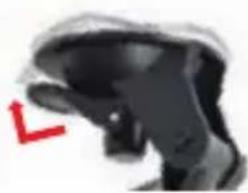
natural_image
Close-up of a black robotic hand with a red arrow pointing downward (no text or symbols visible)
natural_image
Close-up of a black mechanical component with red circular highlights (no visible text or symbols)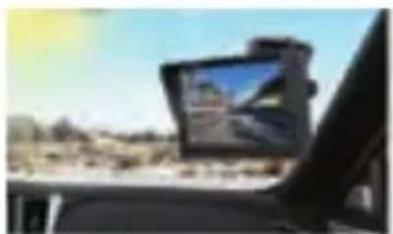
natural_image
Interior view of a car with a mounted tablet displaying a landscape photo (no visible text or symbols)natural_image
Red truck driving on a road with lane markings, labeled 'LCD MONITOR' below (no other text or symbols)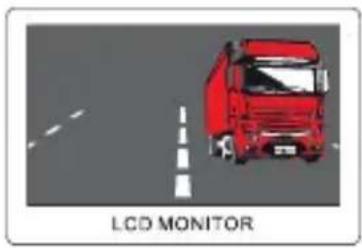
2. RÉFLEXION VERTICALE
natural_image
Illustration of a red truck on a road with lane markings, labeled 'LCD MONITOR' below (no other text or symbols)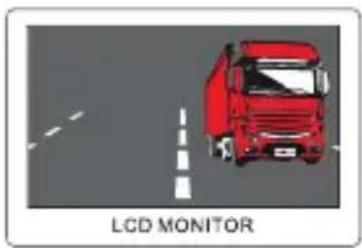
natural_image
Diagram of a LCD monitor with four lanes and a blank screen (no text or symbols on the diagram itself)Commutation PAL/NTSC
natural_image
Dark abstract image with no visible text, numbers, or symbols
natural_image
Diagram of a LCD monitor with labeled components (no readable text or symbols)
natural_image
Diagram of a LCD monitor displaying two vertical light sources with red and yellow directional arrows, no text or symbols present.
natural_image
Black rectangular electronic device with a black screen and control buttons (no visible text or symbols)Pantalla digital LCD de 7"
natural_image
Pure electrical circuit lines without any symbols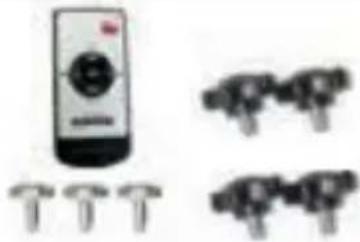
natural_image
Illustration of a remote control with four pins and three identical mechanical components (no text or symbols)Accesorios
natural_image
Simple 3D rectangular prism outline with no text or symbolsCaja
Pantalla digital LCD
de 5"
natural_image
Pure electrical connector diagram without any text or symbols
natural_image
Silhouettes of a person holding a camera and a microphone, with a red flag in the background (no text or symbols)Accesorios
natural_image
Simple 3D rectangular prism outline with no text or symbolsCaja
MONTAJE DE PANTALLA
natural_image
Three black hardware components: a rectangular device with cable, two small metal tools, and a lever mechanism (no text or symbols visible)natural_image
Two monitors displaying a red truck on a mountain road, with no visible text or symbols.natural_image
Two black-and-white photos: one showing a red truck on a road with mountains in the background, the other a black rectangular device (no visible text or symbols)natural_image
Interior view of a car with a mounted display showing a landscape photo (no visible text or symbols)natural_image
Red truck driving on a road with a dashed white line and 'LCD MONITOR' label below (no other text or symbols)2. REFLEJO EN VERTICAL
natural_image
Illustration of a red truck on a road with dashed lane markings, labeled 'LCD MONITOR' below (no other text or symbols)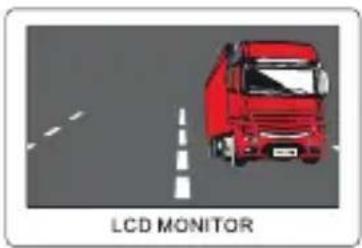
natural_image
Illustration of a red truck driving on a road with a dashed lane and 'LCD MONITOR' label (no other text or symbols)natural_image
Diagram of a parking lot with lane markings and a LCD monitor label (no text or symbols on the diagram itself)natural_image
Dark abstract image with no visible text, numbers, or symbols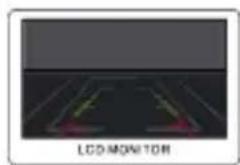
natural_image
Diagram of a LCD monitor with colored indicators on screen (no text or symbols)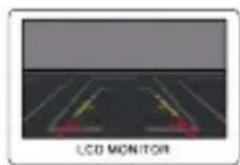
natural_image
Diagram of a road with two yellow directional arrows indicating light or movement, labeled 'LCD MONITOR' at the bottom (no other text or symbols)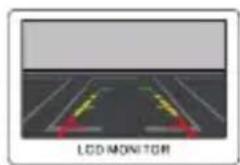
natural_image
Diagram of a road with two colored directional arrows indicating light or movement, labeled 'LED MONITOR' at the bottom (no other text or symbols)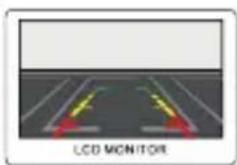
natural_image
Black rectangular electronic device with a black screen and control buttons (no visible text or symbols)Monitor digitale LCD 7"
RVM 7.1
natural_image
Illustration of a remote control with four pins and three identical icons (no text or symbols)Ac
natural_image
Pure electrical circuit lines without any symbols
natural_image
Simple 3D rectangular prism outline with no text or symbolsScatola
Monitor digitale LCD 5"
RVM 5.1
natural_image
Two abstract black-and-white icons: a red flag on the left and a silhouette of a person holding a camera (no text or symbols)Accessori
natural_image
Pure electrical circuit lines without any symbols
natural_image
Simple 3D rectangular prism outline with no text or symbolsScatola
MONTAGGIO DEL MONITOR
natural_image
Three black mechanical components: three small pins, one open with a cable, and a metal frame (no text or symbols visible)
natural_image
Two monitors displaying a red semi-truck on a scenic road, with no visible text or symbols.natural_image
Front view of a red semi-truck on a road with mountainous background (no visible text or symbols)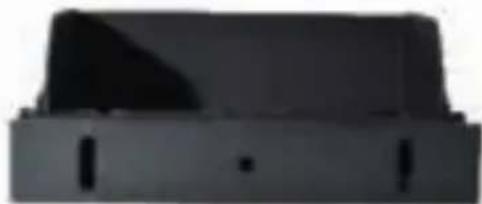
natural_image
Black rectangular object with a triangular top and four side slots, resembling a container or tray (no visible text or symbols)natural_image
Close-up of a black object with a red arrow pointing downward (no visible text or symbols)
natural_image
Black mechanical component with red circular highlights (no visible text or symbols)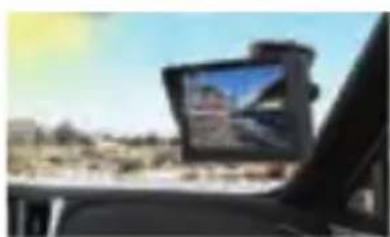
natural_image
Interior view of a car with a mounted digital camera on the windshield showing a landscape (no visible text or symbols)natural_image
Red truck driving on a road with lane markings, labeled 'LCD MONITOR' below (no other text or symbols)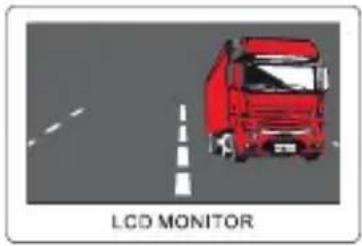
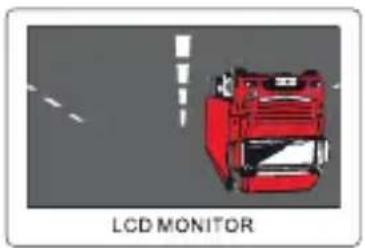
2. RIFLESSO VERTICALE
natural_image
Illustration of a red truck on a road with lane markings, labeled 'LCD MONITOR' below (no other text or symbols)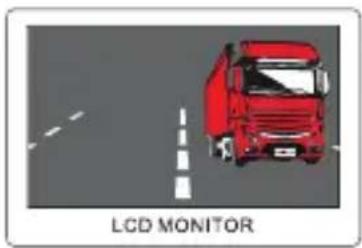
natural_image
Diagram of a LCD monitor with four lanes and a blank screen (no text or symbols on the diagram itself)natural_image
Dark abstract image with faint horizontal lines and a label 'LCD MONITOR' at the bottom (no other text or symbols)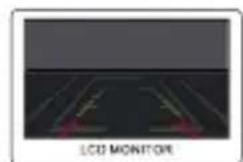
natural_image
Diagram of a 3D LED monitor with labeled components (no text or symbols on the diagram itself)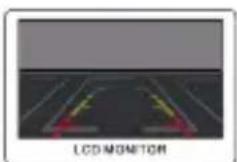
Subject to technical changes, errors and misprints.
This material may only be reproduced, copied or distributed for personal use.
© Evo-Sales GmbH – all rights reserved.
CE
DE, EN, PL, FR, ES, IT