
ESAM 3200S - Automatic coffee machine DELONGHI - Free user manual and instructions
Find the device manual for free ESAM 3200S DELONGHI in PDF.


| Product type | Automatic coffee machine |
| Brand | DELONGHI |
| Model | ESAM 3200S |
| Power supply | 220-240 V ~ 50/60 Hz, 10 A max |
| Coffee type | Beans and pre-ground coffee |
| Grinding | Integrated coffee grinder with grind adjustment |
| Main functions | Espresso (1 or 2 cups), long coffee, cappuccino, hot water, steam |
| Settings | Coffee amount (tight, normal, long), coffee strength (mild, normal, strong) via rotary knobs |
| Steam wand | Removable cappuccino wand with nozzle |
| Cup warmer | Integrated on top of the machine |
| Drip tray | Removable with red water level indicator |
| Grounds drawer | Capacity for about 14 coffee pucks (used pellets) |
| Water tank | Removable, capacity not specified (MAX line) |
| Bean container | Removable, capacity not specified |
| Maintenance programs | Automatic descaling, automatic rinse, infuser cleaning |
| Safety | Automatic shut-off after 3 hours of inactivity, burn protection, alarm lights |
| Spare parts | Available through De'Longhi authorized service centers |
| Repairability | Repairs exclusively by authorized centers, use of original parts required |
| Dimensions (W x D x H) | Not specified (approx. 28 x 34 x 40 cm estimated) |
| Weight | Not specified (approx. 9 kg estimated) |
Frequently Asked Questions - ESAM 3200S DELONGHI
User questions about ESAM 3200S DELONGHI
0 question about this device. Answer the ones you know or ask your own.
Ask a new question about this device
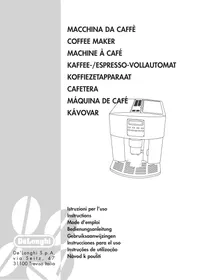
Download the instructions for your Automatic coffee machine in PDF format for free! Find your manual ESAM 3200S - DELONGHI and take your electronic device back in hand. On this page are published all the documents necessary for the use of your device. ESAM 3200S by DELONGHI.
USER MANUAL ESAM 3200S DELONGHI
Owner's instructions
Mode d'emploi
Bedienungsanleitung
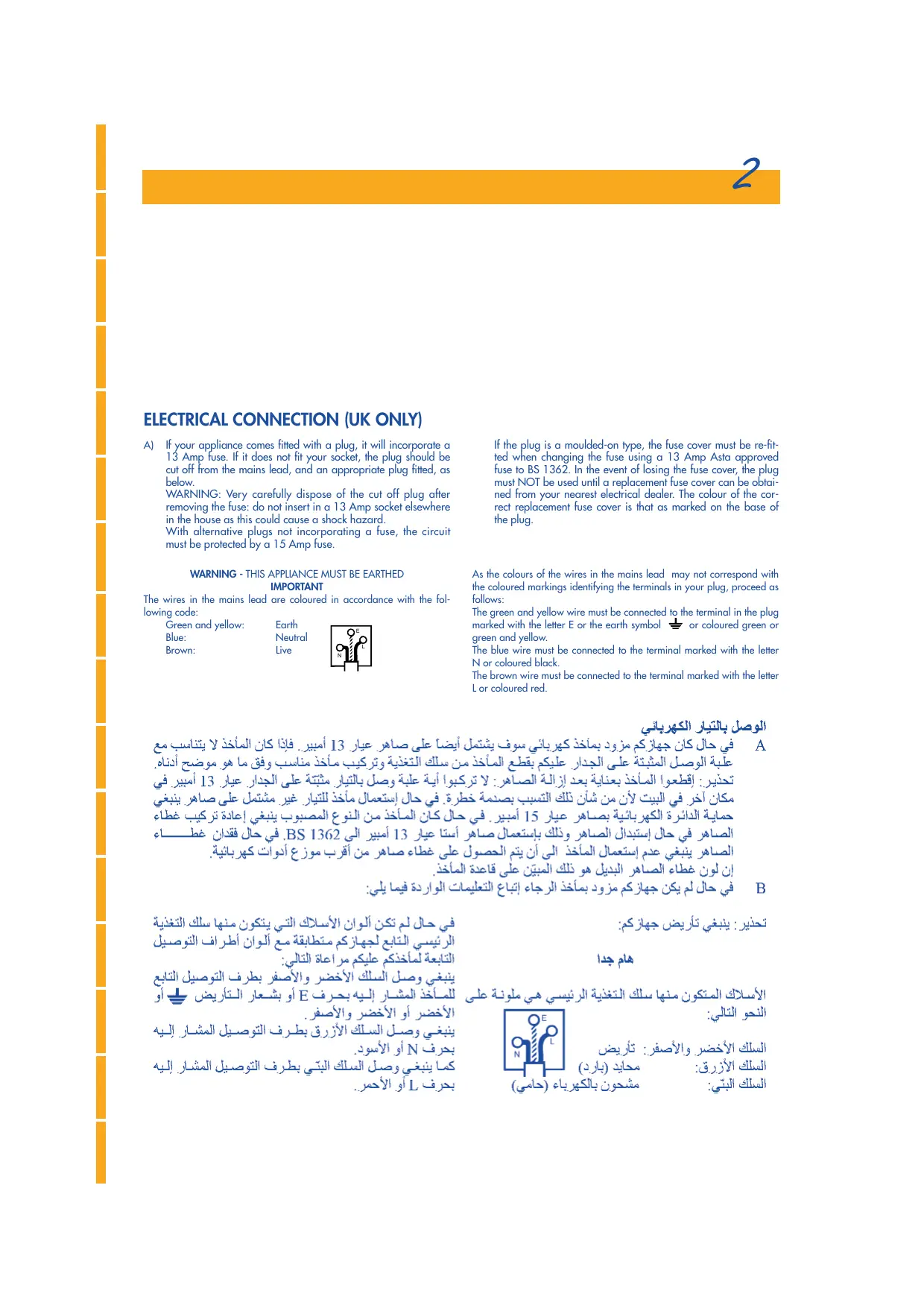
A) If your appliance comes fitted with a plug, it will incorporate a 13 Amp fuse. If it does not fit your socket, the plug should be cut off from the mains lead, and an appropriate plug fitted, as below. WARNING: Very carefully dispose of the cut off plug after removing the fuse: do not insert in a 13 Amp socket elsewhere in the house as this could cause a shock hazard. With alternative plugs not incorporating a fuse, the circuit must be protected by a 15 Amp fuse.
WARNING - THIS APPLIANCE MUST BE EARTHED IMPORTANT
The wires in the mains lead are coloured in accordance with the following code:
Green and yellow:
Blue:
Brown:
Earth
Neutral
Live

If the plug is a moulded-on type, the fuse cover must be re-fitted when changing the fuse using a 13 Amp Asta approved fuse to BS 1362. In the event of losing the fuse cover, the plug must NOT be used until a replacement fuse cover can be obtained from your nearest electrical dealer. The colour of the correct replacement fuse cover is that as marked on the base of the plug.
As the colours of the wires in the mains lead may not correspond with the coloured markings identifying the terminals in your plug, proceed as follows: The green and yellow wire must be connected to the terminal in the plug marked with the letter E or the earth symbol ⏚ or coloured green or green and yellow. The blue wire must be connected to the terminal marked with the letter N or coloured black. The brown wire must be connected to the terminal marked with the letter L or coloured red.
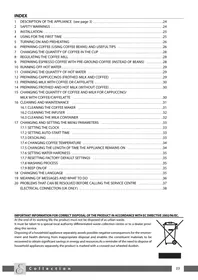
1 Description of the appliance .... 56 2 Safety instructions ....57 3 Installation ....57 4 Preparing the machine ....58
Fig. 1
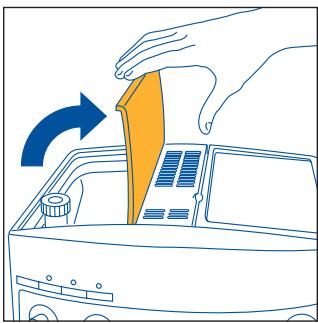
Fig. 2

Fig. 3
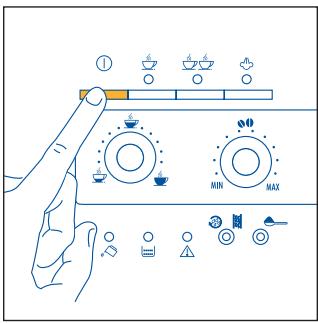
Fig. 4
5 PREPARING COFFEE (WITH COFFEE BEANS)
Fig. 5
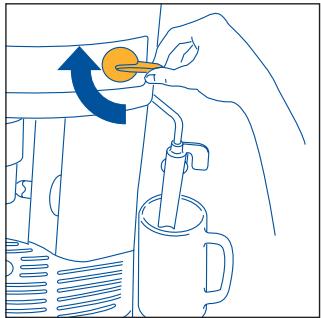
Fig. 6
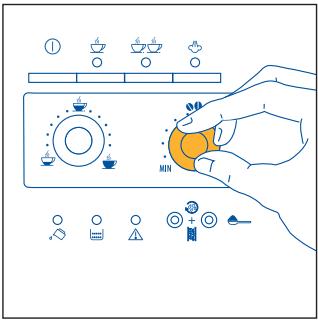
Fig. 7
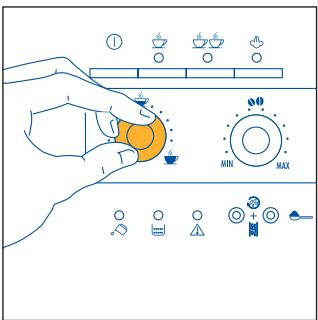
Fig. 8
60
Fig. 9
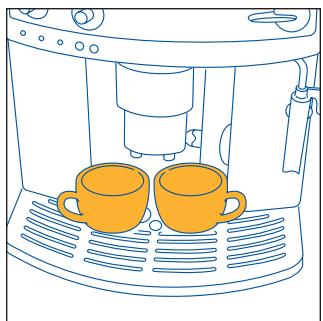
Fig. 10
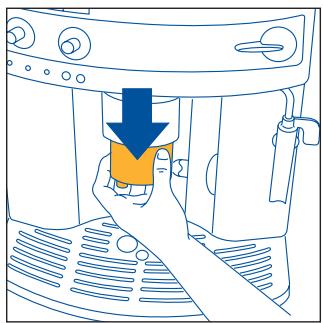
Fig. 11

Fig. 12
F
6 ADJUSTING THE COFFEE GRINDER
Fig.14
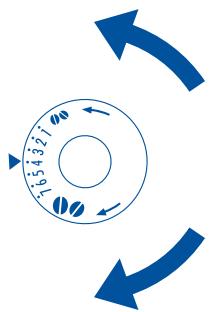
Fig.15
Fig.17
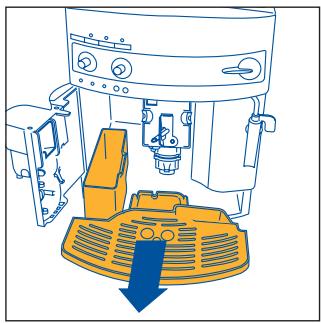
Fig.16
62
7 PREPARING ESPRESSO WITH PRE-GROUND COFFEE (INSTEAD OF BEANS)
Fig. 18
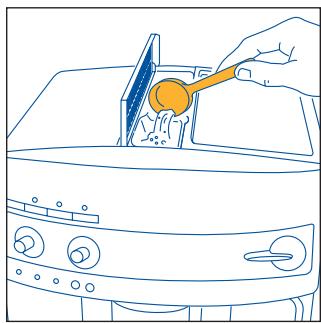
Fig.19
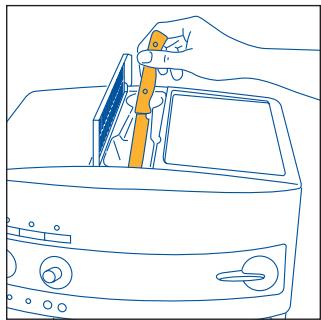
Fig.20
9 PREPARING CAPPUCCINO (WITH STEAM)
Fig.21
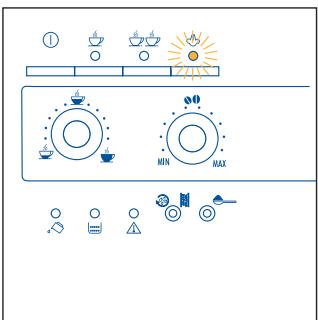
Fig.22
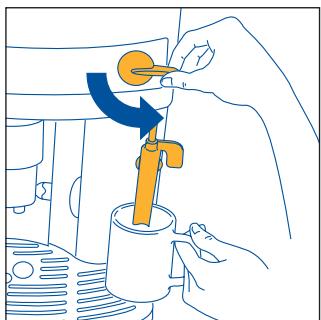
Fig.23
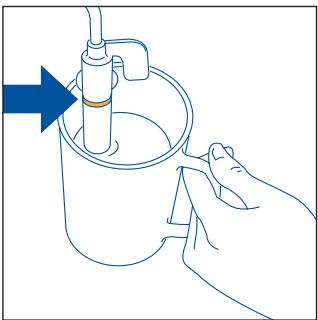
Fig.24
64
Fig.25
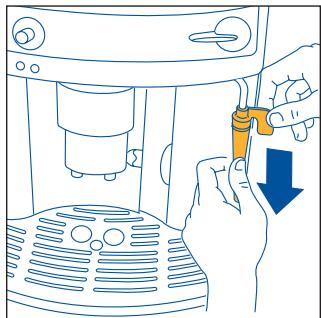
Fig.26
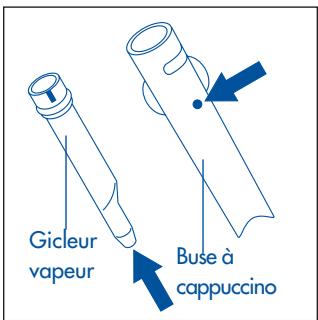
Fig.28
10.2 CLEANING THE BREWER
F Fig.29
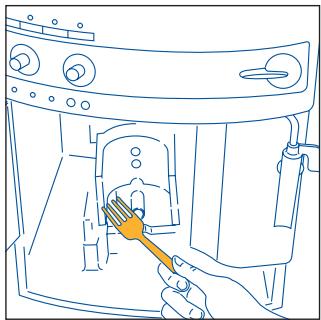
Fig.30
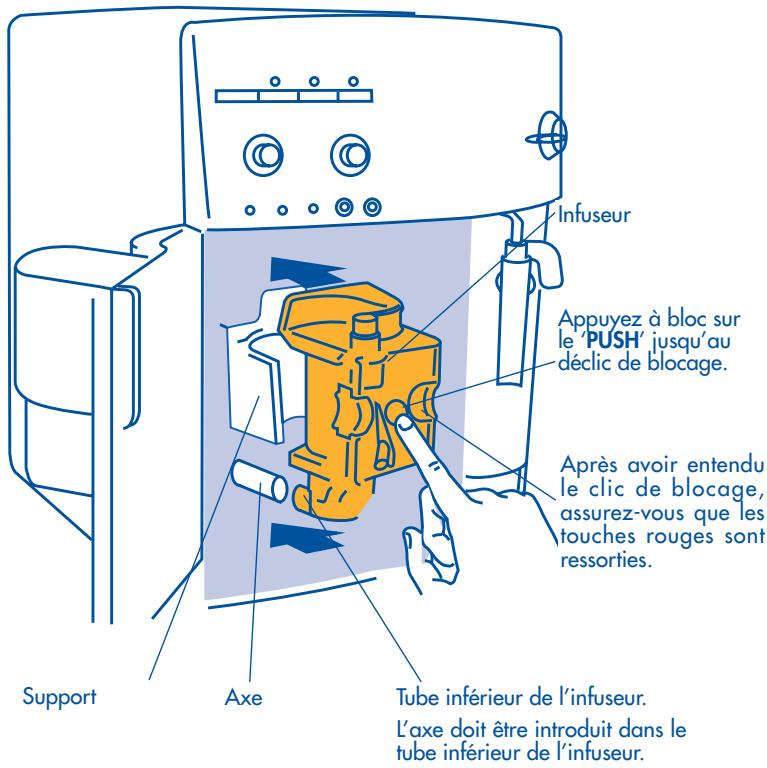
Fig.31
Fig.32
Brand : DELONGHI
Model : ESAM 3200S
Category : Automatic coffee machine