
G Flight Rudder Pedals - Régulateur LOGITECH - Free user manual and instructions
Find the device manual for free G Flight Rudder Pedals LOGITECH in PDF.


| Product Type | Flight Rudder Pedals |
| Brand | Logitech |
| Model | G Flight Rudder Pedals |
| Dimensions (approx.) | 30.5 x 30.5 x 20.3 cm (12 x 12 x 8 in) |
| Weight | 2.0 kg (4.4 lbs) |
| Power Supply | USB powered (5V DC) |
| Cable Length | 1.8 m (6 ft) |
| Connection Type | USB 2.0 |
| Compatibility | Windows 10, 11; macOS 11+ |
| Main Functions | Realistic toe brakes, adjustable foot rest, self-centering pedals, smooth rotation |
| Materials | High-strength plastic, steel frame |
| Maintenance | Wipe with a soft, dry cloth; avoid liquids and abrasives |
| Safety Notes | Route cables to avoid tripping; use only with compatible hardware |
| Spare Parts & Repairability | Contact Logitech support for replacement parts; no user-serviceable components |
| Included Accessories | Rudder pedals, USB cable, user manual |
Frequently Asked Questions - G Flight Rudder Pedals LOGITECH
User questions about G Flight Rudder Pedals LOGITECH
0 question about this device. Answer the ones you know or ask your own.
Ask a new question about this device
Download the instructions for your Régulateur in PDF format for free! Find your manual G Flight Rudder Pedals - LOGITECH and take your electronic device back in hand. On this page are published all the documents necessary for the use of your device. G Flight Rudder Pedals by LOGITECH.
USER MANUAL G Flight Rudder Pedals LOGITECH
natural_image
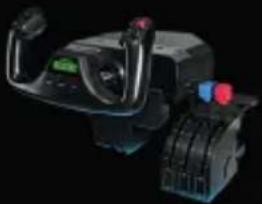
Front view of an aircraft cockpit with control panels, dials, and a green indicator light (no visible text or symbols)YOKE SYSTEM MANCHE À VOLANT SISTEMA DE PALANCA DE MANDOS SISTEMA DE MANCHE DE VOO
natural_image
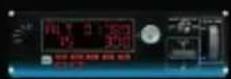
Close-up of a black industrial control device with visible motors and control knobs (no text or symbols)MULTI PANEL BOÎTIER D'INSTRUMENTS PANEL MÚLTIPLE PAINEL MÚLTIPLO
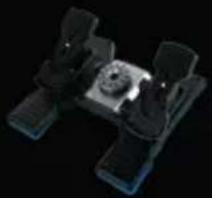
RUDDER PEDALS PALONNIER TIMÓN/PEDALES PEDAIS DO LEME
natural_image
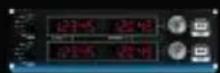
3D rendered mechanical component with no visible text or symbolsRADIO PANEL PANNEAU RADIO PANEL DE RADIO PAINEL DE RÁDIO NAVEGAÇÃO
INSTRUMENT PANEL PANNEAU D'INSTRUMENTS PANEL DE INSTRUMENTOS PAINEL DE INSTRUMENTOS
SWITCH PANEL PANNEAU DE COMMUTATEURS PANEL DE CONMUTADORES PAINEL DE INTERRUPTORES
Build your whole cockpit with our modular, interchangable system. Recréez un cockpit complet grâce à notre système modulaire interchangeable. Crea tu cabina completa con nuestro sistema intercambiable modular. Construa sua cabine completa com nosso sistema modular e intercambiável.
GETTING STARTED
4 English
INTRODUCTION
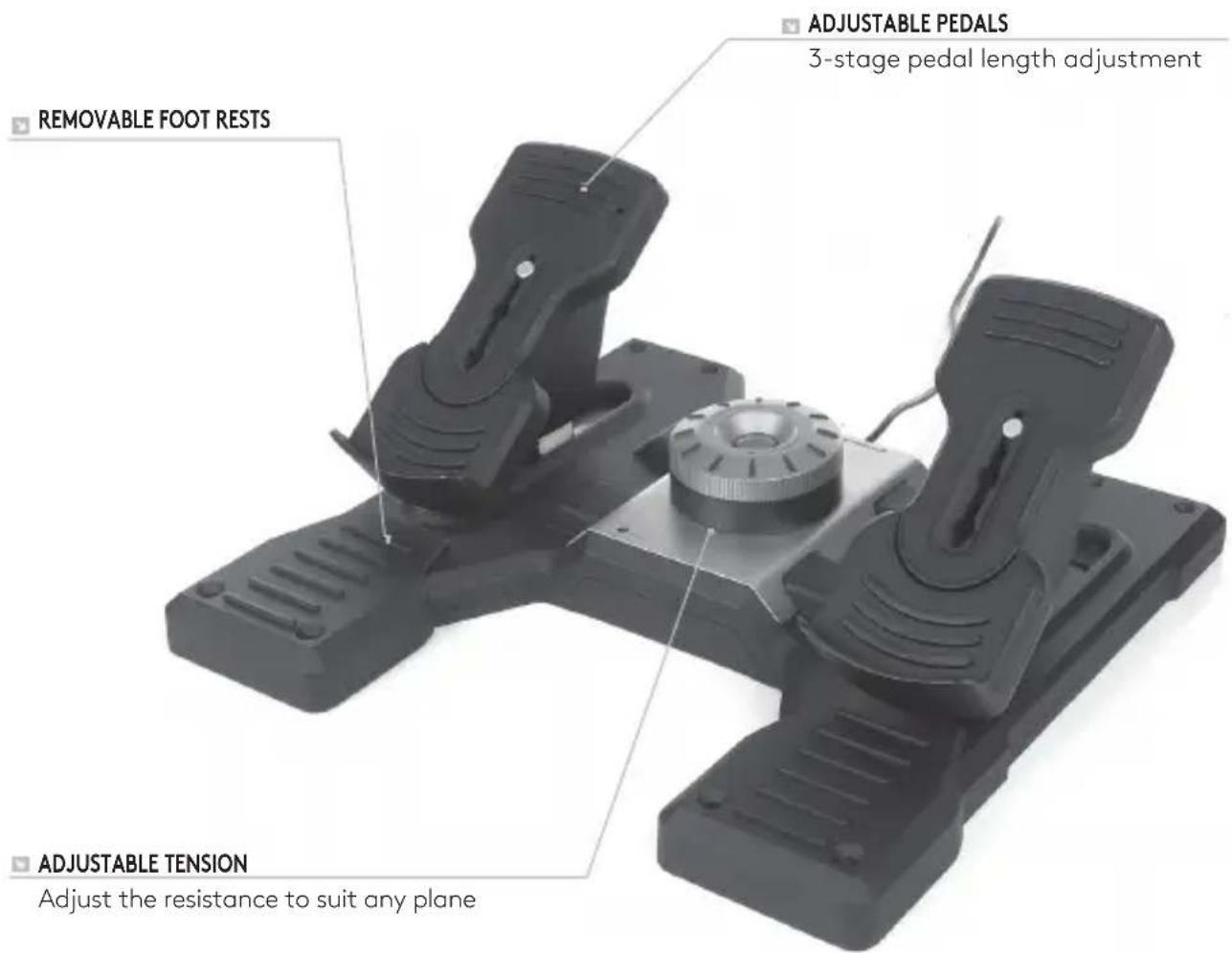
Logitech G Flight Rudder Pedals are solid 3-axis rudder pedals designed to maximize realism by enabling foot control of the rudder and brakes function in flight simulation PC Games. The Rudder Pedals work with any Logitech G Flight products.
THE USB CABLE
Insert the Logitech G Flight Rudder Pedals USB plug into one of your PC's free USB sockets.
INSTALLATION FOR WINDOWS® 10, WINDOWS® 8.1 AND WINDOWS® 7
DRIVER INSTALLATION
1 Visit logitech.com/support/rudder-pedals to download the latest drivers and software for your operating system.
2 With device disconnected, follow the onscreen instructions to complete the installation.
3 At the Driver Setup screen, only when prompted, insert USB cable into one of your computer's USB ports, then click Next.
4 At the Driver Setup screen, click Next to test your controller.
5 When the Logitech Controller screen appears, test the controls to verify device operation. After the test, click OK.
SOFTWARE INSTALLATION
1 In the Software Setup screen, click Next and a pop-up box will ask if you "want to trust software from Logitech." Click yes, then click Next.
2 After installation, you have the option to Run Profile Editor, which will show you the programming environment. To skip the Profile Editor now, uncheck the box and click Finish to complete installation.
TECHNICAL SUPPORT
Online Support: support.logitech.com
Brand : LOGITECH
Model : G Flight Rudder Pedals
Category : Régulateur