
E55BT Quincy Edition - Headphones JBL - Free user manual and instructions
Find the device manual for free E55BT Quincy Edition JBL in PDF.


| Product Type | Over-ear headphones |
| Brand | JBL |
| Model | E55BT Quincy Edition |
| Driver Size | 50 mm |
| Frequency Response | 20 Hz - 20 kHz |
| Sensitivity | 96 dB |
| Maximum SPL | 111 dB |
| Microphone Sensitivity | -42 dBV/Pa |
| Impedance | 32 ohms |
| Bluetooth Version | 4.0 |
| Bluetooth Profiles | HFP v1.6, HSP v1.2, A2DP v1.2, AVRCP v1.4 |
| Bluetooth Frequency | 2.402 GHz - 2.48 GHz |
| Battery Type | Polymer Li-ion (3.7V, 610 mAh) |
| Charging Time | 2 hours |
| Music Play Time (BT on) | Up to 20 hours |
| Talk Time (BT on) | Up to 20 hours |
| Weight | 231.6 g |
| Connectivity | Bluetooth, Wired (detachable audio cable) |
| Controls | On-earcup buttons (playback, volume, calls) |
| Included Accessories | Charging cable, detachable audio cable with remote, carrying pouch, warranty card, safety sheet, quick start guide |
| Special Features | Multi-device connection (up to 2), Quincy Edition design |
Frequently Asked Questions - E55BT Quincy Edition JBL
User questions about E55BT Quincy Edition JBL
0 question about this device. Answer the ones you know or ask your own.
Ask a new question about this device
Download the instructions for your Headphones in PDF format for free! Find your manual E55BT Quincy Edition - JBL and take your electronic device back in hand. On this page are published all the documents necessary for the use of your device. E55BT Quincy Edition by JBL.
USER MANUAL E55BT Quincy Edition JBL
E55BT Quincy Edition

natural_image
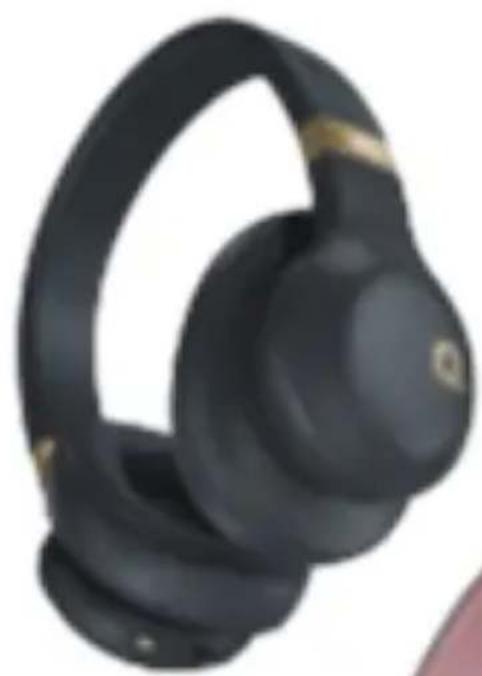
Black hardcover headband with gold accent, no visible text or symbols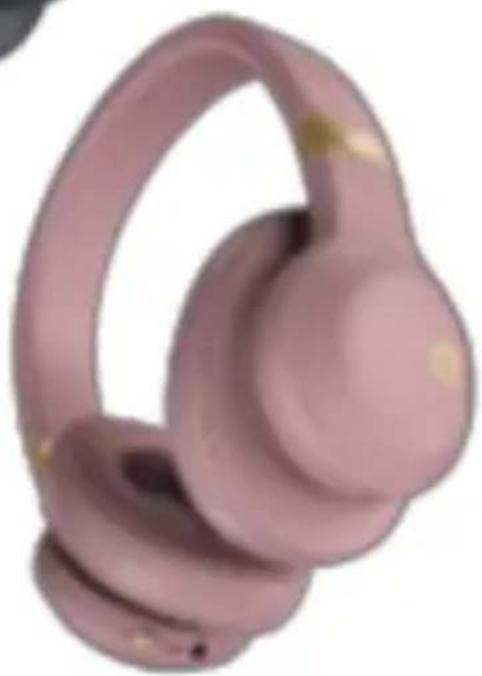
natural_image
Pink 3D-rendered object resembling a stylized helmet or connector (no text or symbols visible)E55BT Quincy Edition
Quick Start Guide
natural_image
Line drawing of a double-lens outdoor headphones (no text or symbols)x1
Charging cable

x1
Detachable audio cable with remote

natural_image
Line drawing of a U-shaped tube with connectors and a small protrusion (no text or symbols)x1
Carrying pouch, Warning card, Warranty card, Safety sheet, QSG
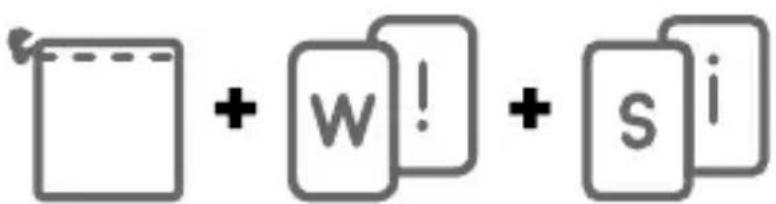
x1
E55BT Quincy Edition
Quick Start Guide
b. Connections
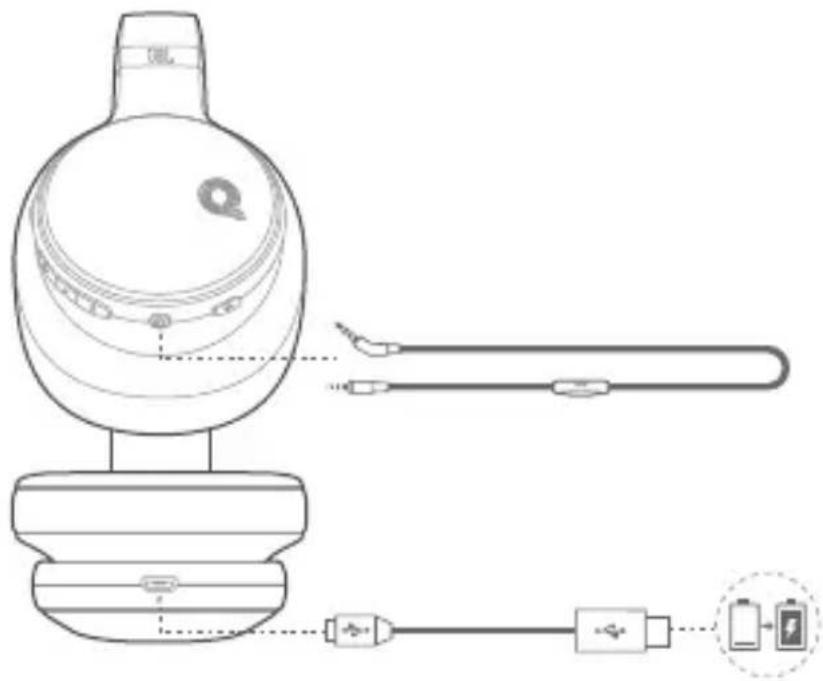
E55BT Quincy Edition
Quick Start Guide
Bluetooth® Connection
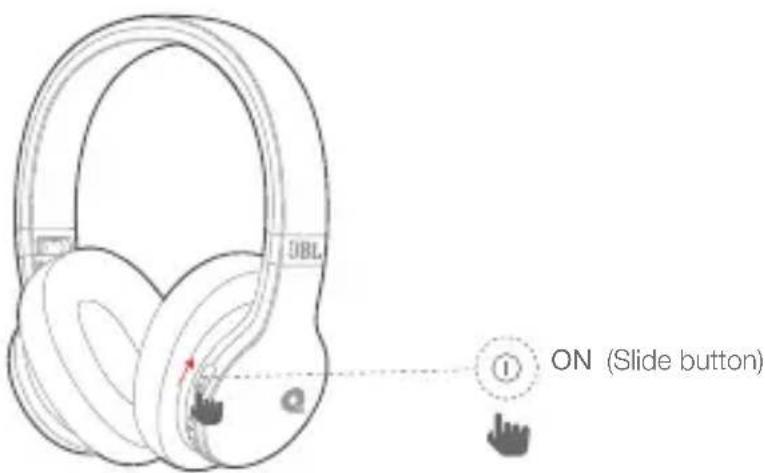
- Turn on the headphone
-
If connecting for the first time, the headphone will enter the pairing mode automatically after it is powered on
-
Connect to bluetooth device
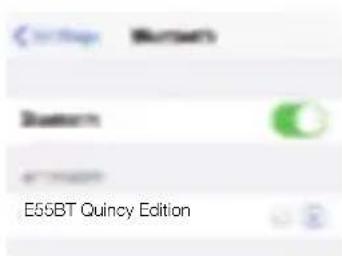
Choose "E55BT Quincy Edition" to connect
natural_image
Line drawing of a hand holding a smartphone (no text or symbols)E55BT Quincy Edition
Quick Start Guide
"E55BT Quincy Edition"
AR
"E55BT Quincy Edition" اCTR
E55BT Quincy Edition
Quick Start Guide
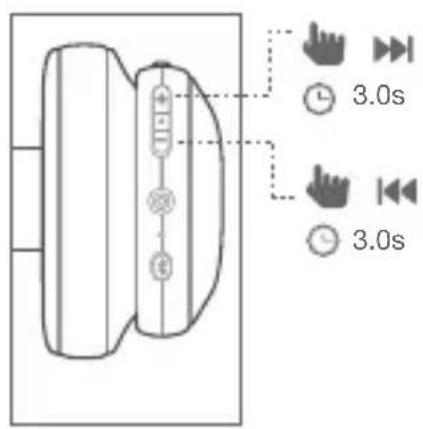

Phone call
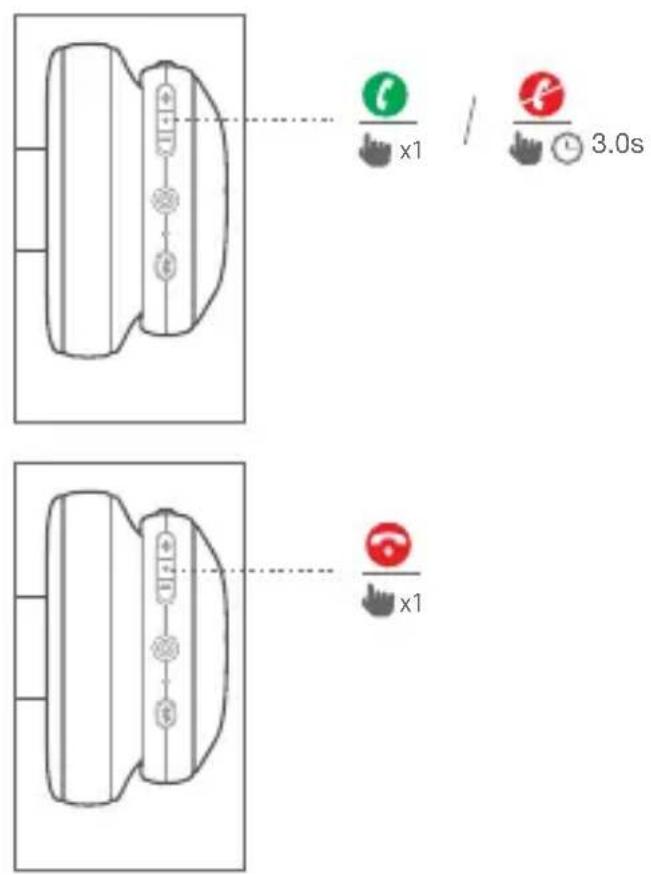
E55BT Quincy Edition
Quick Start Guide

Wired listening mode
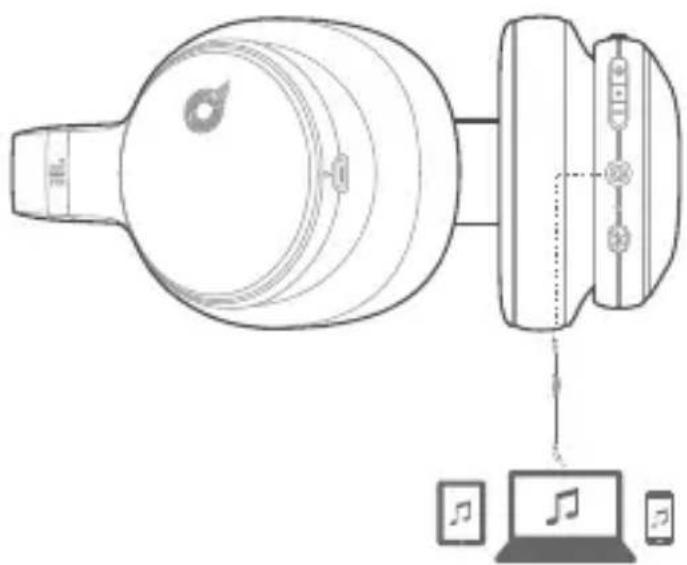

Seamlessly switch between devices
- Pair and connect the headphone with the 1^st device (see Section 3 Bluetooth Connection)
- Pair and connect the headphone with the 2^nd bluetooth device
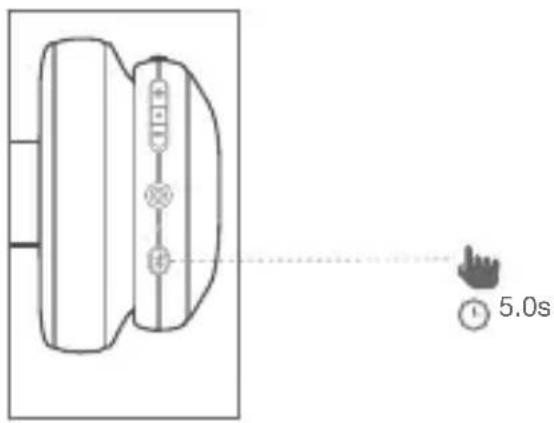
E55BT Quincy Edition
Quick Start Guide
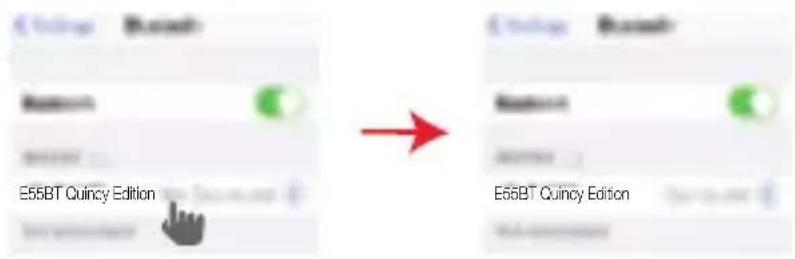
- Connect to bluetooth device
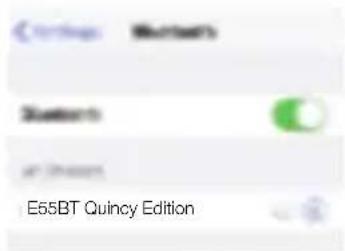
Choose "E55BT Quincy Edition" to connect
natural_image
Line drawing of a hand holding a smartphone (no text or symbols visible)- Go back to the bluetooth device list on the 1 ^st device and select the headphone* to connect
E55BT Quincy Edition
Quick Start Guide
"E55BT Quincy Edition"
*הכלהה *הכלהה
AR
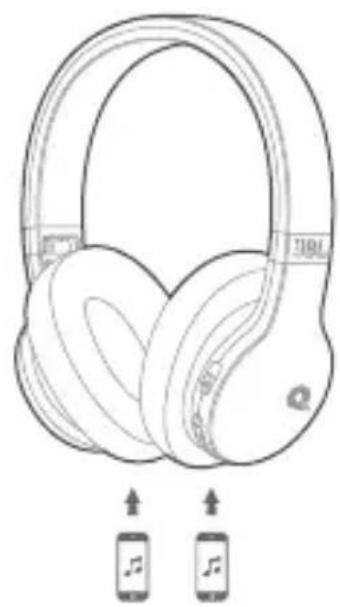
a. Maximum 2 devices can be connected simultaneously
natural_image
Line drawing of a pair of Beats headphones with two smartphones below (no text or symbols)b. To switch music source, pause the music on the current device and select play on the 2^nd device.
c. Phone call will always take priority.
d. If one device goes out of bluetooth range or powers off, you may need to manually reconnect the other device. See Section 7 Step 3.
E55BT Quincy Edition
Quick Start Guide
natural_image
Line drawing of a pair of headphones with earbuds and headband, showing front and rear views (no text or symbols)EN
FR
- Driver size: 50mm
• Dynamic frequency response range: 20Hz-20kHz - Sensitivity: 96dB
• Maximum SPL: 111dB - Microphone sensitivity @1kHz dB v/pa: -42
- Impedance: 32ohm
- Bluetooth transmitted power:0-4dbm
- Bluetooth transmitted modulation: GFSK, /4 DQPSK, 8DPSK
- Bluetooth frequency: 2.402GHz-2.48GHz
- Bluetooth profiles: HFP v1.6, HSP v1.2, A2DP v1.2, AVRCP v1.4
- Bluetooth version: V4.0
- Battery type: Polymer Li-ion Battery (3.7V, 610mAh)
- Charging time: 2 hours
• Music play time with BT on: Up to 20 hours
• Talk time with BT on: Up to 20 hours
• Weight (g): 231.6g
FR
E55BT Quincy Edition
The Bluetooth® word mark and logos are registered trademarks owned by Bluetooth SIG, Inc. and any use of such marks by HARMAN International Industries, Incorporated is under license. Other trademarks and trade names are those of their respective owners.

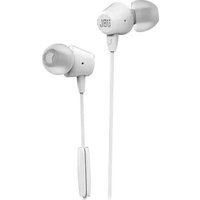
Brand : JBL
Model : E55BT Quincy Edition
Category : Headphones