
V1802P2Z - Uncategorized LG - Free user manual and instructions
Find the device manual for free V1802P2Z LG in PDF.


Pick your language and provide your email: we'll send you a specifically translated version.
| Product Type | CRT Television with DVD Player and VCR |
| Screen Size | 21 inches (diagonal) |
| Display Technology | CRT (Cathode Ray Tube) |
| Aspect Ratio | 4:3 |
| Resolution | 640 x 480 pixels |
| Tuner | Analog (PAL/SECAM/NTSC) |
| DVD Playback | DVD-Video, CD, MP3 |
| VCR Function | VHS tape playback and recording |
| Video Inputs | SCART, Composite (RCA) |
| Audio Output | Stereo speakers, 2 x 5W |
| Power Supply | 220-240V, 50/60Hz |
| Power Consumption | 80-100 W |
| Dimensions (with stand) | Approx. 500 x 450 x 450 mm (W x H x D) |
| Weight | Approx. 18 kg |
| Color | Black or Silver (typical) |
| Features | Teletext, Child Lock, Auto Tuning, Sleep Timer |
| Included Accessories | Remote control, batteries, user manual, SCART cable |
| Maintenance | Clean screen with soft dry cloth; avoid liquids |
| Safety | Automatic power-off after inactivity, child lock |
Frequently Asked Questions - V1802P2Z LG
How do I connect external devices like a game console to the TV?
Connect the device to the SCART or Composite RCA input on the back of the TV. Then select the appropriate input source using the Source button on the remote or front panel.
Why is the picture distorted or has black bars?
This may be due to the aspect ratio setting. Press the Aspect button on the remote to cycle through 4:3, 16:9, or Zoom modes until the picture fits correctly.
How can I set up TV channels automatically?
Go to the Menu, select Setup, then Auto Tuning. The TV will scan for available analog channels and store them. You may need an antenna connected.
Can I play DVDs from another region on this player?
The DVD drive is region-locked (usually Region 2 for Europe). It may play discs from other regions a limited number of times before locking. We recommend using discs of the same region.
How do I clean the VCR heads?
Use a dry VHS head cleaning cassette (available at electronics stores). Insert it and press Play for 10 seconds. Avoid wet cleaners unless specified by the manufacturer. If problems persist, consult a professional.
The remote control is not working. What should I check?
First, check the batteries and replace them if needed. Ensure nothing is blocking the IR sensor on the TV. If still not working, try using the front panel buttons; if they work, the remote may be faulty.
How can I record a TV program to a VHS tape?
Insert a blank VHS tape into the VCR slot. Tune to the desired channel on the TV. Press the Record button (red dot) on the remote or front panel. Press Stop when finished. Note: you cannot watch a different channel while recording.
Can I connect headphones to this TV?
This model does not have a dedicated headphone jack. You can use a SCART-to-headphone adapter or connect headphones via the audio output jacks with an appropriate adapter.
How do I adjust the audio settings?
Press the Menu button, navigate to Audio settings. You can adjust volume, balance, bass, treble, and enable features like surround sound if available.
What do the front panel buttons do?
Typical buttons include: Power (on/off), Volume +/-, Channel +/-, Input (TV/DVD/VCR selection), and sometimes Menu. Refer to the user manual for exact layout.
User questions about V1802P2Z LG
0 question about this device. Answer the ones you know or ask your own.
Ask a new question about this device
No questions yet. Be the first to ask one.
Download the instructions for your Uncategorized in PDF format for free! Find your manual V1802P2Z - LG and take your electronic device back in hand. On this page are published all the documents necessary for the use of your device. V1802P2Z by LG.
USER MANUAL V1802P2Z LG
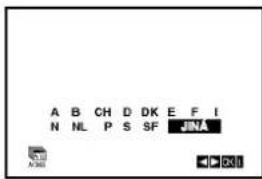
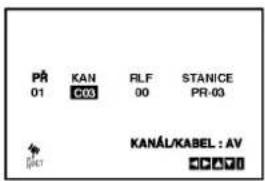
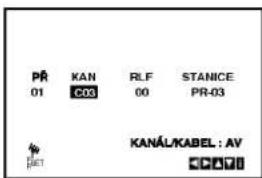
Televizní aspekt
DVD
Provoz s kazetou
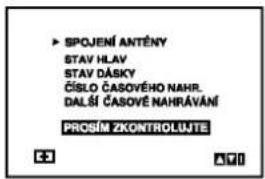
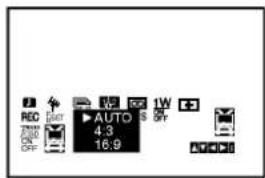

Table of contents
Click a title to access it
Manual assistant
Powered by Anthropic
Waiting for your message
Product information
Brand : LG
Model : V1802P2Z
Category : Uncategorized