ST-TCAWKM - Keyboard Satechi - Free user manual and instructions
Find the device manual for free ST-TCAWKM Satechi in PDF.


| Product Type | Bluetooth Keyboard |
| Brand | Satechi |
| Model | ST-TCAWKM |
| Connectivity | Bluetooth Wireless |
| Bluetooth Version | 5.0 (assumed) |
| Max Paired Devices | 4 |
| Battery Type | Rechargeable Lithium-ion |
| Charging Port | USB-C |
| Battery Life | Approx. 10 hours of continuous use |
| Operating Range | Up to 10 meters (33 feet) |
| Dimensions | Approx. 28 x 12 x 2 cm (11 x 4.7 x 0.8 in) |
| Weight | Approx. 400 g (14 oz) |
| Color | White (typical) |
| Power Switch | Yes, on top edge |
| Indicator Light | Green when on |
| Compatibility | iOS, macOS, Windows, Android |
| Keyboard Layout | QWERTY (likely) |
| Material | Plastic |
| Warranty | 1 year |
Frequently Asked Questions - ST-TCAWKM Satechi
User questions about ST-TCAWKM Satechi
0 question about this device. Answer the ones you know or ask your own.
Ask a new question about this device
Download the instructions for your Keyboard in PDF format for free! Find your manual ST-TCAWKM - Satechi and take your electronic device back in hand. On this page are published all the documents necessary for the use of your device. ST-TCAWKM by Satechi.
USER MANUAL ST-TCAWKM Satechi
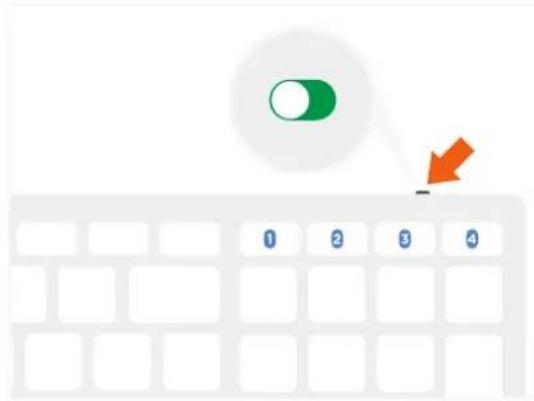
1 Turn on power switch on the top side of the Keyboard.
Make sure the slider is green.
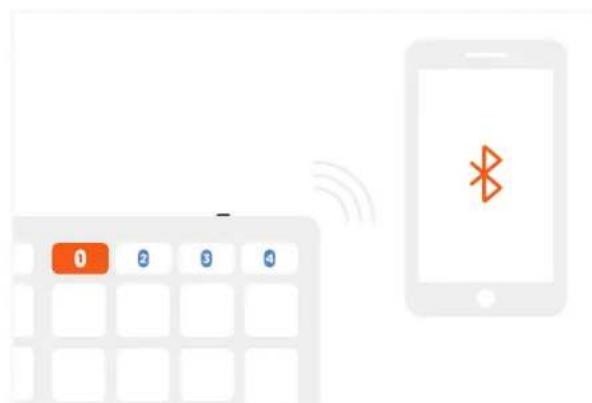
2 Press and hold one of Bluetooth keys to assign a device to it.
text_image
1 2 3 4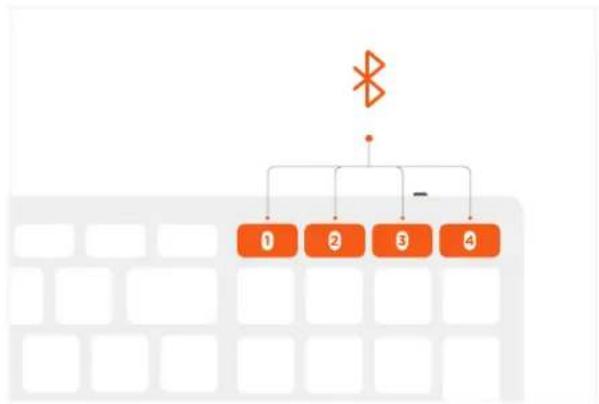
flowchart
graph TD
    A["×"] --> B["1"]
    A --> C["2"]
    A --> D["3"]
    A --> E["4"]
    B --> F["-"]
3 Pair the Keyboard with the device using built in pairing tool.
4 To pair the Keyboard with up to 4 devices assign them to different Bluetooth keys.
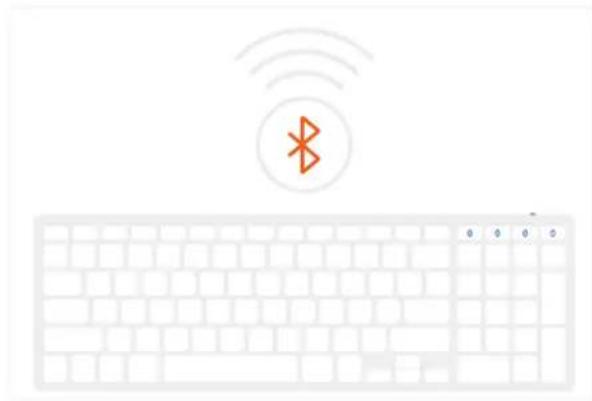
natural_image
Illustration of a white keyboard with wireless signal icon above it, no text or symbols present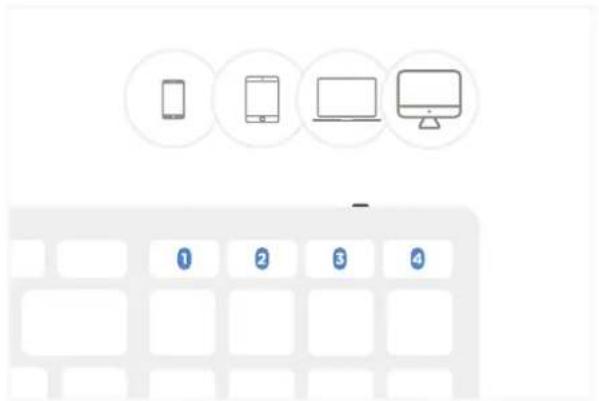
text_image
Diagram showing four devices: smartphone, tablet, laptop, and monitor, each with a numbered label below.5 Press appropriate Bluetooth key to connect to device assigned to it.
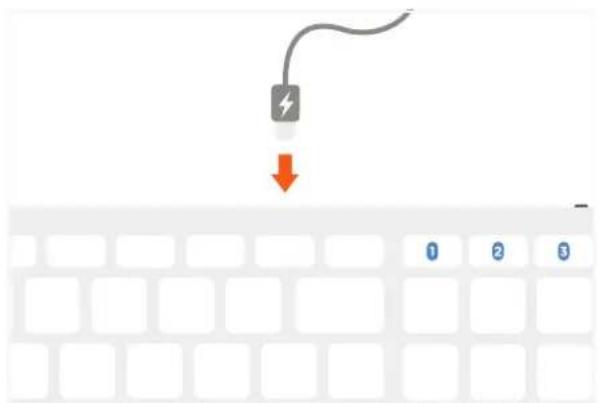
6 Charge built in rechargeable battery via USB-C port.
text_image
Diagram showing a keypad with orange control buttons and a smartphone displaying Bluetooth signal, likely illustrating mobile phone status or notification.