Infinite Sustainer JGE-01 - Musical instrument accessory Joyo - Free user manual and instructions
Find the device manual for free Infinite Sustainer JGE-01 Joyo in PDF.


User questions about Infinite Sustainer JGE-01 Joyo
0 question about this device. Answer the ones you know or ask your own.
Ask a new question about this device
Download the instructions for your Musical instrument accessory in PDF format for free! Find your manual Infinite Sustainer JGE-01 - Joyo and take your electronic device back in hand. On this page are published all the documents necessary for the use of your device. Infinite Sustainer JGE-01 by Joyo.
USER MANUAL Infinite Sustainer JGE-01 Joyo
natural_image
White electronic device with 'JGEX' branding and a black button, no visible text or symbols beyond the logo.JGE-01
Contents
English 01-05
Français 06-10
Español 11-15
Deutsch 16-21
Thank you for purchasing this product!
In order to use this product properly and safely, please read this owner's manual carefully before operating this product, and keep it for future reference.
I.Product's characteristics:
JGE-01 is an user-friendly infinite sustainer device specially designed for guitar devotee. 2 sustainer effects are available, facilitating performance nicely.
It's peal white, with ergonomic design, streamlined contour and comfortable handling. 2 magnetic coils are used, bringing out unique sustainer effects. It's made of polyamide, so quite durable.
II. Safety instructions:
- Please take out the battery first, and then put the product in the packing box or dry vessel if not in use for a long time, so as to avoid damp.
- Keep the batteries in dry and cool places, don't store the batteries with metals, otherwise electricity leakage, short circuit and battery leakage will occur.
- This product is precision electronic device, don't open its case for any reason on your own, if theproduct malfunctions due to it, you will no longerenjoy the factory warranty.
- It contains small parts that may be a choking hazard to infants and children. Keep the plastic cover and packages away from infants and children.
- It's for indoor use only, on electric guitars, don't use it outdoors.
-
Please note that this product is hand-held only, and keep your hands dry during use. Any other unmentioned usage or operating condition will be deemed as misuse, which may cause personal injury or property damage. We will not be liable for damages or losses arising from your misuse.
-
Recycle the packages and waste electrical equipment via correct disposal methods, the customers should comply with the related current legislation of their own country/region regarding the dispose of waste electrical equipment.
- As for repair, only contact the repair technician for assistance.
III. Infinite sustainer device's functions:
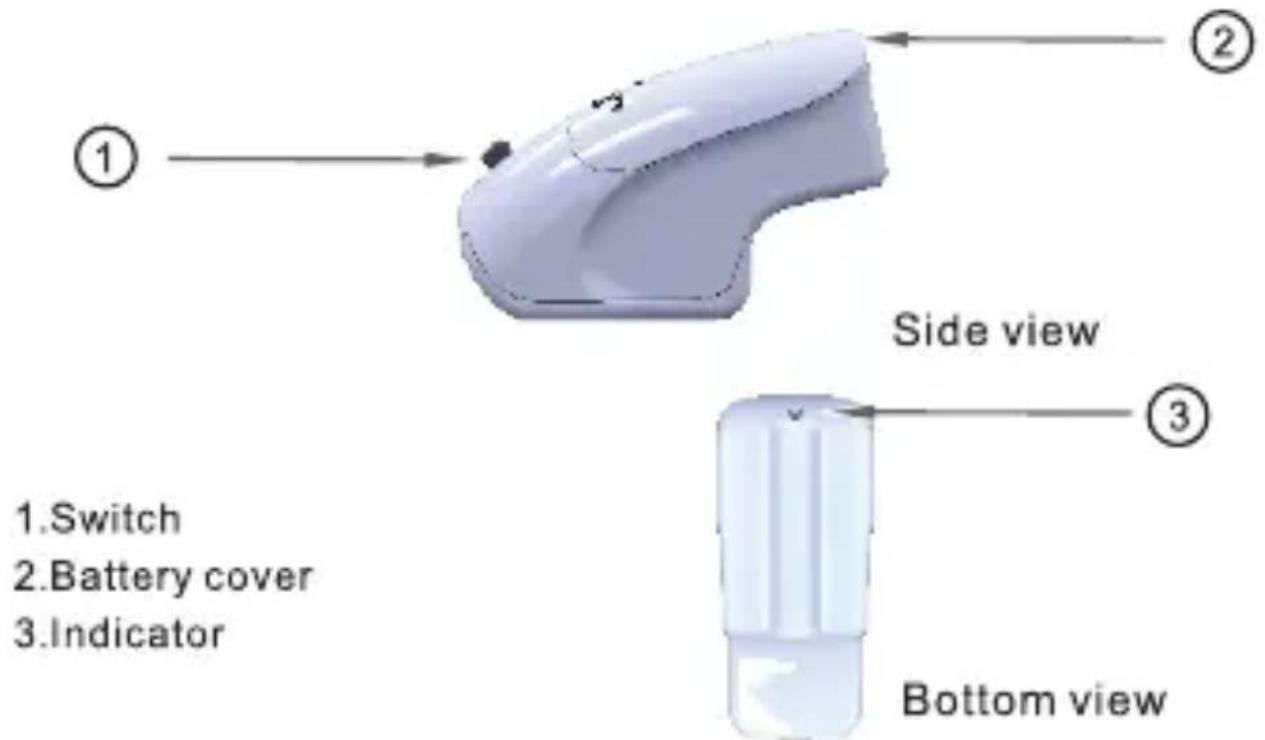
text_image
① ② Side view ③ 1.Switch 2.Battery cover 3.Indicator Bottom viewIV.How to operate?
Put the infinite sustainer device gently on the strings, then turn on the switch, and you can get the sustainer effects.
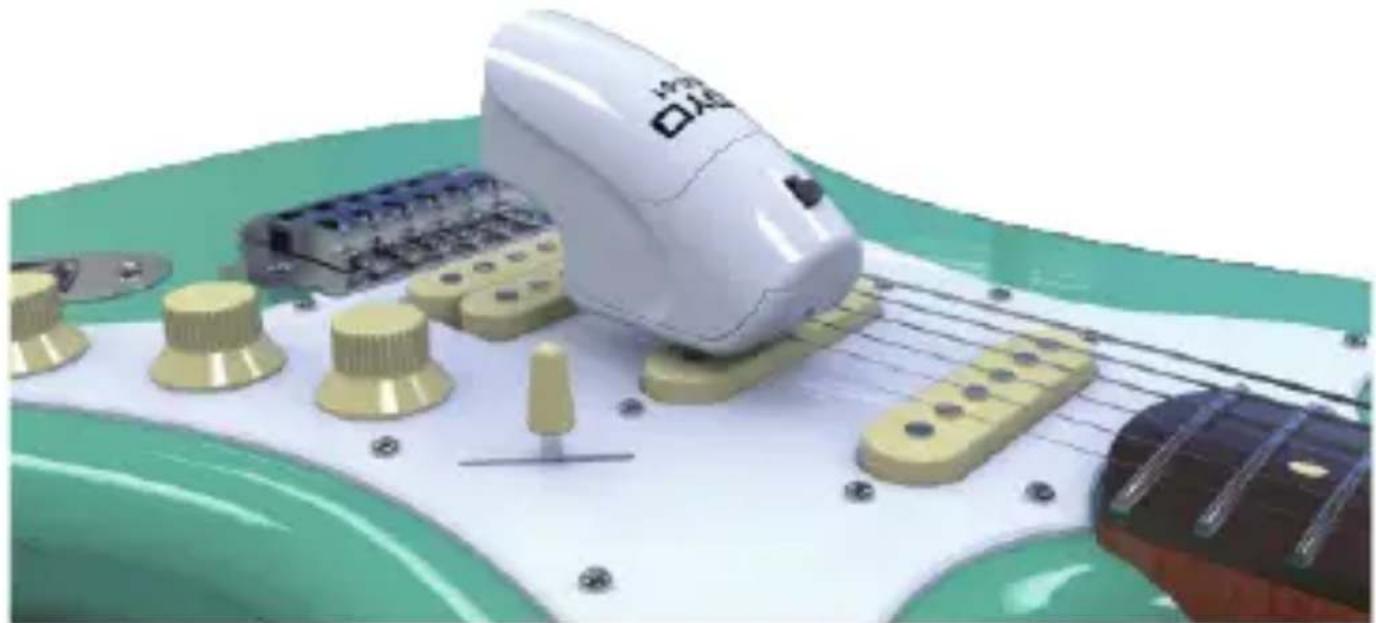
natural_image
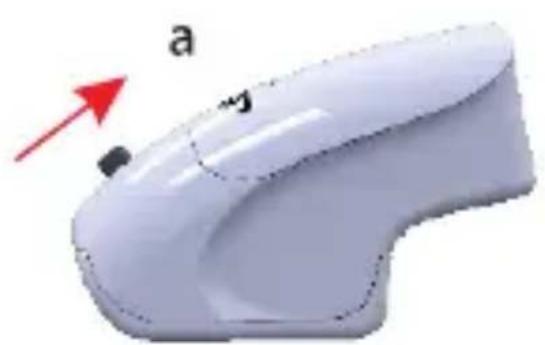
3D rendering of a white electric guitar with yellow components on a green surface, no visible text or symbols2 sustainer effects are available for this infinite sustainer device:
natural_image
3D rendered image of a white computer mouse with a red arrow pointing to the left side (no text or symbols on the mouse itself)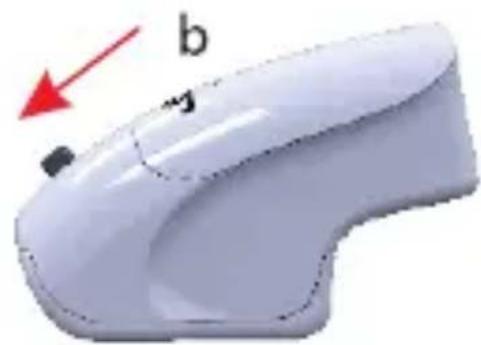
natural_image
White computer mouse with a red arrow pointing to the left side (no text or symbols on the mouse itself)a. Turn the switch upwards, you can get the normal effect.
b. Turn the switch downwards, you can get theovertone effect.
Note: please the turn the switch in the middle position when not in use(it's off).
V. Change the battery:
If you feel the sustainer effects becomes weak when using it, it might be that the battery is about to be used up, and it's time to change the battery, please proceed according to the procedures as below:
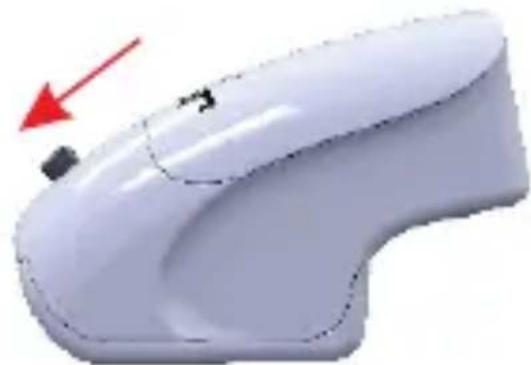
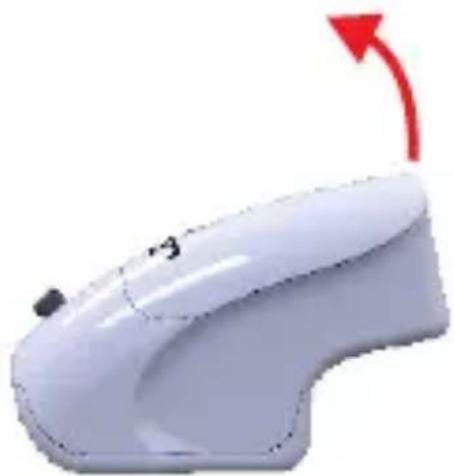
1.Open the battery cover.
natural_image
White computer mouse with a red arrow indicating motion or change (no text or symbols)- Take out the old battery.
- Install the new battery, and then close the battery cover.
- Turn on the switch, and the blue indicator is on, which means it works normally.
VI. Package contents:
- JGE-01
- 9V battery
- Owner's manual
Disposal of the packaging material

For the transport and protective packaging, environmentally friendly materials have been chosen that can be supplied to normal recycling.
Ensure that plastic bags, packaging, etc. are properly disposed of. Do not just dispose of these materials with your normal household waste, but make sure that they are collected for recycling. Please follow the notes and markings on the packaging.
Disposal of your old device
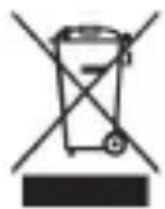
Dispose of this device through an approved waste disposal firm or through your local waste facility. When discarding the device, comply with the rules and regulations that apply in your country. If in doubt, consult your local waste disposal facility.

Batteries must not be disposed of as domestic waste or thrown into fire. Dispose of batteries according to national or local regulations regarding hazardous waste. Dispose of empty batteries at appropriate collection sites.

text_image
FR © FRObserve the disposal instructions for documentation in France.
JOYO TECHNOLOGY CO., LTD
Address: 2/F, Lushi Industry Building, 28th District,
Bao'an, Shenzhen, 518101 China.
www.joyoaudio.com
Email:info@joyoaudio.com
Tel: 0086-755-29765381
JOYO Technology is committed to guarantee the highest quality standards. All technical parameters or pictures are only for your information, subject to the actual products.
natural_image
3D illustration of a white electric guitar playing on a green surface with yellow tuning knobs and a wooden stick (no text or symbols)natural_image
Two identical white computer mouse cases with red arrows pointing to the control buttons (no text or symbols present)natural_image
White computer mouse with a red arrow indicating rotation (no text or symbols)Xin'an, district 28, Bao'an, Shenzhen, 518101 Chine.
www.joyoaudio.com
Email : info@joyoaudio.com
text_image
Diagram of a computer mouse with labeled parts, showing directional arrows and numbered positions (① and ②)Vista Lateral
natural_image
3D illustration of a guitar playing on a green surface with visible parts including knobs and a small electronic component (no text or symbols)natural_image
Two identical white computer mouse cases with red arrows indicating motion or change, no text or symbols present.natural_image
White computer mouse with a red arrow indicating rotation (no text or symbols)natural_image
Illustration of a white electric guitar with yellow components on a green surface, no text or symbols present.natural_image
White computer mouse with a red arrow pointing to the left side (no text or symbols visible)